10 wallpapers in 1 collections · last added 13 Oct 2026 · sizes for iPhone, Android, desktop and tablet
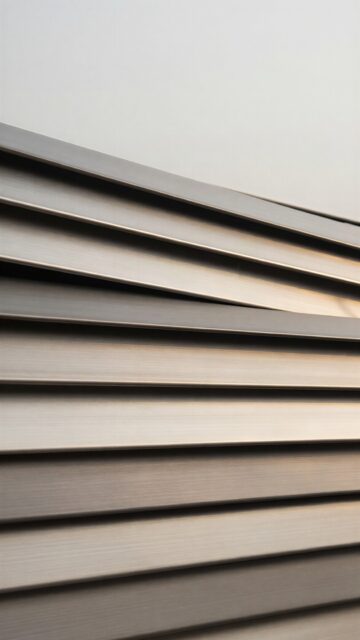
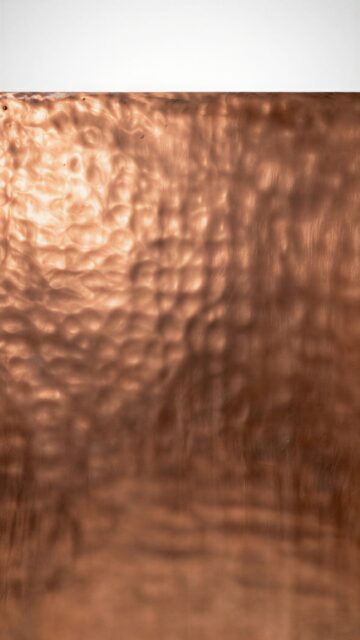
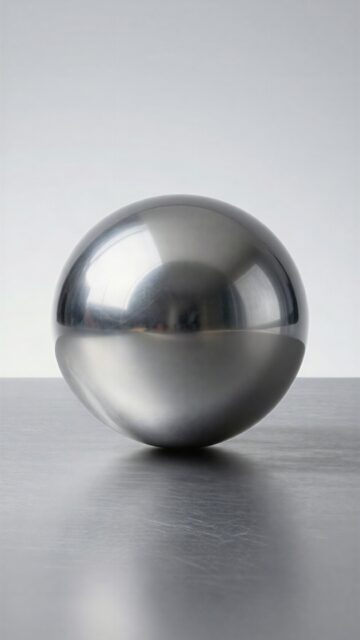
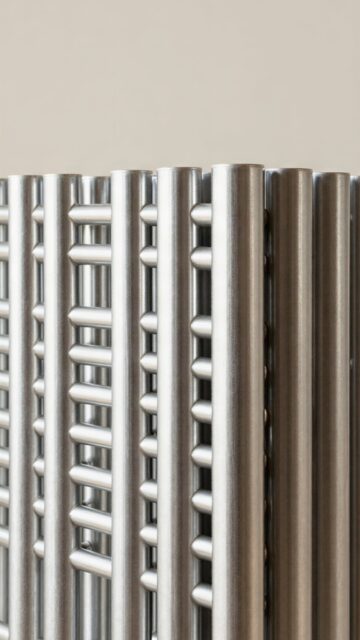
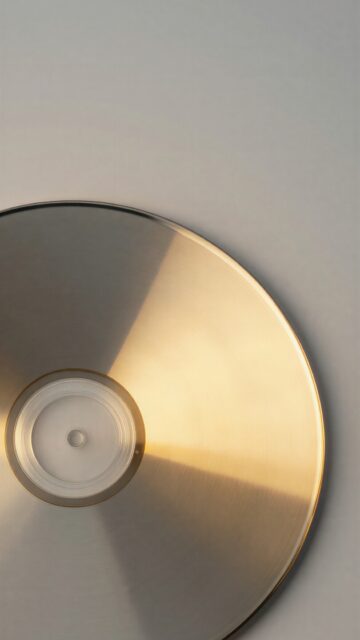
A metal wallpaper gives your screen an industrial, solid feel, with brushed steel grain, riveted plates, hammered copper, aged brass and weathered iron. This collection covers polished and matte finishes, diamond-plate textures, rusted surfaces, green copper patina, molten metal glows and bold metallic lettering, from clean modern sheen to gritty workshop textures. It's part of our broader abstract section, and it suits anyone who likes a tougher, more tactile look than smooth gradients.
Metal backgrounds are available in iPhone and Android phone sizes, with iPad, laptop and 4K desktop versions for bigger screens. Each collection brings together 10 images in a single style and size, so pairing screens is simple. Every design is original and gets a hands-on review by a person before it's published, and anything where the surface looks fake or smeared is dropped. You can use them free on your own devices, with no sign up and no watermark.
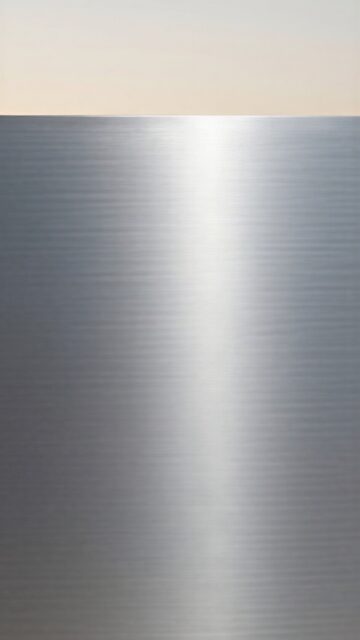
Different metals send different signals. Brushed steel and dark gunmetal feel modern and technical, copper and brass feel warm and vintage, and rusted iron feels raw and rugged. Dark, matte finishes make the cleanest lock screens because a white clock reads clearly against them. For a home screen, fine brushed grain or subtle plate textures keep icons readable, while heavy rivets and deep scratches are better saved for the lock screen. Metal textures also pair nicely with car, gaming and workshop-themed setups, and with dark mode on both phones and computers, where the gray tones blend right in.
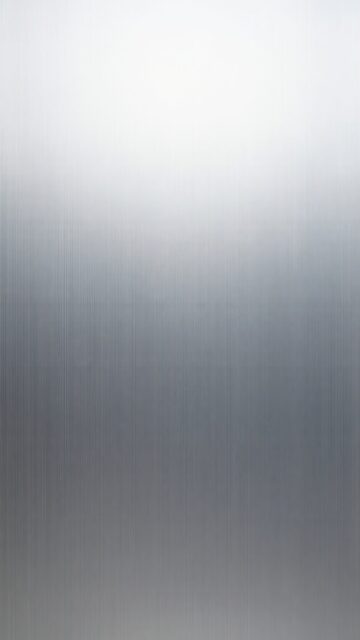
Match the grain to the screen: brushed metal with horizontal lines looks natural on a wide desktop, while vertical grain suits a tall phone, so the texture runs with the screen instead of across it.
The most common styles are brushed steel, polished silver, copper, brass, gold, gunmetal and rusted iron. Textures range from smooth and satin to hammered, riveted, diamond-plated or scratched. Some designs focus on clean modern sheen, while others lean into age and wear, with rust, patina and grime for a gritty, industrial feel.
Copper reacts with air and moisture over time and forms a green-blue layer called patina, or verdigris. It protects the metal underneath and is why the Statue of Liberty, which has a copper skin, is green rather than shiny brown. Patina designs use that mix of copper and turquoise for a weathered, vintage look.
Dark, matte surfaces such as gunmetal, black steel or deep bronze make the clearest lock screens because white time digits stand out sharply. A texture with a little light falling across the top, like a soft reflection, also frames the clock nicely. Save very bright, polished metal for designs where the clock can switch to a dark color.
iPhone versions are 1170x2532 pixels and Android versions are 1080x2400. Metal textures rely on fine grain and scratches, which soften if an image is stretched, so start with the size made for your phone. Because the pattern spreads evenly, small crops on slightly different screens go unnoticed.
Yes. Brushed steel with horizontal grain feels natural on a wide 16:9 monitor and keeps desktop icons and windows easy to see. The 3840x2160 versions stay sharp on 4K screens and scale down cleanly. The desktop wallpaper guide covers setup on Windows and Mac.
Yes, every metal design is free for personal use on your own phone, tablet or computer, with no sign up and no watermark. You can't sell them, use them in commercial work or repost them elsewhere. See the terms of use for the specifics.

Steel and silver pair well with cool blues, black and white. Copper and brass look great with deep greens, navy and warm browns. Rusted metal pairs with orange, charcoal and olive. If you like coordinating your setup, match widget or icon colors to the metal tone for a clean, unified look.
New collections are published daily, and metallic and industrial textures show up regularly in the mix. Each collection holds 10 images in one style and one size. The latest page lists new sets as they go up, newest first, across every theme.
Every wallpaper is reviewed by a person before it goes live: we remove images with odd details or blur and check the crop for each device. How we check wallpapers
Something wrong with an image? Report an image · Free for personal use, see the Terms.