Dark Christmas Tree Wallpaper iPhone
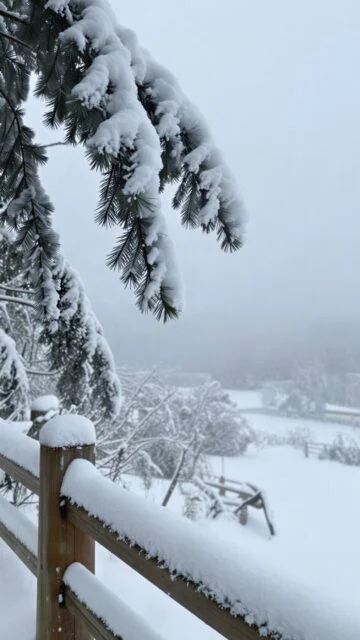
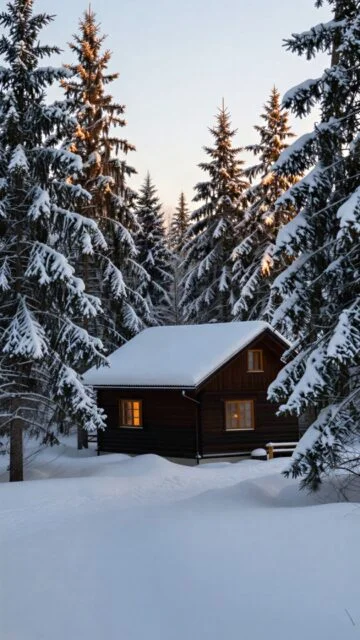
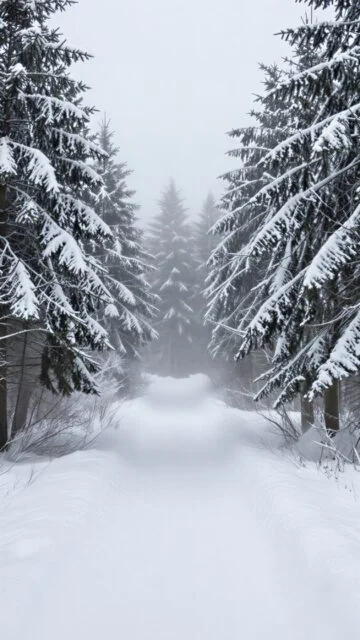
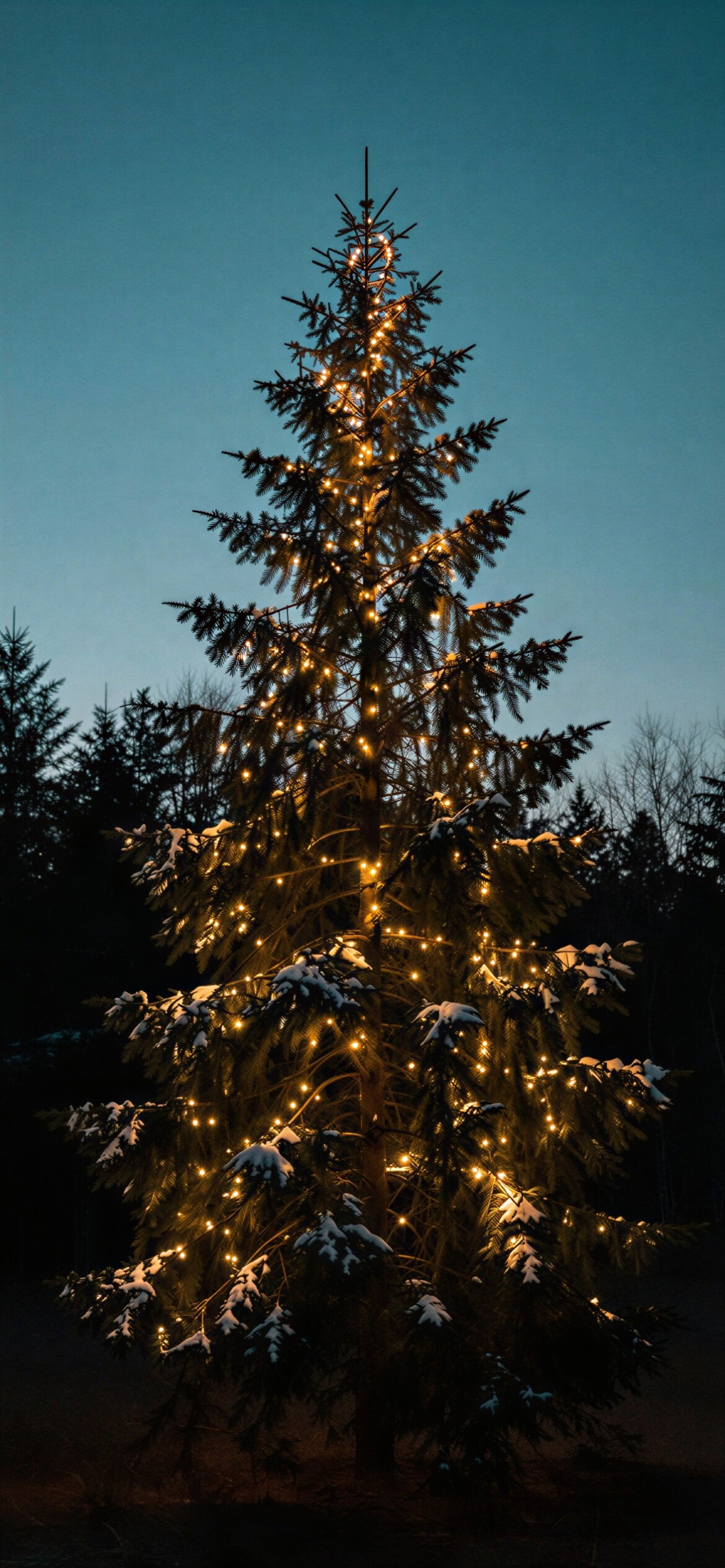
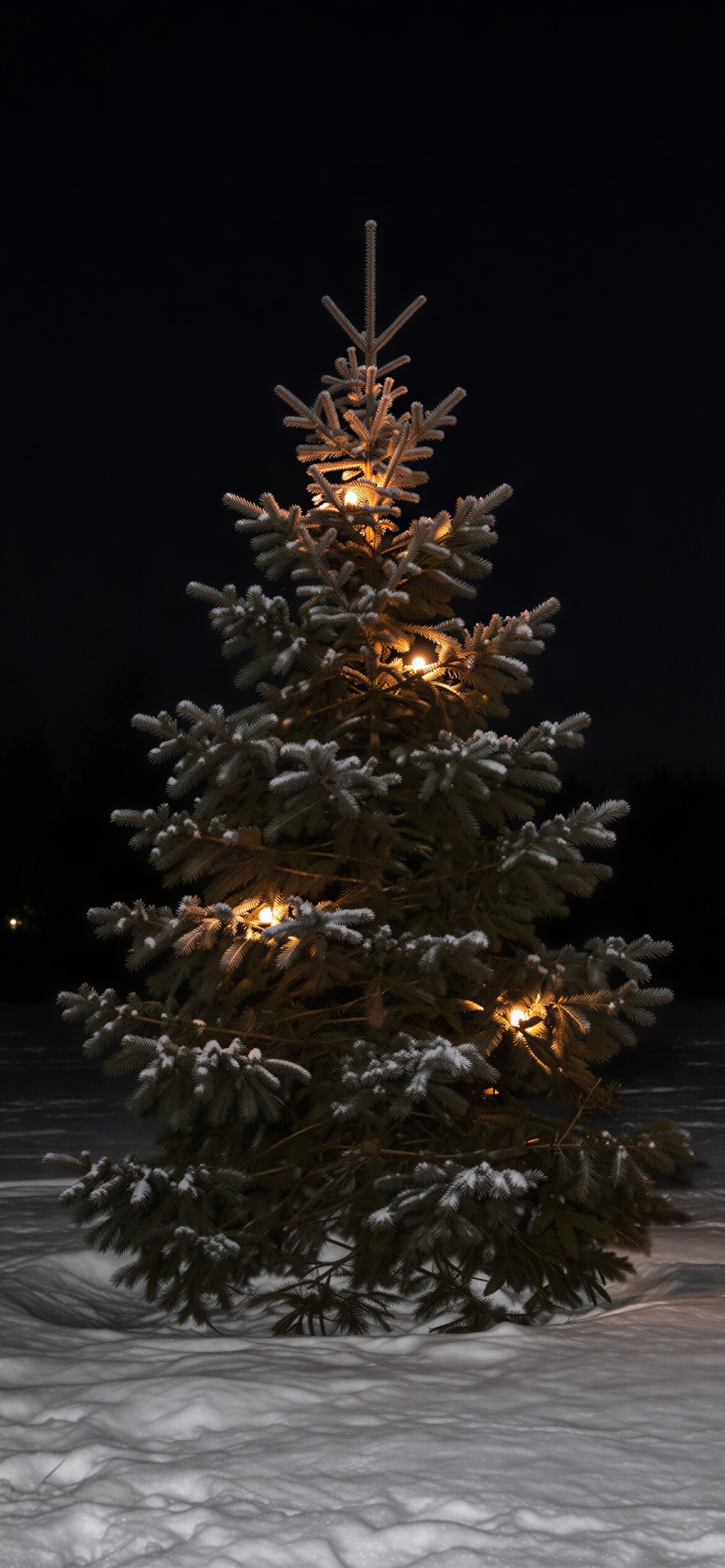
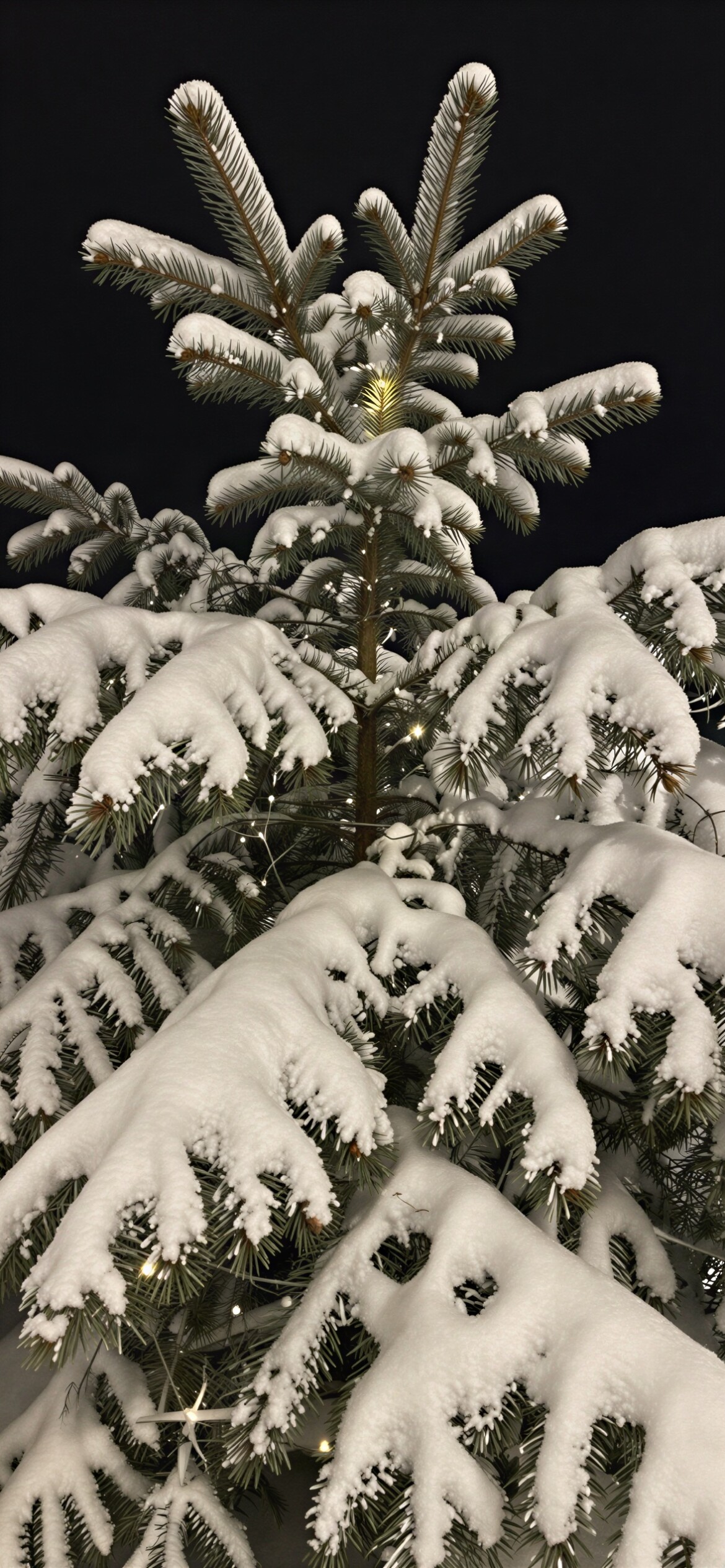
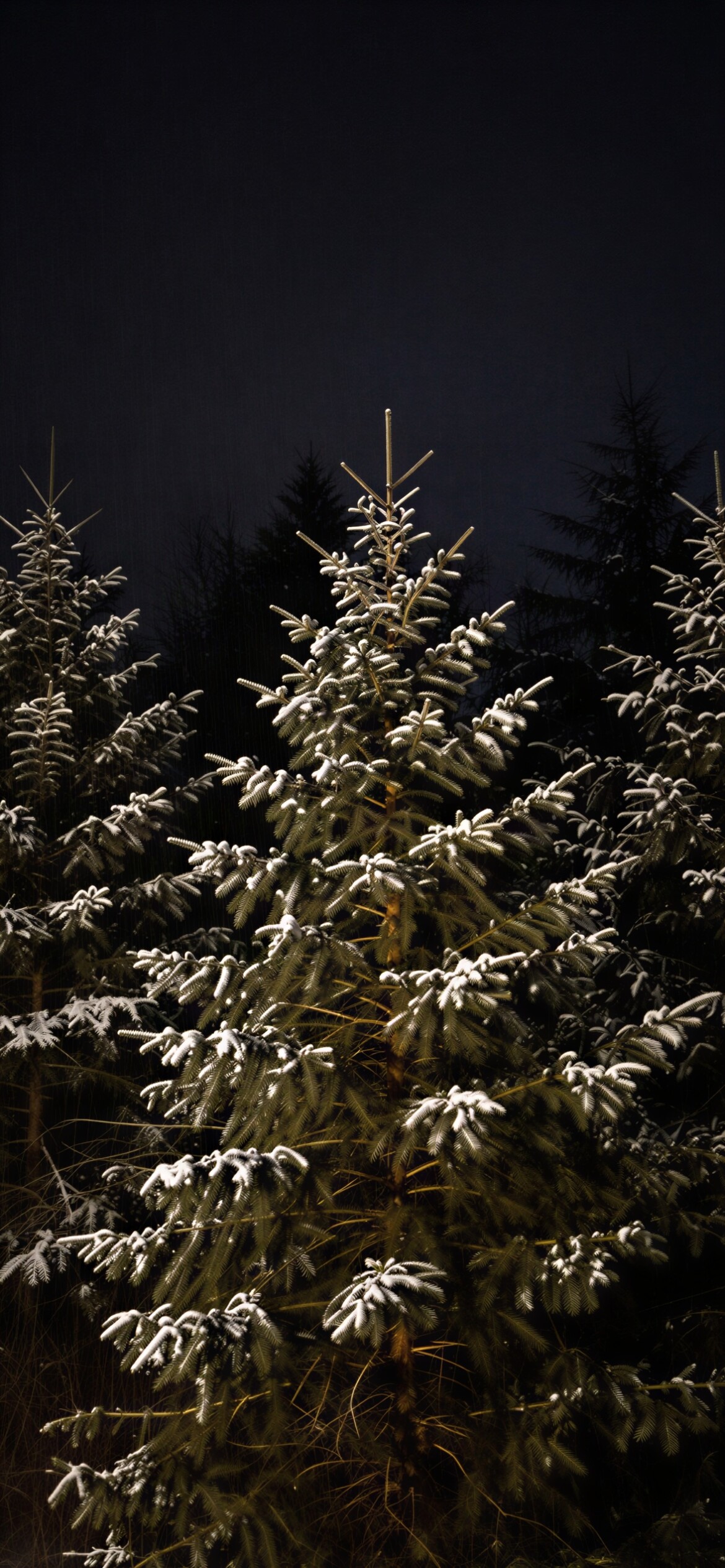
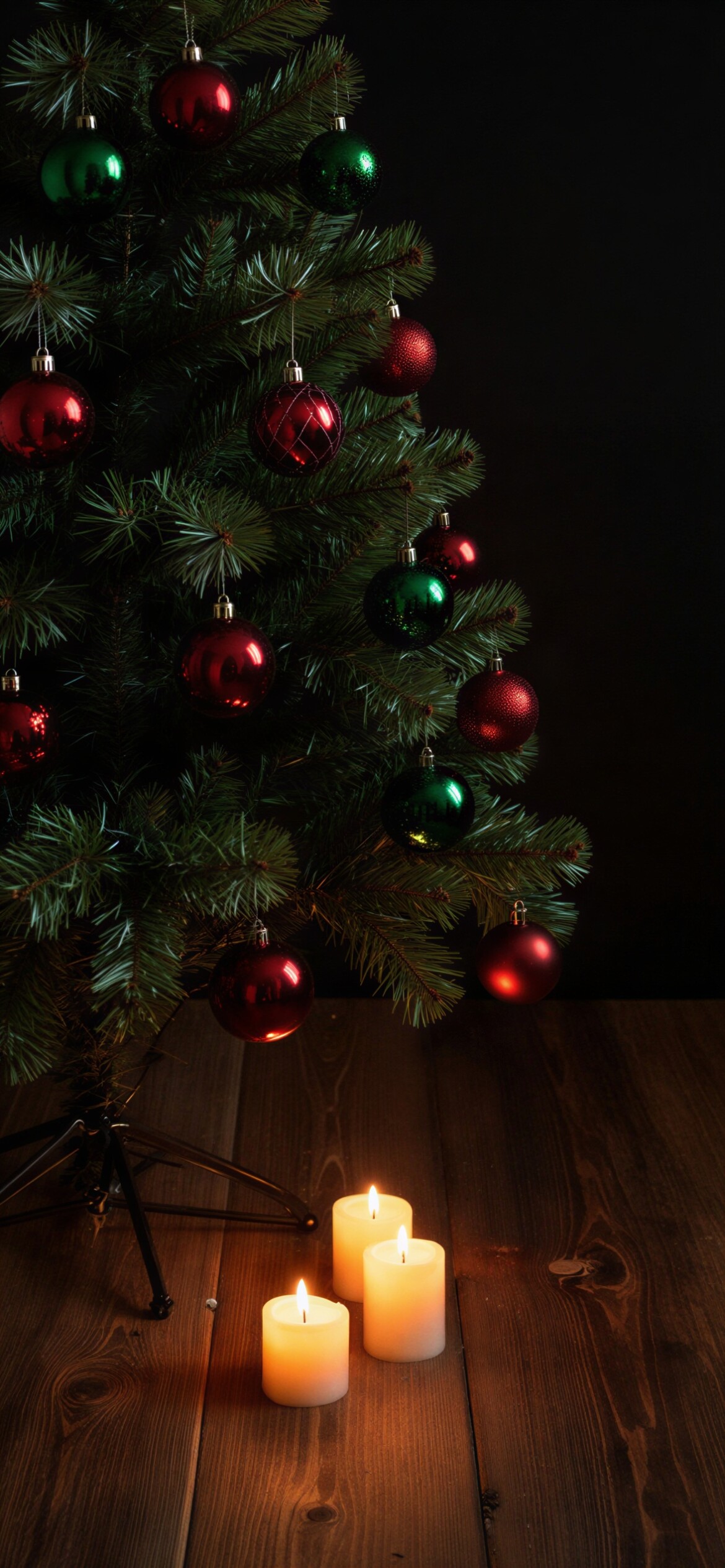
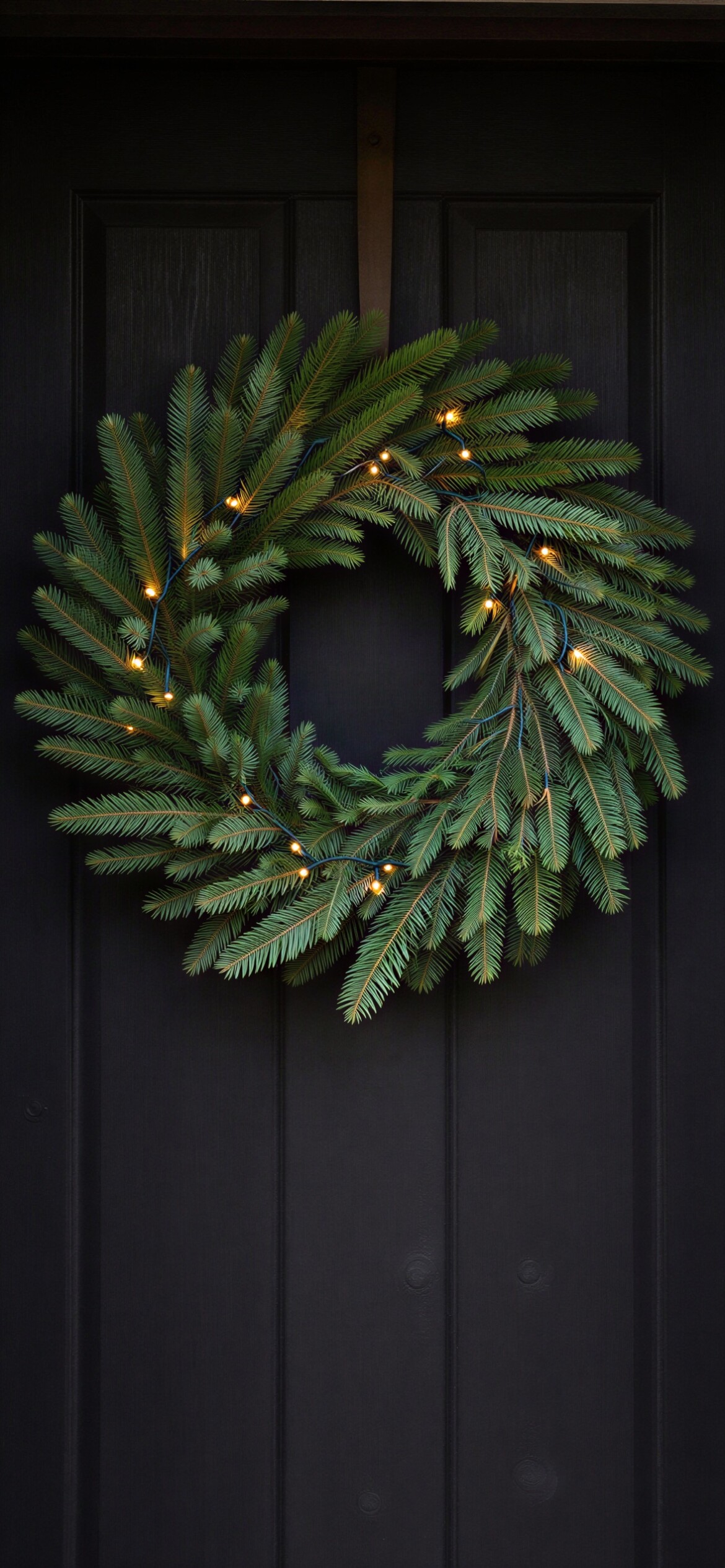
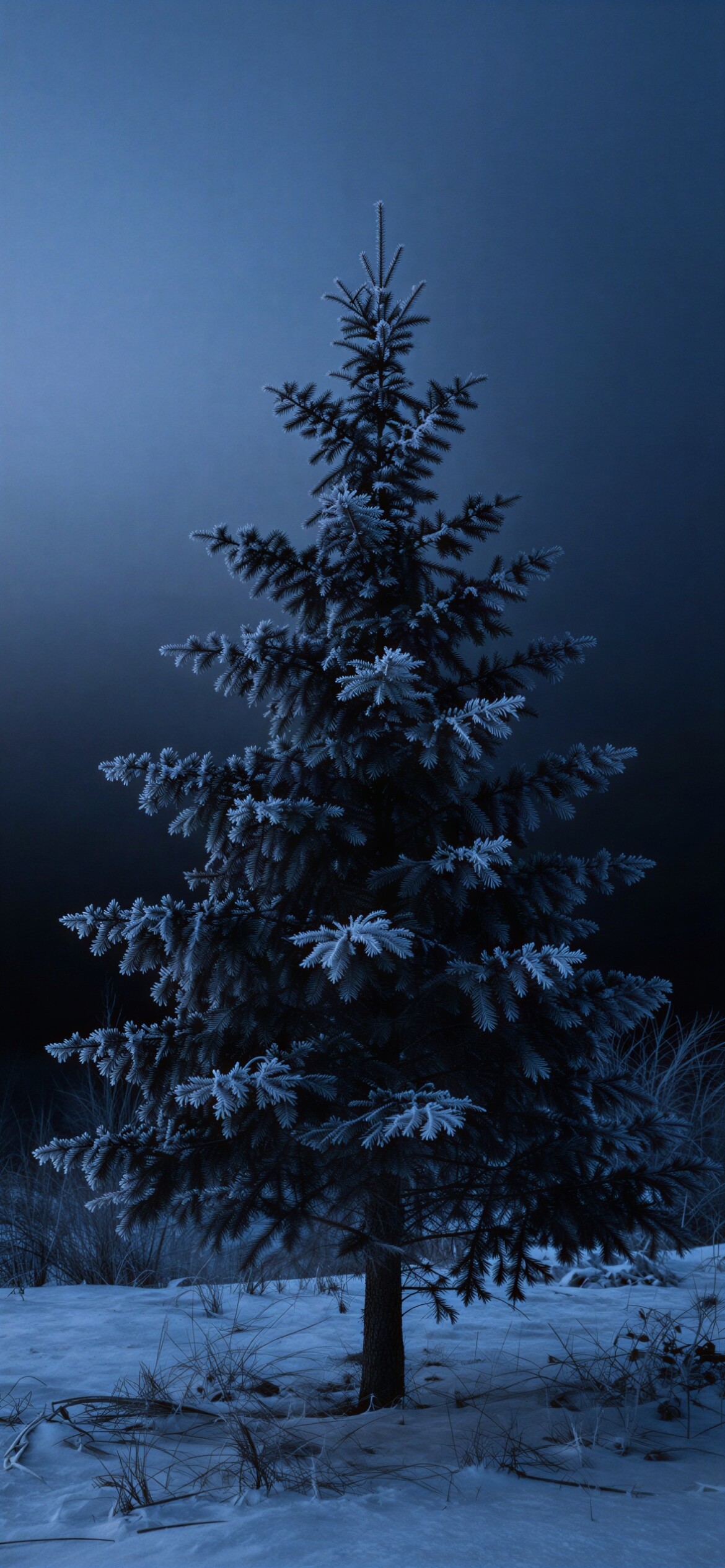
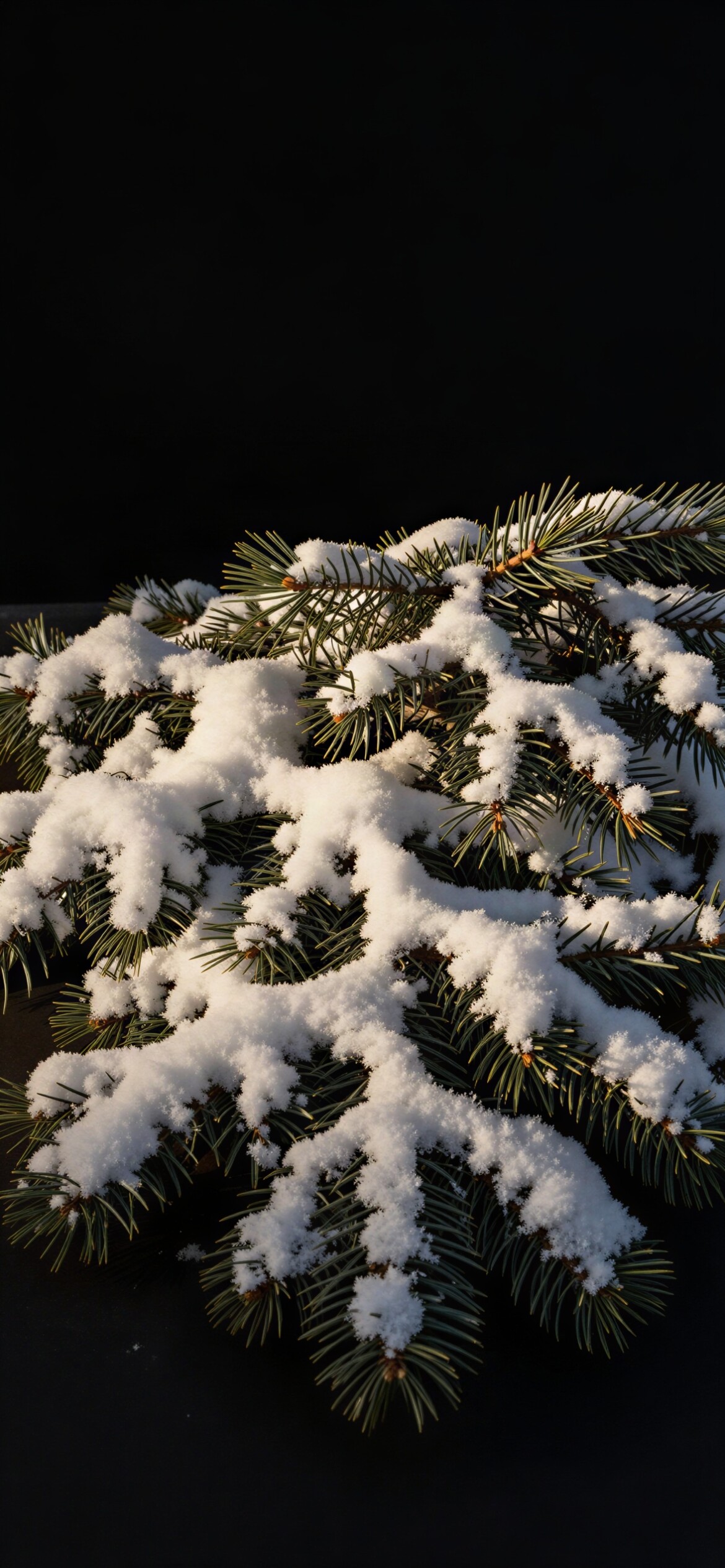
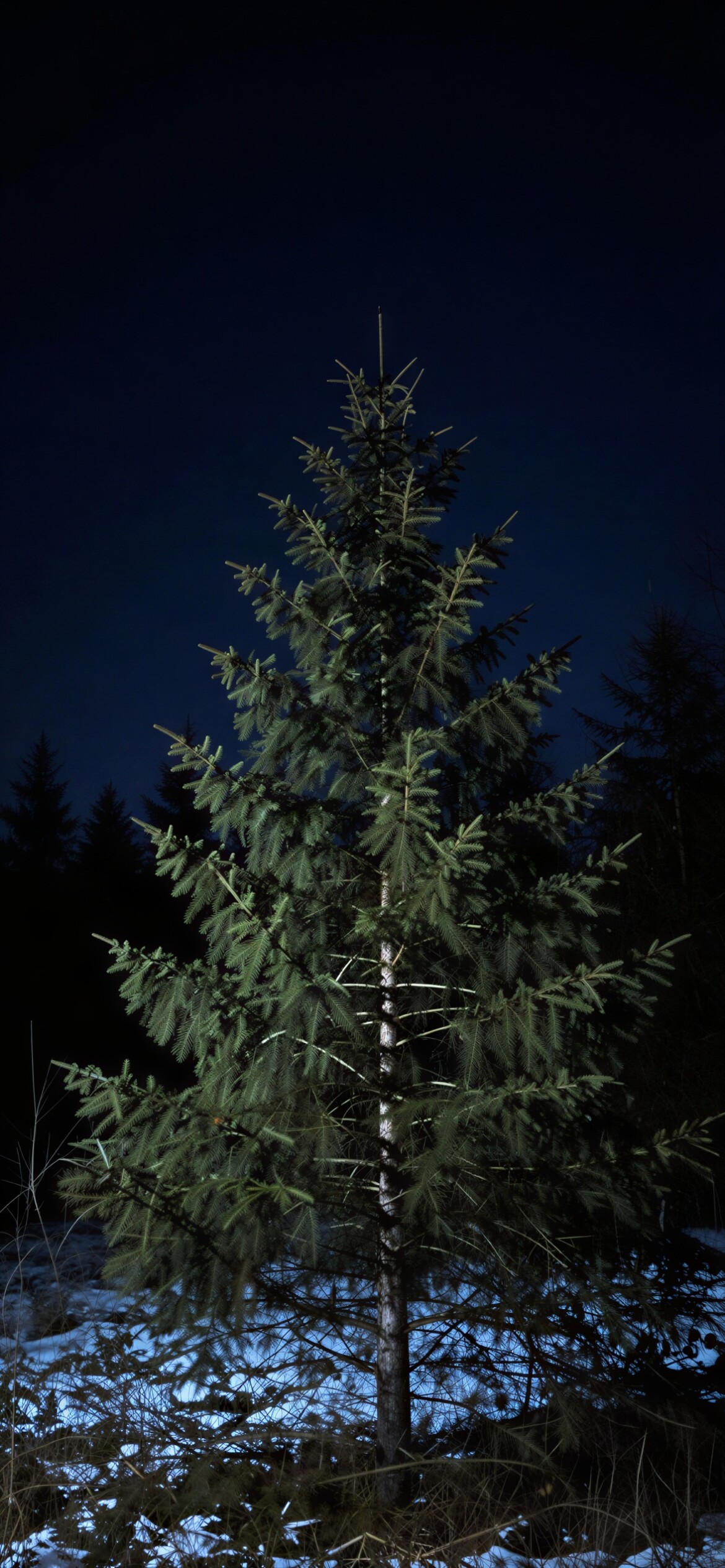
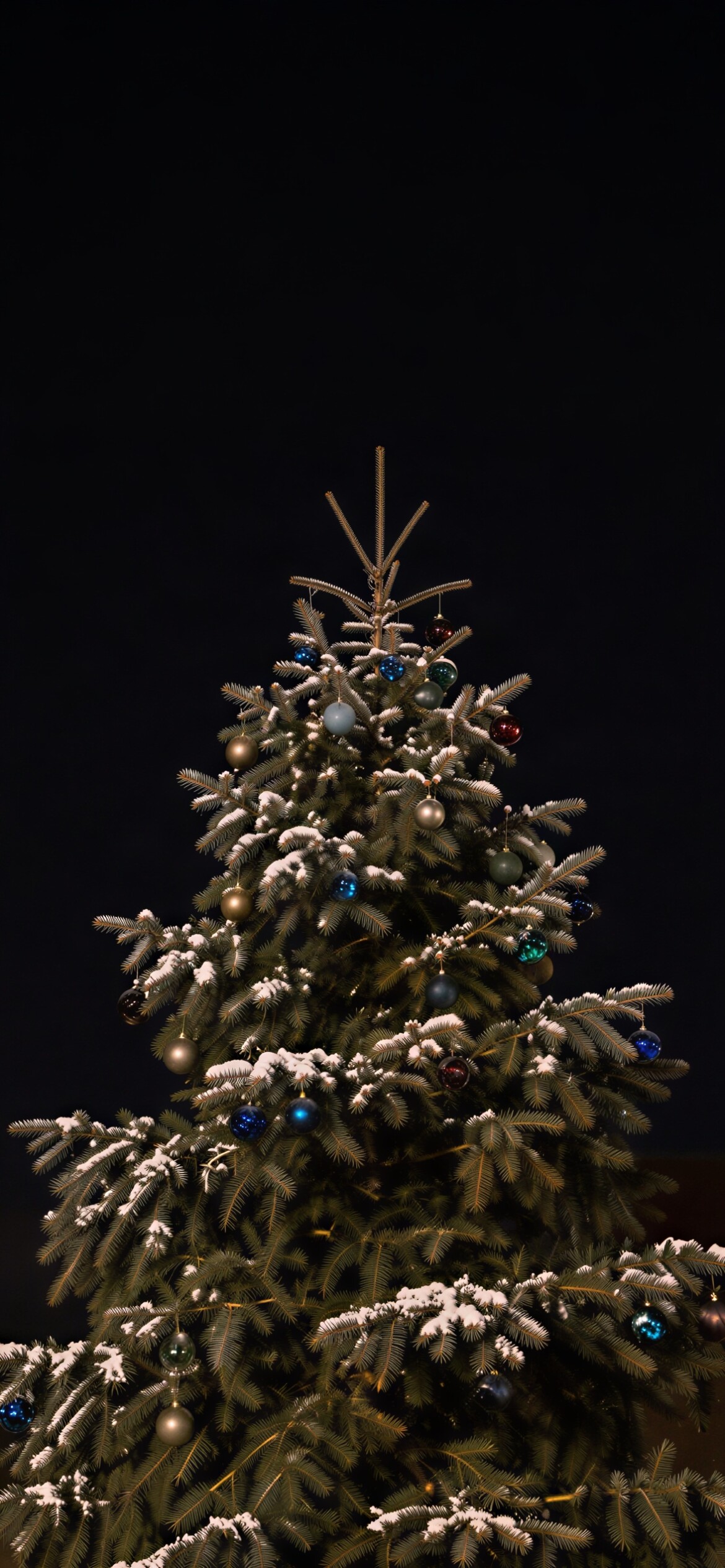
Dark christmas tree wallpaper for iPhone brings moody holiday scenes to your lock screen and home screen. These designs feature evergreens lit by soft golden light, candlelit branches, snow-dusted trees and nighttime forest views in deep greens, blacks and warm amber tones. The collection balances the quiet, contemplative side of the season with subtle brightness from ornaments, string lights and winter skies. Each wallpaper is sized for modern iPhones at 1170x2532 pixels and composed to keep the top of the screen simple so your status bar and notifications stay readable. Whether you want a dark christmas tree wallpaper that feels intimate and intimate or one with a hint of festive glow, this set offers moody alternatives to bright holiday designs. All wallpapers are original artwork, curated and checked by hand before publishing.
10 wallpapers at 1170 × 2532 px for iPhone. Checked by hand on 3 Nov 2026.
About this set
This collection of dark Christmas tree wallpapers features evergreens rendered in deep greens, blacks and charcoal tones, lit by warm golden light from candles, string lights or moonlight. The designs emphasize texture and shadow: frost crystals catching faint light, snow clinging to branches, ornaments glinting in darkness, and wood grain visible in candlelit detail. Each wallpaper uses a vertical composition that keeps the top quarter simple and uncluttered, so your iPhone's status bar remains readable. The lighting in every design is soft and diffused, avoiding harsh brightness while maintaining visual interest through warm and cool light contrasts.
Wallpapers 1, 2, 3, 5 and 8 work best as lock screen designs because their simple, centered compositions and minimal top details don't compete with time and notification text. Wallpapers 4, 6, 7, 9 and 10 suit the home screen better, offering richer visual detail and atmospheric depth that complement app icons and widgets without overwhelming them. The entire set pairs well with dark mode and works across both lock and home screens depending on how you arrange your layout.
What Each Wallpaper Offers
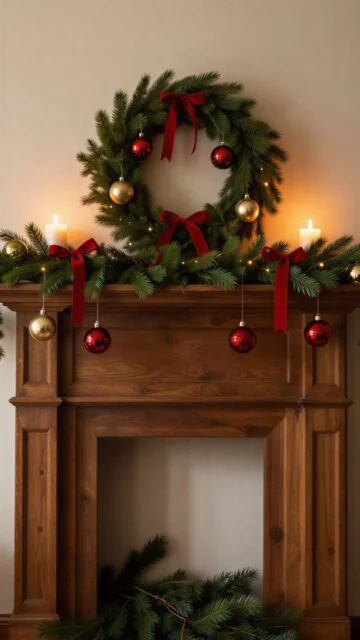
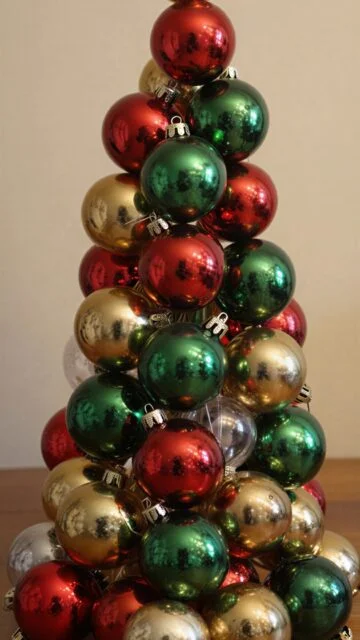
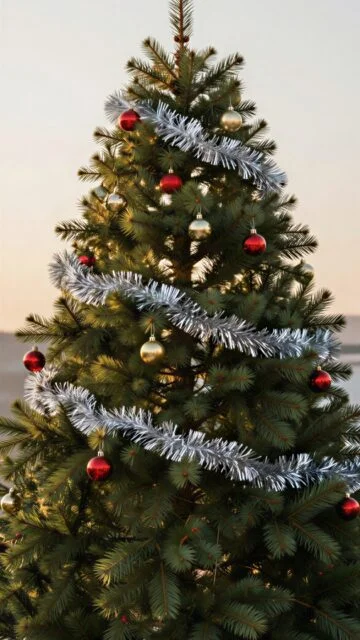
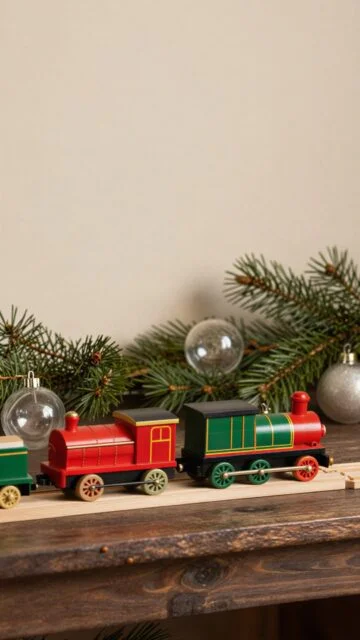
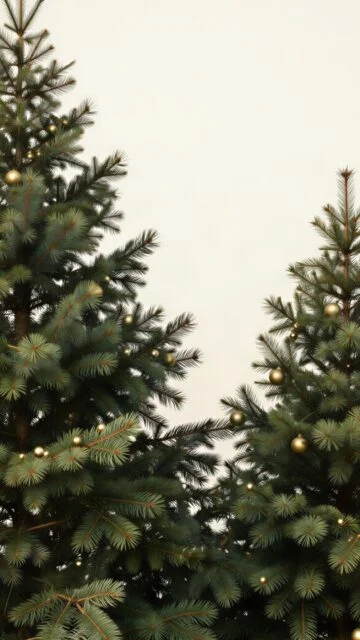
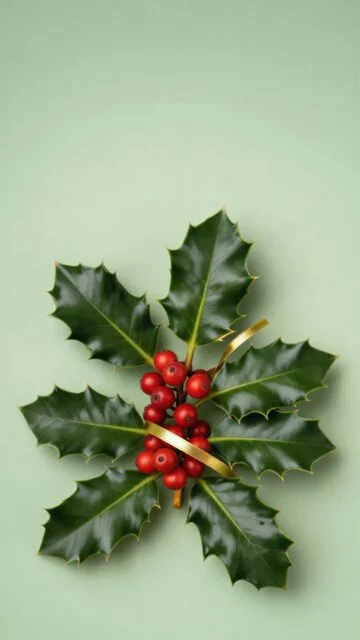
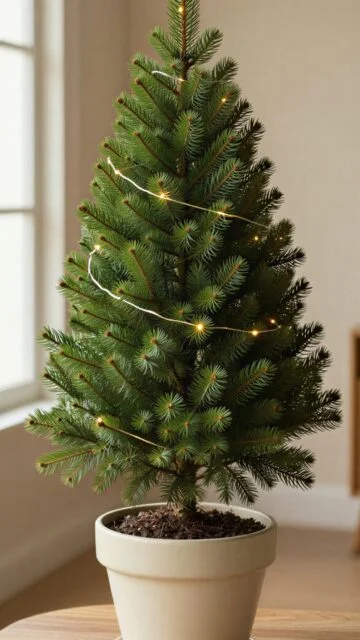
Wallpapers 1 and 4 capture the forest mood with multiple trees and depth, using golden and firelit illumination to create warmth against dark surroundings. Wallpaper 1 is brighter and more centered, while wallpaper 4 recedes into distance and shadow. Wallpapers 2 and 7 emphasize solitude and stillness: one with candlelight, one with moonlight and frost. Both are highly symmetrical and meditative. Wallpapers 3, 5 and 8 focus on intimate close-up details: snow on branches, ornaments and candlelight, or loose sprigs arranged simply. These work well for lock screens because they don't demand much visual real estate. Wallpapers 6, 9 and 10 bring variety through wreath imagery, forest silhouettes and sparse ornaments, each with its own lighting mood and depth of field.
The Mood of Winter Darkness
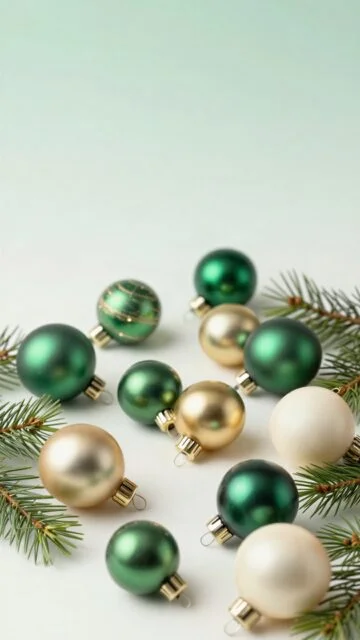
Wallpapers 1, 2, 3, 5 and 8 emphasize intimate, candlelit warmth and quiet reflection. They feel personal and close, suitable for someone seeking a peaceful, introspective holiday aesthetic. Wallpapers 4, 6, 7 and 9 lean toward mystery, distance and natural winter beauty, with less artificial light and more reliance on moonlight, frost and shadow. They suit users who prefer the wild, untamed side of the season over decoration. Wallpaper 10 balances both moods, offering jewel-toned ornaments with minimal light, bridging traditional Christmas imagery with dark, moody sophistication. Together, the set avoids bright, cheerful holiday cliches in favor of the quieter, darker beauty of winter evergreens.
How to set it on your iPhone
- Tap Download and save the image to Photos.
- Open Settings, tap Wallpaper, then Add New Wallpaper, and choose Photos.
- Pick the wallpaper, pinch to position it, then tap Add and choose the lock screen, home screen or both.
Stuck on a step? The iPhone and iPad guide has screenshots for each one.
Questions
What size are these wallpapers and will they fit my iPhone?
These wallpapers are sized at 1170x2532 pixels for modern iPhones. They are optimized for current iPhone models with standard and larger screens. Some older iPhone models may crop slightly at the edges, but the composition is designed to keep important content in the center and top areas readable. You can adjust cropping in your iPhone's wallpaper settings if needed.
Can I use these wallpapers commercially or repost them elsewhere?
These wallpapers are free for personal use on your own devices only. You may not sell them, print them for sale, or repost them on other wallpaper sites or social media without permission. For more details on acceptable use, please read our Terms page on the website.
Which wallpapers work best for lock screen versus home screen?
Wallpapers 1, 2, 3, 5 and 8 are ideal for lock screens due to their simple top sections and centered subjects that don't interfere with time and notifications. Wallpapers 4, 6, 7, 9 and 10 suit home screens better because their richer detail and atmospheric depth complement app icons and widgets without overwhelming them. You can use any wallpaper on either screen depending on your personal layout preferences.
Why choose a dark Christmas tree wallpaper instead of a bright holiday design?
Dark Christmas tree wallpapers offer a sophisticated, contemplative take on holiday imagery. They work better in low-light settings without draining battery as much as bright designs, and they integrate seamlessly with dark mode. This aesthetic appeals to people who prefer the quiet, natural beauty of winter evergreens over traditional bright decorations, and they create a moody, intimate holiday mood rather than cheerful festivity.