Skull Wallpaper iPhone
Skull iPhone wallpaper includes bold designs and dark moods across this set of free downloads for your phone. Each design features skull imagery rendered in different styles and settings, from realistic bone structure to abstract interpretations. Whether you want a lock screen with high contrast or a home screen that commands attention, these skull wallpapers work year-round on any iPhone.
10 wallpapers at 1170 × 2532 px for iPhone. Checked by hand on 14 Oct 2026.
About this set
These skull wallpapers range from realistic bone and stone to metallic and abstract interpretations, each with distinct lighting and mood. The designs work well as lock screens where a bold focal point draws the eye, and several suit home screens with their balanced composition and simple top half that leaves room for icons.
The darker designs pair naturally with dark mode and blend seamlessly with system elements. Lighter skulls and those with warm tones work better in bright environments. These designs maintain their impact across any iPhone screen size and coordinate with minimal icon layouts or themed icon packs in monochrome and metallic colors.
Bone, stone, metal and smoke
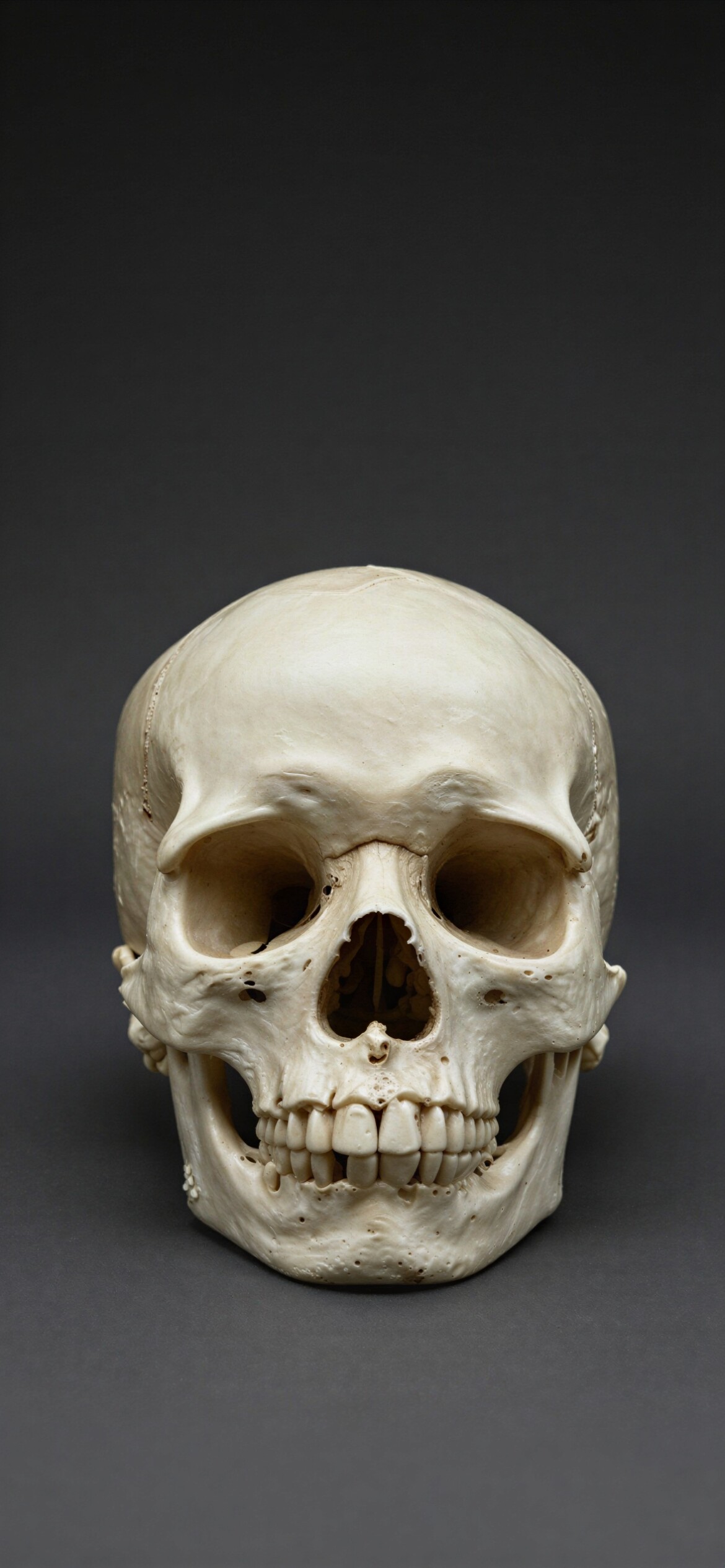
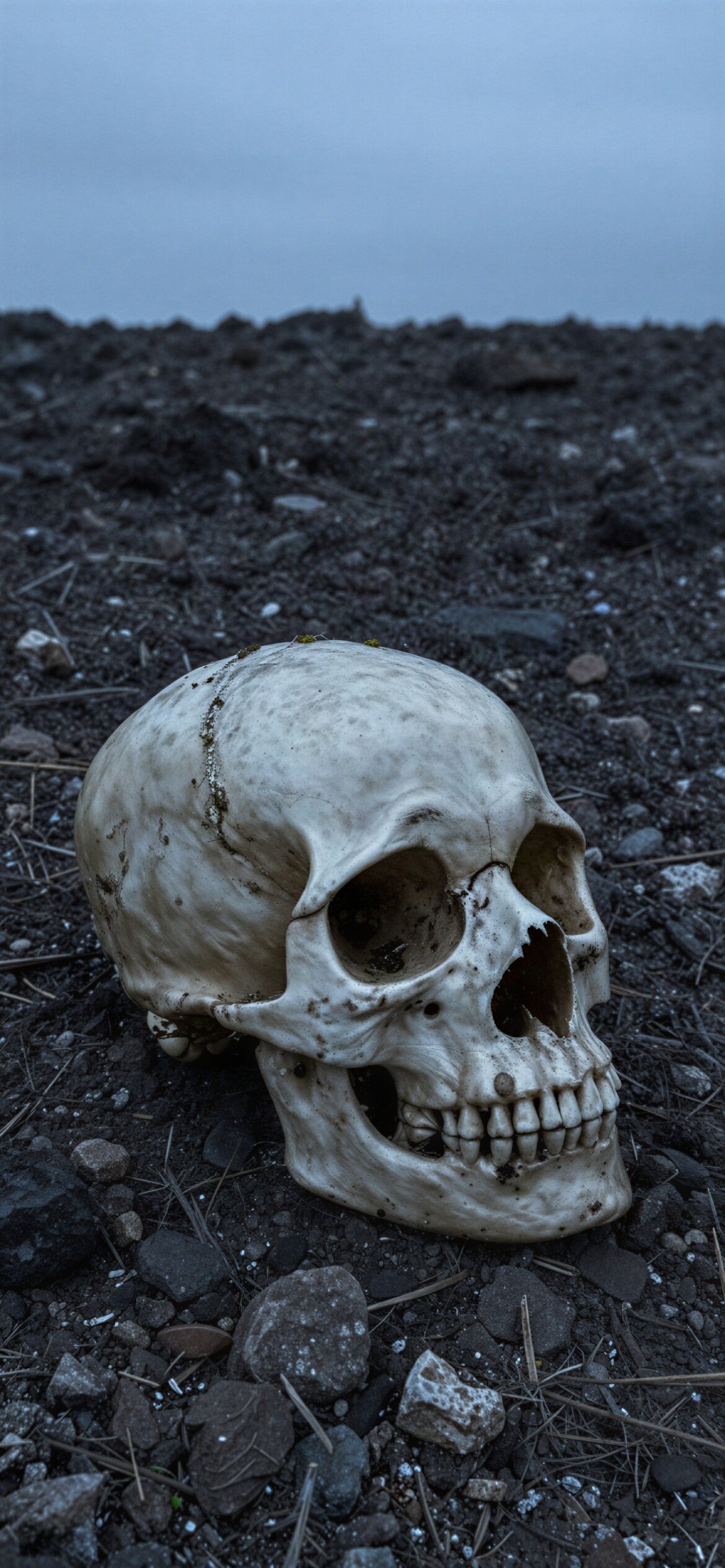
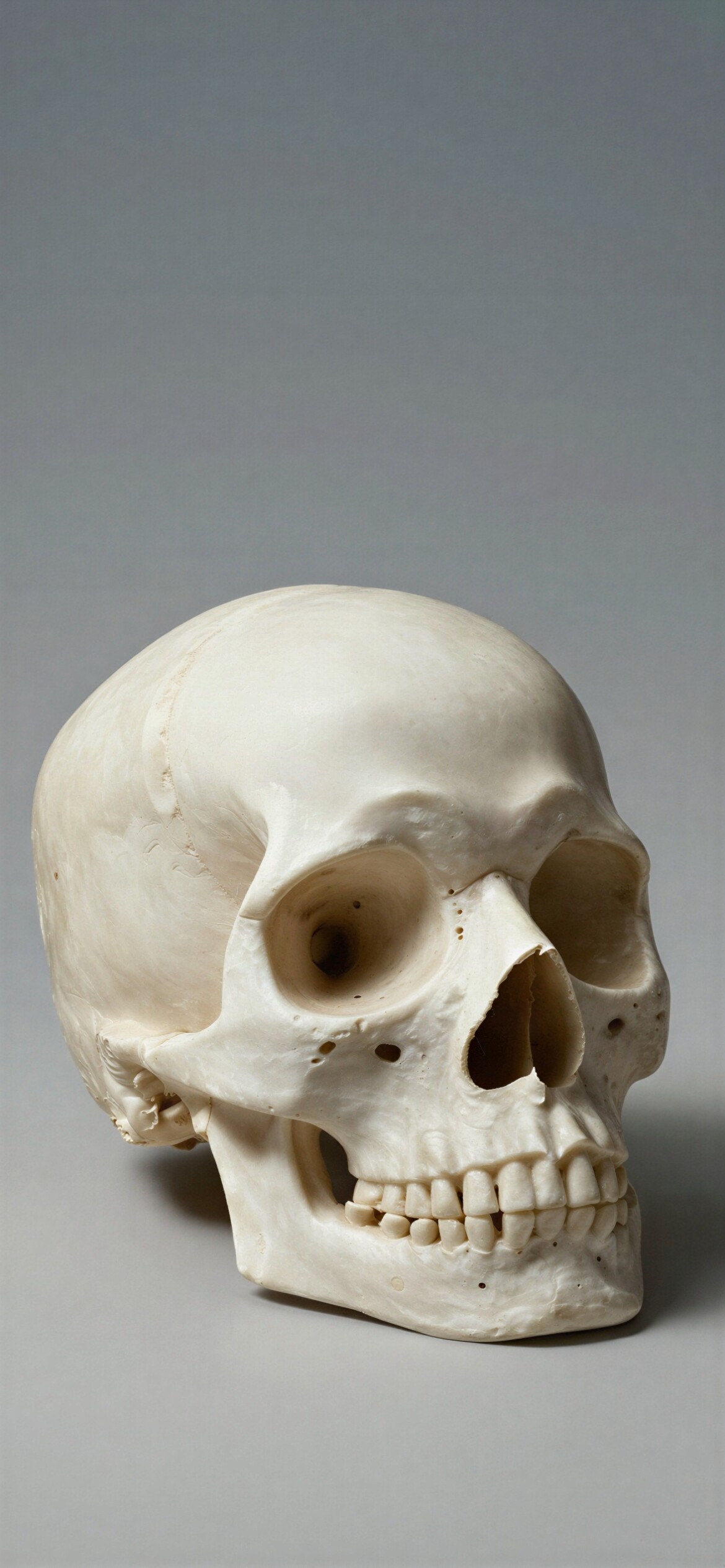
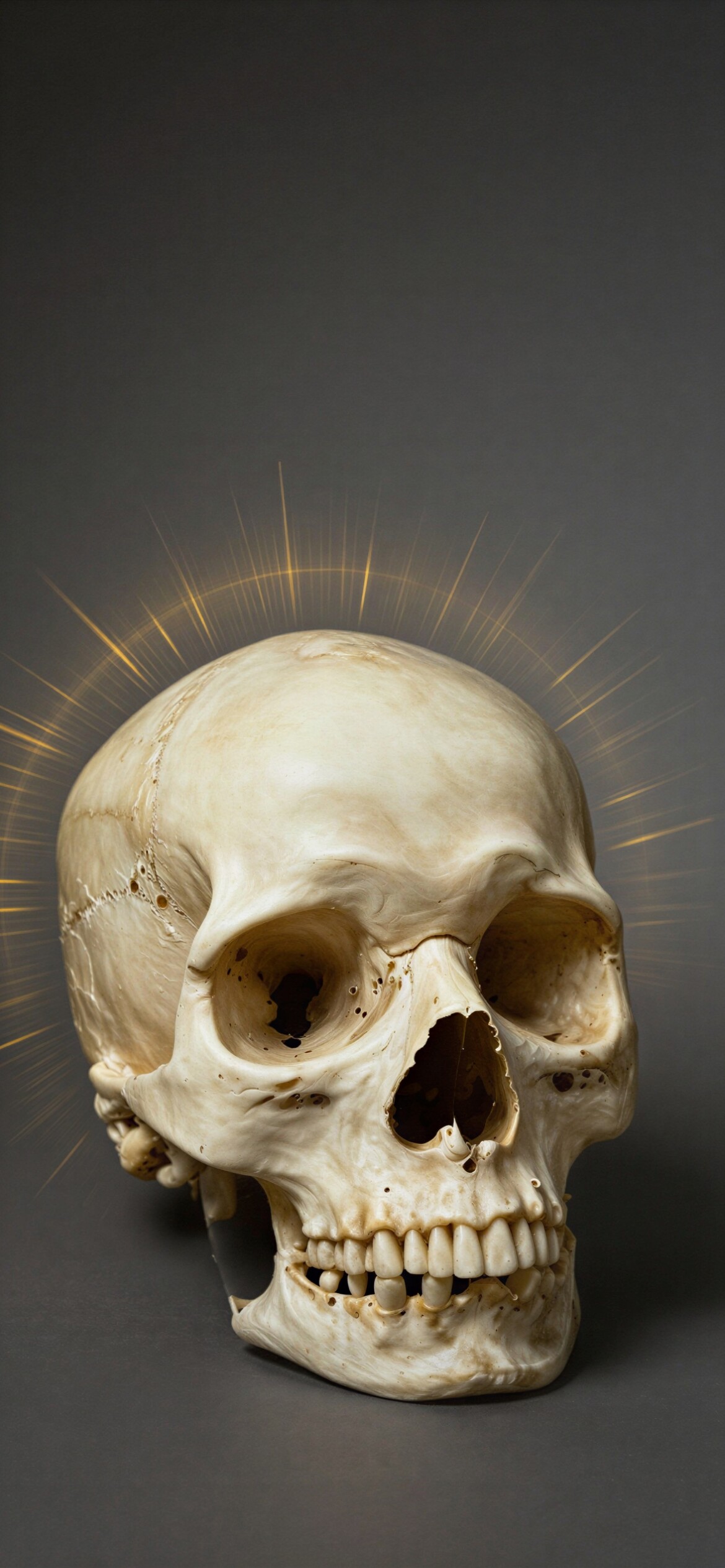
Three of the ten keep things close to real bone. Number 1 is a pale cream skull sitting dead centre on a charcoal gradient, the plainest design here and the easiest to read behind a clock. Number 4 is weathered and resting on dark earth with moss growing over it, and number 10 is ivory, lit from behind by golden rays on a soft gradient.
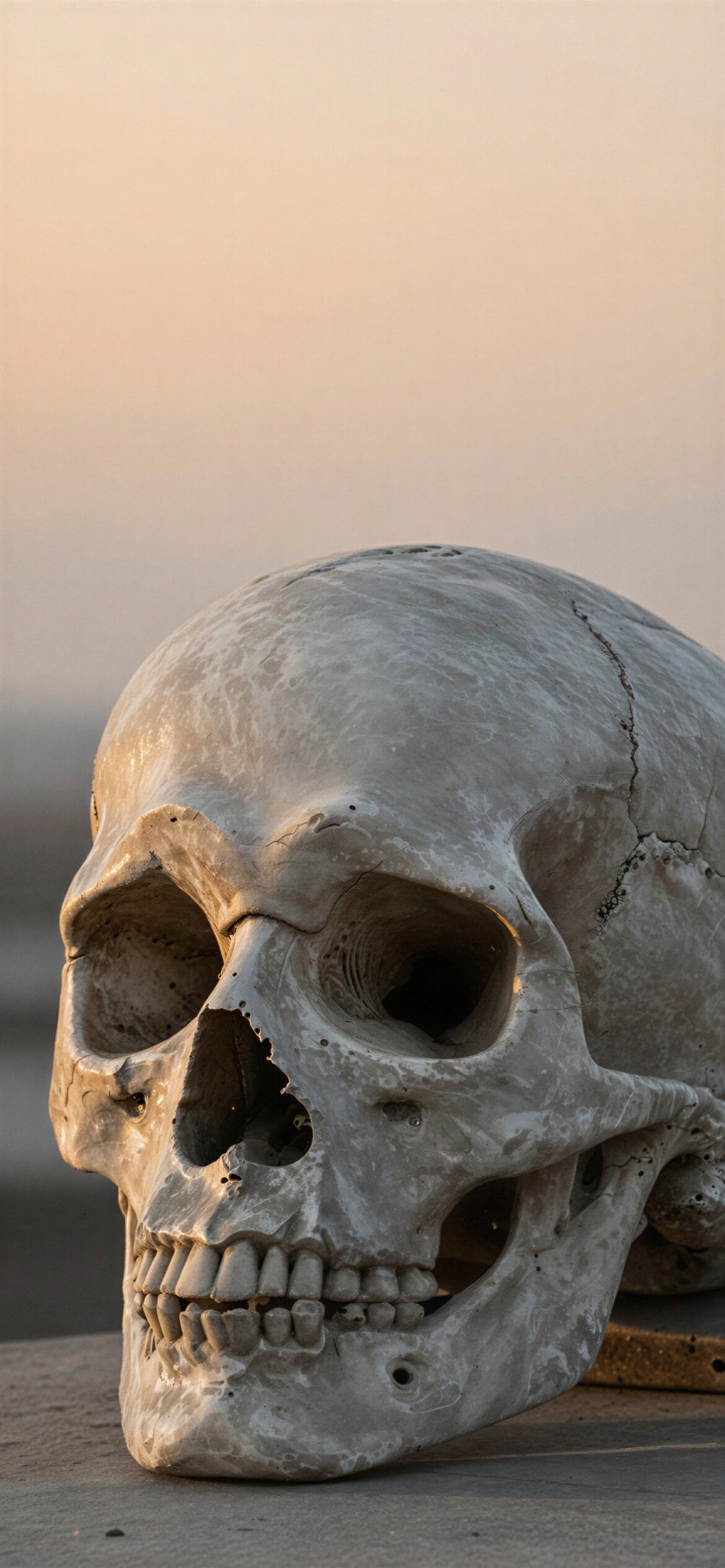
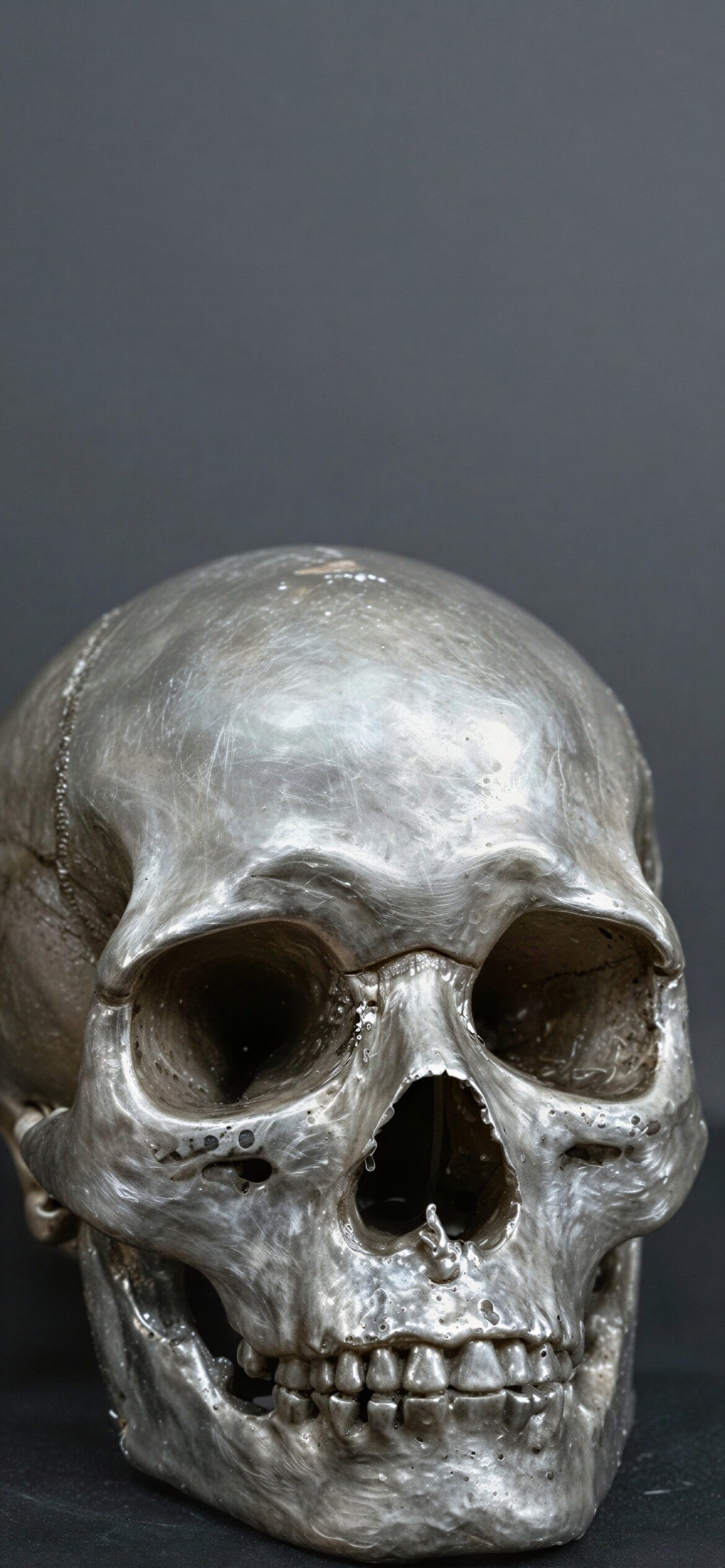
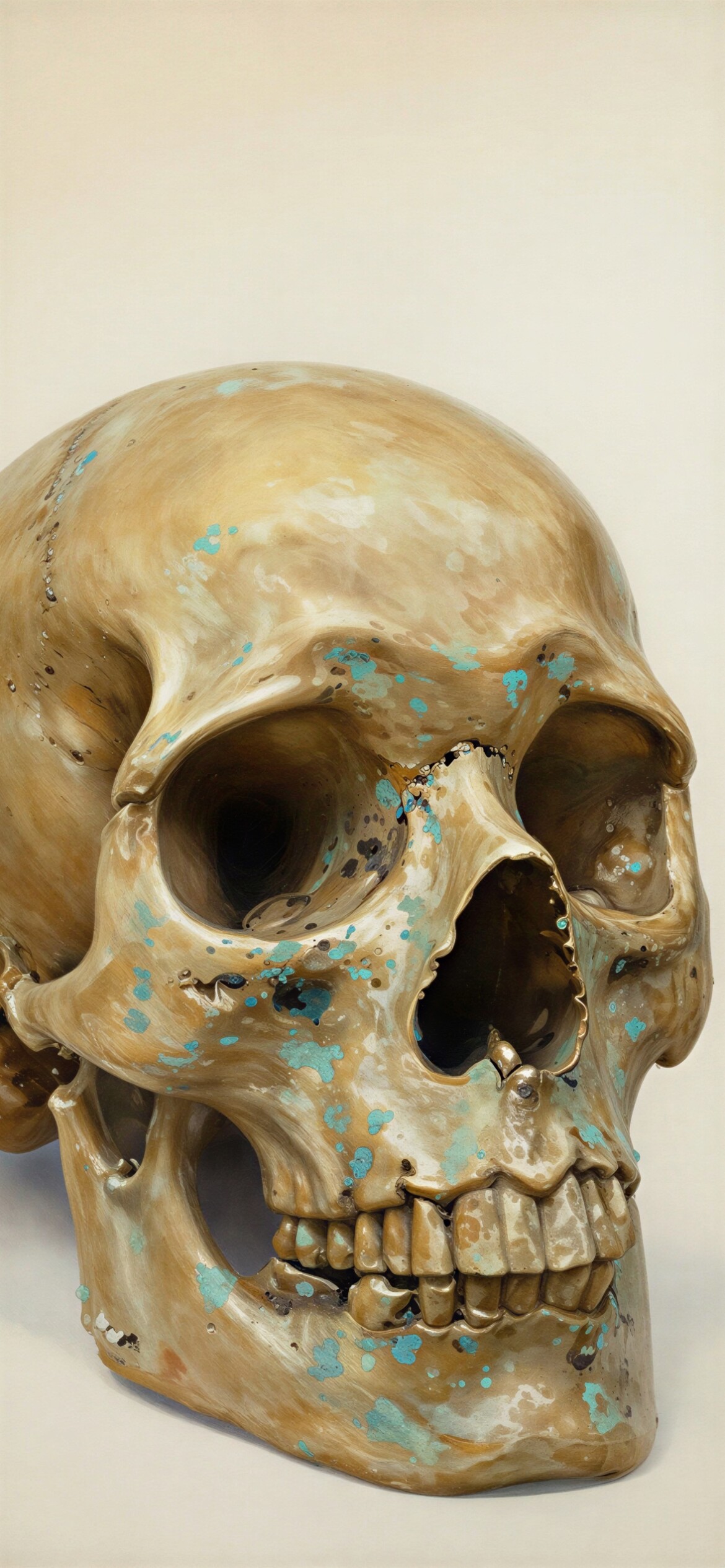
The next group swaps bone for other materials. Number 2 is grey stone seen in profile, catching golden hour light along one side. Number 5 is brushed silver with bright reflections, number 6 is bronze gone blue-green with patina and framed by dried flowers, and number 9 is pale limestone cut into geometric facets that throw sharp shadows.
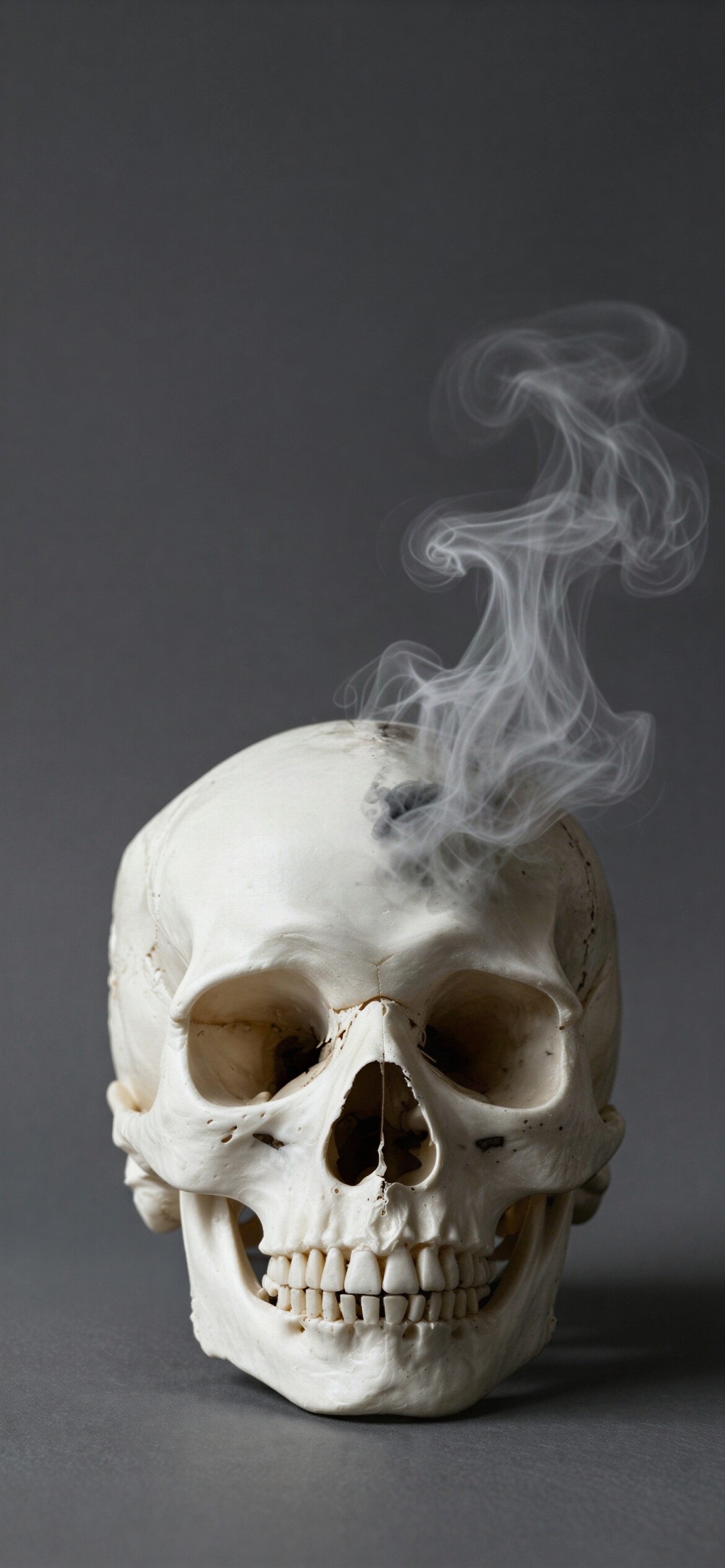
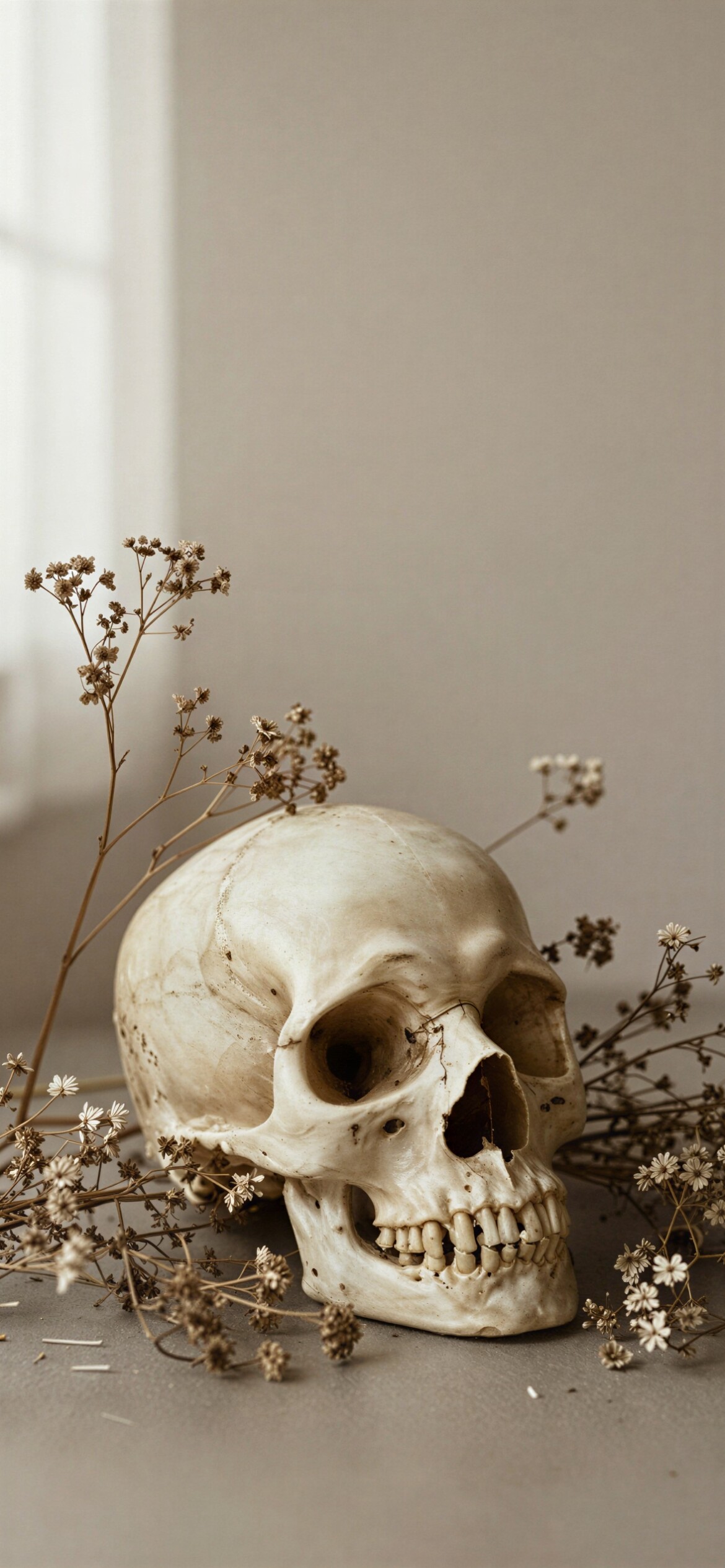
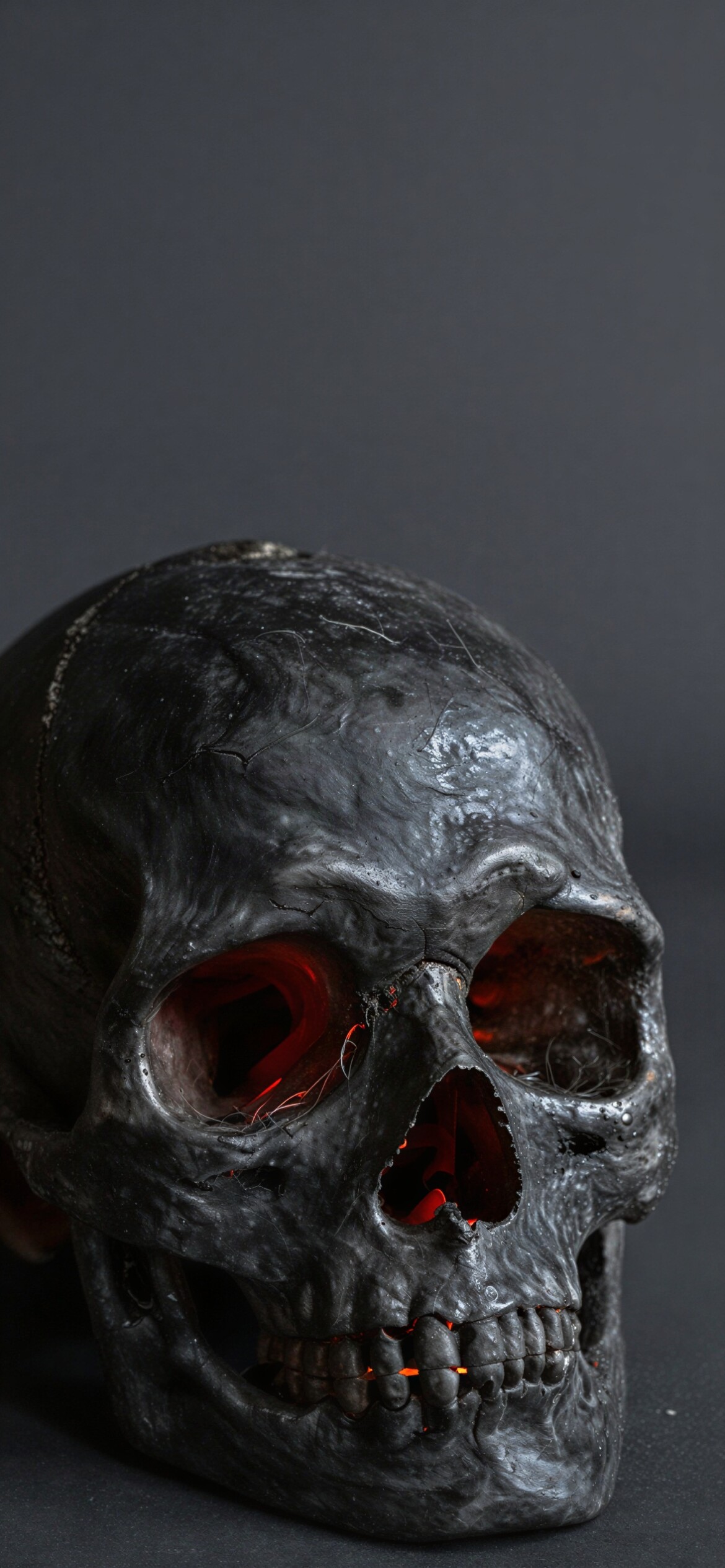
The last three are the most dramatic. Number 3 splits down the middle, bone on the left and black smoke on the right. Number 7 is sepia-toned, wrapped in wildflowers and branches on warm grey. Number 8 is a black skull with red-orange light glowing from inside, the one that stands out most on a lock screen.
Why skulls and flowers keep turning up together
Pairing a skull with flowers, as in numbers 6 and 7, is an old idea. Dutch and Flemish painters of the 17th century made a whole genre of it called vanitas: still lifes where a skull sits beside blooms, candles or hourglasses as a reminder that life is short. The Latin phrase behind it, memento mori, means "remember that you will die." Shakespeare used the same image when Hamlet picks up the skull of Yorick, the old court jester, in the graveyard scene.
The colour on number 6 is real chemistry too. Bronze is mostly copper, and when copper sits in air and moisture for years it forms a green-blue surface layer, the same process that turned the Statue of Liberty green.
Matching a skull to your phone's look
- Dark and fiery (1, 3, 8): near-black backgrounds that sit well in dark mode and look deepest on OLED screens.
- Warm and golden (2, 7, 10): amber and sepia light for a softer, almost antique feel.
- Cool and hard-edged (5, 6, 9): metal, patina and cut stone, good with grey or silver widgets.
- Earthy (4): moss and soil, the only one that feels like it was found outdoors.
If this set suits you, the gothic wallpapers carry the same old-world mood, the dark aesthetic set goes further into black backgrounds, and the emo collection leans moodier still.
How to set it on your iPhone
- Tap Download and save the image to Photos.
- Open Settings, tap Wallpaper, then Add New Wallpaper, and choose Photos.
- Pick the wallpaper, pinch to position it, then tap Add and choose the lock screen, home screen or both.
Stuck on a step? The iPhone and iPad guide has screenshots for each one.
Questions
Will these skull wallpapers fit my iPhone screen?
Yes. These designs are created at 1170x2532 pixels, the standard resolution for modern iPhones. They are sized for modern iPhones, and some older models may crop slightly at the edges when you set them as lock screen or home screen wallpaper.
Can I use these skull wallpapers for personal use?
Yes, these wallpapers are free to download and use on your own devices for personal, non-commercial use. Selling them, printing them for sale, reposting them on other wallpaper sites or using them commercially is not allowed. See our Terms page for the full license details.
Which skull wallpapers work best for lock screen versus home screen?
The high-contrast designs with glowing elements or strong focal points work best as lock screens where they have full visibility. For home screens, choose the designs with simpler top quarters and balanced compositions, like the skull with flowers or the geometric limestone version, so your app icons remain readable and the layout stays organized.
Are these skull designs appropriate for everyday use?
Yes, these are artistic and stylized skull designs rendered in natural materials like bone, stone and metal, not graphic or horror-themed. They work as year-round wallpapers for anyone who appreciates gothic, edgy or artistic aesthetics. The varied tones and lighting ensure they fit different moods and device themes.