Gothic Wallpaper iPhone
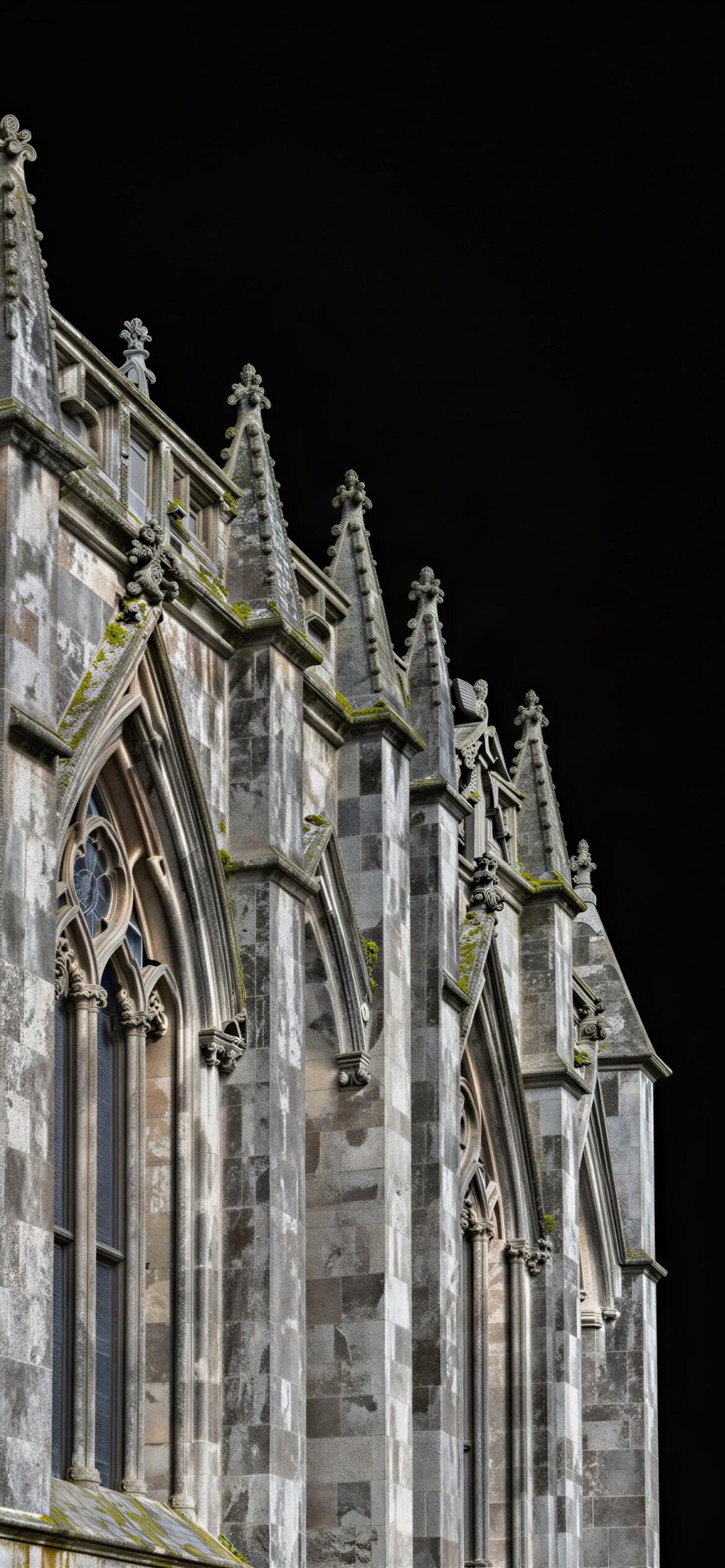
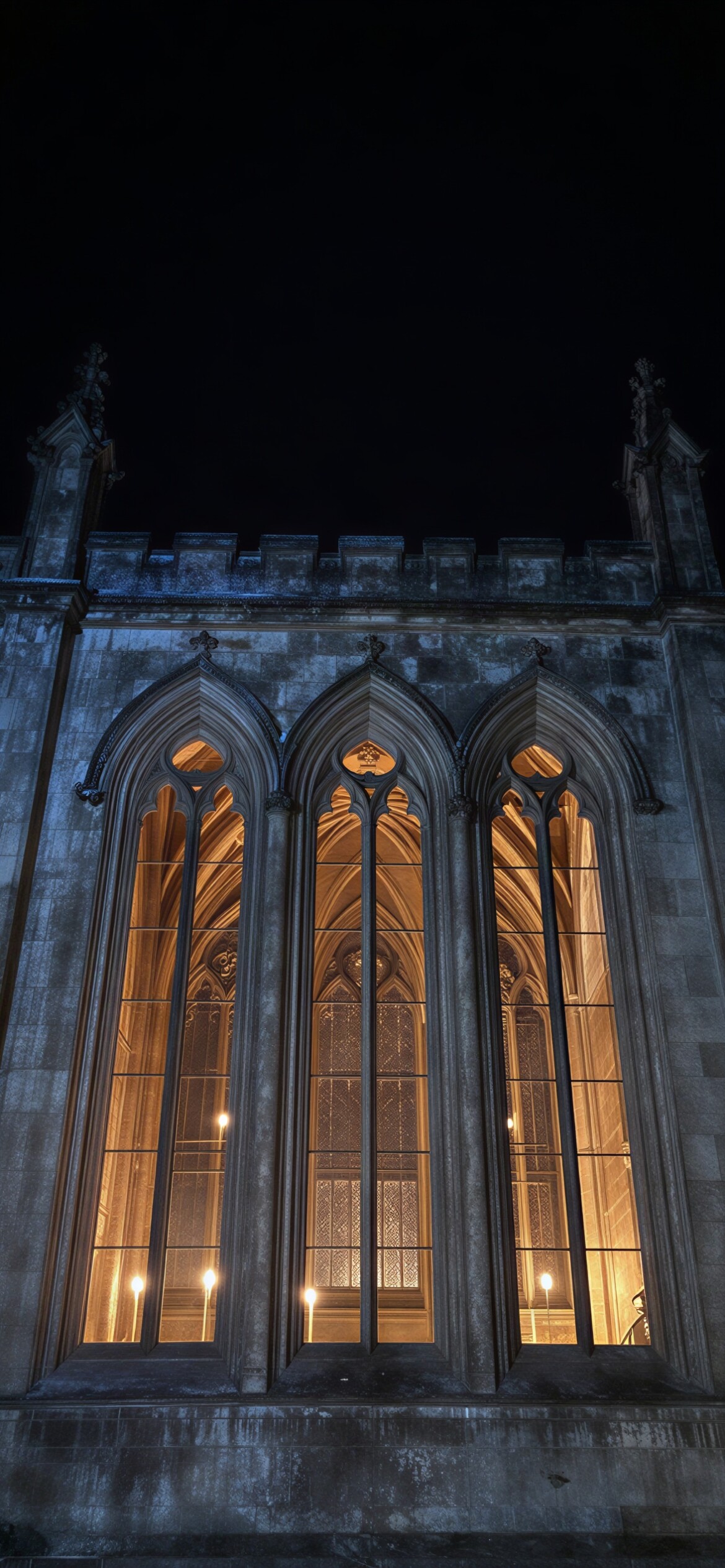
Gothic wallpaper for iPhone brings dark elegance and moody atmosphere to your lock screen and home screen. These designs feature shadowy stone ruins, ornate ironwork, dramatic skies and candlelit interiors that suit iPhone perfectly. The gothic aesthetic works year-round, pairing well with dark mode and adding depth to your phone's visual style. Each wallpaper in this set is original artwork, curated and checked by hand before publishing.
10 wallpapers at 1170 × 2532 px for iPhone. Checked by hand on 11 Oct 2026.
About this set
These gothic wallpapers blend dark elegance with moody atmosphere. The designs feature weathered stone, ornate metalwork, dramatic skies and candlelit interiors that evoke medieval architecture and shadowy romance. Cool greys, deep purples, charcoal blacks and touches of amber create a cohesive mood across the set.
Most designs work best as lock screen wallpapers because their composition draws the eye downward and leaves the top clear for time and status icons. A few with centered focal points also suit home screens well, especially in dark mode where the gothic tones blend seamlessly. Pair these with dark-themed apps and minimal icons to let the moody details stand out.
Pointed arches and a name meant as an insult
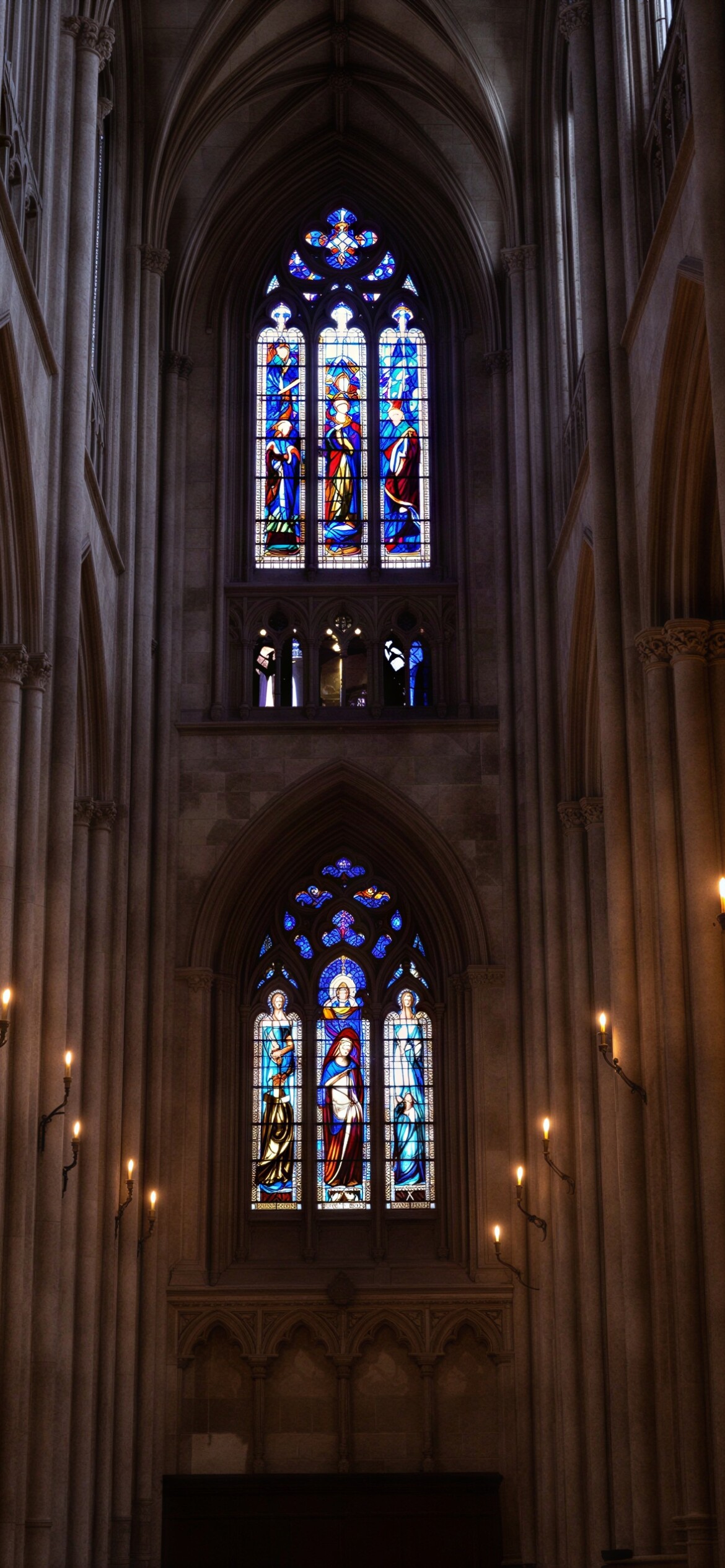
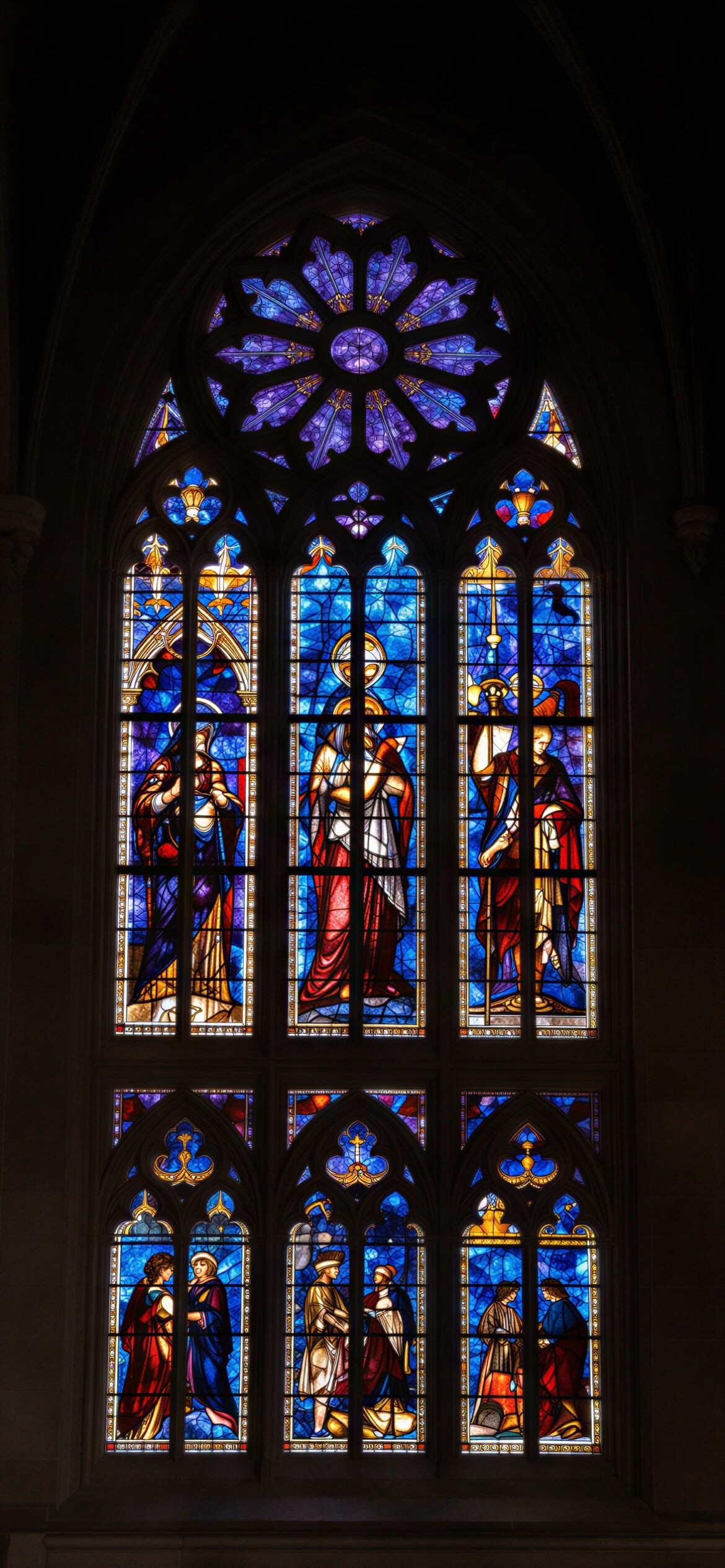
Gothic building began in France in the 1100s, and the choir of the Abbey of Saint-Denis near Paris, rebuilt under Abbot Suger in the 1140s, is usually named as the starting point. Three ideas made it work: the pointed arch, the ribbed vault and the flying buttress. Together they carried the weight of the roof out to the sides, so walls could be thinner and windows much bigger. That is why stained glass and rose windows, like the ones in wallpapers 3 and 6, belong to this style. The word itself came later. Renaissance writers in Italy used "Gothic" to call the style crude, as if the Goths had built it, and the label stuck long after the insult faded.
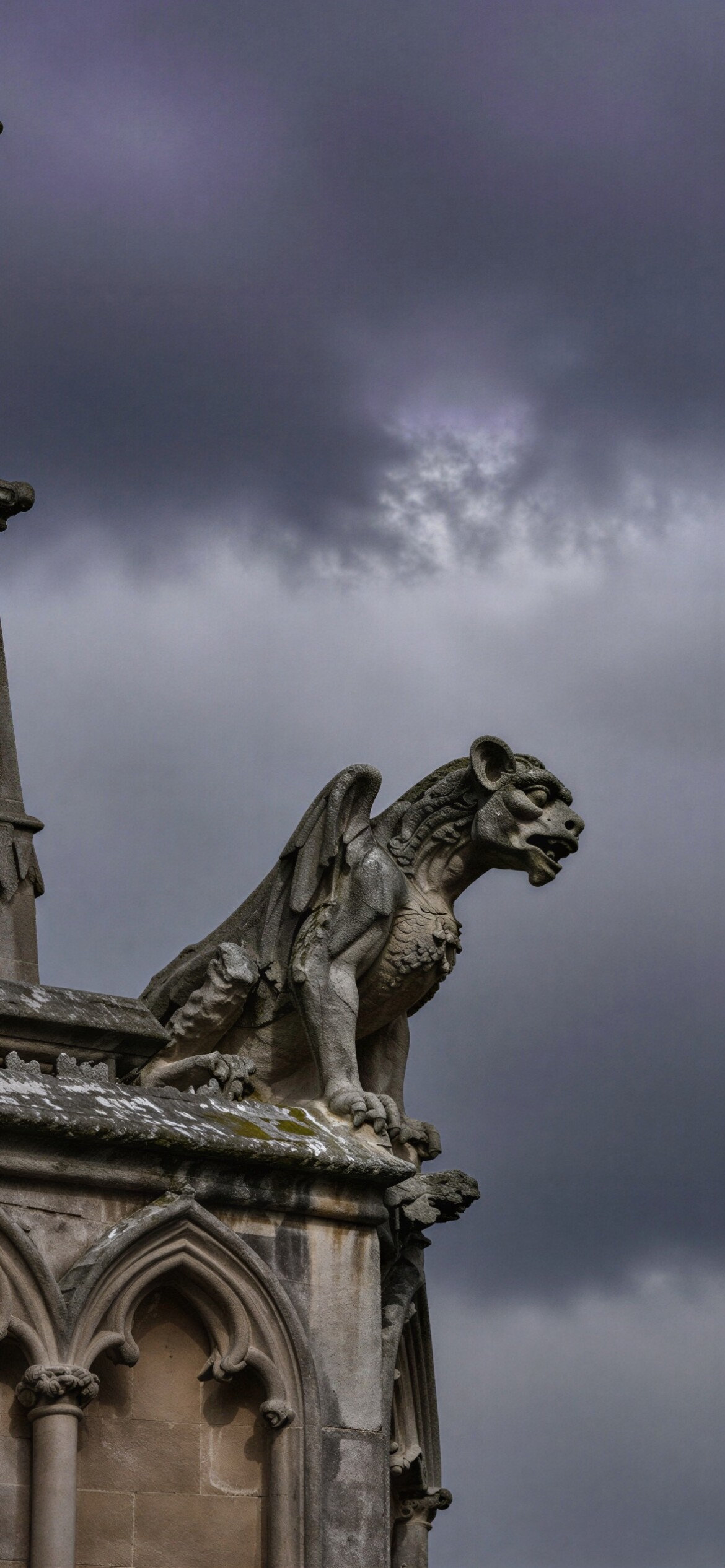
Gargoyles have a practical job too. The name comes from the French gargouille, meaning throat, because a true gargoyle is a carved spout that throws rainwater clear of the walls. The figure on the stormy skyline in wallpaper 8 belongs to that tradition of carved creatures perched high on the stone.
Gates, towers and a chapel at night
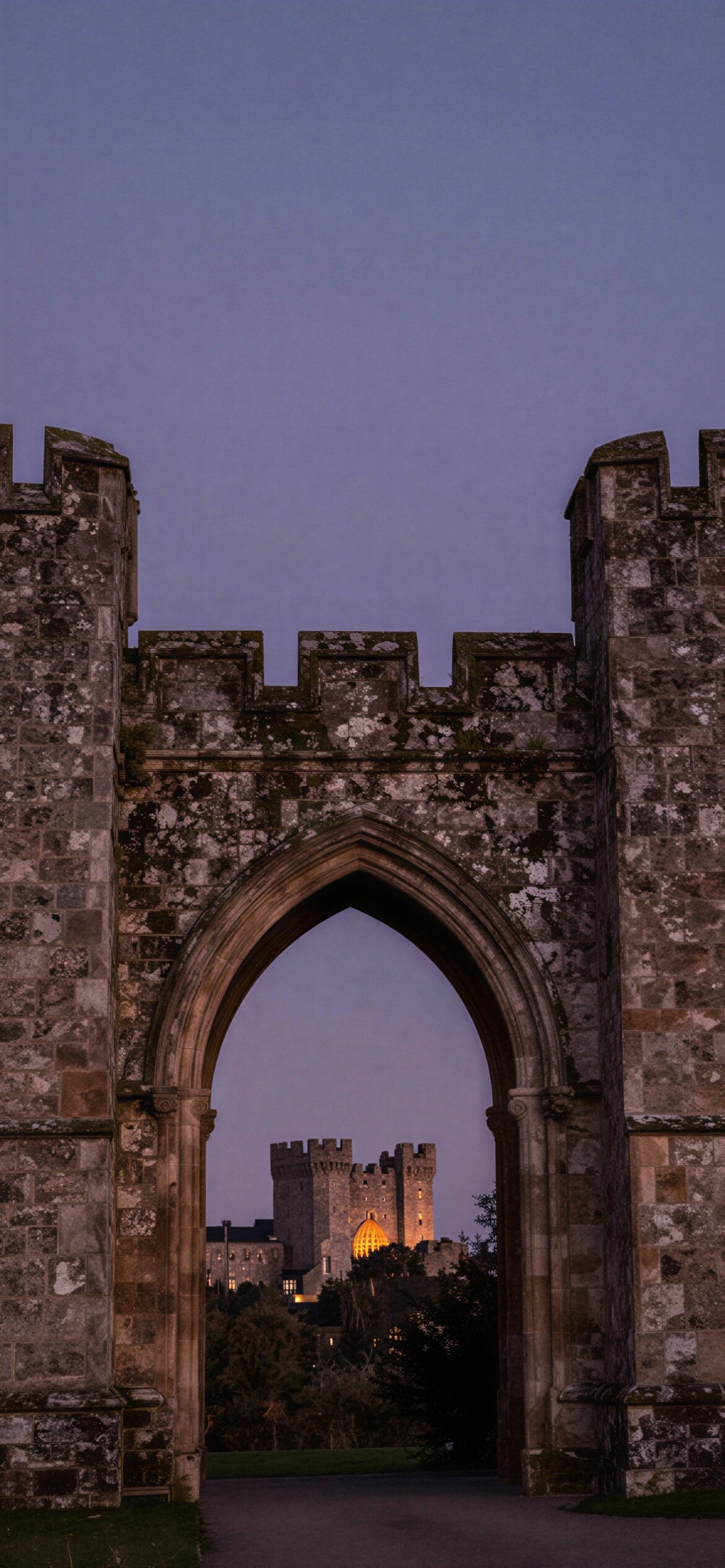
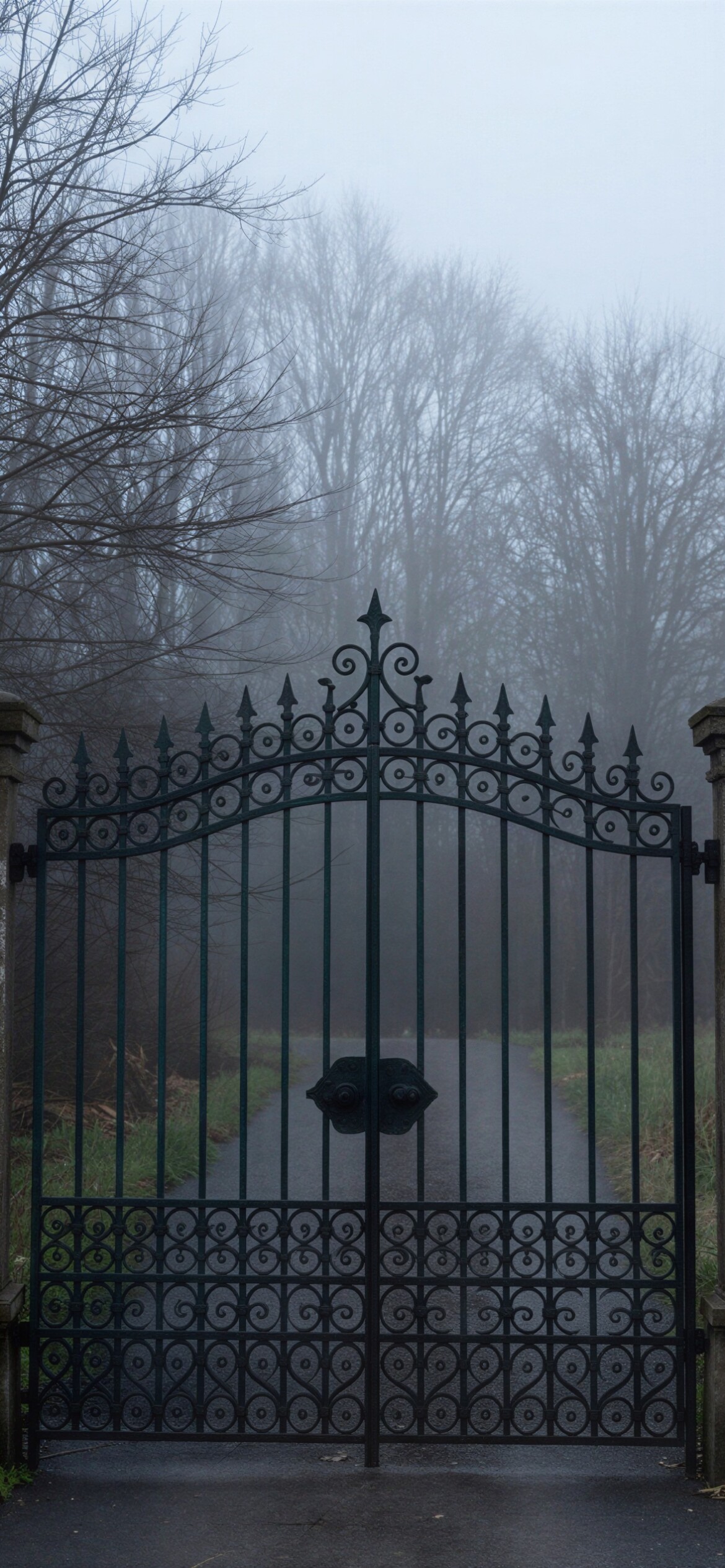
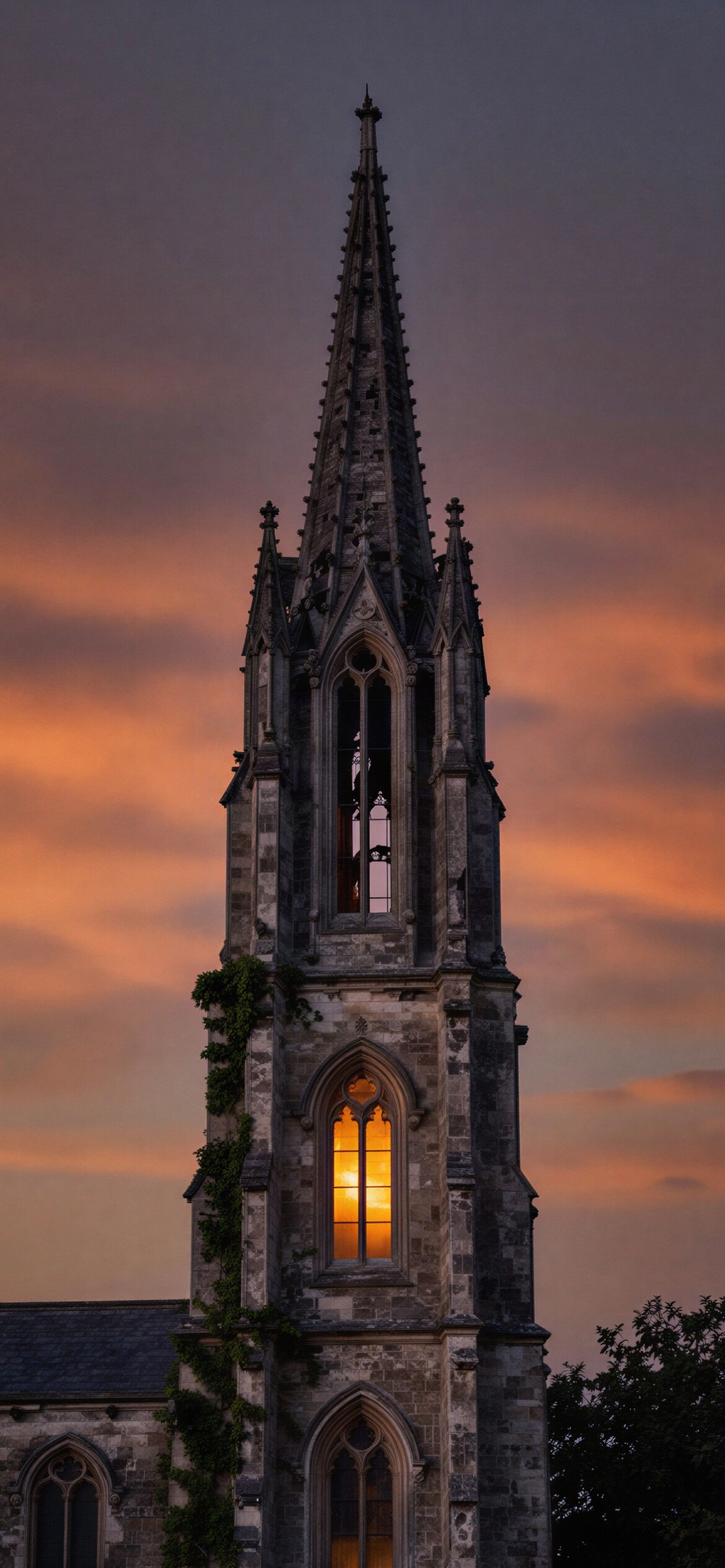
Three of the designs look in from outside. Wallpaper 1 frames a far-off castle through a stone archway at dusk, wallpaper 4 shows a crumbling tower in silhouette, and wallpaper 2 puts an iron gate full of scrollwork in front of a misty forest. These read like the opening scene of a gothic novel, a genre that started with Horace Walpole's The Castle of Otranto in 1764.
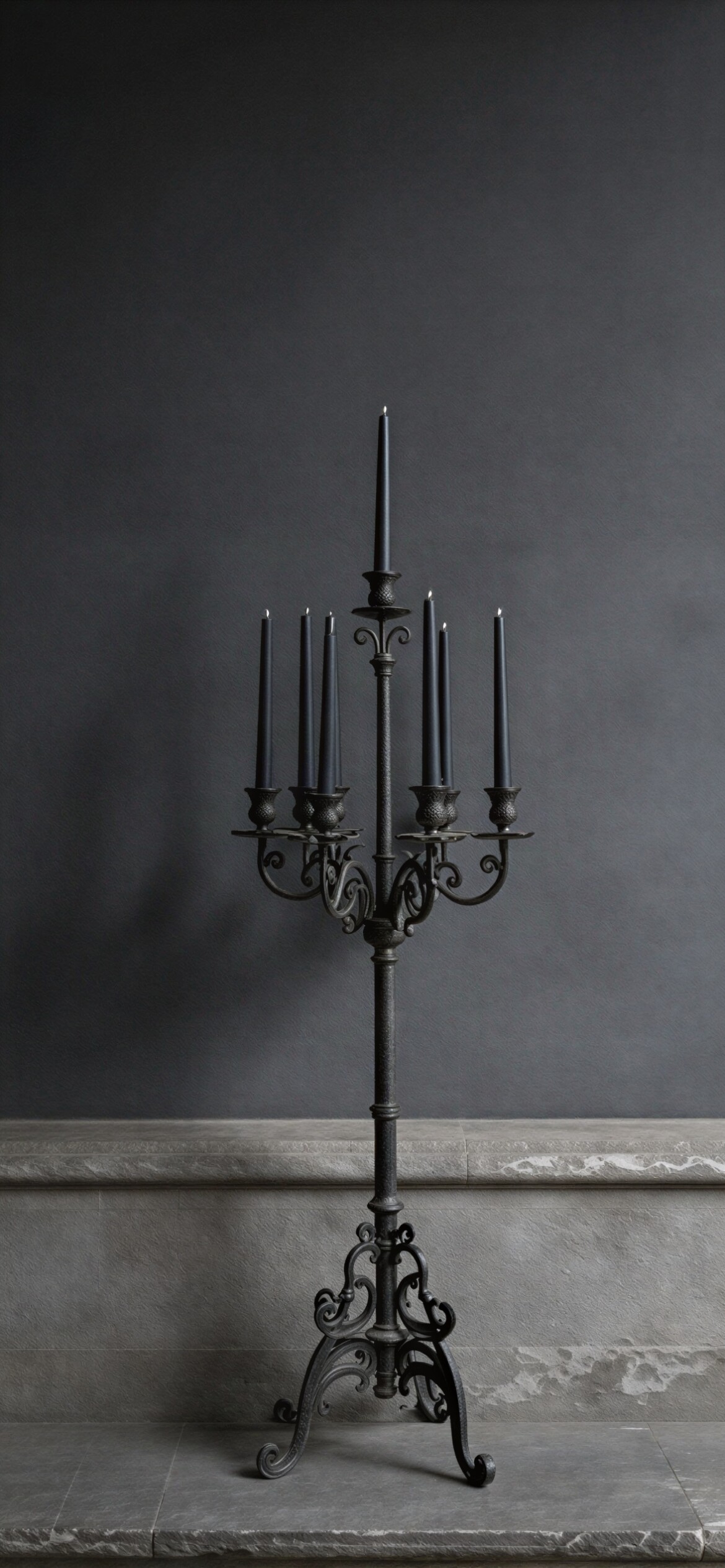
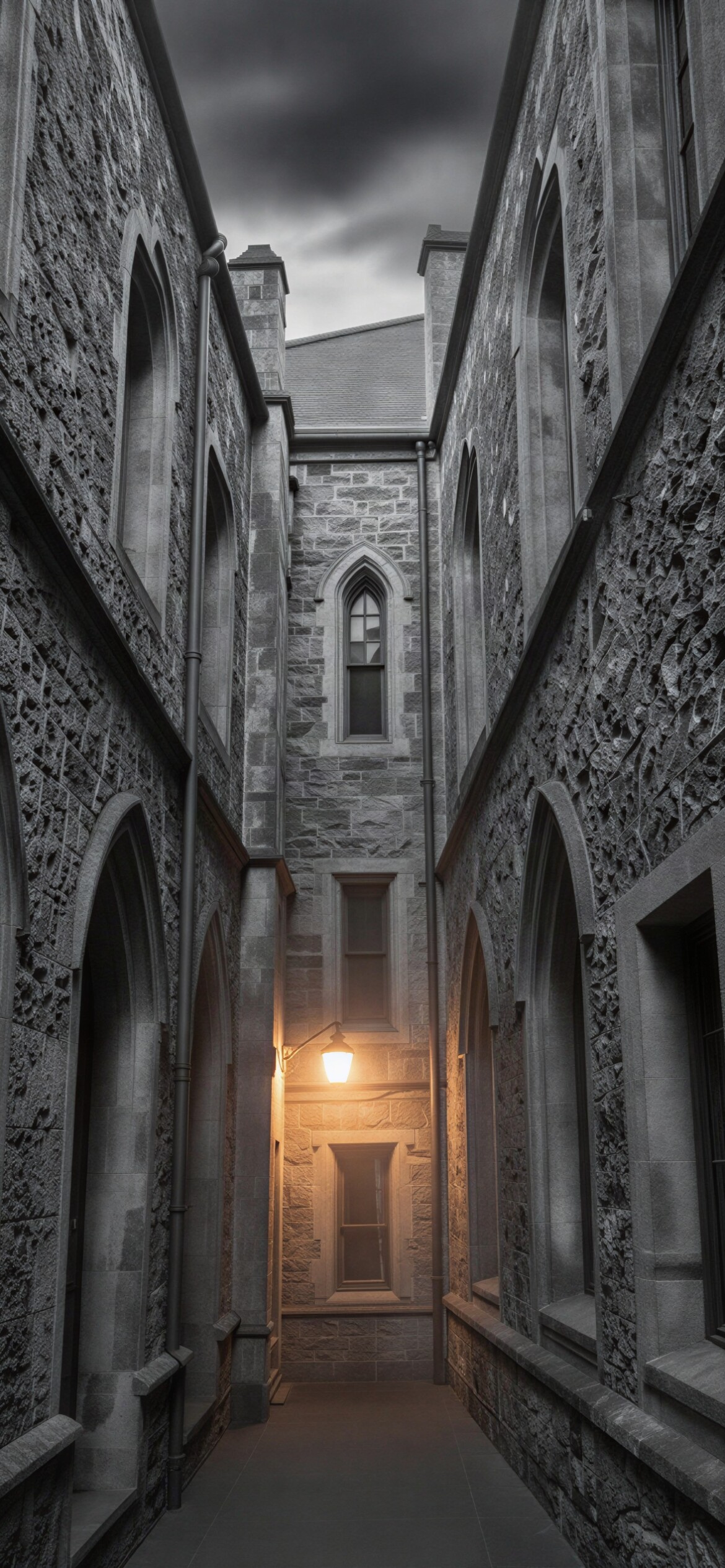
The rest move closer to the stone. Wallpaper 7 is a narrow alley between tall buildings in fog, and wallpaper 9 is a straight-up study of pointed arches and ribbed stonework, the most architectural design in the set. Wallpaper 5 is a still life of a wrought iron candelabra with black candles on a ledge, and wallpaper 10 ends the set inside a chapel at night, with candlelight showing through pointed windows.
Glow, storm or fog
- Warm light in the dark: 3, 5, 6 and 10. Coloured glass and candle flames give these the most contrast, so they catch the eye even at low brightness.
- Dusk and storm skies: 1, 4 and 8. Purple-grey and fading light, with shapes cut out in black.
- Fog and grey stone: 2, 7 and 9. The quietest of the ten, closer to a soft charcoal than to black.
If you want more of this mood, the vampire wallpapers share the castles and candlelight, the skull set leans further into dark still life, and the emo wallpapers bring the same palette into a more modern style.
How to set it on your iPhone
- Tap Download and save the image to Photos.
- Open Settings, tap Wallpaper, then Add New Wallpaper, and choose Photos.
- Pick the wallpaper, pinch to position it, then tap Add and choose the lock screen, home screen or both.
Stuck on a step? The iPhone and iPad guide has screenshots for each one.
Questions
Will these wallpapers fit my iPhone screen?
Yes. These wallpapers are designed at 1170x2532 pixels, which is the standard size for iPhone screens. They are sized for modern iPhones, and some older models may crop slightly at the edges. Download and set them directly in your iPhone settings.
Can I use these wallpapers for commercial purposes?
These wallpapers are free for personal use on your own devices only. You may not sell them, print them for sale, repost them on other wallpaper sites or use them for commercial projects. See our Terms page for full details on permitted use.
Which gothic wallpapers work best for lock screen versus home screen?
Most designs suit lock screens because their composition leaves the top quarter simple and clear for your time display. The cathedral window, rose window and tower designs also work on home screens in dark mode. The gate and alleyway wallpapers are best reserved for lock screens to keep your app icons readable.
Will these gothic wallpapers look good with my iPhone icons and widgets?
Enable dark mode on your iPhone to make these wallpapers truly shine. The gothic tones blend beautifully with dark icons and widgets, creating a cohesive moody aesthetic. Light-colored icons may stand out too much against the dark stonework, so dark or transparent icon sets work best.