Diamond Wallpaper iPhone
Diamond wallpaper for iPhone features geometric crystals, faceted shapes and light reflections across the screen. These designs bring a modern, sophisticated look to your lock screen or home screen. The diamond patterns work well on any iPhone model and pair nicely with minimalist apps and clean icon layouts. Each wallpaper is original artwork, carefully curated and checked by hand.
10 wallpapers at 1170 × 2532 px for iPhone. Checked by hand on 12 Oct 2026.
About this set
These diamond wallpapers blend geometric precision with soft, sophisticated lighting. The faceted crystal designs work equally well on lock screens and home screens, providing visual interest without overwhelming your app icons or widgets. The neutral and cool-toned palettes pair naturally with modern phone interfaces and both light and dark mode settings.
Choose the warmer amber and rose gold versions for a more luxurious feel, or go with the cool silvers, greys and blues for a contemporary, minimalist look. The simple top portions of each design leave room for status bars and notifications without visual clutter. These designs suit anyone drawn to abstract geometry, modern aesthetics or a touch of understated elegance in their everyday device.
What makes a cut stone throw light around
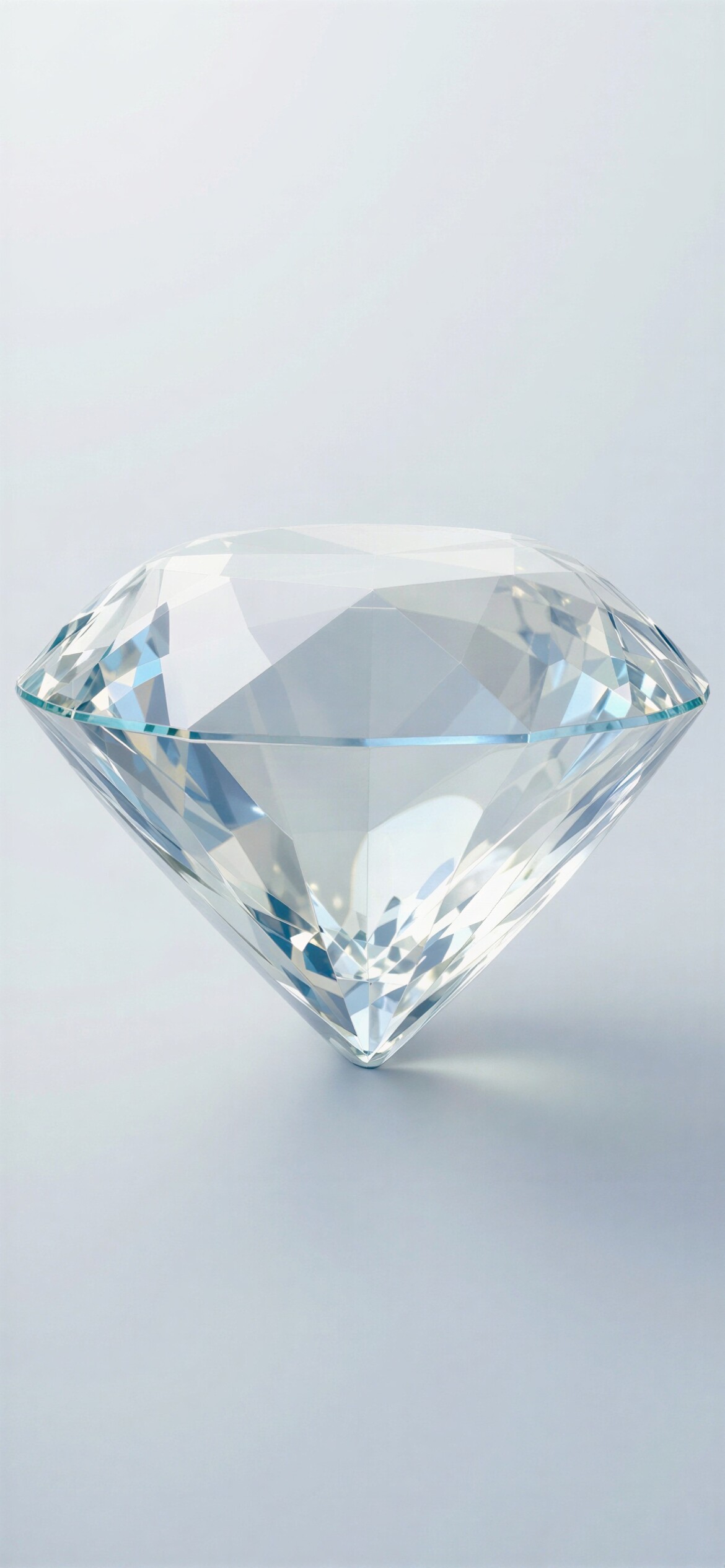
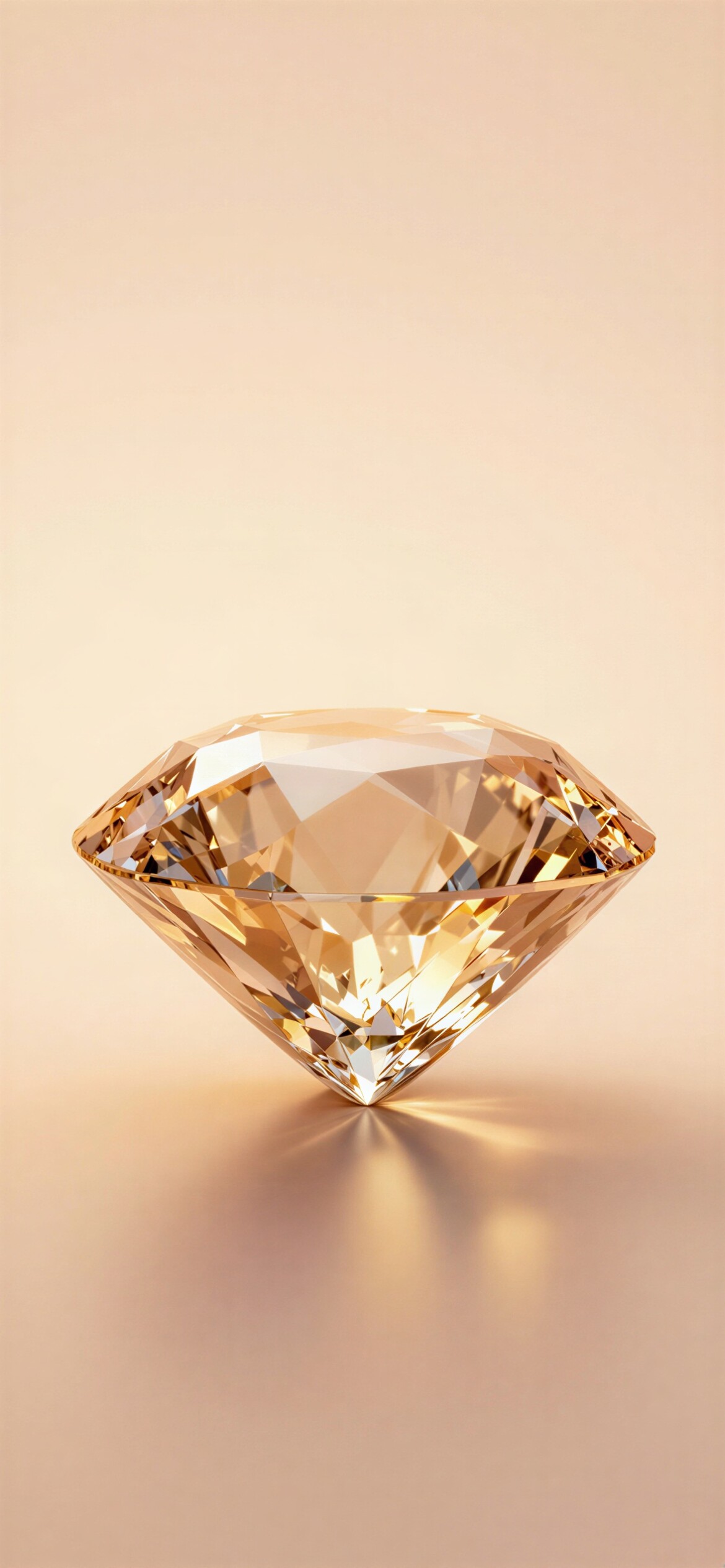
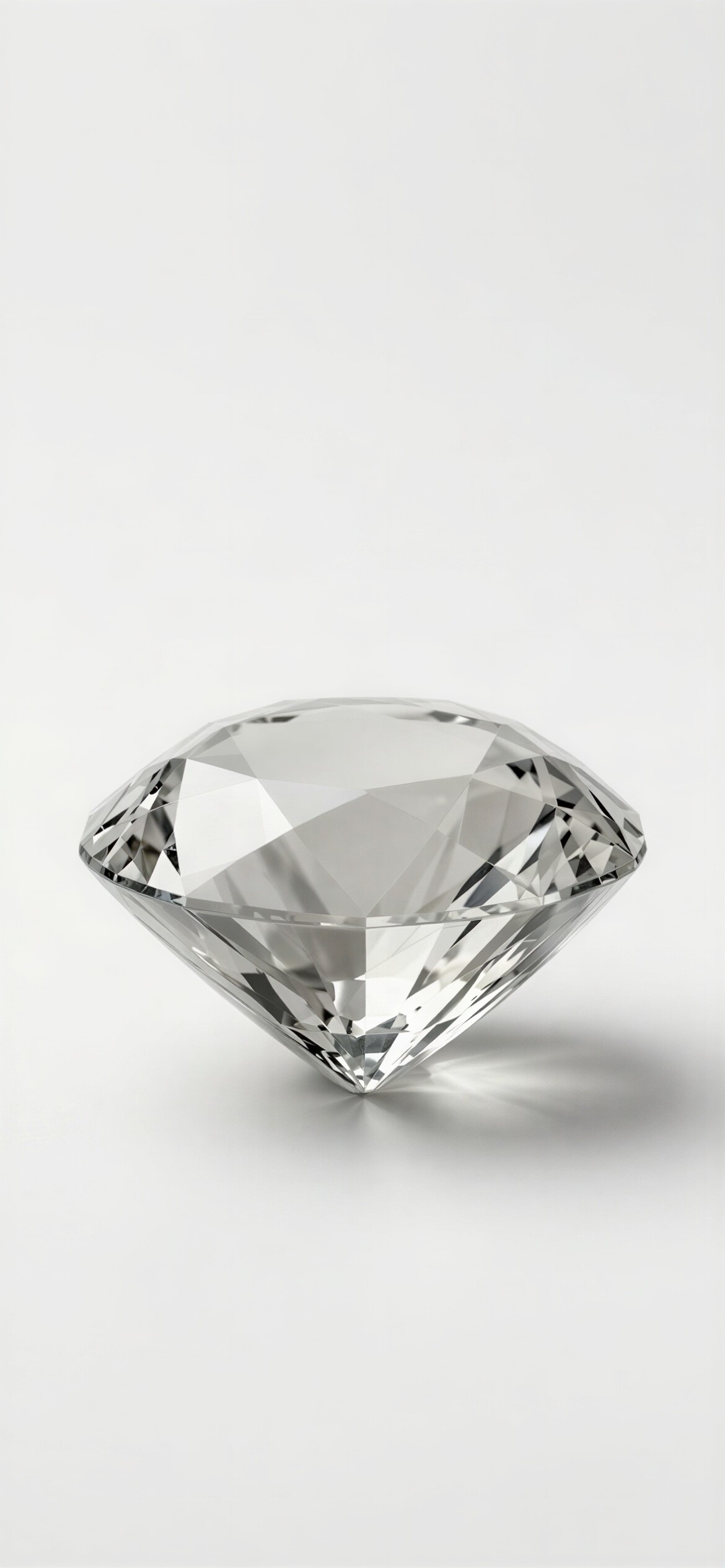
A diamond bends light more strongly than almost any other natural material, and cutters make use of that. Each flat face, or facet, is angled so that light entering the top bounces around inside the stone and comes back out toward your eye. The classic round brilliant cut has 57 or 58 facets, and in 1919 Marcel Tolkowsky published the proportions that still guide that cut today. A well-cut stone also splits white light into small flashes of colour, which jewellers call fire. The faceted single stones in wallpapers 1, 5 and 10 show this most clearly, with highlights sitting on the angled faces.
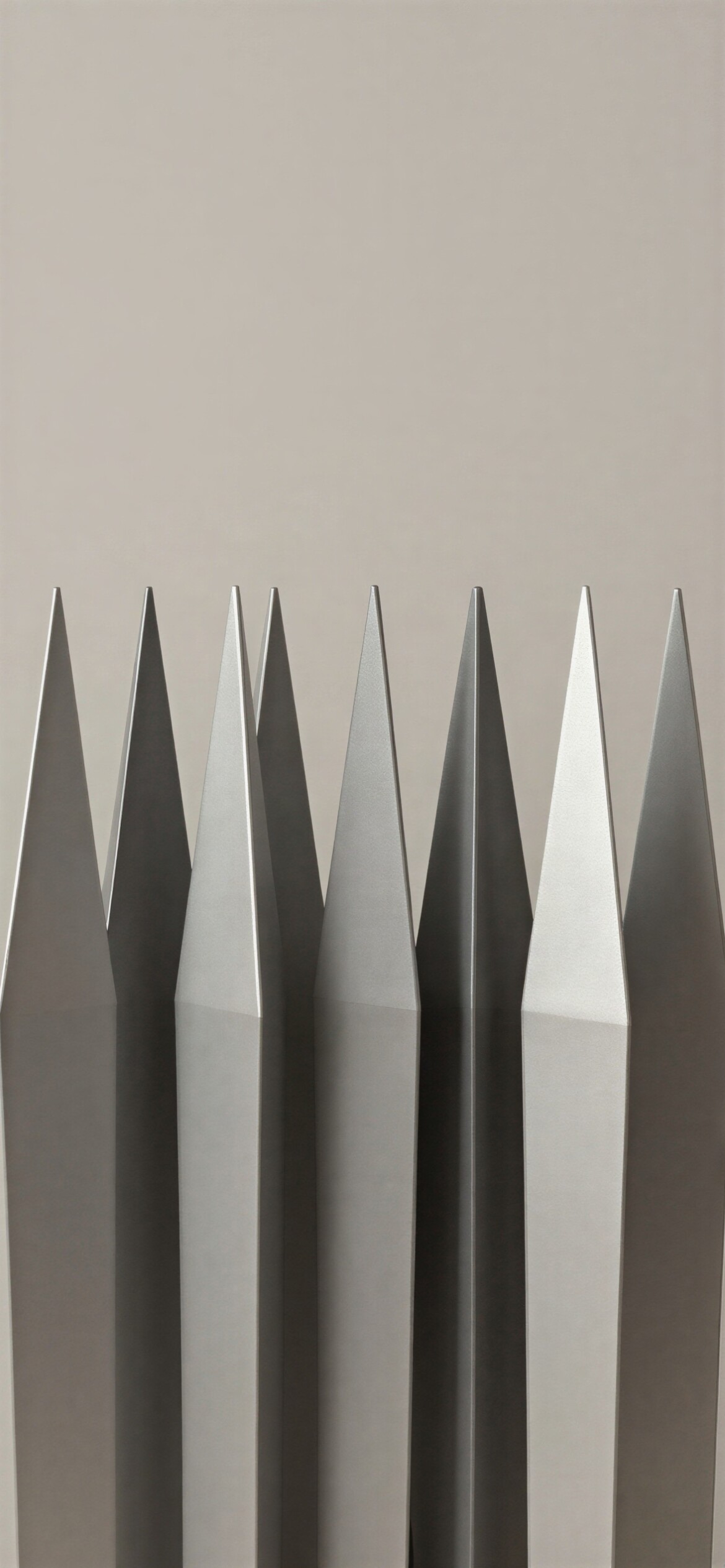
The shape itself reaches well beyond jewellery. The four-sided diamond, a rhombus, turns up in floor tiles, knitted patterns and the suit on playing cards, which is why the rows of shapes in wallpapers 4 and 9 look more like architecture than gems.
Single stones, scattered crystals and layered shapes
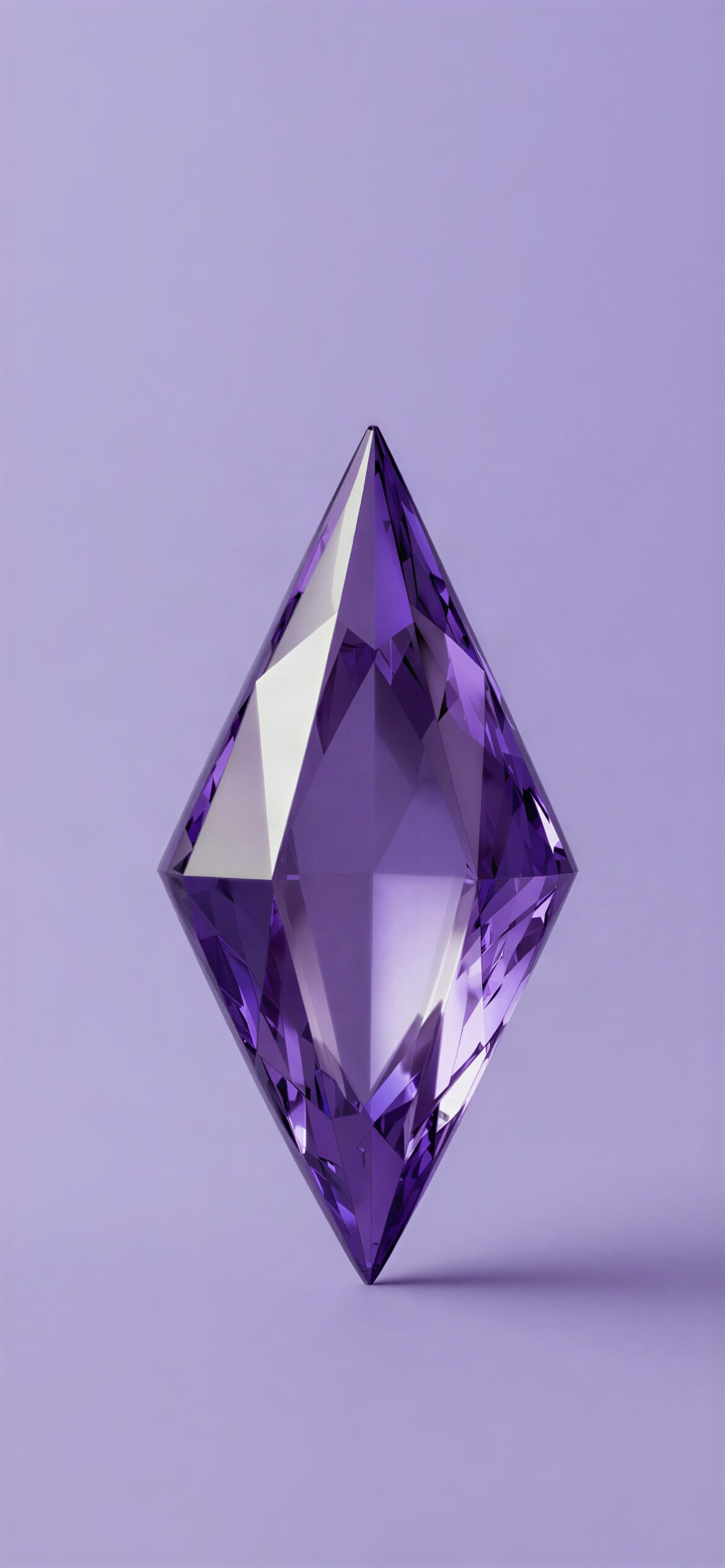
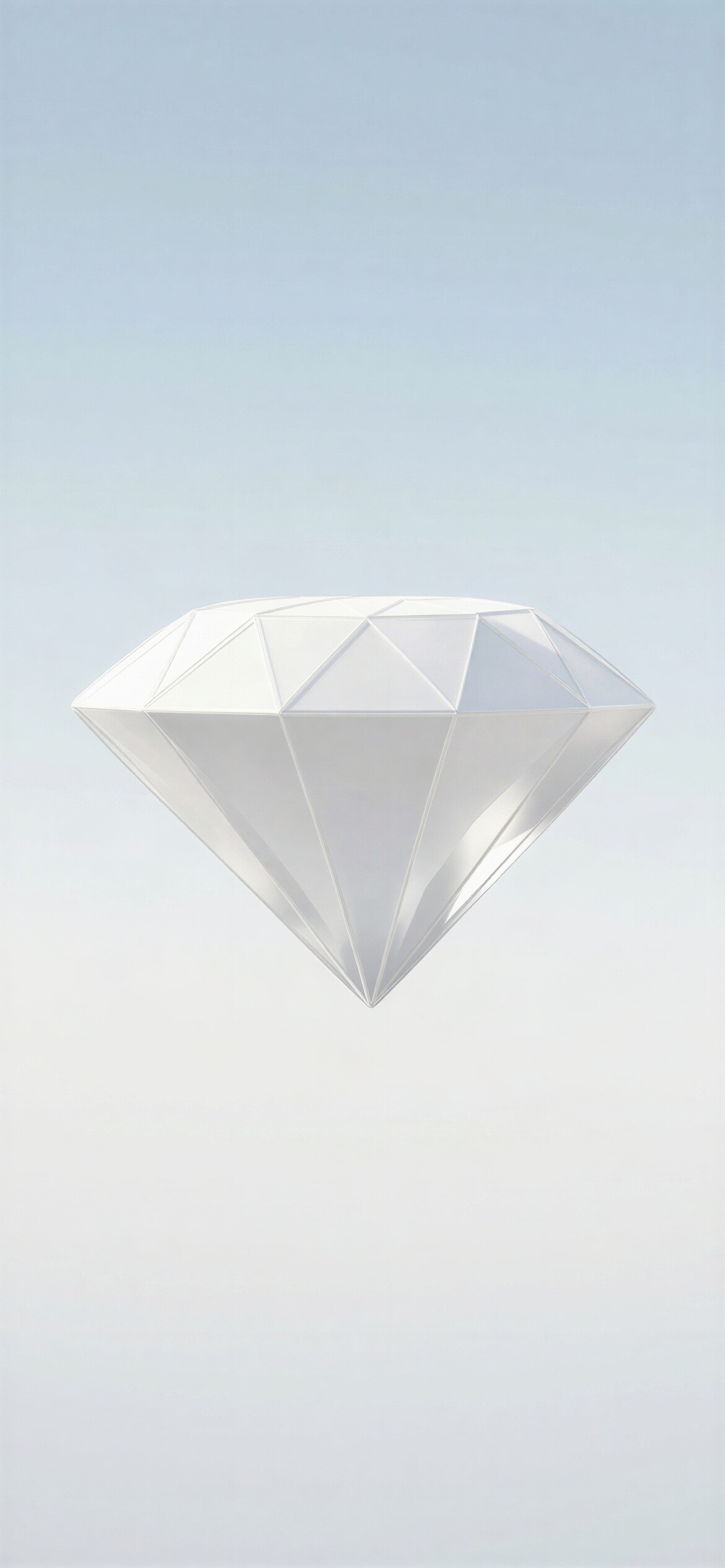
Five of the wallpapers keep it to one stone. Number 1 is a pale blue diamond with soft reflections and plenty of empty space above it, 3 is a warm amber stone on a peach gradient, and 5 is a deep purple and lavender diamond with white highlights. Number 7 is the plainest of all, a grey and white diamond on off-white, and 10 is a large bright white diamond fading into pale blue. These are the easiest to use as a lock screen with the clock on top.
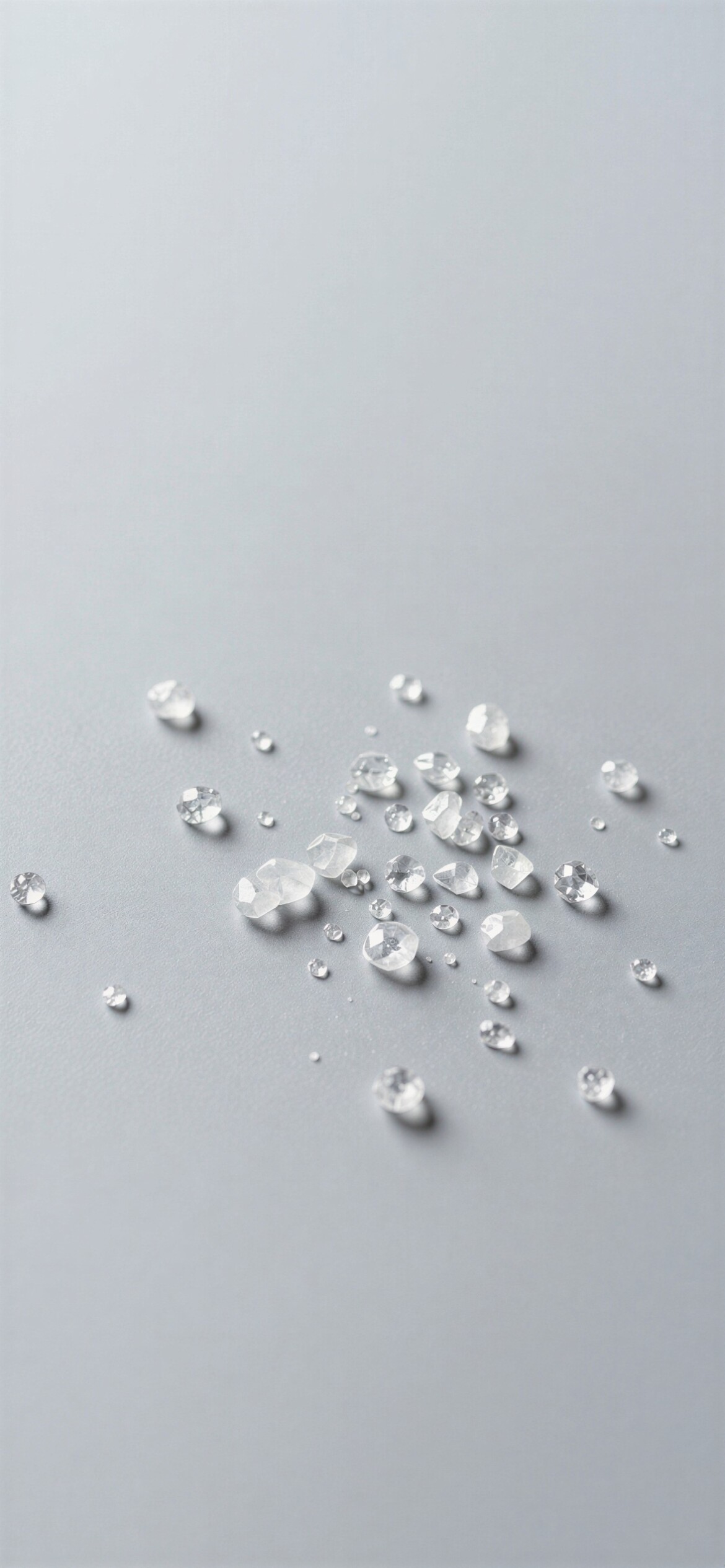
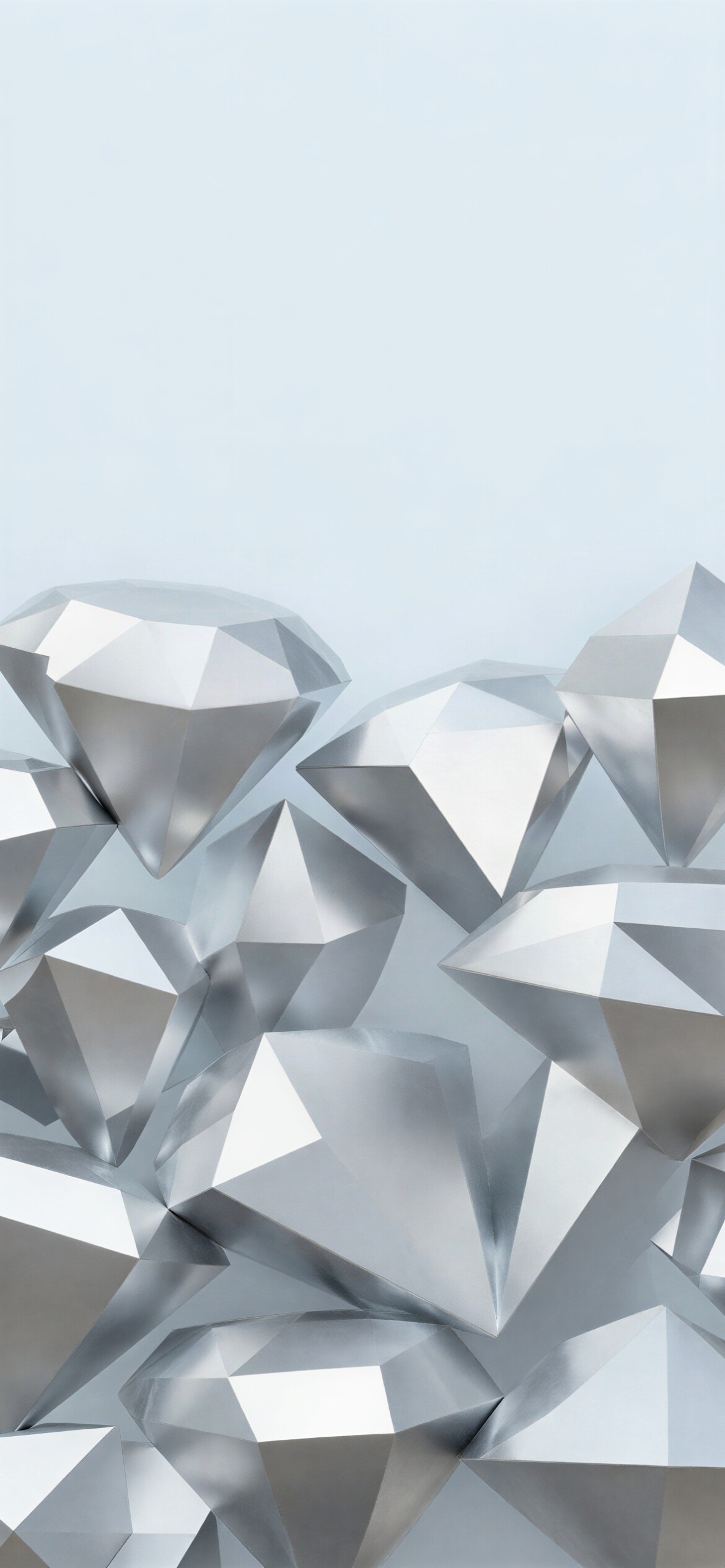
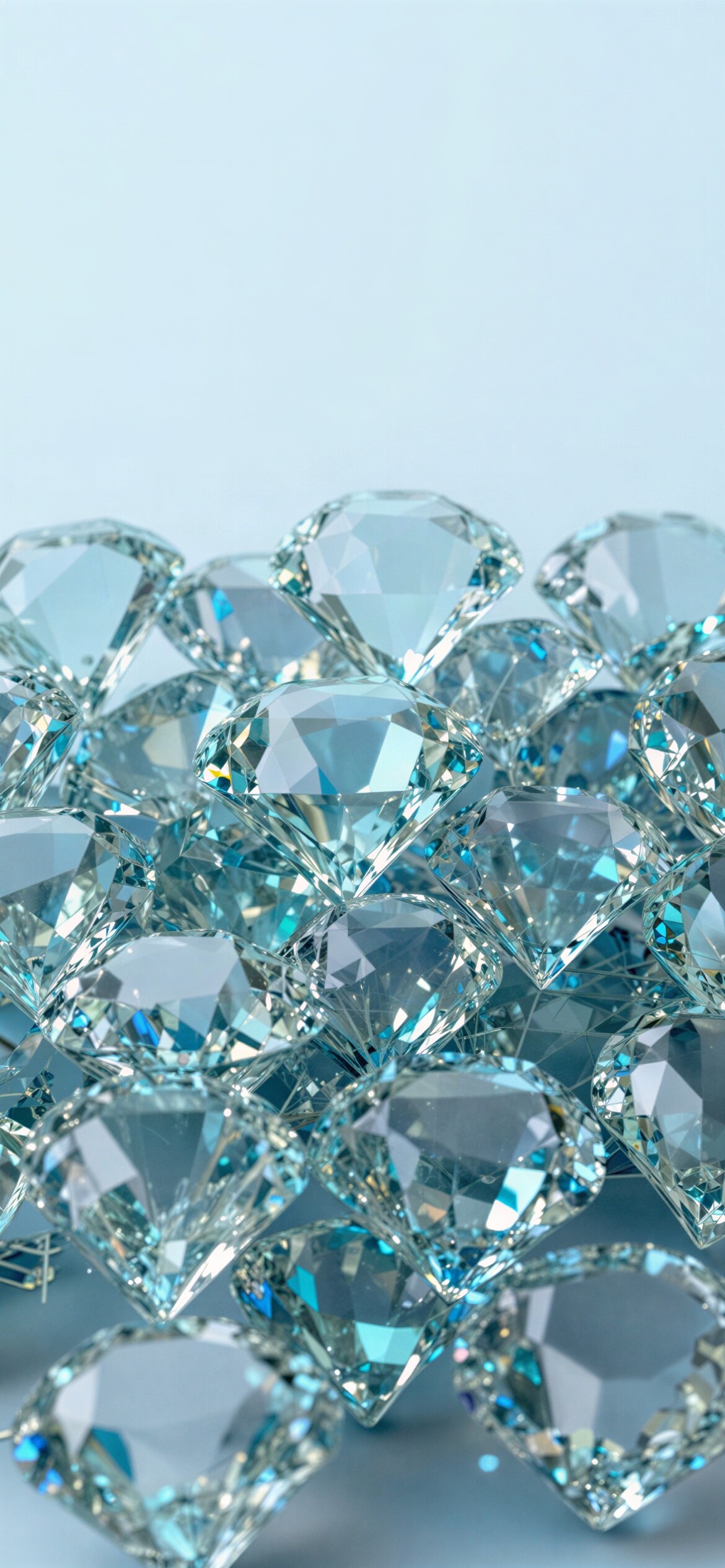
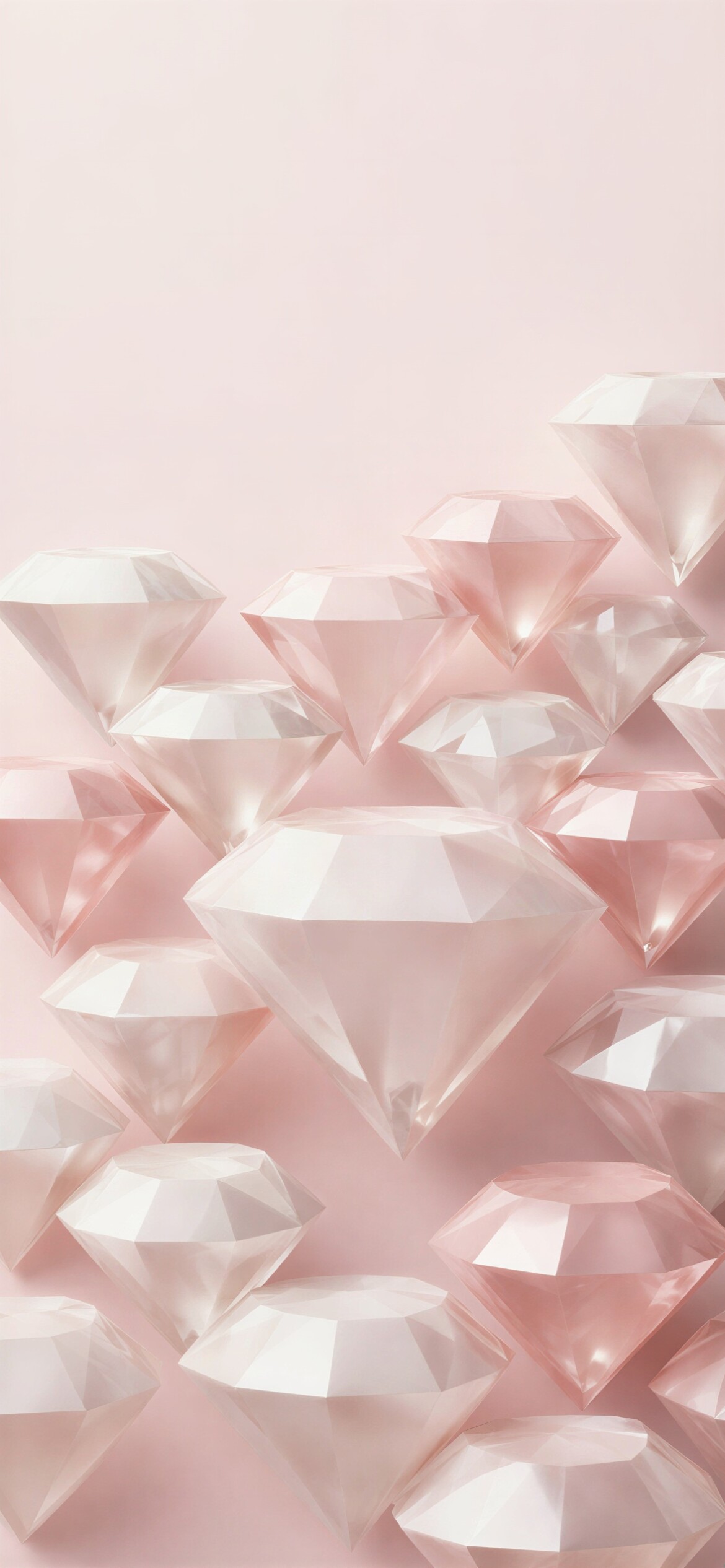
The other five fill more of the screen. Wallpaper 2 scatters clear crystals of different sizes across soft grey, and 6 groups translucent cyan diamonds that seem to glow from inside against white. In 8, blush and rose diamonds cascade down a pale pink background. Numbers 4 and 9 are more graphic: layered silver and grey shapes over pale blue in one, a vertical row of grey diamonds on warm beige in the other.
Blue, amber and pink: colours real diamonds come in
Not every diamond is colourless. Traces of boron give some stones a blue tint, nitrogen produces yellow and amber shades, and pink diamonds are among the rarest of all. The palette here borrows from that range. For a cool, icy screen, choose 1, 6 or 10. For something warmer and softer, try the amber of 3, the lavender of 5 or the blush tones of 8. If you want the screen to stay out of the way, the greys and beiges of 2, 4, 7 and 9 are the most neutral.
For more sparkle, the glitter wallpapers go further, the geometric set has more clean angles, and the silver wallpapers stay in the same cool metallic range.
How to set it on your iPhone
- Tap Download and save the image to Photos.
- Open Settings, tap Wallpaper, then Add New Wallpaper, and choose Photos.
- Pick the wallpaper, pinch to position it, then tap Add and choose the lock screen, home screen or both.
Stuck on a step? The iPhone and iPad guide has screenshots for each one.
Questions
Will these wallpapers fit my iPhone screen?
Yes. These designs are created at 1170x2532 pixels, which is the standard resolution for current iPhones. The tall vertical format with a simple top quarter and focused lower half is optimized for the iPhone display, leaving room for status bars and fitting perfectly behind your home screen and lock screen layouts.
Can I use these wallpapers commercially or share them elsewhere?
These wallpapers are free for personal use on your own devices only. You cannot sell them, print them for sale, or repost them on other wallpaper sites or social media. For full details on permitted use, please visit our Terms page.
Which diamond wallpapers work best on lock screens versus home screens?
The simpler, single-diamond designs work beautifully on lock screens where they won't compete with widgets or notifications. The busier, multi-crystal compositions suit home screens better, providing visual interest behind your apps. The minimal top portions of all designs ensure time and status information stays readable on lock screens.
Do these diamond designs work with both light and dark mode?
Yes. The neutral greys, whites and cool tones adapt well to light mode, while the darker shades and subtle highlights work nicely in dark mode. For dark mode, try the grey-toned and deeper purple options. For light mode, the pale and white-heavy designs feel fresher. All designs maintain their geometric elegance regardless of your system setting.