Dark Aesthetic Wallpaper iPhone
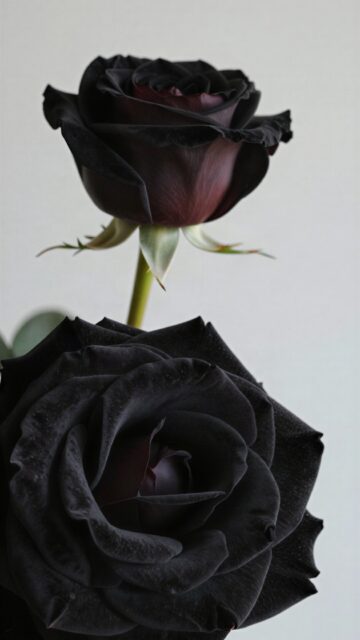
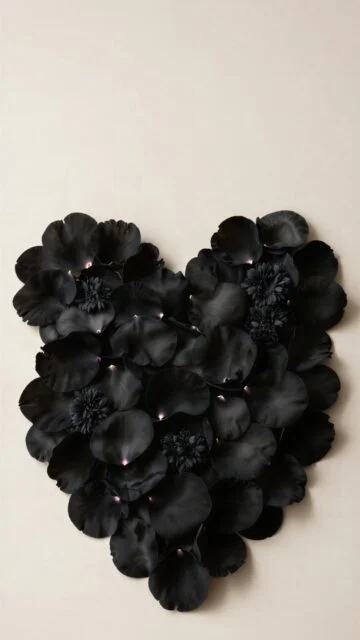
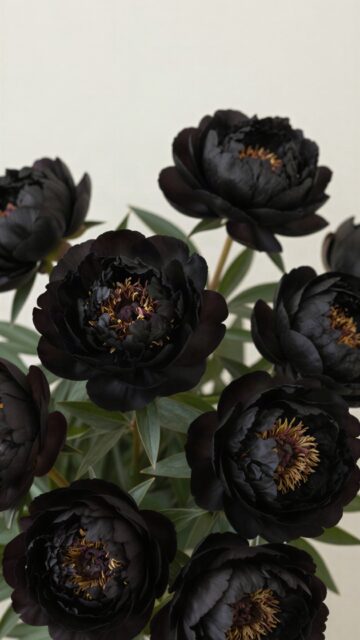
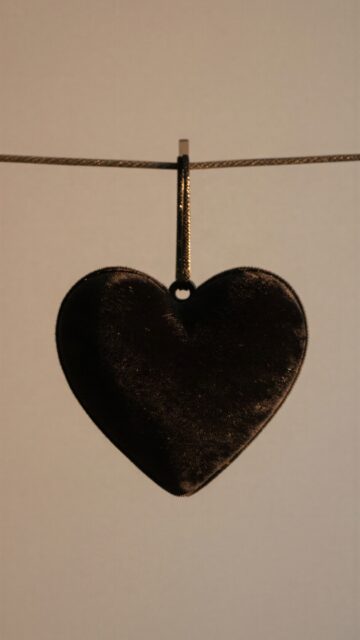
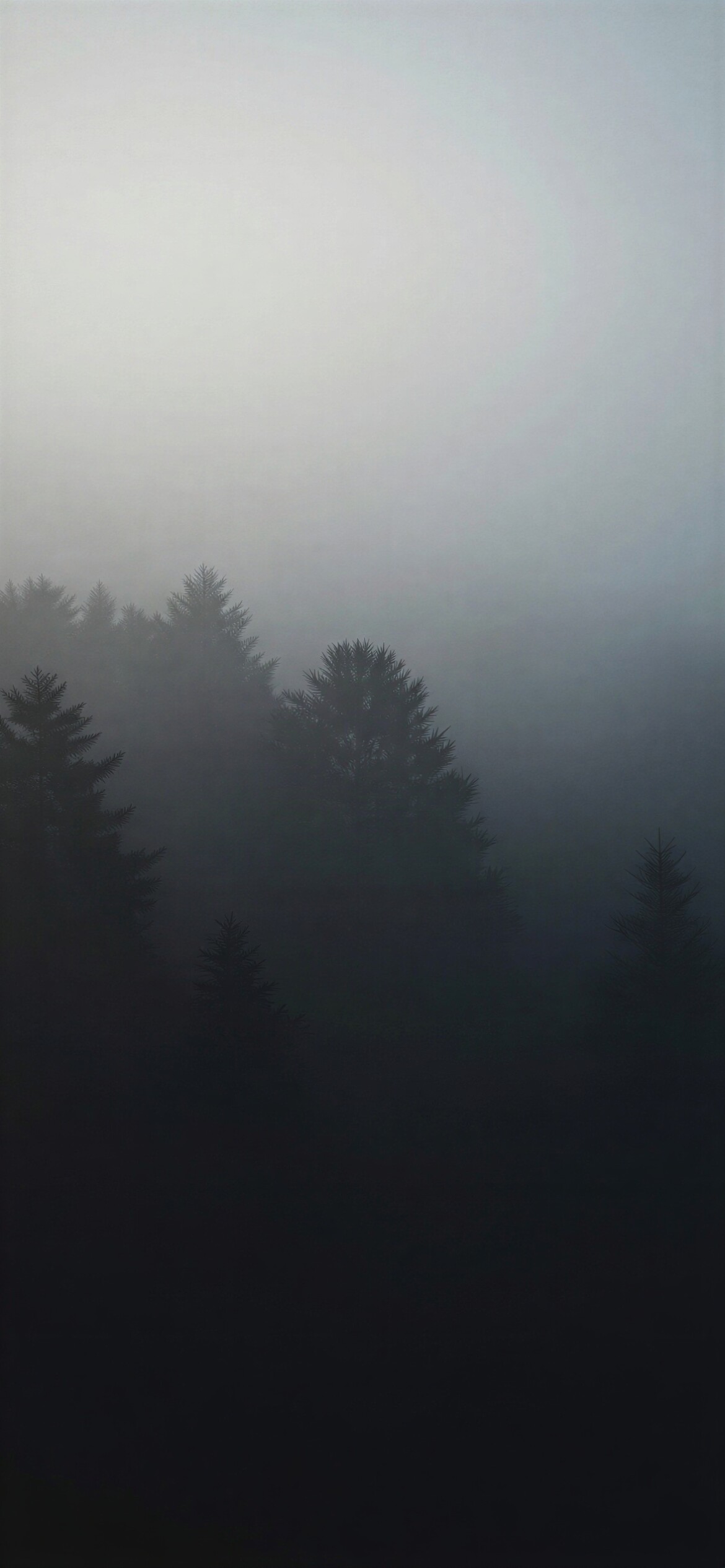
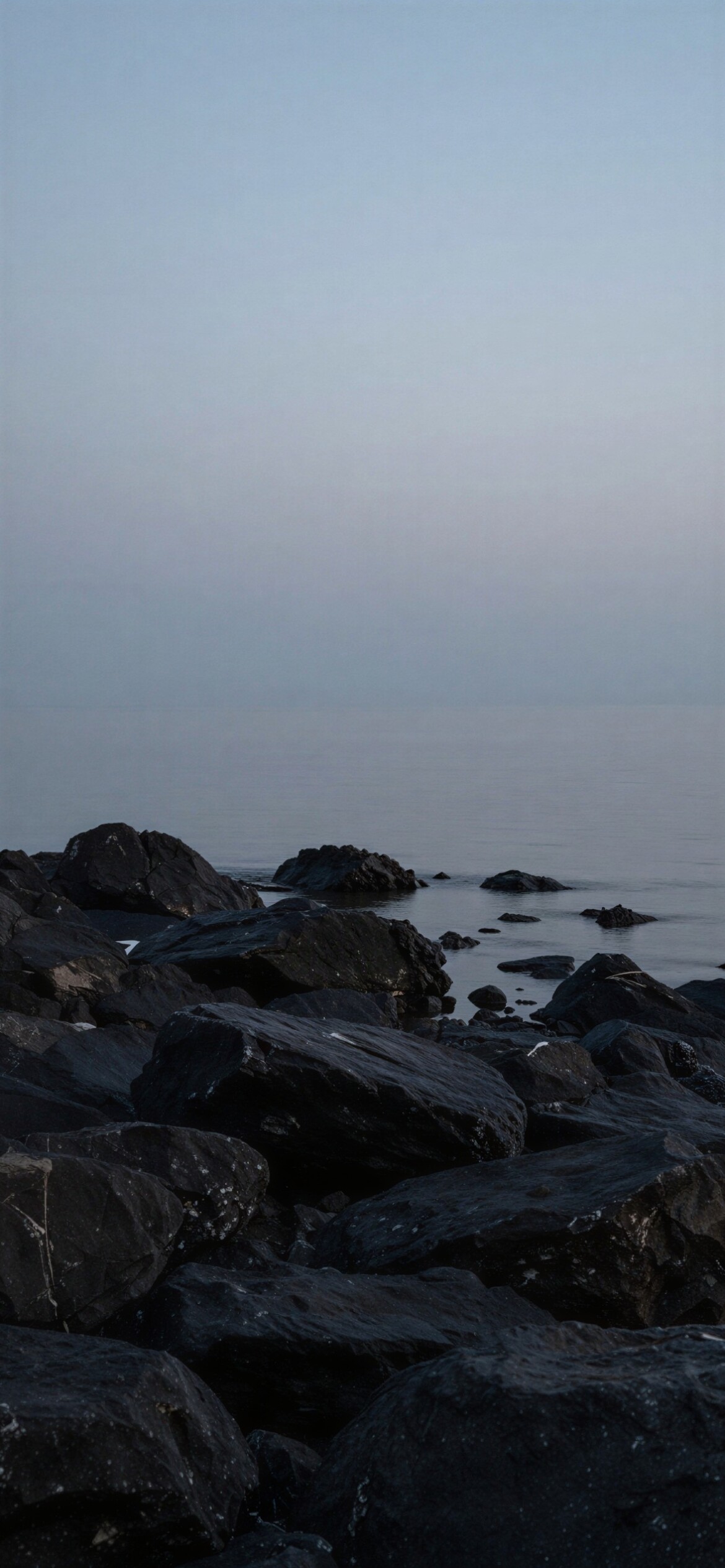
Dark aesthetic wallpaper for iPhone offers moody, atmospheric designs with muted tones and soft lighting that work year-round. These wallpapers feature scenes with calm, introspective vibes—from quiet urban moments to natural landscapes bathed in low light. Each dark aesthetic design is curated to feel modern and minimal, with plenty of negative space that keeps your lock screen clean and lets notifications show clearly. The collection suits both lock and home screens on any iPhone.
10 wallpapers at 1170 × 2532 px for iPhone. Checked by hand on 10 Oct 2026.
About this set
These designs embrace muted tones, soft lighting and quiet moments that feel introspective and calm. Each wallpaper uses a lot of negative space and minimal detail, which makes them ideal for lock screens where notifications need to stand out clearly. The atmospheric scenes work equally well on home screens, especially behind app icons arranged with plenty of breathing room.
The collection pairs well with minimal icon packs, dark mode and monochrome widgets. These wallpapers suit anyone who prefers understated, moody aesthetics that don’t compete for attention. They work across all seasons and never feel dated or trendy.
Ten quiet places after the light goes
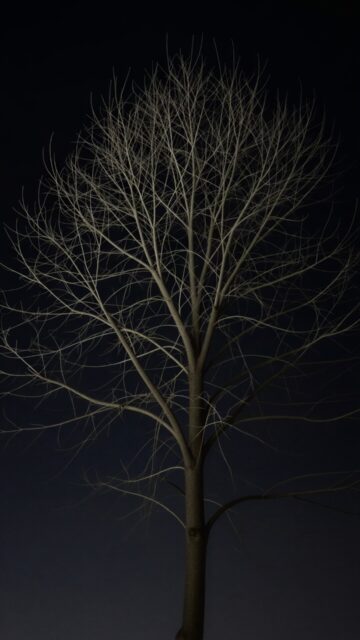
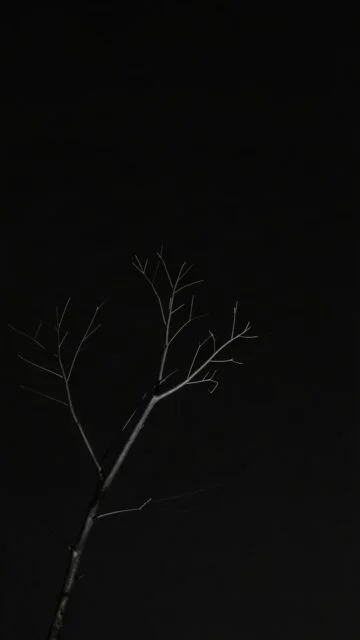
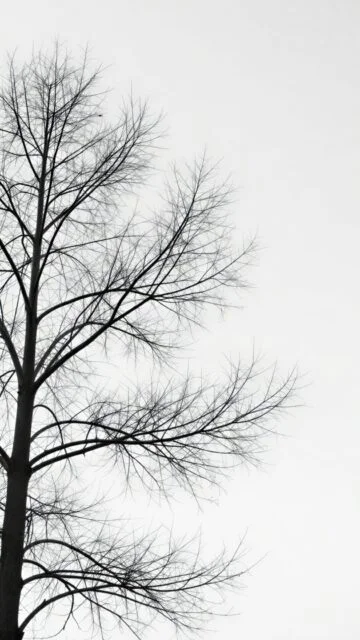
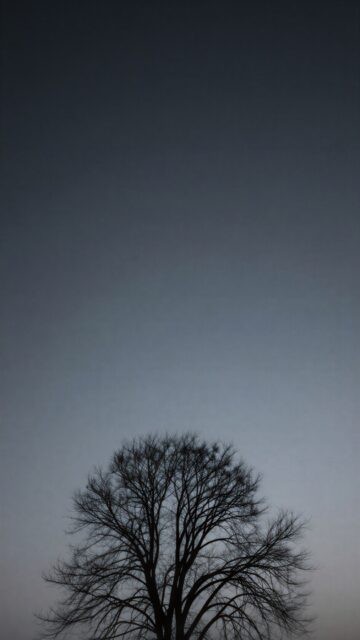
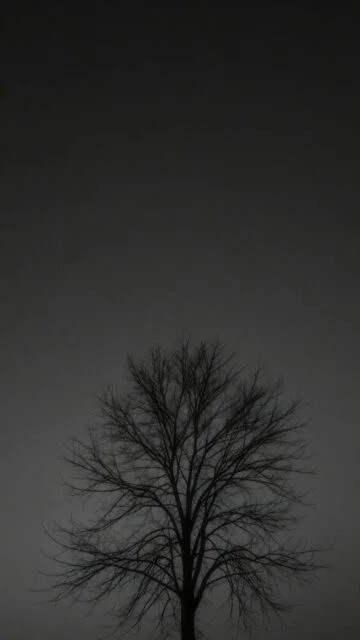
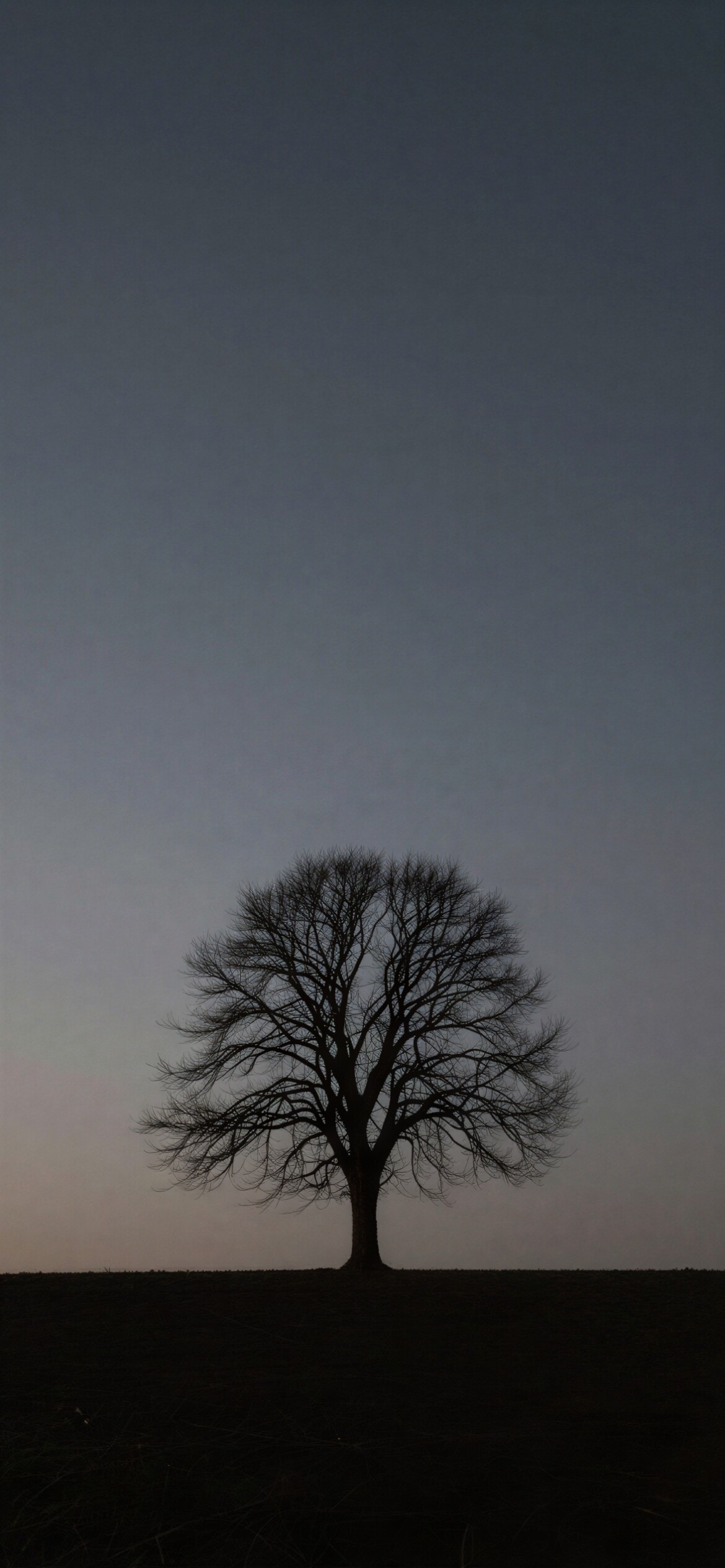
- A bare tree drawn as a silhouette against a grey twilight sky. Simple enough for a lock screen with a lot of widgets.
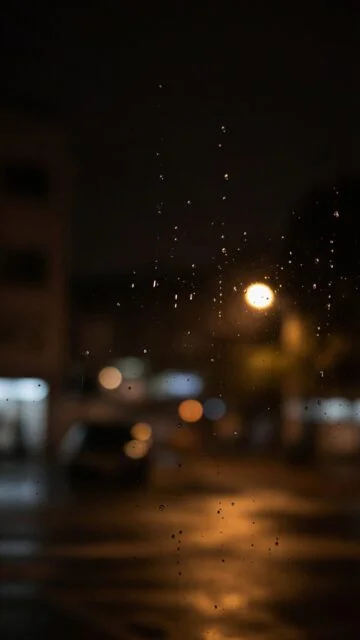
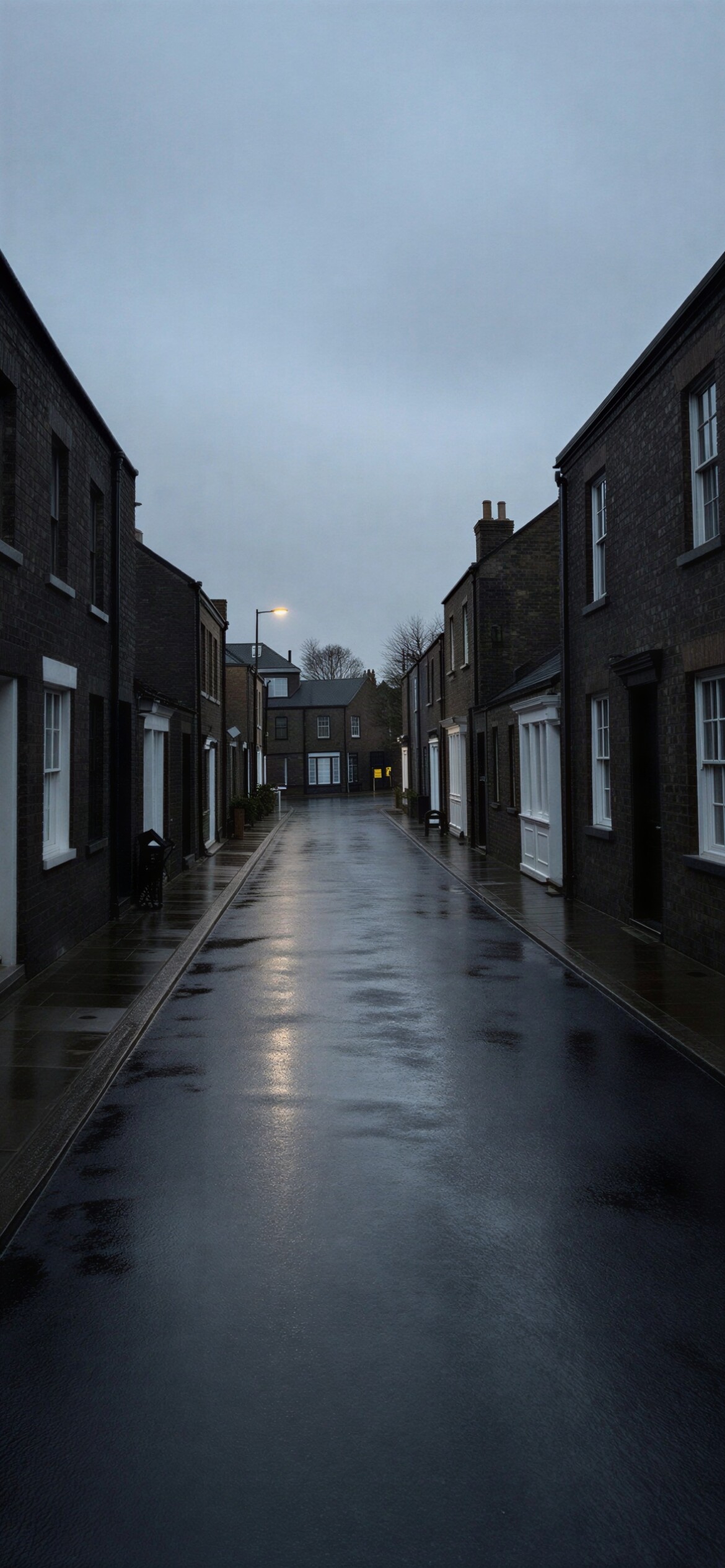
- An empty street after rain, with streetlight reflections spread across the wet surface. Good if you like a little glow.
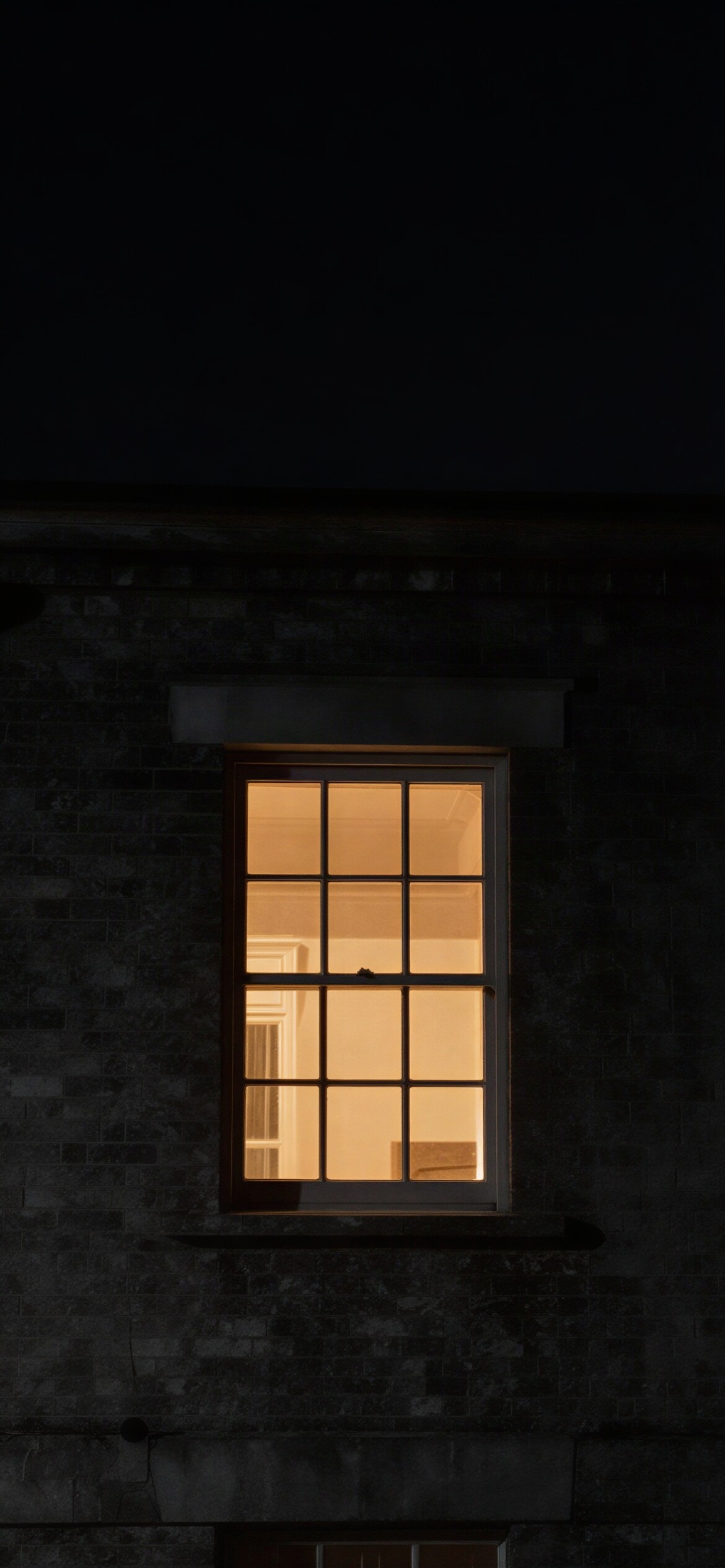
- One lit window in a dark brick building at night. The single warm point makes it the most personal of the ten.
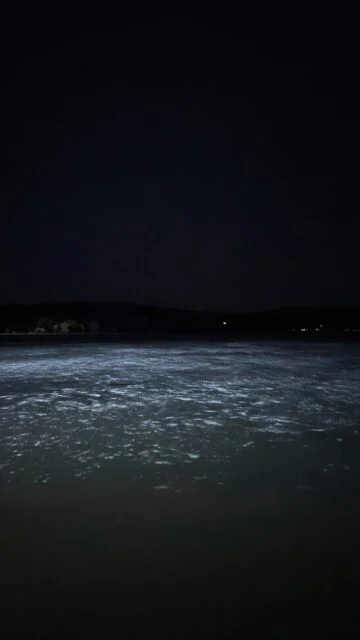
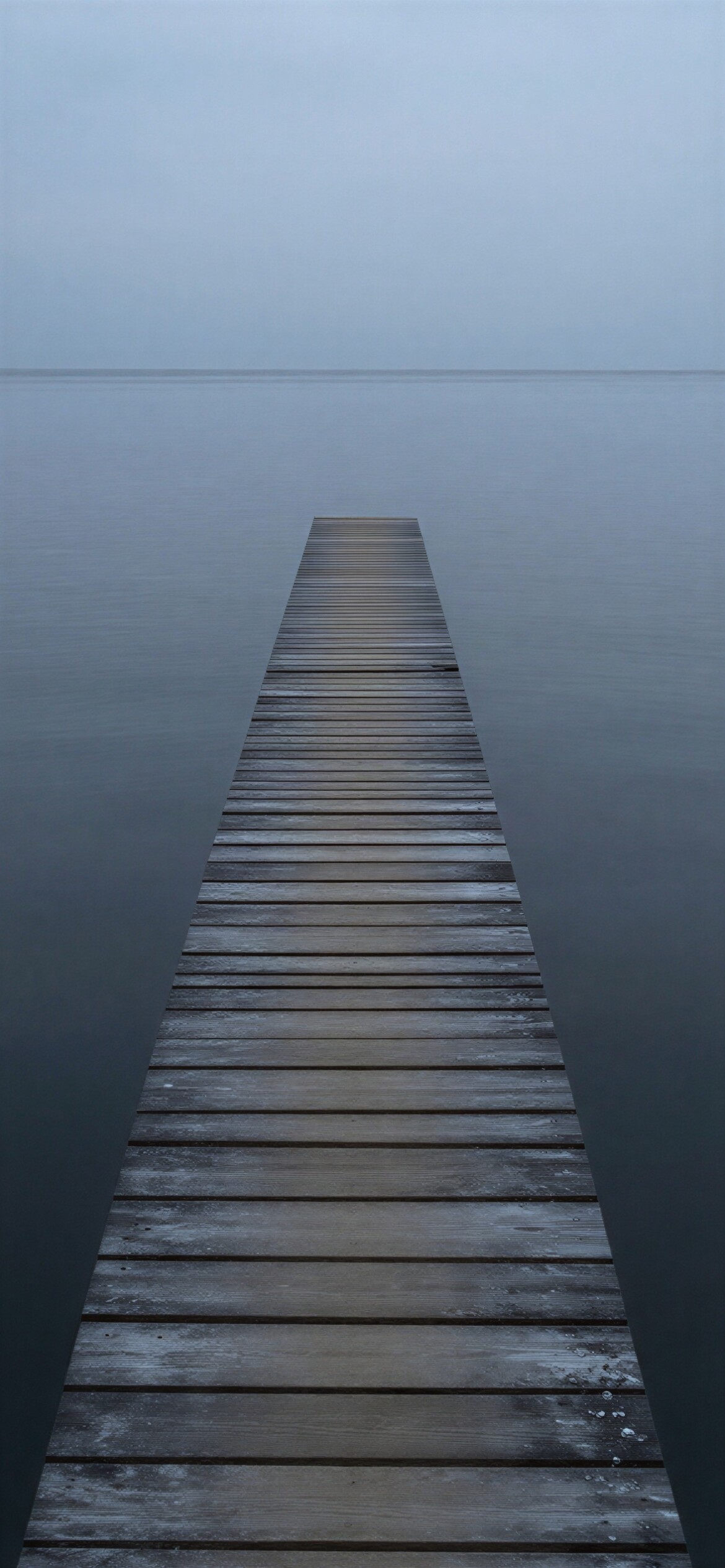
- A pier running out into a still, dark lake at dusk, a strong line that pulls the eye into the picture.
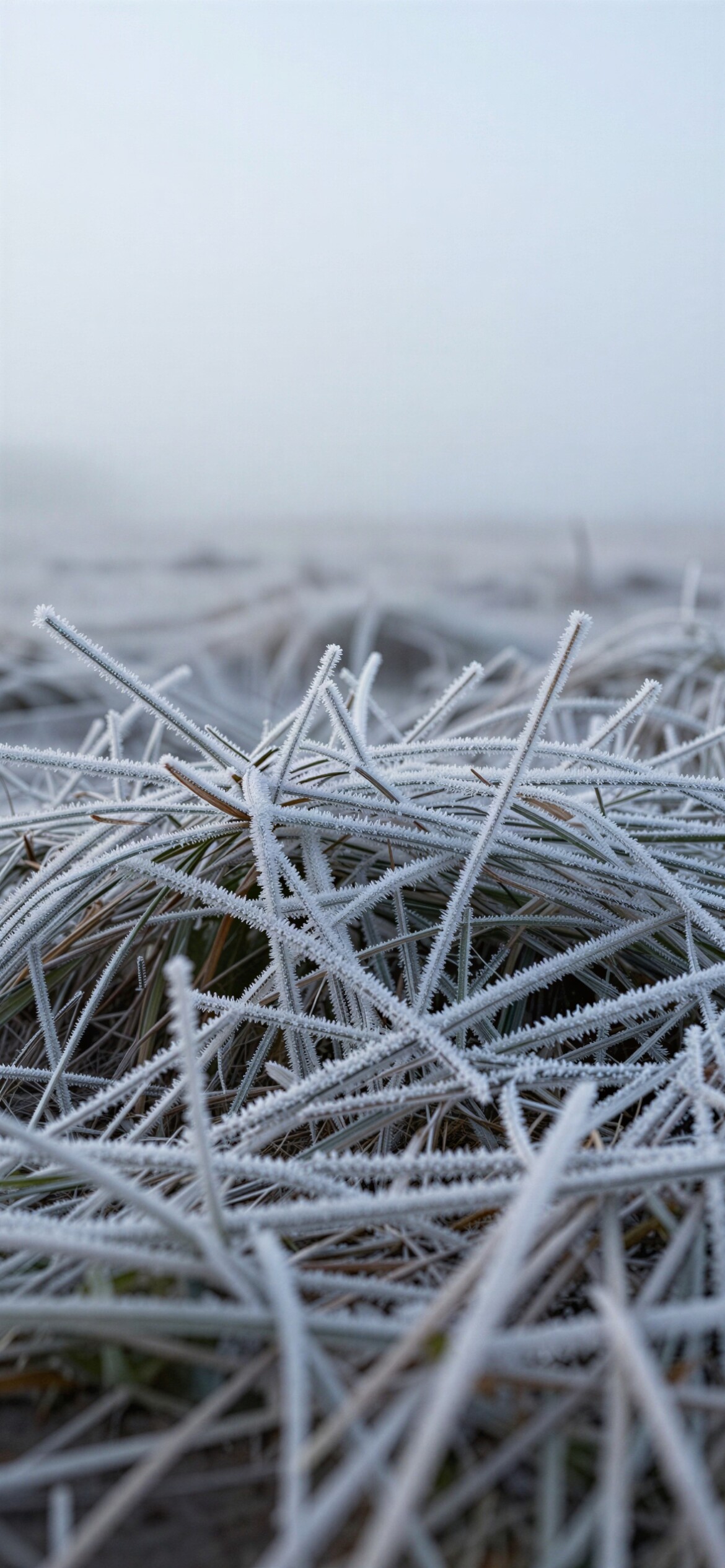
- Frost on grass and plants in cool morning light, the lightest and most textured picture here.
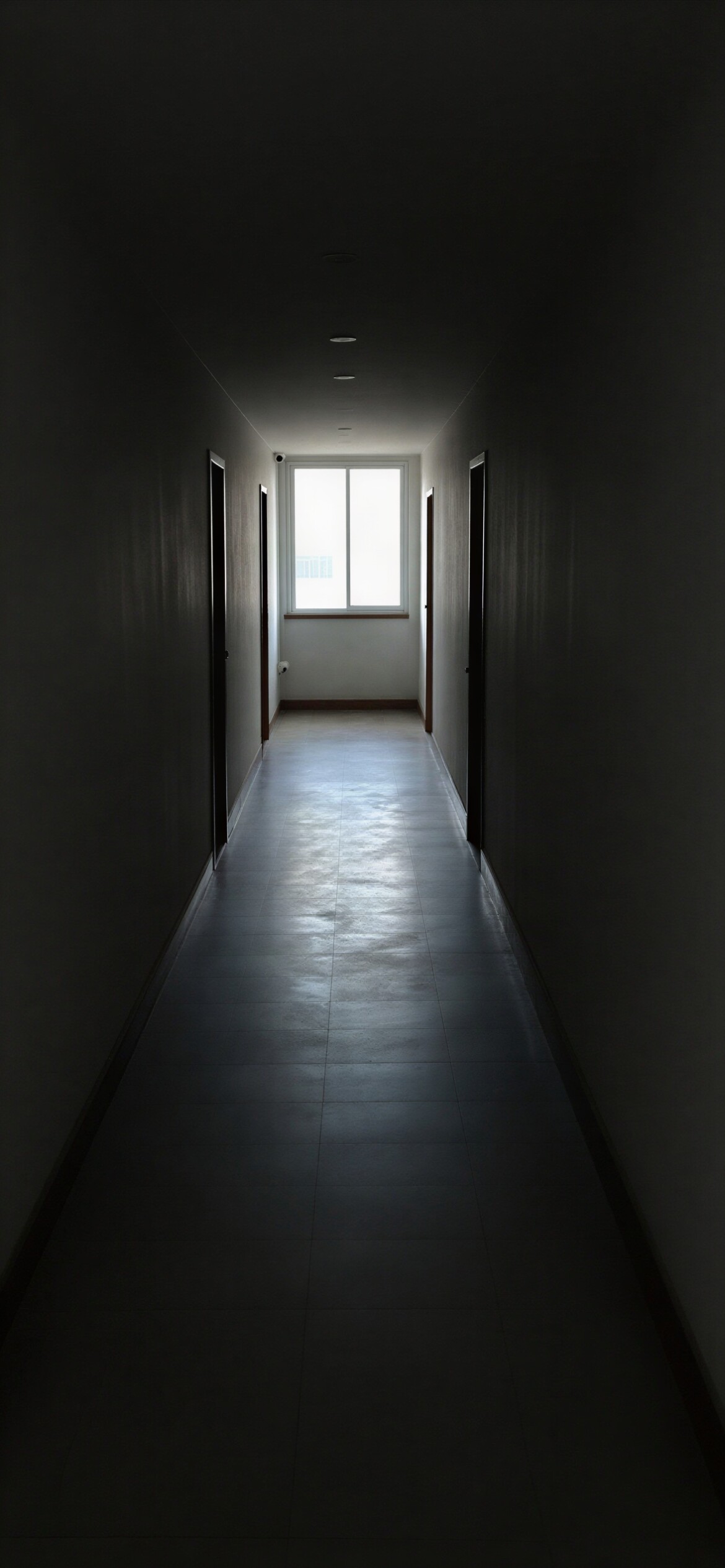
- A dark hallway with a light far at the end. It works best with few icons so the depth stays visible.
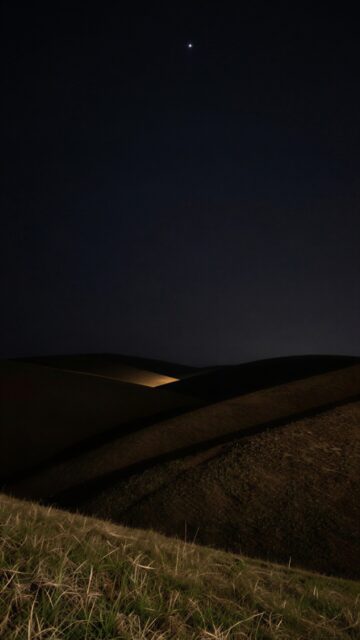
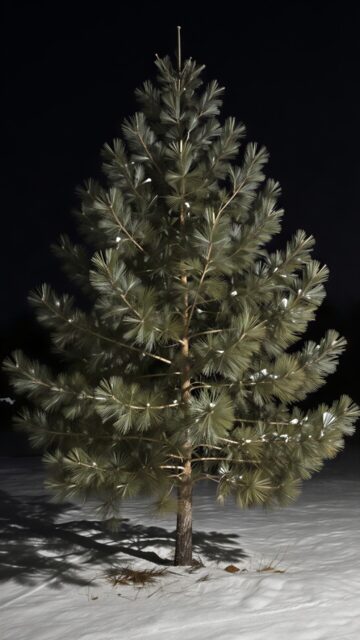
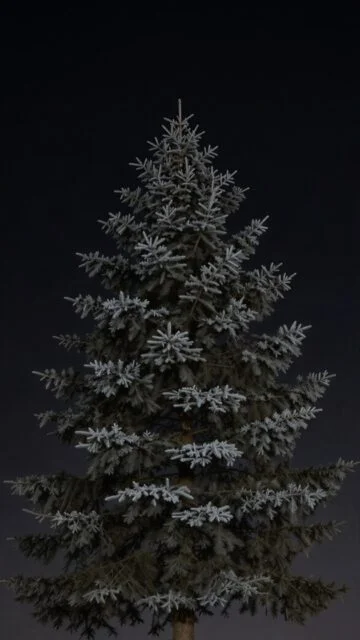
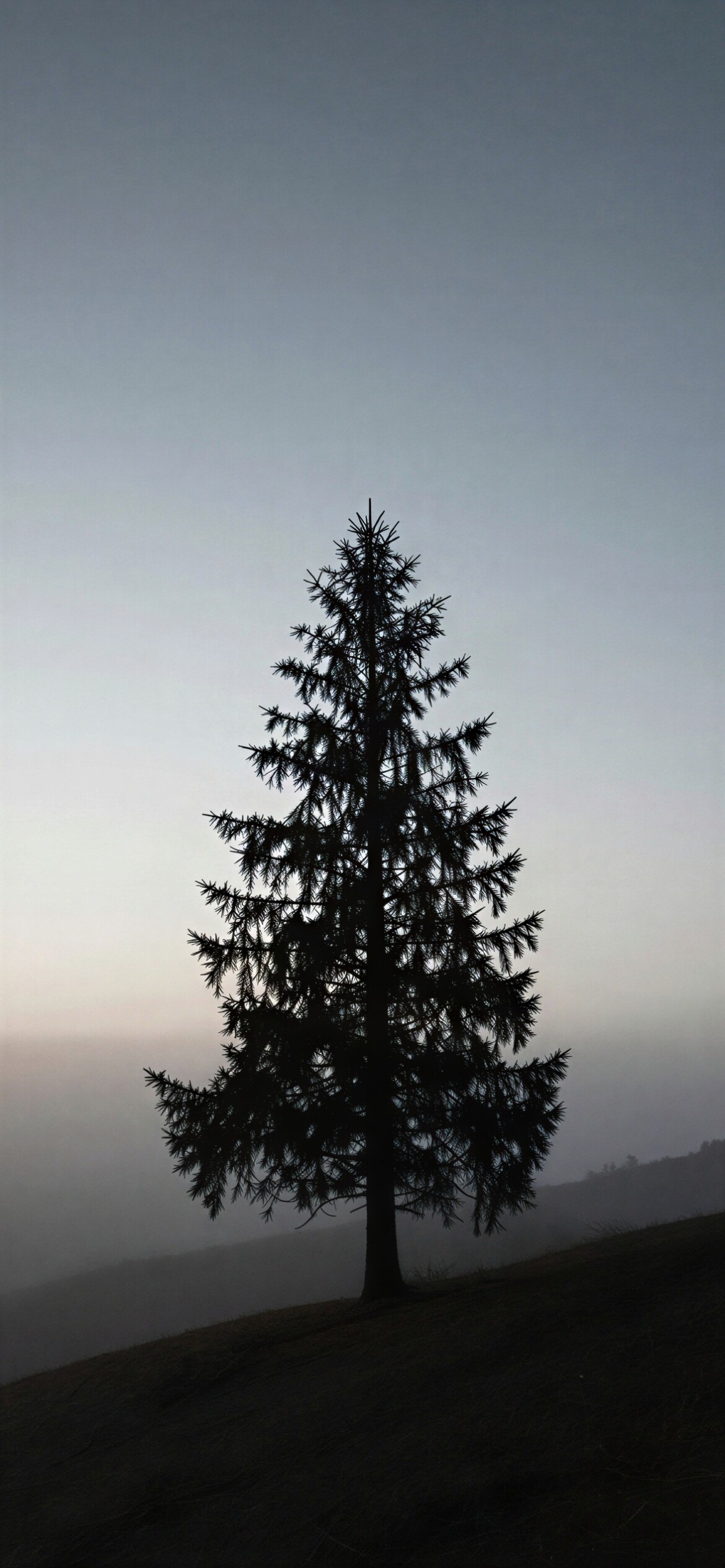
- A single evergreen on a misty hillside at dawn, calm and almost empty.
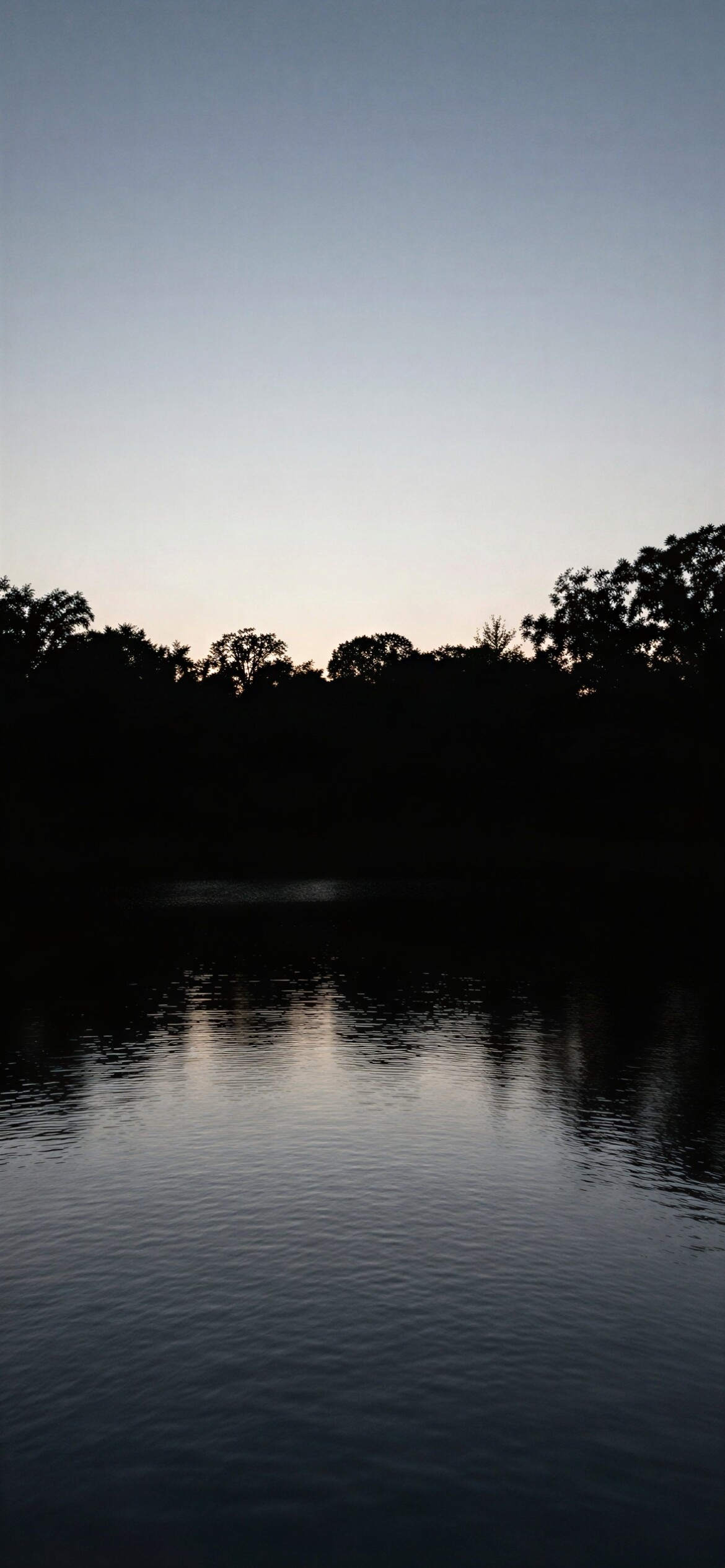
- A still pond holding the twilight sky, framed by dark tree silhouettes.
- Fog moving through a dark forest, the trunks only just showing.
- A rocky shoreline meeting still water at twilight, low and wide with plenty of open sky.
Whistler's nocturnes and Hopper's lit windows
Painters were drawn to this kind of half-light long before phones. In the 1870s James McNeill Whistler painted a series of Thames scenes at dusk and after dark that he called Nocturnes, borrowing the word from music. One of them, Nocturne in Black and Gold: The Falling Rocket, so annoyed the critic John Ruskin that he accused Whistler of flinging a pot of paint in the public's face, and Whistler sued him for libel. The case reached court in 1878 and Whistler won, but was awarded a single farthing in damages. The still water and dim shorelines in #4, #8 and #10 sit very much in that tradition.
Edward Hopper took the idea into the city. His 1928 painting Night Windows, now at the Museum of Modern Art in New York, looks into a lit apartment from the dark street outside, and lone lit windows turn up again and again in his work. Picture #3 has the same feeling of seeing one small life going on inside a sleeping building.
How dark is dark?
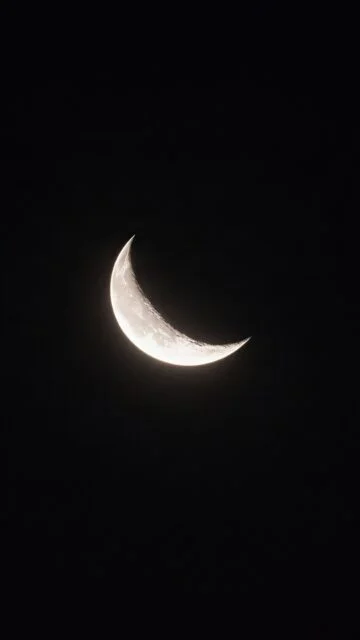
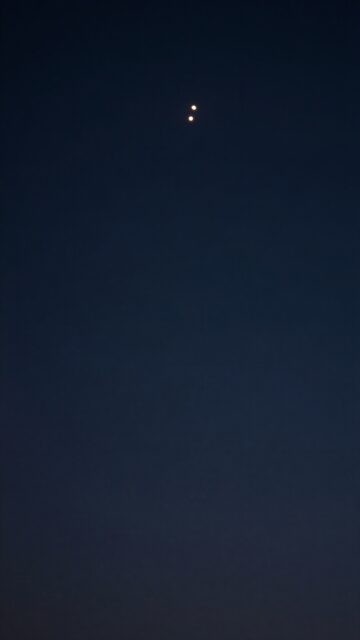
Astronomers split the time after sunset into three stages. Civil twilight lasts until the sun is 6 degrees below the horizon and still leaves colour in the sky. Nautical twilight runs to 12 degrees, and astronomical twilight to 18, after which the sky is fully dark. The pictures map onto that slide quite neatly. #1, #4, #8 and #10 keep some twilight colour in the sky. #2, #3 and #6 are past it, lit only by streetlights, windows or a distant lamp. #5, #7 and #9 go the other way, toward morning, with mist, frost and pale grey air in place of night.
For more in this register, try the night wallpapers, the rain and bare branches of the emo set, or the near-black backgrounds in the black aesthetic collection.
How to set it on your iPhone
- Tap Download and save the image to Photos.
- Open Settings, tap Wallpaper, then Add New Wallpaper, and choose Photos.
- Pick the wallpaper, pinch to position it, then tap Add and choose the lock screen, home screen or both.
Stuck on a step? The iPhone and iPad guide has screenshots for each one.
Questions
What size are these wallpapers, and will they fit my iPhone?
All wallpapers in this set are 1170x2532 pixels, the standard size for iPhone lock and home screens. They are sized for modern iPhones, and some older models may crop slightly at the edges. Download and set directly without resizing.
Can I use these wallpapers commercially or repost them elsewhere?
These wallpapers are free for personal use on your own devices only. You may not sell them, print them for sale, or repost them on other wallpaper sites or social media. See our Terms page for full details on acceptable use.
Which of these wallpapers work better for lock screens versus home screens?
All of these designs work well on both screens. For lock screens, the minimal composition and dark tones keep notifications readable. On home screens, they pair best with icon layouts that avoid the bottom half where the main subjects sit, so your apps stay visible and the aesthetic stays clean.
Do these dark aesthetic wallpapers work with light mode, or only dark mode?
These wallpapers are designed for dark mode and look best with it enabled. They feature cool, muted tones and low contrast that complement dark mode settings. Using them in light mode may make some elements harder to see and won't match the intended mood.