Glitter Wallpaper iPhone
Glitter wallpaper for iPhone brings sparkle and shine to your lock and home screens with shimmering particles and metallic accents. These free iPhone wallpapers feature soft gradients, light reflections and glittery textures in warm golds, cool silvers and rich jewel tones. Each design works year-round on any iPhone model and pairs well with minimal icon sets or colorful app layouts.
9 wallpapers at 1170 × 2532 px for iPhone. Checked by hand on 9 Oct 2026.
About this set
These glitter wallpapers feature soft gradients and shimmering particles that catch light across your screen. The designs work best as lock screen backgrounds where the sparkle draws attention to the time and notifications, but they pair equally well with minimal home screen layouts. The soft, luminous quality complements both light and dark mode icon sets.
Choose designs in warm golds and pinks for a cozy, romantic feel, or reach for cool silvers and blues for a crisp, modern look. The glitter effect works year-round and suits any personal style or seasonal theme you pair it with.
Nine backgrounds, nine kinds of sparkle
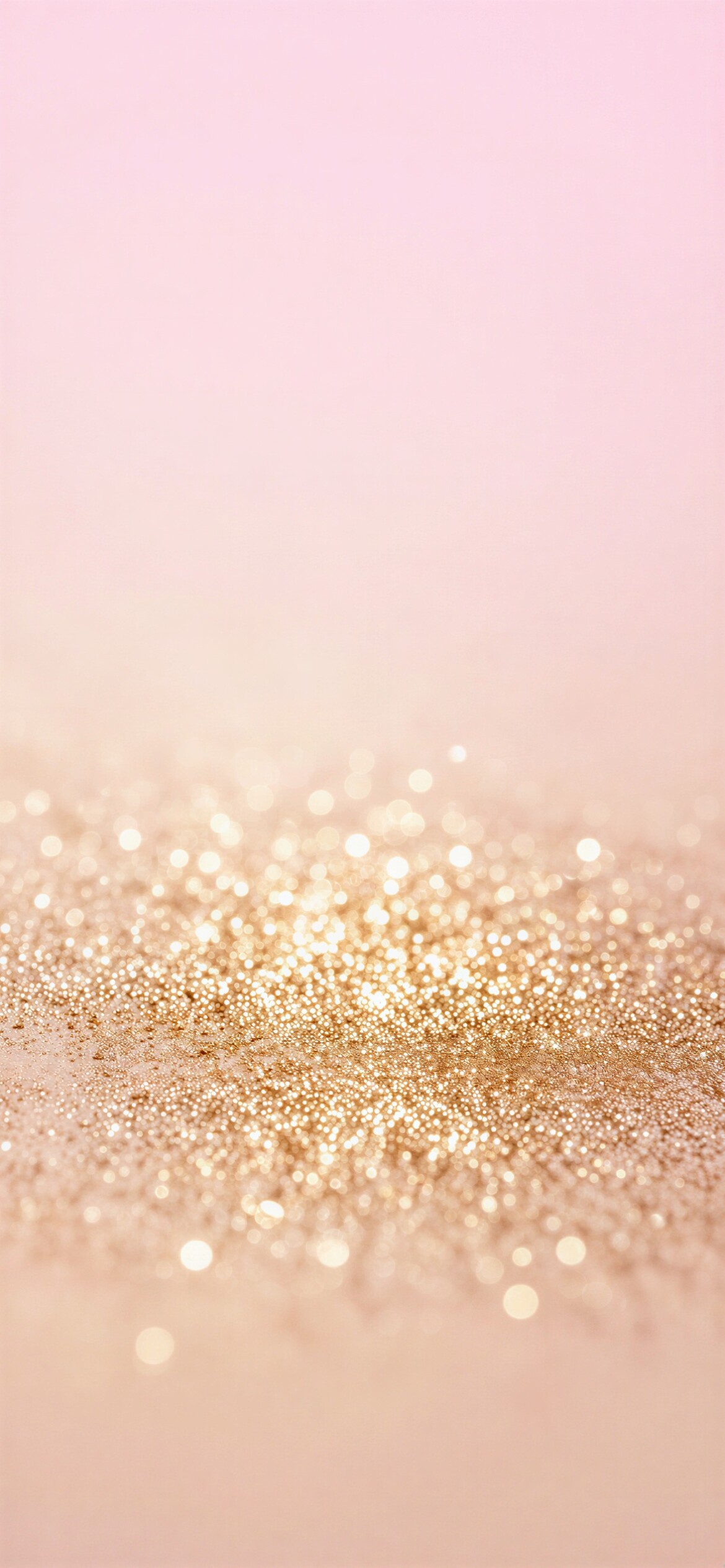
- 1. Soft pink with golden sparkles gathered in the lower half. The top stays clean, so the clock sits on plain pink.
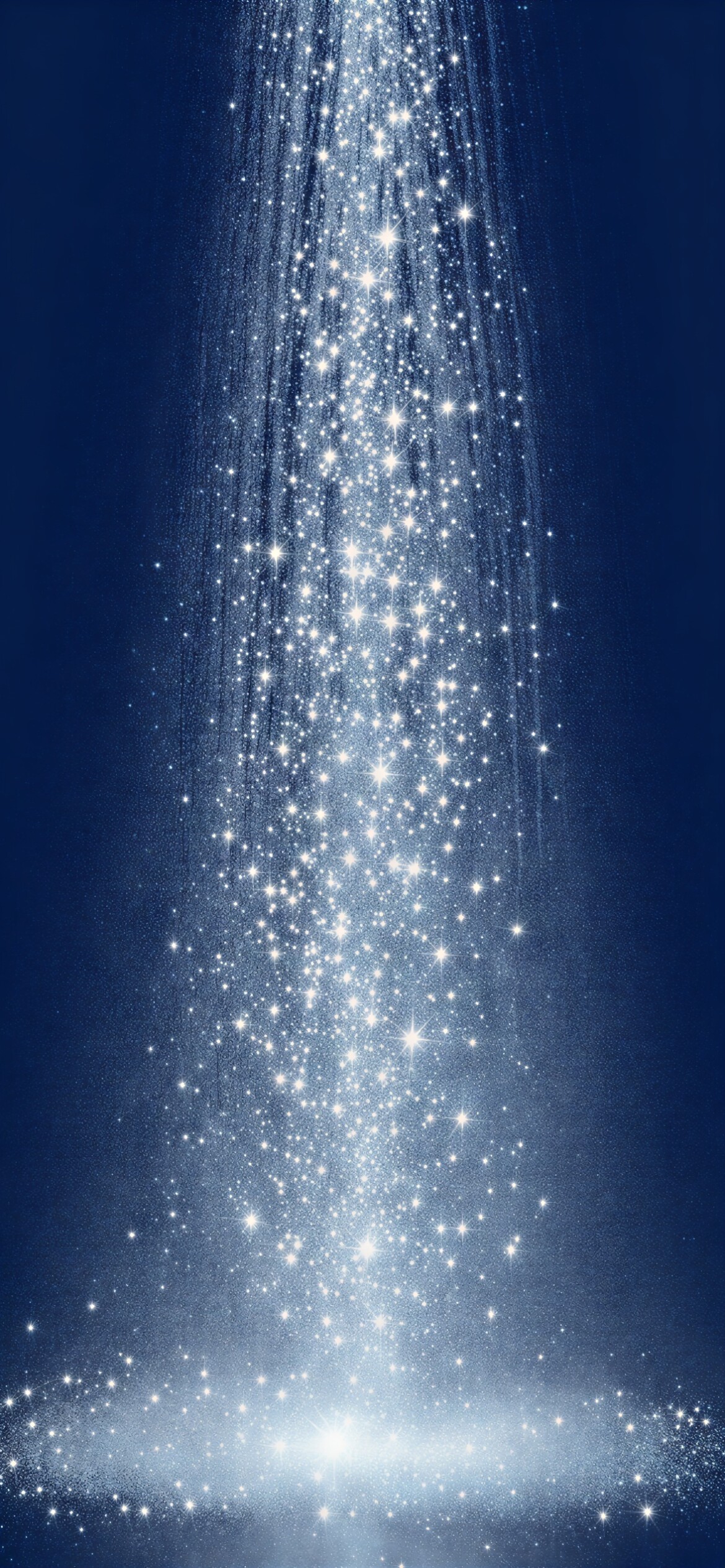
- 2. Deep navy with silver particles falling down the screen. One of the best picks for a phone that lives in dark mode.
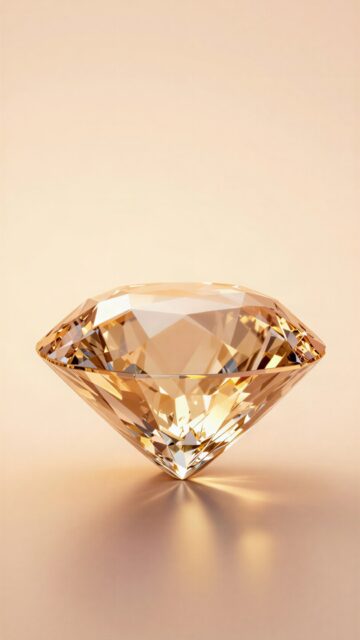
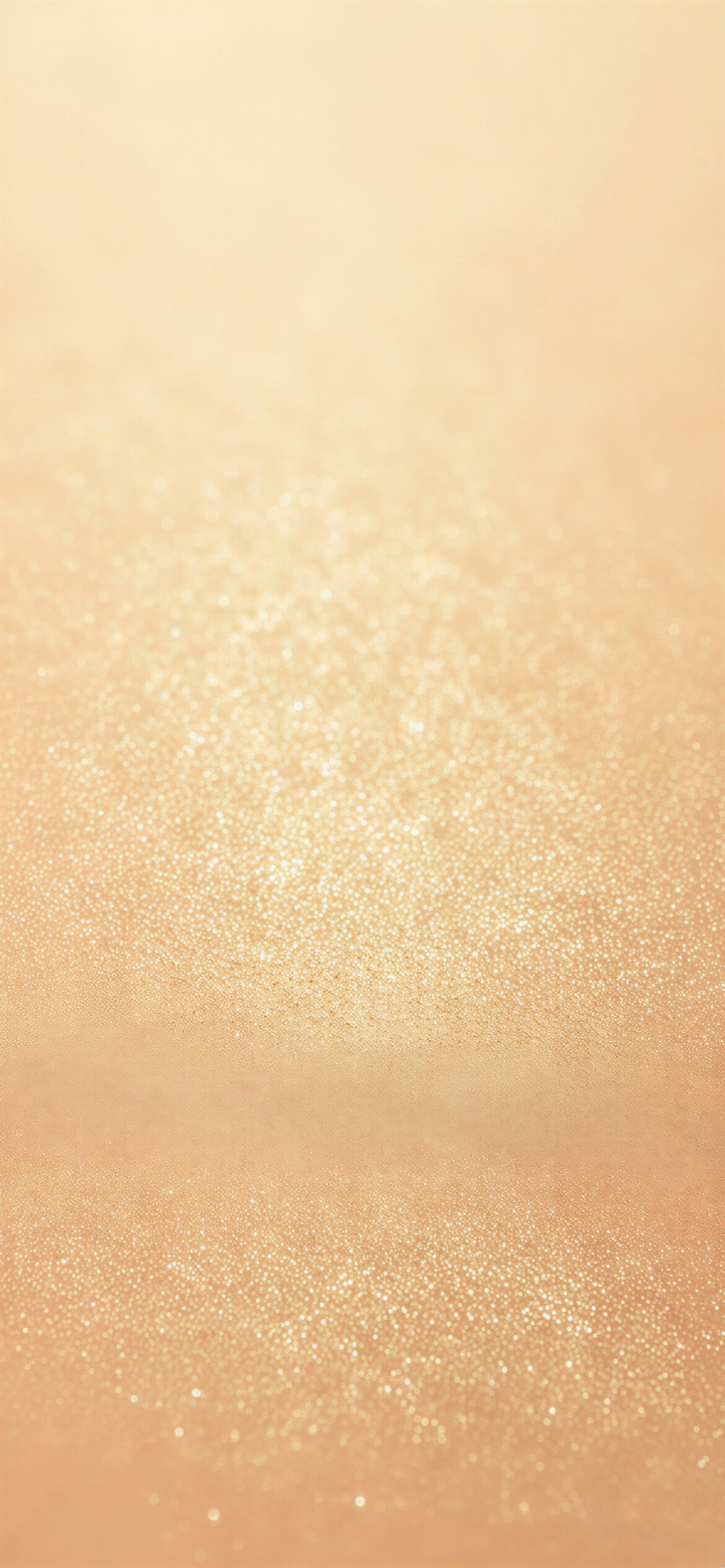
- 3. Champagne gold with a warm shimmer. It has an evening, going-out feel and works well around the holidays.
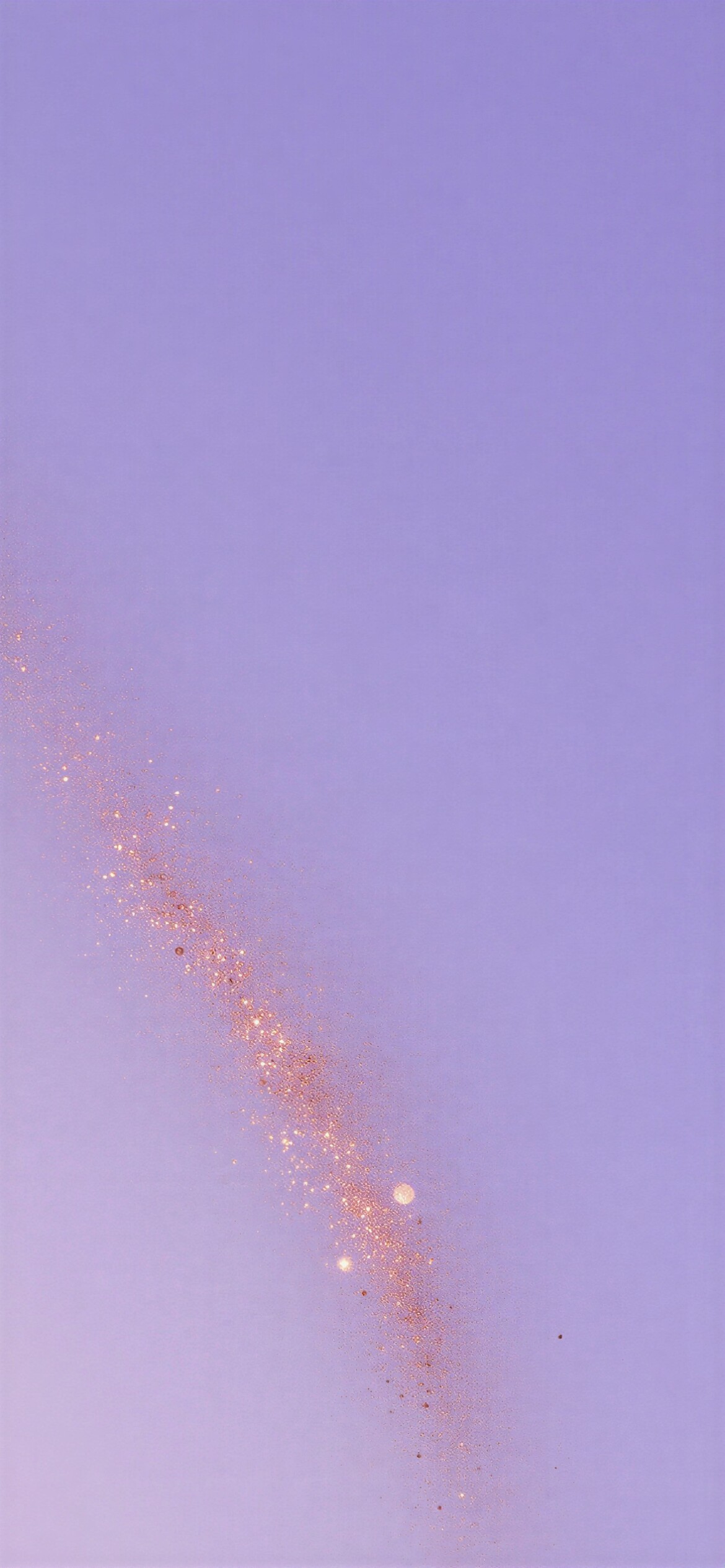
- 4. Lavender with rose gold sparkles centred near the bottom. Gentle, and easy to match with purple or white icons.
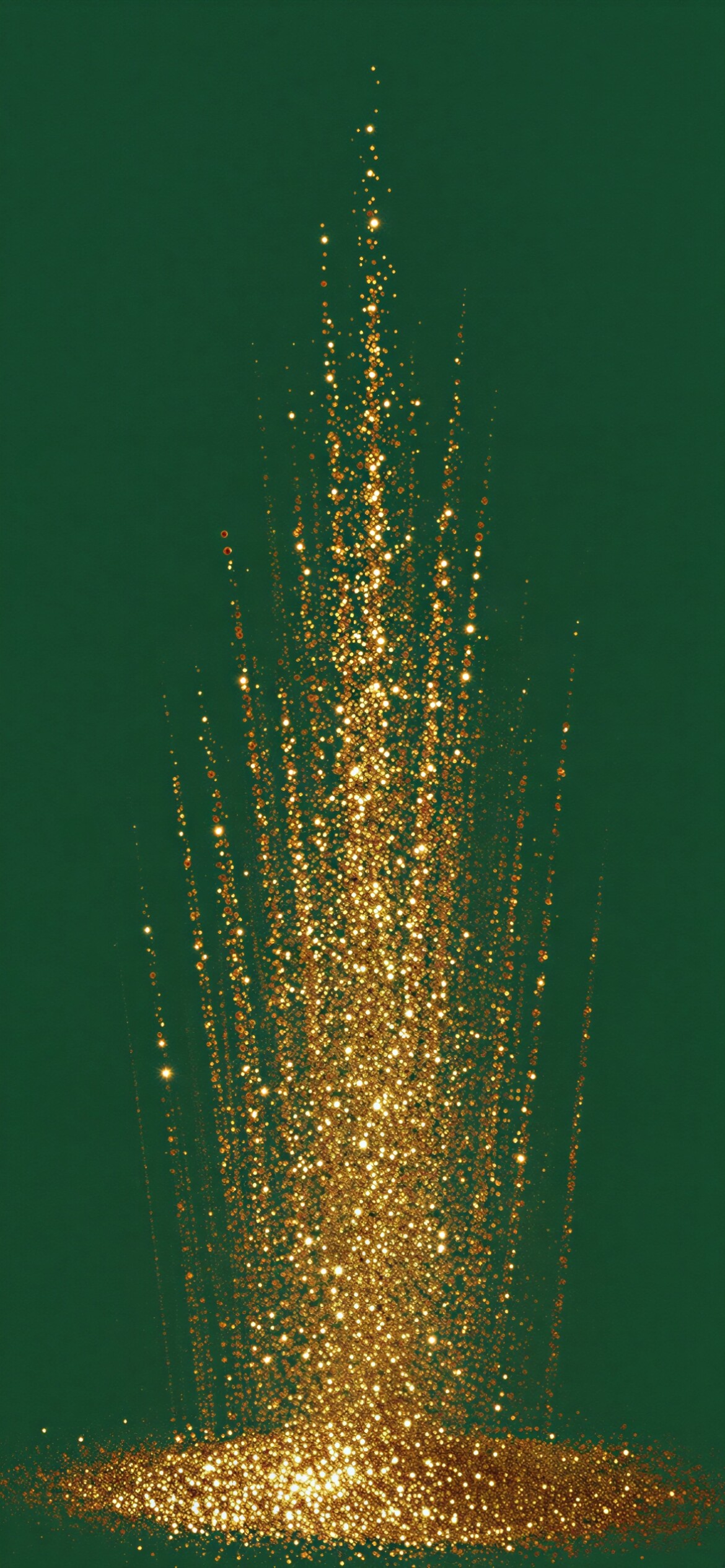
- 5. Emerald green with gold and bronze flecks, the richest colour in the set.
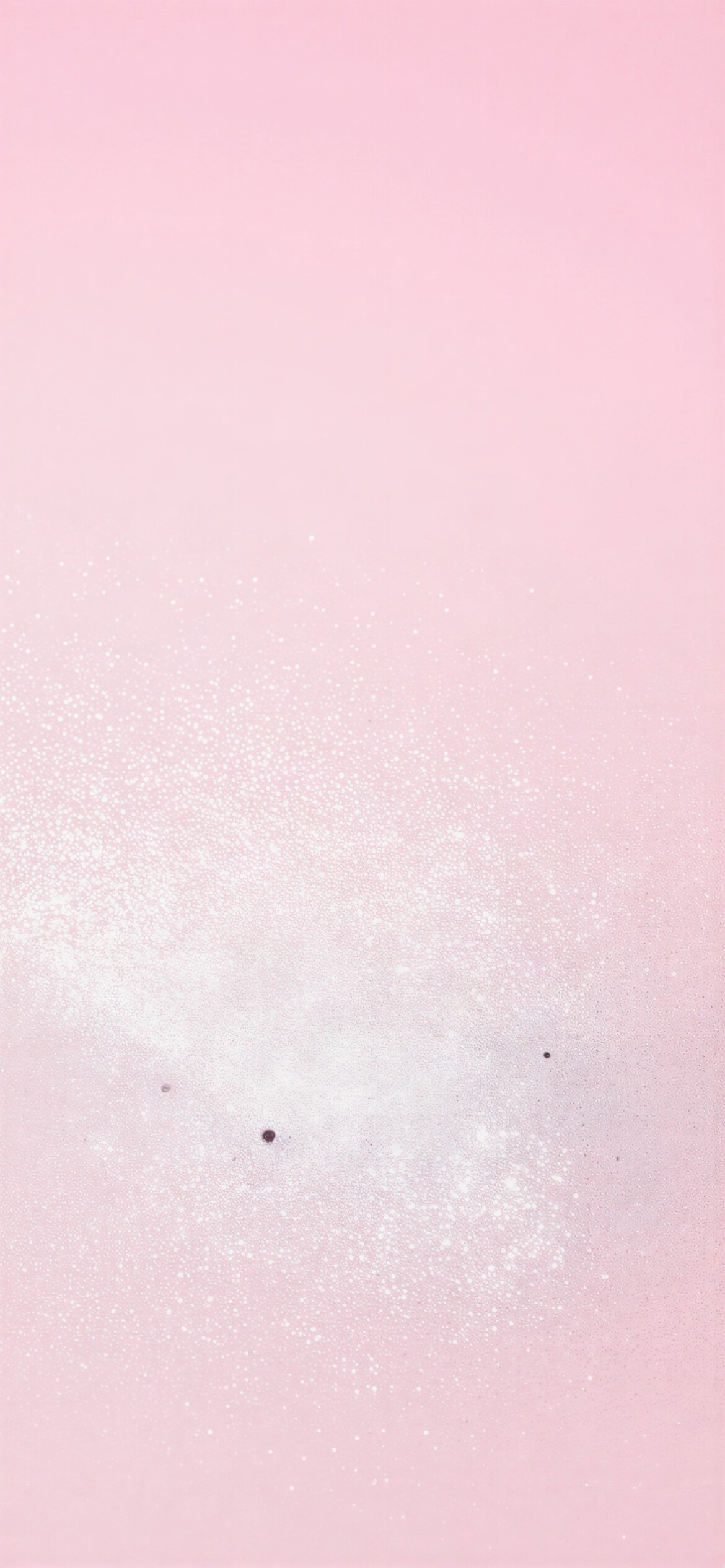
- 6. Blush pink with white and silver shimmer. A lighter, cooler cousin of #1.
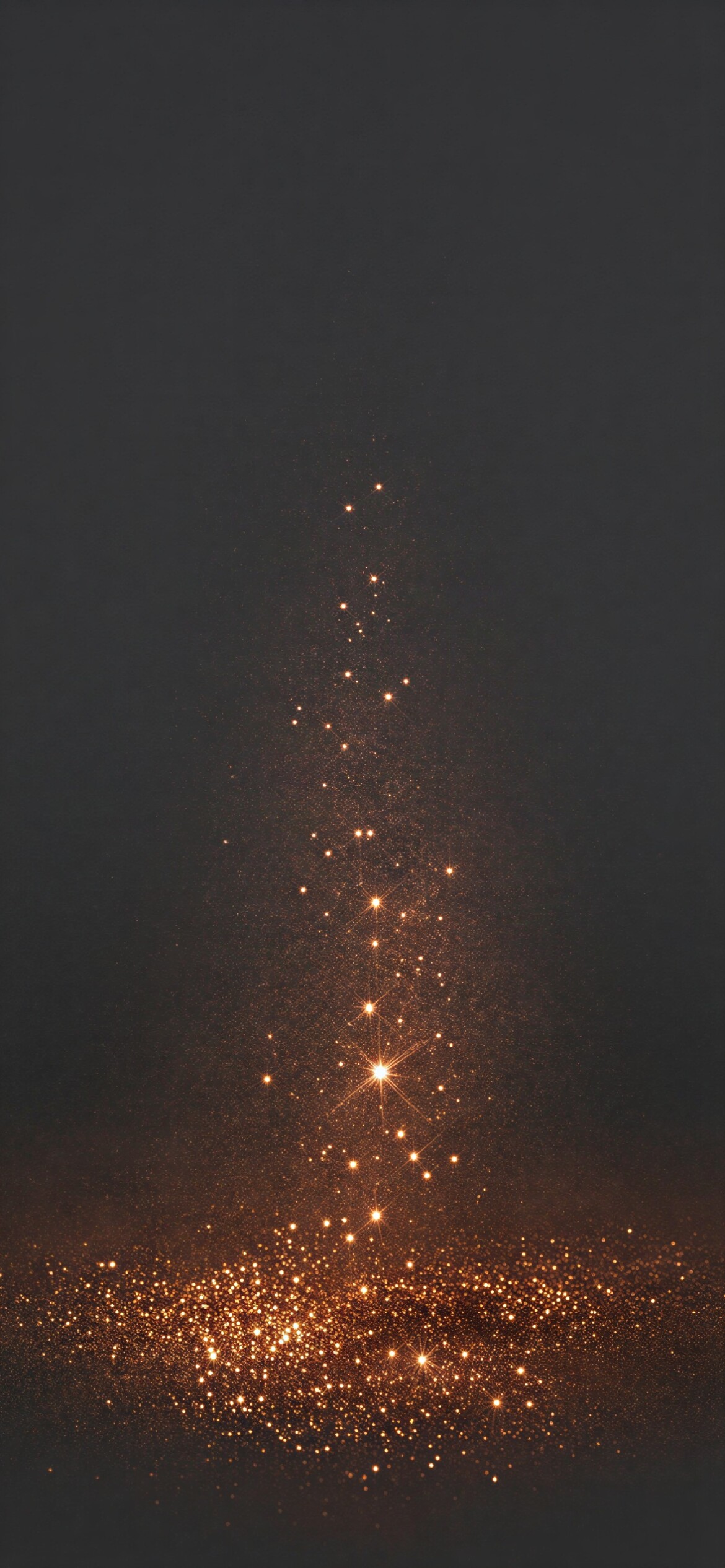
- 7. Charcoal grey with copper sparkles. The most understated design here, close to a neutral background.
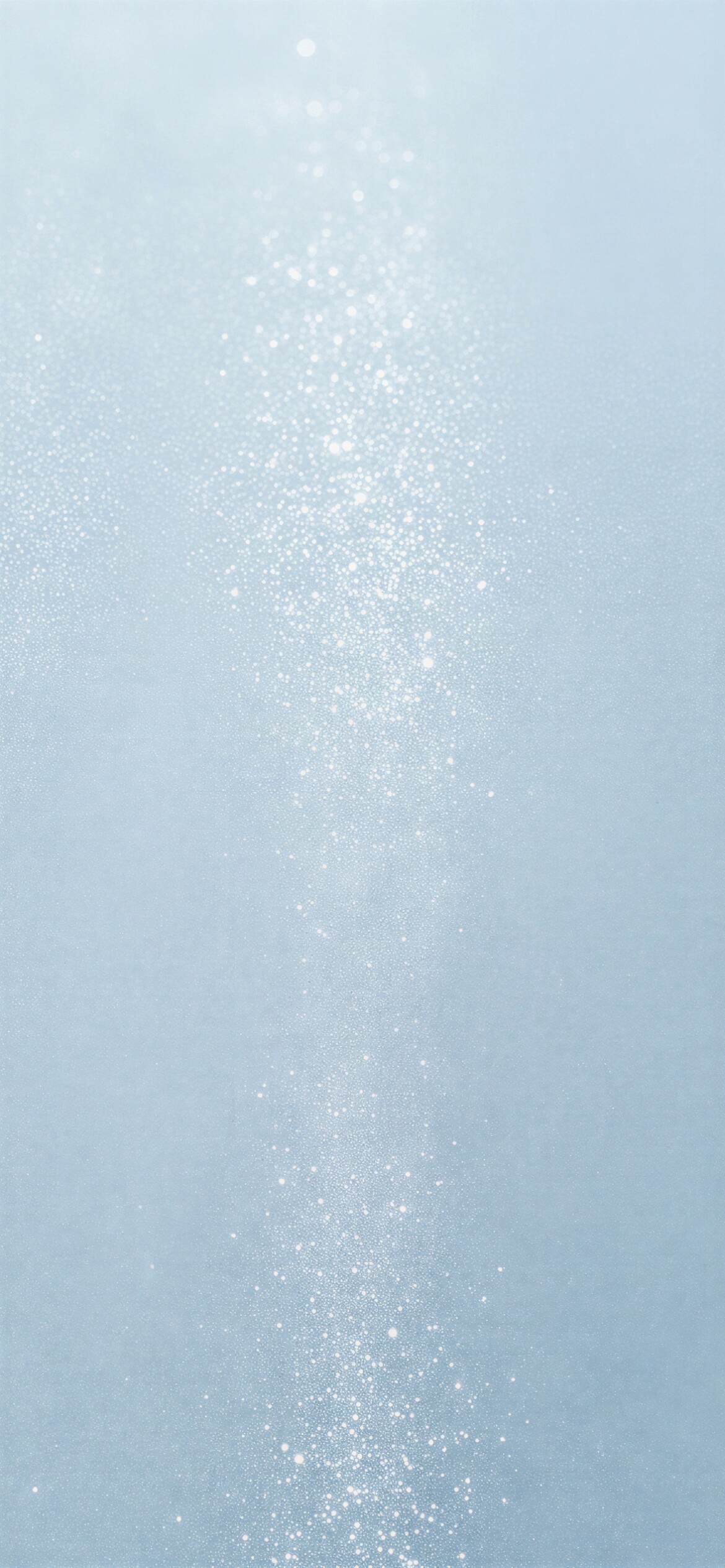
- 8. Icy blue with frosted silver particles, which gives it a winter look.
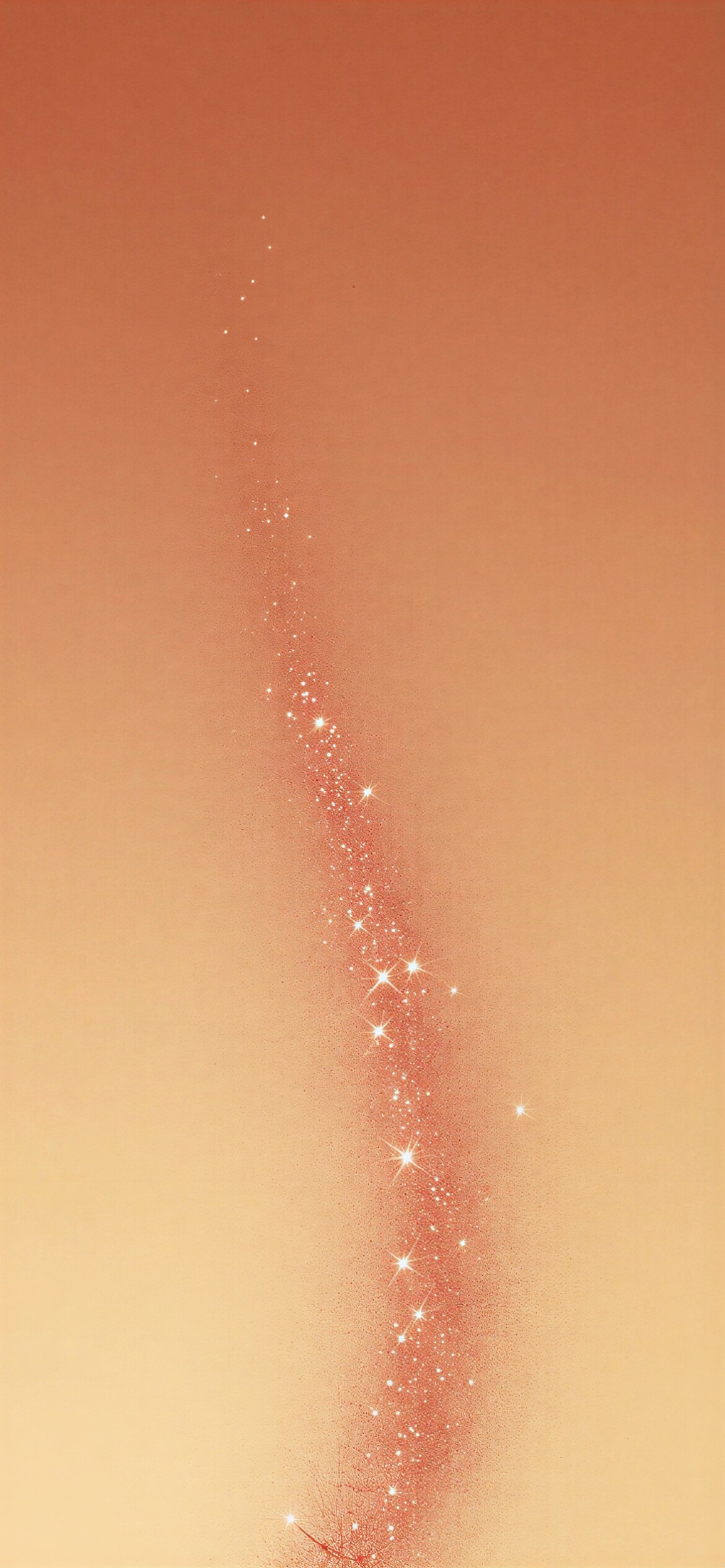
- 9. Terracotta gold with rose gold shimmer, warm and a little earthy.
Why a handful of flakes seems to move
Each glitter flake is a tiny flat mirror, and every one sits at a slightly different angle. As you tilt your head or the light shifts, a different handful of flakes lines up to bounce light straight into your eye, so the surface seems to twinkle even when nothing is moving. These pictures freeze that moment: the brightest points are the flakes that happened to be at the right angle.
The word comes from Old Norse glitra, to shine. For centuries people got their sparkle from crushed minerals such as mica. Modern cut plastic glitter is usually credited to Henry Ruschmann, a New Jersey machinist who worked out how to cut plastic film into tiny pieces in the 1930s.
Gold-toned or silver-toned?
The sparkle colour matters more than the background here. Designs 1, 3, 4, 5, 7 and 9 use warm metals (gold, bronze, copper or rose gold), while 2, 6 and 8 use cool silver and white. A simple way to choose is to match the sparkle to your phone or case: warm sparkle next to a gold or pink finish, cool sparkle next to silver, blue or black.
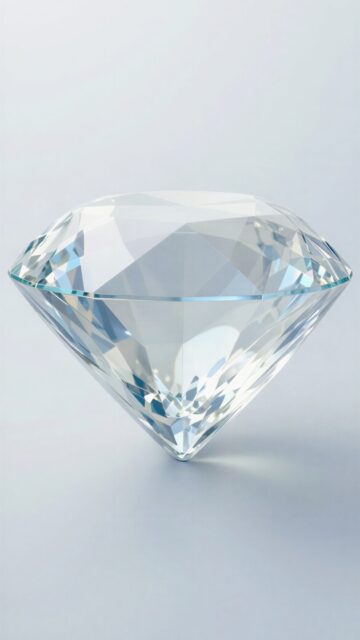
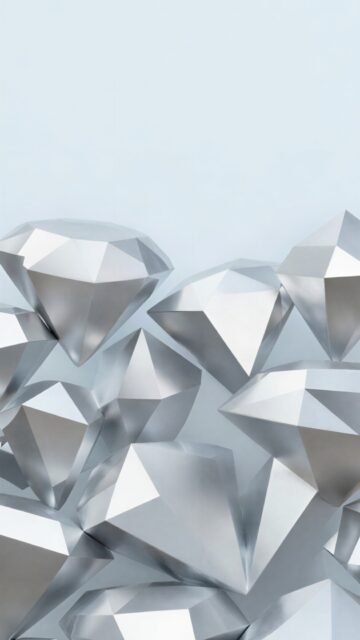
If you like the metallic side of this set, the rose gold wallpapers and silver wallpapers show smooth metal surfaces, and the diamond collection catches light in a similar way with cut stones.
How to set it on your iPhone
- Tap Download and save the image to Photos.
- Open Settings, tap Wallpaper, then Add New Wallpaper, and choose Photos.
- Pick the wallpaper, pinch to position it, then tap Add and choose the lock screen, home screen or both.
Stuck on a step? The iPhone and iPad guide has screenshots for each one.
Questions
Will these wallpapers fit my iPhone screen?
Yes. These wallpapers are designed at 1170x2532 pixels for modern iPhones, though some older models may crop slightly at the edges. Download and set directly in your Photos app or Wallpaper settings.
Can I use these wallpapers for commercial purposes?
These wallpapers are free for personal use on your own devices only. Selling them, printing them for sale, reposting them on other sites or using them commercially is not permitted. See our Terms page for full details.
Which glitter wallpapers work best for lock screens versus home screens?
All designs work on both, but the concentrated sparkle in the lower half suits lock screens well, framing your time and notifications. For home screens, choose the softer, more evenly distributed glitter designs to avoid clashing with app icons.
Do these glitter wallpapers work with dark mode?
Yes. The darker designs with navy, charcoal and emerald backgrounds pair seamlessly with dark mode, while the lighter pink and blue gradients work beautifully in light mode. The metallic glitter shines against any background setting.