Chrome Wallpaper iPhone
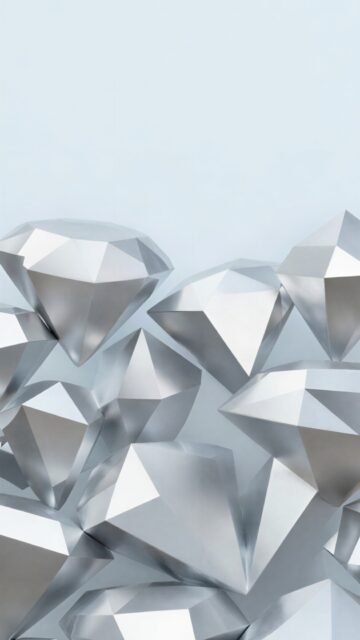
Chrome wallpaper for iPhone shows polished metal surfaces, reflective finishes and industrial textures in vertical compositions sized for your screen. These designs feature gleaming chrome elements with soft lighting that brings out the shine and depth of metallic surfaces. The set works year-round on lock screens and home screens, pairing well with minimal icon layouts and dark mode interfaces.
10 wallpapers at 1170 × 2532 px for iPhone. Checked by hand on 10 Oct 2026.
About this set
These chrome wallpapers feature polished metal surfaces, reflective finishes and industrial textures that bring a sleek, modern look to your iPhone. The designs use soft lighting to emphasize the shine and depth of metallic surfaces, creating visual interest without busy patterns or clutter.
The lock screen designs work best with minimal status bar elements and dark mode, as the metallic tones provide good contrast for text. Home screen picks pair well with simple icon layouts and minimal widget designs. The neutral chrome palette complements both light and dark mode interfaces, making these designs versatile for any iOS setup.
Flat sheets, round forms and open structures
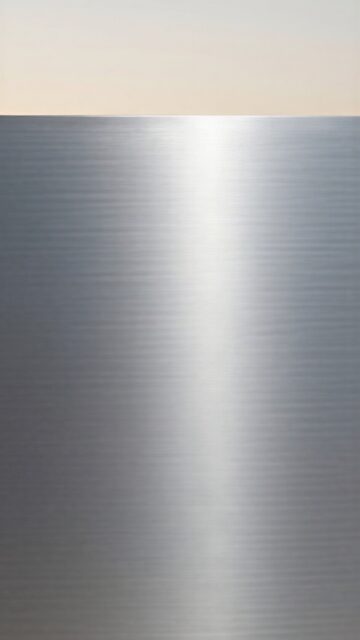
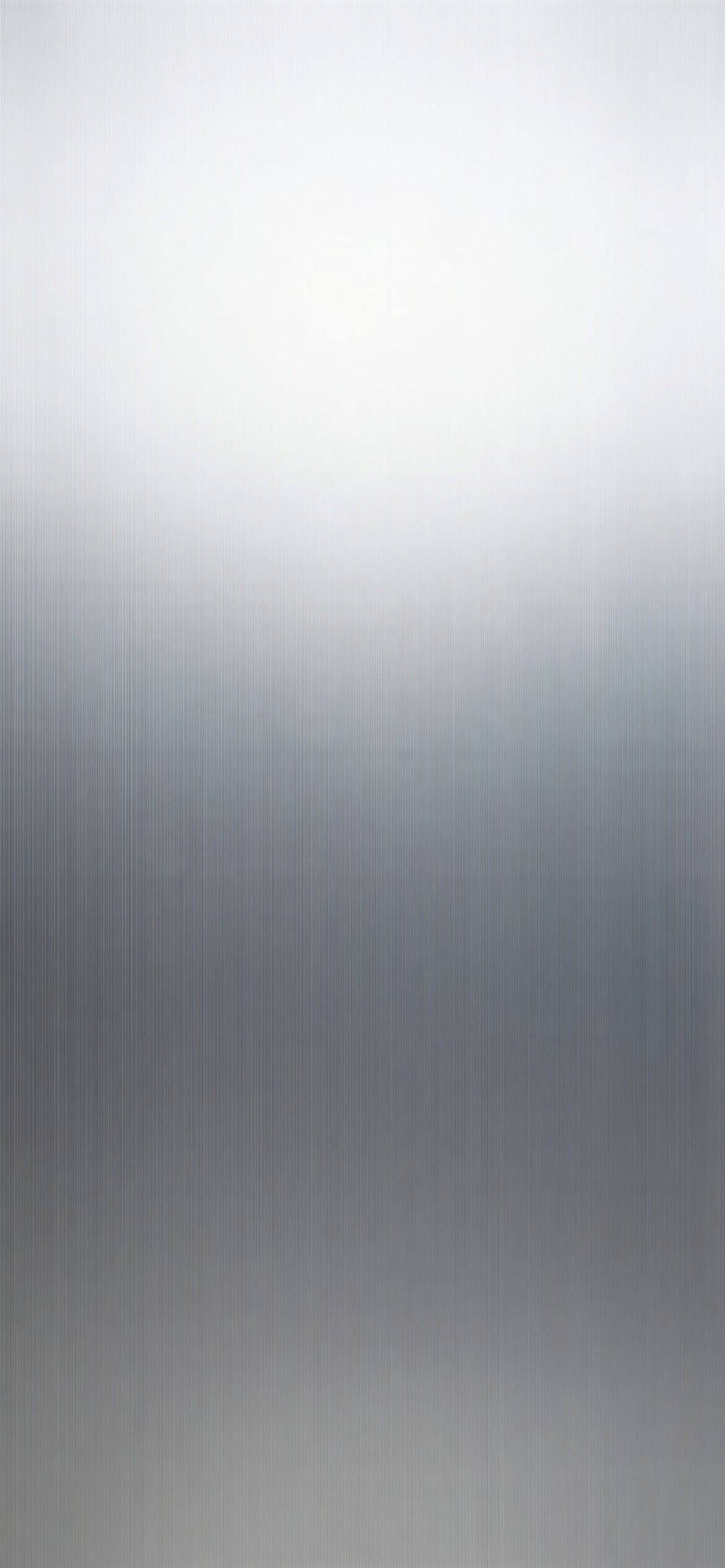
Wallpapers 1 and 6 are surfaces you could run a finger over. The first is brushed metal, with fine grain lines and soft reflections, and the second is a rippled sheet where light and shadow run across the waves. Both are low in detail, which makes them easy to use behind a full page of apps.
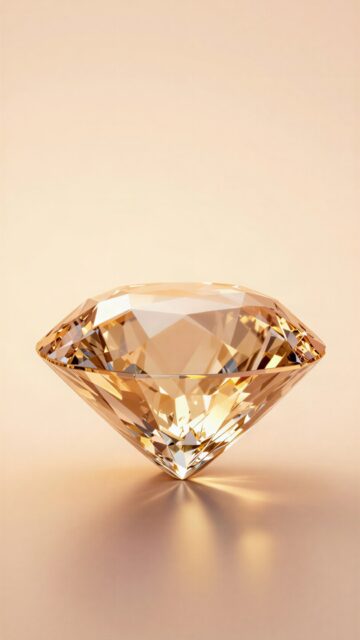
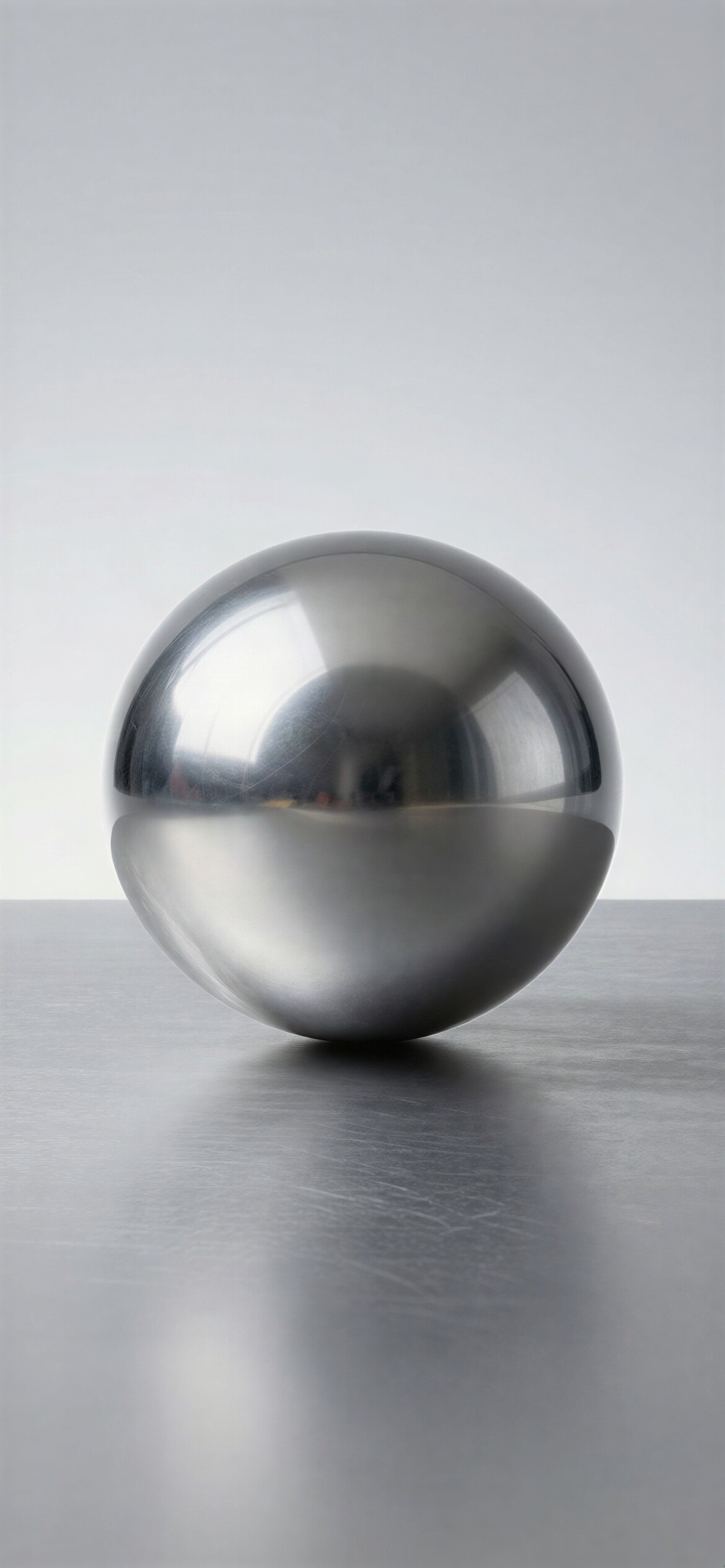
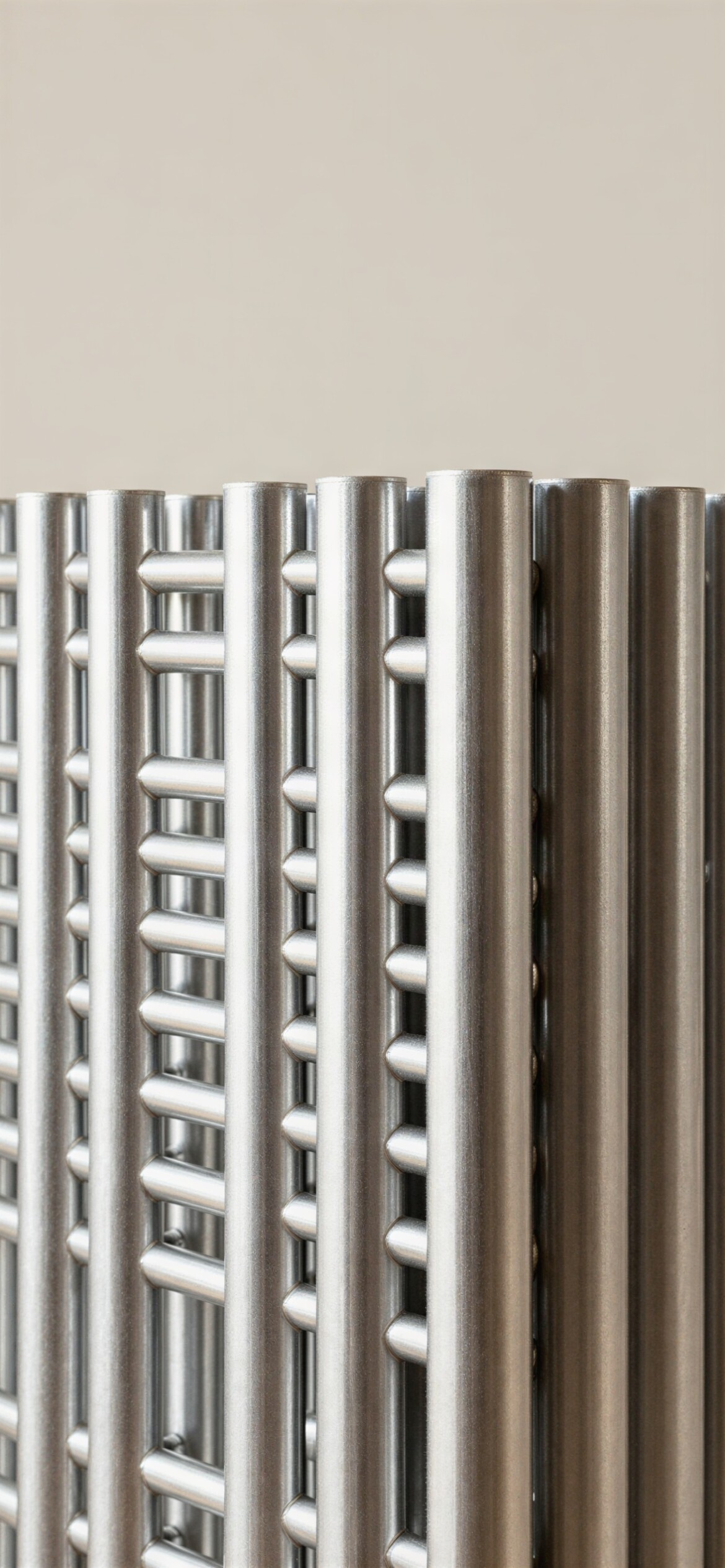
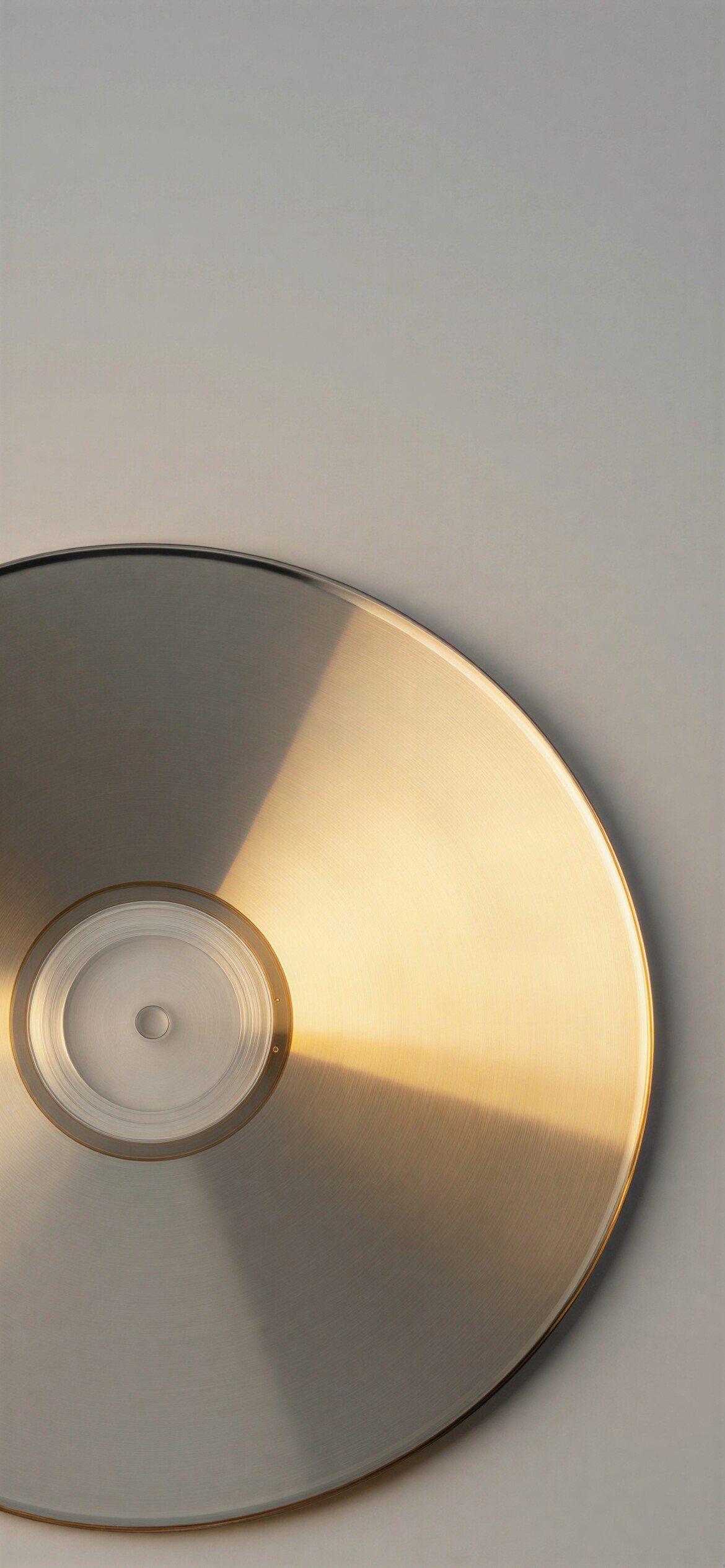
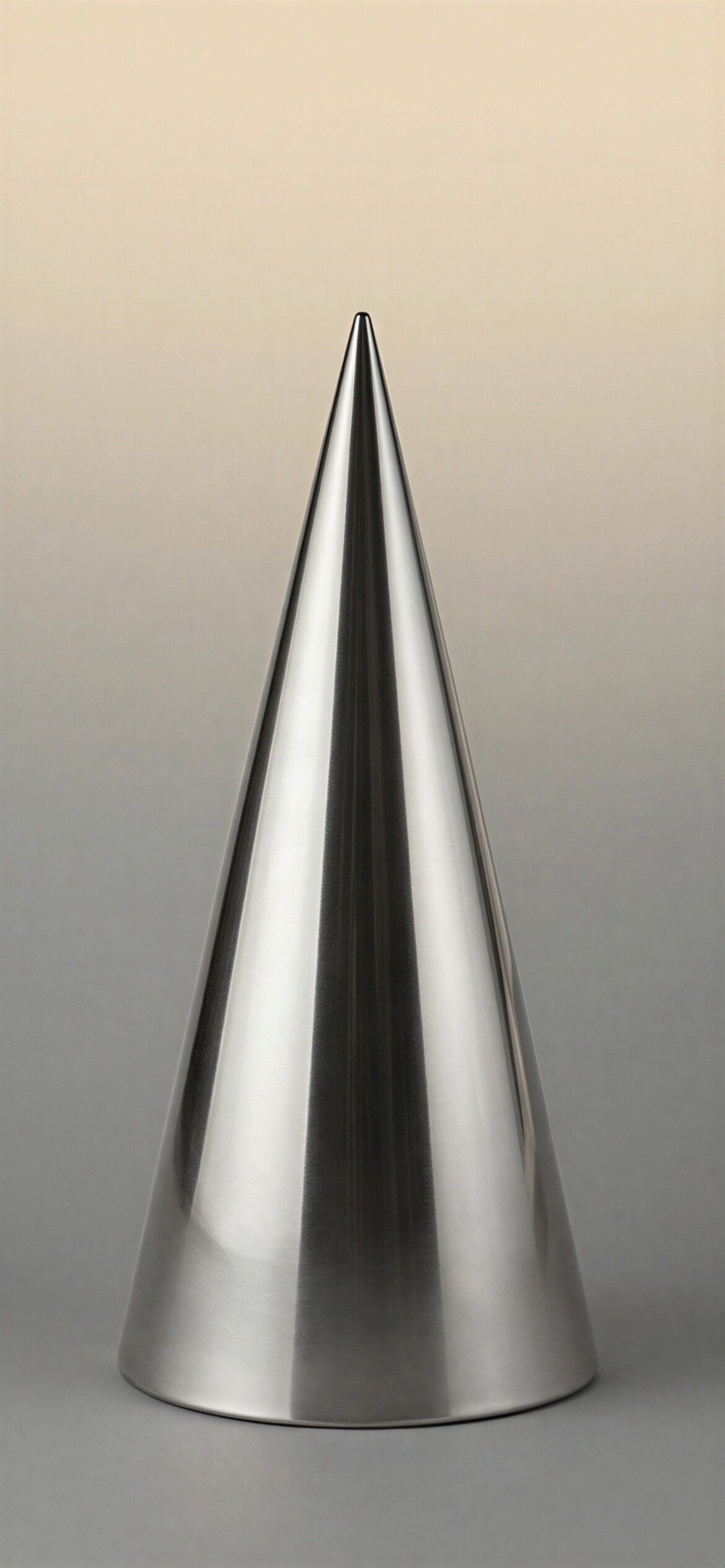
The rounded pieces come next. 2 is a polished sphere sitting on metal, 4 is a large disc catching golden evening light, 8 is a cone with highlights sliding down its side, and 3 is a stack of shiny tubes. A curved mirror like the sphere in 2 squeezes almost the whole room into its surface, which is why it looks so detailed even in a simple picture.
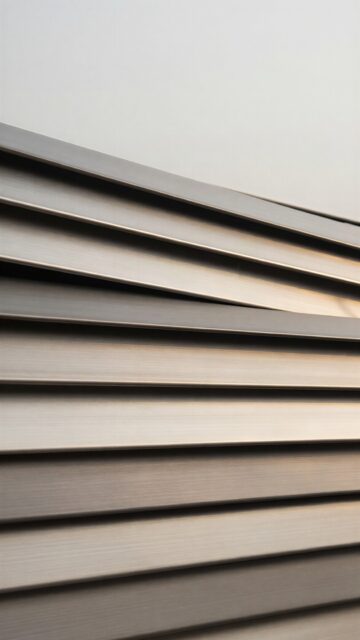
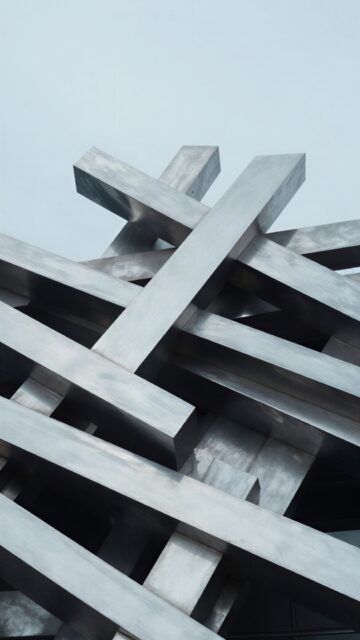
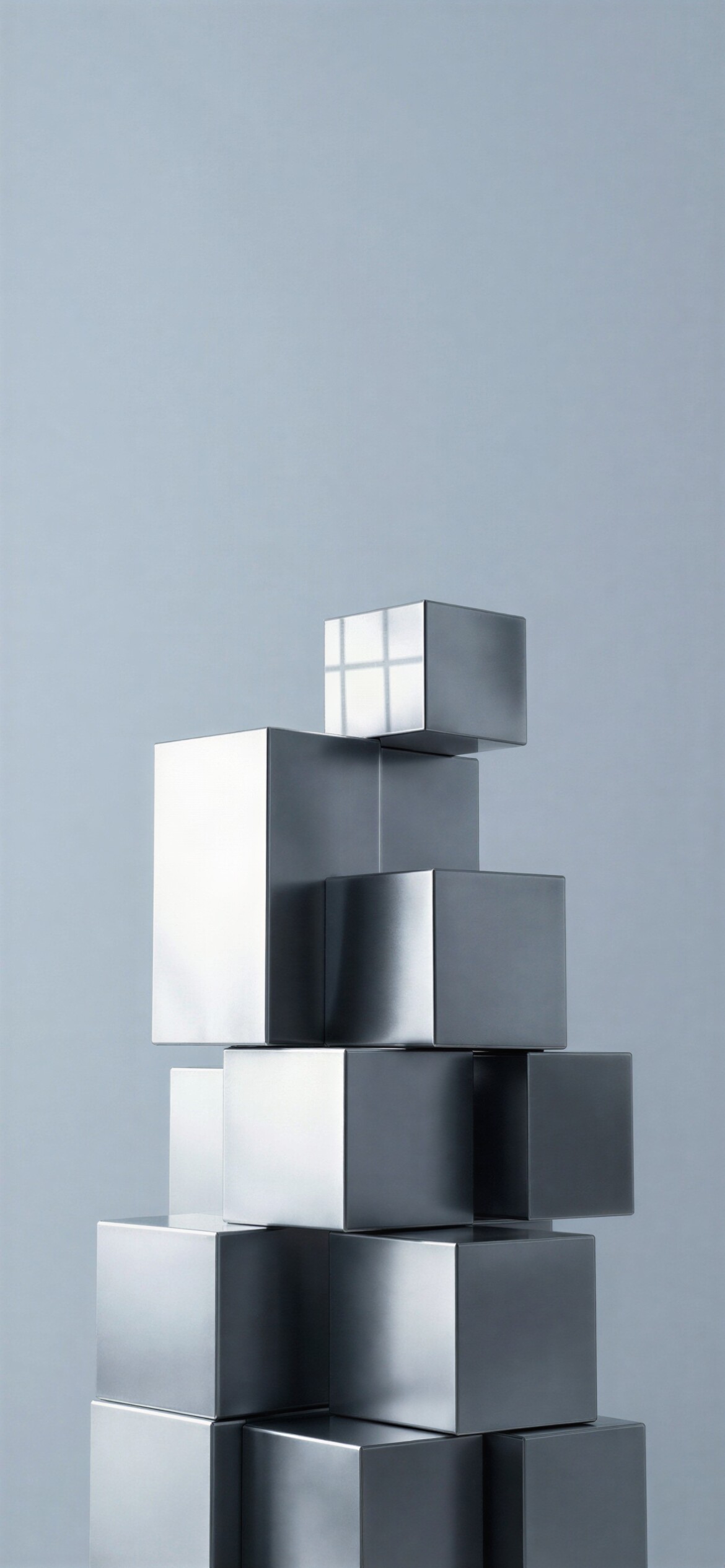
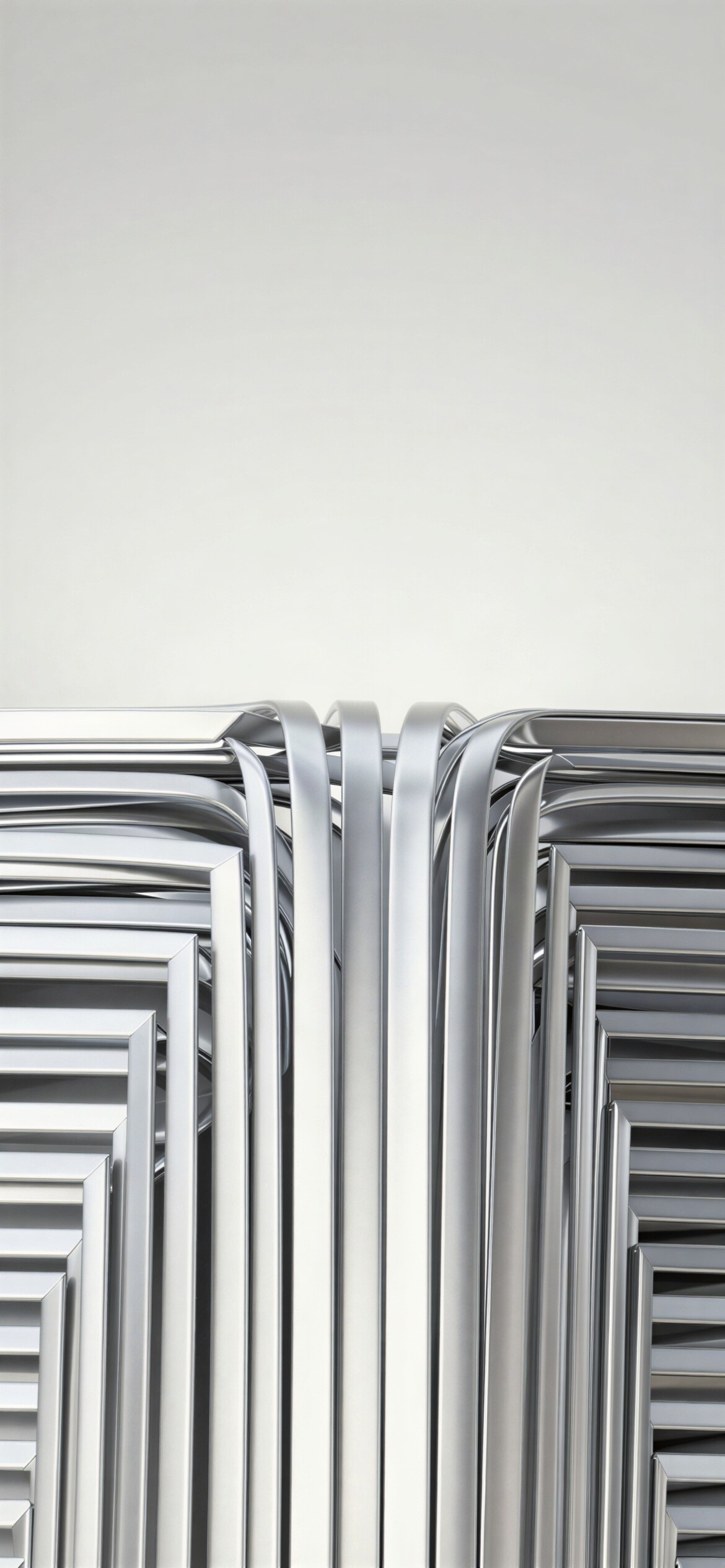
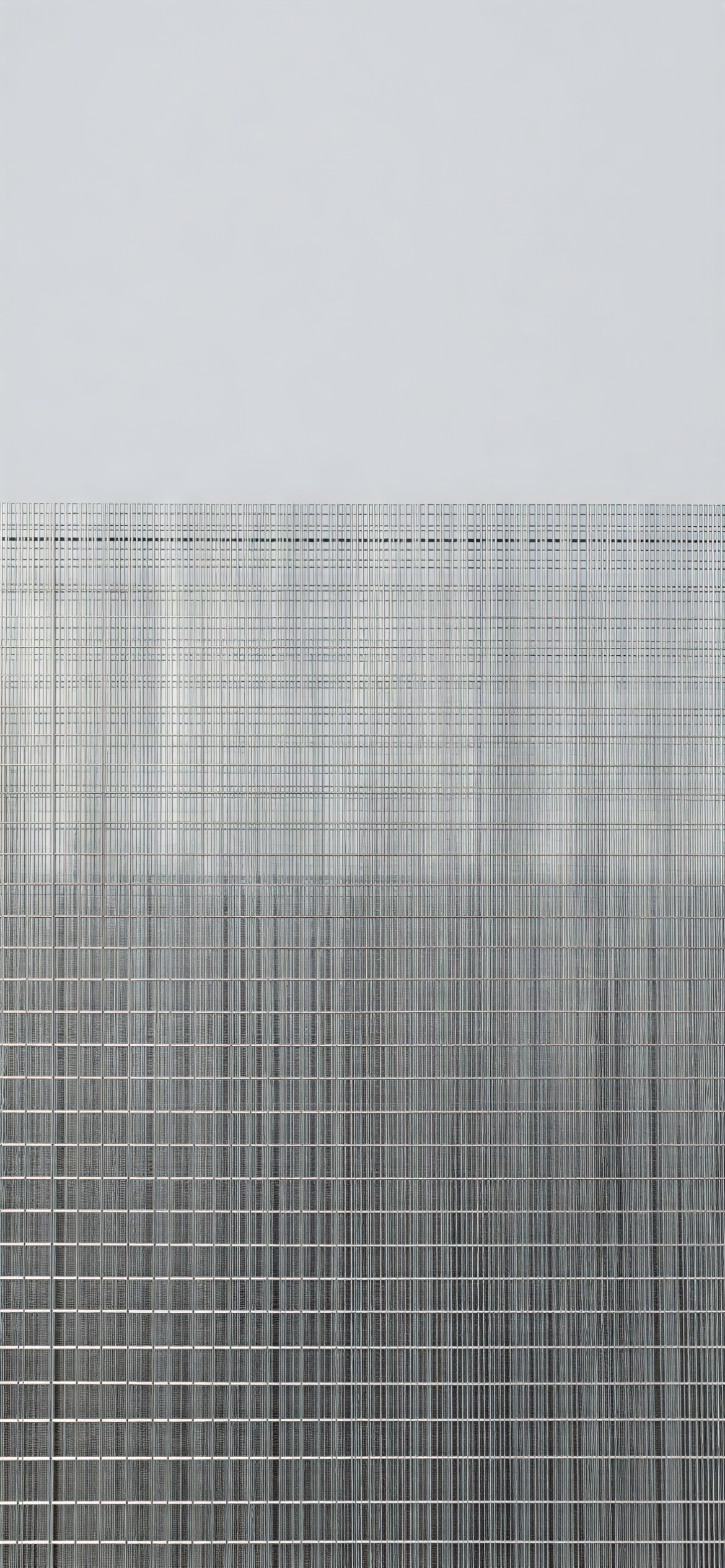
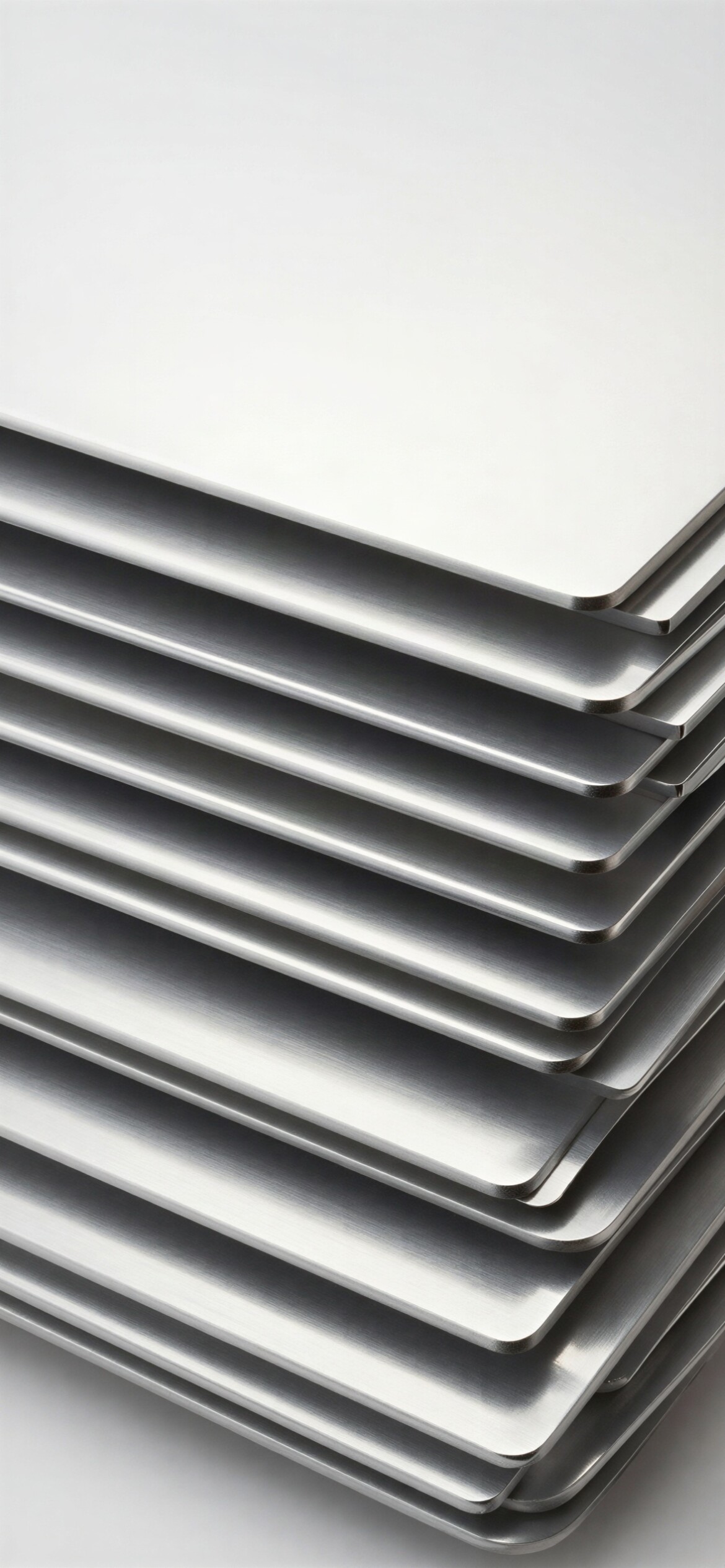
The rest are built from straight edges. 5 stacks cubes and other geometric shapes, 7 weaves chrome strips together, 10 layers plates at different angles, and 9 is a fine mesh with light passing through the gaps.
A metal named after colour
Chrome is short for chromium, an element the French chemist Louis Nicolas Vauquelin identified in 1797. He named it after the Greek word chroma, meaning colour, because its compounds come in so many bright shades. It is a small irony, given how grey a chrome finish looks. Traces of chromium are what make a ruby red and an emerald green.
Chromium does its most useful work out of sight. Steel with at least about 10.5 percent chromium forms a thin, invisible oxide layer that stops rust, and that mix is stainless steel. Harry Brearley of Sheffield is usually credited with its discovery in 1913, and it is the reason your kitchen sink and cutlery stay bright.
Picking a finish for your screen
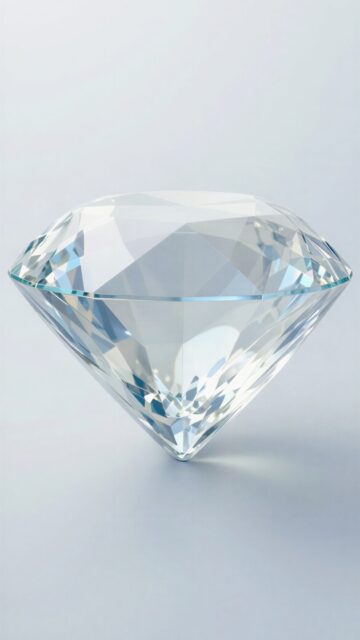
Want the cleanest look? 1, 6 and 9 are all fine texture with no single object to pull the eye. If you would rather have one clear shape in the middle of the screen, go for 2, 4 or 8, and 4 is the one to pick if plain silver feels too cold, since it carries a warm golden glow. For something more architectural, 3, 5, 7 and 10 have the strongest lines and contrast.
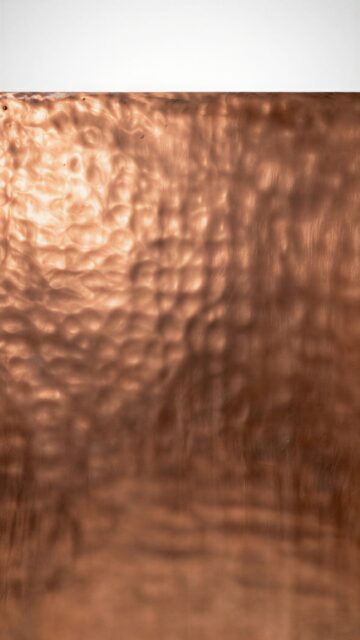
If shiny surfaces suit you, the metal wallpapers cover copper, rose gold and aged finishes, the silver set stays in the same cool palette, and the Y2K collection shows how much the early 2000s loved a chrome look.
How to set it on your iPhone
- Tap Download and save the image to Photos.
- Open Settings, tap Wallpaper, then Add New Wallpaper, and choose Photos.
- Pick the wallpaper, pinch to position it, then tap Add and choose the lock screen, home screen or both.
Stuck on a step? The iPhone and iPad guide has screenshots for each one.
Questions
What size are these chrome wallpapers for iPhone?
Each wallpaper in this set is 1170x2532 pixels, sized for modern iPhones, and some older models may crop slightly at the edges. The tall vertical format fills your entire display from top to bottom, and the compositions keep the top quarter simple so your status bar and time display remain clear and readable.
Can I use these wallpapers for personal use?
Yes, these wallpapers are free to download and use on your own iPhone and personal devices. Selling them, printing them for sale, or posting them on other websites is not allowed. See our Terms page for the full license details and what you can and cannot do with these designs.
Are these chrome wallpapers good for lock screens or home screens?
Chrome designs work best on lock screens where the metallic surfaces won't be hidden by app icons and widgets. If you use them on your home screen, choose a simple icon layout so the reflective metal textures remain visible and create the polished effect they are designed for.
Do chrome wallpapers work with dark mode and light mode?
Yes, these chrome designs work with both dark and light modes because the metallic grey and silver tones sit in the middle of the brightness spectrum. They provide good contrast for text and icons in either setting, and they pair well with monochrome or metallic icon packs for a cohesive modern look.