Silver Wallpaper iPhone
Silver iPhone wallpaper offers metallic textures, chrome accents and reflective surfaces free to download for your phone. These designs feature cool tones and polished finishes that work year-round. Each silver wallpaper in this set brings a sleek, modern look to your iPhone screen with minimalist compositions and sophisticated color palettes.
10 wallpapers at 1170 × 2532 px for iPhone. Checked by hand on 9 Oct 2026.
About this set
This silver wallpaper set features cool metallic tones, polished finishes and reflective surfaces that bring a sleek, modern aesthetic to your iPhone. The designs range from abstract geometric forms to organic textures, all rendered in sophisticated shades of silver and grey. Each wallpaper uses minimalist composition with the main subject positioned in the lower half of the frame, leaving the top area clean and simple.
These wallpapers work beautifully as lock screen backgrounds, where the simple top quarter keeps your time and notifications readable. For your home screen, pair them with minimal icon sets and light-themed apps to enhance the metallic mood. Silver wallpapers suit both light and dark mode iPhone settings and complement modern, minimalist phone setups year-round.
Ten surfaces, from mirror to weave
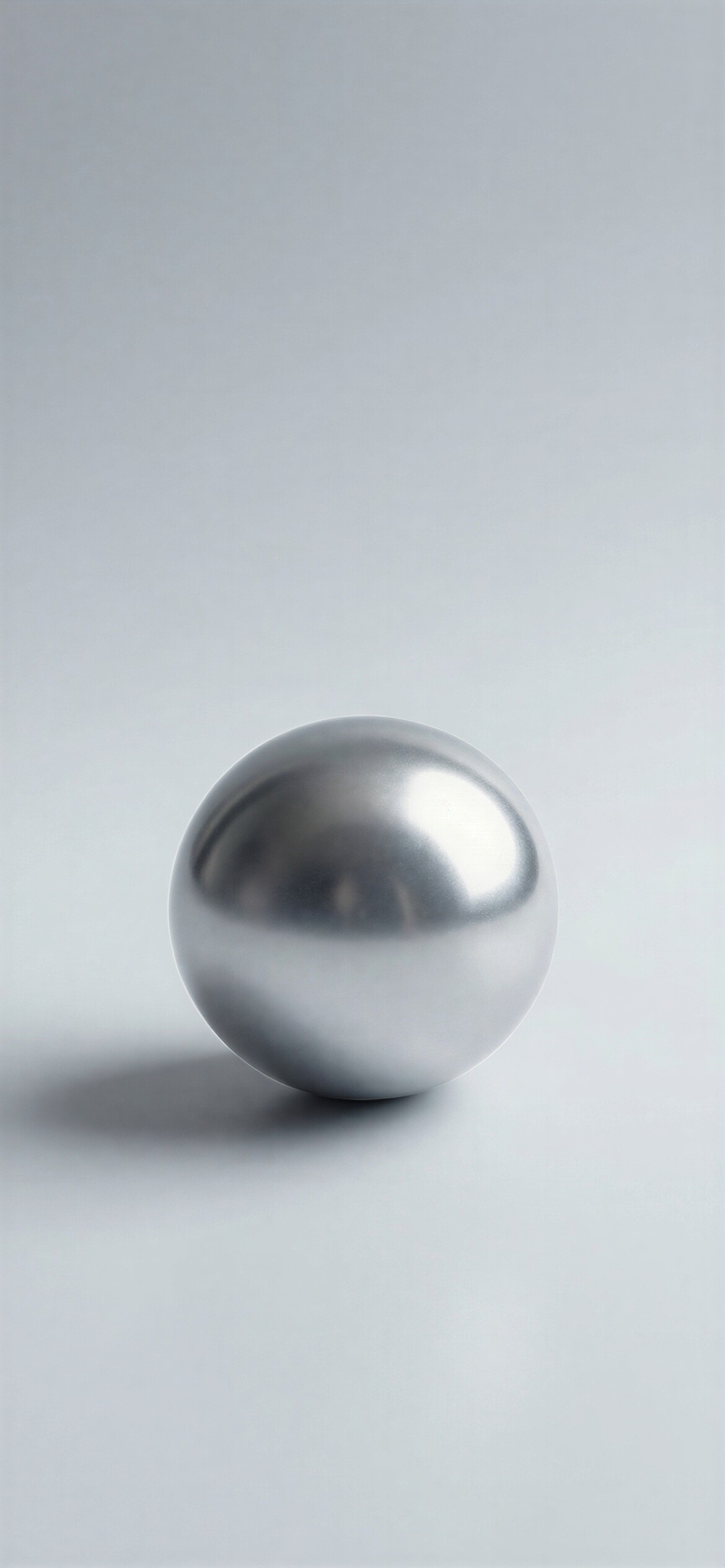
- #1: a single polished sphere on a pale grey surface. The plainest of the ten, and the one that leaves the most room for widgets.
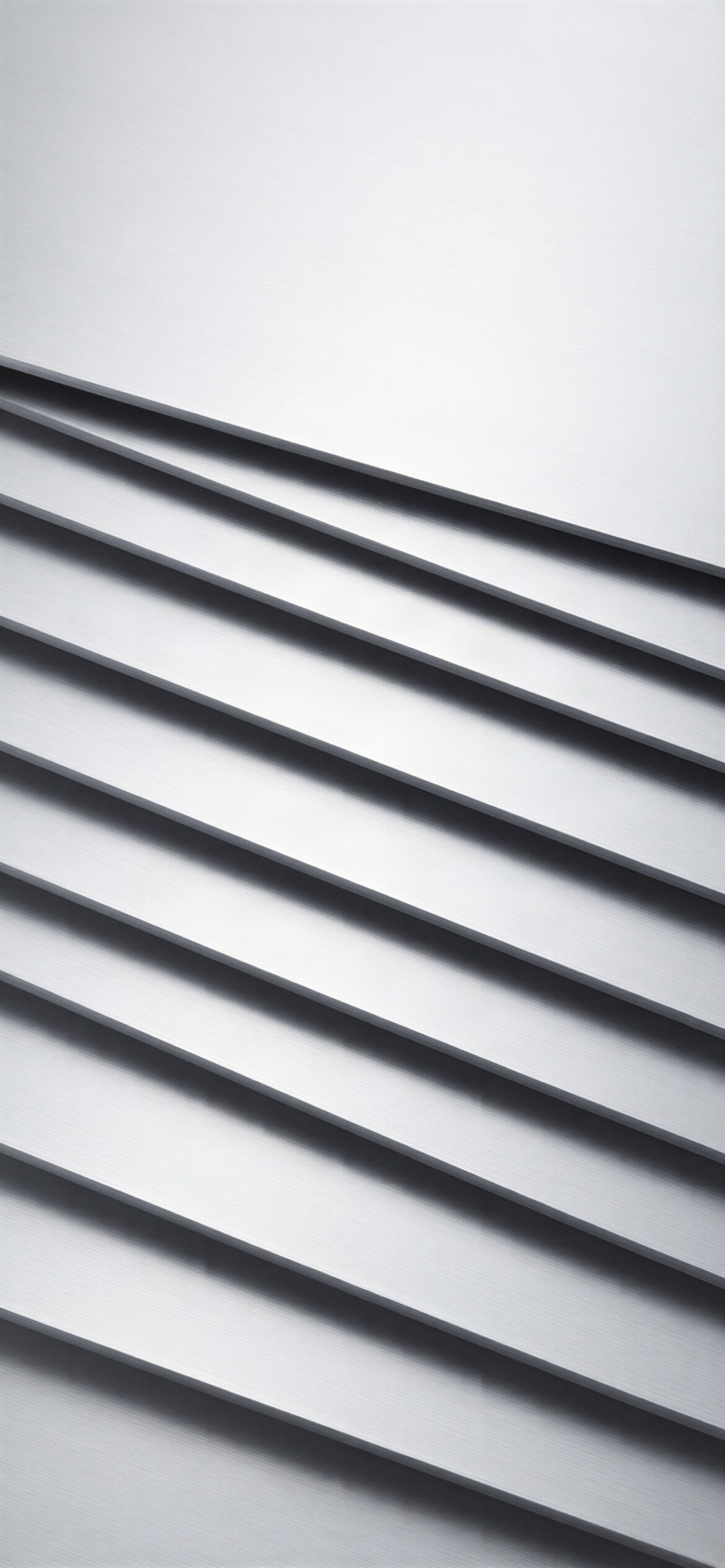
- #2: layered sheets of brushed metal with fine lines running one way. The texture shows nicely in the gaps between icon rows.
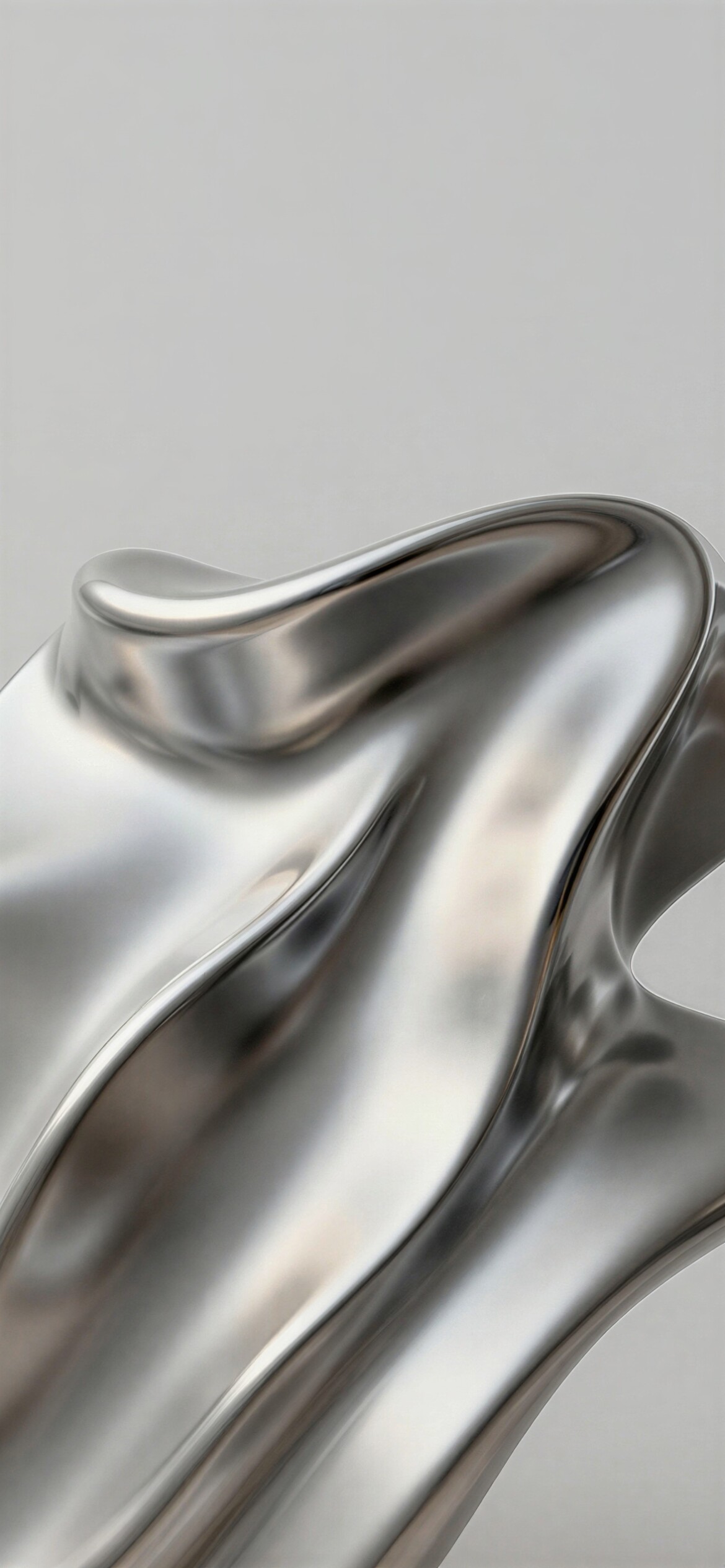
- #3: a flowing chrome shape with bright highlights, closer to a sculpture than a material.
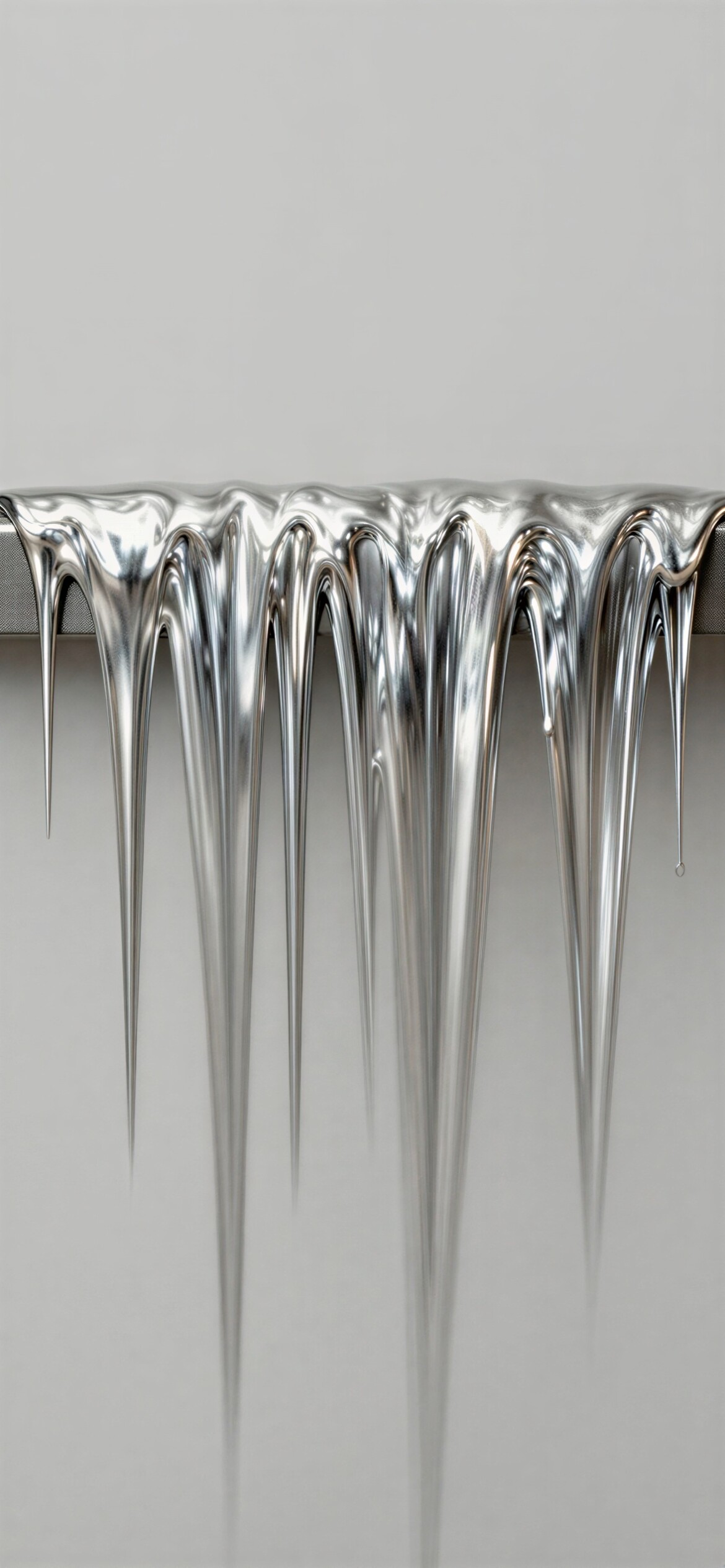
- #4: streaks of liquid silver pouring down a pale background, which gives the screen a sense of movement.
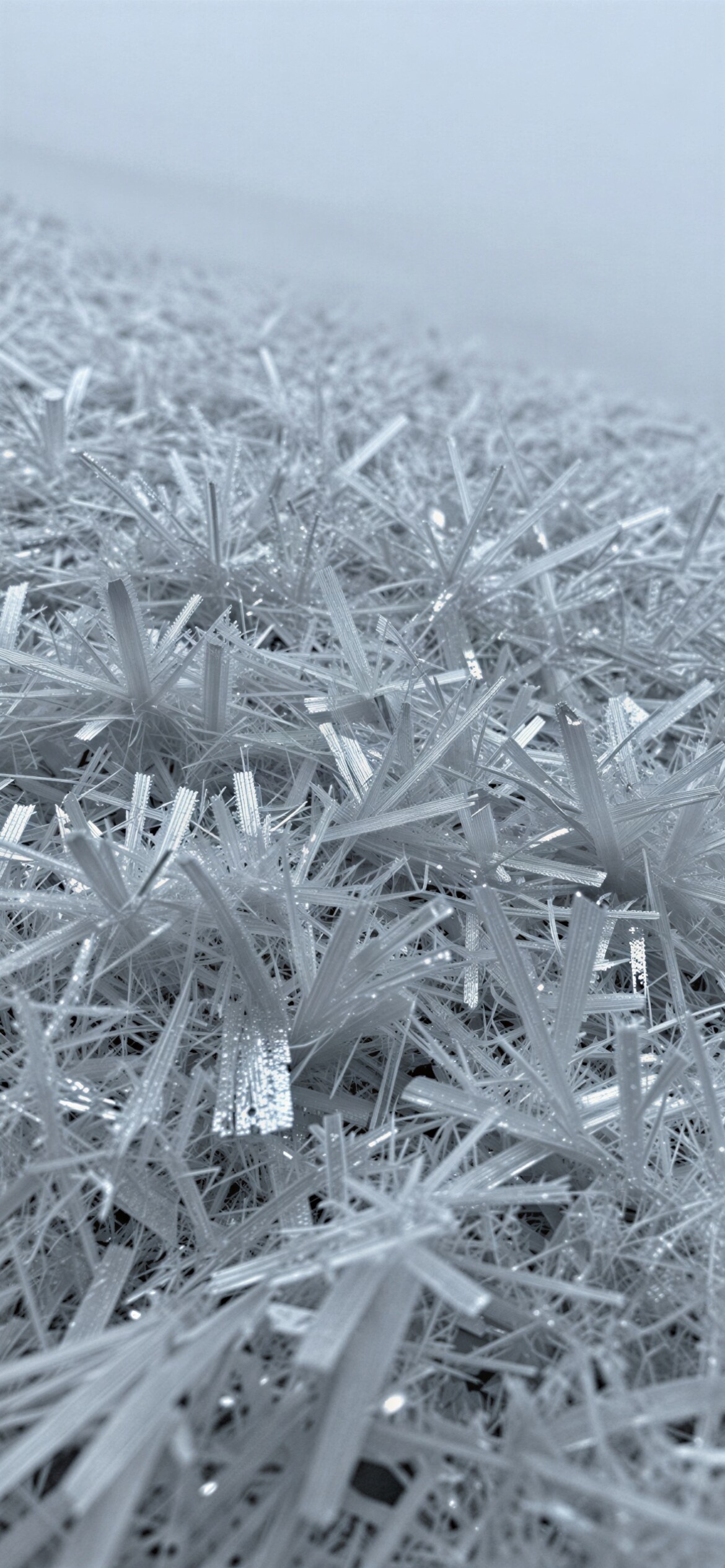
- #5: frost-like crystals throwing sharp, angled reflections. The busiest design here, so it works better on the lock screen than behind a crowded home screen.
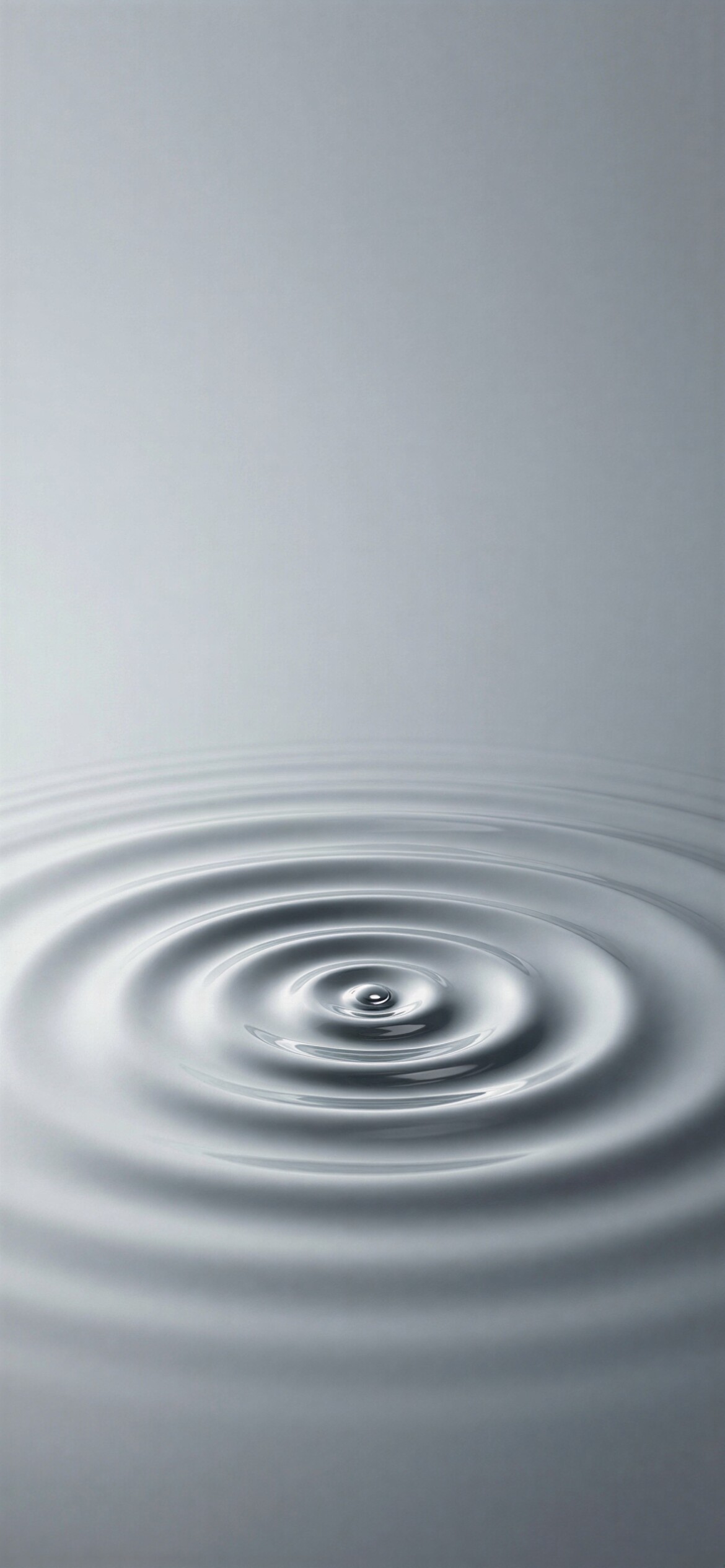
- #6: rings spreading across a mirror-like surface, like ripples on still water.
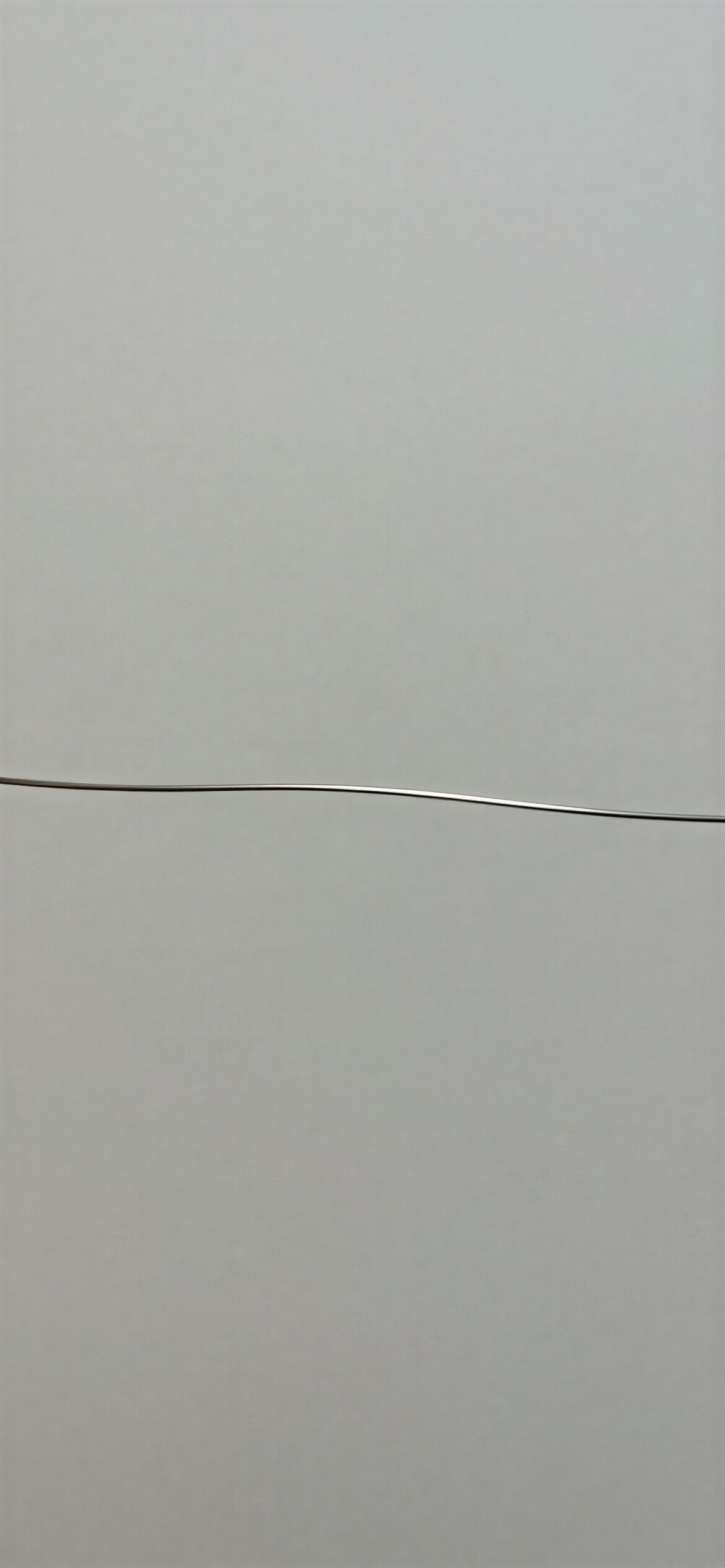
- #7: one curved wire catching soft light, with almost nothing else in the frame.
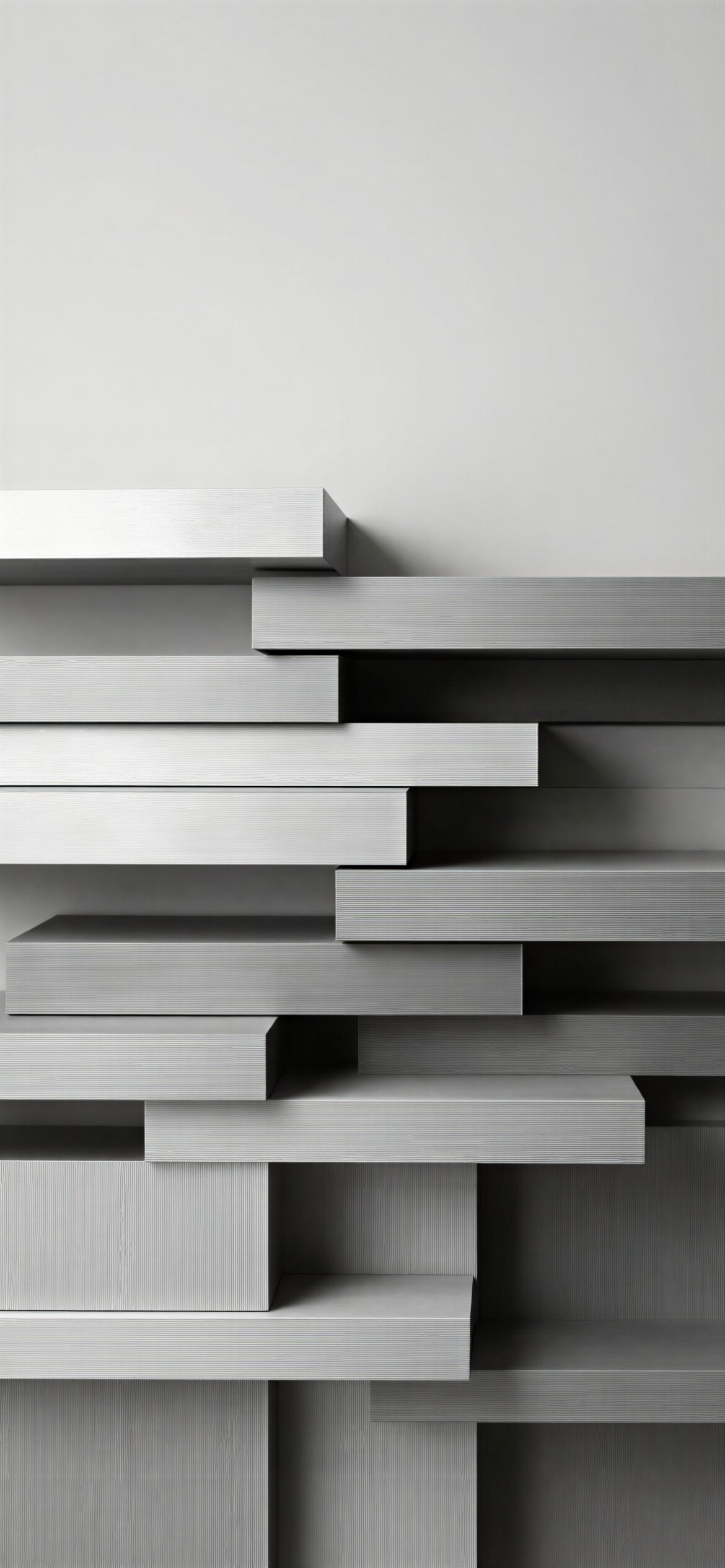
- #8: geometric shapes in silver and grey, each with its own finish.
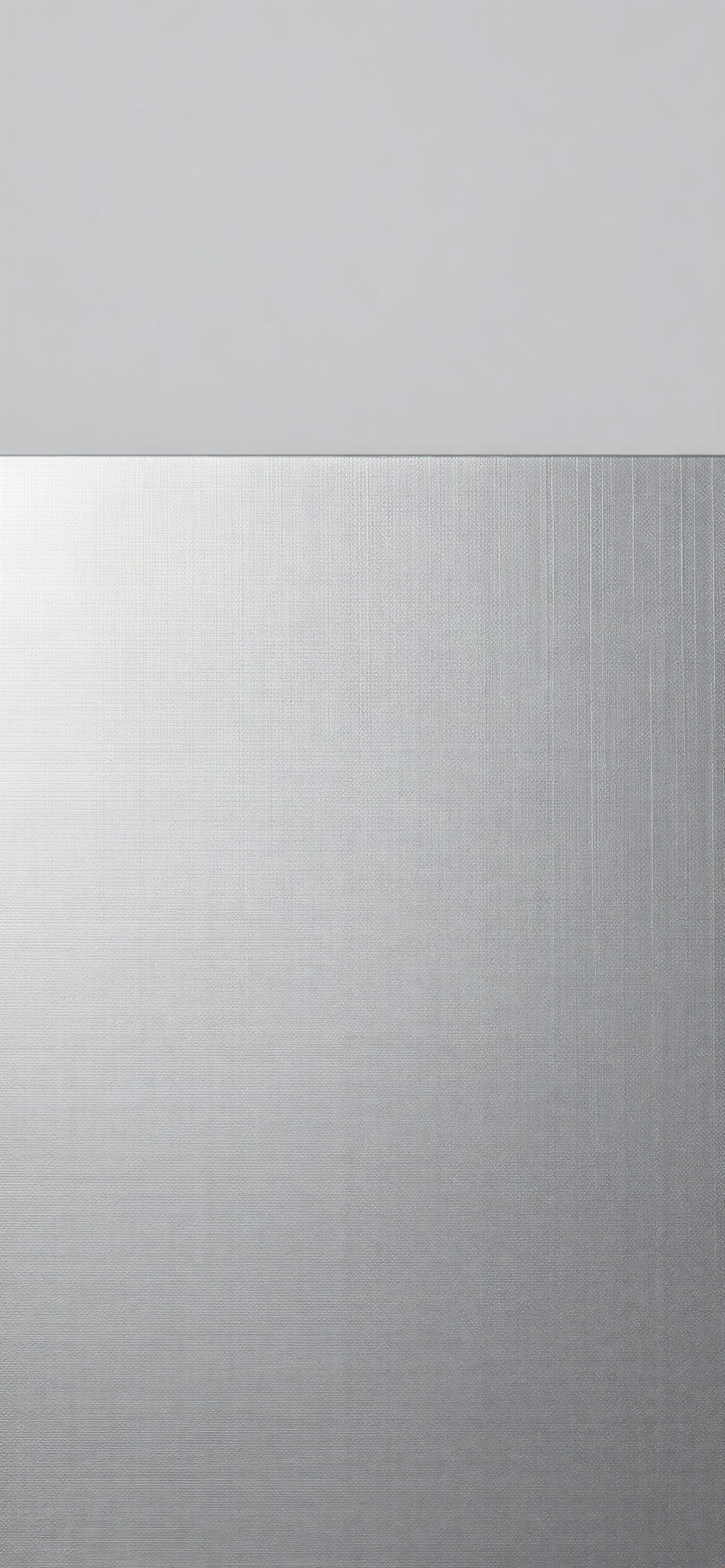
- #9: a panel with a woven pattern and a little depth to it.
- #10: soft silvery-grey clouds, the only picture in the set that isn't metal at all.
Why silver ended up behind the mirror
Polished silver reflects more visible light than any other metal, which is why it became the coating on the back of good mirrors. In 1835 the German chemist Justus von Liebig worked out how to lay a thin film of silver onto glass through a chemical reaction, and that method eventually replaced the older tin and mercury mirrors. The mirror-bright surfaces in #1 and #6 show the quality at its simplest.
Silver is also the best conductor of electricity of any element, and its symbol, Ag, comes from the Latin argentum, the same root that gave Argentina its name. Real silverware darkens because the metal reacts with traces of sulfur in the air and forms a thin layer of silver sulfide. Jewellers mostly work in sterling silver, 92.5 percent silver with the rest usually copper, because the pure metal is too soft for everyday wear. Even the clouds in #10 have a link: the idea of a cloud's silver lining goes back at least to John Milton's masque Comus, written in 1634.
Bright and airy, or cool and heavy?
The palest of the set are #1, #4 and #7, with plenty of light grey and soft highlights, so they feel the lightest and keep the clock area especially clean. #2, #8 and #9 are the most textured and look more like hardware than decoration. #3, #5 and #6 carry the strongest reflections and the most contrast, and #10 is the gentlest of all, closer to weather than to metal.
For more polished surfaces, try the Chrome wallpapers; the Metal set brings in copper and aged finishes, and the Marble collection keeps the same cool greys in stone.
How to set it on your iPhone
- Tap Download and save the image to Photos.
- Open Settings, tap Wallpaper, then Add New Wallpaper, and choose Photos.
- Pick the wallpaper, pinch to position it, then tap Add and choose the lock screen, home screen or both.
Stuck on a step? The iPhone and iPad guide has screenshots for each one.
Questions
Will these silver wallpapers fit my iPhone screen?
Yes. These wallpapers are sized at 1170x2532 pixels for modern iPhones, and some older models may crop slightly at the edges. Simply download and set as your lock screen or home screen background in Settings.
Can I use these wallpapers for personal use?
Yes, these silver wallpapers are free for personal use on your own devices. You may download and use them on your iPhone, tablet or computer. Selling prints, reposting them elsewhere or sharing them on other wallpaper sites is not permitted. See our Terms page for full details.
Which silver wallpapers work best for my lock screen versus home screen?
All wallpapers in this set work well as lock screens because the simple top quarter keeps your time and notifications readable. For your home screen, choose designs with less detail in the icon area if your app layout covers the middle section. The reflective and textured designs pair nicely with minimal icon themes.
Do silver wallpapers work with both light and dark mode?
Yes. Silver is a neutral, cool tone that complements both light and dark iPhone settings. In light mode, the metallic finishes feel modern and clean. In dark mode, silver accents and highlights stand out beautifully against the darker background, creating elegant contrast.