Money Wallpaper iPhone
Money iPhone wallpaper shows cash, coins and wealth symbols in real-life scenes and close-ups. Free to download for your iPhone lock screen or home screen. These money wallpapers range from stacks of bills and scattered coins to financial imagery and luxury details. Pick designs that match your phone's theme or use them to inspire your financial goals.
9 wallpapers at 1170 × 2532 px for iPhone. Checked by hand on 7 Oct 2026.
About this set
This set features real-world money imagery in close-up photography and still life arrangements. Designs include stacked bills, scattered coins, gemstones, bundles and safe deposit scenes. The lighting is natural and warm, with sharp detail on currency and metal surfaces. Colors range from rich golds and silvers to neutral greys and warm wood tones.
Lock screen picks work best with simple subjects like single stacks, coins or gems that read clearly at a glance. Home screen designs pair well with minimalist icons and work best with the image placed in the lower half so app names stay visible. These wallpapers suit both light and dark mode depending on the specific design you choose.
Bills, bars and a box of papers
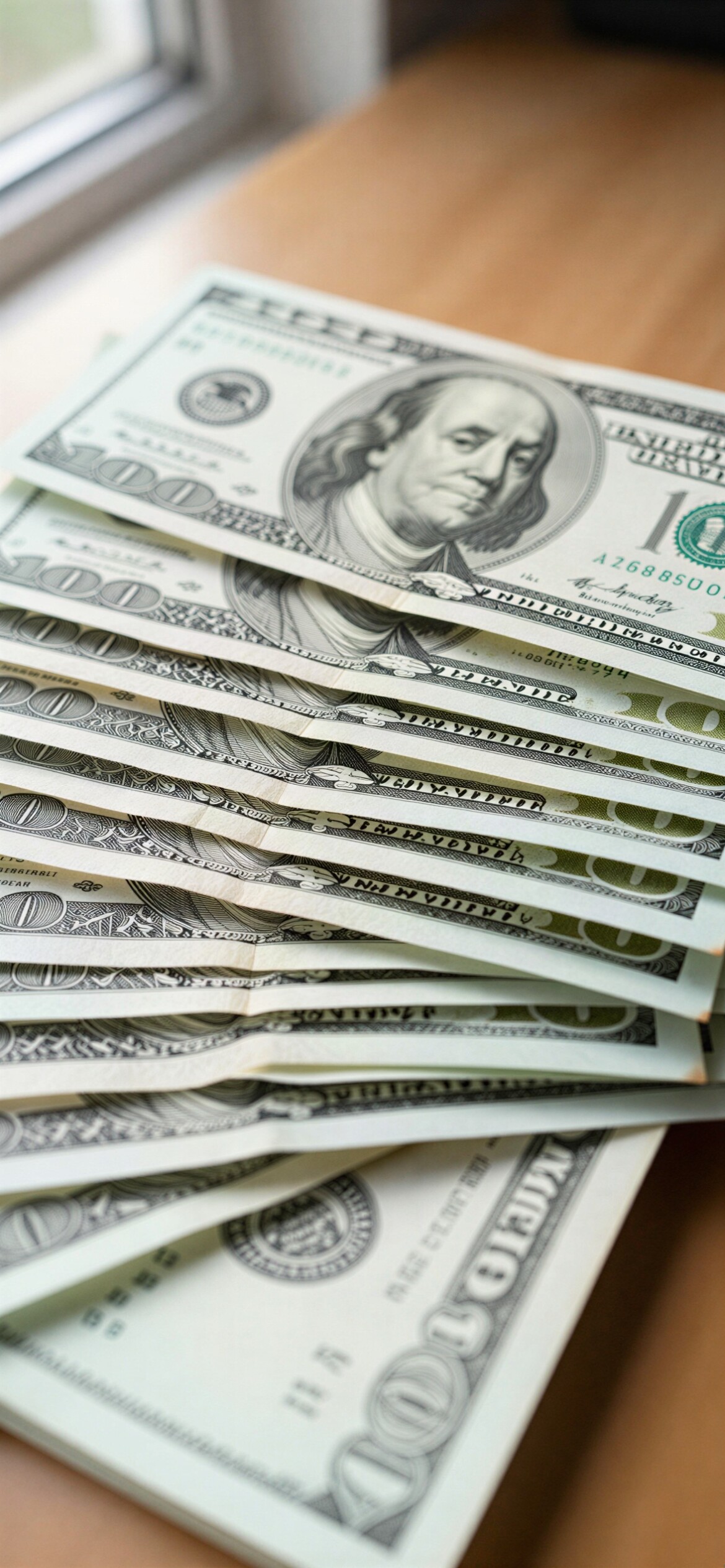
- A fanned stack of paper bills on a wood desk in natural light, a calm picture that suits a home screen.
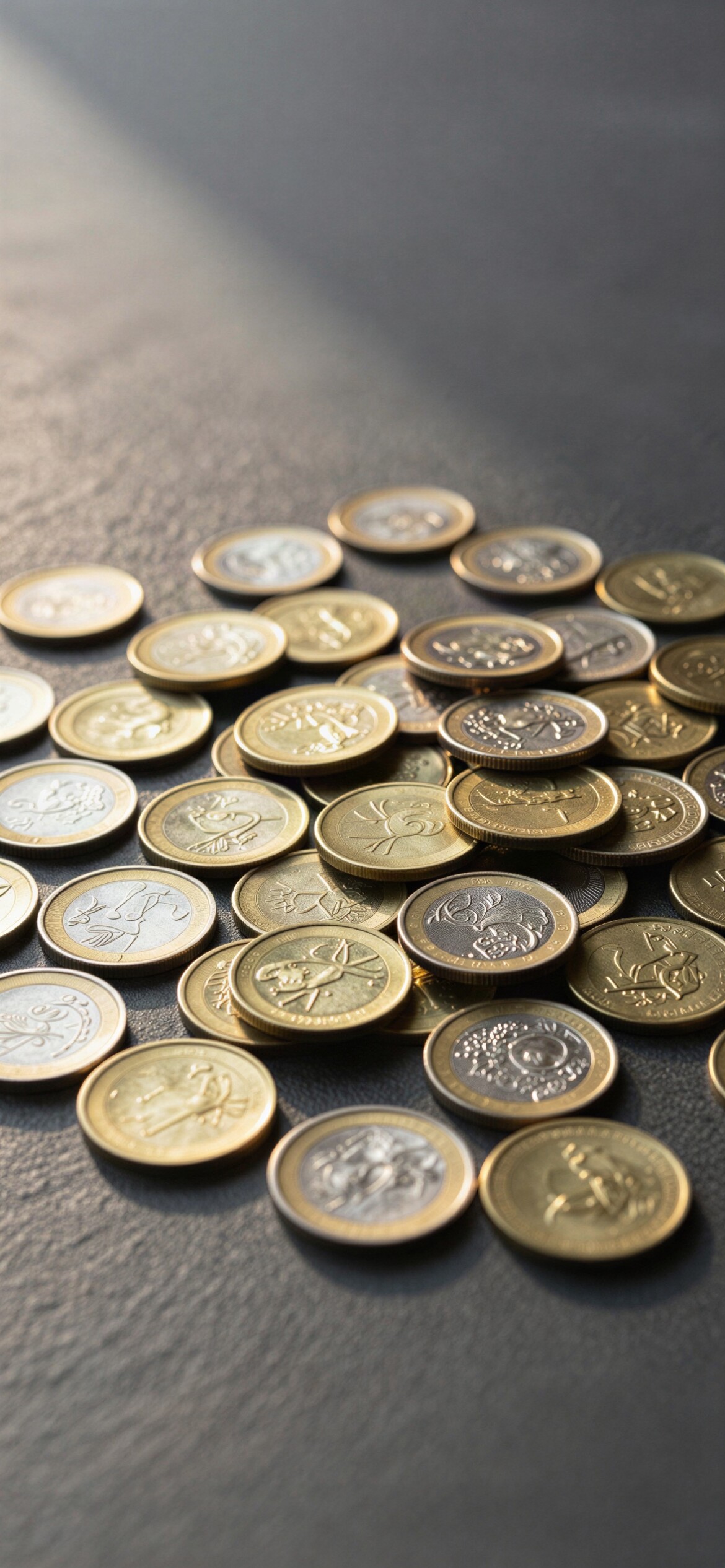
- Gold and silver coins scattered over dark stone, lit by low golden light. The dark ground keeps white clock digits easy to read.
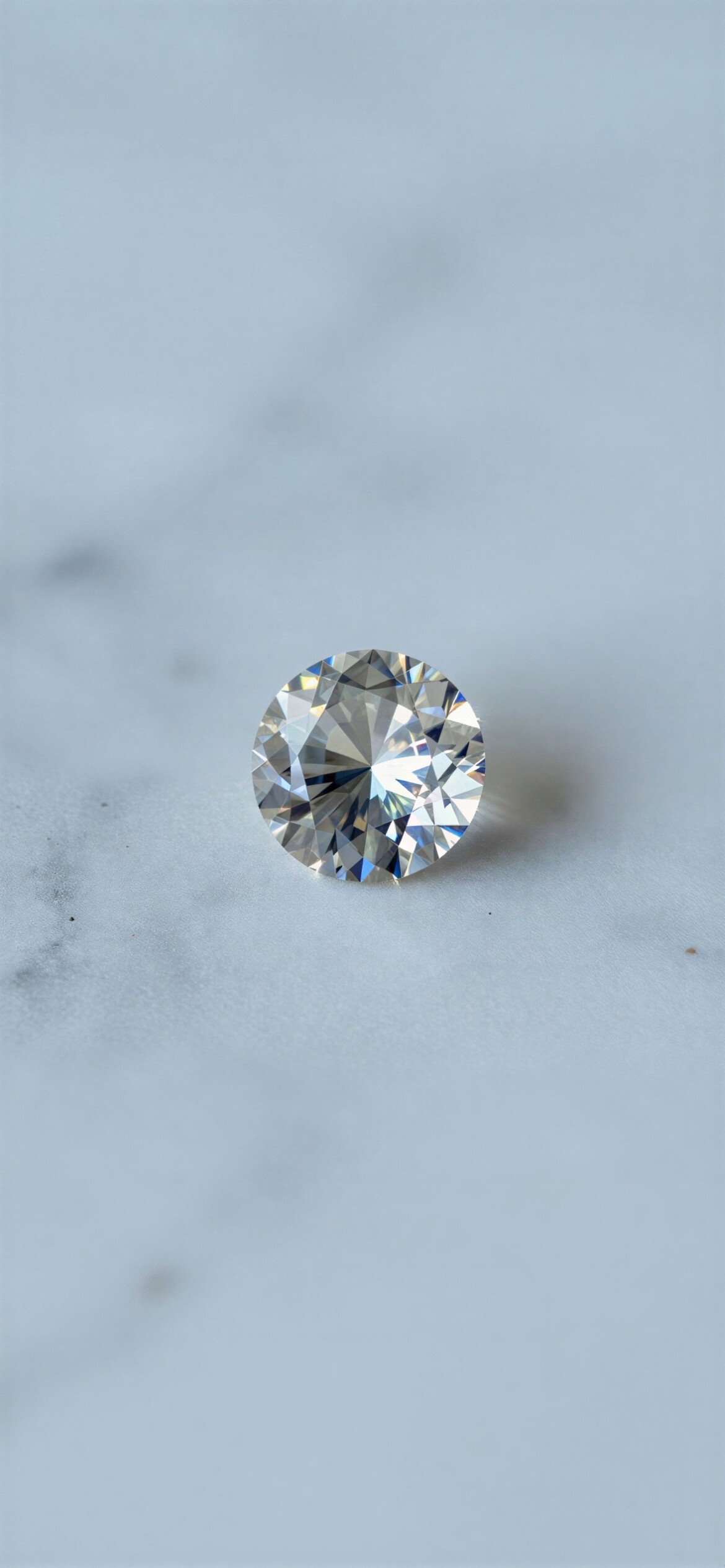
- A single sparkling gemstone on white marble, the brightest and most minimal design in the set.
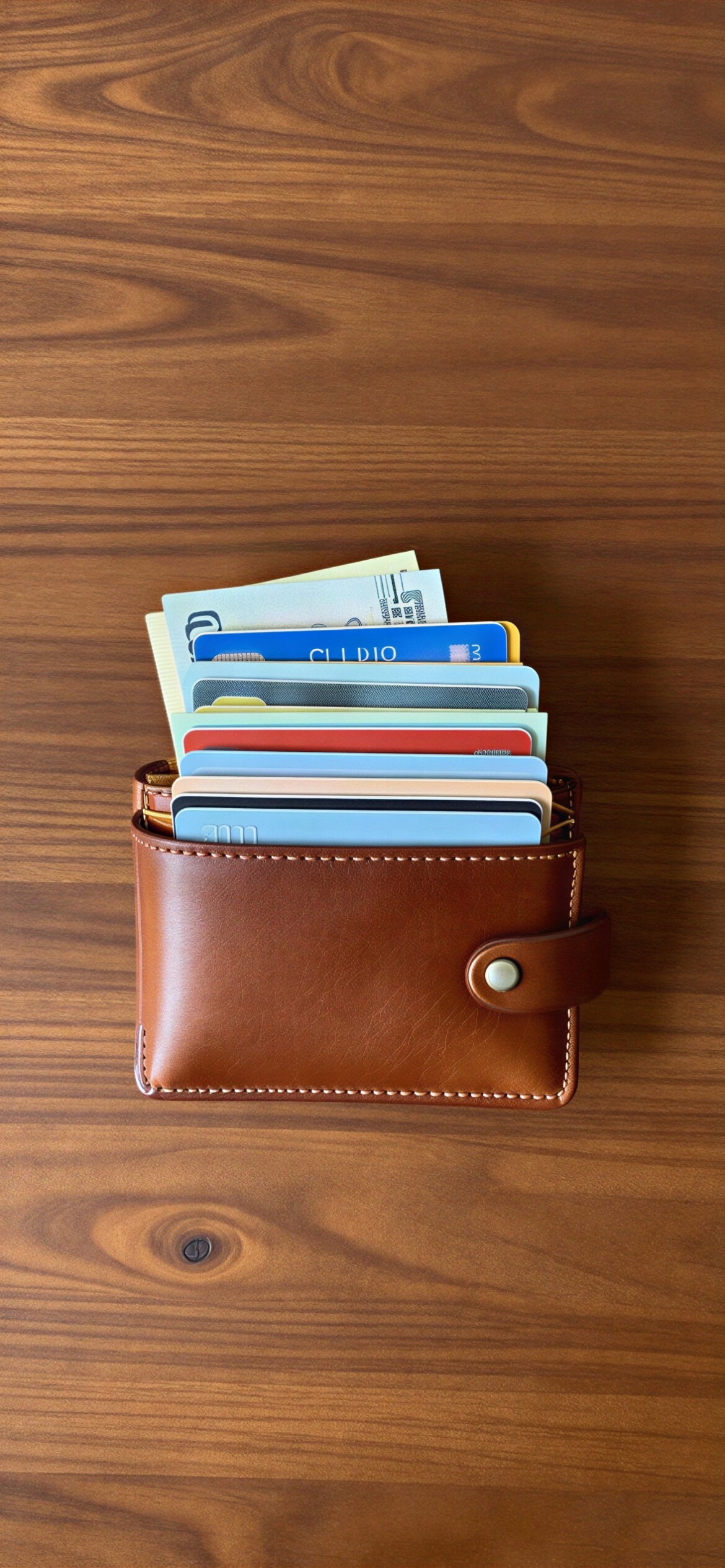
- An open leather wallet full of bills and cards on a mahogany table, warm and slightly old-fashioned.
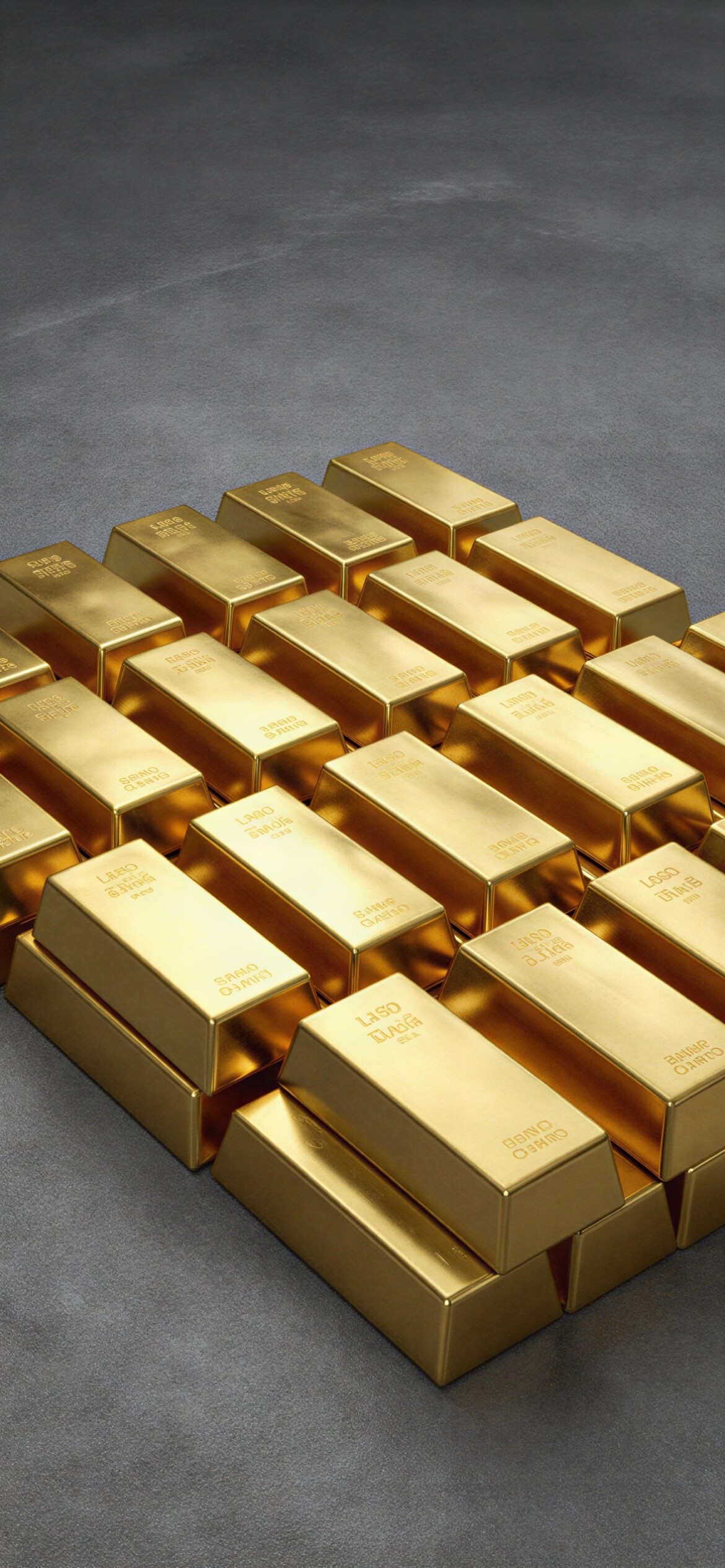
- Gold bars stacked neatly on grey concrete, a strong pick for a lock screen.
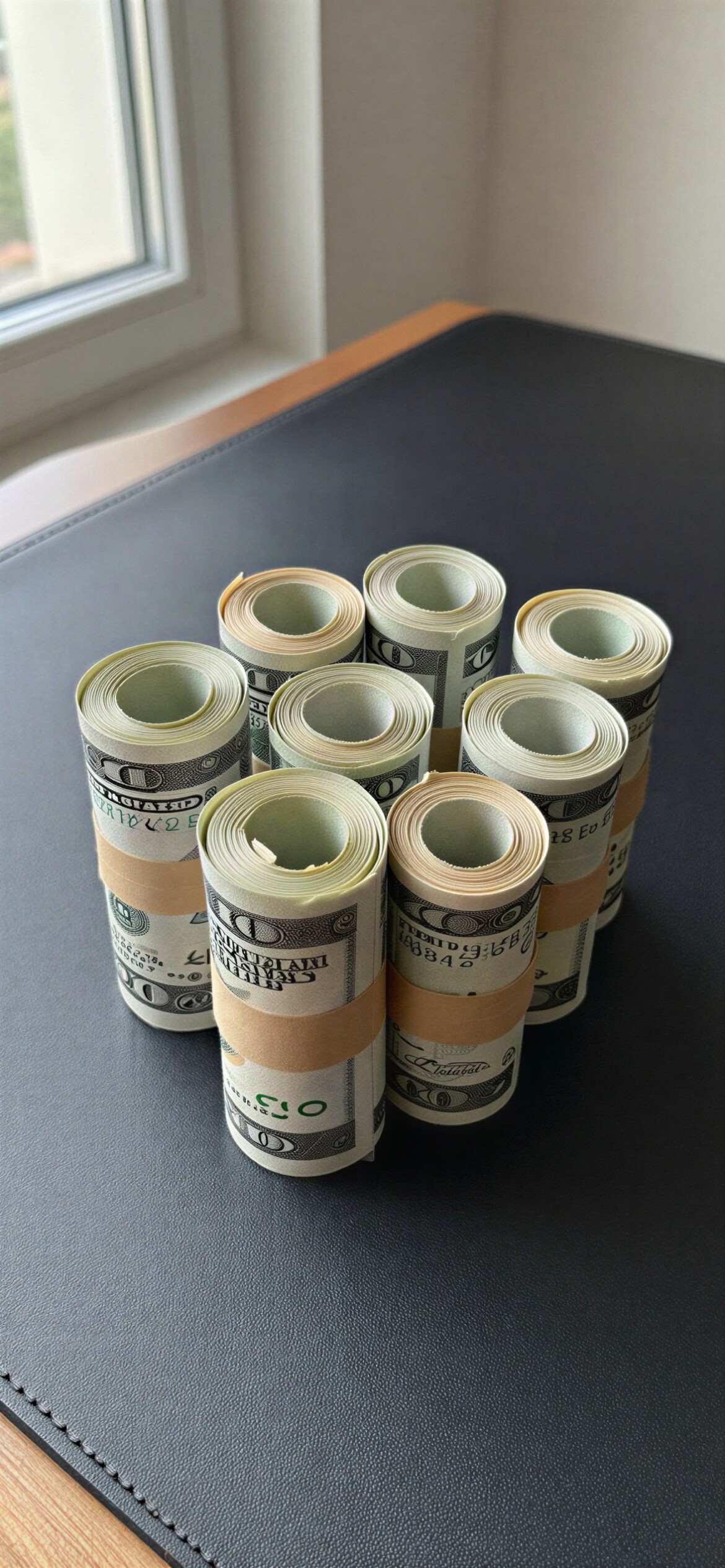
- Rolled bundles of currency held with bands on a black leather desk pad.
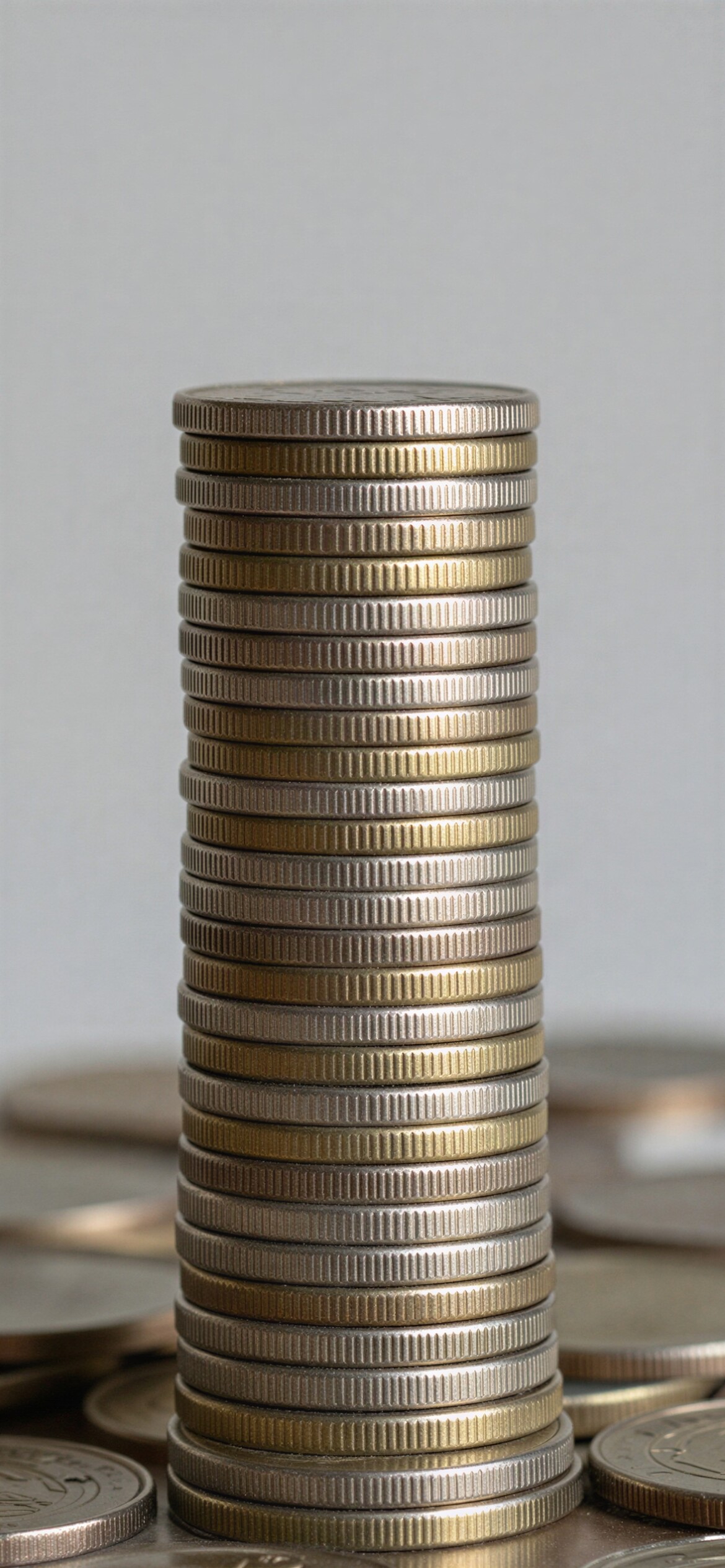
- A single tower of coins balanced in the middle of the frame against a soft background, with clear space around it for icons.
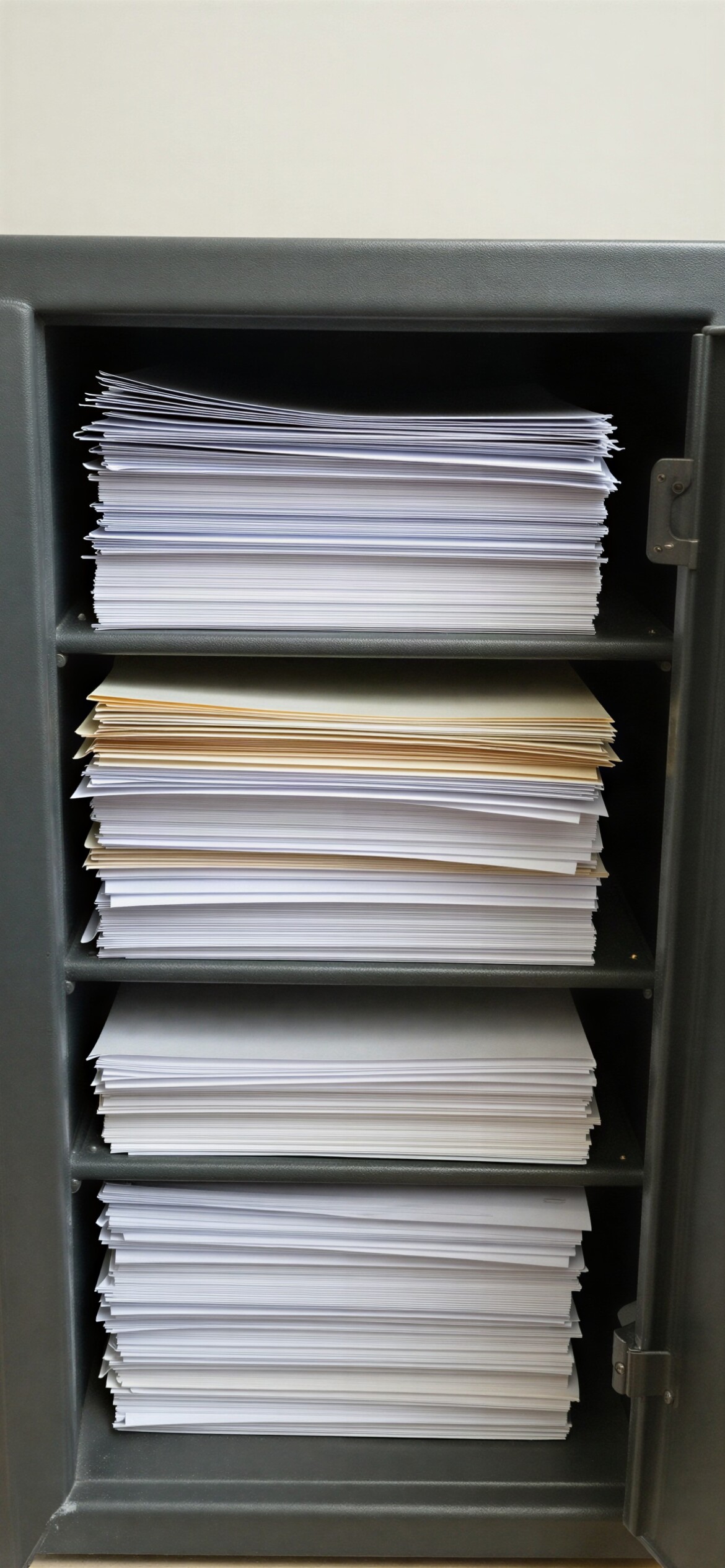
- An open safe deposit box with documents inside, the only picture without cash or metal in view.
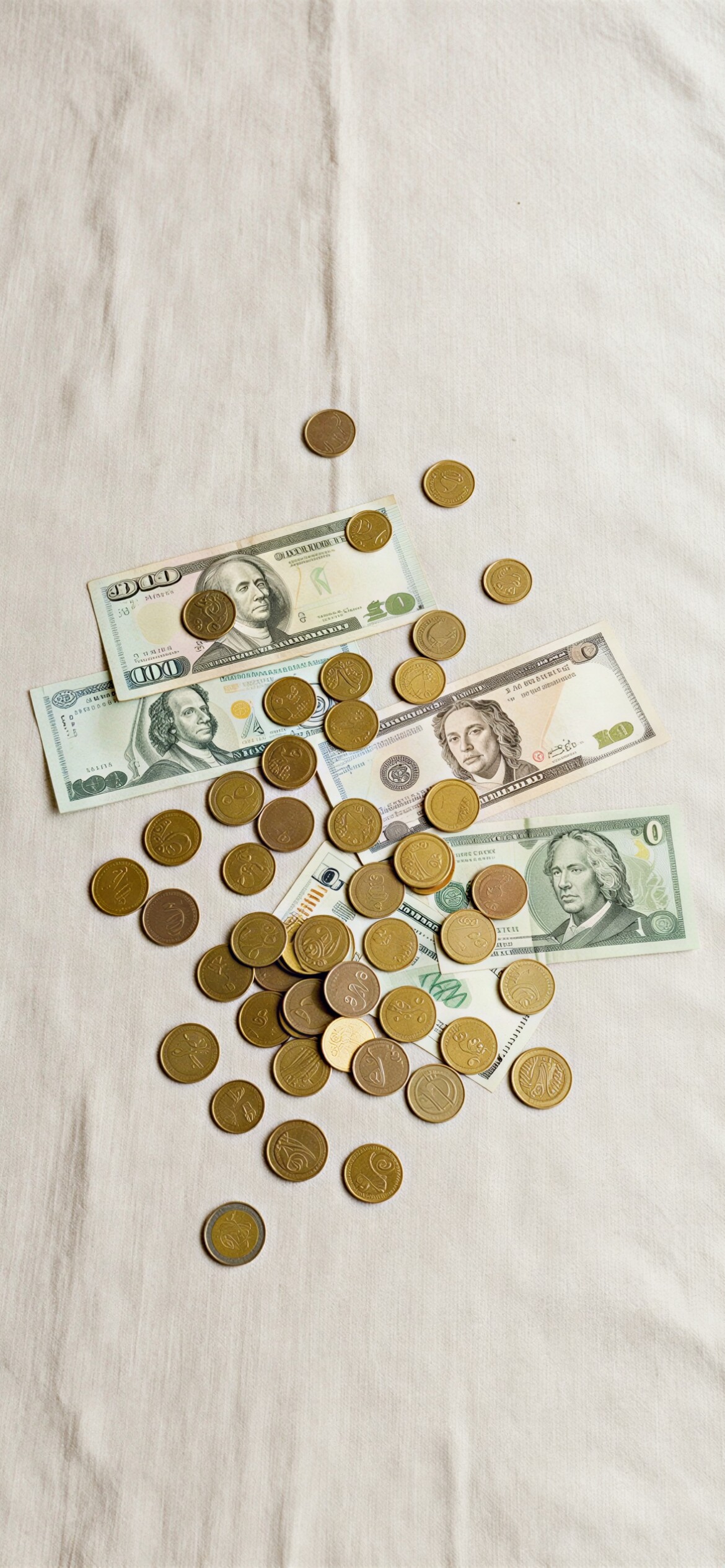
- Bills and coins from different countries scattered on light linen, a mix of colours and prints.
That makes nine pictures in this set rather than the usual ten.
From Lydian coins to cotton paper
Some of the earliest known coins were struck in Lydia, in what is now western Turkey, around the 7th century BC, using electrum, a natural mix of gold and silver. Paper money came much later and started in China, where the Song dynasty issued official notes in the 11th century. The ridged edges you see on many coins, like the stacks in #7, began as a defence: when coins were made of precious metal, people shaved slivers off the edges, and a milled rim made that easy to spot.
Banknotes are rarely ordinary paper. US dollar bills, for example, are printed on a blend of 75% cotton and 25% linen, which is why they survive the wash in a pocket. The bars in #5 have a standard too: the large bars traded between banks in London weigh about 400 troy ounces each, roughly 12.4 kg.
Sorting them by surface
For a light, clean screen, go with #3 or #9. Wood, leather and paper give #1, #4, #6 and #8 a warm, desk-drawer feel that sits well behind brown or beige icons. The metal pictures, #2, #5 and #7, have the most shine and contrast, so they work best when you want the wallpaper to be the main thing on the screen.
If the gemstone in #3 caught your eye, the diamond wallpapers go further. The metal set has more gold and copper textures, and the lucky wallpapers keep the good-fortune theme going.
How to set it on your iPhone
- Tap Download and save the image to Photos.
- Open Settings, tap Wallpaper, then Add New Wallpaper, and choose Photos.
- Pick the wallpaper, pinch to position it, then tap Add and choose the lock screen, home screen or both.
Stuck on a step? The iPhone and iPad guide has screenshots for each one.
Questions
What size are these money wallpapers for iPhone?
All wallpapers in this set are sized at 1170x2532 pixels, which is the native resolution for modern iPhones. Some older models may crop slightly at the edges. Download and set directly through your iPhone's Settings or Photos app.
Can I use these money wallpapers on other sites or print them for sale?
These wallpapers are free for personal use on your own iPhone only. You cannot sell them, print them for commercial sale, or repost them on other wallpaper sites or social media. For full terms, visit our Terms page on the site.
Which money wallpapers work better for lock screen versus home screen?
Lock screen designs should have clear subjects in the lower half so time and notifications stay readable. The coin stacks, single gems and held coins work well for lock screens. Home screen picks can use fuller compositions like scattered currency or open wallets, since your icons sit on top and you want visual interest behind them.
What mood do these money wallpapers convey?
The set conveys themes of wealth, financial goals, prosperity and luxury without looking overly flashy. A photorealistic look and warm lighting create a grounded, aspirational feel rather than gaudy or fake. They suit users interested in finance, investing or using their phone as motivation for financial progress.