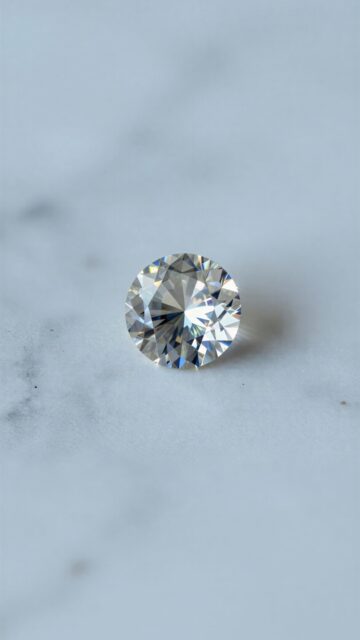
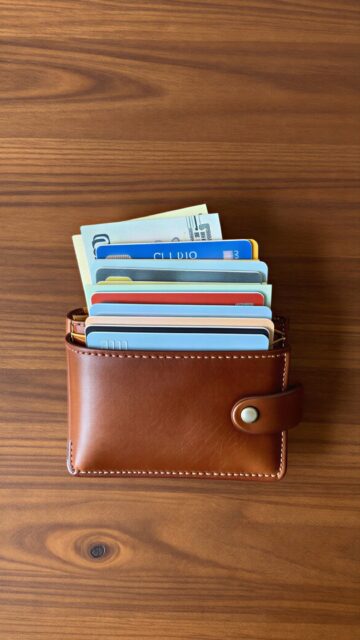
Money Wallpapers

10 wallpapers in 1 collections · last added 7 Oct 2026 · sizes for iPhone, Android, desktop and tablet

A money wallpaper is a daily reminder of the goals you are working toward. This money wallpaper collection covers stacks of dollar bills, scattered gold coins, piggy banks, wallets, rich green cash textures, luxury vibes with gold accents, and simple motivational lines about saving, earning and building wealth. Many people use these money backgrounds as part of a vision board or manifestation routine, while others just like the bold green and gold look.

Each collection has 10 images in one size. Phone portrait sets fit the lock screen on iPhone (1170x2532) and Android (1080x2400), and there are iPad, laptop and 4K desktop sizes for a workspace that keeps your goals in view. Every design is original and checked by hand before it is published, and weak images are removed. The cash shown is illustration, not real currency, so these designs are about mood and motivation rather than financial advice of any kind.
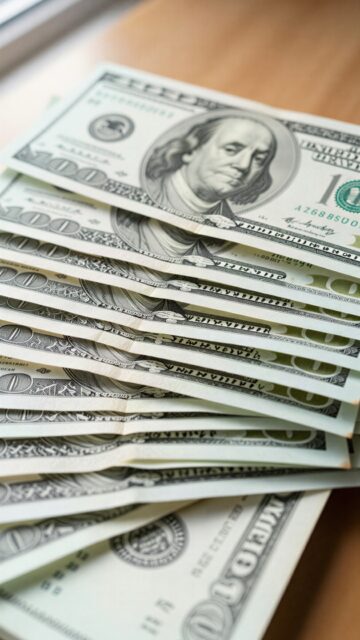
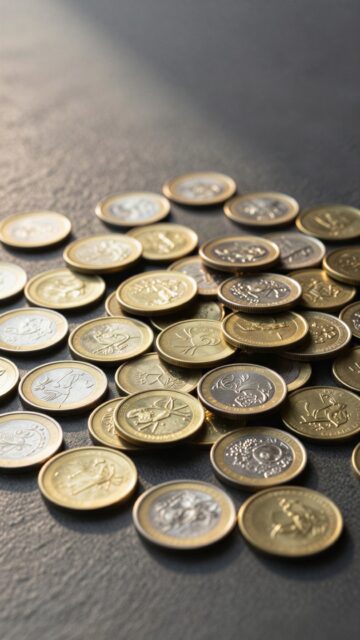
Cash-themed designs fall into a few looks. Green bill textures and falling banknotes feel energetic and pair well with gold app icons. Black and gold layouts read as sleek and luxurious, and they look especially sharp on OLED screens. Quote-driven designs, such as a short line about saving or discipline, work best on a lock screen, where you see them each time you check your phone. Put the words in the lower half so the clock stays clear. Subtle textures, like a close crop of a bill's engraved linework, give the theme without shouting about it, which suits a work phone or a shared laptop. Many people pair this theme with:

Expert tip

Turn a money wallpaper into a real reminder by picking one with open space and adding a lock screen widget or note with your actual savings target next to it.

Color palette

#0B3D2E#1E6B45#4CAF50#C9A227#F3E9C6

Money wallpaper FAQ

What is the best size for a money wallpaper on iPhone?

Use the 1170x2532 iPhone version so the fine print on illustrated bills and the edges of coins stay sharp. On the lock screen, a design with the cash or quote in the lower half leaves room for the clock and widgets at the top, which keeps both the time and the message easy to read.

Is there a money background size for Android phones?

Yes. Android sets are 1080x2400, which fits most current Android phones. Patterns of bills or coins work well even if your launcher scrolls the wallpaper, while a single piggy bank or quote looks best with scrolling turned off. The Android guide shows how to set it.

Do money wallpapers really help with manifestation?

There is no evidence that a wallpaper attracts money on its own. What it can do is act as a visual reminder of a goal, such as saving for a trip or paying off a card, every time you unlock your phone. Many people find that useful as part of a wider habit like tracking spending or writing down goals.

Why is money so often shown in green and gold?

US dollar bills have had green backs since the 1860s, which is how the nickname "greenbacks" started, so green became closely linked with cash. Gold has stood for wealth since ancient times and was used as money in coins. Together, green and gold instantly read as money in most designs.

Should I put a money wallpaper on my lock screen or home screen?

The lock screen is the better spot if you want the motivational effect, since you see it every time you pick up your phone. On the home screen, a subtle bill texture or gold pattern works better behind icons. Some people use a goal quote on the lock screen and a matching plain green home screen.

Are these money wallpapers free?

Yes, every design is free for personal use on your own phone, tablet, computer or watch, with no sign up and no watermark. Using them for a business, such as in ads, course materials or social posts promoting a product, counts as commercial use and is not allowed. See our terms of use.

How often are new money backgrounds added?

New collections go up on the site every day, and motivation-related themes like money and success get fresh sets regularly, with interest rising around the new year when people set goals. Check the latest wallpapers page for new sets, or request a specific idea through our contact page.

How do I set a money wallpaper on my desktop in 4K?

Download the 3840x2160 desktop version, which also looks sharp on 1080p and 1440p monitors. On Windows, open Settings, Personalization, Background; on a Mac, go to System Settings, Wallpaper, and choose Fill. Our desktop wallpaper guide covers each step for both systems.

Curated and checked by the FreeWallpaperDaily experts

Every wallpaper is reviewed by a person before it goes live: we remove images with odd details or blur and check the crop for each device. How we check wallpapers

Something wrong with an image? Report an image · Free for personal use, see the Terms.