Skateboard Wallpaper iPhone
Skateboard iPhone wallpaper offers free designs with decks, tricks and skate park scenes for your lock and home screens. These wallpapers capture the energy and style of skateboarding culture with close-ups of boards, mid-air action and street spots. Whether you want a bold graphic deck design or a dynamic skate scene, this skateboard wallpaper collection suits any iPhone user who loves the sport.
10 wallpapers at 1170 × 2532 px for iPhone. Checked by hand on 6 Oct 2026.
About this set
This set captures the raw style and energy of skateboarding with close-ups of decks, action shots and street spots. The designs range from detailed board textures to dynamic skate park scenes, each shot with natural lighting and real-world skateboard culture in mind. Colors lean toward warm wood tones, concrete greys and bright sky blues.
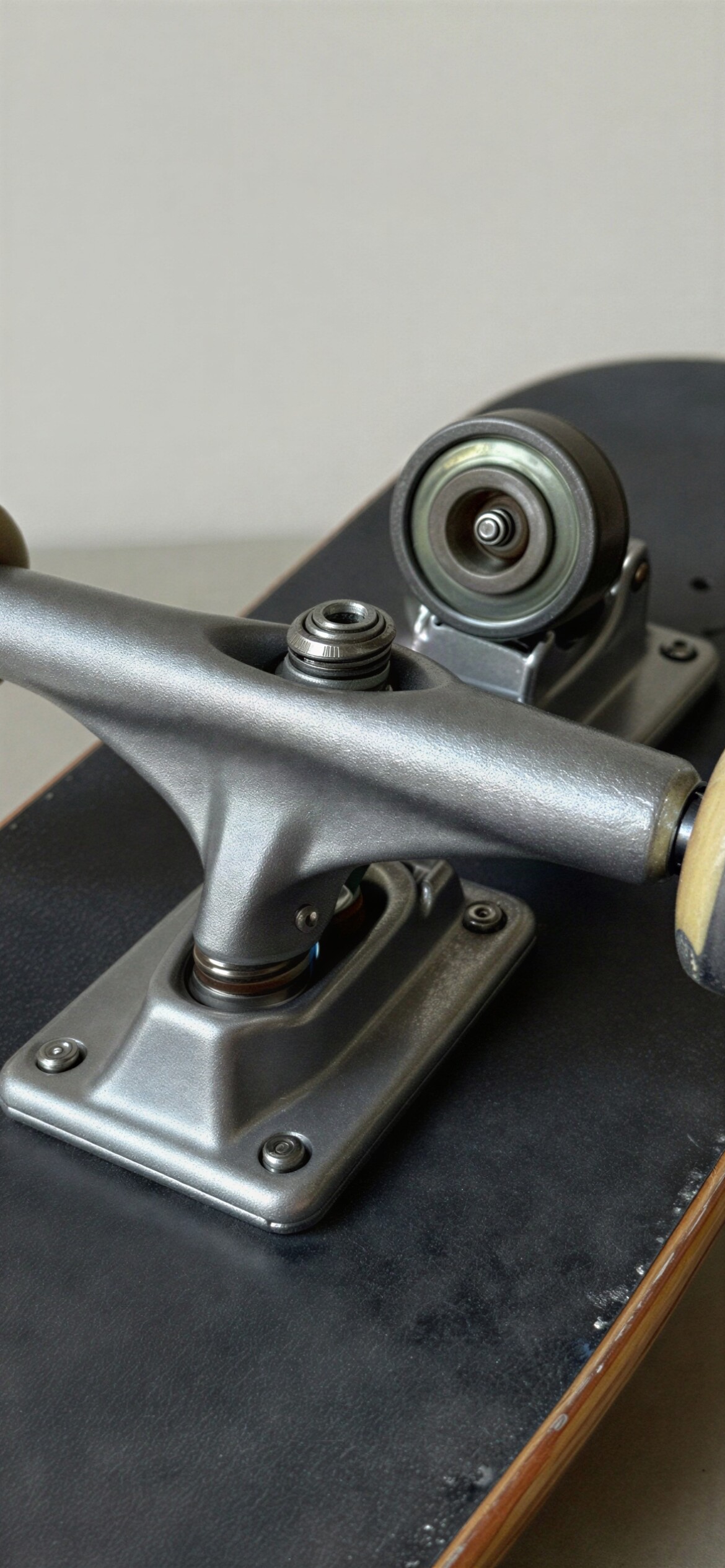
For your lock screen, pick the tight close-ups of wheels, grip tape or hardware that work well with notifications. Home screen picks are the wider action shots and ramp scenes that sit nicely behind icons. These wallpapers work best on iPhone with natural light, so they pair well with warm or cool tinted app icons depending on the design you choose.
From sidewalk surfing to the Olympics
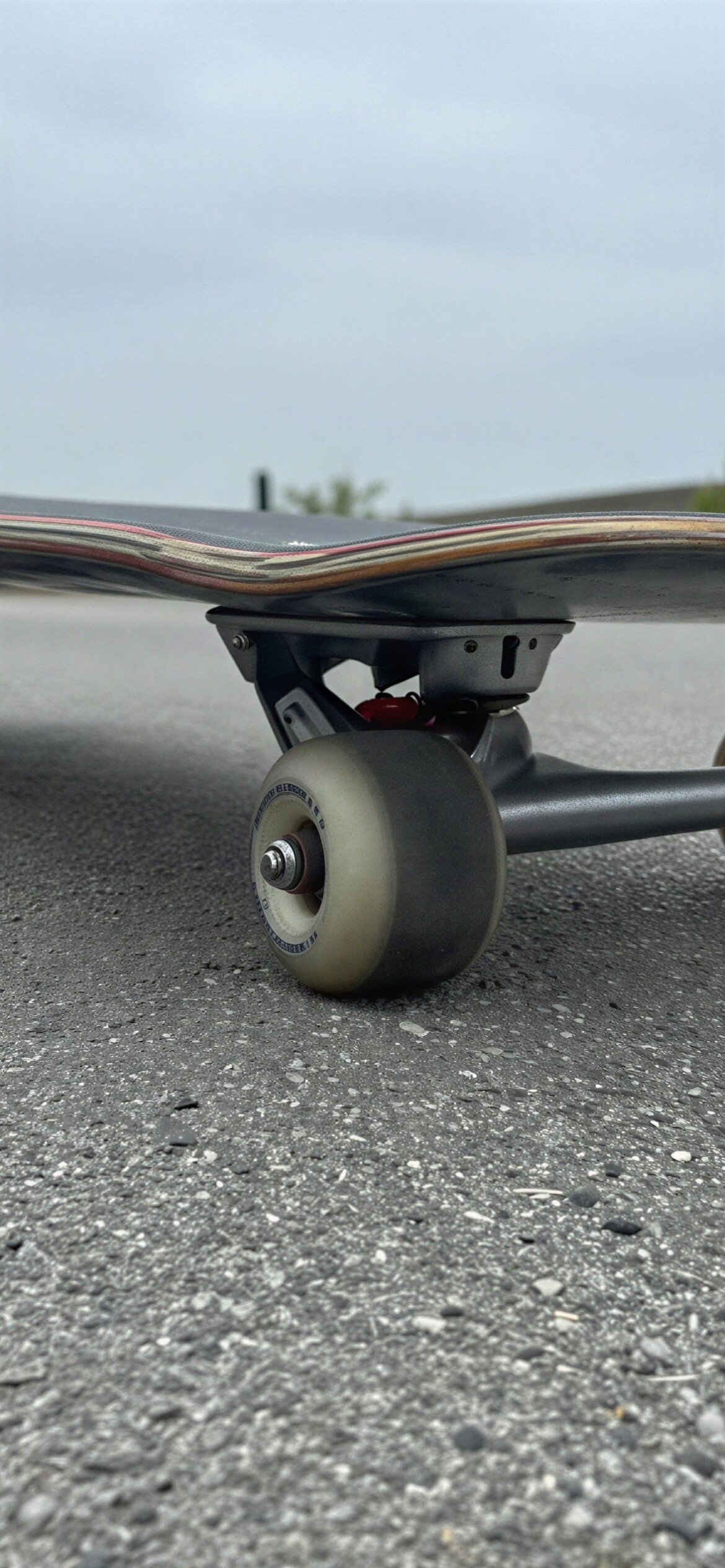
Skateboarding started in California in the 1950s, when surfers fixed roller skate wheels to wooden planks so they had something to ride on days with no waves. People called it sidewalk surfing. The early clay and metal wheels were rough and slippery, and the sport only really took off after urethane wheels arrived in the early 1970s. That softer, grippier wheel is the one rolling over the asphalt in wallpaper 3.
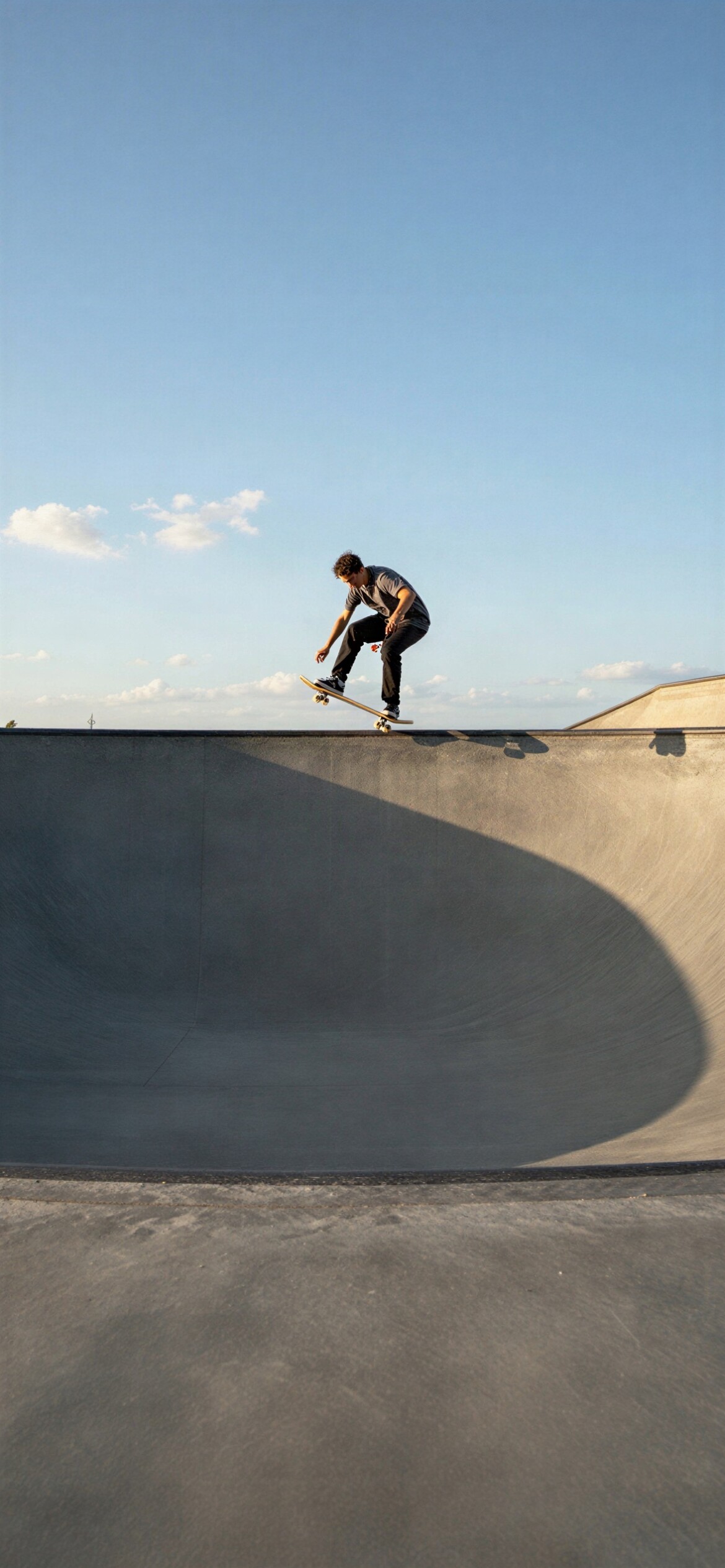
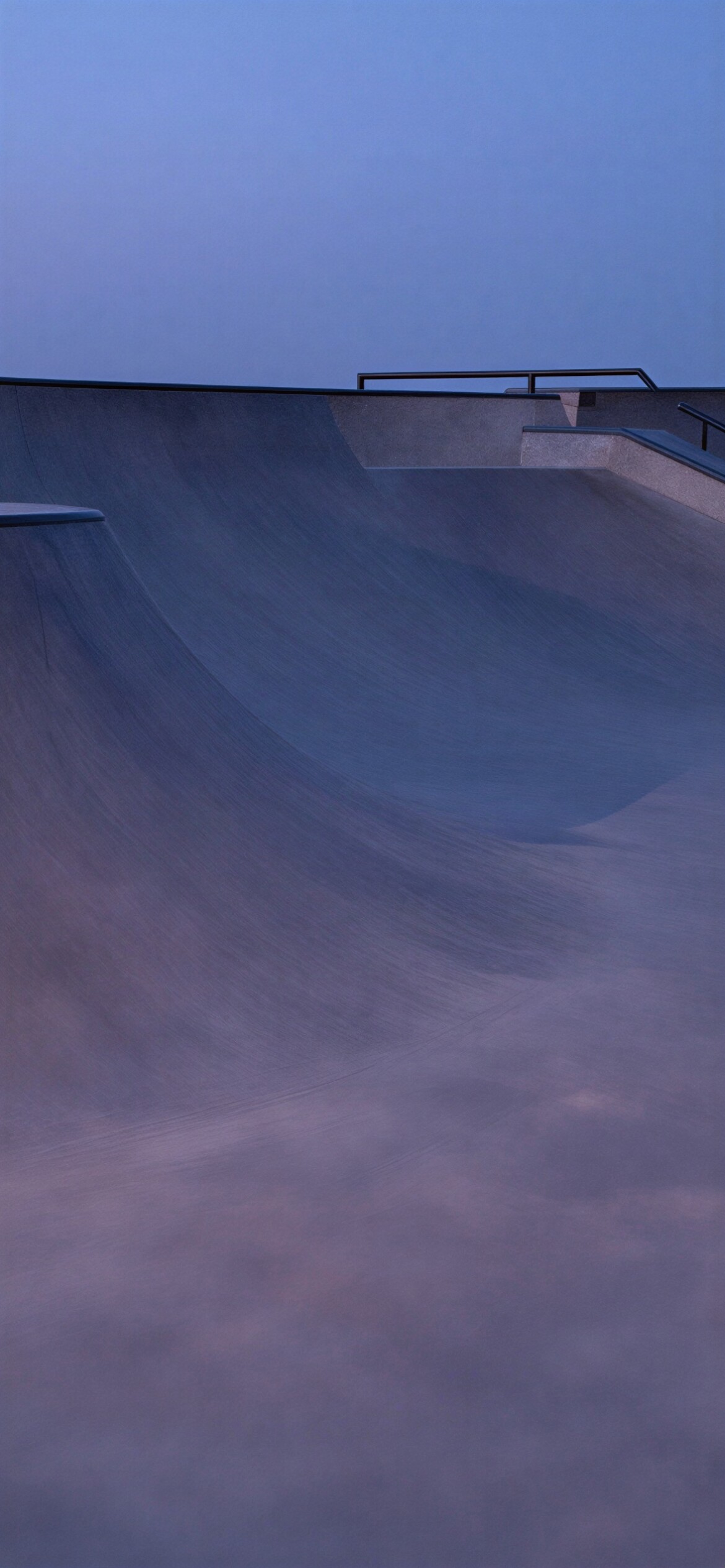
A few years later, during a drought in California, skaters began riding drained backyard swimming pools. Those curved walls are the ancestors of the concrete bowl in wallpaper 2 and the ramp in wallpaper 6. The ollie, the jump where the board seems to stick to the rider's feet, came out of the same era, and it is the starting point for nearly every flip trick, including the one caught in wallpaper 8. Skateboarding made its Olympic debut at the Tokyo Games, held in 2021.
Gear shots and riding shots
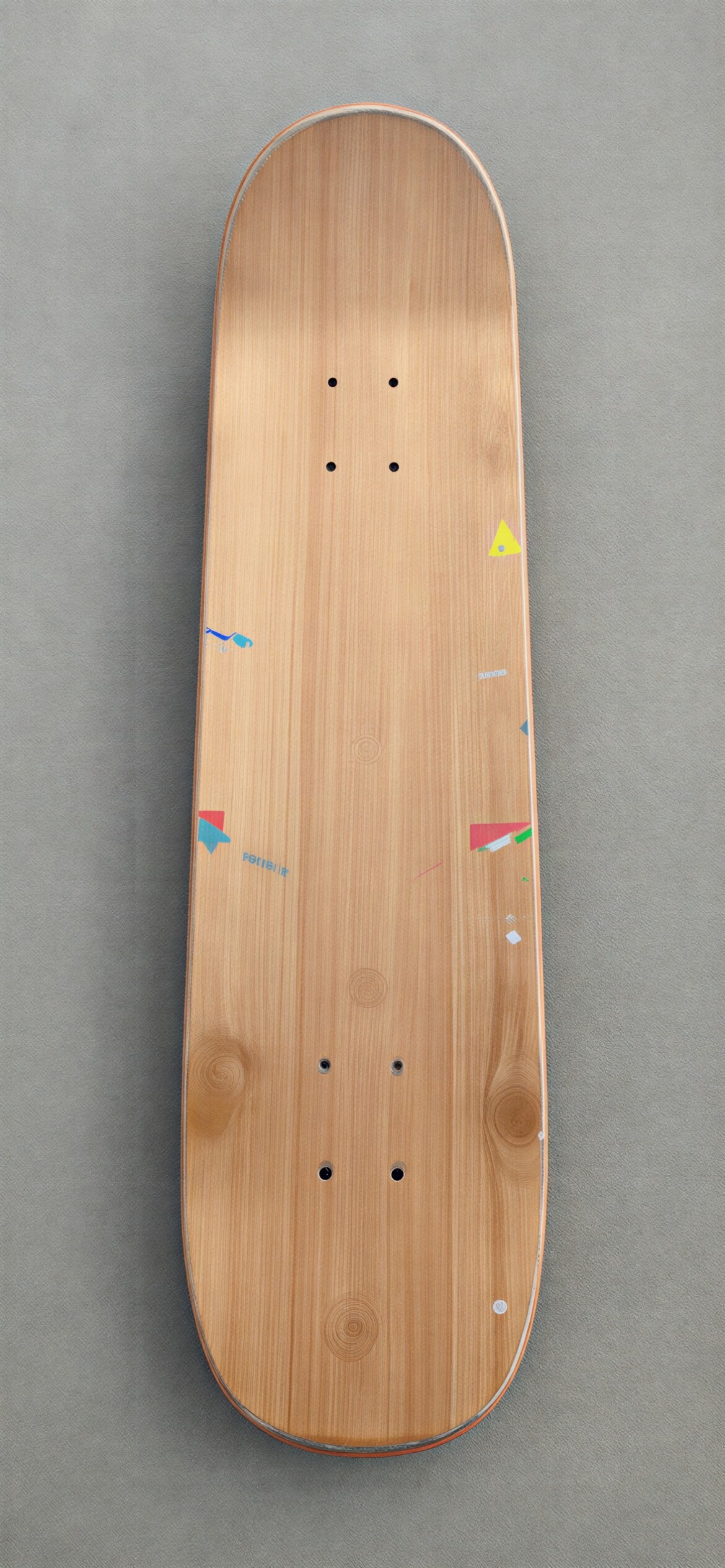
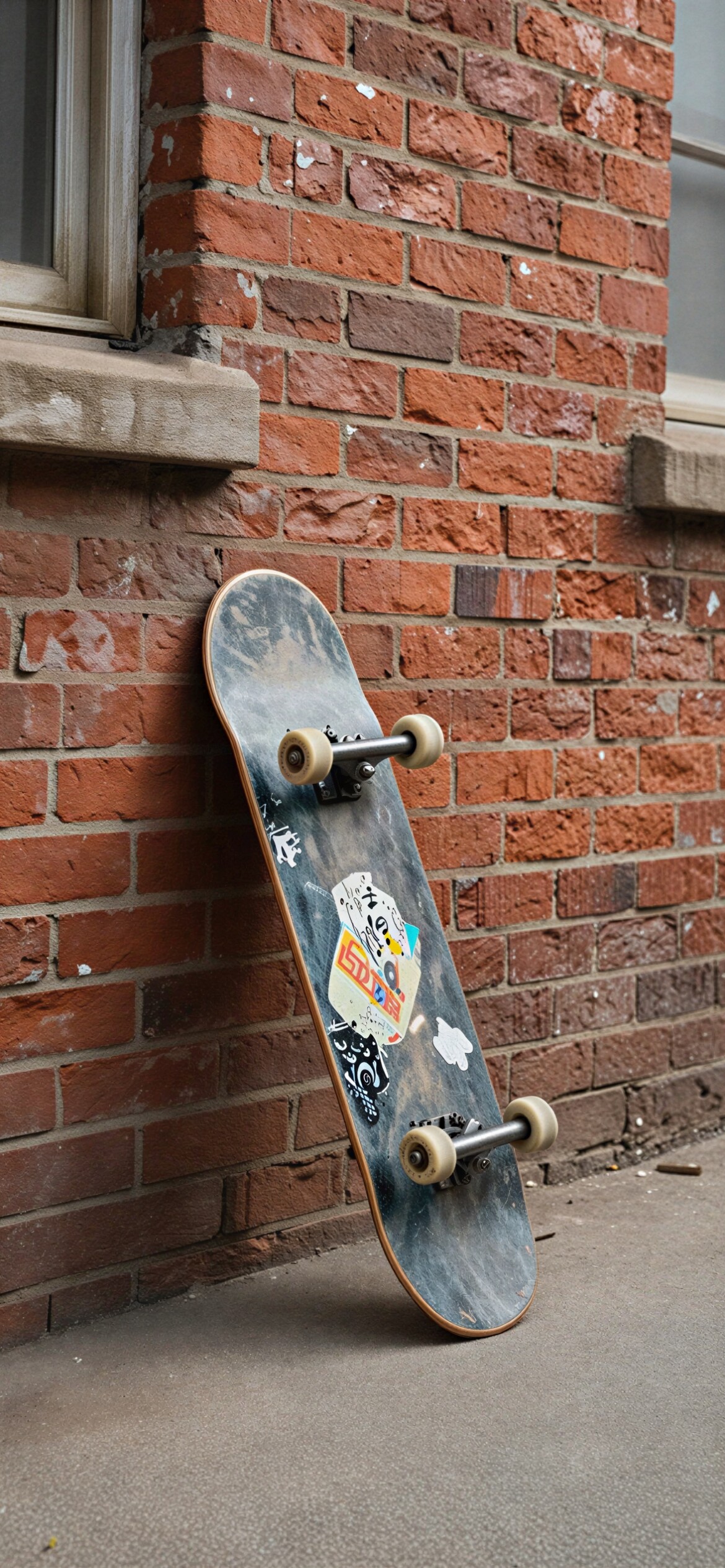
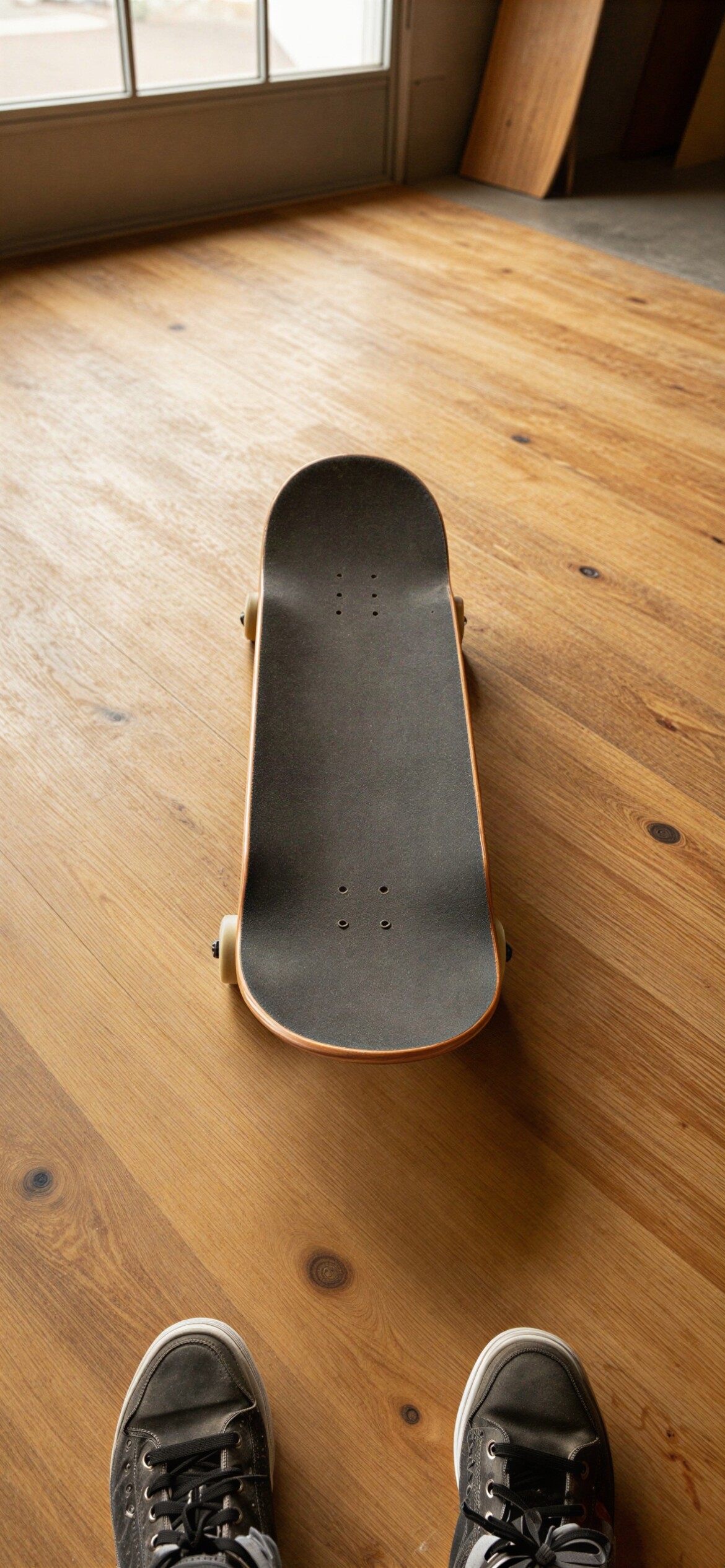
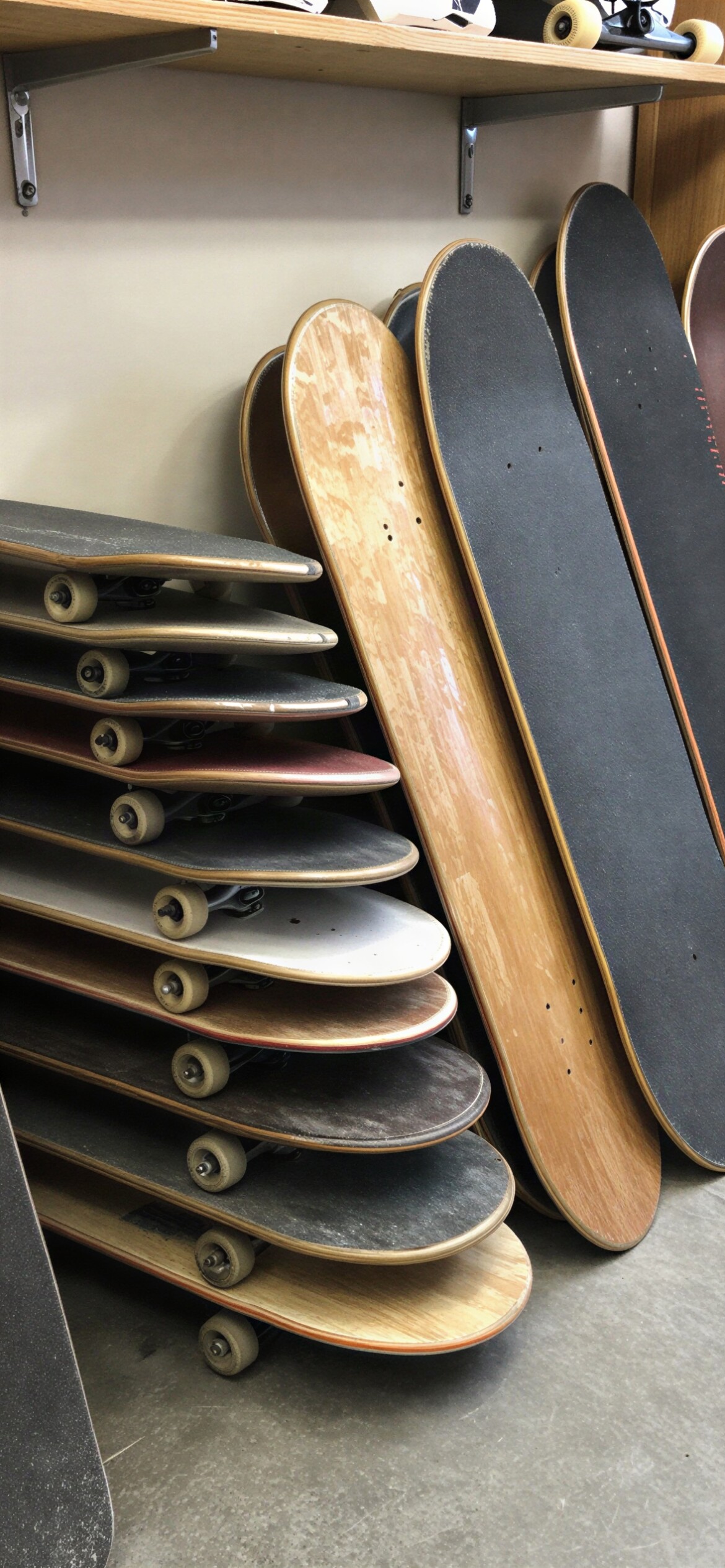
Half of the set is about the board itself. Wallpaper 1 looks straight down at a deck on concrete, with the grip tape and graphics both in view, and wallpaper 7 stacks several decks so you see a row of colours and grip patterns. Wallpaper 9 turns a board over to show the bolts and bearings underneath. Most decks are pressed from seven thin layers of maple glued together, and the grip tape on top works like coarse sandpaper so shoes don't slide off. Wallpaper 4 leans a board against an old brick wall in an alley, and wallpaper 5 looks down at a skater's feet on a deck, on a wooden warehouse floor in warm light.
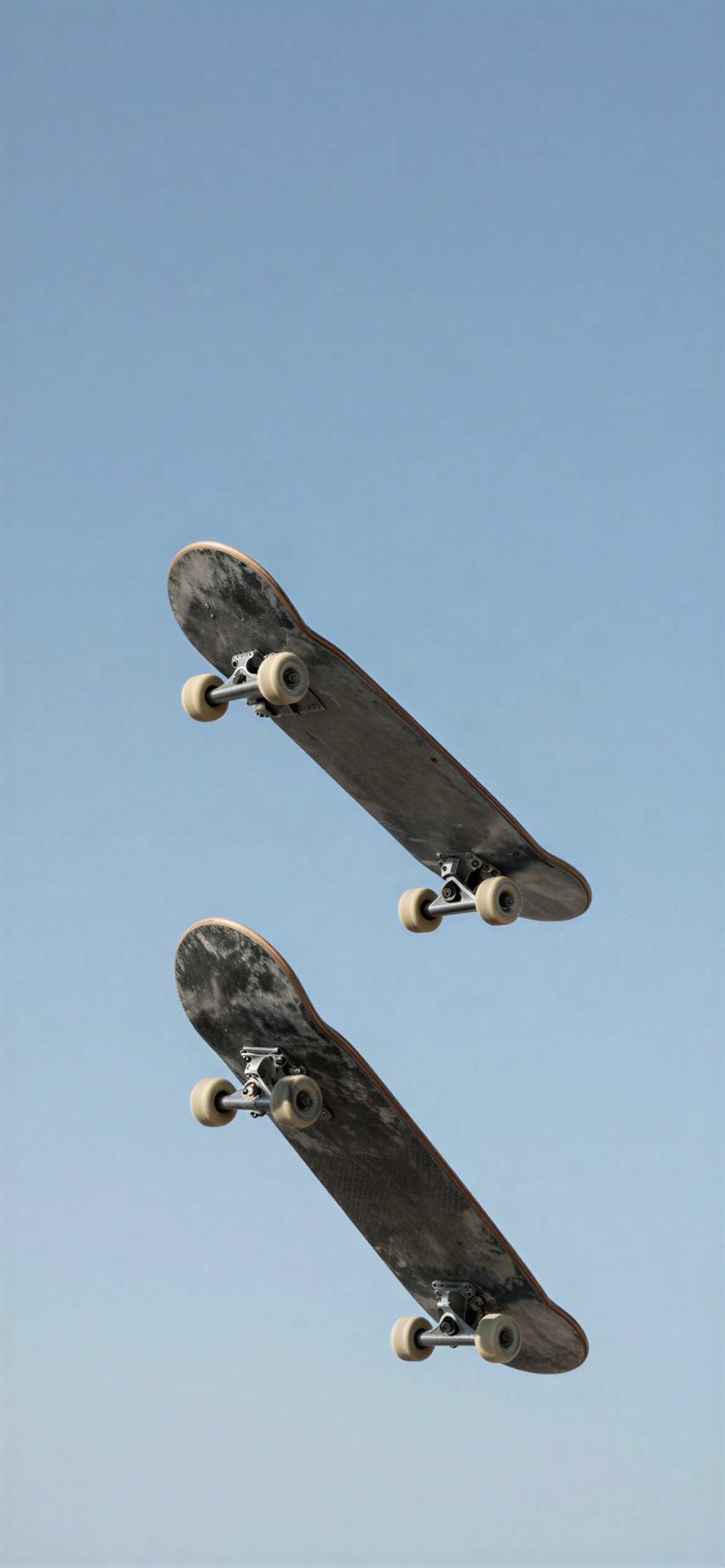
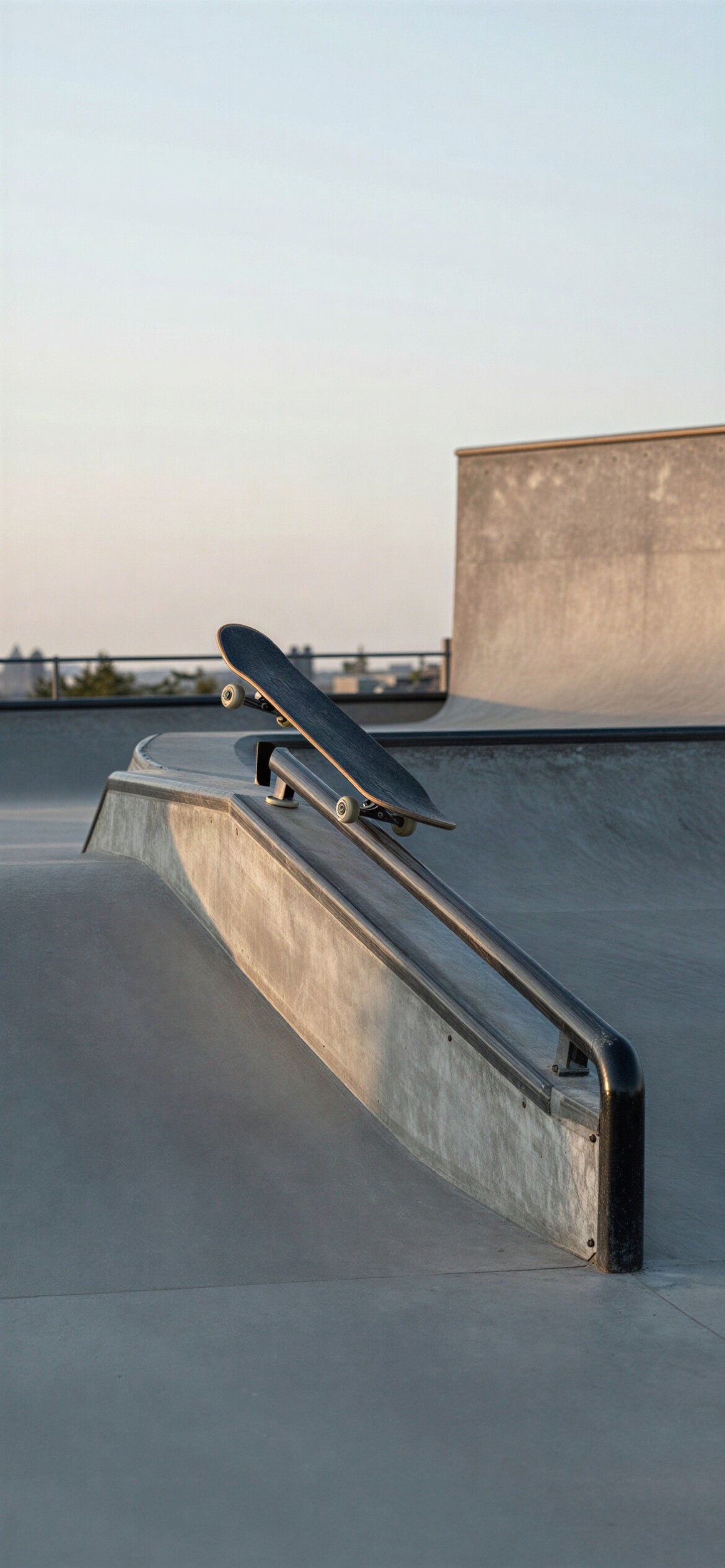
The other half is about movement, or the second just before it. Wallpaper 2 catches a rider mid-trick in a bowl under blue sky and white clouds. Wallpaper 8 is only the board, flipping in clear daylight with nobody in the frame. Wallpaper 10 shows a skater at the top of a ledge, about to drop in, in soft afternoon light, and wallpaper 6 is the same kind of spot with no one there at all: an empty ramp at blue hour.
Concrete, sky or warm wood?
- Grey and cool: 1, 3, 6 and 9. Concrete, asphalt, metal hardware and a ramp at dusk. These are the calmest pictures here.
- Open blue sky: 2 and 8, the two brightest, with plenty of empty blue around the action.
- Warm browns: 4, 5 and 10, lit from the side or by late sun, with brick and wood setting the tone.
- The most colour: 7, the stack of decks.
If you like this look, the graffiti set has more painted walls from the street, the hip hop collection leans into the same city style, and the motorcycle wallpapers are there for anyone who likes their wheels with an engine attached.
How to set it on your iPhone
- Tap Download and save the image to Photos.
- Open Settings, tap Wallpaper, then Add New Wallpaper, and choose Photos.
- Pick the wallpaper, pinch to position it, then tap Add and choose the lock screen, home screen or both.
Stuck on a step? The iPhone and iPad guide has screenshots for each one.
Questions
Will these wallpapers fit my iPhone screen?
Yes. These designs are made for iPhone at 1170x2532 pixels, the tall vertical format that fills the full screen edge to edge. They are sized for modern iPhones, and some older models may crop slightly at the edges. The composition keeps the top quarter simple so notifications and status bar stay visible on your lock screen.
Can I use these wallpapers for personal use?
Yes, these are free to download and use on your own iPhone. You can't sell them, print them for sale, or repost them on other wallpaper sites. See the Terms page on Free Wallpaper Daily for the full details on personal use rights.
Which wallpapers work best for lock screen versus home screen?
Lock screen picks are the tight close-ups of deck details, wheels and hardware—they look sharp with notifications on top. Home screen picks are the wider action shots and skate park scenes that sit behind your app icons without clutter. Mix and match to match your style.
Do these designs include real skateboard brands or team logos?
No. All designs focus on skateboard culture, decks, tricks and street spots without featuring real team logos or branded graphics. They celebrate the sport itself with original artwork that works for any skater, regardless of brand preference.