Yin Yang Wallpaper iPhone
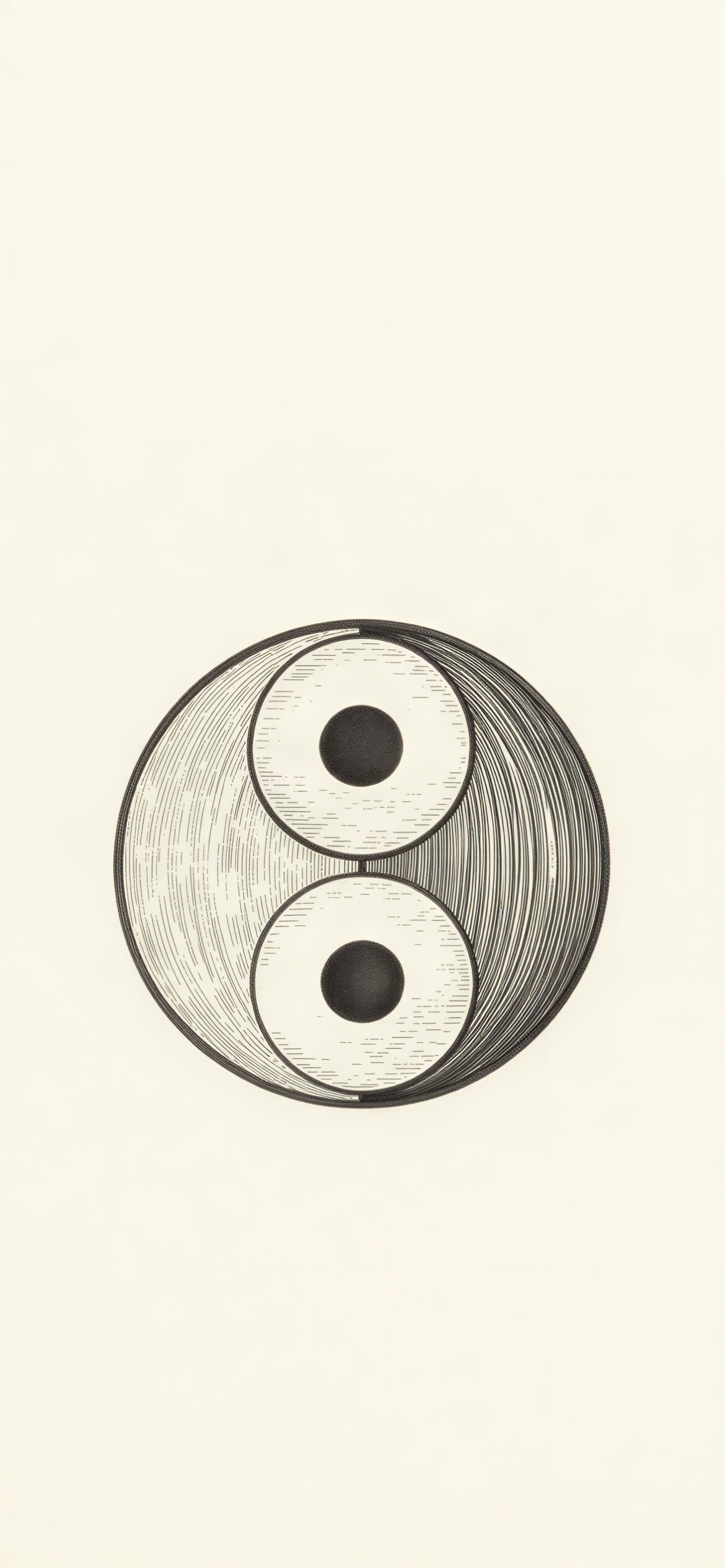
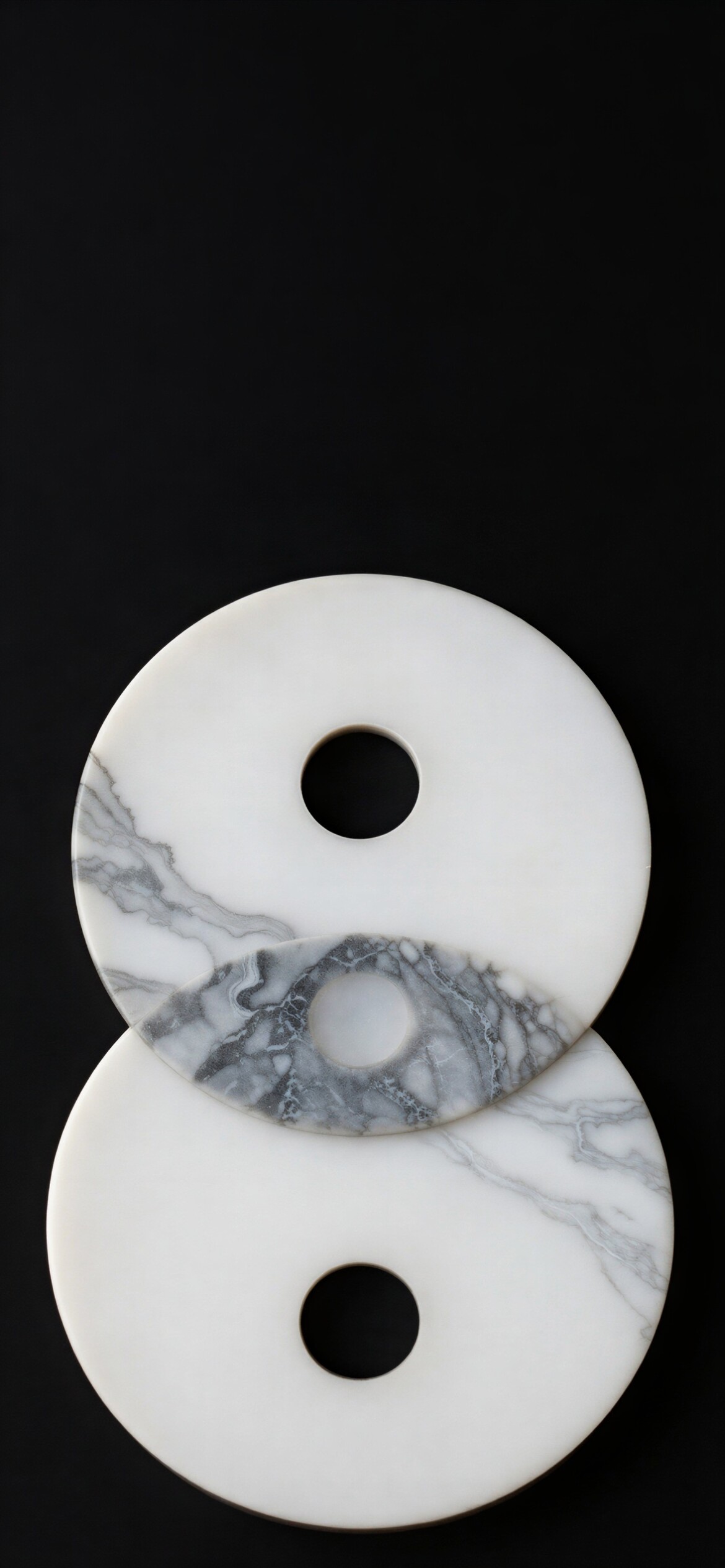
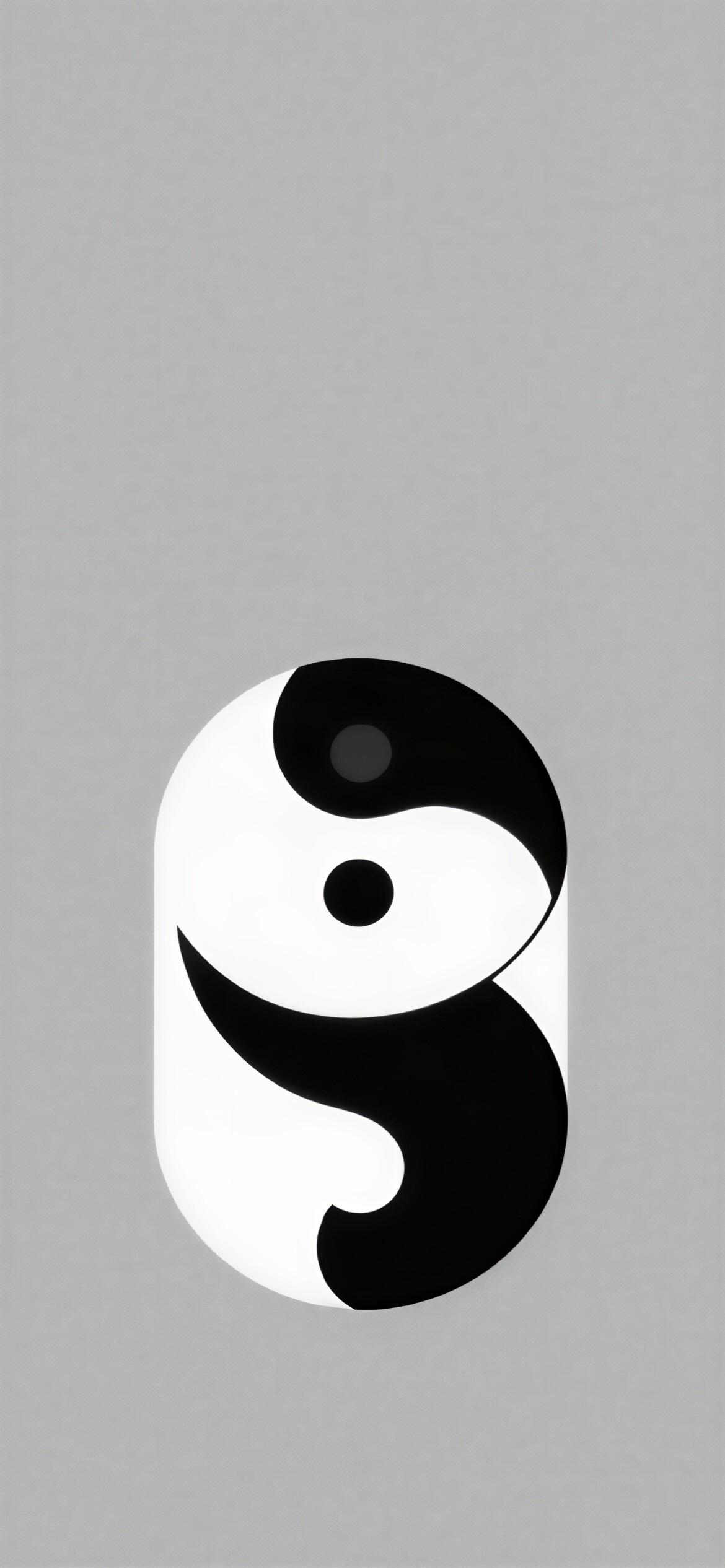
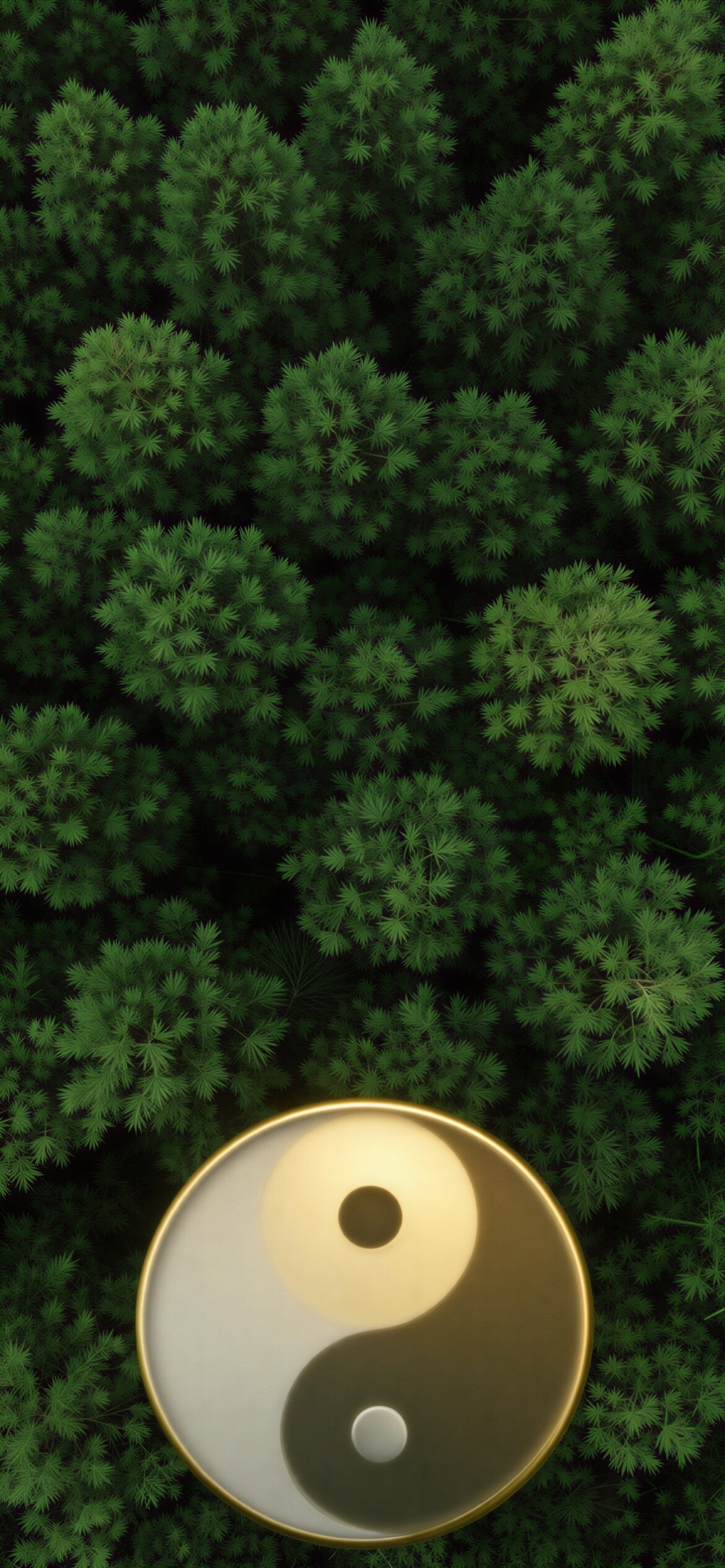
Yin yang iPhone wallpaper brings balance and harmony to your home screen. These designs feature the classic symbol in a range of styles, from minimalist to intricate patterns. Each wallpaper captures the essence of duality and flow, making them ideal for anyone drawn to Eastern philosophy or simply seeking visual balance on their phone.
10 wallpapers at 1170 × 2532 px for iPhone. Checked by hand on 7 Oct 2026.
About this set
These yin yang wallpapers blend Eastern symbolism with modern design. The collection ranges from minimalist black and white pairs to textured, colored interpretations that bring visual interest to your lock screen. Most designs work best as home screen wallpapers since the symbol sits in the lower half, leaving room for app icons across the top.
For lock screens, the simpler geometric and monochrome versions keep time and notifications readable. The softer gradient and textured designs pair well with clean icon sets and work across both light and dark mode. Choose designs with ample negative space if your home screen icons need breathing room.
Shady slope, sunny slope
The words yin and yang come from classical Chinese, where they first described the shaded and the sunlit sides of a hill. Over time they grew into a way of talking about any pair of opposites that depend on each other: dark and light, cool and warm, rest and movement. The idea runs through Taoist thought and traditional Chinese medicine.
The circle itself is usually called the taijitu, roughly "diagram of the supreme ultimate". Its small dots matter as much as the big swirls: each half carries a seed of the other, so neither side is ever pure. If the symbol looks familiar from somewhere else, the flag of South Korea uses a red and blue version of the same divided circle.
Ten takes on one circle
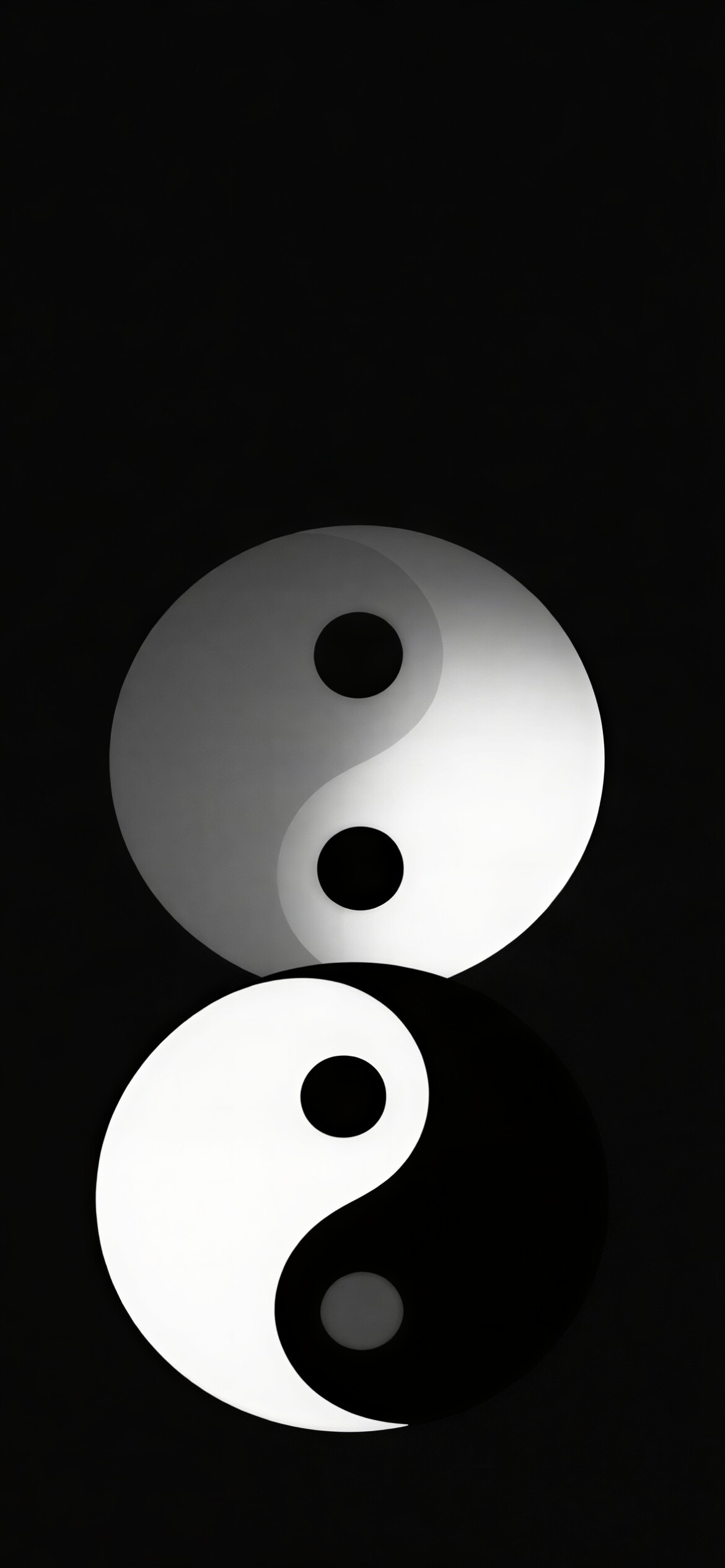
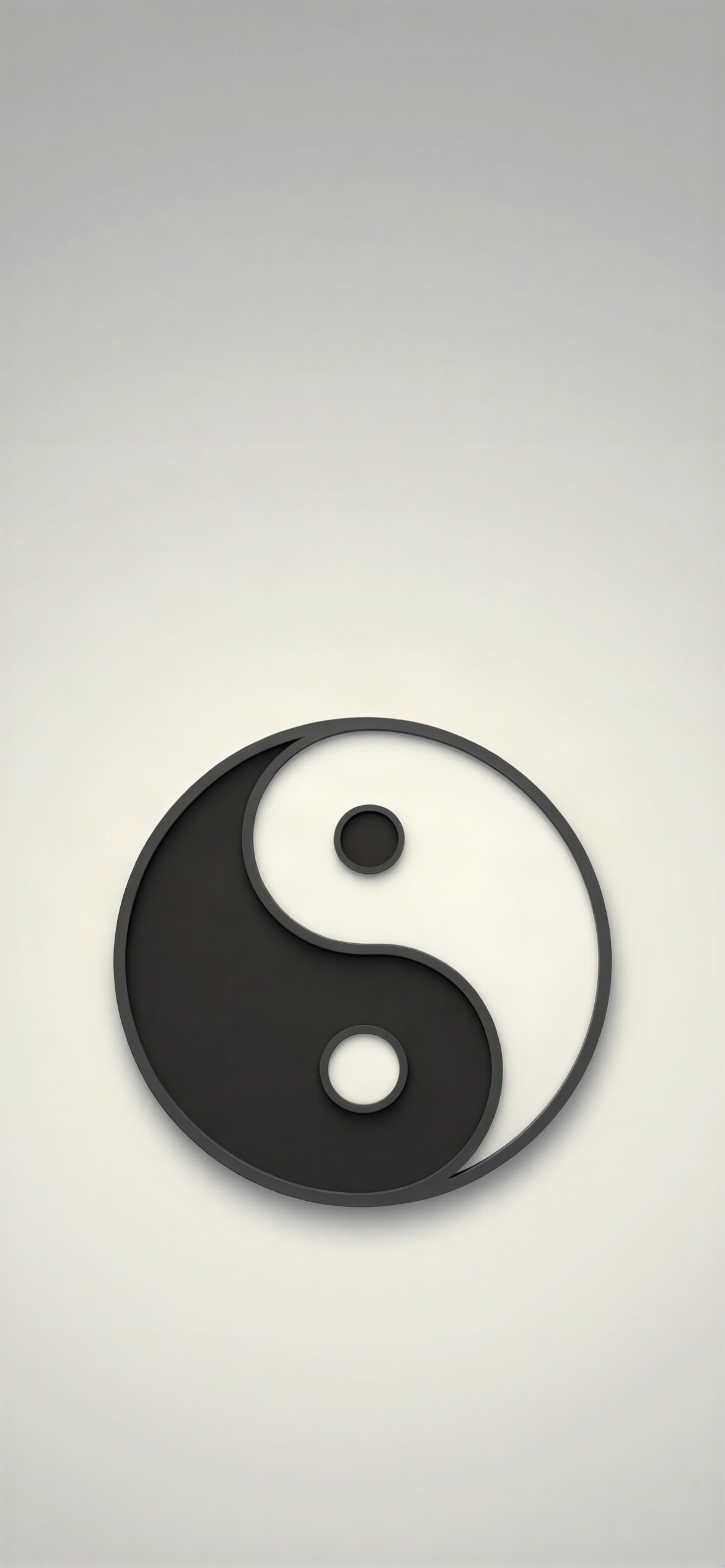
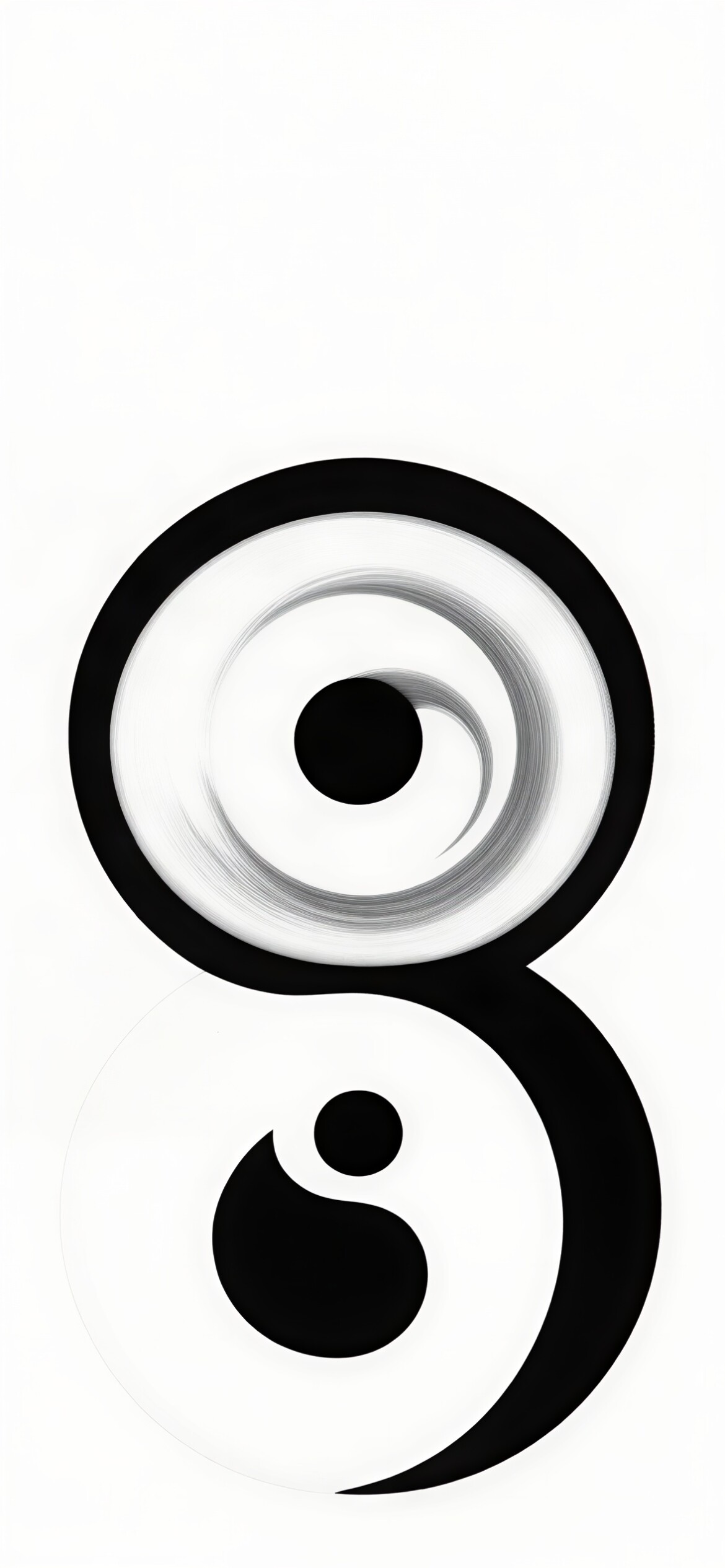
Three of the designs stay close to the plain black and white form. Number 1 is a black symbol with white curves set on pure black, so the shape almost floats. Number 2 softens it into white and grey on a grey gradient, and number 7 goes the other way with bold black and white circles on grey. Number 9 breaks the halves into geometric spiral bands, which reads more like a pattern than an emblem.
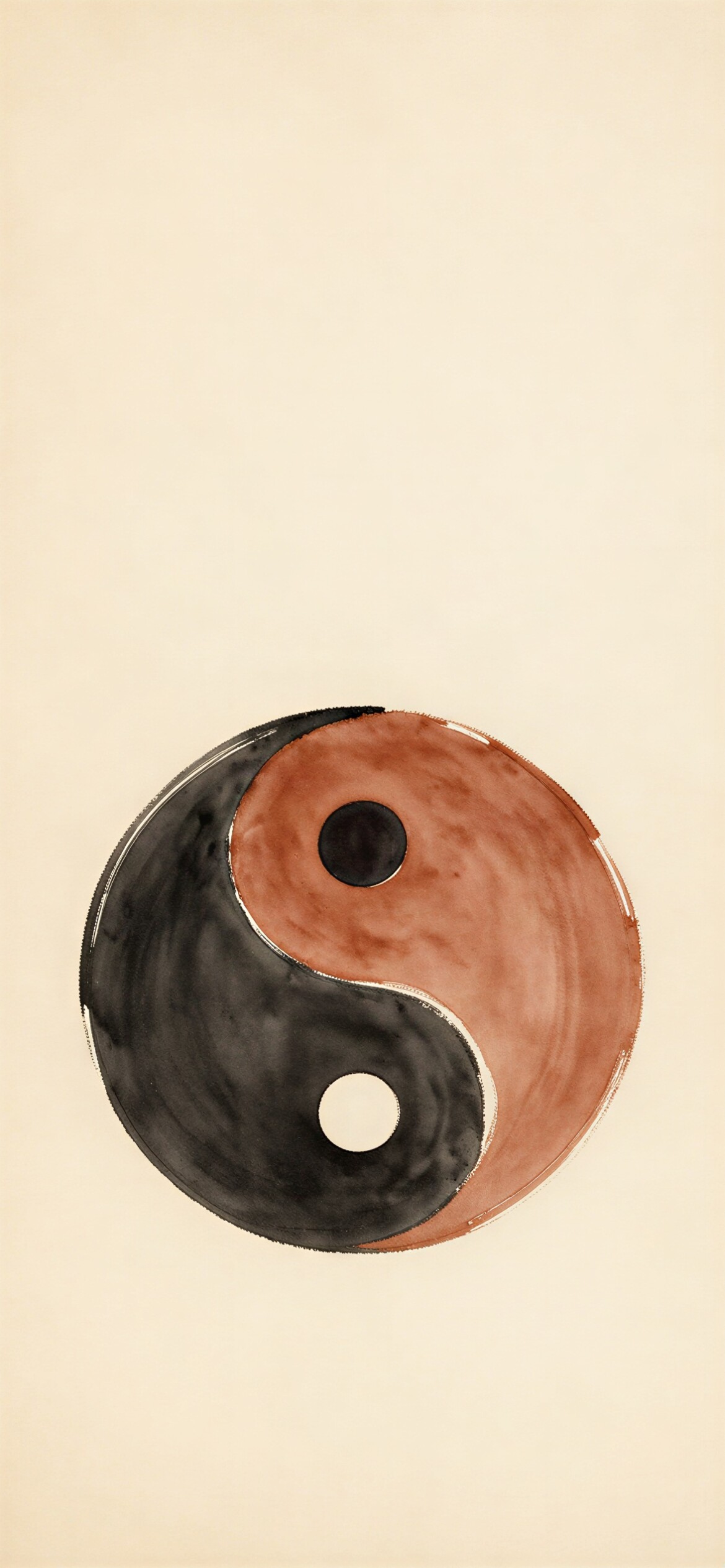
Texture is the theme of the next group. Number 3 is a loose watercolor in black and rust on beige, number 5 pairs fine line art with a wood grain finish on cream, and number 6 turns the two halves into white and charcoal marble against black.
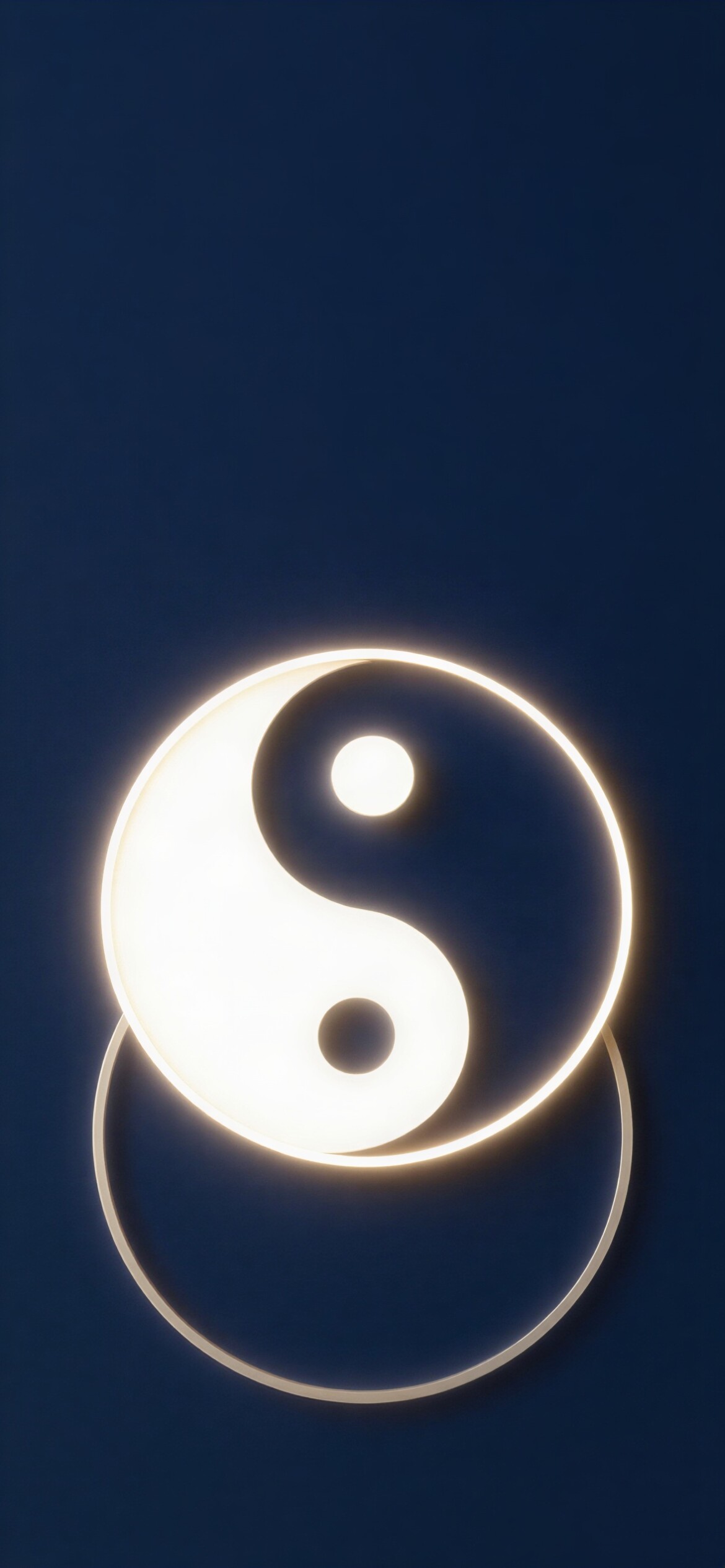
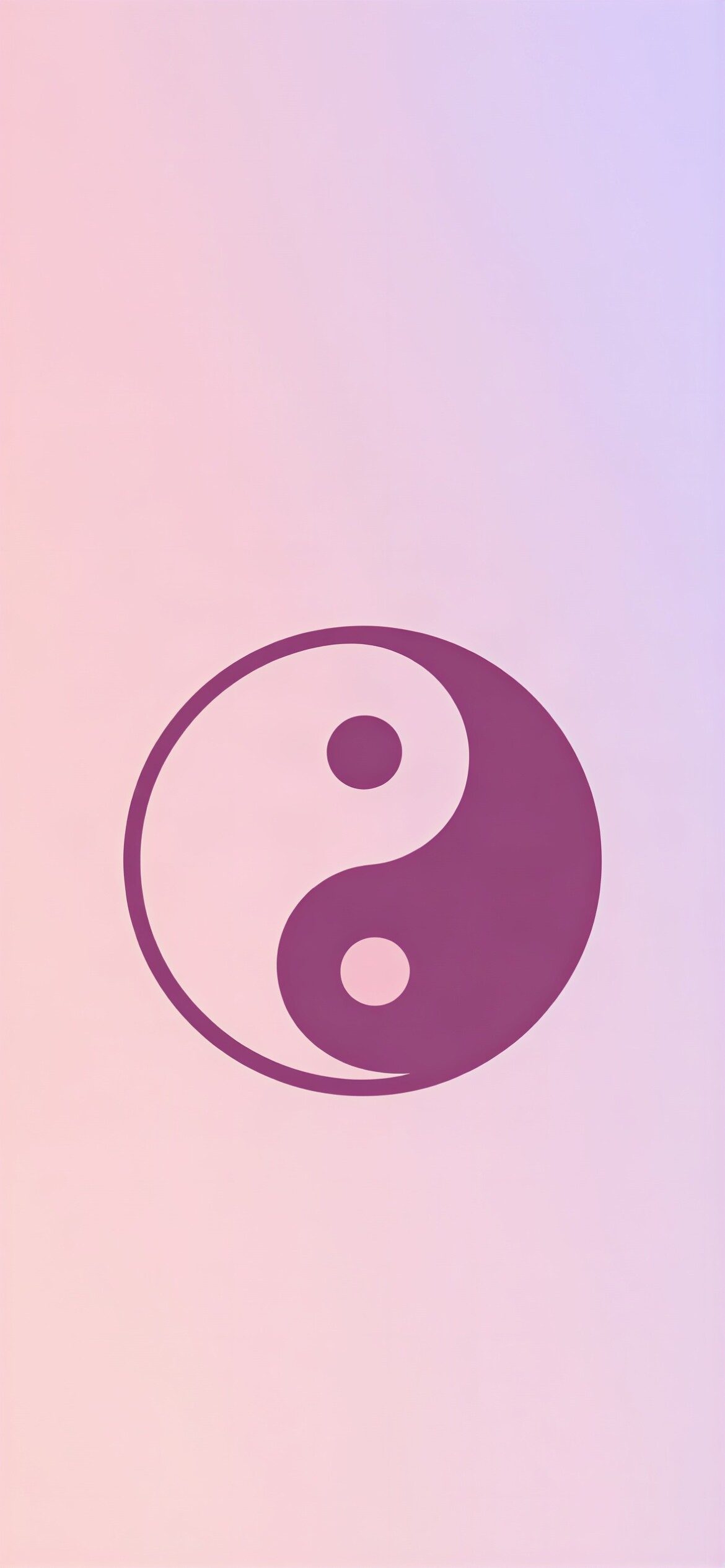
The last three bring in colour and shine. Number 4 glows in white and gold neon on dark blue, number 8 is metallic gold and silver on forest green, and number 10 swaps the usual contrast for soft pink and lavender on a blush gradient, a gentle version where the two sides barely fight at all.
Sorting them by background
- Deep and dark: 1, 4, 6 and 8. On an OLED iPhone the pure black areas in 1 and 6 switch those pixels off entirely, so the symbol sits on true black.
- Grey and graphic: 2, 7 and 9, calm and neutral for a busy home screen.
- Earthy and handmade: 3 and 5, with beige and cream that feel warm in daylight.
- Soft and light: 10, the only pastel in the set.
If you like the monochrome look, our black and white aesthetic wallpapers carry the same contrast without the symbol. For more Chinese motifs, try the Chinese wallpaper set, and the black aesthetic collection pairs well with designs 1 and 6.
How to set it on your iPhone
- Tap Download and save the image to Photos.
- Open Settings, tap Wallpaper, then Add New Wallpaper, and choose Photos.
- Pick the wallpaper, pinch to position it, then tap Add and choose the lock screen, home screen or both.
Stuck on a step? The iPhone and iPad guide has screenshots for each one.
Questions
Will these wallpapers fit my iPhone screen?
Yes. These wallpapers are designed at 1170x2532 pixels, the standard resolution for modern iPhones. They are sized for modern iPhones, and some older models may crop slightly at the edges. When you set the wallpaper, iOS may ask you to adjust the zoom; the symbol in the lower half ensures icons and widgets stay visible.
Can I use these wallpapers for personal use?
Yes, these wallpapers are free for personal use on your own devices. You can download and set them on your iPhone, tablet or computer. Selling them, printing them for sale, or reposting them on other wallpaper sites is not allowed. See our Terms page for details.
Which yin yang designs work best for lock screens versus home screens?
The minimalist black and white versions are ideal for lock screens because they stay clean behind the time and notifications. The textured and colored designs work better as home screen wallpapers, where the symbol sits below your app icons and remains fully visible without competing for space.
Do these yin yang wallpapers work in both light and dark mode?
The monochrome designs adapt well to both modes, though you may need to adjust your icon theme for contrast. The gradient and colored versions show their full effect in light mode but can still look good in dark mode if paired with light-colored icons. Test a few to see which feels balanced on your setup.