Floral Wallpaper iPhone
Floral wallpaper for iPhone brings fresh garden scenes and blooming flowers to your phone screen. These designs feature wildflowers, garden blooms and botanical arrangements in soft, natural colors that work year-round. Each wallpaper is original artwork, curated by hand. The set suits both lock screen and home screen, and pairs well with minimal icons or app layouts. Use a floral iPhone wallpaper to add a touch of nature to your daily device.
10 wallpapers at 1170 × 2532 px for iPhone. Checked by hand on 5 Oct 2026.
About this set
These floral designs combine soft natural colors with detailed botanical subjects that feel fresh and calming. The vertical composition keeps the top of your screen open and simple, so lock screen text, time and notifications remain easy to read. The lower sections feature the main flower arrangements, making them ideal for both lock and home screens.
The softer designs with pale backgrounds work best behind minimal icons, while the field and garden scenes suit home screens with icon layouts. Pair these wallpapers with light or medium-toned app icons for balance, or choose a design that matches your current phone theme. The botanical mood complements both spring and summer settings, though these designs work year-round for anyone who loves garden imagery.
Walls had flowers long before phones did
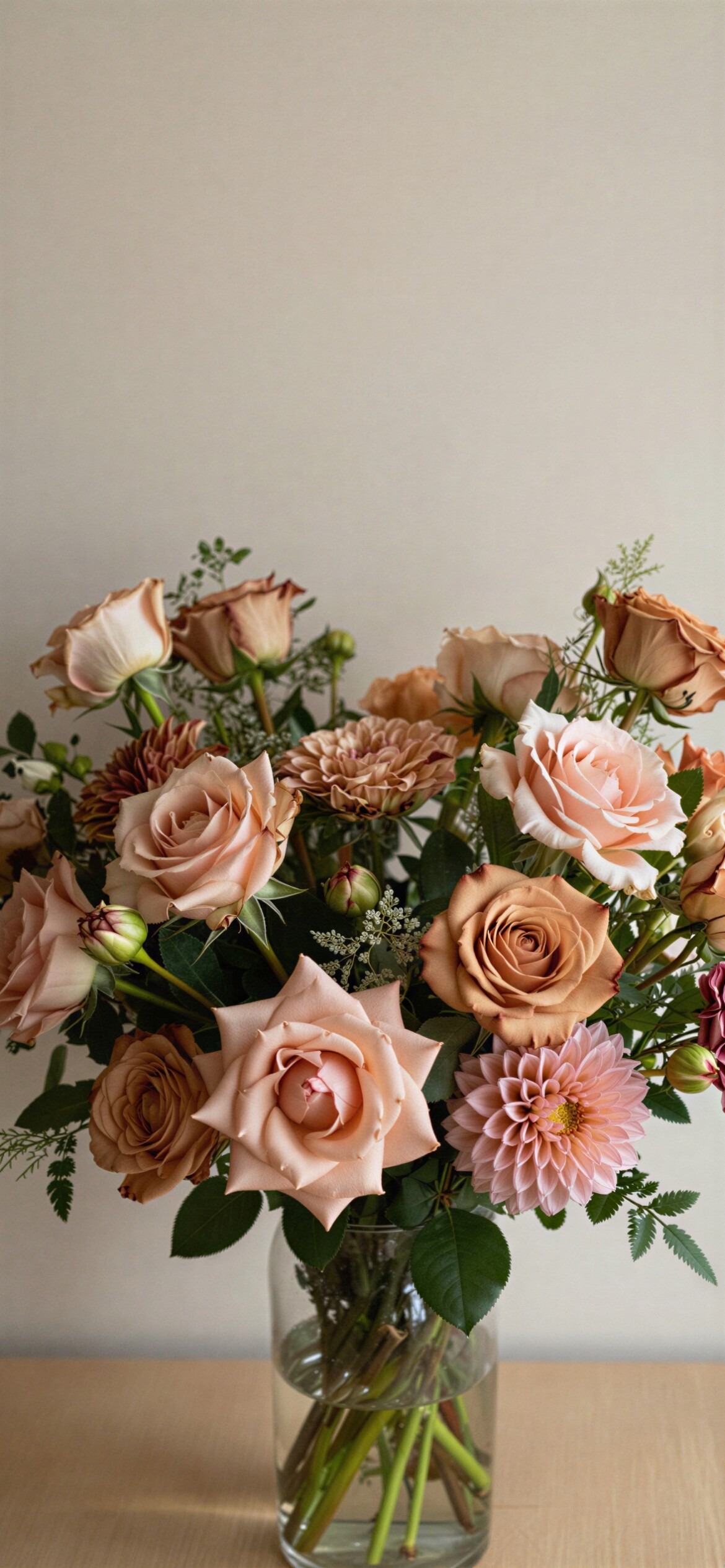
Putting flowers on a background is an old habit. In the 1860s William Morris began selling floral wallpapers printed by hand from carved wooden blocks, one block for each colour, and some of his patterns are still printed today. Two centuries earlier, Dutch painters filled canvases with lavish bouquets that could never have existed in one vase, because they combined flowers that bloom in different months. The mixed vase of roses and dahlias in #8 sits in that tradition, though both of those really can flower at the same time in late summer.
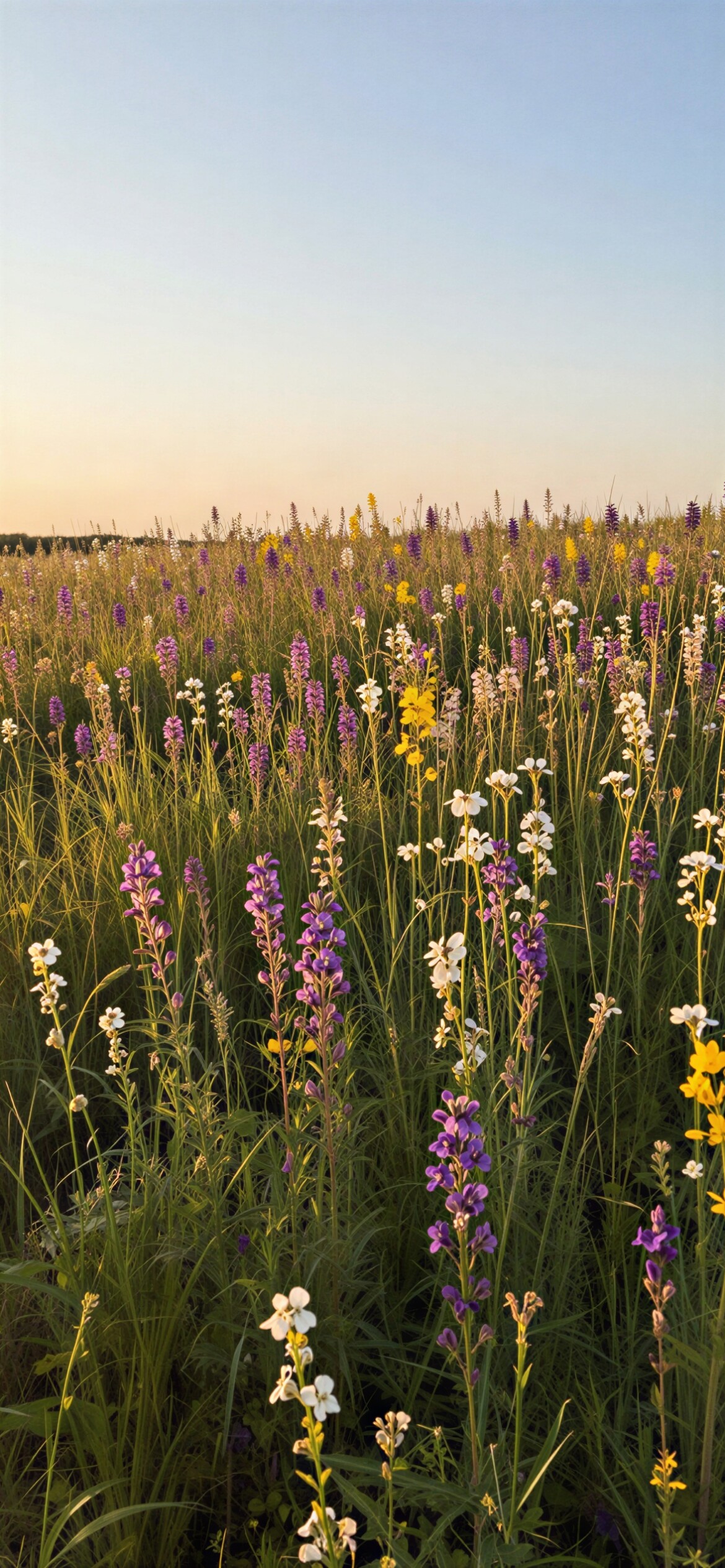
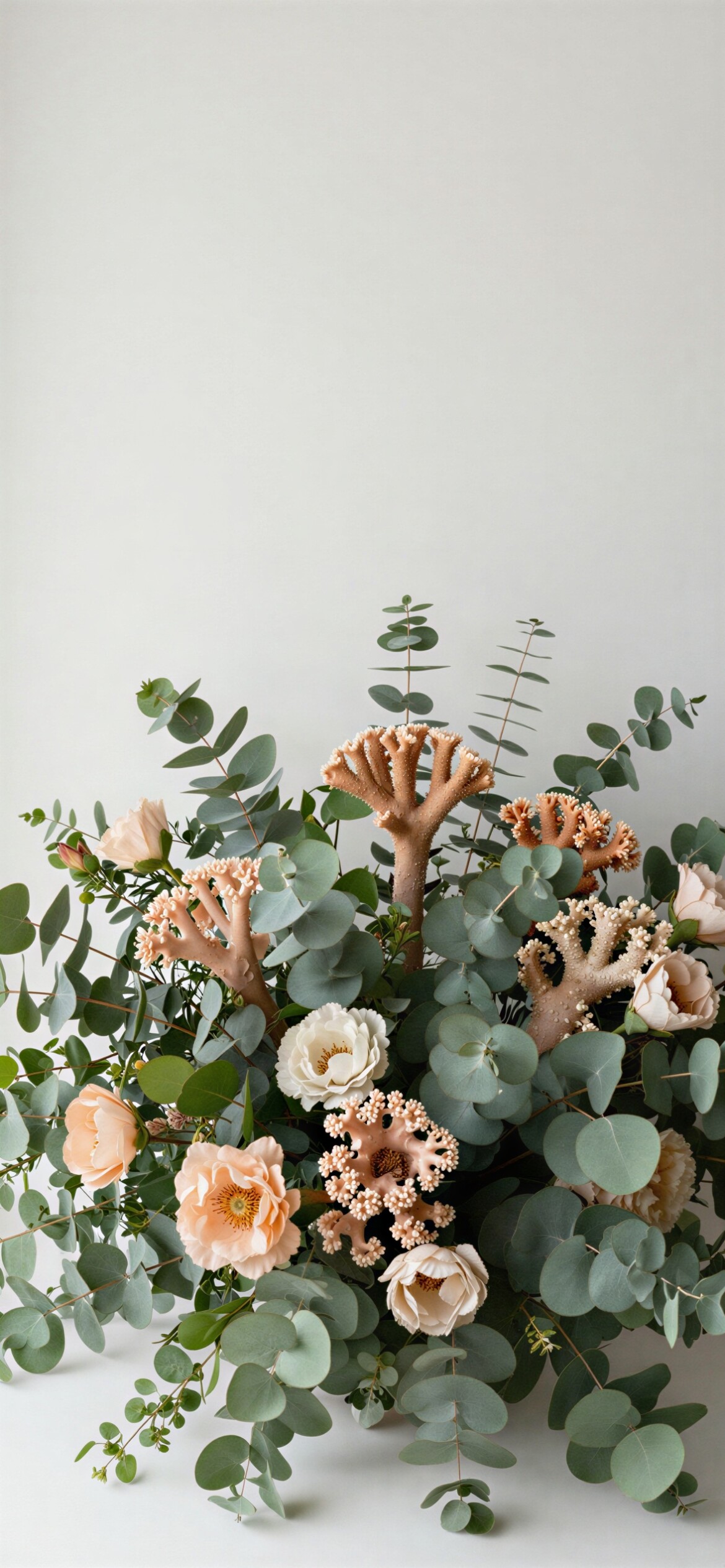
The eucalyptus next to the coral blooms in #4 is a newer guest in arrangements. The tree is native to Australia, and florists like its grey-green, coin-shaped leaves because they last well after cutting. The open meadows in #2 and #10 show something that has become rare: the conservation charity Plantlife estimates that Britain has lost about 97% of its wildflower meadows since the 1930s.
On the table, on the branch, out in the field
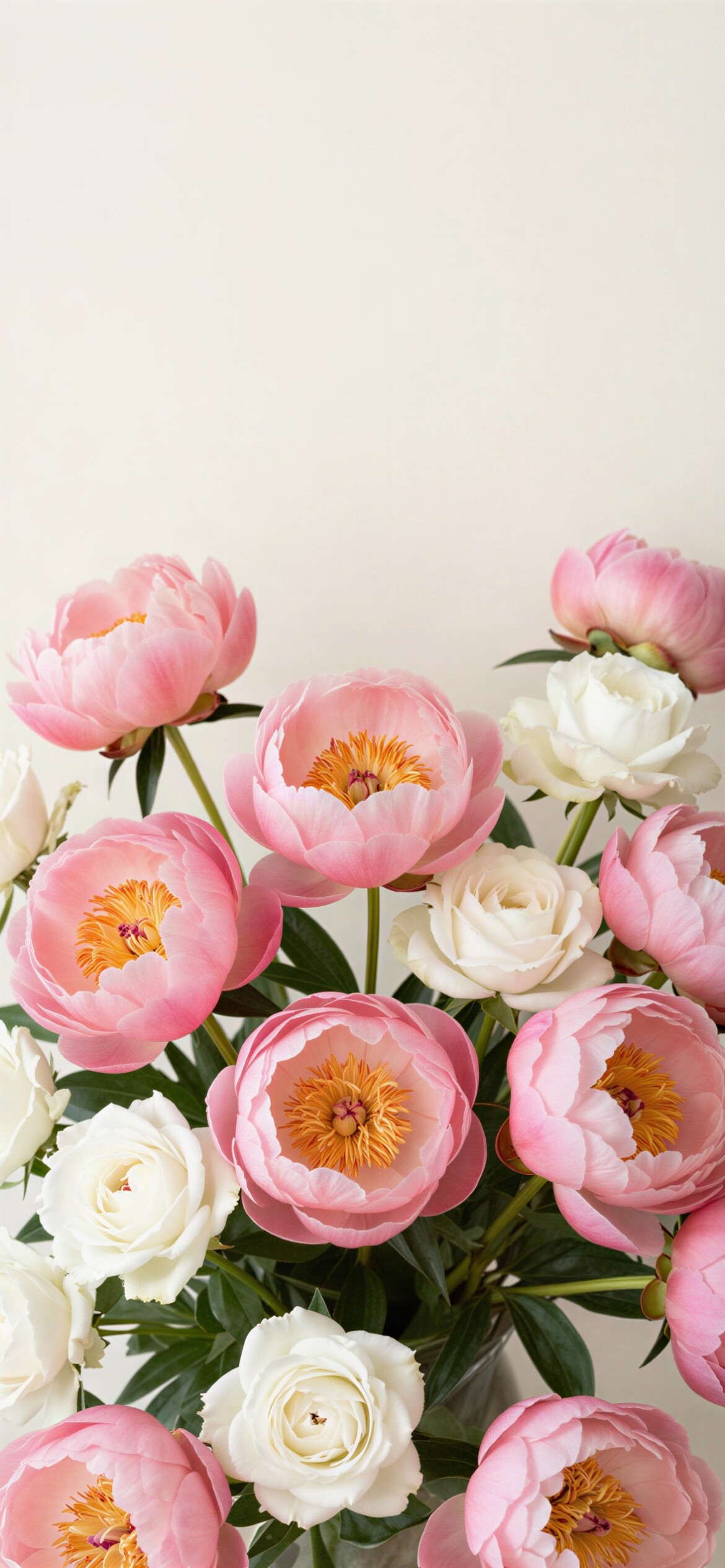
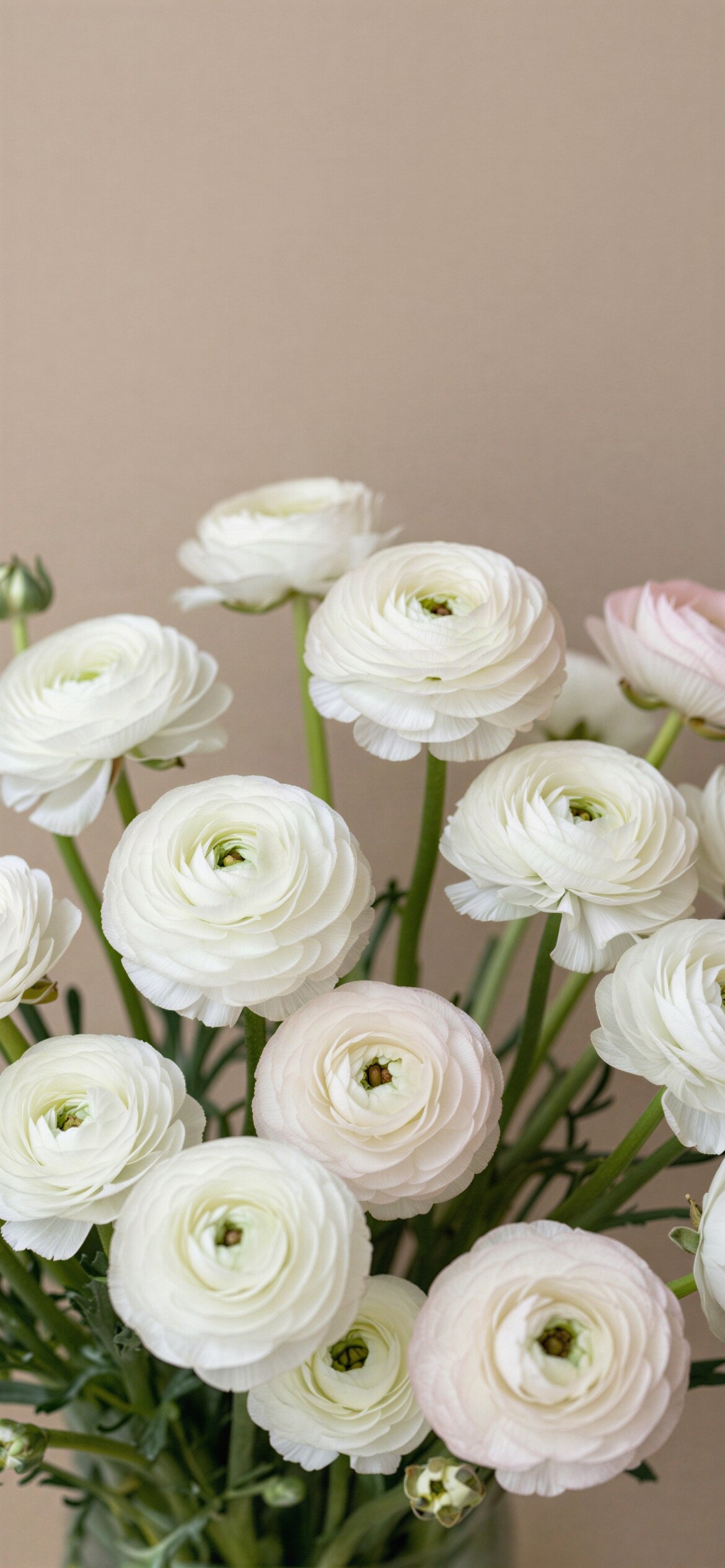
Four of the designs are arranged flowers. #1 brings pink peonies and white roses on cream, #4 has the coral and peach blooms in window light, #8 is the glass vase, and #9 layers white and pale pink ranunculus on beige.
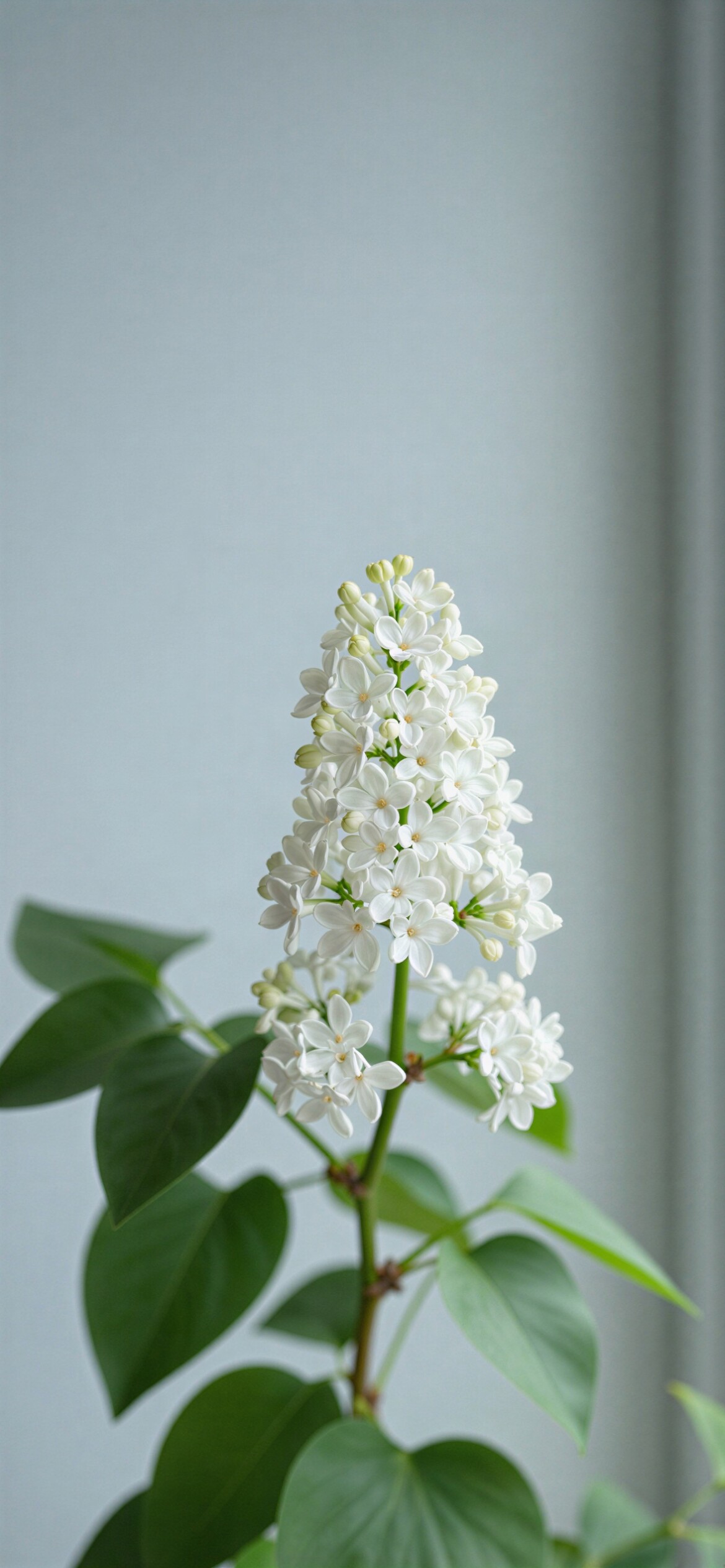
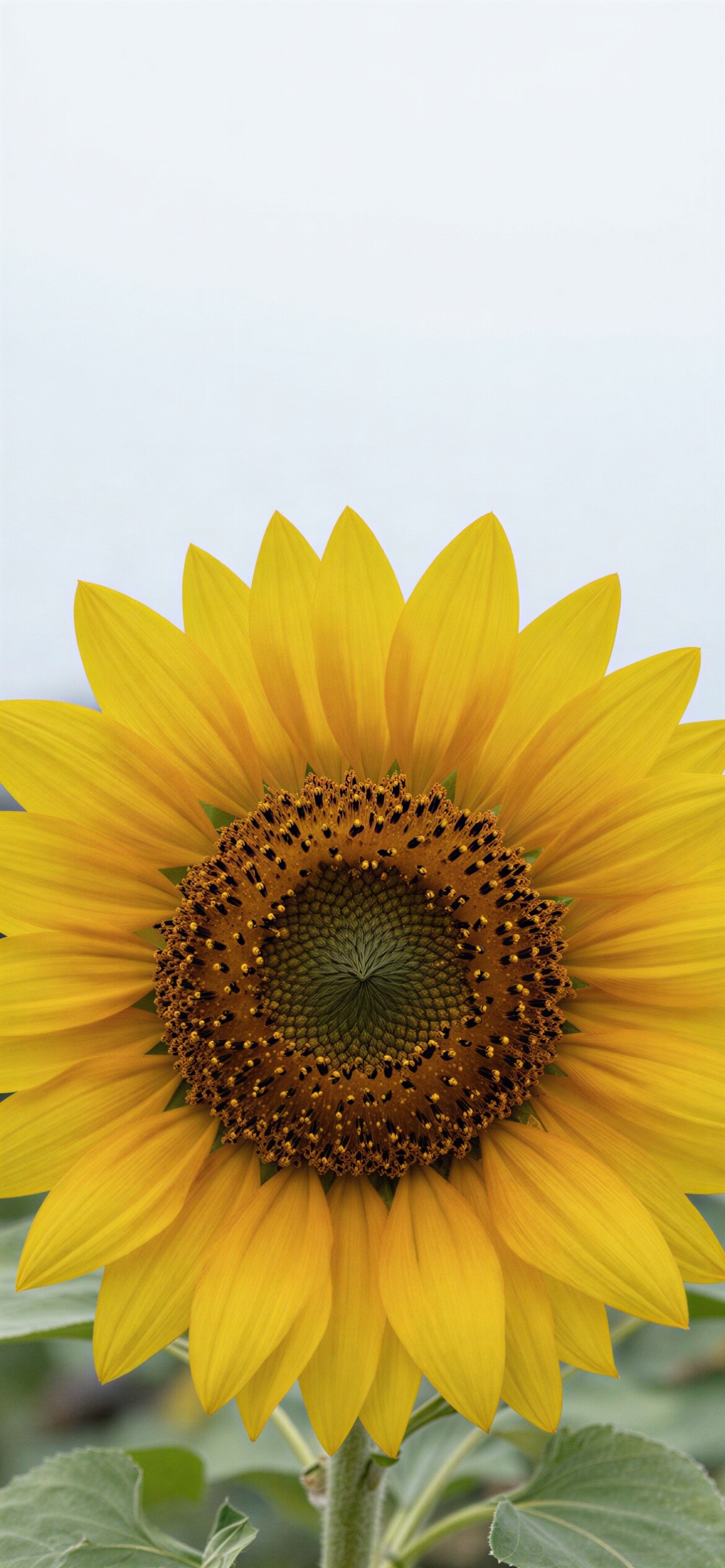
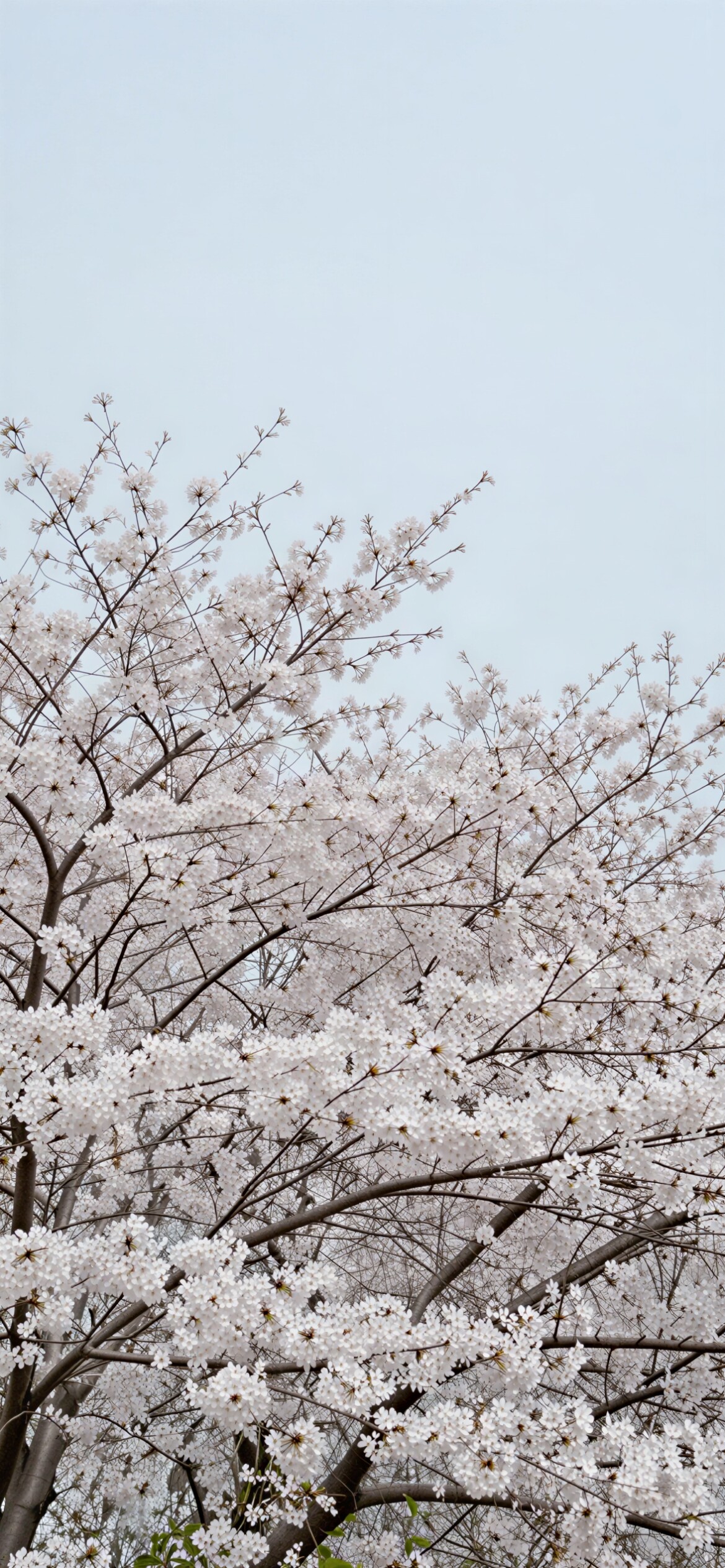
Three focus on a single plant against plain sky or wall: the white lilac stem in #3, one big sunflower in #6, and white cherry blossom under overcast light in #7. These leave the most empty space for the clock.
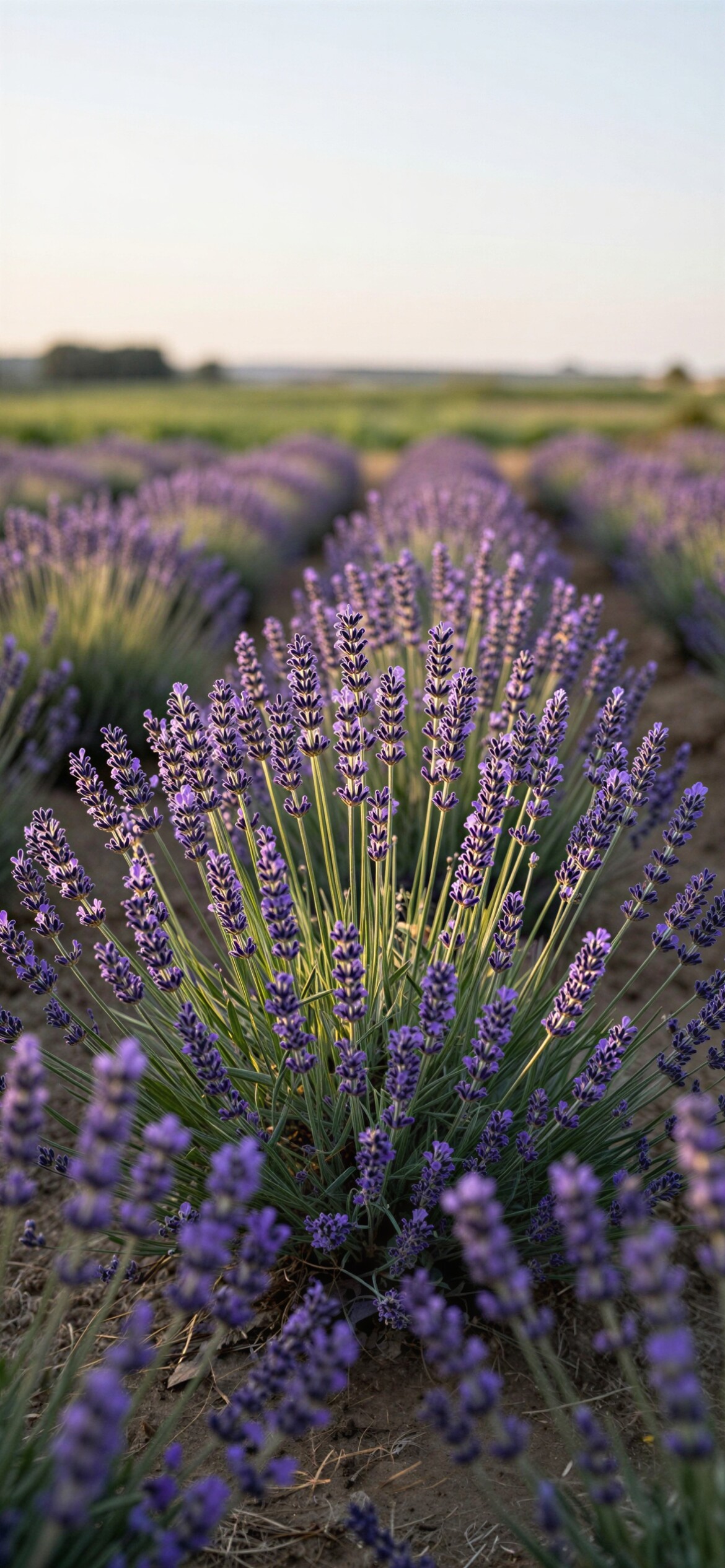
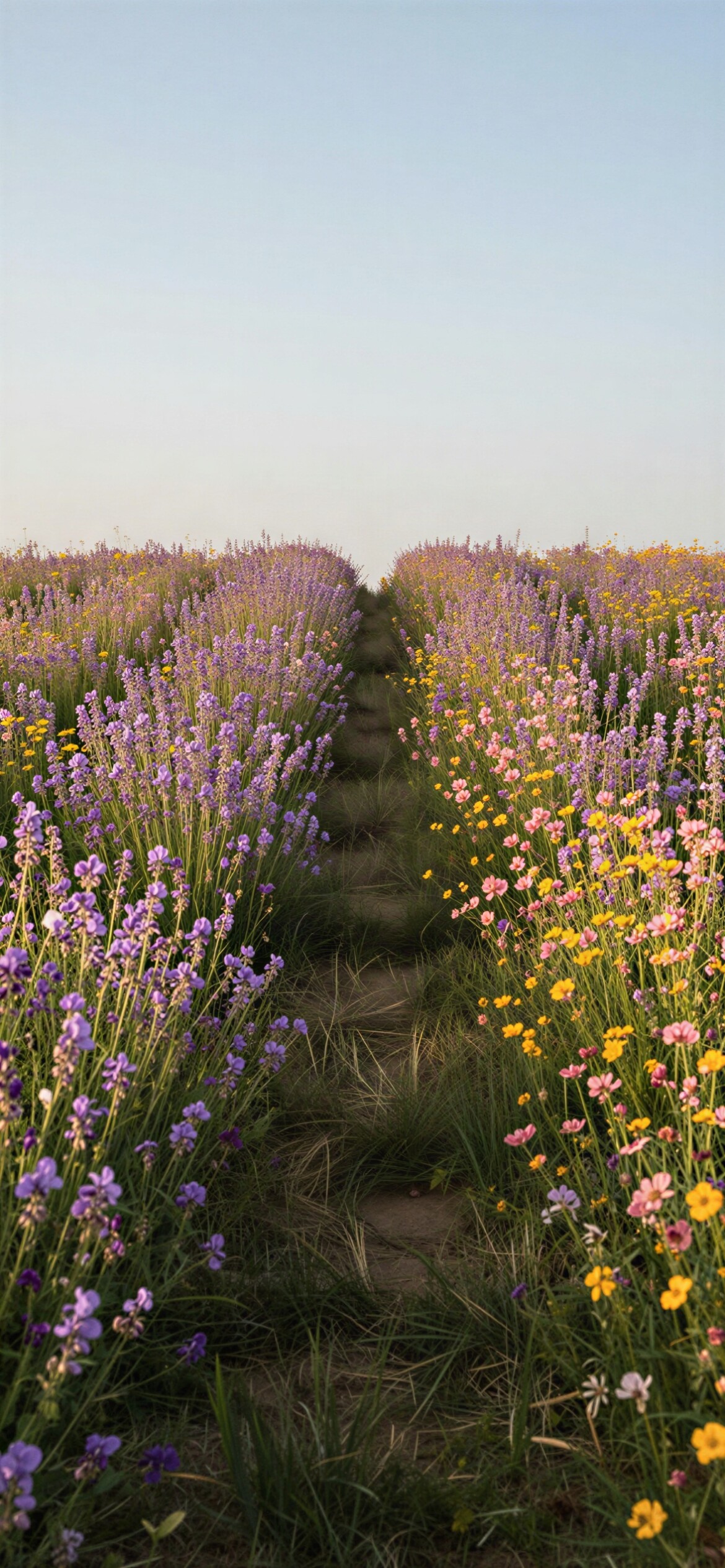
The last three open right up. #2 is a meadow of purple, yellow and white flowers at golden hour, #5 a dense lavender field in afternoon light, and #10 a winding path through a wildflower field.
Pale and quiet, warm, or full of sky
- Pale and quiet: #1, #3, #7 and #9, mostly white, cream and blush.
- Warm: #4, #6 and #8, with coral, yellow and the glow of side lighting.
- Full of sky: #2, #5 and #10, where blue overhead balances purple and green below.
If you like the field scenes, the garden set has more planted beds, the lilac wallpapers stay with one shrub, and the flower wallpapers offer another mix of blooms.
How to set it on your iPhone
- Tap Download and save the image to Photos.
- Open Settings, tap Wallpaper, then Add New Wallpaper, and choose Photos.
- Pick the wallpaper, pinch to position it, then tap Add and choose the lock screen, home screen or both.
Stuck on a step? The iPhone and iPad guide has screenshots for each one.
Questions
Will these wallpapers fit my iPhone screen?
Yes. These wallpapers are made at 1170x2532 pixels, the standard size for current iPhones. They are sized for modern iPhones, so the image fills the screen on recent models. If your iPhone is older or a different size, the wallpaper may crop slightly, but the main subject is centered to stay visible.
Can I use these wallpapers commercially or share them elsewhere?
These wallpapers are free for personal use on your own devices only. Selling them, printing them for sale, or reposting them on other websites or wallpaper apps is not allowed. See our Terms page for the full usage agreement and permissions.
Which wallpapers work best for the lock screen versus the home screen?
The simpler designs with softer backgrounds and single stems work best on lock screens, keeping time and notifications readable. The fuller garden scenes and bouquets suit home screens behind your app icons. Look for designs with good contrast between flowers and background so icons remain visible.
Do these floral designs work with both light and dark mode?
Most designs in this set work best with light mode because they feature soft, pale backgrounds. If you use dark mode, the lighter backgrounds may appear washed out. Choose the designs with deeper greens and richer color tones for better contrast in dark mode, or switch to light mode when using these wallpapers.