Cute Purple Wallpaper iPhone
Cute purple wallpaper for iPhone brings playful charm to your lock and home screens with soft pastels, gentle animals and whimsical scenes. These wallpapers pair purple with warm creams, soft pinks and mint accents for a soothing look that stays fresh all year. Each design works well behind your apps or as your lock screen backdrop, and the simple top sections leave room for widgets and status bars.
10 wallpapers at 1170 × 2532 px for iPhone. Checked by hand on 5 Oct 2026.
About this set
This set features soft pastels and gentle animals in quiet, peaceful scenes. The purple tones range from deep lilac to pale lavender, paired with creams, soft pinks and mint accents that keep the mood calm and approachable. Each design works as a lock screen or home screen; the simple tops leave breathing room for your status bar and widgets, while the detailed subjects in the lower half stay visible behind app icons.
These wallpapers pair well with minimal icon sets and light-colored app organizers. The soft lighting and natural subjects work best in light mode, though they remain pleasant in dark mode on phones that support it. They suit anyone who enjoys a gentle, nature-inspired aesthetic year-round.
Snail dye, an emperor's colour and an 1856 accident
For most of history, purple was hard to make. The famous Tyrian purple of the ancient Mediterranean came from the glands of murex sea snails, and it took thousands of them to dye a single garment, which is why the colour became tied to power. In Rome a purple border or stripe on clothing marked rank, and some emperors tried to keep the full purple robe for themselves.
That changed in 1856, when 18-year-old chemist William Henry Perkin was trying to make quinine in London and ended up with a purple residue instead. He called it mauveine, patented it and opened a factory, and it became the first synthetic dye made on a large scale. Within a few years mauve was a fashion craze and purple stopped being a luxury. The soft lilacs and lavenders here owe a lot to that lucky mistake.
Seven small creatures and three still lifes
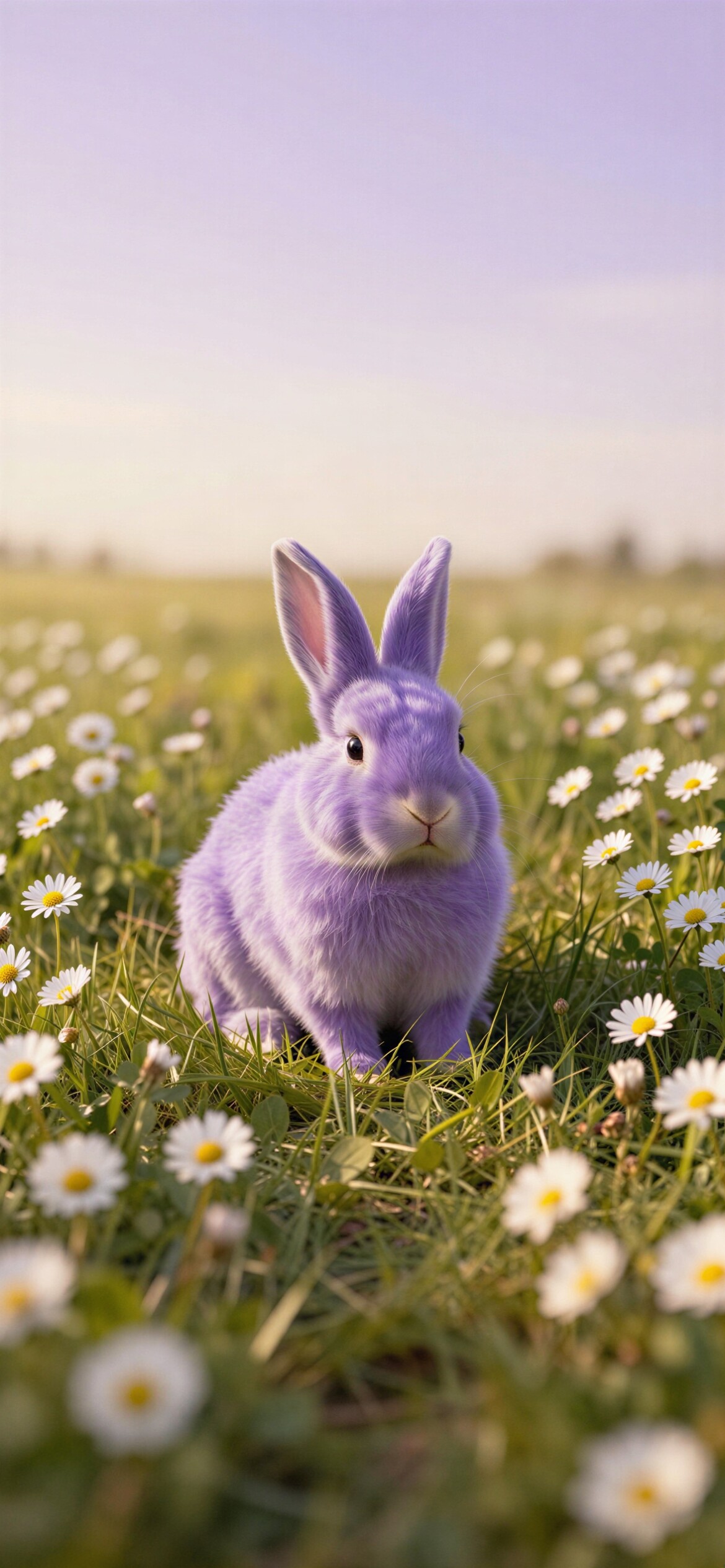
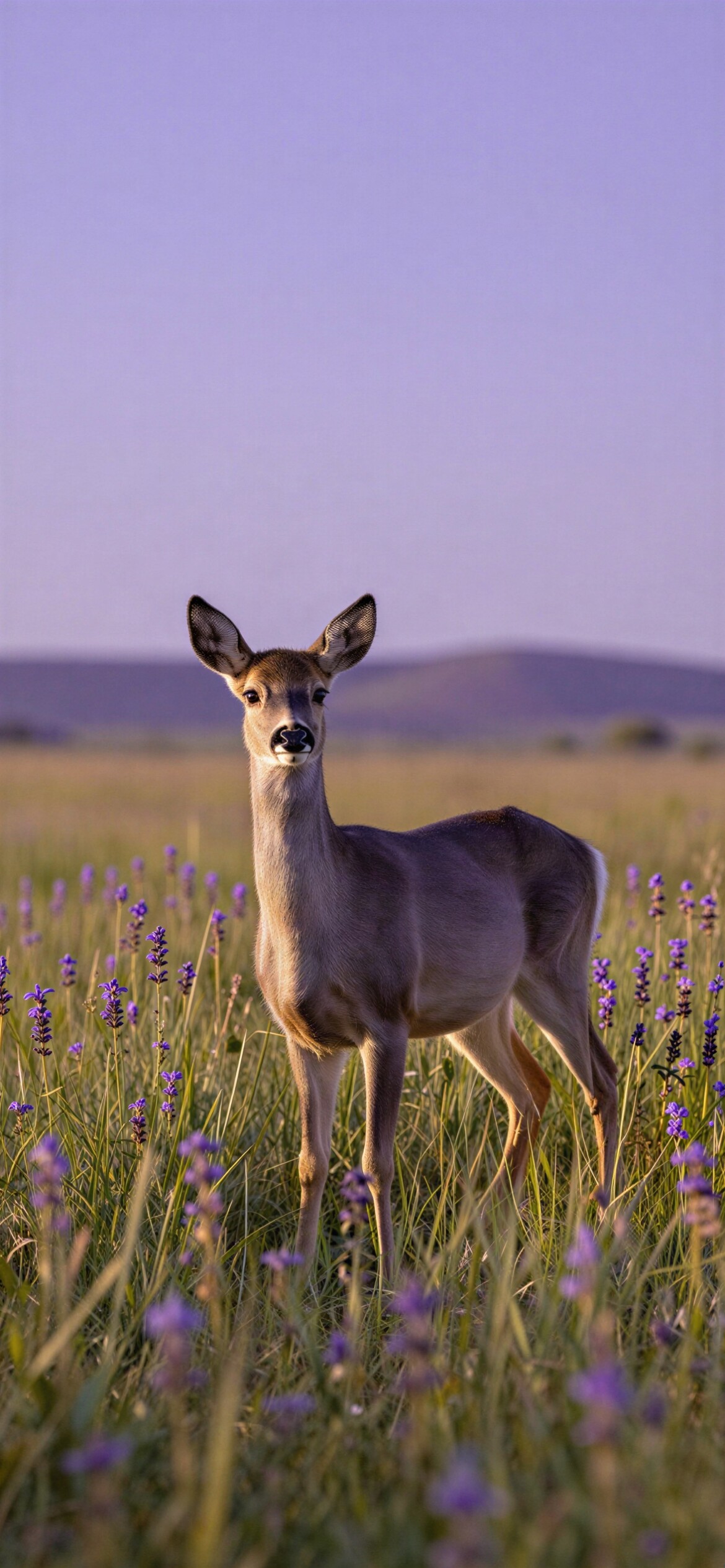
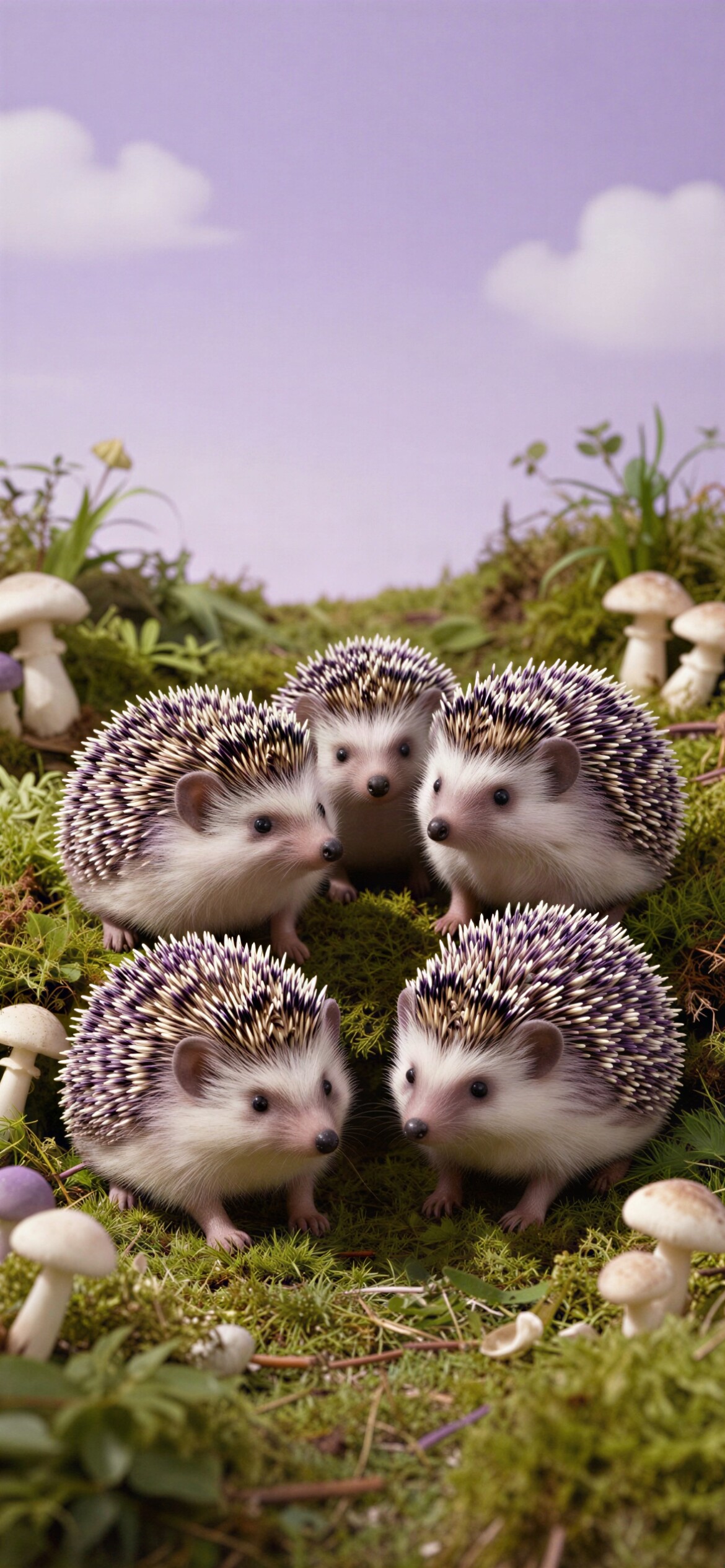
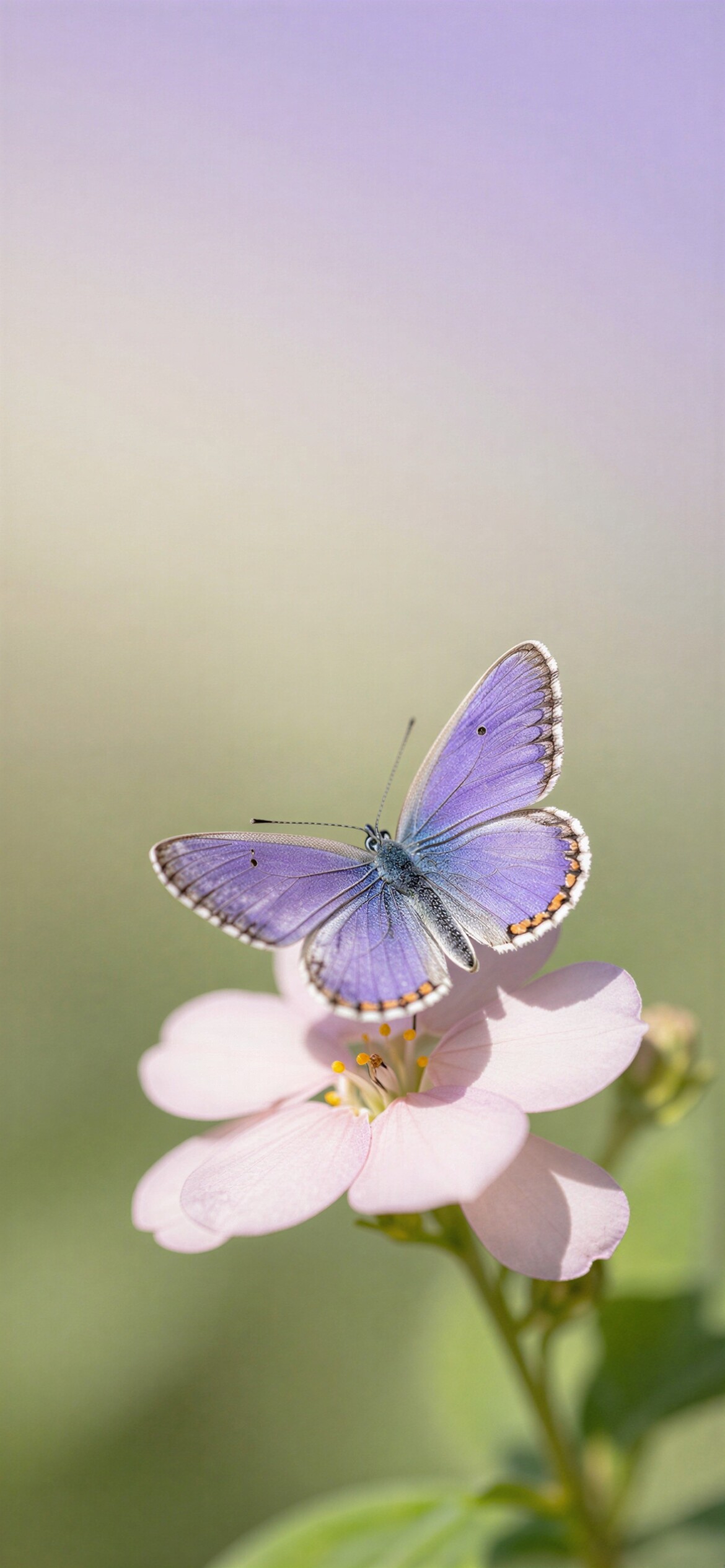
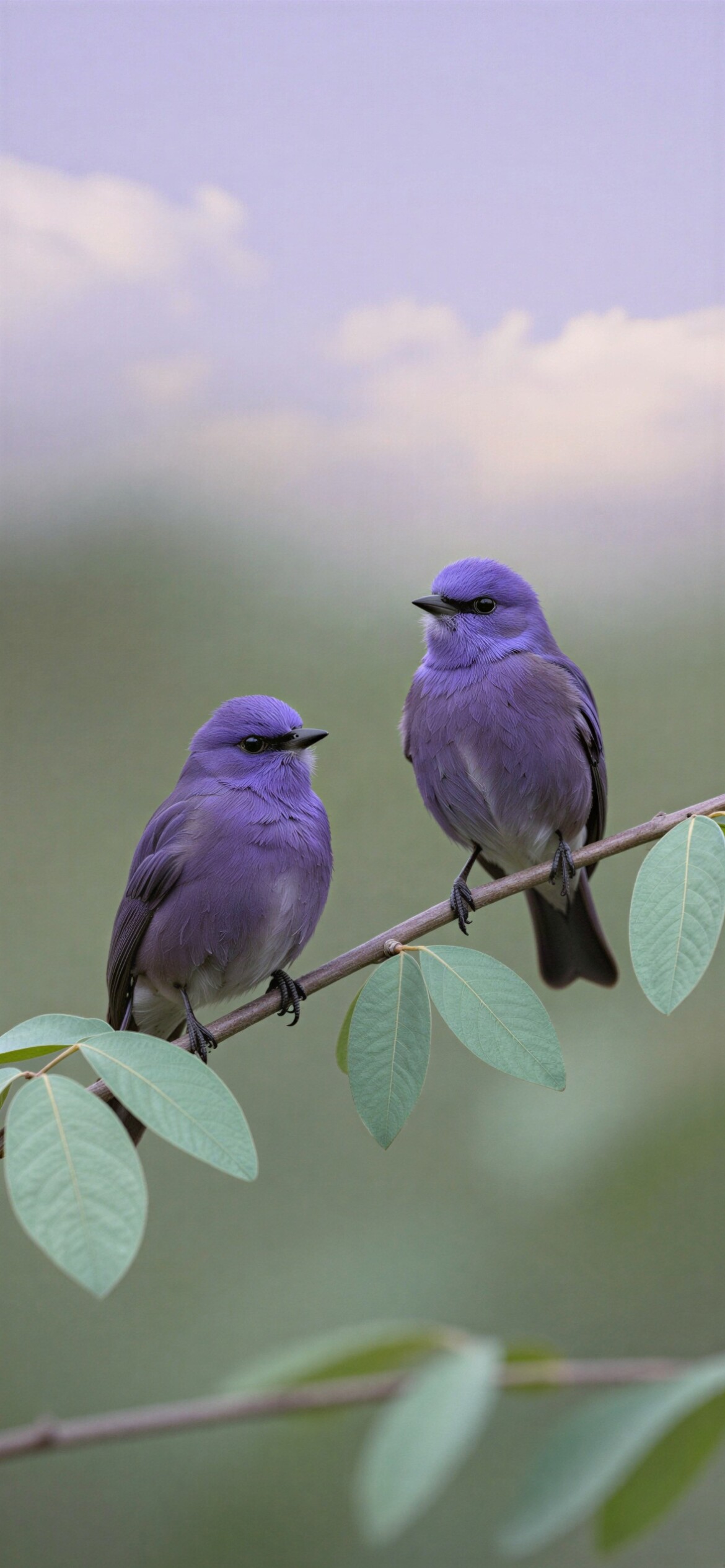
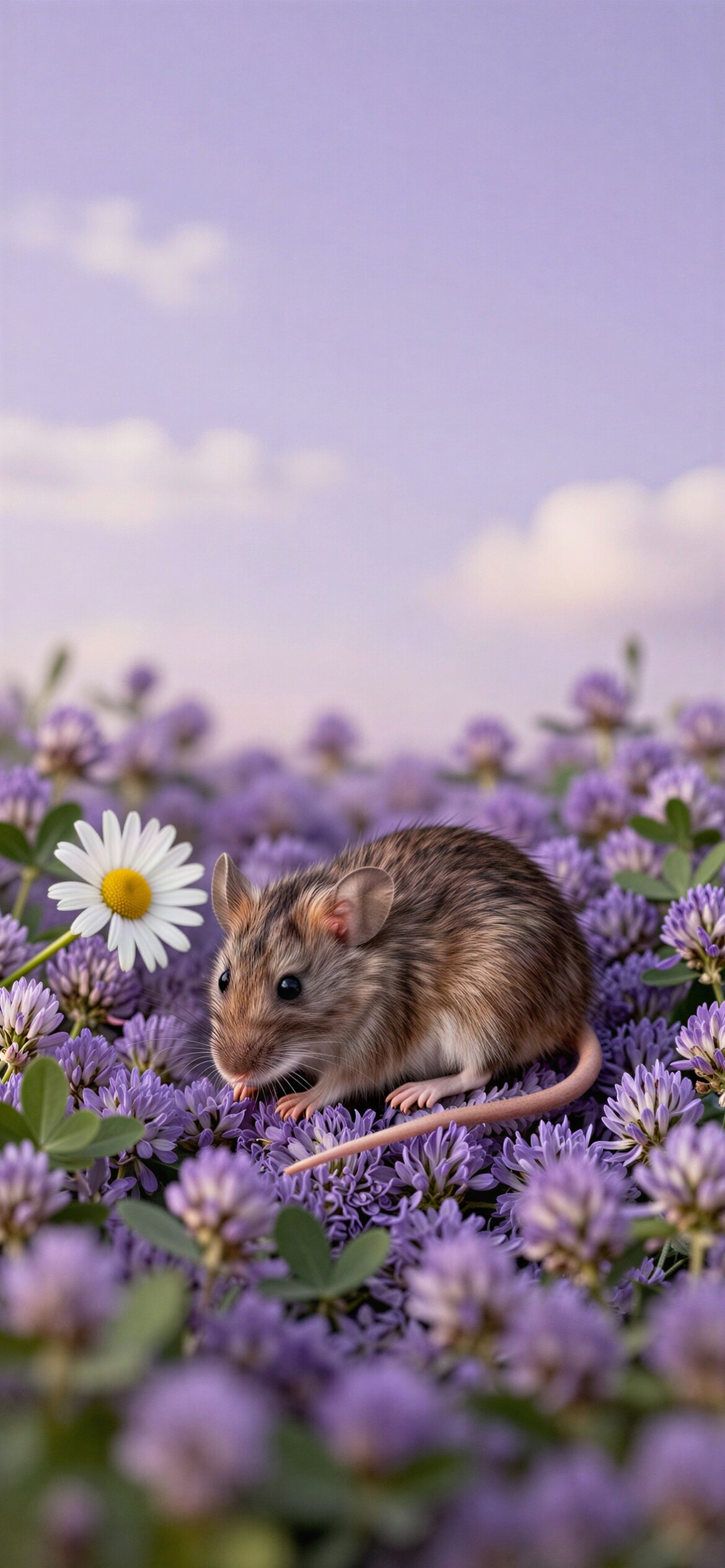
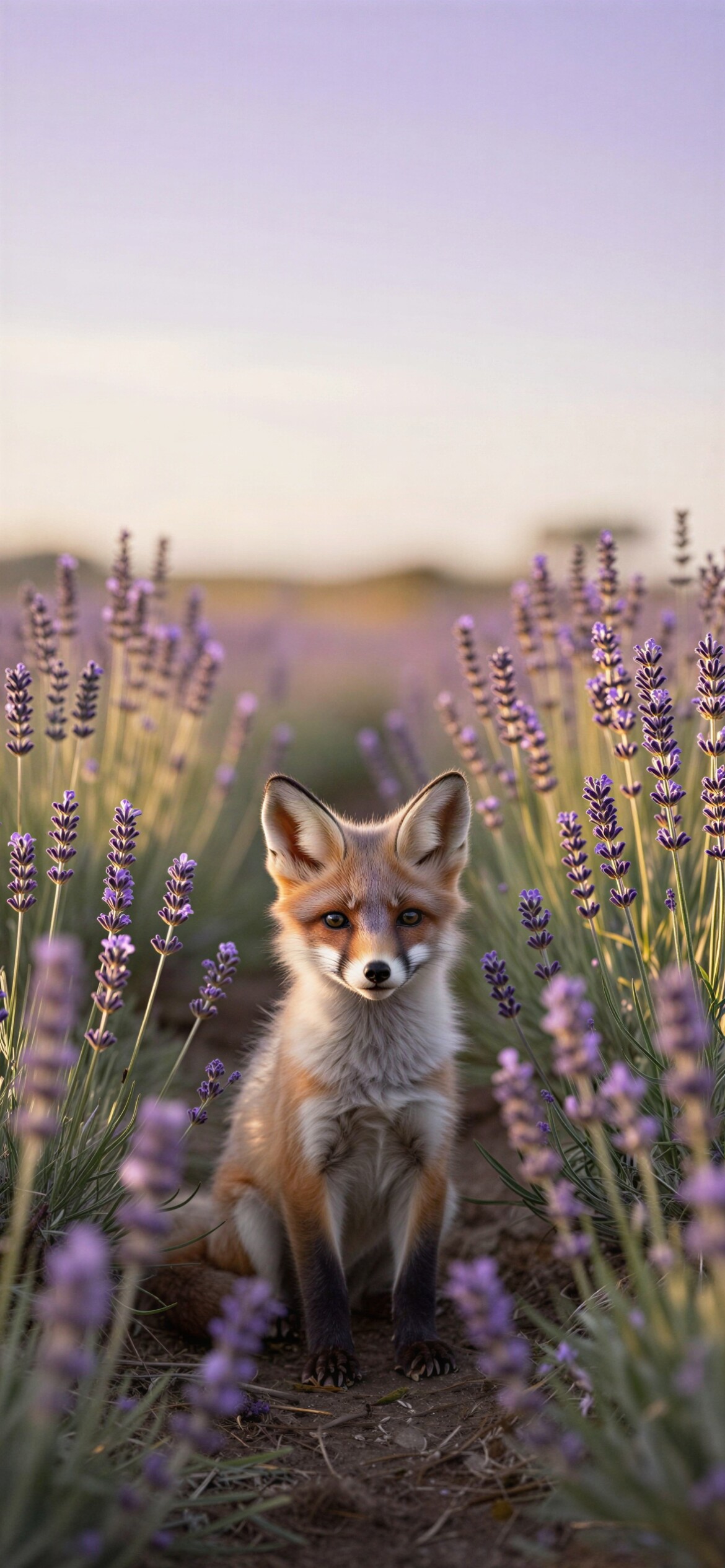
Most of the set is animals, each tinted purple in a way real fur and feathers never are. The bunny in #1 sits among white daisies, the young deer in #3 stands in a wildflower field, and the fox kit in #10 waits in a lavender field. #4 has four hedgehogs pressed together on moss; their spines are stiff, hollow hairs made of keratin, the same material as your fingernails. The two birds in #6 share a branch with mint leaves, the mouse in #8 is fast asleep on clover, and the butterfly in #5 rests on a pale pink flower.
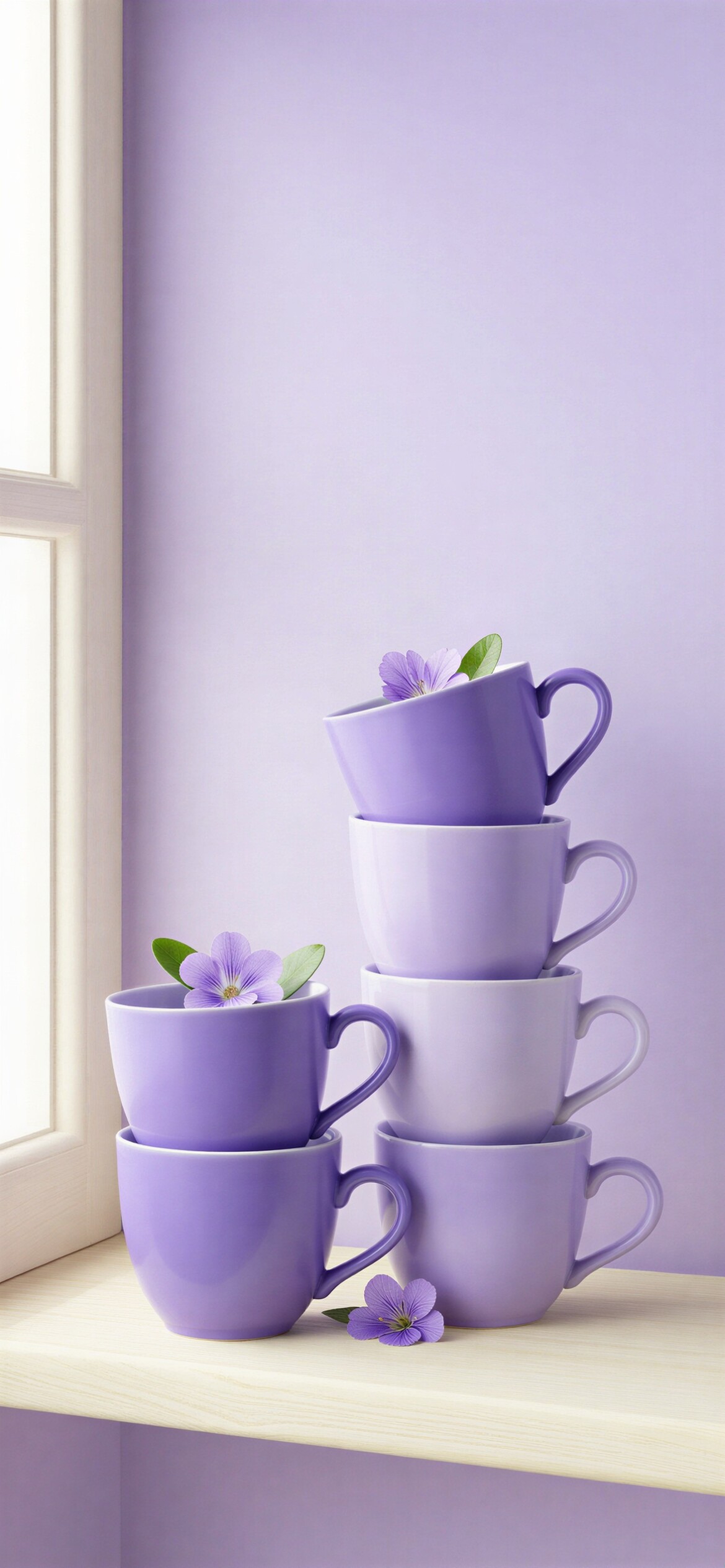
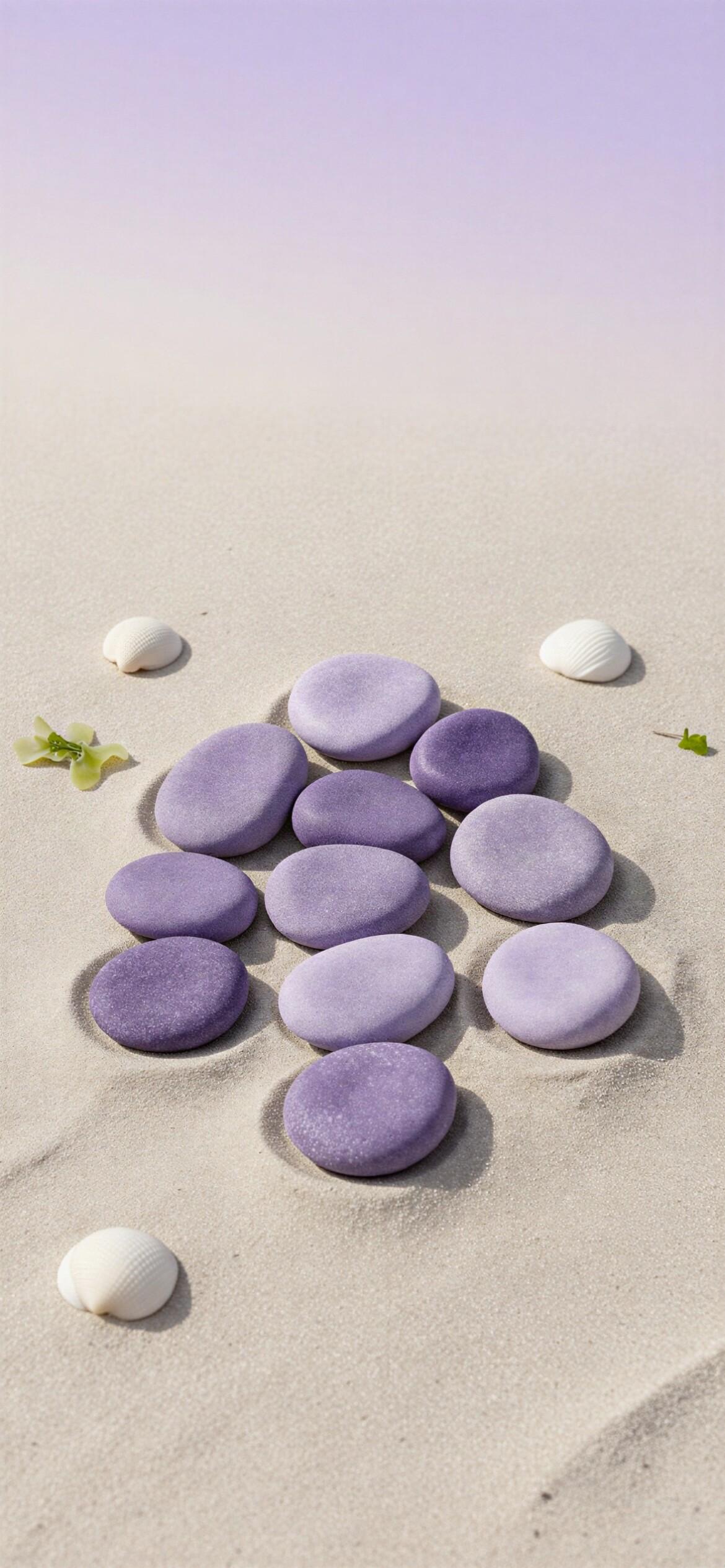
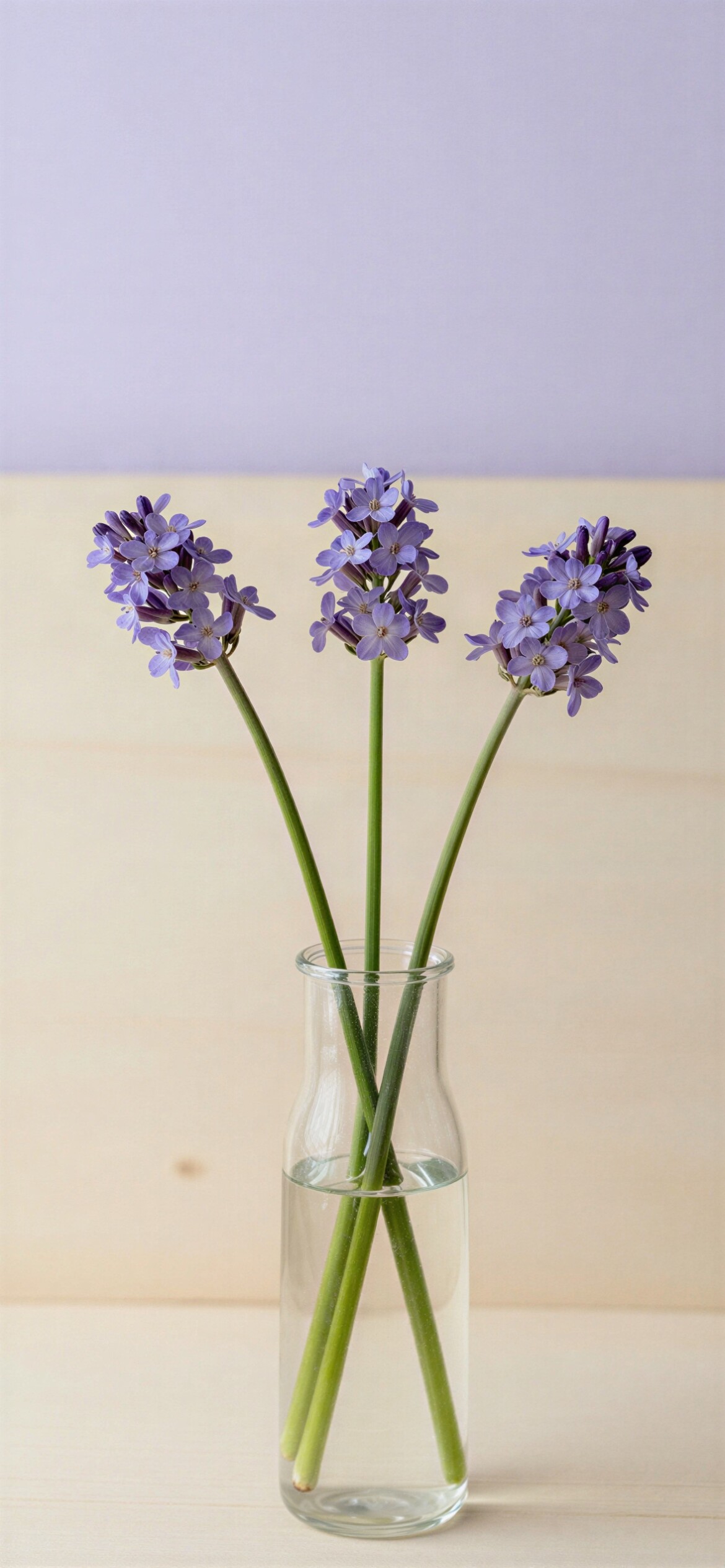
The other three are quieter. #2 stacks three teacups with flowers on a cream shelf, #9 puts three purple flowers in a glass vase by window light, and #7 moves to the shore, with lilac pebbles, shells and seaweed on sand. Pick one of these if you like the colour but would rather not have a little face looking back from your lock screen.
Warm light, garden shade or pale lilac?
- Low sun: #3 and #10 have the warmest light, with the sun sitting low over the flowers.
- Lilac sky: #1, #6 and #8 sit under a soft lavender sky and feel the most dreamy.
- Green and earthy: #4 and #5 lean on moss, leaves and petals, so purple is one colour among several.
- Indoors and by the sea: #2, #7 and #9 are the calmest, with cream, wood and sand doing most of the work.
For more in this colour family, try the lilac wallpapers for real blossoms, the rabbit set for more bunnies, or the purple Christmas wallpapers once December comes round.
How to set it on your iPhone
- Tap Download and save the image to Photos.
- Open Settings, tap Wallpaper, then Add New Wallpaper, and choose Photos.
- Pick the wallpaper, pinch to position it, then tap Add and choose the lock screen, home screen or both.
Stuck on a step? The iPhone and iPad guide has screenshots for each one.
Questions
Will these wallpapers fit my iPhone screen?
Yes. These wallpapers are designed at 1170 x 2532 pixels, which is the standard size for current iPhones. They are sized for modern iPhones, and some older models may crop slightly at the edges. If you have an older iPhone model, your phone will automatically scale them to fit.
Can I use these wallpapers for personal use?
Yes, these wallpapers are free to download and use on your own devices for personal use. Selling them, printing them for sale, or reposting them on other wallpaper sites is not allowed. See our Terms page for full details on acceptable use.
Which wallpapers work best as lock screens versus home screens?
Any of these work as lock screens since the top quarters are kept simple for your time display. For home screens, the designs with centered subjects (the bunny, mouse, fox, and birds) look especially nice behind app icons, while the flower and teacup designs work well with minimal icon layouts.
Are these wallpapers seasonal or year-round?
These are evergreen designs that work beautifully all year. The soft purple tones, gentle animals and natural flowers feel fresh in any season. They do not rely on holiday themes or seasonal imagery, so they stay relevant whether you switch them monthly or keep one for a long time.