Spider Wallpaper iPhone
Spider wallpaper for iPhone brings detailed arachnids and intricate webs to your lock screen and home screen. These designs feature spiders in their natural habitats, from garden scenes to close-up macro shots, with earthy greens, browns, blacks and silvers. Each spider iPhone wallpaper is original artwork, curated and checked by hand. The collection works year-round on any iPhone model.
10 wallpapers at 1170 × 2532 px for iPhone. Checked by hand on 5 Oct 2026.
About this set
These spider wallpapers showcase arachnids in natural settings, from intricate webs to close-up macro details. The designs use earthy palettes of black, brown, grey and soft greens to bring authenticity and calm to your screen. The detailed textures and realistic lighting make each spider feel present without being jarring.
The web and distant-view wallpapers work well on lock screens where they stay visible. The close-up macro shots suit home screens behind icons, where the detail draws the eye without competing with app labels. Pair these with simple neutral icon sets or nature-themed widgets to let the spider imagery stand out.
Spinners and hunters
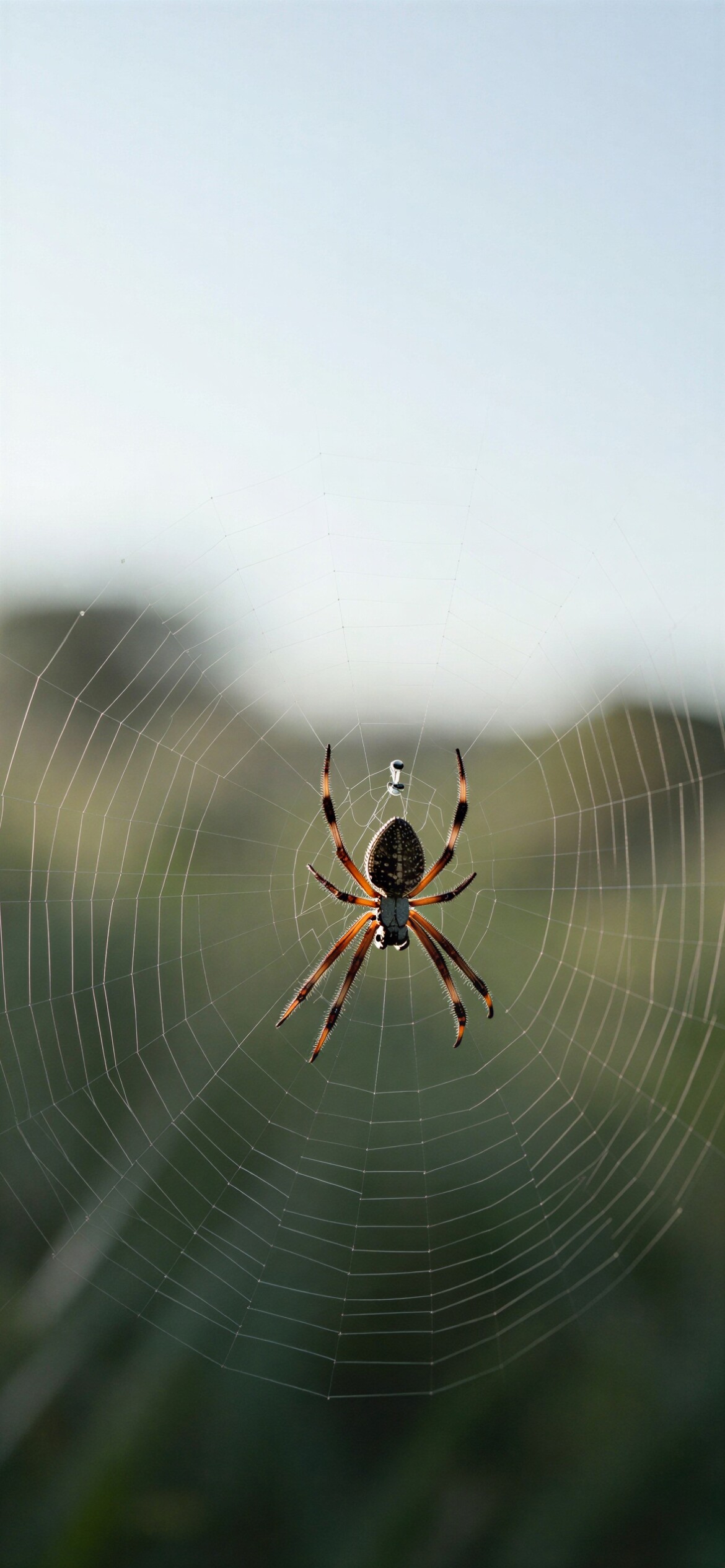
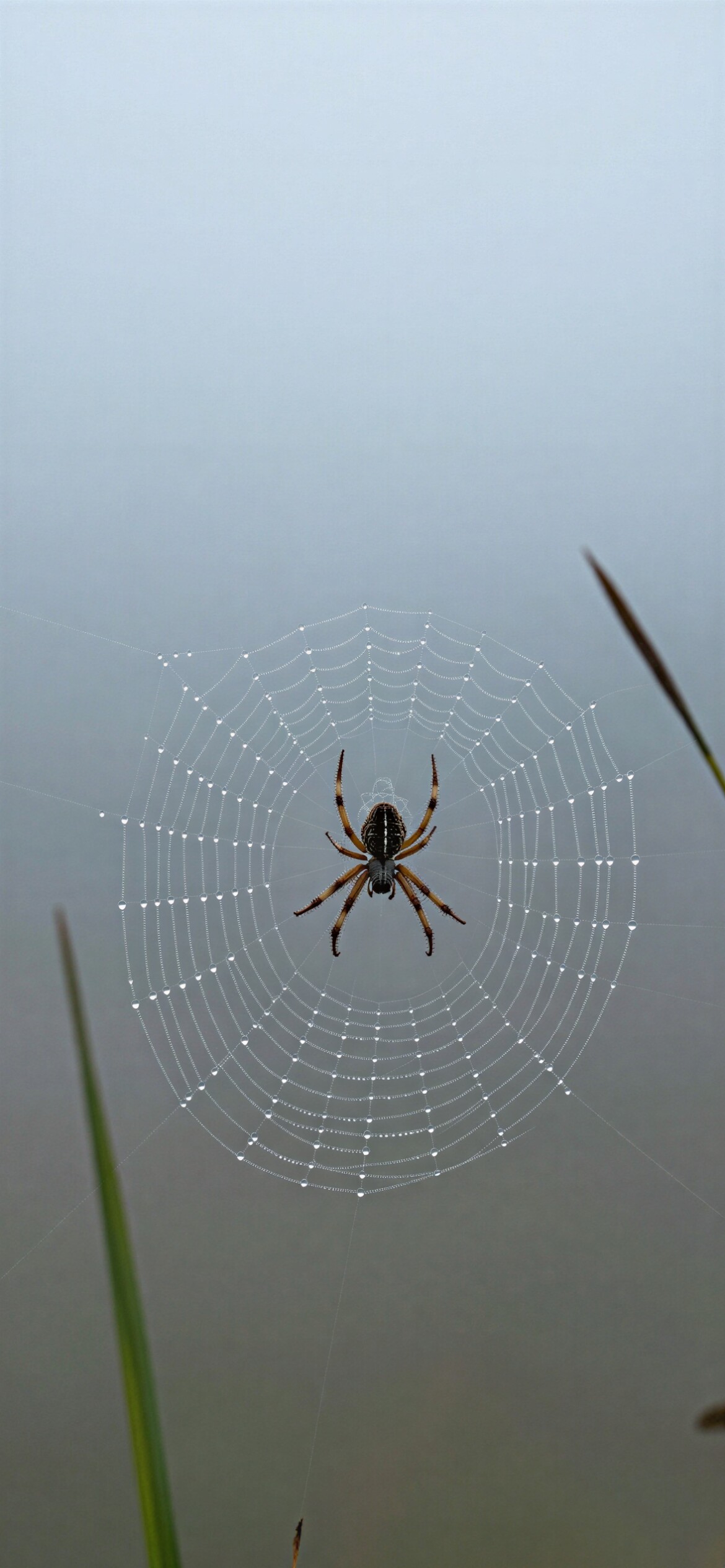
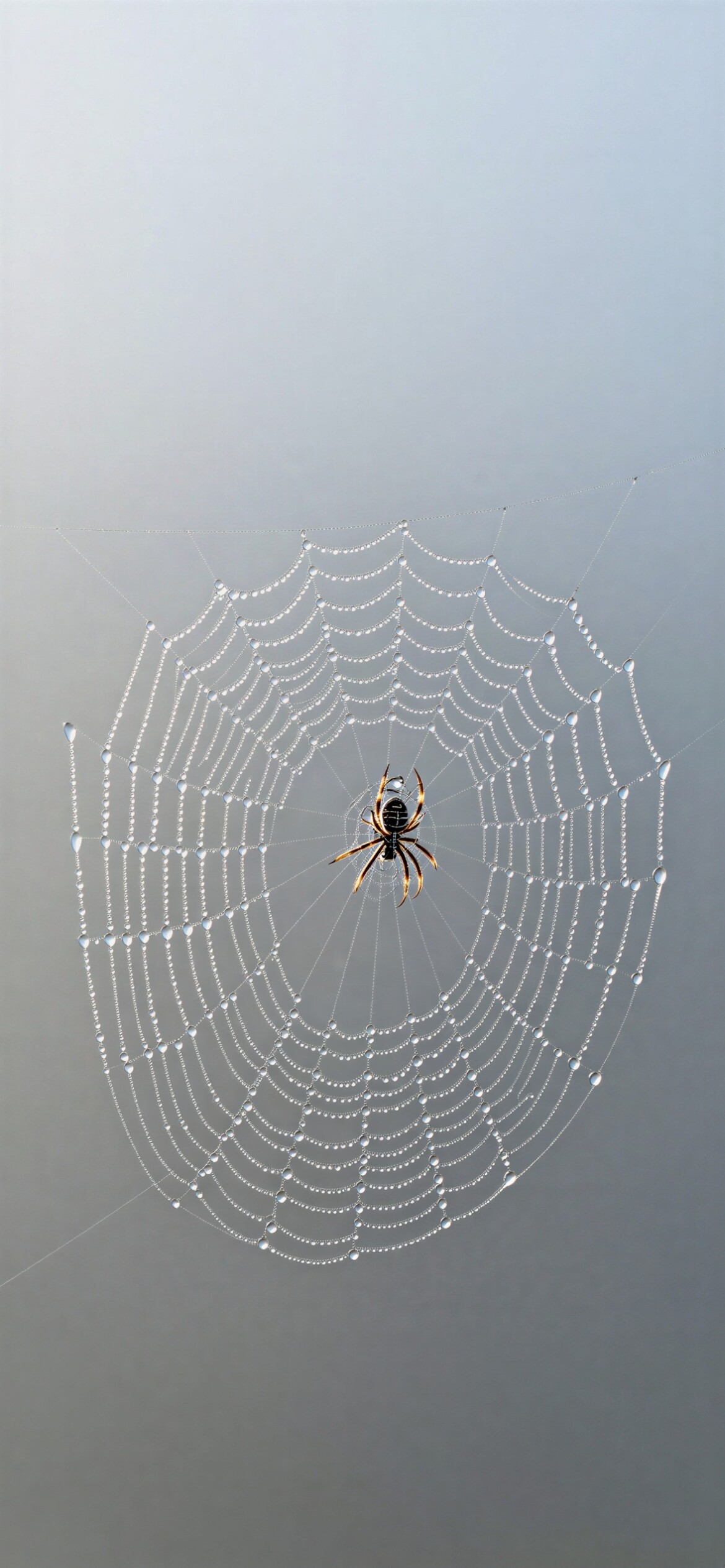
Spiders are arachnids, not insects: eight legs, two main body parts and no wings or antennae. Every spider makes silk from spinnerets at the tip of the abdomen, but only some use it to catch food. This set shows both sides. The orb-weaver in #1, the garden spider in #3 and the dew-covered web in #8 belong to the builders. Many orb-weavers take down and eat their old web, then spin a fresh one, often every day. Weight for weight, their strongest silk is comparable to steel.
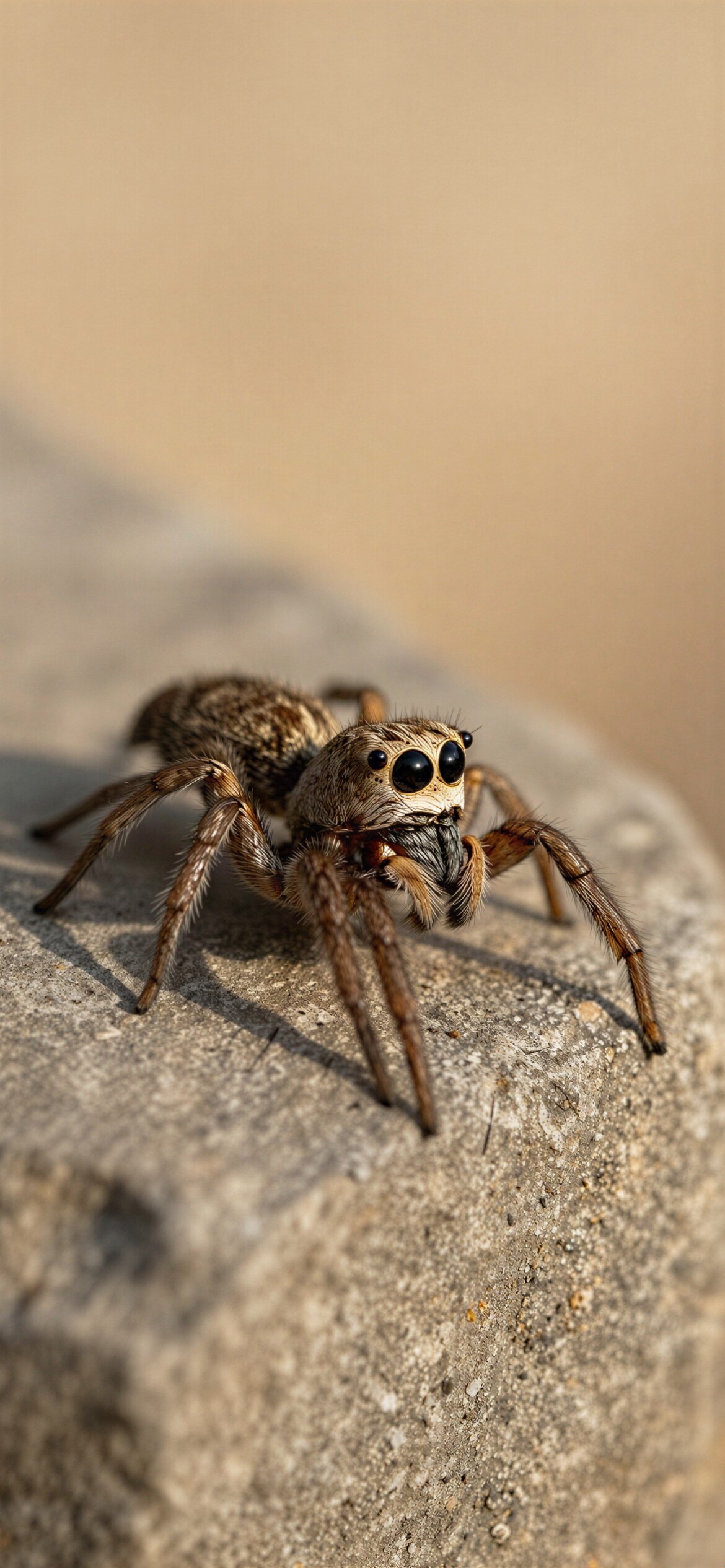
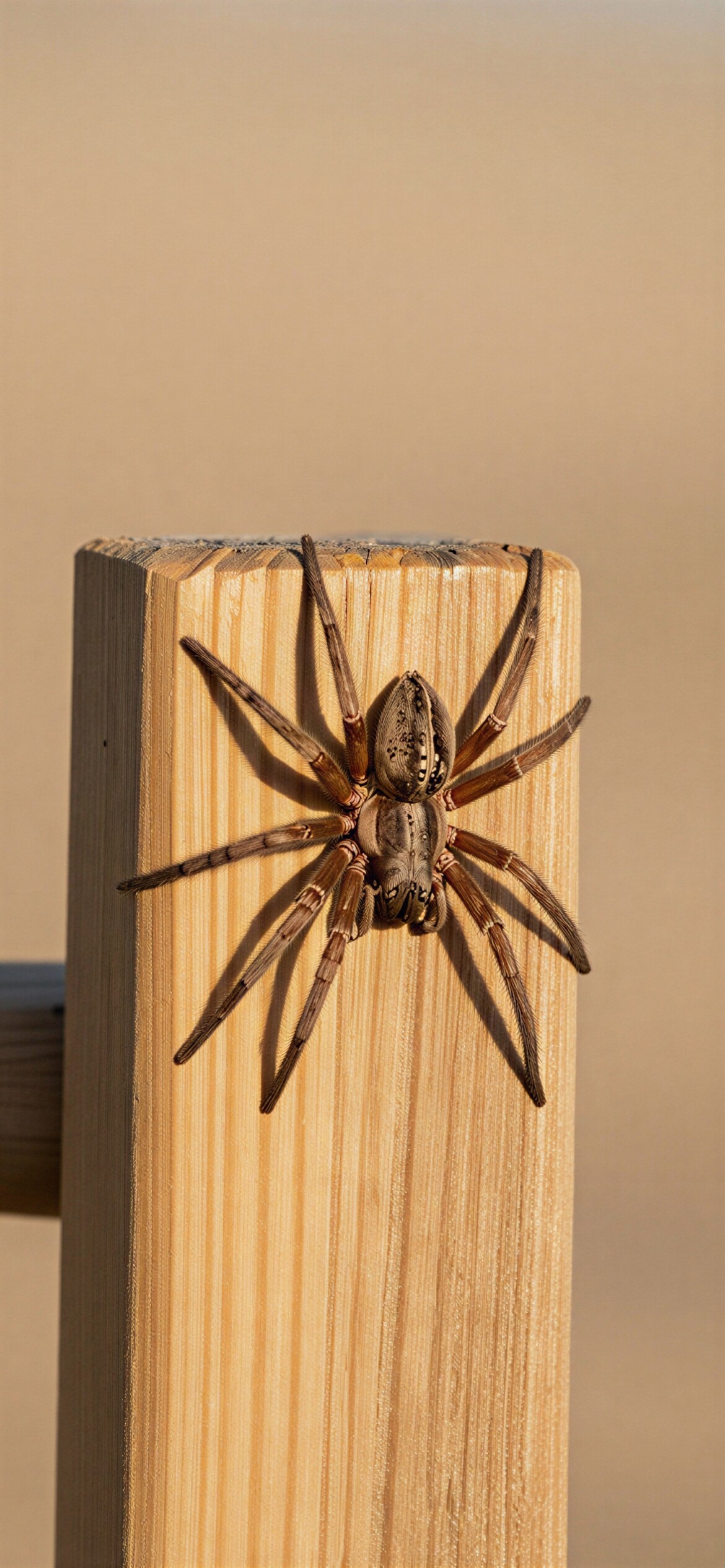
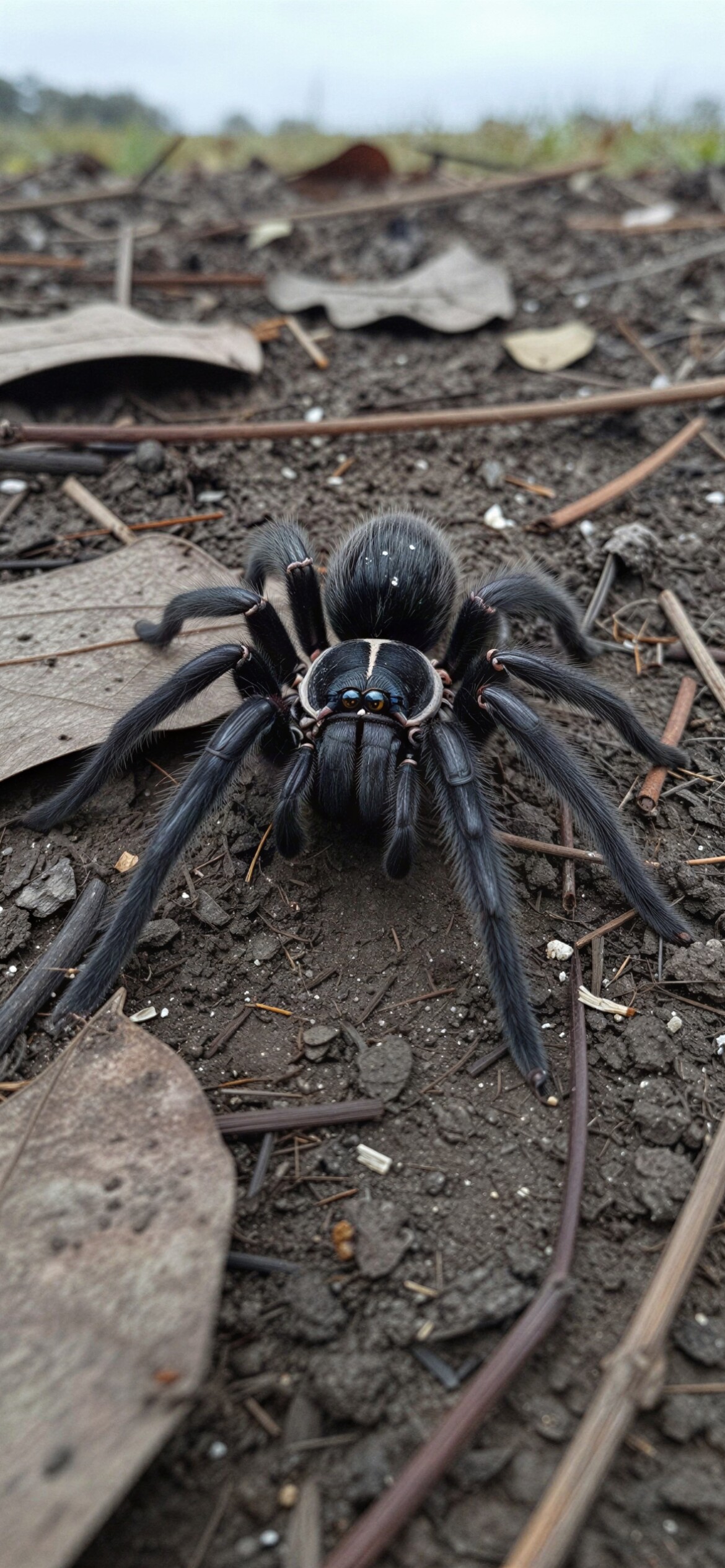
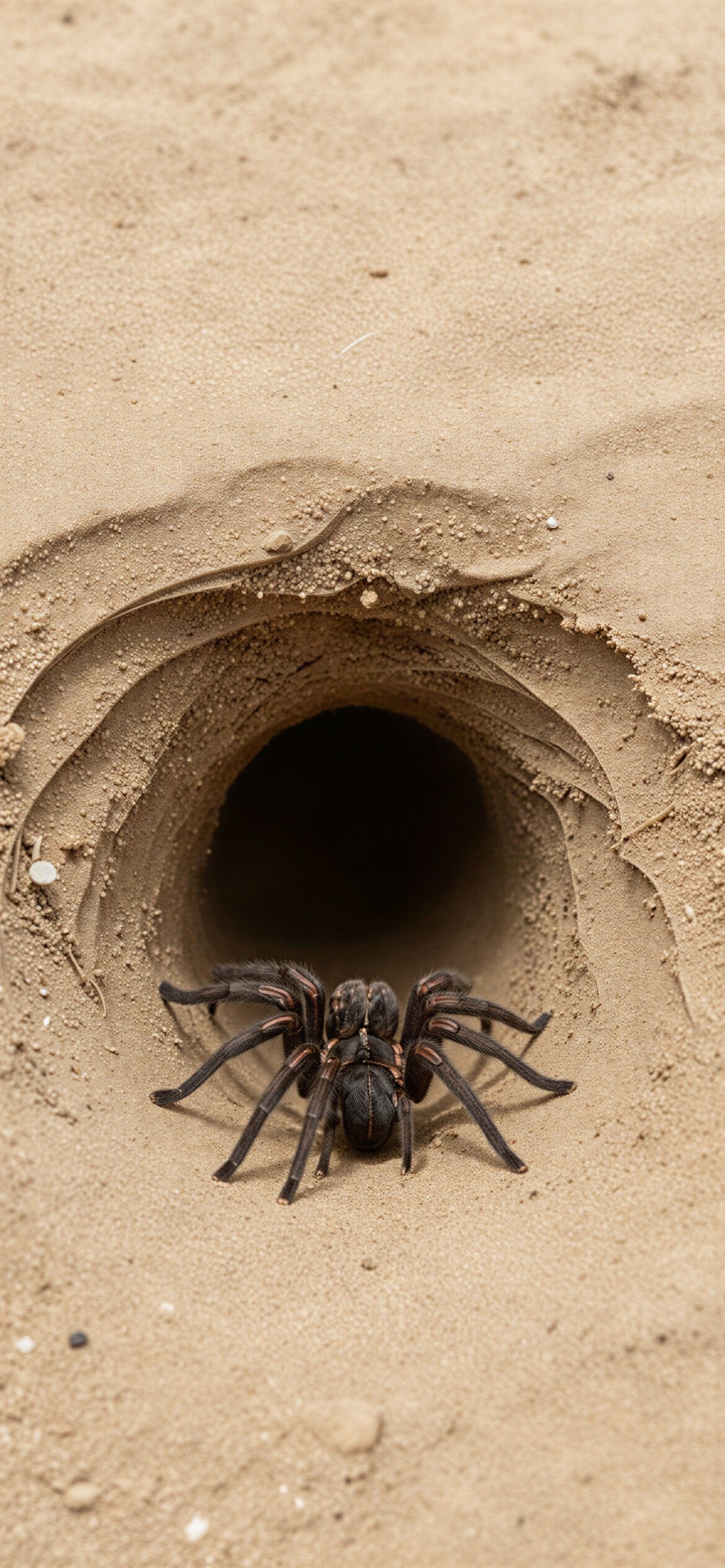
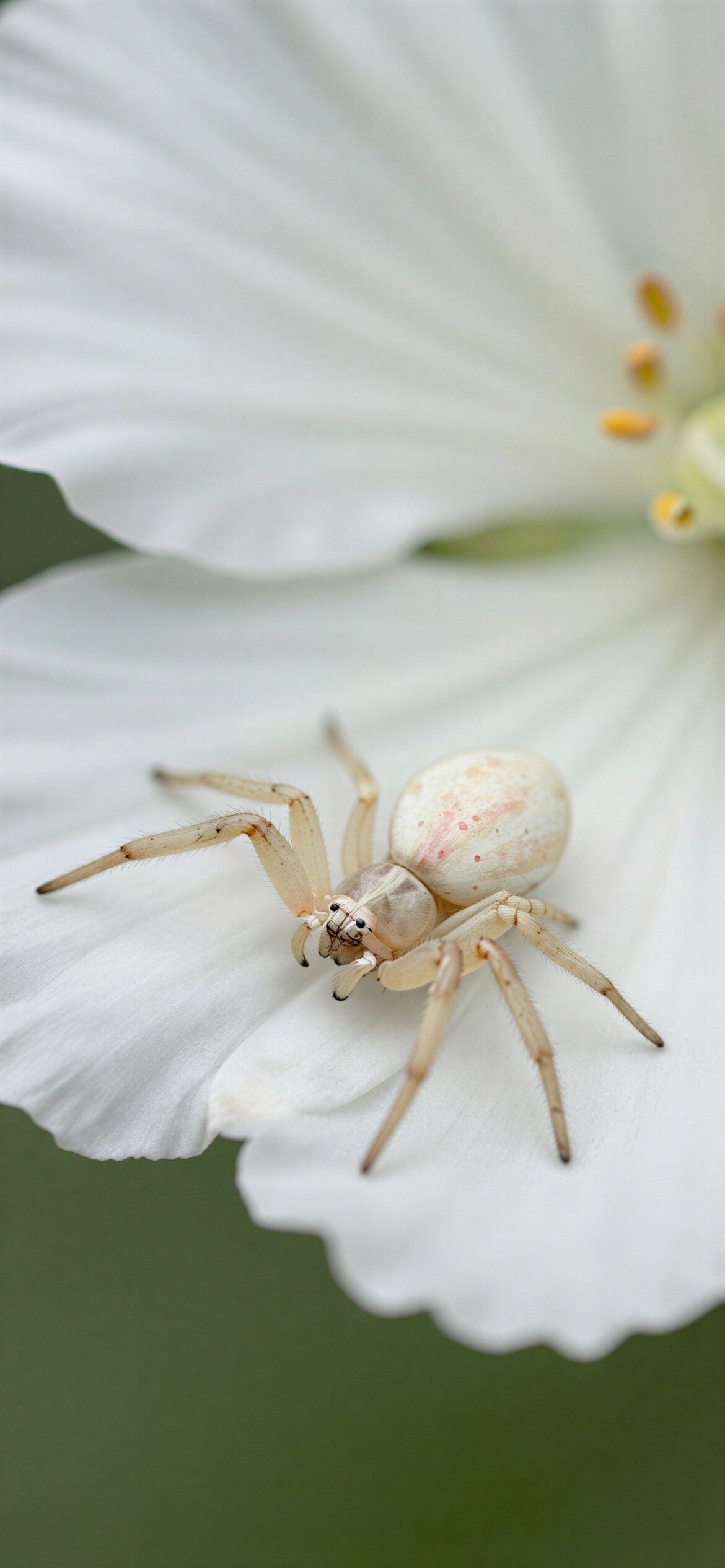
The other seven never wait in a net. Jumping spiders (#2 and #10) have two very large forward-facing eyes and stalk their prey before leaping onto it. Huntsman spiders like the one in #4 are flat and long-legged, built for running over bark and walls. Wolf spiders (#5) hunt on the ground, and the mothers carry their young on their backs. A trapdoor spider (#6) lines its burrow with silk and closes it with a hinged lid, waiting underneath. Some crab spiders (#7) can slowly shift between white and yellow to match the flower they sit on, and fishing spiders (#9) can rest on the surface of water and feel the ripples of whatever lands on it.
Ten spiders and where they're sitting
- #1 A large orb-weaver on a dewy web against green leaves. The web lines frame the lock screen clock well.
- #2 A jumping spider on grey stone in warm light, eyes facing you. Bold for a lock screen.
- #3 A garden spider on a web strung between grass stems, with morning dew. Calm enough for the home screen.
- #4 A huntsman climbing a wooden post, with a sharp shadow beside it.
- #5 A wolf spider on dark soil and leaves in daylight. Earthy and low-key behind icons.
- #6 A trapdoor spider at the mouth of its burrow in sandy soil.
- #7 A crab spider almost hidden on a white petal. The quietest pick if you don't want a spider to be the first thing people see.
- #8 A web lit from behind by raindrops and morning light, with the spider barely there. The best choice for anyone who likes the theme but not the legs.
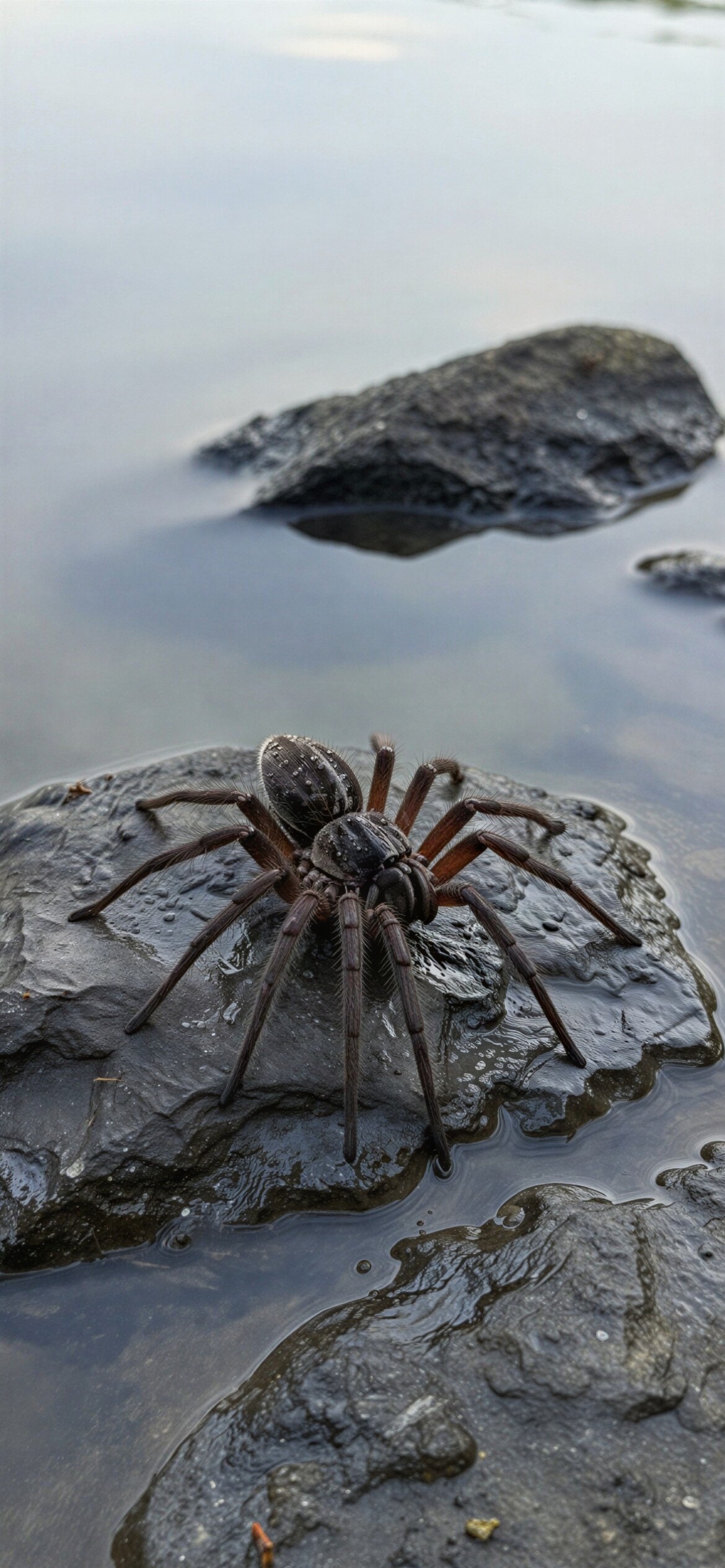
- #9 A fishing spider on wet stone beside reflections in the water.
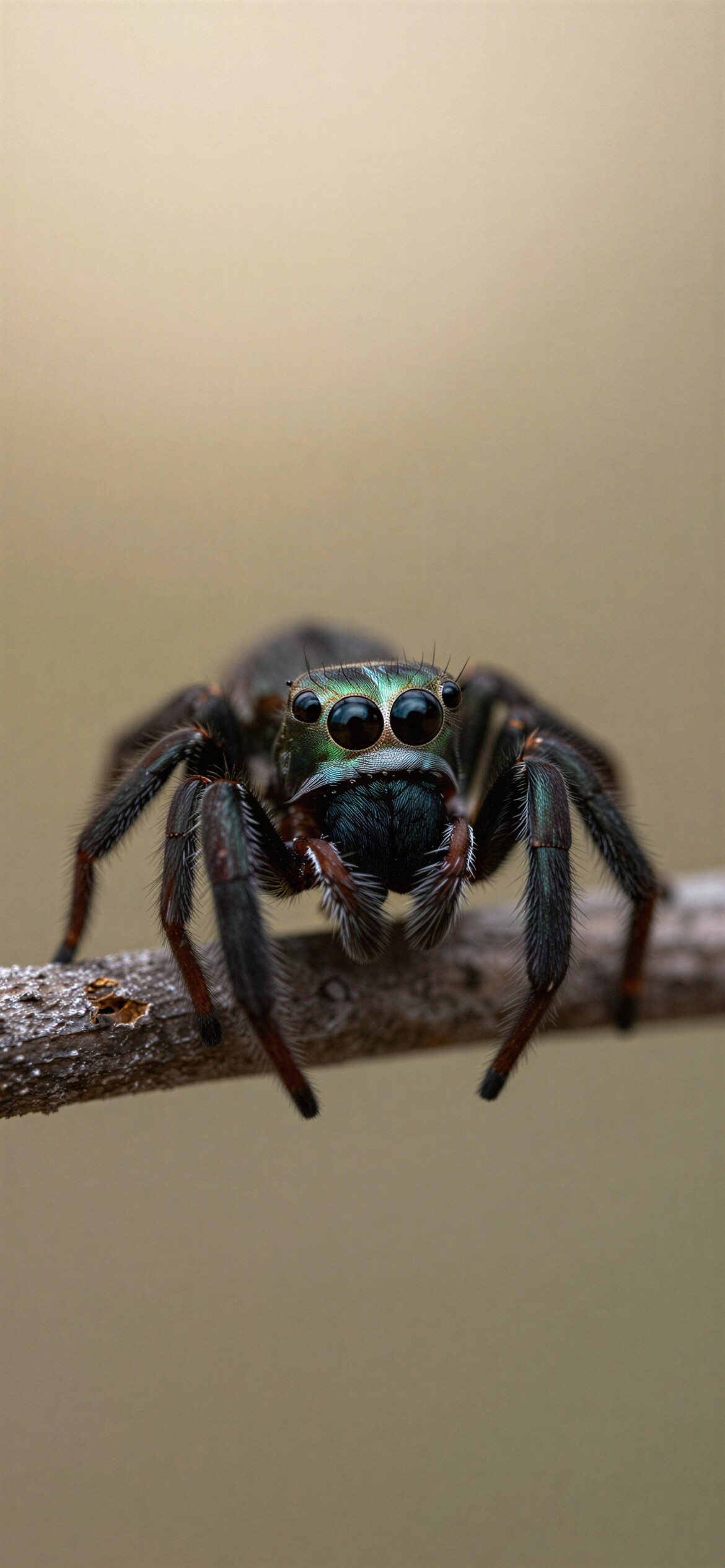
- #10 A jumping spider with iridescent markings on a thin branch.
Dew-green, sun-warm or deep brown
For a fresh, cool screen, the web scenes #1, #3 and #8 are full of greens and silver droplets. Warmer light runs through #2, #5, #7 and #10, where sun on stone, leaves, petals and shiny markings brings out golds and creams. The darkest and most earthy are #4, #6 and #9, with wood, sand and wet rock in shadow.
If you enjoy small creatures in natural settings, the woodland wallpapers and garden wallpapers sit well alongside this set, and the cute Halloween designs offer a much friendlier take on autumn spiders and webs.
How to set it on your iPhone
- Tap Download and save the image to Photos.
- Open Settings, tap Wallpaper, then Add New Wallpaper, and choose Photos.
- Pick the wallpaper, pinch to position it, then tap Add and choose the lock screen, home screen or both.
Stuck on a step? The iPhone and iPad guide has screenshots for each one.
Questions
Will these wallpapers fit my iPhone without cropping?
Yes. Each wallpaper is 1170x2532 pixels, sized for modern iPhones. Some older models may crop slightly at the edges, but there are no black bars. Simply download, go to Settings, tap Wallpaper, and select your image.
Can I use these wallpapers commercially or repost them elsewhere?
These wallpapers are free for personal use on your own devices only. You cannot sell them, print them for sale, or repost them on other wallpaper sites or social media. See our Terms page for the full license details.
Which spider wallpapers work best for lock screens versus home screens?
The web and full-body spider shots work well on lock screens where they remain visible and unobstructed. The close-up macro and macro-detail wallpapers suit home screens, where they sit behind app icons without competing with labels. Experiment to see which mood matches your daily routine.
Are these wallpapers suitable for all seasons?
Yes. Spiders are active year-round in most climates, so these designs work as evergreen wallpapers. The natural earthy tones and realistic lighting adapt to any season. Switch between them based on your mood or to refresh your screen without waiting for seasonal changes.