Ghost Wallpaper iPhone
Ghost wallpaper for iPhone shows ethereal specters, misty figures and shadowy forms floating through dim settings. Free to download for all iPhone sizes, no sign up needed. These ghost wallpapers range from playful and translucent to moody and atmospheric. Each design works on your lock screen or home screen and pairs well with dark mode or Halloween themes throughout the year.
10 wallpapers at 1170 × 2532 px for iPhone. Checked by hand on 5 Oct 2026.
About this set
These ghost wallpapers blend ethereal and atmospheric moods. The designs work well on lock screens where the simple top composition leaves room for time and date widgets. For home screens, choose the designs with more visual interest in the middle, which won’t clash with app icons arranged in rows.
The pale and translucent ghost figures pair naturally with dark mode on iPhone. They suit Halloween decorating year-round or seasonal use in October. Pair these backgrounds with cool-toned app icons or autumn-colored home screen themes for a cohesive look.
Why ghosts are drawn pale and see-through
The English word ghost comes from the Old English gāst, which meant spirit or breath, and that link to breath may be part of why ghosts are so often shown as mist or vapour. The white figure has another likely source: the dead were traditionally wrapped in pale burial shrouds, and the cloth stayed attached to the idea of a restless spirit.
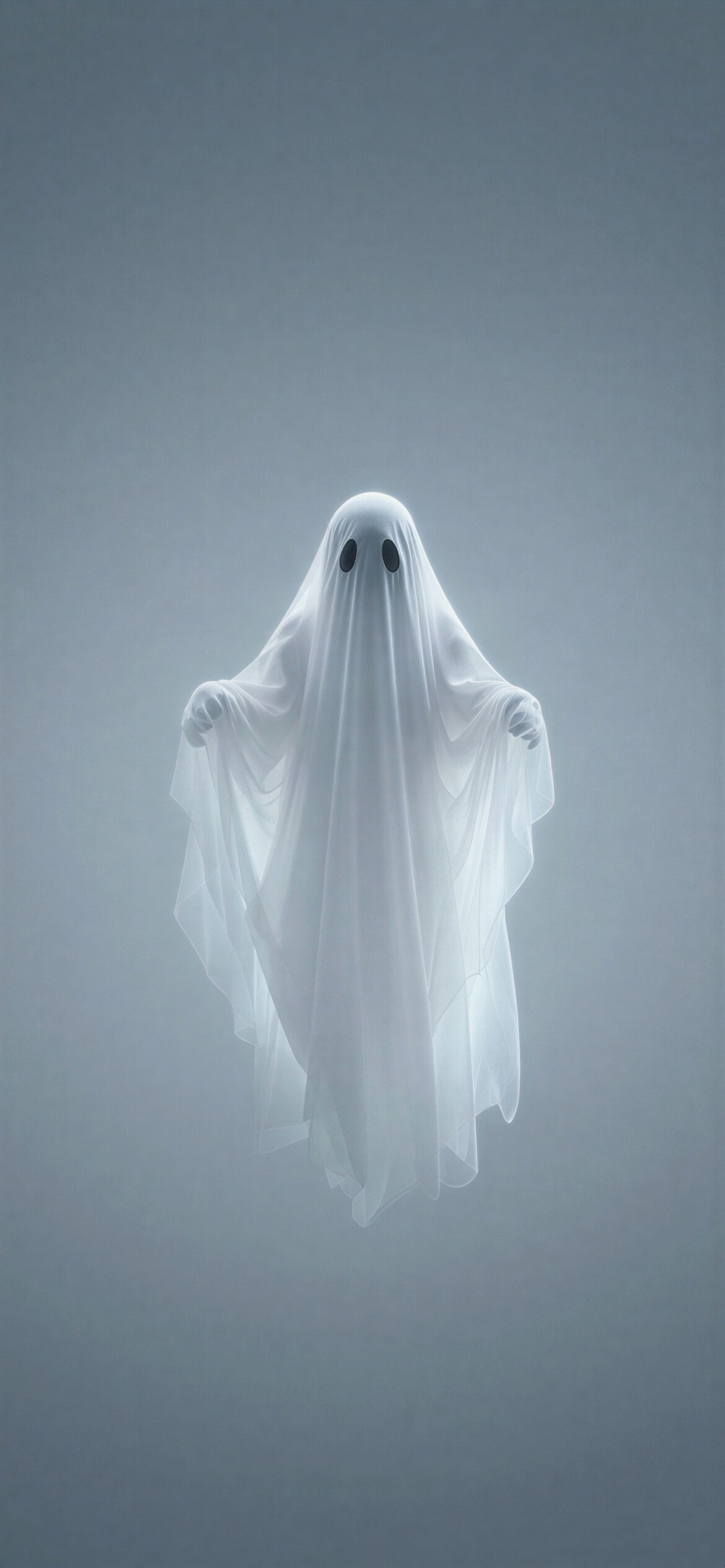
The see-through look owes a lot to the Victorian stage. In 1862 John Henry Pepper made famous an illusion in London in which a brightly lit actor, hidden from the audience, was reflected in a large sheet of angled glass, so a transparent figure seemed to drift among the performers. The trick is still called Pepper's ghost, and it is the same effect you get in wallpapers 1, 6 and 8, where the background shows straight through the figure.
Ten hauntings, grouped by where they happen
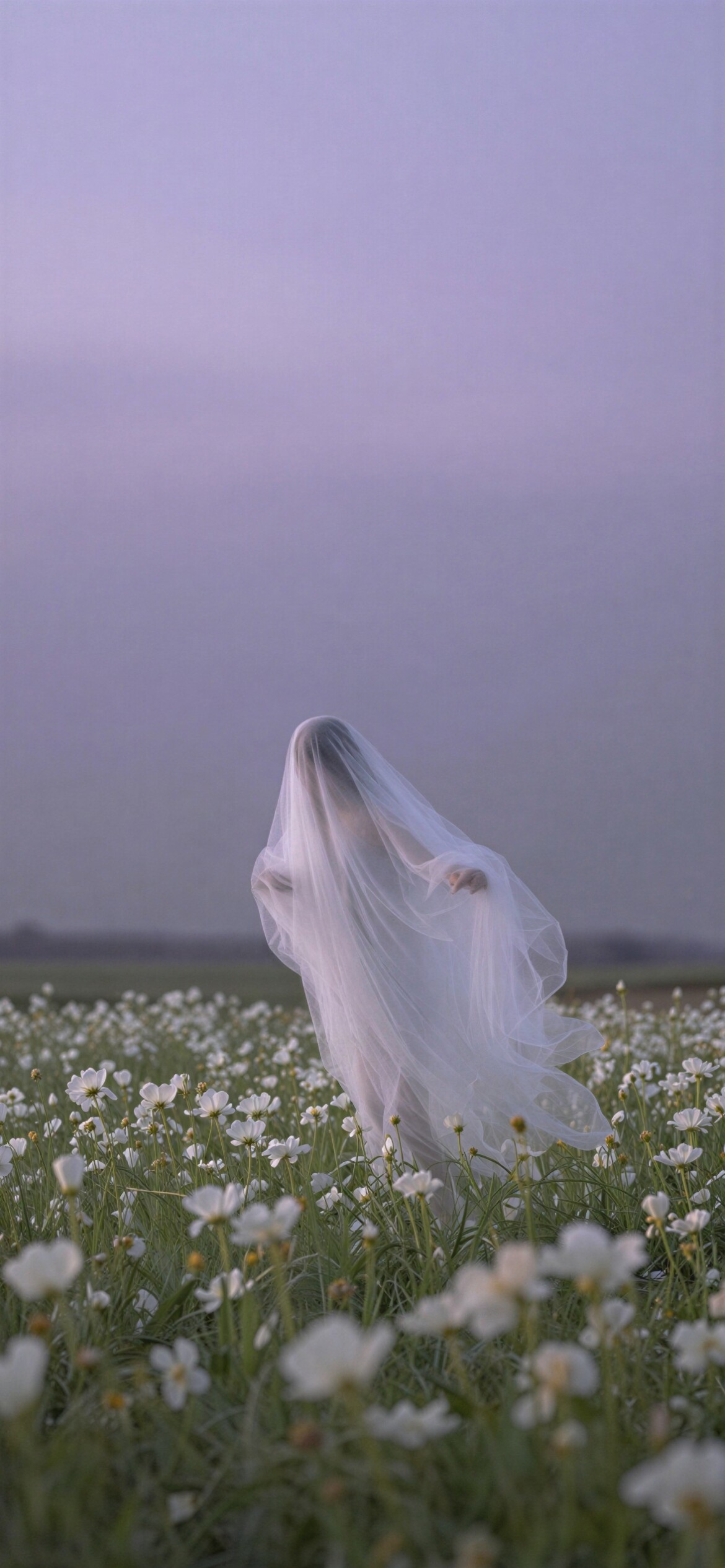
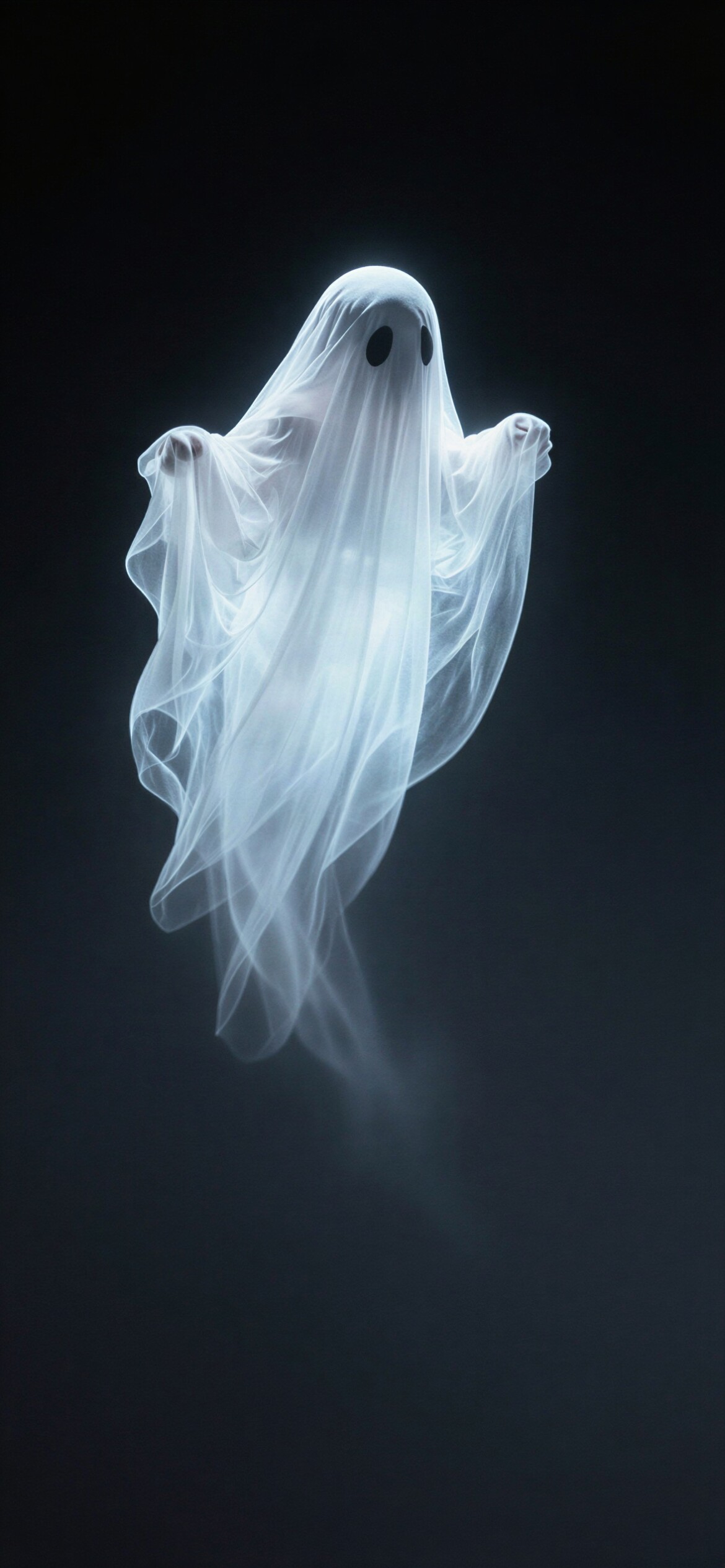
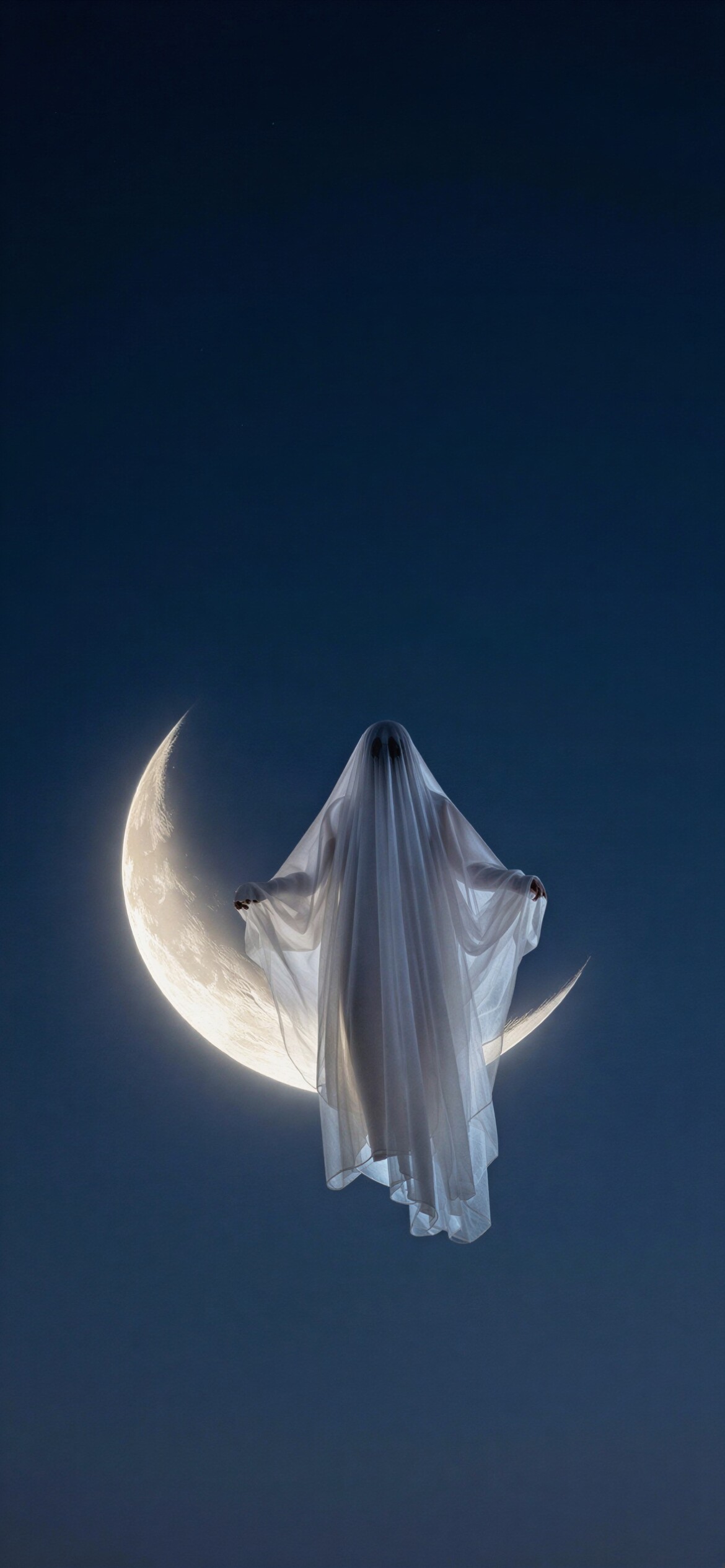
Some of these ghosts are out in the open. Number 1 glows softly against a grey-blue gradient sky, number 6 hovers above pale flowers, and numbers 8 and 9 are night scenes: one trails glowing wisps across a dark sky, the other drifts in front of a crescent moon and a scatter of stars. Pick 9 if you want something that reads as a night sky first and a ghost second.
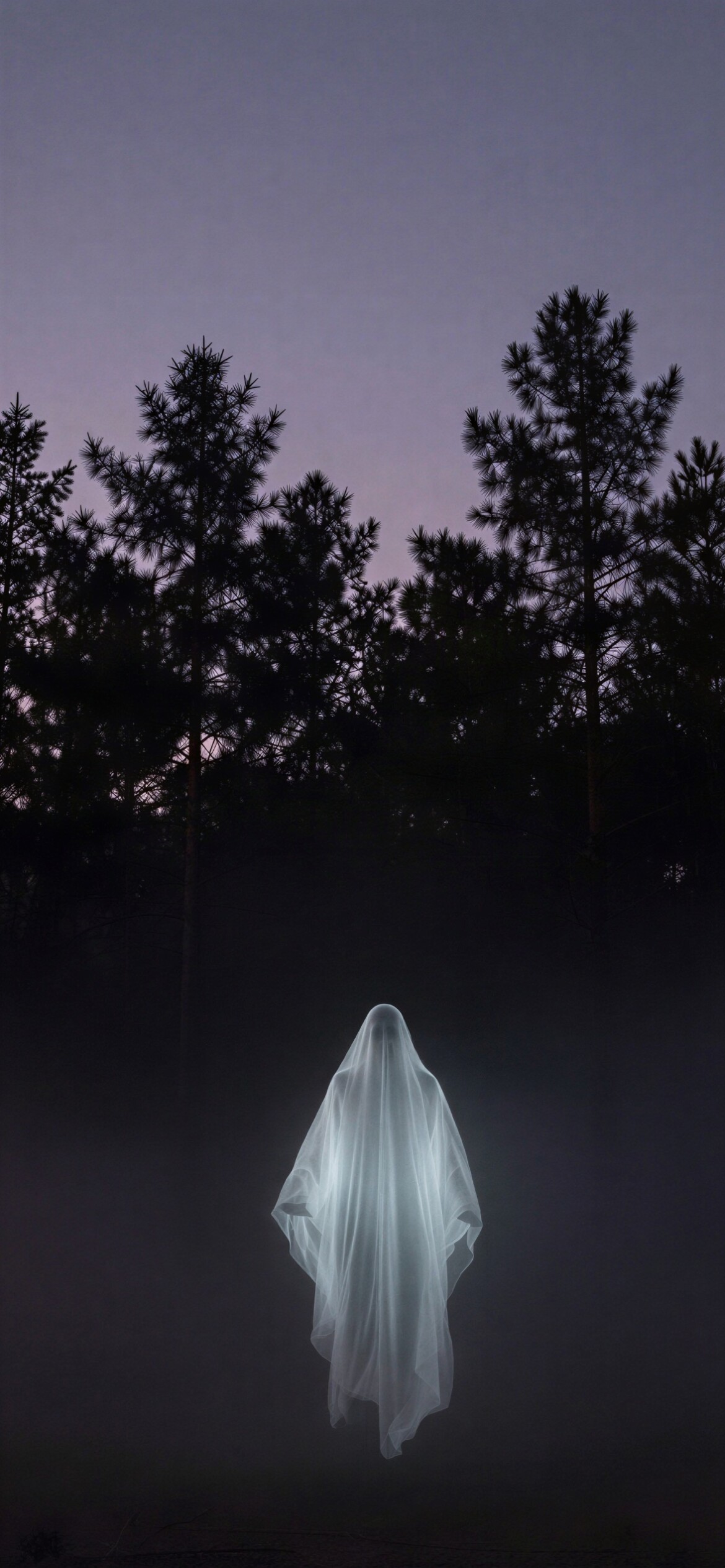
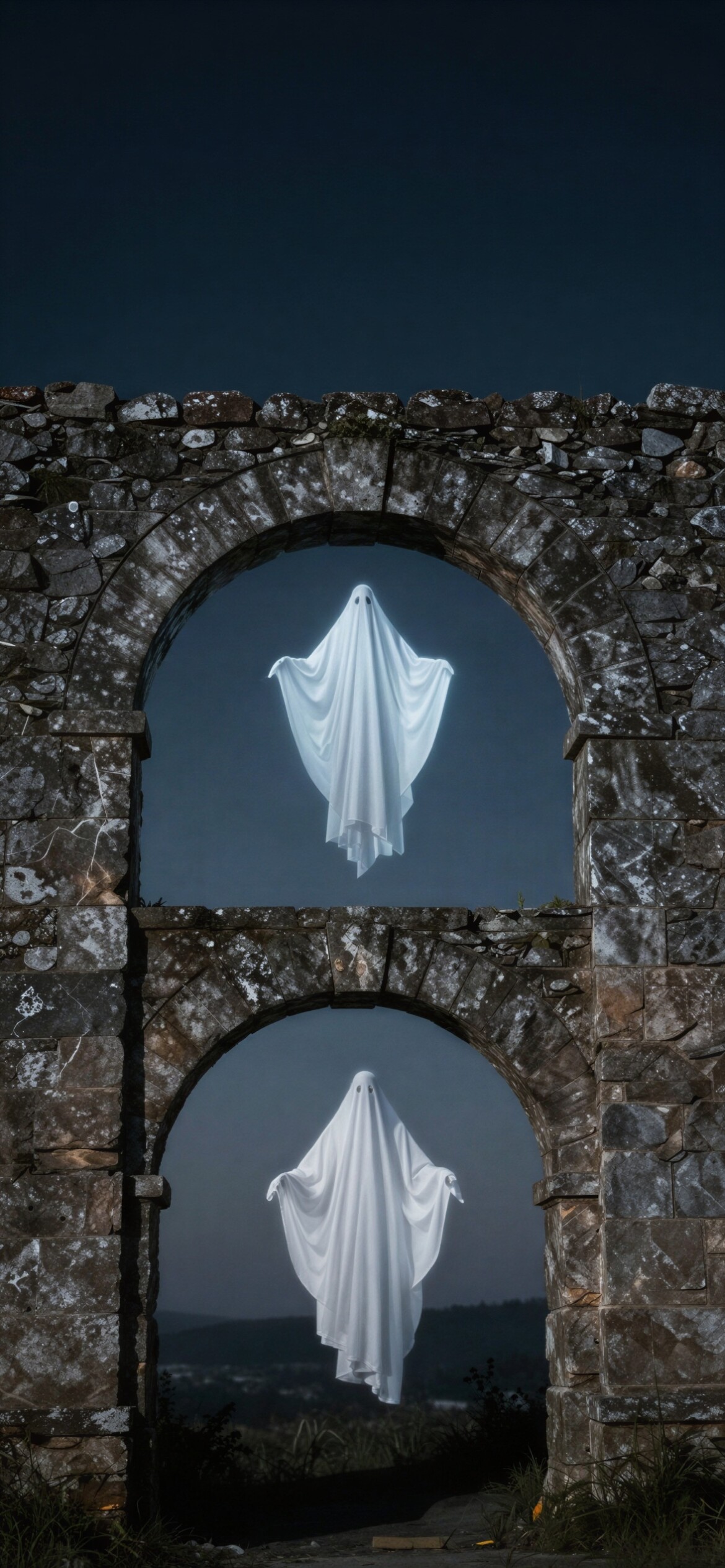
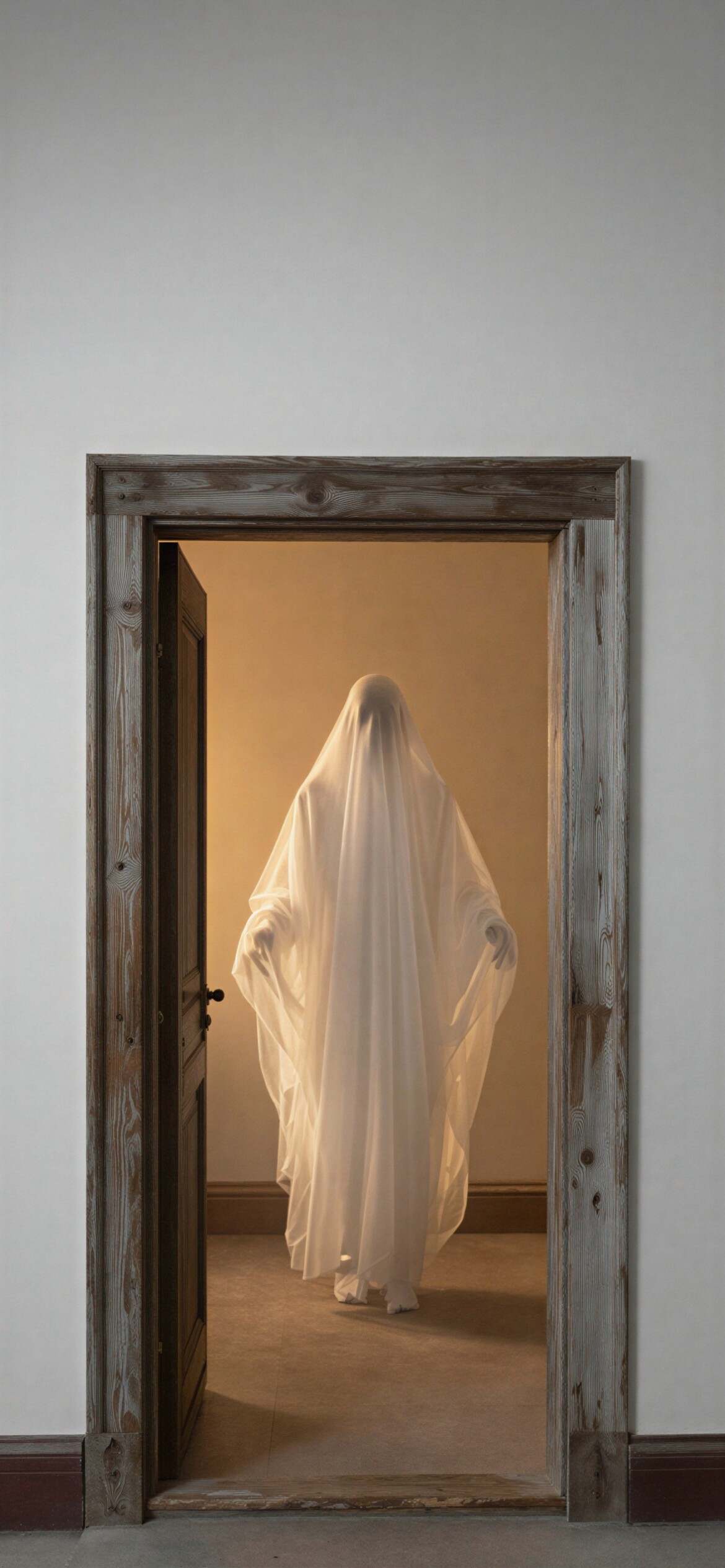
Others are tied to a place. Number 2 drifts through a dark forest at dusk, number 5 passes under an old stone archway by moonlight, and number 10 floats through a weathered wooden doorway lit with warm amber light. These three feel the most like a scene from a story, as if the ghost has somewhere to be.
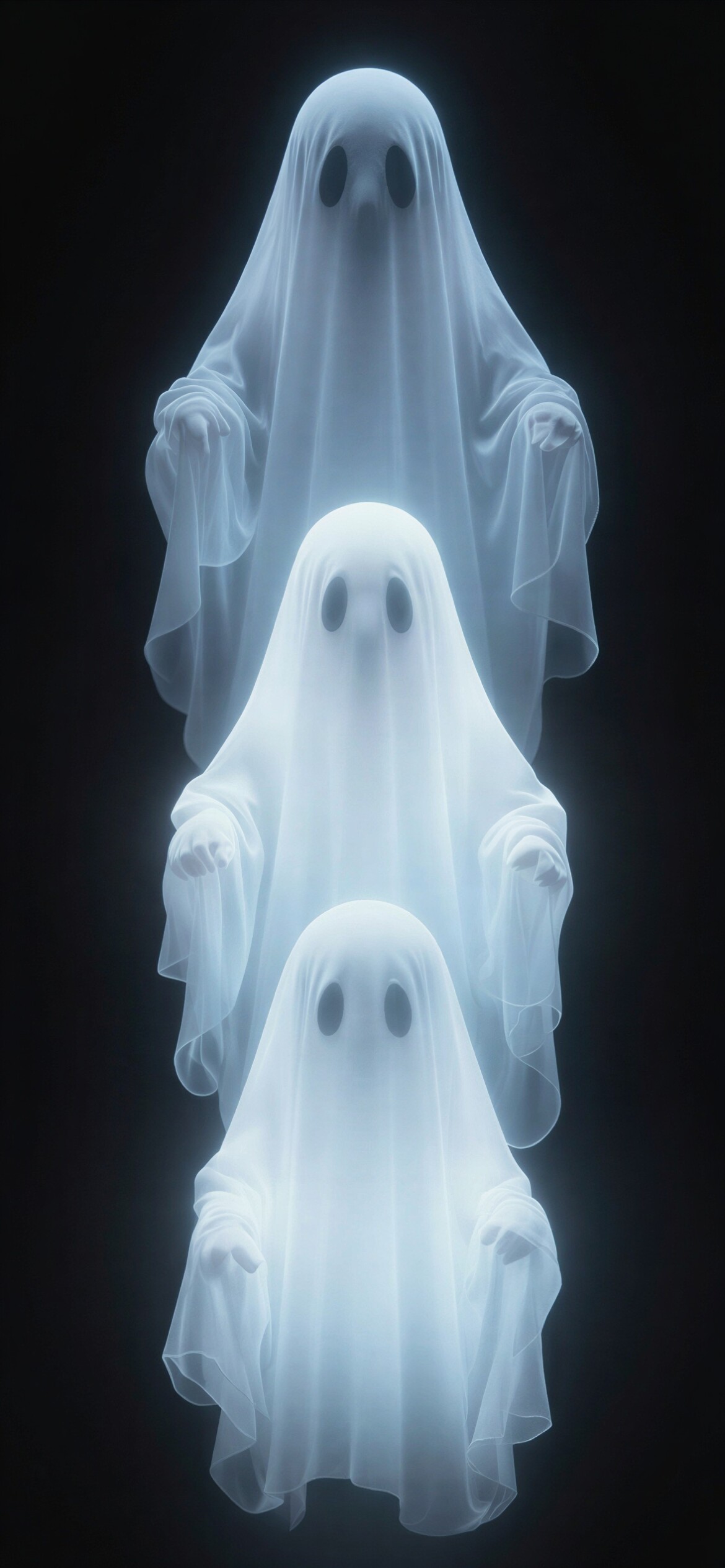
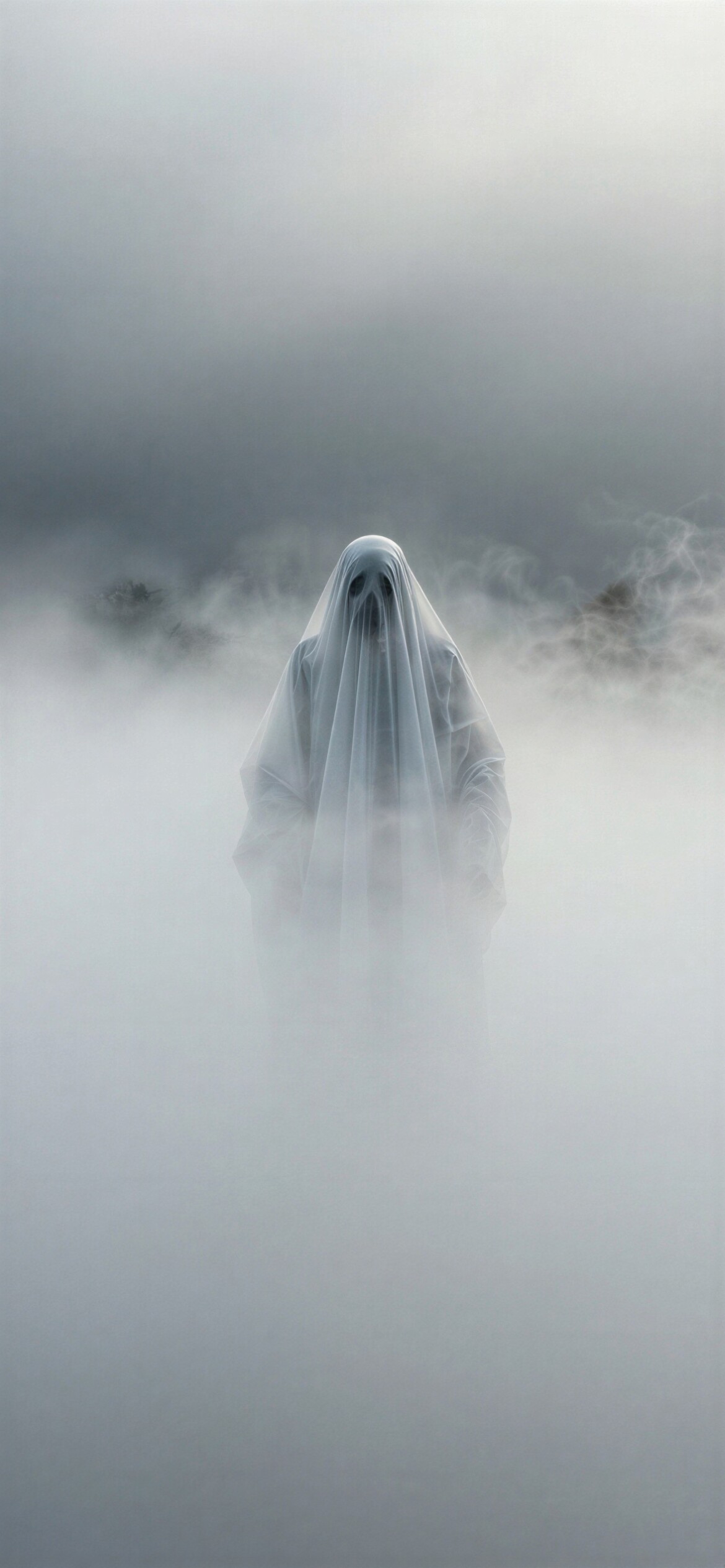
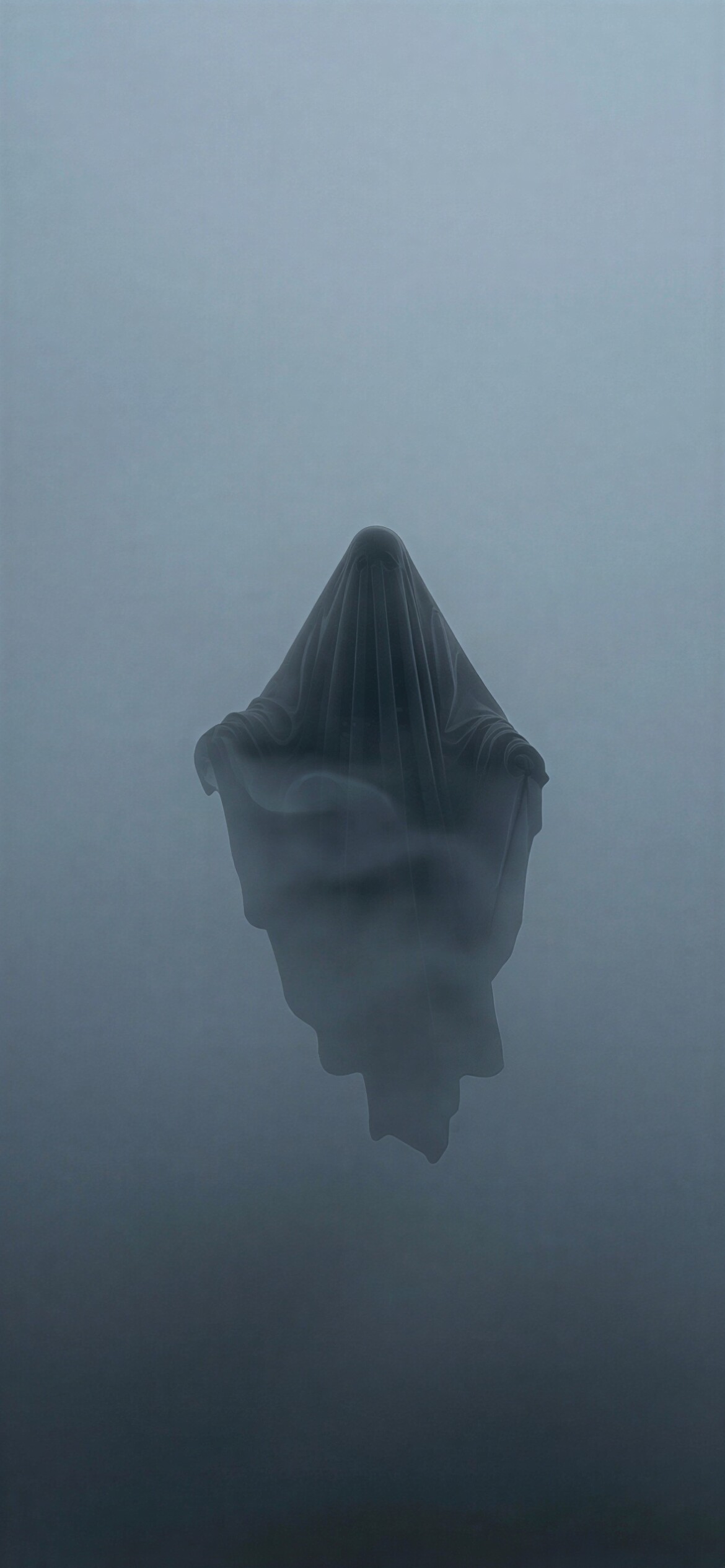
The rest are mostly atmosphere. Number 3 shows three wispy forms at different strengths against black, number 4 has a ghost slowly coming out of thick white fog, and in number 7 the figure swirls through blue-grey mist and smoke until it almost blends into the air around it.
Cold blue, pitch black or a warm doorway?
- Misty and pale: 1, 4, 6 and 7, built from greys, soft blues and white fog.
- Mostly black: 3, 8 and 9, where the dark background does most of the work.
- Moonlit places: 2 and 5, a dusk forest and an old stone arch.
- Warm: 10 on its own, for a ghost that feels more like an old house at night than a cold graveyard.
If you want a friendlier take, the cute ghost wallpapers trade the mist for smiles, while the gothic and vampire sets keep the same after-dark mood.
How to set it on your iPhone
- Tap Download and save the image to Photos.
- Open Settings, tap Wallpaper, then Add New Wallpaper, and choose Photos.
- Pick the wallpaper, pinch to position it, then tap Add and choose the lock screen, home screen or both.
Stuck on a step? The iPhone and iPad guide has screenshots for each one.
Questions
Will these ghost wallpapers fit my iPhone screen?
Yes. This set is sized at 1170x2532 pixels for modern iPhones such as the iPhone 12 to 15, and some older models may crop slightly at the edges. The tall vertical format is optimized for iPhone screens. After download, set the image as your lock screen or home screen through Settings > Wallpaper > Customize.
Can I use these wallpapers for personal use?
Yes, these wallpapers are free for personal use on your own iPhone and devices. You may not sell them, print them for sale, or repost them on other wallpaper sites or social media. See our Terms page for the full usage policy and permissions.
Which ghost wallpapers work best on the lock screen versus the home screen?
Lock screen wallpapers should have simple, open areas at the top for time and date displays. Most of these designs work well on lock screens because the top quarter is intentionally kept minimal. For home screens, choose designs with more visual detail in the middle section so your app icons don't obscure the main ghost figure.
Can I use ghost wallpapers year-round or just for Halloween?
Ghost wallpapers work any time of year. While they are popular in October, the ethereal and atmospheric mood suits dark mode users throughout all seasons. Many people enjoy the moody aesthetic and misty atmospheres as everyday backgrounds, not just during Halloween.