Vampire Wallpaper iPhone
Vampire iPhone wallpaper offers free gothic designs for your lock and home screens with pale figures, moonlit castles and dark forests. These vampire wallpapers feature moody lighting, rich blacks and deep reds that suit the iPhone's tall screen. Download this set for free without signing up. Each vampire design is original artwork checked by hand before publishing.
9 wallpapers at 1170 × 2532 px for iPhone. Checked by hand on 5 Oct 2026.
About this set
These vampire wallpapers blend gothic atmosphere with elegant design, using deep blacks, rich reds, cool blues and ivory tones. The style ranges from Victorian elegance to mysterious moonlit scenes, all fitting the iPhone’s vertical orientation with subjects positioned in the lower half and simple dark skies above.
Use the more dramatic castle and forest designs for your lock screen, where they frame the time and date beautifully. The intimate close-ups of figures, mirrors and candlelit details work well as home screen backgrounds, giving you a subtle gothic mood behind your apps. Pair these with dark mode for maximum impact, and they pair naturally with dark app icons and minimal widget designs.
Cloaks, a castle and a candlelit room
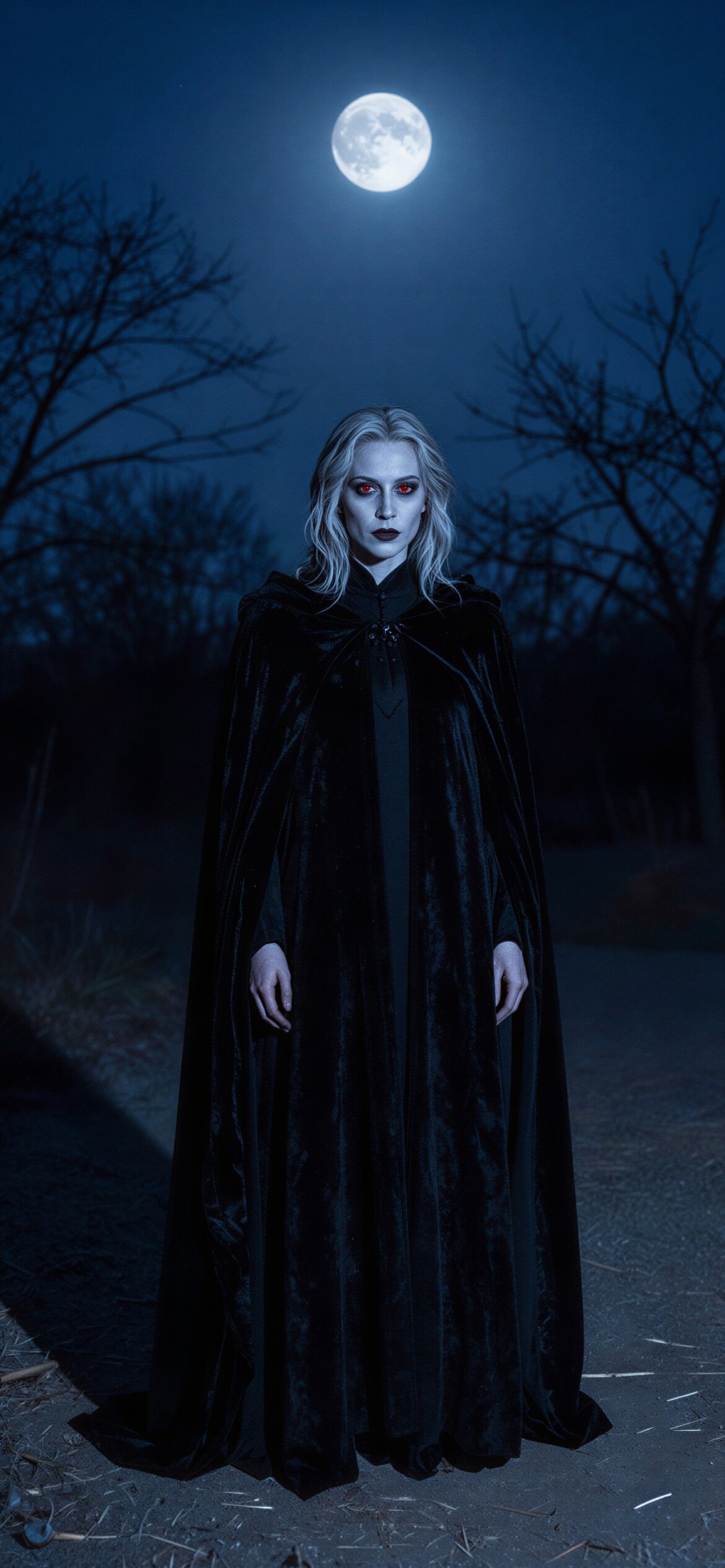
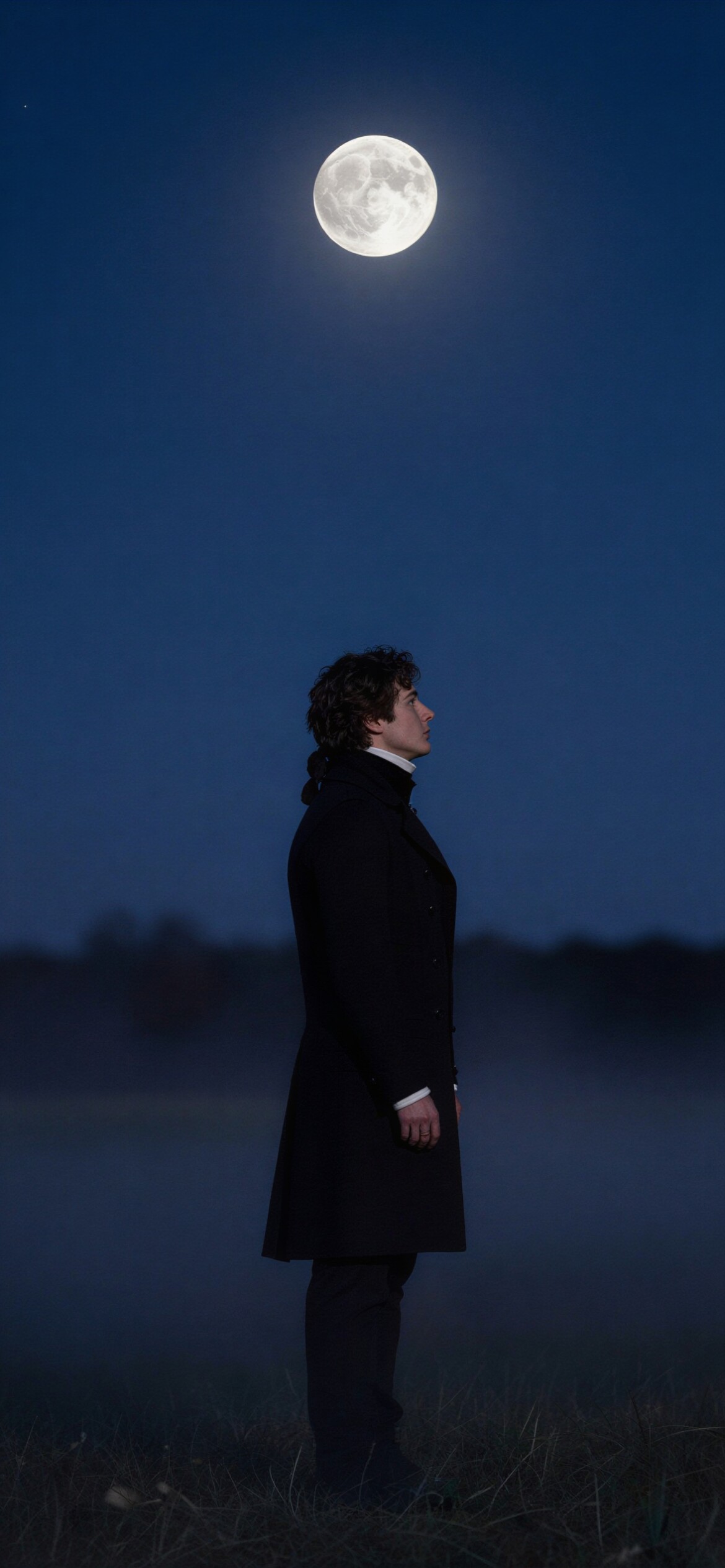
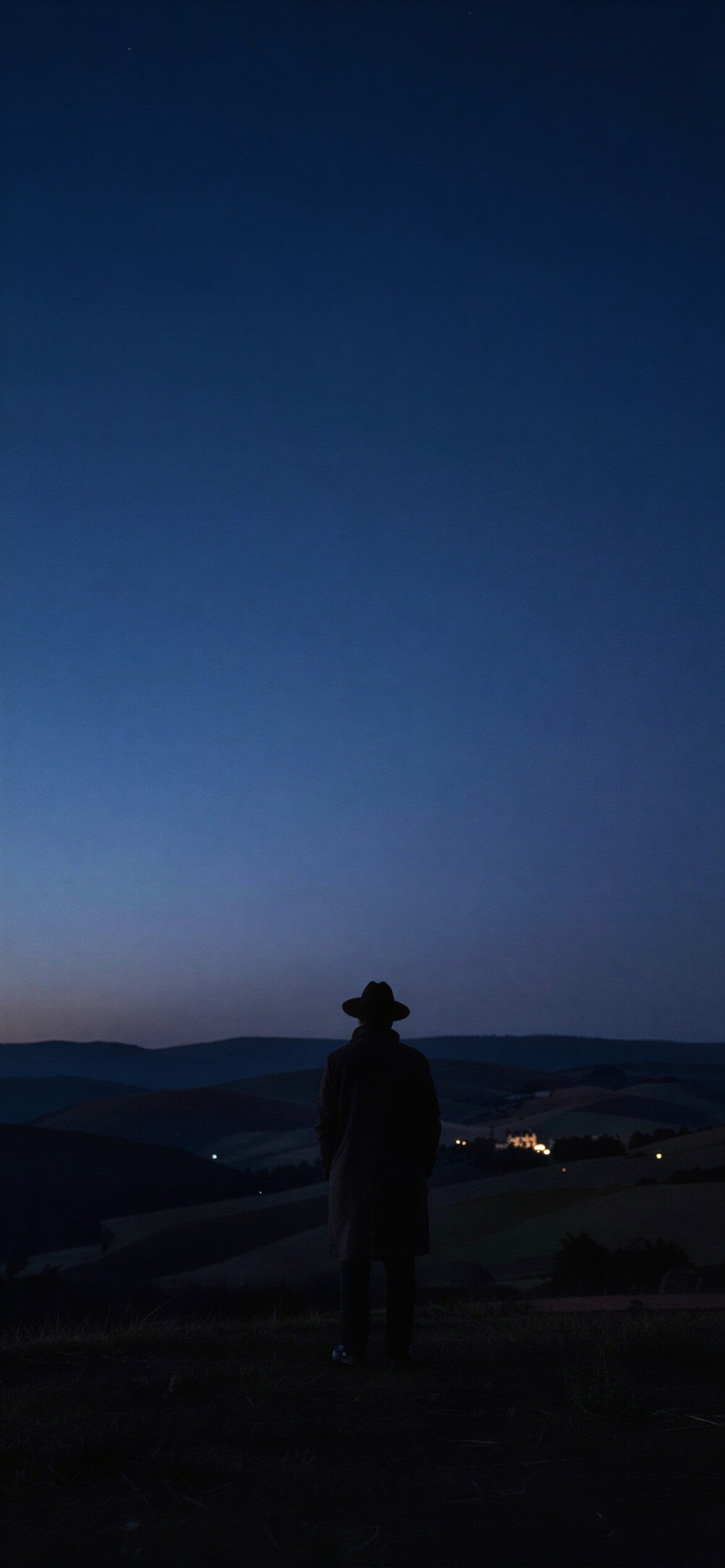
Three of the nine wallpapers put a figure at the centre. Number 1 is the classic pale vampire in a black cloak under a starry sky, number 4 swaps the cloak for Victorian clothes and a full moon over deep indigo, and number 9 shows a dark-coated figure looking out across a night landscape toward one distant light. That last one is the quietest of the three and leaves the most open sky for the clock.
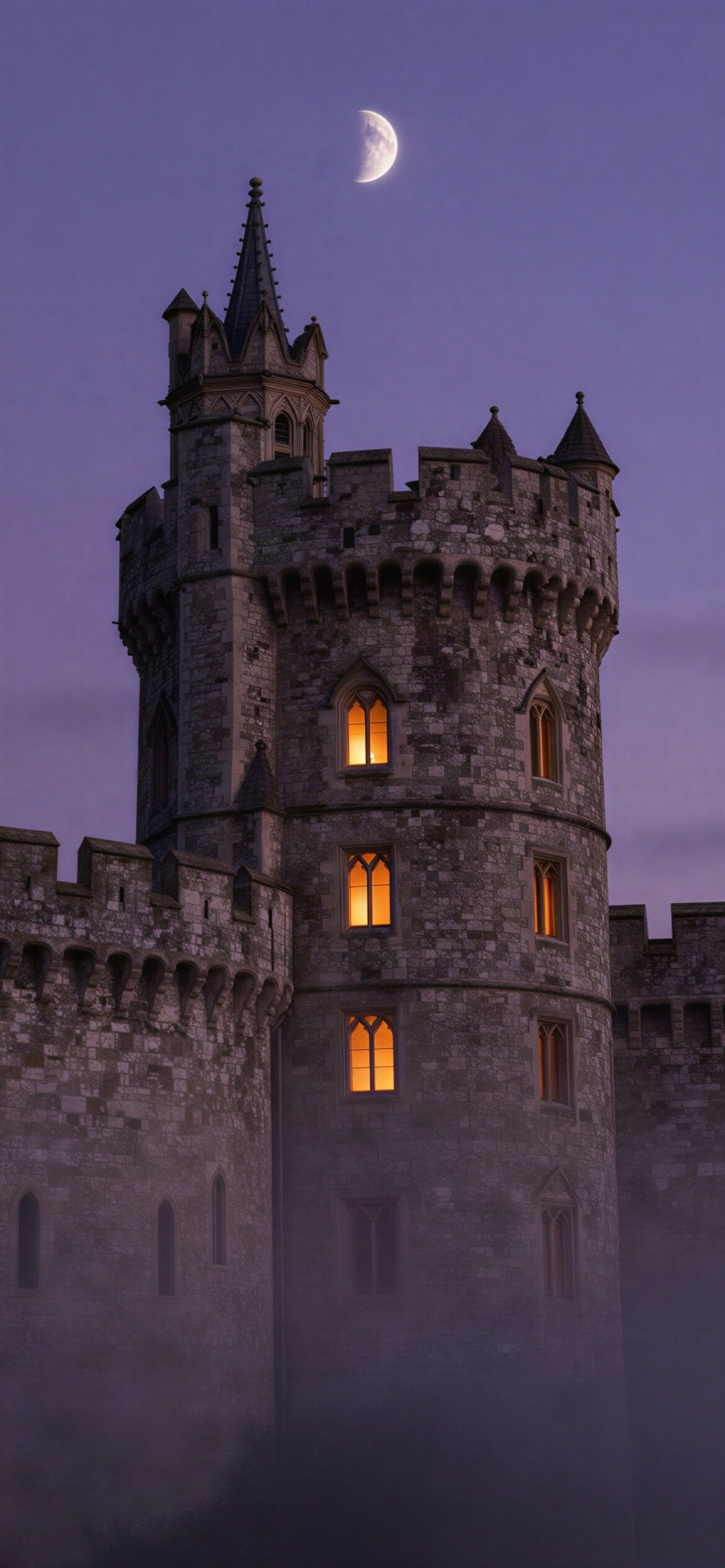
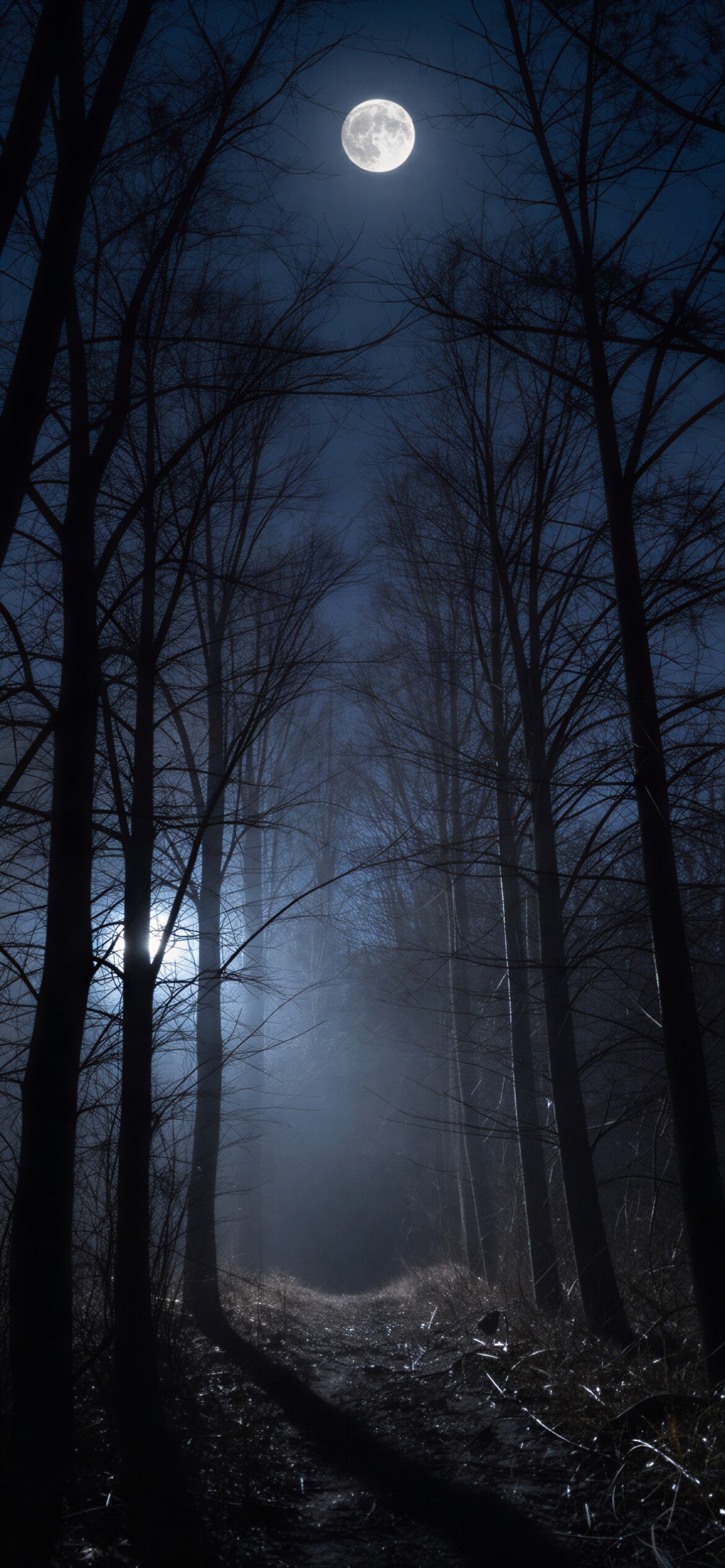
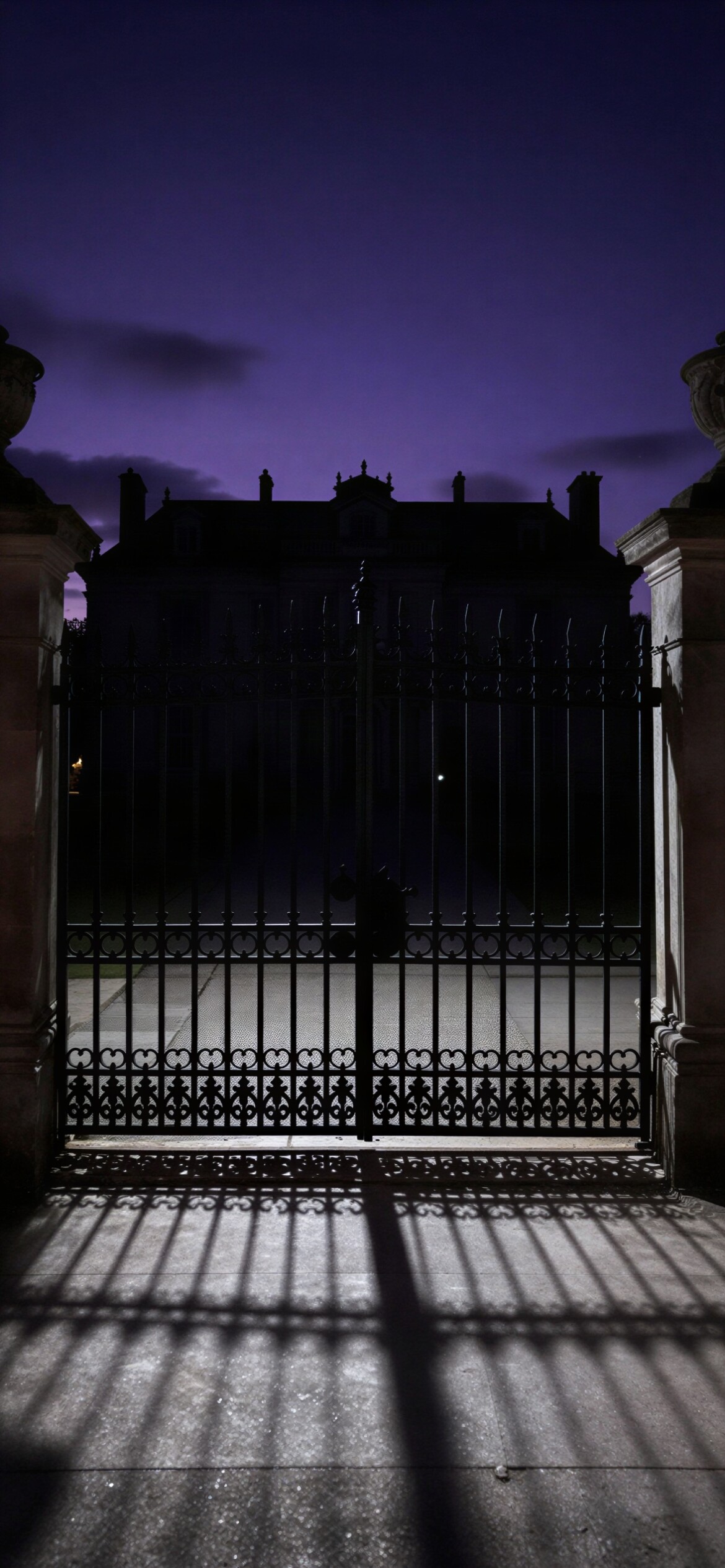
Two are about the house rather than its owner. Number 2 is a castle tower with amber windows at twilight, and number 8 looks through an iron gate at a mansion far in the distance, with the bars throwing shadows across the ground. Number 7 leaves buildings out altogether: just a misty forest of bare, twisted trees under the moon.
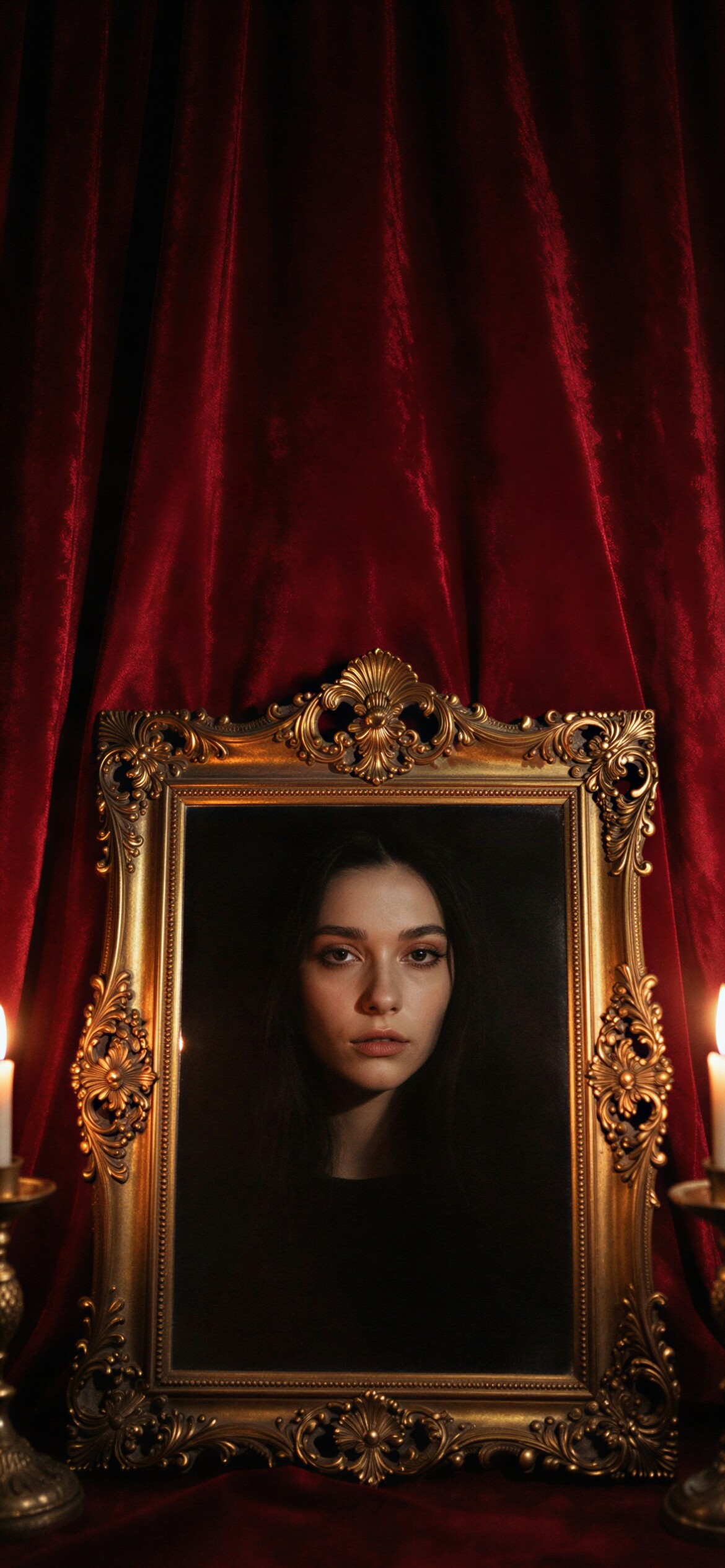
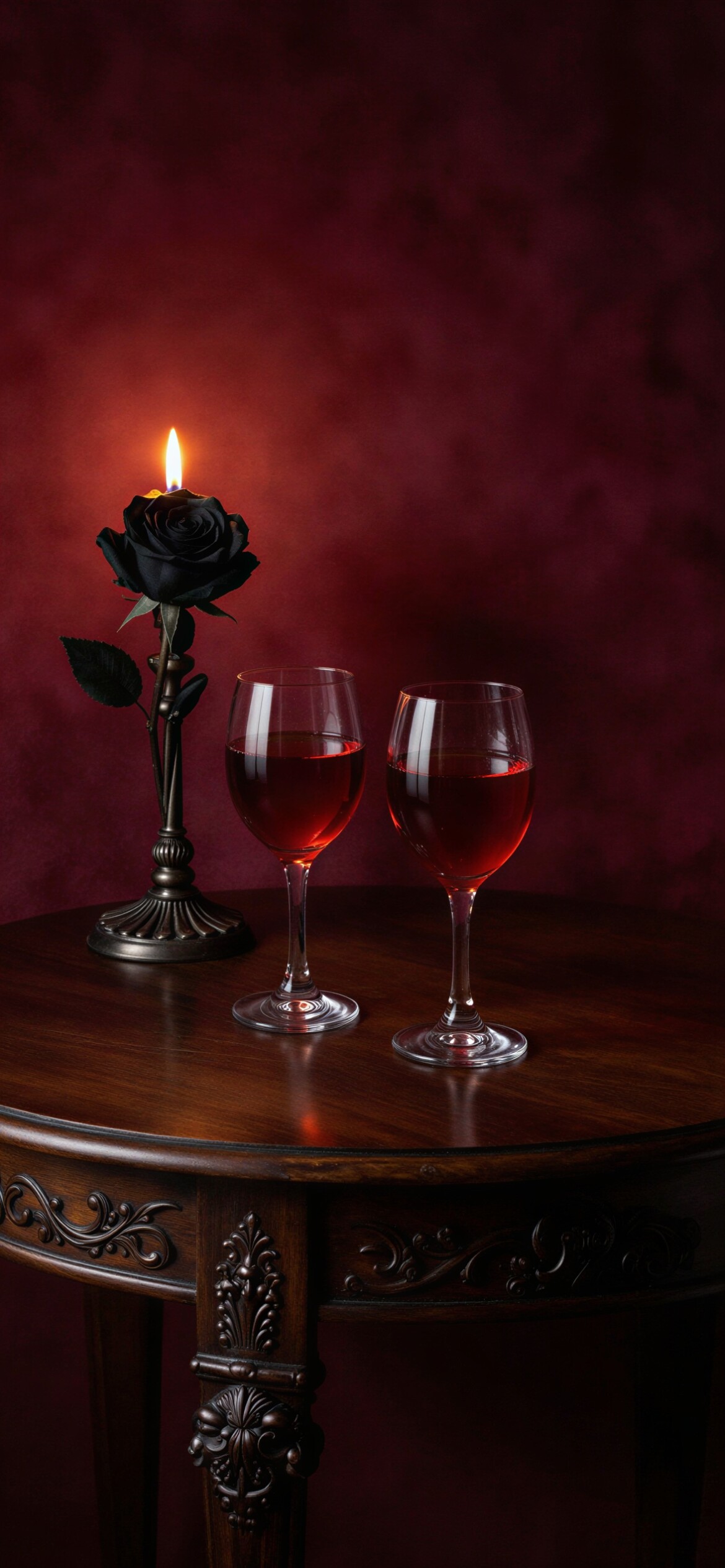
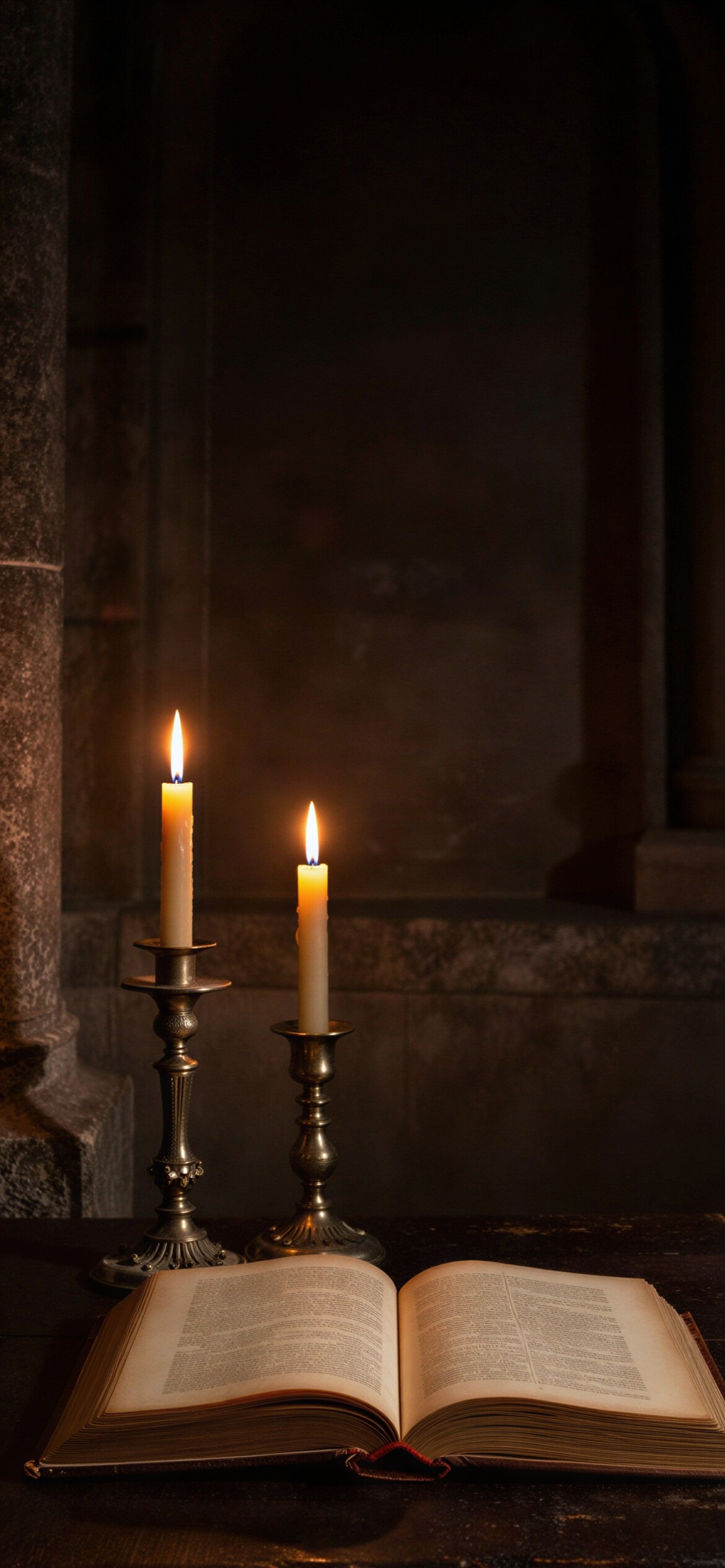
The last three move indoors. Number 3 is an ornate mirror framed by red velvet curtains, number 5 is a pair of wine glasses with a black rose on a wooden table, and number 6 is candlesticks and an old book in a stone room.
Polidori, Stoker and the mirror with nothing in it
The elegant vampire in these pictures comes from books, not village folklore. John Polidori's story "The Vampyre" appeared in 1819, written after the same 1816 ghost-story contest at Lake Geneva that gave Mary Shelley the idea for Frankenstein. Sheridan Le Fanu's "Carmilla" followed in 1872, and Bram Stoker's "Dracula" in 1897, with its count living in a castle in Transylvania, much like the tower in number 2.
Stoker is also the reason number 3 feels a little odd. Early in the novel, Jonathan Harker is shaving and notices that the count casts no reflection in his mirror. The idea that sunlight destroys a vampire came later, from the 1922 film "Nosferatu", and the tall-collared black cloak of number 1 was fixed in people's minds by Bela Lugosi in the 1931 film of Dracula.
Red, amber or moonlight
- Deep red: 3 and 5, the velvet curtains and the wine glasses.
- Candle and window glow: 2 and 6, warm amber against stone.
- Cold moonlight and shadow: 1, 4, 7, 8 and 9, the darkest of the set and the best match for a black dock and widgets.
If you like the Victorian side of this set, the gothic wallpapers have more arches and towers, the witch aesthetic set shares the candles and old books, and the dark aesthetic collection keeps the same low light without any figures.
How to set it on your iPhone
- Tap Download and save the image to Photos.
- Open Settings, tap Wallpaper, then Add New Wallpaper, and choose Photos.
- Pick the wallpaper, pinch to position it, then tap Add and choose the lock screen, home screen or both.
Stuck on a step? The iPhone and iPad guide has screenshots for each one.
Questions
Will these vampire wallpapers fit my iPhone screen without cropping?
Yes. This set is designed specifically for iPhone at 1170x2532 pixels, which matches the full screen size. The wallpapers are sized for modern iPhones, and some older models may crop slightly at the edges. The composition keeps the top quarter simple so your time and notifications remain visible and readable.
Can I use these wallpapers commercially or share them on other sites?
These wallpapers are free for personal use on your own devices only. You cannot sell them, print them for sale, or post them on other wallpaper sites or social media as your own work. Review our Terms page for the full usage policy and what counts as personal use.
Which vampire wallpapers work best for lock screen versus home screen?
The castle, forest and landscape designs with dramatic skies suit your lock screen, where they frame the time and date without clashing. The close-up portraits, mirrors and candlelit details work better as home screen backgrounds, adding a subtle gothic mood behind your apps without being too visually busy.
Do these vampire designs work with light mode, or should I use dark mode?
These wallpapers are designed for dark mode and will look best with it enabled. The deep blacks, rich reds and cool tones are optimized for dark backgrounds. In light mode, the contrast may feel too harsh. Using dark mode also improves battery life on iPhones with OLED screens and makes the moody vampire aesthetic shine.