Art Deco Wallpaper iPhone
Art deco wallpaper for iPhone brings geometric patterns, metallic accents and vintage elegance to your screen. These designs feature the signature symmetry and rich colors of the art deco movement, perfect for anyone who loves classic style with modern appeal. Each wallpaper in this set combines bold shapes with refined details that work beautifully on iPhone. The art deco aesthetic complements minimalist home screens and pairs well with metallic icons.
10 wallpapers at 1170 × 2532 px for iPhone. Checked by hand on 4 Oct 2026.
About this set
These art deco wallpapers capture the elegance and geometric precision of the 1920s and 1930s design movement. The collection features bold symmetrical patterns, metallic accents in gold and rose gold, and a rich color palette of jewel tones and soft neutrals. Each design emphasizes clean lines and balanced composition, bringing vintage sophistication to your iPhone.
The simpler designs with softer backgrounds work best as lock screens, where they frame your time and notifications beautifully. The more detailed patterns suit your home screen, creating visual interest behind your app icons. These wallpapers pair well with minimal icon packs and metallic app covers for a cohesive art deco aesthetic.
A name that came forty years late
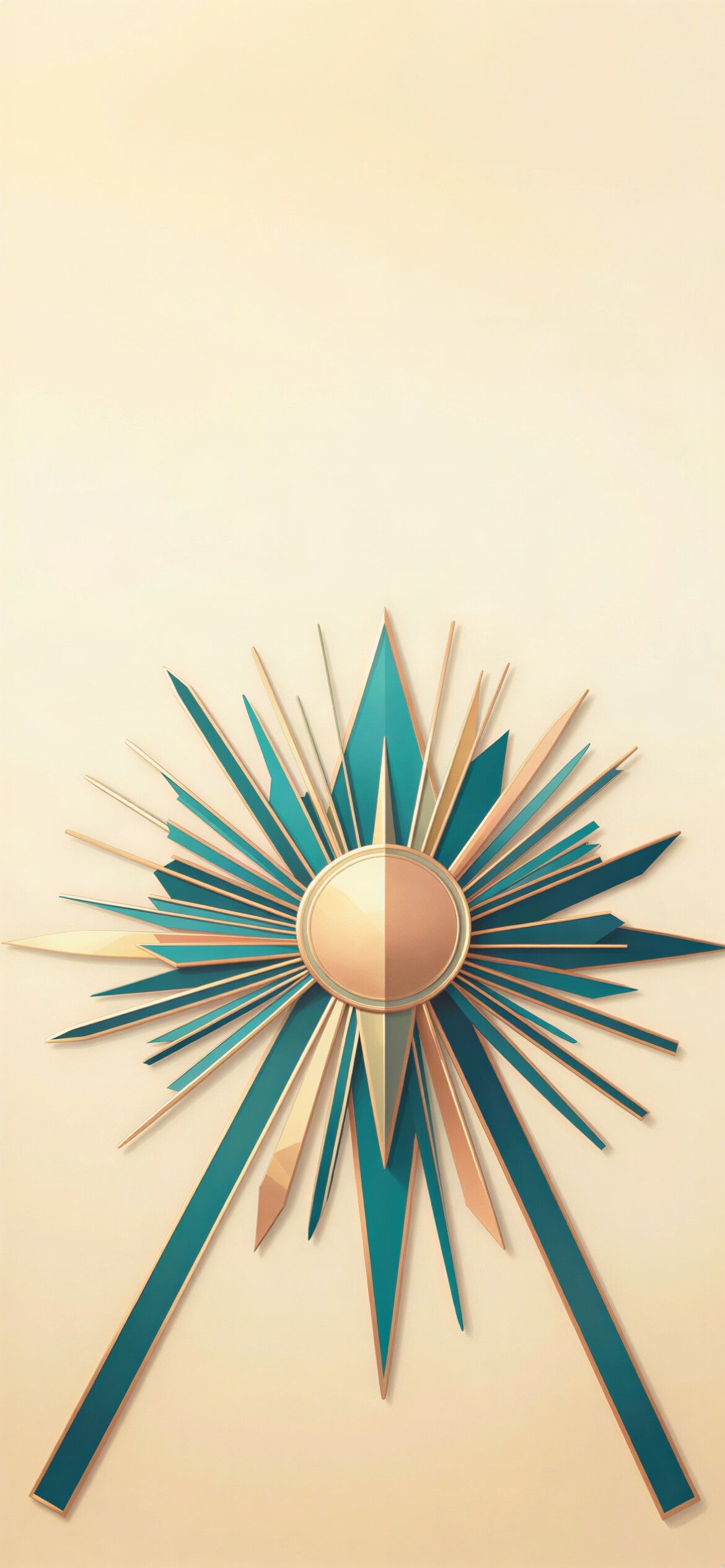
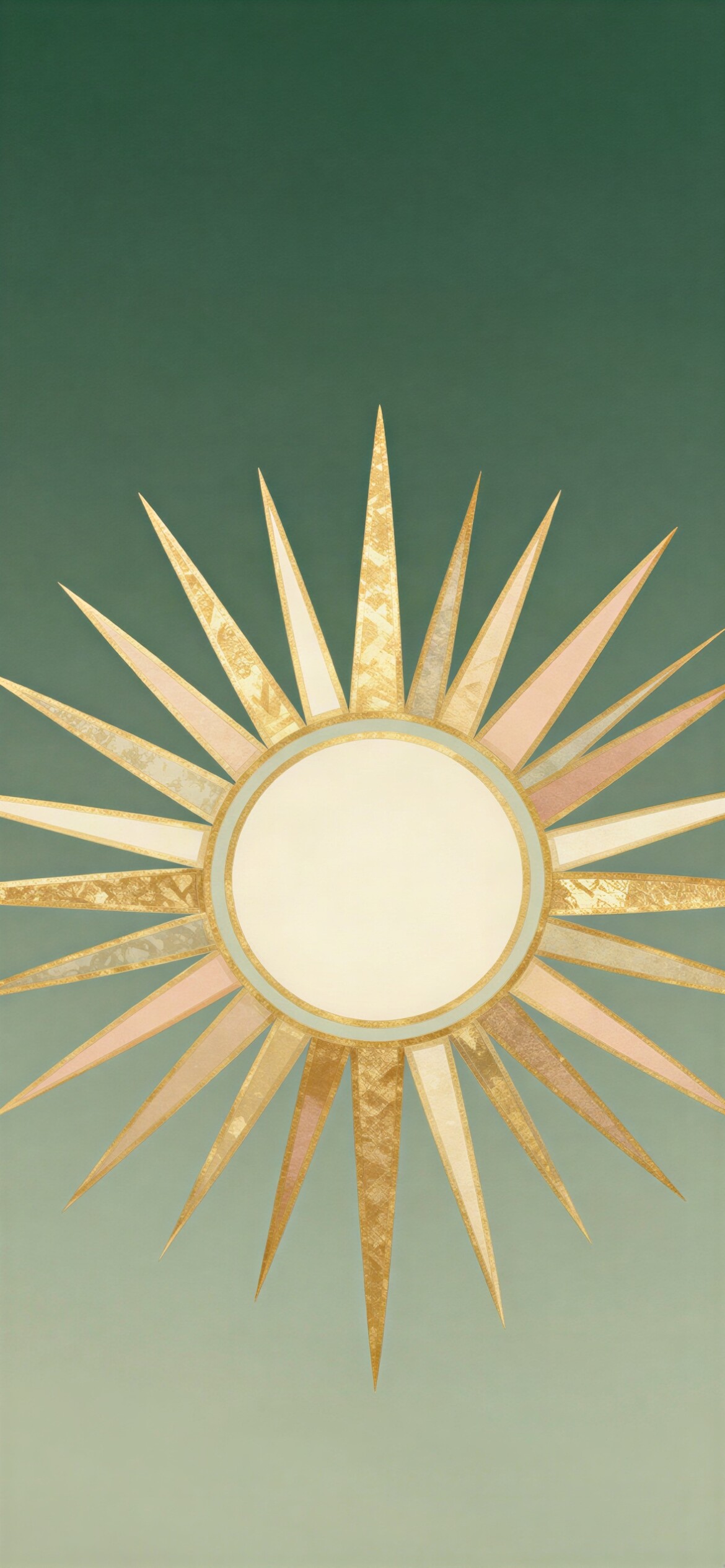
The style takes its name from the 1925 Exposition Internationale des Arts Décoratifs et Industriels Modernes in Paris, but nobody called it "art deco" at the time. Designers of the 1920s and 1930s mostly said "moderne", and the short label only caught on in the 1960s, when the period came back into fashion. Their favourite shapes show up all over this set: the sunburst and sunray (wallpapers 1 and 5), stacked, stepped forms like the triangles in 9, and the starburst in 7, which recalls the radiating crowns on skyscrapers of the era such as the Chrysler Building in New York, finished in 1930.
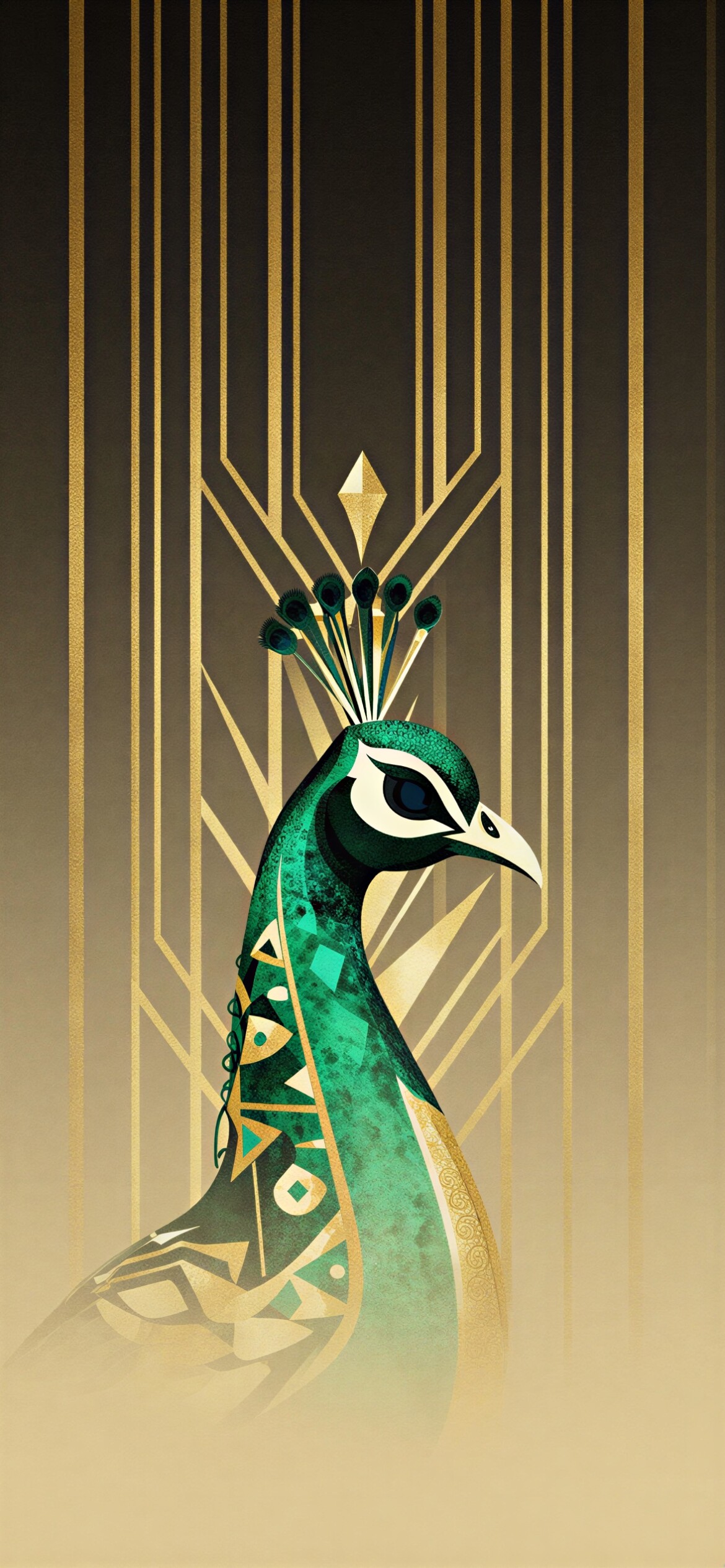
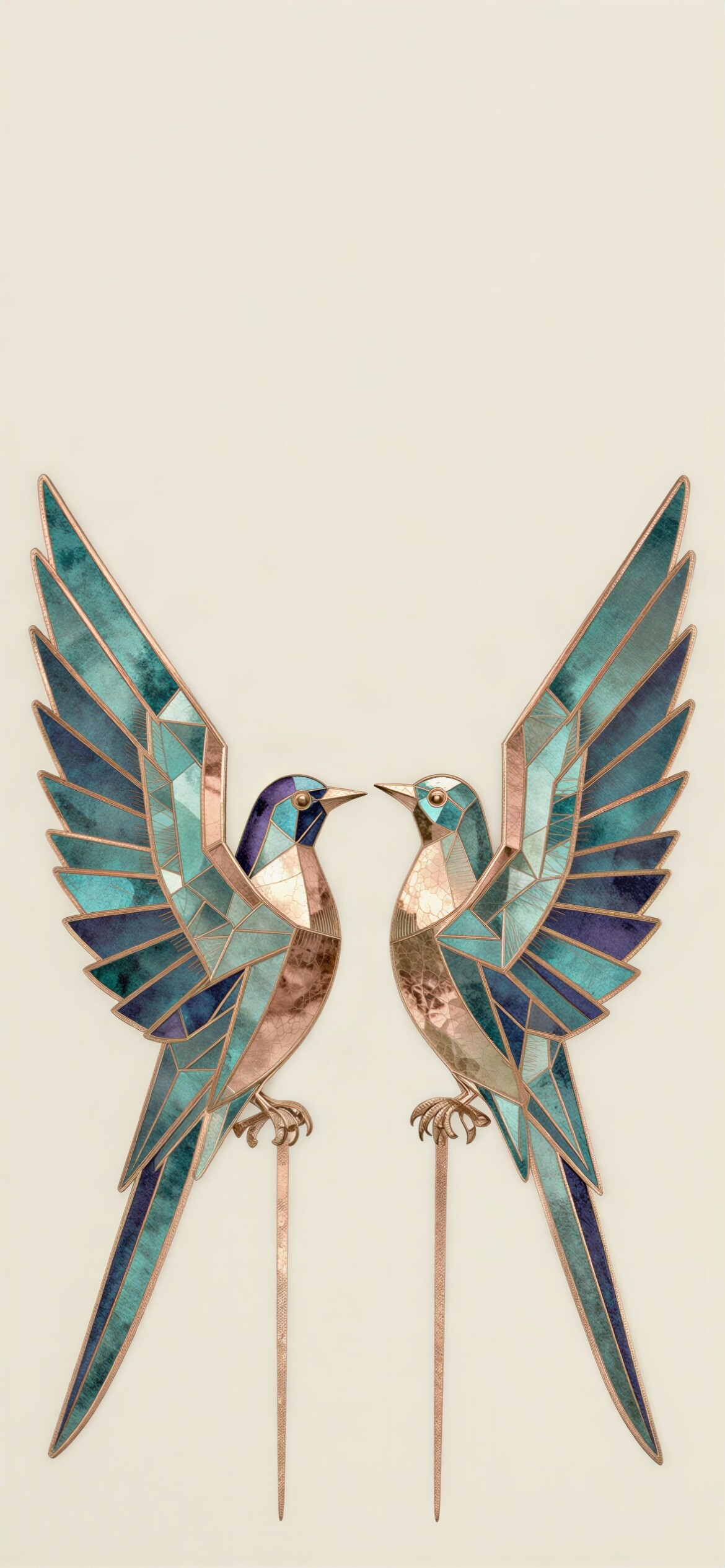
Peacocks and other birds were popular deco subjects because feathers and tails can be flattened into neat, repeating geometry. That is the idea behind the peacock in 2 and the mirrored birds in 6.
Gateways, urns and medallions
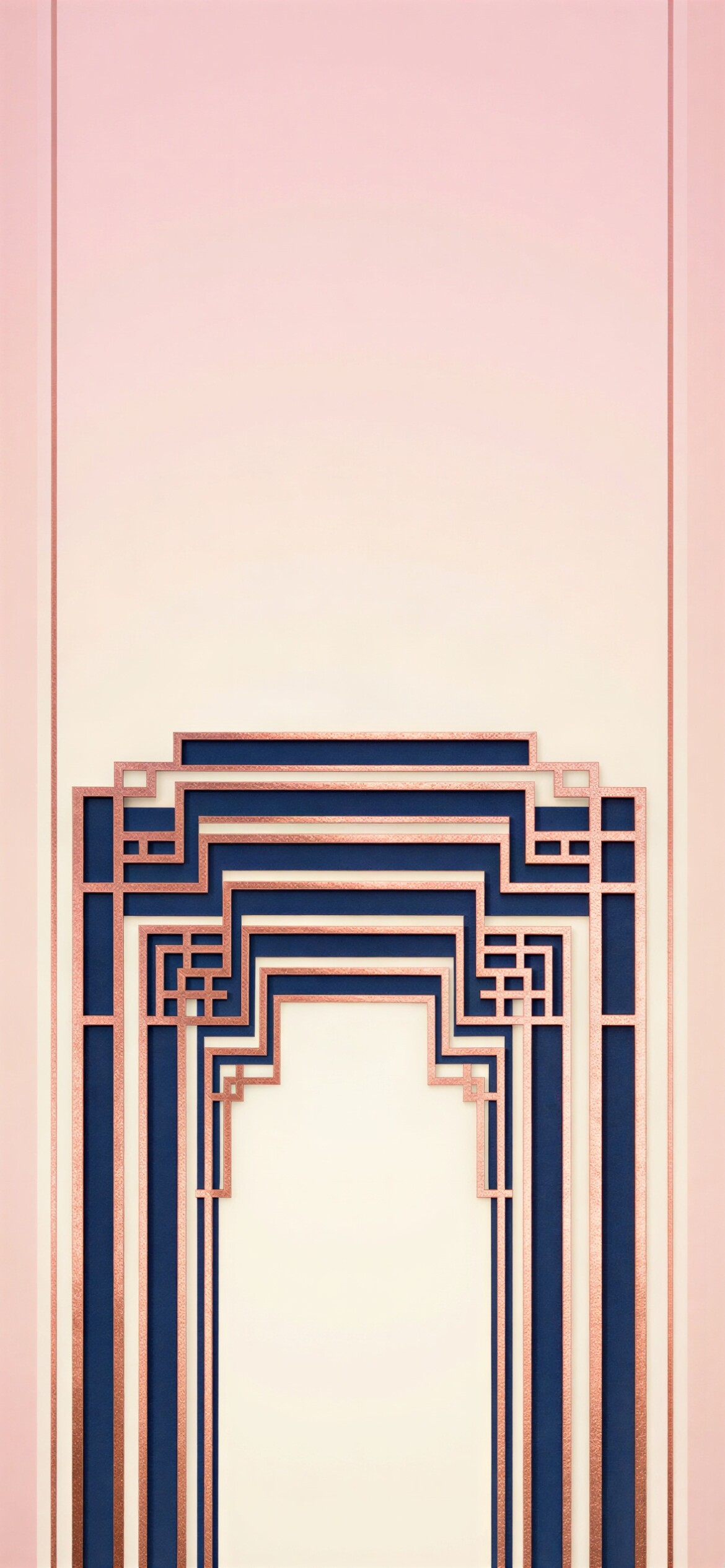
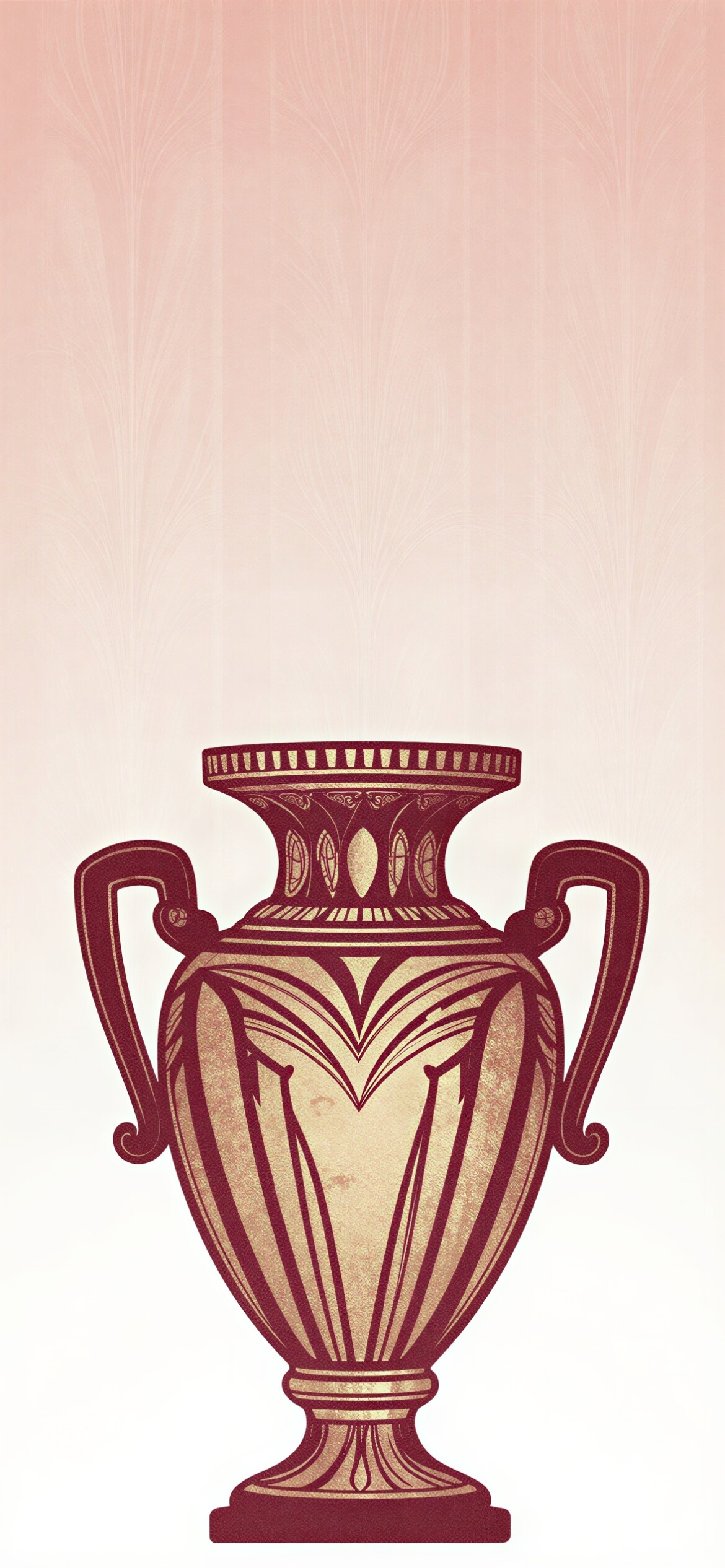
Start with the three on pale grounds. Number 1 puts a teal and rose gold sunburst in the middle of a cream gradient, 3 frames an ornate gateway in rose gold and navy on blush pink, and 8 sets a burgundy and cream urn against a soft blush tone. With so much light space around each motif, these leave room for the clock and a widget or two.
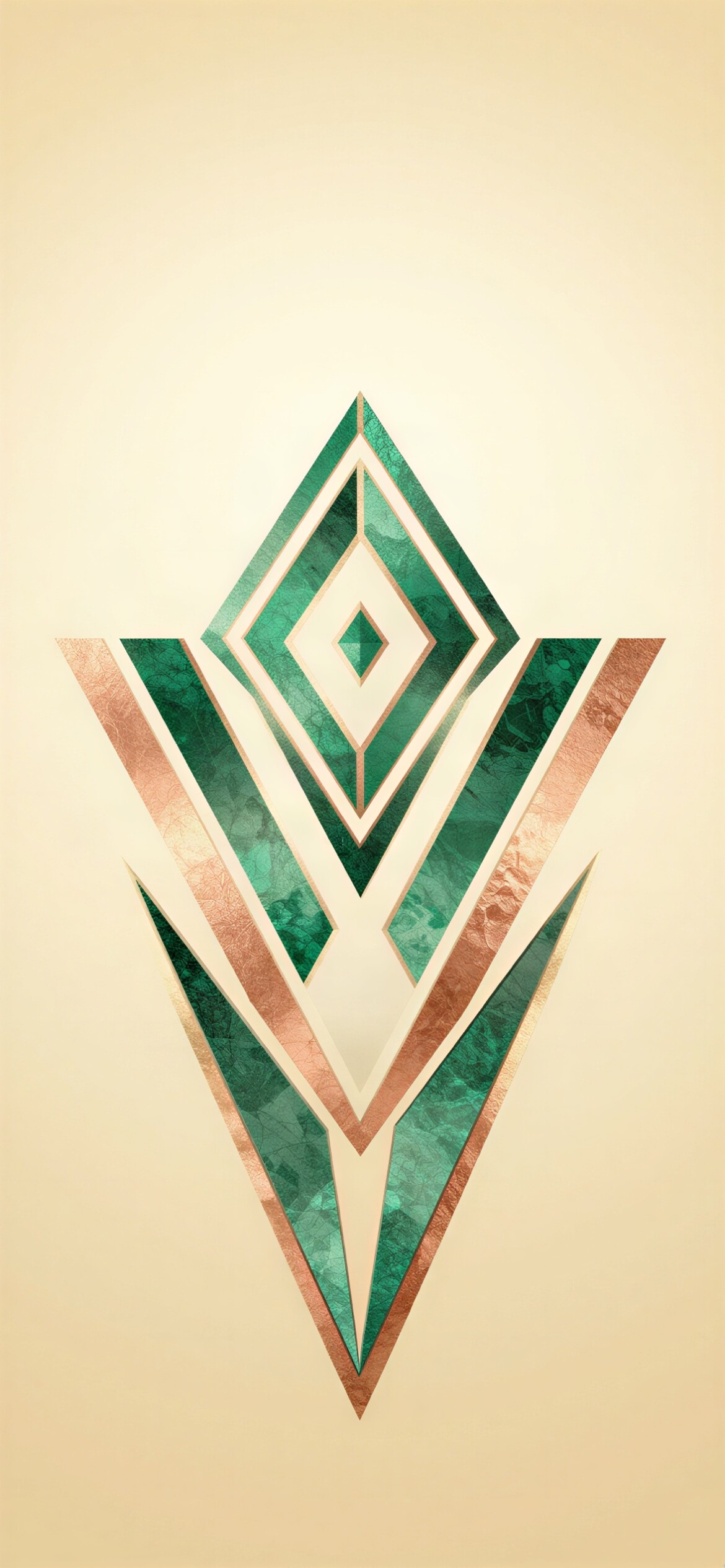
The green designs feel richer. The emerald and gold peacock head in 2 is the most pictorial piece here, 5 runs champagne gold sunrays across deep green, and 9 stacks emerald and rose gold triangles into a pattern that holds up behind a full page of apps.
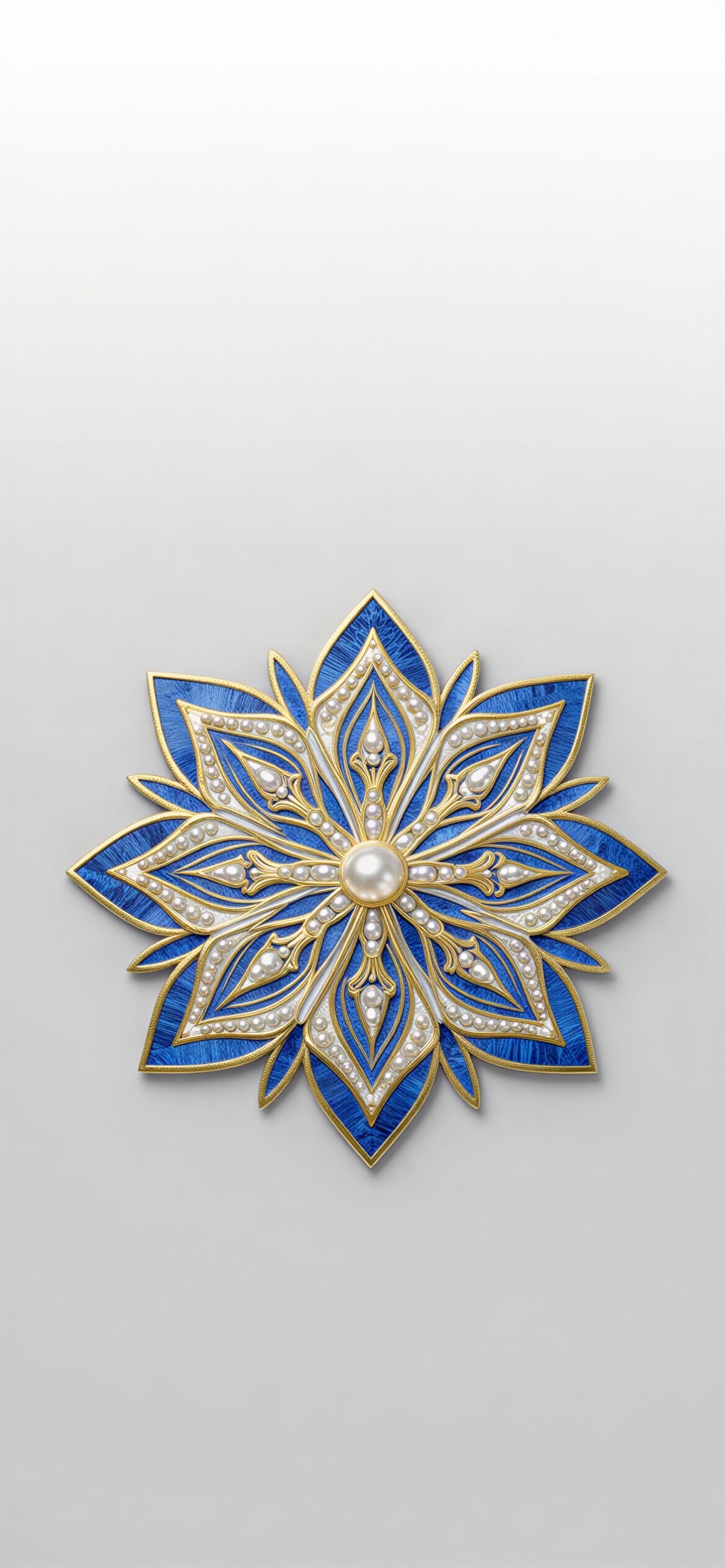
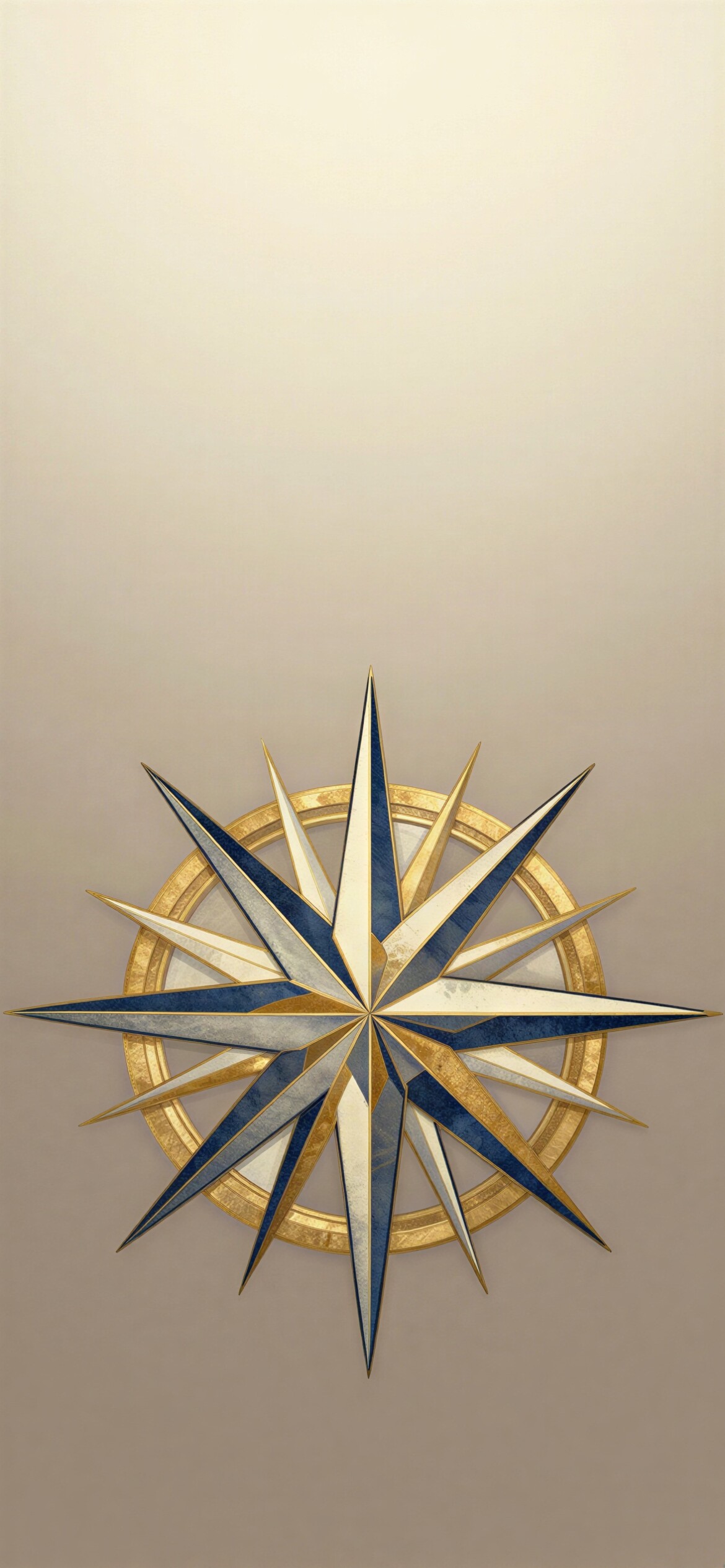
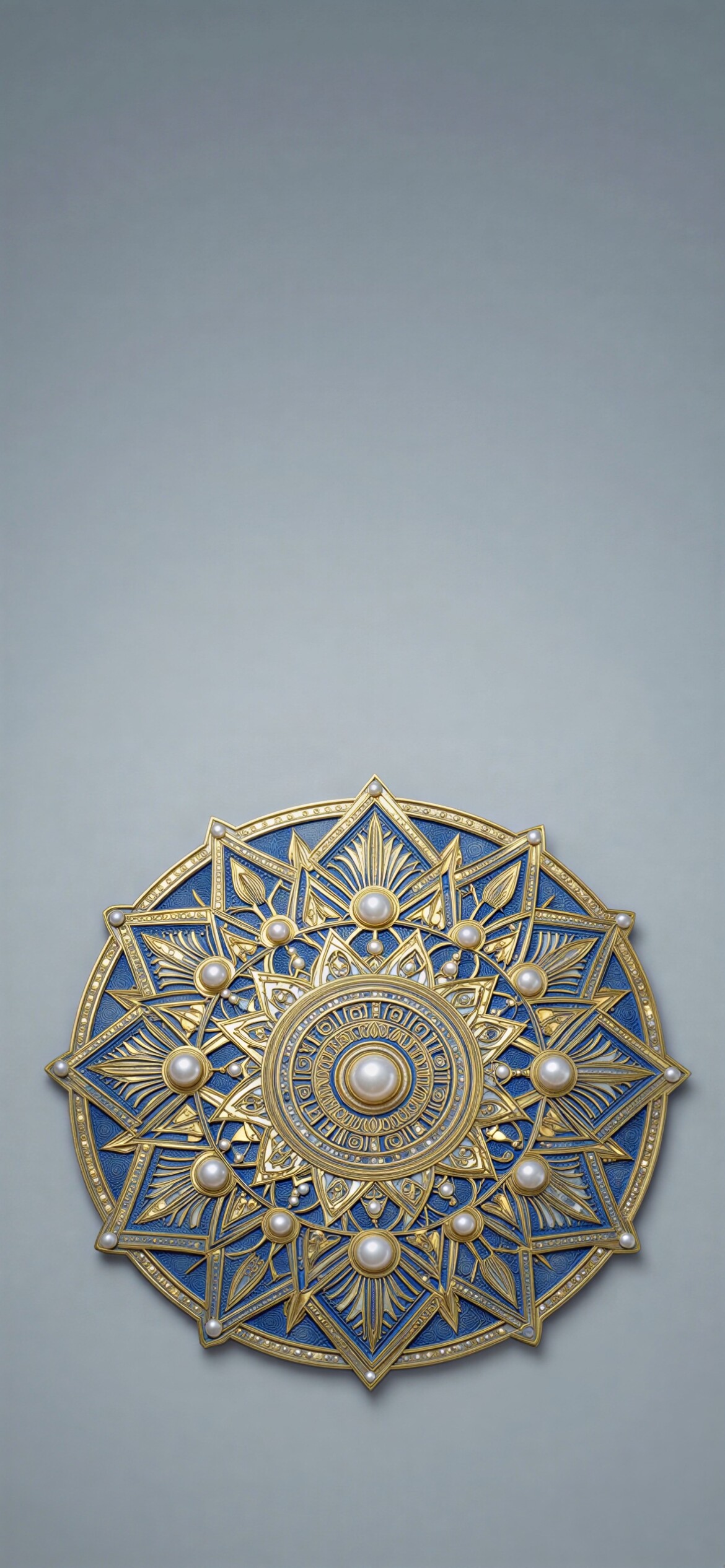
Blue and gold carries the rest. Wallpaper 4 is a floral medallion in sapphire, 7 a navy compass rose, and 10 a detailed mandala in sapphire and gold leaf. Then there is 6, with its mirrored birds in teal, rose gold and plum, the only design that mixes warm and cool colours this evenly.
Pale grounds or jewel tones?
- Soft and light: 1, 3 and 8, for a calm lock screen or a phone kept in light mode.
- Emerald and gold: 2, 5 and 9, the warmest and most dramatic of the ten.
- Sapphire and navy: 4, 7 and 10, cool and formal, and easy on the eyes in dark mode.
- A bit of everything: 6, which brings teal, rose gold and plum together.
If the clean lines are what drew you in, the geometric wallpapers keep the shapes and drop the ornament, the rose gold collection picks up the metallic pink that runs through several designs here, and the retro set jumps forward a few decades.
How to set it on your iPhone
- Tap Download and save the image to Photos.
- Open Settings, tap Wallpaper, then Add New Wallpaper, and choose Photos.
- Pick the wallpaper, pinch to position it, then tap Add and choose the lock screen, home screen or both.
Stuck on a step? The iPhone and iPad guide has screenshots for each one.
Questions
Will these wallpapers fit my iPhone screen size?
Yes. This set is designed for iPhone in 1170x2532 resolution, which is sized for modern iPhones, though some older models may crop slightly at the edges. The tall vertical composition with simple top and focused lower half ensures the design frames your lock screen time and home screen icons properly on current iPhones.
Can I use these wallpapers for personal use?
Yes, these wallpapers are free for personal use on your own iPhone and devices. You cannot sell them, print them for sale, or repost them on other wallpaper sites. See our Terms page for the full license details.
Which art deco wallpapers work best for lock screen versus home screen?
The designs with soft gradient backgrounds and centered motifs work beautifully on lock screens, where they complement your time display. The detailed geometric patterns with richer colors suit your home screen, adding visual depth behind your app icons without overwhelming them.
What makes art deco style timeless for wallpapers?
Art deco combines geometric order with luxurious materials like gold and jewel tones, creating designs that feel both modern and classic. The symmetry and precision appeal to people who enjoy minimalist aesthetics, while the metallic accents and rich colors add warmth and personality. This balance keeps art deco relevant across decades.