Psychedelic Wallpaper iPhone
Psychedelic wallpaper for iPhone brings swirling colors and flowing patterns to your lock and home screens. These designs feature trippy geometric shapes, vibrant gradients and hypnotic optical effects that shift and move with your gaze. Each wallpaper uses bold color combinations and repeating motifs to create a sense of motion and depth. The set suits anyone drawn to abstract art and retro-inspired visuals. Download these psychedelic iPhone wallpapers free, with no account needed.
10 wallpapers at 1170 × 2532 px for iPhone. Checked by hand on 3 Oct 2026.
About this set
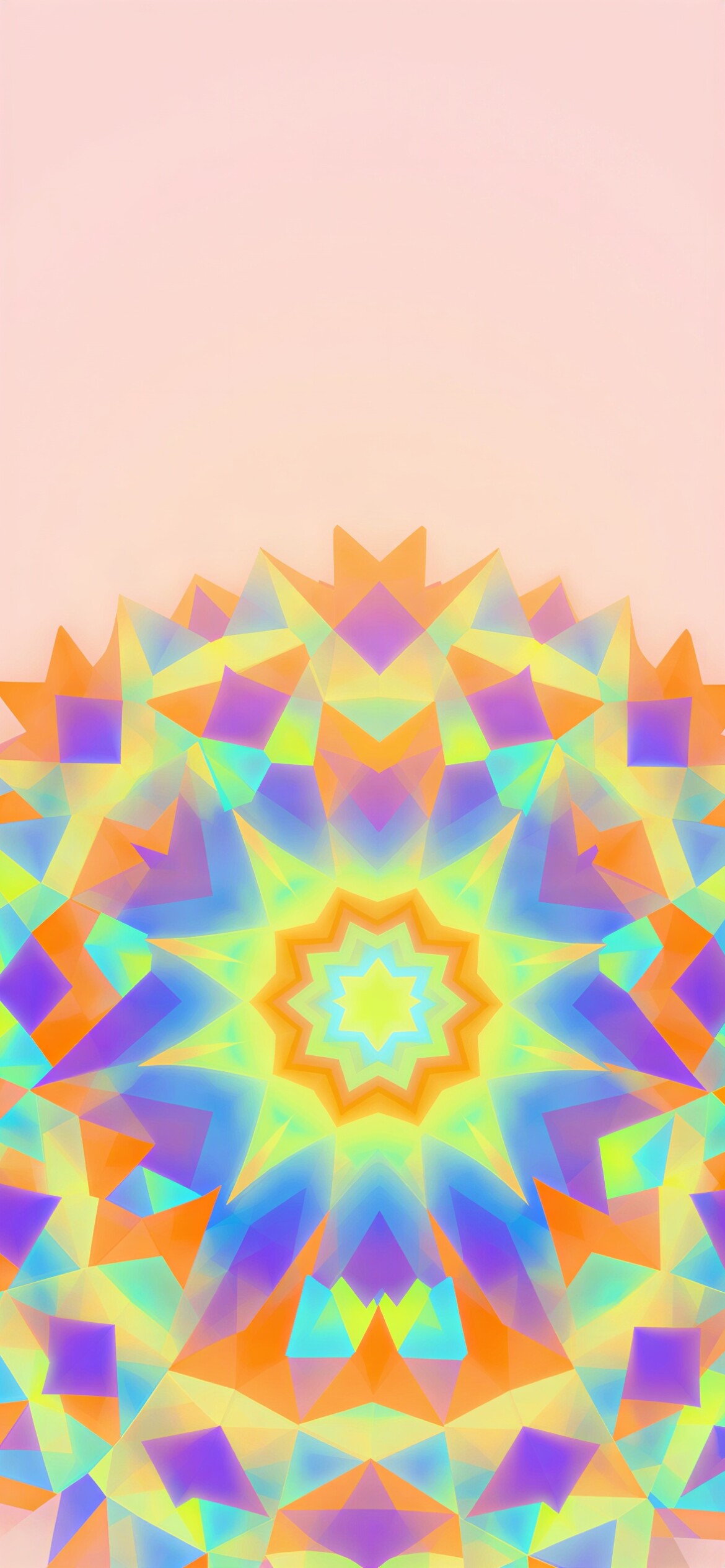
These psychedelic designs feature swirling patterns, flowing gradients and hypnotic optical effects in bold, saturated colors. The compositions use repetition and symmetry to create a sense of mesmerizing motion and depth that draws the eye inward. Each wallpaper balances visual complexity with clean space at the top, making them ideal for both lock screens and home screens without obscuring text or icons.
The set works well with minimal icon layouts and pairs naturally with dark mode for added contrast. Use these on your lock screen for a striking visual when you wake your phone, or set them as your home screen for a vibrant backdrop that energizes your daily view. The timeless psychedelic aesthetic suits any season or mood.
A word from a 1950s letter and a poster boom in San Francisco
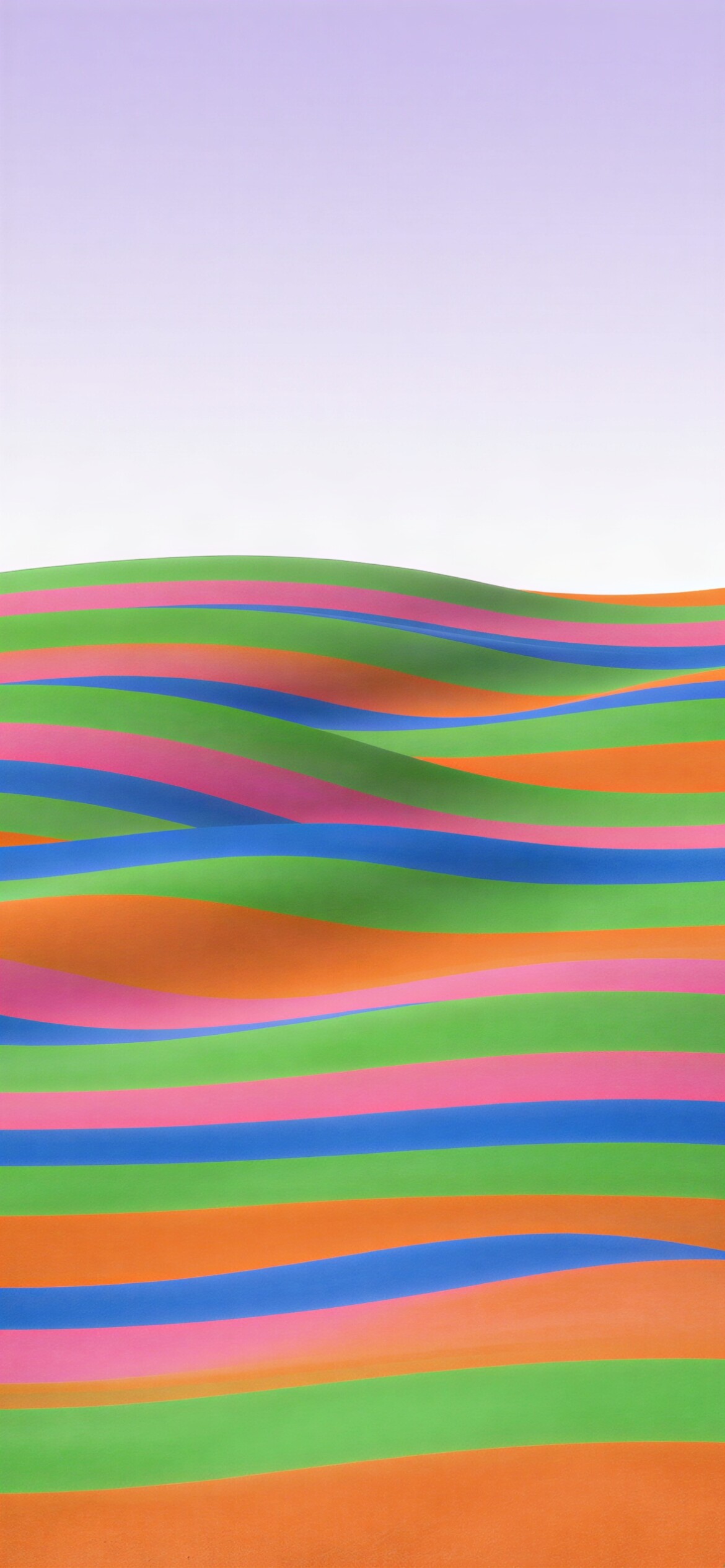
The word psychedelic was coined in the 1950s by the psychiatrist Humphry Osmond, built from Greek roots meaning roughly "mind-revealing." It reached the wider world in the mid-1960s, when San Francisco dance halls such as the Fillmore and the Avalon Ballroom hired artists to make concert posters. Designers like Wes Wilson bent their lettering until it melted into the picture, and they set clashing colours side by side so the edges seemed to buzz. That is the same trick at work in the ribbon stripes of #6 and the dense ripples of #8.
The art world was chasing a similar effect at the same time. In 1965 the Museum of Modern Art in New York opened "The Responsive Eye," a show of op art by painters such as Bridget Riley and Victor Vasarely, whose flat patterns appear to swell, pulse or spin. The nested rings of #1 and #7 come from that line of thinking. Older still are the kaleidoscope, patented by the Scottish physicist David Brewster in 1817, and the mandala, a Sanskrit word for "circle" used for sacred diagrams in Hindu and Buddhist practice. Both sit behind the mirrored symmetry of #3 and #5.
Spirals, mandalas, ribbons and blobs
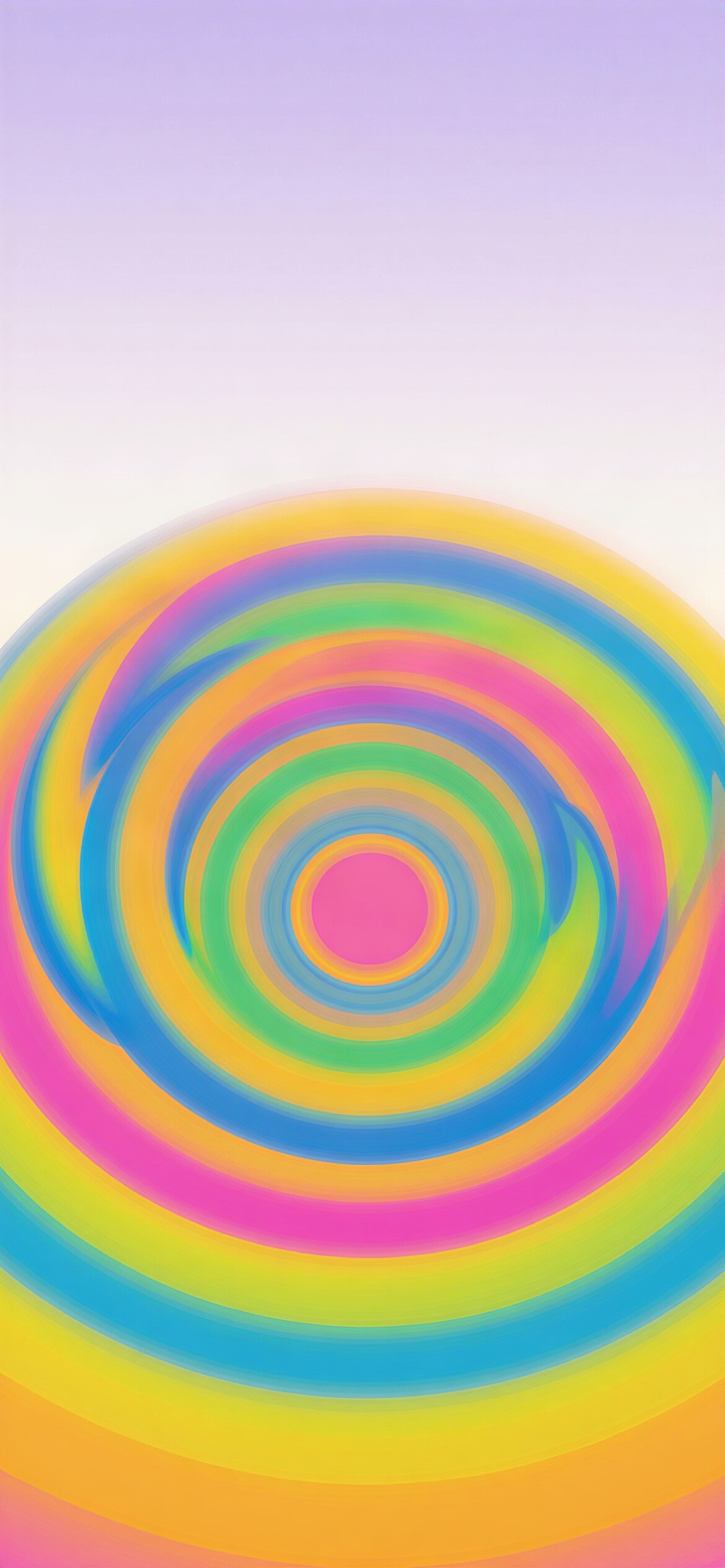
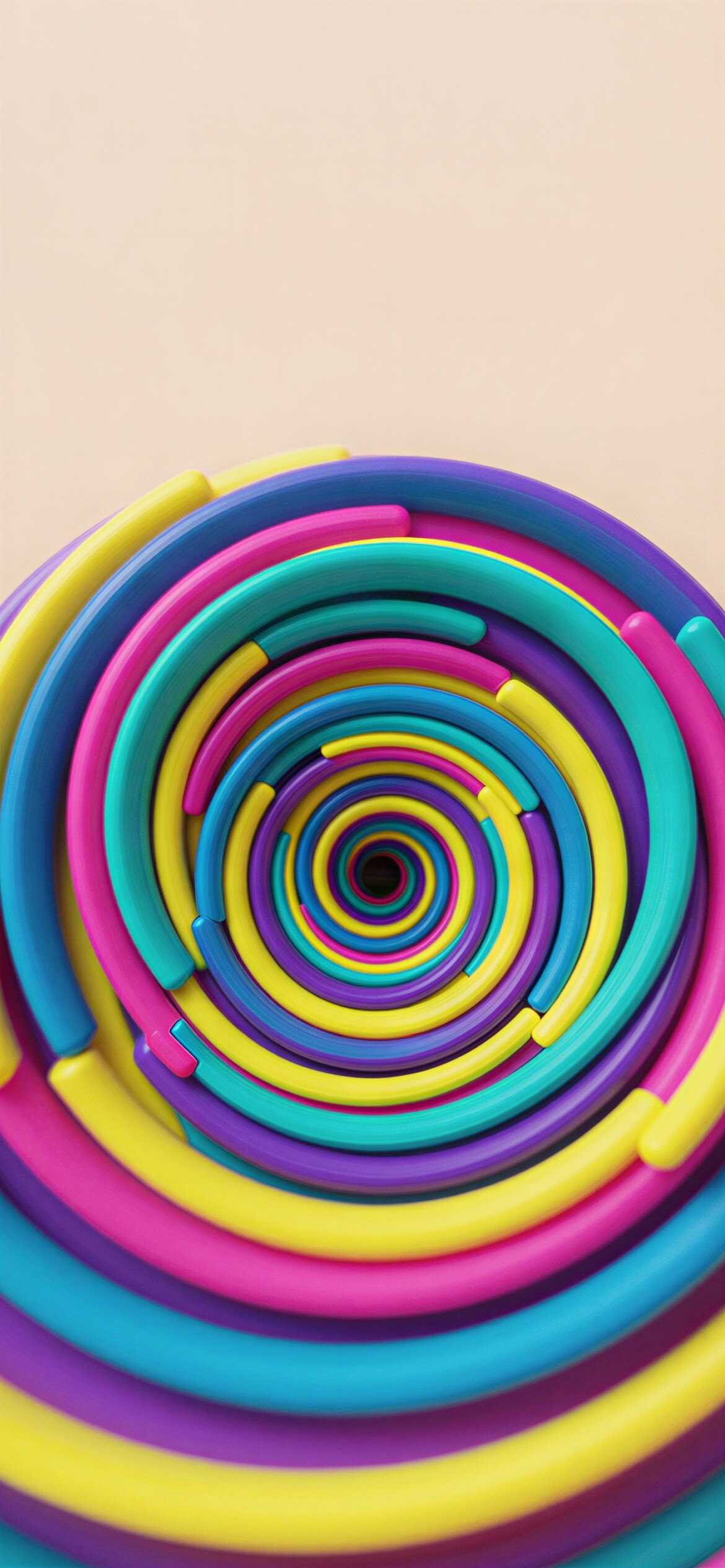
Two designs pull the eye toward a single point. #1 stacks pink, blue, green and yellow circles on a soft lavender gradient, while #7 tightens its nested rings into a proper vortex. Either suits a lock screen where the clock sits above the centre.
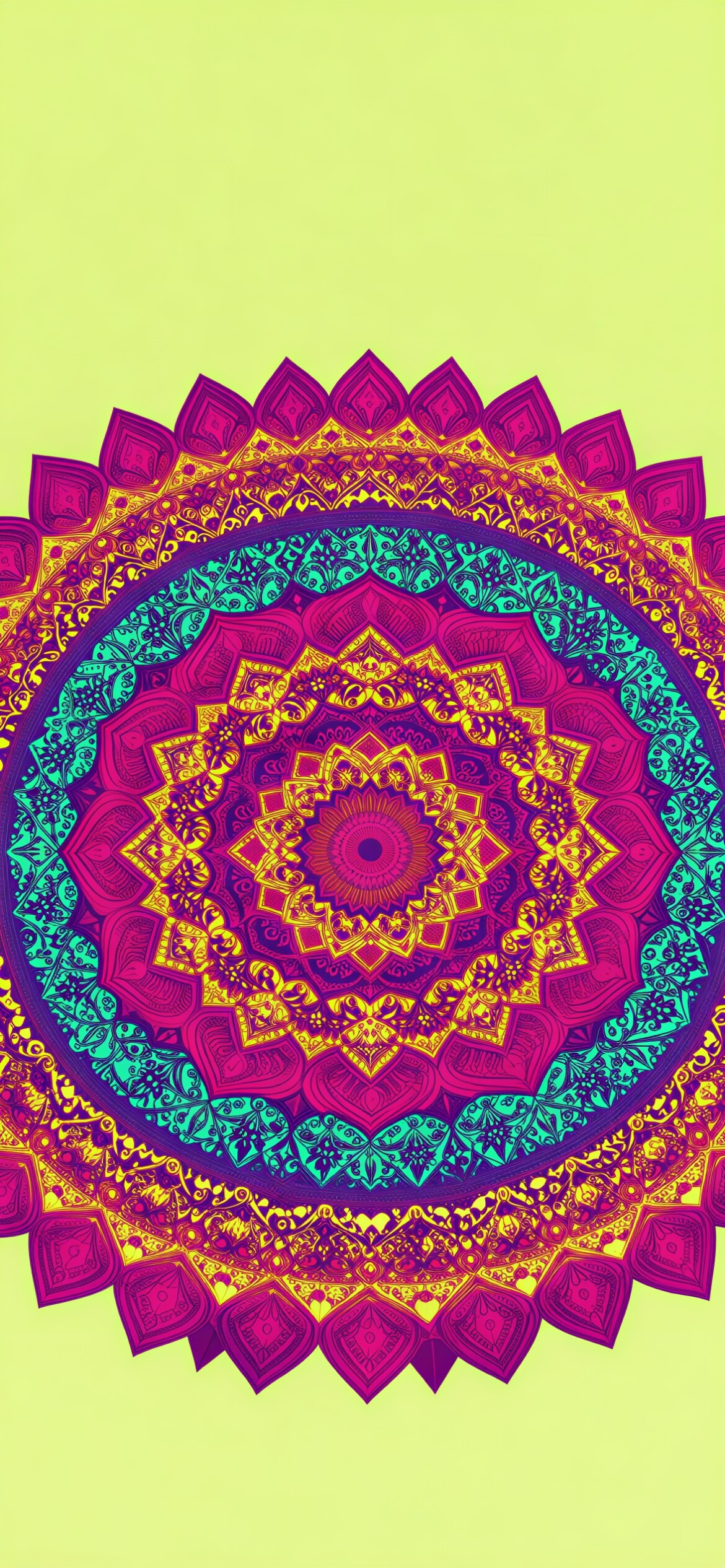
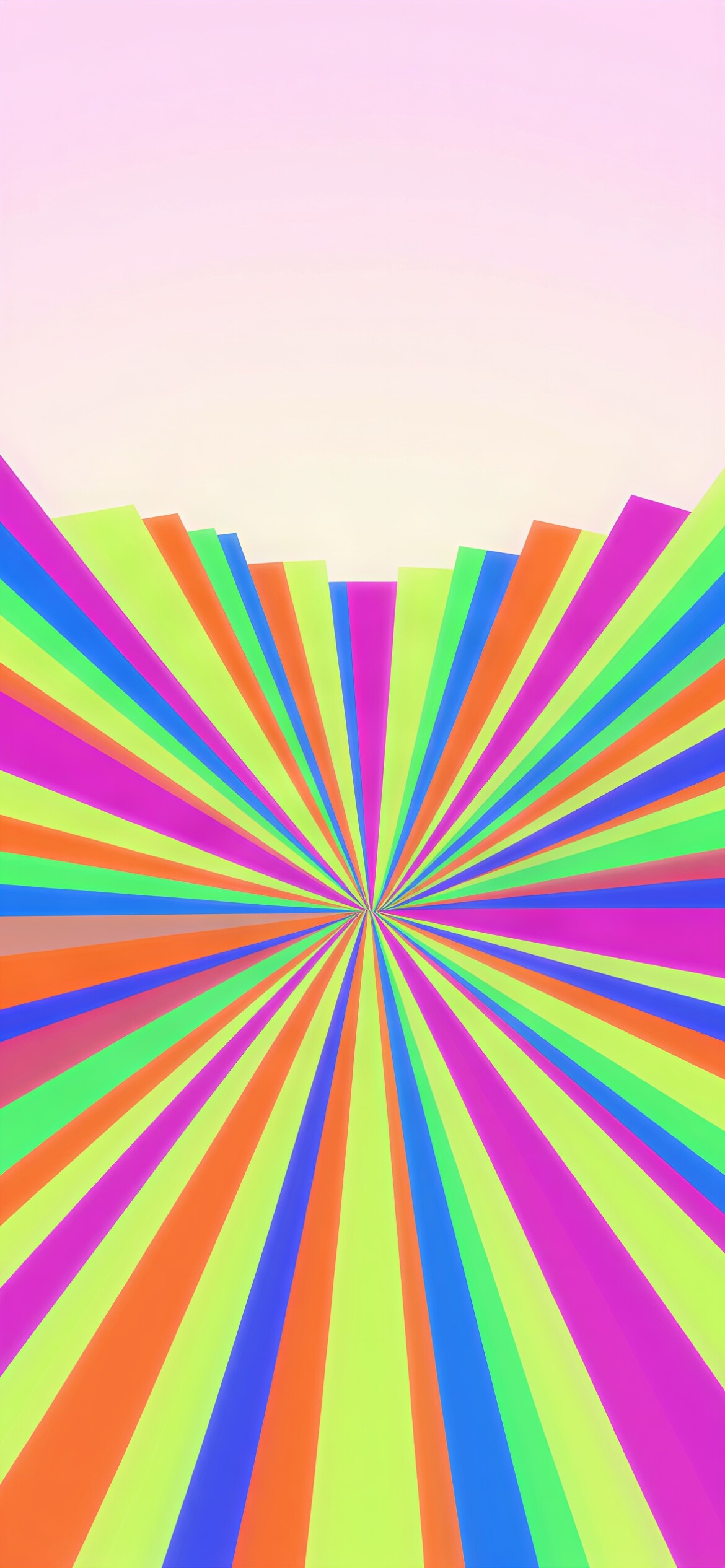
The symmetrical ones are #3, a neon kaleidoscope on peachy pink, #5, a mandala in magenta, teal, purple and gold, and #9, where straight rays fan out from the middle in magenta, blue, lime and orange. These have the most structure, so they look tidy even behind a full grid of apps.
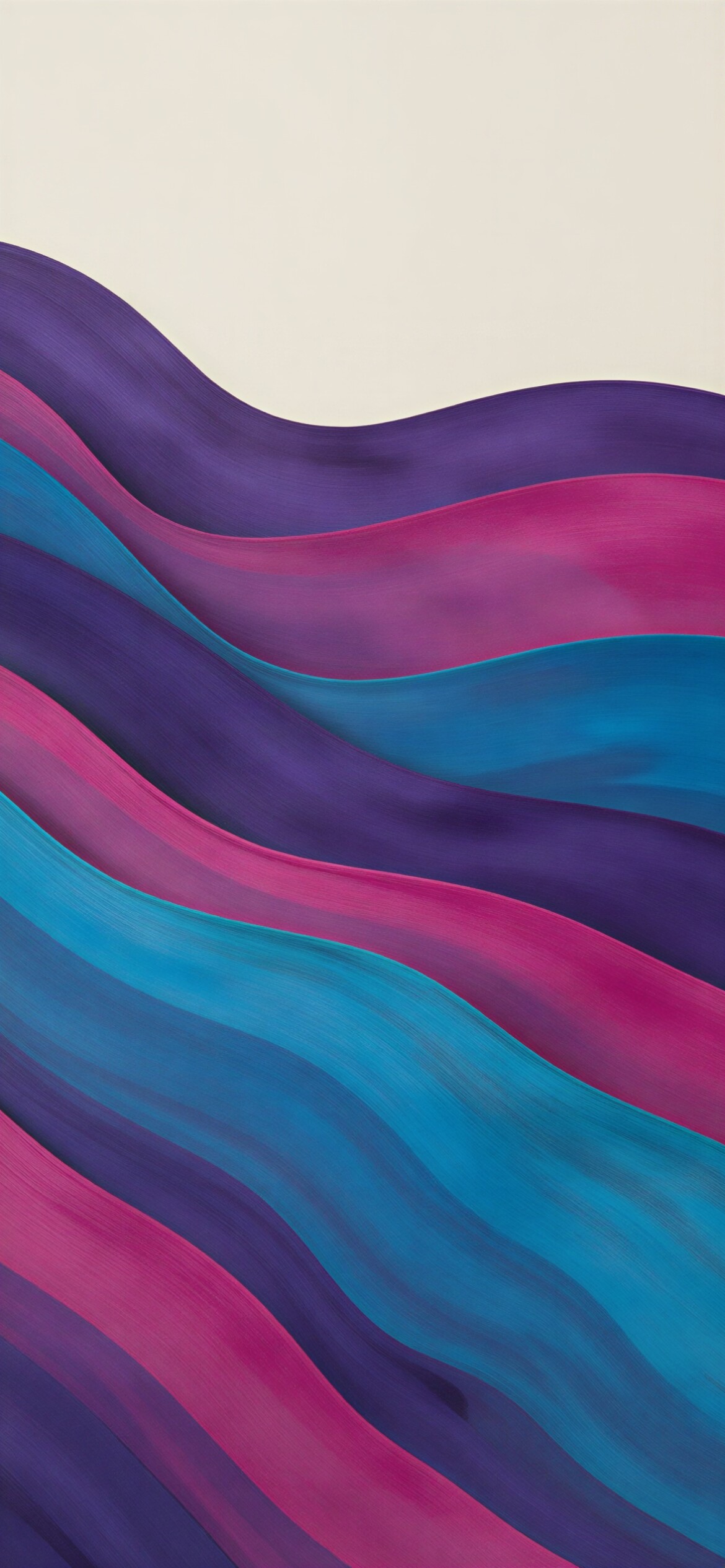
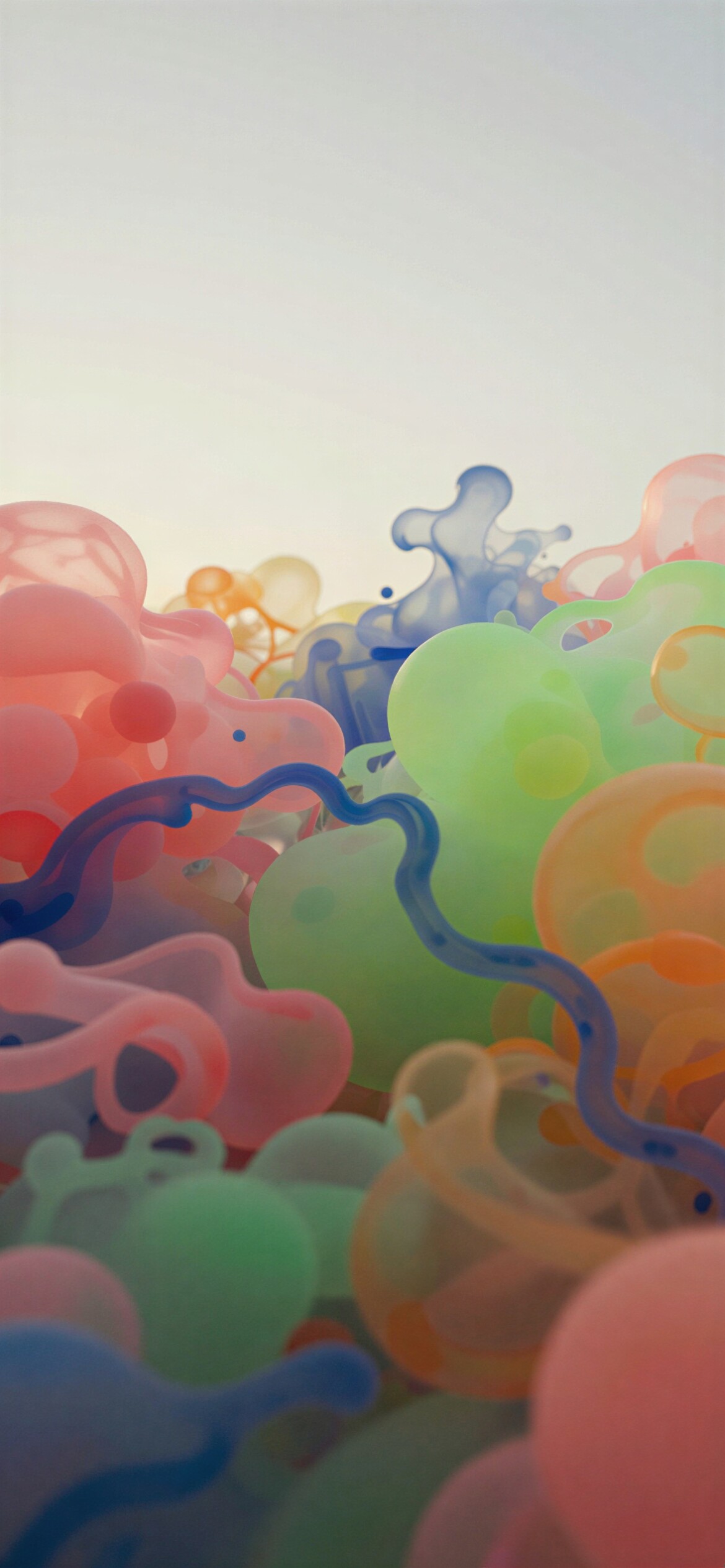
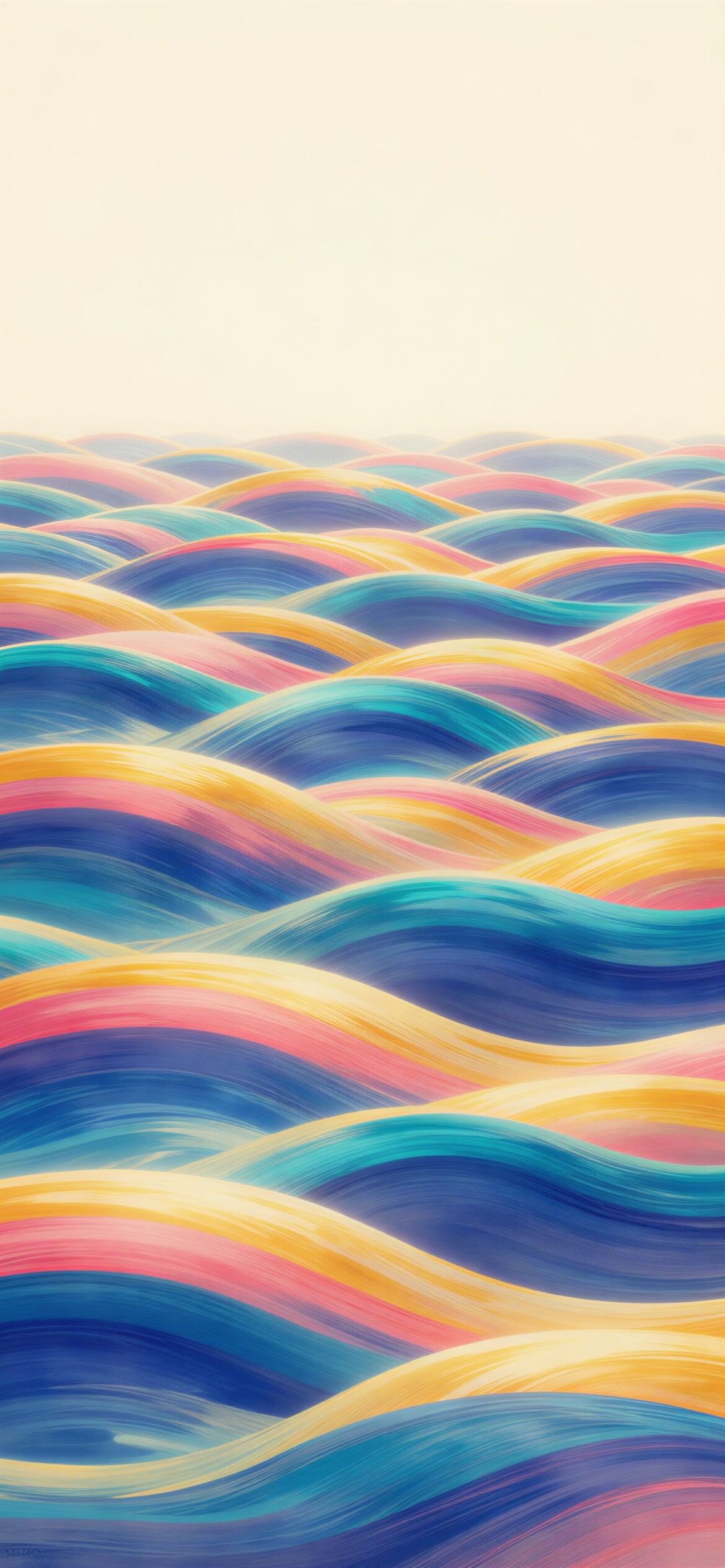
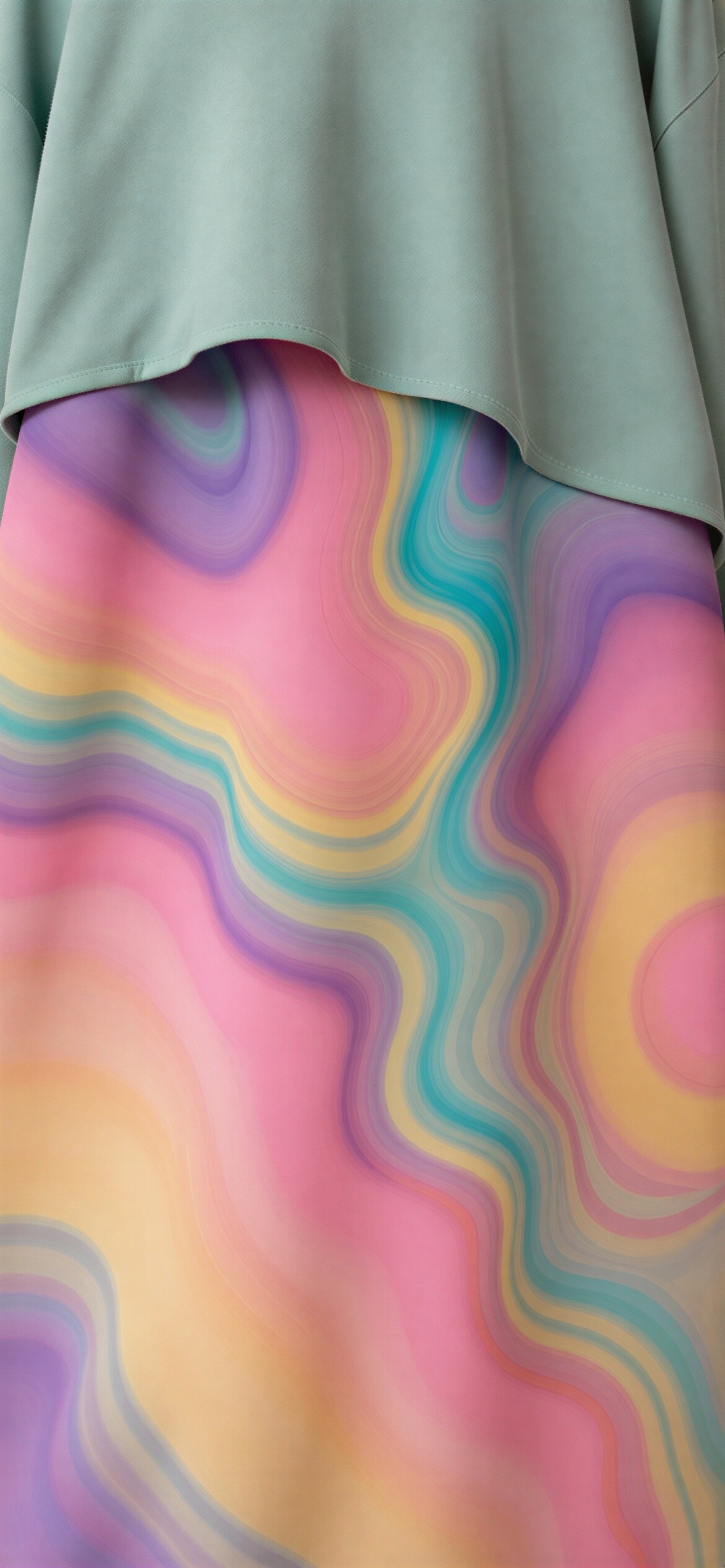
Movement runs sideways in #2, #6 and #8. The first is the gentlest, purple and turquoise waves over cream; #6 swaps waves for broad ribbons, and #8 packs the ripples closely in cyan, pink, yellow and indigo. Last come the lava-lamp shapes: #4 floats coral, indigo, lime and orange blobs over grey, and #10 does the same in hot pink, purple, turquoise and gold.
Pale ground or colour edge to edge?
- Easy on the eyes: #1, #2, #3 and #4 leave a lavender, cream, peach or grey background showing, so the colour feels lighter.
- Rich jewel tones: #5 and #10 lean on purple, magenta and gold, warm and a little moody at night.
- Full saturation: #6, #7, #8 and #9 fill every corner with bright colour. Busy patterns like these can make small widget text harder to read, so a single row of widgets or a blurred home screen helps.
If you like the bold colour but want something less swirly, try the tie dye set, the playful funky collection or the cleaner shapes in our geometric wallpapers.
How to set it on your iPhone
- Tap Download and save the image to Photos.
- Open Settings, tap Wallpaper, then Add New Wallpaper, and choose Photos.
- Pick the wallpaper, pinch to position it, then tap Add and choose the lock screen, home screen or both.
Stuck on a step? The iPhone and iPad guide has screenshots for each one.
Questions
Will these wallpapers fit my iPhone screen?
Yes. These wallpapers are sized at 1170x2532 pixels for modern iPhones, and some older models may crop slightly at the edges. If you see any slight differences, your iPhone automatically adjusts the fit based on your specific model.
Can I use these wallpapers commercially or share them elsewhere?
These wallpapers are free for personal use on your own devices only. You may not sell them, print them for sale, or repost them on other wallpaper sites or social media. For full details on permitted use, please see our Terms page.
Which psychedelic wallpapers work best for lock screens versus home screens?
The spiral and mandala designs with central focal points work beautifully on lock screens, drawing attention to the center of your display. The flowing wave and ribbon patterns suit home screens better, as their horizontal movement complements icon grids without overwhelming them. Choose based on what feels right for each screen.
Do these psychedelic designs work with dark mode?
Yes. The vibrant colors in this set stand out sharply against dark mode, creating striking visual contrast. The bold, saturated hues actually appear more vivid when dark mode is enabled. These wallpapers enhance the overall psychedelic effect and pair well with dark mode settings on any iPhone.