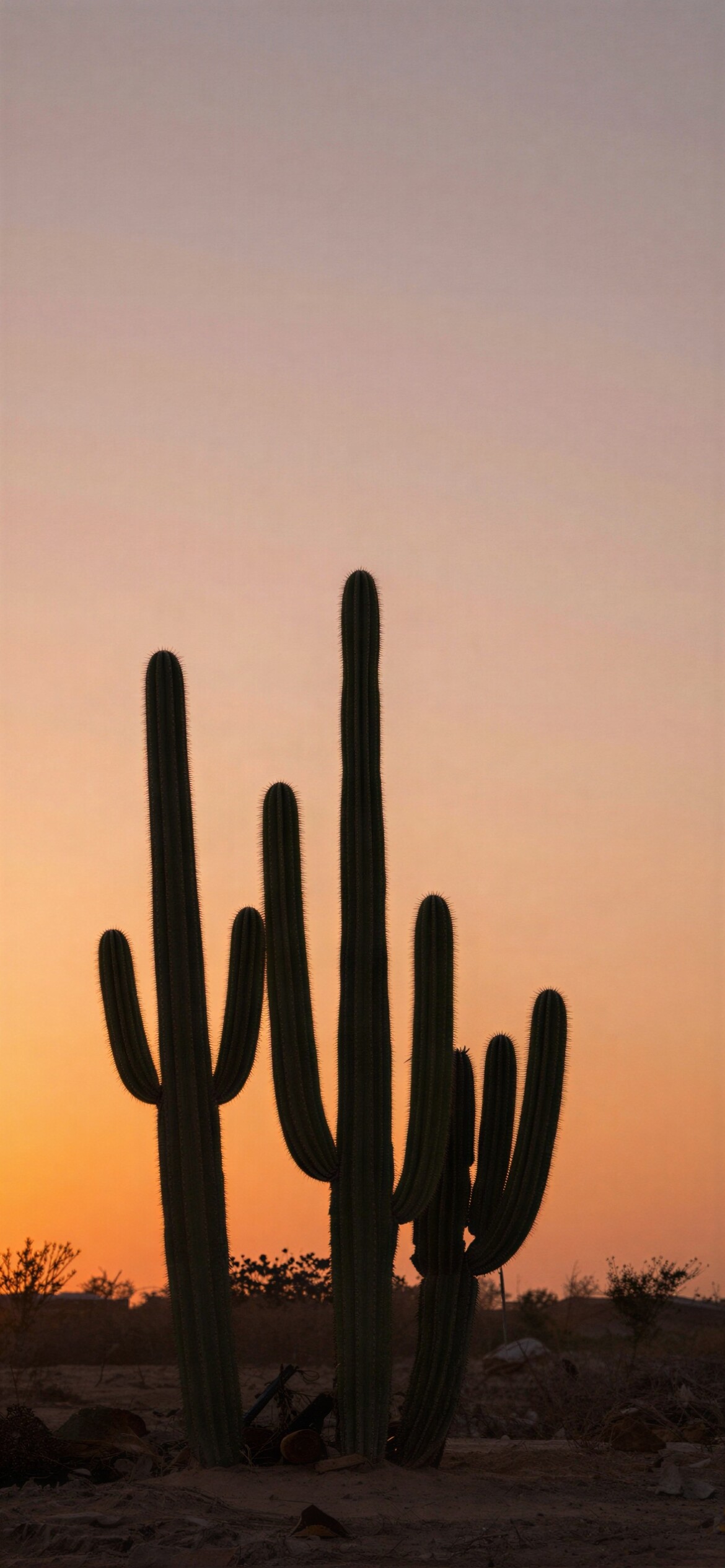
Cactus Wallpaper iPhone
Cactus wallpaper for iPhone brings desert landscapes and hardy plants to your lock and home screens. These designs feature cacti in natural settings with warm light, sandy tones and clear skies. Each wallpaper works year-round and suits any iPhone model. The collection shows different cactus varieties, from tall saguaros to clustered prickly pears, all rendered in soft, realistic detail against open desert backdrops.
10 wallpapers at 1170 × 2532 px for iPhone. Checked by hand on 3 Oct 2026.
About this set
This collection showcases cacti in their natural desert environment with realistic lighting and warm color palettes. Each wallpaper captures the quiet strength of desert plants under different times of day, from soft morning light to golden sunsets. The designs work well on lock screens where their simple composition and clear main subjects stand out, and on home screens where the open sky at the top keeps icons readable.
The muted earth tones and calm mood pair well with minimal iPhone themes and warm-toned app icons. These wallpapers suit anyone drawn to desert landscapes, botanical subjects or natural, grounded aesthetics. They remain visually interesting year-round without seasonal references.
Ten desert plants, one of them an impostor
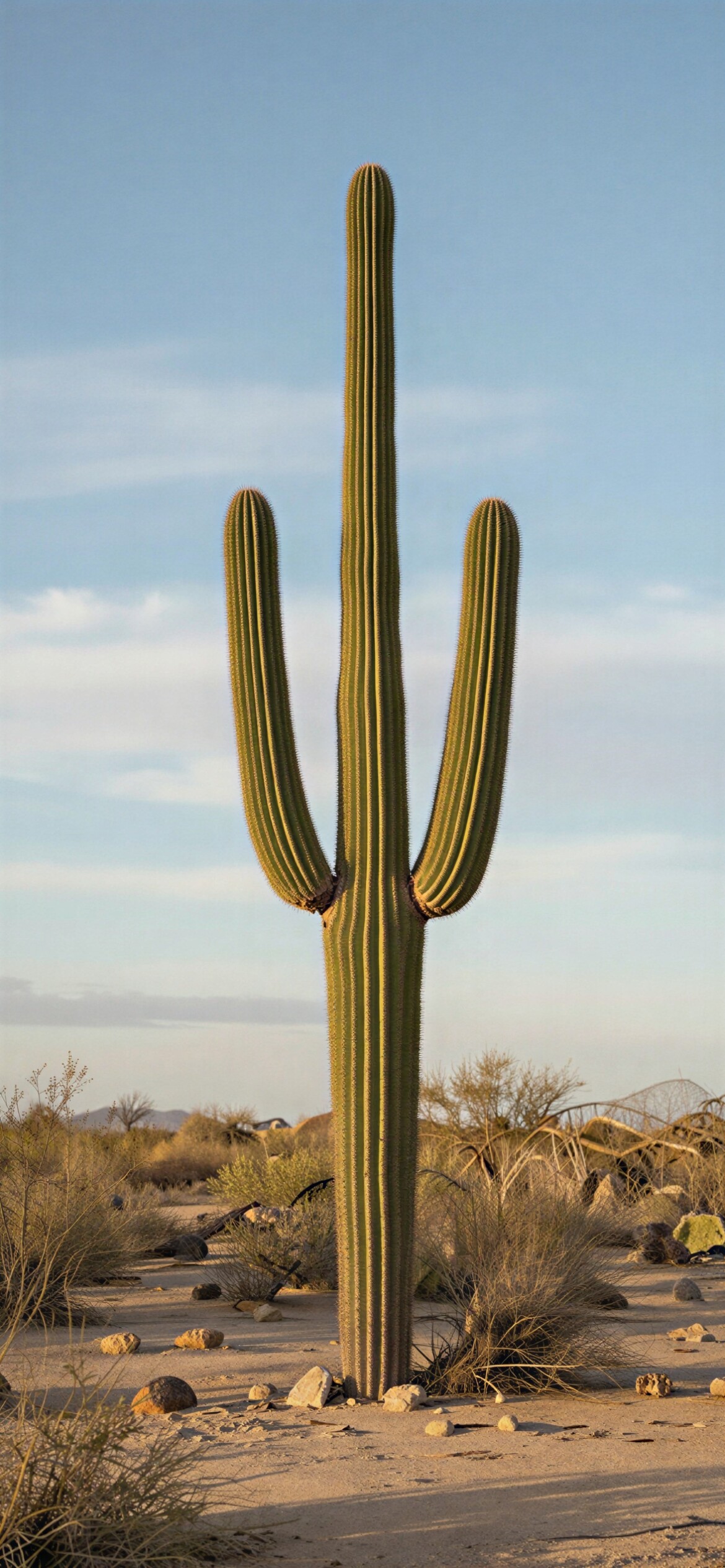
- A tall saguaro in golden sun under a blue sky. Saguaros grow wild only in the Sonoran Desert, and they often take decades to grow their first arms.
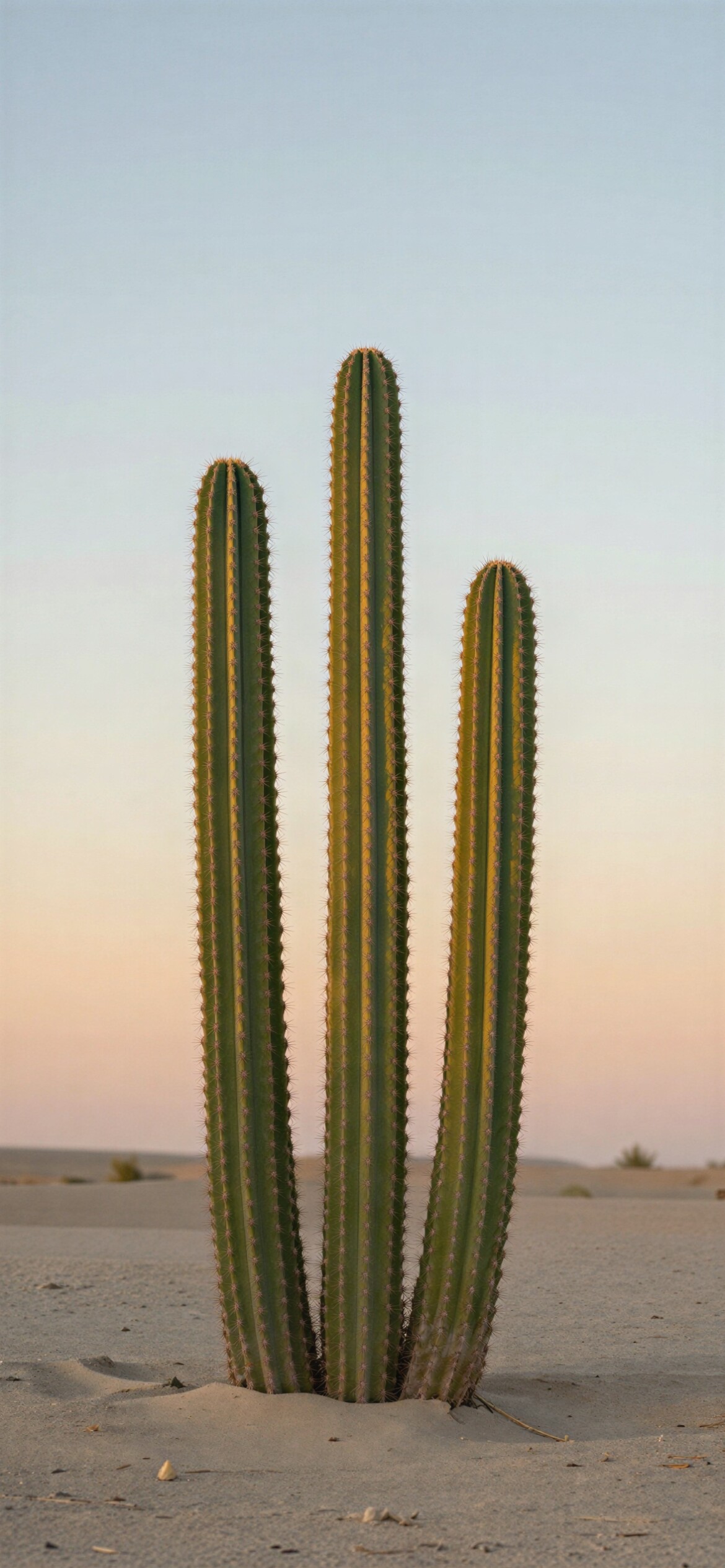
- Three columnar cacti backlit by warm sun on sandy ground.
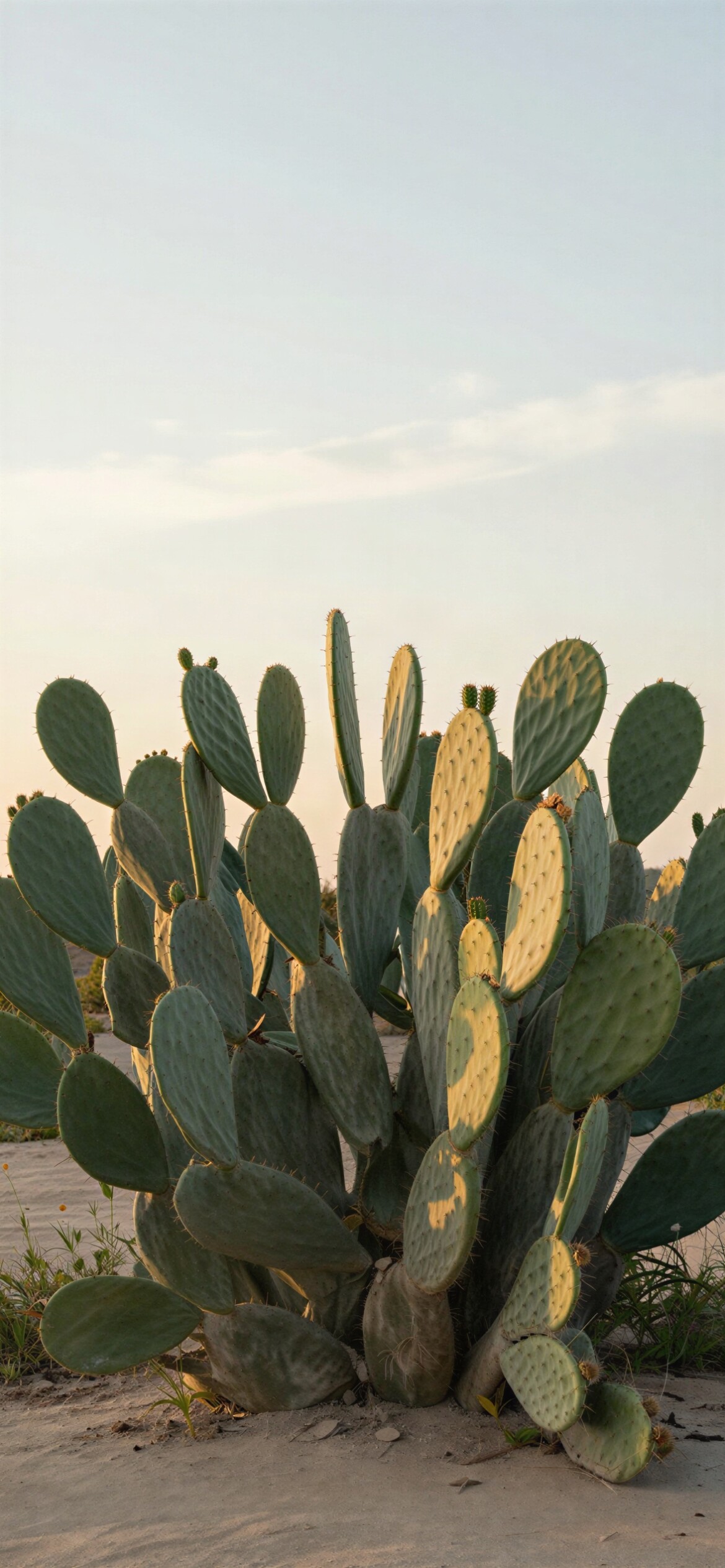
- A prickly pear with round pads in soft green morning light. In Mexico the young pads are cooked as nopales and the fruit is sold as tuna.
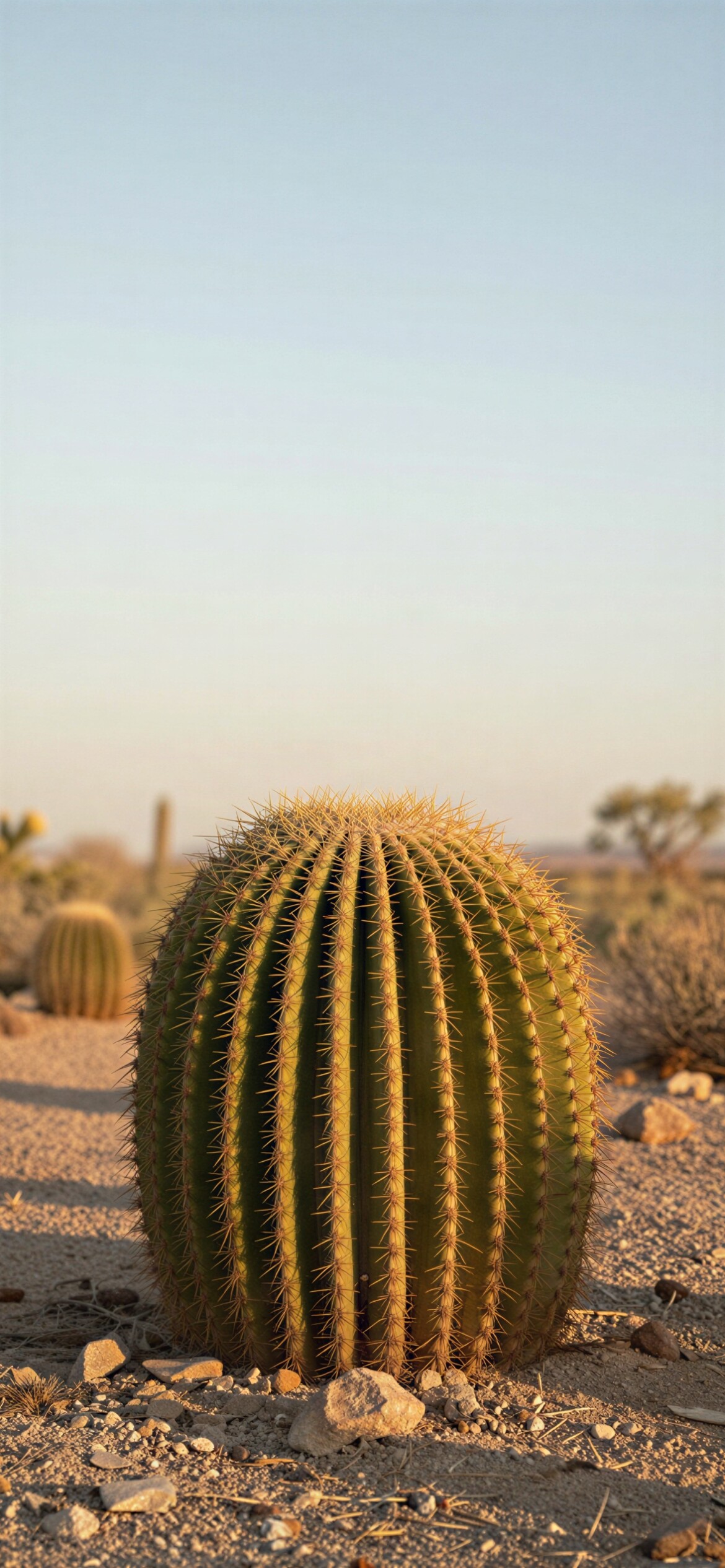
- A barrel cactus, its ridges throwing shadows across the sand. Those pleats let the stem swell after rain and shrink again as the plant uses the water.
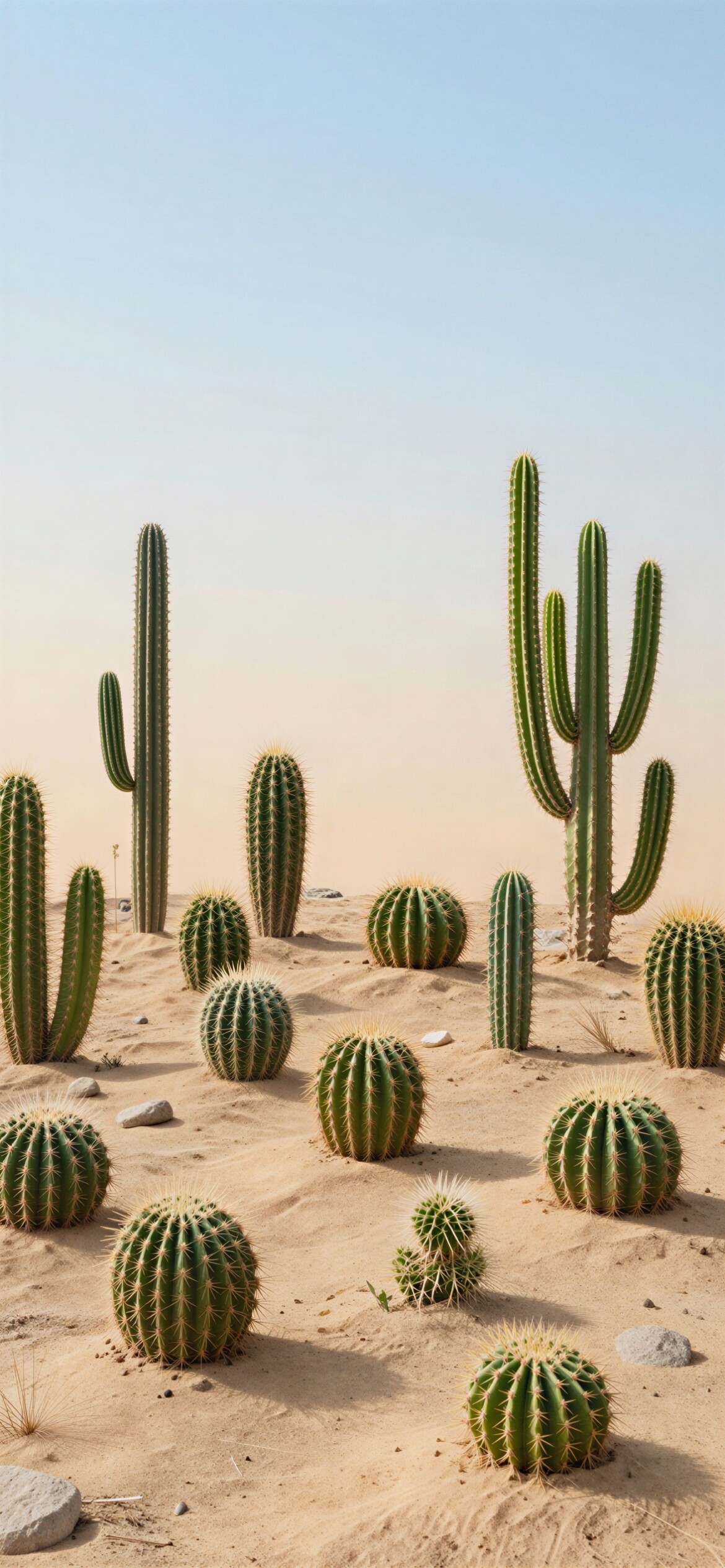
- A cluster of small, mixed cacti in open desert. It is the busiest picture here, so it reads best on a lock screen.
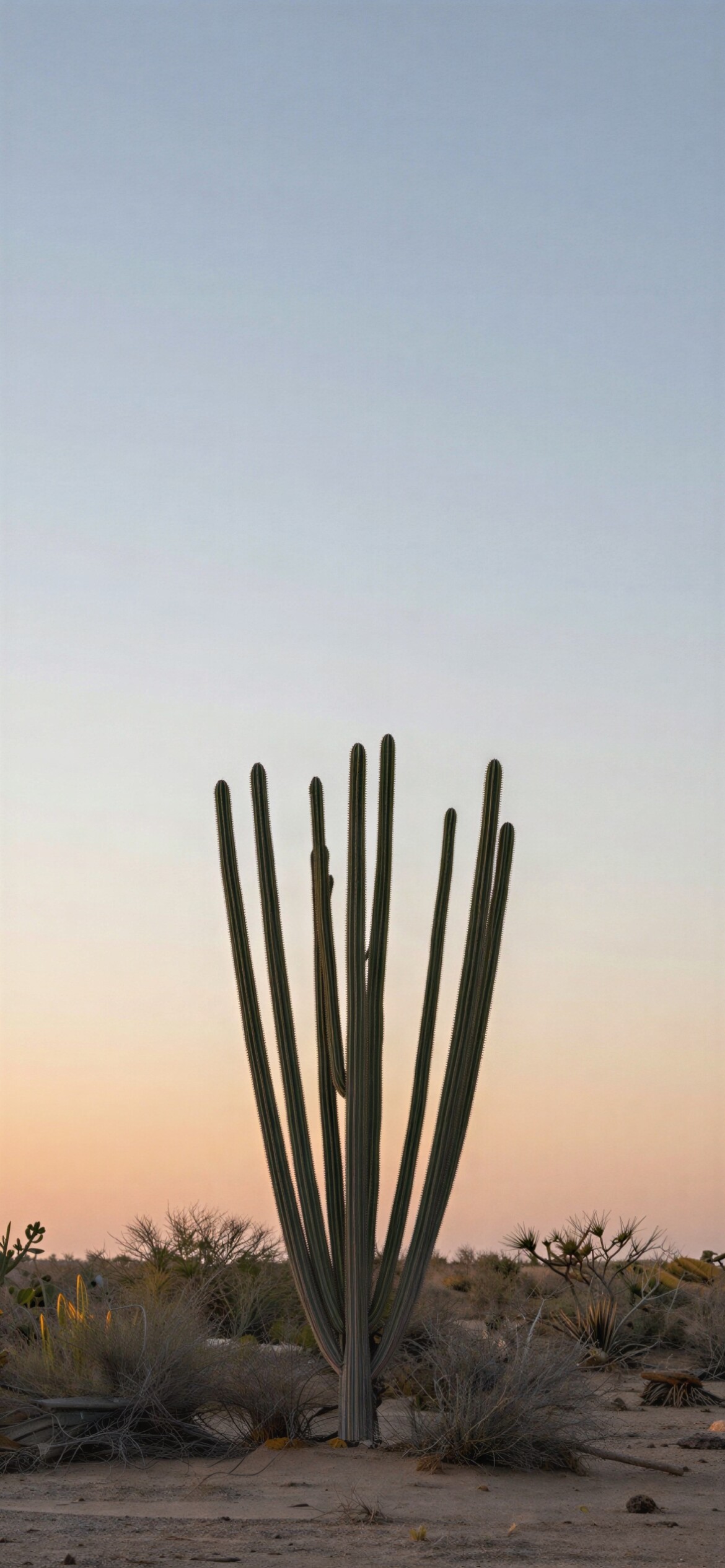
- A tall ocotillo with sparse branches against a gradient sky. Botanically it is not a cactus at all but a desert shrub that drops its leaves in dry spells and grows new ones after rain.
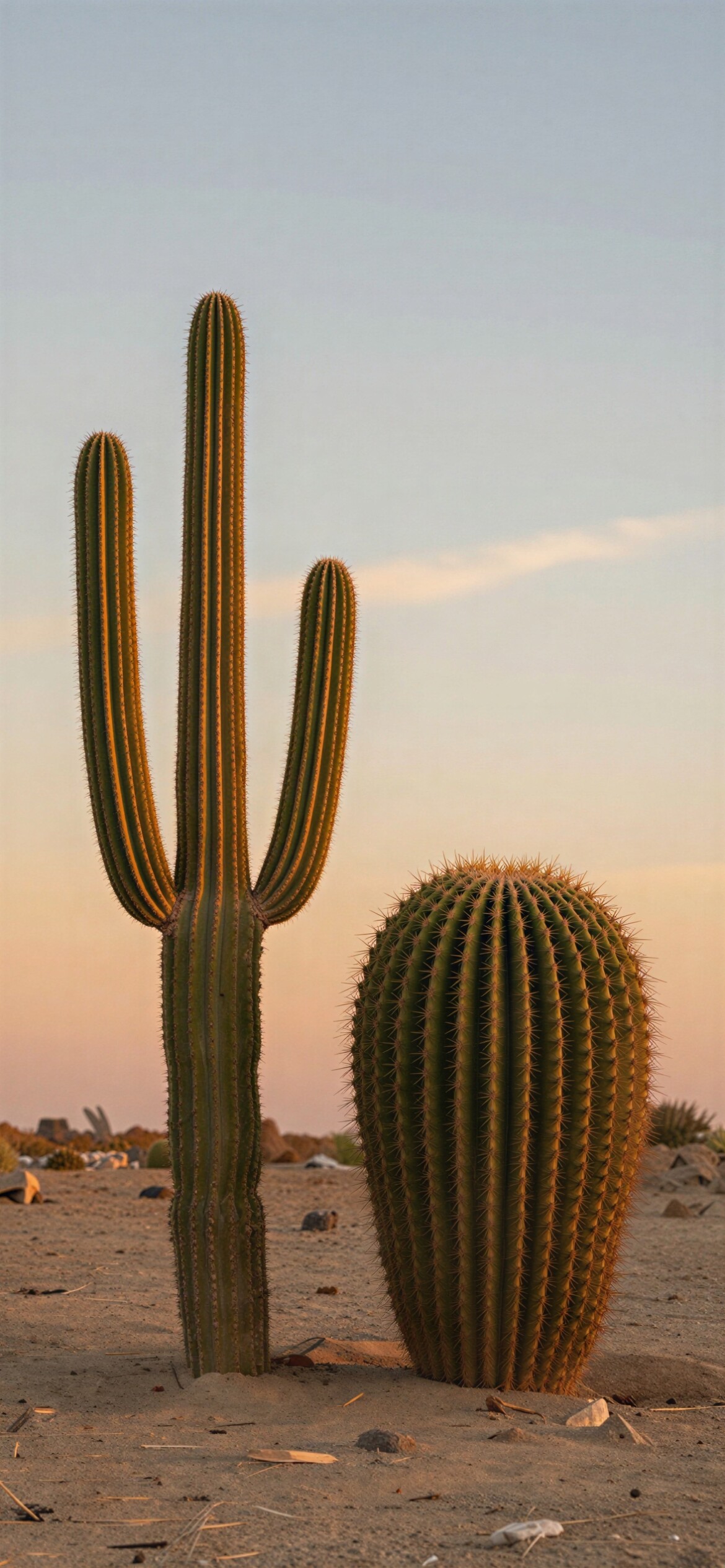
- Two mature cacti side by side in warm sunset light.
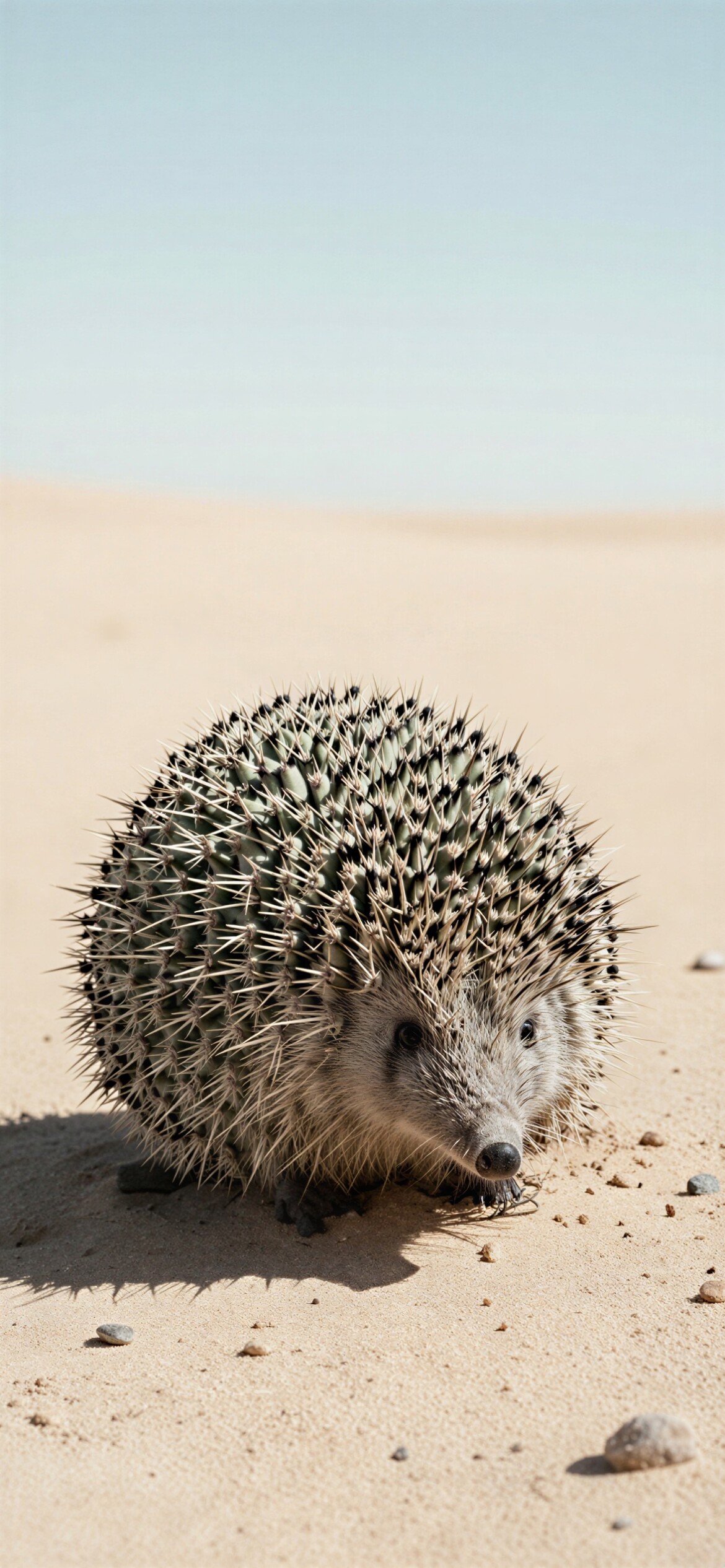
- A hedgehog cactus with every spine sharp in bright midday sun.
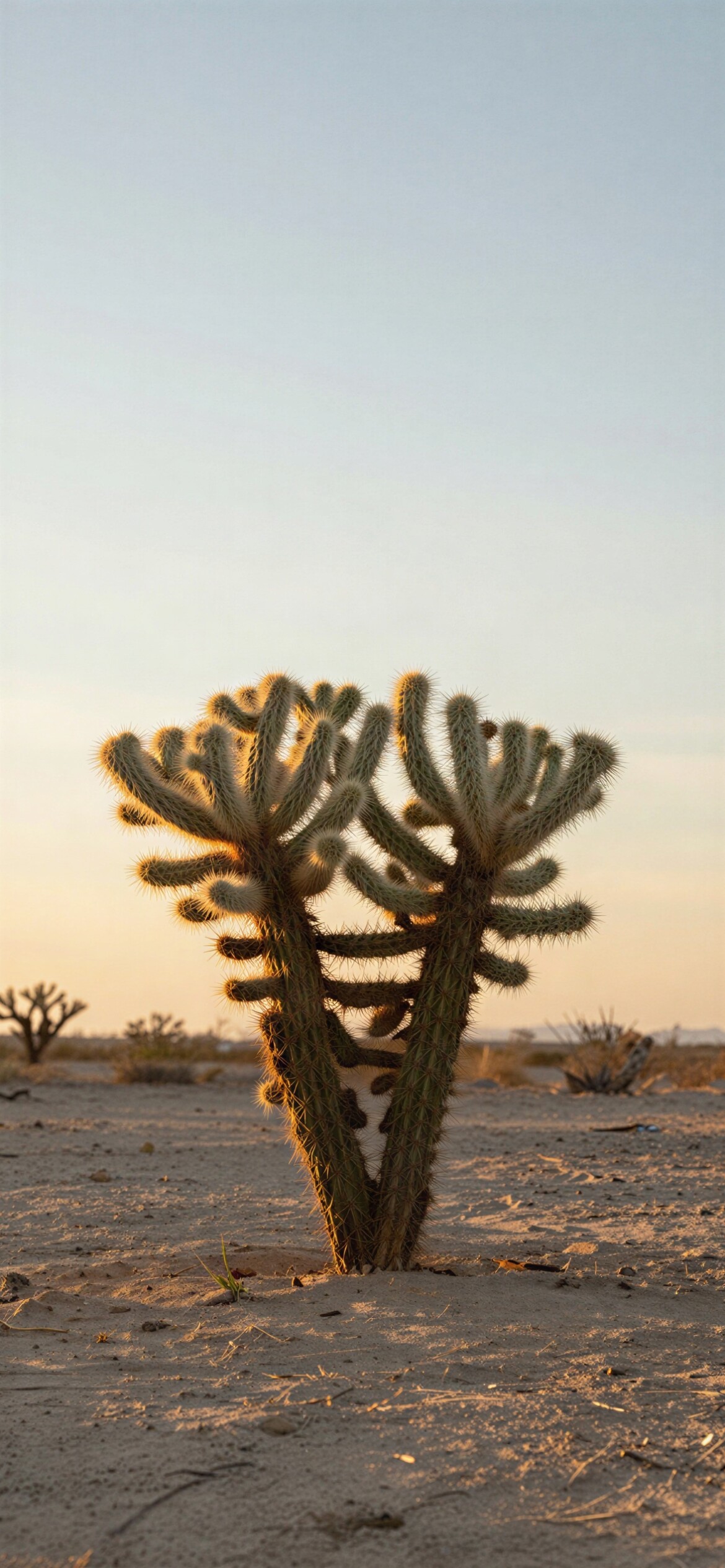
- A branching cholla backlit at golden hour. Some chollas shed segments so easily at a touch that hikers call them jumping cholla.
- Three cactus silhouettes against a warm gradient sunset, the simplest design and the easiest to put icons over.
Why spines instead of leaves
Almost every cactus species is native to the Americas, from southern Canada down to Patagonia. Their spines are leaves that changed shape over a very long time: a spine loses far less water than a flat leaf, gives the stem a little shade and keeps thirsty animals away. With no proper leaves, the green stem does the work of photosynthesis instead.
Many cacti also open their pores at night rather than in the heat of the day, taking in air while it is cool so they lose less moisture. That habit, plus a stem that can store water for months, is how the plants in 1, 4 and 8 stay upright in places that see very little rain.
Morning green to sunset orange
The brightest skies are in 1, 4, 5 and 8, good company for light mode. Wallpapers 3 and 6 are the gentle ones, with soft light and plenty of plain space. For warmth, go to 2, 7, 9 and 10, where the sun is low and the cacti are lit from behind or turned into silhouettes.
The desert carries on in the western wallpapers and the cowboy set, and if 7 and 10 are your favourites, the sunset collection has more of that late orange sky.
How to set it on your iPhone
- Tap Download and save the image to Photos.
- Open Settings, tap Wallpaper, then Add New Wallpaper, and choose Photos.
- Pick the wallpaper, pinch to position it, then tap Add and choose the lock screen, home screen or both.
Stuck on a step? The iPhone and iPad guide has screenshots for each one.
Questions
Will these wallpapers fit my iPhone screen size?
Yes. These designs are created at 1170x2532 pixels and sized for modern iPhones, and some older models may crop slightly at the edges. The tall vertical format and centered composition keep the main subject in view. iOS automatically crops or adjusts the image slightly depending on your exact model, but the main subject stays visible.
Can I use these wallpapers for anything other than my personal iPhone?
These wallpapers are free for personal use on your own devices only. You cannot sell them, print them for sale, repost them on other wallpaper sites, or use them commercially. Please see our Terms page for the full license and what is not allowed.
Why is the top of each design so simple?
The simple sky at the top serves a practical purpose on iPhone. It keeps your lock screen time and date fully readable without competing visuals, and it prevents your home screen app icons from blending into busy background details. The calm empty space creates visual breathing room while the cacti remain the clear focal point.
Are these real photographs or illustrated designs?
These are original artwork curated and checked by hand. Each design is rendered as realistic botanical scenery showing cacti in natural desert light and settings. They are not photographs, but they capture the authentic look and mood of real desert landscapes with genuine lighting, textures and color palettes.