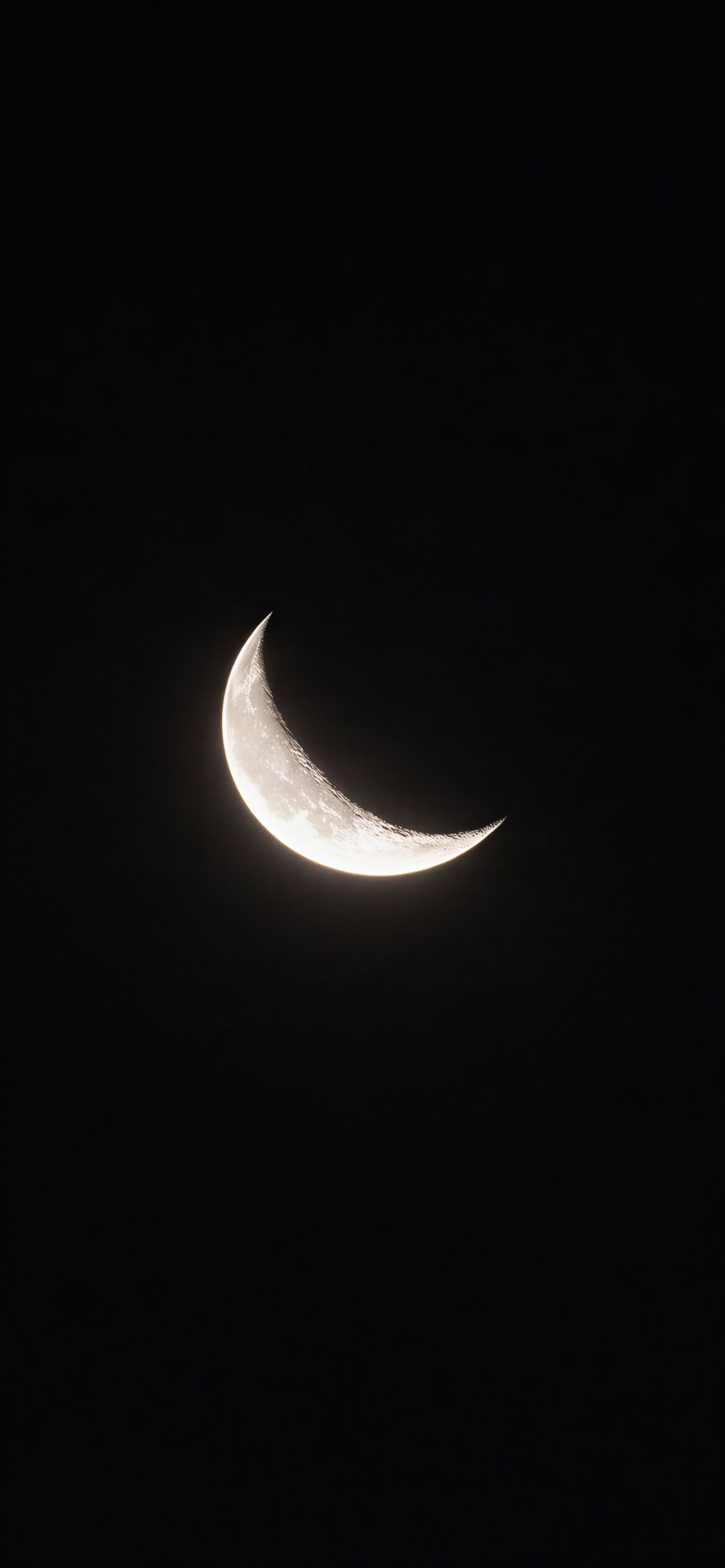
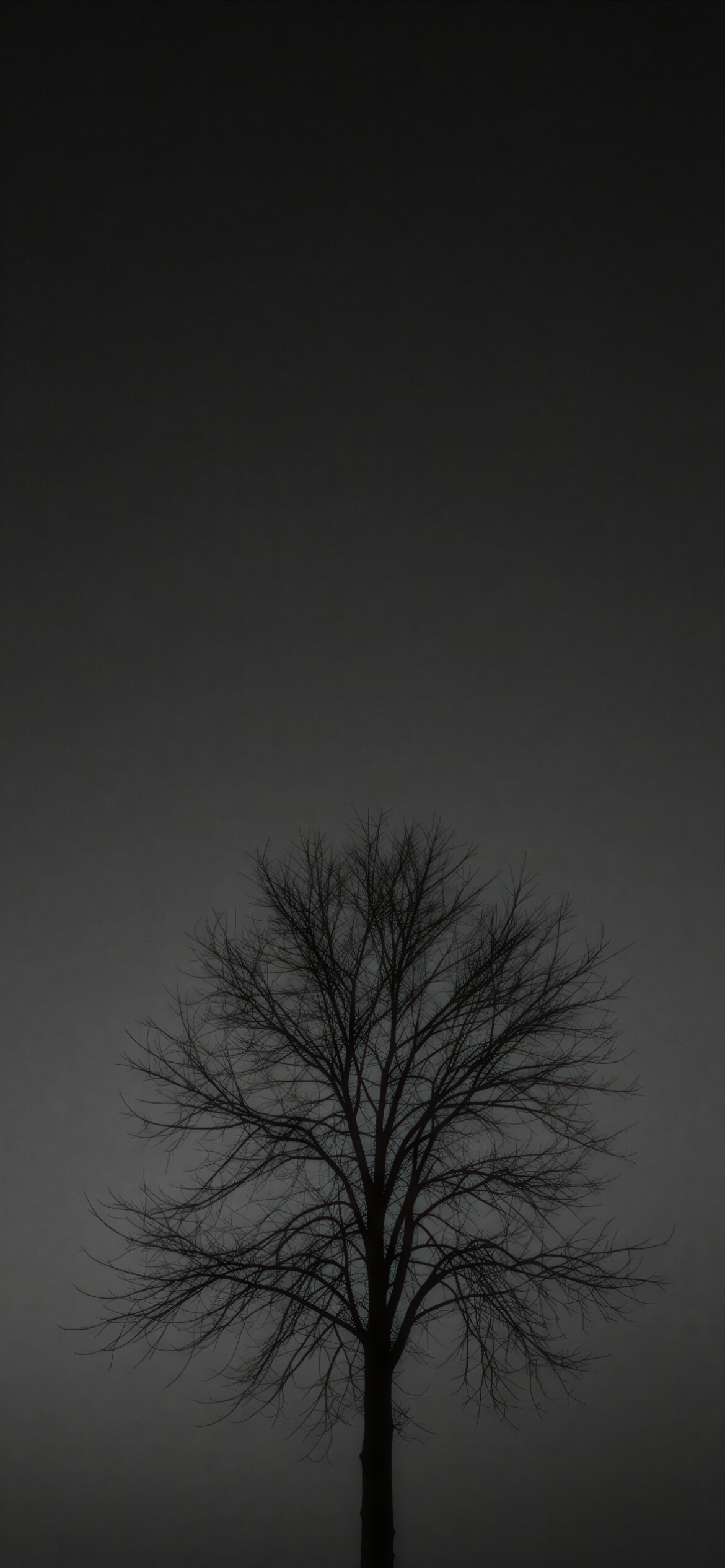
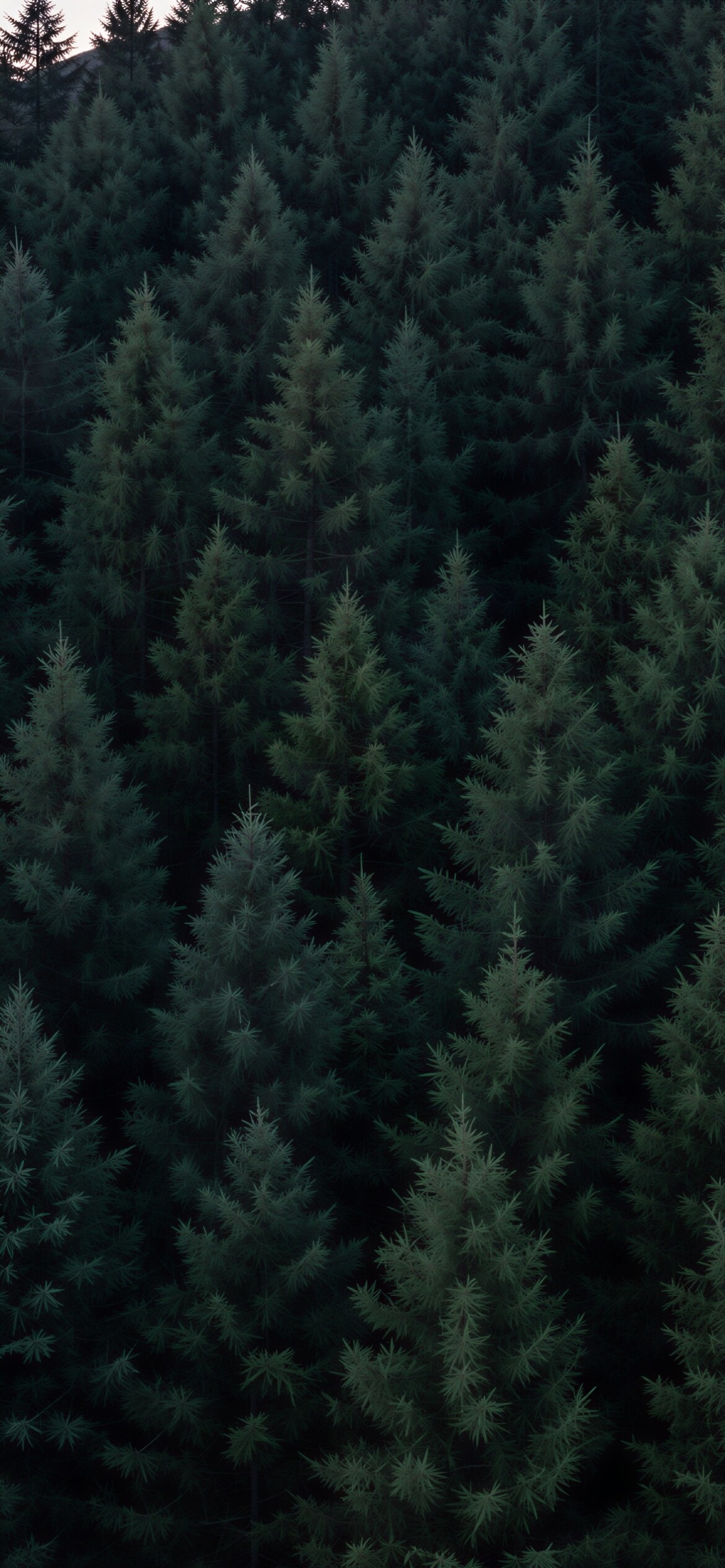
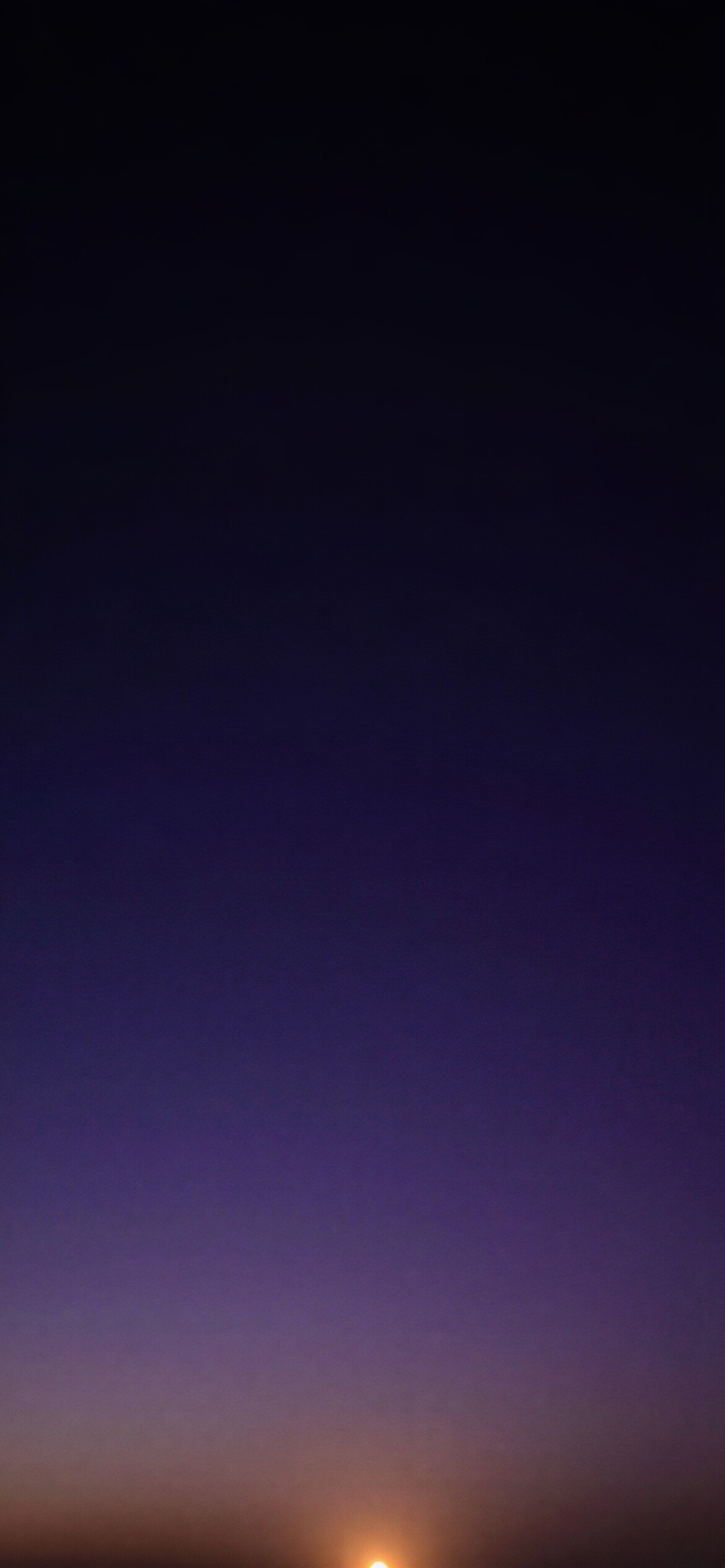
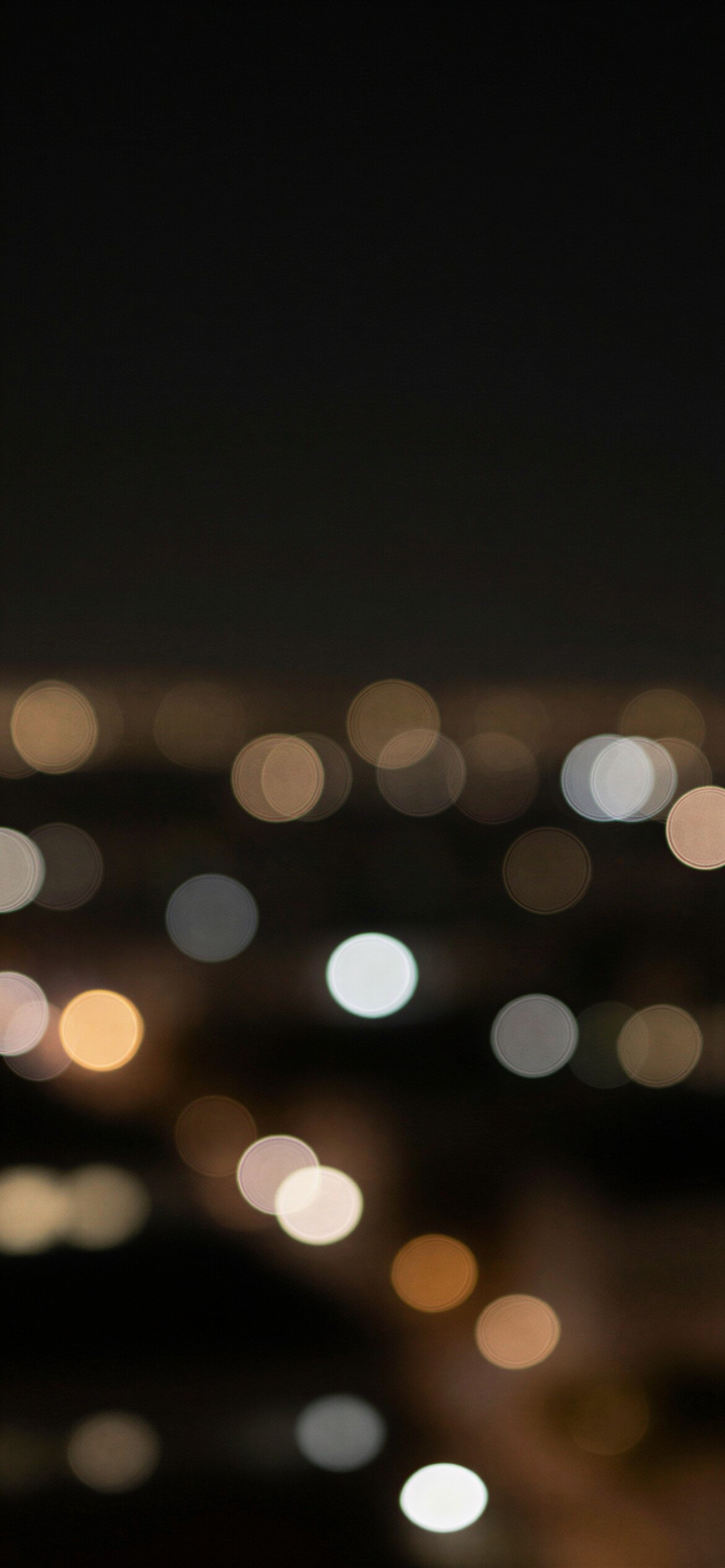
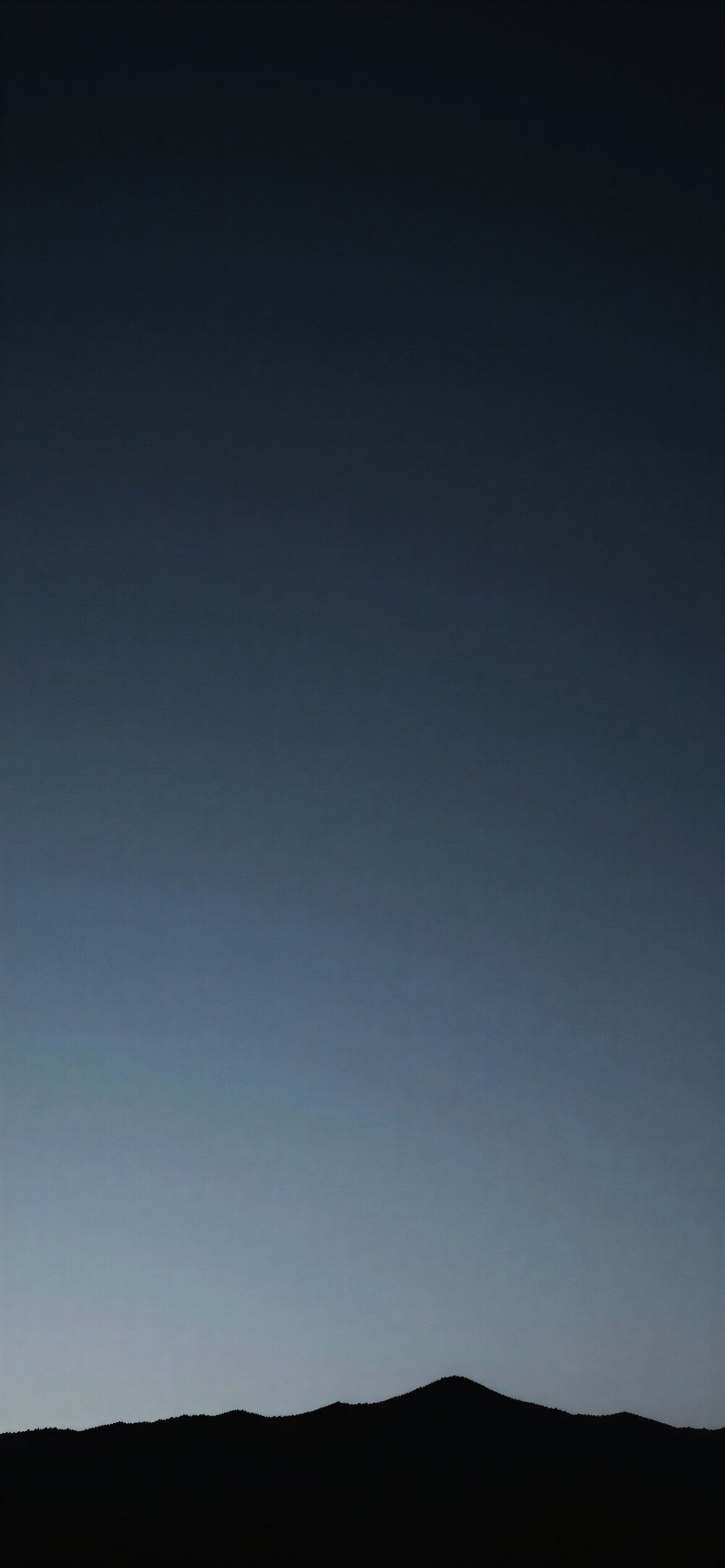
Dark iPhone Wallpaper
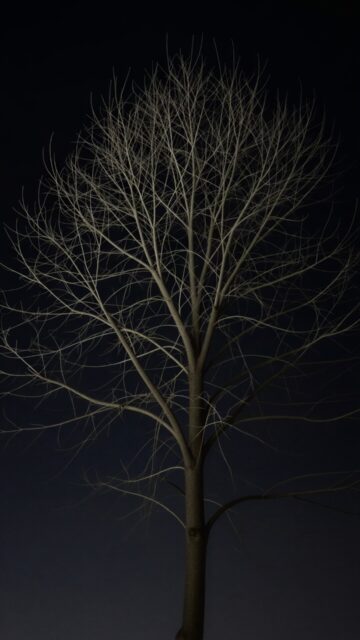
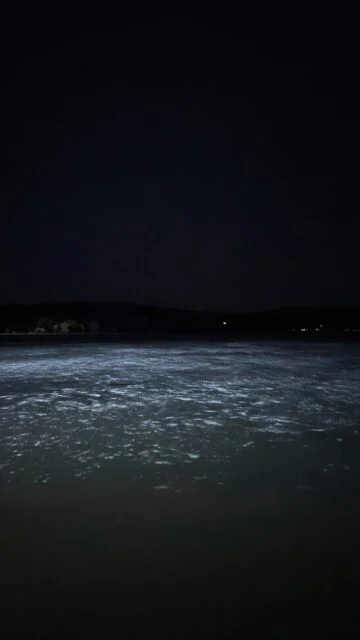
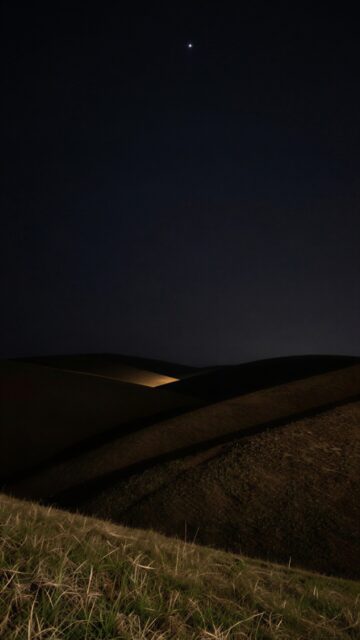
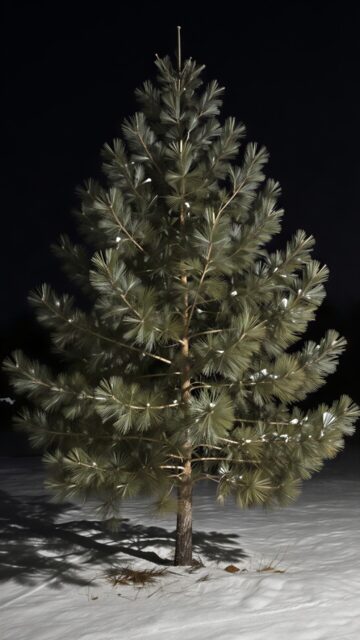
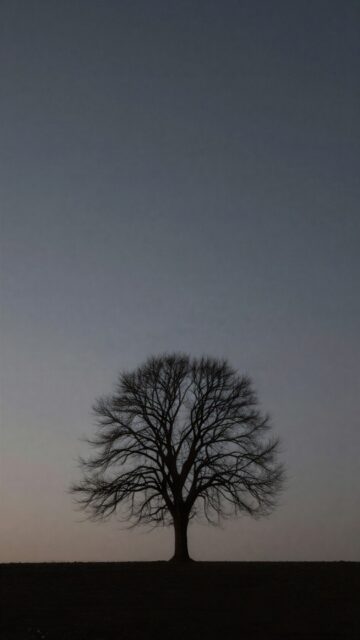
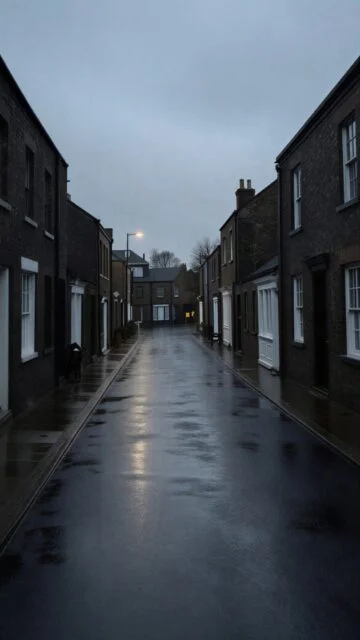
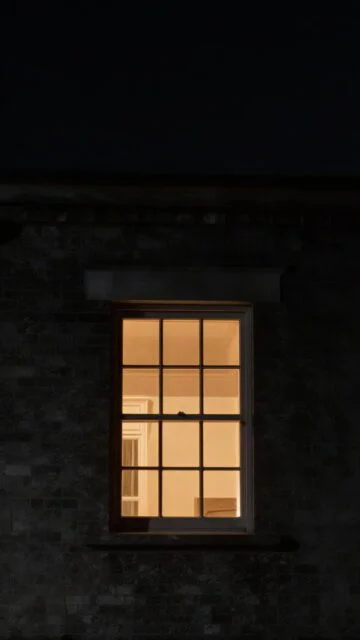
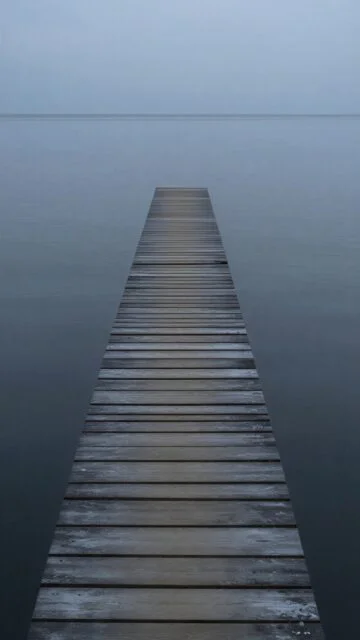
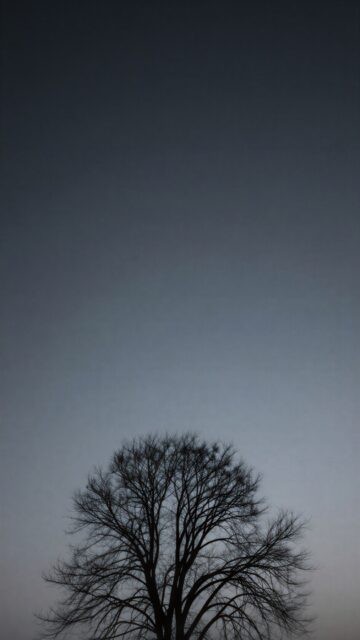
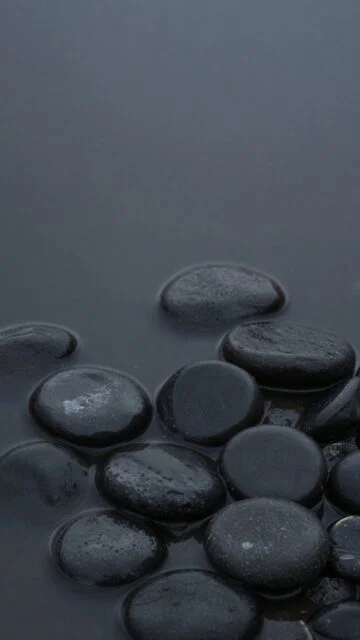
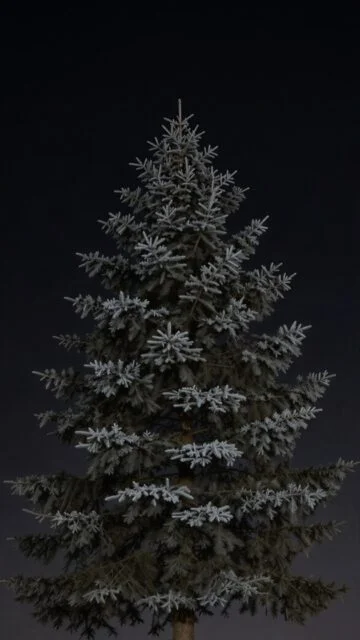
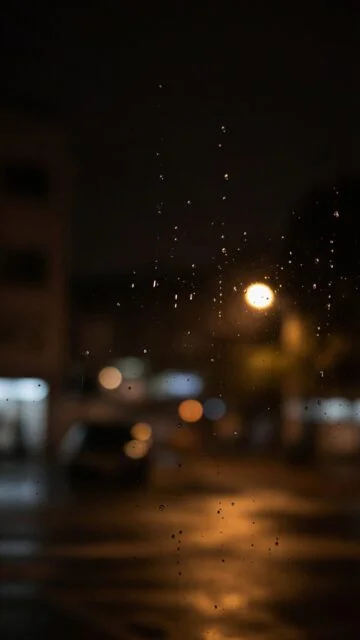
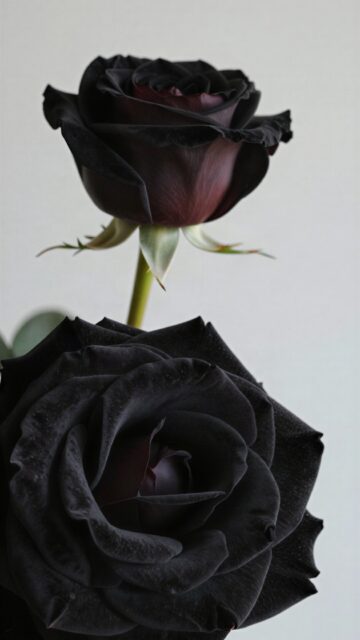
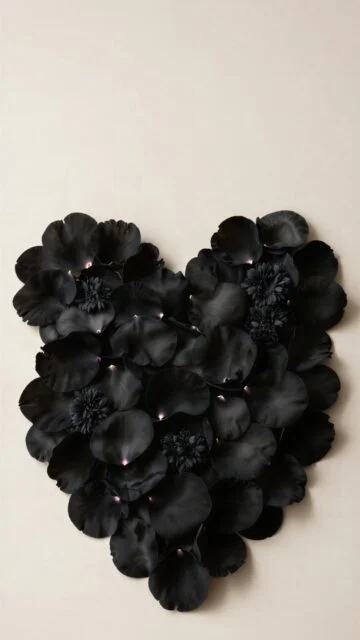
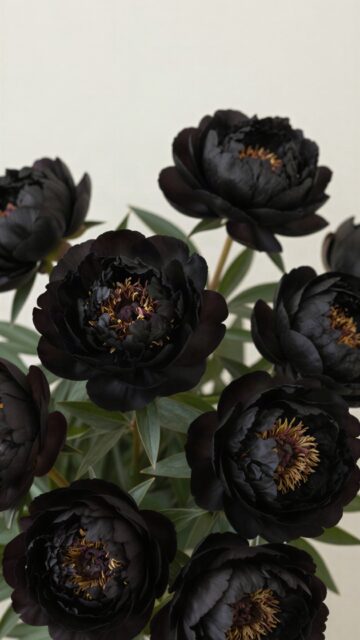
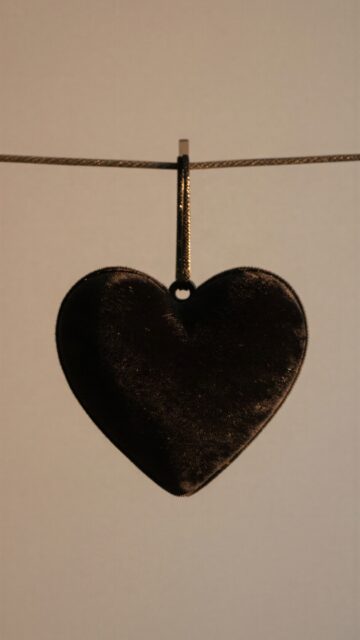
Dark iPhone wallpaper brings moody, minimal designs to your lock and home screens with deep tones and simple subjects. These dark wallpapers for iPhone feature everything from soft gradients and silhouettes to forest scenes and night skies, all in cool and warm darks that work year-round. Each design is original artwork, checked by hand before publishing. The collection suits both lock screens and home screens, and works well with dark mode.
10 wallpapers at 1170 × 2532 px for iPhone. Checked by hand on 3 Oct 2026.
About this set
This set of dark wallpapers brings calm and focus to your iPhone. The designs use deep blacks, charcoal grays, and cool tones with minimal subjects like moons, trees and abstract shapes. Each wallpaper sits in tall vertical format, with the main subject in the lower half and the top clear and simple, so it won't compete with your lock screen time and date or your home screen icons.
Dark wallpapers work best on lock screens where they show off time displays and notifications against the black. On home screens, pair them with light-colored icon labels so text stays readable. All designs work well in dark mode and suit any season.
How to set it on your iPhone
- Tap Download and save the image to Photos.
- Open Settings, tap Wallpaper, then Add New Wallpaper, and choose Photos.
- Pick the wallpaper, pinch to position it, then tap Add and choose the lock screen, home screen or both.
Stuck on a step? The iPhone and iPad guide has screenshots for each one.
Questions
Will these dark wallpapers fit my iPhone screen?
Yes. All wallpapers in this set are 1170x2532 pixels, which is the full native resolution for modern iPhones. They download and display without cropping or scaling. Simply save the image, open Settings, tap Wallpaper, choose Add New Wallpaper, select Photos, and pick your download.
Can I use these dark wallpapers for personal use?
Yes, these wallpapers are free to download and use on your own iPhone and devices for personal enjoyment. Selling them, printing them for sale, or reposting them on other wallpaper sites is not allowed. See our Terms page for full details.
Which dark wallpapers work best on lock screens versus home screens?
Designs with glowing moons, stars and lights work beautifully on lock screens, where they frame your time and date. Wallpapers with trees and gradients suit home screens, where the simple top area keeps your app icons readable. Feel free to use any design anywhere; personal preference matters most.
Do dark wallpapers work with light mode, or only dark mode?
Dark wallpapers work best with dark mode enabled, which is standard on modern iPhones. If you use light mode, your icons and text may be harder to read over the dark background. Dark mode also saves battery on iPhones with OLED screens, which is a nice bonus.