King Wallpaper iPhone
King wallpaper for iPhone brings royal imagery and regal aesthetics to your lock and home screens. These designs feature ornate thrones, golden crowns, majestic portraits and palace settings in rich, luxurious color palettes. Each king wallpaper for iPhone captures the grandeur and power of monarchy through original artwork curated by hand. The collection works year-round on any iPhone model, adding a touch of nobility to your daily device.
9 wallpapers at 1170 × 2532 px for iPhone. Checked by hand on 3 Oct 2026.
About this set
This collection captures the essence of monarchy through richly detailed royal imagery. Deep jewel tones, gold accents and ornate furnishings create a luxurious atmosphere suitable for both lock and home screens. Portraits and close-ups of crowns work well on lock screens where a single focal point draws the eye, while palace interiors and throne room scenes suit home screens behind icons.
The set pairs well with classic or elegant icon packs and works across all iPhone models in both light and dark mode. These king wallpapers complement gold-toned or deep-colored home screen themes and maintain clarity at any zoom level.
Sceptres, ermine and a crown made in 1661
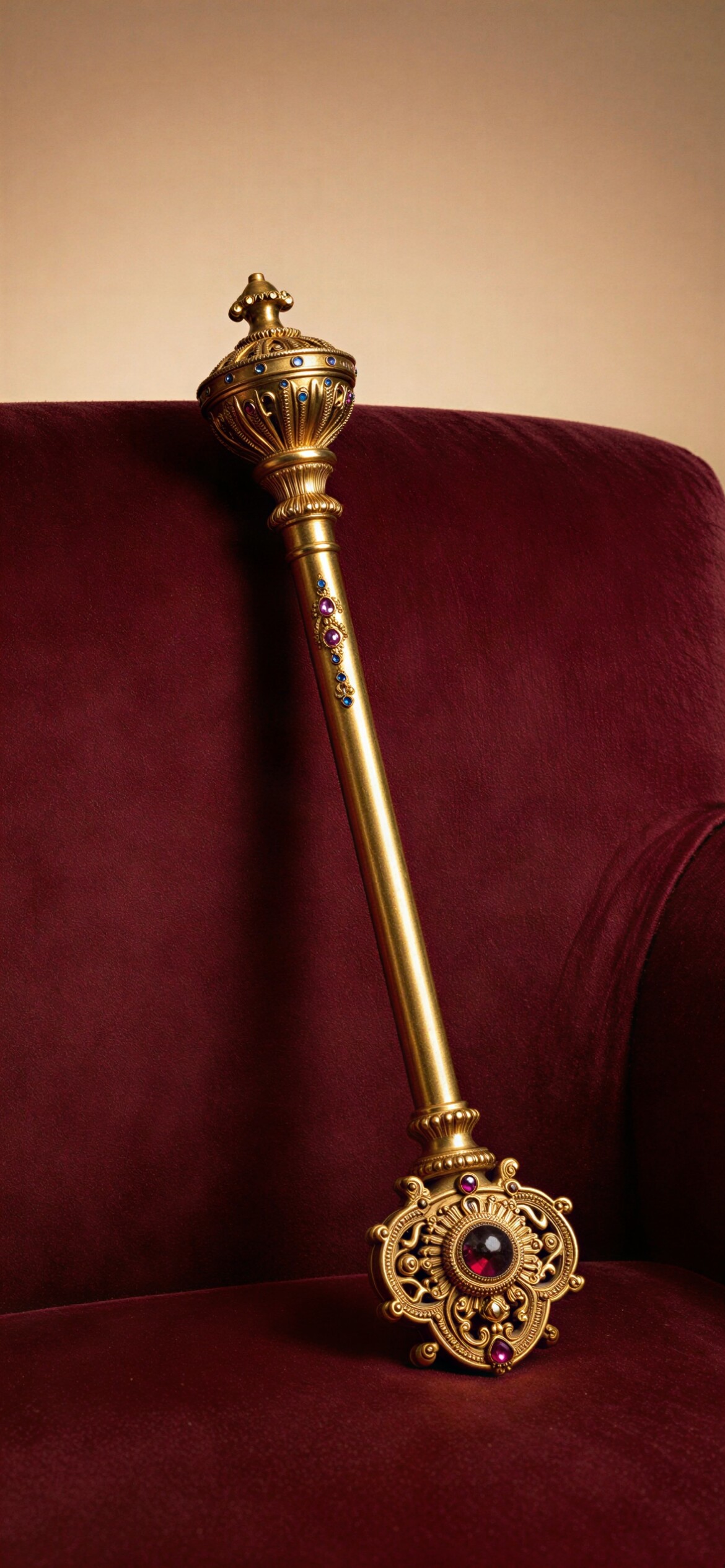
Most of the objects in this set come from a very old kit of royal symbols. A sceptre stands for the power to rule, which is why it shows up in portrait #3 held in the hand and again in #7, laid on its own across a burgundy chair. The white fur with small black tips that kings wear in so many old paintings is ermine, the winter coat of the stoat, and for centuries laws in England limited who was allowed to wear it.
Crowns have a story of their own. The one used at the moment of crowning in British coronations, St Edward's Crown, was made in 1661 for Charles II, because the earlier regalia had been melted down after the Civil War. Rich reds like the velvet in #2 also carry history: deep purple and crimson dyes were once so costly that only the very wealthy could afford cloth coloured with them.
Who sits where in these nine pictures
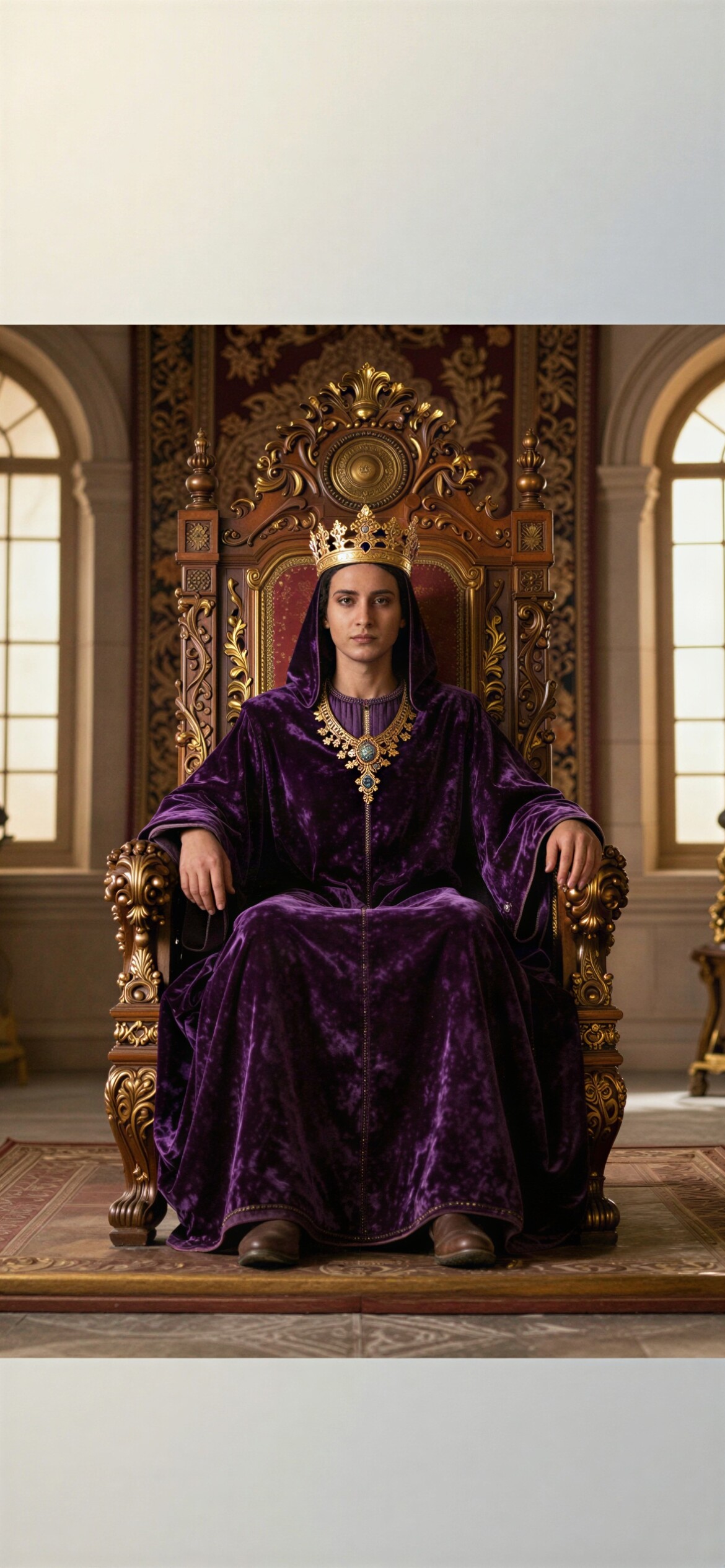
- #1 puts a seated figure on a carved throne inside a palace, the most traditional scene in the set.
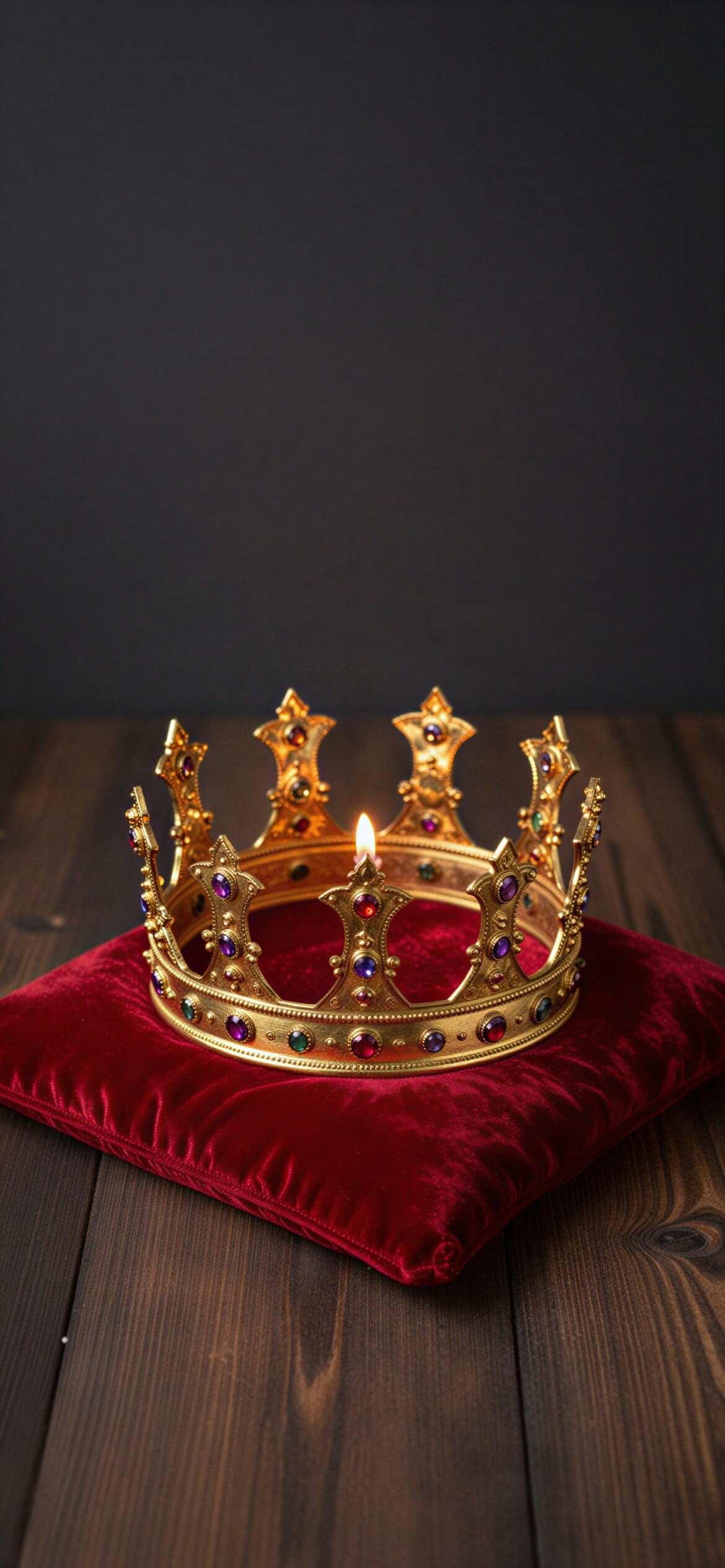
- #2 is a still life: a gold crown resting on crimson velvet, with nothing else to compete for attention.
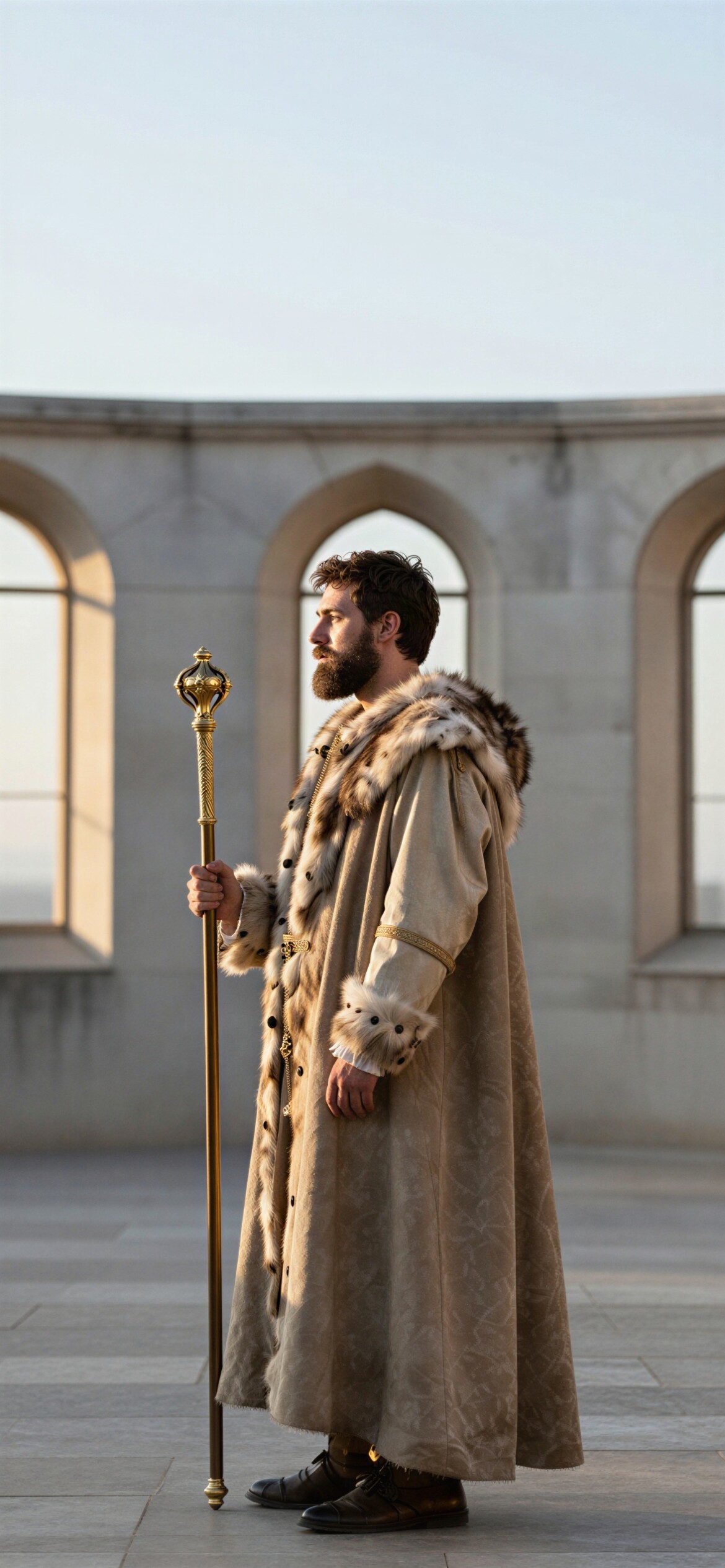
- #3 shows a bearded king in a fur coat holding his sceptre, a strong pick for a lock screen.
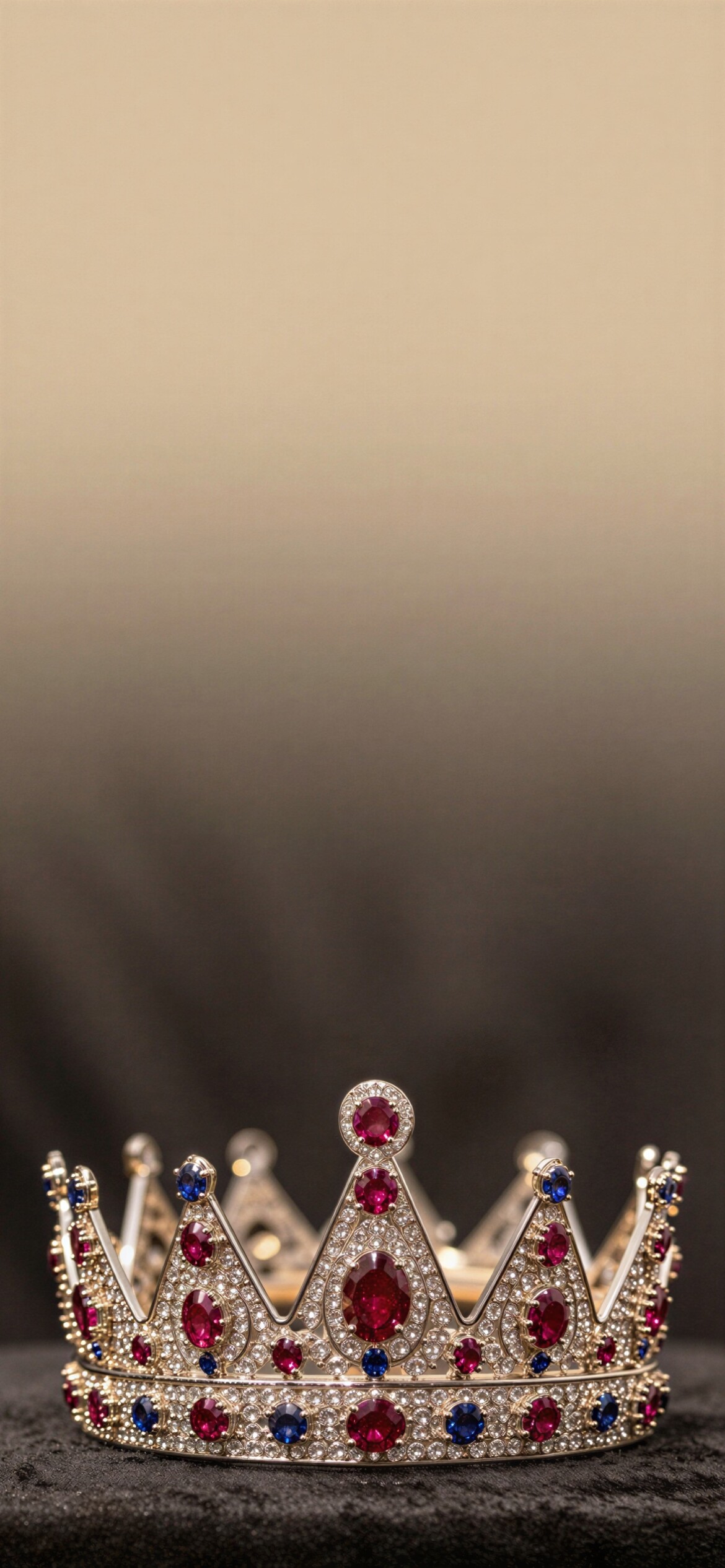
- #4 moves in close on a jewelled crown so you can see the stones and metalwork.
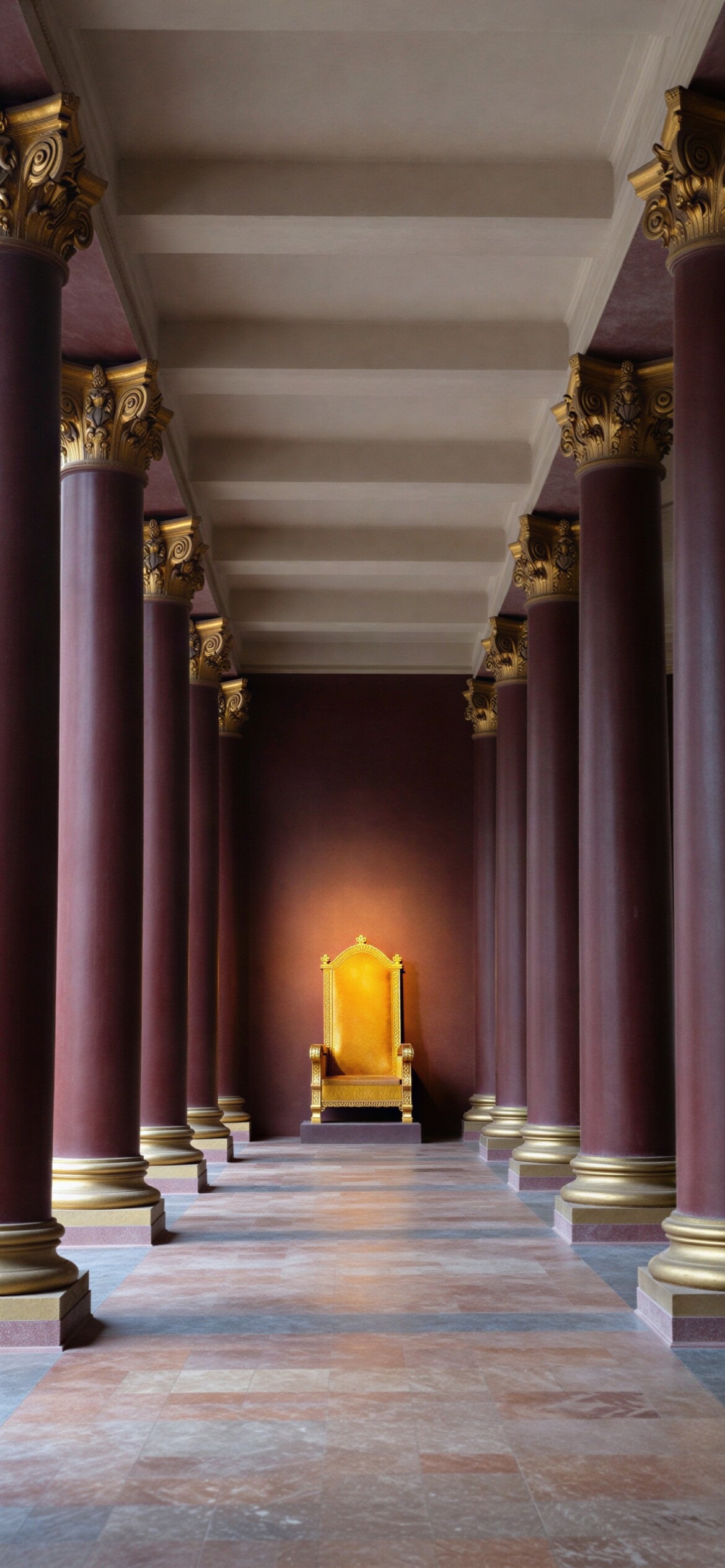
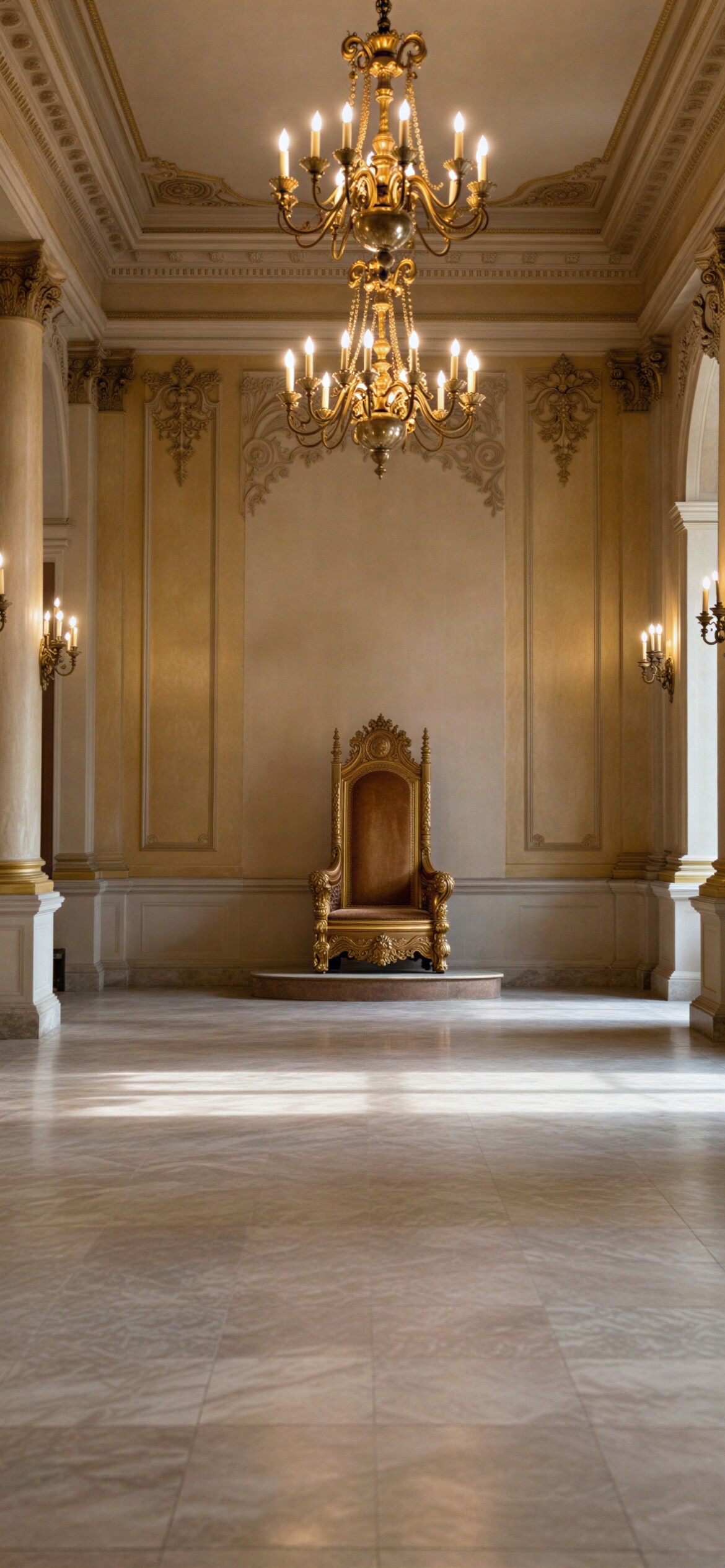
- #5 pulls far back. The throne is small and distant at the end of a long hall, which leaves a lot of open space for icons.
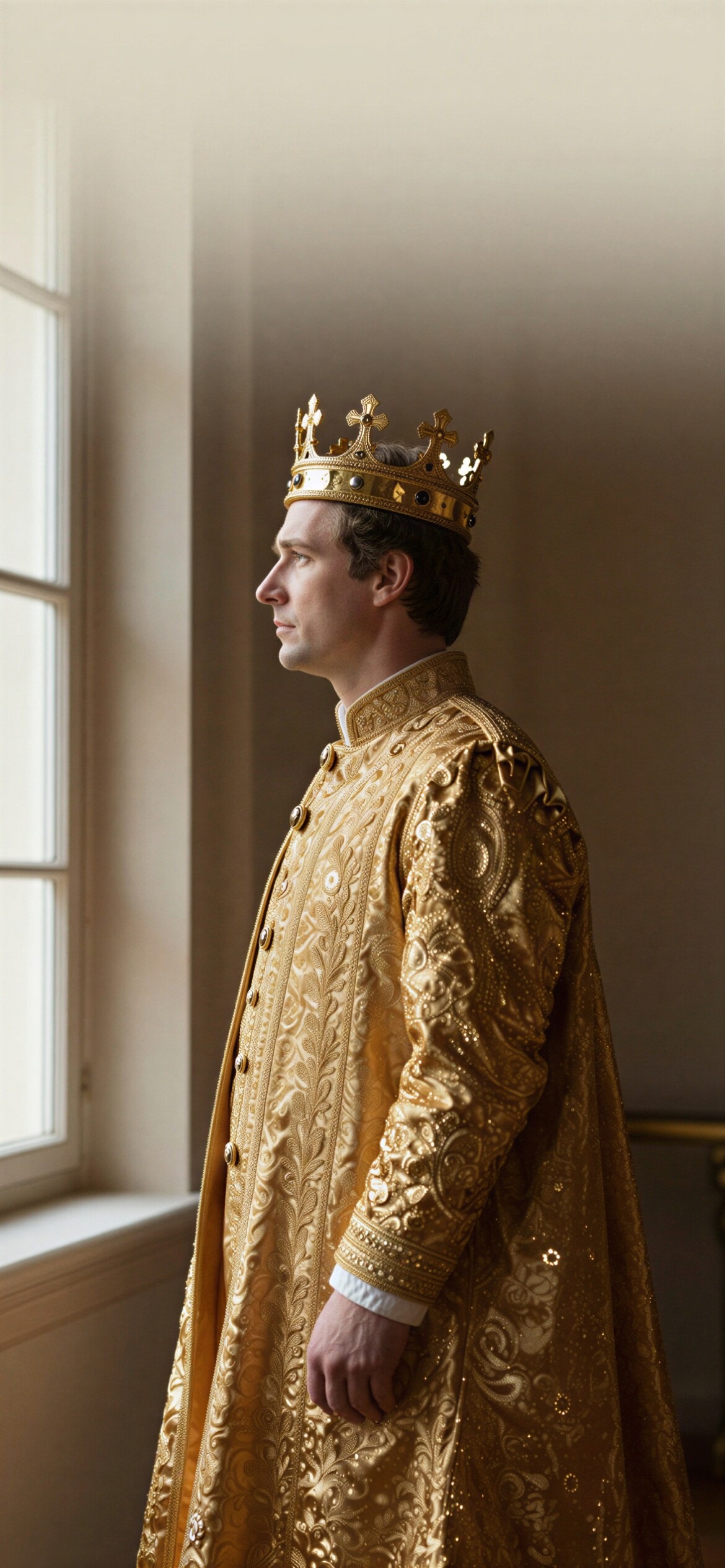
- #6 catches a crowned figure in a gold coat, seen in profile beside a window.
- #7 is the quietest object shot, a golden sceptre lying on a burgundy chair.
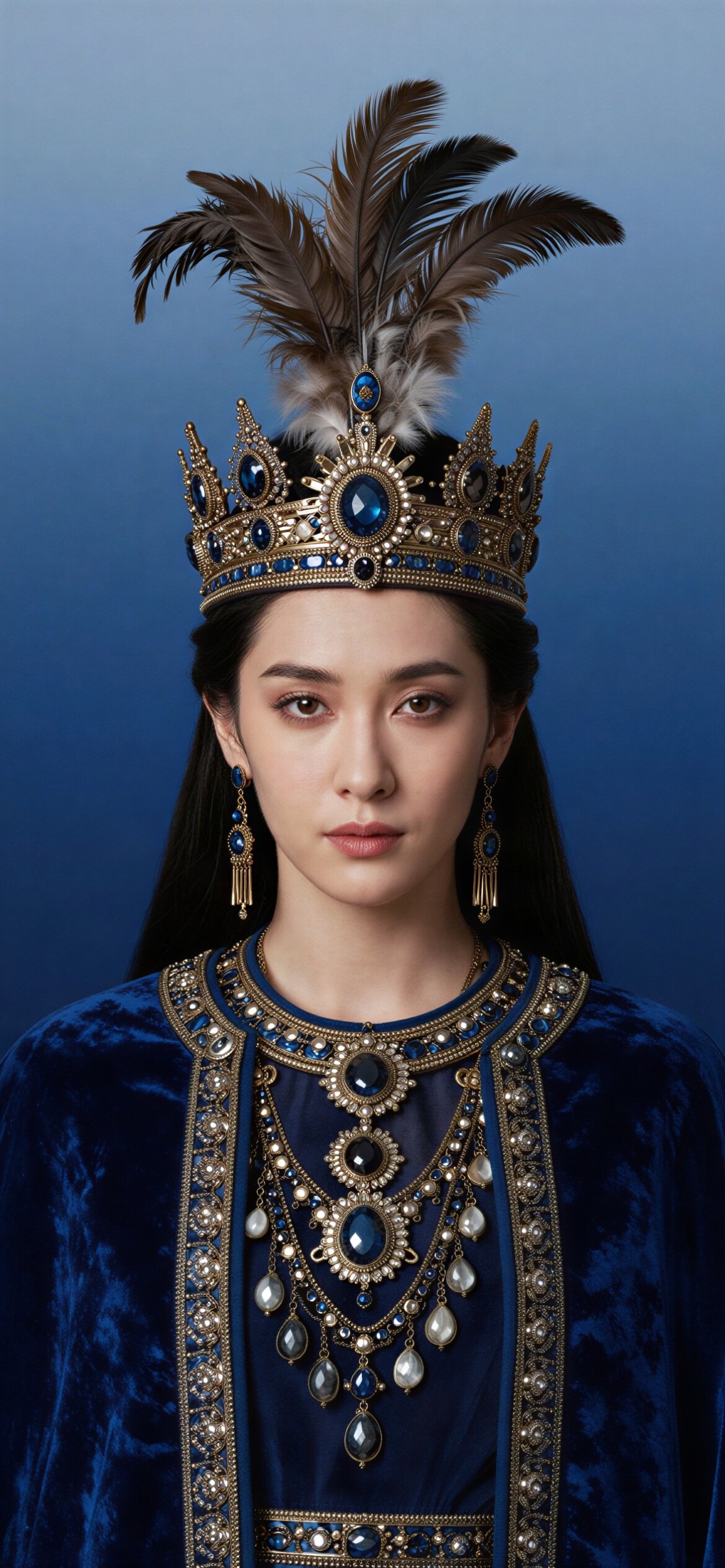
- #8 is a portrait with a feathered crown and a necklace, a different take on royalty from the European-style crowns elsewhere.
- #9 is a grand throne room under a chandelier, again with the throne set well back.
Velvet red, palace gold or a quiet window?
For the richest colour, look at #2, #4, #7 and #8, where gold sits against deep reds and jewel tones. The three big interiors, #1, #5 and #9, feel more like a place than an object and suit a home screen full of apps. If you want something calmer, #3 and #6 are the most human of the nine: one person, one pose, and a softer sense of power. Fans of royal themes can also browse the queen set, the lighter princess wallpapers or the sparkle of the diamond collection.
How to set it on your iPhone
- Tap Download and save the image to Photos.
- Open Settings, tap Wallpaper, then Add New Wallpaper, and choose Photos.
- Pick the wallpaper, pinch to position it, then tap Add and choose the lock screen, home screen or both.
Stuck on a step? The iPhone and iPad guide has screenshots for each one.
Questions
Will these king wallpapers fit my iPhone screen?
Yes. This set is designed for iPhone at 1170x2532 pixels, which is sized for modern iPhones; some older models may crop slightly at the edges. The tall vertical composition with simple top sections and centered subjects keeps the designs balanced, whether the status bar or notch appears at the top.
Can I use these wallpapers for personal use?
Yes, you can download and use these wallpapers free on your own iPhone for personal enjoyment. Selling them, printing them for sale, or reposting them on other sites is not allowed. See the Terms page for full details on acceptable use.
Which king wallpapers work best for lock screens versus home screens?
Lock screen designs like the crowned portrait, close-up crown and royal hands create strong focal points that look good with notifications layered on top. Home screen wallpapers such as the palace hall and throne room scenes work better behind app icons because they have balanced composition and don't rely on a single central subject.
What style or theme do these king wallpapers match?
The collection suits elegant, classic or luxury-themed home screens. Pair these with gold-toned, deep purple or burgundy icon packs and fonts. The rich, ornate aesthetic works well with minimal widgets and pairs nicely with serif or decorative typefaces in your home screen organization.