Thanksgiving Wallpaper iPhone
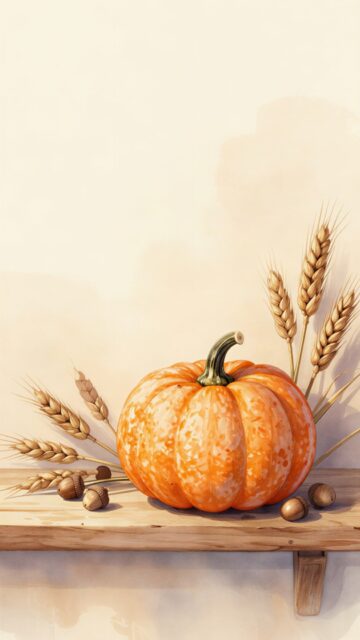
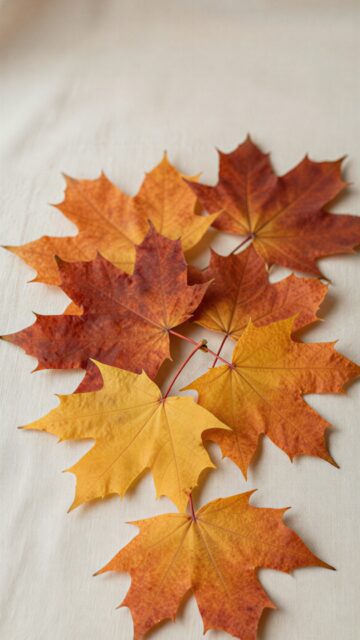
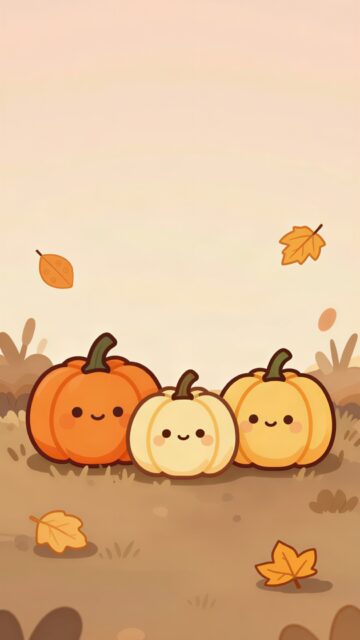
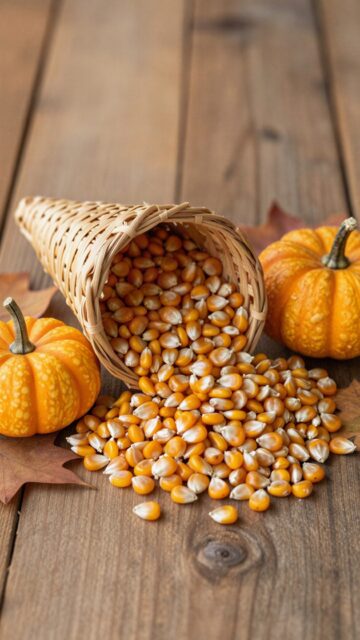
Thanksgiving wallpaper for iPhone brings harvest scenes, autumn leaves and warm tones to your phone screen, ready to download free for your device. This set captures the essence of the season with golden light, rich browns, deep oranges and russet reds that pair beautifully with fall décor and seasonal lock screen themes. Each design balances detailed foreground elements with simple, open space at the top, so your iPhone's status bar and notifications stay clear and readable. Whether you're setting a lock screen that catches your eye each time you wake your phone or a home screen backdrop that frames your app icons, these thanksgiving wallpapers for iPhone bring the warmth and gratitude of the holiday to your everyday screen.
10 wallpapers at 1170 × 2532 px for iPhone. Checked by hand on 29 Oct 2026.
About this set
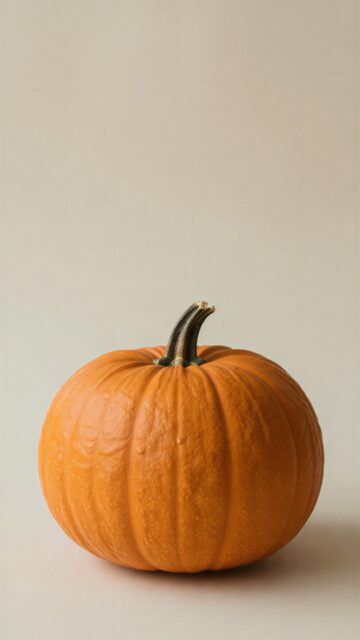
This thanksgiving wallpaper collection for iPhone draws directly from the visual traditions of the season. Each design features harvest elements, seasonal produce and warm lighting that evokes the comfort and gratitude central to the holiday. The color palette stays true to autumn: rich golds, deep oranges, russet reds, warm browns and muted earth tones. Textures matter here too. You'll notice aged wood grain, natural fabric weave, the papery quality of dried leaves, the matte finish of gourds and the soft shine of candlelight on spices. The compositions follow a consistent rule: simple, open space at the top quarter (plain sky, soft gradient or neutral background) keeps your status bar and notifications clear and readable, while the main subject occupies the middle to lower half of the frame. This arrangement gives each design breathing room on your iPhone screen.
Wallpapers 1, 4, 6 and 8 work best as lock screen designs. These feature focused, self-contained subjects like the harvest table, cooling pie, spice bowl and candlelit arrangement that draw the eye immediately and read well at a glance. Wallpapers 2, 3, 5, 7, 9 and 10 suit home screens better. Their wider arrangements of abundance, foliage, leaves and produce fill the space behind app icons without competing for attention, and their distributed composition lets icons sit comfortably across the design.
What each wallpaper shows
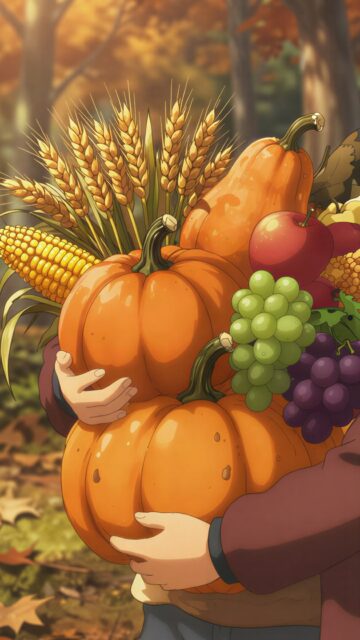
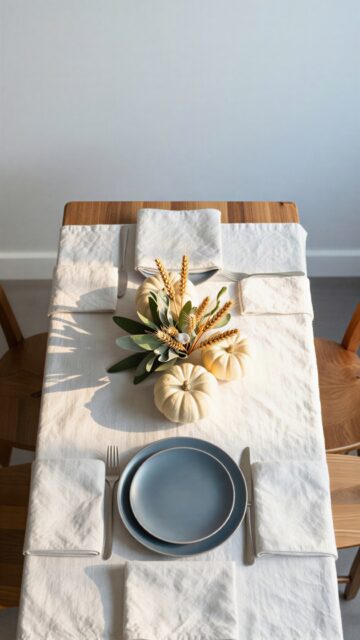
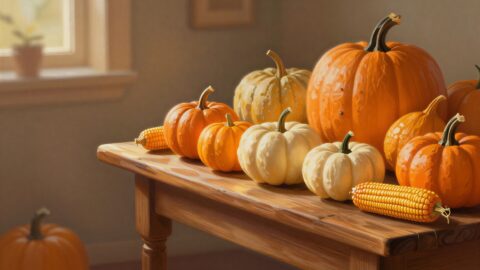
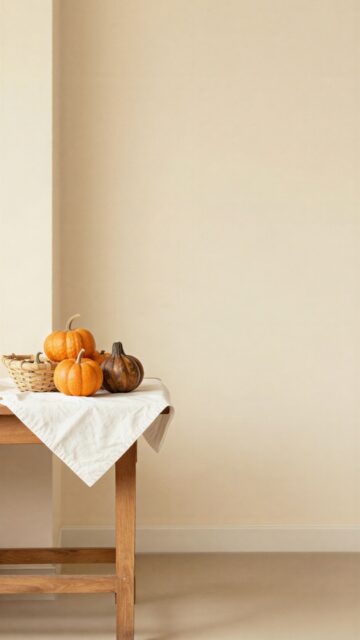
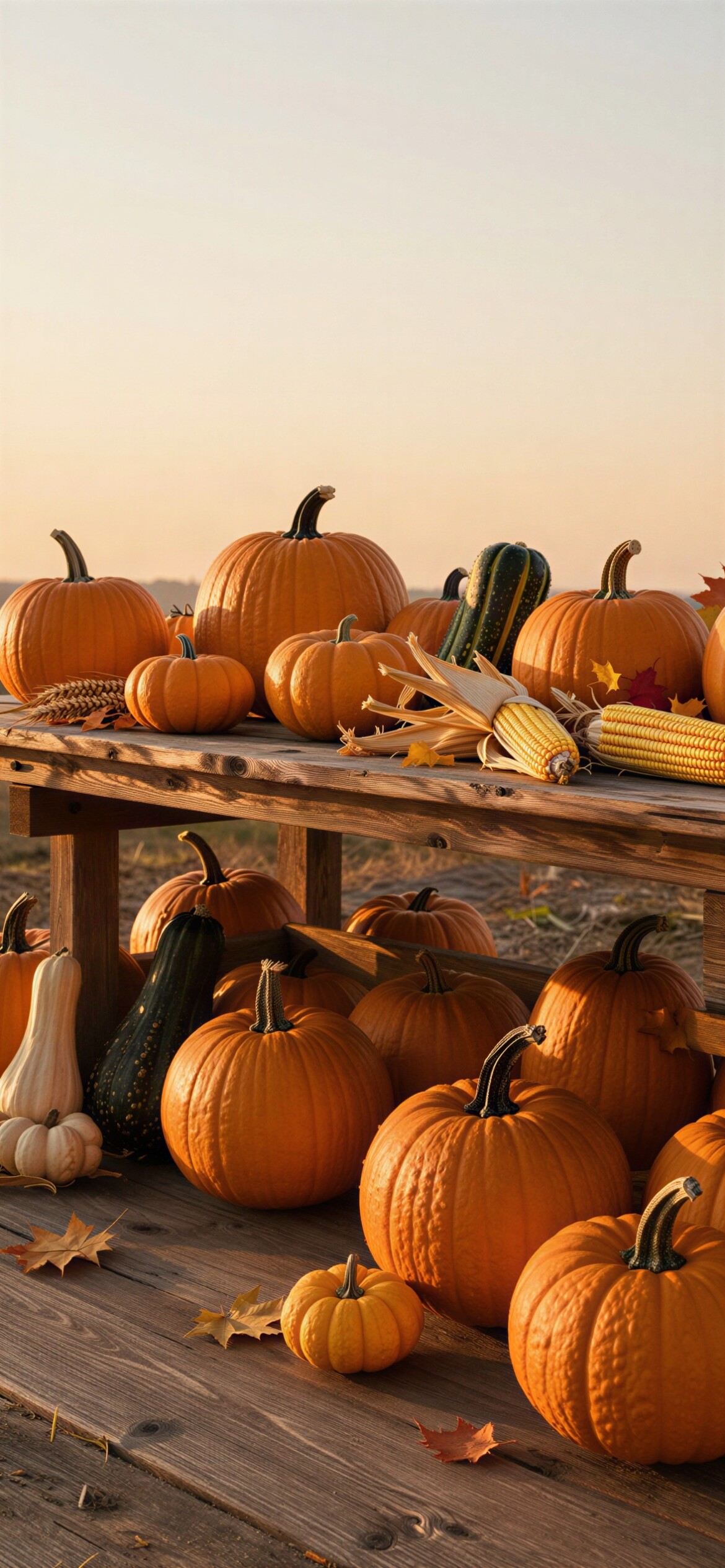
- Harvest table: A wooden table laden with pumpkins, squash, corn and gourds in golden hour light. Best for home screen, where the abundance creates a welcoming backdrop for app icons.
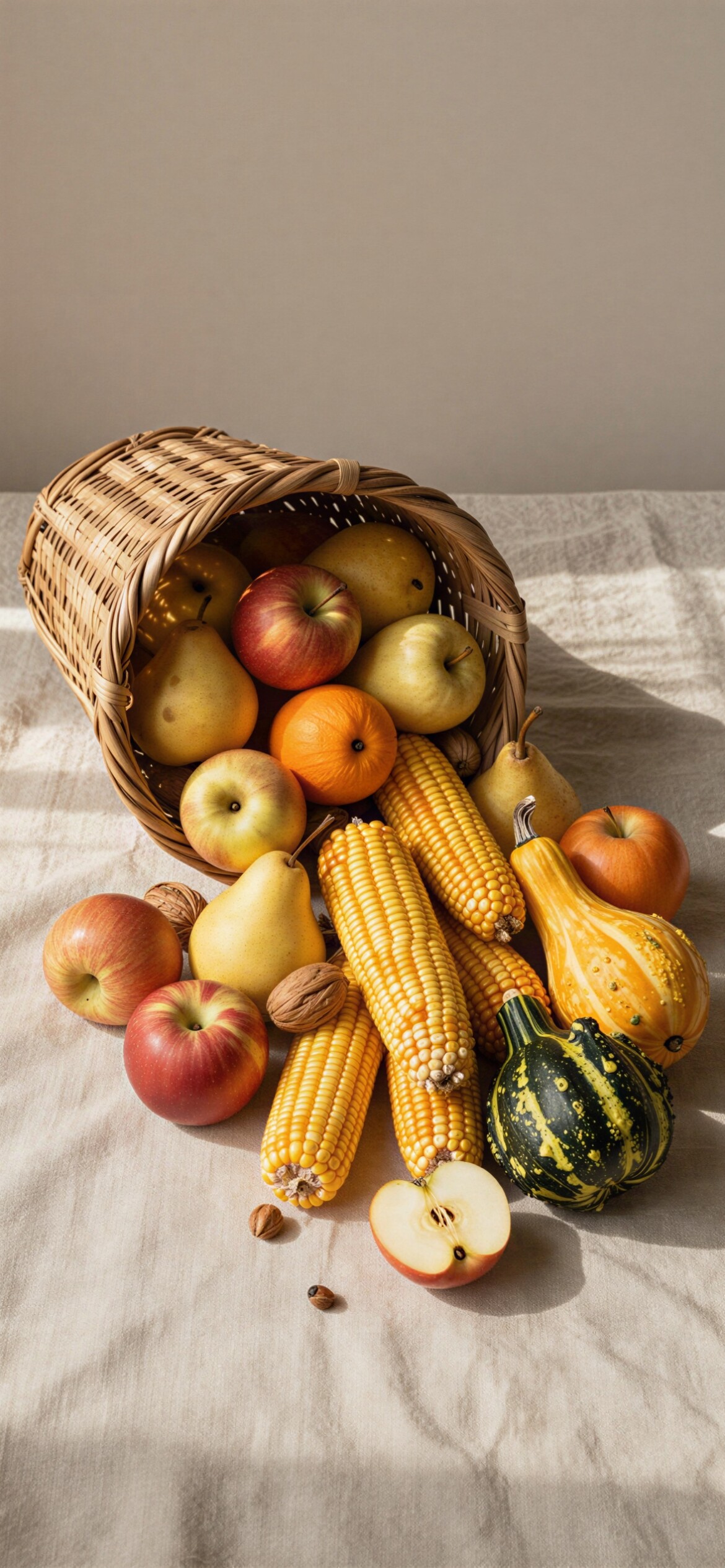
- Cornucopia basket: An overflowing basket of apples, pears, nuts and gourds on linen. Strong as a home screen design because the central basket doesn't clash with icons scattered around it.
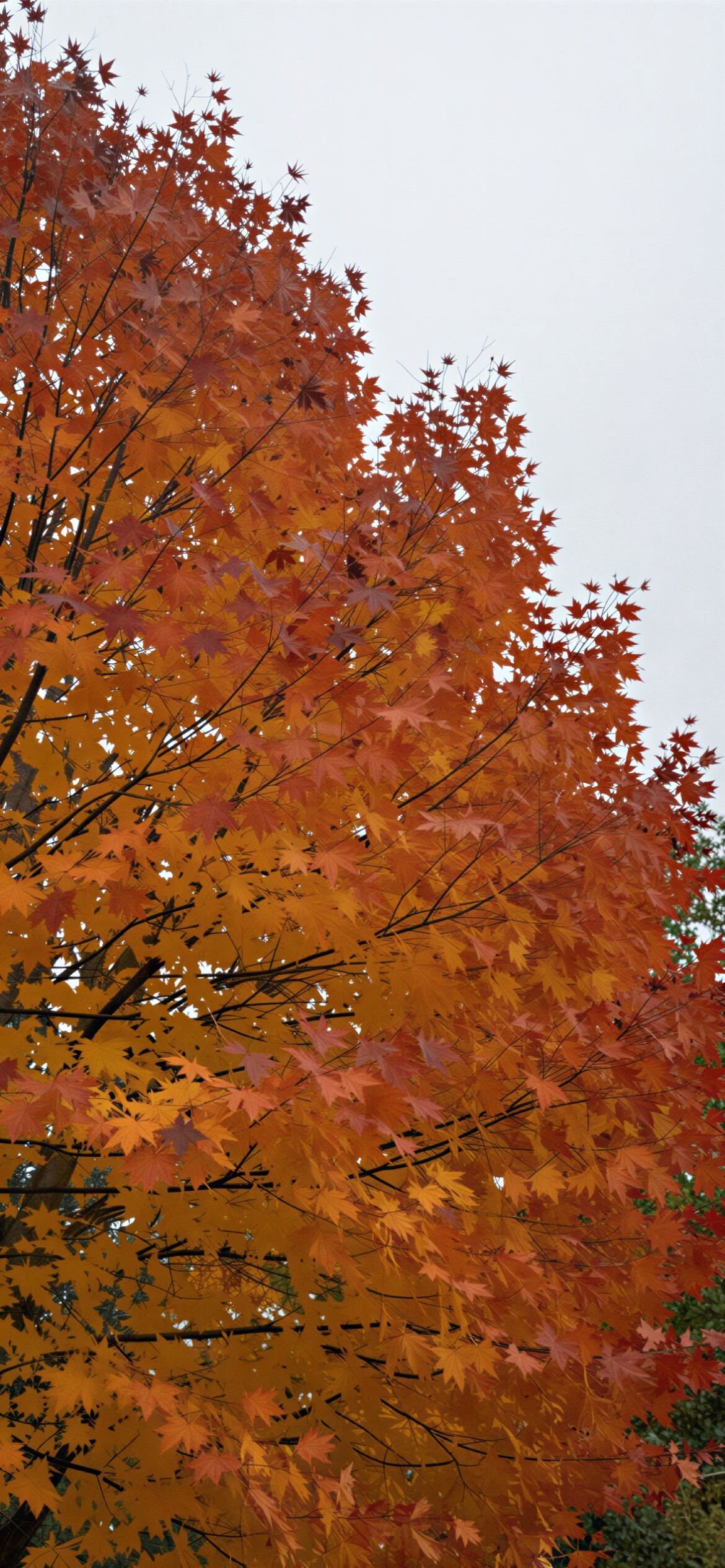
- Autumn branches: Fall foliage in oranges, reds and golds against an overcast sky. Works on either screen; the airy composition keeps the look uncluttered.
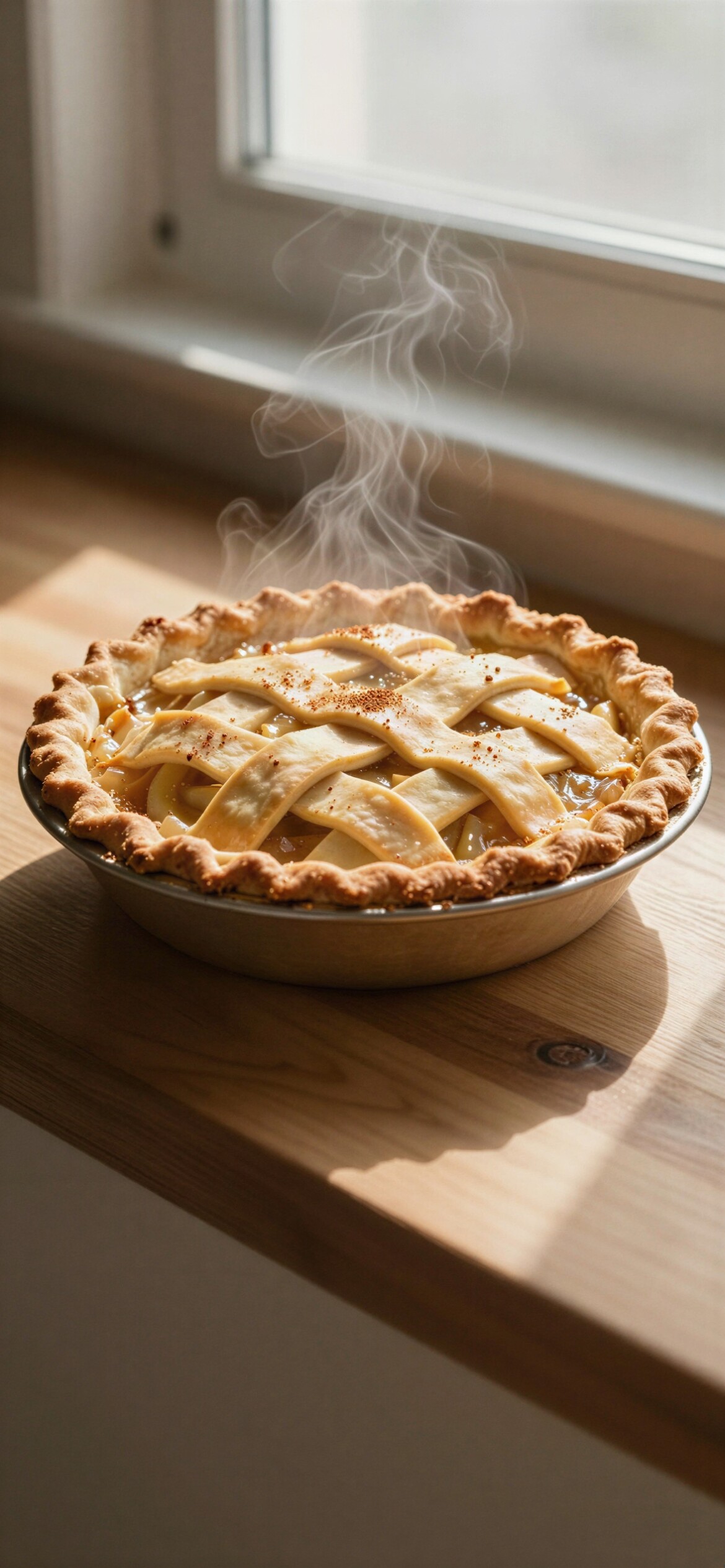
- Apple pie: A cooling pie on a kitchen windowsill with steam rising and warm afternoon light. Lock screen pick. The focused subject and clear foreground make this a satisfying glance design.
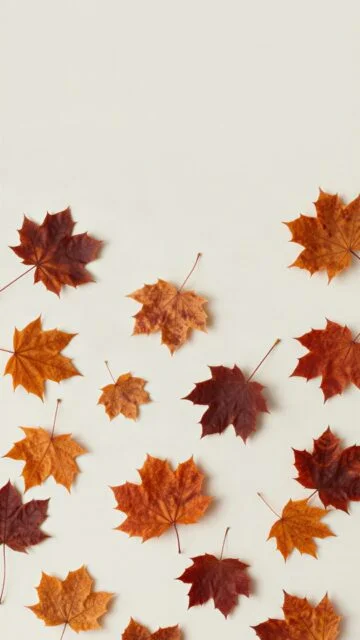
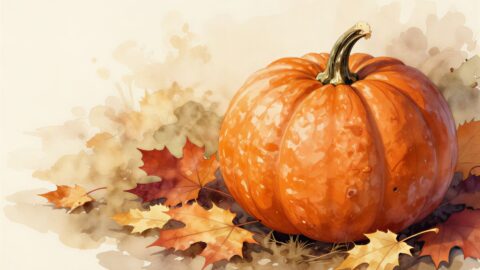
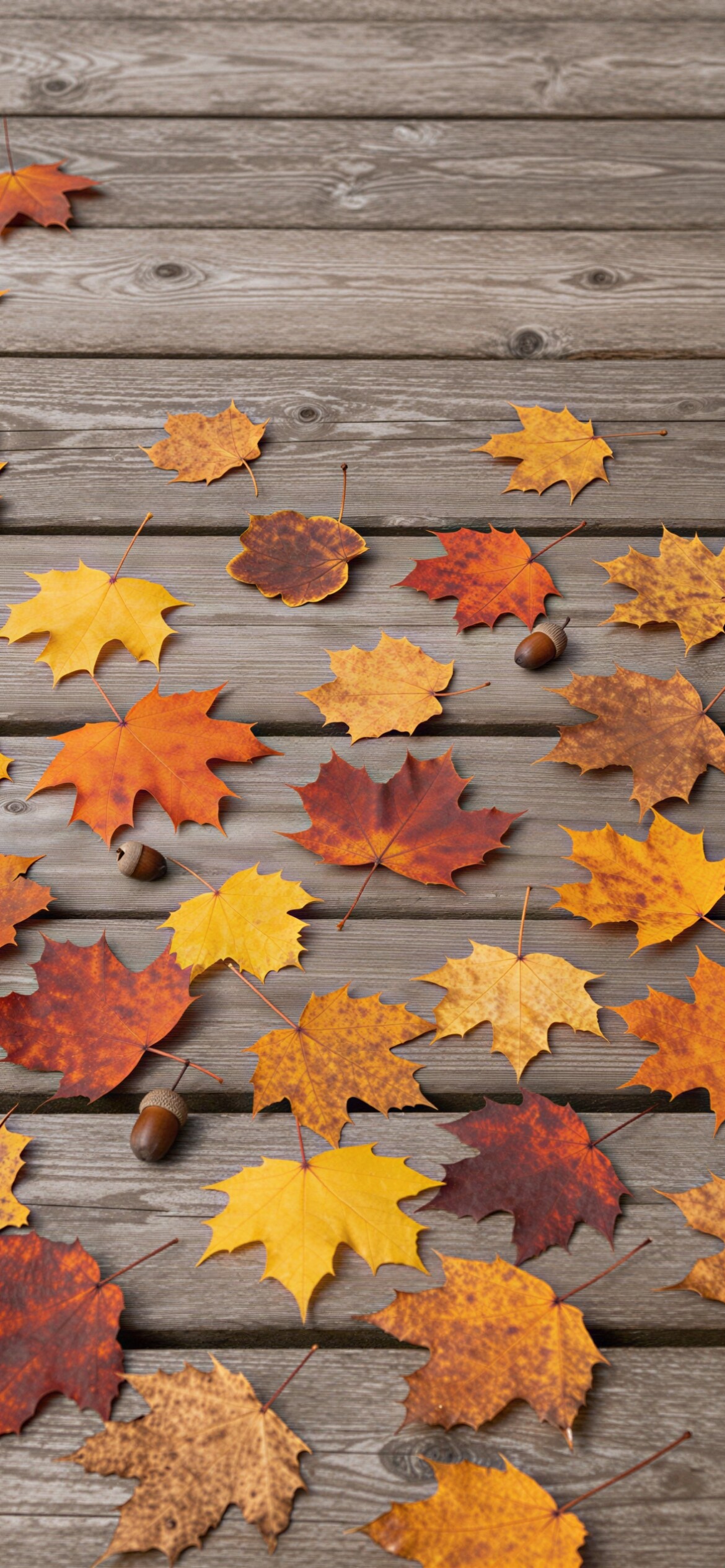
- Scattered leaves: A tapestry of dried leaves, acorns and branches on aged wood in natural daylight. Home screen friendly because the distributed arrangement doesn't demand central focus.
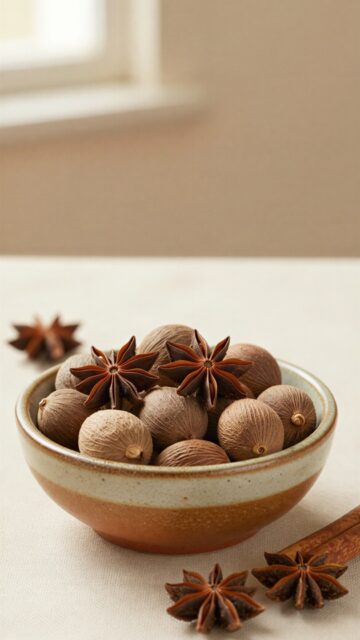
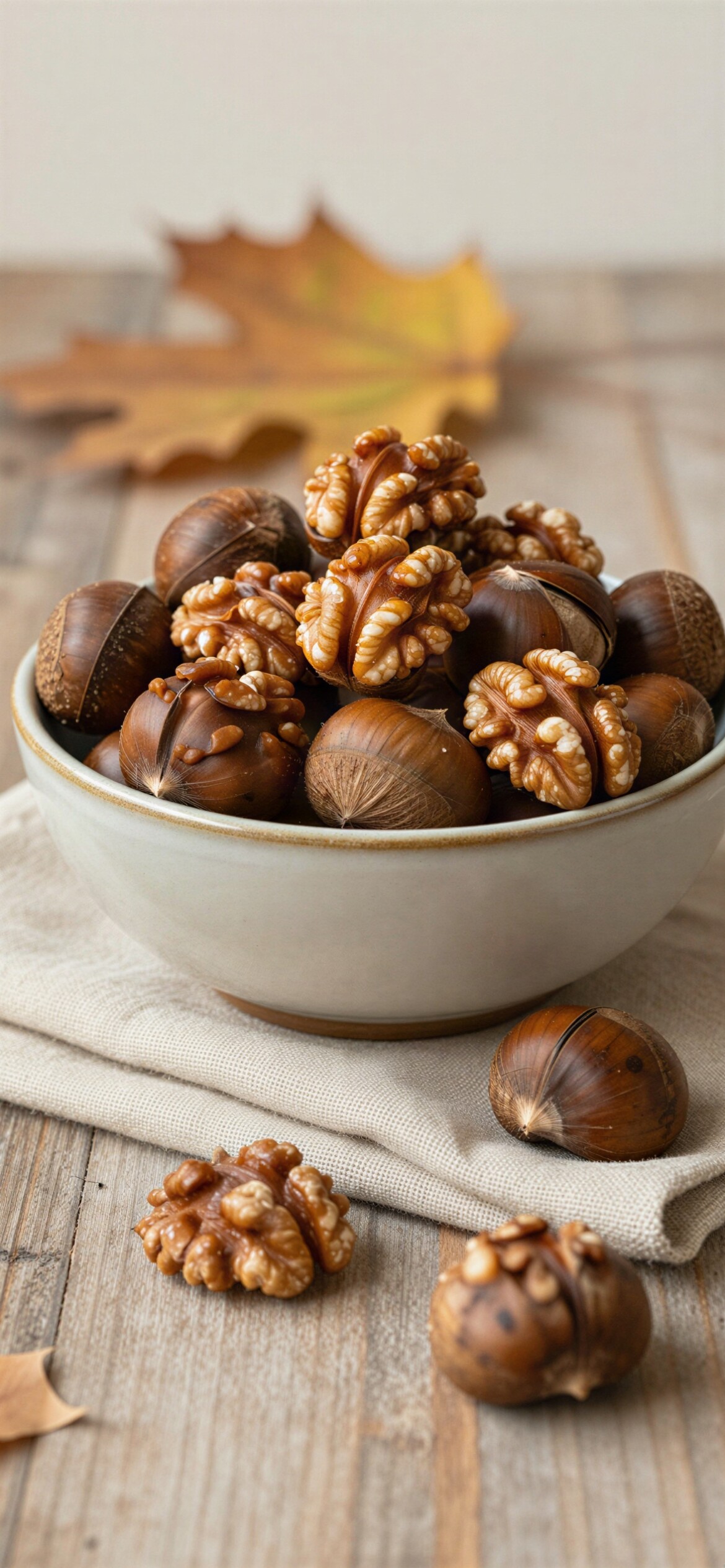
- Chestnut bowl: Roasted nuts in a ceramic bowl on linen with soft blurred foliage behind. Lock screen option; the contained bowl sits well at a glance.
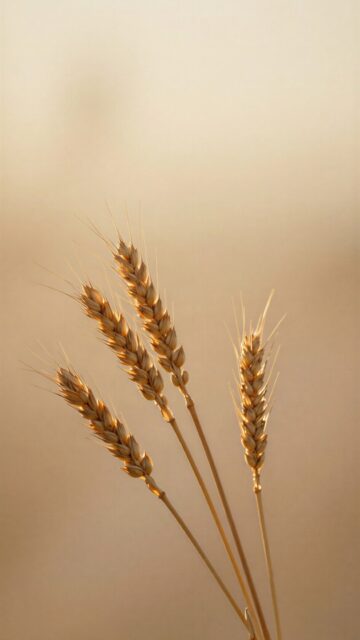
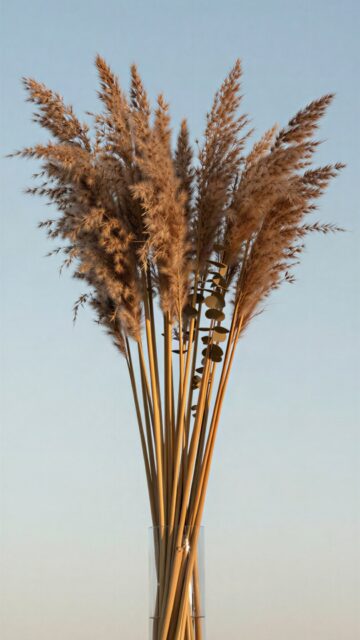
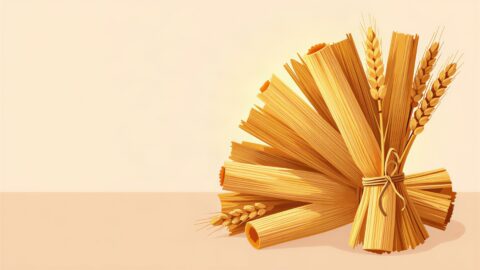
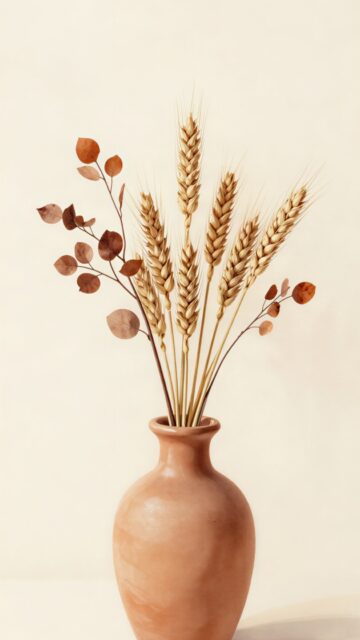
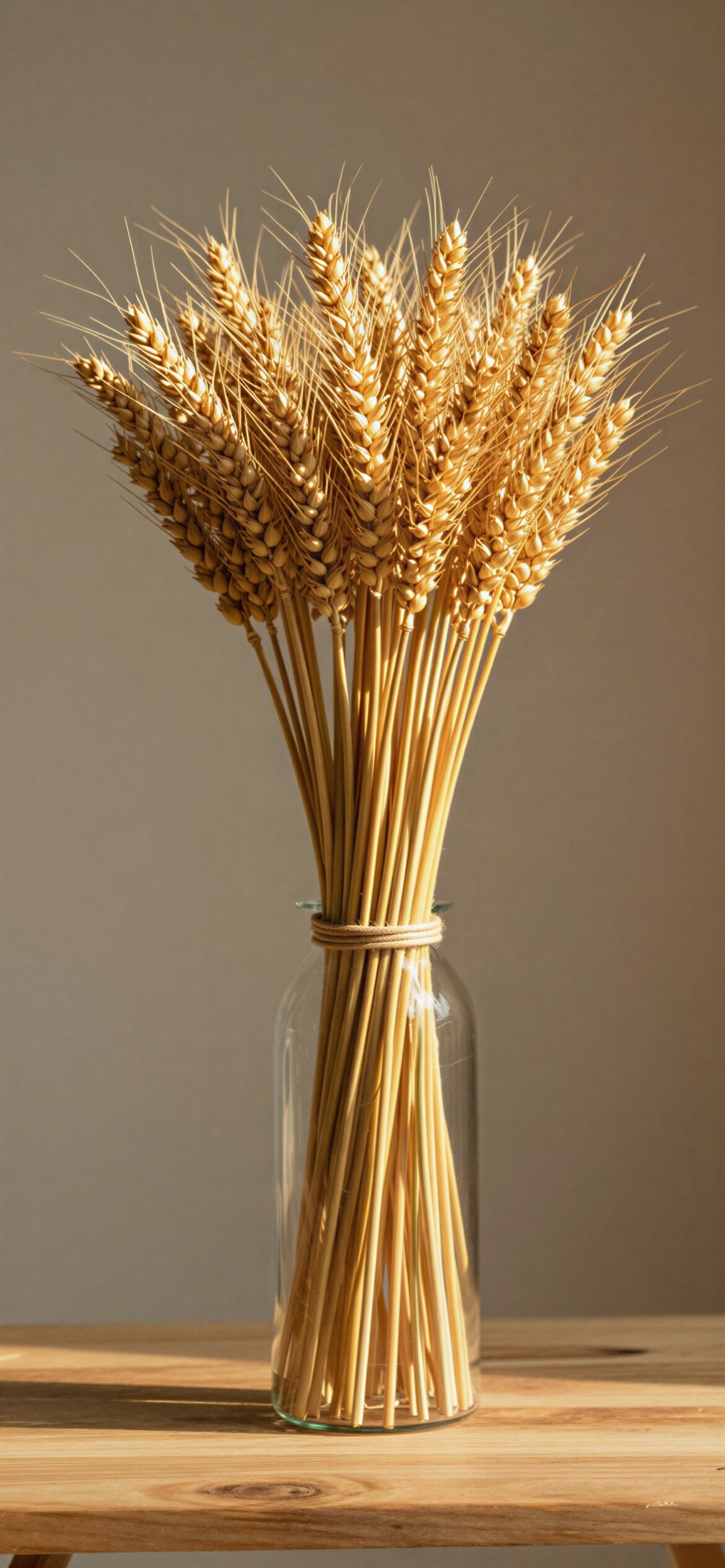
- Wheat in vase: Dried wheat and grasses tied with twine in a glass vase on a wooden shelf. Home screen suitable; the vertical arrangement frames icons nicely without overwhelming them.
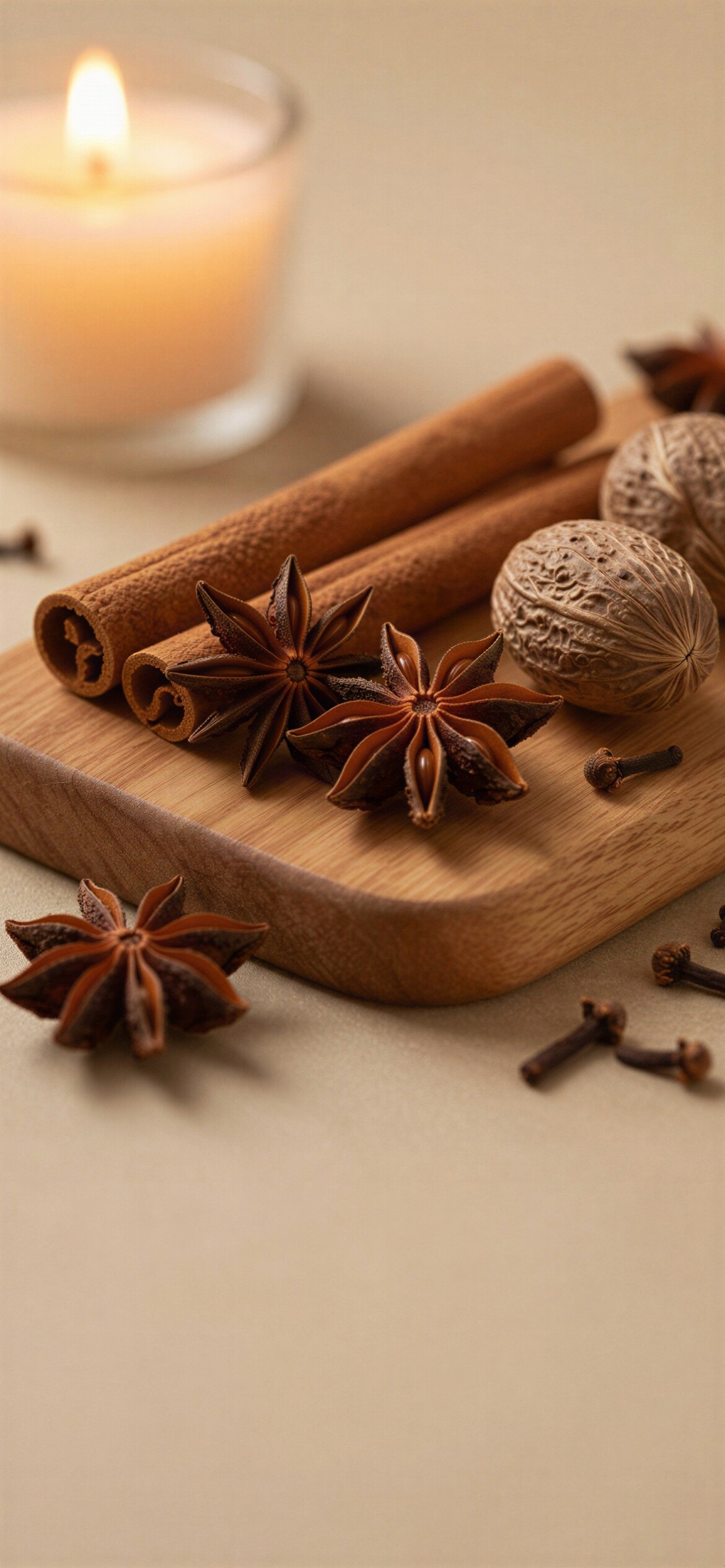
- Spice board: Cinnamon sticks, star anise and whole spices on wood in candlelight. Lock screen choice. The intimate, detailed arrangement rewards close attention.
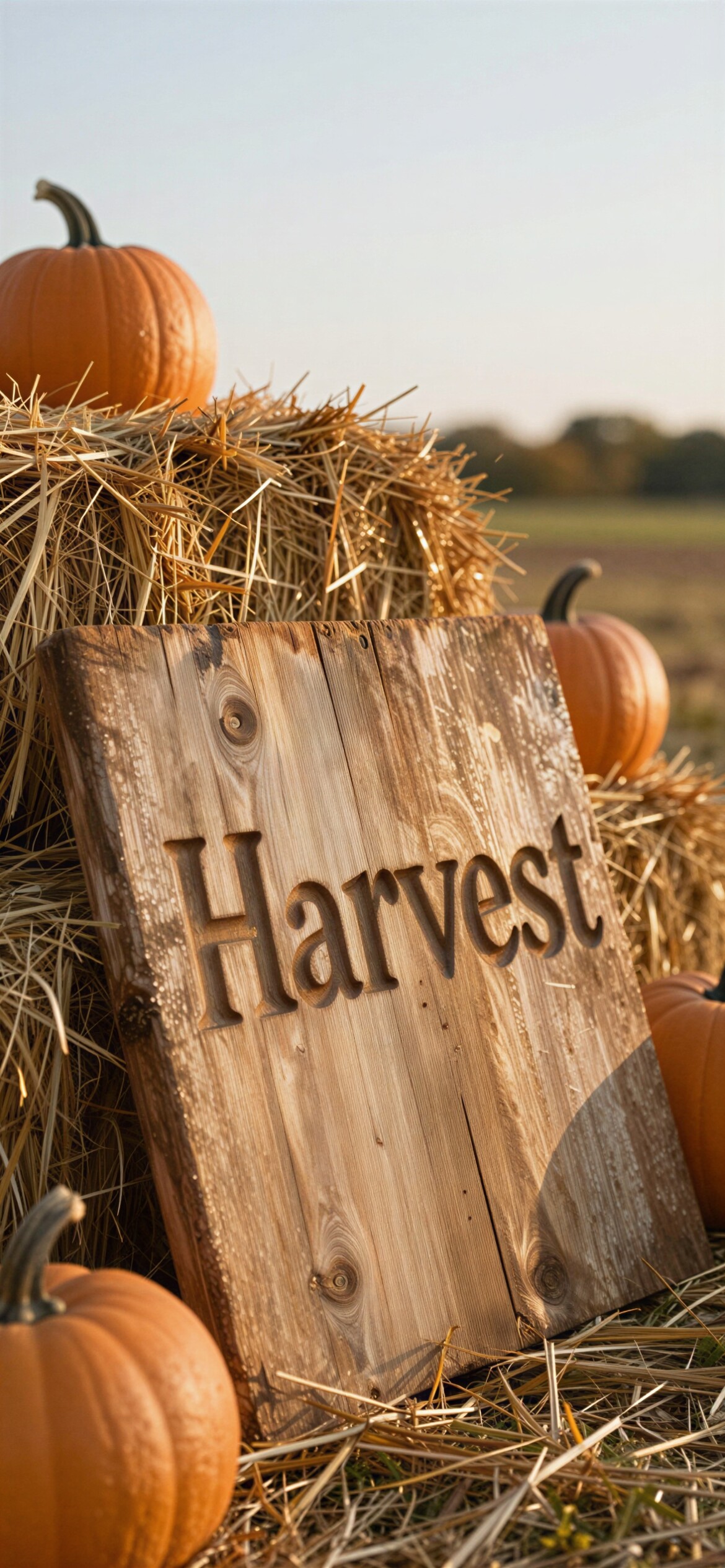
- Harvest sign: A weathered wooden sign leaning against hay and pumpkins in afternoon light. Home screen strong; the layered scene creates depth that holds up behind icons.
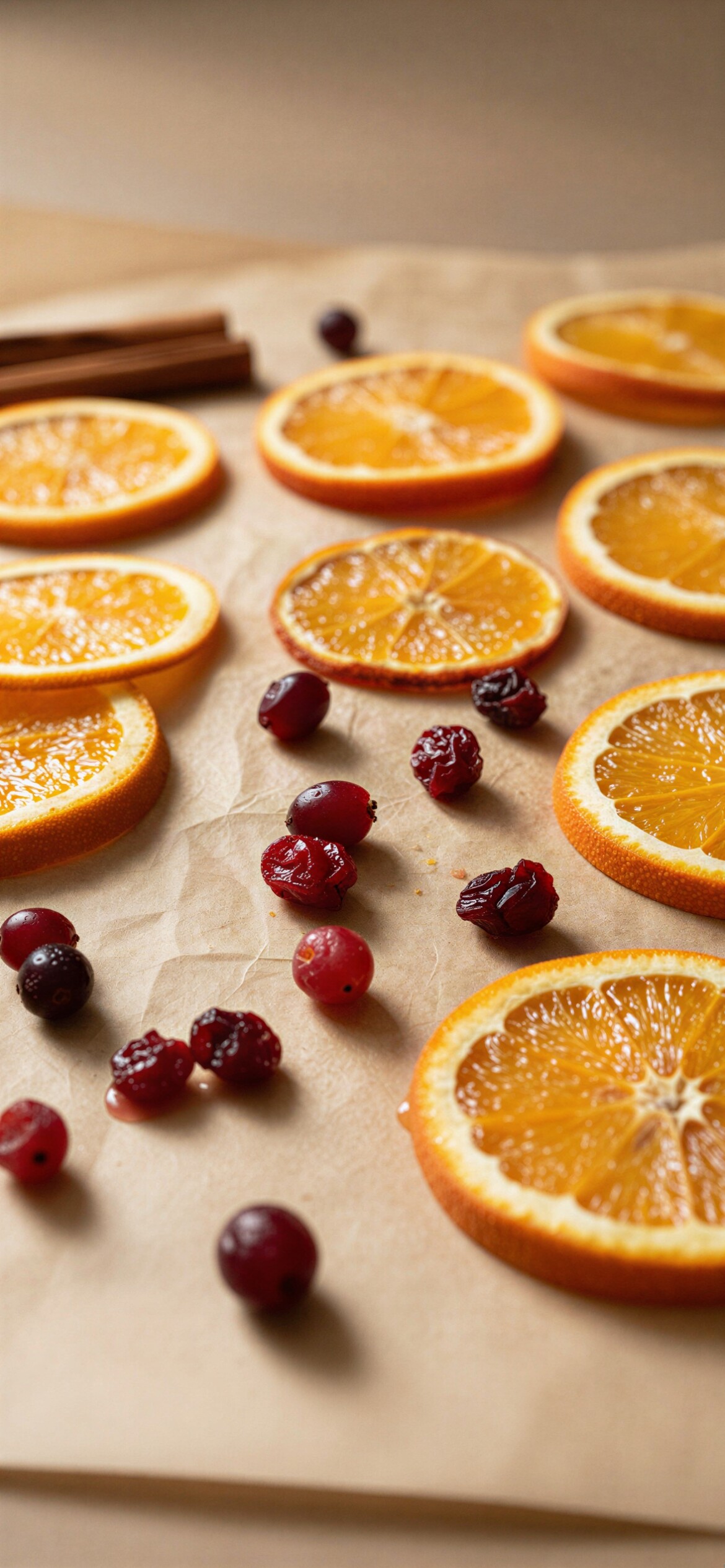
- Candied cranberries: Bright cranberries and orange slices on parchment with cinnamon in warm lamplight. Lock screen material; the jewel tones and compact arrangement catch the eye immediately.
Thanksgiving traditions in these designs
The imagery in this set draws from harvest festival traditions that span centuries. The cornucopia, or horn of plenty, appears in wallpapers 2 and 9 and traces back to ancient Greek and Roman symbolism of abundance and gratitude. The harvest table with its gathered produce, seen in wallpaper 1, echoes the communal harvest feasts that farmers held after bringing in crops. Pumpkins and squash, featured throughout, became linked to the holiday through 19th-century American tradition and now appear in wallpapers 1, 2 and 9 as symbols of the season itself. The spices in wallpaper 8, cinnamon and nutmeg especially, traveled along trade routes for centuries before becoming central to fall baking and holiday cooking. Dried wheat, visible in wallpaper 7, represents the grain harvest that sustained communities through winter and remains a visual shorthand for the season's bounty.
Mood and atmosphere by design
The first group, wallpapers 1, 2, 4, 6, 8 and 10, shares a mood of cozy abundance and intimate warmth. These designs use close-up or focused arrangements, candlelight and soft window light, and jewel-toned or warm caramel colors. They invite you to linger and appreciate the details. The second group, wallpapers 3, 5, 7 and 9, carries a more expansive, peaceful mood. These feature scattered elements, natural daylight, and compositions that breathe. They evoke a walk through an autumn landscape or a moment of quiet reflection among harvest offerings. Together, the collection balances intimate gratitude with the broader joy of seasonal change.
How to set it on your iPhone
- Tap Download and save the image to Photos.
- Open Settings, tap Wallpaper, then Add New Wallpaper, and choose Photos.
- Pick the wallpaper, pinch to position it, then tap Add and choose the lock screen, home screen or both.
Stuck on a step? The iPhone and iPad guide has screenshots for each one.
Questions
Will these wallpapers fit my iPhone without cropping?
This set is sized at 1170x2532 pixels for modern iPhones and fits without cropping on current models. Older iPhone models may crop slightly at the top or bottom edge depending on screen size and aspect ratio. You can test the fit by setting a wallpaper and adjusting the crop frame in your phone's settings before confirming.
Can I use these wallpapers on my other devices or share them online?
These wallpapers are free for personal use on your own devices. You cannot sell them, print them for sale, repost them on other wallpaper sites or use them commercially. Sharing the original download link to FreeWallpaperDaily is welcome. For complete terms, visit our Terms page.
Which wallpapers work best as lock screens versus home screens?
Wallpapers 1, 4, 6 and 8 are ideal for lock screens because they feature focused, self-contained subjects that read well at a glance. Wallpapers 2, 3, 5, 7, 9 and 10 suit home screens better because their distributed, wider arrangements frame app icons without competing for attention or creating visual clutter.
Do these designs work with dark mode or light mode on iPhone?
All designs in this set use warm earth tones and natural lighting that work well in both light and dark modes. The warm golds, browns and oranges remain readable regardless of your system setting. If icons appear hard to read, try pairing a design with a complementary app icon pack or folder layout that contrasts with the warm tones.