Painting Wallpaper iPhone
Painting iPhone wallpaper brings original artwork to your lock and home screens. These designs showcase brushstrokes, canvas textures and rich color palettes inspired by classic and contemporary painting styles. Each wallpaper is curated by hand and ready to download for free. The painting wallpapers for iPhone work best on devices with OLED screens, where the colors pop against darker areas. Whether you prefer abstract compositions or landscape-inspired scenes, this set offers something for every taste.
10 wallpapers at 1170 × 2532 px for iPhone. Checked by hand on 9 Oct 2026.
About this set
These painting wallpapers showcase traditional and contemporary art styles with visible brushstrokes and canvas texture. The designs range from landscapes and florals to abstract compositions and still life scenes. Each wallpaper is rendered in authentic media—oils, acrylics and watercolors—bringing the tactile quality of real artwork to your screen.
The abstract and landscape paintings work well as lock screen backgrounds, where the vertical composition keeps important elements centered. The more detailed pieces suit home screens where they sit behind app icons without competing for attention. These wallpapers pair nicely with neutral app icons or warm-toned icon packs that echo the painting palette.
Oil, watercolour and why they look so different
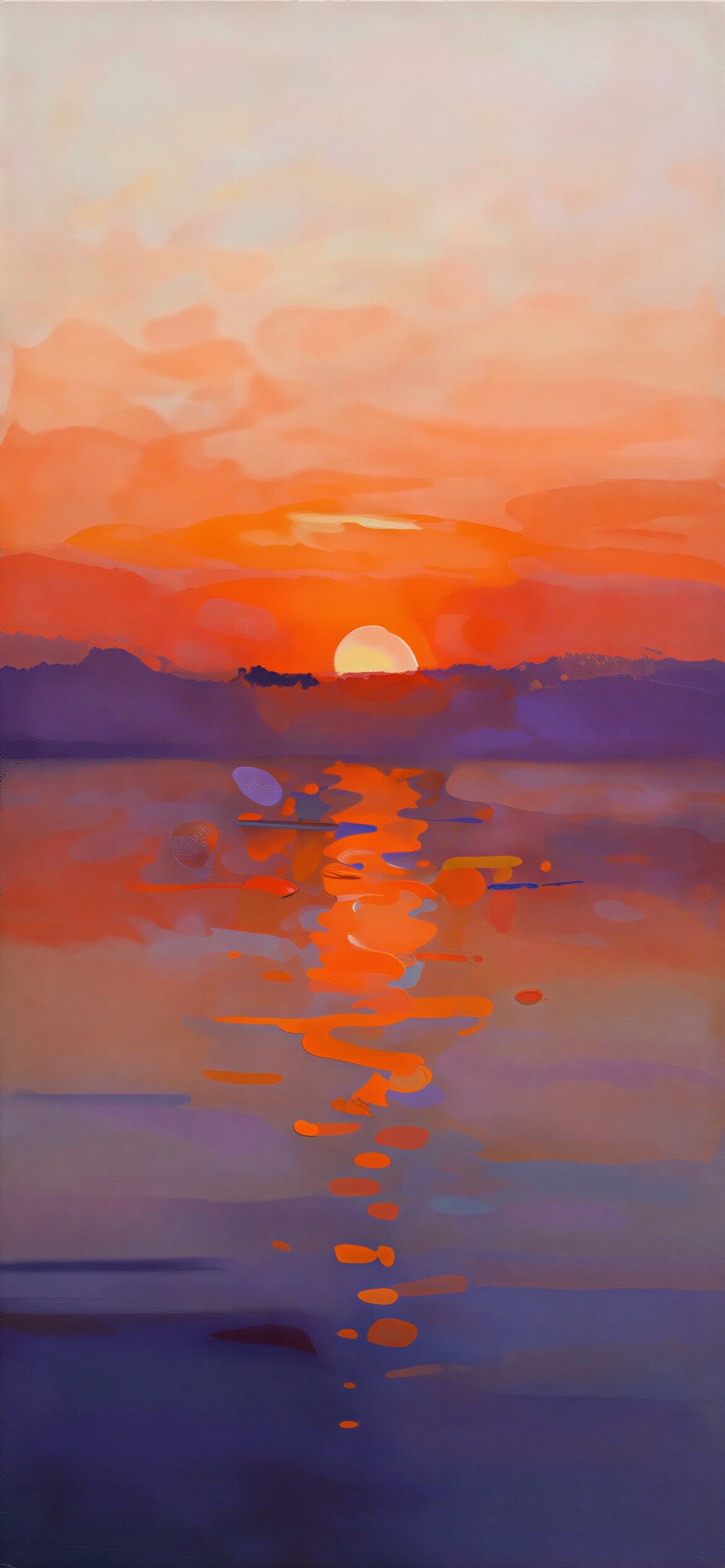
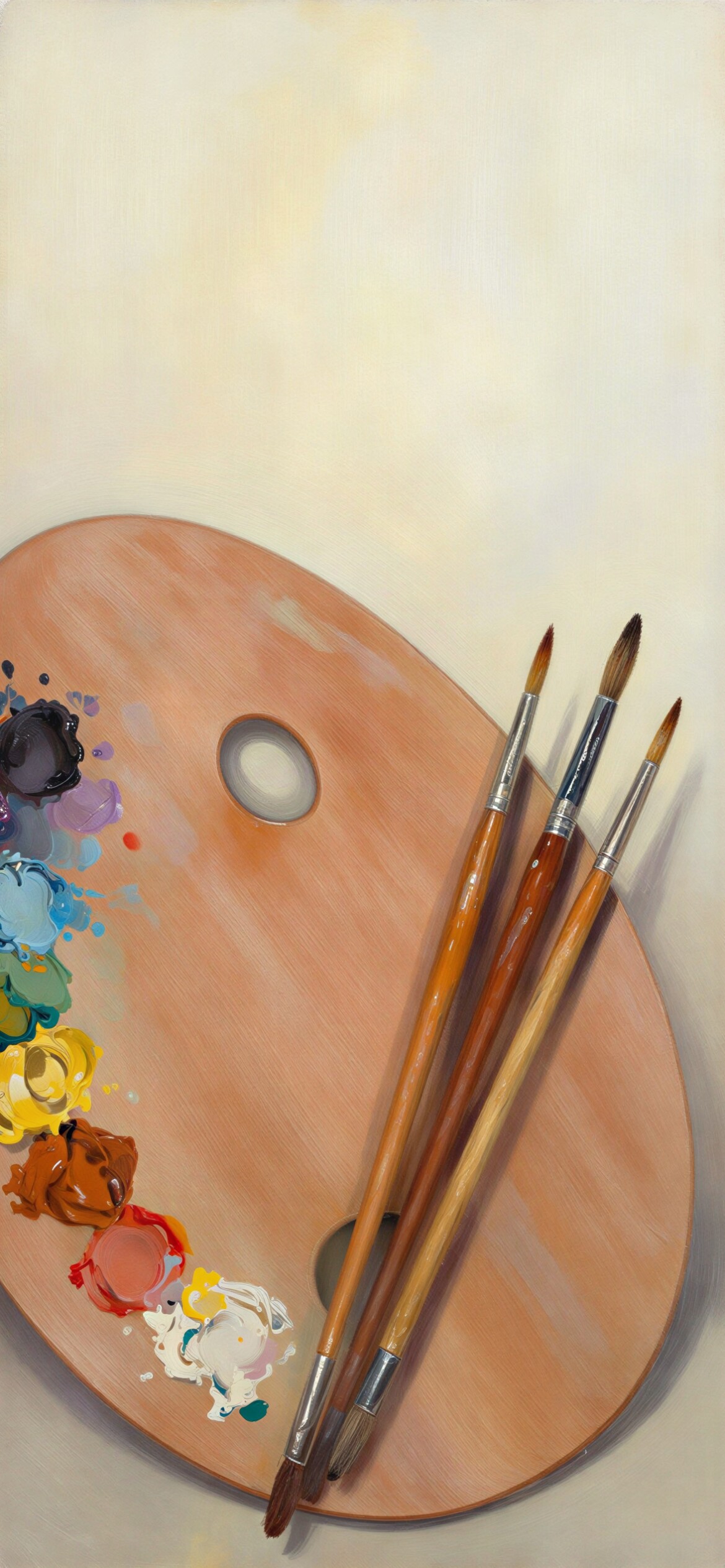
Oil paint is pigment ground into a drying oil, usually linseed. It sets slowly as the oil reacts with air, so a painter can blend and push it around for days, and thick strokes keep their ridges once dry. You can see that kind of heavy, visible stroke in the abstract sunset of #2, and #9 is an oil painting of the palette and brushes themselves.
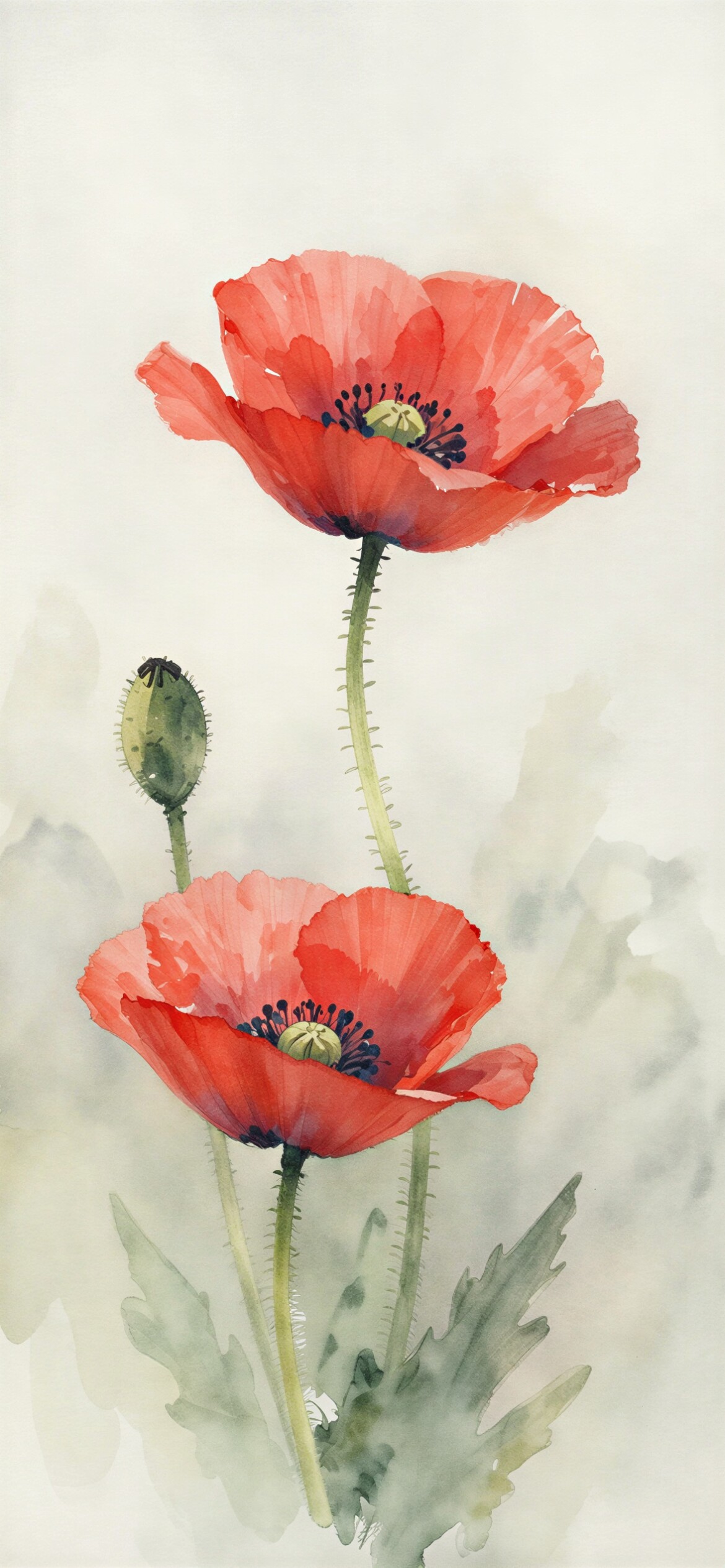
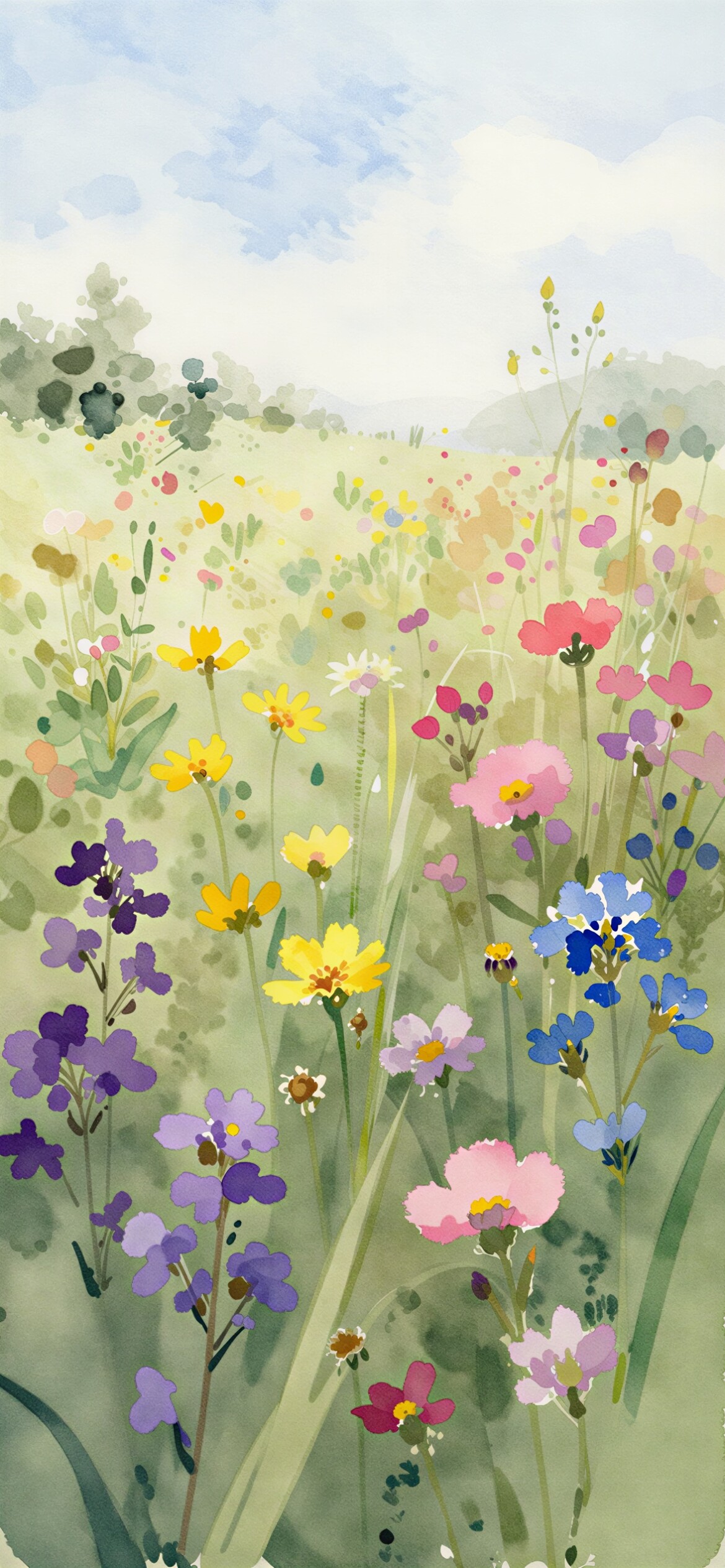
Watercolour works the other way round. The pigment is bound with gum arabic and thinned with water, and there is no white paint doing the bright parts: the paper itself shows through. That is why the poppy in #3 and the meadow in #7 sit on such pale, glowing backgrounds.
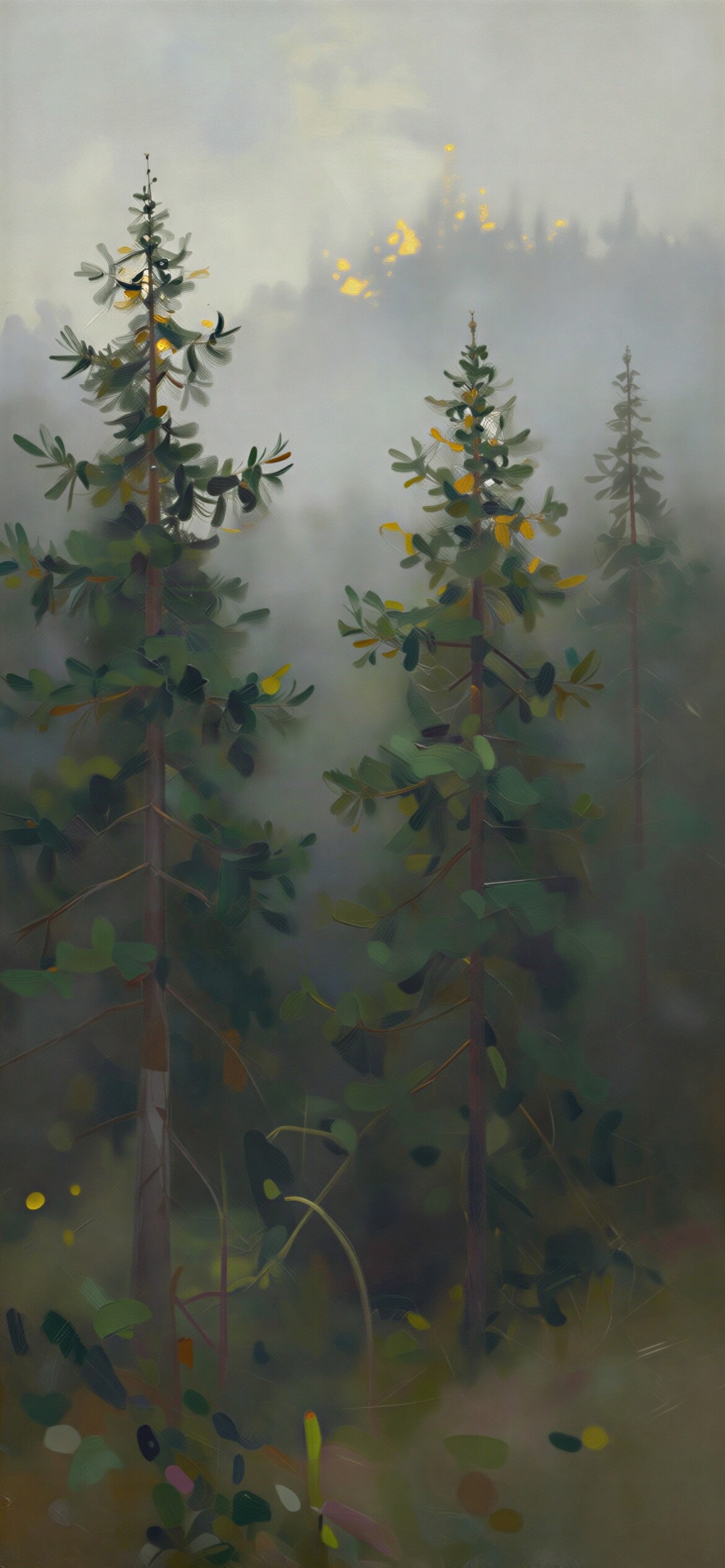
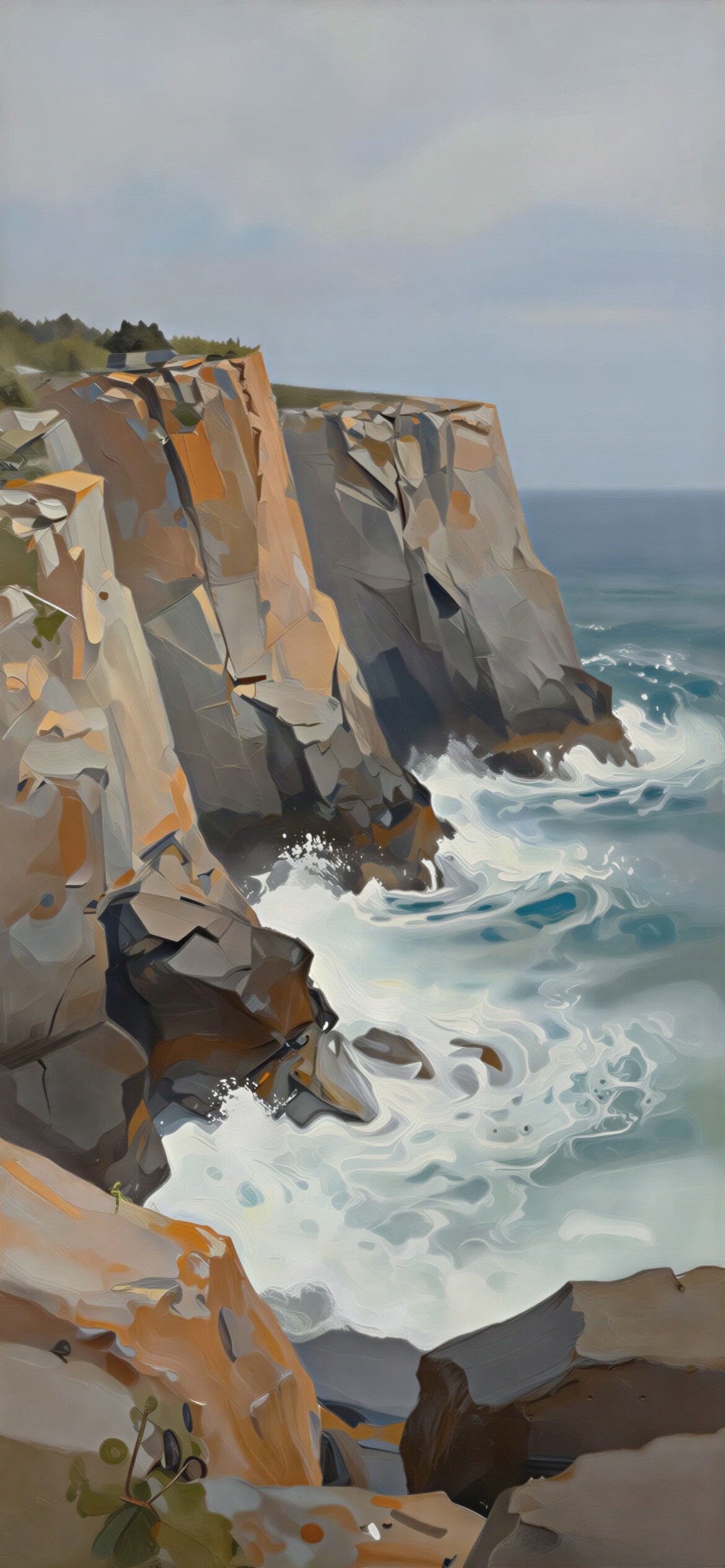
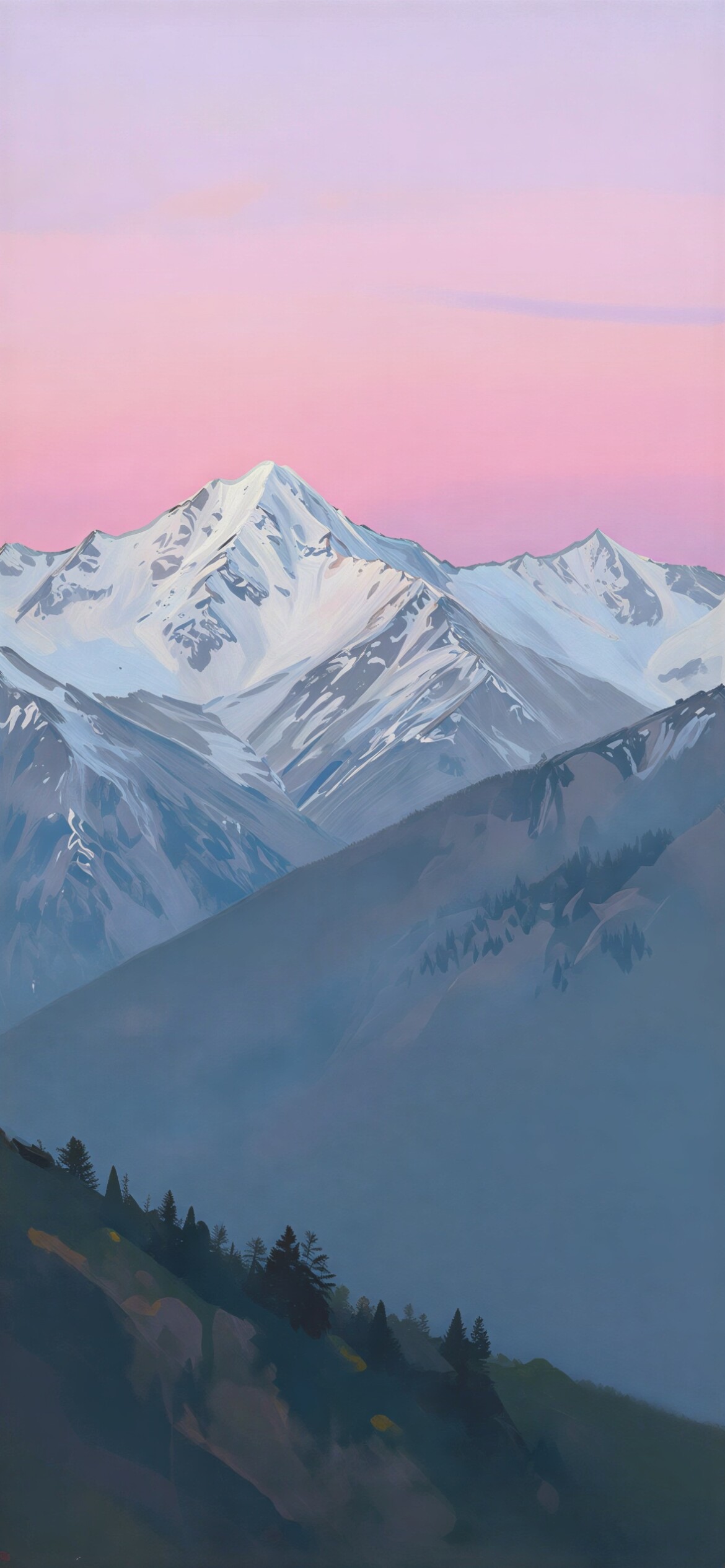
Landscapes like the forest in #1, the cliffs in #4 and the peaks in #8 owe a lot to the collapsible metal paint tube, patented by the American painter John Goffe Rand in 1841. Before it, carrying wet paint outdoors was awkward, and painting outside from life became much more common afterwards. Painters also learned to show distance by making far things paler and bluer, which is exactly what the fog in #1 and the soft sky behind #8 are doing.
Ten canvases, from forest fog to rain on glass
- #1 Tall pines fading into fog. The misty top leaves the clock easy to read.
- #2 An abstract sunset in orange, crimson, purple and indigo. Loud and lively, best on a home screen with few icons.
- #3 A single red poppy in watercolour on a pale ground. Clean and simple for a lock screen.
- #4 Waves breaking against rocky cliffs. The most dramatic picture in the set.
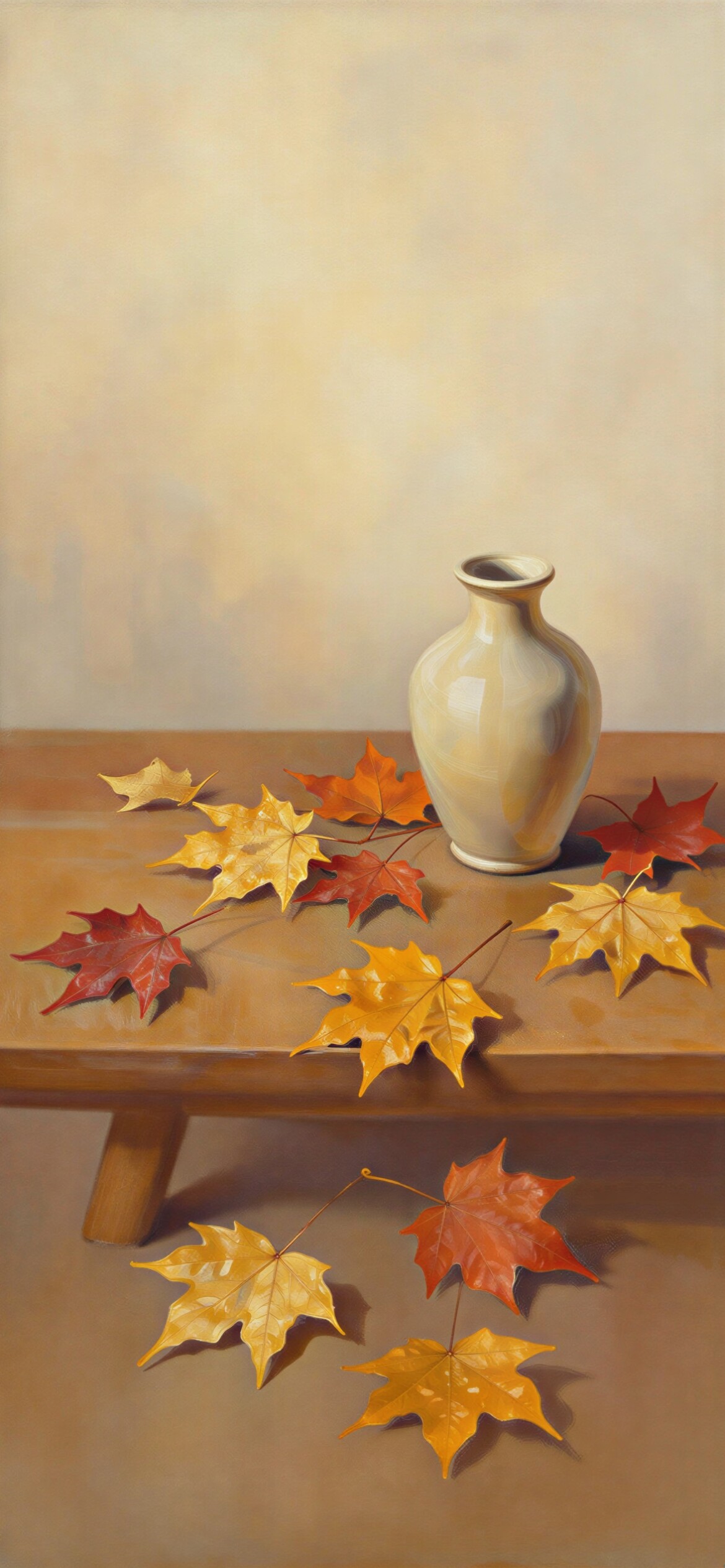
- #5 An autumn still life with fallen leaves and a ceramic vase, quiet and warm.
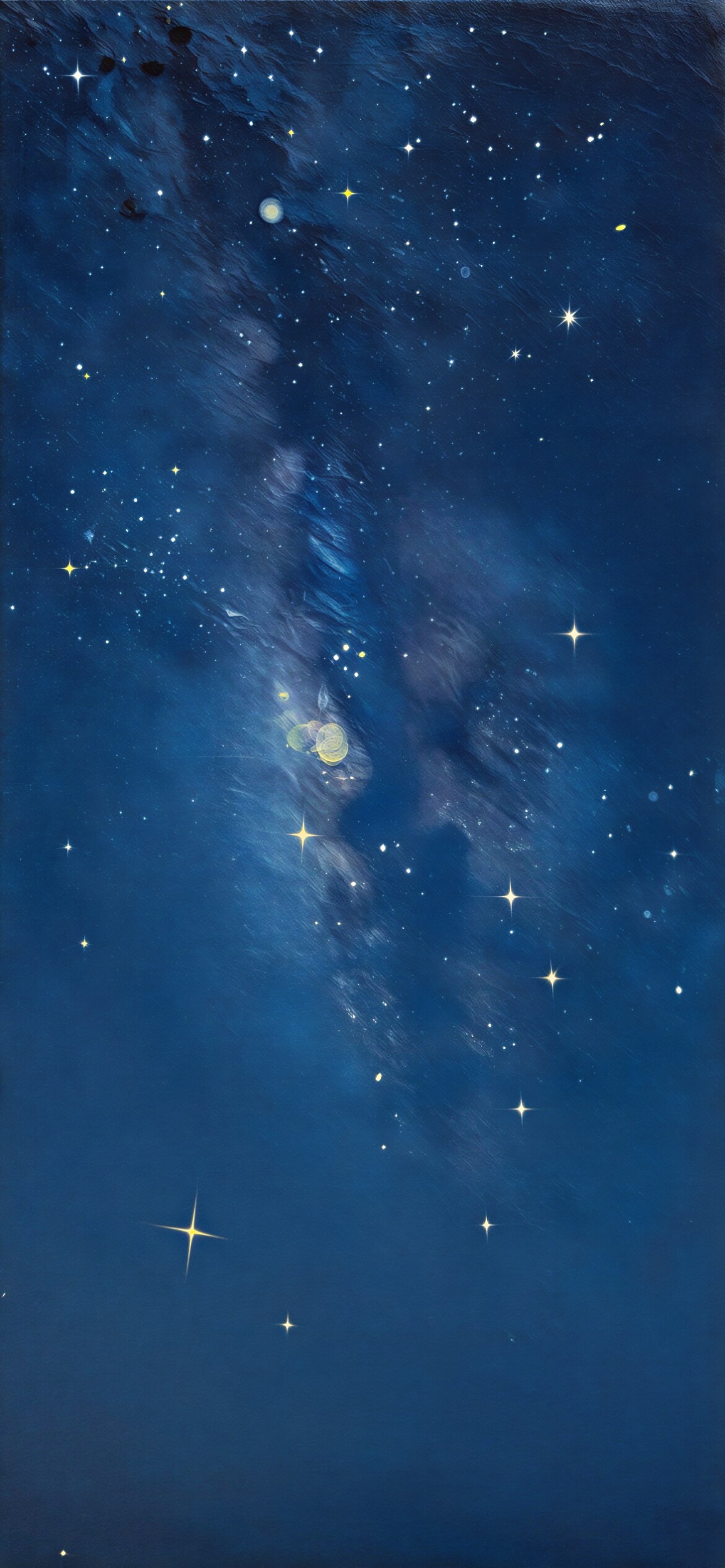
- #6 A star-filled night sky in deep indigo. Good for dark mode and evening use.
- #7 A watercolour meadow of purple, yellow and pink wildflowers, cheerful in spring and summer.
- #8 Snow-capped mountains under a soft gradient sky, calm and open at the top.
- #9 An artist's palette and brushes in warm wood tones, a nice nod to the craft itself.
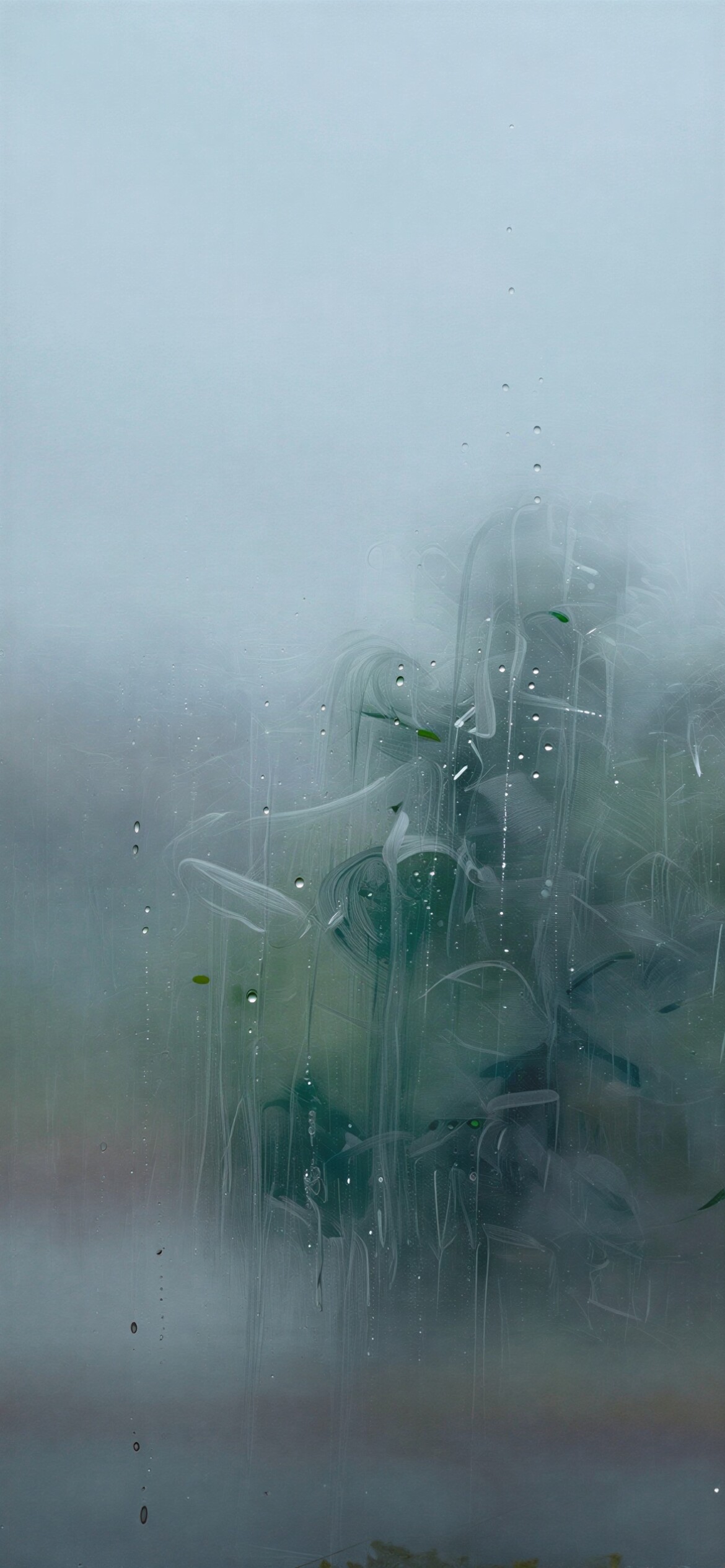
- #10 Rain on glass, painted as blue and green streaks. Abstract enough to sit behind any icon layout.
Cool and quiet, or warm and bold?
For a calm screen, the cool, soft pieces are #1, #6, #8 and #10. If you want warmth without much fuss, #5 and #9 have that cosy brown and amber feel. The two flower watercolours, #3 and #7, are the brightest and lightest of the set, while #2 and #4 bring the most energy, one through colour and the other through crashing water.
If you like painted styles, the Van Gogh wallpapers show one painter's swirling brushwork up close, the watercolor set stays with soft washes, and the Art Deco collection swaps brushstrokes for crisp geometric lines.
How to set it on your iPhone
- Tap Download and save the image to Photos.
- Open Settings, tap Wallpaper, then Add New Wallpaper, and choose Photos.
- Pick the wallpaper, pinch to position it, then tap Add and choose the lock screen, home screen or both.
Stuck on a step? The iPhone and iPad guide has screenshots for each one.
Questions
Will these painting wallpapers fit my iPhone screen?
Yes. These wallpapers are sized at 1170x2532 pixels, which is the native resolution for current iPhone models. They scale automatically to fit your device whether you use them as lock screen or home screen backgrounds. They are sized for modern iPhones, and some older models may crop slightly at the edges.
Can I use these painting wallpapers commercially or share them elsewhere?
These wallpapers are free for personal use on your own devices only. You may not sell them, print them for sale, or repost them on other wallpaper sites or social media. For details on permitted use, see our Terms page.
Which painting wallpapers work best for the lock screen versus the home screen?
The abstract and landscape paintings with simpler tops are ideal for lock screens, where they frame your time and notifications cleanly. The detailed still life and flower paintings suit home screens better, where they sit beneath app icons without distraction. Try both and see what feels right for your setup.
Do these painting wallpapers work year-round, or are they seasonal?
These designs are evergreen and work all year. The autumn still life and wildflower paintings feel fresh in warmer months, while the mountain landscape and night sky work beautifully any season. Choose based on the mood and colors you want on your screen right now.