Motivational Wallpaper iPhone
Motivational wallpaper for iPhone brings daily inspiration to your lock screen with uplifting designs that energize and refocus your mind. These wallpapers combine bold typography, powerful imagery and encouraging messages to create a personal reminder of your goals and potential. Each design is crafted to fit modern iPhones and work seamlessly with your clock, widgets and app icons in both dark and light mode. Whether you need a push to start your day or a boost during challenging moments, this collection of motivational iPhone wallpapers offers visual encouragement wherever you tap your phone. The set includes varied approaches to inspiration, from minimalist text designs to nature scenes paired with affirmations, so you can choose what resonates with your personal style and mindset.
10 wallpapers at 1170 × 2532 px for iPhone. Checked by hand on 23 Oct 2026.
About this set
This collection features designs that blend visual calm with powerful messaging. The wallpapers use a mix of natural scenes, architectural elements and minimalist compositions in neutral palettes of cream, grey, bronze and soft blue tones. Lighting is consistently warm and natural, whether from sunrise, golden hour or soft window light, creating an atmosphere of clarity and purpose. Typography ranges from bold sans-serif fonts that command attention to elegant lettering that feels personal and reflective. Each design maintains breathing room and visual simplicity so the motivational message feels integrated rather than forced.
For lock screen use, wallpapers 1, 4, 7 and 9 work best because they remain readable even when the clock, date and widgets overlay the image. Their main subjects sit in the middle or lower portion, leaving the top quarter open for system elements. Wallpapers 2, 3, 5, 6, 8 and 10 suit the home screen better, where they provide an inspiring backdrop without competing with app icons. All designs work equally well in dark and light mode because they use strong contrast between text and background. Pair these with minimal app icons or organize your layout to frame the most motivational part of the image.
A closer look at each motivational wallpaper
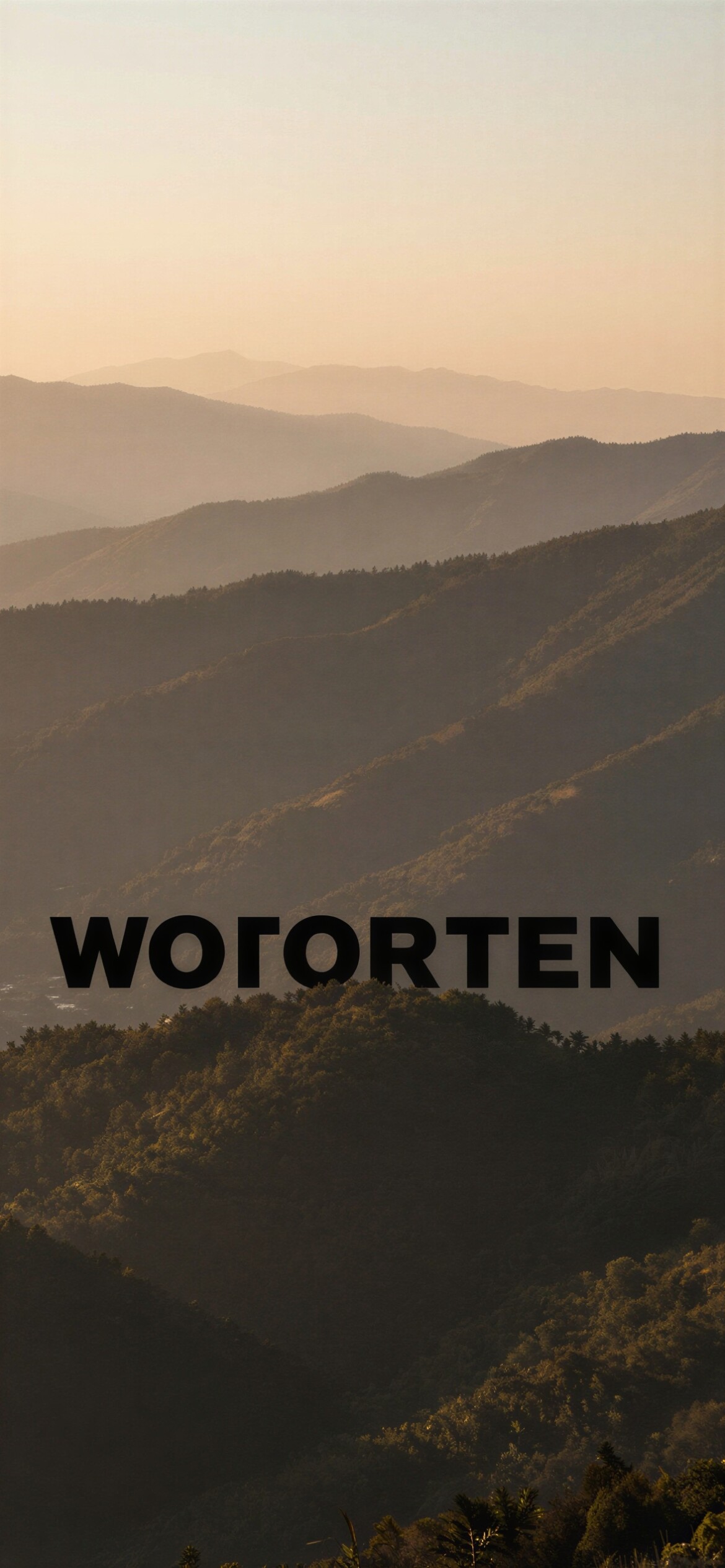
- Mountain sunrise: Golden light spills across layered peaks with a single empowering word positioned in the lower third. This works best as a lock screen where it stays visible behind your clock and widgets, offering a daily reminder of your potential when you first unlock your phone.
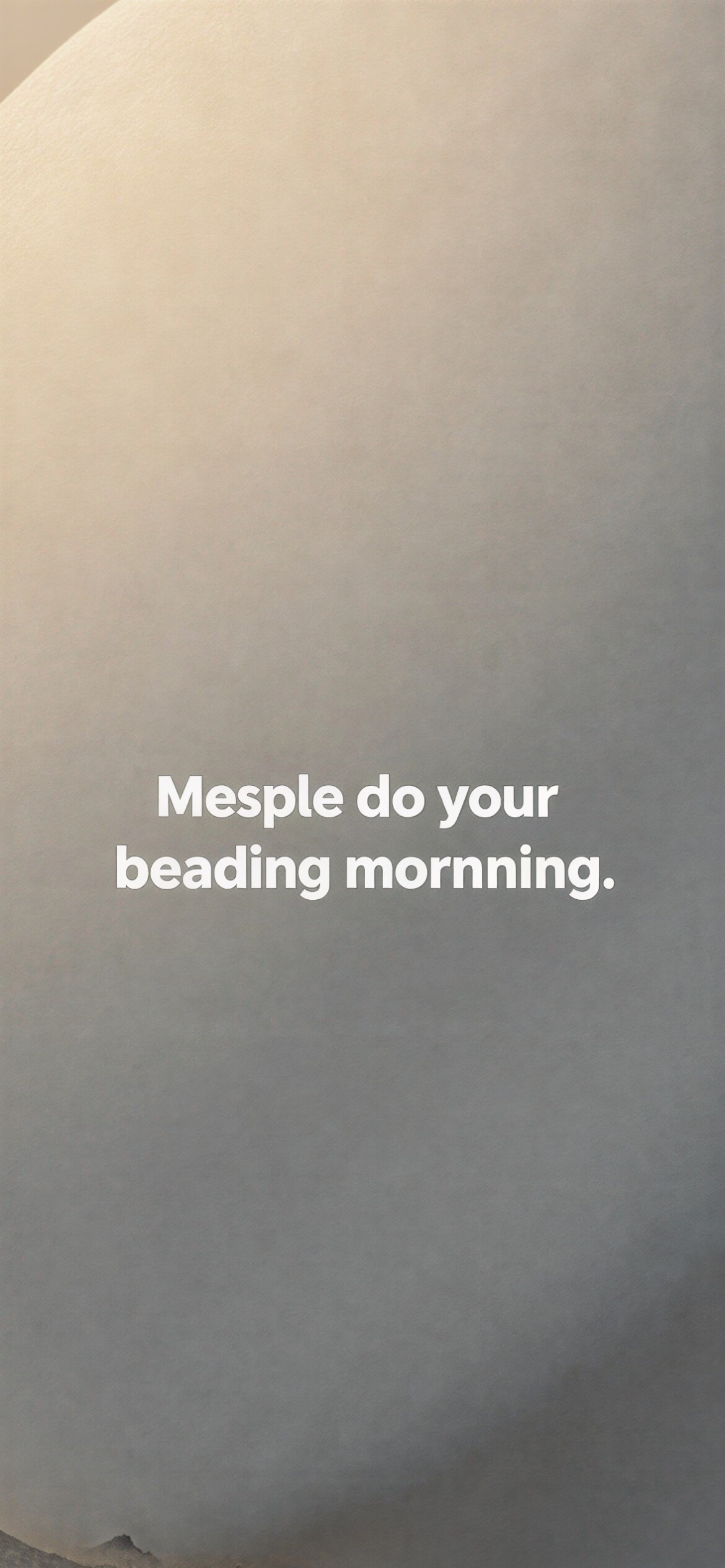
- Stone texture: A polished surface with subtle variations and warm morning light creates a grounded, minimalist foundation for two short motivational words. This home screen wallpaper works well in both dark and light mode and won't compete with your app icons.
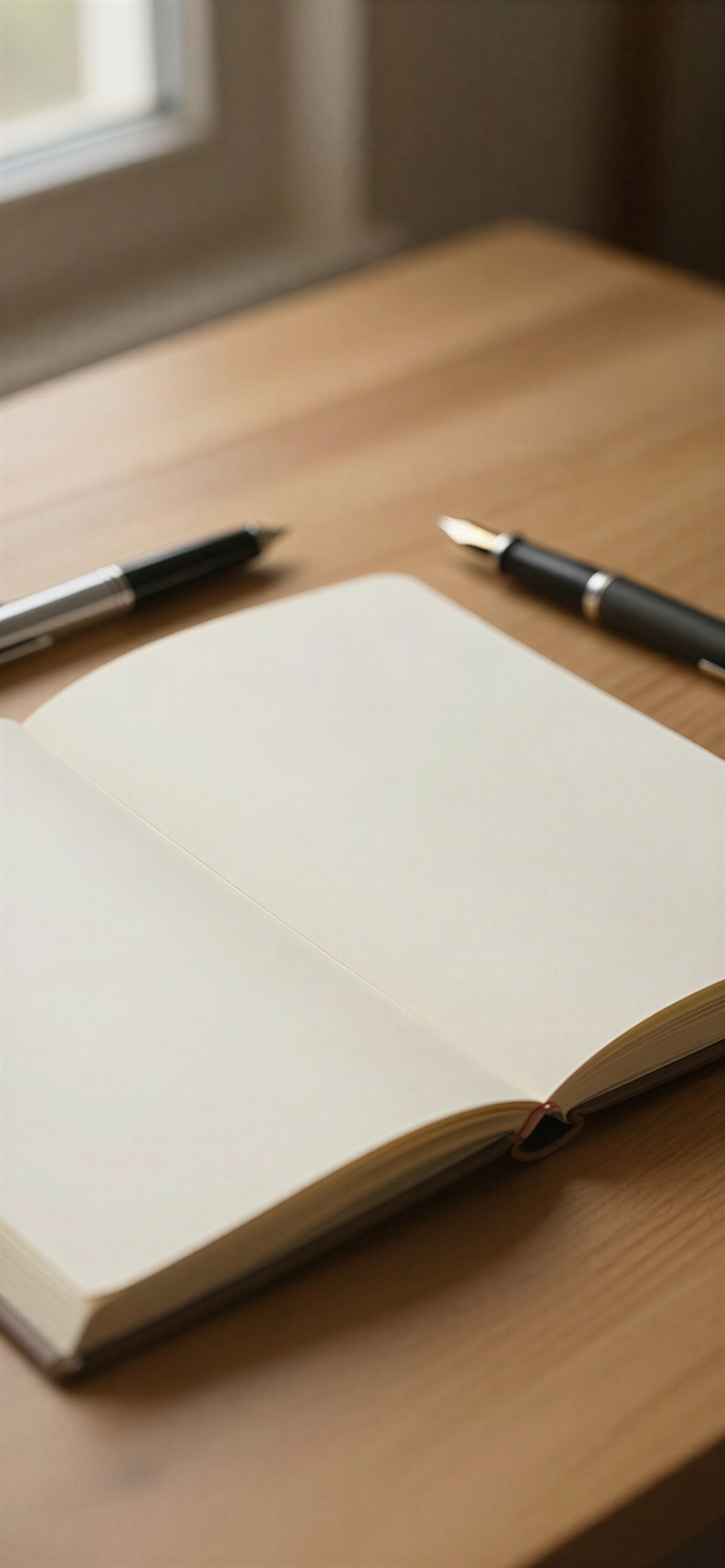
- Journal and pen: An open notebook with a fountain pen and warm window light evokes the act of planning and writing your intentions. It feels personal and makes a quiet home screen, with the journal page showing between your rows of app icons.
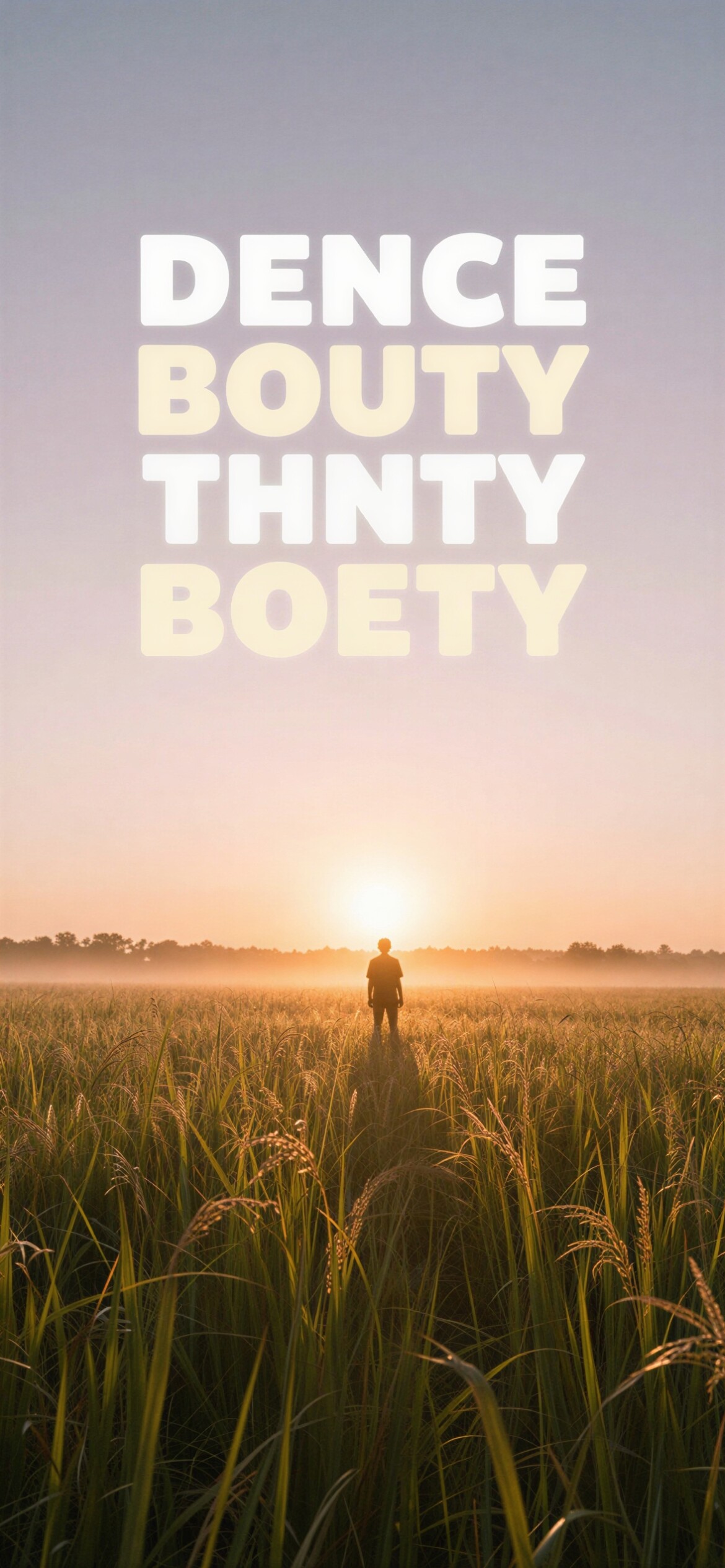
- Solitary figure: A single silhouette faces a misty sunrise in an open field, with bold text floating in the pale sky. This lock screen wallpaper inspires contemplation and works well with minimal status information overlaid at the top.
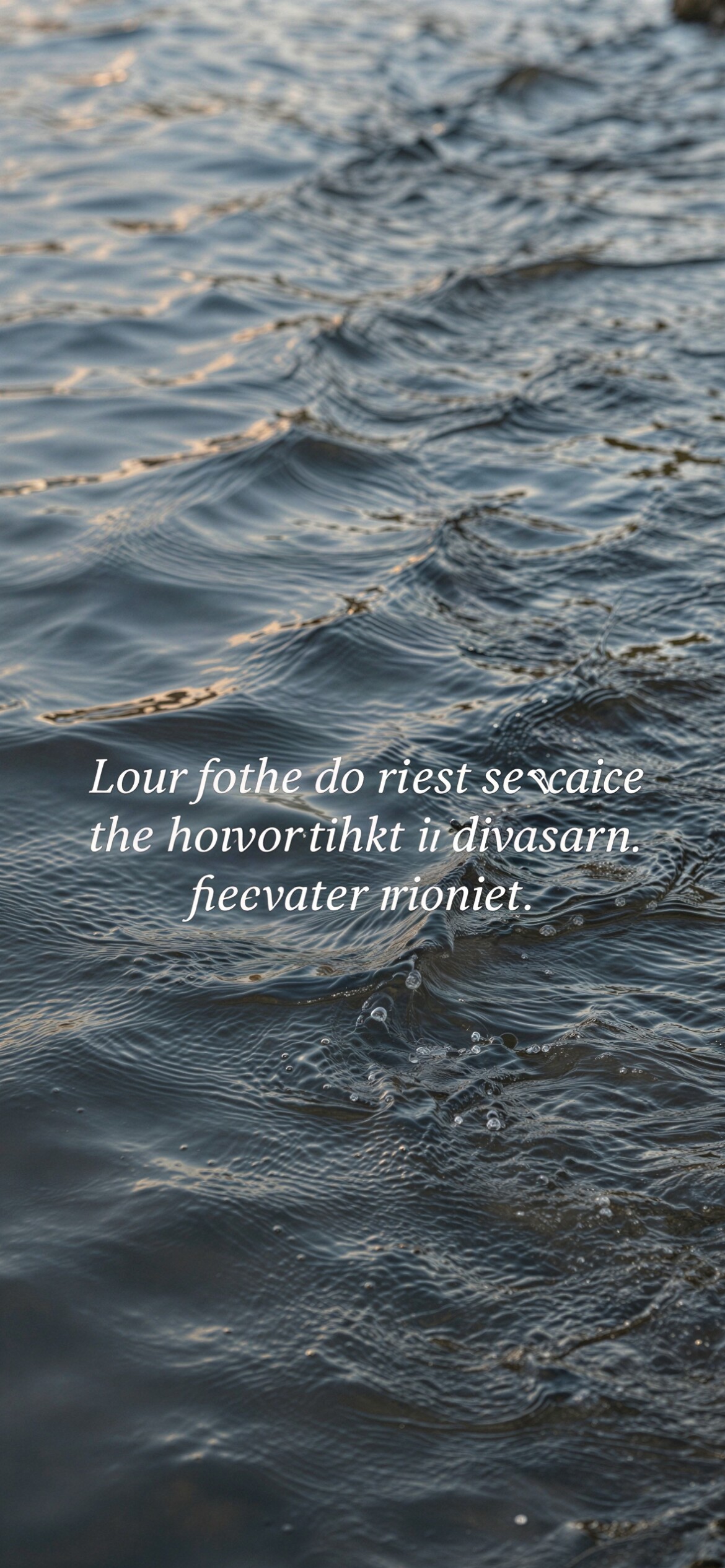
- Flowing water: Ripples and reflections catch warm light as motivational text appears in the lower portion. This home screen design has a calming effect and suits setups where app icons float above the water element.
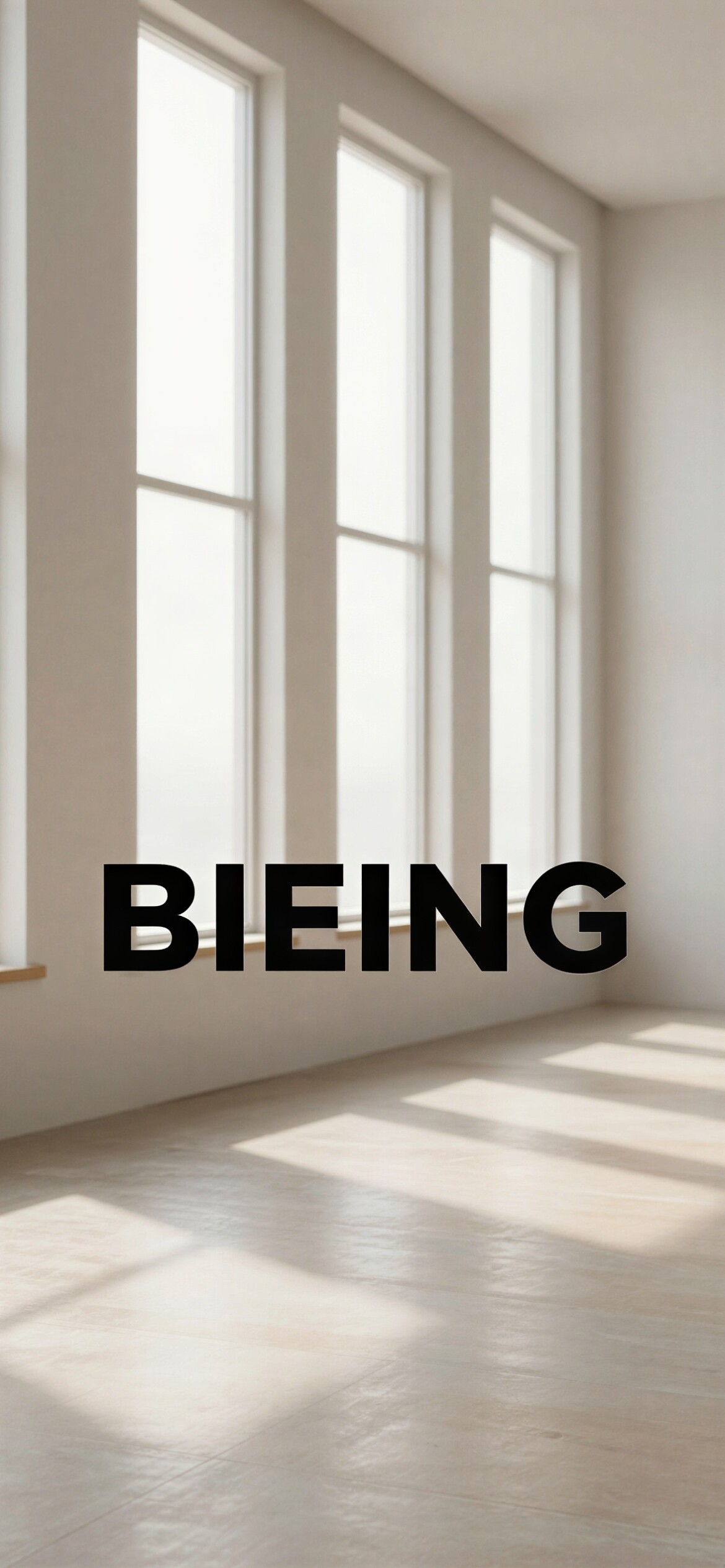
- Minimalist interior: Clean architectural lines and soft geometric shadows create a focused, professional backdrop. This home screen wallpaper works especially well with dark mode and organized app layouts that emphasize simplicity.
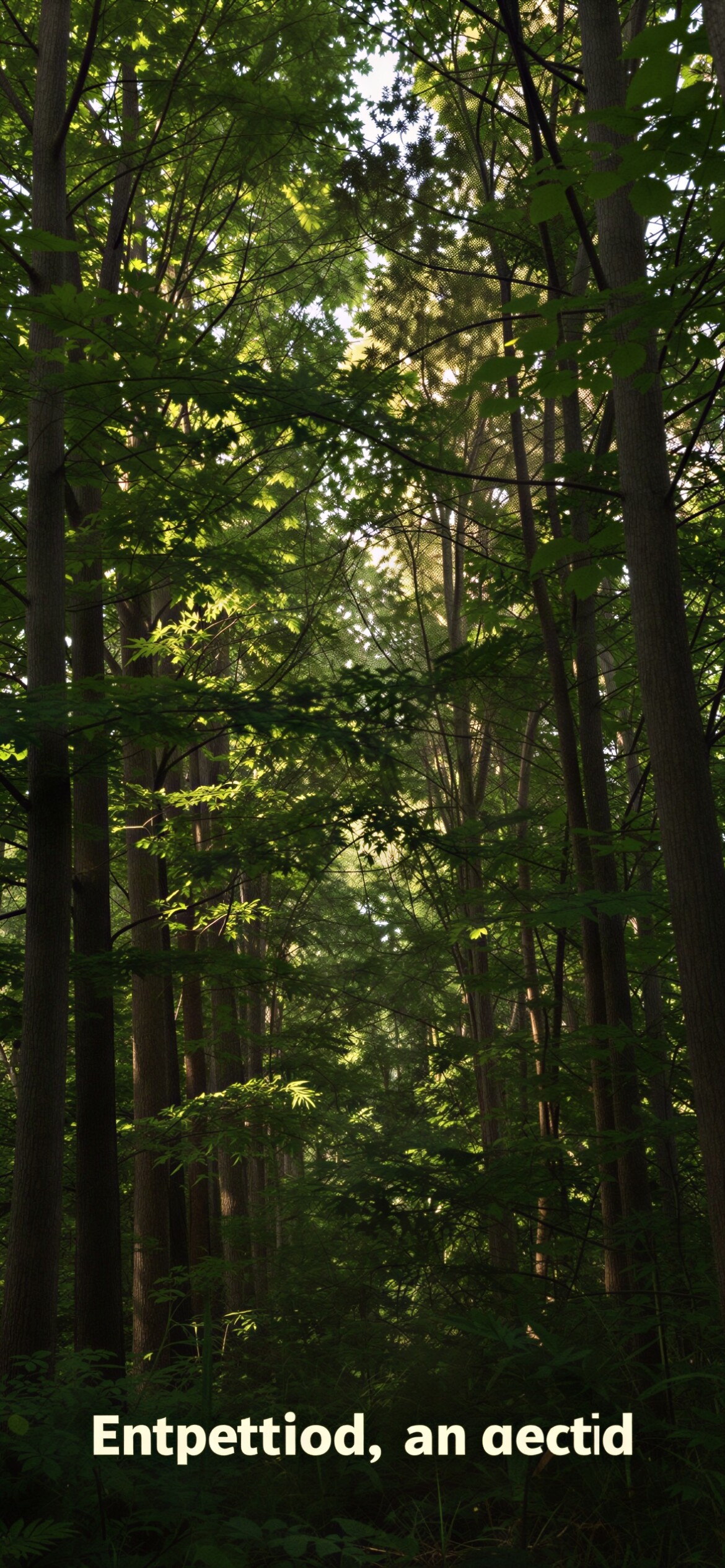
- Forest canopy: Tall trees frame the composition with dappled light filtering through green foliage, and text appears in the lower third. This lock screen design feels grounded and protective, ideal when you want nature as your daily motivation.
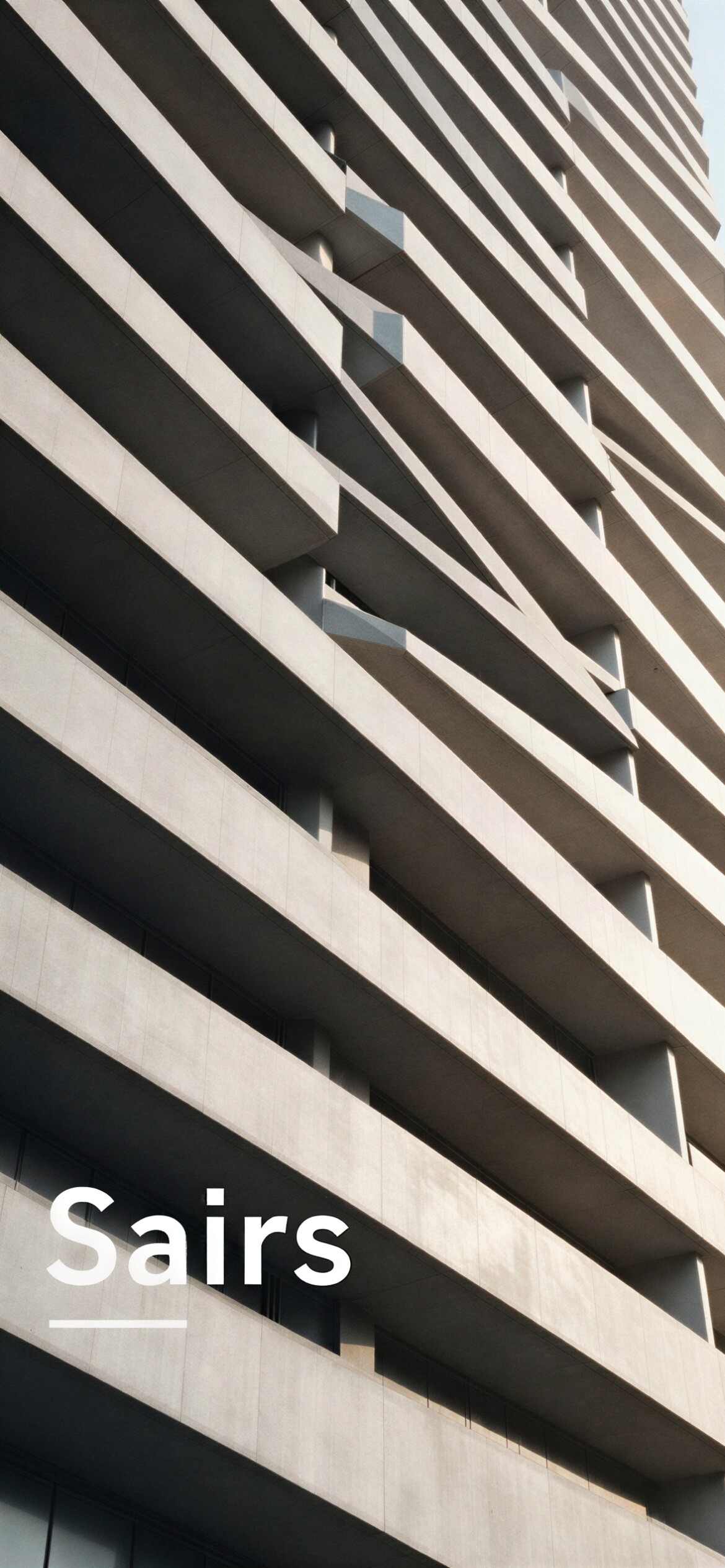
- Building geometry: Upward perspective of modern architecture with strong leading lines and text overlay creates ambition and forward momentum. This home screen wallpaper suits minimalist setups and works well in both light and dark mode.
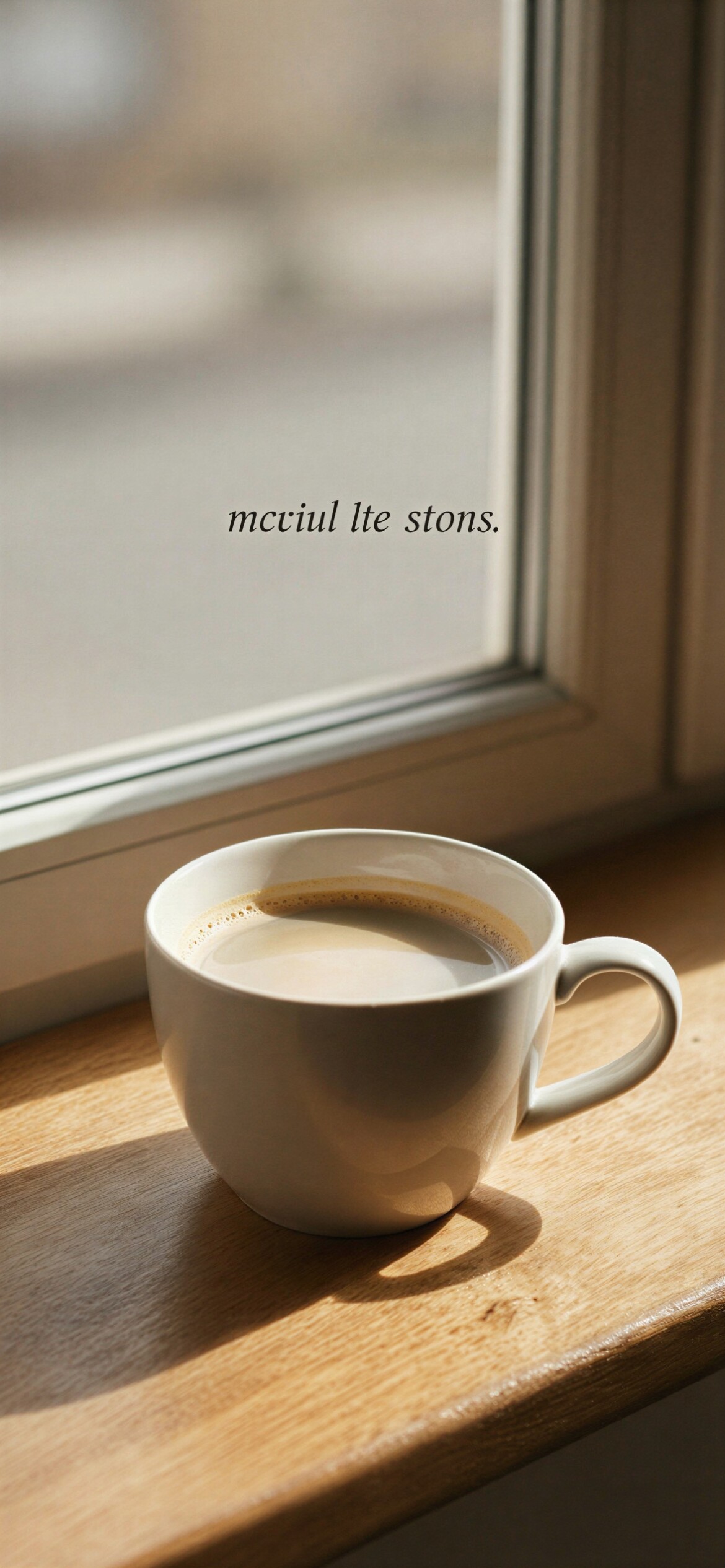
- Morning coffee: A simple cup by a window with warm light and subtle text conveys reflection and quiet encouragement. This lock screen wallpaper suits morning-focused routines and pairs well with a minimal widget setup.
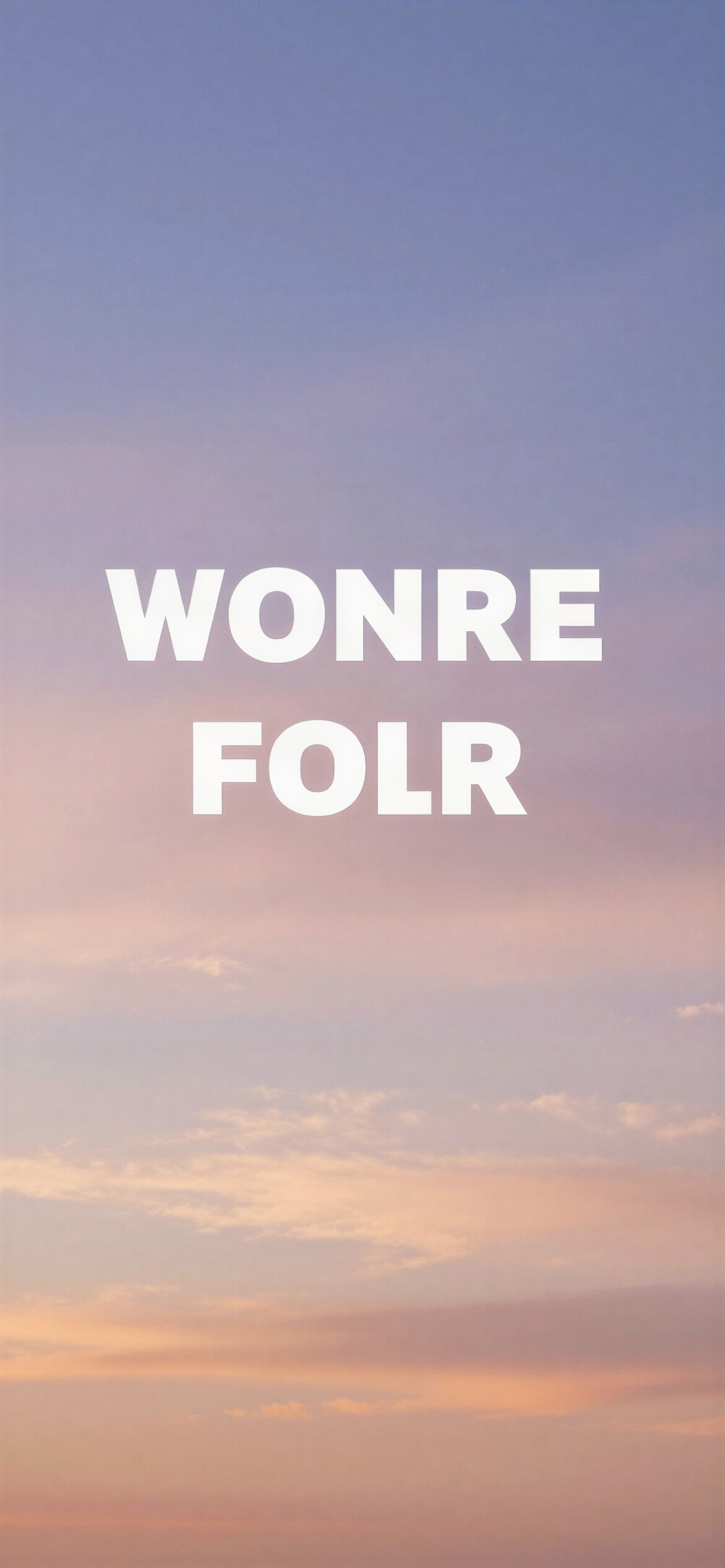
- Dawn sky: Soft pastel colors transition from warm to cool tones with bold text centered in the gradient. As a home screen, the calm gradient sits gently behind app icons and the colorful sky still shows through.
Why motivational wallpapers matter in daily design
Motivational imagery has roots in personal development and self-help traditions, but visual motivation became a design trend as phones became central to daily life. When a wallpaper is the first thing you see when you unlock your device, it shapes your mindset in that moment. Modern motivational wallpapers avoid cliches by pairing authentic imagery like natural light, textures and landscapes with thoughtful typography. The best designs feel personal rather than preachy, offering a quiet nudge rather than a shout. Wallpapers 1, 4 and 7 use nature as the foundation for motivation, while wallpapers 2, 6 and 8 lean into minimalism and structure to suggest clarity and control. This variety ensures you can choose an approach that aligns with your own motivational style.
Colors and mood
Wallpapers 1, 4 and 9 offer warm, hopeful moods with golden and peachy light that energize and inspire action. Wallpapers 2, 3, 5 and 6 create calm, grounded atmospheres with neutral tones and soft light, ideal for reflection and focus. Wallpapers 7 and 8 blend nature and structure to suggest resilience and ambition. Wallpaper 10 provides a serene, contemplative palette of pastel dawn colors that invites peaceful intention-setting.
How to set it on your iPhone
- Tap Download and save the image to Photos.
- Open Settings, tap Wallpaper, then Add New Wallpaper, and choose Photos.
- Pick the wallpaper, pinch to position it, then tap Add and choose the lock screen, home screen or both.
Stuck on a step? The iPhone and iPad guide has screenshots for each one.
Questions
Will these wallpapers fit my iPhone without cropping?
These wallpapers are sized for modern iPhones at 1170x2532 pixels, which fits current models perfectly. Some older iPhone models may crop slightly at the edges depending on their screen dimensions. The designs account for this by keeping the main subjects in the middle or lower half, so the most important motivational elements remain visible on all devices.
Can I use these wallpapers commercially or share them elsewhere?
These wallpapers are free for personal use on your own devices only. You cannot sell them, print them for sale, or repost them on other wallpaper sites or social media. For full details about permitted use and restrictions, see our Terms page. Each wallpaper is original and hand-curated, so respecting these terms helps support our work.
Which wallpapers work best for a lock screen versus the home screen?
Lock screen wallpapers 1, 4, 7 and 9 are designed with space at the top for your clock and notifications. Home screen wallpapers 2, 3, 5, 6, 8 and 10 keep the main imagery framed by app icons. Lock screen designs remain readable and visible with system elements overlaid, while home screen designs complement your app layout without competing for attention.
Do these motivational wallpapers work in dark mode?
Yes, all wallpapers in this set work equally well in dark and light mode because they use strong contrast between text and background. Designs like the stone texture and minimalist interior actually enhance the clean aesthetic of dark mode. If you switch between modes, these wallpapers adapt without losing readability or visual impact.