Monster Wallpaper iPhone
Monster wallpaper for iPhone gives your lock screen a dose of creature-filled atmosphere with free designs you can download instantly. These monster wallpapers feature everything from forest lurkers to shadowy silhouettes, each one hand-checked for quality. The set works on any iPhone model and pairs well with a dark mode aesthetic. Pick your favorite monster wallpaper and make it yours today.
10 wallpapers at 1170 × 2532 px for iPhone. Checked by hand on 11 Oct 2026.
About this set
These monster wallpapers embrace dark moody atmospheres with creatures set against foggy forests, rocky wastelands and shadowed landscapes. Each design uses cool tones and soft lighting to create an eerie feeling without graphic content. The collection suits any iPhone lock screen and works well in dark mode, where the deep blacks and shadows really stand out.
Pair these with a simple clean home screen to balance the darker aesthetic. The minimal compositions leave plenty of room for app icons and widgets without clutter. These wallpapers work year-round for anyone who enjoys creature-focused art and atmospheric imagery.
Ten creatures and the ground each one walks on
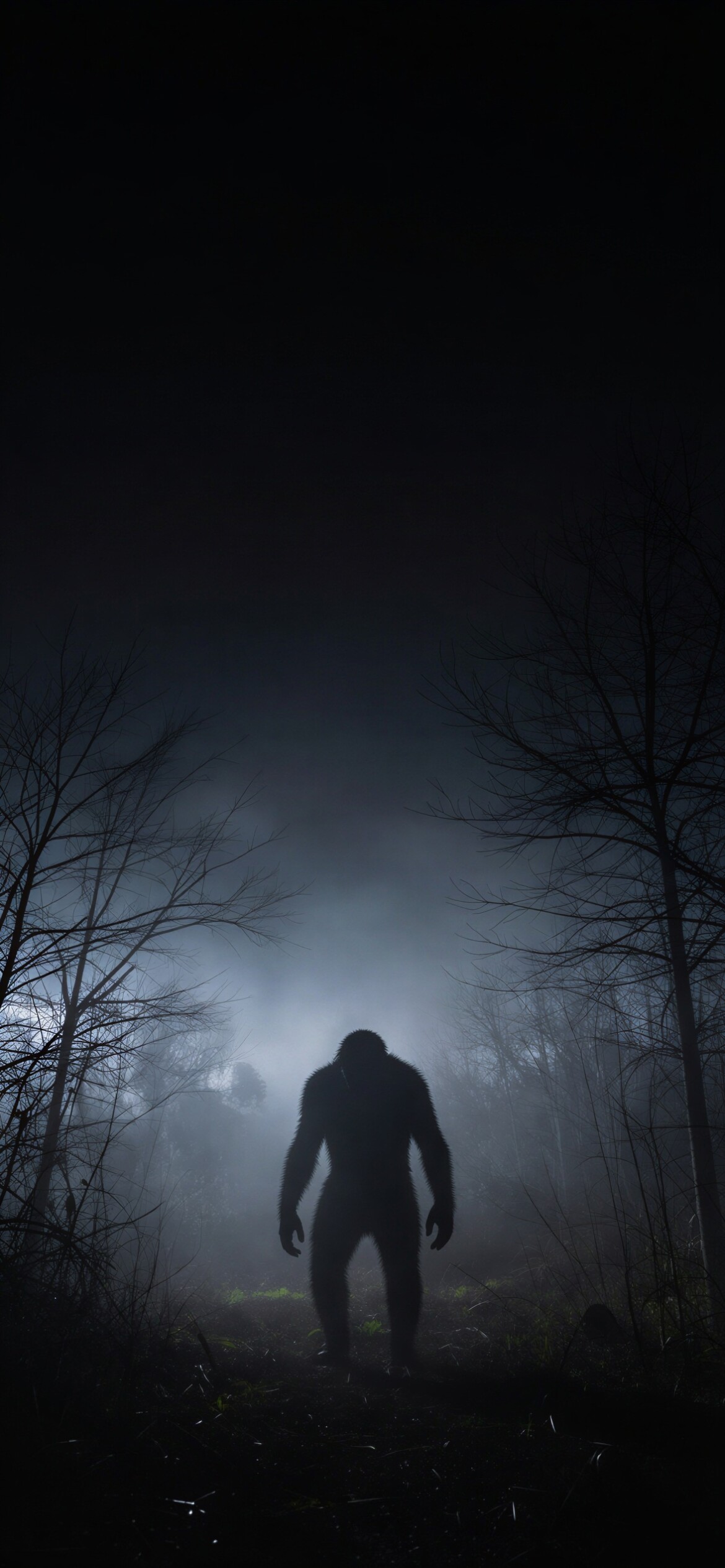
- Wallpaper 1: a hunched silhouette standing in a misty forest. You only get the outline, which makes it one of the calmest picks for a lock screen with a clock on top.
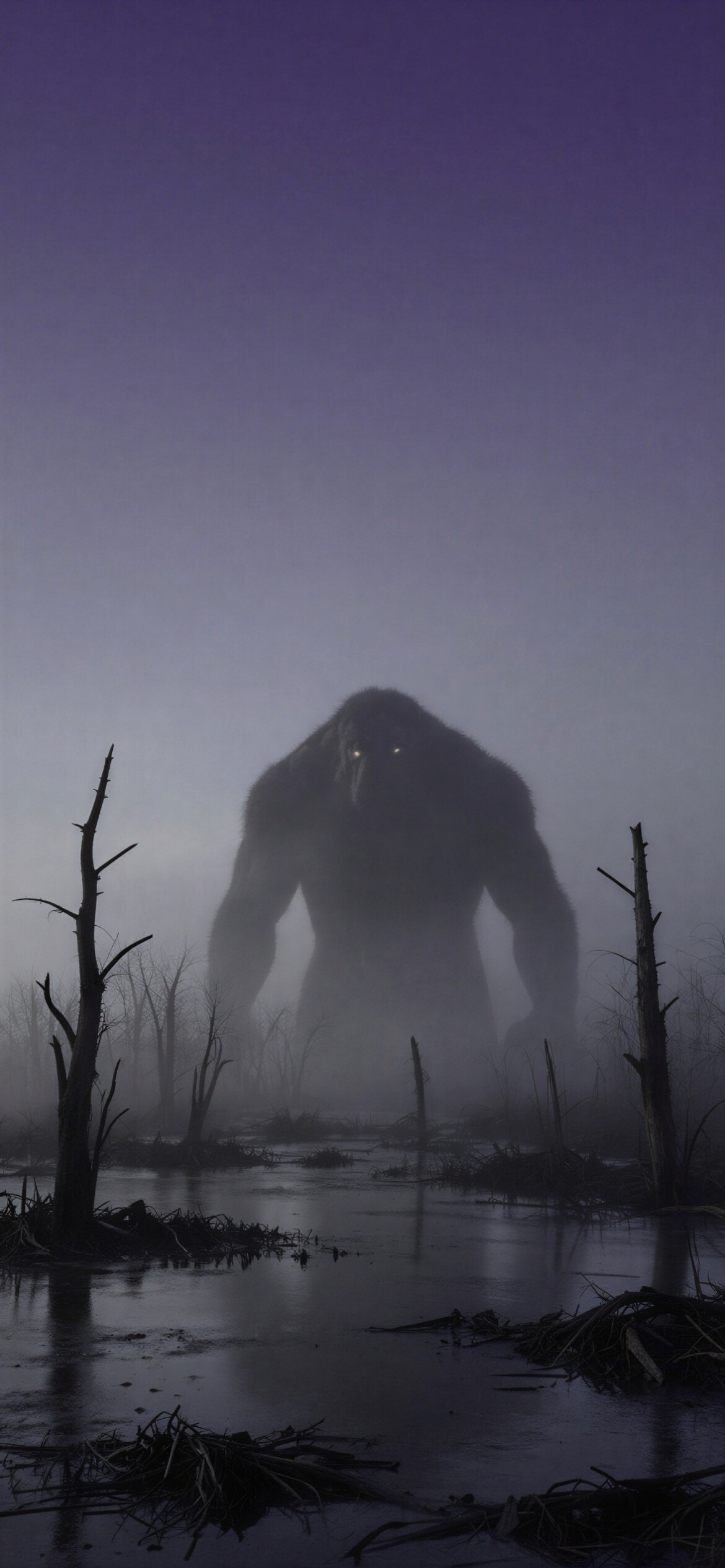
- Wallpaper 2: a beast with glowing eyes coming out of swamp fog at dusk. The eyes are the brightest point, so keep the area around them free of widgets.
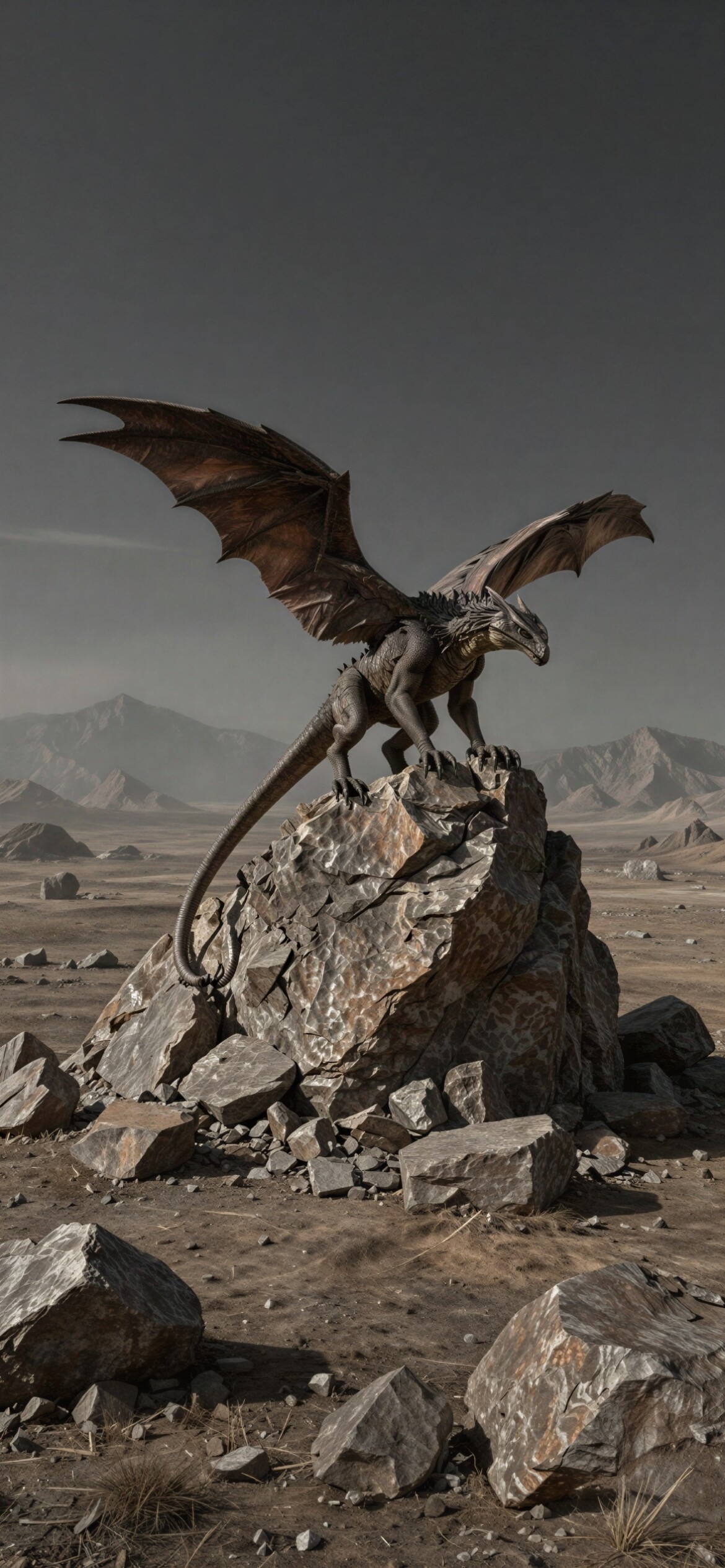
- Wallpaper 3: a winged, reptile-like creature perched on a rocky outcrop, the closest thing in the set to a classic dragon.
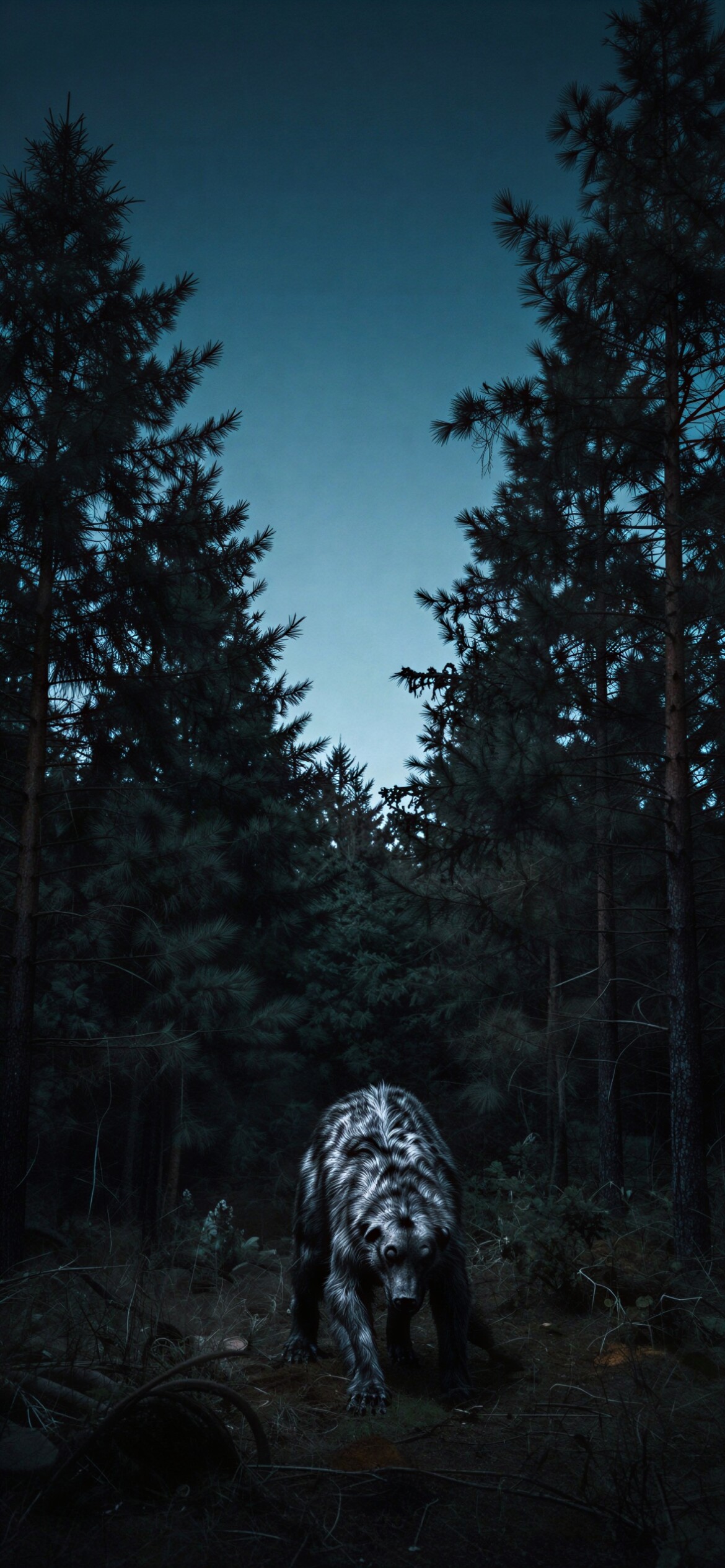
- Wallpaper 4: a four-legged monster prowling through a dark pine forest, low to the ground and mid-stride.
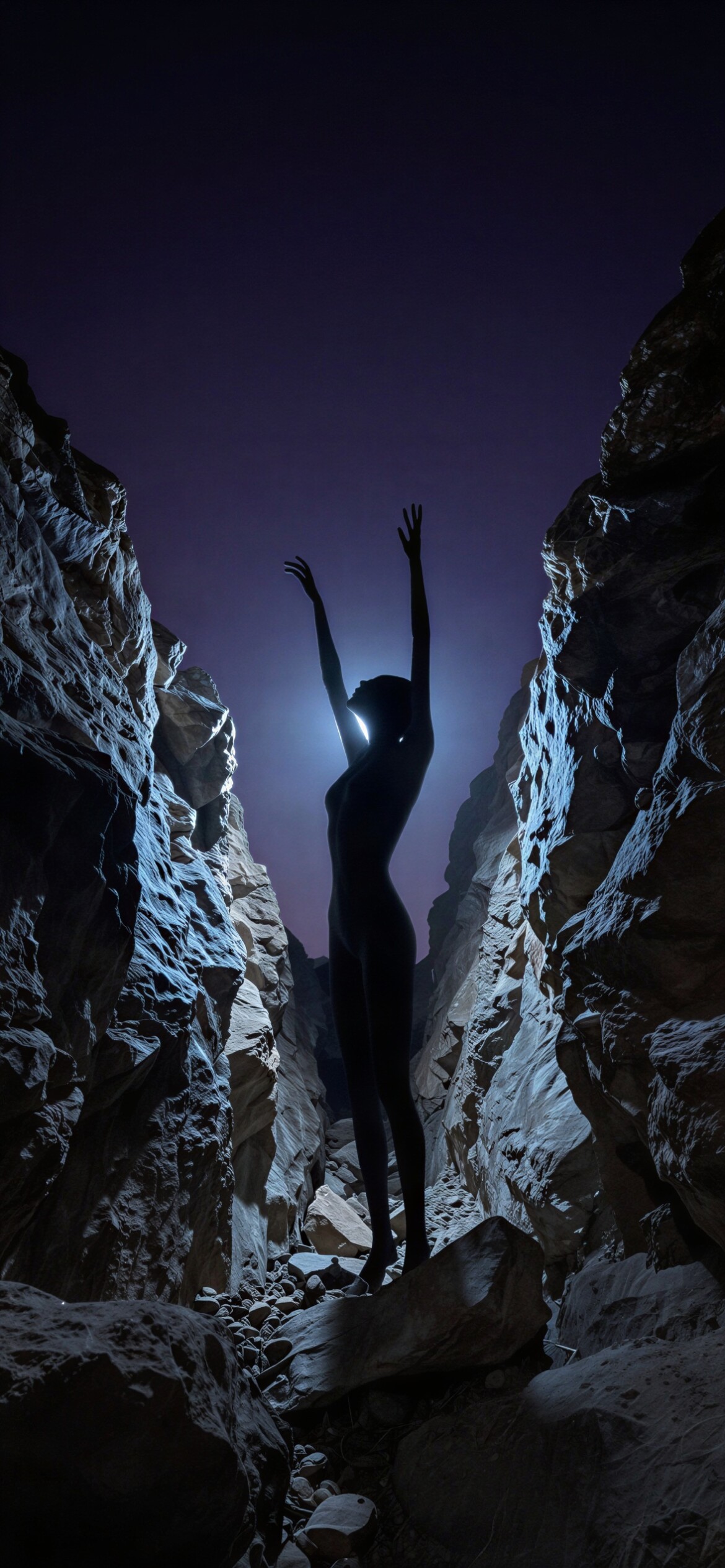
- Wallpaper 5: a tall, angular figure in a shadowed canyon. Its height suits the long iPhone frame well.
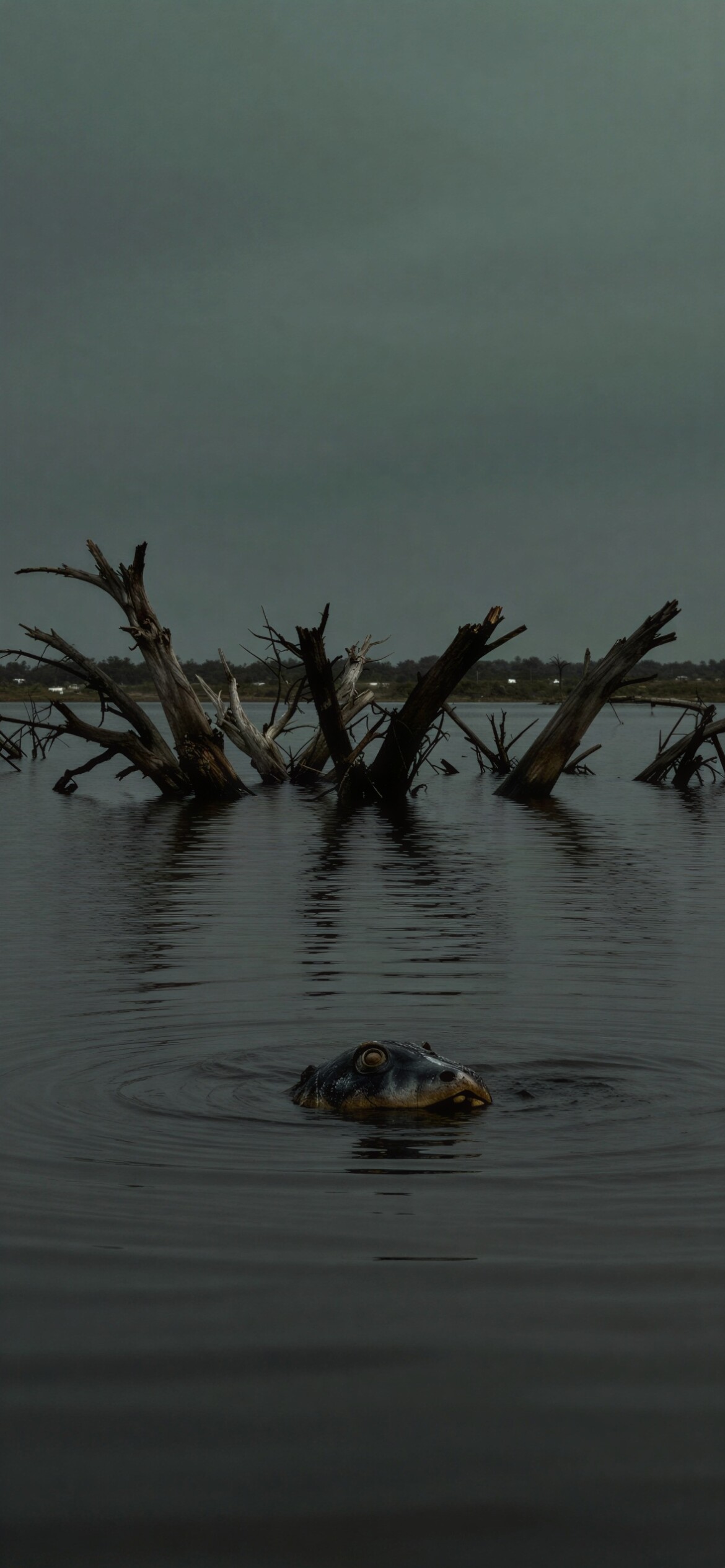
- Wallpaper 6: a creature half under dark water, with dead trees standing around it.
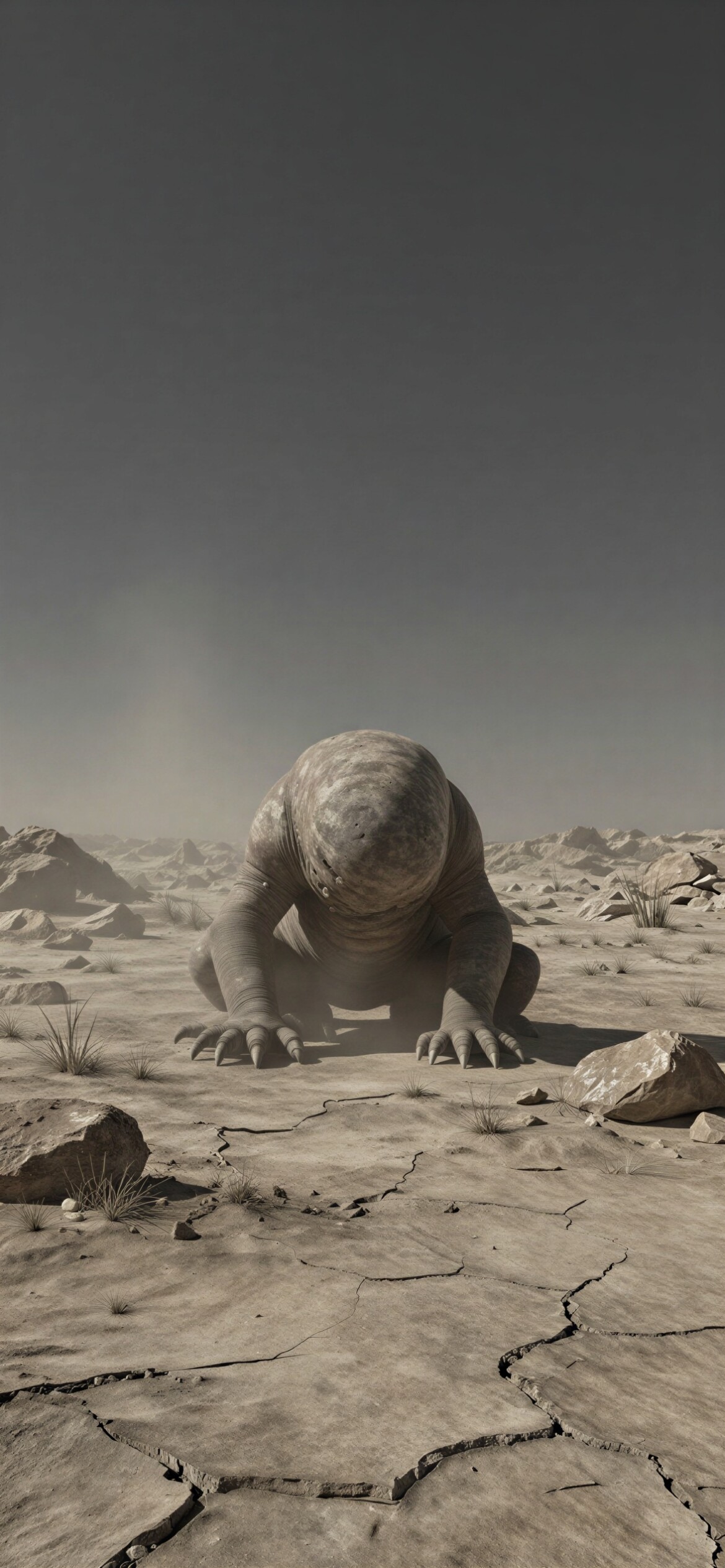
- Wallpaper 7: a bulbous creature crouched on cracked earth in an empty wasteland.
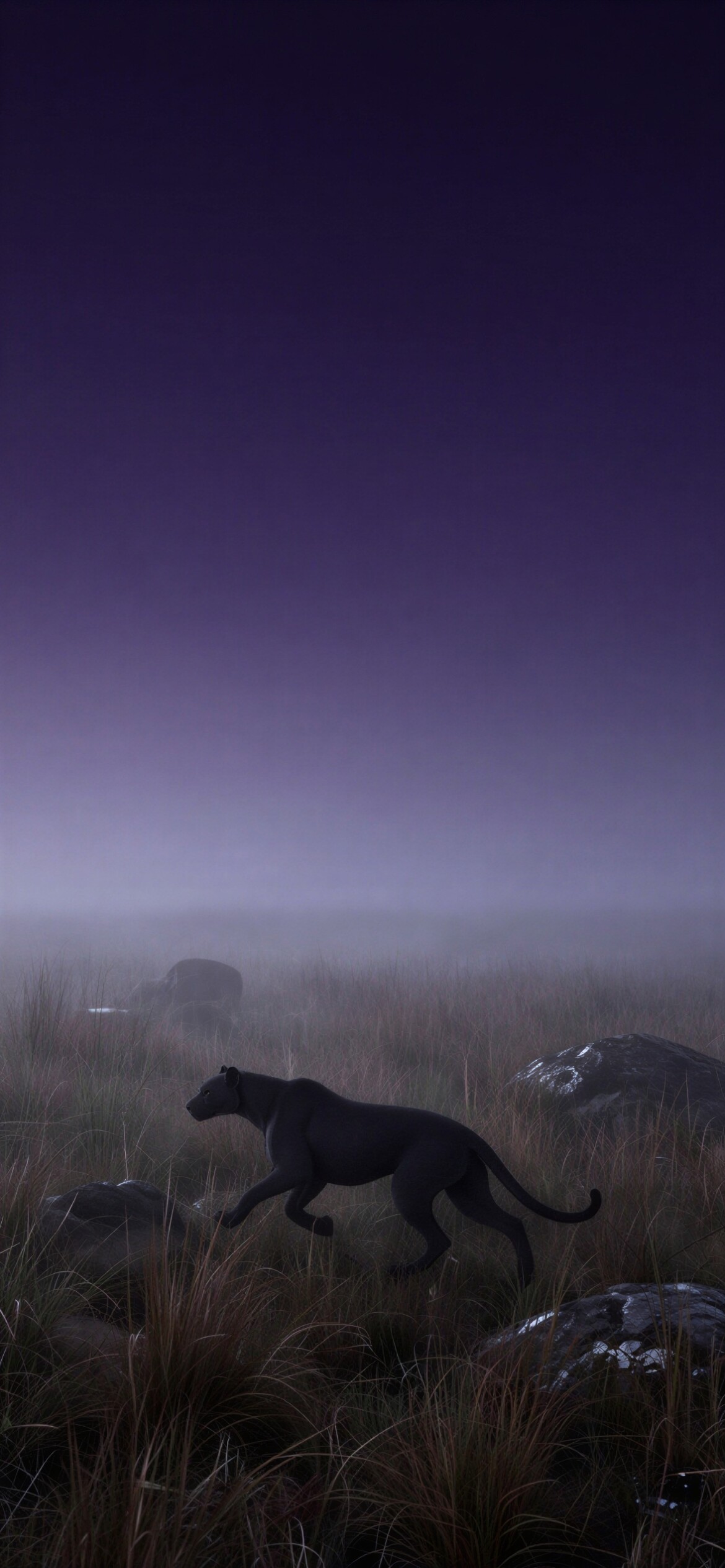
- Wallpaper 8: a sleek, predatory animal walking across misty moorland.
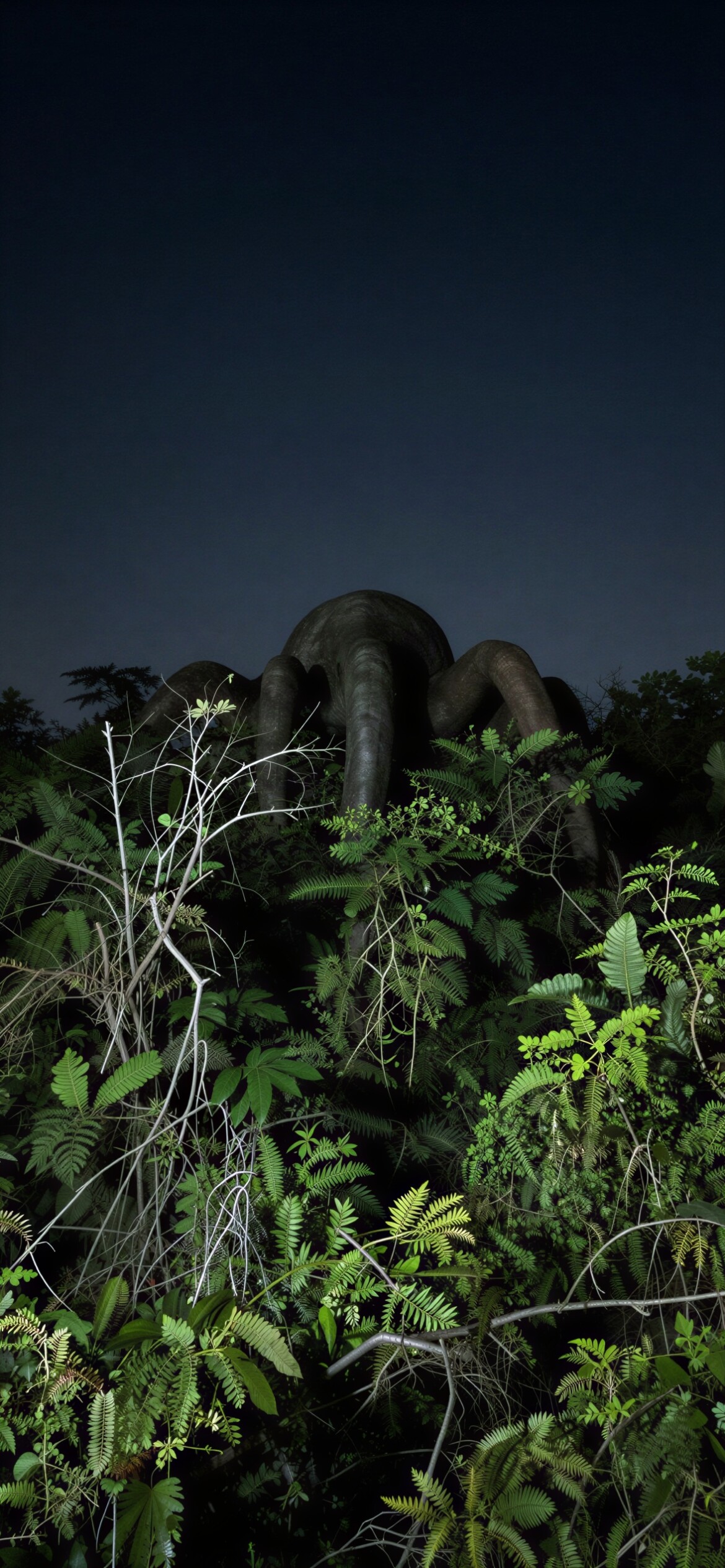
- Wallpaper 9: the biggest of the ten, pushing out of thick forest undergrowth.
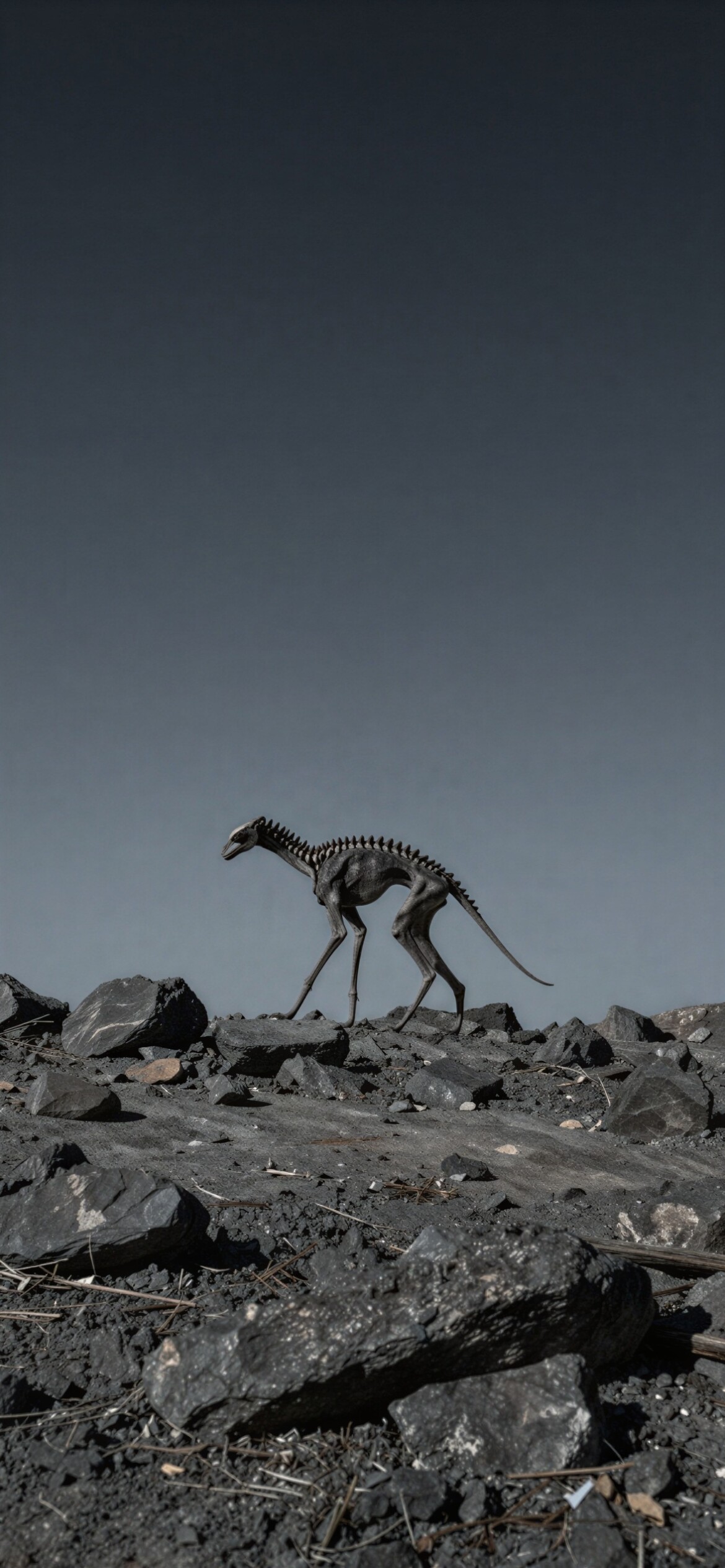
- Wallpaper 10: a lanky creature with a long, ridged spine crossing barren ground.
A warning, a hound on the moor and a lagoon
The word itself comes from the Latin "monstrum", which meant an omen or a sign, and is linked to "monere", "to warn". In old belief, a strange creature was a message that something was about to go wrong.
Several of these scenes echo famous stories. A big animal on foggy moorland, as in wallpaper 8, is the setting of Arthur Conan Doyle's The Hound of the Baskervilles, published in 1902 and set on Dartmoor in Devon. Swamp creatures like those in wallpapers 2 and 6 owe a lot to Universal's Creature from the Black Lagoon (1954). And the winged reptile in wallpaper 3 is close to the wyvern of heraldry, a dragon with two legs and a pair of wings.
Fog, swamp, forest or bare rock?
Sorting by setting is the easiest way to choose. The fog pictures, 1 and 8, are the softest and greyest. Wallpapers 2 and 6 bring in still water and swampy murk. The forest scenes, 4 and 9, are the darkest overall and look best with the screen brightness turned down. The rest, 3, 5, 7 and 10, stand on bare rock and dry earth, which gives them sharper outlines and a little more contrast behind your icons.
If you like this kind of thing, the beast wallpapers go further into wild creatures, the dragon set picks up where wallpaper 3 leaves off, and the alien wallpapers move the monsters to other planets.
How to set it on your iPhone
- Tap Download and save the image to Photos.
- Open Settings, tap Wallpaper, then Add New Wallpaper, and choose Photos.
- Pick the wallpaper, pinch to position it, then tap Add and choose the lock screen, home screen or both.
Stuck on a step? The iPhone and iPad guide has screenshots for each one.
Questions
Will these monster wallpapers fit my iPhone screen?
Yes. These wallpapers are sized at 1170x2532 pixels, which is the native resolution for modern iPhones. They fill modern iPhone screens edge to edge, and some older models may crop slightly at the edges.
Can I use these monster wallpapers for personal use?
Yes, these wallpapers are free for personal use on your own devices. You can set them as your lock screen or home screen. Selling prints, reposting them on other sites or using them commercially is not allowed. See our Terms page for full details.
Which monster wallpapers work best for the lock screen versus home screen?
All of these designs work well on either screen. For lock screens, choose the ones with strong central subjects that stand out at a glance. For home screens, any design works since your apps will layer over them. The darker designs pair nicely with minimalist icon sets.
Are these monster wallpapers suitable for a professional or work iPhone?
These creature-focused designs have an eerie mood that is atmospheric rather than cartoonish or graphic. They are safe for work and professional settings. If you prefer a lighter aesthetic, they also work well on personal devices or for anyone who enjoys dark moody art.