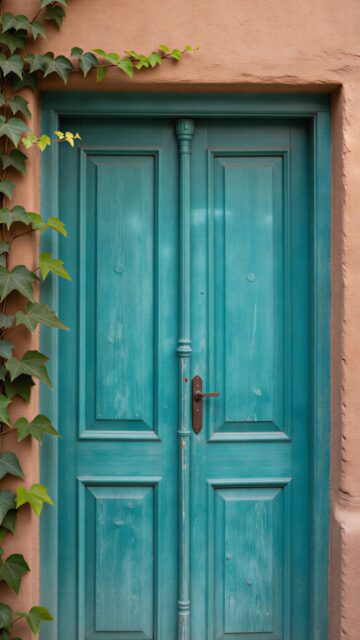
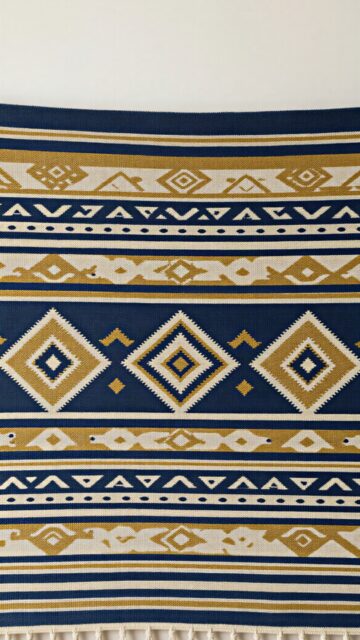
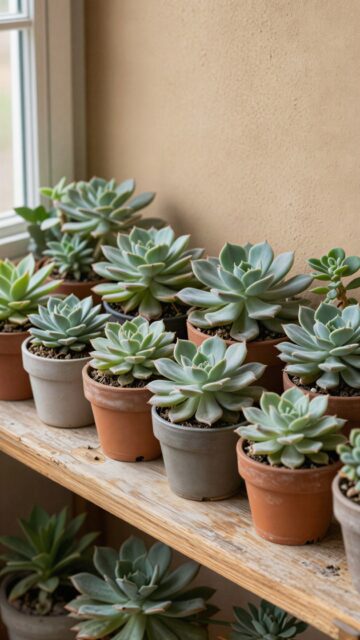
10 wallpapers in 1 collections · last added 7 Oct 2026 · sizes for iPhone, Android, desktop and tablet
A Mexican wallpaper brings the color and craft of Mexico to your screen. These Mexican wallpapers draw on traditions like papel picado banners, blue and white Talavera tiles, bright alebrije creatures, marigolds and sugar skulls for Day of the Dead, cacti and desert sunsets, embroidered flowers and festive fiesta patterns. Some designs are bold and full of saturated pinks, oranges and greens, while others take a calmer route with sun-baked terracotta walls and painted pottery.
Each collection comes as 10 images in one size. Choose phone portrait for iPhone (1170x2532) or Android (1080x2400), or pick iPad, laptop and 4K desktop versions where tile and folk art patterns really shine on a wide screen. Every design is original and checked by hand before it goes live, and weak images are removed. These backgrounds suit anyone who loves folk art color, celebrates Mexican heritage, or wants something cheerful for Cinco de Mayo, Independence Day in September or Día de los Muertos.
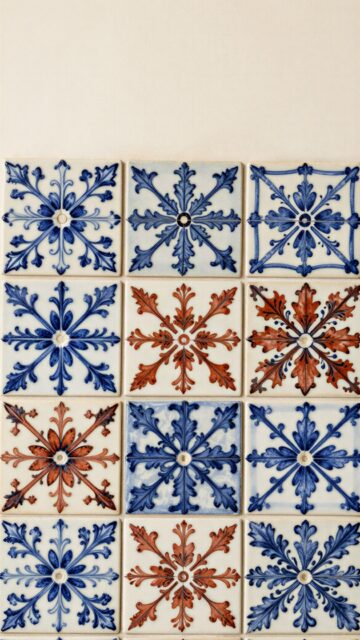
Mexican folk art patterns are busy by nature, so placement matters. Talavera tile and papel picado designs repeat evenly, which makes them a good home screen choice since icons never hide a key detail. Sugar skulls and alebrijes work best as a lock screen, with the face or creature in the lower middle and the clock over open sky or a plain band. Hot pink, marigold orange and turquoise is the classic trio; cobalt blue with white gives a cooler tiled look. Seasonal peaks come in early May, mid-September and late October. For a desktop, a full Talavera tile layout looks especially good in 4K, where the fine brushwork on each tile stays visible. You may also enjoy:
Busy Talavera or papel picado patterns can make app labels hard to read; turn on a home screen dimming option or pick a design with a plain band behind the icon rows.
Use the 1170x2532 iPhone version. It matches the tall shape of modern iPhones, so fine details like papel picado cutouts and tile linework stay crisp. If you plan to use the depth effect on the lock screen, choose a design with a clear subject, like a sugar skull, against a simpler background.
Yes, Android collections are 1080x2400, which fits most current Android phones. Tile and folk art patterns also look good when the launcher scrolls the image across home screens, but for a single subject like an alebrije, set a fixed crop. The Android guide explains the options.
Sugar skulls, or calaveras de azúcar, are linked to Día de los Muertos on November 1 and 2. Families place them on ofrendas, or home altars, to remember loved ones who have died. The bright colors and flowers are meant to be joyful, celebrating life and memory rather than fear, which is why they feel festive instead of spooky.
Papel picado means "perforated paper." It is a Mexican folk art of cutting detailed designs into colored tissue paper, then stringing the sheets into banners for celebrations like weddings, holidays and Día de los Muertos. On a wallpaper, rows of papel picado flags make a bright, festive border that leaves the center open.

Mexican folk art often uses vivid hot pink, marigold orange, sun yellow, turquoise, lime green and deep red, often side by side. Talavera pottery is known for cobalt blue on white. Marigolds, called cempasúchil, give Día de los Muertos its signature orange. These bold combinations make good choices for anyone who likes cheerful, saturated screens.
Interest rises around Cinco de Mayo on May 5, Mexican Independence Day on September 16, and Día de los Muertos at the start of November. We publish seasonal themes weeks ahead, so festive designs are ready before each date. New collections across the site go up daily on the latest page.
No. The images are free for personal use on your own phone, tablet, computer or watch only. Using them for a restaurant menu, flyer, signage, social media for a business or anything sold counts as commercial use and is not allowed. Our terms of use explain what is and isn't permitted.
Download the 4K desktop version at 3840x2160, which also looks sharp on 1080p and 1440p monitors. Then set it through Personalize on Windows or System Settings, Wallpaper on a Mac, using the Fill option. Our desktop wallpaper guide shows each step.
Every wallpaper is reviewed by a person before it goes live: we remove images with odd details or blur and check the crop for each device. How we check wallpapers
Something wrong with an image? Report an image · Free for personal use, see the Terms.