Matching Wallpaper iPhone
Matching wallpaper iPhone sets let you coordinate your lock and home screens with designs that work together. These wallpapers feature complementary colors, patterns and subjects that look intentional when displayed side by side on your phone. Each pair is designed to balance visual weight and mood across both screens, whether you prefer minimal geometry, natural scenes or bold graphic styles. Pick a set that reflects your taste and download both versions free.
10 wallpapers at 1170 × 2532 px for iPhone. Checked by hand on 4 Oct 2026.
About this set
These matching wallpaper sets feature coordinated pairs designed to look intentional when your lock and home screens are viewed together. Each design uses complementary colors, textures and moods that balance across both displays without being identical. The sets emphasize natural materials, soft lighting and calm compositions that feel cohesive as a pair.
Use the warmer or more textured design on your home screen where it sits behind icons, and the simpler or cooler version on your lock screen for quick visibility. These sets work well with minimal icon arrangements and pair beautifully with neutral app themes. They suit both light mode and dark mode depending on which version you choose for each screen.
Five pairs hiding in ten pictures
The ten designs are not numbered in pairs, but they sort into five natural couples once you look at the colours and materials side by side.
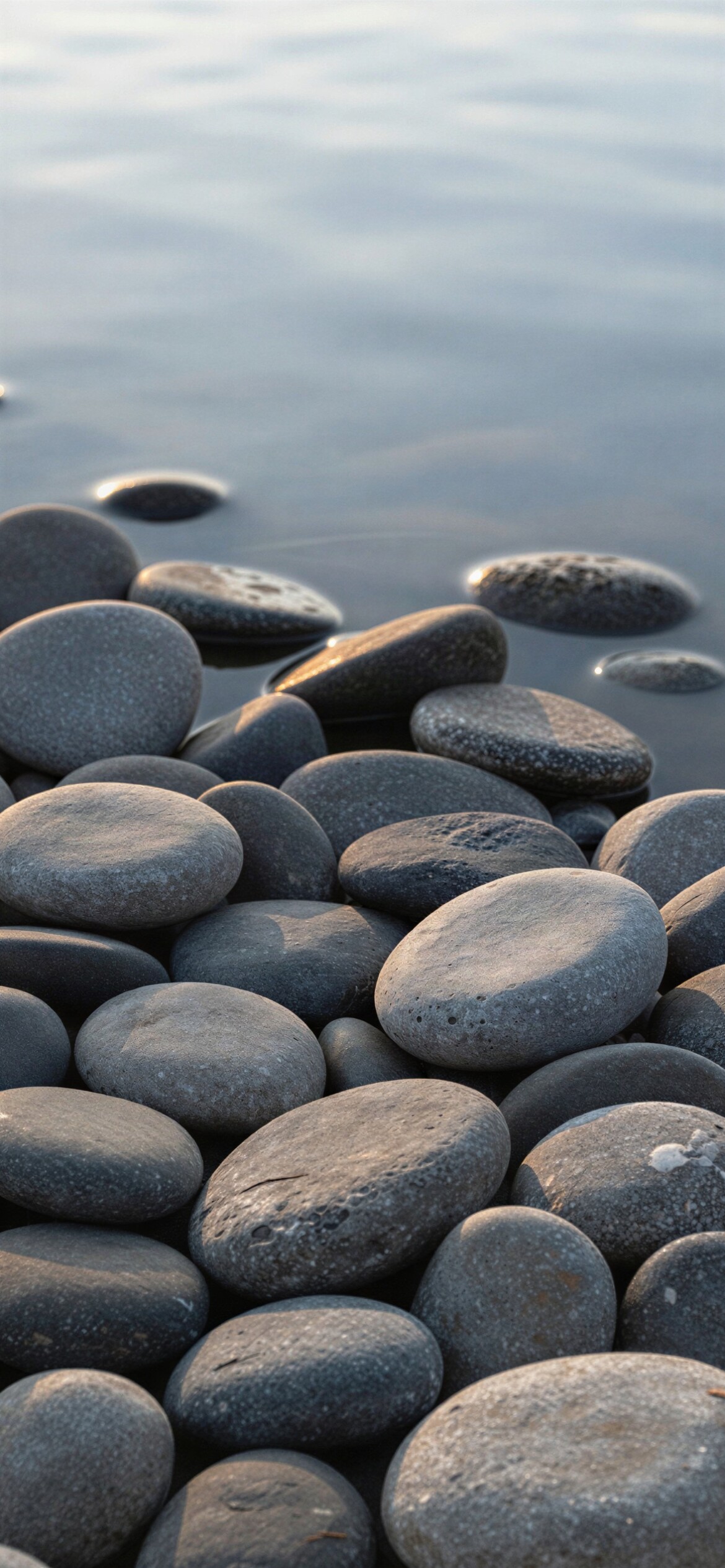
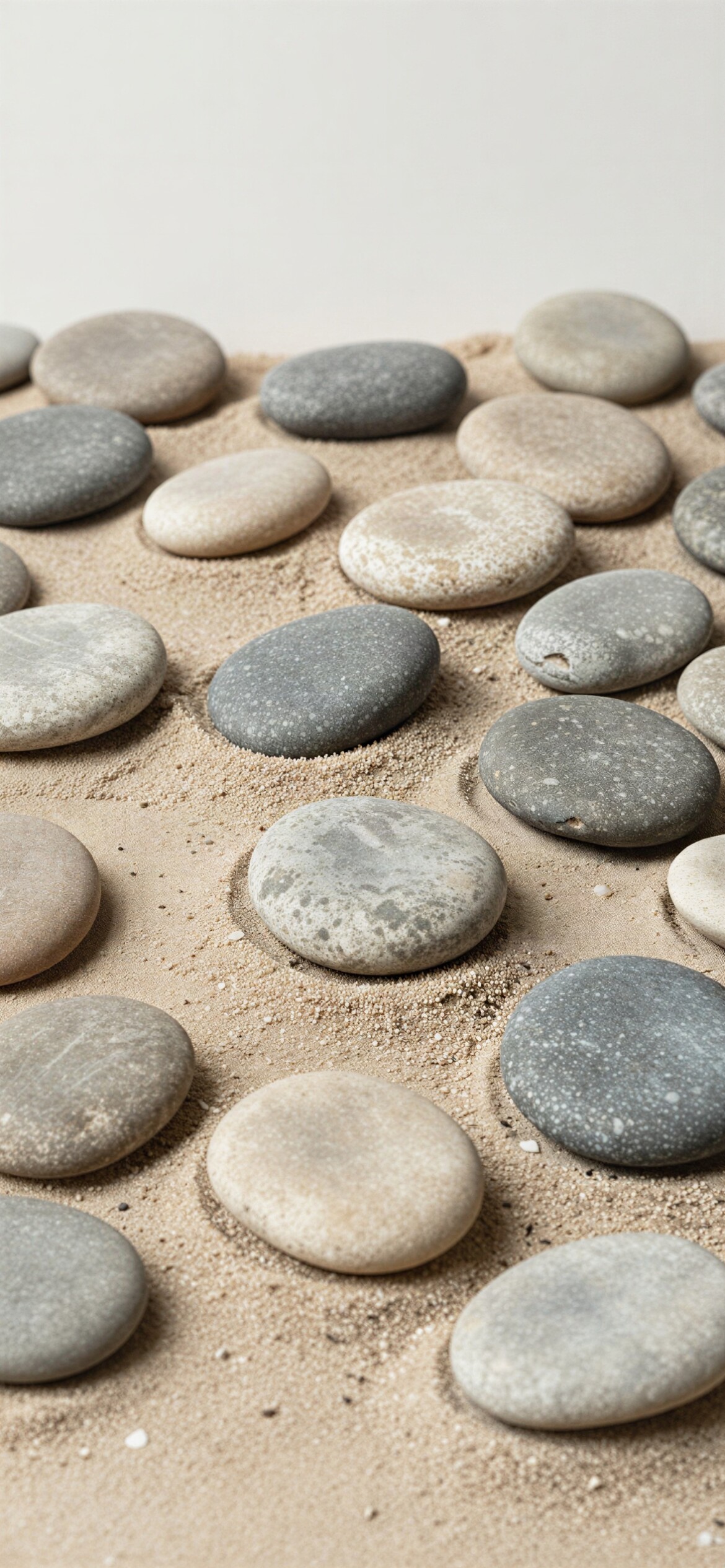
- #1 and #6, stone and water. The first shows grey and blue river stones under shallow water, with golden hour light on the surface. The sixth is drier and calmer: beige and blue-grey pebbles resting on sand. Put the busier water shot behind your icons and the pebbles on the lock screen.
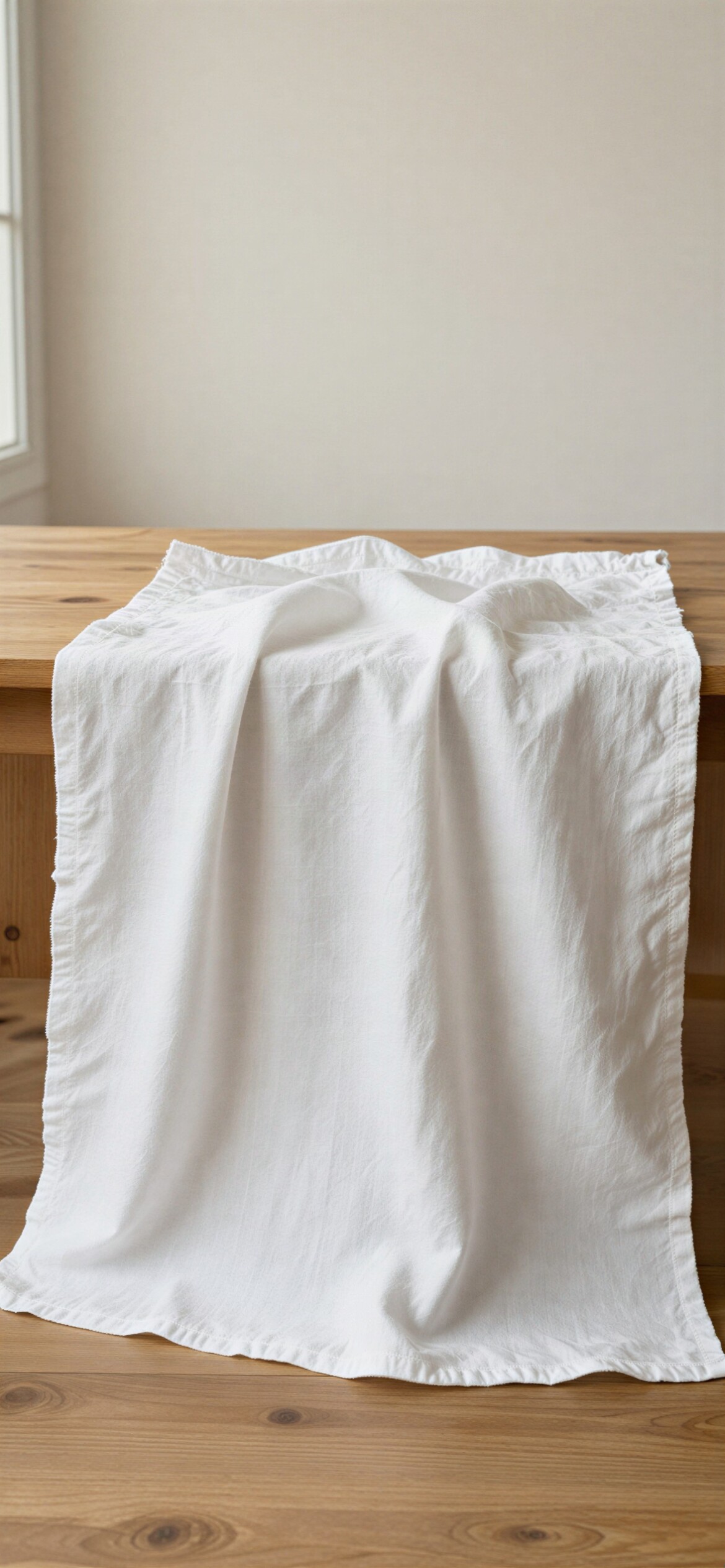
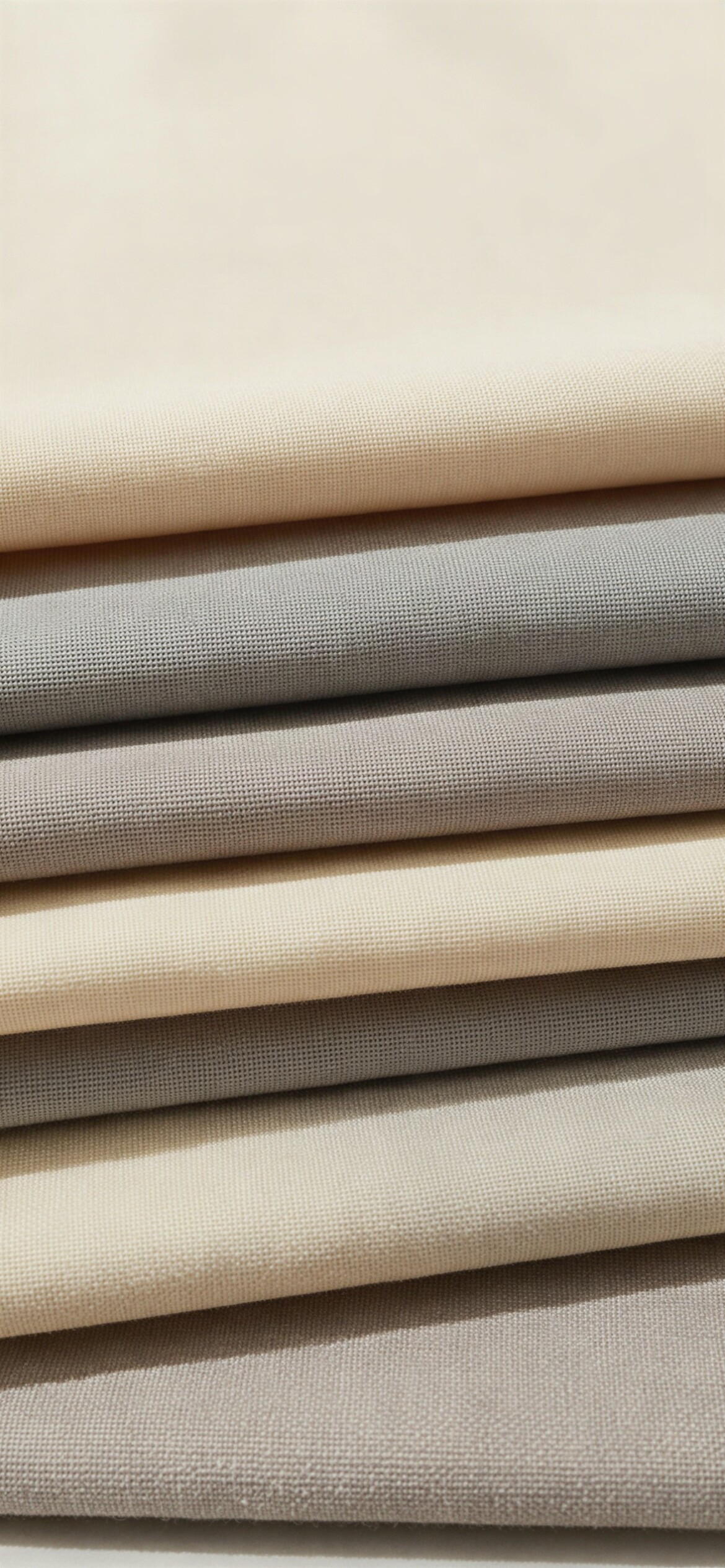
- #2 and #10, cloth. White linen draped over honey-toned wood in window light, then a stack of cream, grey and taupe fabric swatches where you can see the weave. Both are soft and pale, so the clock and notifications stay easy to read on either one.
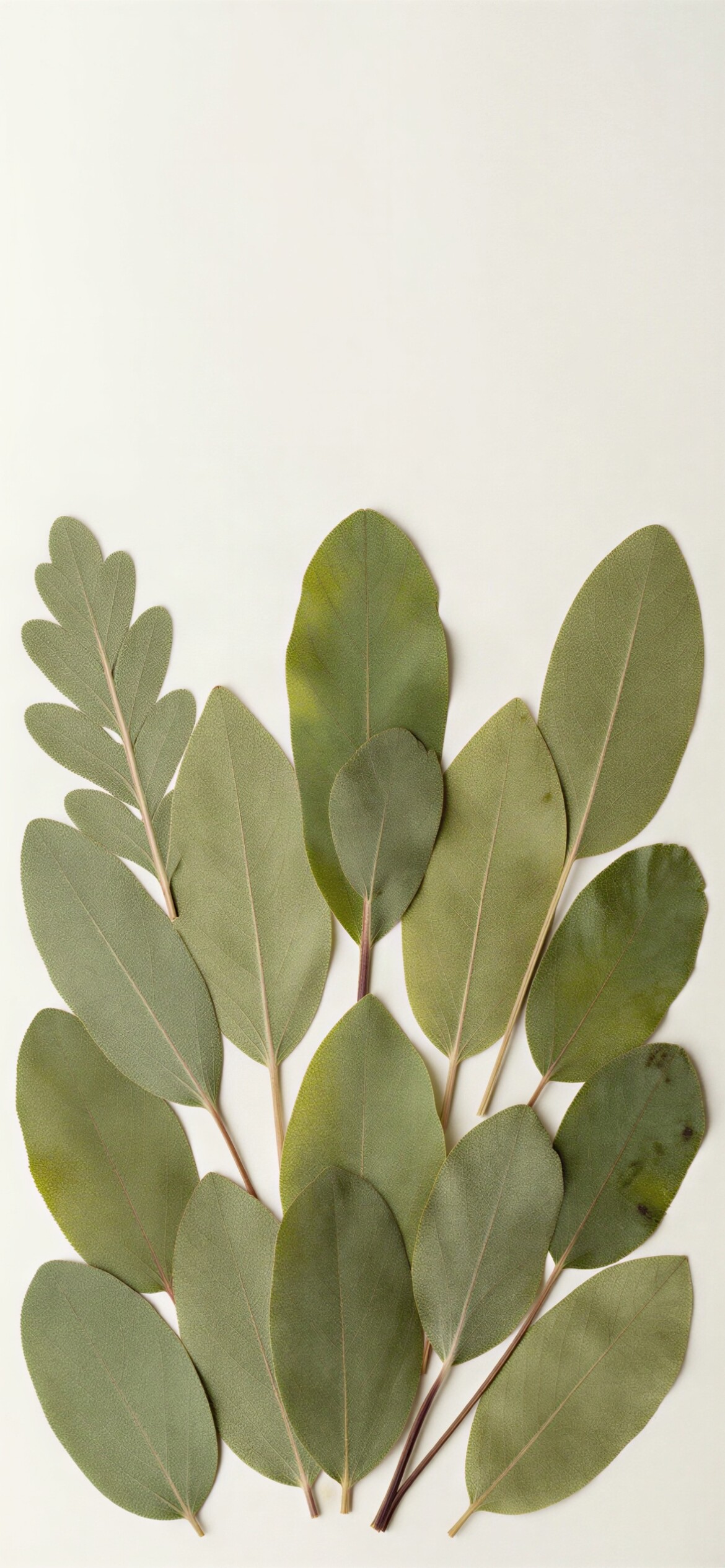
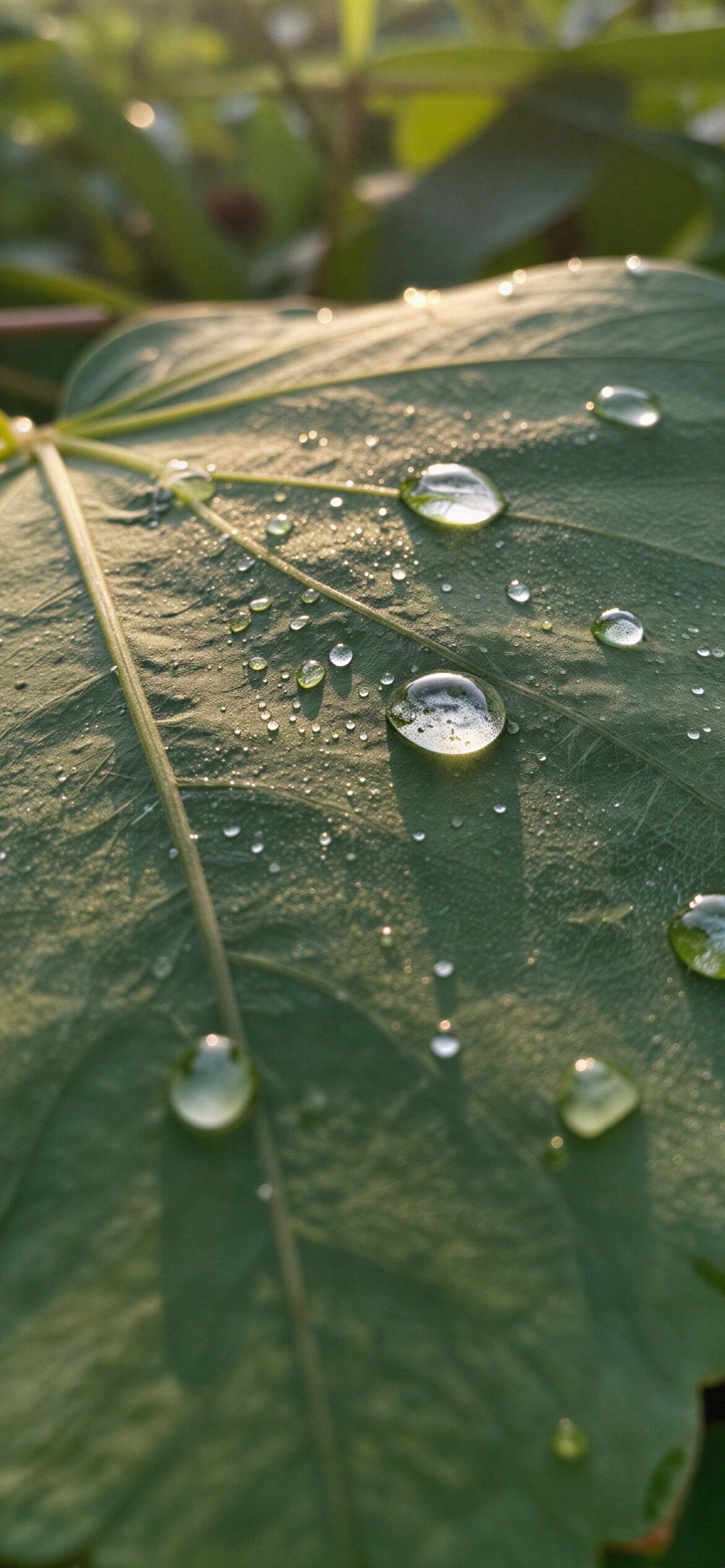
- #3 and #8, green. Pressed leaves arranged in a circle on off-white paper, and a close-up of water droplets on a dark green leaf lit from behind. One is light and flat, the other deep and glowing, which is exactly what makes them work as a pair.
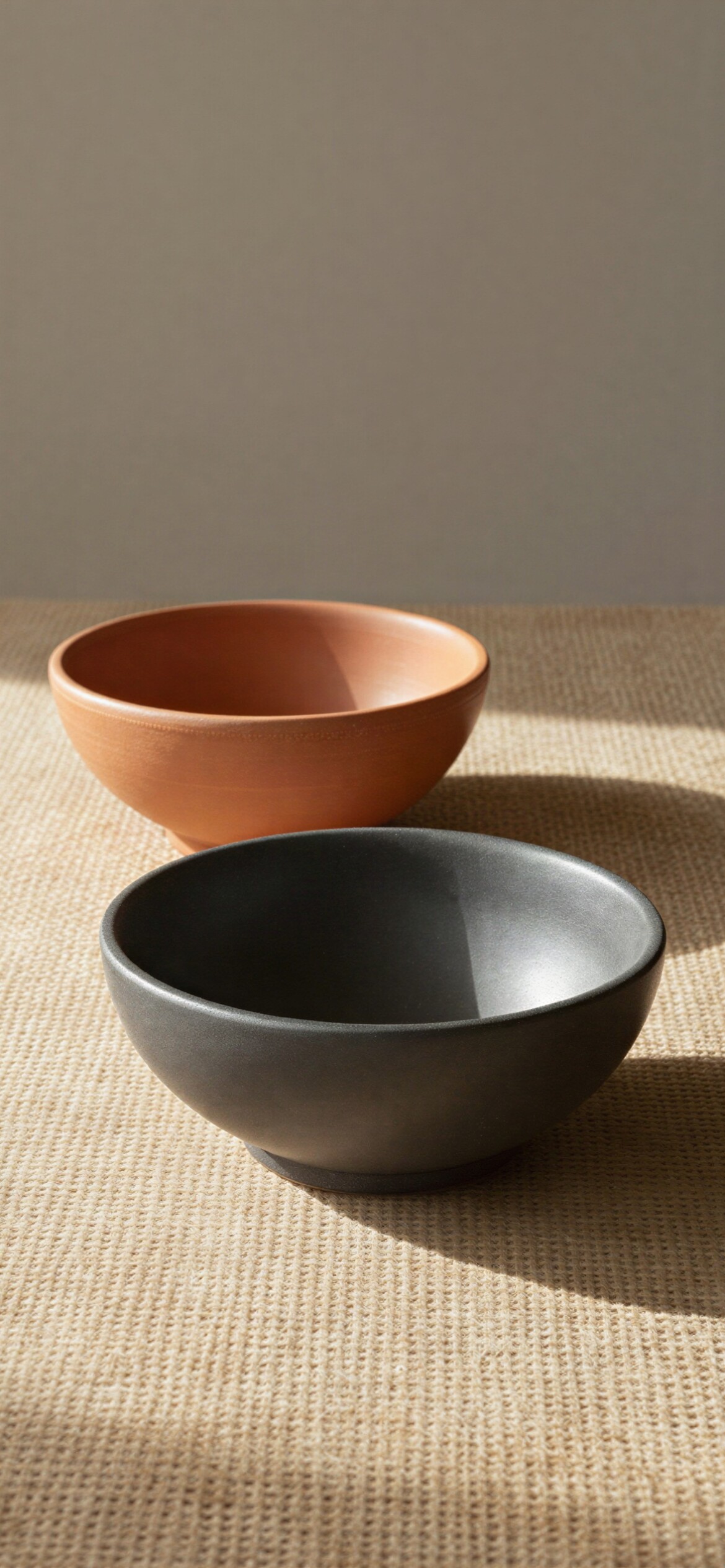
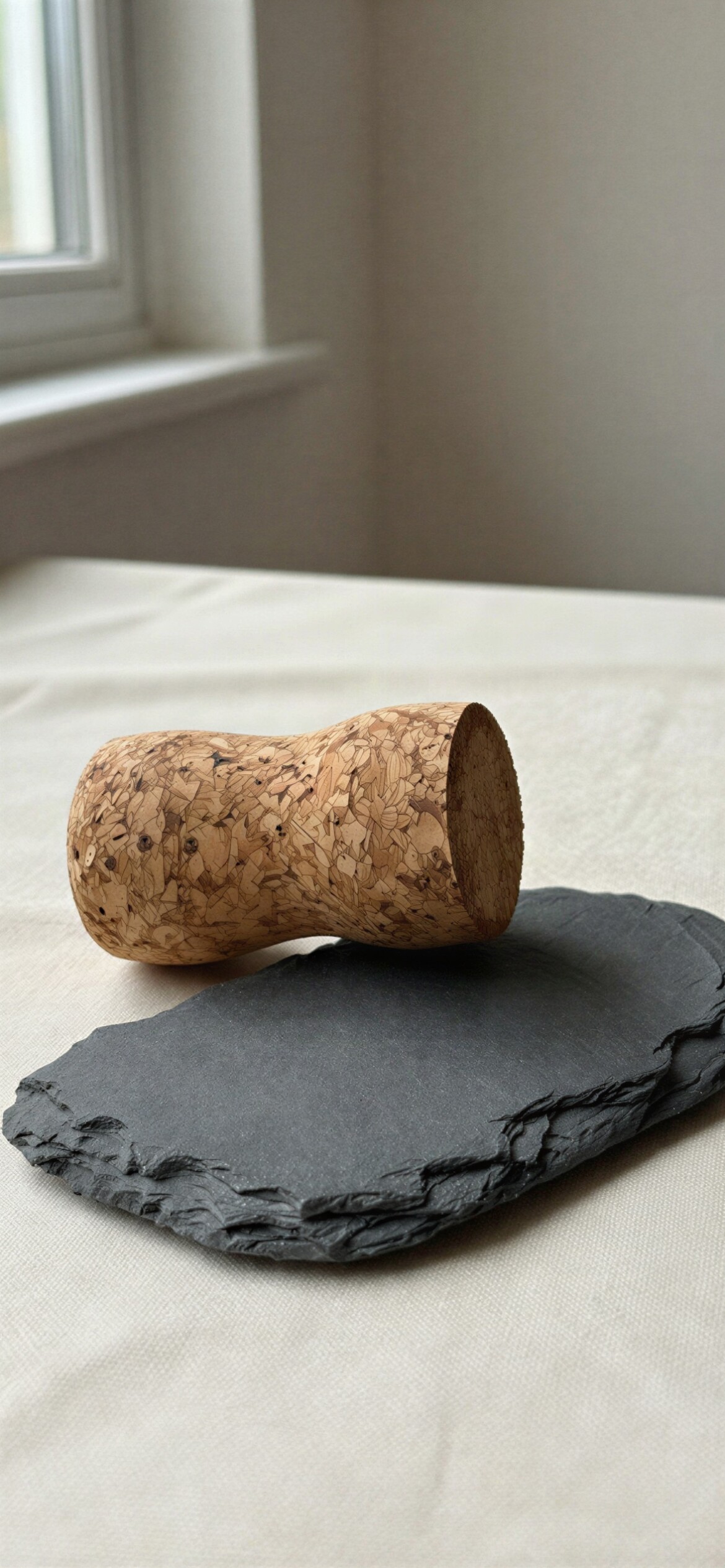
- #4 and #7, clay and slate. Terracotta and charcoal bowls on woven linen, and cork with dark slate on cream cloth under side lighting. Each mixes one warm material with one dark one.
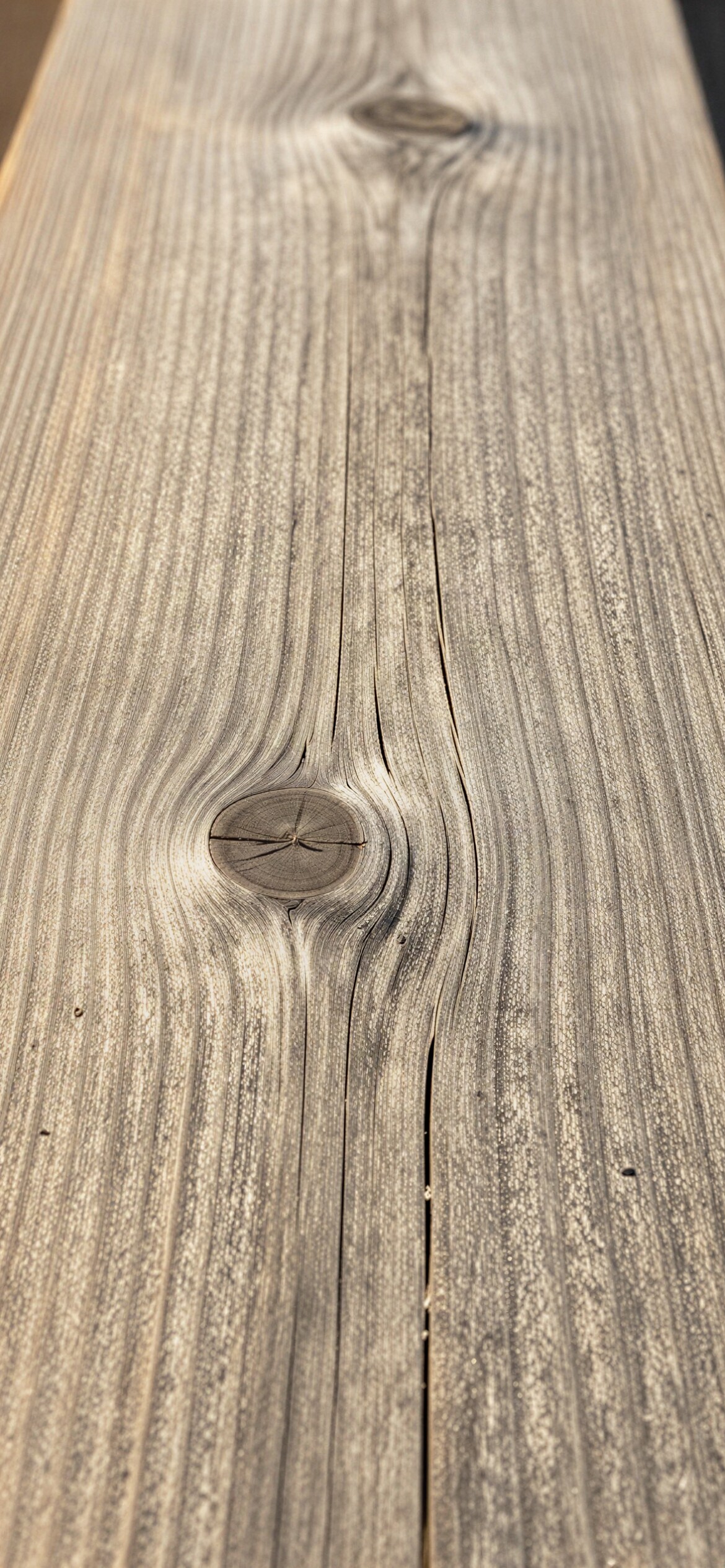
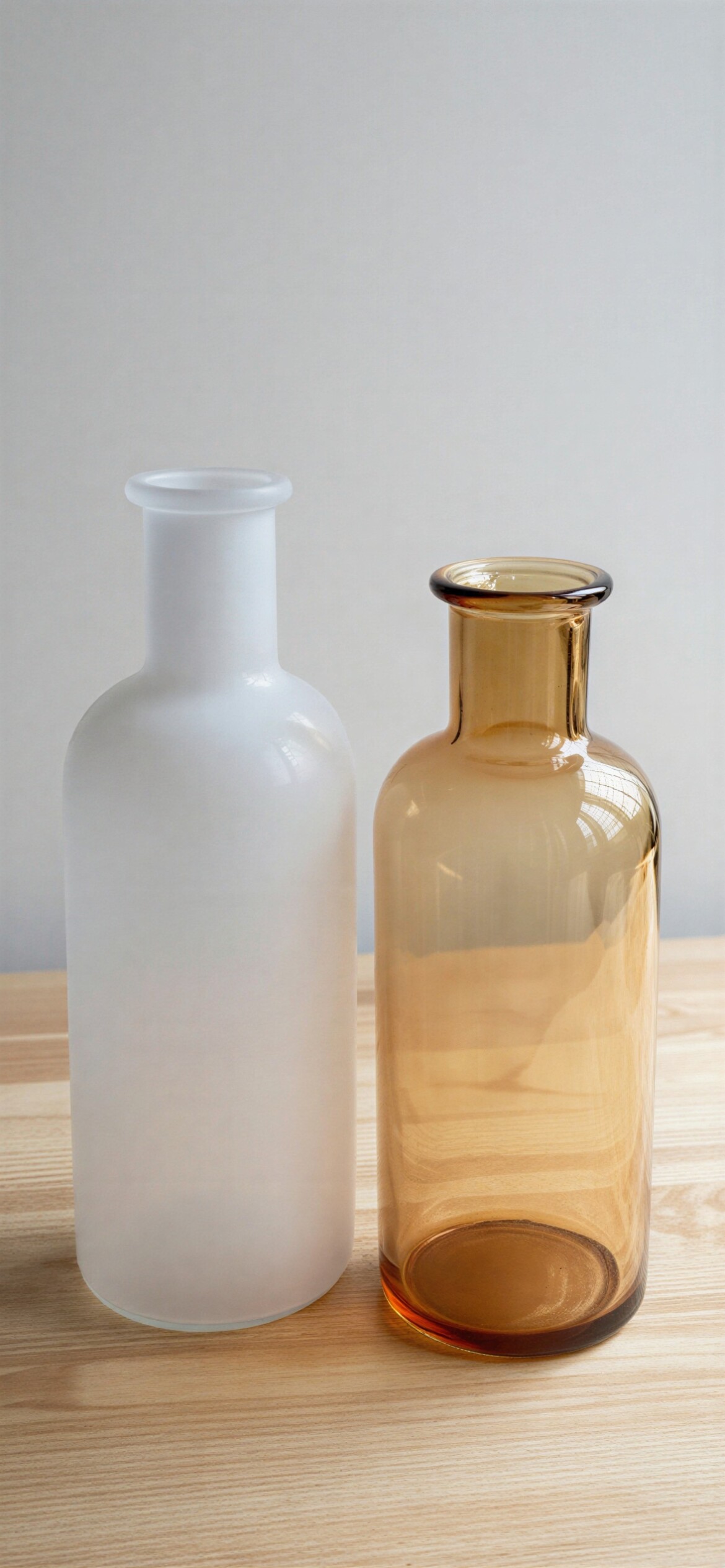
- #5 and #9, honey tones. Weathered tan and grey wood grain in warm afternoon light, and frosted white and amber glass vessels on pale wood. The amber in the glass picks up the same warmth as the old timber.
How iOS keeps two screens together
Since iOS 16 in 2022, the iPhone treats your lock screen and home screen as a wallpaper pair. When you add a new lock screen, you can choose a different photo for the home screen, keep the same one, blur it, or swap it for a plain colour or gradient. You can also save several pairs and switch between them by pressing and holding the lock screen, and each one can be linked to a Focus mode. So you could keep the green pair for work hours and the clay and slate pair for evenings.
A note on glass and old wood
Two of the materials here have a bit of a story. Amber glass gets its brown colour from iron and sulfur added to the melt, and it has long been used for medicine and beer bottles because it blocks much of the ultraviolet light that can spoil what is inside. Frosted glass, like the white vessel in #9, is ordinary clear glass with its surface roughened by sandblasting or acid etching, which scatters light instead of letting it pass straight through. The grey on the weathered boards in #5 comes from the opposite process: sun and rain slowly break down the surface of bare wood until it silvers.
If you like calm, material-led designs like these, the beige aesthetic set and the cream wallpapers stay in the same quiet palette, and the best friend collection has designs made to be shared between two phones.
How to set it on your iPhone
- Tap Download and save the image to Photos.
- Open Settings, tap Wallpaper, then Add New Wallpaper, and choose Photos.
- Pick the wallpaper, pinch to position it, then tap Add and choose the lock screen, home screen or both.
Stuck on a step? The iPhone and iPad guide has screenshots for each one.
Questions
Will these wallpapers fit my iPhone without cropping?
Yes for modern iPhones. These designs are created at 1170x2532 pixels, which matches the screens of recent iPhone models, and they display full screen on your lock and home screens. Some older models may crop slightly at the edges.
Can I use these wallpapers commercially or share them elsewhere?
These wallpapers are free for personal use on your own devices only. Selling them, printing them for sale, or reposting them on other websites is not allowed. Please see our Terms page for the complete usage policy.
How do I know which wallpaper goes on my lock screen versus home screen?
There is no single right answer. Most people prefer the simpler or less busy design on their lock screen for better readability of time and notifications. Use the more detailed or textured design on your home screen where it sits behind icons. Feel free to swap them if one arrangement feels better to you.
Do matching wallpapers work with all iPhone home screen layouts?
Yes. Matching sets work with any icon arrangement or widget setup because they use neutral colors and soft compositions. For best results, avoid placing too many icons on your home screen so the wallpaper texture remains visible and the coordinated design shines through.