Eiffel Tower Wallpaper iPhone
Eiffel tower iPhone wallpaper offers iconic Paris views, golden hour light and romantic Parisian scenes, free to download for your phone. These vertical designs feature the iron monument from different angles and times of day, all captured with warm, soft tones that suit any lock screen or home screen. Each wallpaper brings a touch of Paris to your device without clutter or distraction.
10 wallpapers at 1170 × 2532 px for iPhone. Checked by hand on 11 Oct 2026.
About this set
This set captures the Eiffel Tower in various natural light conditions, from golden hour glow to cool twilight, all rendered in soft, natural tones that feel calm and romantic. Each wallpaper uses the full vertical space of your iPhone screen, with the tower positioned in the lower half and a simple, clean sky above, so lock screen widgets and notifications stay readable.
These designs work best as lock screens where their simple composition and vertical framing shine. The neutral greys, warm ambers and soft sky tones pair well with any iOS home screen icon style, and the Parisian mood complements both minimal and colorful setups without competing for attention.
A tower that was only meant to stay twenty years
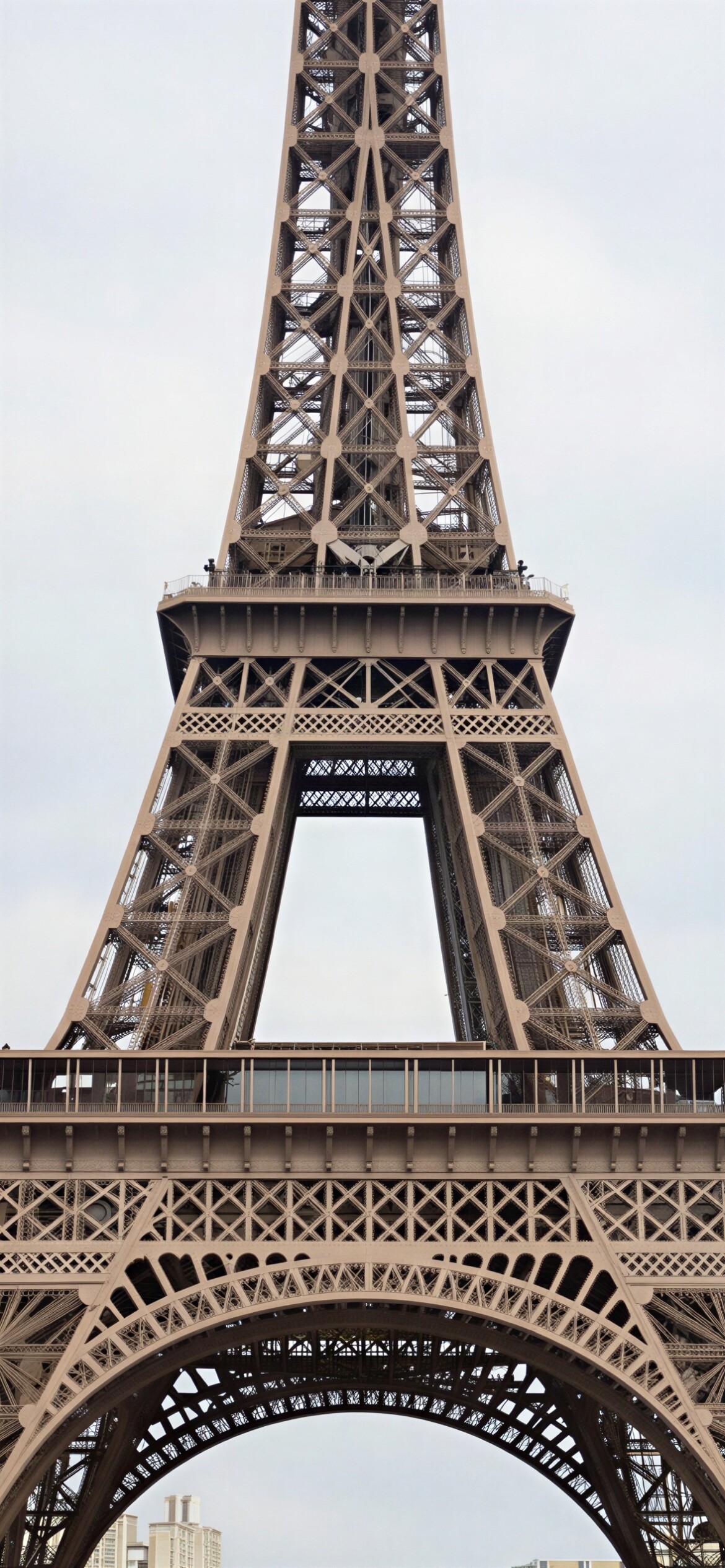
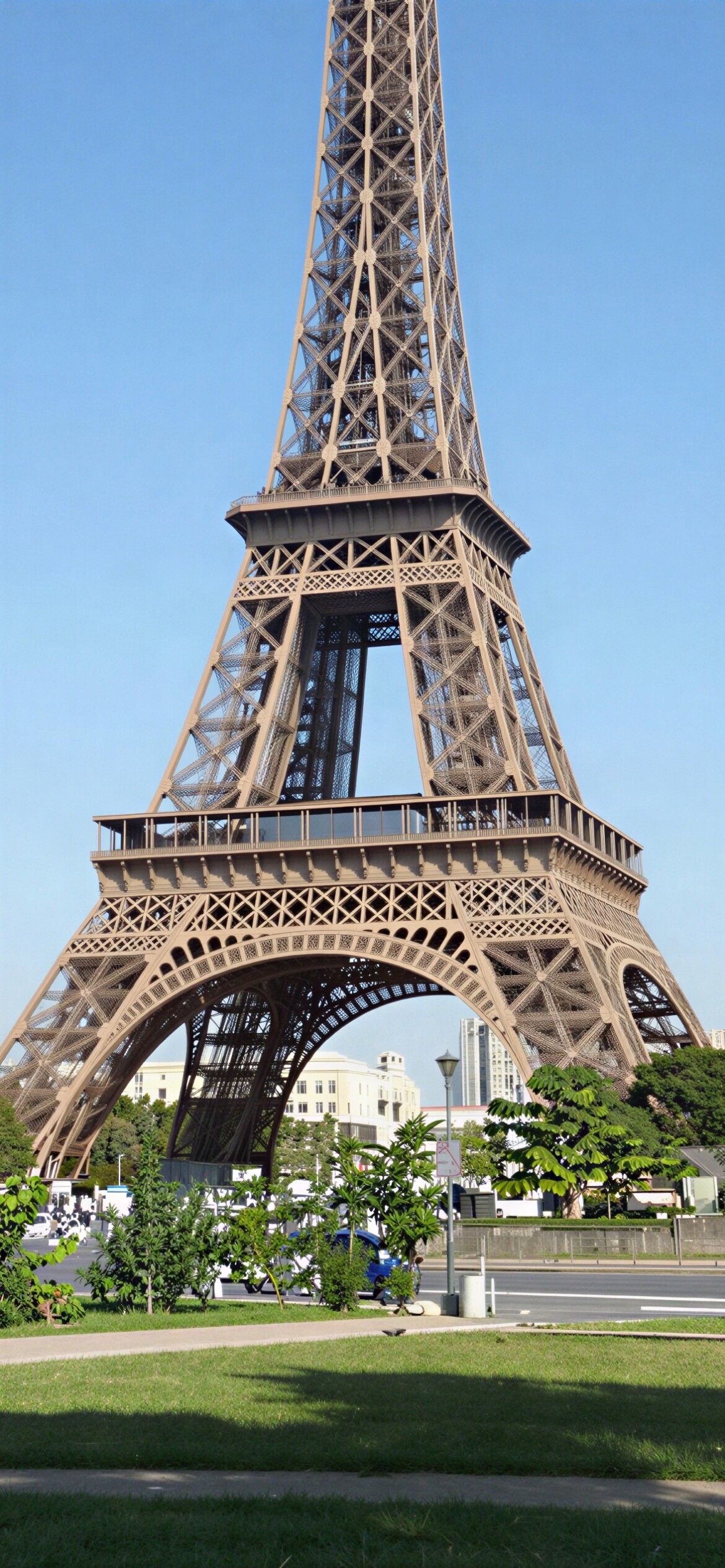
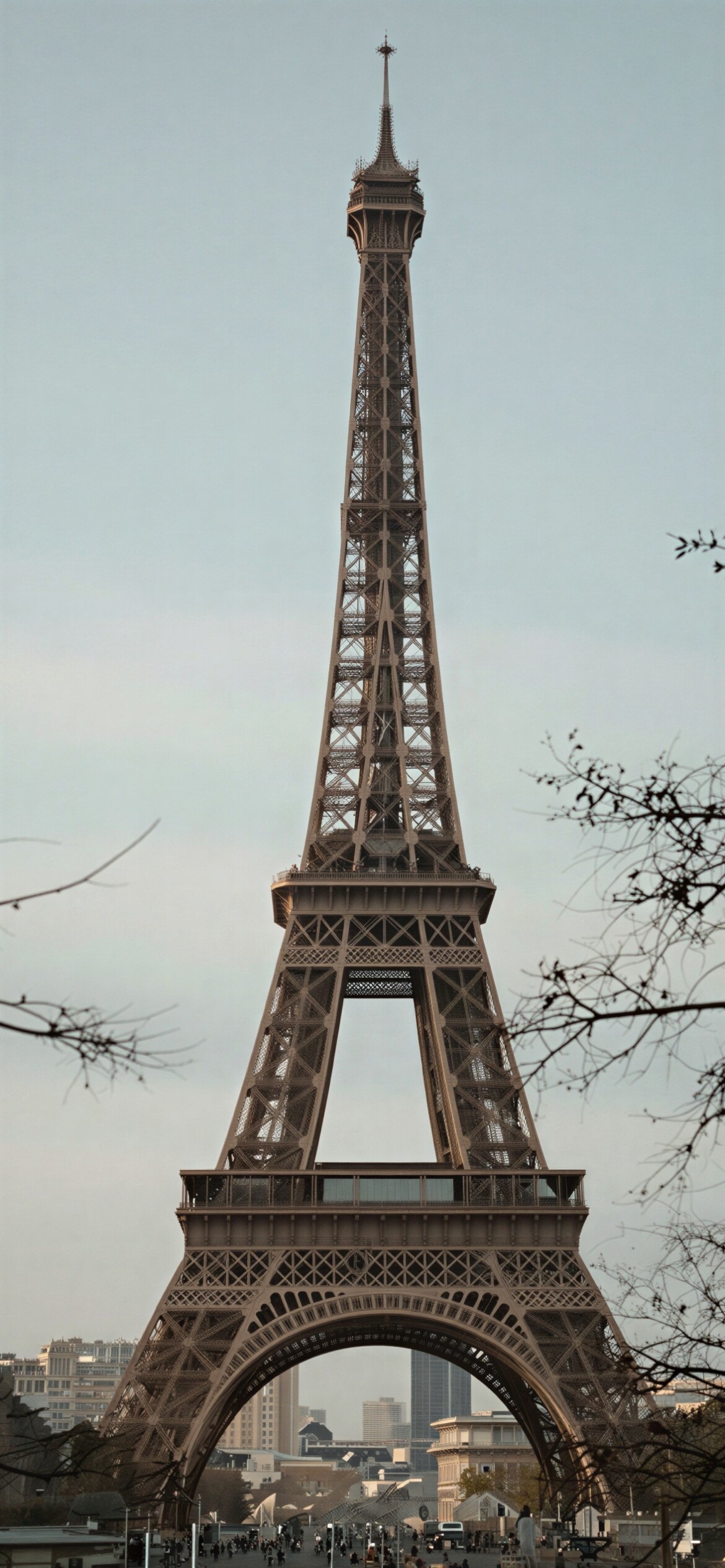
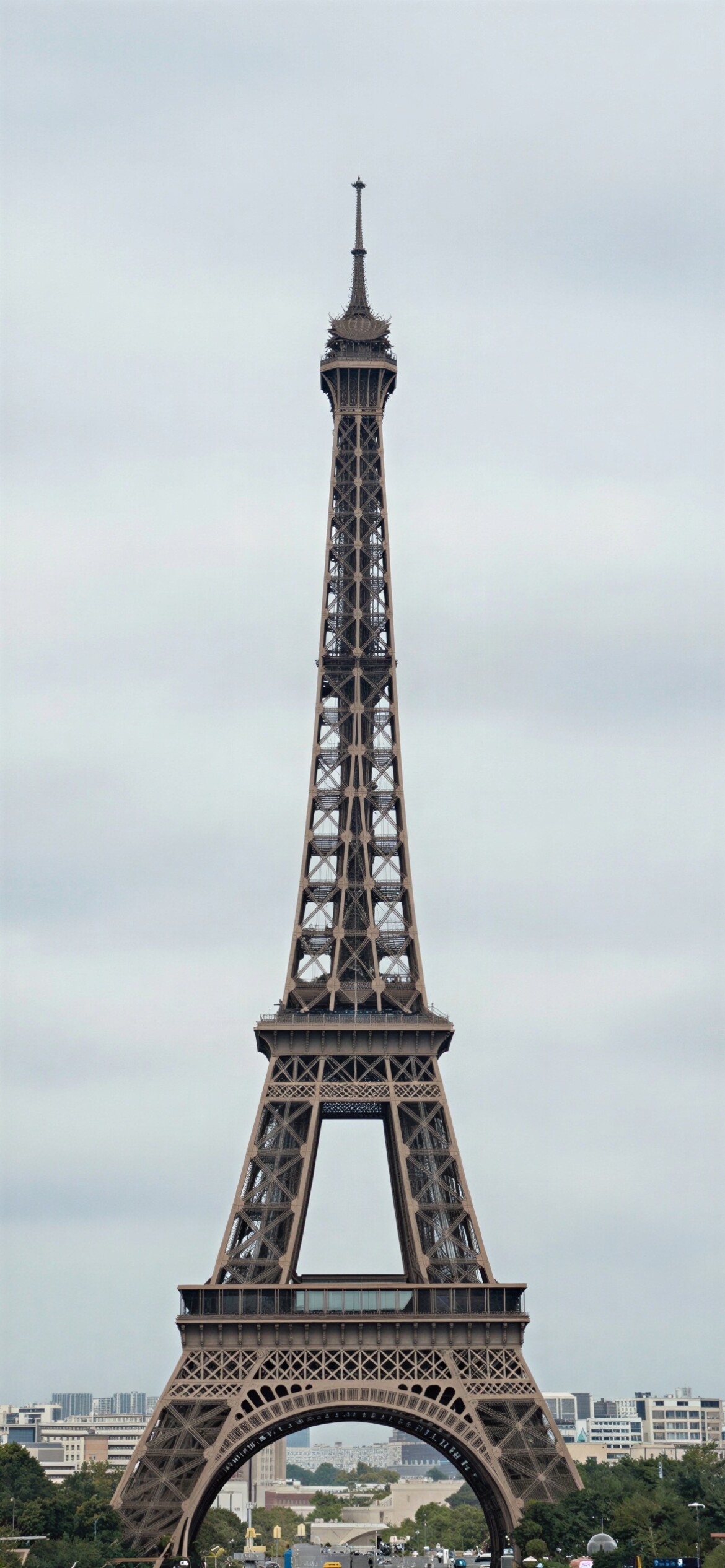
Gustave Eiffel's company built the tower for the 1889 World's Fair in Paris, held to mark a hundred years since the French Revolution. The wrought iron structure was given a permit for just twenty years, and a group of well-known artists and writers signed a public protest against it while it was still going up. It stayed partly because it turned out to be useful for radio transmission. You can see the iron lattice most clearly in wallpaper 5, where the midday sun picks out the crossbeams, and in wallpaper 3, where the flat grey sky turns it into a clean outline.
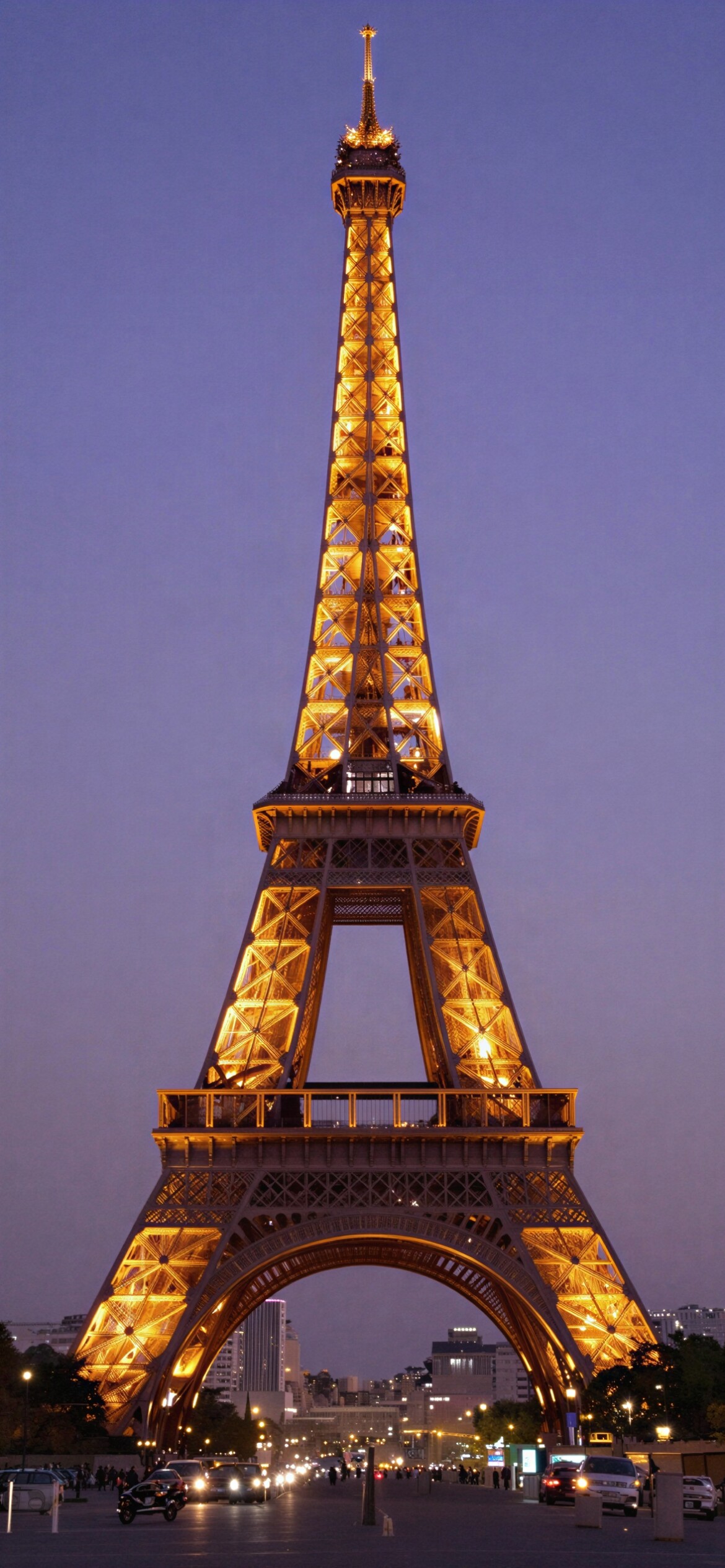
The tower is still repainted by hand roughly every seven years, and the lights you see coming on in wallpaper 4 are a later addition: the golden lighting system was installed in 1985.
Ten times of day, from dawn to after dark
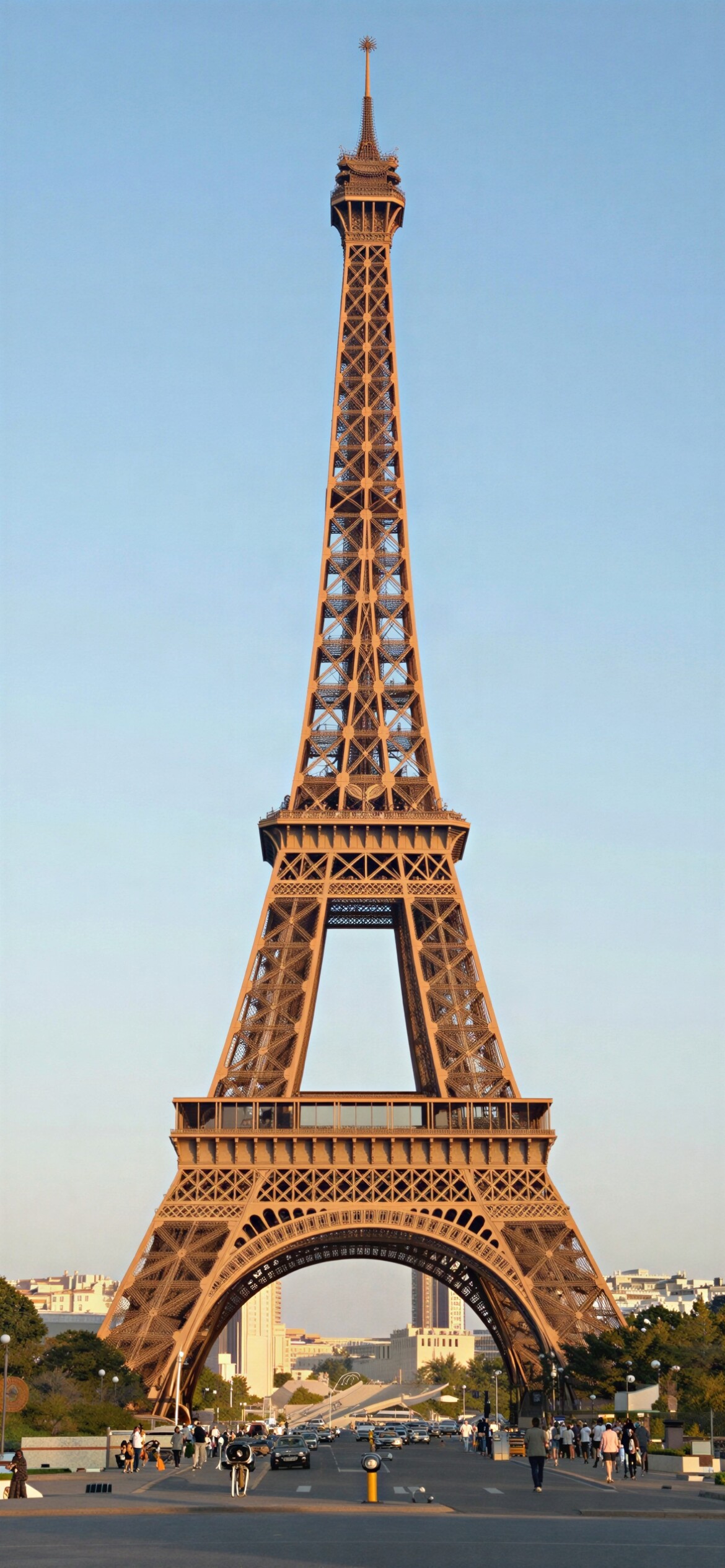
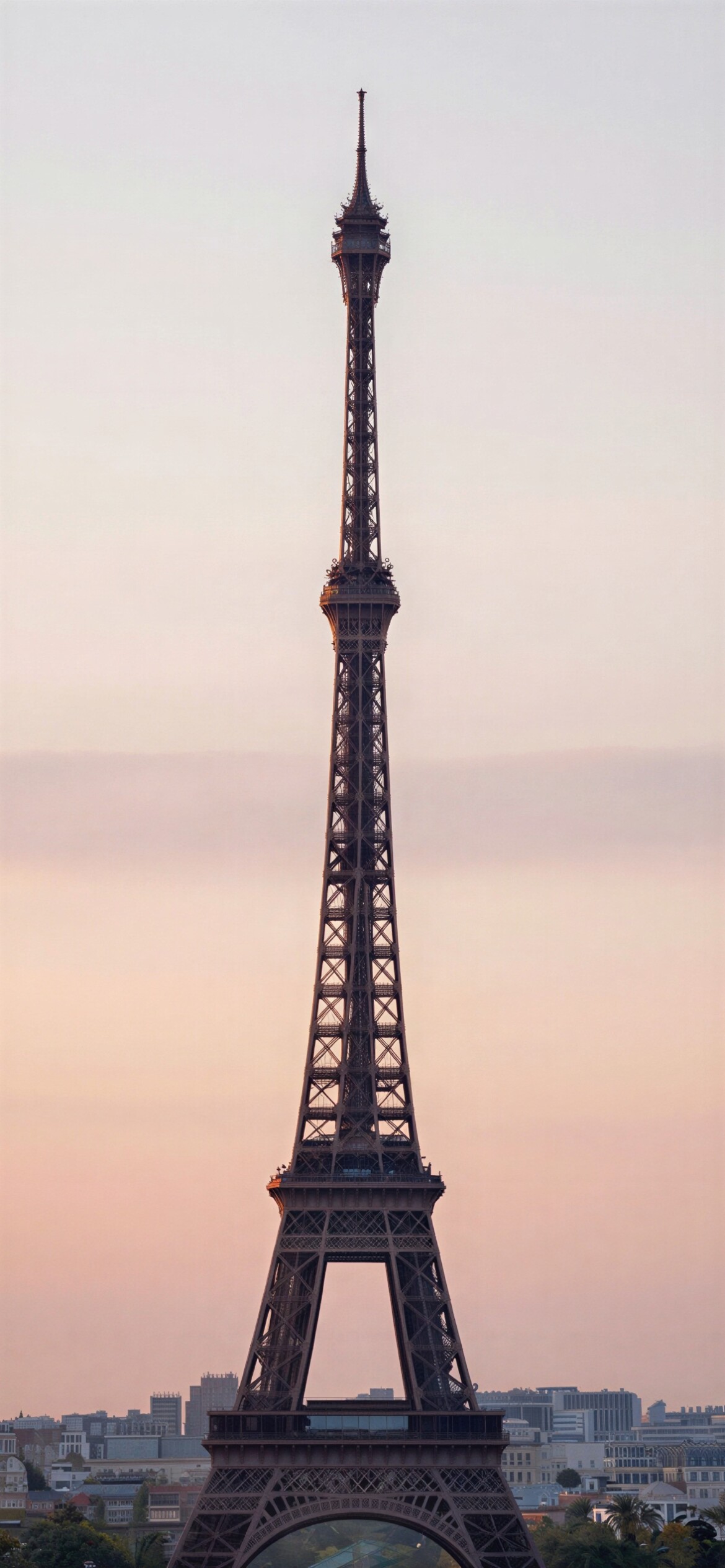
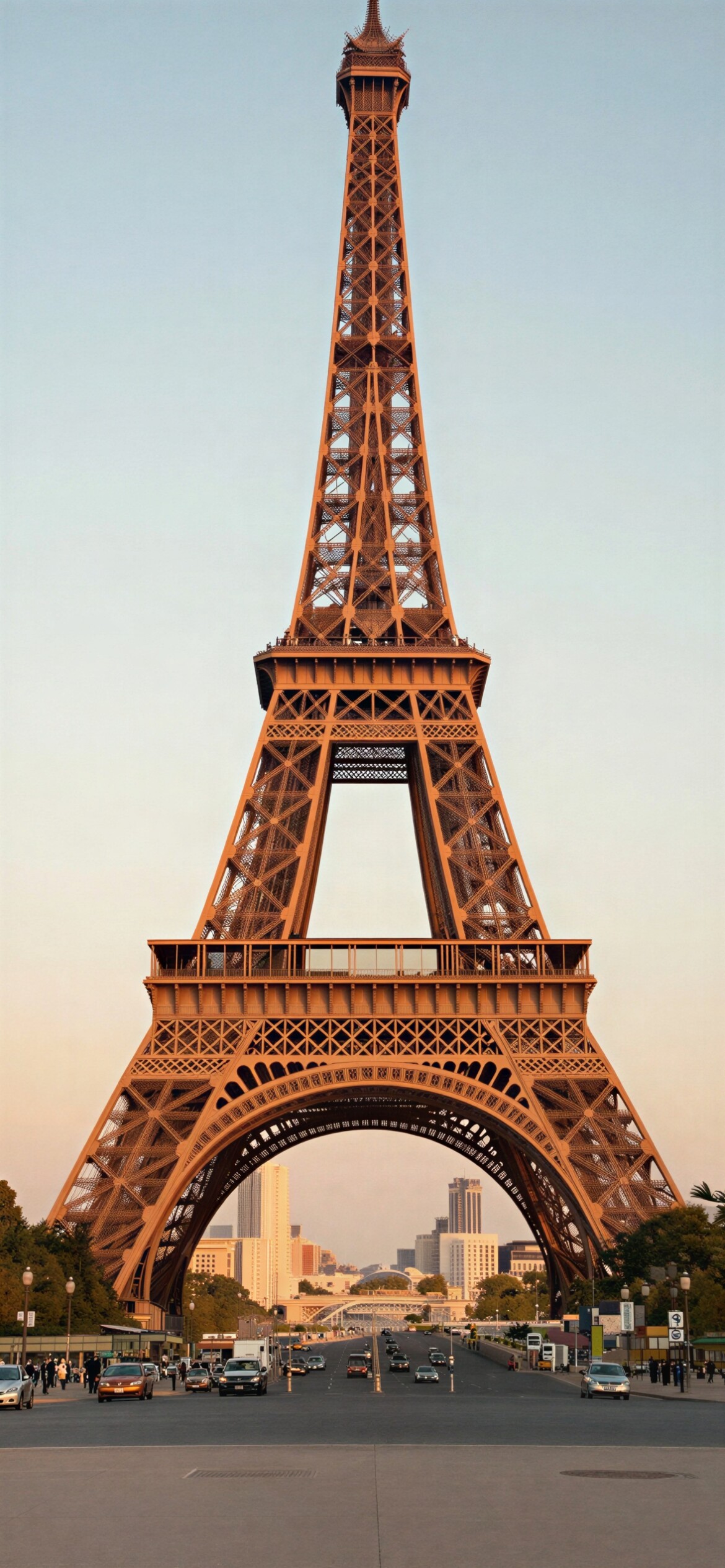
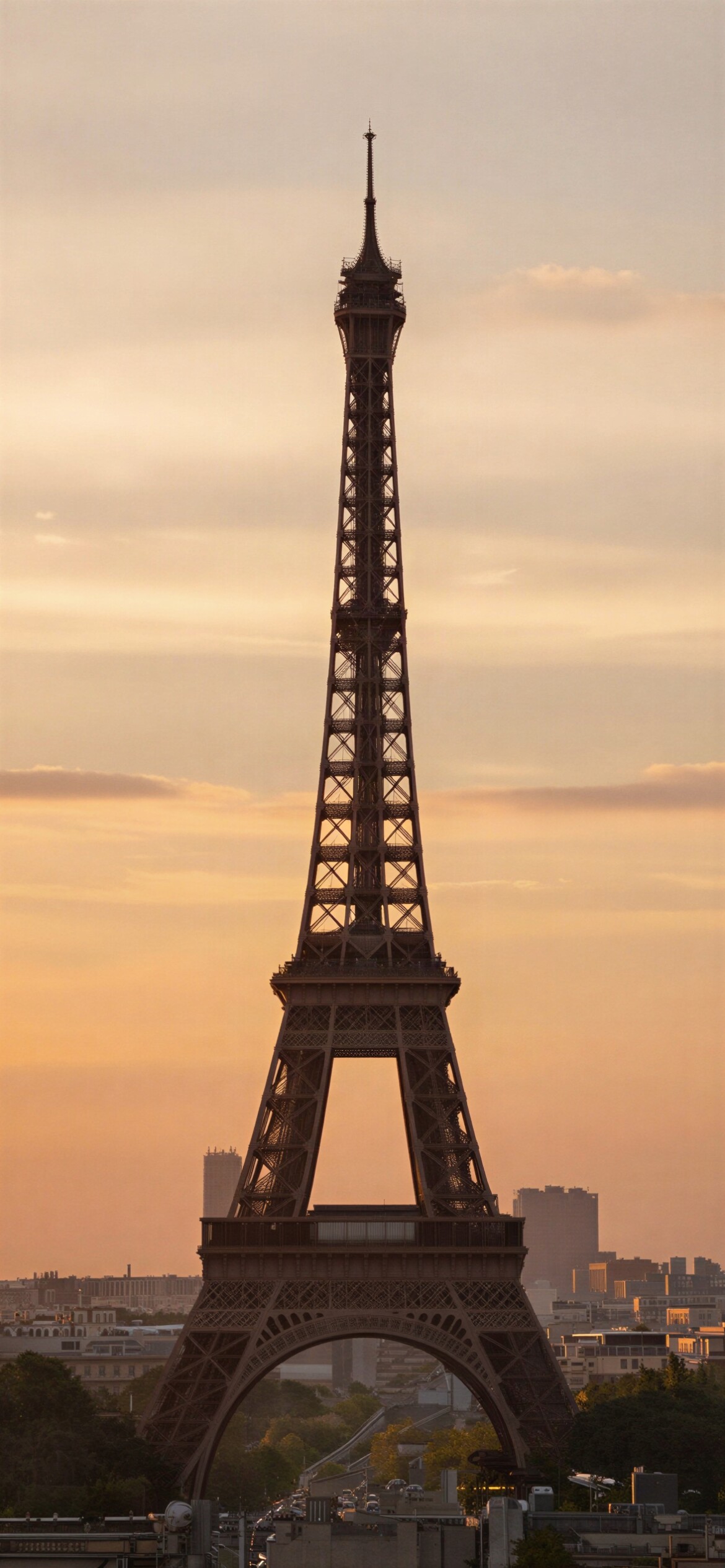
The set follows the light around the clock. Wallpaper 6 opens at dawn with a pink sky and the first golden light, and wallpaper 5 jumps to bright midday under clear azure blue. Wallpapers 1 and 8 sit in the warm part of the afternoon: number 1 adds Paris buildings below the tower, while number 8 keeps things simpler with a peach sky.
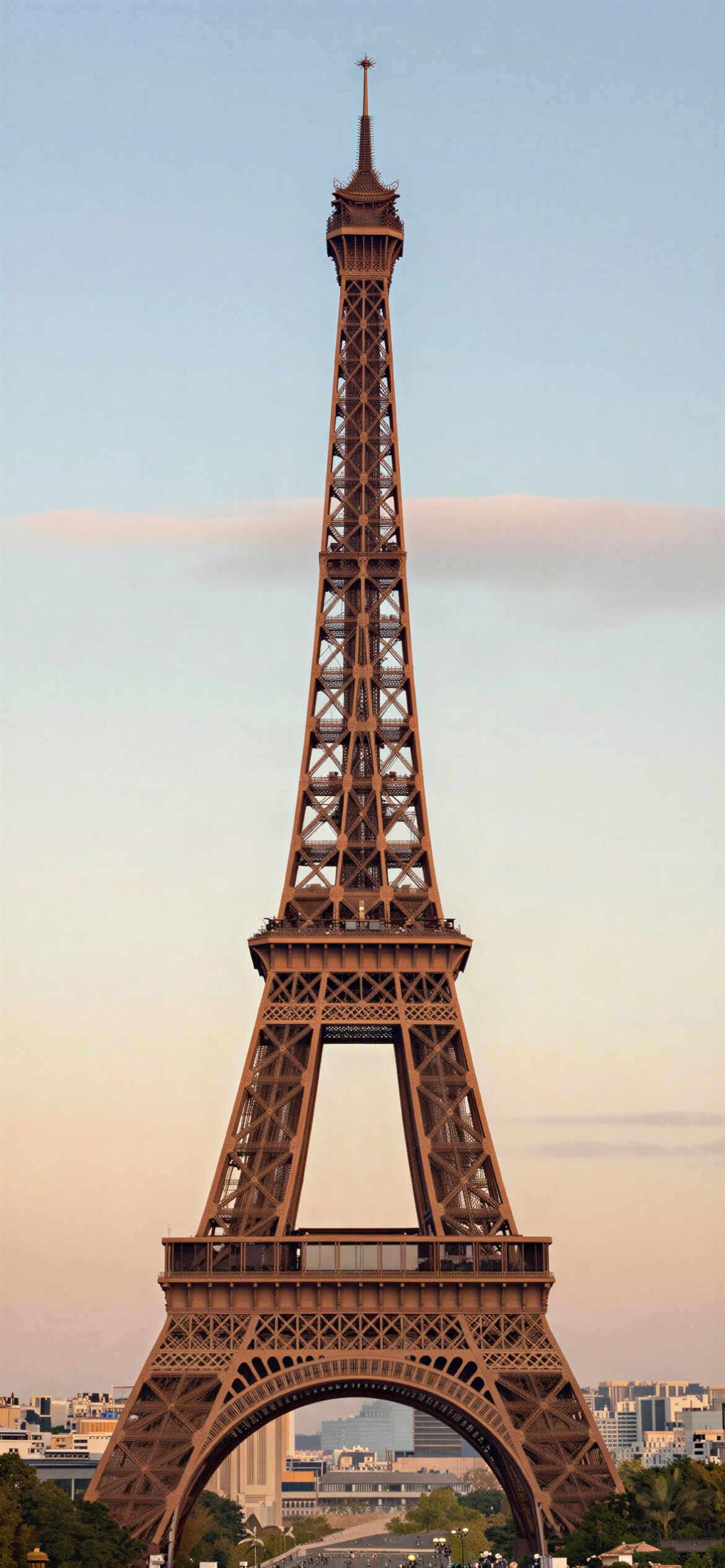
Evening gets three versions. Wallpaper 2 fades from peach to cream, wallpaper 10 turns the tower into a dark silhouette against a glowing sky, and wallpaper 4 waits for blue hour, when the tower lights are on. If you run your phone in dark mode, number 4 is the one to try first.
The quietest designs are 3, 7 and 9. Numbers 3 and 9 both use soft overcast light, with 9 a touch cooler, and number 7 frames the tower with bare trees, a good fit for the winter months.
Warm, cool or somewhere between
- Warm and golden: 1, 2, 6, 8 and 10. These sit well with orange, cream or brown accent colours.
- Cool and grey: 3, 7 and 9, which keep white clock digits easy to read.
- Blue, by night and by day: 4 and 5.
Want more city light? Browse our night city wallpapers, the travel collection for other famous places, or the sunset set if the evening shots here are your favourites.
How to set it on your iPhone
- Tap Download and save the image to Photos.
- Open Settings, tap Wallpaper, then Add New Wallpaper, and choose Photos.
- Pick the wallpaper, pinch to position it, then tap Add and choose the lock screen, home screen or both.
Stuck on a step? The iPhone and iPad guide has screenshots for each one.
Questions
Will these wallpapers fit my iPhone screen size?
Yes. This set is designed for iPhone vertical screens at 1170x2532 pixels. These designs fill the entire screen edge to edge and work on all modern iPhones. The tall 9:19.5 aspect ratio uses the full height of your display, so the tower composition and sky balance work as intended.
Can I use these wallpapers for personal use?
Yes, these wallpapers are free for personal use on your own devices. You may not sell them, print them for sale, repost them on other wallpaper sites or use them commercially. Please see our Terms page for full details on what's permitted.
Are these real photos or illustrations?
These are original artwork curated and checked by hand. Each design captures the Eiffel Tower and Paris scenes with natural lighting and realistic colors, rendered to look like a photograph you might take during different times of day, from sunrise through twilight.
Which wallpapers work best as lock screens versus home screens?
All of these work beautifully as lock screens because the simple sky at top leaves room for time and notifications. For home screens, the warmer, brighter designs (golden hour and midday versions) blend better behind colorful icons, while the cooler overcast and twilight versions suit minimal icon layouts.