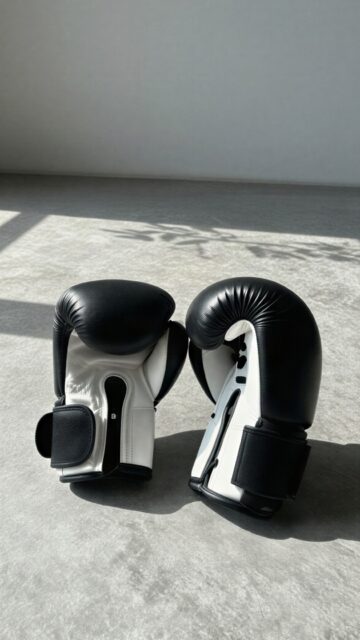
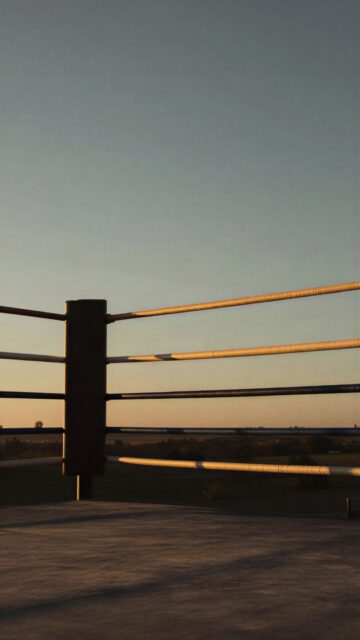
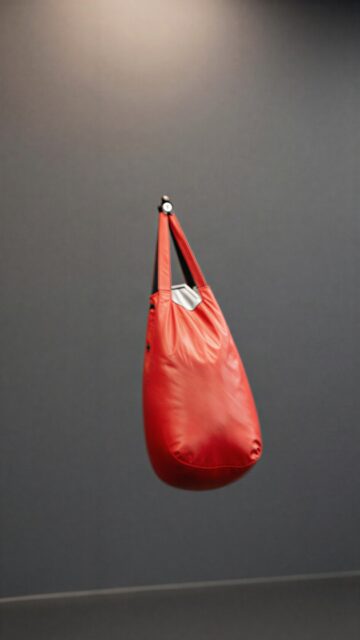
10 wallpapers in 1 collections · last added 14 Oct 2026 · sizes for iPhone, Android, desktop and tablet
A boxing wallpaper puts some grit and fight on your screen: worn leather gloves hanging from a hook, a heavy bag swinging in a dusty gym, ring ropes under bright lights, hand wraps, sweat-soaked training floors and dramatic silhouettes of fighters mid-punch. These boxing backgrounds range from gritty, photo-like gym scenes to bold graphic poster styles and clean minimal designs with a single pair of gloves. They suit fighters, gym regulars and anyone who wants a daily reminder to keep working.
Each collection holds 10 wallpapers in one theme and one size. Phone sets are 1170x2532 for iPhone and 1080x2400 for Android, and there are iPad, laptop and 4K desktop versions for your training plans or your gaming setup. This theme sits alongside our wider sports wallpapers. Every design is original and checked by hand before it is published, and weak images are removed, so the leather, sweat and spotlight details look sharp and real.
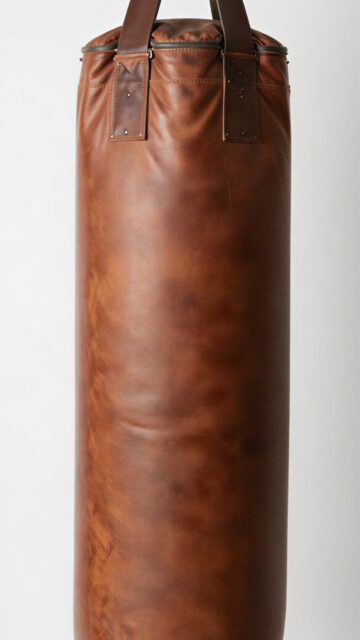
Boxing art usually lands in one of three moods. Gritty gym scenes with chalk dust and rusty chains feel raw and focused; red, black and gold fight-night designs feel loud and dramatic; and a single pair of gloves on a dark background reads clean and minimal. For a lock screen, a silhouette or hanging gloves placed low leaves room for the clock. For the home screen, a darker, less detailed design keeps app labels readable. Many people set one before a training camp or a big fight weekend as a daily push to stay disciplined.
Choose a boxing wallpaper with a strong diagonal, like a punch or a swinging bag, and keep it on the lock screen; diagonal lines read as movement, which gives the screen more energy than a centered pose.
Our iPhone boxing wallpapers are 1170x2532 pixels, the tall portrait size that fills current iPhone screens. The crop is checked so gloves or fighters stay visible around the clock and widgets. Our iPhone wallpaper guide walks you through setting it on the lock screen, home screen or both.
Use the 1080x2400 pixel version, which suits most current Android phones with tall screens. If your phone is slightly wider or narrower, the launcher may trim the edges, so centered designs like a single pair of gloves crop best. See the Android wallpaper guide for the steps.
Bare-knuckle fighting was common in early prize fighting. The Marquess of Queensberry Rules, published in England in 1867, called for padded gloves, three-minute rounds and a ten-second count, and they shaped modern boxing. Gloves became standard in professional bouts by the late 1800s, which is why they're such an iconic boxing image.
Red, black and gold are classic, echoing fight-night lights and championship belts. Black and white feels gritty and timeless, much like an old fight photo. If you want something calmer, deep navy or charcoal with one red accent keeps the energy without feeling too loud on your phone all day.
Many people use one as a visual cue. Seeing gloves or a heavy bag every time you unlock your phone can remind you of a training goal, a fight date or simply to get to the gym. Pair it with a reminder widget showing your next session for an even stronger nudge.
Detailed, dramatic scenes, like a fighter in the ring under spotlights, look best on the lock screen where nothing covers them. On the home screen, a darker image with simple shapes, such as gloves hanging on a hook, keeps icons easy to read and the screen less busy.
Only as a personal background on your own devices. Using them on gym signs, posters, social media promotion, merchandise or a club website counts as commercial use or redistribution, which isn't allowed. The full rules are explained on our Terms of Use page.
Pick a set in our 4K desktop size, 3840x2160 pixels, which also looks sharp on 1080p and 1440p screens. Open your background settings and choose the image, using the fill option so it covers the screen. The desktop wallpaper guide shows the exact steps for Windows and Mac.
Every wallpaper is reviewed by a person before it goes live: we remove images with odd details or blur and check the crop for each device. How we check wallpapers
Something wrong with an image? Report an image · Free for personal use, see the Terms.