Christmas Tree Lock Screen Wallpaper
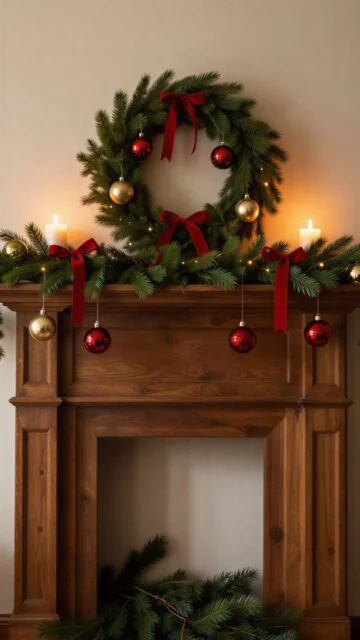
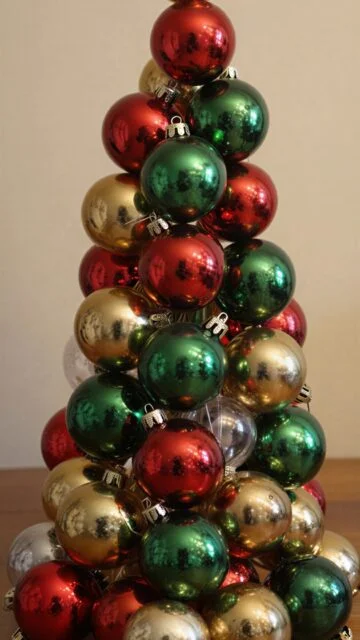
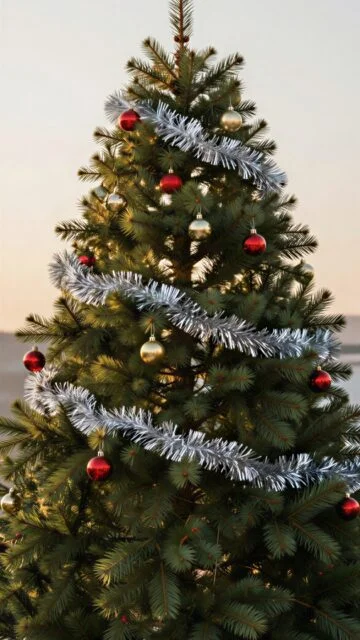
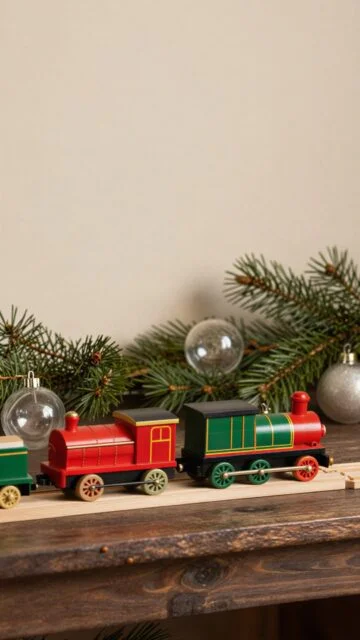
Christmas tree lock screen wallpaper with glowing evergreens, ornaments and snowy winter scenes, each leaving the top clear for your clock and free to download. This set features original artwork with various takes on evergreen trees, ornaments, lights and winter scenes. Each wallpaper is drawn and checked by hand. The designs work best on lock screens where the top area stays clear for the clock and time display. You'll find traditional decorated trees, snowy forest scenes, minimalist branches and glowing holiday lighting across the collection.
10 wallpapers at 1170 × 2532 px for Lock Screen. Checked by hand on 8 Oct 2026.
About this set
This set captures the quiet joy of the Christmas tree through different artistic styles. You’ll find watercolor paintings with soft blended colors, geometric vector designs with clean lines, realistic digital paintings with detailed lighting, and minimalist illustrations with bold shapes. Each design keeps the top portion of the frame open and calm for your lock screen clock and notifications.
The lock screen wallpapers work best when your evergreen tree sits centered or slightly lower in the frame, leaving breathing room above for time and date displays. Pair these with simple widget arrangements so ornaments and lights remain visible. The warmer designs with gold and red work beautifully with dark mode, while the snowy and pale versions suit lighter phone themes. Layer these with focus modes that match the holiday mood you want to set.
Fir or spruce, and a tree that started on a building site
Most of the trees in this set are drawn with the full, upswept shape of a fir. That is the tree most families bring home today. Fraser fir grows wild only high in the southern Appalachians and is named after the Scottish botanist John Fraser, while Nordmann fir, from the Caucasus, is the common choice across much of Europe because it holds its needles well indoors. The older favourite, Norway spruce, smells strongly of pine but drops needles faster in a warm room. There is an easy way to tell them apart: fir needles are flat and soft, spruce needles are sharp and roll between your fingers.
A farmed tree usually takes around seven to ten years to reach living-room height. One famous tree had a far humbler start. In 1931, construction workers at Rockefeller Center in New York put up a small fir and decorated it with paper garlands and cranberries. The official lighting ceremony began two years later and still draws crowds every winter.
Painted, geometric or out in the snow
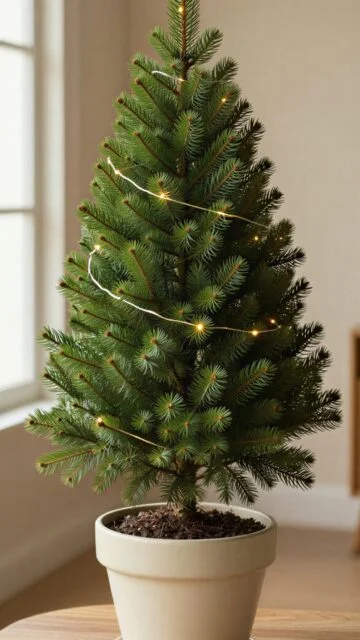
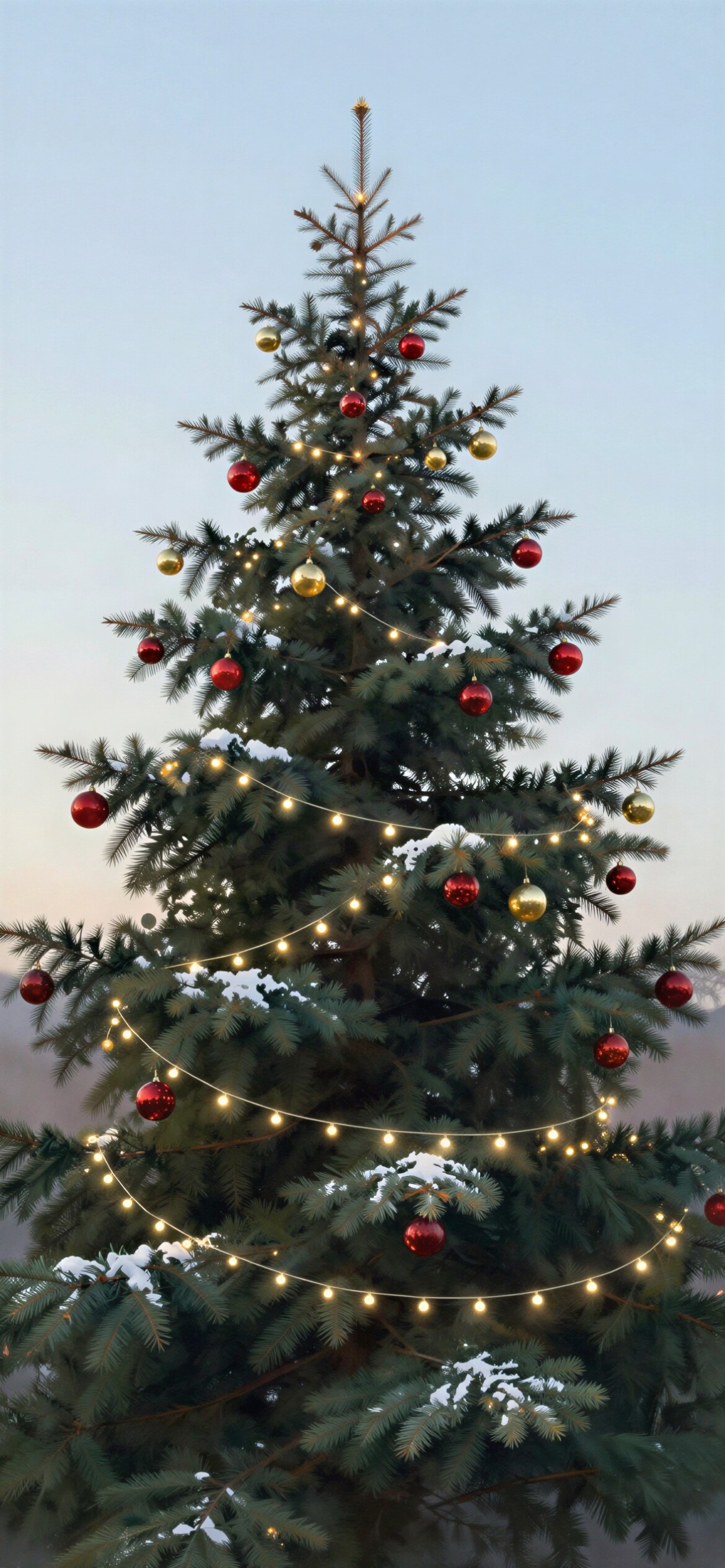
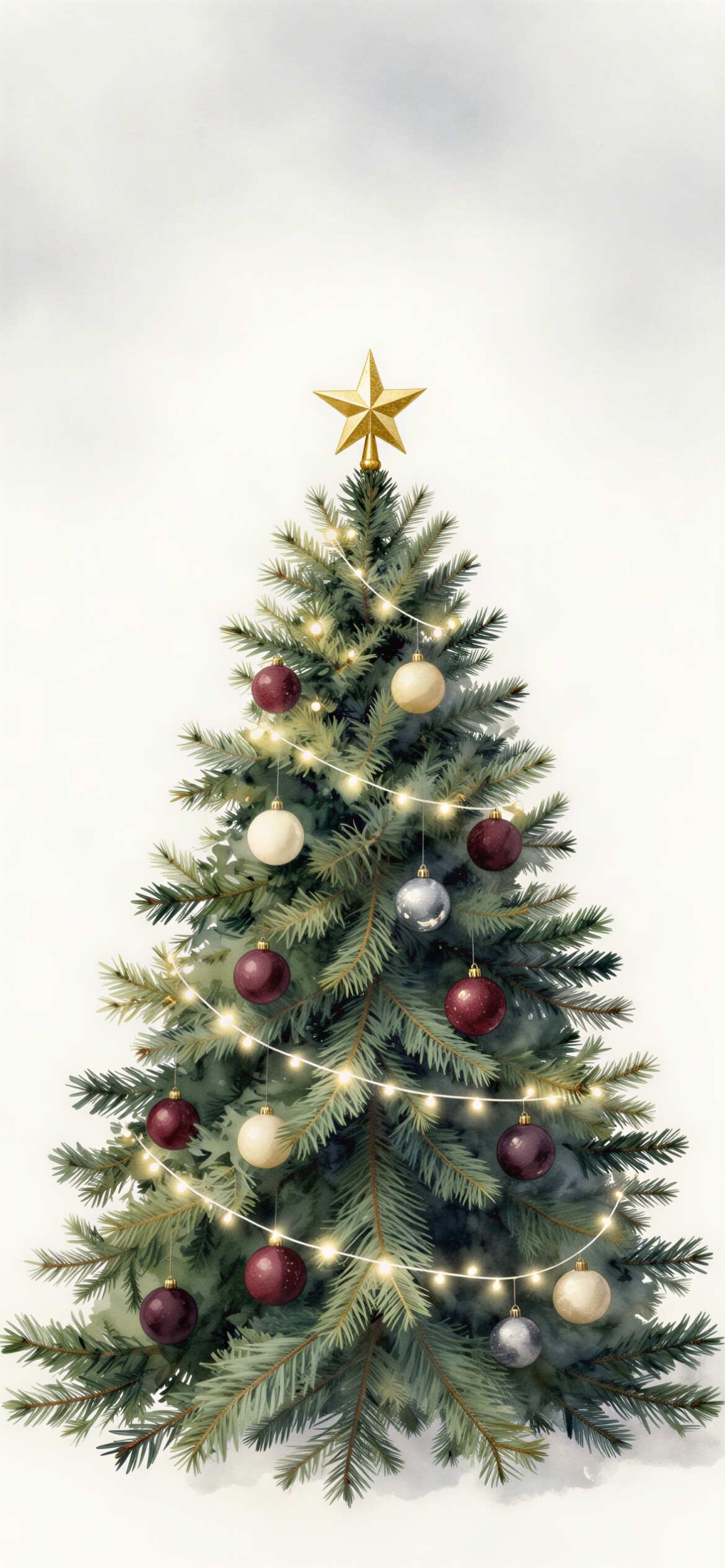
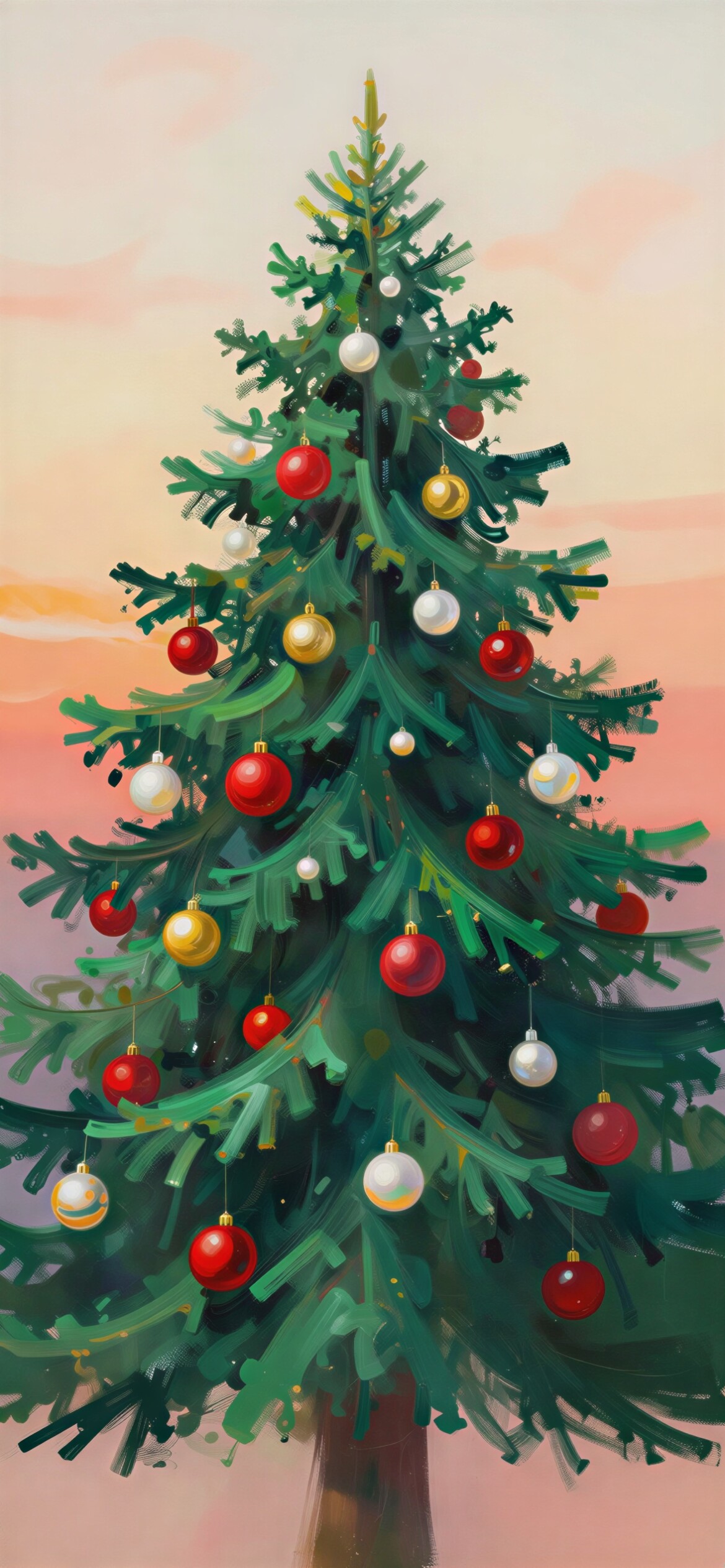
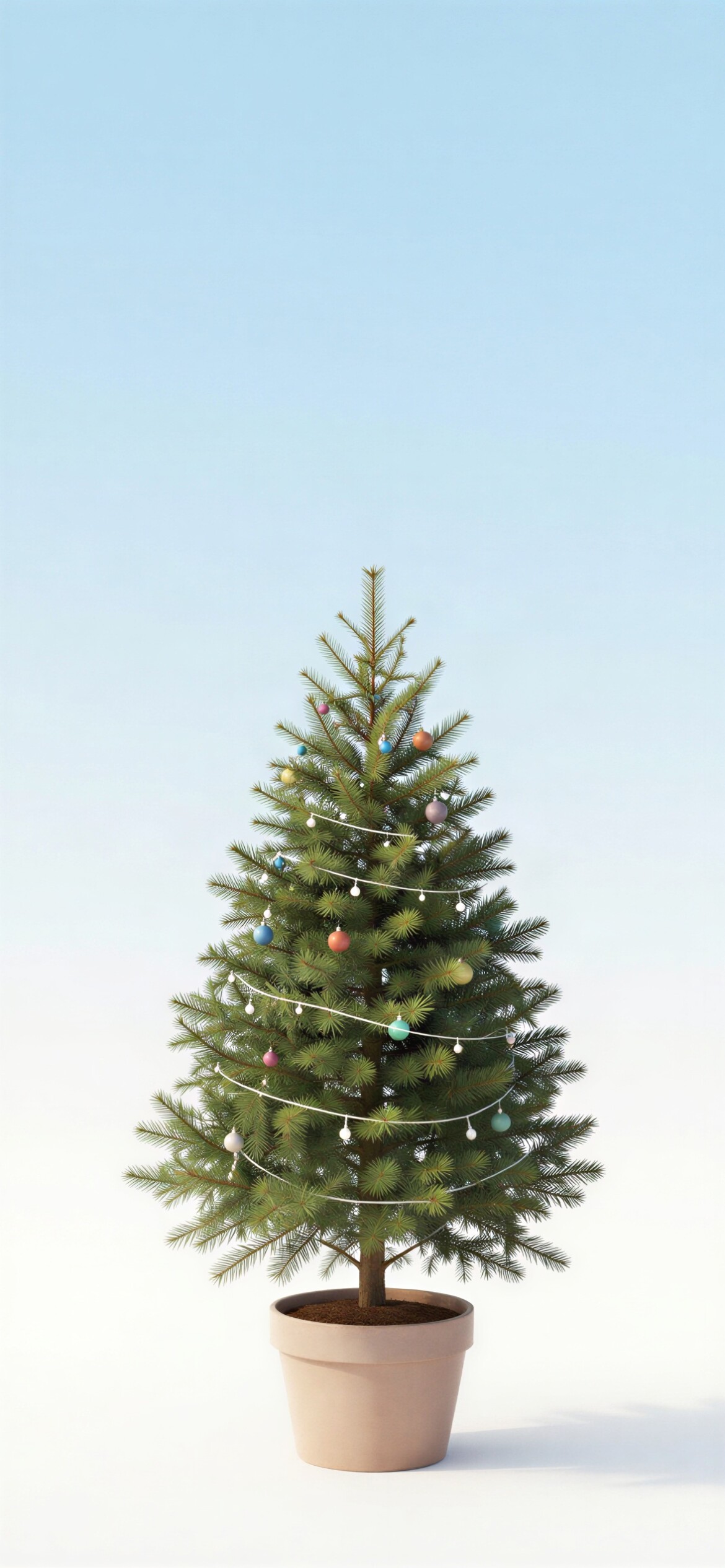
Four of the designs show a classic dressed tree. Wallpaper 1 has red and gold ornaments with white lights, 4 is a softer watercolour version in silver and burgundy, 6 uses bold brushstrokes and jewel-tone baubles, and 7 is a small potted tree strung with multicolour lights on a plain background.
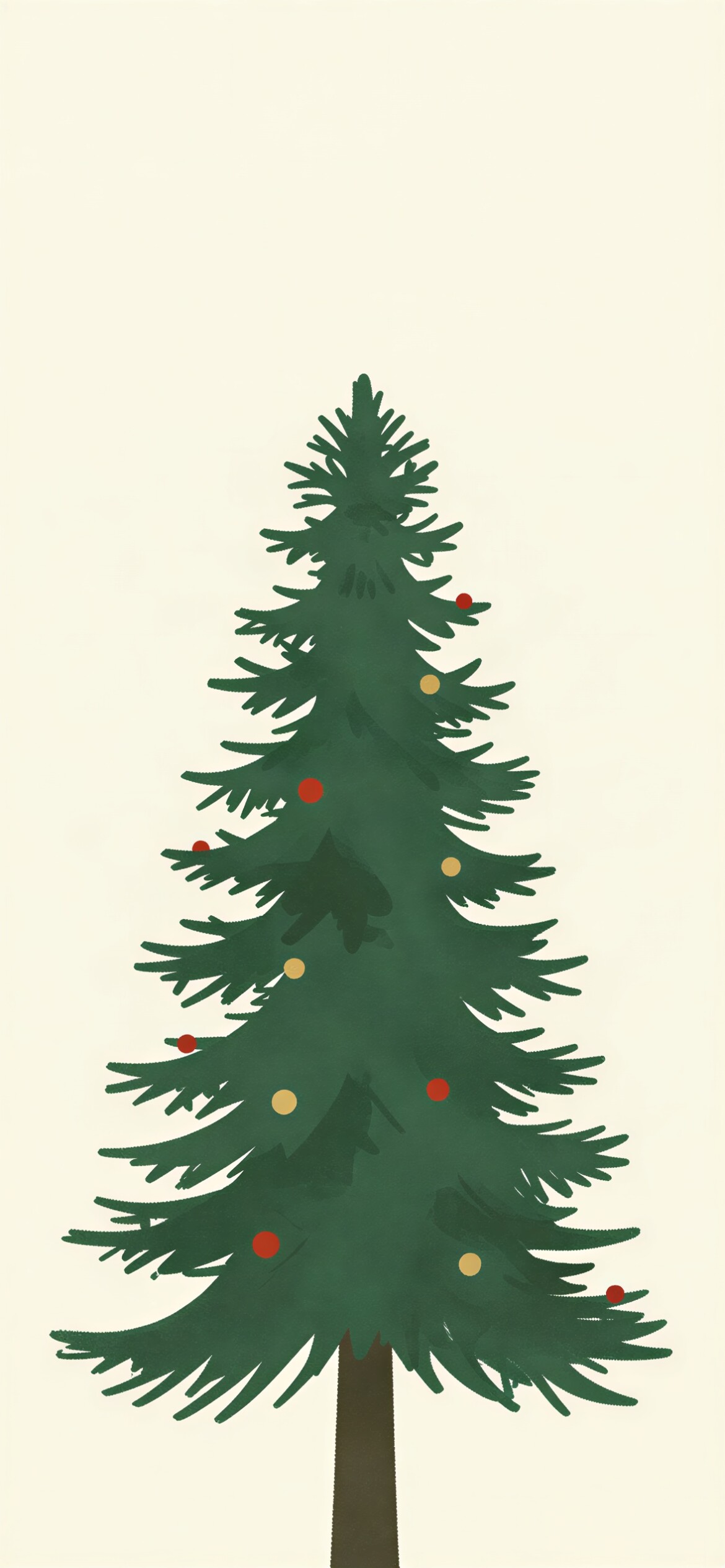
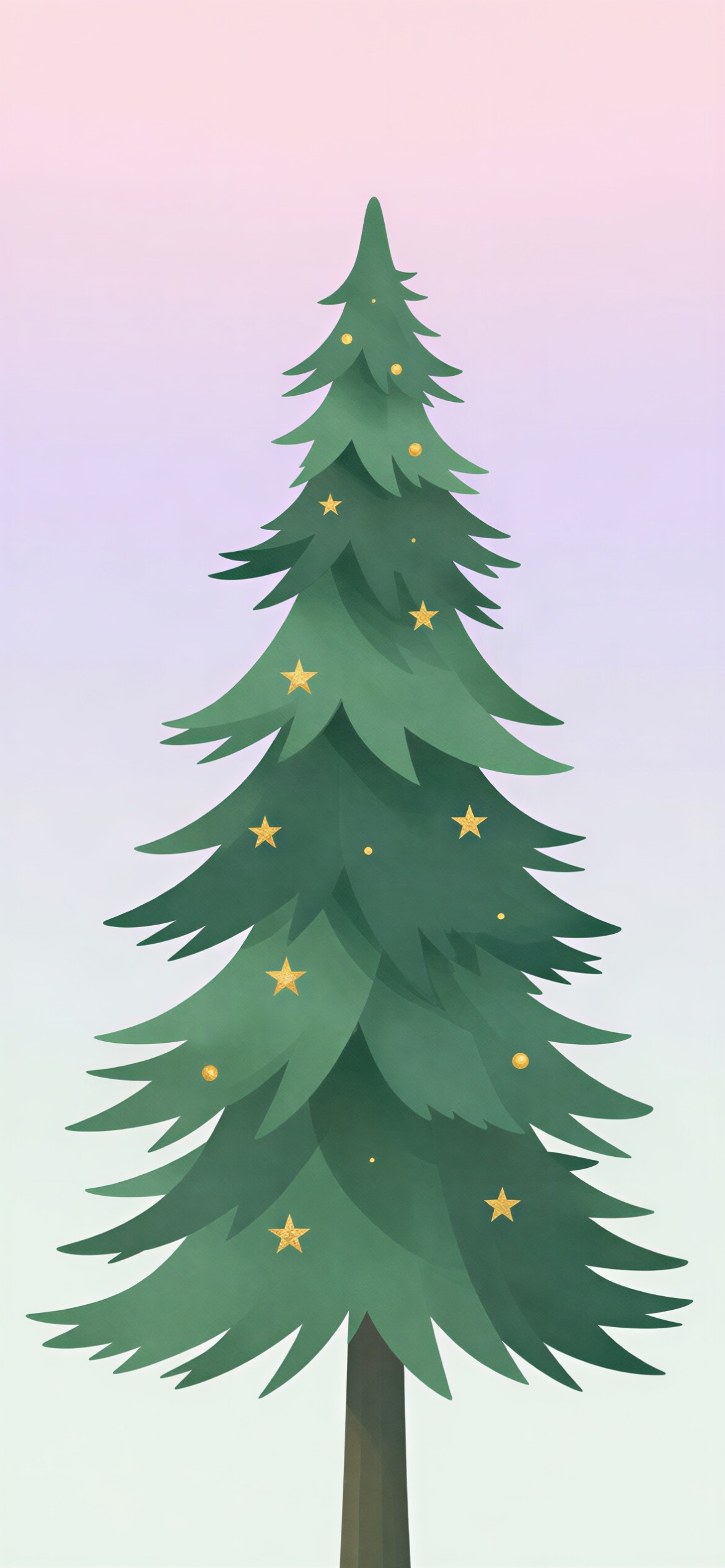
Wallpapers 2 and 9 take a more graphic route: 2 builds the tree from flat green shapes with red and gold ornaments, and 9 adds gold stars and spheres to a modern outline. Both sit neatly behind a clock because the edges are so clean.
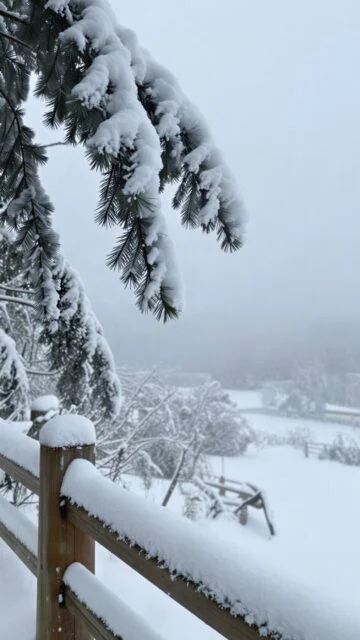
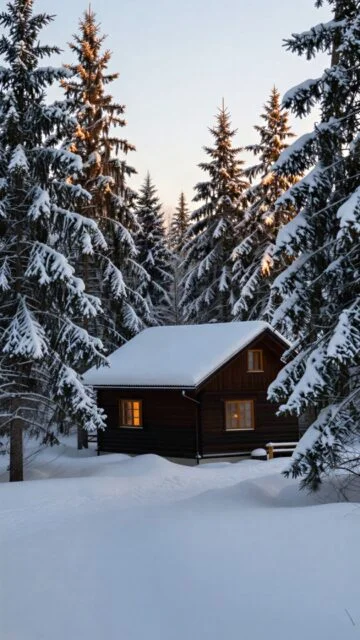
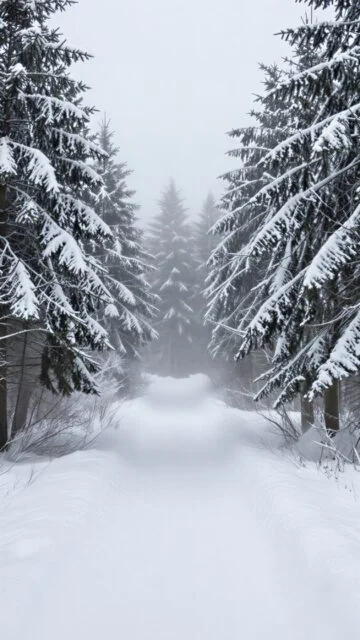
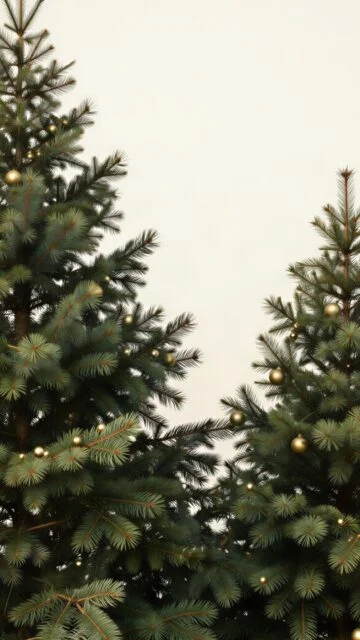
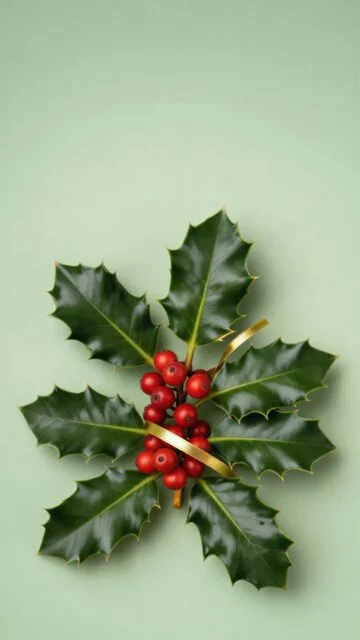
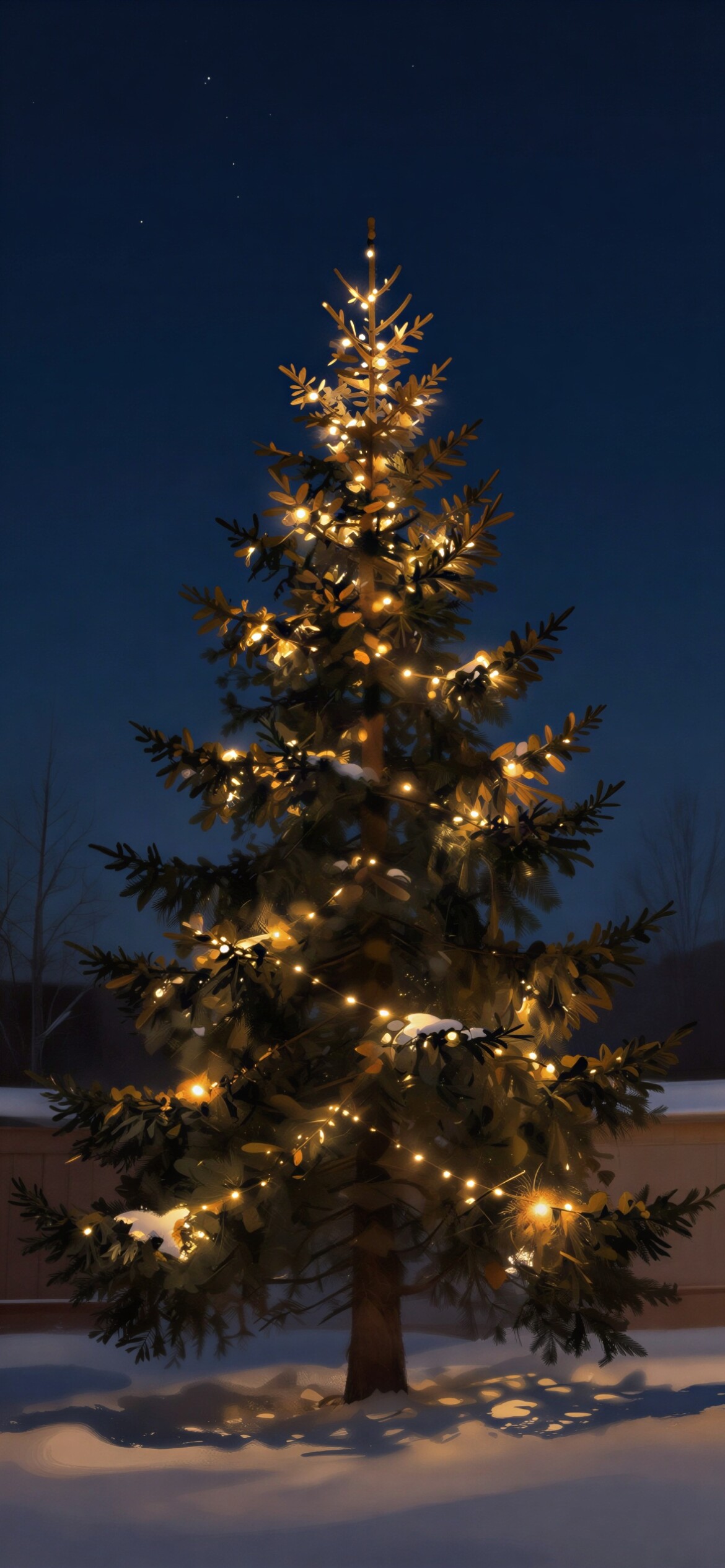
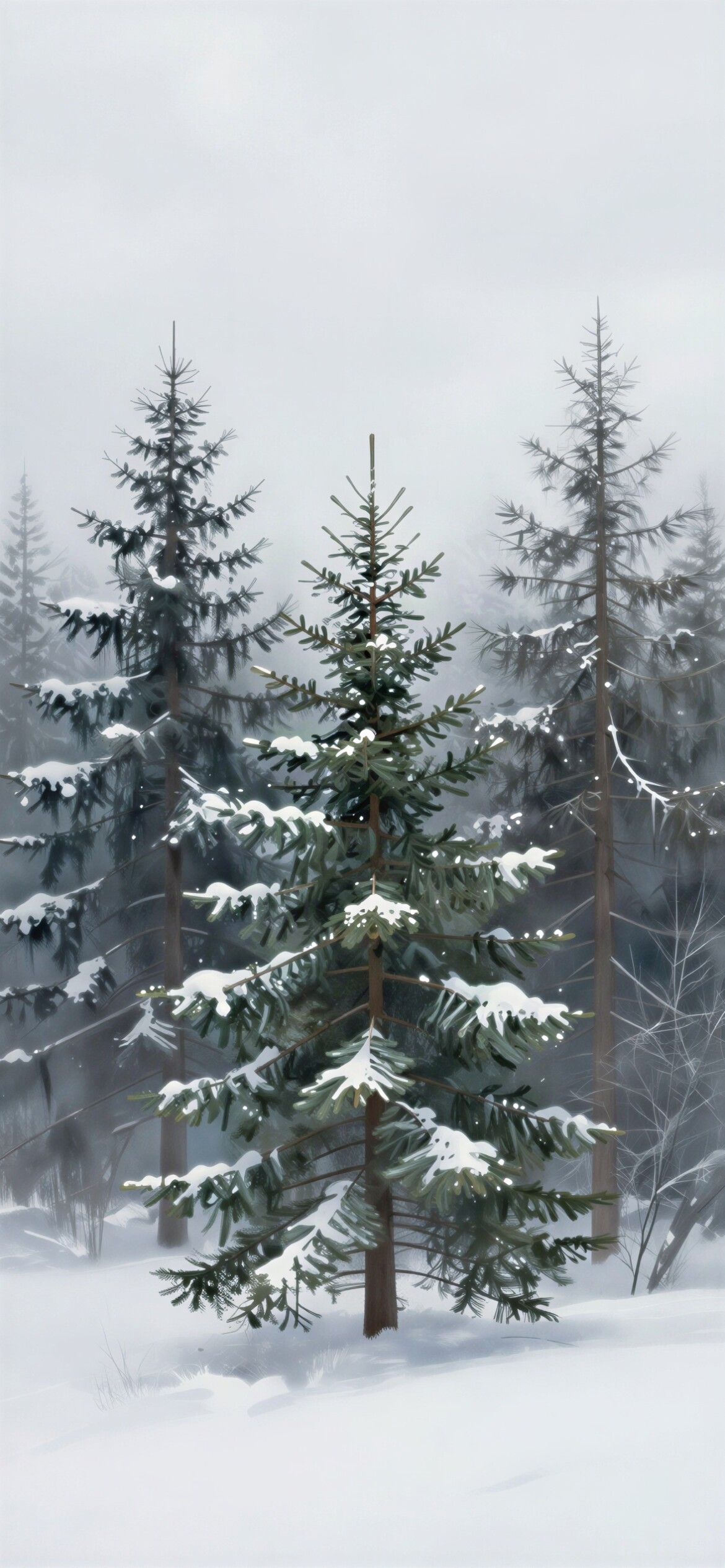
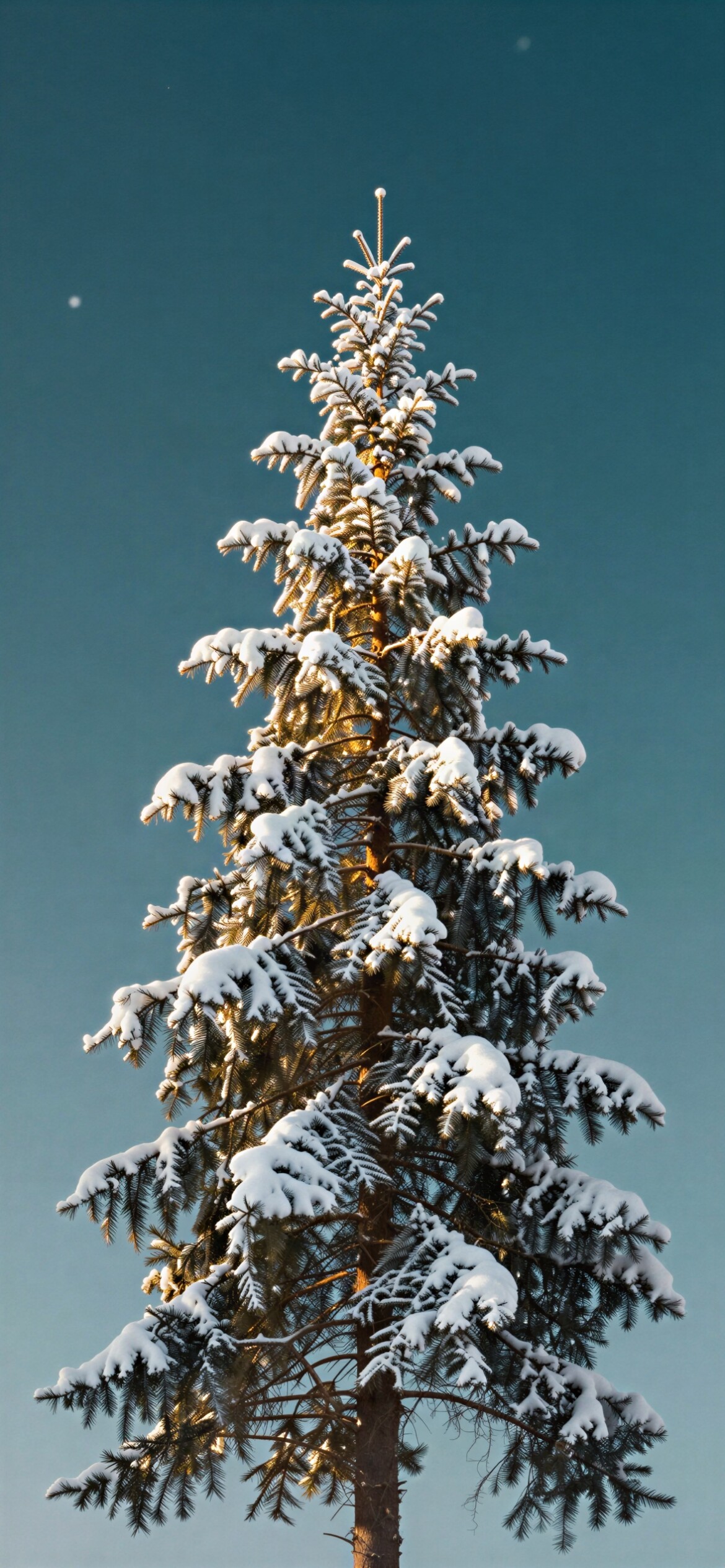
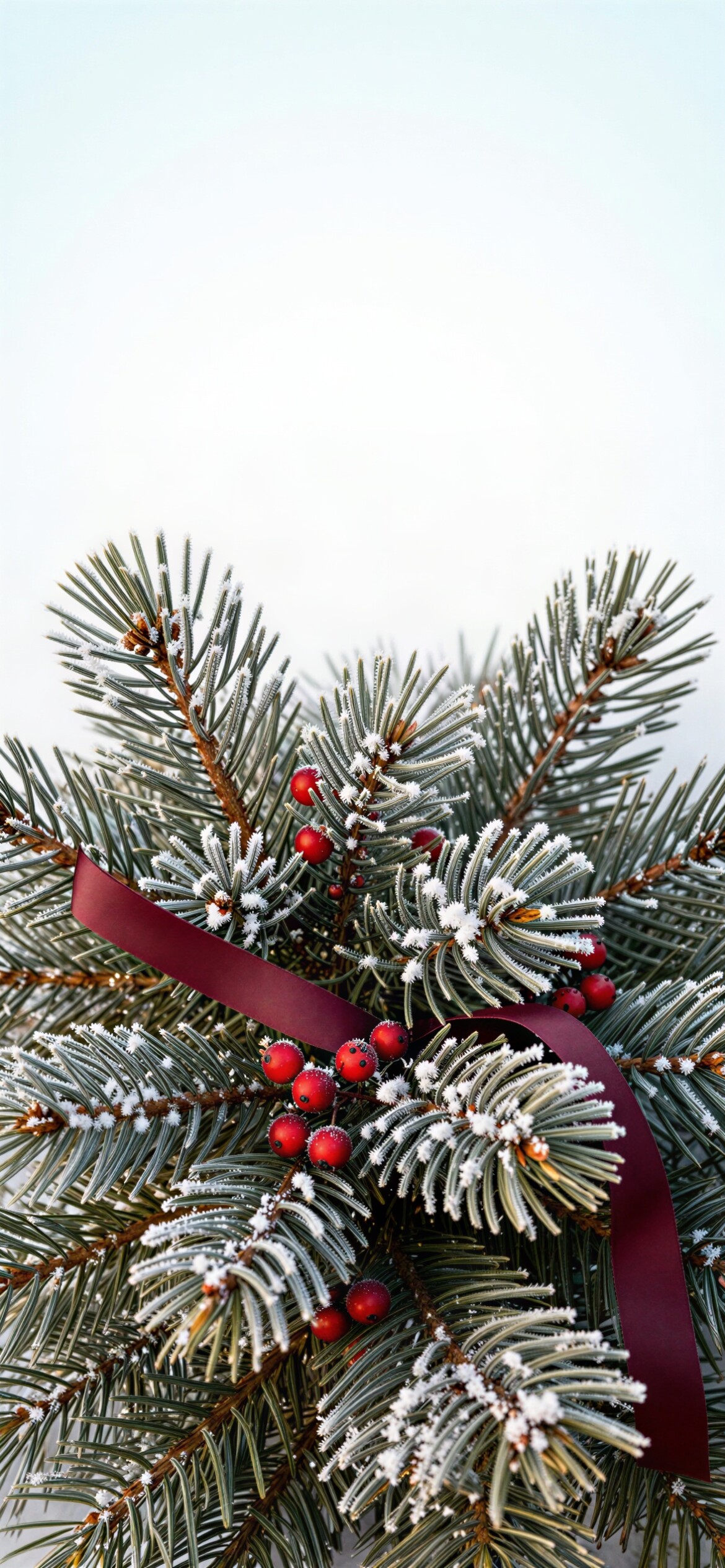
The rest move outdoors. Number 3 is a dark silhouette glowing with warm lights against the night, 5 shows three snow-covered evergreens in a winter forest, 8 is a snow-laden tree with a golden glow under a teal sky, and 10 closes in on frosted branches tied with a burgundy ribbon.
Red and gold, jewel tones or a glow in the dark?
- Classic red and gold: 1, 2 and 9, the most traditional holiday colours in the set.
- Deeper jewel tones: 4, 6 and 10, where burgundy and silver give a richer, quieter feel.
- Glowing at night: 3 and 8, best if you like a dark screen with one warm light source.
- Light and playful: 5 and 7, with pale snow or a simple background and plenty of breathing room.
On iOS 16 and later, the lock screen depth effect can lift part of a clear subject in front of the clock. Because these trees sit low in the frame, you usually won't need it, but it can be fun to try with 3 or 7. For more evergreens, browse the moodier dark Christmas tree wallpapers, the softer cute Christmas tree designs, or the snowy scenes in our white Christmas collection.
How to set it on your iPhone
- Tap Download and save the image to Photos.
- Open Settings, tap Wallpaper, then Add New Wallpaper, and choose Photos.
- Pick the wallpaper, pinch to position it, then tap Add and choose the lock screen, home screen or both.
Stuck on a step? The iPhone and iPad guide has screenshots for each one.
Questions
Will these wallpapers fit my phone's lock screen properly?
Yes. These designs are created at 1170x2532, sized for modern iPhone lock screens, though some older models may crop slightly at the edges. The top 30% of each image stays clear and calm so your clock, time and notifications display cleanly without covering the evergreen trees or ornaments below.
Can I use these wallpapers for personal use?
Yes, these original artworks are free for personal use on your own devices. You can set them as lock screens, home screens or desktop backgrounds on phones, tablets and computers you own. Selling prints, reposting on other wallpaper sites or using them commercially is not allowed. See our Terms page for full details.
Which Christmas tree wallpapers work best for lock screen versus home screen?
Lock screen wallpapers in this set feature centered or lower-placed trees with open space above for the clock. Any design works on lock screen. For home screen, choose trees with lighter tones or less detail so app icons remain readable. The minimalist geometric tree and snowy forest scene work especially well behind home screen icons.
Can I use these wallpapers after Christmas or in other seasons?
Absolutely. While these designs capture the holiday season, evergreen trees and winter scenery remain beautiful year-round. Many people keep Christmas tree wallpapers through winter months, or use them anytime they want a calm nature-inspired aesthetic on their lock screen. There's no expiration on enjoying them.