Thanksgiving Home Screen Wallpaper
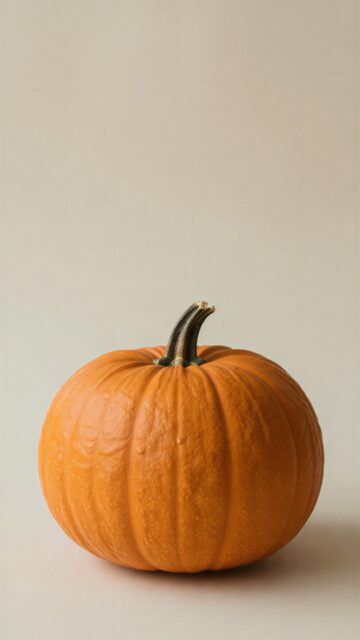
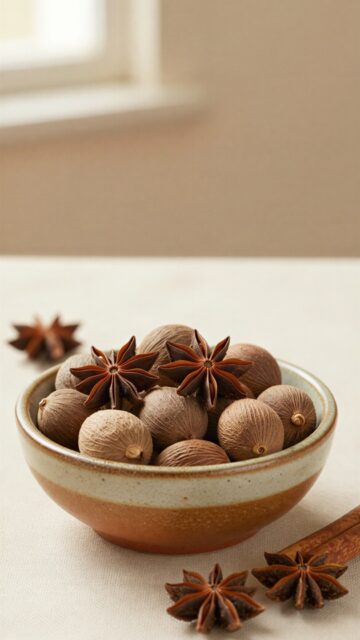
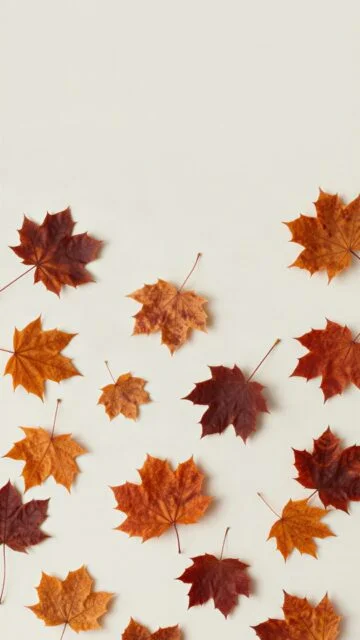
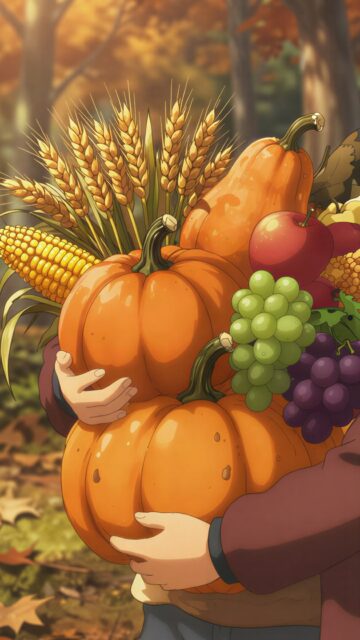
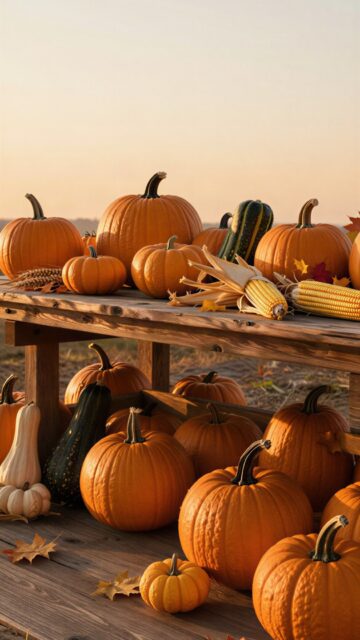
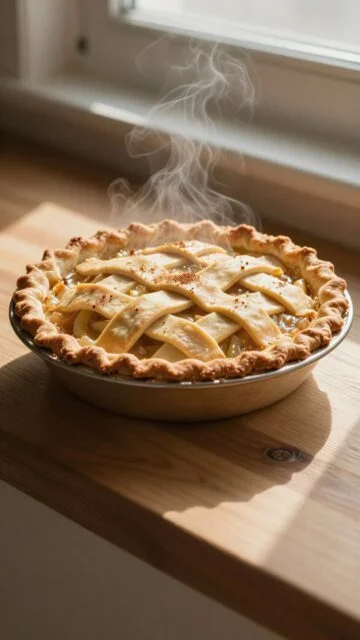
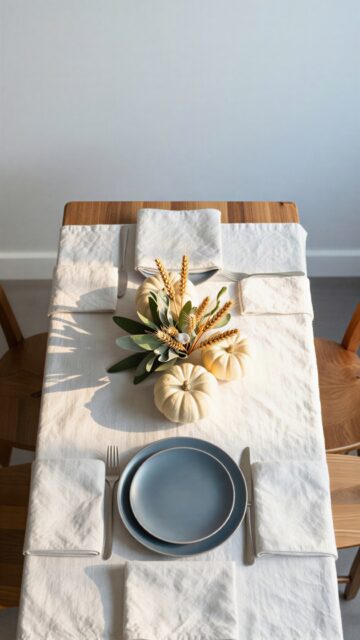
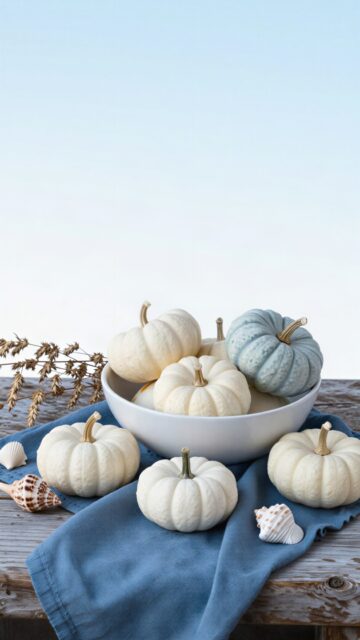
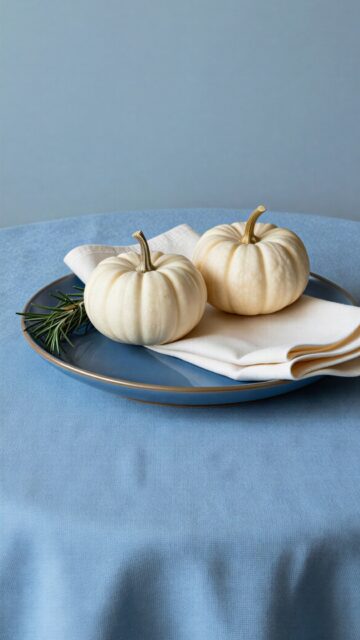
Thanksgiving home screen wallpaper with calm autumn scenes and muted harvest tones that keep your app icons easy to read, free to download for your phone. This set features soft, calm scenes with gentle shapes and muted tones that keep your app icons readable. From harvest tables to cozy indoor moments, each thanksgiving homescreen wallpaper uses low detail and peaceful spacing. The thanksgiving home screen aesthetic works best when your icons stay visible against the gentle background, making these designs practical for everyday use.
10 wallpapers at 1170 × 2532 px for Home Screen. Checked by hand on 8 Oct 2026.
About this set
These wallpapers bring a calm, warm aesthetic to your phone with soft shapes and gentle colors that won’t compete with your app icons. Each design uses low detail and plenty of breathing room in the center, so your home screen stays functional and peaceful. Warm earth tones like cream, tan, rust, and soft gold create a cozy thanksgiving mood without feeling busy or cluttered.
Any of these designs work well as a home screen background since the calm composition lets icons remain visible. Pair them with warm-toned app icons or neutral folders to match the gentle aesthetic. The soft lighting and muted palette also pair nicely with warm-toned widgets or dark mode if your phone supports it.
Gourds, wheat and a chair by the wall
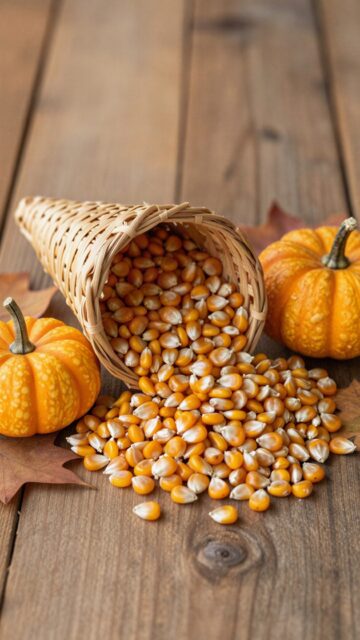
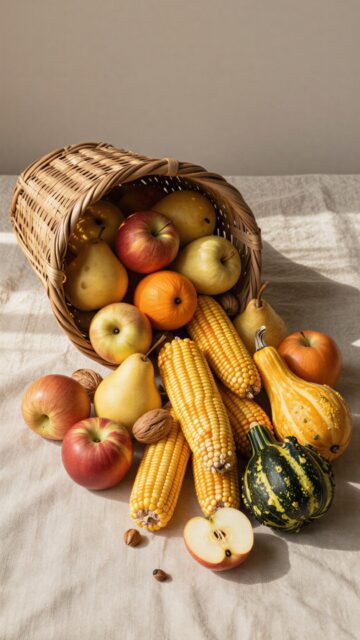
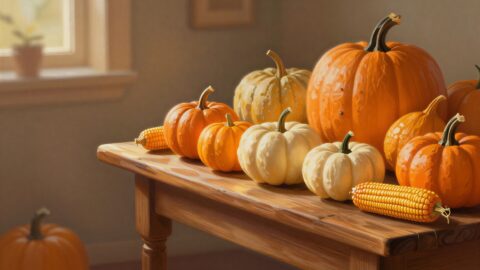
- A basket of gourds on a wooden table, set against soft beige walls.
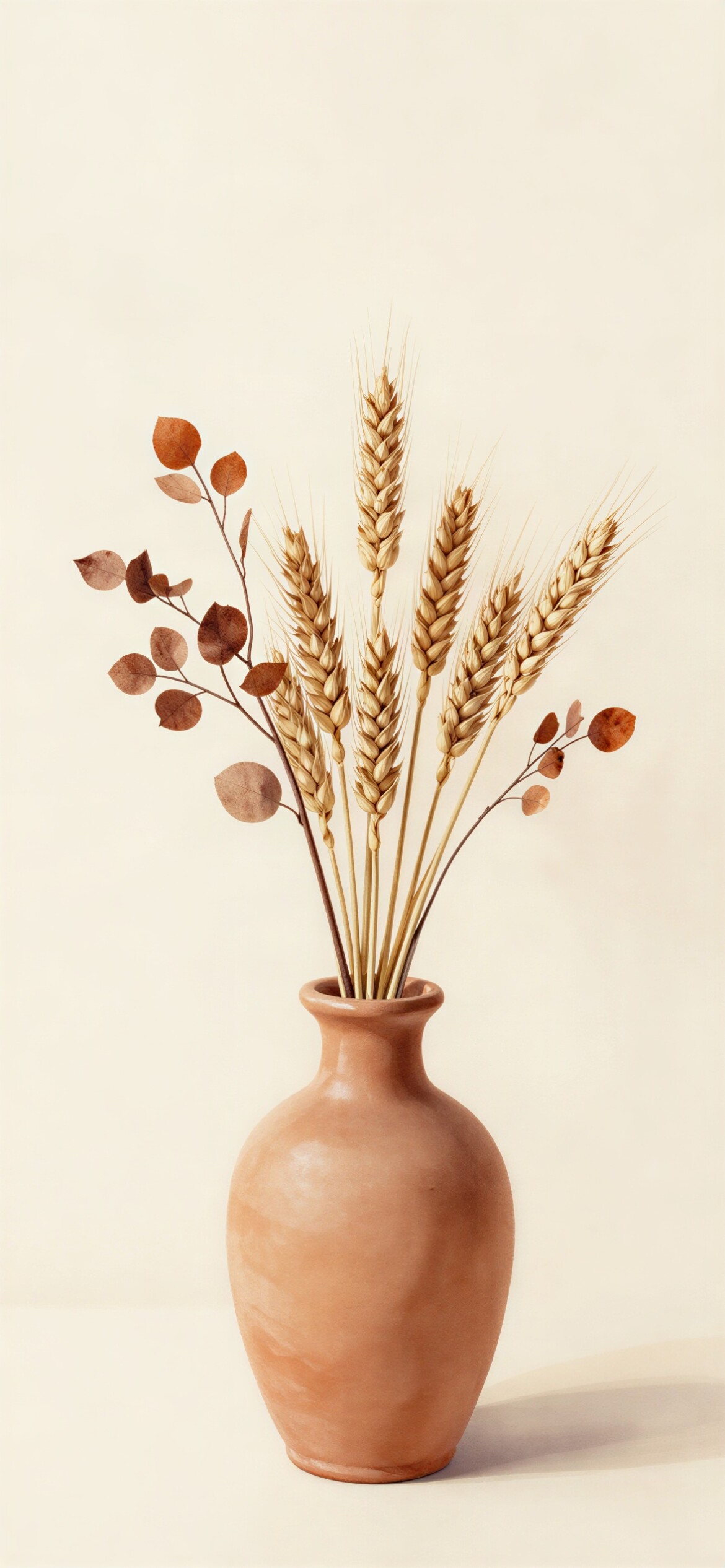
- Dried wheat and leaves in a terracotta vase on cream.
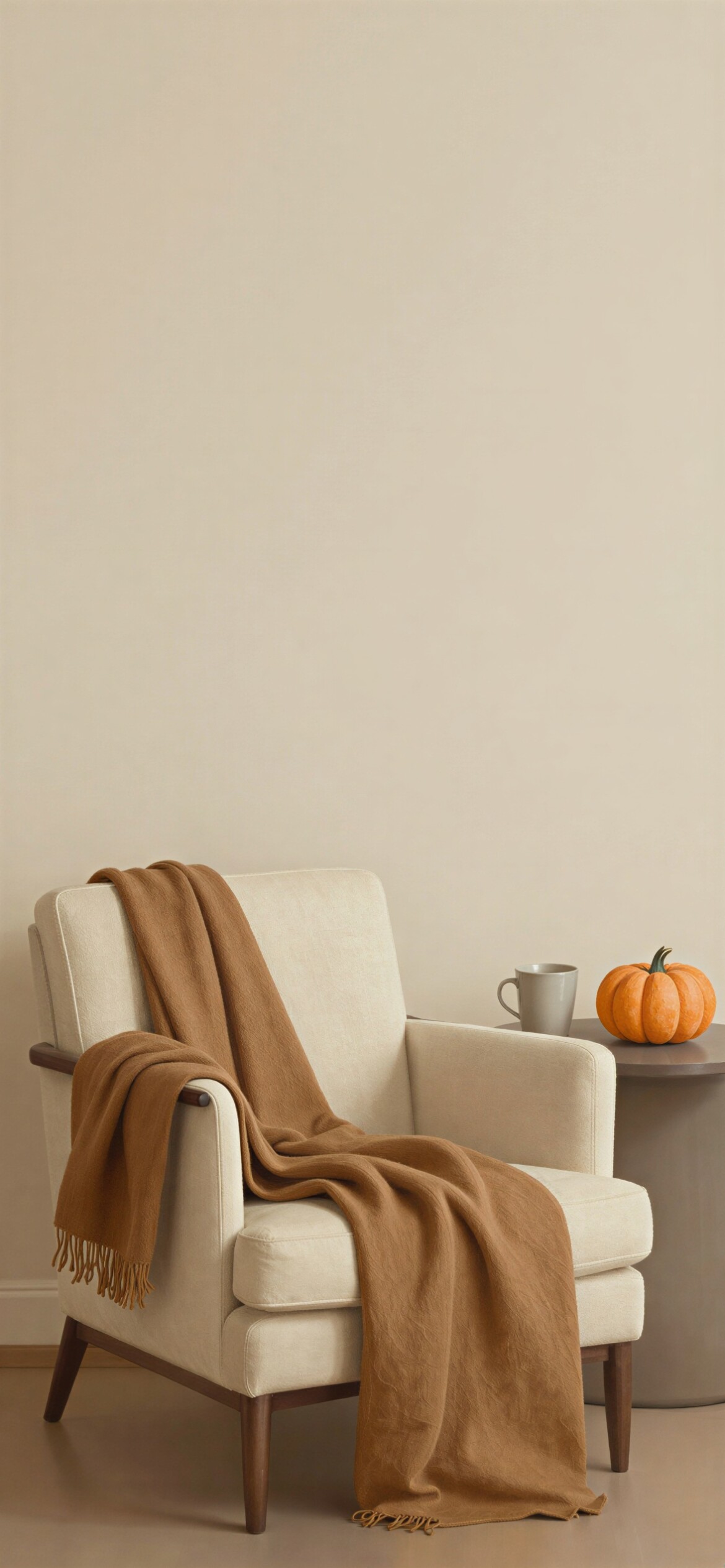
- A cozy chair with a blanket and a pumpkin, the most homely scene of the ten.
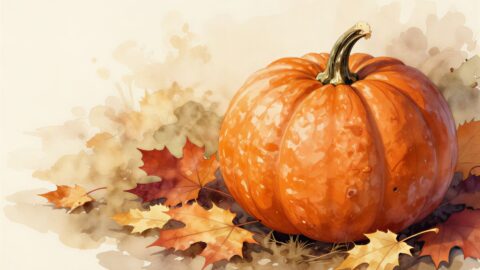
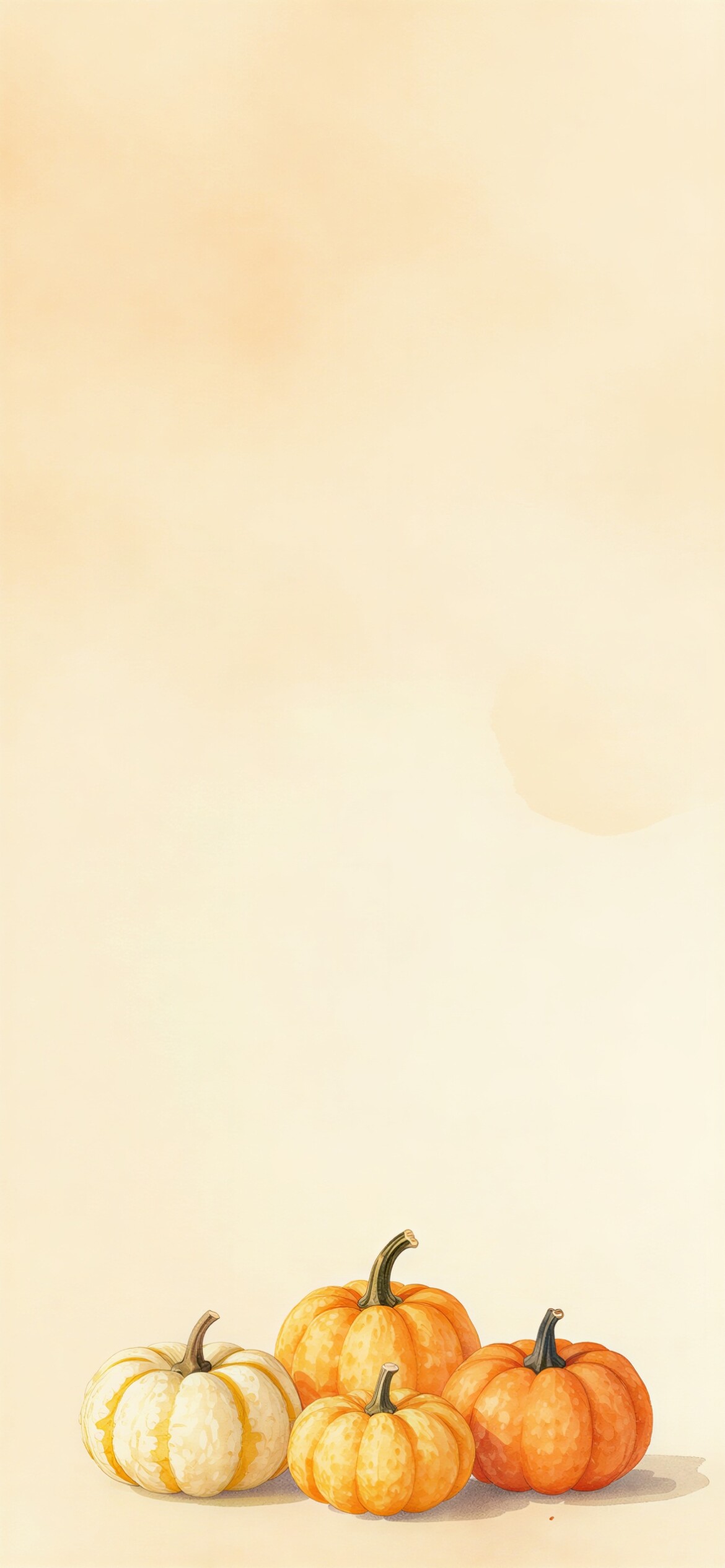
- A watercolor group of pumpkins and gourds on a warm honey ground, softer at the edges than the others.
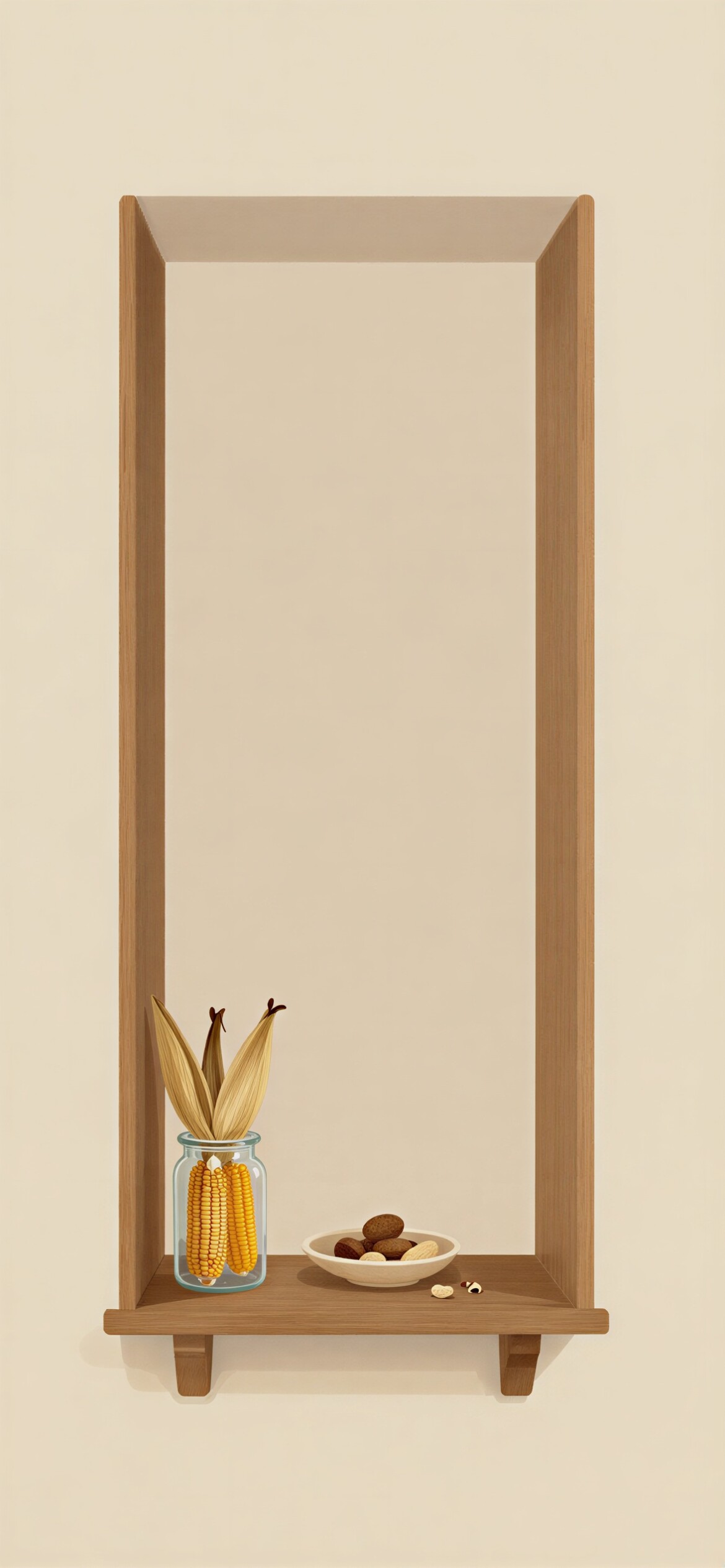
- A wooden shelf with a glass jar and a ceramic dish on a taupe wall.
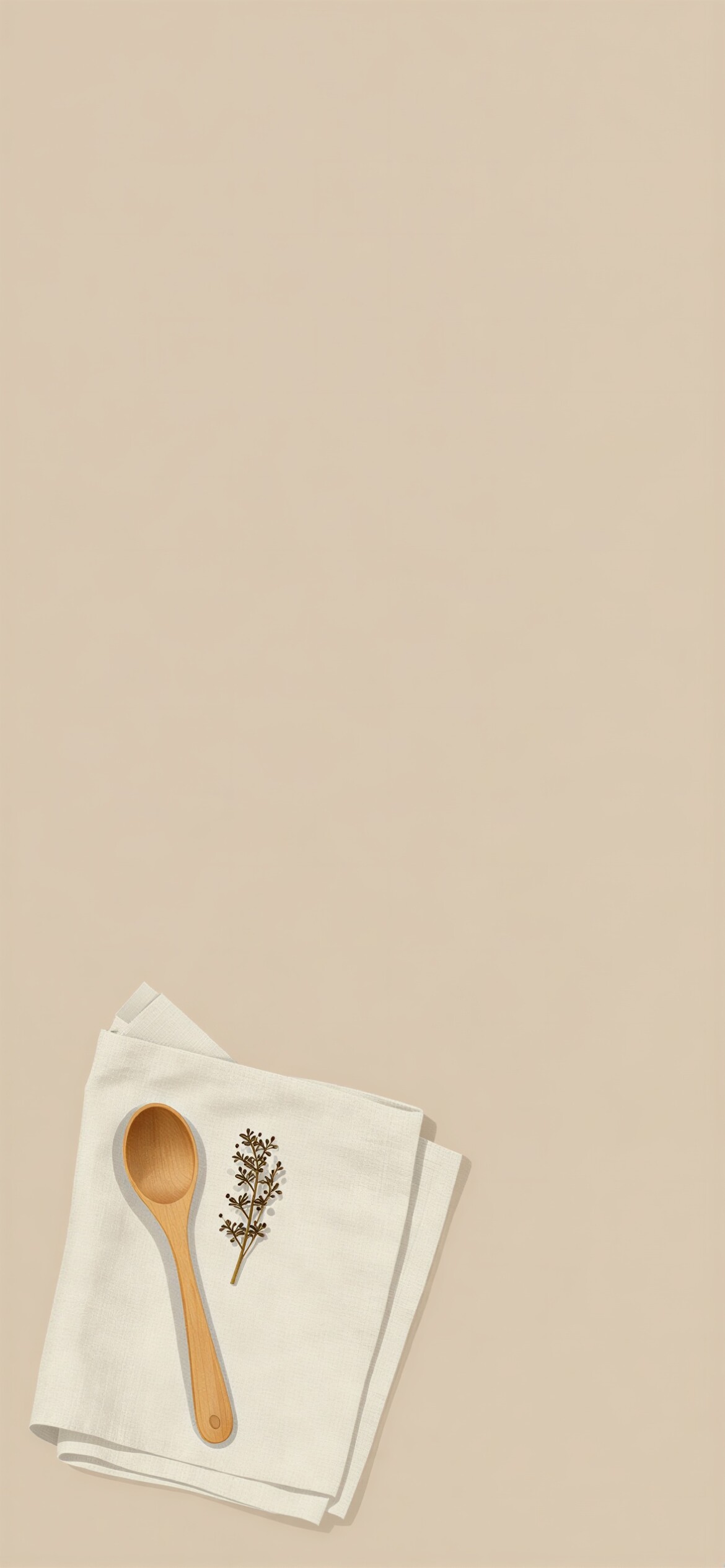
- A simple place setting with a napkin and a sprig of herbs on sand, the plainest design here and an easy pick for a crowded home screen.
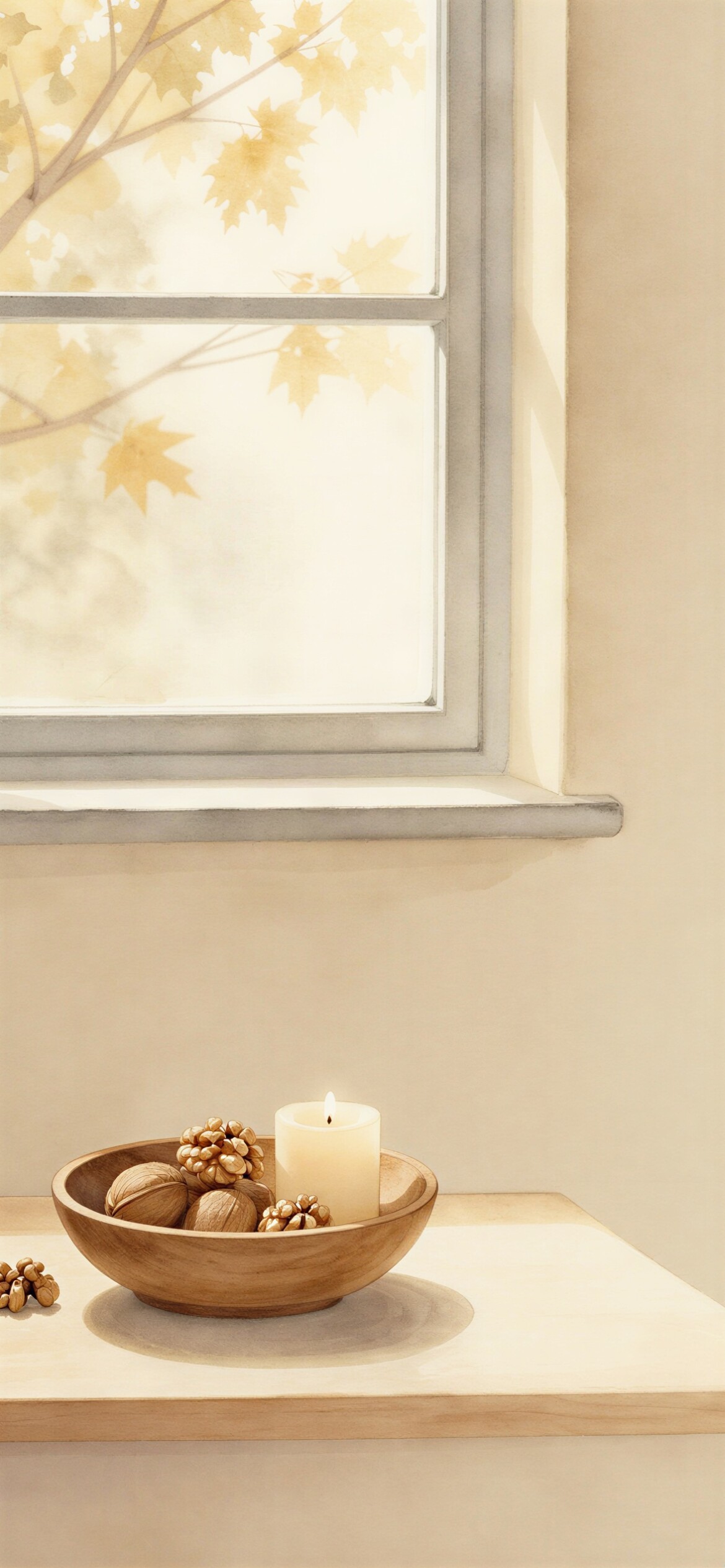
- A window, a bowl and a candle on a warm beige wall.
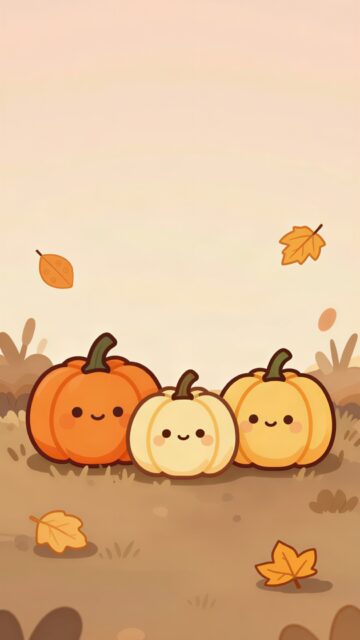
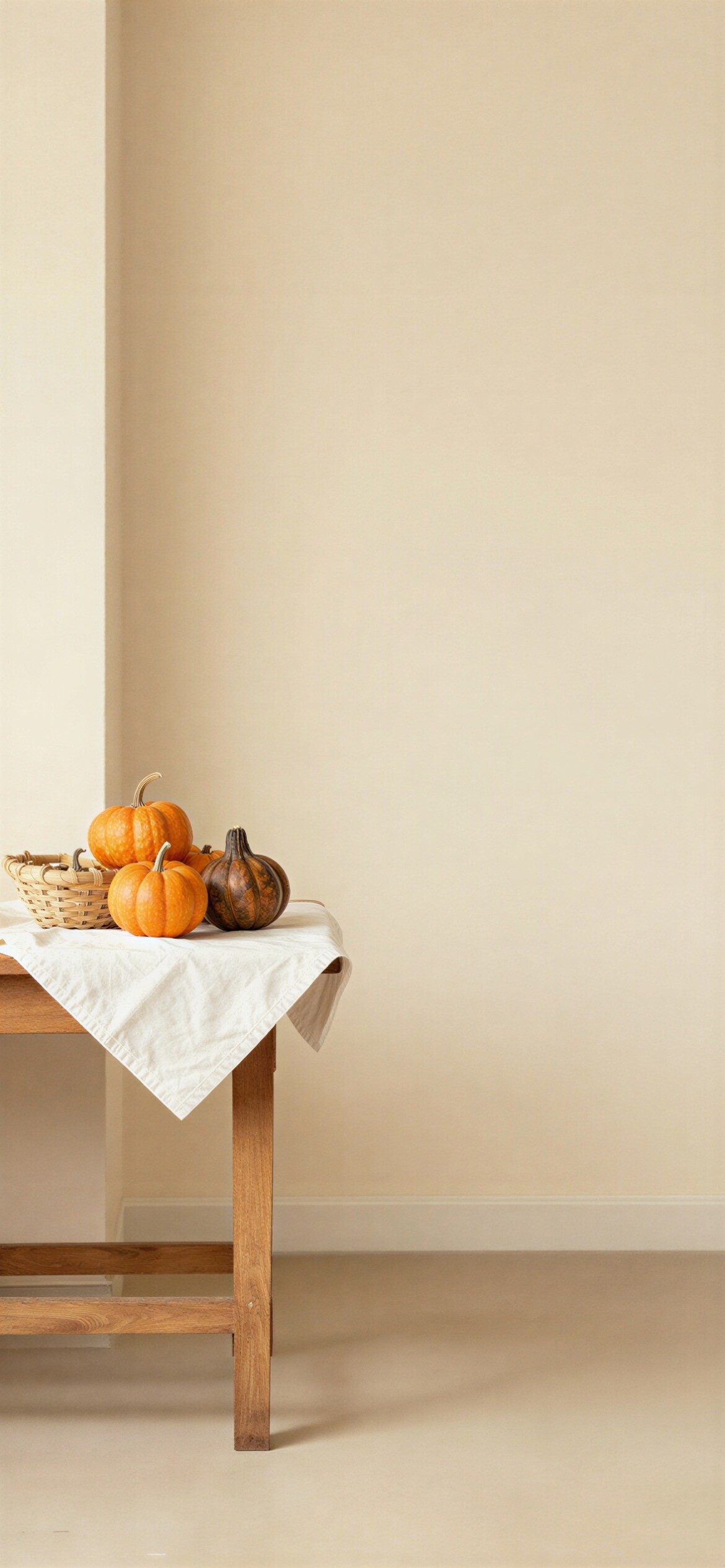
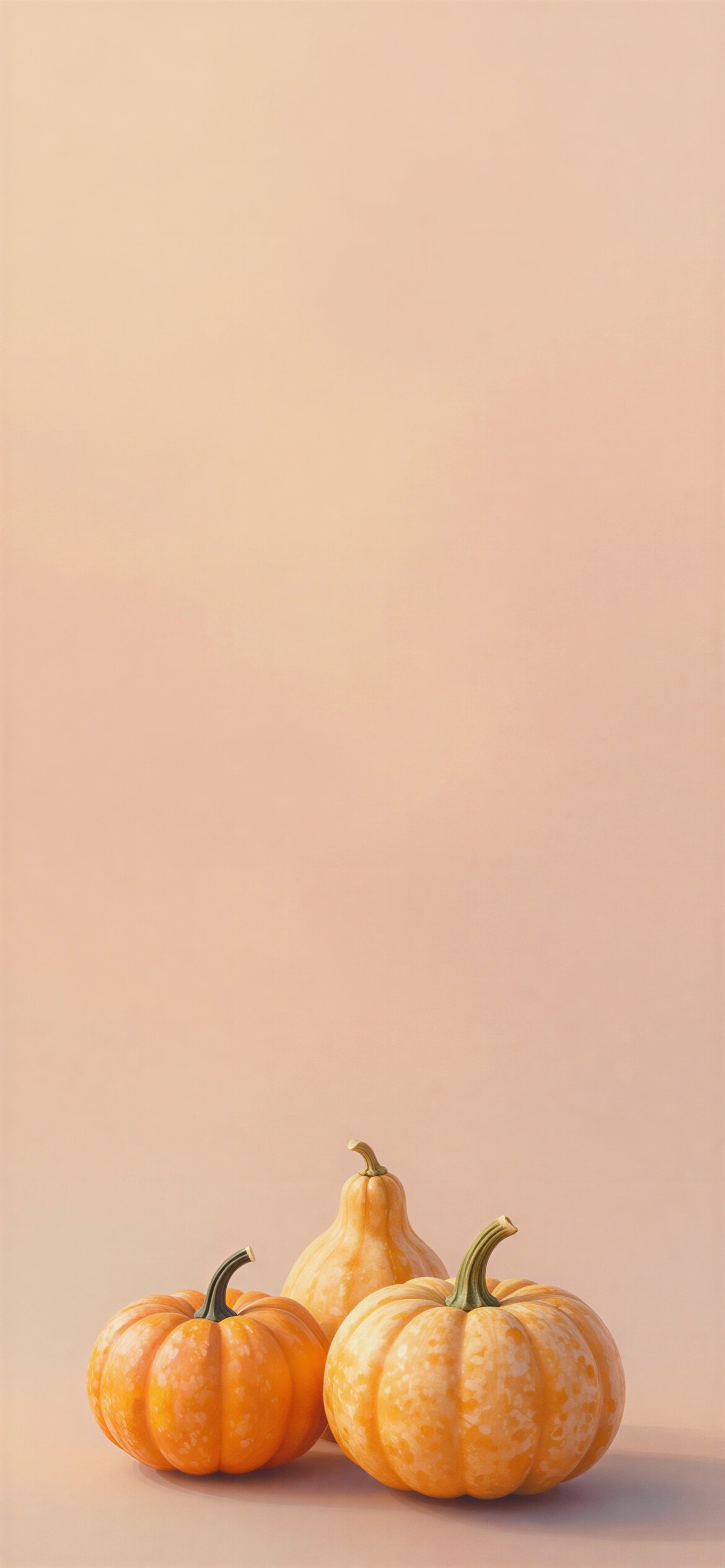
- Two small pumpkins and a gourd on a blurred peachy-gold background.
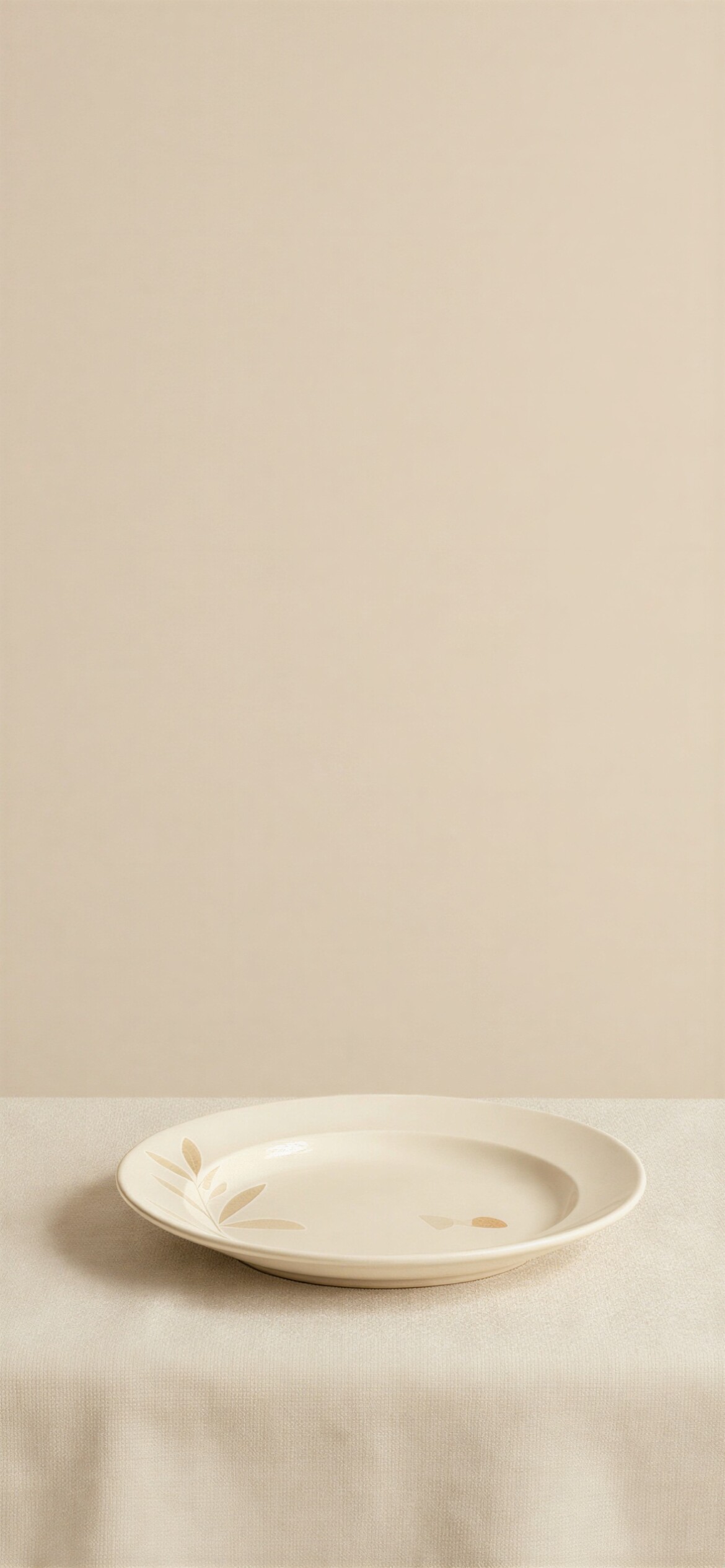
- A cream ceramic plate with a leaf pattern on linen cloth.
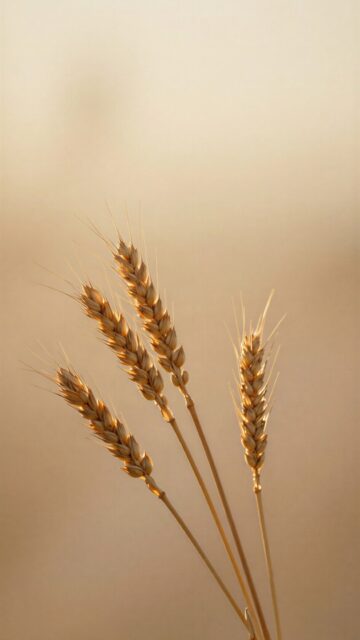
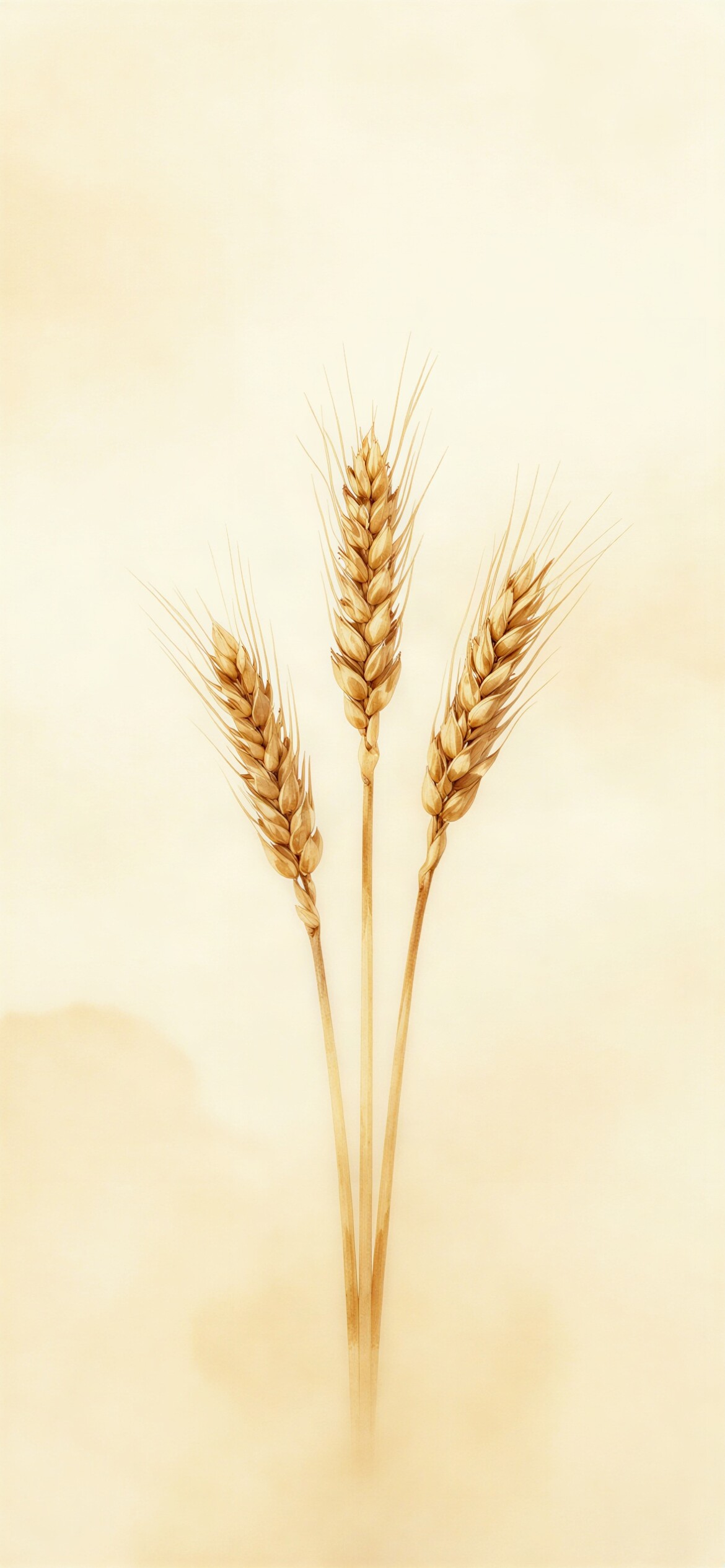
- Three dried wheat stalks over layers of cream and pale gold.
From a 1621 harvest meal to the fourth Thursday
The American holiday traces back to a harvest meal in 1621, when the Plymouth colonists and the Wampanoag people ate together for several days. It became a national holiday in 1863, when Abraham Lincoln proclaimed a day of thanksgiving in November, and in 1941 Congress fixed it to the fourth Thursday of the month. In 2026 that falls on 26 November. Canada celebrates its own Thanksgiving earlier, on the second Monday of October.
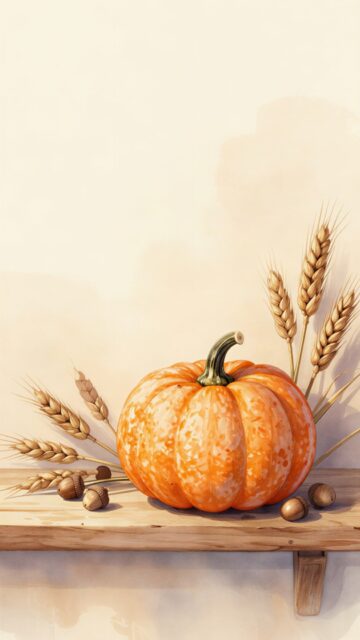
The objects in these pictures are old harvest symbols. Pumpkins and gourds are native to the Americas, and a sheaf of wheat, as in wallpapers 2 and 10, has stood for a gathered harvest in European art for centuries. Because the scenes are about the season rather than the holiday meal itself, most of them can stay on your phone from the first cold week of autumn until the end of November.
Cream, honey or taupe?
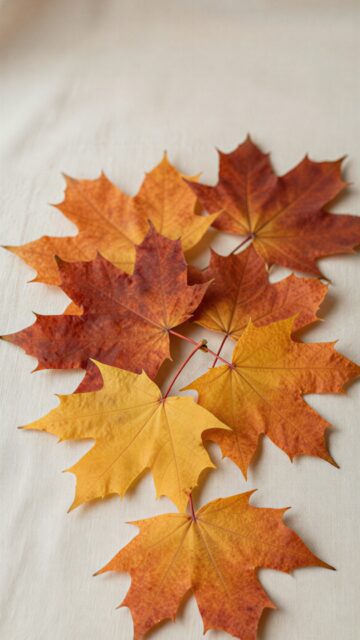
The palest group is 1, 2, 3 and 9, all cream, beige and linen, and the best match if you use light mode with dark icon labels. Wallpapers 4, 8 and 10 lean into honey and gold, the warmest light in the set. Wallpapers 5, 6 and 7 sit in the middle with taupe walls, sand tones and a candle, a little deeper and calmer.
For a matching lock screen, try the cute Thanksgiving lock screen set. The Thanksgiving laptop wallpapers carry the season onto your computer, and the brown aesthetic wallpapers keep these earthy colours going once the holiday is over.
How to set it on your iPhone
- Tap Download and save the image to Photos.
- Open Settings, tap Wallpaper, then Add New Wallpaper, and choose Photos.
- Pick the wallpaper, pinch to position it, then tap Add and choose the lock screen, home screen or both.
Stuck on a step? The iPhone and iPad guide has screenshots for each one.
Questions
Will these wallpapers fit my phone's home screen?
Yes. This set is sized at 1170x2532 pixels, which fits most modern phones in portrait orientation. When you set a wallpaper as your home screen background, your phone automatically crops and positions it to work with your app grid. You may see slightly different framing depending on your device and how many rows of icons you have.
Can I use these wallpapers commercially or share them elsewhere?
These wallpapers are free for personal use on your own devices only. You cannot sell them, print them for sale, or repost them on other wallpaper sites or social media. For full details, visit our Terms page.
Why is the center of these designs so calm and open?
The calm center is intentional so your app icons stay readable and the home screen remains functional. Busy patterns or small details everywhere would make it hard to see and tap your apps. The gentle shapes and open space let your phone's interface breathe while still creating a warm, cohesive thanksgiving mood.
Which wallpaper works best if I use dark mode or light mode?
These warm neutral tones work well in both light and dark modes. If you use light mode, any design will blend naturally. If you use dark mode, the lighter designs may stand out more as a subtle accent. Try a few to see which feels best with your icon colors and overall phone theme.