Cute Thanksgiving Lock Screen Wallpaper
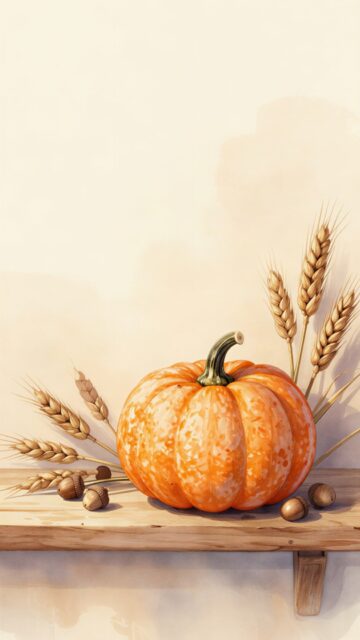
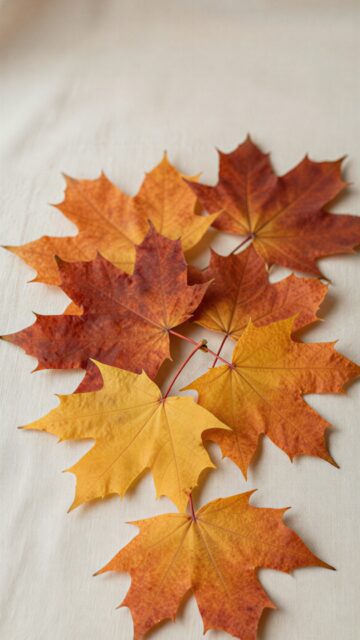
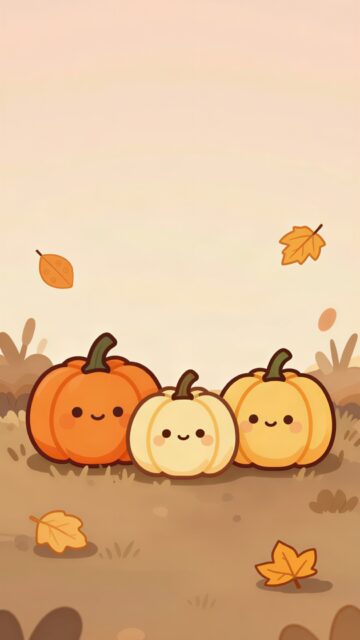
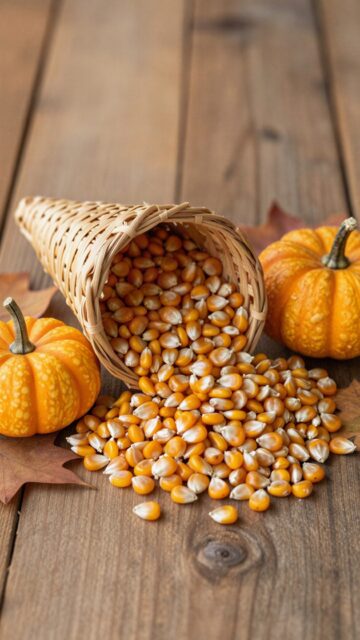
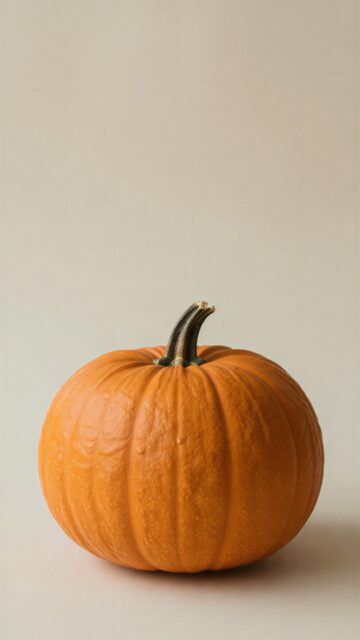
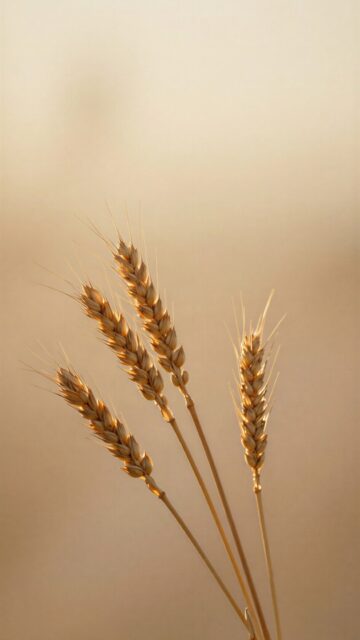
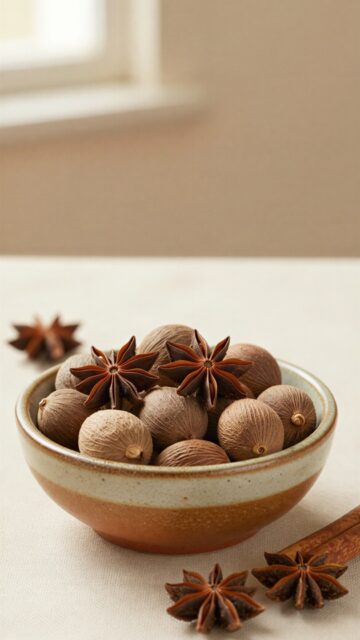
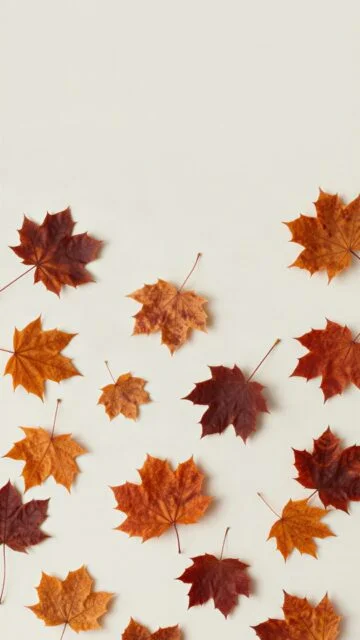
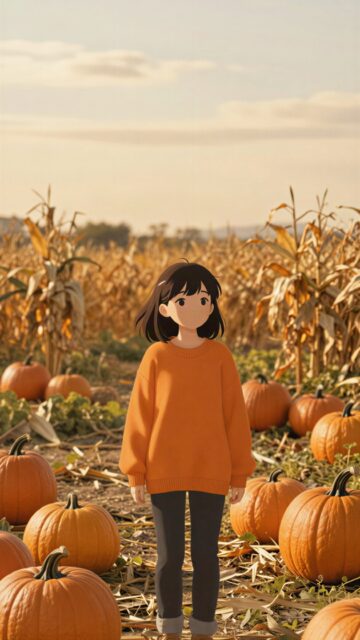
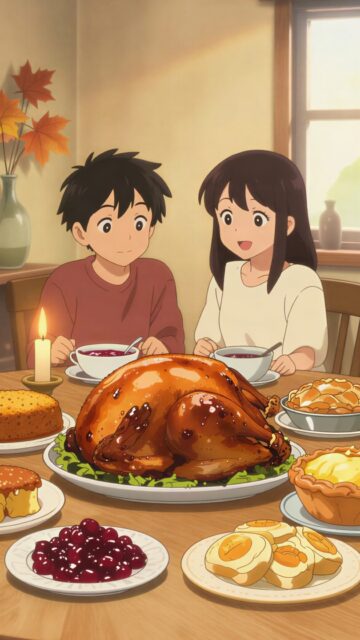
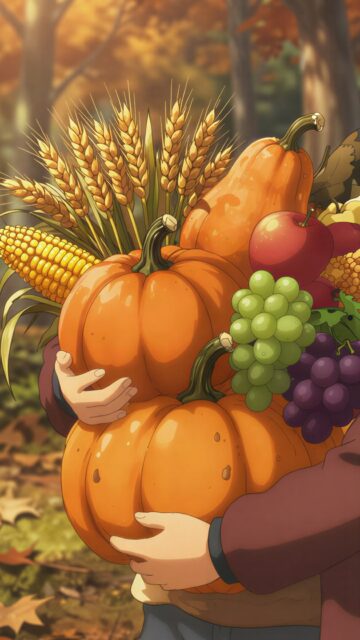
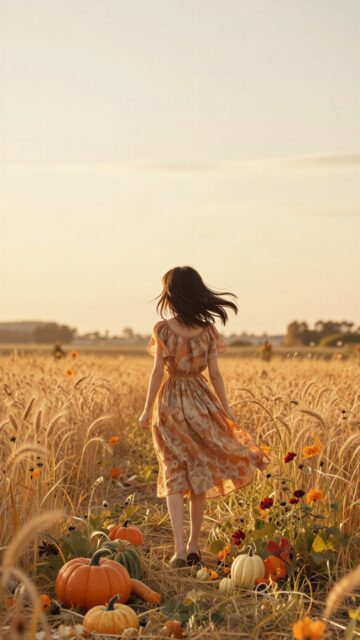
Cute Thanksgiving lock screen wallpaper with friendly turkeys, pumpkins and falling leaves in soft autumn colors, free to download for your phone. This set features adorable autumn scenes with friendly turkeys, pumpkins, fall leaves and cozy harvest details in soft, inviting colors. Each design keeps the top of the screen clear for your clock while filling the lower half with sweet thanksgiving imagery. These wallpapers work great on lock screens where a quick glance shows the date and time above charming seasonal scenes.
10 wallpapers at 1170 × 2532 px for Lock Screen. Checked by hand on 8 Oct 2026.
About this set
This collection captures the warmth of autumn through cute, charming illustrations and paintings. Each design uses soft, inviting colors like warm oranges, golden yellows, creamy tones and muted earth shades. The artwork includes friendly characters like turkeys, pumpkins and foxes, along with harvest scenes that feel cozy and welcoming.
These designs work perfectly as lock screen wallpapers because the top 30% stays clear and calm for your clock display, while the adorable thanksgiving imagery fills the lower half of your screen. The soft color palettes and gentle illustration styles pair well with any phone theme and look great with both light and dark mode icons. They bring seasonal cheer to your device without overwhelming your home screen shortcuts.
Turkeys, a pumpkin pal and a few woodland guests
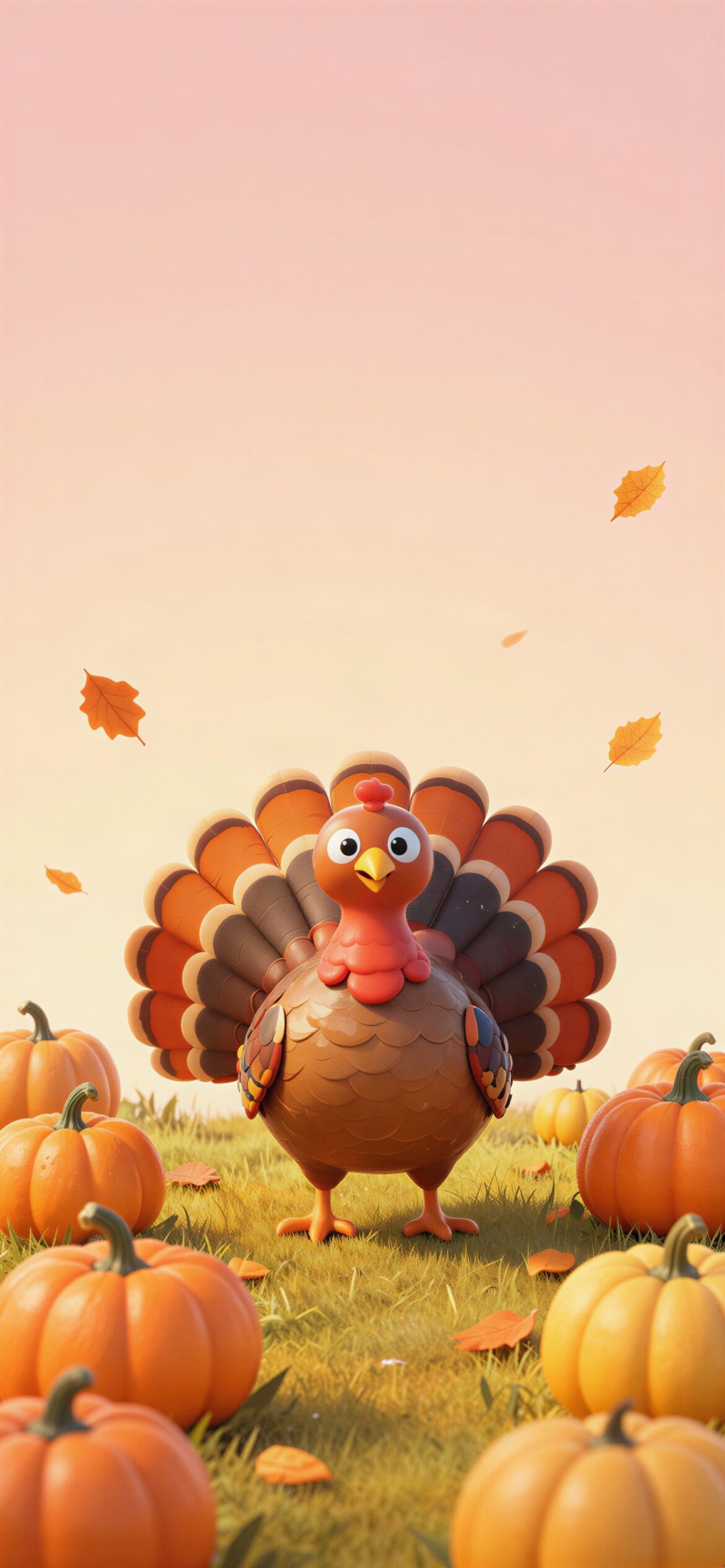
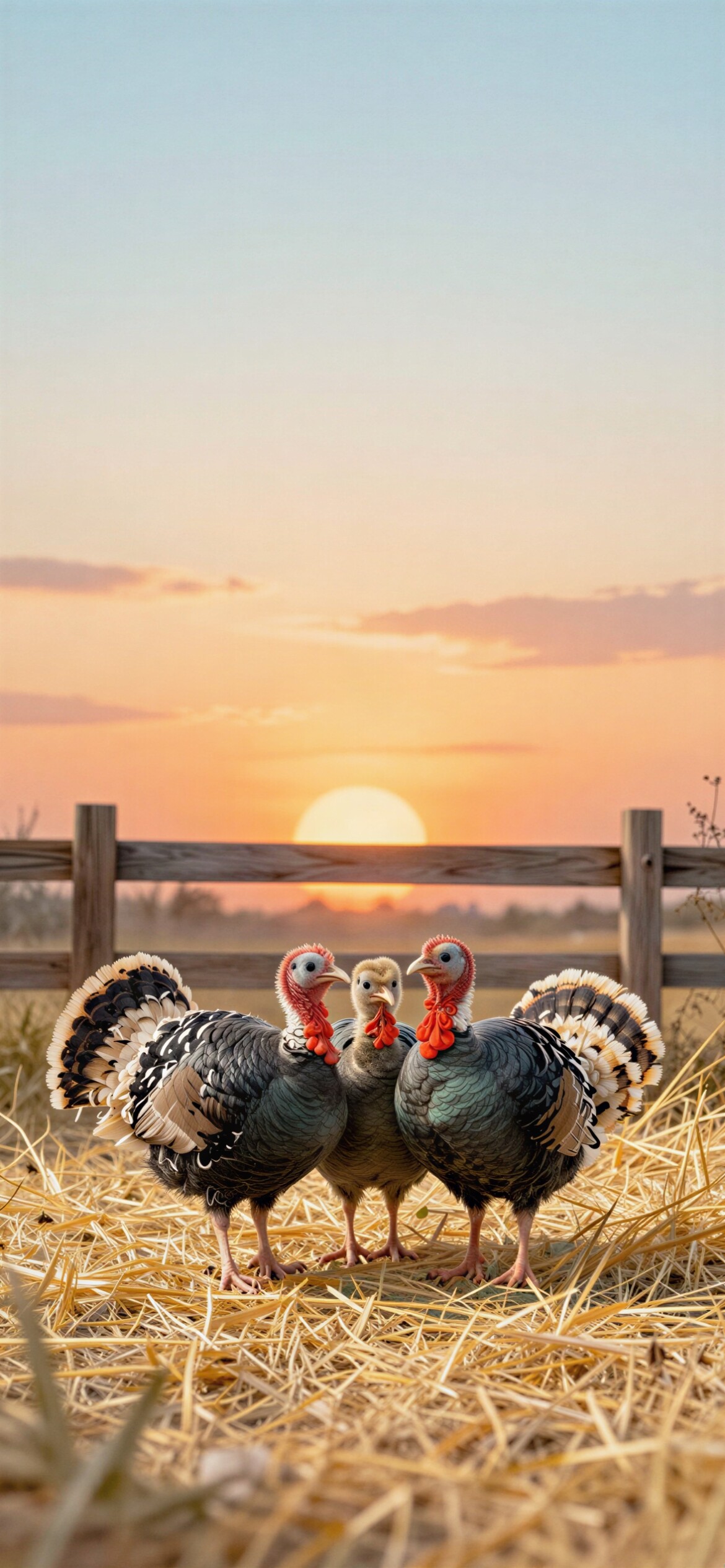
Two of the ten belong to the turkeys. Wallpaper 1 has a single cartoon turkey standing in a pumpkin field with leaves blowing around it, and wallpaper 3 puts three of them side by side on straw in front of a wooden fence, which makes it the busiest of the animal scenes.
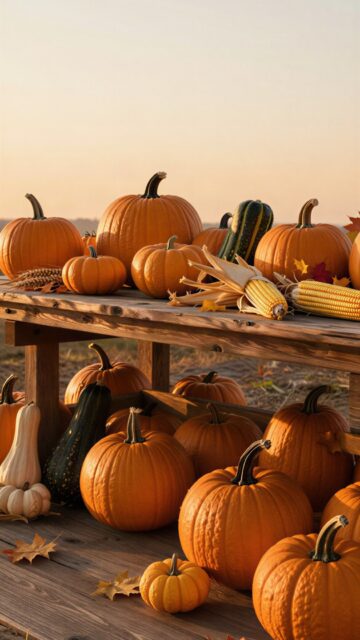
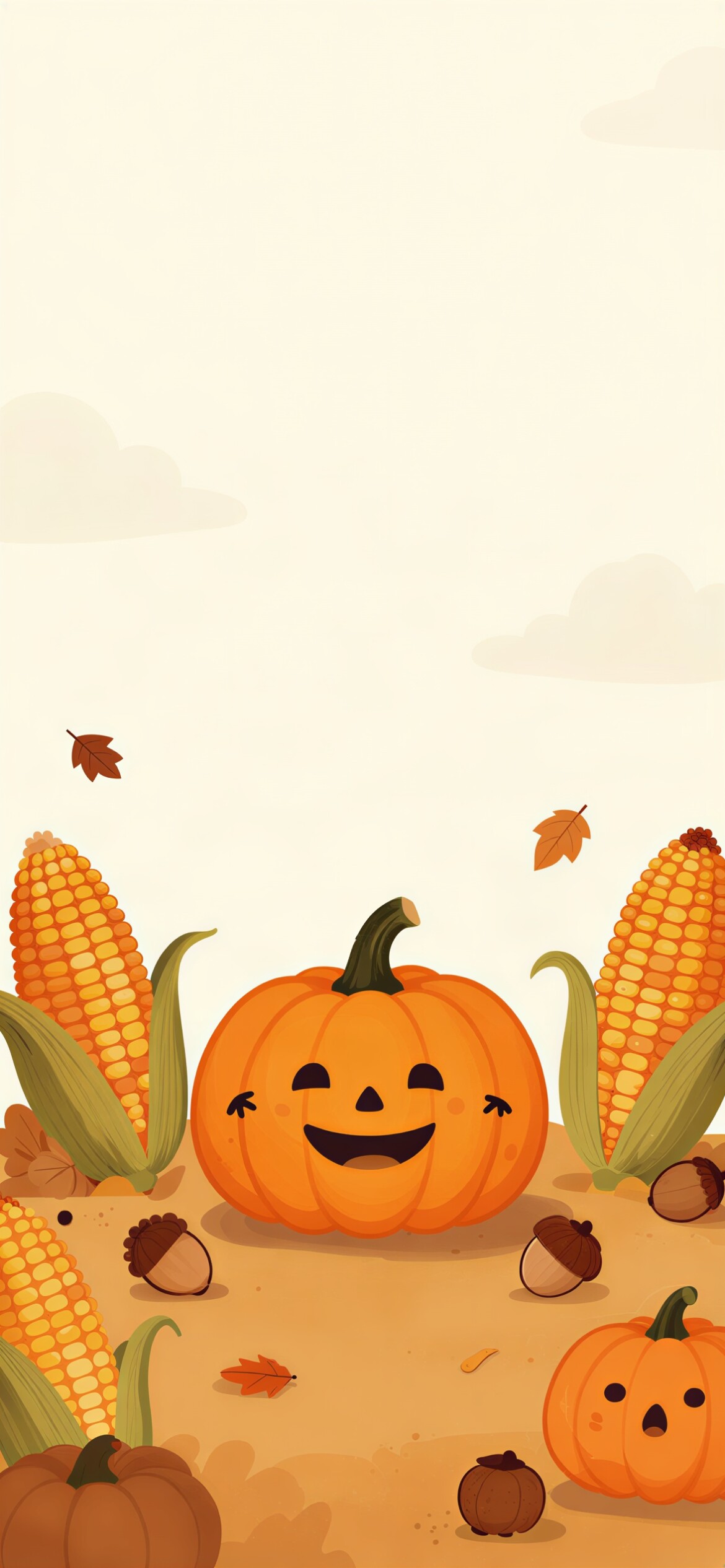
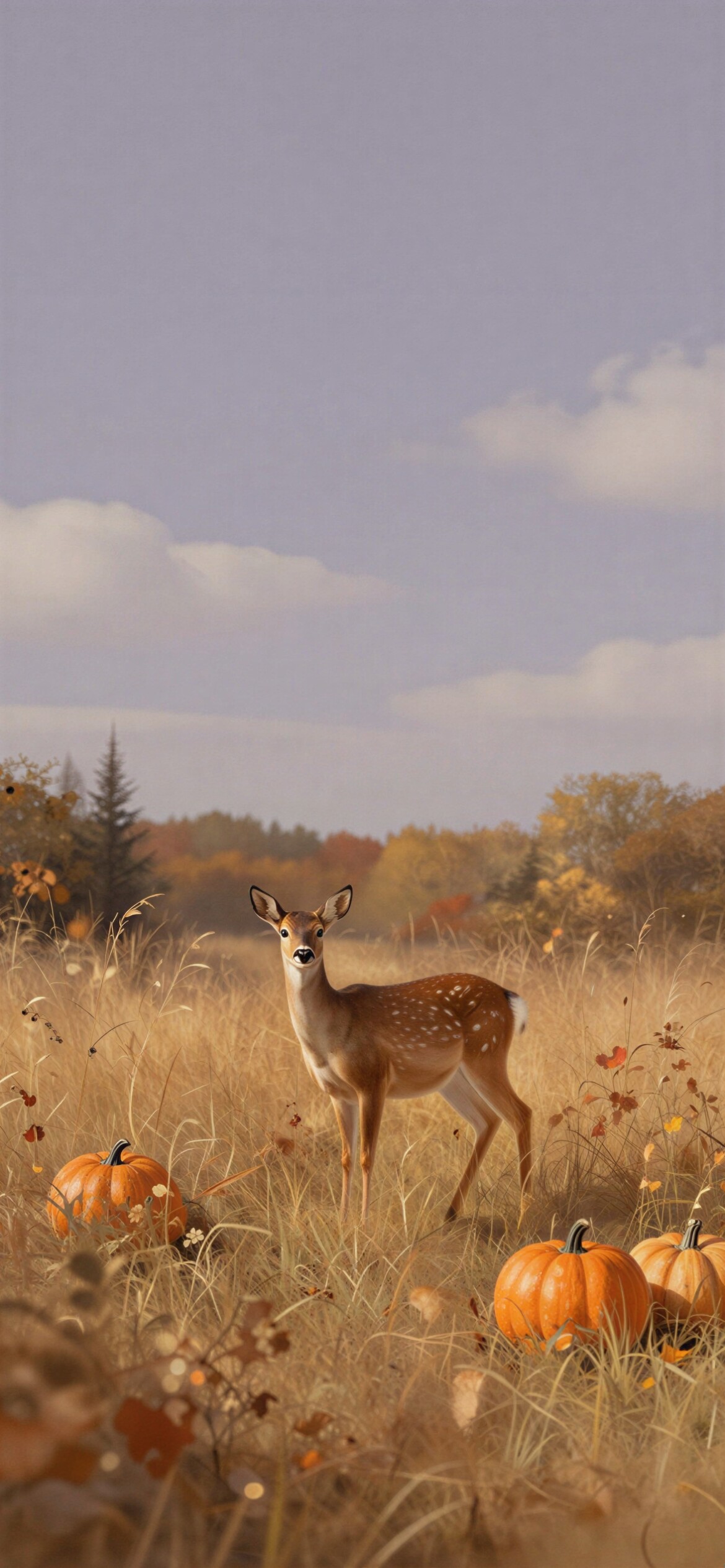
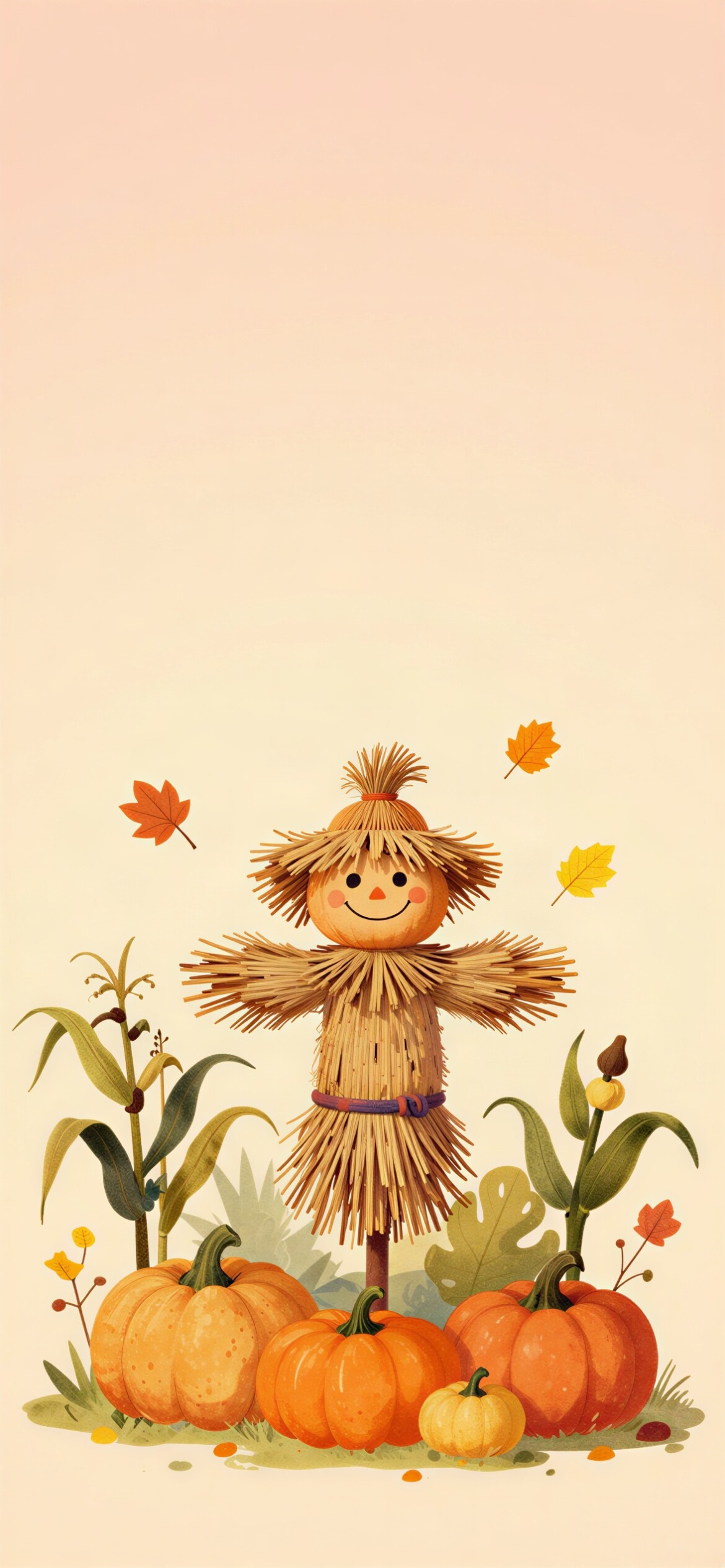
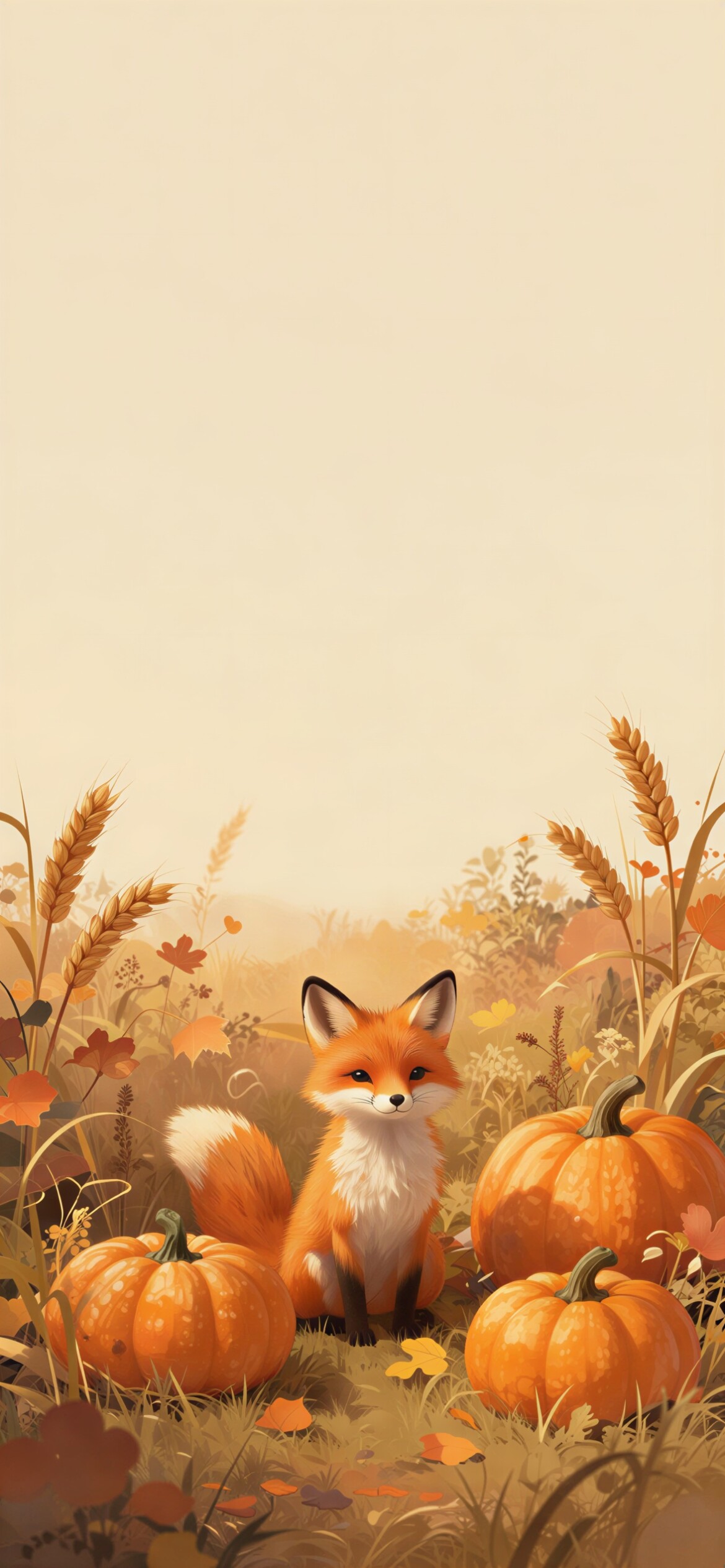
The other characters are easier to miss. Wallpaper 2 is a chubby pumpkin with a smile, tucked in among corn and acorns. Wallpaper 5 swaps the farm for a deer standing in tall fall grasses, and wallpaper 9 has a small fox sitting between pumpkins and wheat in late golden light. Wallpaper 7 is the one figure who isn't an animal or a vegetable: a cheerful scarecrow with pumpkins at its feet.
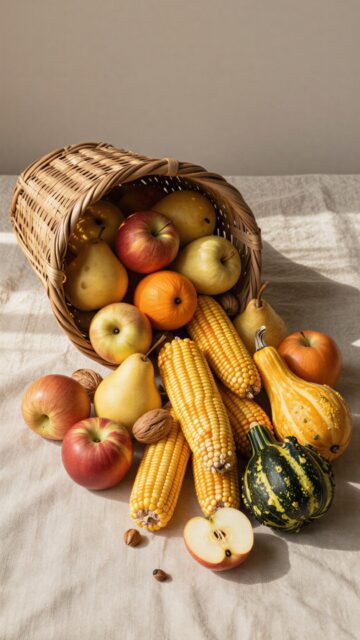
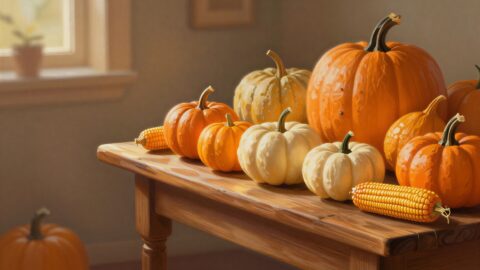
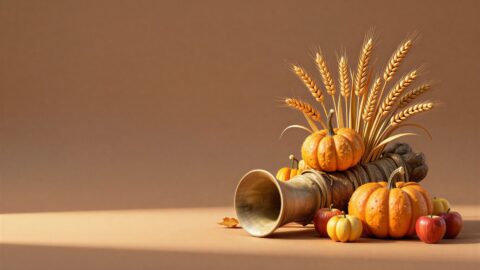
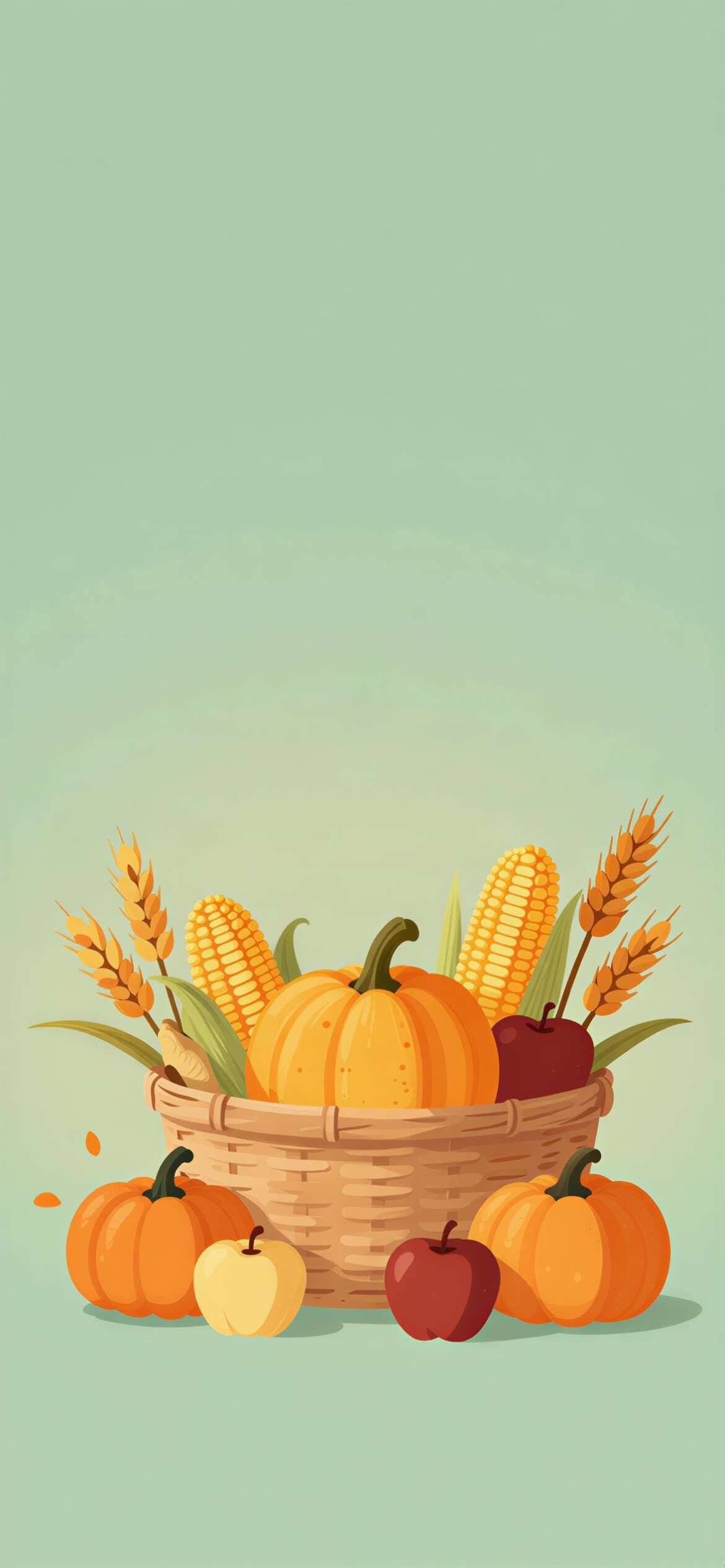
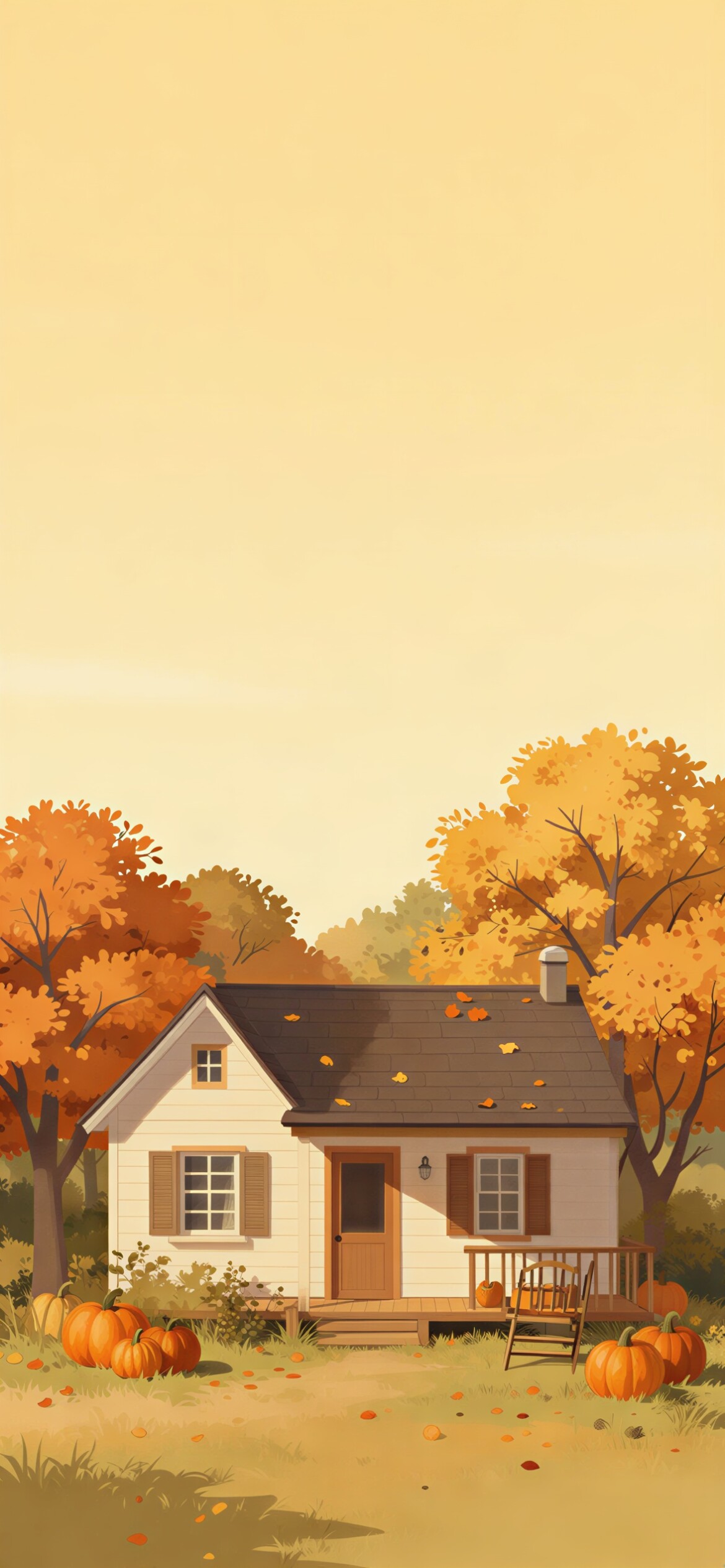
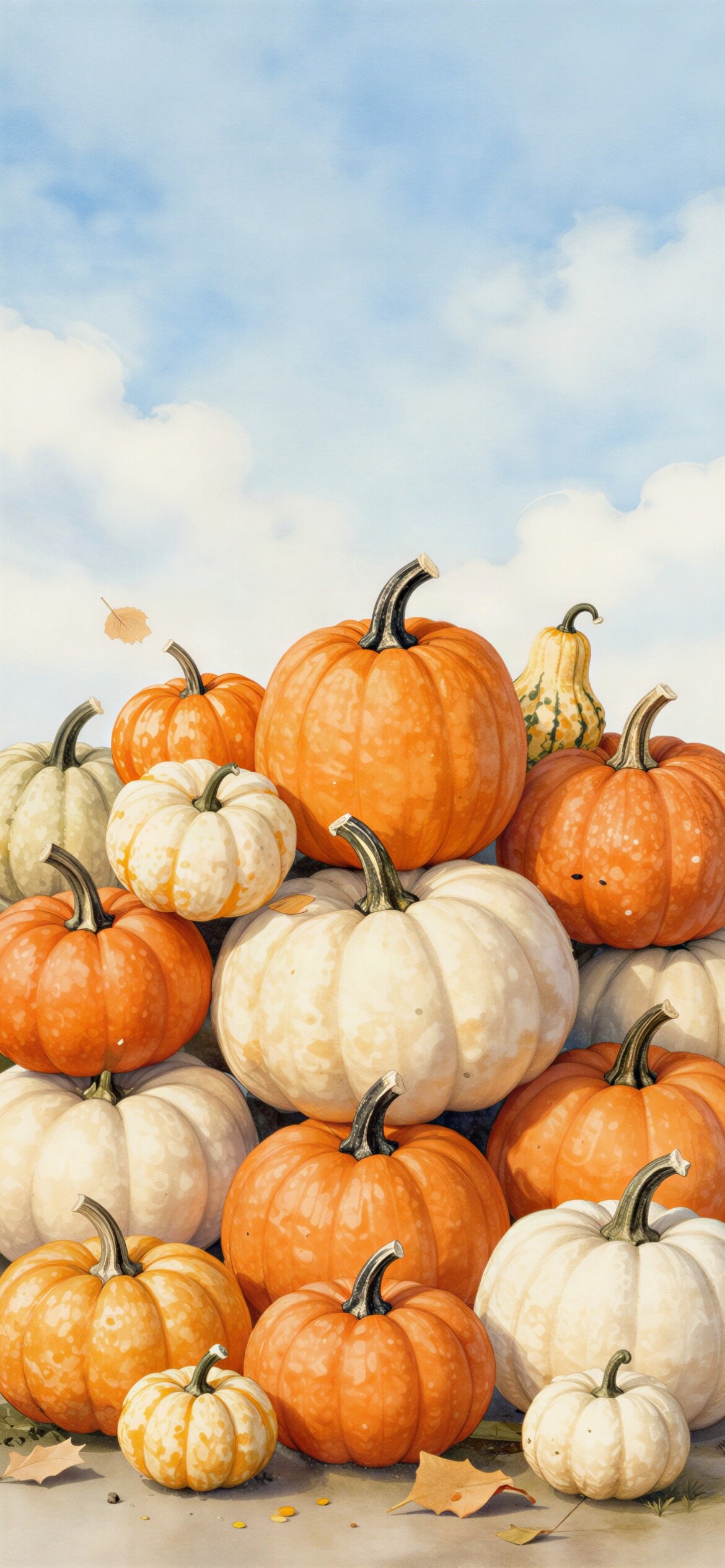
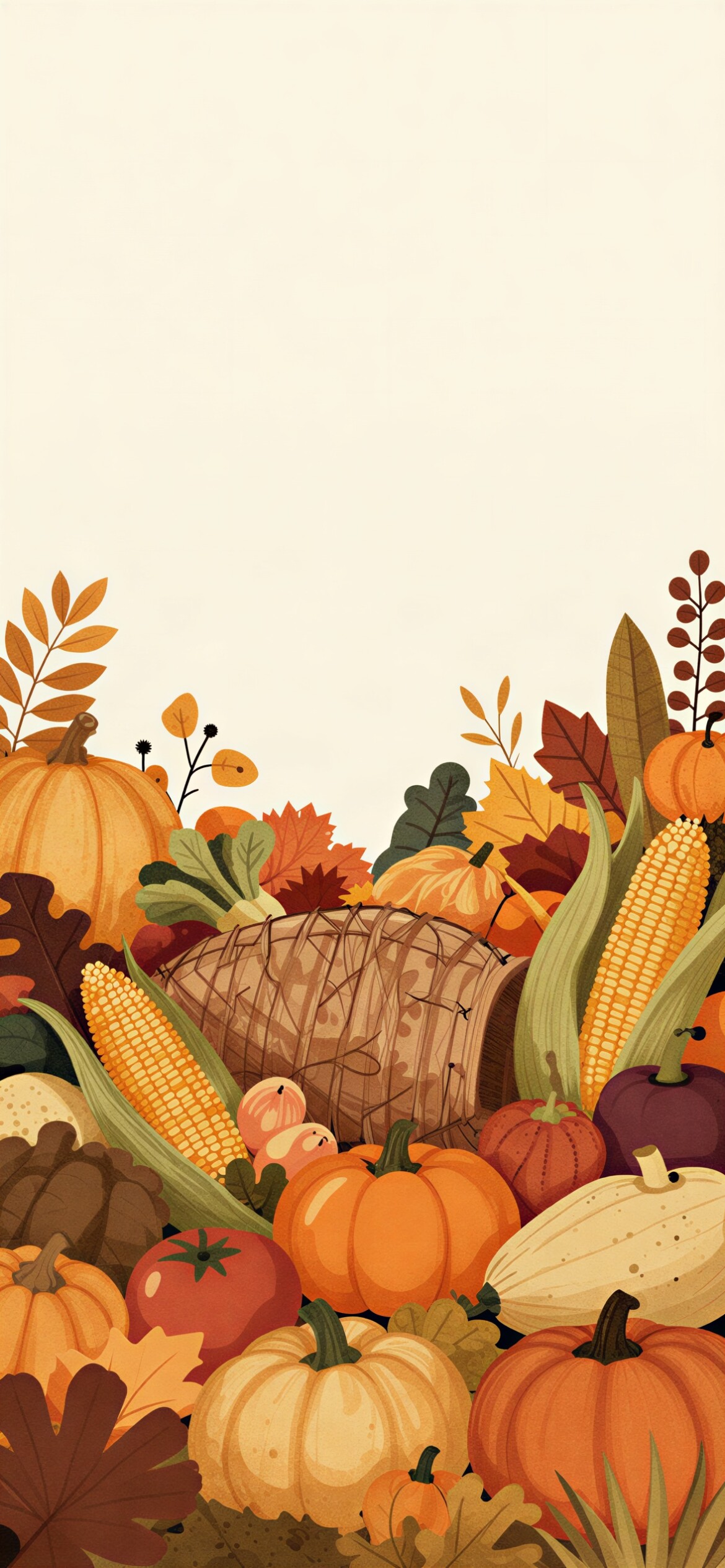
The rest are still lifes and places. Wallpaper 4 is a harvest basket so full of pumpkins and corn it spills over, wallpaper 8 is a pile of orange and cream pumpkins with gourds scattered around, and wallpaper 10 is a cornucopia packed with vegetables and leaves. Wallpaper 6 steps back to show a whole cottage porch, rocking chair included.
How the turkey got its name, and why Franklin liked it
The wild turkey is a North American bird, and it was domesticated in Mexico long before Europeans arrived. Spanish ships carried it to Europe in the 1500s. The English name is usually traced to a mix-up with guineafowl, which had reached Europe through Turkish traders, so the new bird from the Americas ended up named after a country it never lived in.
The bird has had some famous fans. In a 1784 letter to his daughter Sarah, Benjamin Franklin called the bald eagle a bird of bad moral character and the turkey a much more respectable one. The turkeys in wallpapers 1 and 3 are drawn the friendly way, but the red flap hanging over a real turkey's beak has its own name, the snood, and the one under its chin is the wattle. Young turkeys are called poults. In the United States, the yearly White House turkey pardon only became a fixed ceremony in 1989, under George H. W. Bush.
Pumpkin orange or soft gold?
- Bright orange: 1, 2, 7 and 8 lean hardest on pumpkin colour and read clearly even at a quick glance.
- Warm golden light: 4 and 9 have the low, glowing light of a late afternoon.
- Muted and earthy: 3, 5 and 6 sit in straw, grass and wood tones, the calmest choices if bright orange feels like too much.
- Mixed harvest colours: 10 has the widest range, with vegetables of several colours tumbling out of the horn.
If you want a matching background behind your apps, try the Thanksgiving home screen set, and for more holiday-week options there are the cute Thanksgiving collection and the Thanksgiving aesthetic set.
How to set it on your iPhone
- Tap Download and save the image to Photos.
- Open Settings, tap Wallpaper, then Add New Wallpaper, and choose Photos.
- Pick the wallpaper, pinch to position it, then tap Add and choose the lock screen, home screen or both.
Stuck on a step? The iPhone and iPad guide has screenshots for each one.
Questions
Will these wallpapers fit my iPhone lock screen?
Yes. These wallpapers are sized at 1170x2532 pixels, which is the standard for iPhone lock screens. The design keeps the top 30% clear for your clock and status bar, and the cute thanksgiving scenes fill the lower half without being cut off by the notch or dynamic island.
Can I use these wallpapers on other sites or print them for sale?
These wallpapers are free for personal use on your own devices only. Selling them, printing them for sale, or reposting them on other wallpaper sites is not allowed. Please see our Terms page for the full usage rights and restrictions.
Which wallpapers from this set work best for lock screens versus home screens?
All of these designs are optimized for lock screens because they keep the top clear for your clock. If you want to use any on your home screen, the simpler designs with centered subjects like the pumpkin character or basket work better behind app icons, as they won't be hidden by your shortcuts.
Do these designs work during other seasons or just thanksgiving?
These wallpapers are specifically designed for the thanksgiving season and autumn months. The warm harvest imagery, pumpkins, turkeys and fall colors are most fitting from September through November. After the season ends, you might prefer wallpapers with different themes and color palettes.