Christmas Aesthetic iPad Wallpaper
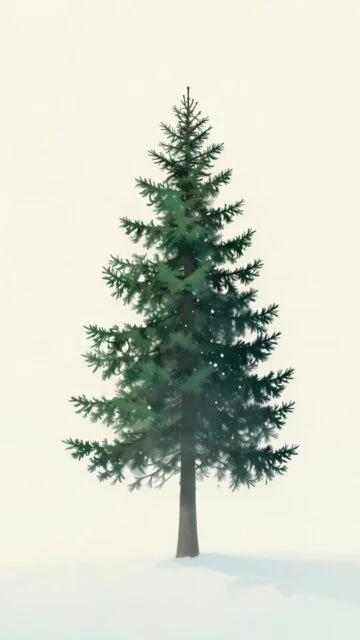
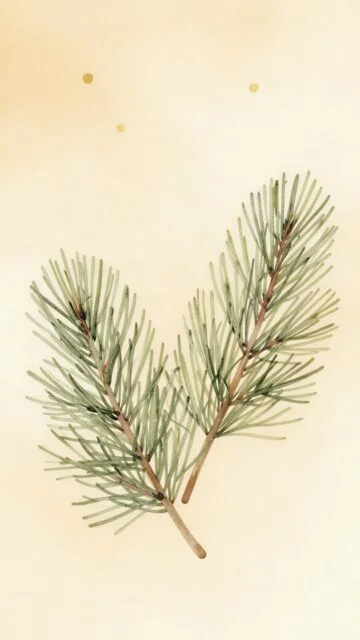
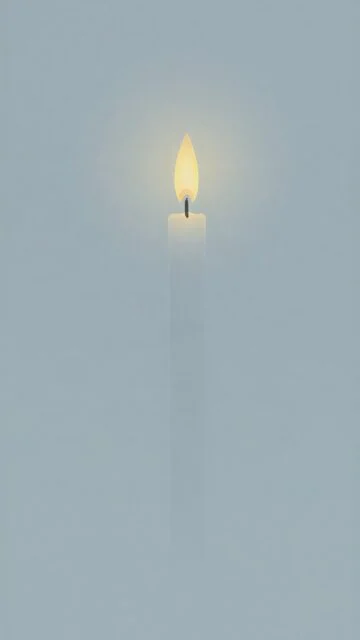
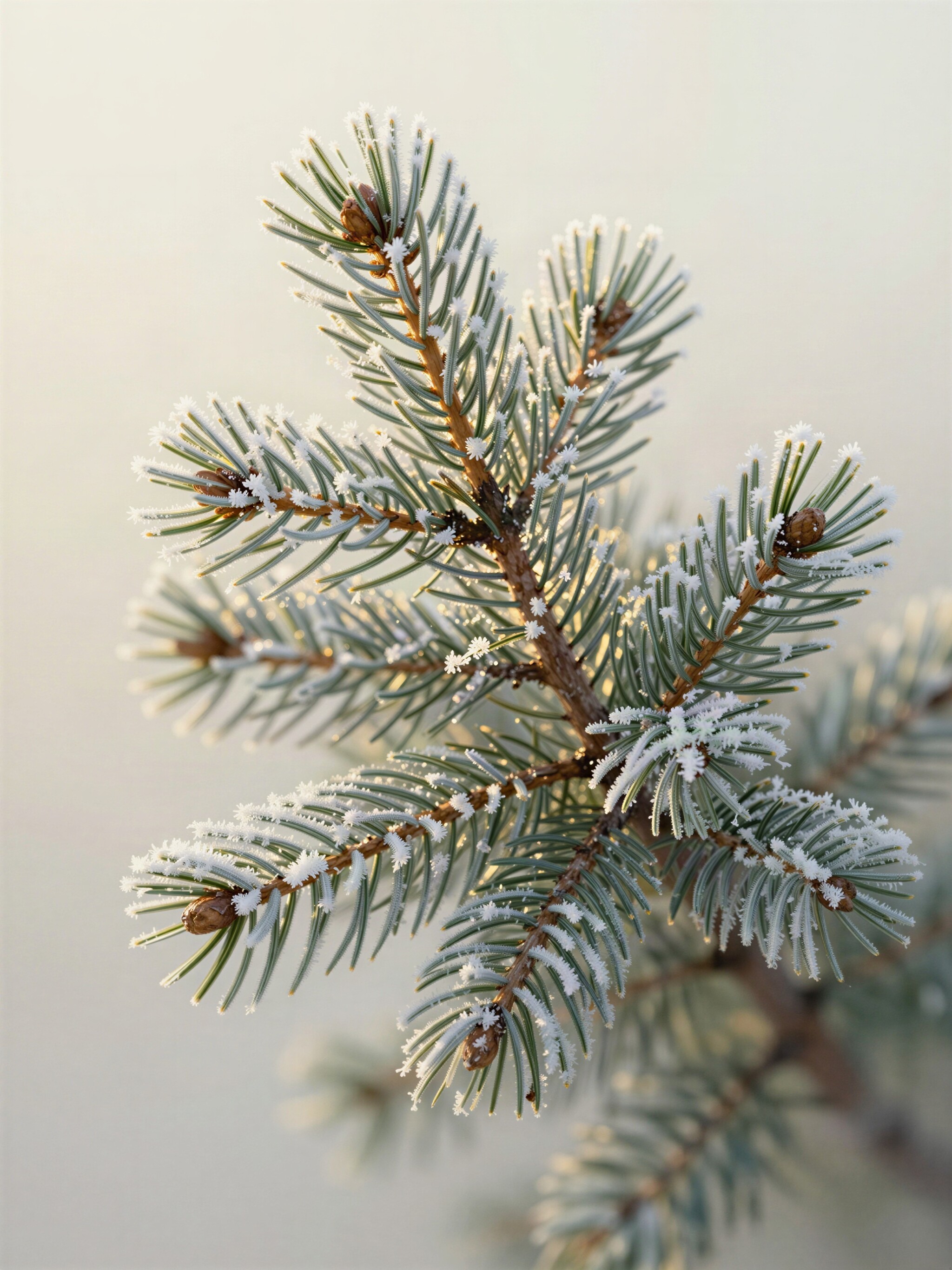
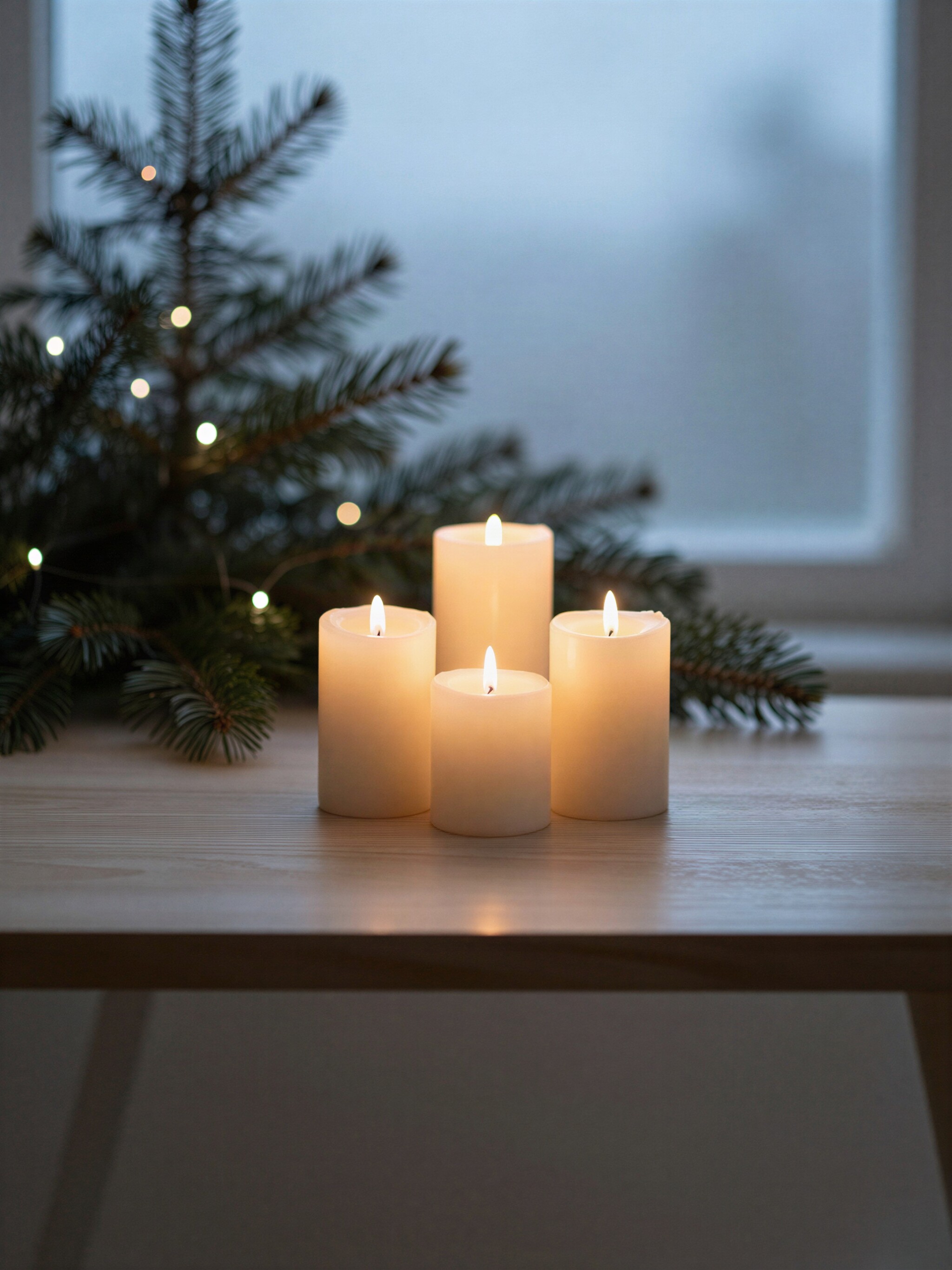
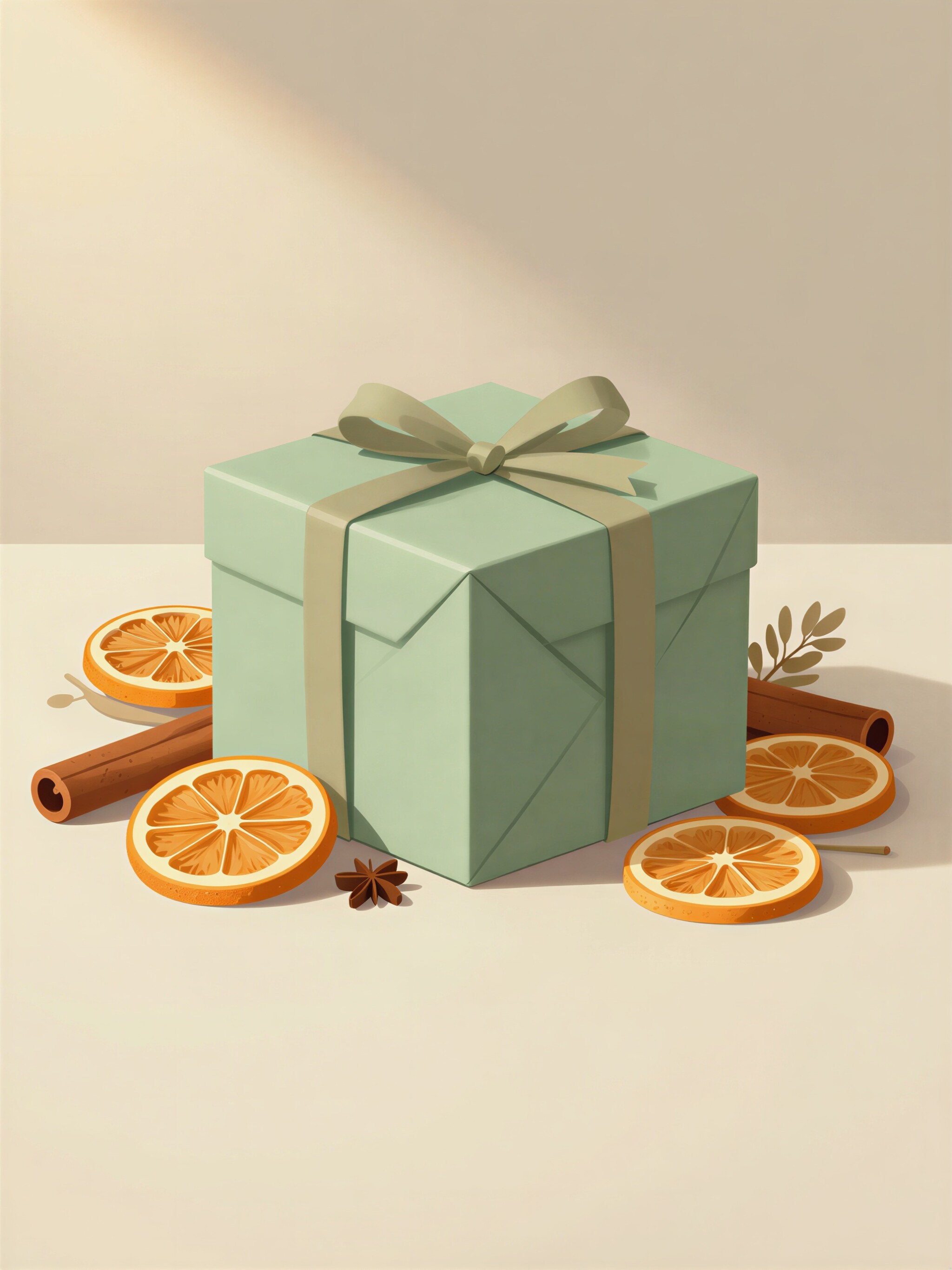
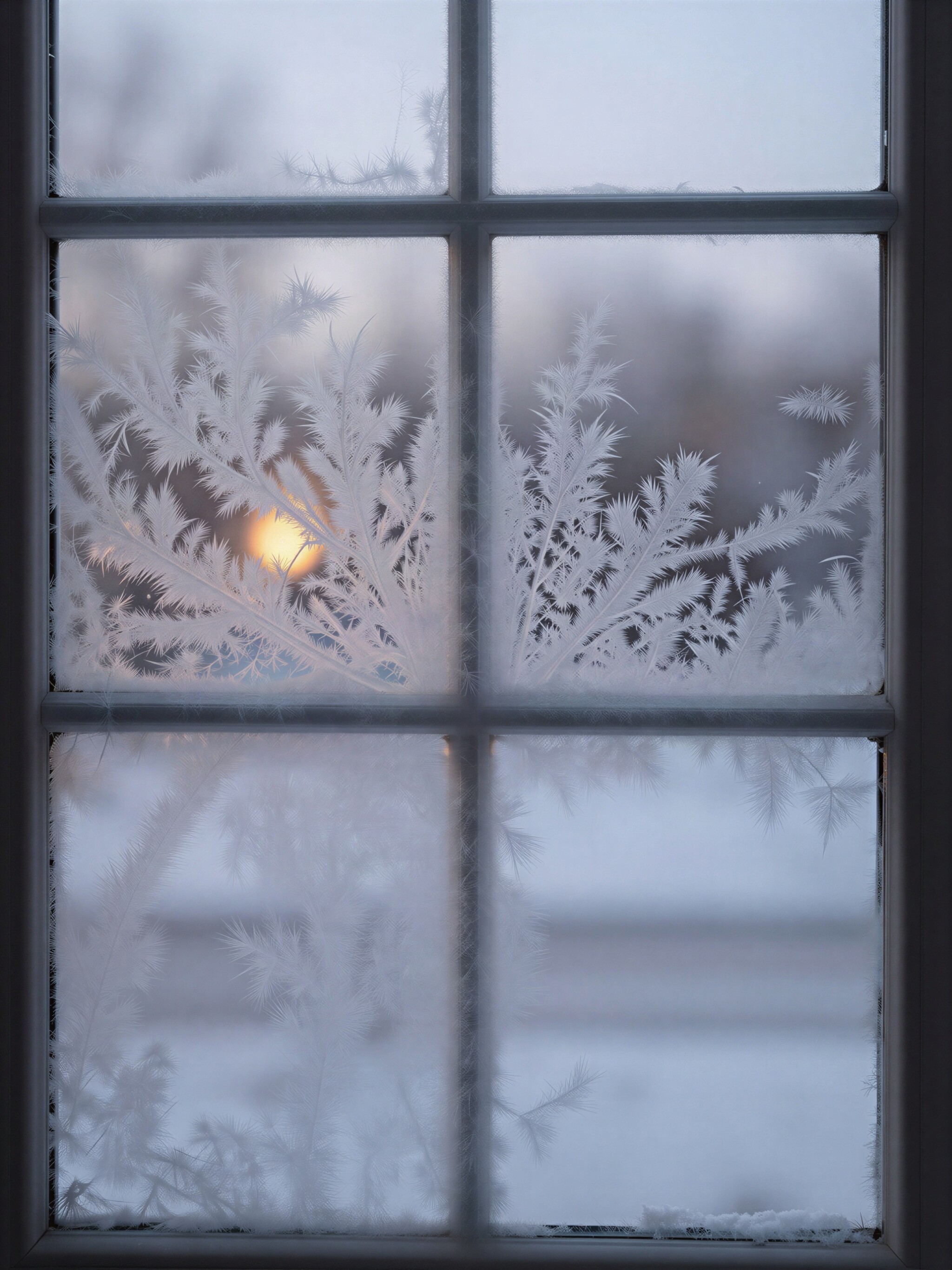
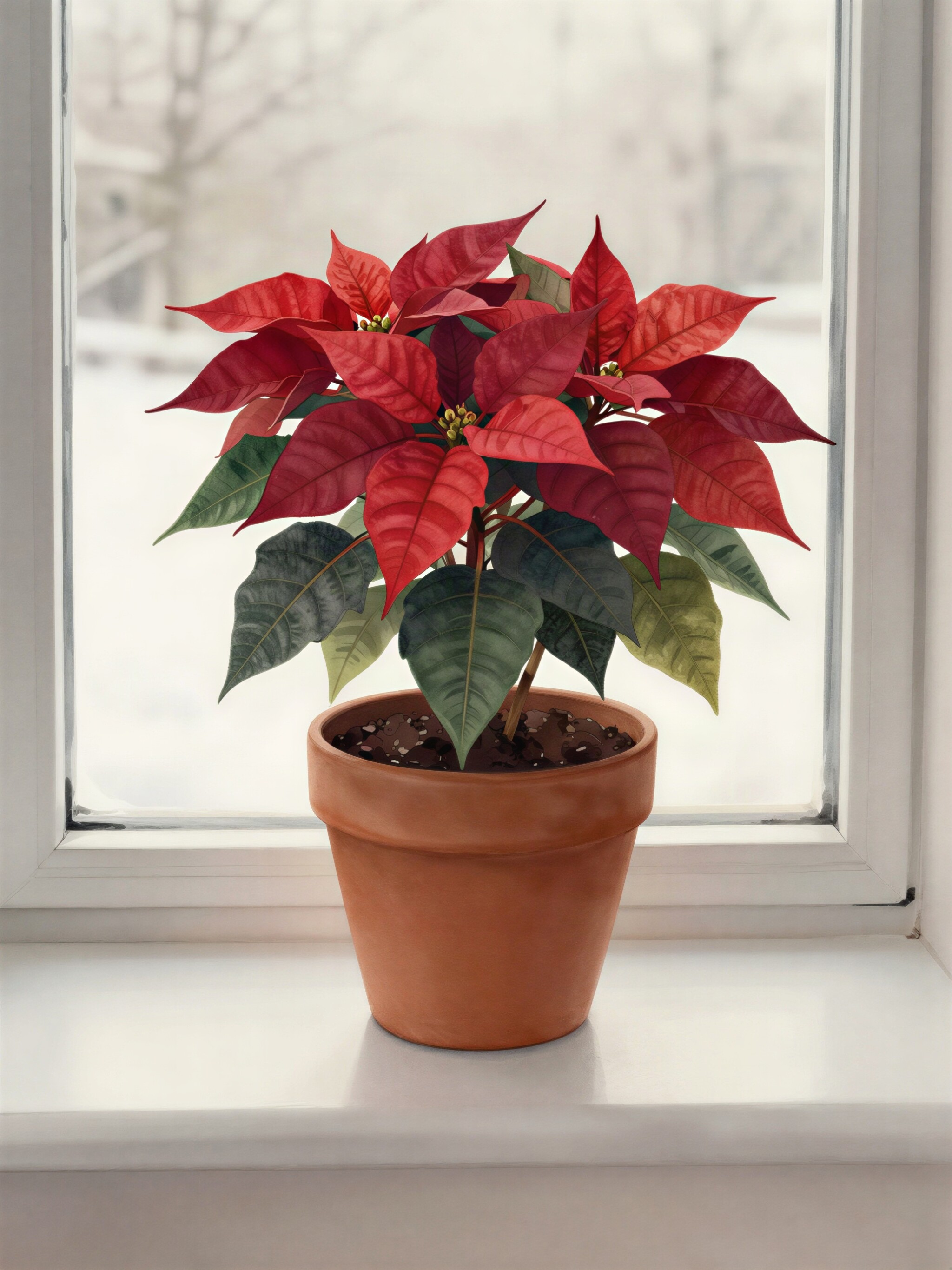
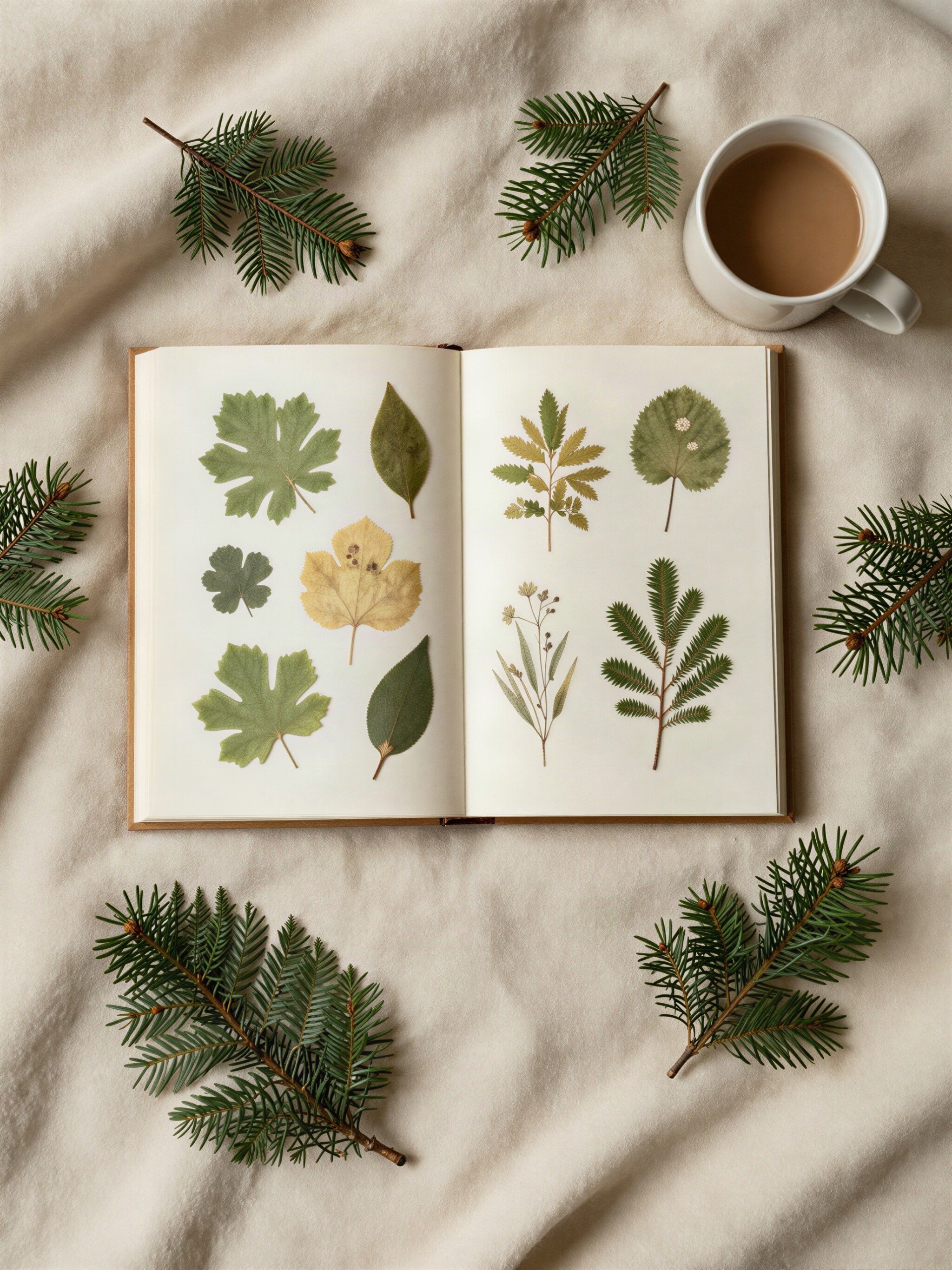
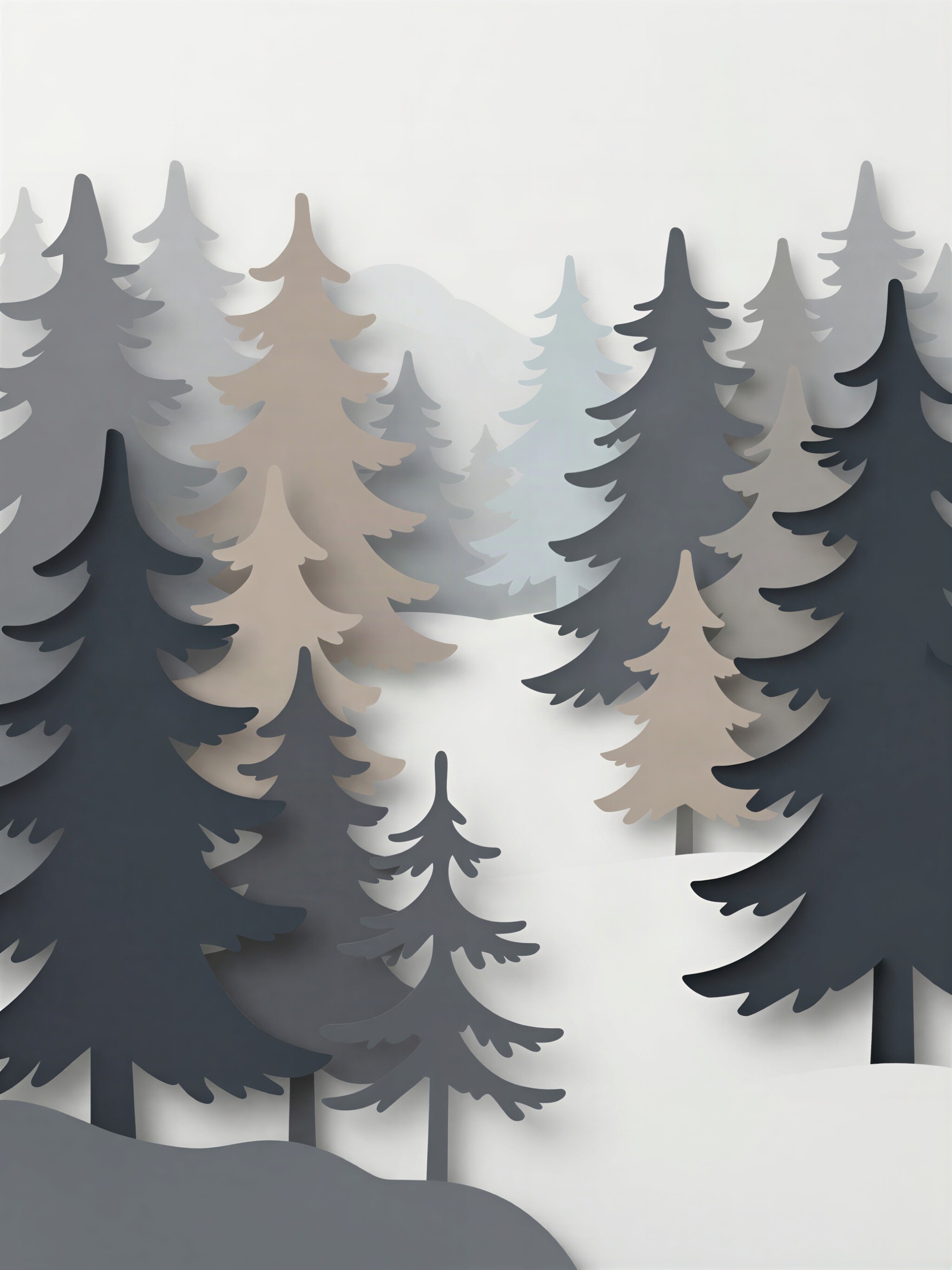
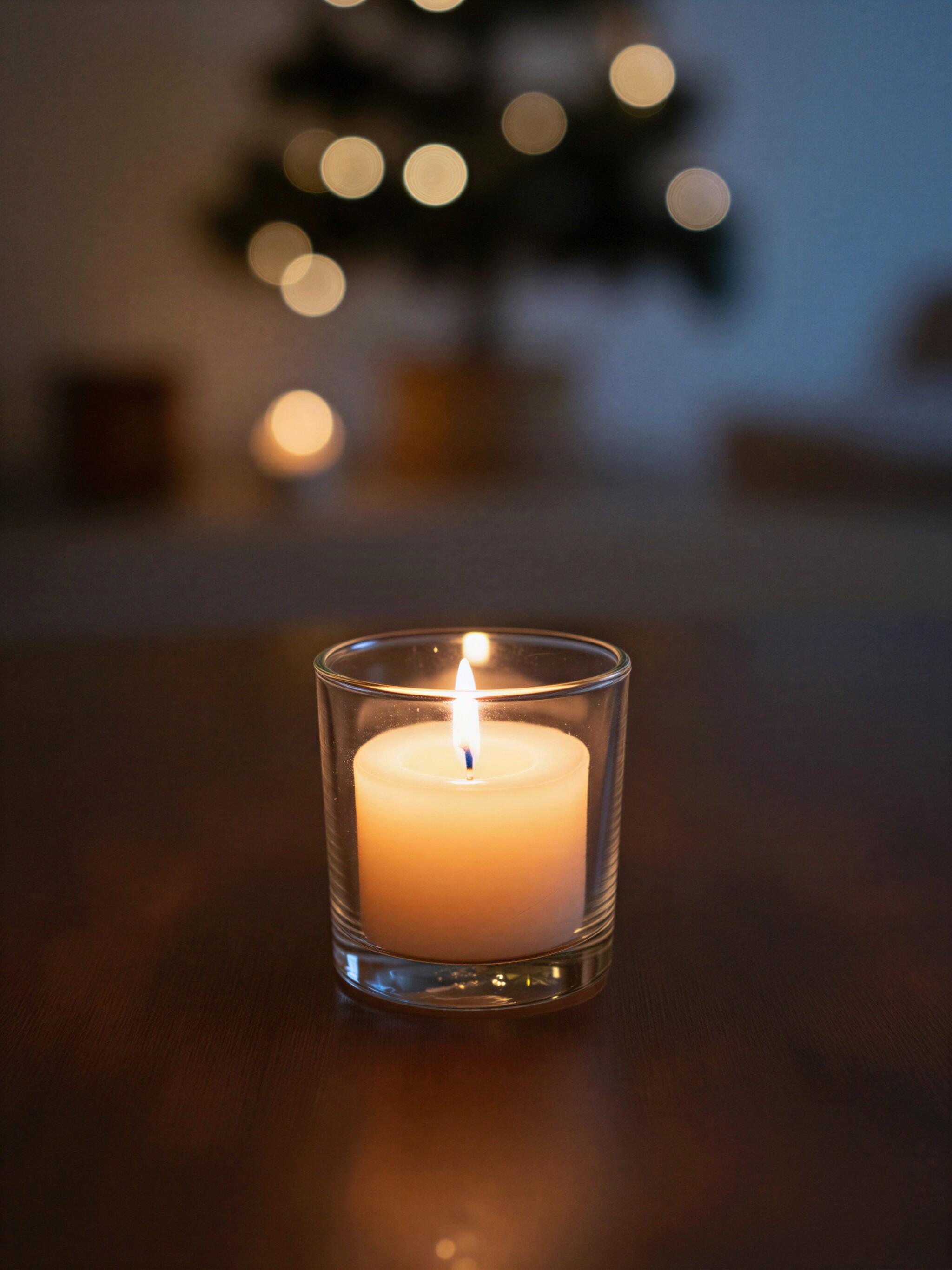
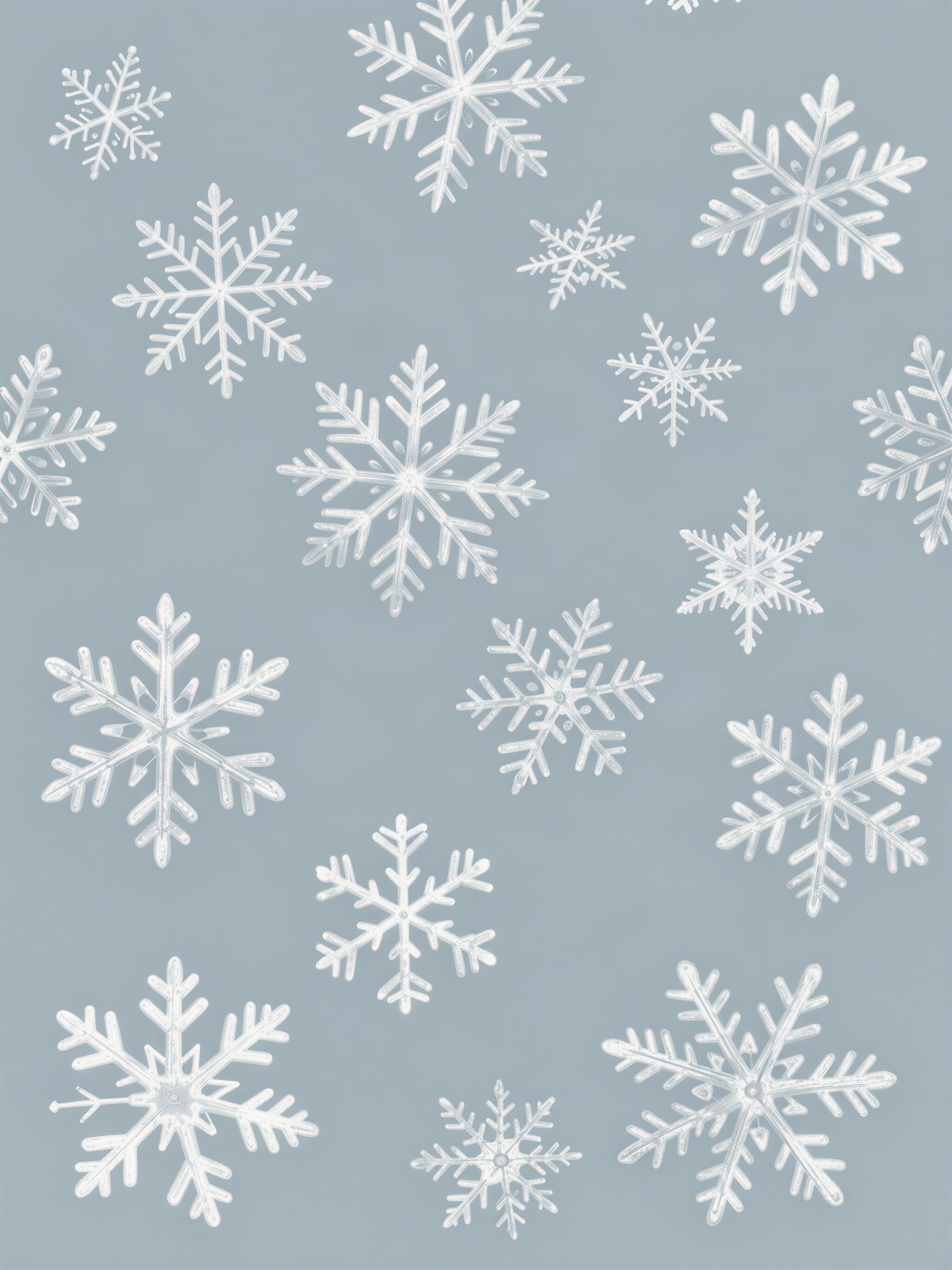
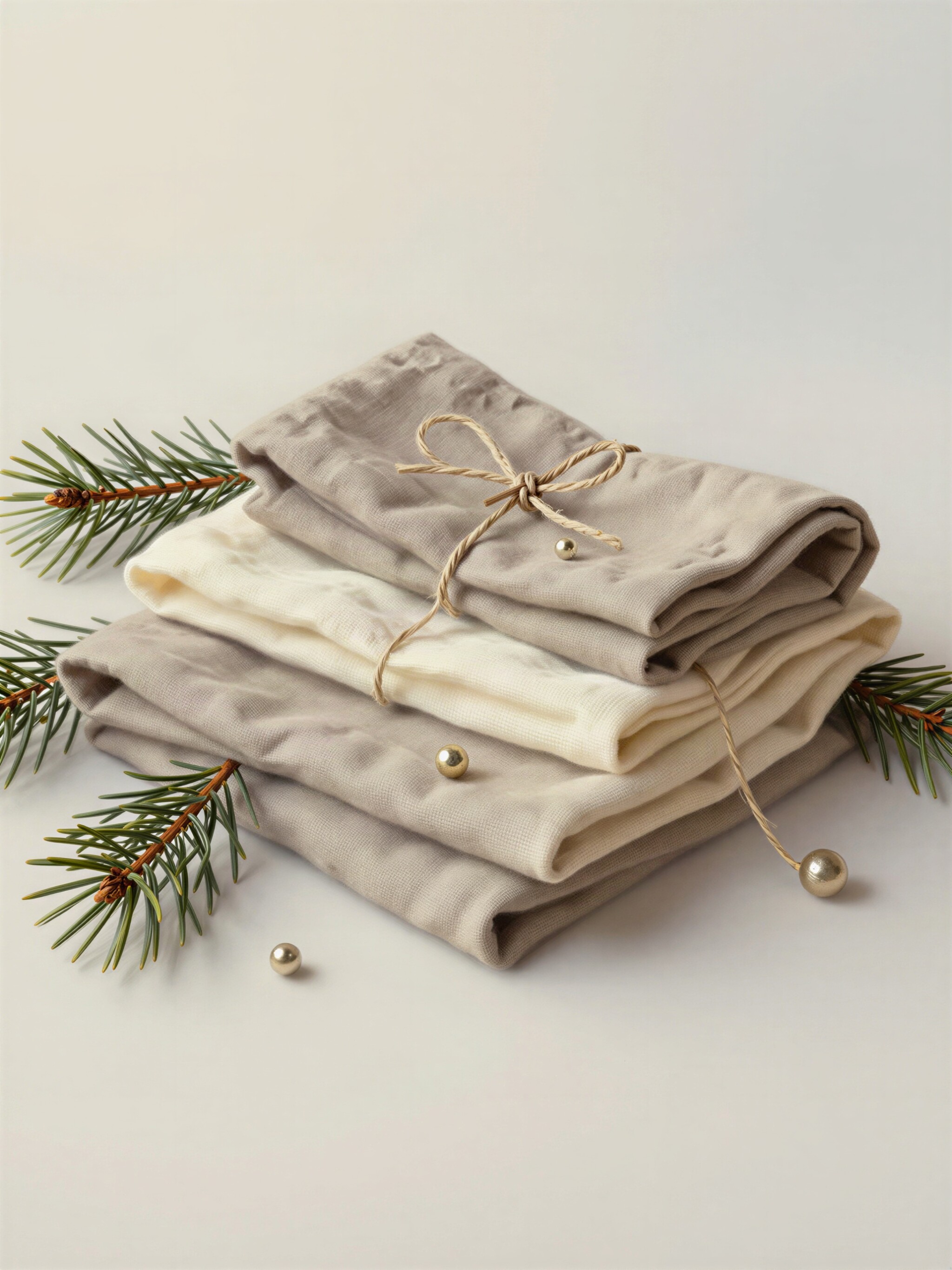
Christmas aesthetic iPad wallpaper with soft palettes, minimalist holiday scenes and moody lighting, sized 2048x2732 and free to download. These wallpapers feature soft color palettes, minimalist compositions, and moody lighting that suit the holiday without the clutter. You'll find frosted branches, candlelit corners, wrapped gifts in muted tones, and winter scenes that lean toward calm and contemplative rather than loud and jolly. Each design works beautifully on both lock screen and home screen, pairing well with clean app layouts and adding a sophisticated seasonal touch to your daily device use.
10 wallpapers at 2048 × 2732 px for iPad. Checked by hand on 8 Oct 2026.
About this set
This set captures the quiet side of the season with muted tones, minimal compositions, and a focus on texture and light rather than bold holiday imagery. The designs lean toward cool creams, soft grays, sage greens, and warm ambers, creating a sophisticated mood that feels personal and calming. Frost patterns, candlelight, wrapped gifts, and winter botanicals form the visual vocabulary here.
For your lock screen, choose wallpapers with clear focal points positioned in the center, like the frosted branch or lit candle. These keep text and notifications readable while adding seasonal warmth. For your home screen behind app icons, the layered forest, snowflake scatter, and flat lay arrangements work best since they have balanced composition and don't compete with icon placement. Pair this set with a clean, minimal app aesthetic and a neutral icon theme for cohesive look.
How to set it on your iPhone
- Tap Download and save the image to Photos.
- Open Settings, tap Wallpaper, then Add New Wallpaper, and choose Photos.
- Pick the wallpaper, pinch to position it, then tap Add and choose the lock screen, home screen or both.
Stuck on a step? The iPhone and iPad guide has screenshots for each one.
Questions
Will these wallpapers fit my iPad without cropping?
Yes. This set is designed at 2048x2732 pixels in vertical 3:4 composition, which matches iPad screen proportions perfectly. All wallpapers display edge to edge without cropping or letterboxing on any iPad model.
Can I use these wallpapers commercially or share them elsewhere?
These wallpapers are free for personal use on your own devices only. You cannot sell them, print them for sale, or repost them on other websites or apps. For full details on permitted use, see our Terms page.
Which wallpapers work better for lock screen versus home screen?
Lock screen wallpapers should have a single clear focal point, like the frosted branch, candle, or poinsettia. These keep time and notifications readable. Home screen wallpapers benefit from balanced, all-over compositions like the forest layers, snowflakes, or flat lay arrangements, so app icons integrate naturally without competing.
How do I keep these wallpapers looking good with my app icons?
Pair this set with a minimal icon theme or monochrome app icons to match the refined aesthetic. Enable dark mode on light wallpapers to ensure text readability. The muted color palette works with both light and dark app themes, so you have flexibility in customizing your home screen layout.