White Christmas Wallpaper iPhone
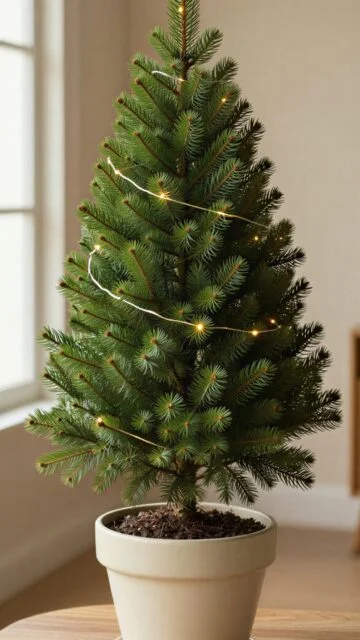
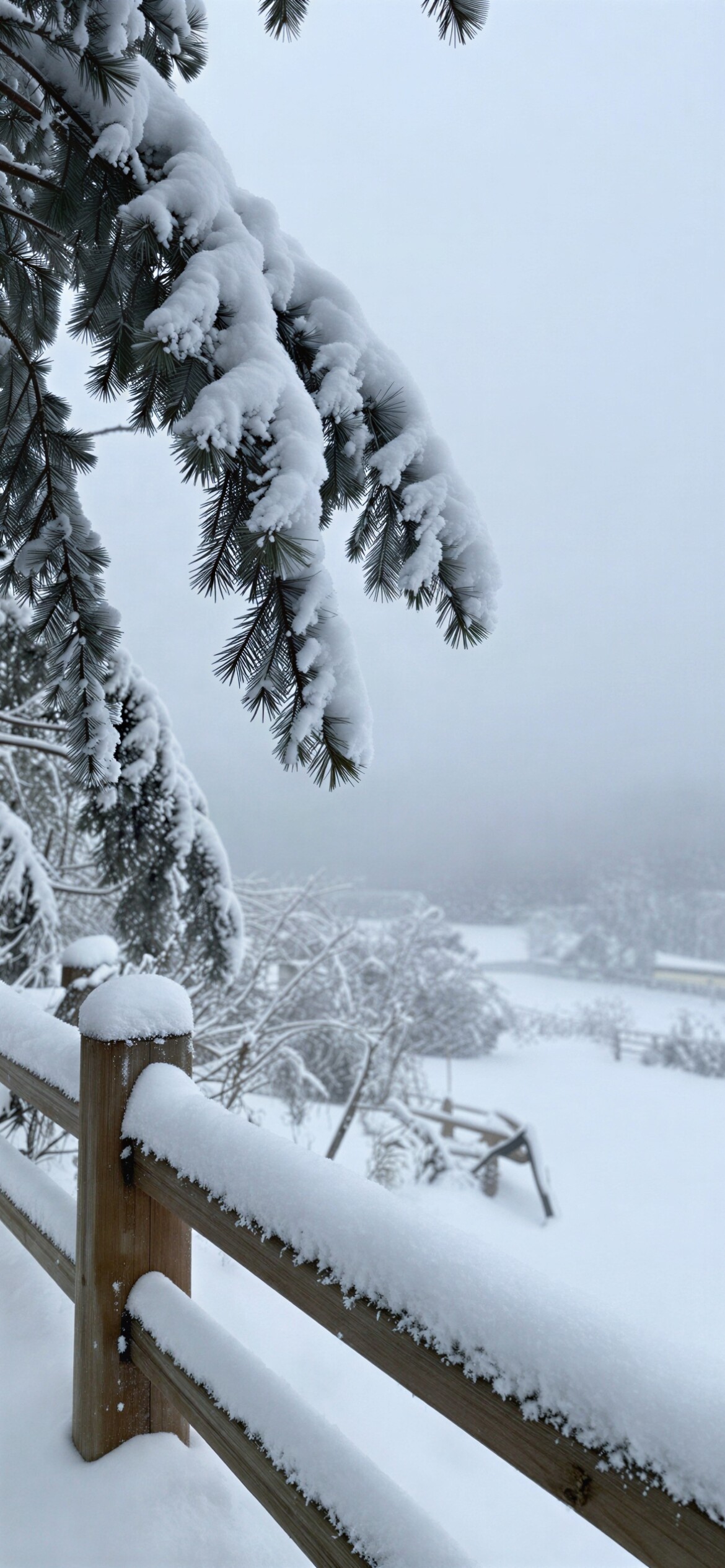
White christmas wallpaper iPhone designs bring calm, minimalist snow scenes to your home screen and lock screen. These wallpapers feature frosted evergreens, quiet snowfall, icy branches and cozy cabin views in soft whites, pale blues and silver tones. The aesthetic draws from Scandinavian winter traditions and the quiet beauty of fresh snow at dawn or dusk. Each design uses tall vertical composition suited to iPhone screens, with simple skies at the top and detailed winter subjects in the middle and lower frame. The color palette stays cool and restful, avoiding bright reds and greens in favor of the serene mood that white christmas imagery brings. Whether you want a peaceful lock screen or a detailed home screen backdrop, this set captures the stillness of winter without clutter or distraction.
10 wallpapers at 1170 × 2532 px for iPhone. Checked by hand on 16 Nov 2026.
About this set
This collection captures the quiet, minimalist beauty of white christmas scenes through cool tones and soft natural light. Each wallpaper emphasizes snow texture, frosted branches and the stillness of winter mornings or overcast afternoons. Foregrounds show detailed snow surfaces, icicles and frost crystals that catch daylight gently, while backgrounds fade into pale mist or simple skies. The palette stays within whites, pale greys, cool blues and subtle silver tones, creating a restful mood that works well on screens. Lighting is consistently soft and diffused, either overcast daylight or golden-hour glow reflecting off snow, avoiding harsh shadows or bright contrasts that would feel jarring on a lock screen.
Wallpapers 1, 3, 5 and 9 work best as lock screen designs because they feature simple, centered subjects with plenty of clear space around them. A frosted branch, icicle, wreath or falling snow stays visible and readable even when widgets or time displays overlay the screen. Wallpapers 2, 4, 6, 7, 8 and 10 suit home screen use because their detailed landscapes and forest scenes provide visual interest behind app icons without competing for attention. These designs reward a closer look and show depth that feels natural behind organized app rows.
A guide to each design
- Falling snow and frosted branch: A close, intimate view of snowfall and an ice-covered branch. Best for lock screen because the simple white background and centered subject stay clear beneath time and notification text.
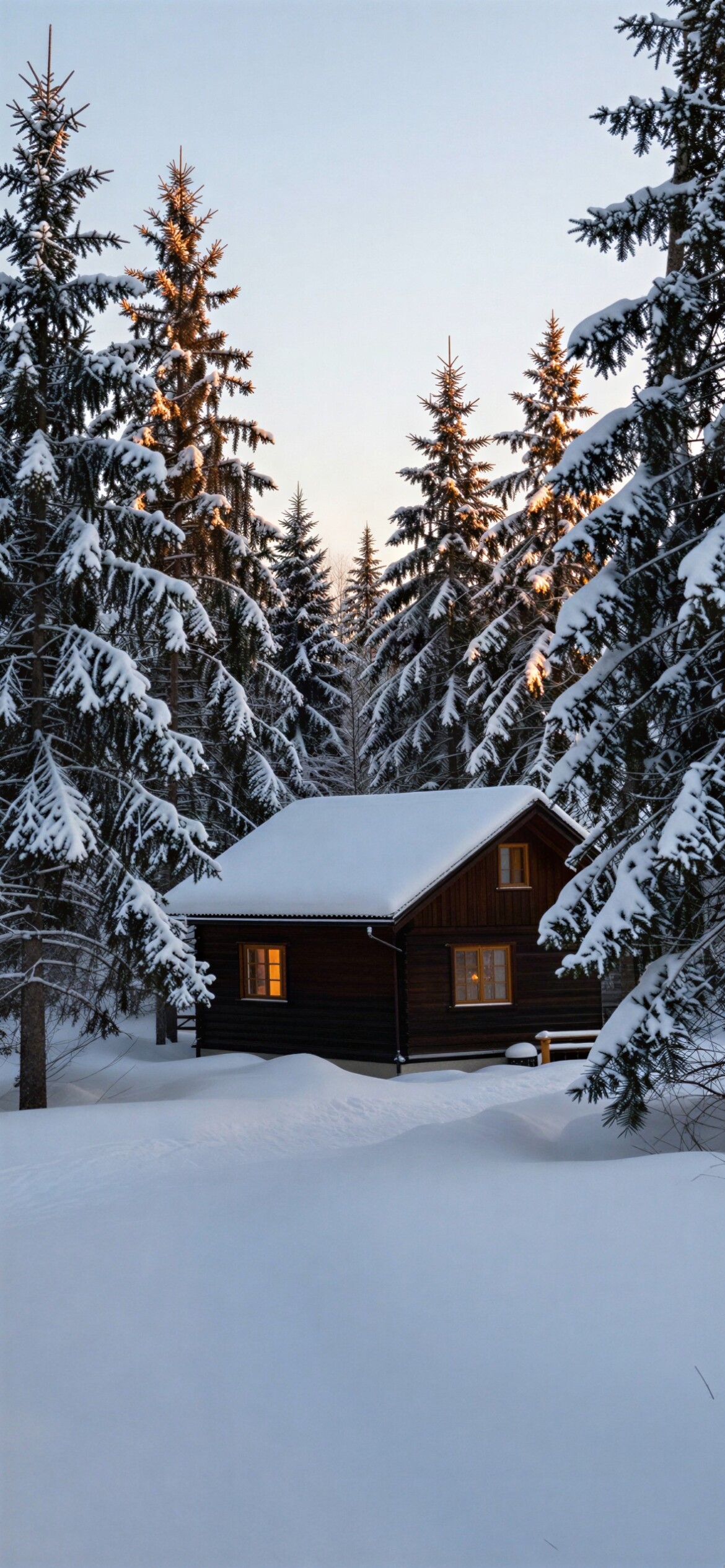
- Cabin in the woods: A cozy cabin glowing from within, framed by snow-heavy trees. The warm interior light contrasts gently with cool exterior tones, making this ideal for a home screen that benefits from layered depth.
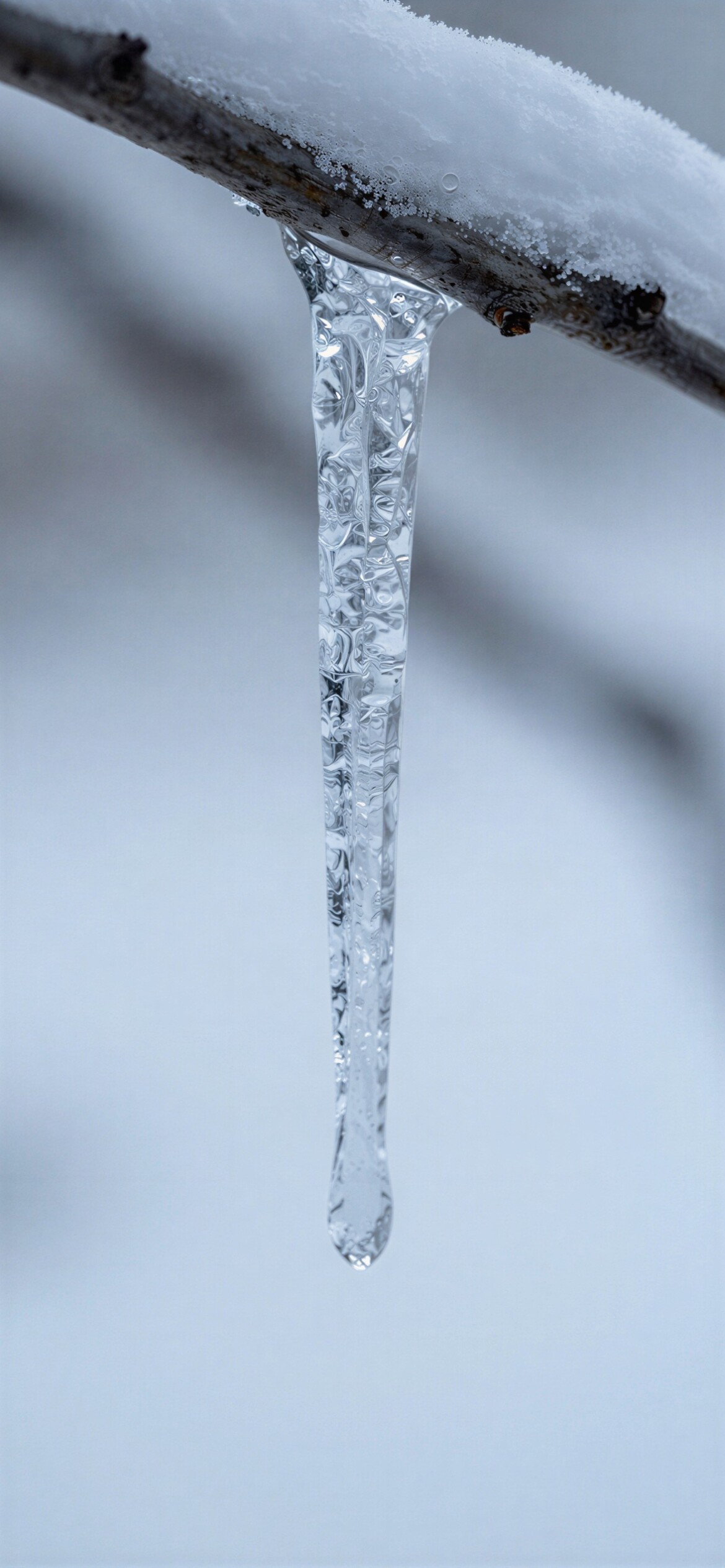
- Icicle detail: A crystalline icicle in sharp focus with blurred snowy background. The minimal composition and centered subject make this lock screen friendly, with room for overlays.
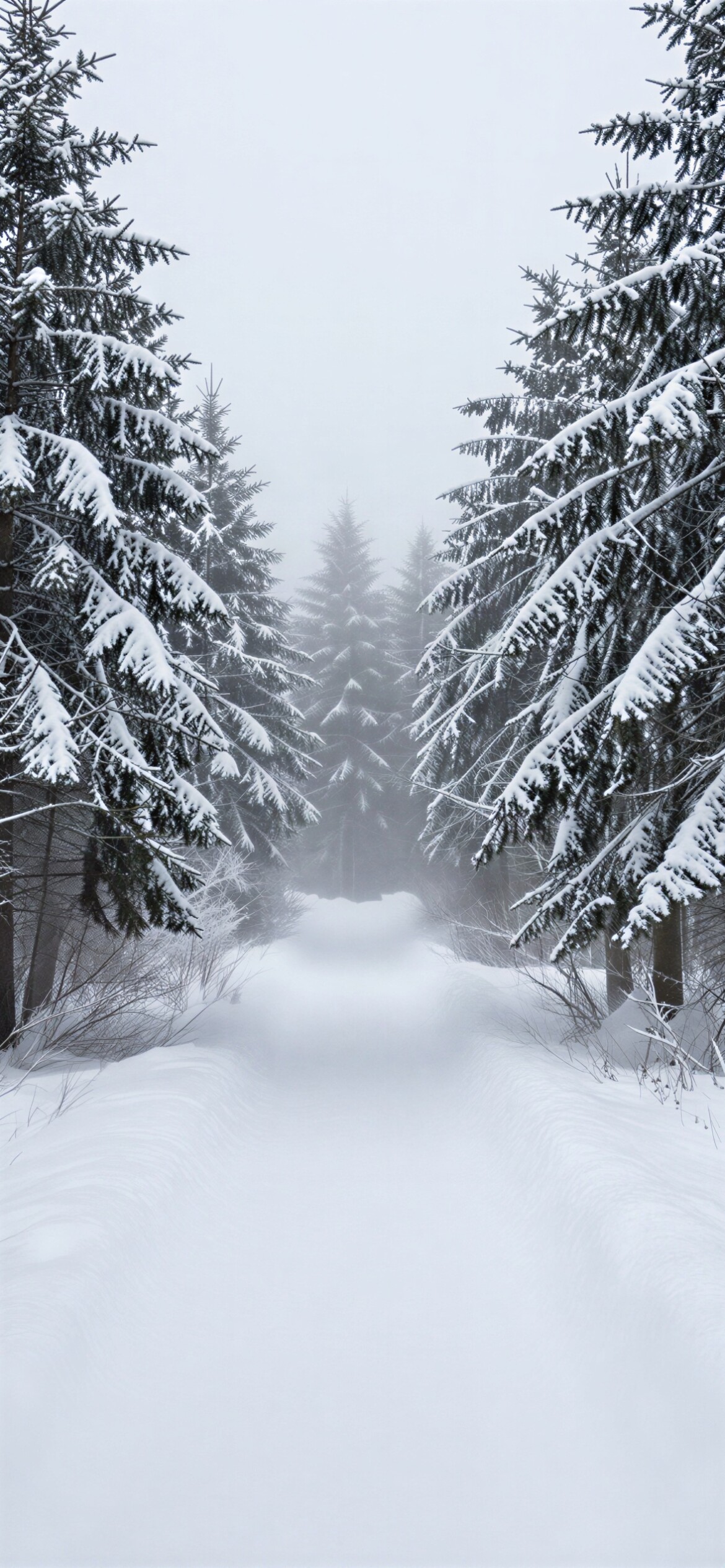
- Forest path: A receding snow-covered path lined with evergreens fading into mist. The depth and perspective work well behind home screen icons, creating a sense of distance.
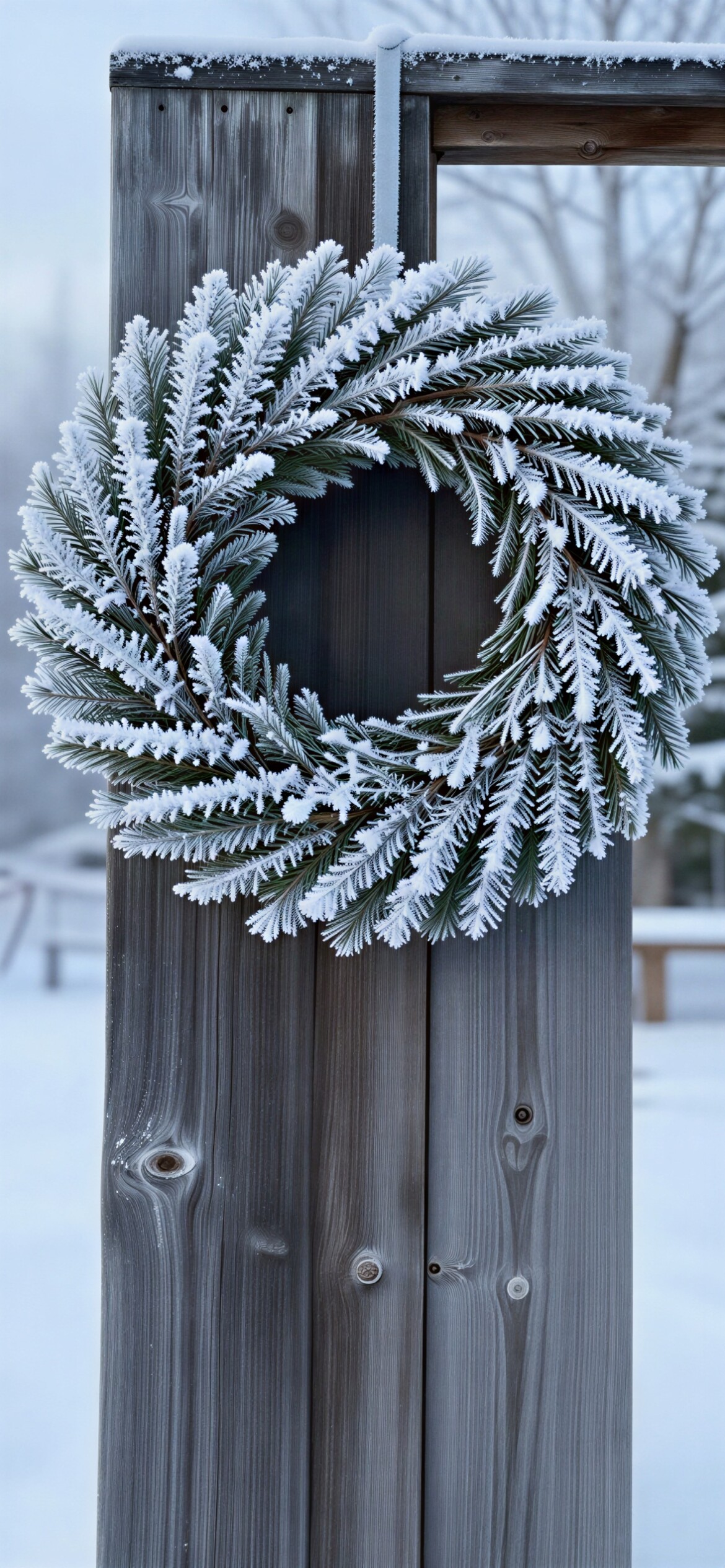
- Frosted wreath: A centered wreath covered in frost and ice. Simple background and clear focal point make this excellent for lock screen use without visual clutter.
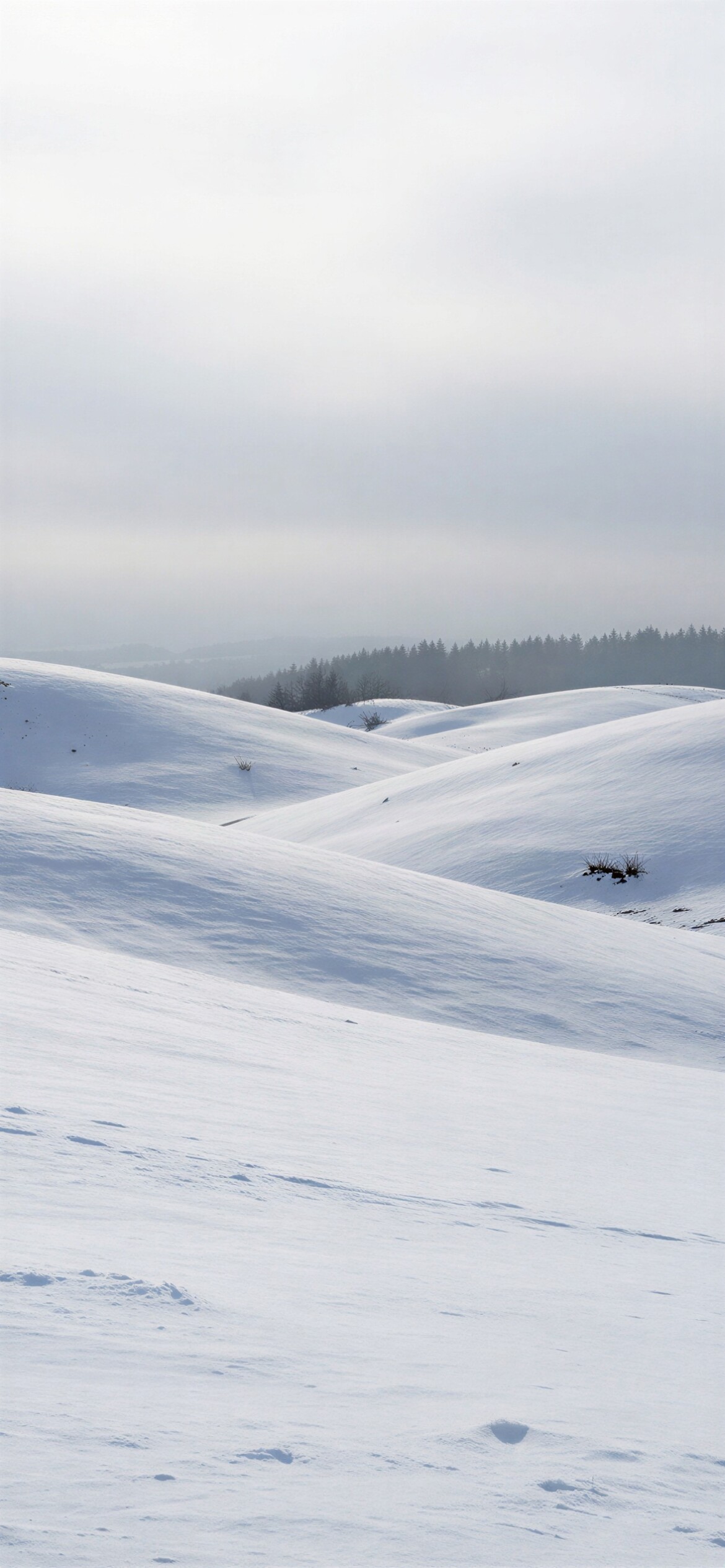
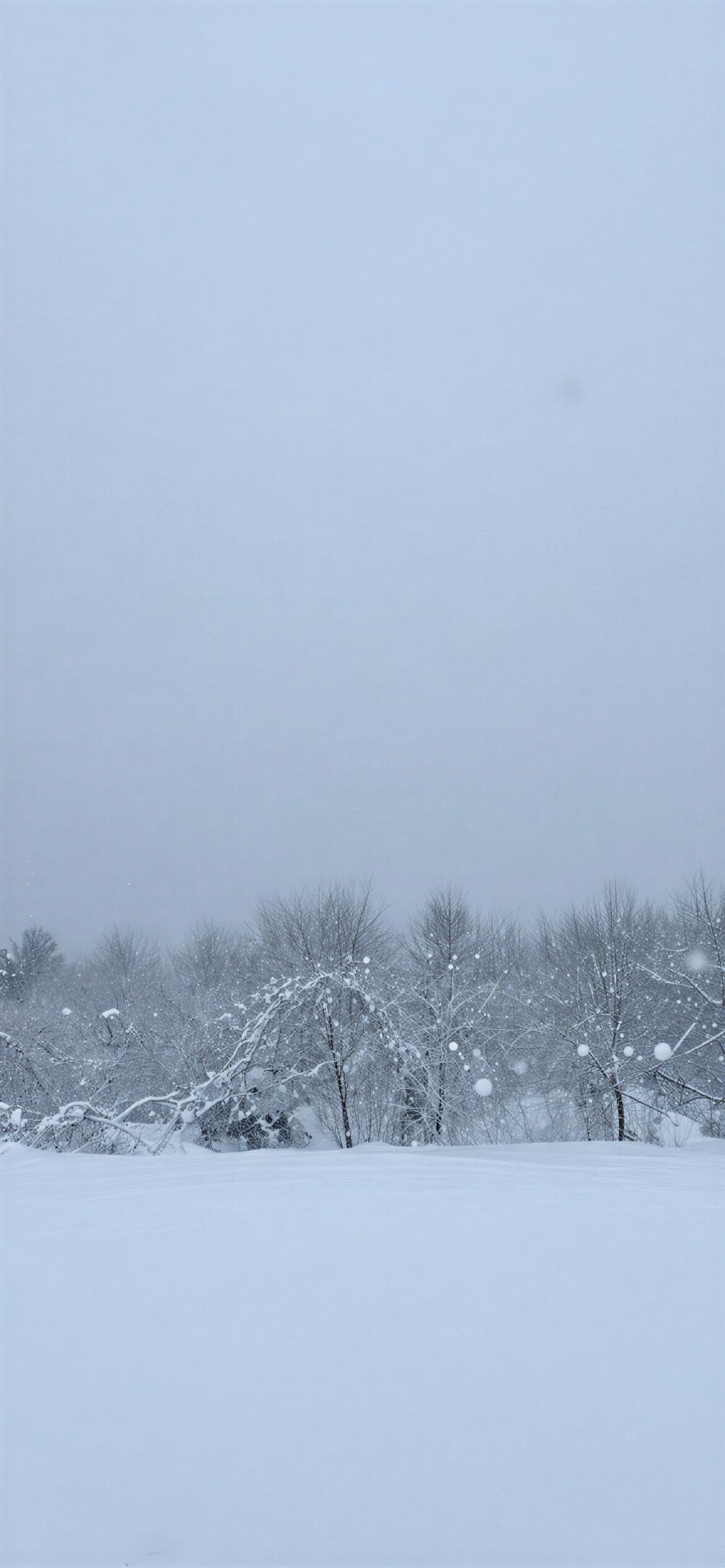
- Rolling hills: Minimalist snowy hills receding into pale fog. The empty top quarter and simple composition suit both lock screen and home screen, with enough texture to feel complete behind apps.
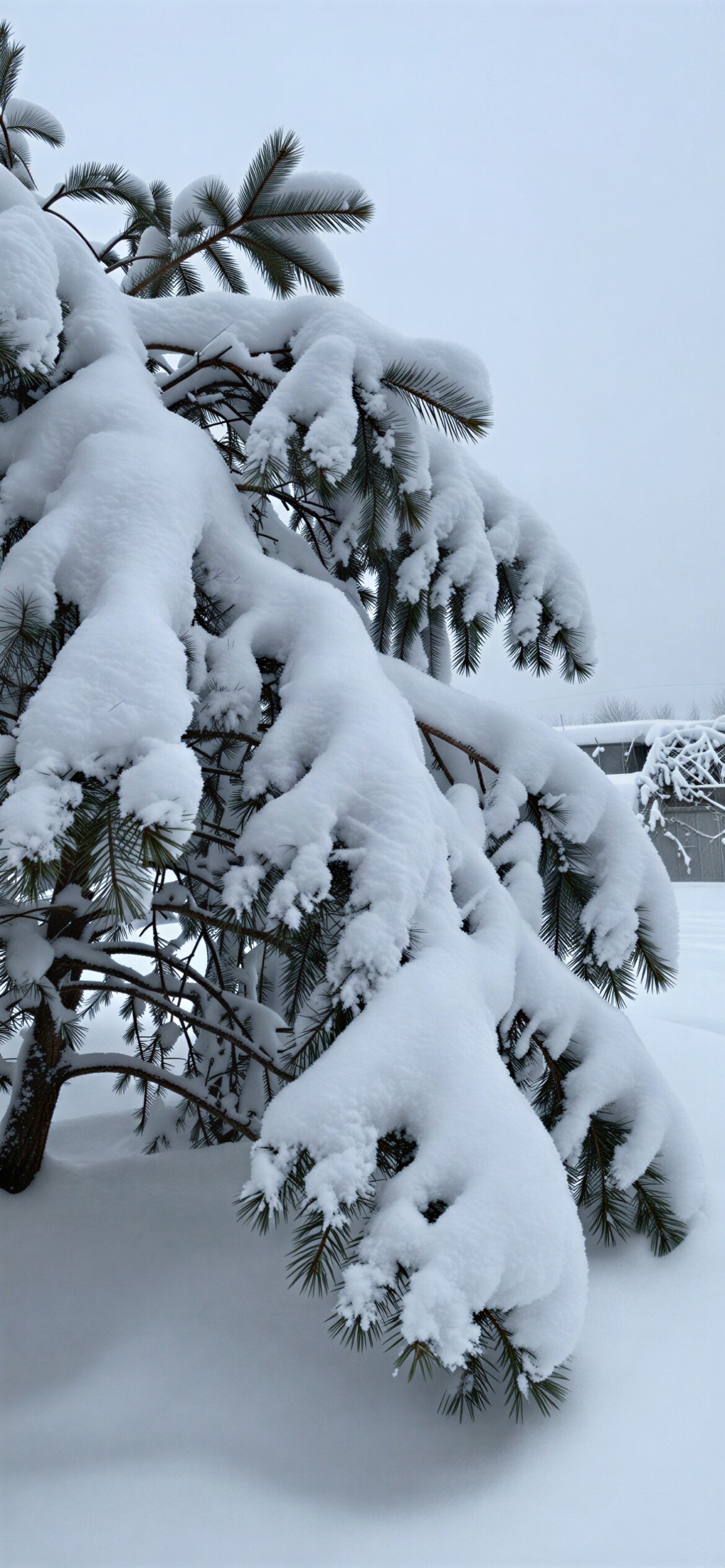
- Snow-laden branch: A branch filling the frame horizontally with heavy snow. The detailed foreground and simple background work for home screen, where app icons can sit among the branches.
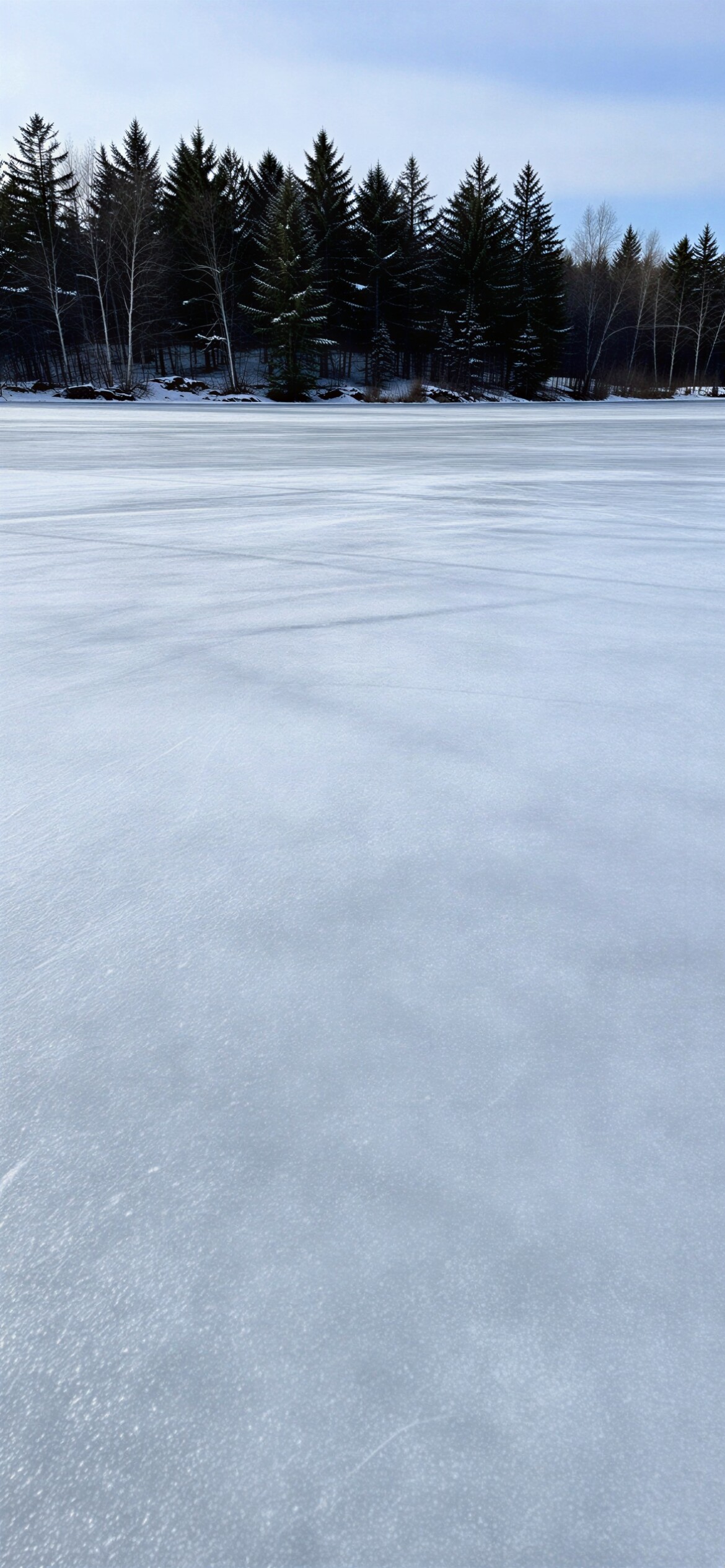
- Frozen lake: A snow-covered frozen surface with distant shore trees. The horizontal composition and clear zones work for home screen, with the far shore providing visual anchor points.
- Falling snow throughout: Snowflakes suspended in frame against pale sky. The all-over pattern and centered composition make this lock screen suitable, with minimal focal points to compete with widgets.
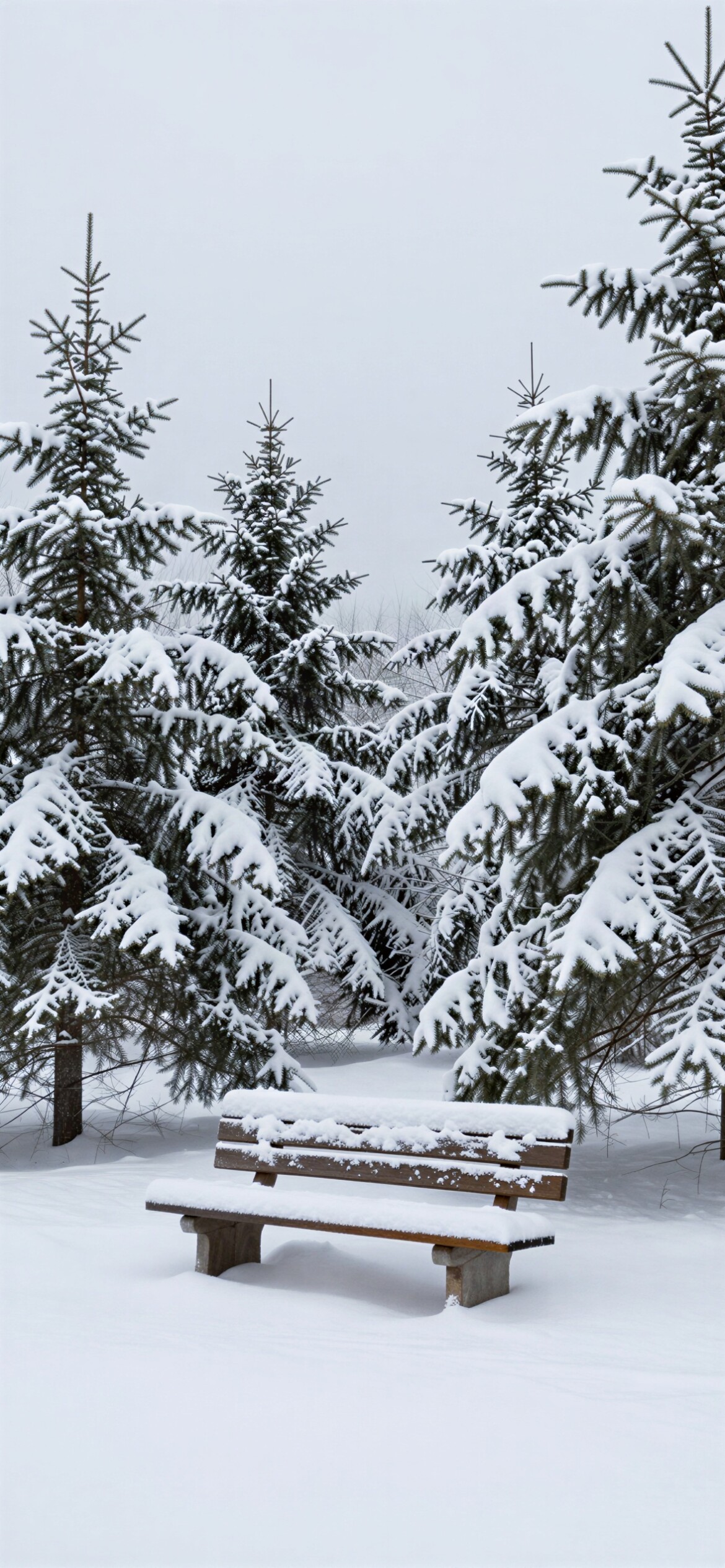
- Snowy bench in clearing: A solitary bench surrounded by evergreens. The lower placement of the main subject and detailed background make this ideal for home screen display, where app icons frame the scene.
White christmas in design tradition
White christmas imagery draws from Scandinavian and Northern European winter traditions, where snow-covered landscapes symbolize peace and renewal. The aesthetic became widely popular through 19th-century winter greeting cards and early 20th-century holiday literature that romanticized pristine snow and quiet forests. This collection honors that tradition by focusing on natural snow scenes rather than decorated or festive elements. Wallpapers 2, 4 and 10 emphasize the cabin and forest motif central to Nordic winter imagery, while wallpapers 1, 3, 5, 7, 8 and 9 explore the pure texture and light quality of snow itself. The deliberate absence of ornaments, lights or bright colors keeps the mood contemplative rather than celebratory, appealing to those seeking calm and stillness during the holiday season.
Mood and atmosphere by scene
Wallpapers 1, 3, 5 and 9 create a meditative, introspective mood through close-up and centered compositions. The frosted branch, icicle, wreath and falling snow invite quiet observation and work well during focus modes or when you want minimal visual stimulation on your lock screen. Wallpapers 2, 4, 6, 7, 8 and 10 establish a sense of solitude and shelter through landscape and architectural elements. The cabin glow, forest path, rolling hills and frozen lake evoke a feeling of being present in a quiet winter landscape, making them ideal for home screens where you spend more time exploring your device. Together, the set moves from intimate detail to expansive scenery, offering different emotional anchors depending on how you use your phone at different times of day.
How to set it on your iPhone
- Tap Download and save the image to Photos.
- Open Settings, tap Wallpaper, then Add New Wallpaper, and choose Photos.
- Pick the wallpaper, pinch to position it, then tap Add and choose the lock screen, home screen or both.
Stuck on a step? The iPhone and iPad guide has screenshots for each one.
Questions
Will these wallpapers fit my iPhone?
Yes, these wallpapers are sized at 1170x2532 pixels to fit modern iPhones with tall screens. If you have an older iPhone model, the image may crop slightly at the edges, but the main subject will still be visible. You can adjust the crop when setting the wallpaper in your phone's settings to frame the scene as you prefer.
Can I use these wallpapers commercially or share them elsewhere?
These wallpapers are free for personal use on your own devices only. You cannot sell them, print them for sale, or repost them on other websites or wallpaper apps. For full details on permitted and restricted uses, please see our Terms page.
Which wallpapers work best for lock screen versus home screen?
Wallpapers 1, 3, 5 and 9 are best for lock screens because their simple, centered subjects stay clear beneath time and widget displays. Wallpapers 2, 4, 6, 7, 8 and 10 are ideal for home screens because their detailed landscapes provide visual depth and interest behind app icons without overwhelming them.
Will these white christmas wallpapers work with dark mode?
Yes, these designs work well in both light and dark modes. The pale whites, greys and cool blues remain visible and readable regardless of your system setting. On dark mode, the snowy scenes will appear slightly more luminous against the darker system background, which can create a striking contrast on your home screen.