Green Christmas Wallpaper iPhone
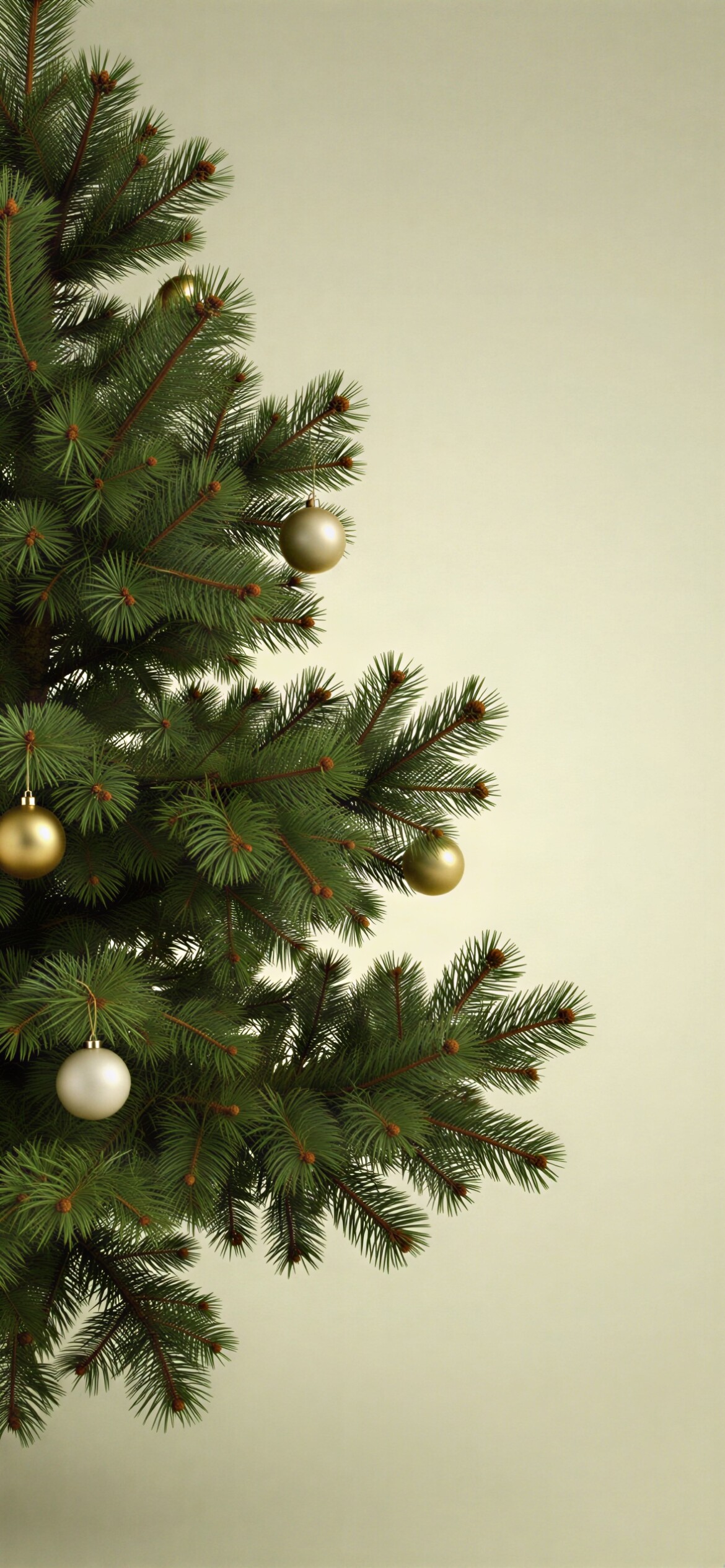
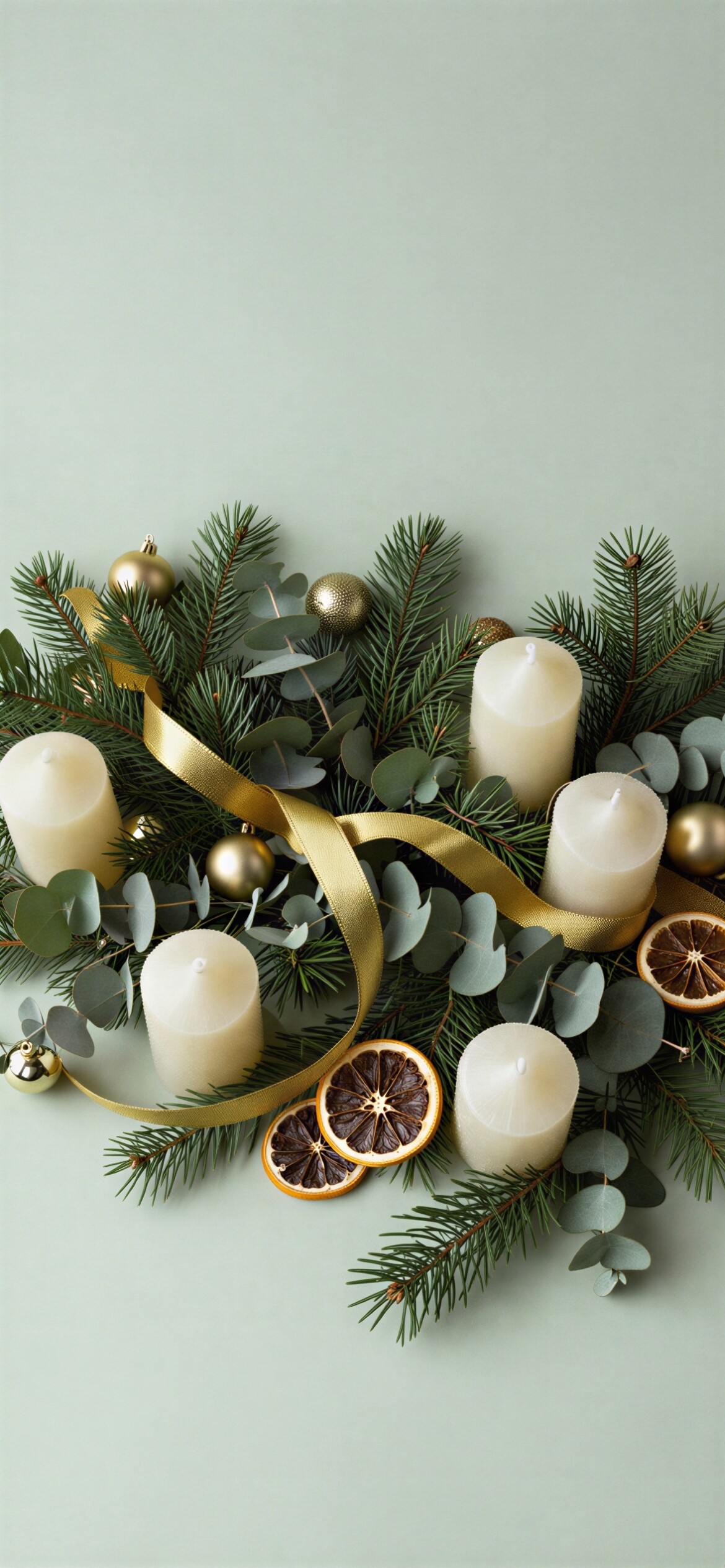
Green christmas wallpaper iphone designs bring natural holiday charm to your lock and home screens with deep forest greens, emerald tones and gold metallic accents. This set features evergreen branches, holly leaves, ornaments, garland and cozy winter scenes in vertical compositions sized for modern iPhones. Each green christmas iphone wallpaper balances festive details with breathing room so your icons and notifications stay readable. The color palette draws from nature, mixing rich sage, forest and pine greens with warm gold, cream and soft white highlights. These designs work year-round for anyone who loves the natural side of Christmas or prefers green over traditional red and gold palettes. Download any wallpaper free for personal use on your own device.
10 wallpapers at 1170 × 2532 px for iPhone. Checked by hand on 12 Nov 2026.
About this set
These wallpapers center on natural textures and botanical elements in shades of forest green, sage and emerald, accented with warm gold, cream and soft white. Each design features real or realistic evergreen branches, holly, garland, ornaments and seasonal botanicals arranged in tall vertical compositions. The subjects sit in the lower half or center of the frame, leaving the top quarter simple and uncluttered so notification badges and status icons remain visible and readable. Lighting is soft and warm, suggesting indoor window light or gentle overcast daylight, creating a calm and inviting mood rather than bright or stark contrast.
Wallpapers 1, 3, 5, 7 and 9 work best as lock screen backgrounds because their designs are simpler and leave more breathing room for the time display and notifications. Wallpapers 2, 4, 6, 8 and 10 suit the home screen, where their richer detail and fuller compositions frame app icons without overwhelming them. The green tones pair well with natural wood or gold-toned app icons and are neutral enough to work across any season beyond December.
What each wallpaper shows
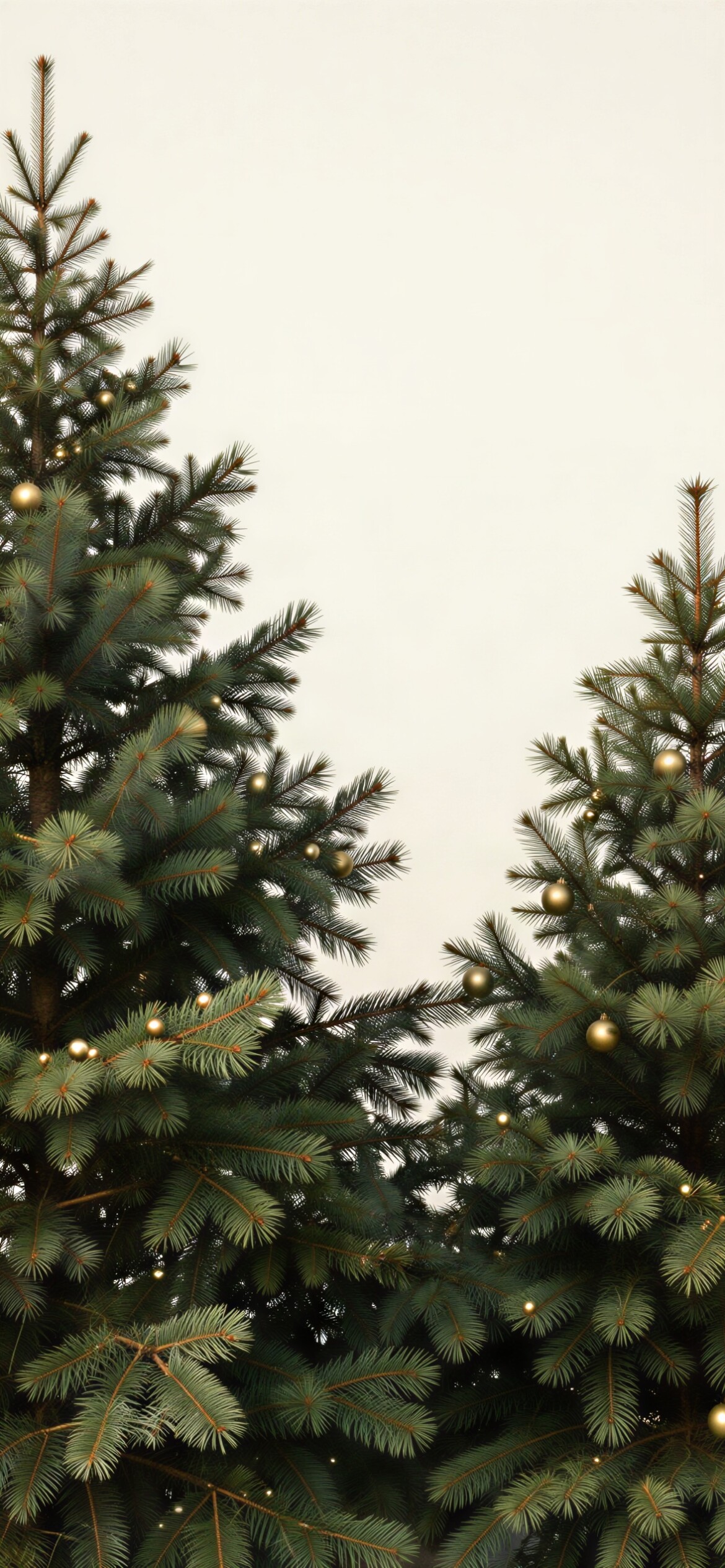
- Evergreen branches: Soft branches and gold ornaments on cream, ideal for a calm lock screen that keeps text clear.
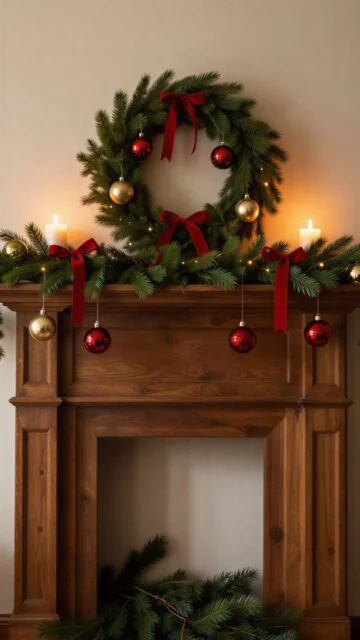
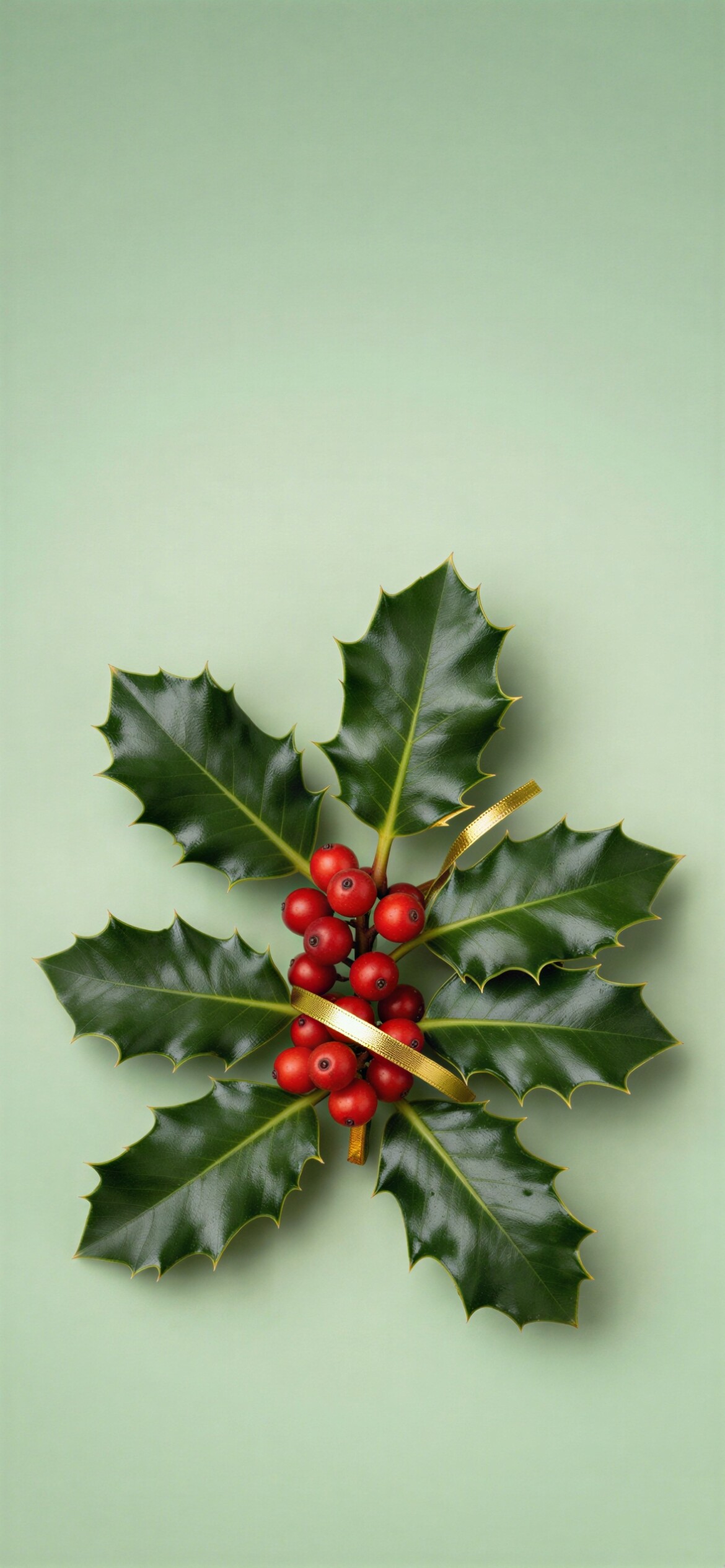
- Holly wreath: A classic holly and berry arrangement with gold ribbon, dense enough for home screen use behind icons.
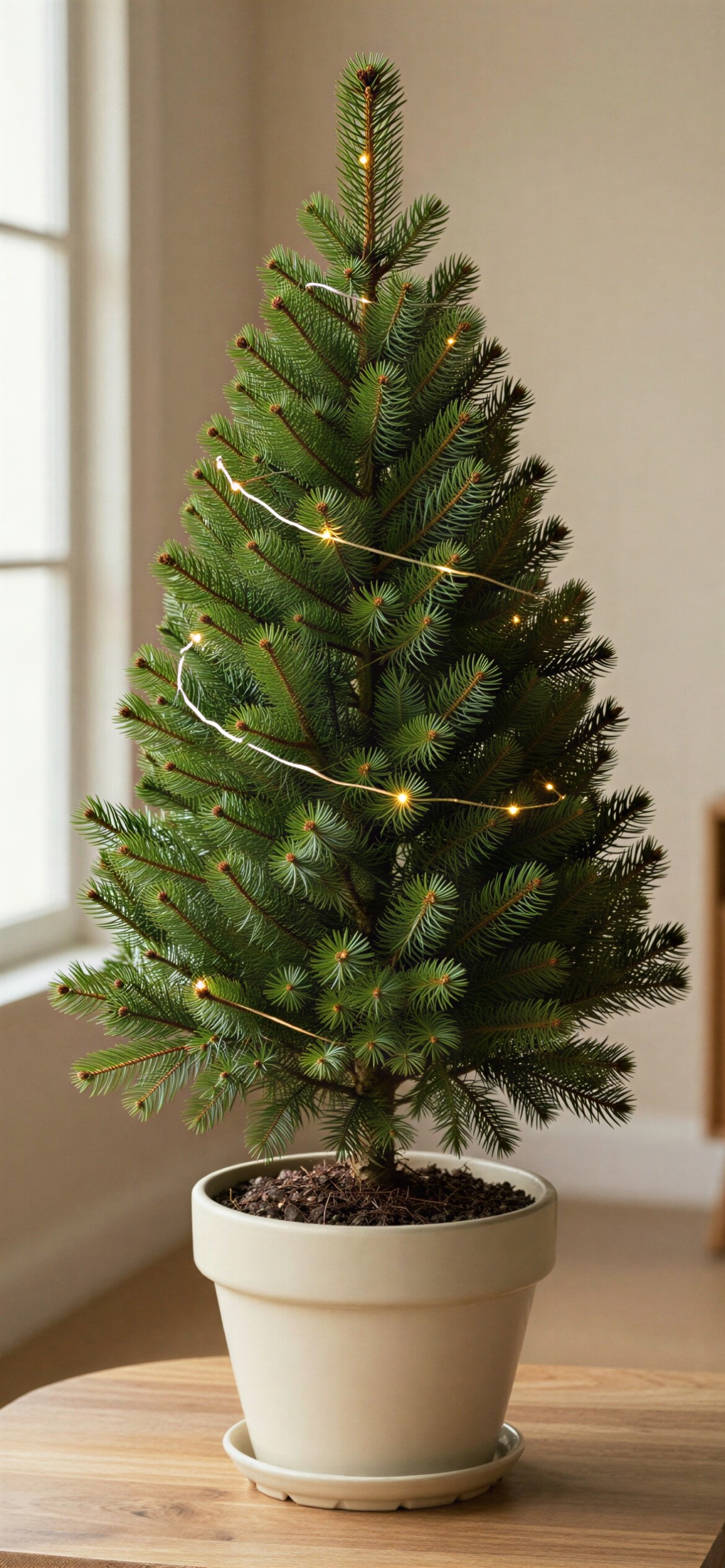
- Potted tree: A small live tree indoors with warm gold lights, works as a lock screen with room for time display above.
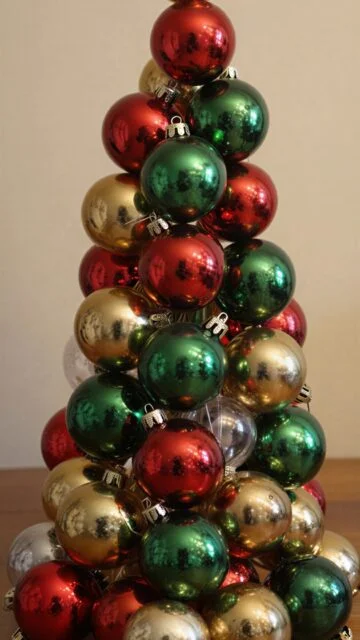
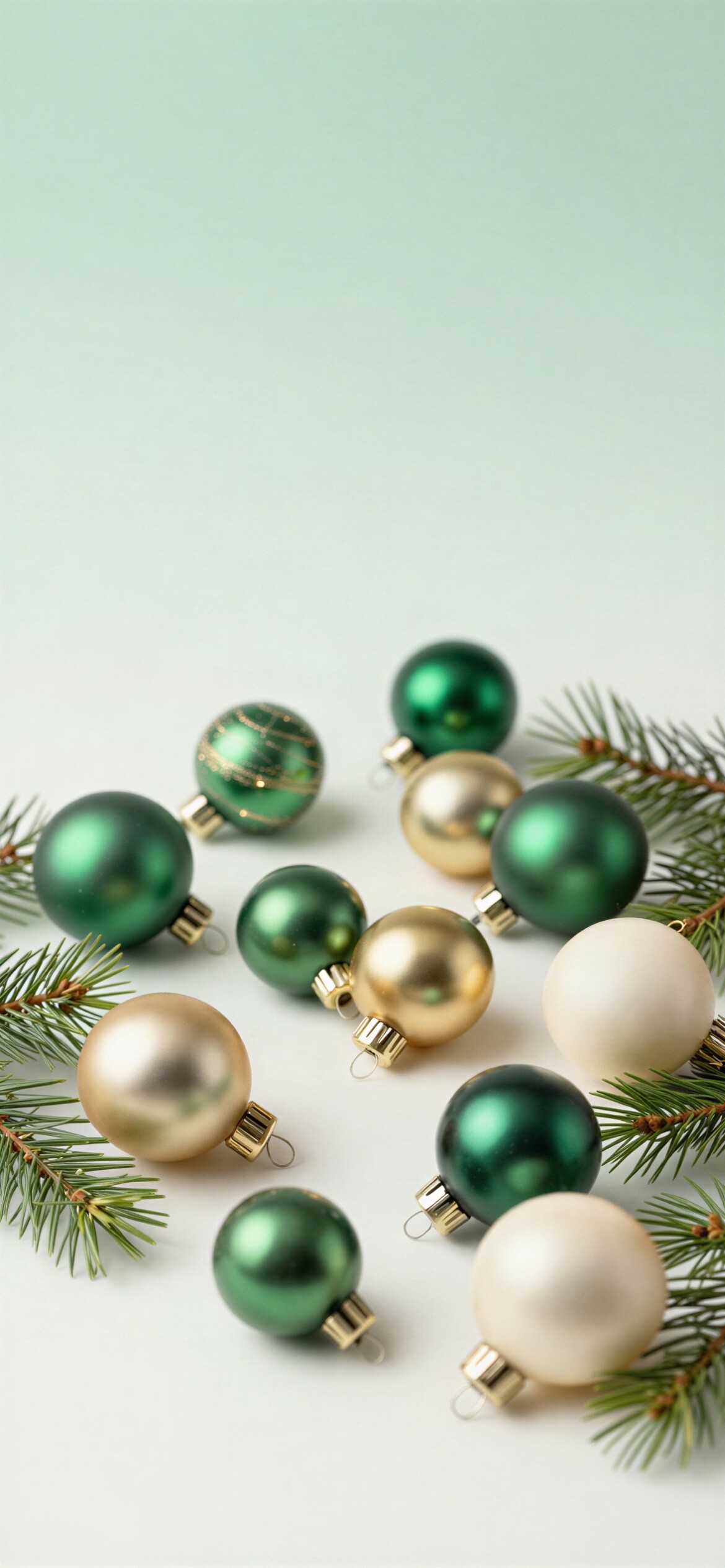
- Scattered ornaments: Loose arrangement of green and gold baubles on white, excellent for home screen with even spacing for icons.
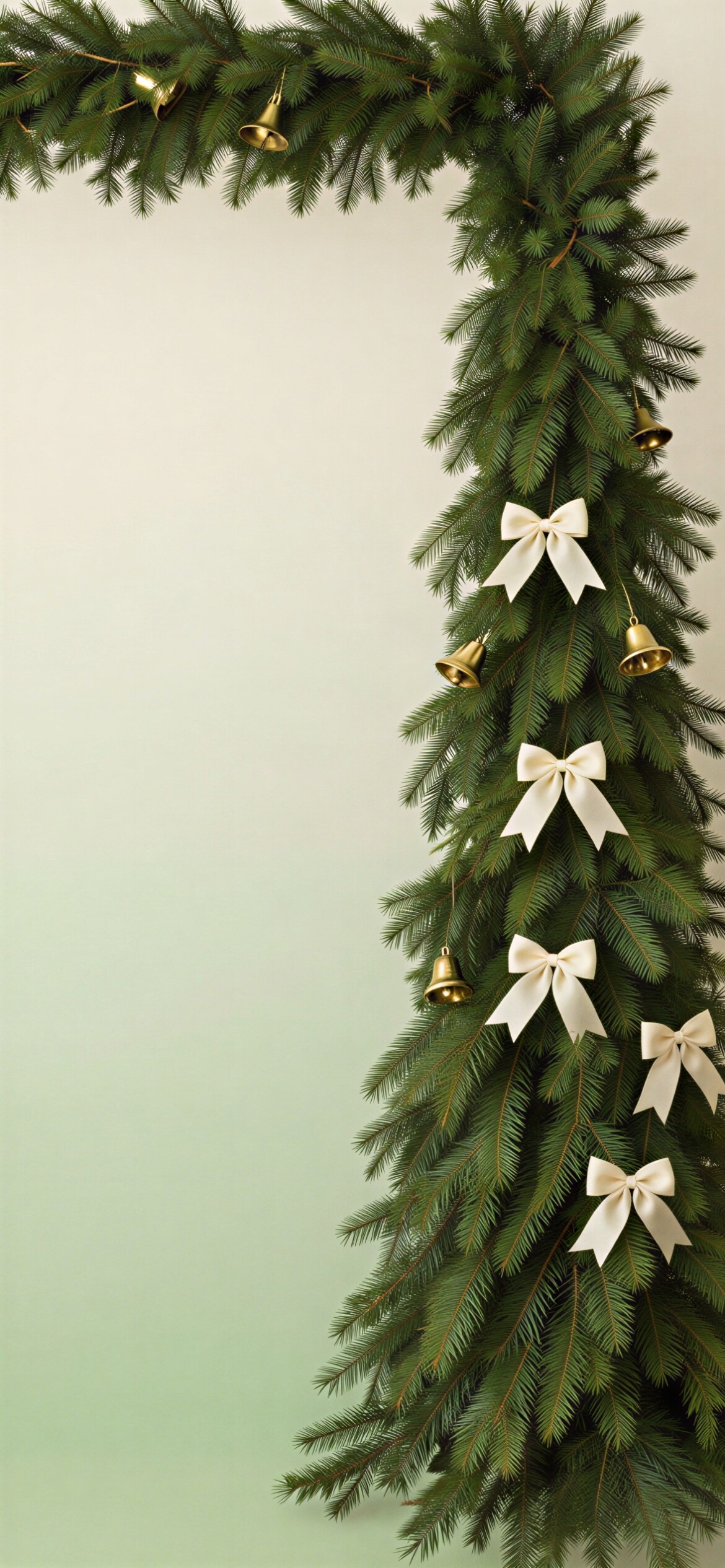
- Draped garland: Garland flowing down the right edge with bells and bows, leaves center area clear for lock screen text and widgets.
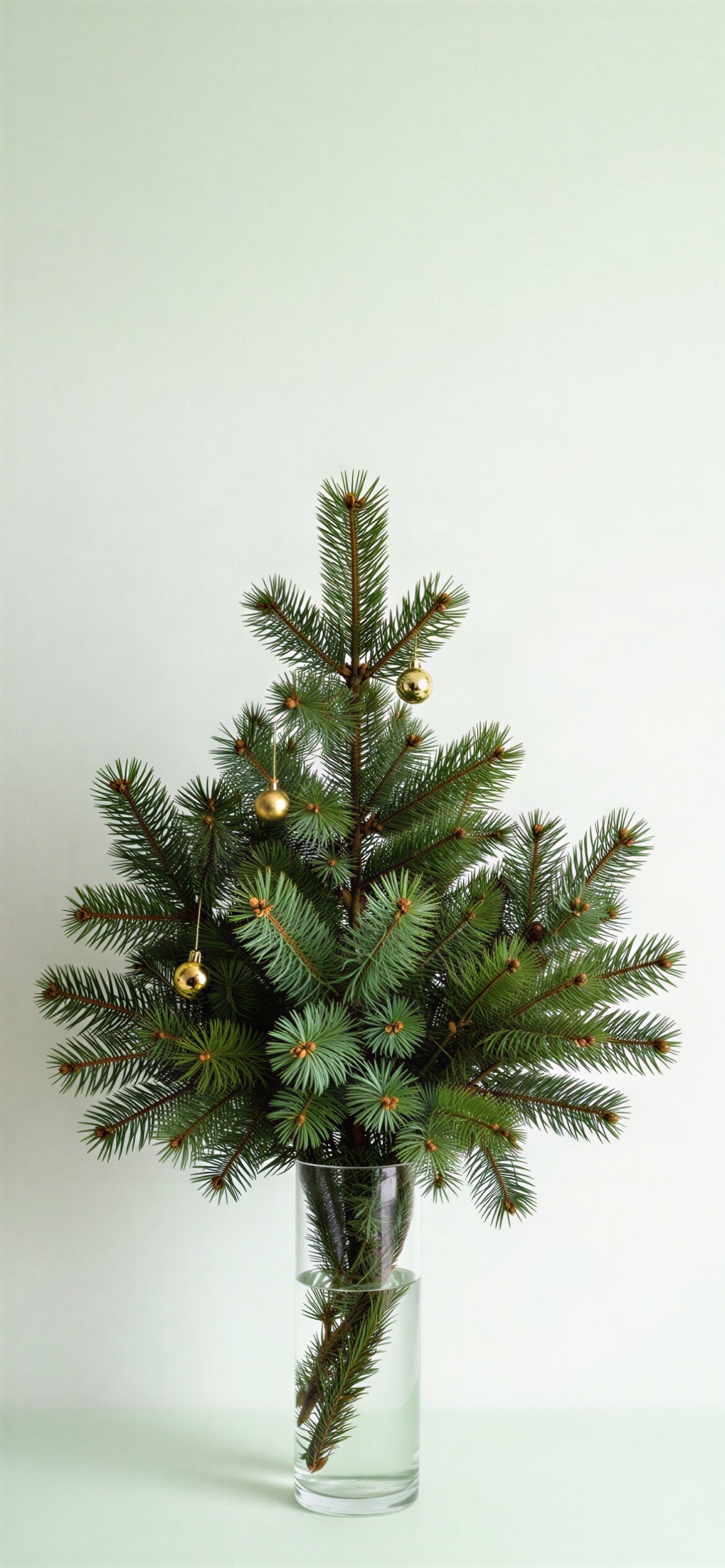
- Branches in vase: Tall arrangement of green branches in water with hanging gold ornaments, detailed enough for home screen behind icons.
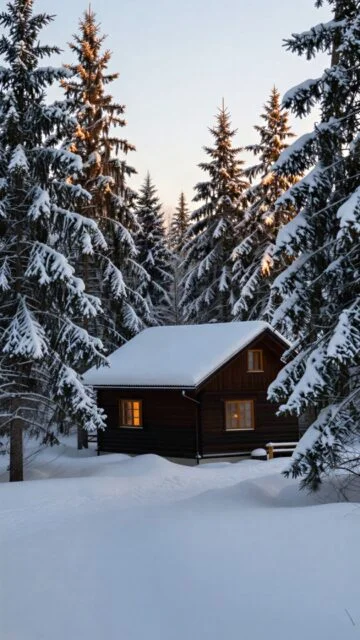
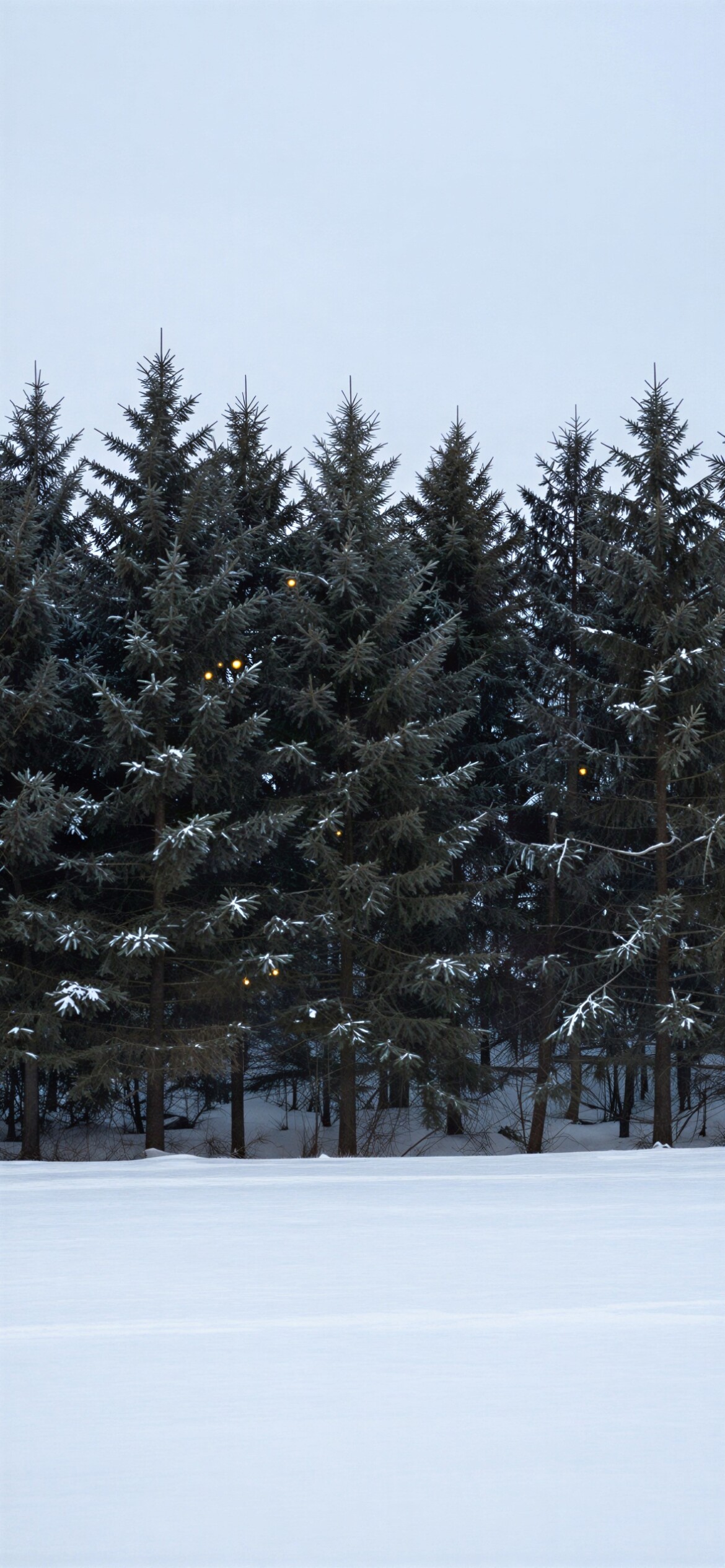
- Snowy forest: Outdoor winter scene with evergreen trees and distant lights, works as lock screen with plain sky at top.
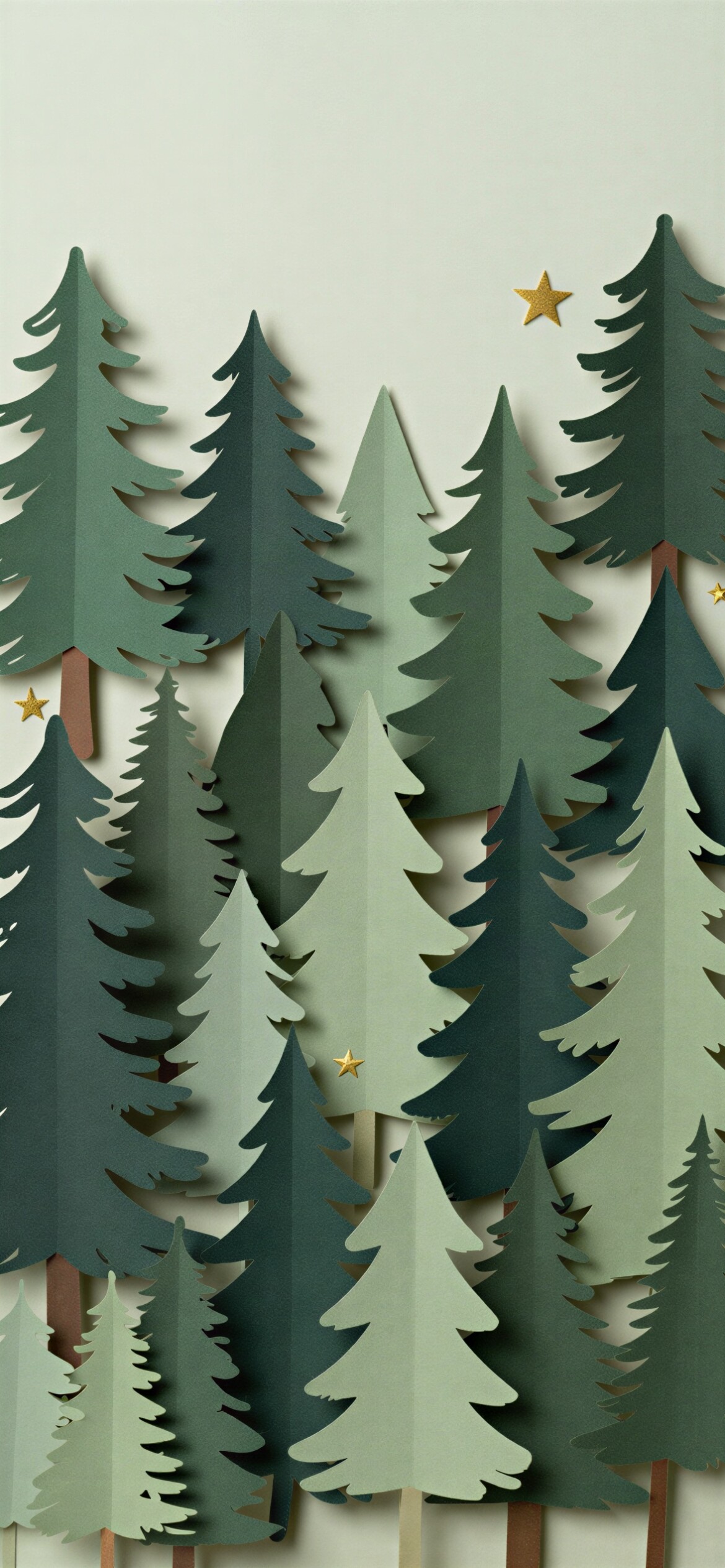
- Layered trees: Dimensional paper-cut style with multiple green tree silhouettes and gold accents, graphic and strong for home screen.
- Single branch: One diagonal branch with ornaments on gradient, simple and elegant for lock screen readability.
- Flat lay botanicals: Styled arrangement of natural elements, eucalyptus and gold, detailed for home screen use.
Green in holiday tradition
Green has always been central to Christmas design, rooted in the evergreen traditions of winter solstice celebrations and medieval Yule customs. Evergreens symbolized eternal life and hope during the darkest season, which is why holly, ivy and pine remain iconic holiday plants. In Victorian times, green Christmas decorations were as common as red, and this palette continues in European and British holiday design. Pairing green with gold rather than red creates a more nature-inspired, understated aesthetic that appeals to people who prefer botanical styling or want a less commercially bright holiday look.
Moods and settings
Wallpapers 1, 3, 5, 7 and 9 evoke a quiet, meditative mood with their simpler compositions and softer focus. They suggest stillness, a cozy indoor moment, or a peaceful winter day. Wallpapers 2, 4, 6, 8 and 10 are more festive and styled, showing abundance and celebration through layered botanicals, ornaments and decorative detail. Together, the set moves between calm and celebratory, allowing you to match your mood or the time of day.
How to set it on your iPhone
- Tap Download and save the image to Photos.
- Open Settings, tap Wallpaper, then Add New Wallpaper, and choose Photos.
- Pick the wallpaper, pinch to position it, then tap Add and choose the lock screen, home screen or both.
Stuck on a step? The iPhone and iPad guide has screenshots for each one.
Questions
Will these wallpapers fit my iPhone without cropping?
These designs are sized for modern iPhones at 1170x2532 pixels and will display full-screen without cropping on current models. Older iPhone models may crop slightly at the top or bottom edges depending on their screen aspect ratio. You can adjust the crop in your phone's wallpaper settings to center the design how you prefer.
Can I use these wallpapers commercially or share them elsewhere?
These wallpapers are free for personal use on your own devices only. You cannot sell them, print them for sale, or repost them on other wallpaper sites or social media. Sharing the link to this page is welcome. For full terms, visit the Terms page on Free Wallpaper Daily.
Why choose green over traditional red for Christmas wallpapers?
Green connects to the natural roots of Christmas through evergreen traditions and winter solstice symbolism. A green palette feels less commercially bright than red and gold, offering a calmer, more botanical aesthetic. Green also works year-round on your home screen without looking seasonal, making it practical if you want to keep the same wallpaper beyond December.
Which wallpapers work best behind my app icons?
Wallpapers 2, 4, 6, 8 and 10 have richer detail and fuller compositions ideal for home screen use, where they frame icons without clashing. Wallpapers 1, 3, 5, 7 and 9 are simpler and work better as lock screens where you need space for time and notifications. Choose based on whether you want visual interest behind your apps or a clean, minimal lock screen.