Glitter Christmas Wallpaper iPhone
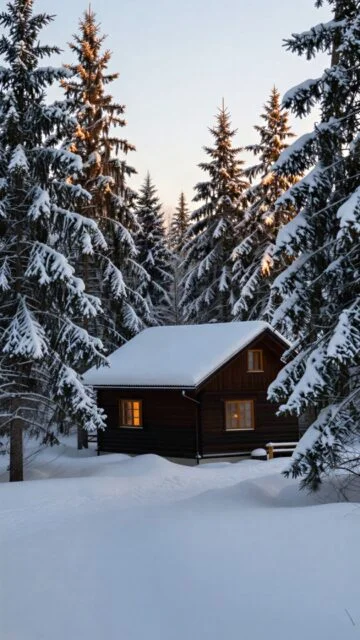
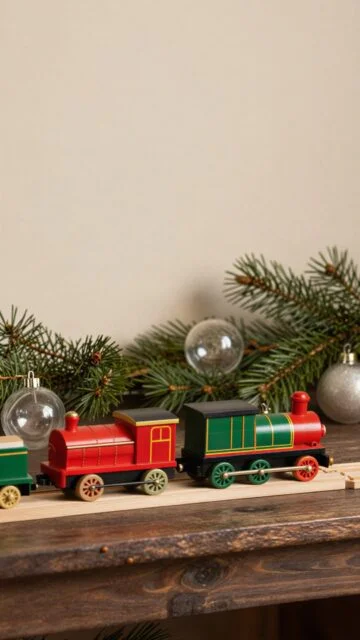
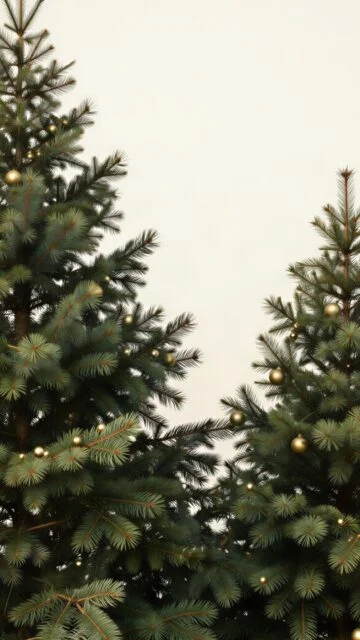
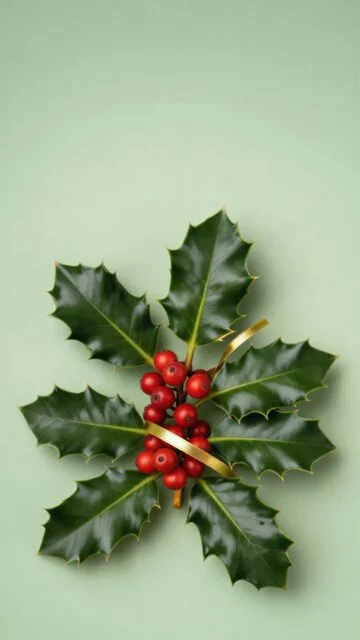
Glitter christmas wallpaper for iPhone brings sparkle and shine to your lock and home screens with designs full of shimmering ornaments, glowing garland and twinkling gold details. Each wallpaper combines traditional christmas imagery with a glitter aesthetic, creating scenes where light catches metallic surfaces and crystals catch the glow. The collection ranges from close-up ornament studies to full christmas tree landscapes, all rendered with soft, warm lighting and rich jewel tones mixed with silver and gold. These glitter christmas iPhone wallpapers work on modern iPhones at 1170x2532 resolution and suit anyone who wants a festive, luminous look without clashing with their app icons. The designs balance shimmer with clarity so your screen stays readable while feeling celebratory.
10 wallpapers at 1170 × 2532 px for iPhone. Checked by hand on 6 Nov 2026.
About this set
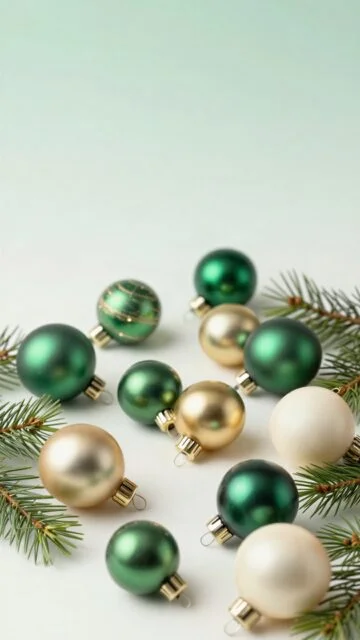
This collection features ten glitter Christmas wallpapers rendered in warm, soft light with rich textures and reflective surfaces. Each design centers on traditional Christmas elements like ornaments, trees, garland and candles, all enhanced with shimmering gold glitter, metallic accents and crystalline details that catch the light. The color palette balances deep jewel tones (forest green, deep red, navy) with luminous golds, silvers and warm creams, creating a sense of festive elegance rather than bright neon. Soft lighting throughout keeps the designs warm and sophisticated, with gentle shadows and glowing highlights that make metallic elements appear to shimmer. The tall vertical format leaves the top quarter simple and open, ensuring your icons and status bar remain fully readable and clear.
Wallpapers 1, 3, 4, 6 and 9 work best as lock screen designs because their central focal points and balanced composition remain visually strong when widgets and status information overlay the top and bottom. Wallpapers 2, 5, 7, 8 and 10 suit the home screen better, as their broader scenes and distributed details provide a cohesive backdrop for app icons without any single element being disrupted by icon placement. The lock screen selections feature tight, centered arrangements that remain striking even when partially covered. The home screen picks offer layered depth and multiple points of interest that make the screen feel full and festive without demanding focus on one spot.
What each wallpaper shows
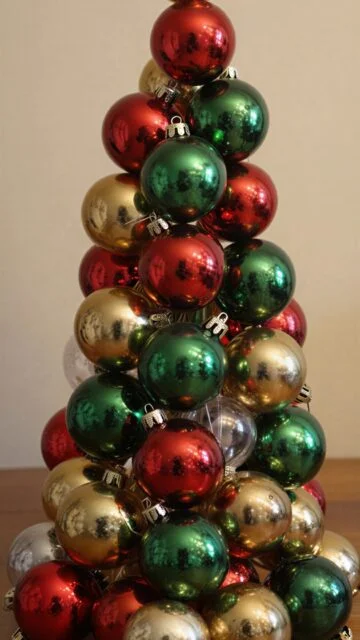
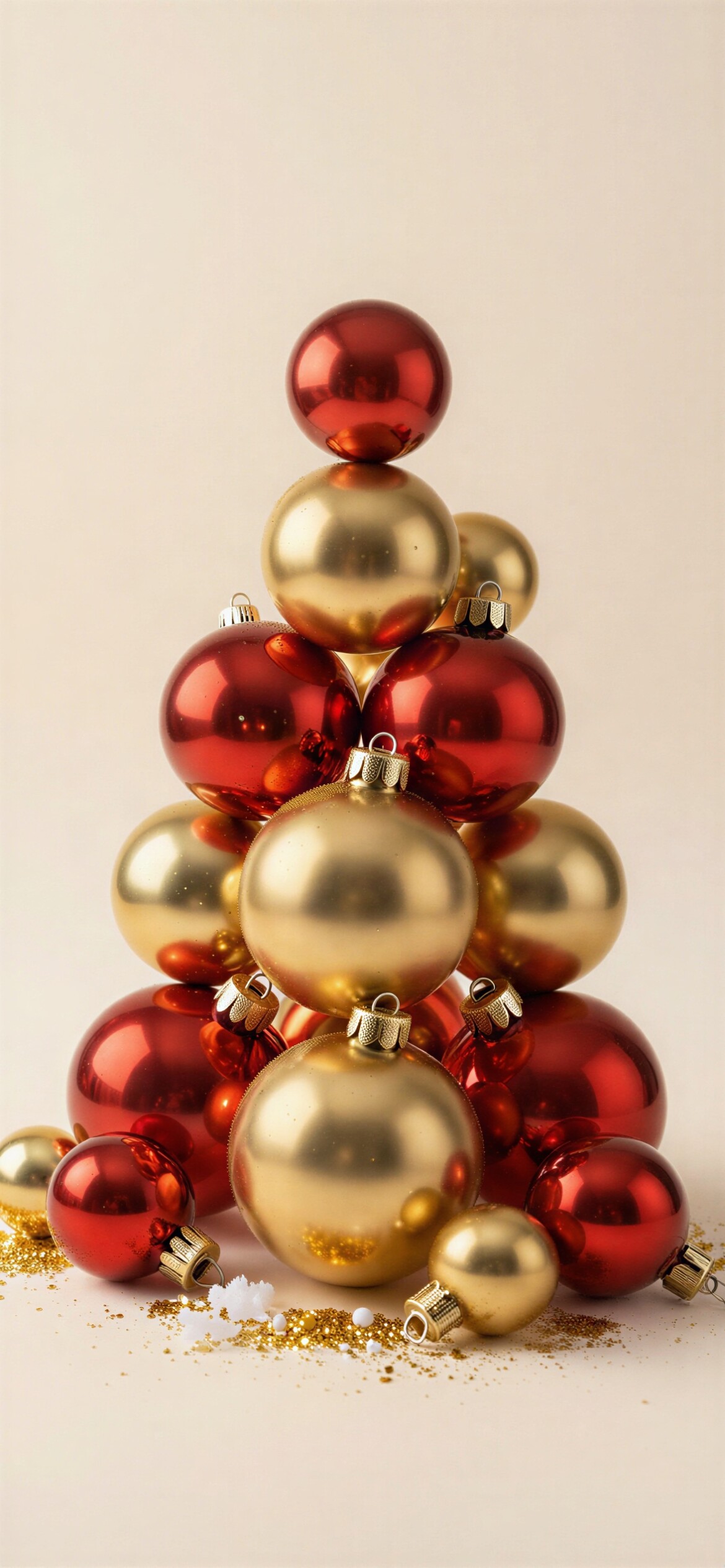
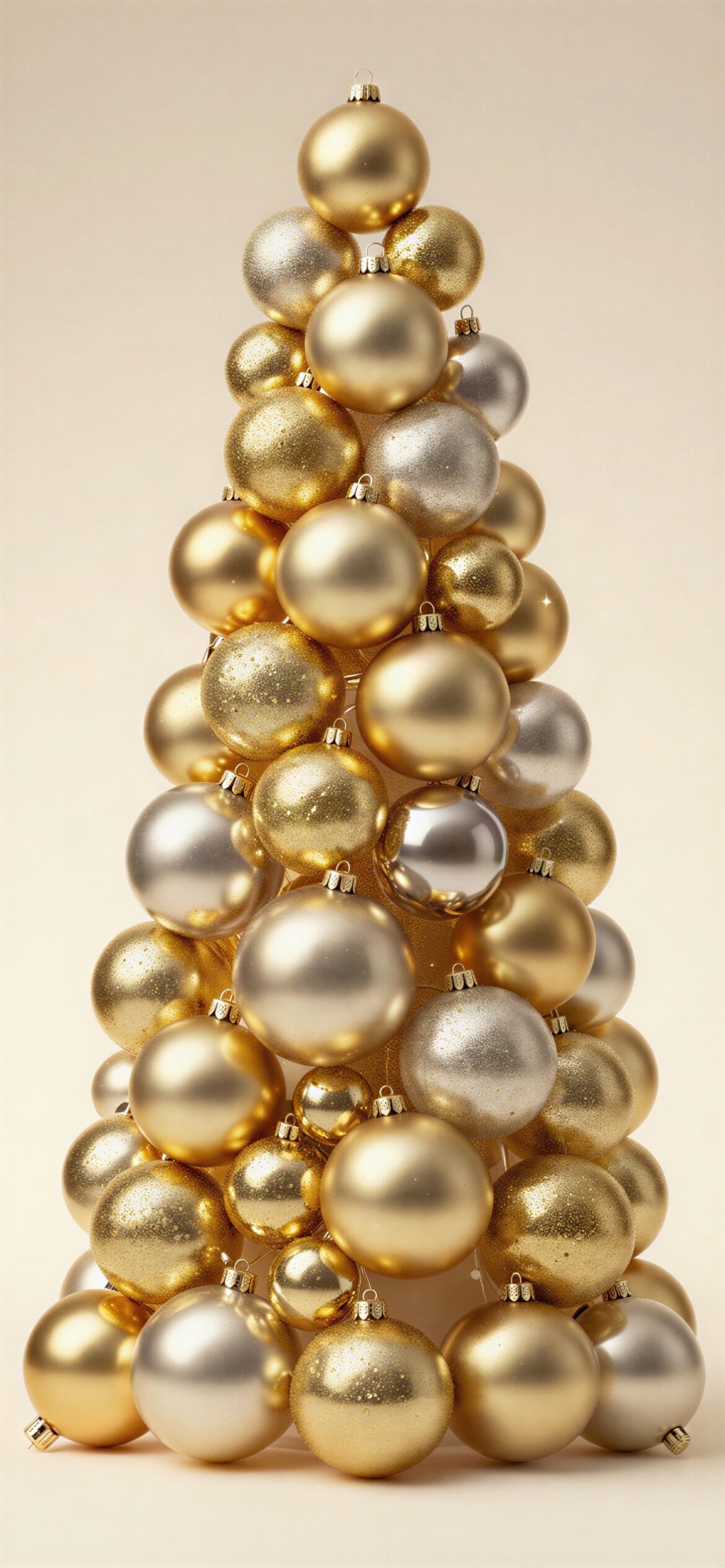
- Stacked ornaments: A close study of red and gold baubles piled on white, with glitter particles catching light. Best for lock screen.
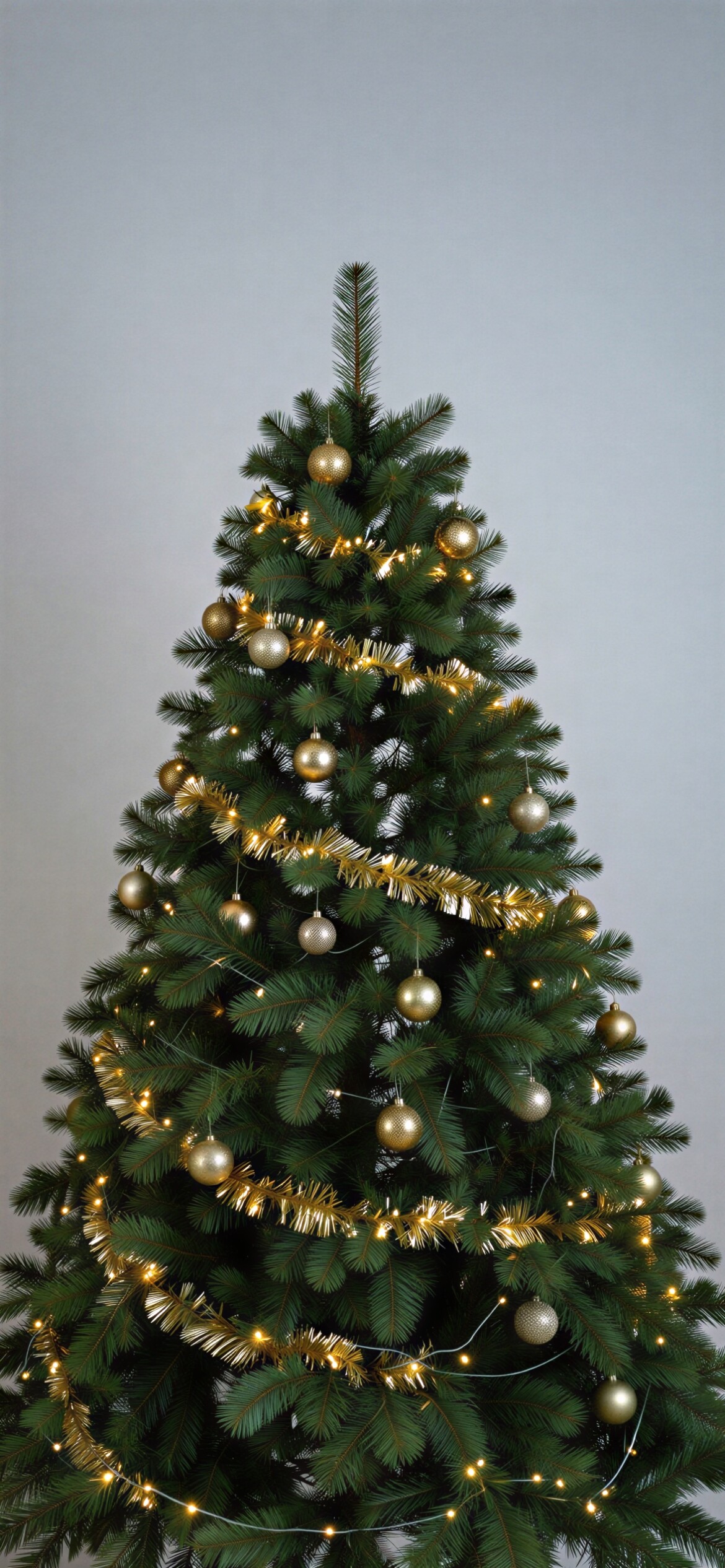
- Lit branch: A single decorated tree branch with warm lights and tinsel draped against soft blue-grey. Excellent for home screen behind icons.
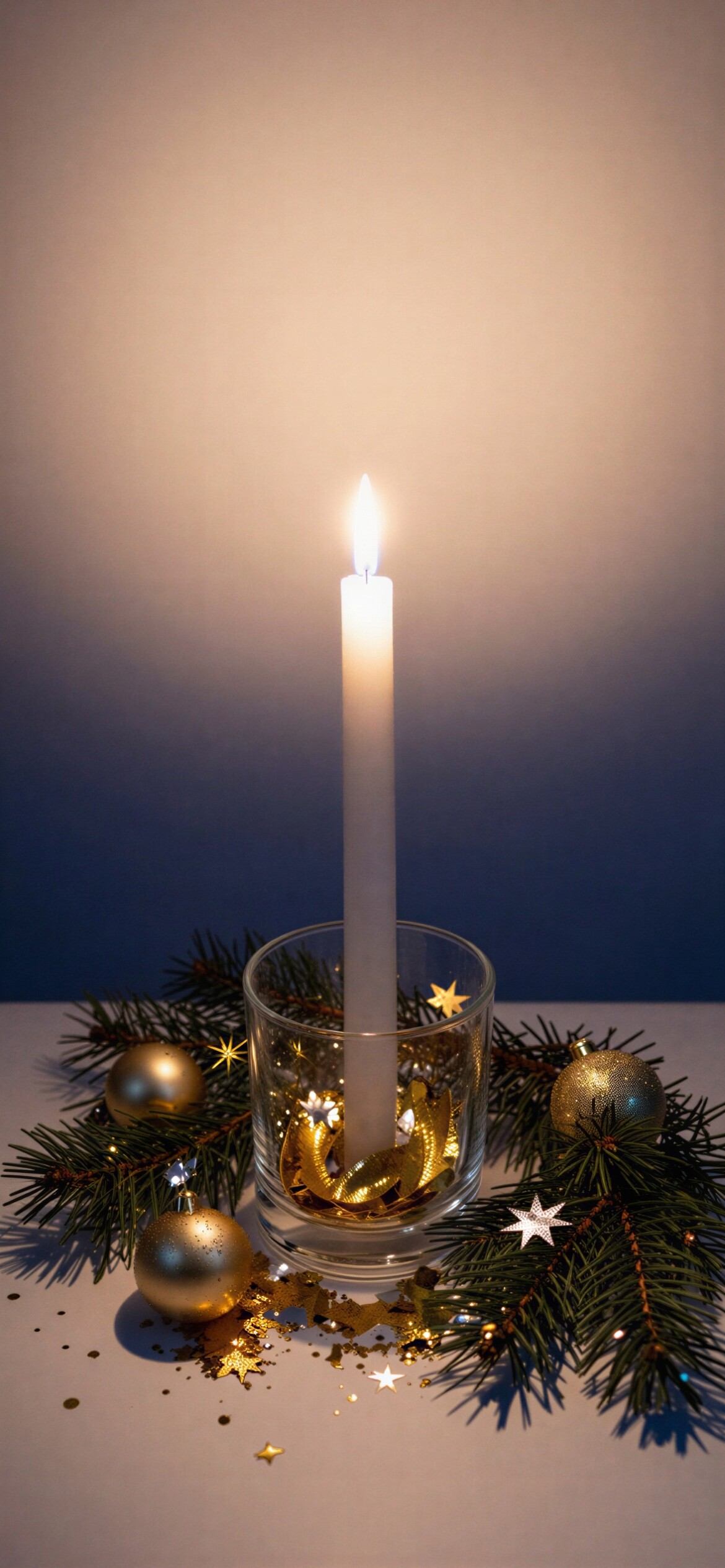
- Glowing candle: A white candle surrounded by evergreen and confetti, illuminated from within. Works as a striking lock screen focal point.
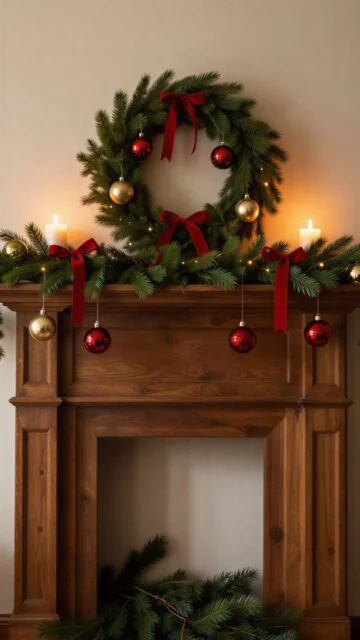
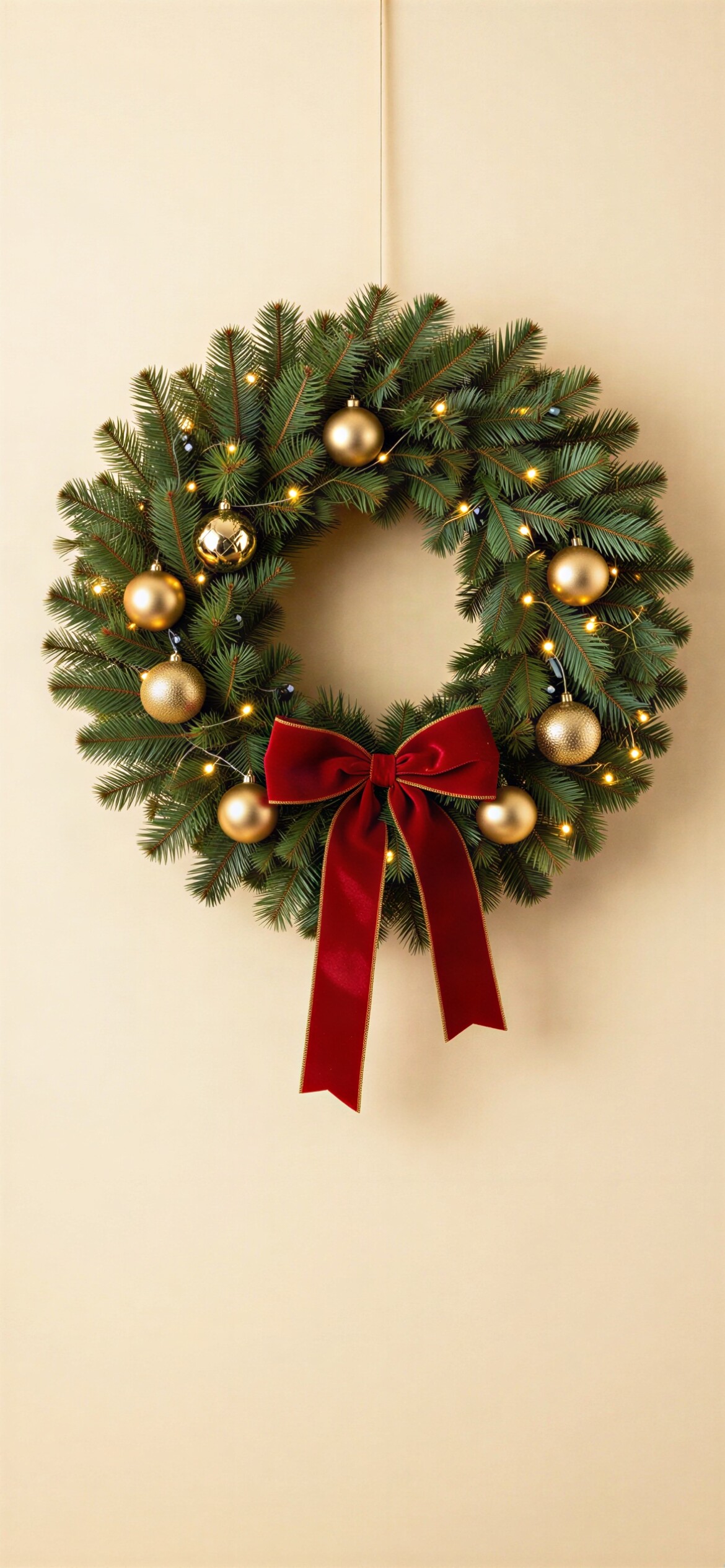
- Wreath: A full circular wreath with red ribbon and gold ornaments on pale gold. Strong centered lock screen design.
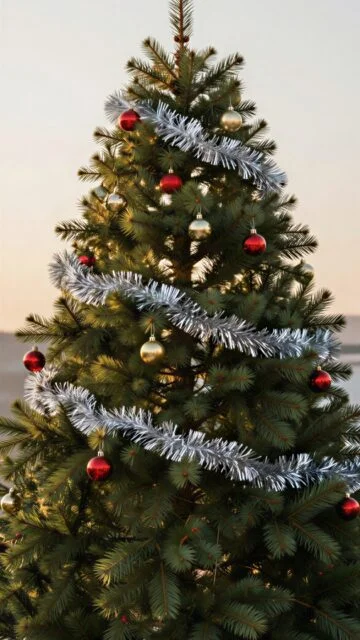
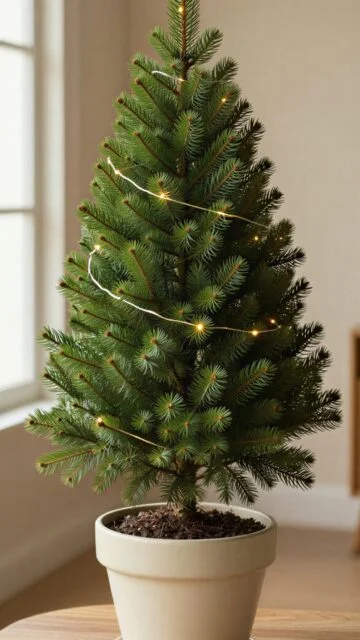
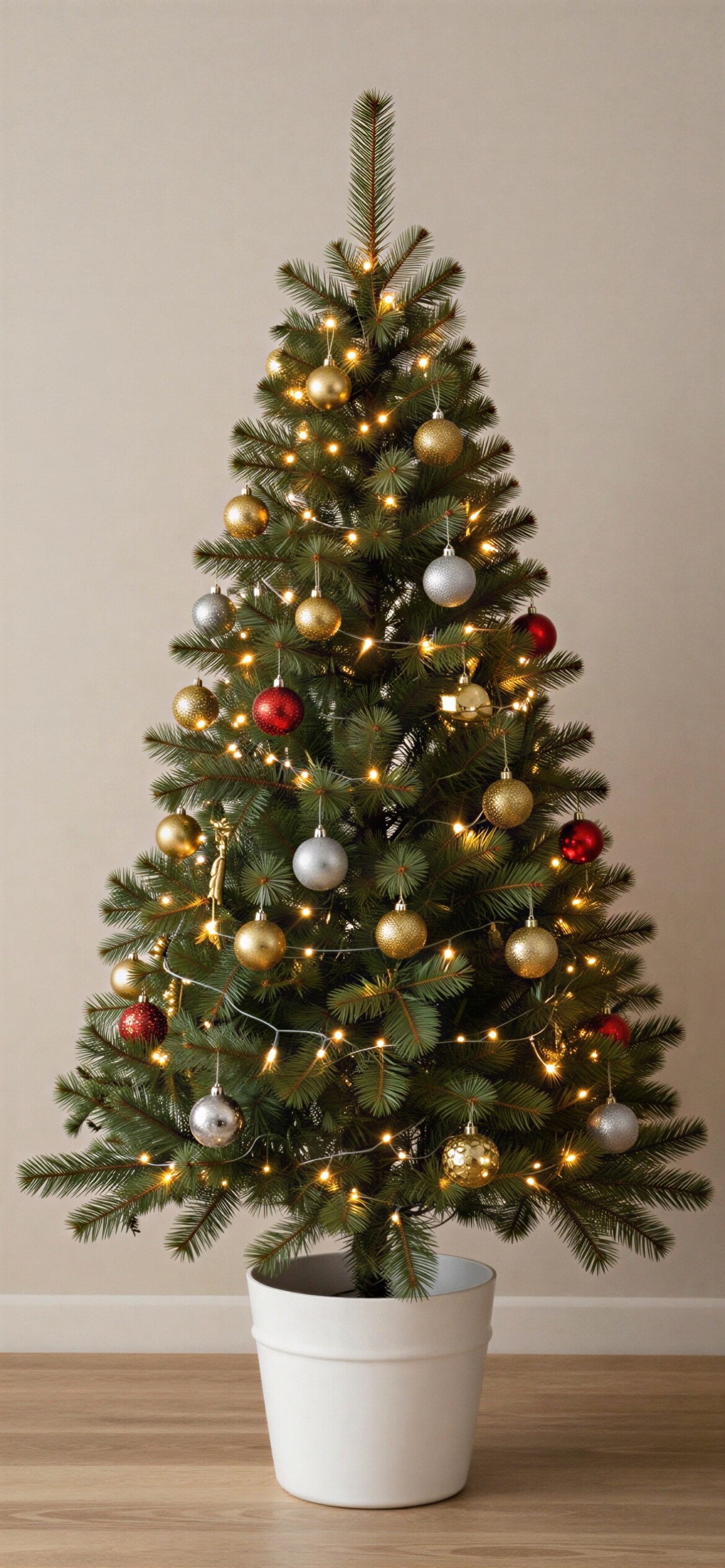
- Potted tree: A small decorated tree on a wooden surface with full coverage of ornaments and glitter. Good home screen backdrop.
- Floating baubles: Multiple translucent ornaments at different heights with glitter swirling between them. Excellent lock screen with vertical movement.
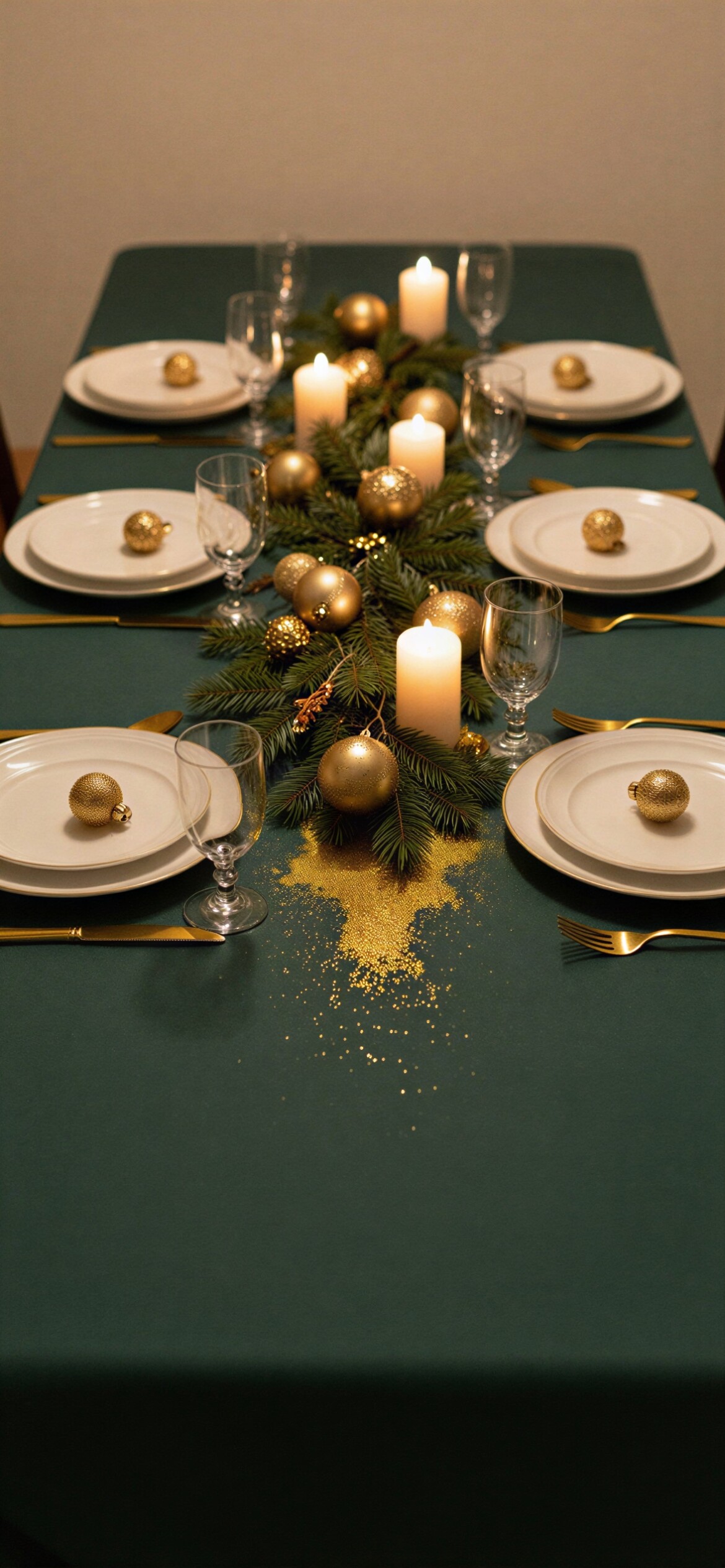
- Table setting: A festive place setting with ornaments, candles and scattered glitter on green cloth. Strong home screen design with distributed detail.
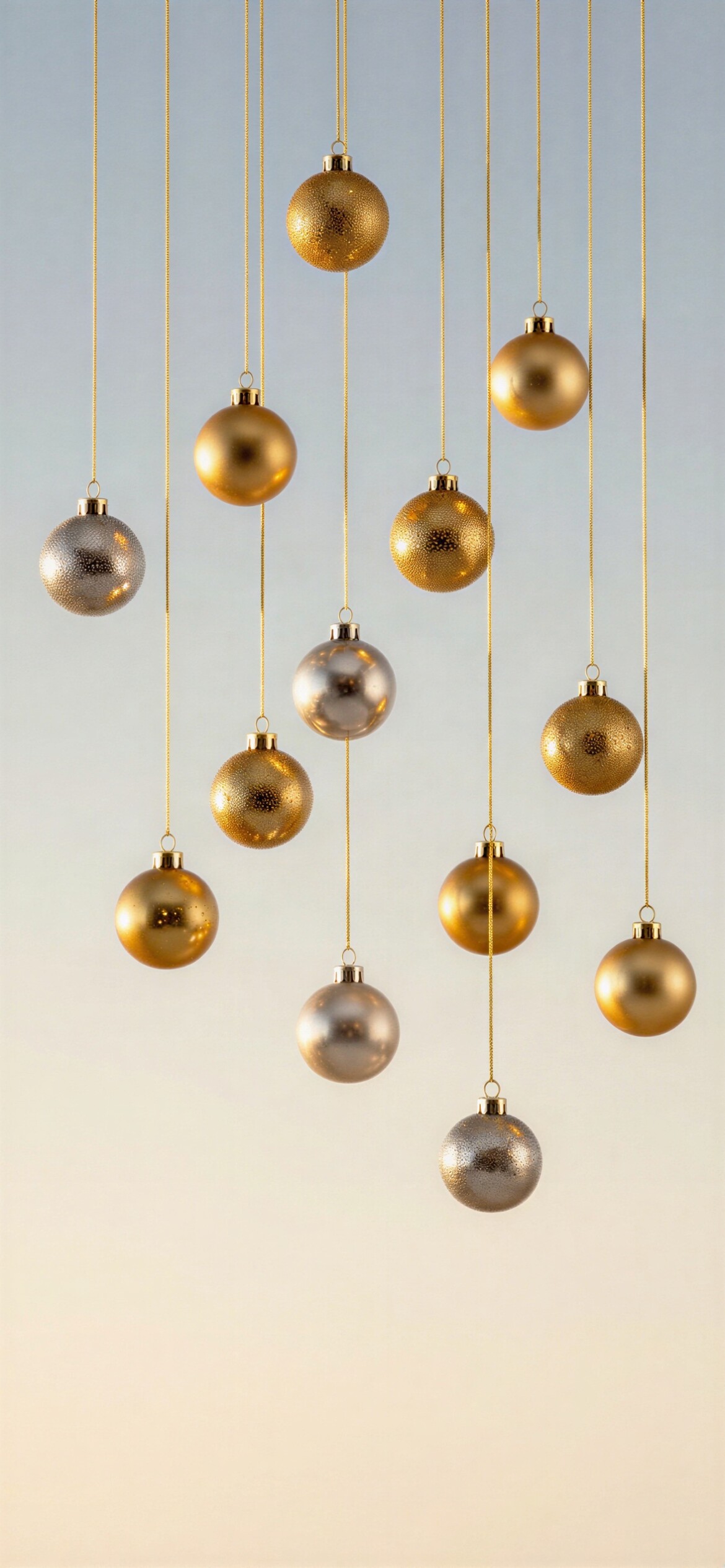
- Suspended ornaments: Hanging baubles at various heights against a gradient, very clean and simple. Works as either lock or home screen.
- Draped garland: A swooping garland with ribbon, berries and ornaments. Ideal home screen with natural flow across the space.
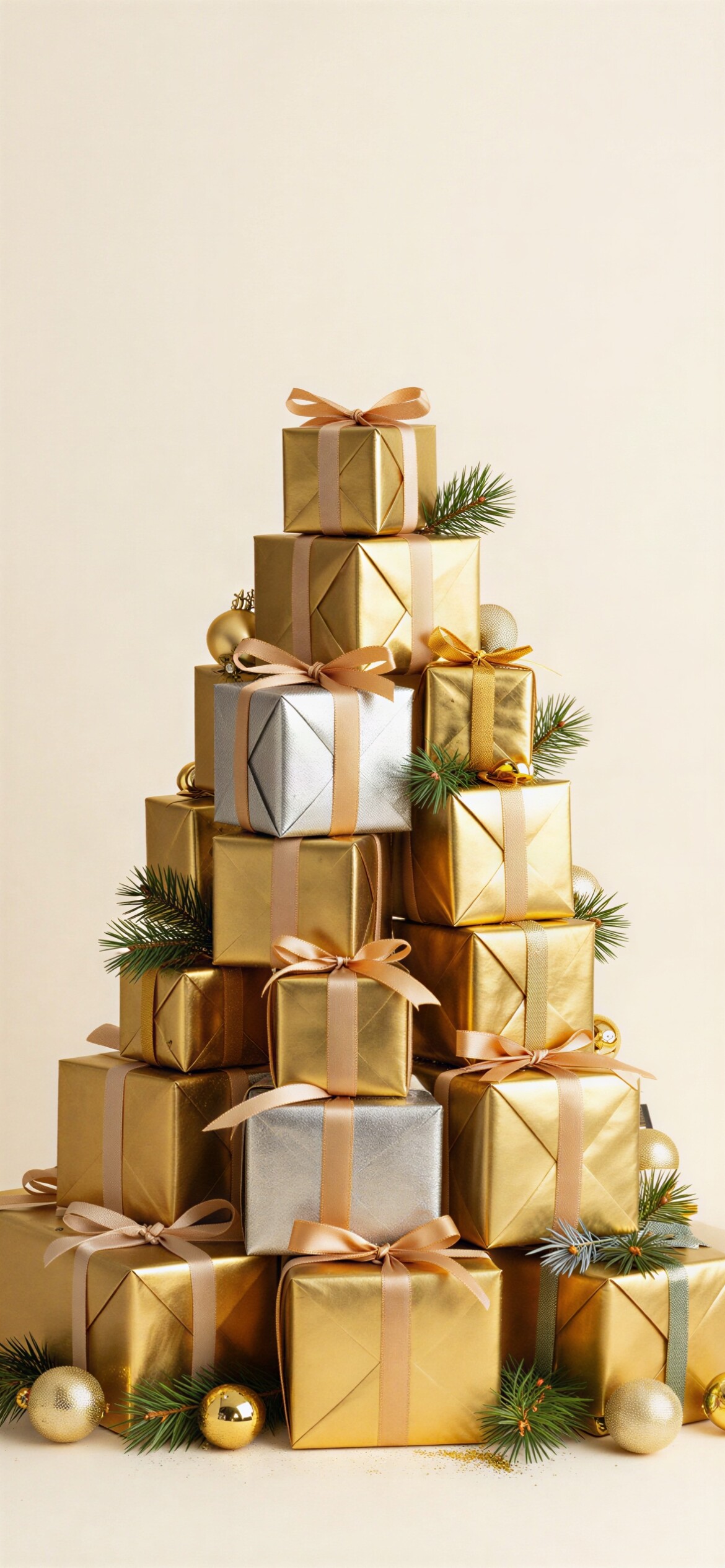
- Gift stack: Metallic wrapped boxes with evergreen and ornaments clustered together. Balanced home screen design.
Glitter as a Christmas tradition
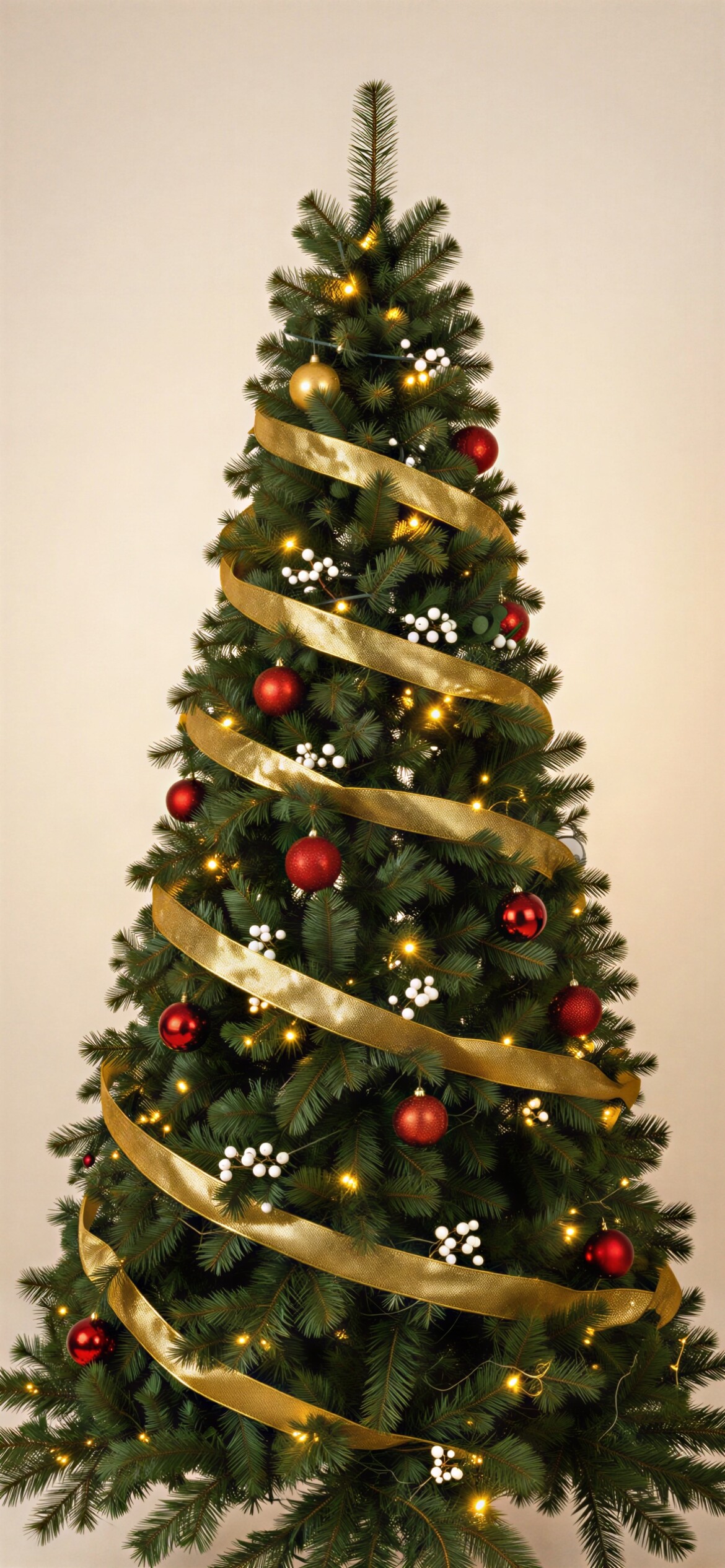
Glitter has become a modern staple of Christmas decor, though the tradition runs deeper than many realize. Tinsel, the metallic ribbon that sparkles on trees, emerged in Germany in the 17th century as a way to simulate icicles and candlelight before electric lights existed. Wallpapers 2 and 9 feature tinsel-inspired garland that echoes this history. Ornaments themselves became status symbols in Victorian times, with wealthy households displaying hand-blown glass baubles that caught candlelight and firelight to create shimmer and warmth. Today, gold and silver glitter serves the same purpose: to catch and reflect light, making Christmas spaces feel luminous and festive. The designs in this collection honor that tradition by using glitter and metallic surfaces to create the same warm, magical glow that candlelit Christmas trees once provided, now rendered in a contemporary aesthetic that works perfectly on modern screens.
Moods and moments
Wallpapers 1, 4 and 6 capture the quiet elegance of a carefully arranged Christmas display, with their focus on ornaments and baubles as objects of beauty. These designs feel sophisticated and calm, ideal if you prefer understated festive style. Wallpapers 2, 5 and 9 bring the fullness of a decorated Christmas tree and garland into view, creating a sense of abundance and traditional holiday cheer. Wallpapers 3, 7 and 8 emphasize warm light and glow, whether from candles or reflections, giving an intimate and cozy feeling. Wallpaper 10 brings gift-giving into focus, perfect if you want to celebrate the generosity and joy of the season. Together, the set offers a range from minimalist and elegant to full and festive, so you can choose the mood that matches your Christmas spirit.
How to set it on your iPhone
- Tap Download and save the image to Photos.
- Open Settings, tap Wallpaper, then Add New Wallpaper, and choose Photos.
- Pick the wallpaper, pinch to position it, then tap Add and choose the lock screen, home screen or both.
Stuck on a step? The iPhone and iPad guide has screenshots for each one.
Questions
Will these wallpapers fit my iPhone without cropping?
Yes, all wallpapers in this set are sized at 1170x2532 pixels, which fits modern iPhones perfectly without cropping. If you have an older iPhone model, there may be slight cropping at the edges, but the main subject and central composition will remain intact and visible on your screen.
Can I use these wallpapers for other purposes or share them elsewhere?
These wallpapers are free for personal use on your own devices only. You cannot sell them, print them for sale, repost them on other wallpaper sites or use them for commercial purposes. For full details on what is allowed, please see our Terms page.
Which wallpapers work best for the lock screen versus the home screen?
Wallpapers 1, 3, 4, 6 and 9 are best for the lock screen because their centered focal points remain visually striking even with widgets and status info overlaid. Wallpapers 2, 5, 7, 8 and 10 suit the home screen better, as their broader scenes and distributed details create a strong backdrop for app icons without any single element being disrupted by icon placement.
Do these designs work with both light and dark mode on iPhone?
Yes, these wallpapers work with both light and dark mode. The warm, soft color palette and glitter effects remain visible and beautiful in either setting. The designs are rendered with clear contrast so your icons and text stay readable. If you find a particular wallpaper clashes with your icon set, try pairing it with Focus modes that match specific times of day or activities.