Green Wallpaper iPhone
Green wallpaper for iPhone brings calm natural tones and organic imagery to your lock and home screens. This set features a range of green designs including forest canopies, moss-covered stones, plant close-ups, rolling hills and garden scenes. Each green iPhone wallpaper is sized for modern iPhones and hand-curated for quality. The palette spans deep forest greens to soft sage and bright lime tones, with natural lighting that works well in daylight and at night. These designs suit anyone who wants a nature-inspired look or prefers cooler, restful colors on their phone. The collection works year-round since green remains relevant in every season.
10 wallpapers at 1170 × 2532 px for iPhone. Checked by hand on 26 Oct 2026.
About this set
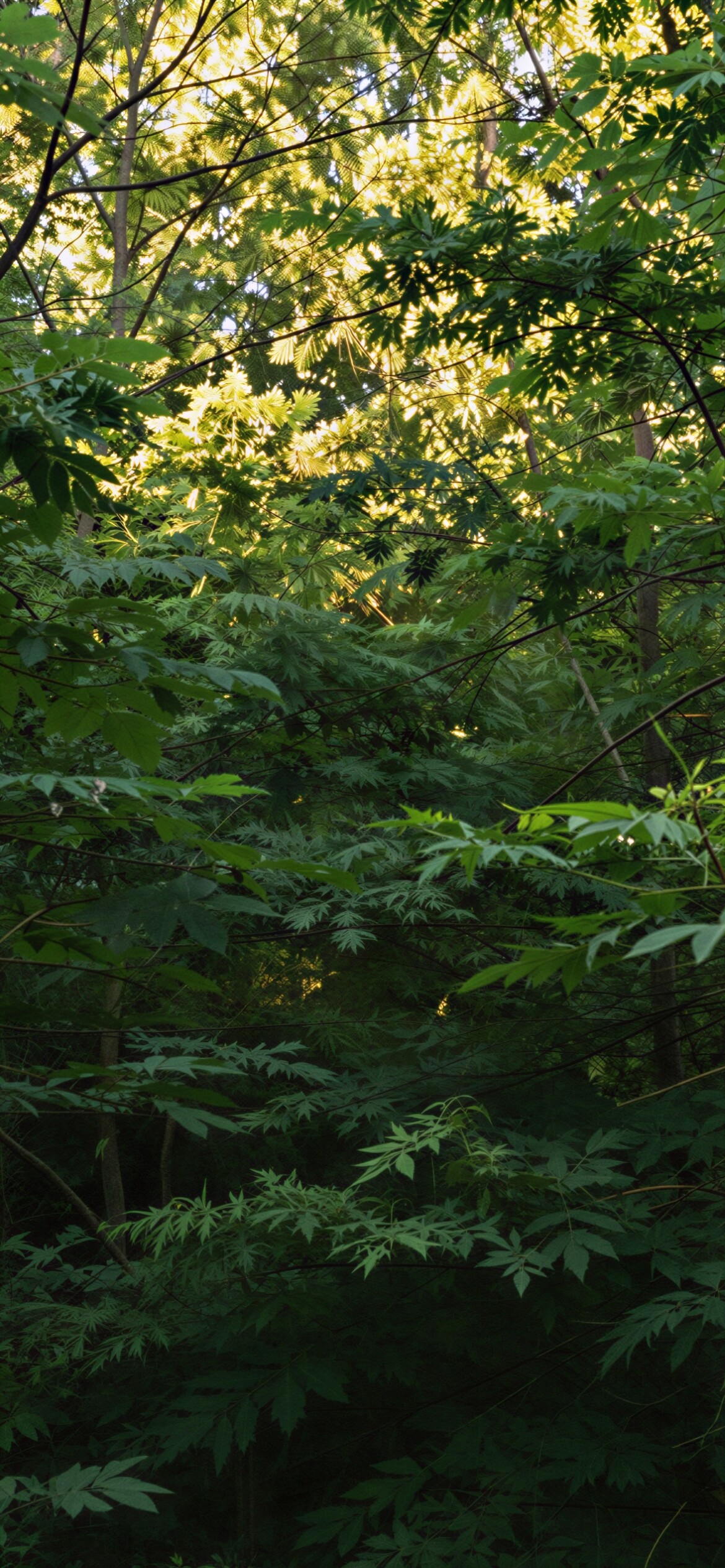
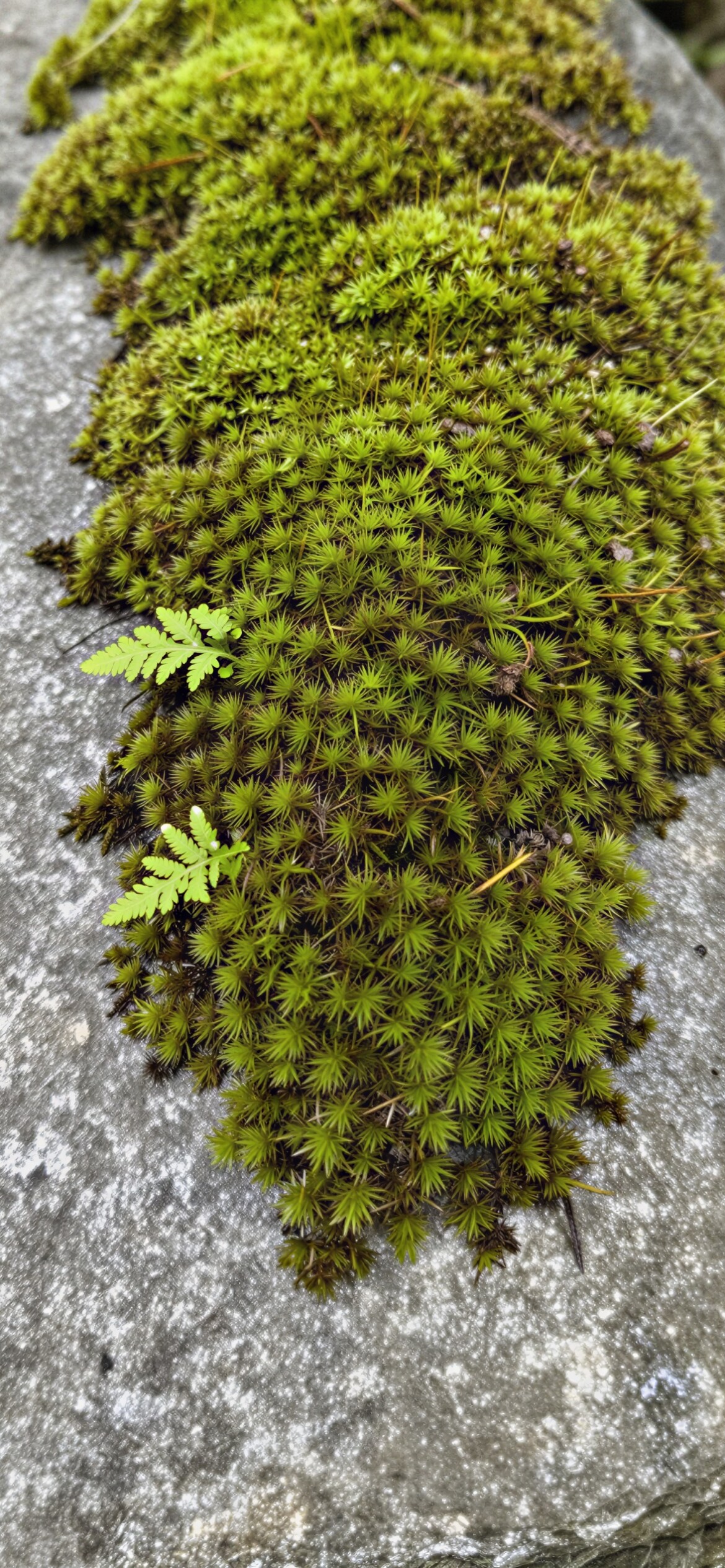
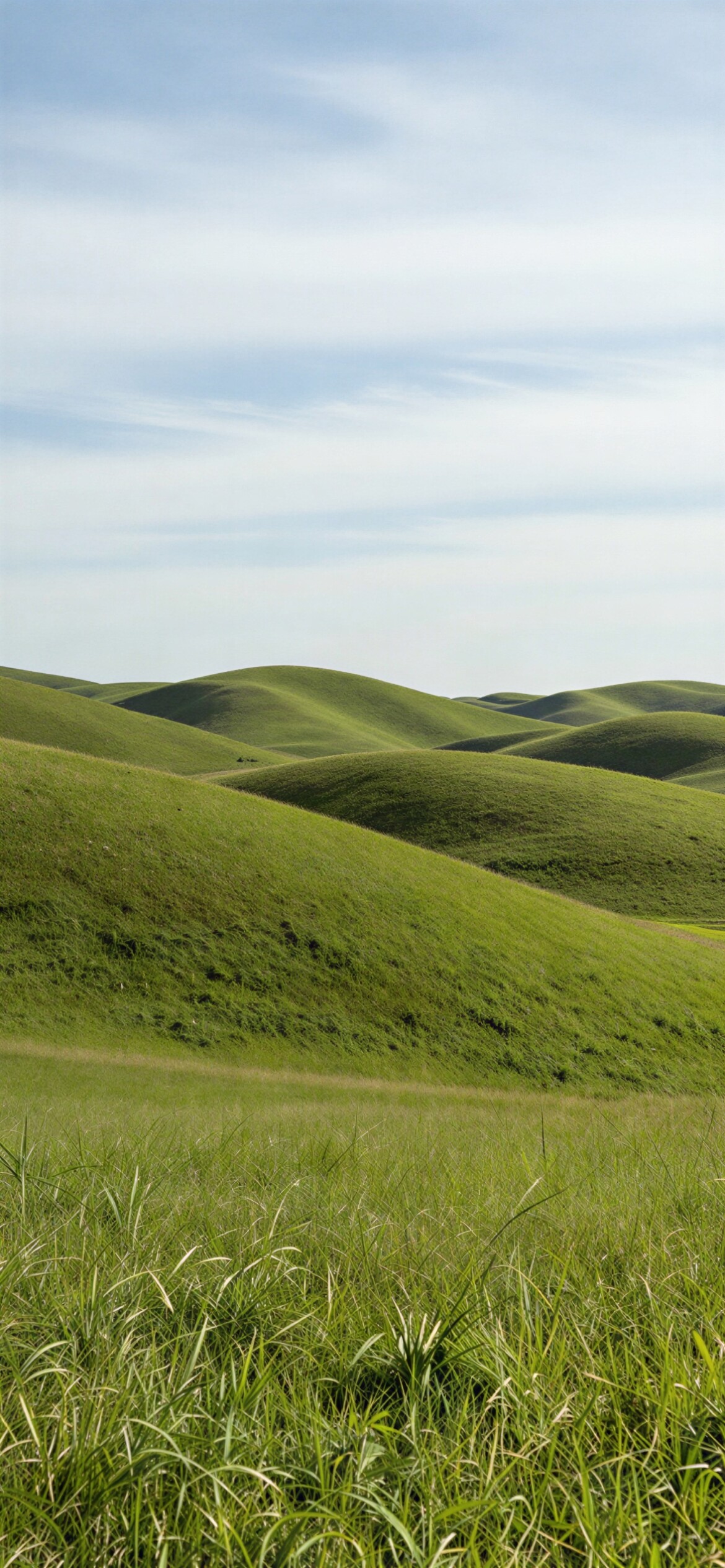
This green wallpaper set showcases natural textures and peaceful landscapes in shades ranging from deep forest green to soft sage and bright lime. The designs include forest canopies backlit by golden light, close-ups of moss and ivy with fine detail, underwater plant scenes, rolling hills under open sky, and woodland paths. Lighting ranges from soft overcast daylight to warm afternoon sun and misty blue-grey tones. Each wallpaper uses vertical composition with the main subject in the middle or lower half, keeping the top quarter simple and uncluttered. The textures feel organic and real, with natural shadows and depth throughout the set.
Wallpapers 1, 4, 7 and 10 work well as lock screen designs because their composition places visual interest lower on the screen, leaving the top clear for the time and notifications. Wallpapers 2, 3, 5, 6, 8 and 9 suit the home screen better, where the full image shows behind your app icons without interference. The lock screen designs have calm, meditative qualities that pair well with minimal widget setups, while the home screen options offer enough visual richness to anchor your icon layout.
What each design shows
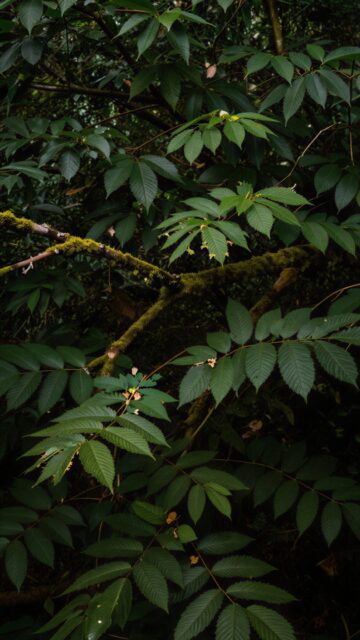
- Forest canopy: Bright green leaves and branches lit from above by sunlight, creating a warm, enveloping feeling of being surrounded by nature. Best for lock screen.
- Moss and stone: Fine textural detail of green moss growing on weathered grey stone with water droplets. Works well on home screen where the detail is fully visible.
- Rolling hills: Soft landscape of green grass and distant hills under clear sky. A simple, restful option for home screen.
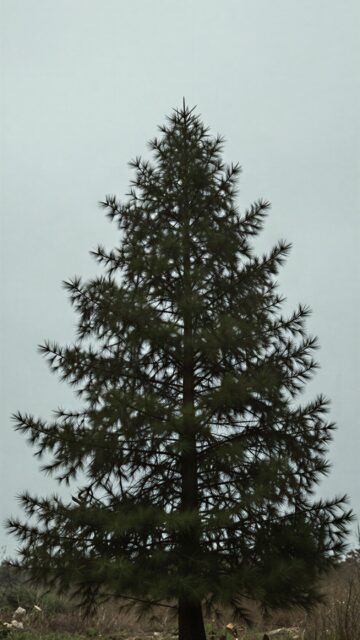
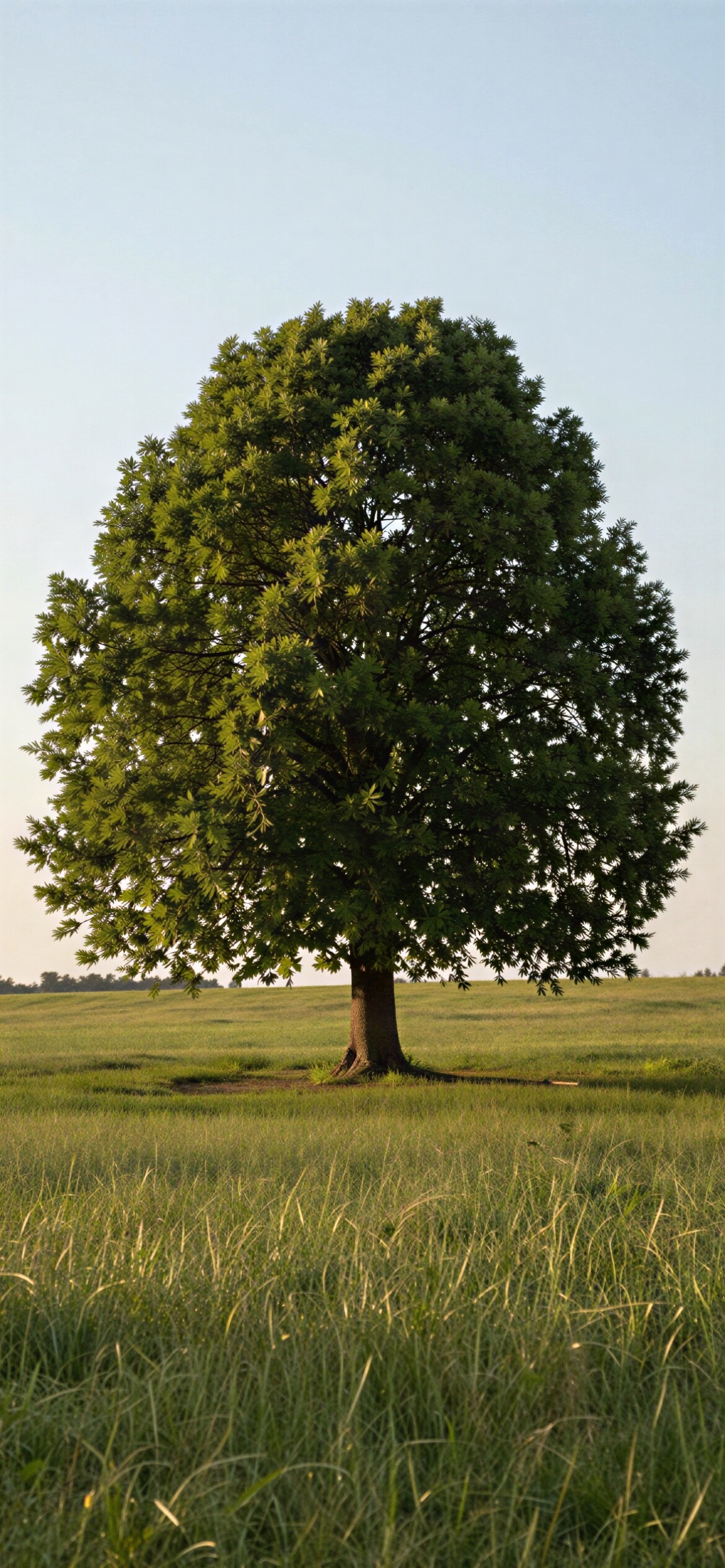
- Single tree: A solitary mature tree in an open field, peaceful and grounding. Lock screen placement emphasizes the tree's strength.
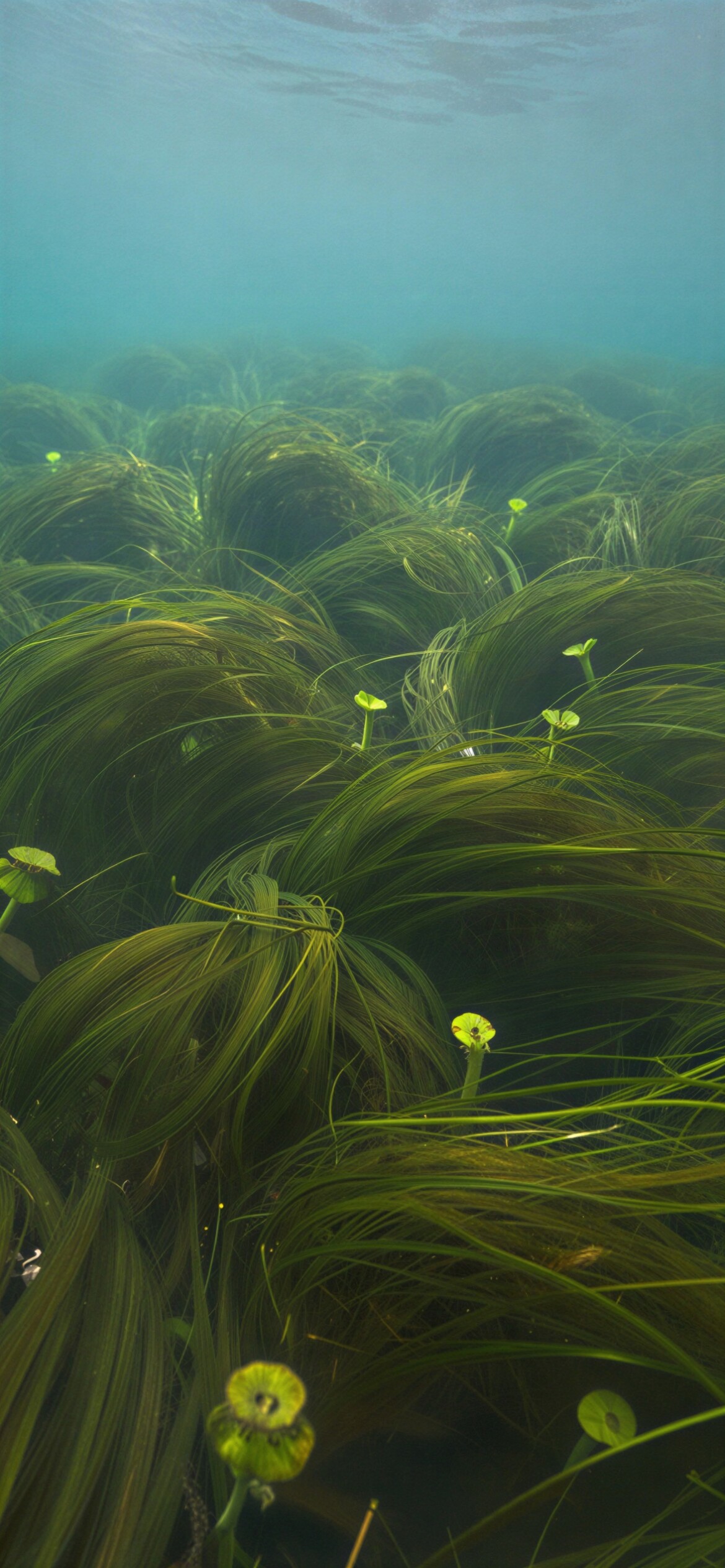
- Underwater plants: Aquatic vegetation in blue-green water with sunlight rippling through. Unique, serene home screen option.
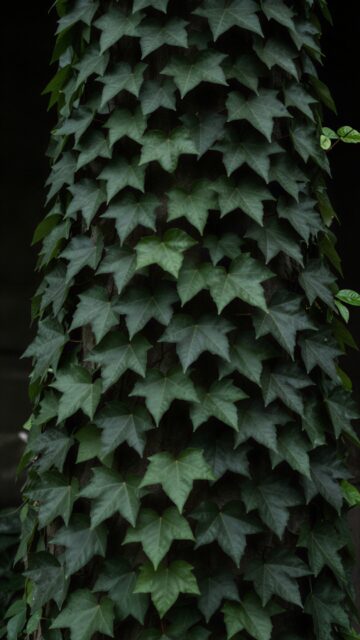
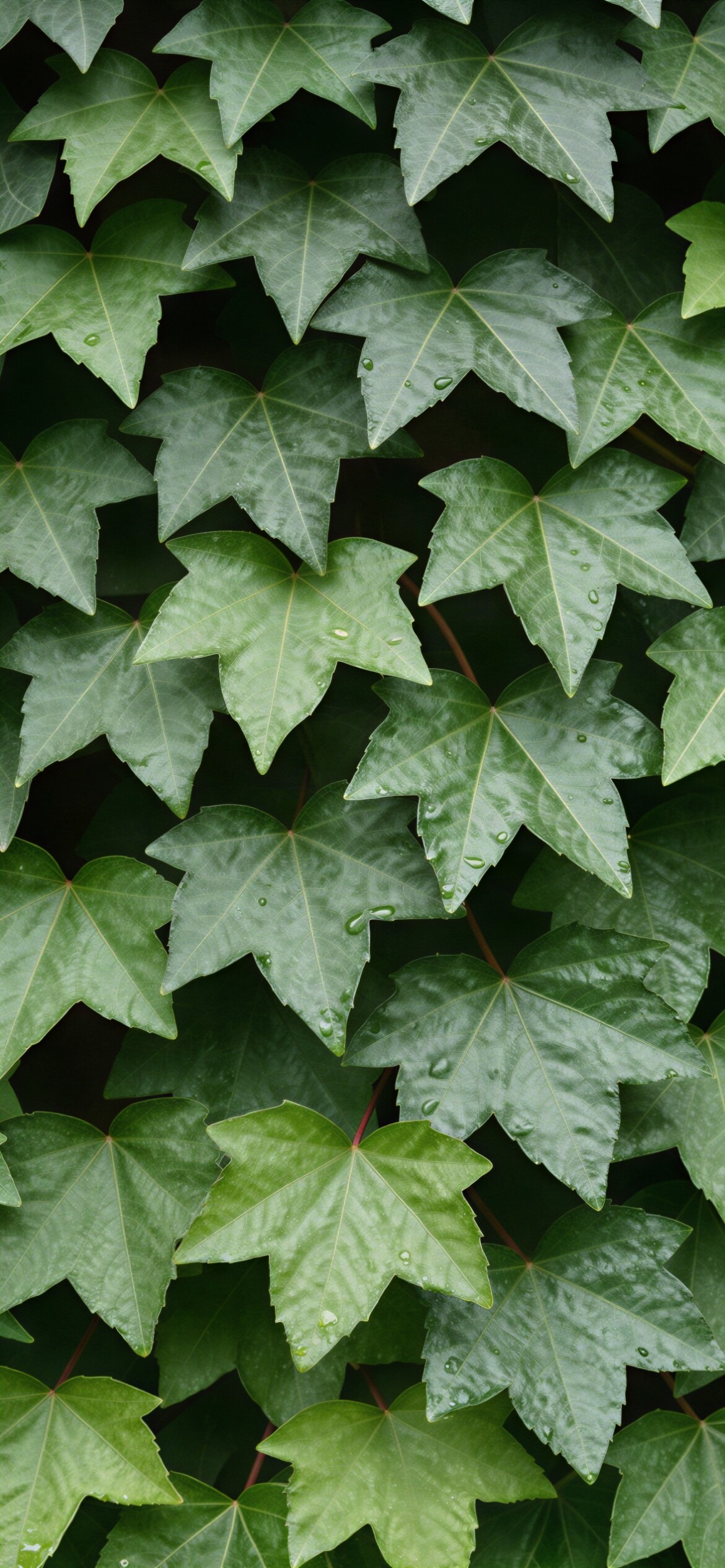
- Ivy leaves: Dense overlapping foliage with morning light and dew, rich in texture. Home screen design that looks fresh and alive.
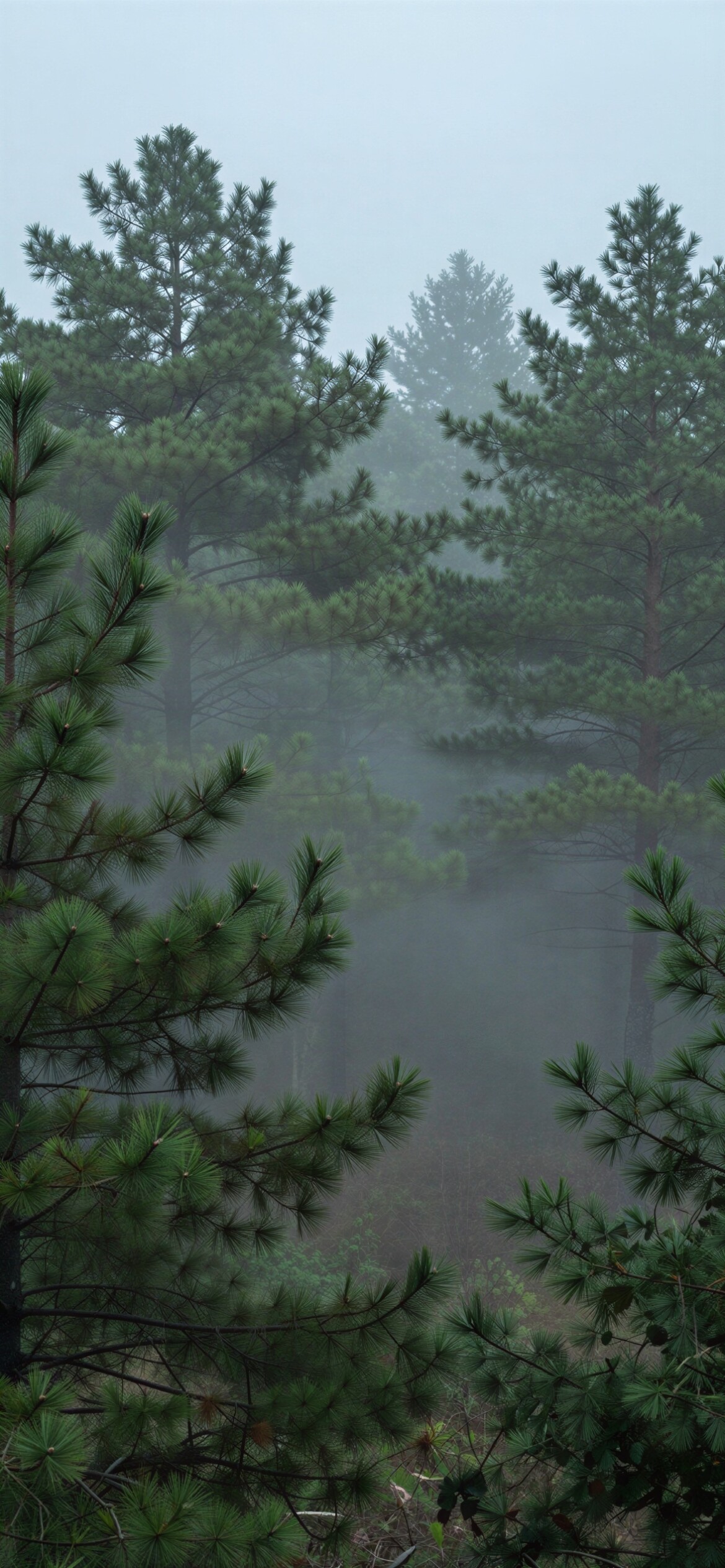
- Misty forest: Tall evergreens fading into fog in cool blue-grey tones. Calm lock screen choice with meditative mood.
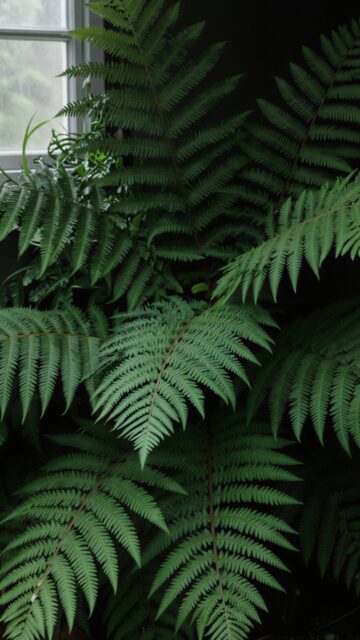
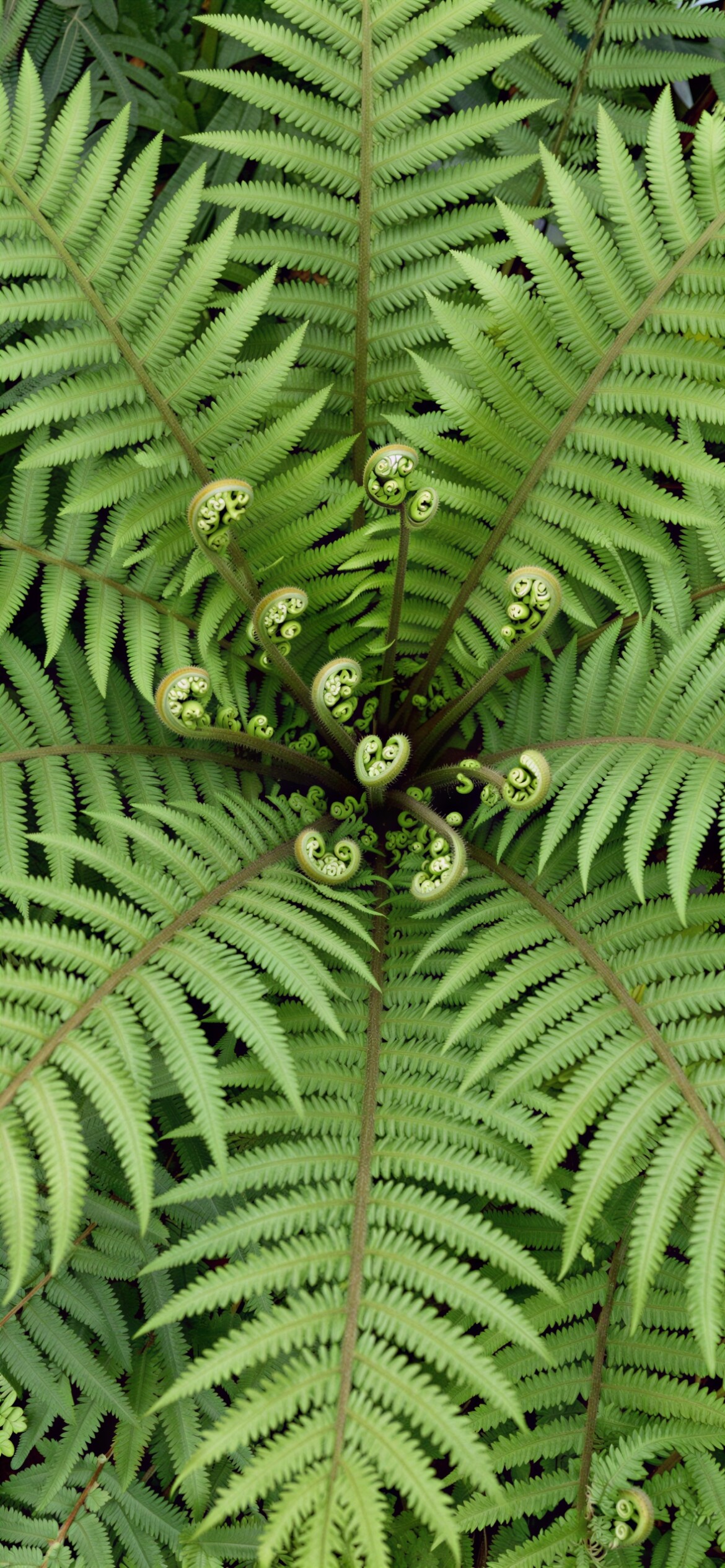
- Unfurling ferns: New growth spiralling outward from above, organic and energetic. Home screen design showing natural growth patterns.
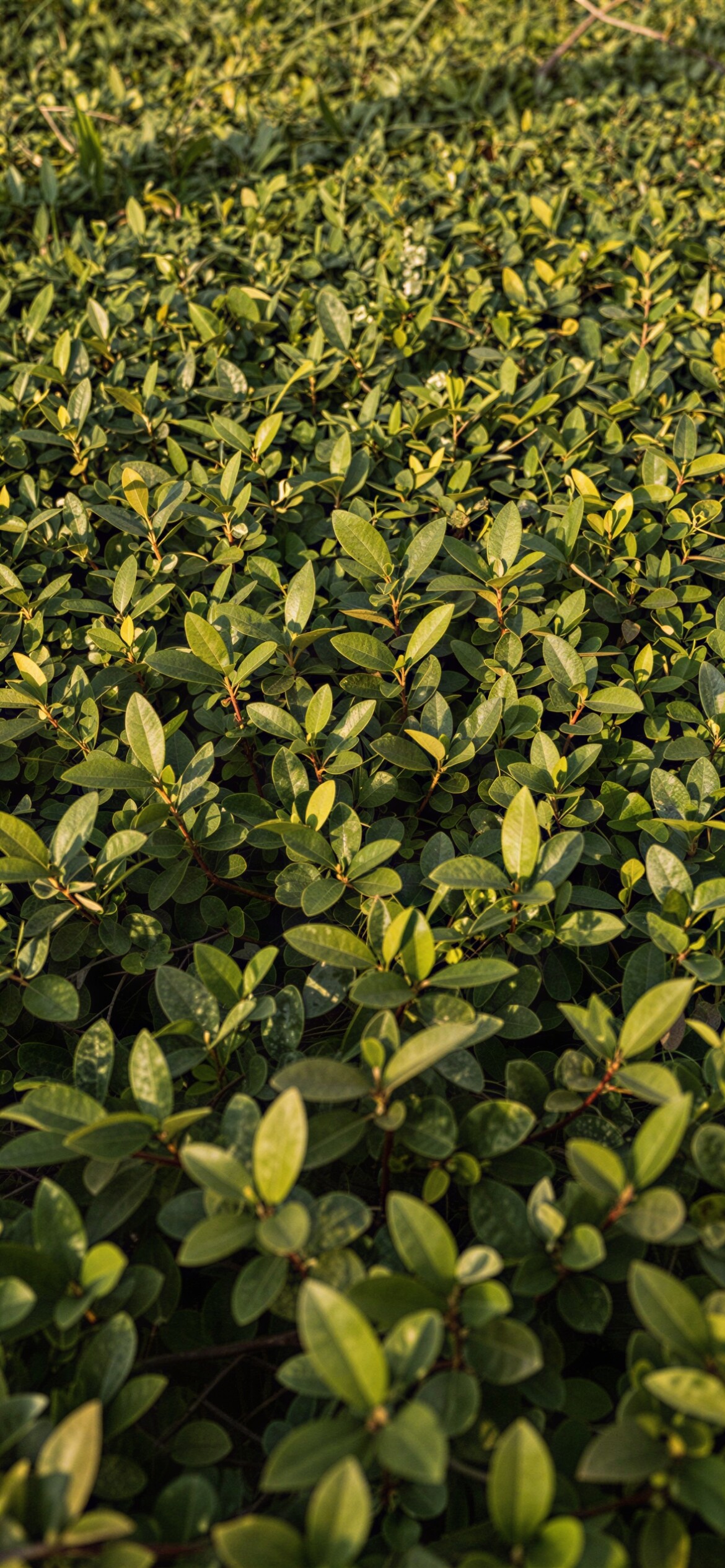
- Green hedge: Textured shrub foliage in warm afternoon light with natural depth. Home screen option that feels grounded and substantial.
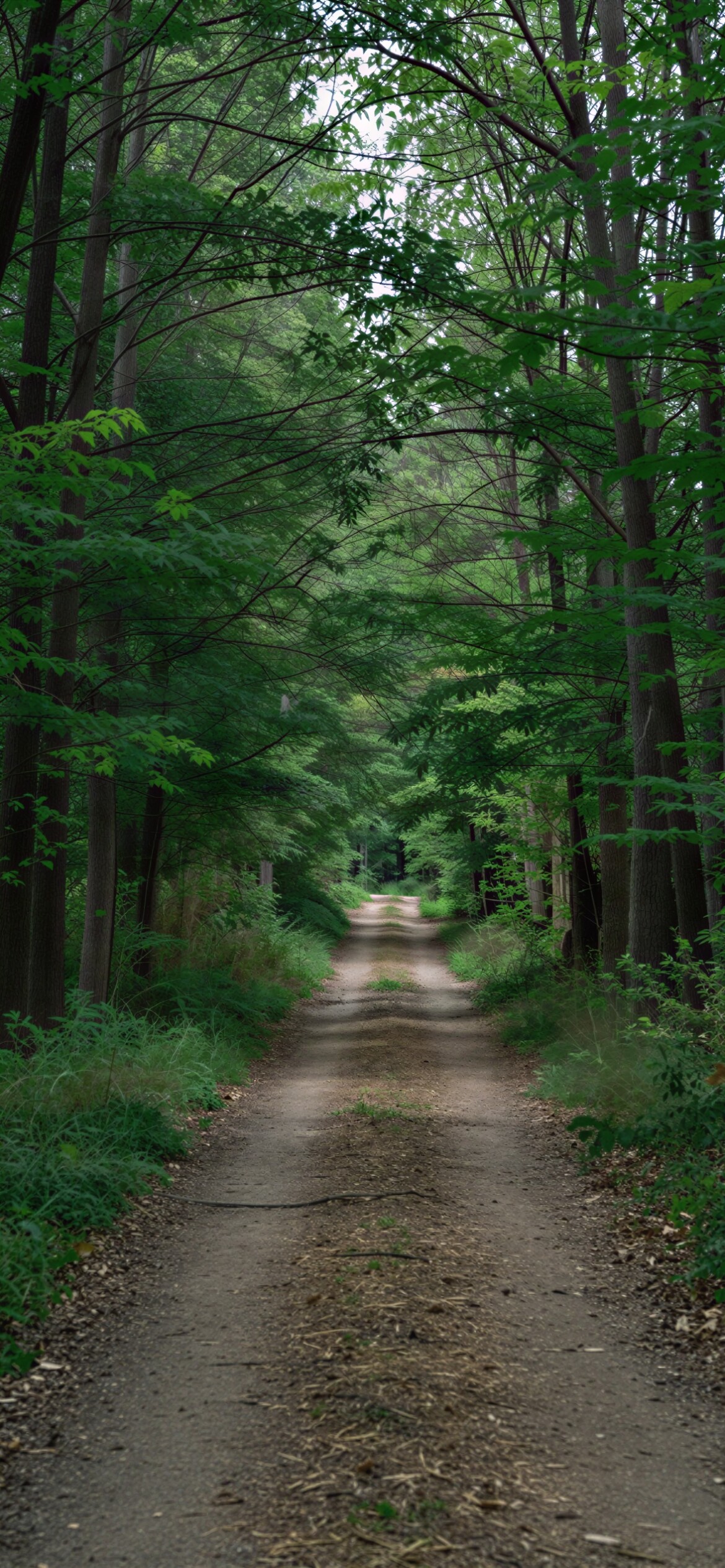
- Woodland path: Trees creating a natural tunnel over a receding pathway. Lock screen design that draws the eye and suggests calm exploration.
Why green remains a timeless wallpaper choice
Green has long been associated with nature, growth and calm in design and psychology. In traditional interior design, green walls and furnishings have been used for centuries to create restful spaces, and this principle translates directly to phone wallpapers. The colour appears frequently in gardens, forests and natural landscapes that people find inherently soothing. Wallpapers 1, 3, 4 and 7 emphasize this connection to the natural world through landscapes and plant life, while wallpapers 2, 5, 6, 8 and 9 bring the texture and detail of specific plants and ecosystems into close focus. Wallpaper 10 combines both approaches in a single woodland scene. Unlike seasonal colours, green remains relevant throughout the year, making this set evergreen in its appeal and utility.
Moods and atmospheres across the set
The collection spans several distinct moods to suit different preferences and times of day. Wallpapers 1, 4 and 7 convey peace and stillness, with softer lighting and simpler compositions that encourage calm reflection. Wallpapers 3 and 10 offer a sense of gentle exploration and openness, inviting the eye to move through landscape or path. Wallpapers 2, 5, 6, 8 and 9 deliver energetic growth and vibrant detail, with rich textures and close perspectives that feel alive and immediate. Together, the set provides variety while maintaining a cohesive natural aesthetic that avoids harsh contrasts or chaotic visual noise.
How to set it on your iPhone
- Tap Download and save the image to Photos.
- Open Settings, tap Wallpaper, then Add New Wallpaper, and choose Photos.
- Pick the wallpaper, pinch to position it, then tap Add and choose the lock screen, home screen or both.
Stuck on a step? The iPhone and iPad guide has screenshots for each one.
Questions
Are these wallpapers sized to fit my iPhone without cropping?
Yes, all wallpapers are sized at 1170x2532 pixels for modern iPhones. Most current models will display them without cropping. Older iPhone models may crop slightly at the edges due to different screen proportions. If you notice cropping, you can adjust the wallpaper positioning in the system settings to centre the image as you prefer.
Can I use these wallpapers commercially or share them elsewhere?
These wallpapers are free for personal use on your own devices. You cannot sell them, print them for sale, or repost them on other wallpaper sites or social media. Doing so violates our Terms of Use. For full details on permitted use, visit the Terms page on our website.
Which wallpapers work best on the lock screen versus the home screen?
Wallpapers 1, 4, 7 and 10 are designed as lock screen options because they place the main subject lower, leaving the top clear for time and notifications. Wallpapers 2, 3, 5, 6, 8 and 9 work better on the home screen, where the full image displays behind your app icons. This split ensures readability and visual balance on both screens.
Will these green wallpapers work with both light and dark mode?
Yes, the green tones in this set work well in both light and dark mode. The natural greens remain visible and readable regardless of your system setting. For best results, if you use widgets on your home screen, choose designs with simpler top quarters or less dense textures so text and widget information remains clear and legible.