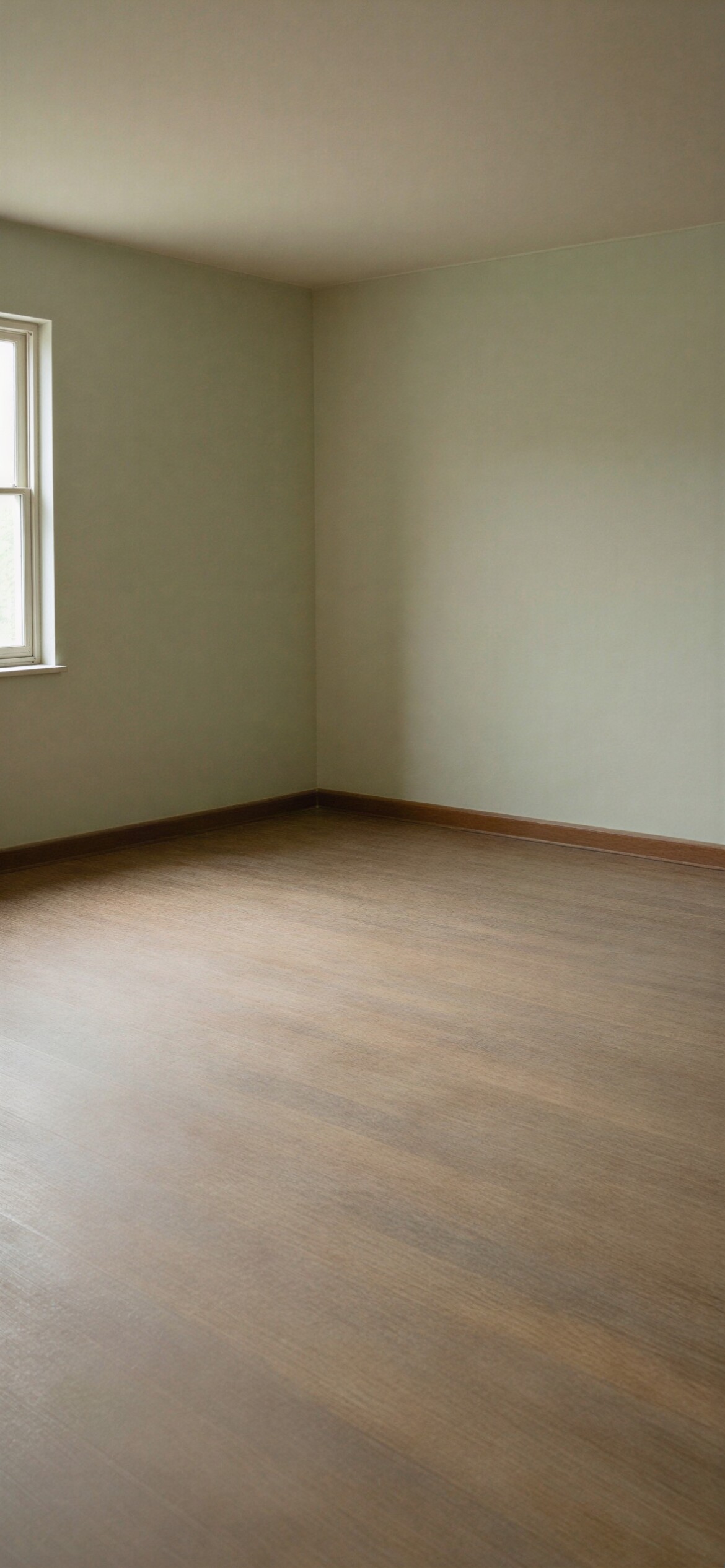
Weirdcore Wallpaper iPhone
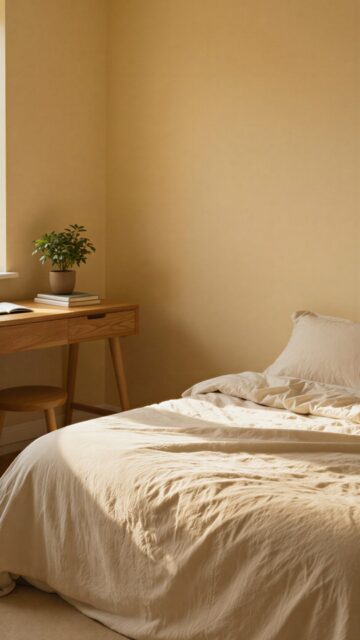
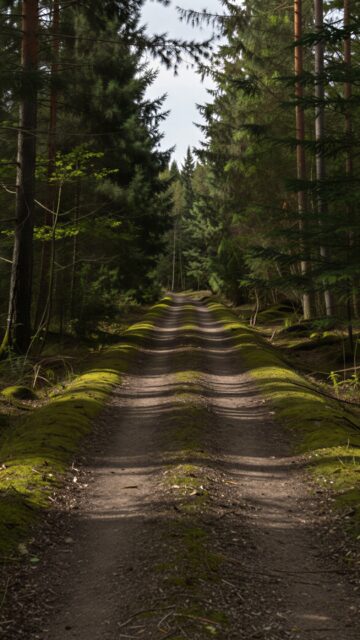
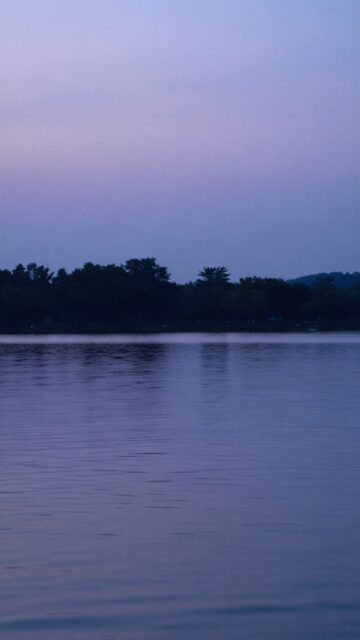
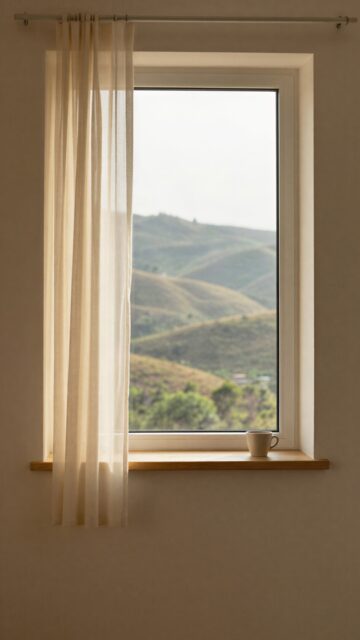
Weirdcore iPhone wallpaper offers free designs for your lock and home screens with unsettling familiar scenes, distorted perspectives and muted colors. These wallpapers capture the strange, off-kilter mood of weirdcore aesthetics. Each design pairs ordinary settings with subtle wrongness: empty hallways, lonely staircases, bland interiors and eerie outdoor spaces bathed in flat or sickly light. The muted greens, greys, yellows and browns create a dreamlike unease that suits both lock and home screens.
10 wallpapers at 1170 × 2532 px for iPhone. Checked by hand on 12 Oct 2026.
About this set
Weirdcore wallpapers use unsettling everyday settings, distorted perspectives and desaturated colors to create a dreamlike unease. The style mixes mundane interior and exterior scenes with subtle wrongness: empty hallways, bare staircases, bland rooms and featureless outdoor spaces. Muted greens, greys, yellows and browns dominate, often lit by flat fluorescent or overcast light that casts no clear shadows.
These designs work well on both lock and home screens. The simple compositions with subjects centered or in the lower half leave room for widgets, clock displays and icons on the home screen. The eerie, quiet mood pairs with minimal icon sets and neutral-toned themes. Weirdcore wallpapers suit users who enjoy unsettling aesthetics and surreal, dreamlike visuals on their iPhone.
Why an empty hallway can feel wrong
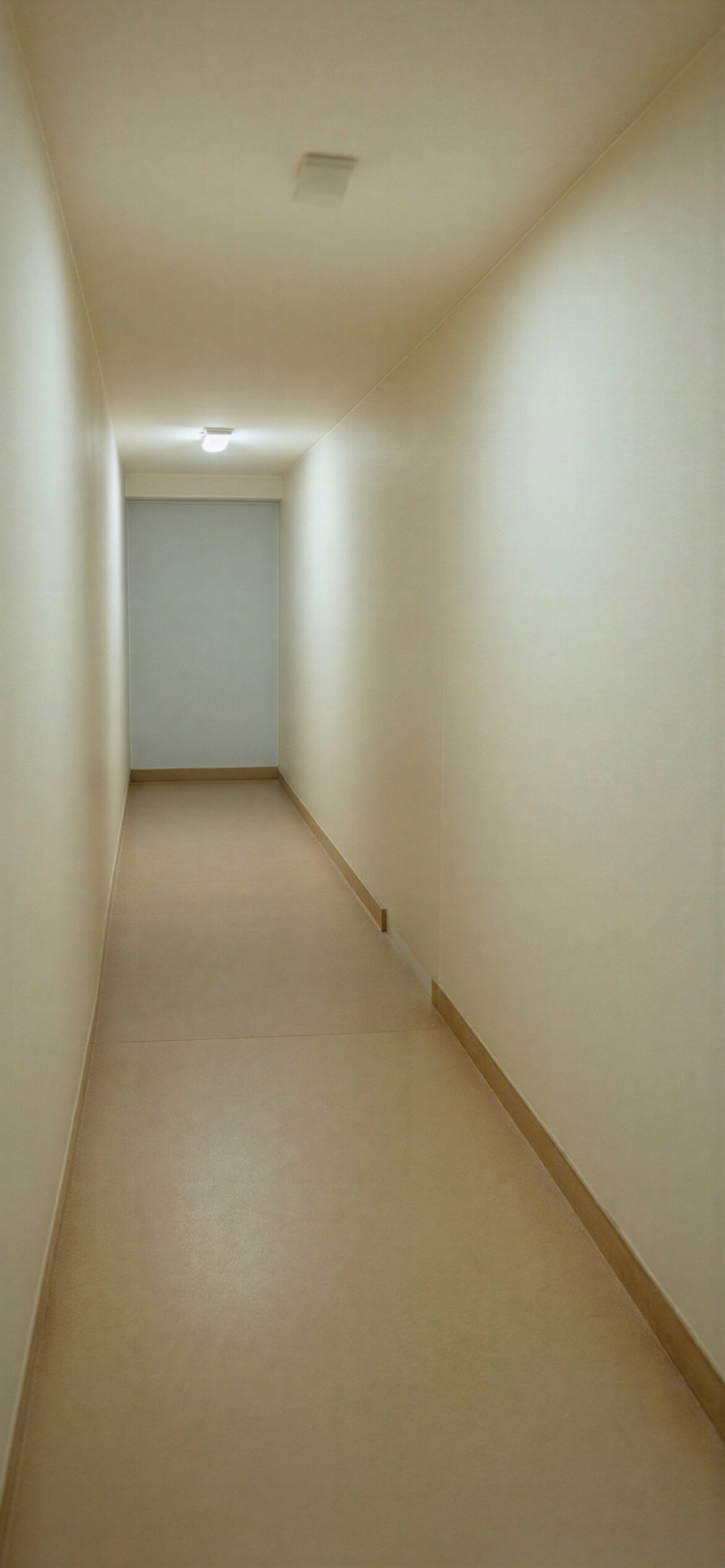
Weirdcore grew up online in the late 2010s, next to a close cousin usually called liminal space art. Liminal comes from the Latin limen, a threshold, and the idea behind it is simple: corridors, stairwells and car parks are places you pass through rather than stay in, so seeing one completely empty makes it feel paused. The best-known example is the Backrooms, which began in May 2019 as an anonymous photo of empty, yellow-walled rooms under fluorescent lights, posted to a 4chan thread asking for images that felt "off". Hallways 1 and 8 come from the same family.
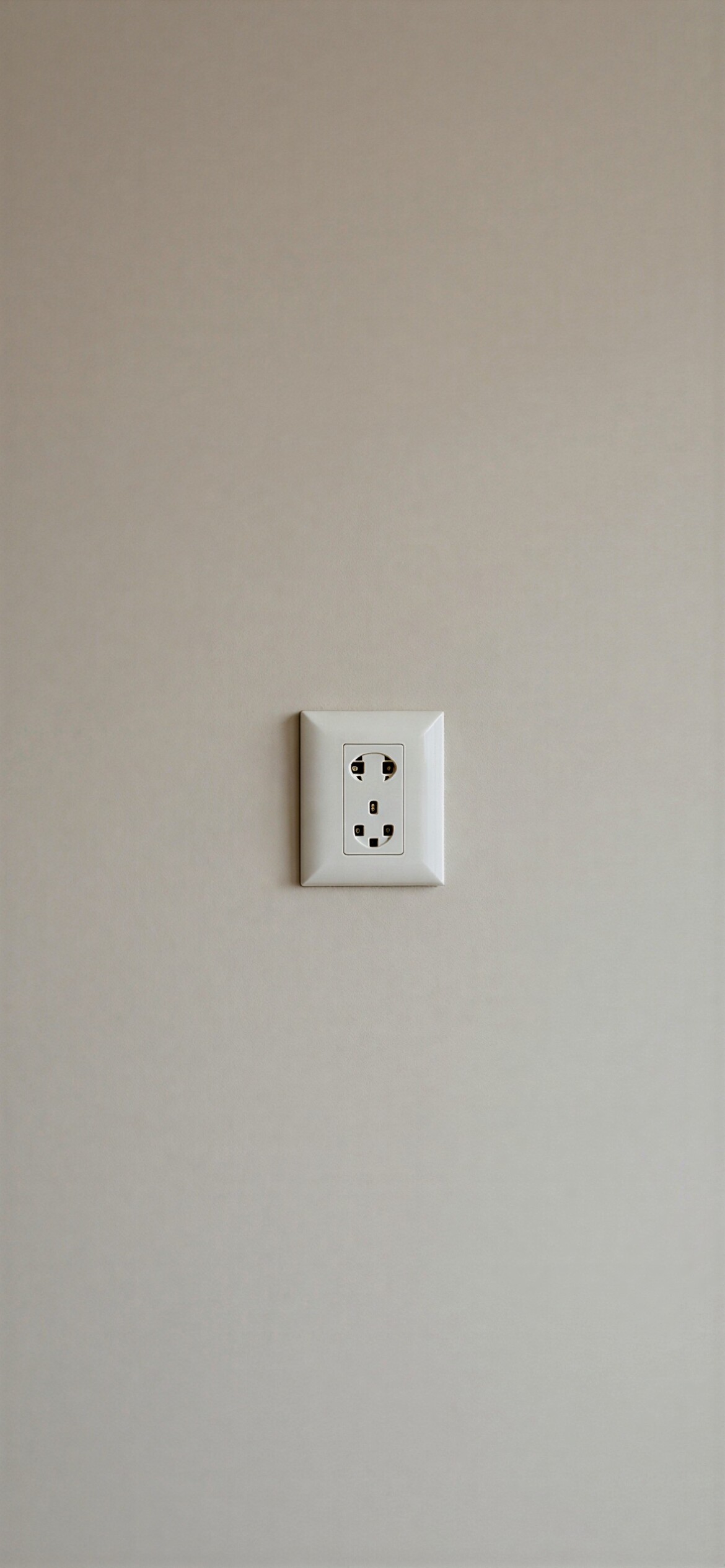
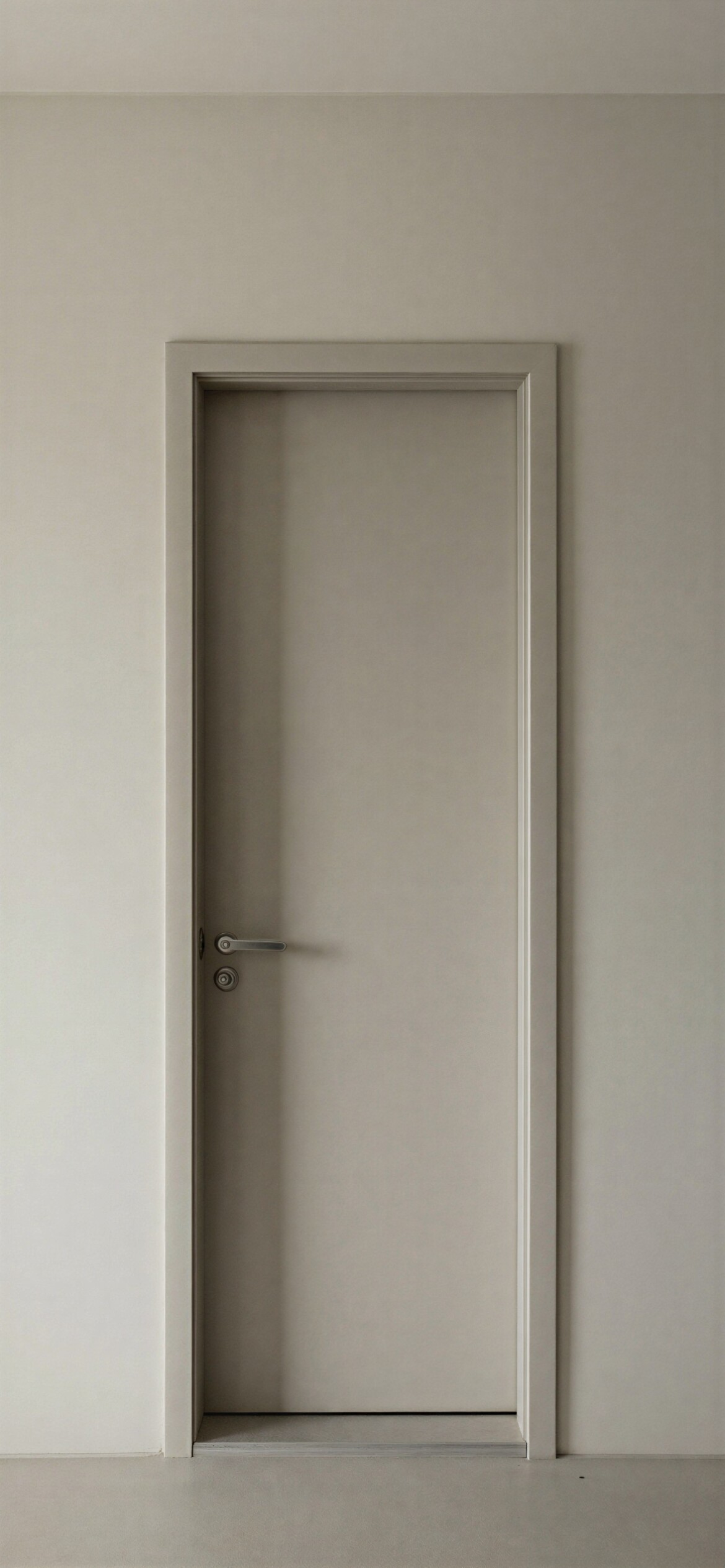
The feeling has an older name as well. In his 1919 essay "The Uncanny", Sigmund Freud wrote about the unease that comes when something familiar turns slightly strange. That is the trick behind wallpapers 7 and 9: a power outlet and a single door are about as ordinary as objects get, but left alone on a blank wall they start to look like clues.
Corridors, rooms and the world outside
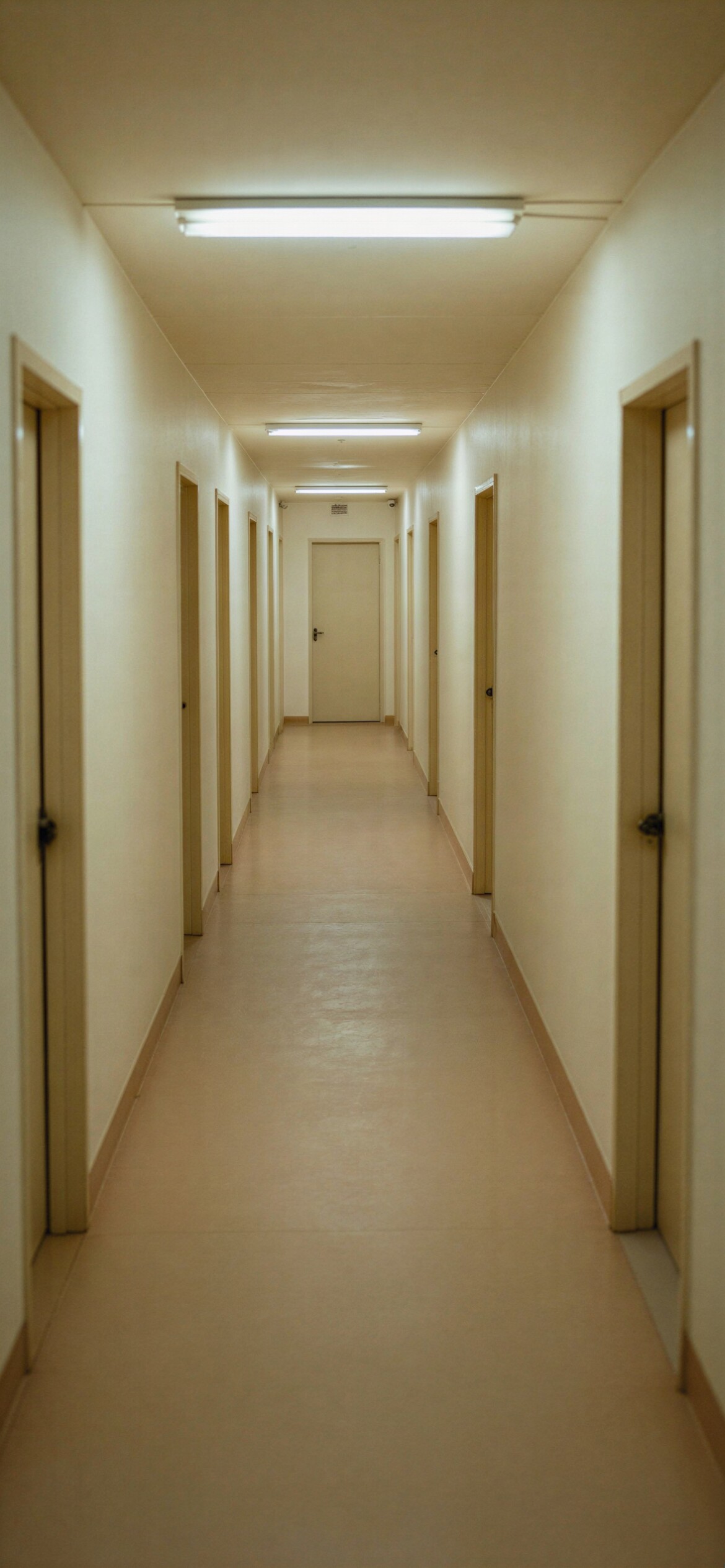
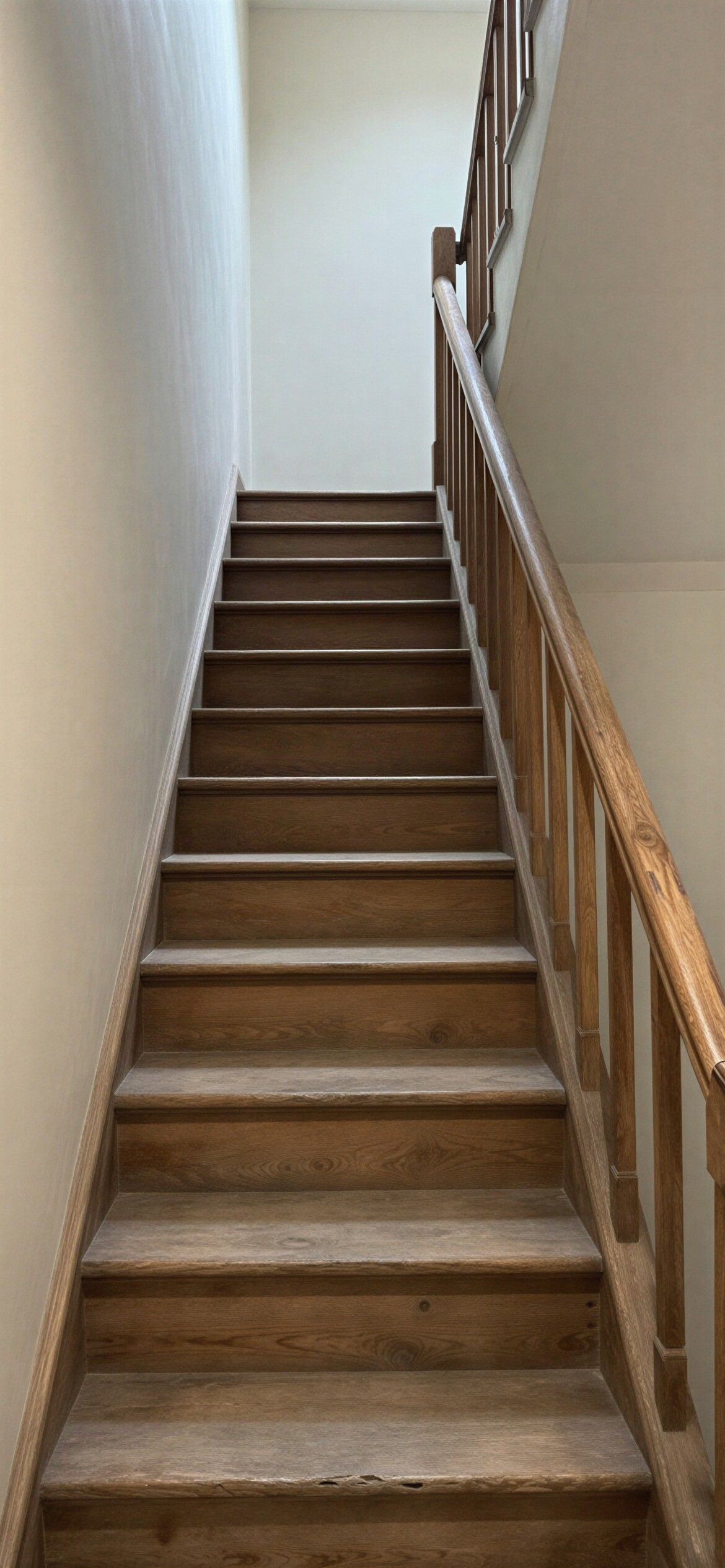
Three of the ten are about moving through a building. Wallpaper 1 is a long beige hallway lined with closed doors, 2 looks up a worn wooden staircase into grey haze, and 8 shows two corridors meeting at a right angle under strip lights. Their lines pull the eye toward a far point, so they read best on the lock screen, with nothing sitting on top of them.
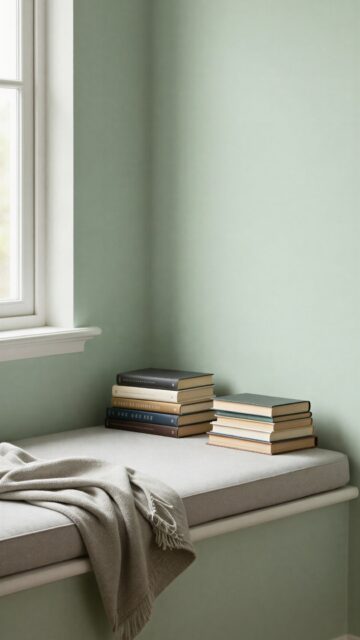
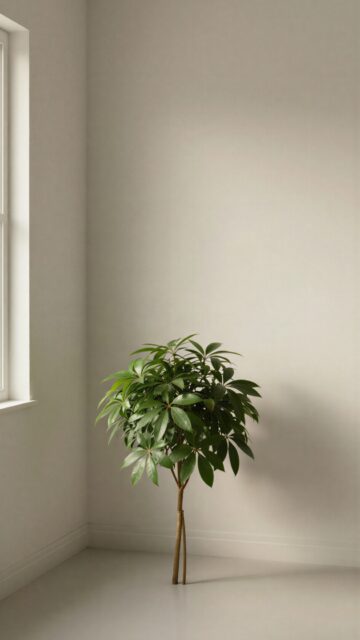
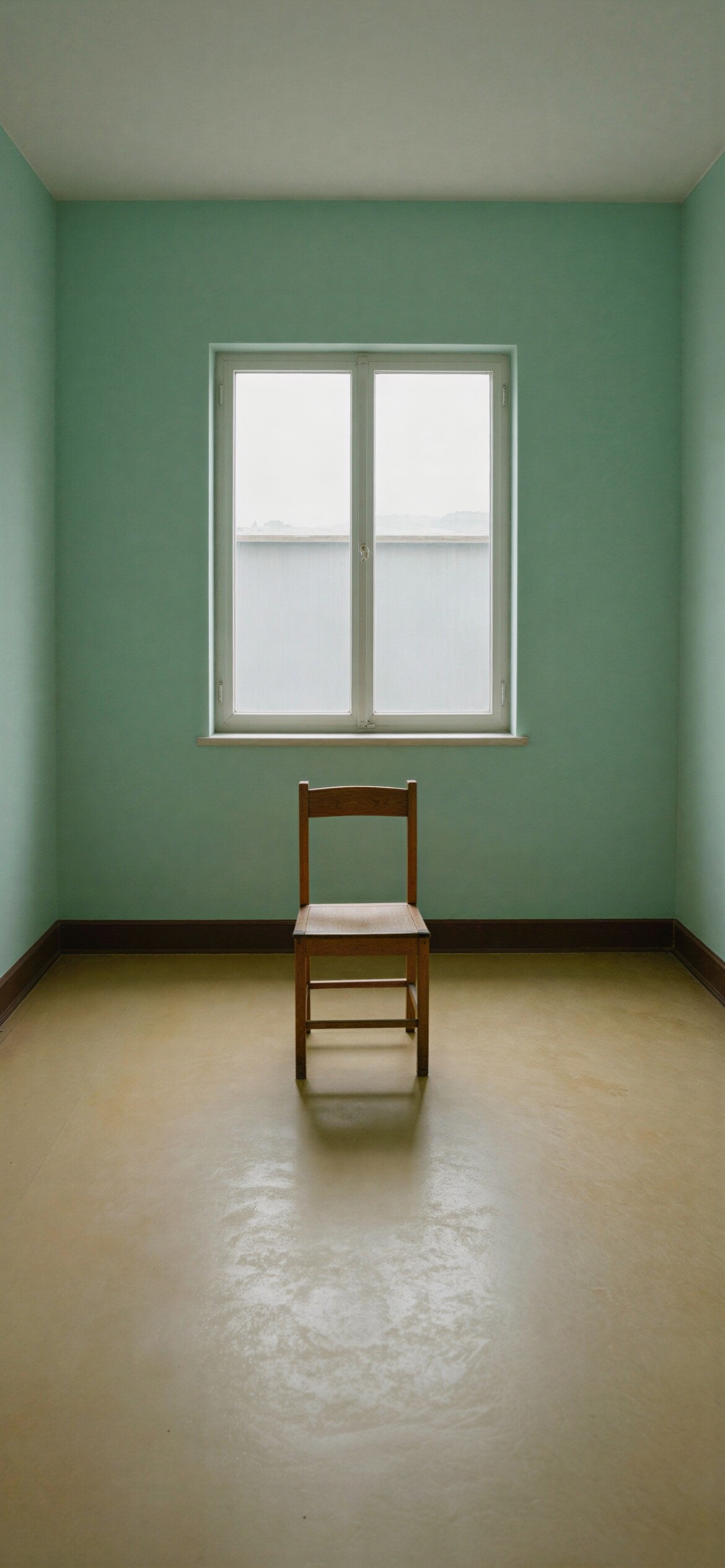
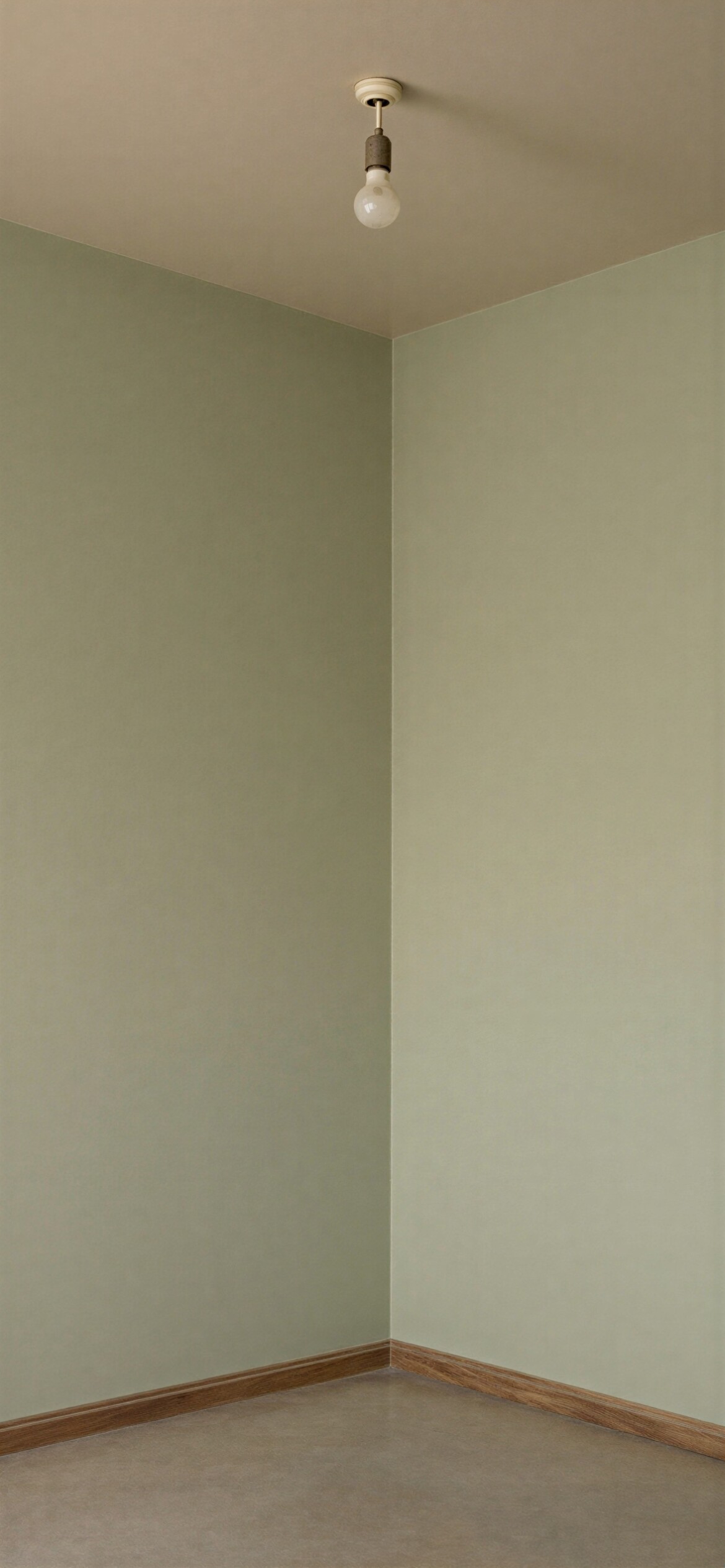
Five are single rooms. Wallpaper 3 has mint-green walls, one chair and a window onto grey nothing; 5 is a pale green corner lit by a bare bulb; 7 is a beige wall with one outlet; 9 is a lone door in the middle of a muted wall; and 10 is a corner with a linoleum floor and a small grey window. So much of each is plain wall that these make the calmest home screens here.
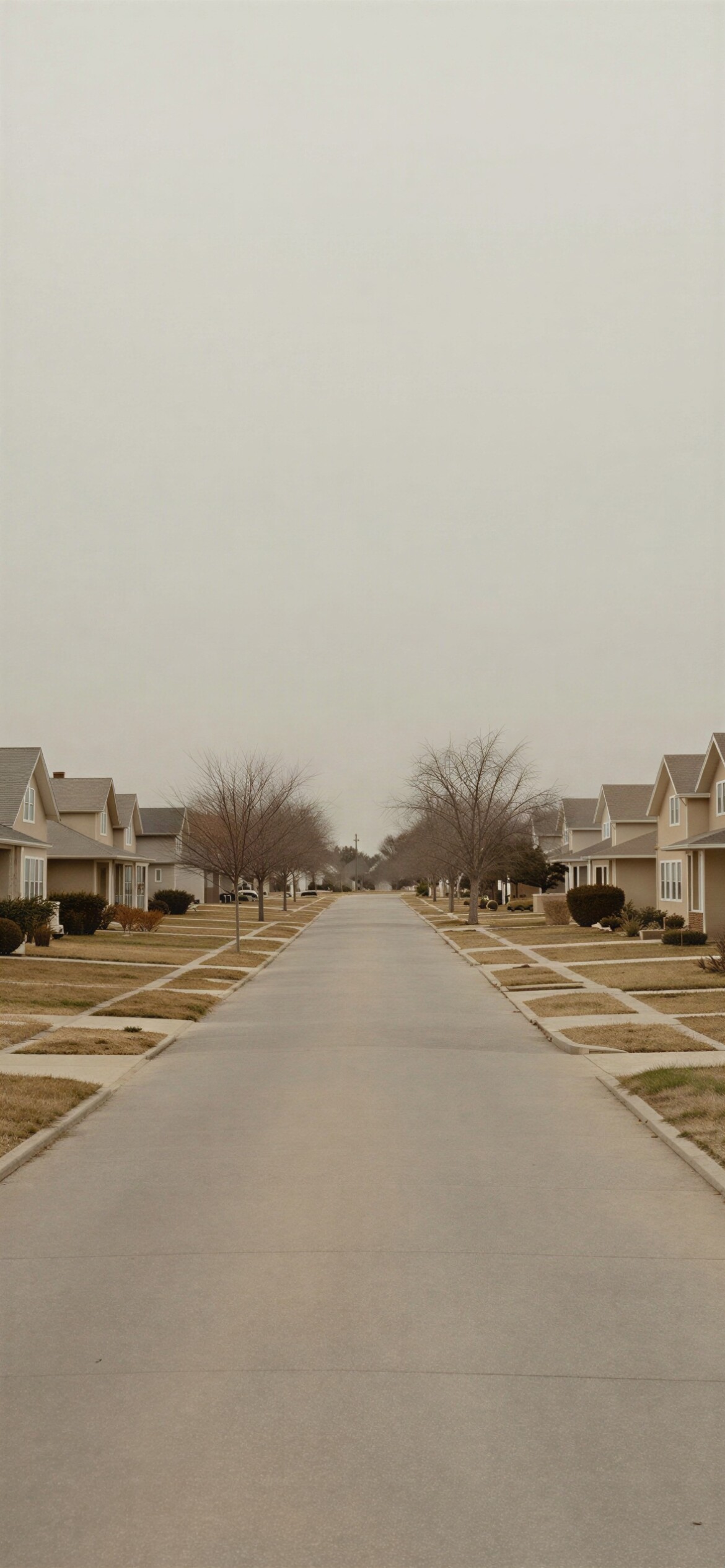
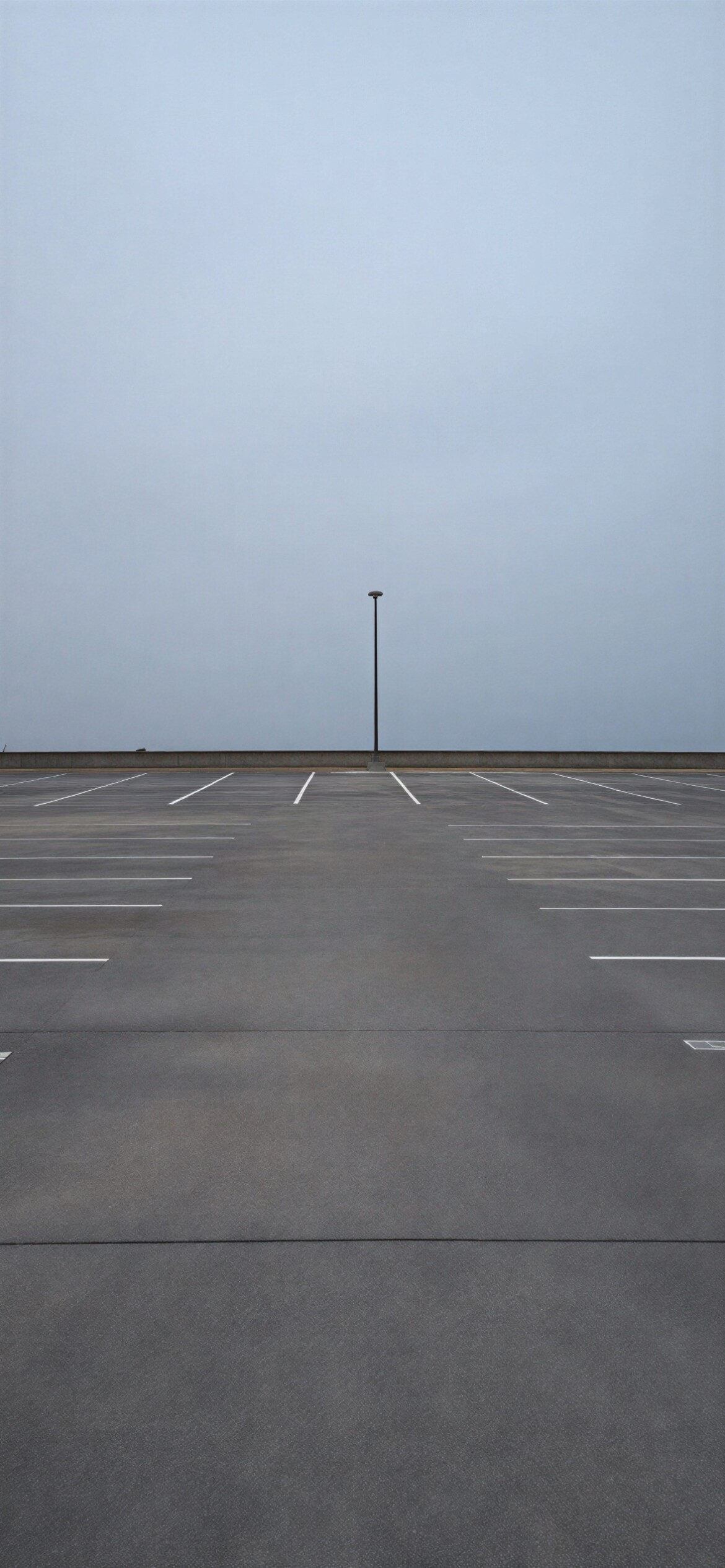
The last two step outside. Wallpaper 4 is a street of identical houses and bare trees fading into haze, and 6 is a flat, empty parking lot at dusk with one street lamp. Both lean on plain grey sky rather than detail.
Beige, mint or grey?
- Old beige walls: 1 and 7, the closest to the original Backrooms look.
- Mint and pale green: 3 and 5, a shade long linked with old schools and clinics, which is part of why it feels institutional.
- Overcast grey: 2, 4, 6 and 10, the softest of the set.
- Bare and neutral: 8 and 9, plain surfaces with little to look at except the shape of the space.
If this quiet, slightly off mood is what you are after, the dream wallpapers drift further into the surreal, while the sad and emo sets keep the grey skies and add rain and fog.
How to set it on your iPhone
- Tap Download and save the image to Photos.
- Open Settings, tap Wallpaper, then Add New Wallpaper, and choose Photos.
- Pick the wallpaper, pinch to position it, then tap Add and choose the lock screen, home screen or both.
Stuck on a step? The iPhone and iPad guide has screenshots for each one.
Questions
What size are these weirdcore wallpapers?
All wallpapers in this set are 1170x2532 pixels, the standard resolution for iPhone. They are sized for modern iPhones, and some older models may crop slightly at the edges. Download and apply directly to your lock screen or home screen through your iPhone's wallpaper settings.
Can I use these wallpapers for personal use?
Yes, these wallpapers are free to download and use on your own iPhone for personal enjoyment. Selling them, printing them for sale, reposting them on other wallpaper sites or using them commercially is not allowed. See our Terms page for complete usage details.
What makes weirdcore different from other aesthetic styles?
Weirdcore takes ordinary, familiar scenes like hallways, rooms and streets and makes them unsettling through distorted perspectives, flat lighting and desaturated colors. Unlike vaporwave or synthwave, weirdcore avoids neon and retro elements. Instead, it creates a dreamlike unease by showing mundane spaces that feel subtly wrong, evoking a sense of dislocation or uncanny familiarity.
Which wallpapers work best for the lock screen versus the home screen?
Most designs work on both screens. For lock screens, any wallpaper works since it displays without icons. For home screens, the simpler compositions with subjects centered or in the lower half leave clear space for your app icons and widgets. The desaturated colors ensure text and icons remain readable without needing to adjust transparency settings.