Chill Wallpaper iPhone
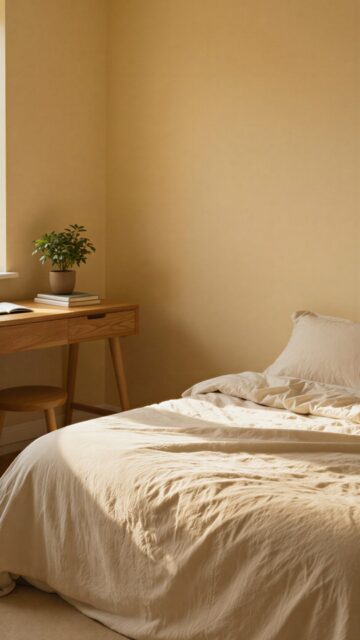
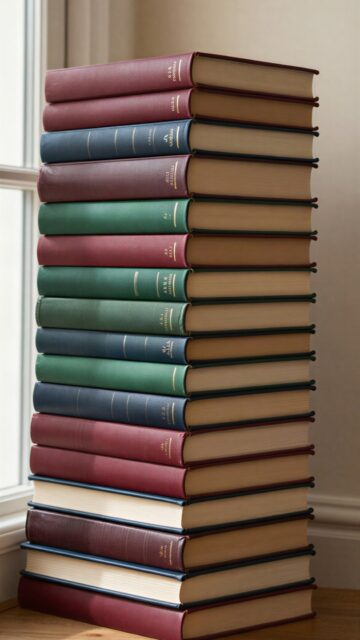
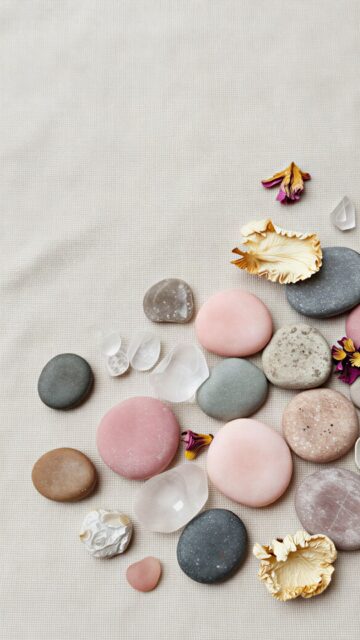
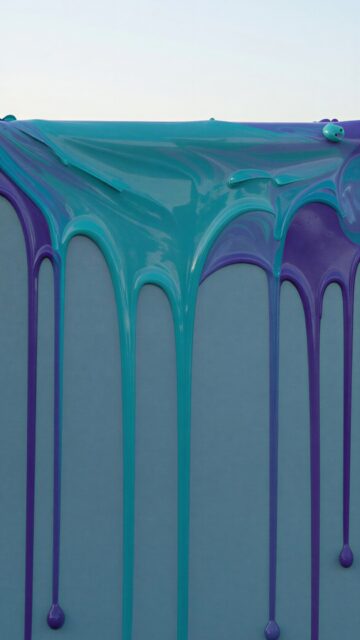
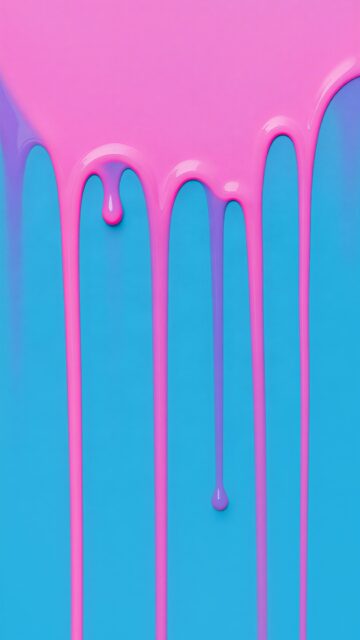
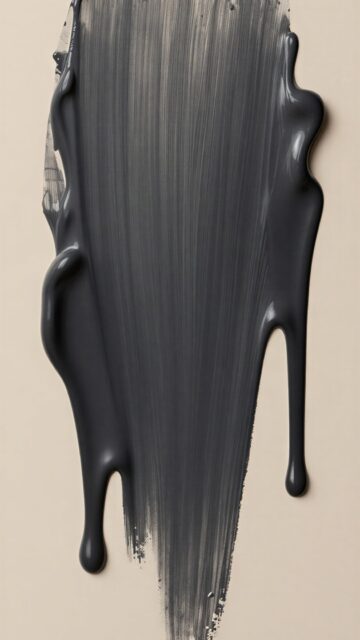
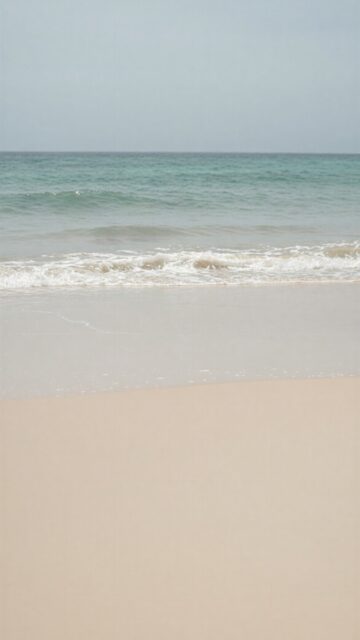
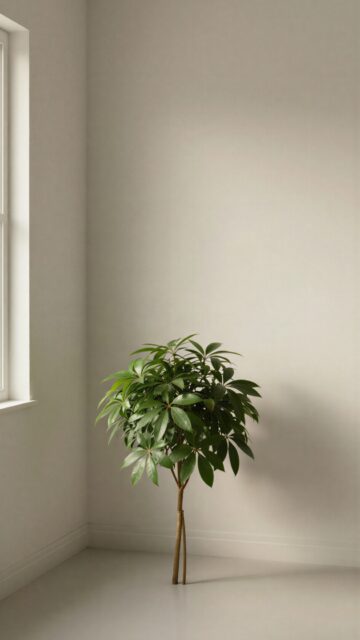
Chill wallpaper iPhone designs bring calm, relaxed vibes to your lock and home screens. These original artworks feature quiet moments, soft lighting and soothing color palettes that help you start your day centered. Whether you prefer natural landscapes, cozy indoor scenes or minimalist compositions, this set of chill iPhone wallpapers suits any mood. All designs are free to download and ready to use on your device.
10 wallpapers at 1170 × 2532 px for iPhone. Checked by hand on 11 Oct 2026.
About this set
These chill iPhone wallpapers embrace soft lighting, muted colors and quiet moments that feel grounded and real. The collection works well split between lock screen and home screen use. Lock screen picks benefit from simple compositions with the main subject lower on the frame, leaving room for time and notifications. Home screen choices work best with plenty of empty space so icons stay readable and visible.
The neutral and cool tones pair naturally with any app icon style, from minimal to colorful. Use these designs when you want your phone to feel calm and focused, especially in the morning or before bed. They complement focus modes and paired themes across your device without competing for attention.
Ten quiet places to rest your eyes
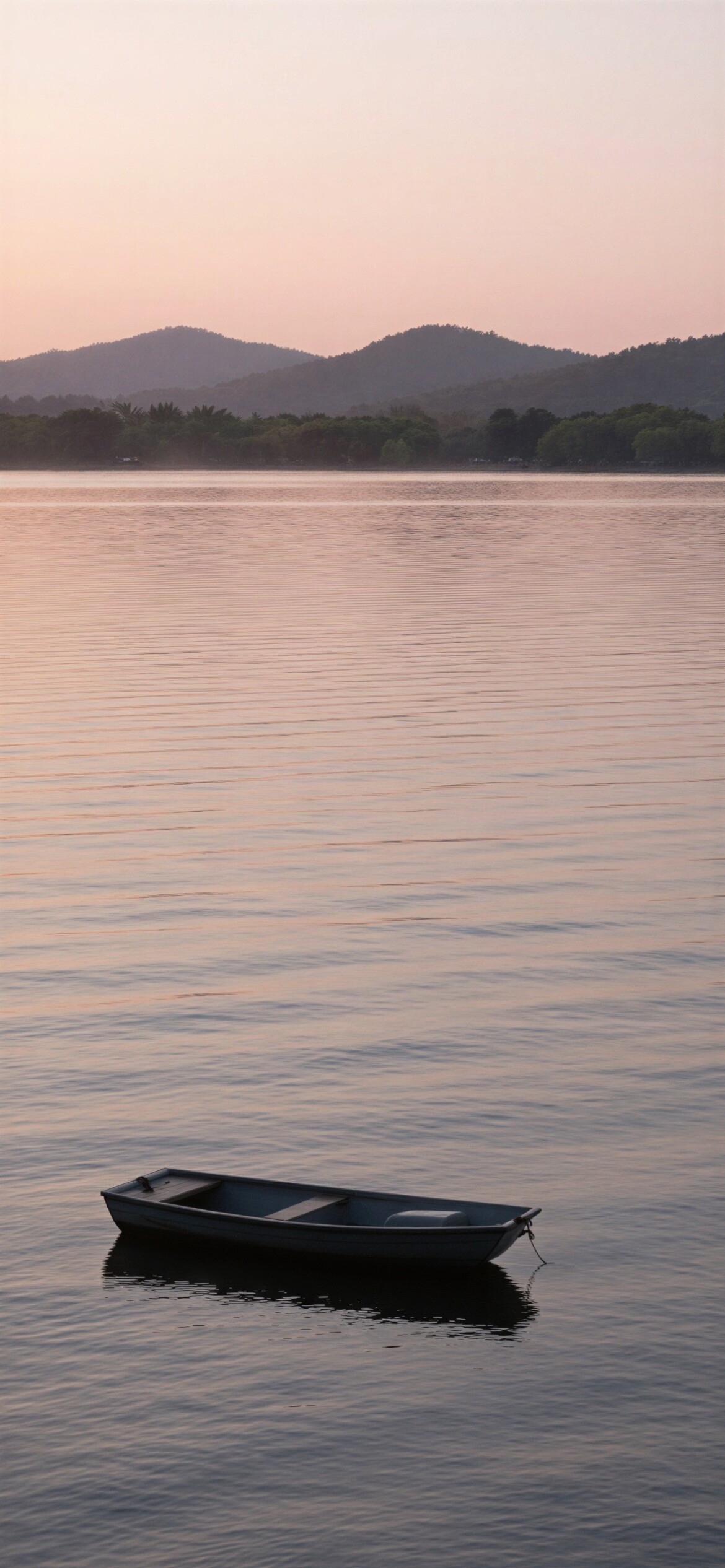
- A rowboat waiting on a calm lake at golden hour, with mist along the shore.
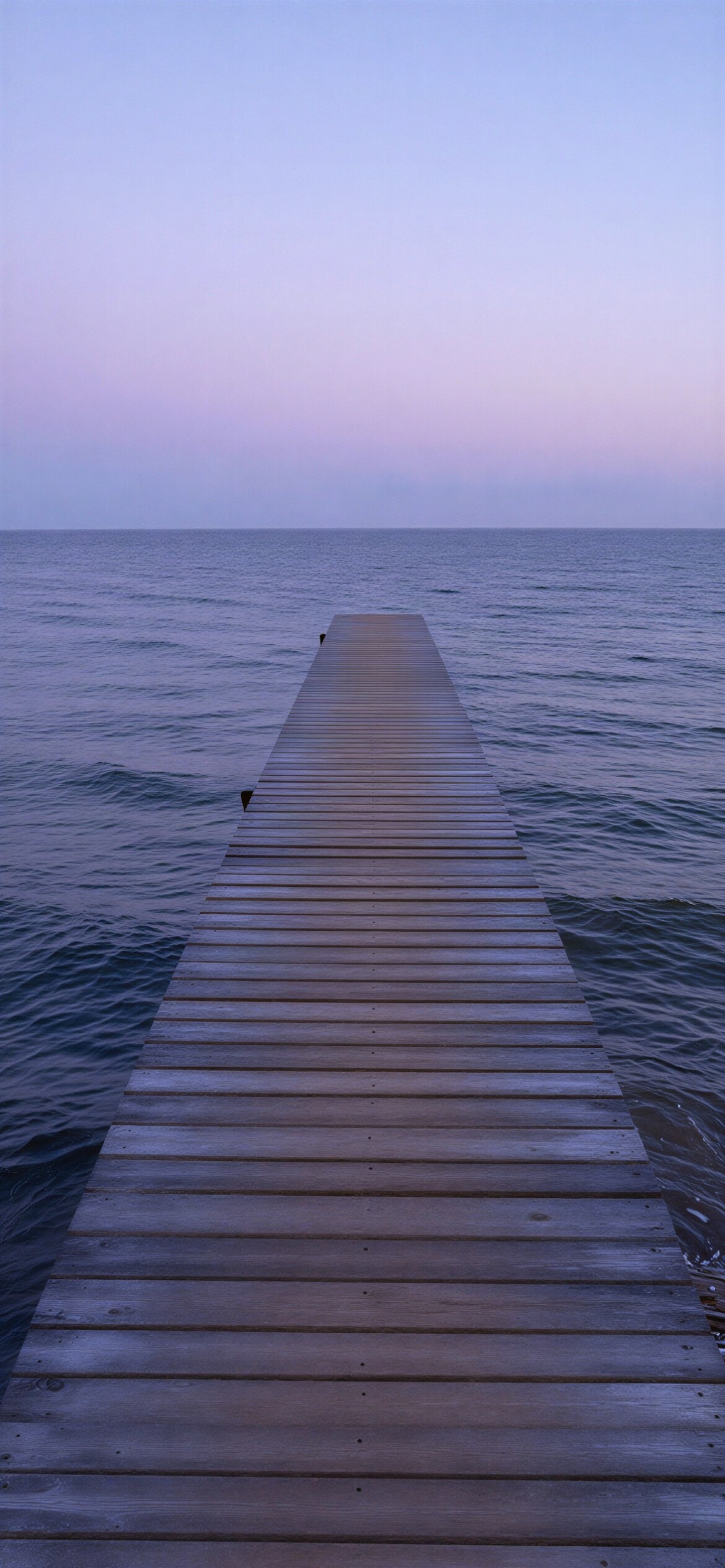
- A wooden pier running out over the ocean at twilight, a good fit for an evening lock screen.
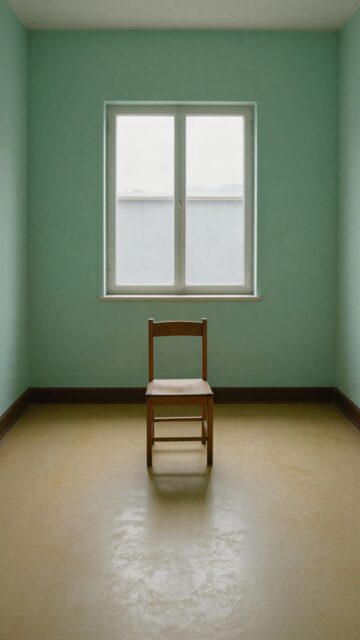
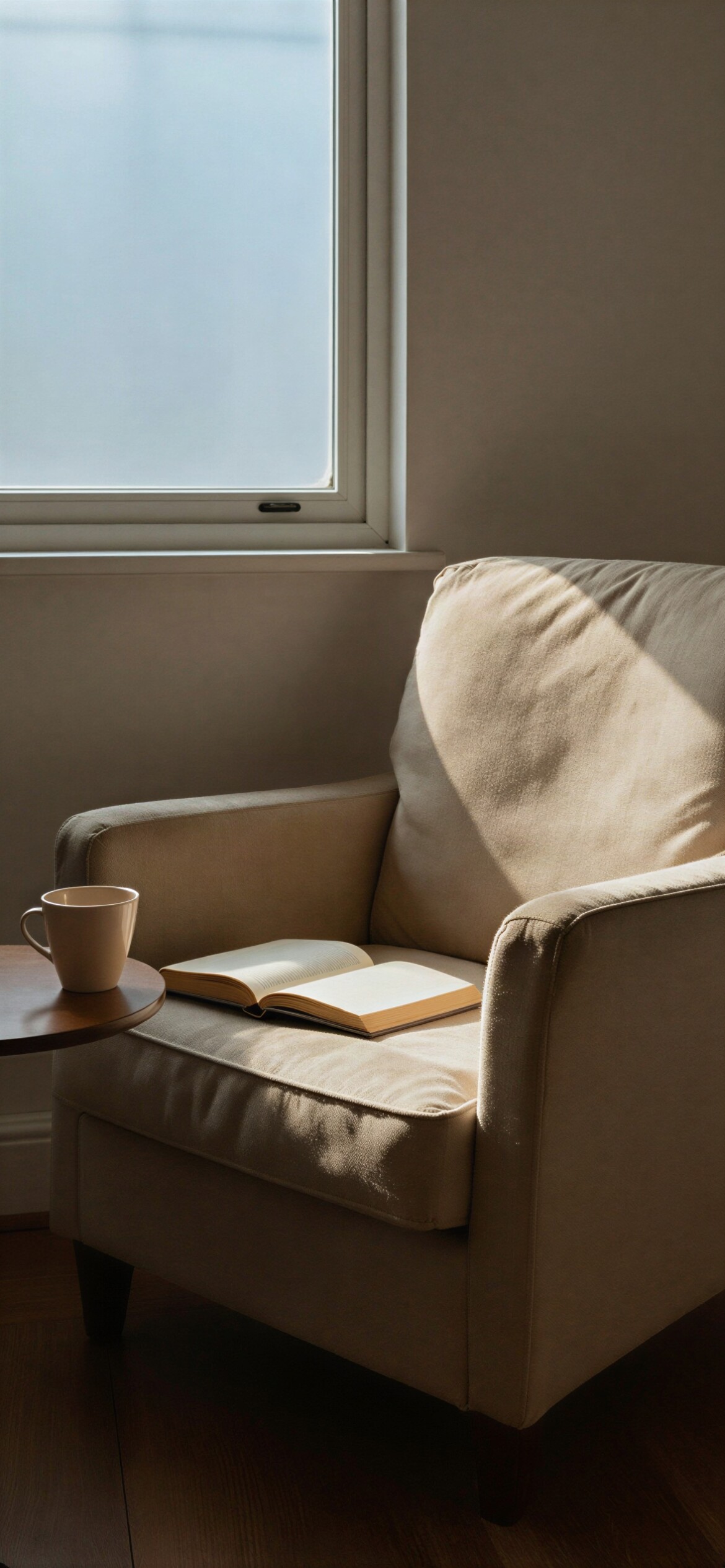
- An empty armchair by a window in warm afternoon light.
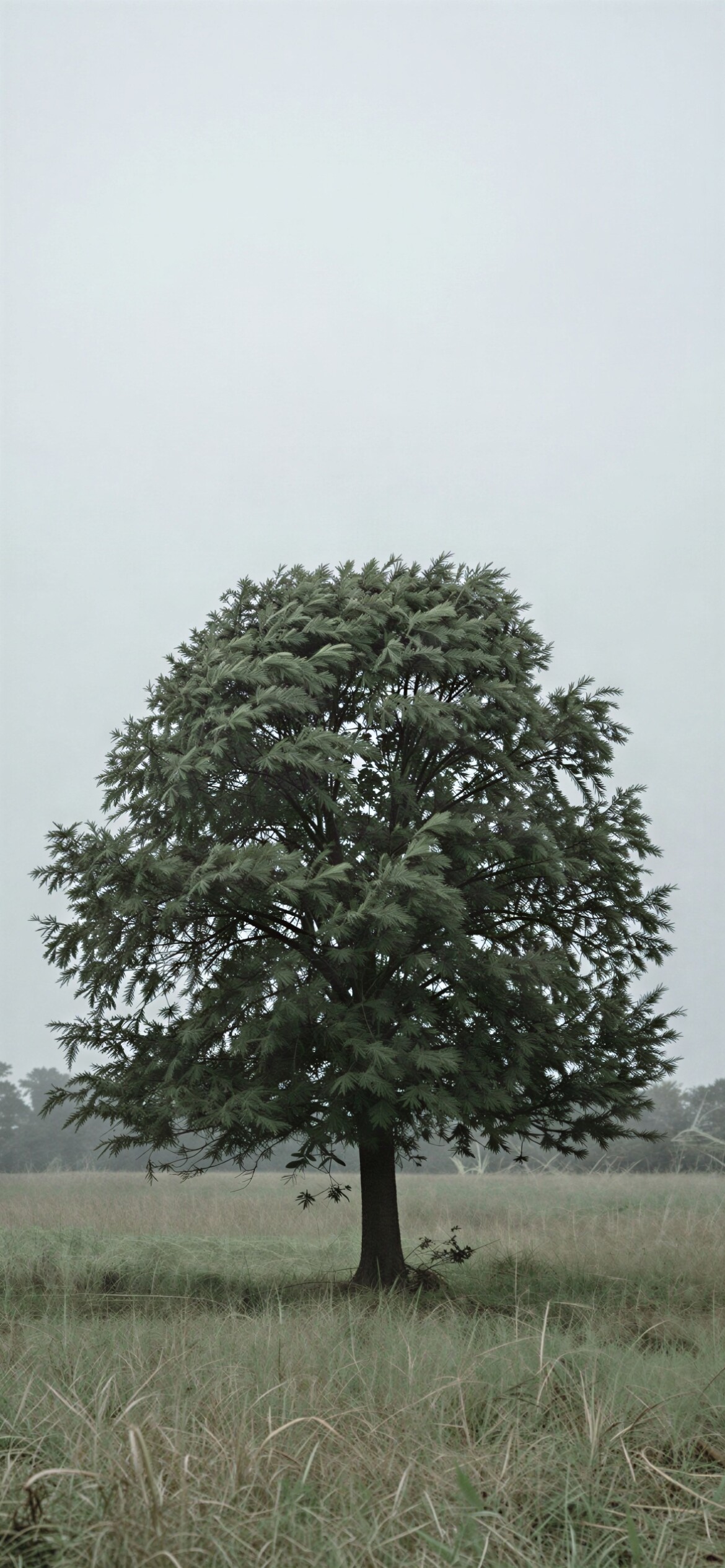
- One tree alone in an open field under an overcast sky; the plain sky leaves lots of space at the top.
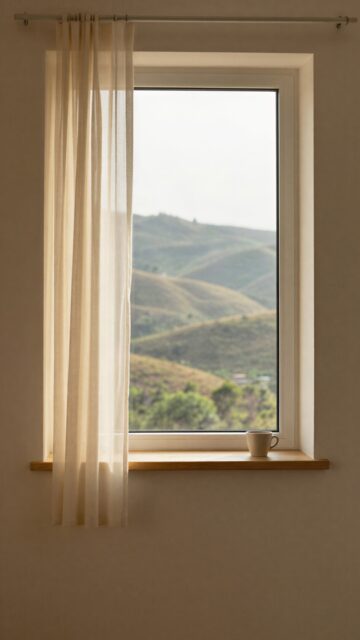
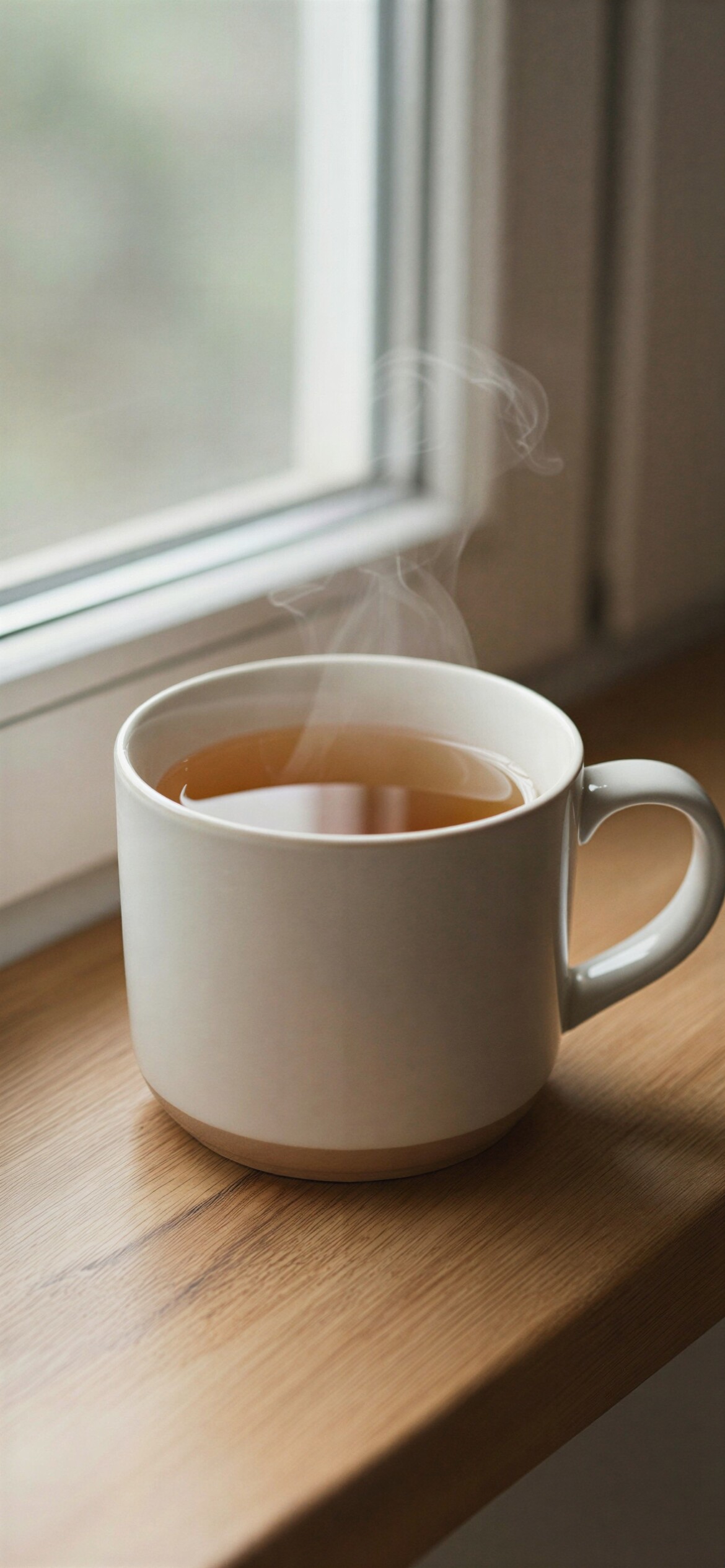
- A mug of tea on a windowsill, lit by soft daylight.
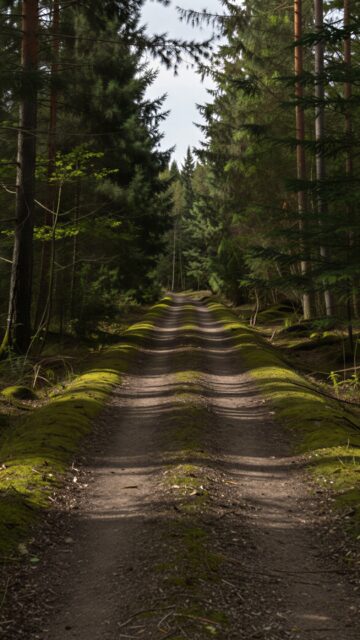
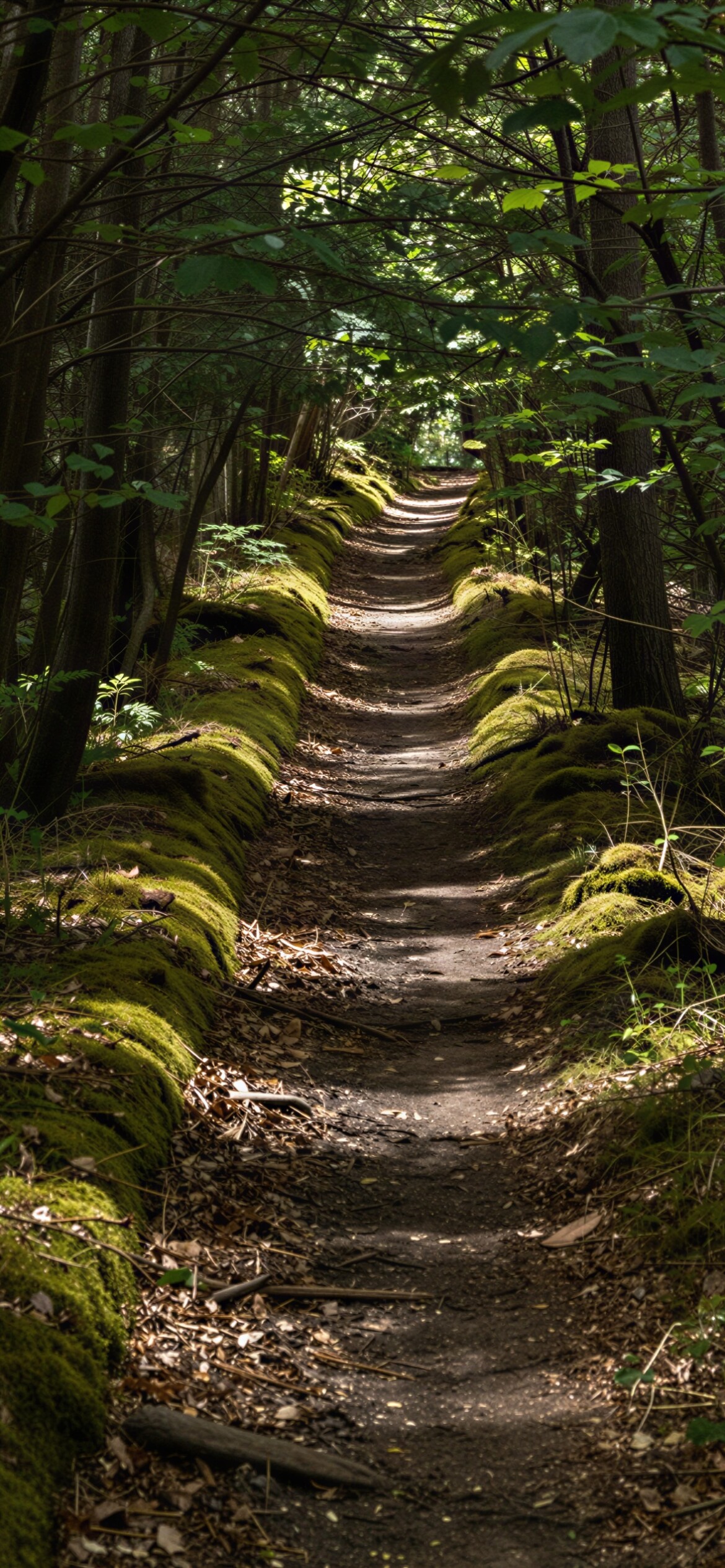
- A forest path with sunlight coming through the leaves in patches.
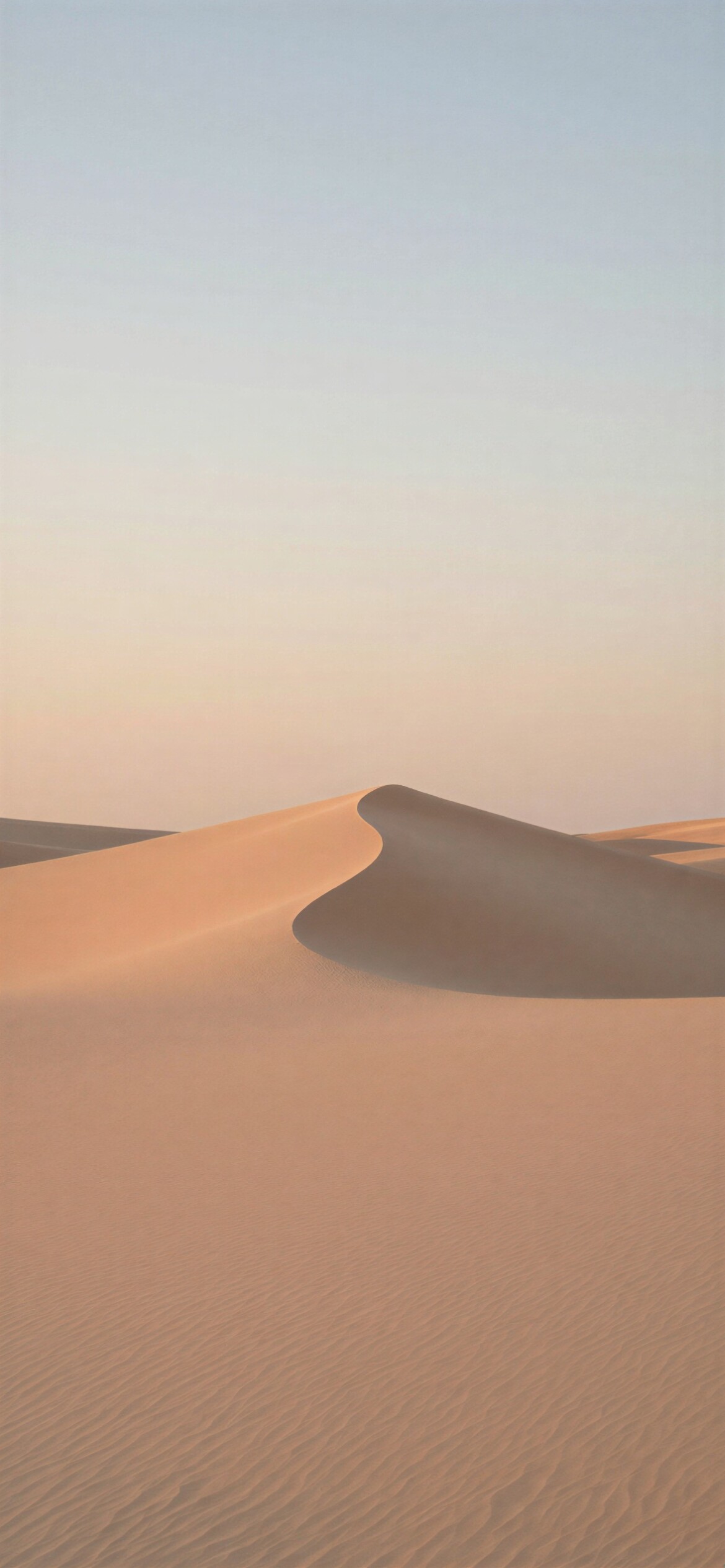
- Bare sand dunes at sunrise in a peachy glow, the simplest design in the set.
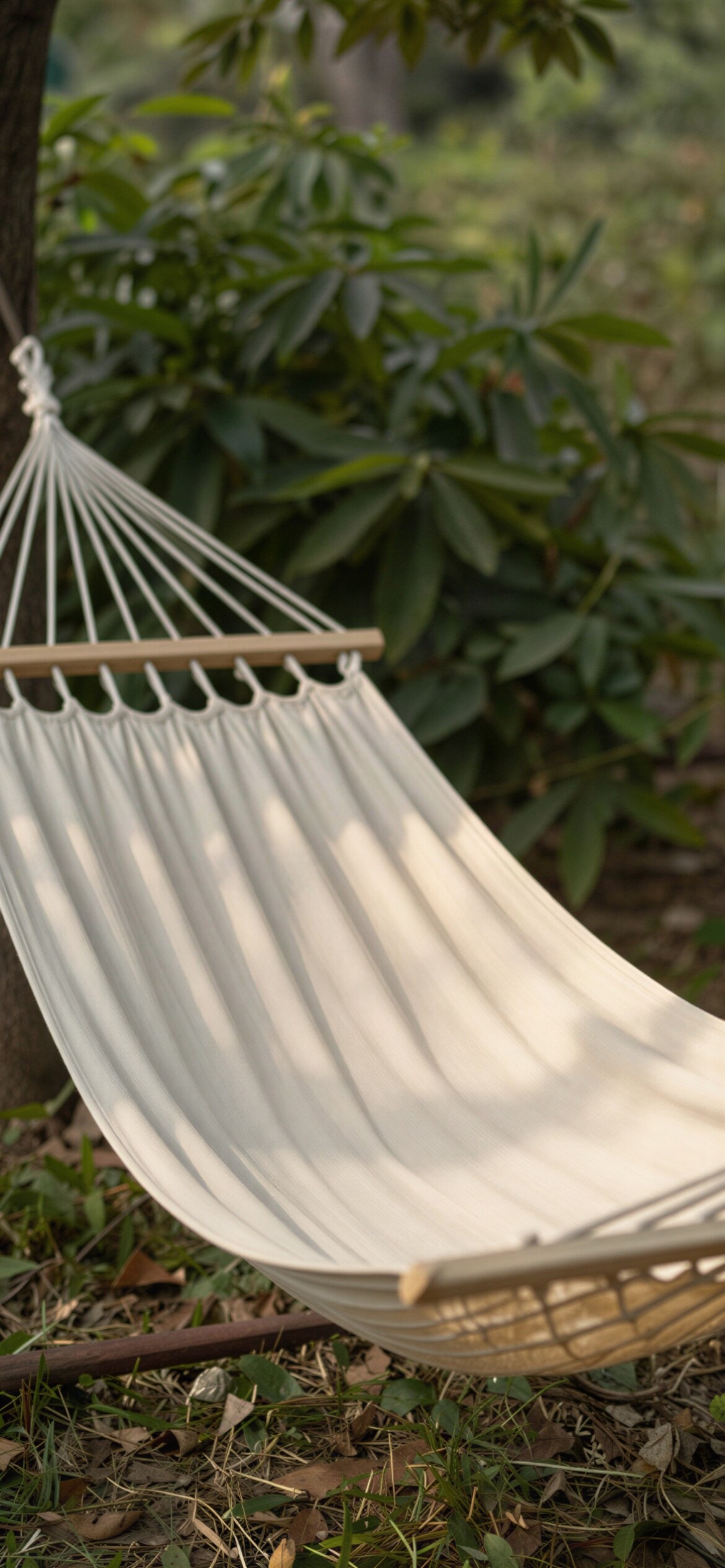
- An empty hammock strung between trees in a quiet garden.
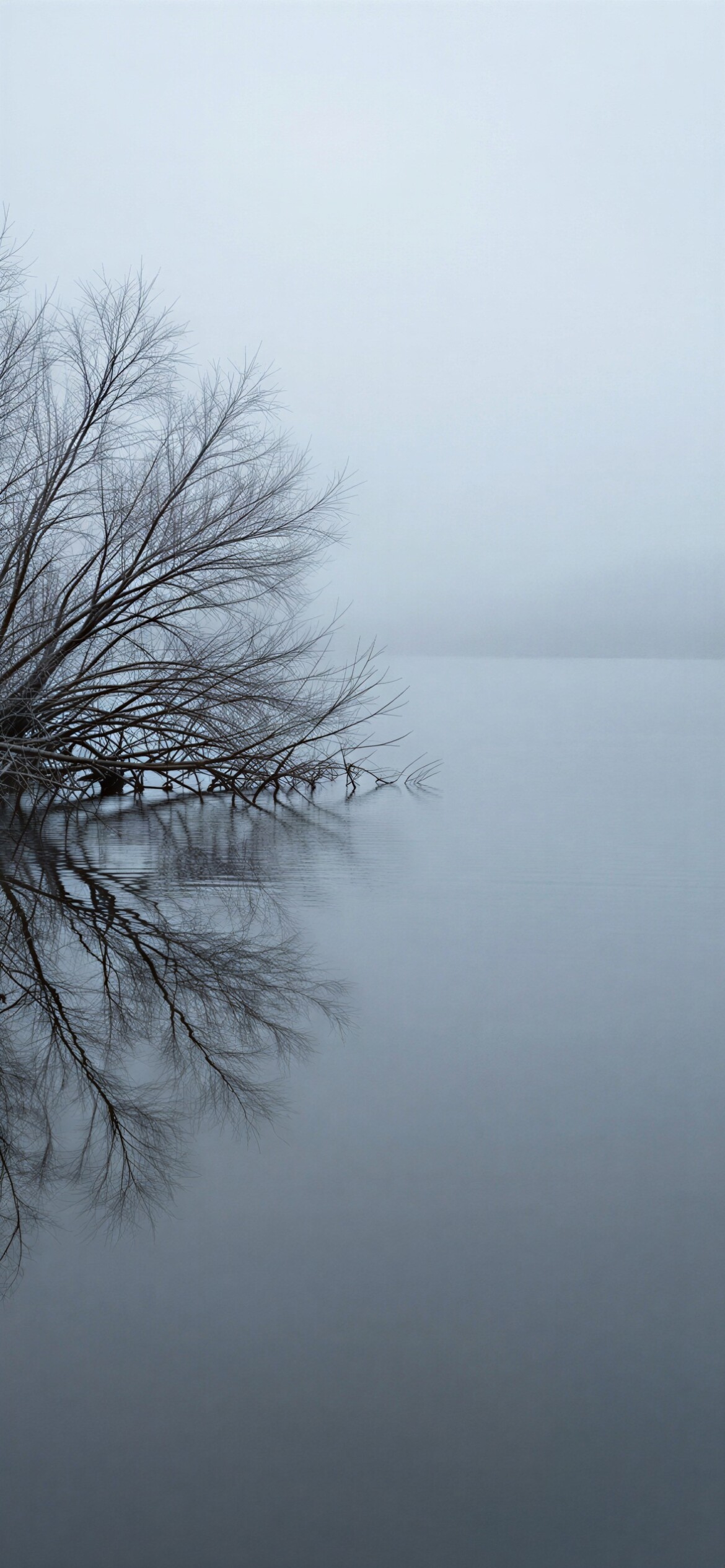
- A still pond holding the reflection of winter branches.
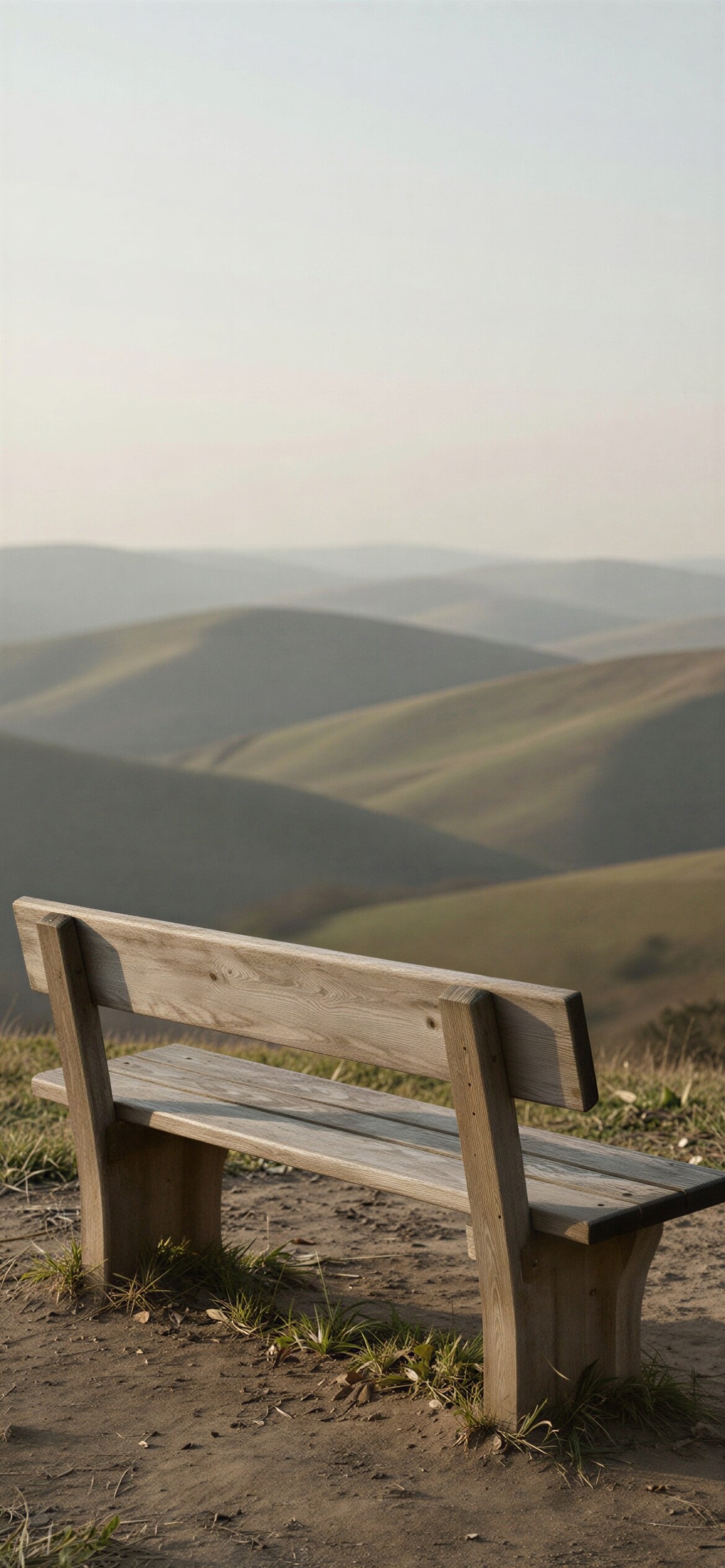
- A wooden bench facing rolling hills through a soft afternoon haze.
Hammocks, hygge and why a green view helps
The hammock in number 8 is older than most people think. The word comes from the Taíno people of the Caribbean, whose woven sleeping nets Spanish explorers saw in the late 1400s; European sailors later took the idea to sea. The armchair and tea mug in numbers 3 and 5 fit the Danish idea of hygge, a word for cosy, unhurried contentment that was shortlisted for Oxford's Word of the Year in 2016.
There is also a reason scenes like 4, 6 and 10 feel restful. Psychologists Rachel and Stephen Kaplan described what they called “soft fascination” in their 1989 book The Experience of Nature: leaves, water and open land hold your attention gently, which gives the more tiring kind of focus a short break.
Golden, grey or cool blue?
For warmth, go with the golden lake in 1, the sunlit armchair in 3, the tea mug in 5 or the peach dunes in 7. Numbers 2 and 9 are the coolest, with twilight blue over the pier and wintry grey in the pond. The greens of 6 and 8 sit in the middle, and the hazy, muted light of 4 and 10 is the softest choice if you want almost nothing competing with your widgets.
For more slow scenes, try the calming wallpapers, the cosy rooms in the lofi set, or the wider views in the landscape collection.
How to set it on your iPhone
- Tap Download and save the image to Photos.
- Open Settings, tap Wallpaper, then Add New Wallpaper, and choose Photos.
- Pick the wallpaper, pinch to position it, then tap Add and choose the lock screen, home screen or both.
Stuck on a step? The iPhone and iPad guide has screenshots for each one.
Questions
Do these wallpapers fit my iPhone screen size?
Yes, these designs are created at 1170x2532 pixels, the standard resolution for iPhone screens. They are sized for modern iPhones, and some older models may crop slightly at the edges. The composition keeps the top quarter simple so your lock screen time and notifications stay clearly visible.
Can I use these wallpapers for personal use?
Yes, all wallpapers in this set are free to download and use on your own devices. You can set them as your lock screen, home screen or both. For details on what you cannot do with them, such as selling or reposting them elsewhere, please see our Terms page.
Which wallpapers work best for lock screens versus home screens?
Lock screen picks are those with simple, spacious compositions that leave room for time display and notifications without visual clutter, such as the lake, pier and dunes designs. Home screen choices benefit from scenes where app icons can sit in empty areas, like the forest path, garden and bench wallpapers.
What mood do these chill wallpapers create?
This set focuses on calm, peaceful moments with soft lighting and muted color palettes. The scenes range from natural landscapes to cozy indoor spaces, all designed to feel grounding and relaxing. They work year-round and pair well with focus modes or when you want your phone interface to feel less demanding and more serene.