Marshmallow Wallpaper iPhone
Marshmallow iPhone wallpaper brings soft, pillowy textures and gentle colors to your phone. These free wallpapers show close-up marshmallow scenes, pastel candy landscapes and dreamy confection settings in vertical format sized for iOS. Each design is hand-checked original artwork. The marshmallow wallpapers suit both lock screens and home screens, adding a calm, cozy mood to your device.
10 wallpapers at 1170 × 2532 px for iPhone. Checked by hand on 11 Oct 2026.
About this set
These marshmallow wallpapers feature soft, fluffy textures in warm and cool pastel tones. Each design captures the pillowy form of marshmallows with gentle lighting and simple, calming backgrounds. The designs work well on lock screens where a single focal point draws the eye, and equally well on home screens where the simple top quarter leaves room for app icons.
The pastel color palettes pair nicely with cream, white or soft-colored app icons. These wallpapers suit anyone who loves minimalist candy-inspired aesthetics or wants a cozy, comforting phone background. The soft textures and warm lighting create a calm, approachable mood that works year-round.
From a marsh plant to a bag of puffs
The sweet takes its name from a real plant. Marsh mallow, Althaea officinalis, is a tall pink-flowered herb that grows in damp ground, and its root holds a sticky, gel-like sap. French confectioners in the 1800s whipped that sap with sugar and egg whites into a soft paste. Gelatin later took the root's place, which is why most marshmallows today contain no mallow at all.
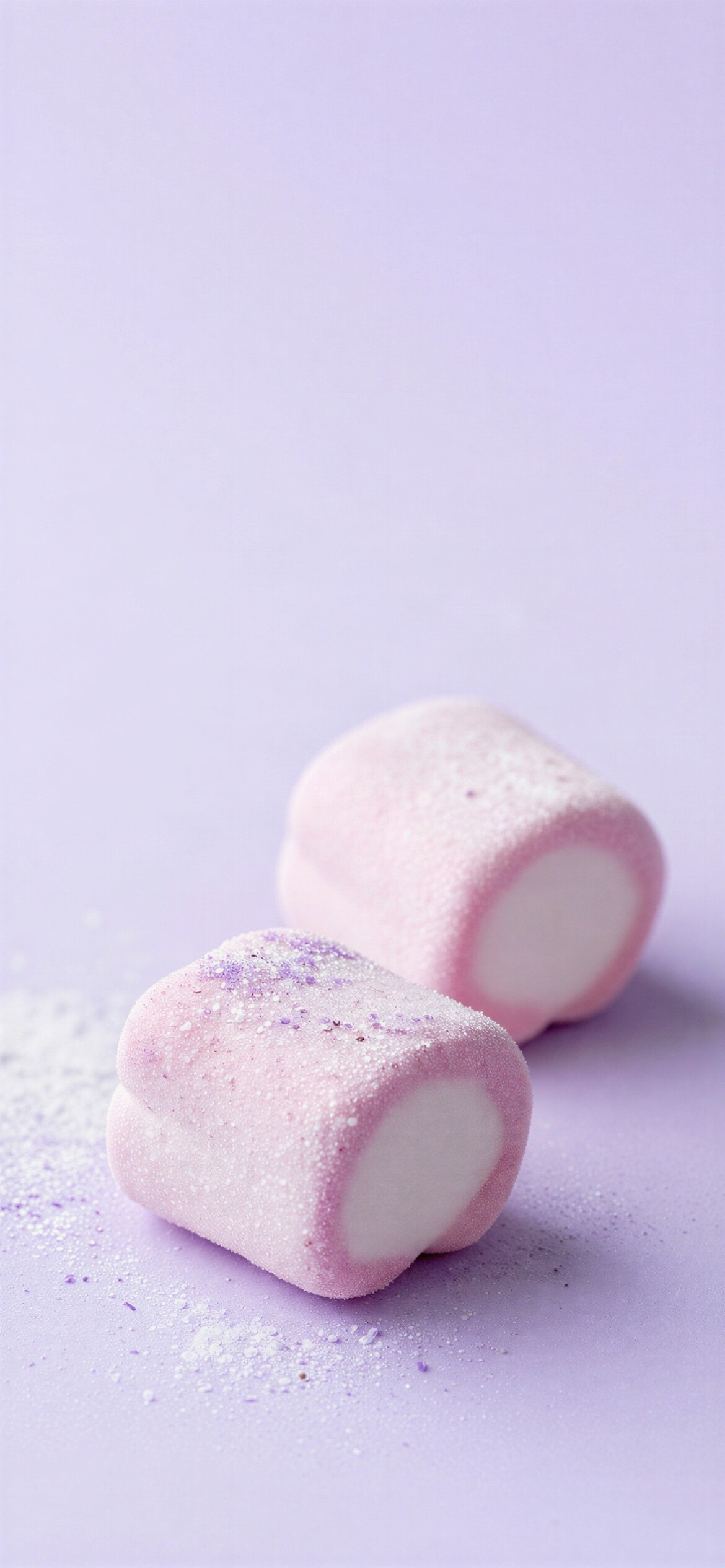
Underneath the softness, a marshmallow is a foam: sugar syrup and gelatin beaten until they trap a mass of tiny air bubbles, then left to set. Fresh pieces are rolled in a mix of cornstarch and powdered sugar so they don't stick to each other, and that dusty coating is what you see on the sweets in wallpapers 5 and 10.
Ten pillows of sugar, one at a time
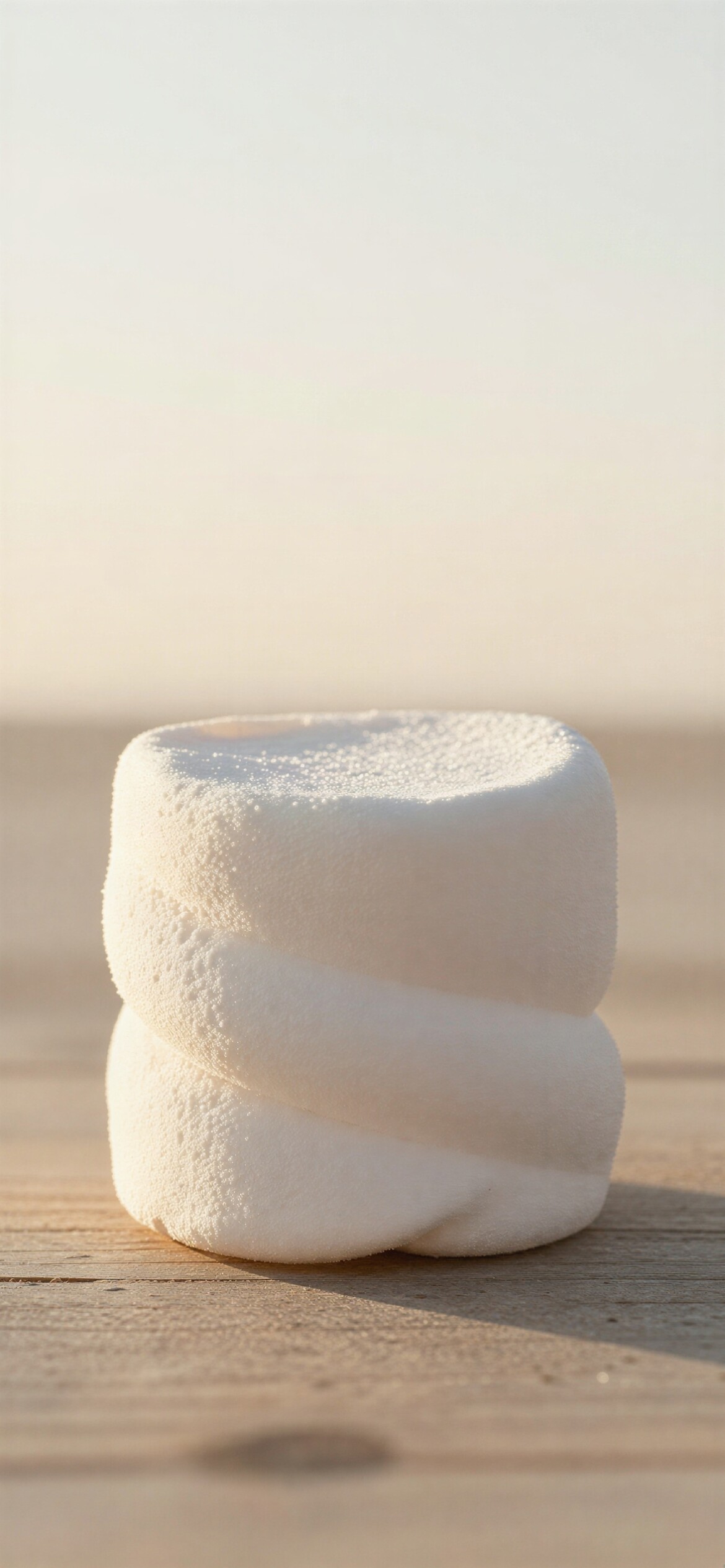
- A single white marshmallow on beige wood, lit by soft golden light.
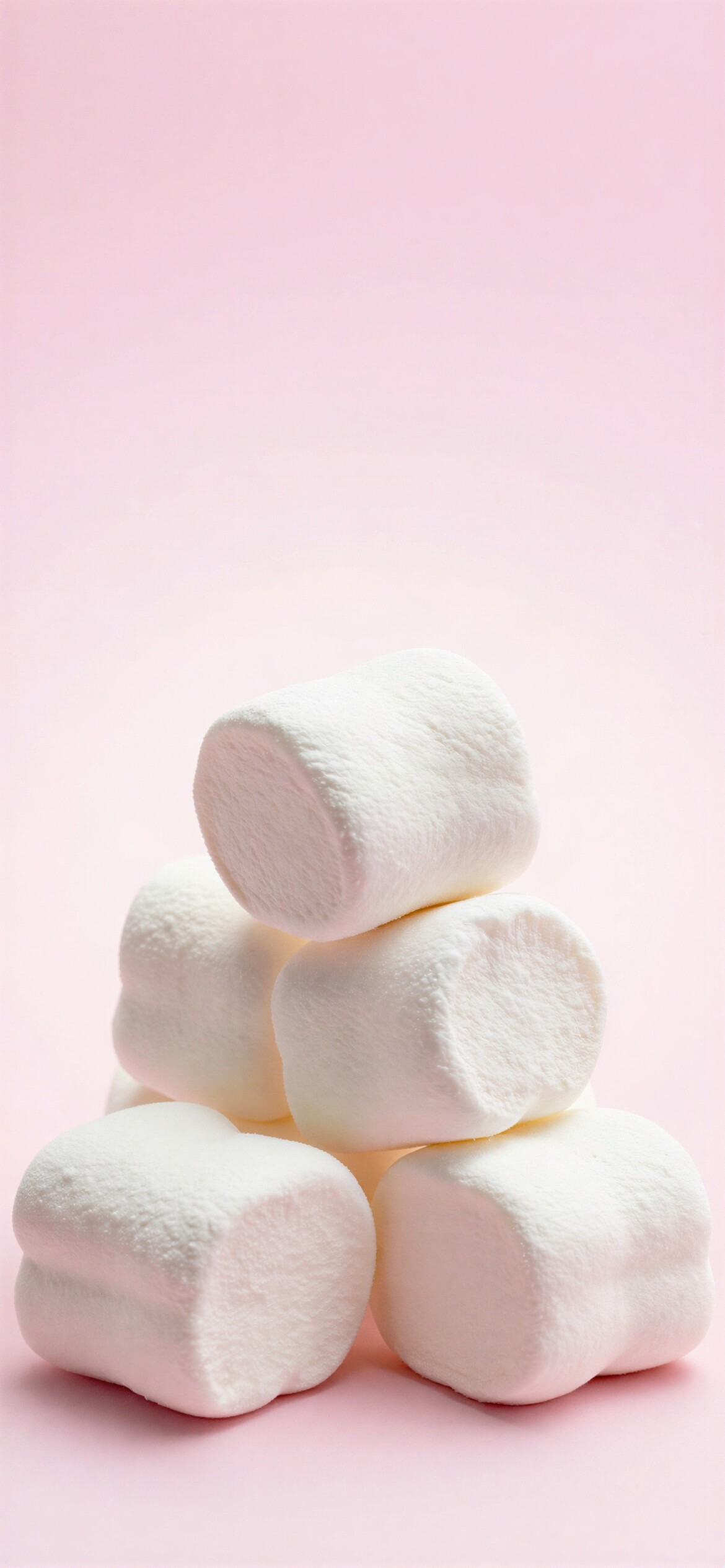
- Three marshmallows stacked into a little tower, with window light on a pink gradient.
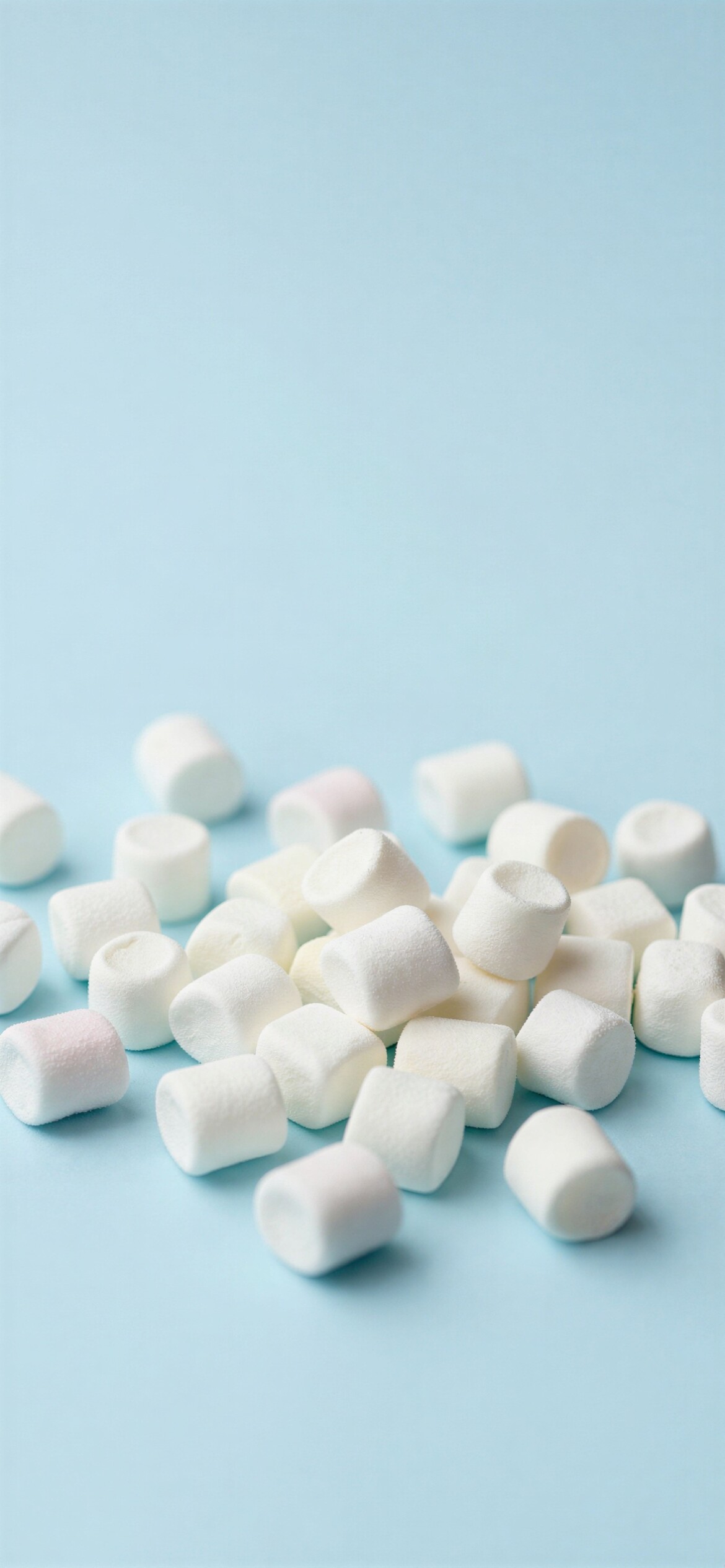
- Mini marshmallows scattered over a pale blue surface that fades into sky. The small size is the one most people drop into hot chocolate.
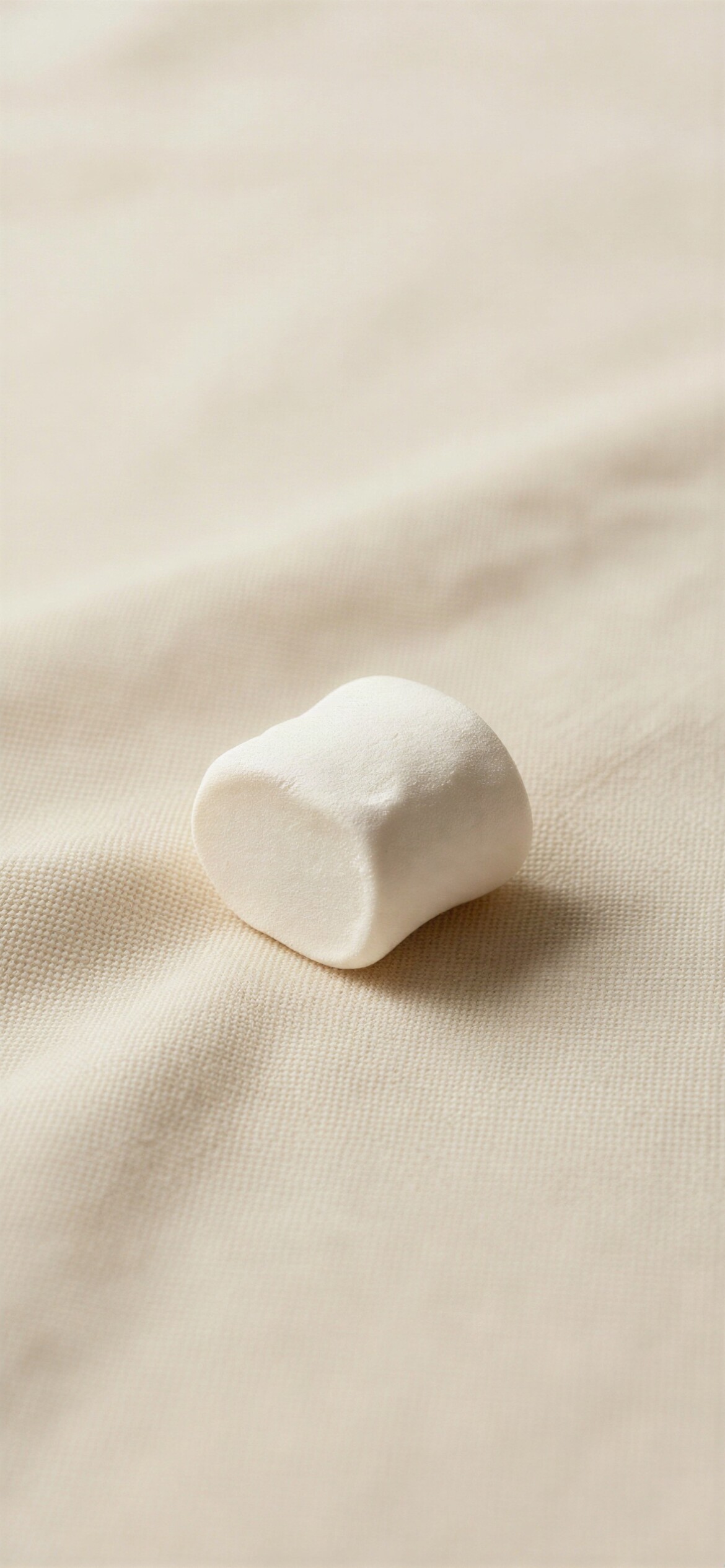
- One marshmallow resting on cream linen, with gentle shadows doing most of the work.
- A pink and a lavender marshmallow, both sugar-dusted, on a lavender gradient.
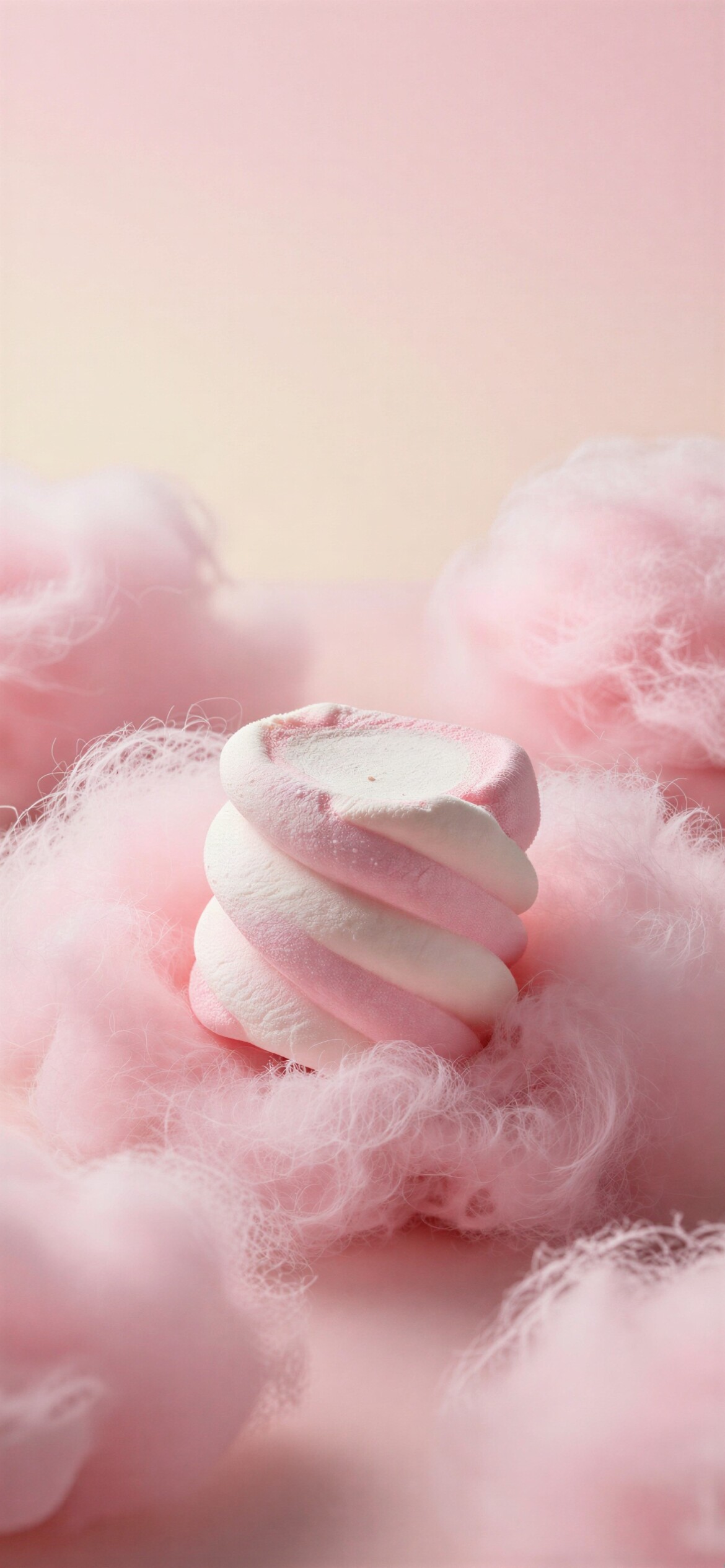
- A marshmallow tucked into soft pink cotton candy clouds, the most dreamlike of the set.
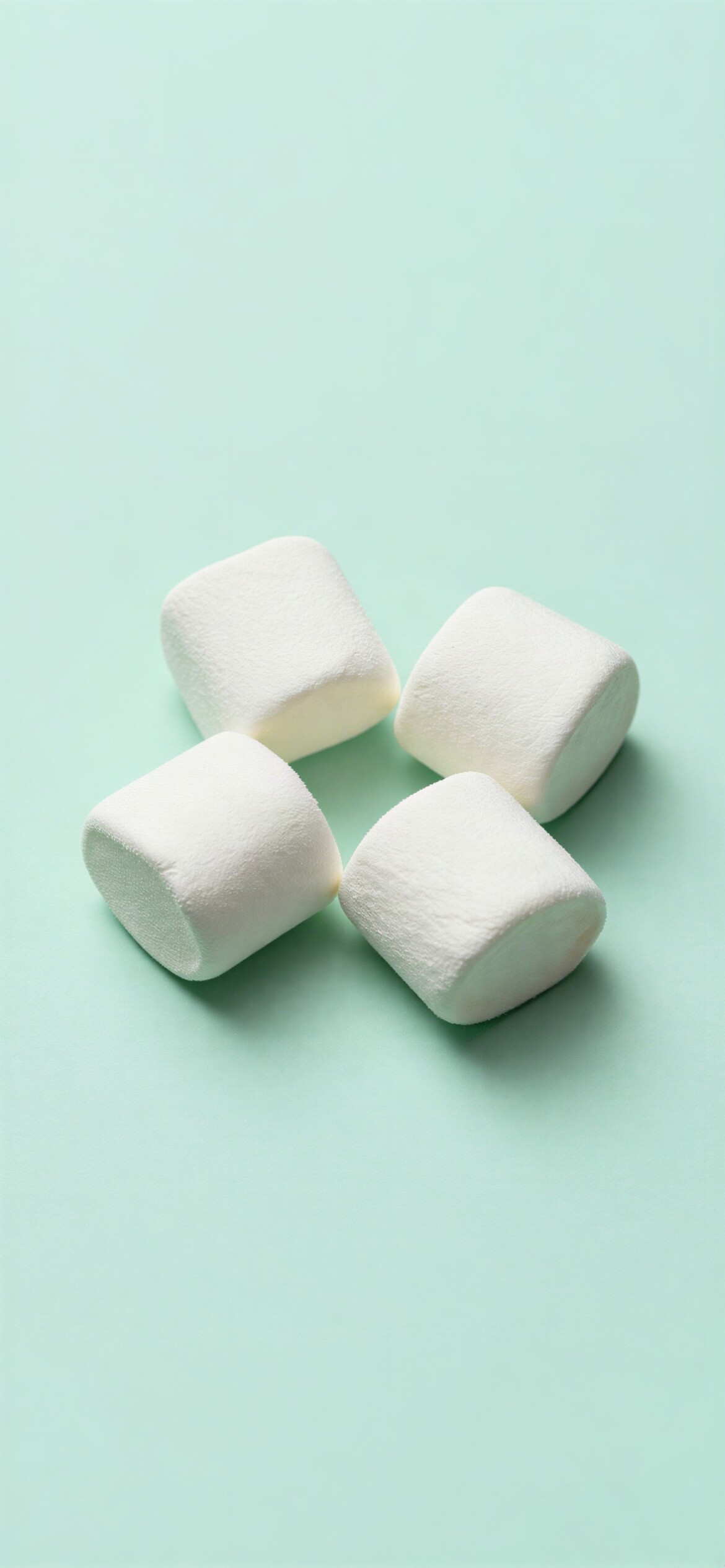
- Four marshmallows arranged in a neat circle on mint green.
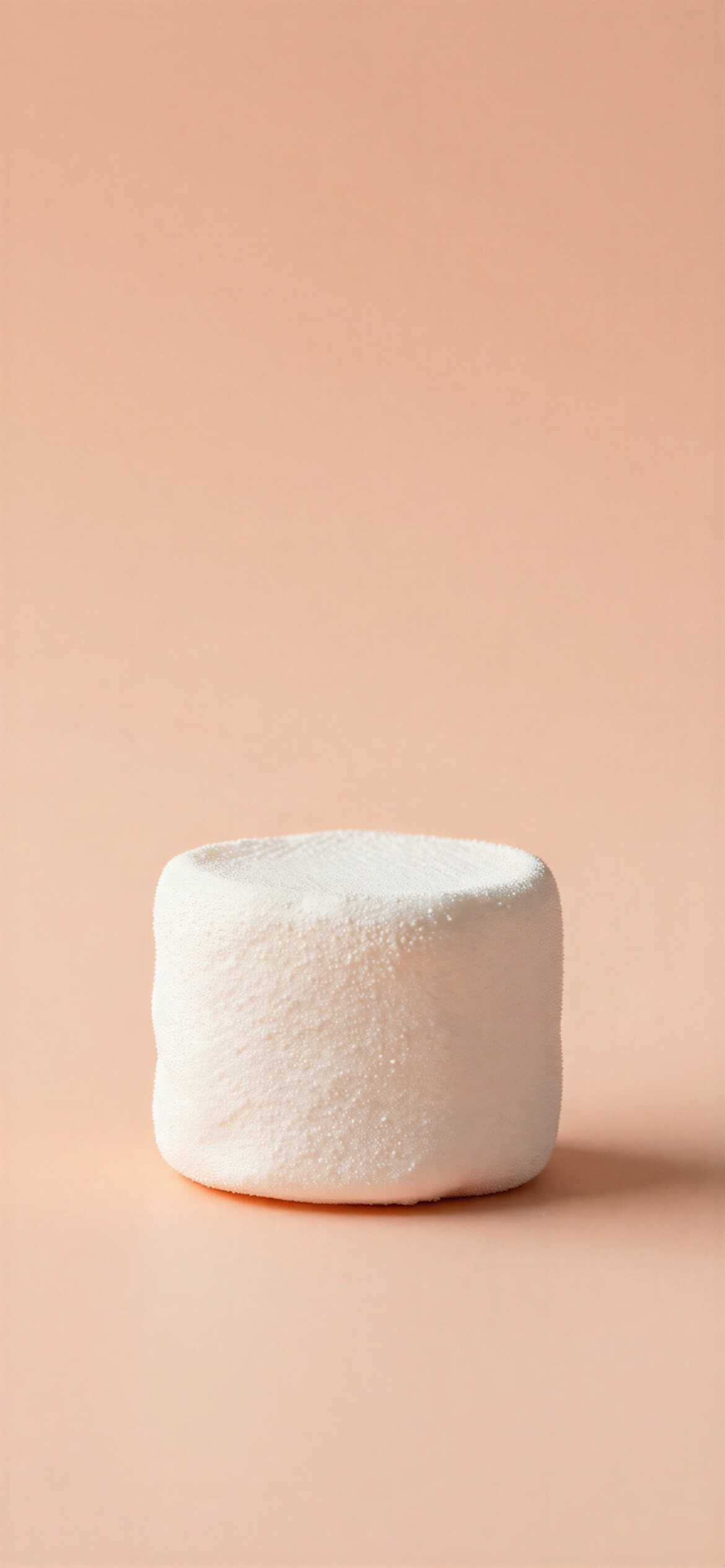
- One large marshmallow against a peachy orange gradient in warm light.
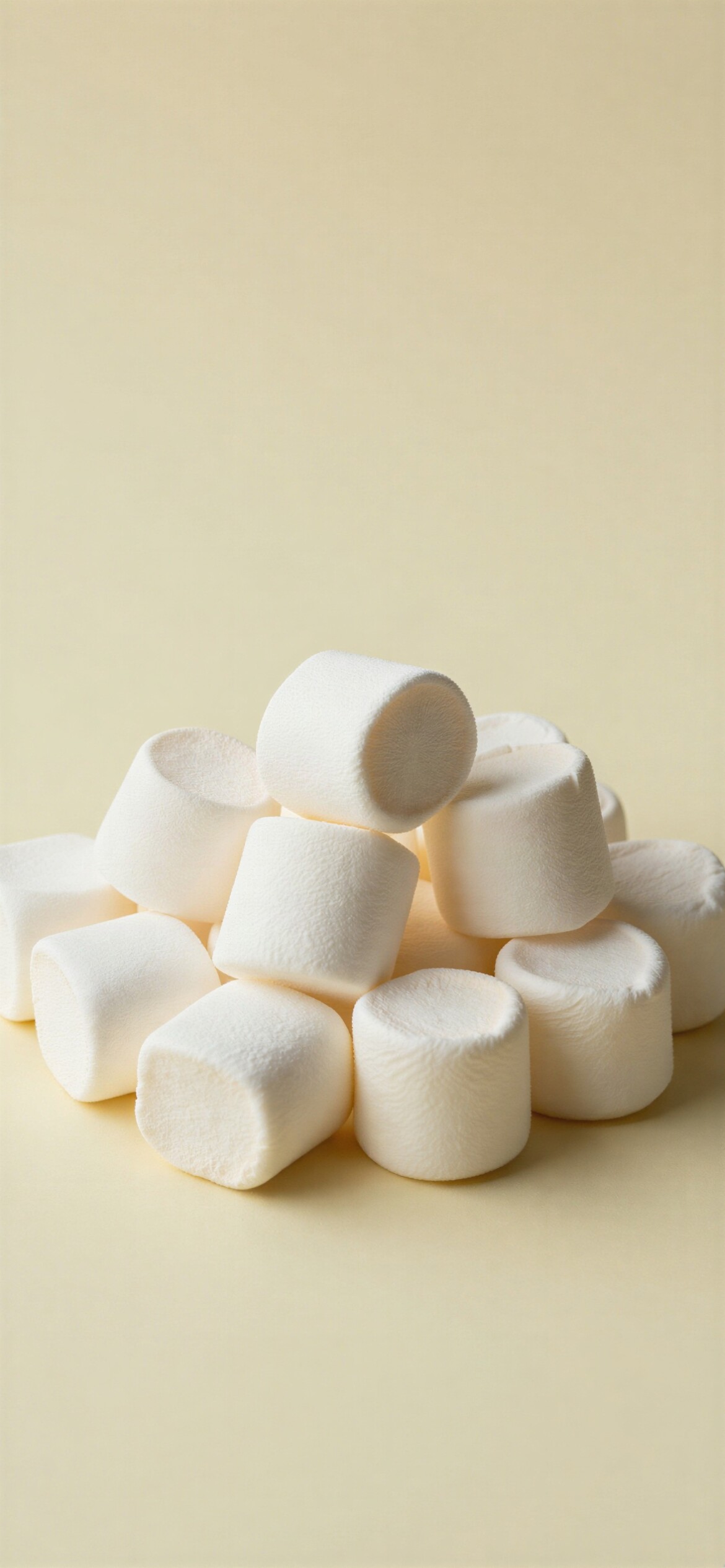
- A pile of marshmallows in mixed sizes on pale yellow, the busiest of the ten.
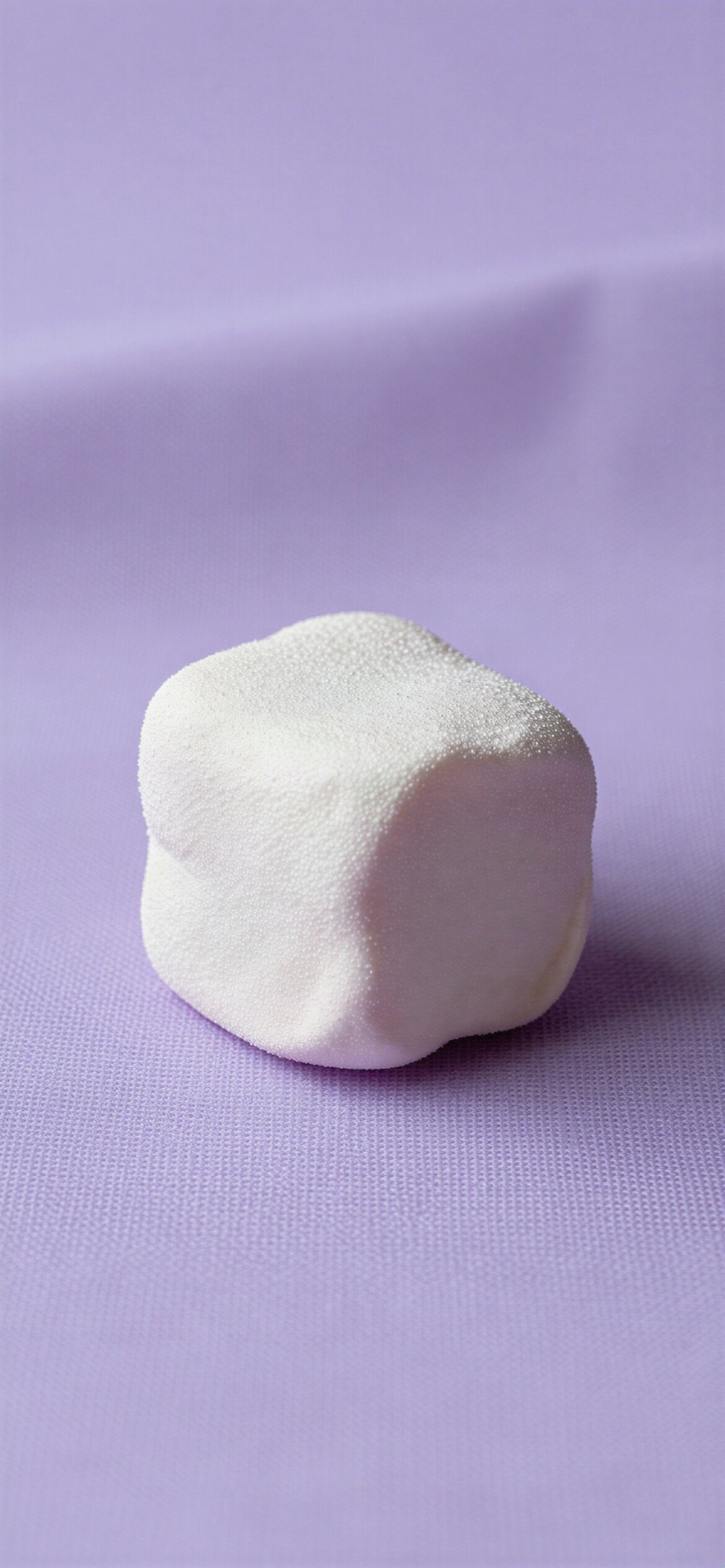
- A sugar-coated marshmallow on lavender fabric under cool window light.
Blush, mint or buttery yellow
The set splits into three soft families. Wallpapers 1, 4, 8 and 9 sit on the warm side, in gold, cream, peach and pale yellow, and feel like a lazy morning. Numbers 2, 5, 6 and 10 stay in pinks and lavenders, sweeter and a little more playful. The cool pair, 3 and 7, swap the candy colours for pale blue and mint, which look calmer next to white or grey icons.
If you like this gentle palette, the cute pink wallpapers, the peach set and the cute purple collection carry on in the same soft colours.
How to set it on your iPhone
- Tap Download and save the image to Photos.
- Open Settings, tap Wallpaper, then Add New Wallpaper, and choose Photos.
- Pick the wallpaper, pinch to position it, then tap Add and choose the lock screen, home screen or both.
Stuck on a step? The iPhone and iPad guide has screenshots for each one.
Questions
What size are these marshmallow wallpapers for iPhone?
All wallpapers in this set are sized at 1170x2532 pixels for modern iPhones in portrait orientation, and some older models may crop slightly at the edges. They automatically adjust to your phone's screen when you download and set them as your lock screen or home screen wallpaper.
Can I use these wallpapers on other devices or websites?
These wallpapers are free for personal use on your own devices only. Selling them, printing them for sale, or reposting them on other wallpaper sites is not allowed. See our Terms page for the full usage rights and conditions.
Which marshmallow wallpapers work better for lock screens versus home screens?
All designs work for both, but the single-marshmallow wallpapers suit lock screens especially well because they have one clear focal point that won't clash with your time and notifications. The multi-marshmallow designs work great on home screens where your app icons can nestle around them.
Do these marshmallow wallpapers work with dark mode?
These wallpapers are designed in light, pastel tones and work best in light mode or auto mode during daytime. They may appear washed out in dark mode. If you prefer dark mode, consider pairing these with light mode focus filters or using them on your lock screen where dark mode has less impact.