Alpha Wallpaper iPhone
Alpha wallpaper for iPhone features bold geometric shapes and clean lines in modern design. These free iPhone wallpapers bring a sharp, minimalist aesthetic to your lock and home screens. Each design uses simple forms and confident color choices to create visual impact without clutter. The alpha style works well on any iPhone model and pairs nicely with minimal icon sets.
10 wallpapers at 1170 × 2532 px for iPhone. Checked by hand on 11 Oct 2026.
About this set
The alpha style brings clean geometric shapes and confident lines to your iPhone screen. These designs use simple forms, bold color choices and plenty of open space to create a modern, uncluttered look. The minimal approach works well with most icon styles and keeps the focus on your apps and widgets.
Use these wallpapers on your lock screen for a calm, focused aesthetic, or place them on your home screen behind a single-color icon set. The simple compositions work best with light or dark mode depending on the wallpaper’s color; pair darker designs with light icons and lighter designs with darker icons for clean contrast.
One shape or several
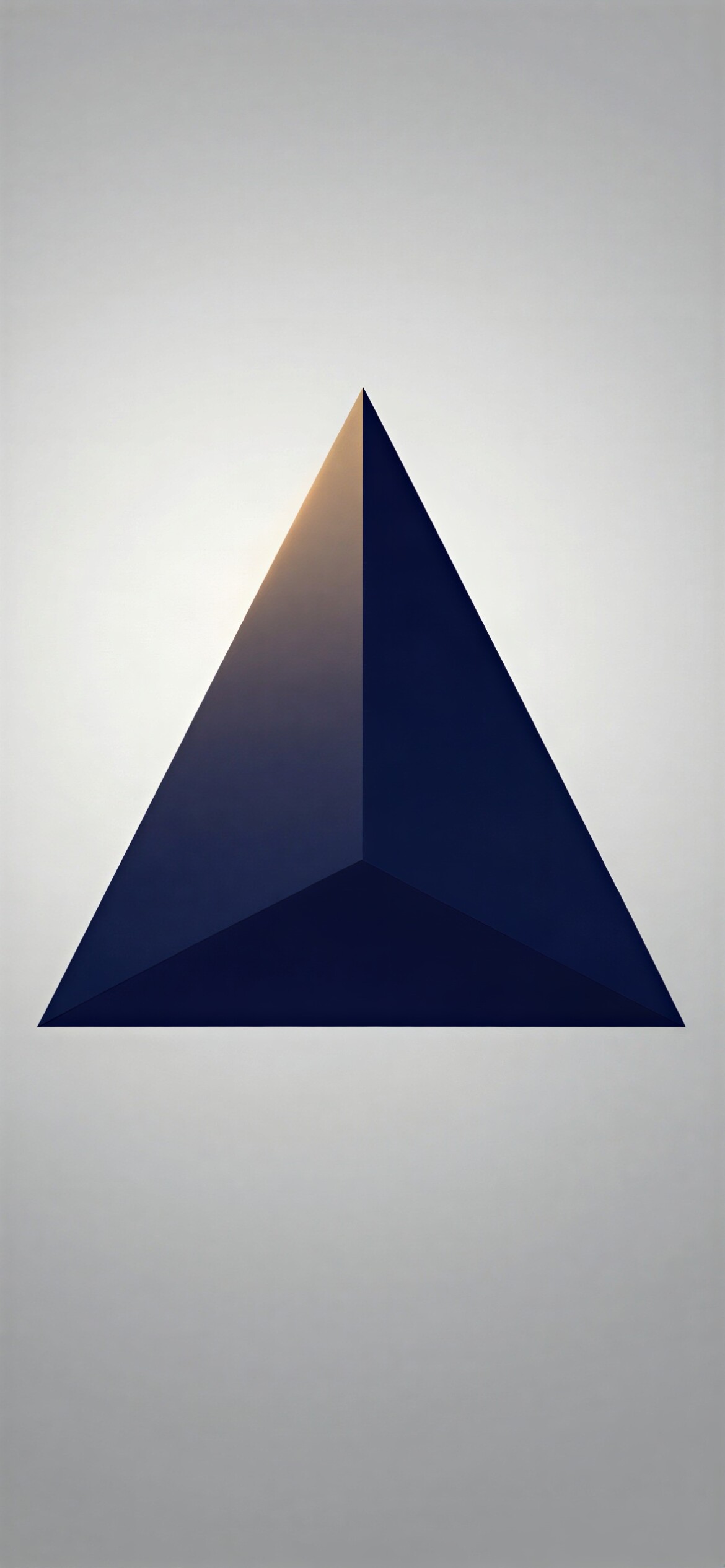
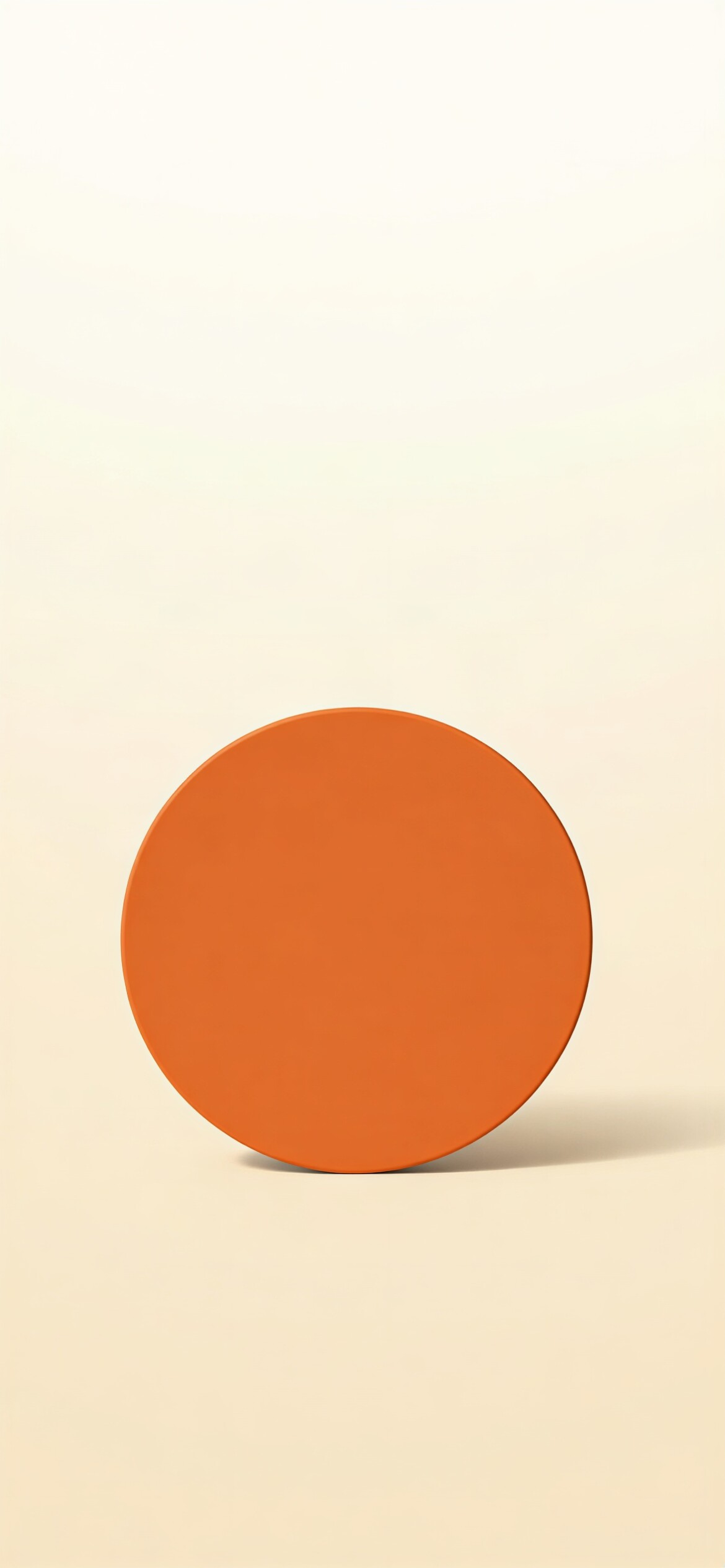
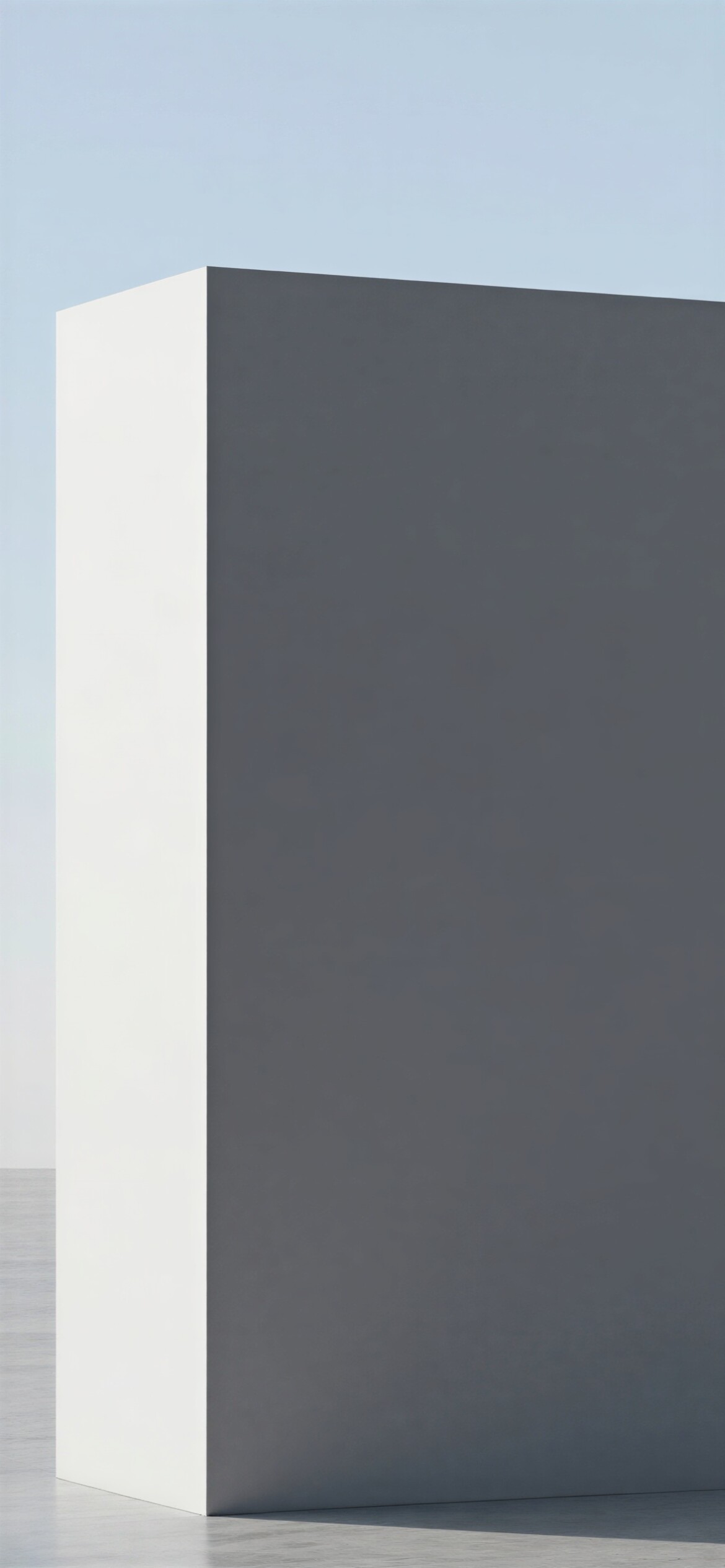
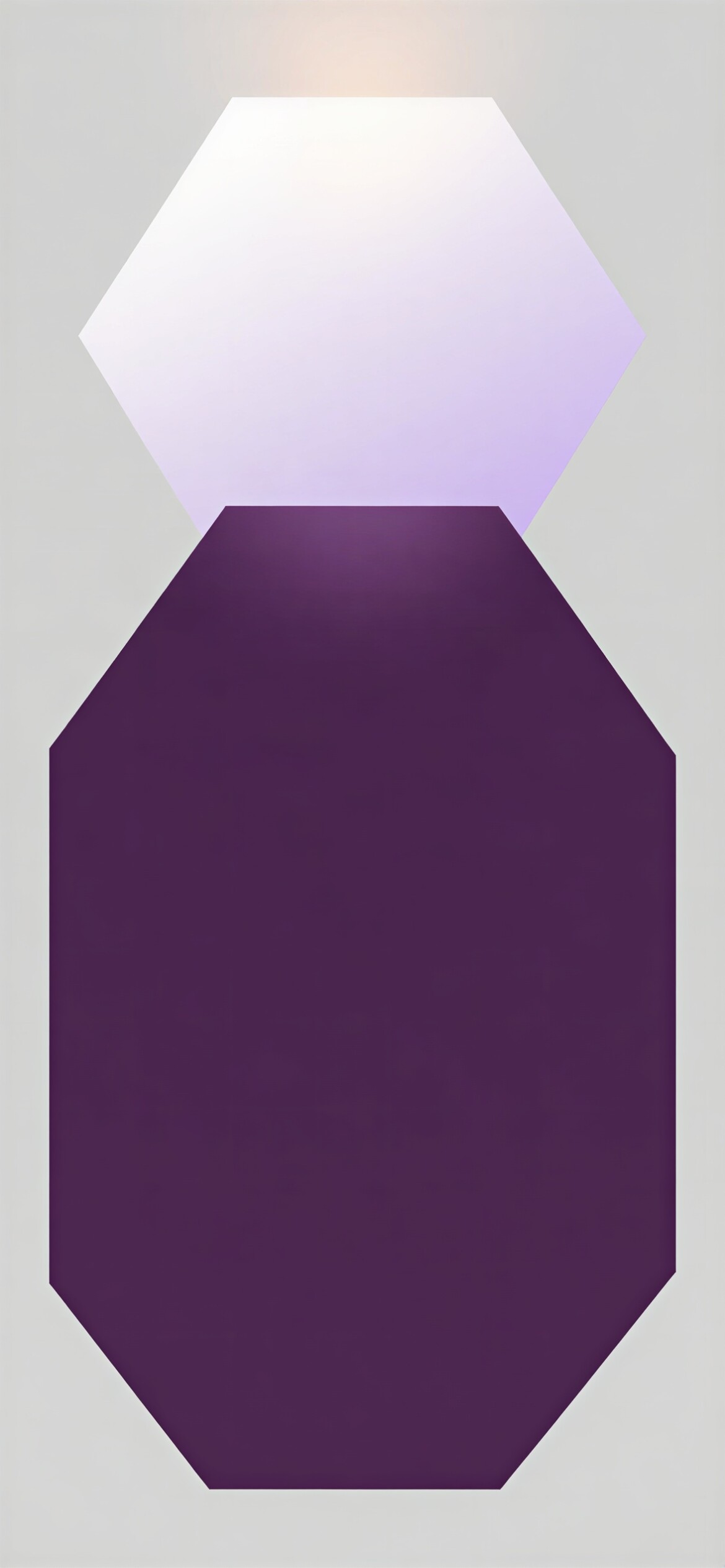
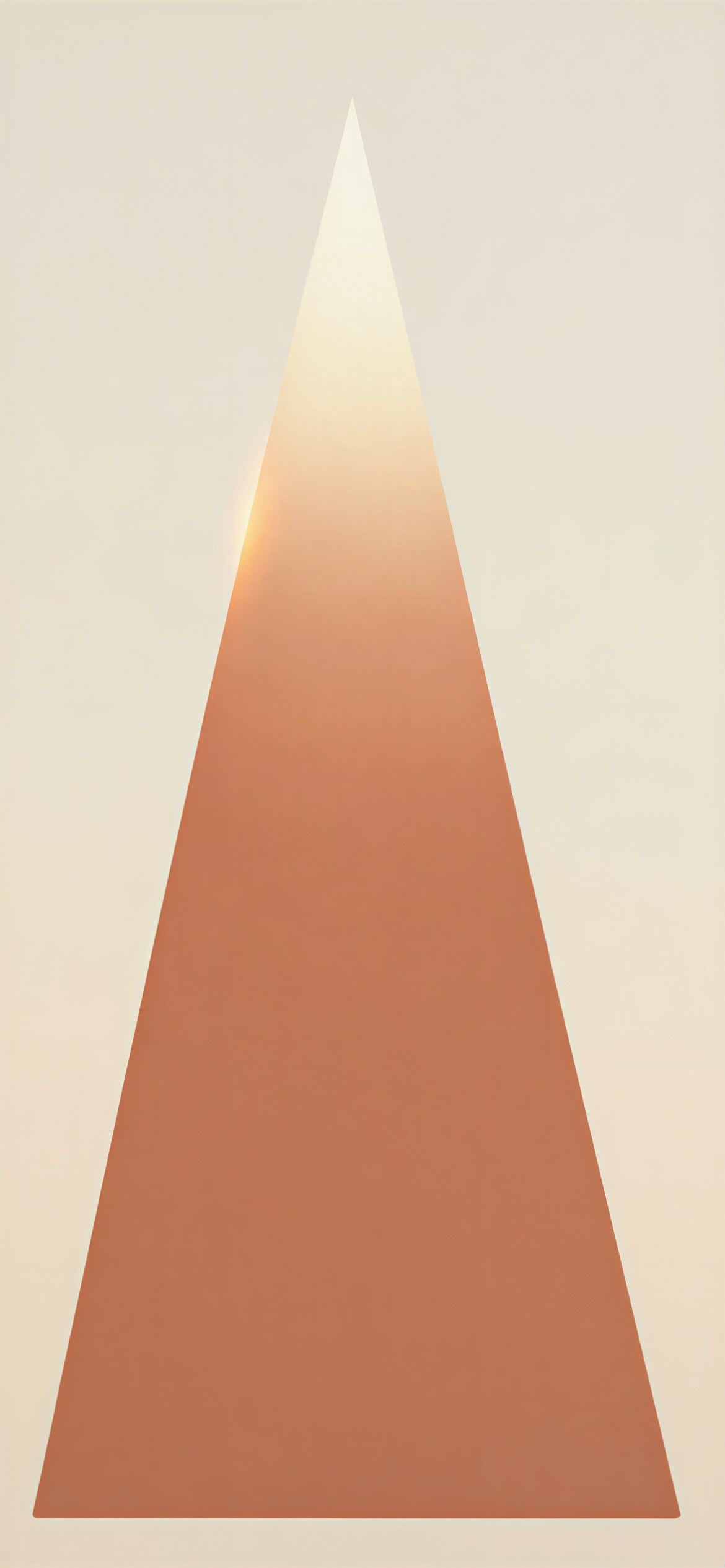
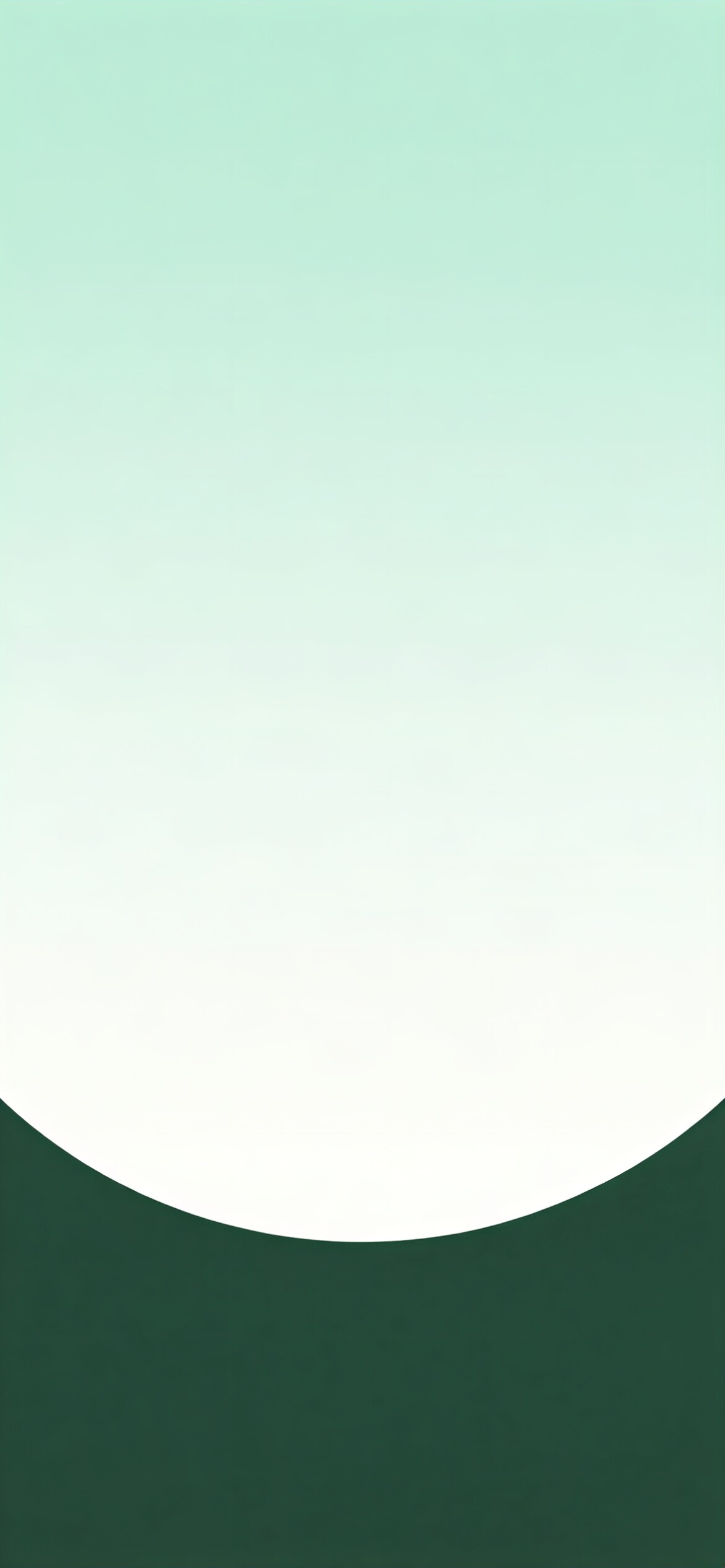
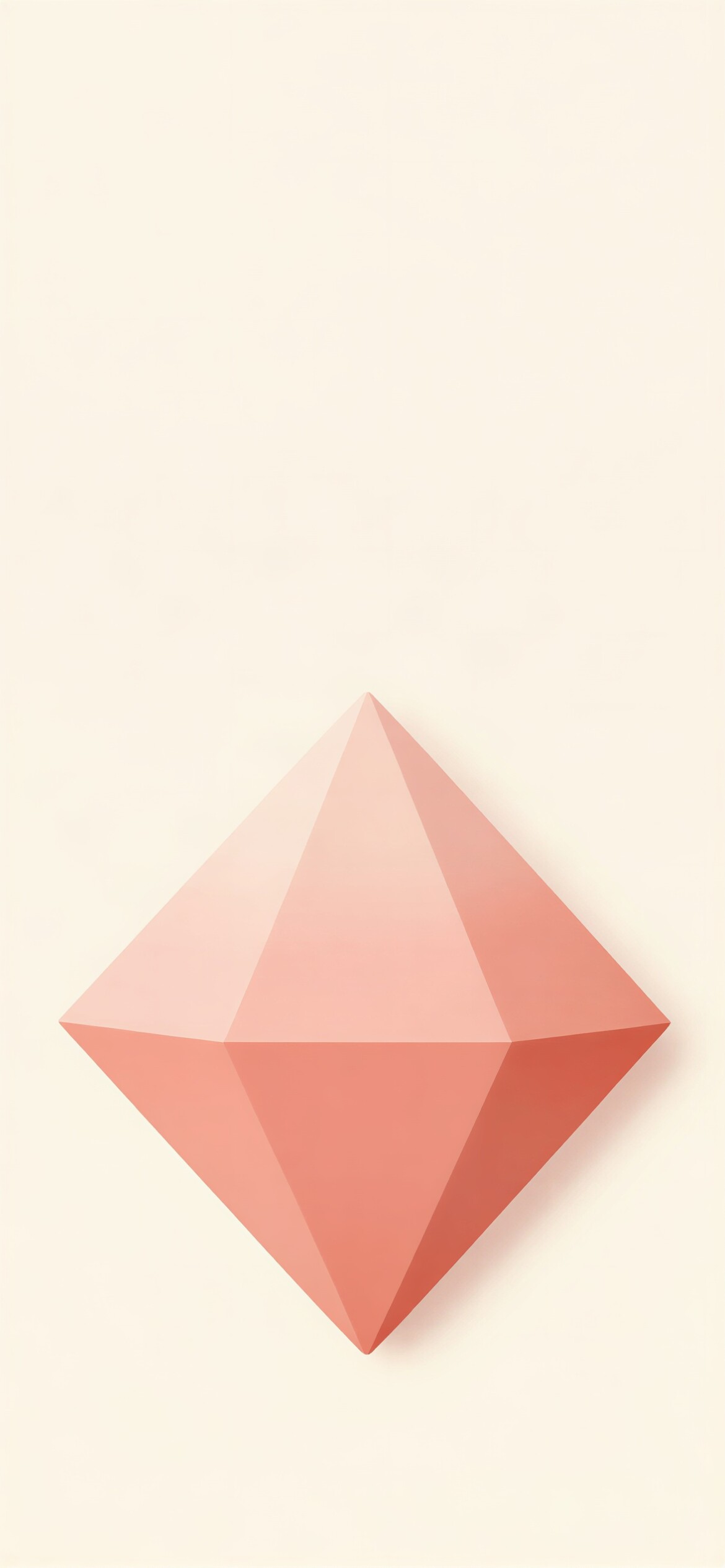
Seven of the ten designs use a single shape on a soft gradient: a navy triangle on white (#1), a burnt orange circle on cream (#2), a tall charcoal rectangle on pale blue (#3), a plum hexagon on lavender (#5), a terracotta trapezoid on cream (#7), a forest green semi-circle on mint (#8) and a coral diamond on peach (#10). These leave the most empty space, which helps on a lock screen with widgets.
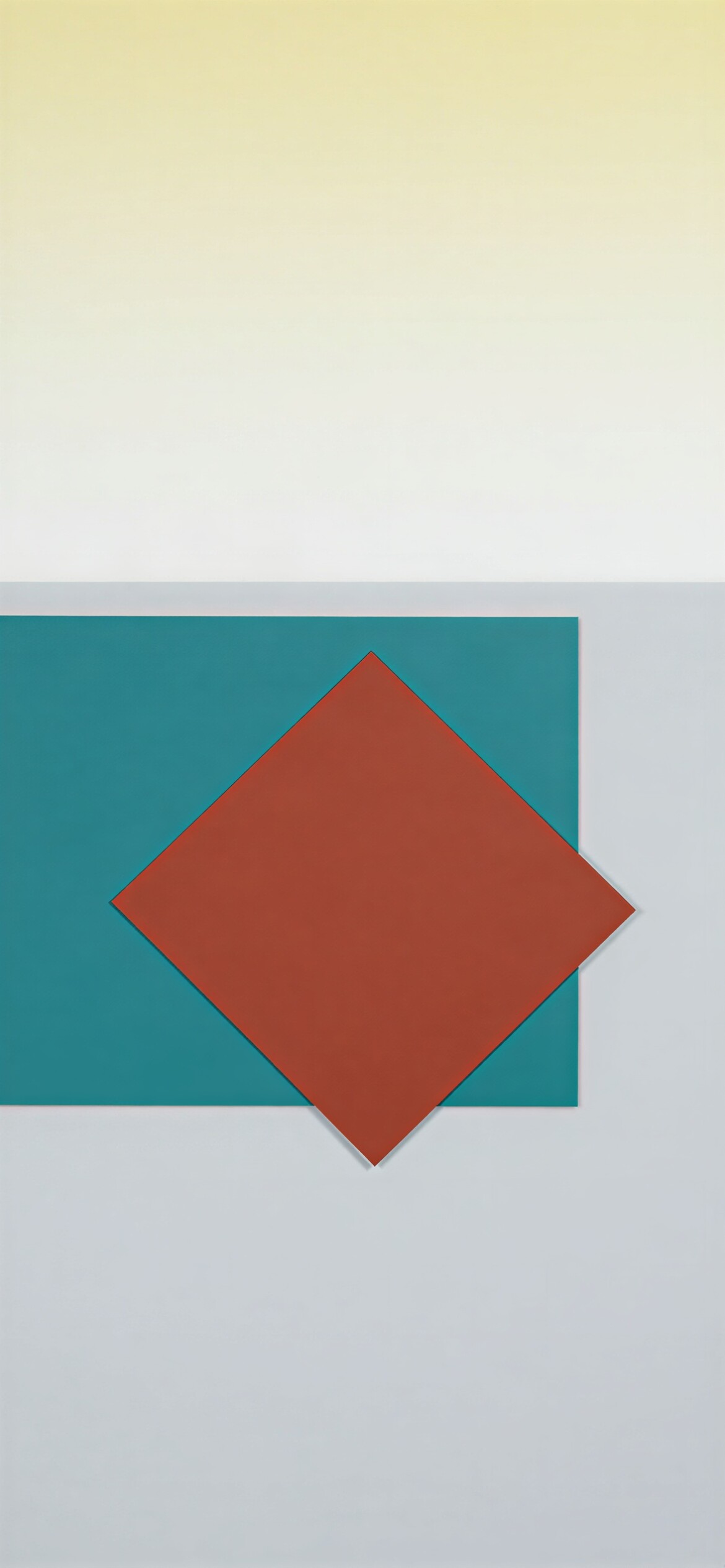
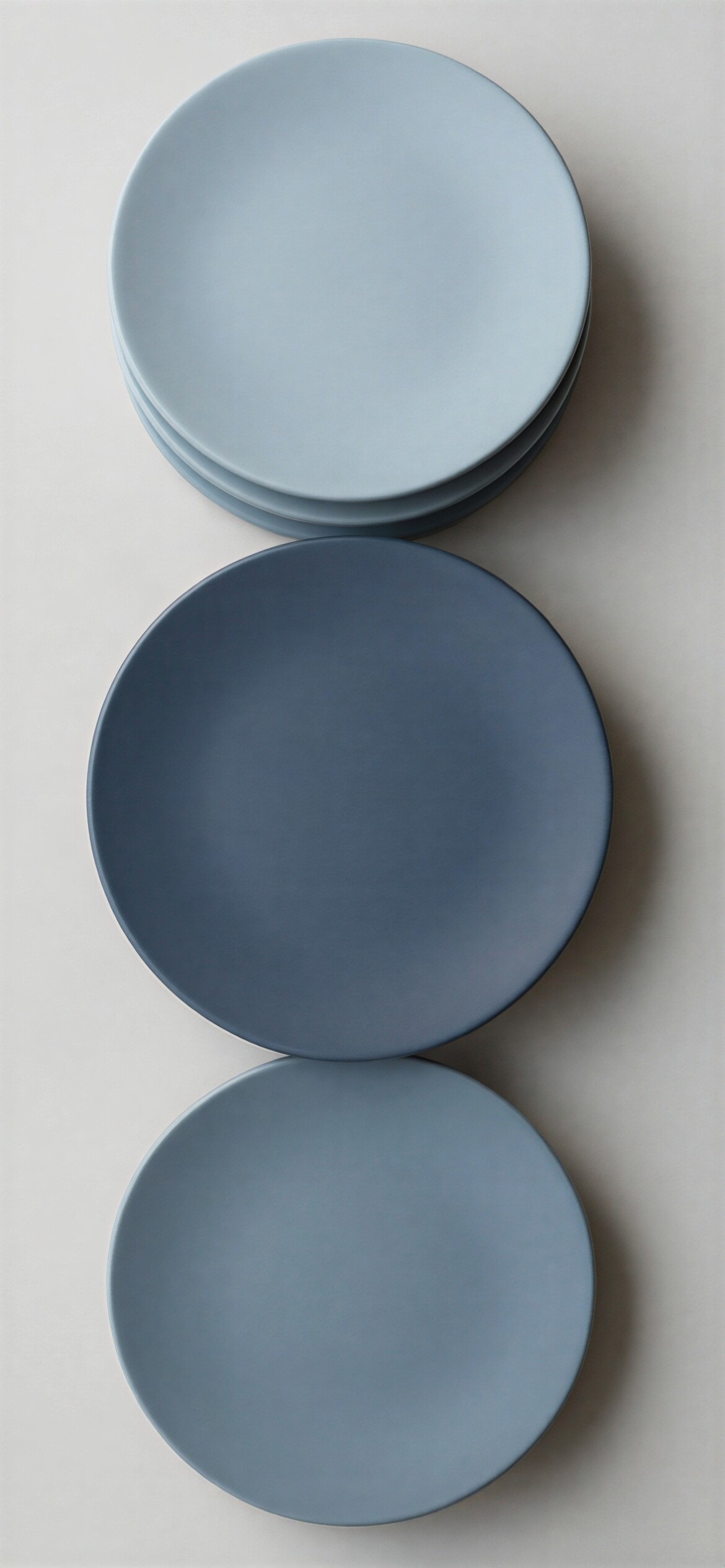
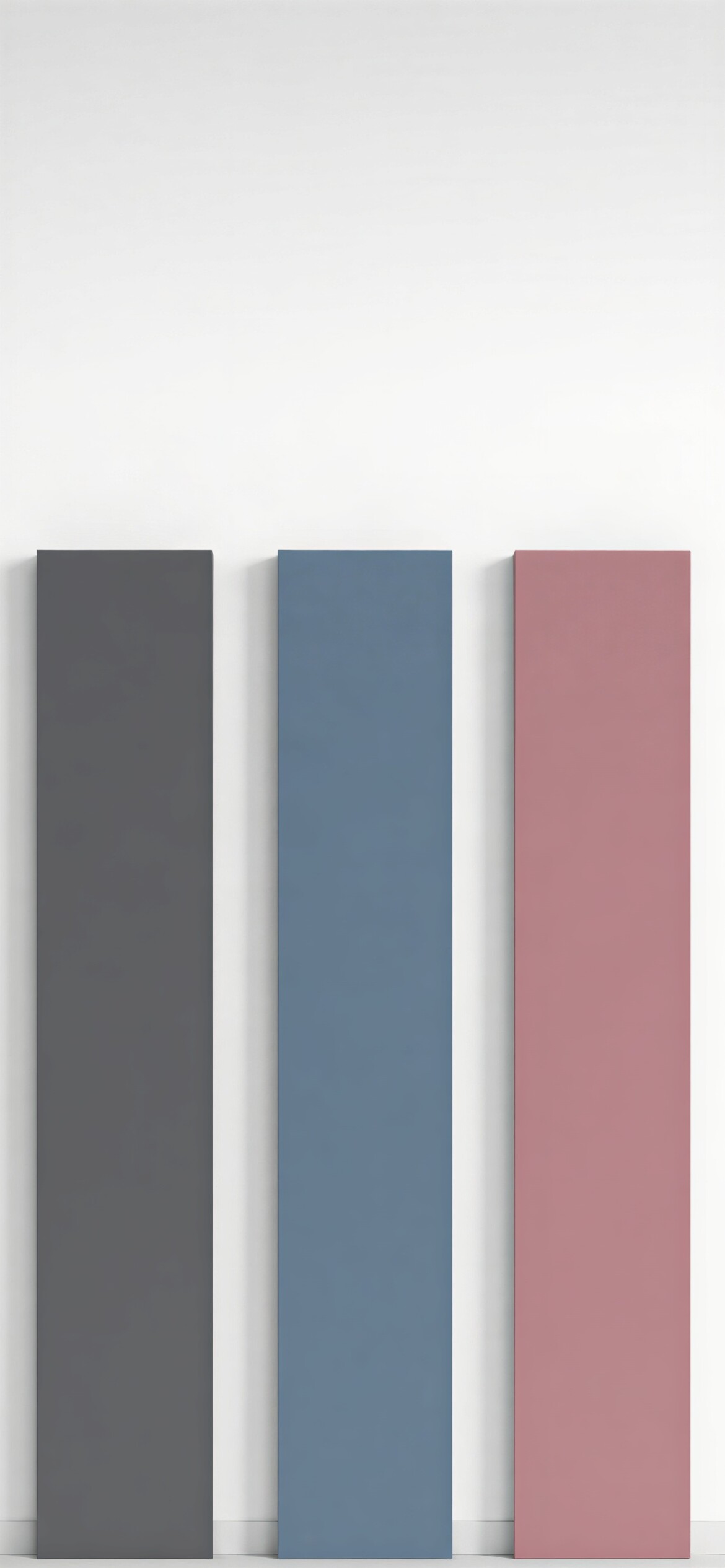
The other three build a small arrangement. #4 overlaps a teal square with a rust diamond, #6 stacks slate blue circles in a column, and #9 lines up three vertical bars in charcoal, slate and rose. They read more like a composition than a symbol, so they hold up well behind a full home screen.
From an ox head to a black square
Alpha is the first letter of the Greek alphabet. It grew out of the Phoenician letter aleph, which meant "ox", and its oldest form is thought to have been a simple sketch of an ox's head. Turn a capital A upside down and you can still see the horns.
Painting one plain shape and calling it finished is a much newer idea. Kazimir Malevich showed his Black Square in 1915, a black square on a white ground that became a landmark of abstract art. In 1959 the Los Angeles critic Jules Langsner used the term "hard-edge" for painters working in flat colour with crisp borders, and Ellsworth Kelly spent decades on single bright shapes. #2 and #8 are close cousins of that approach.
Warm clay, cool slate or a touch of berry
- Warm: #2, #7 and #10, with orange, terracotta and coral on cream or peach.
- Cool: #1, #3, #6 and #8, built on navy, charcoal, slate and green.
- Two-tone: #4, #5 and #9, where colours meet: teal and rust, plum and lavender, or grey and rose.
If one shape is not enough, the Geometric set fills the screen with more forms, Striped sticks to lines, and Solid Color drops the shape altogether.
How to set it on your iPhone
- Tap Download and save the image to Photos.
- Open Settings, tap Wallpaper, then Add New Wallpaper, and choose Photos.
- Pick the wallpaper, pinch to position it, then tap Add and choose the lock screen, home screen or both.
Stuck on a step? The iPhone and iPad guide has screenshots for each one.
Questions
Will these wallpapers fit my iPhone screen?
Yes. These wallpapers are sized at 1170 by 2532 pixels for modern iPhones; some older models may crop slightly at the edges. They're optimized for the full screen height and leave the top area clear for the time and notifications.
Can I use these wallpapers for personal use?
Yes, these wallpapers are free to download and use on your own iPhone. You may not sell them, print them for sale, or repost them on other wallpaper sites. See our Terms page for the full license details.
What makes the alpha style different from other geometric wallpapers?
Alpha style focuses on single bold shapes or minimal compositions with lots of empty space. It avoids clutter and pattern, using clean lines and confident color choices instead. The result is modern, calm and very versatile with any icon set.
Which wallpapers work best for the lock screen versus the home screen?
Simpler designs with one main shape work well on the lock screen where you want minimal distraction. More complex layouts with multiple shapes suit the home screen behind icon grids. Darker wallpapers pair better with light icons, and lighter ones with dark icons for the clearest view.