Forest Wallpaper iPhone
Forest wallpaper for iPhone brings calm woodland scenes straight to your lock screen. These designs feature tall trees, soft morning light and quiet clearings that feel peaceful every time you unlock your phone. Each forest wallpaper captures the mood of being surrounded by nature, with natural colors and depth that work well on vertical displays. The set suits both lock and home screens.
10 wallpapers at 1170 × 2532 px for iPhone. Checked by hand on 9 Oct 2026.
About this set
This set captures the quiet depth of forests in natural light, from misty mornings to golden hour warmth. Each design uses vertical composition to fill your iPhone screen with towering trees and simple sky, making the most of the tall narrow format. Cool greens, soft greys and warm amber tones create a woodland mood that feels calm and grounding.
Lock screen picks work best when the main subject sits low, leaving clean sky at the top for the time display. Home screen designs with more distributed trees and softer detail pair well with app icons and won’t feel too busy. The forest wallpapers suit both light and dark icon sets and work year-round with evergreen subjects.
Why the sunlight shows up as beams
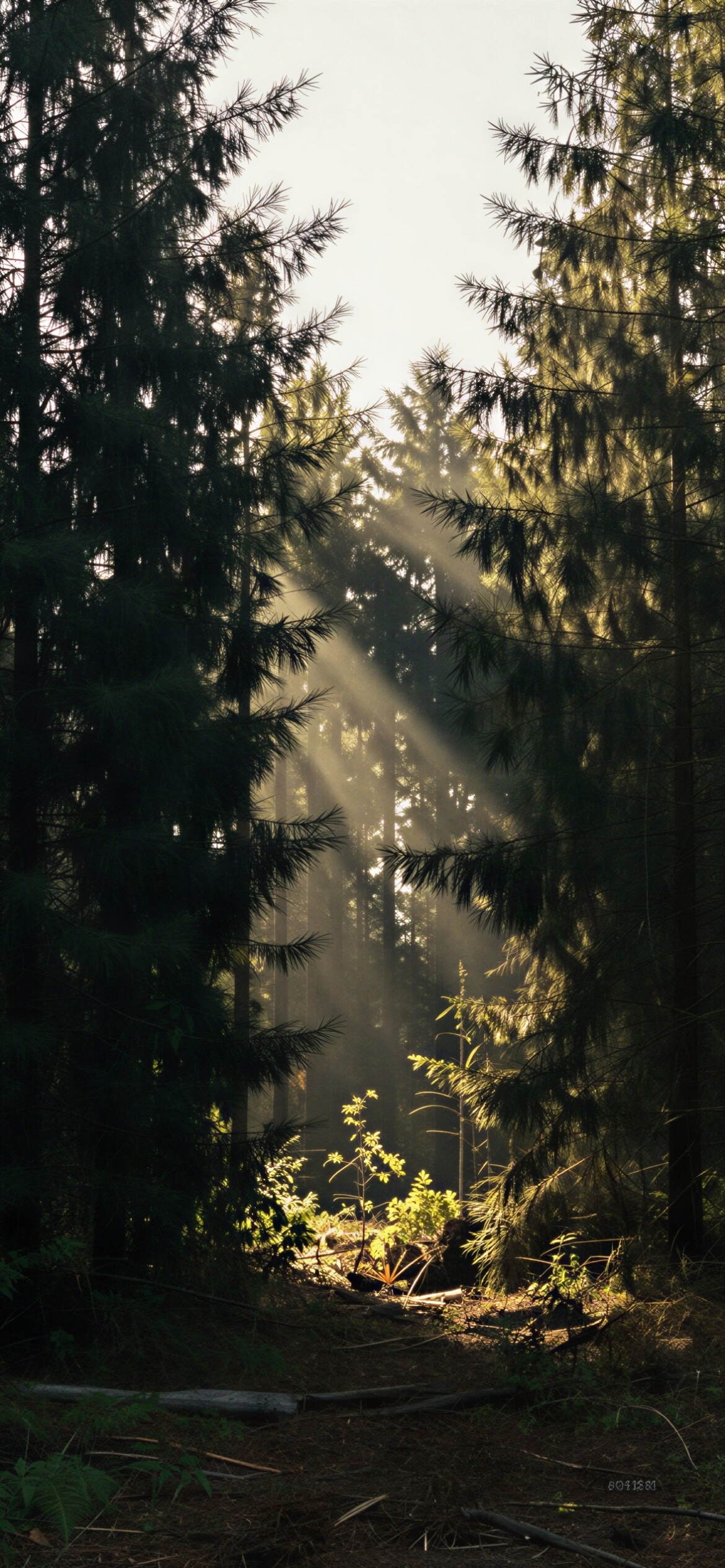
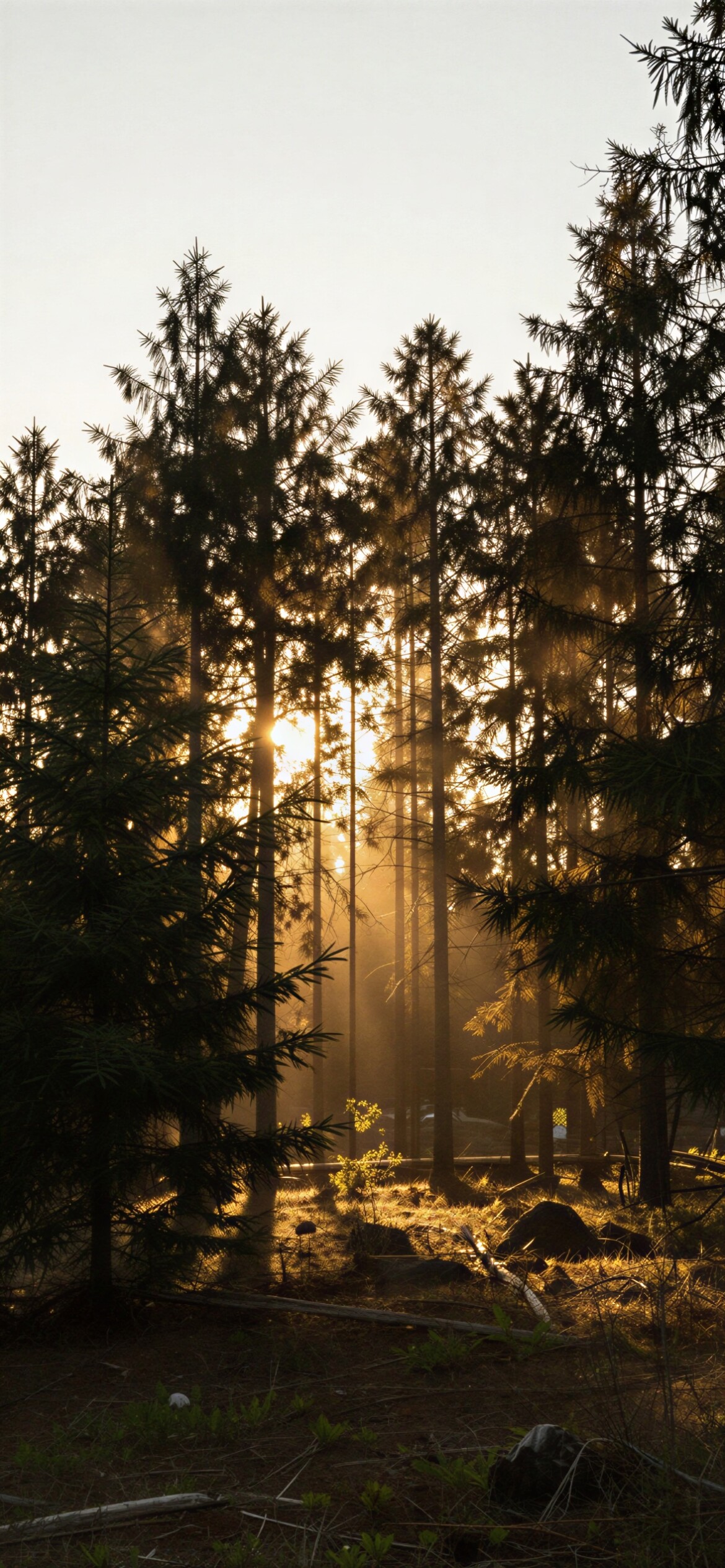
Those shafts of light in a pine wood are only visible because something is floating in the air. Fine droplets of mist, pollen or dust scatter the sunlight sideways toward your eye, so a gap in the canopy turns into a bright stripe. On a perfectly clear, dry day the same gaps would just leave bright patches on the ground. That is why the beams in #2 and #10 and the soft glow in #4 go together so often with damp mornings and evenings.
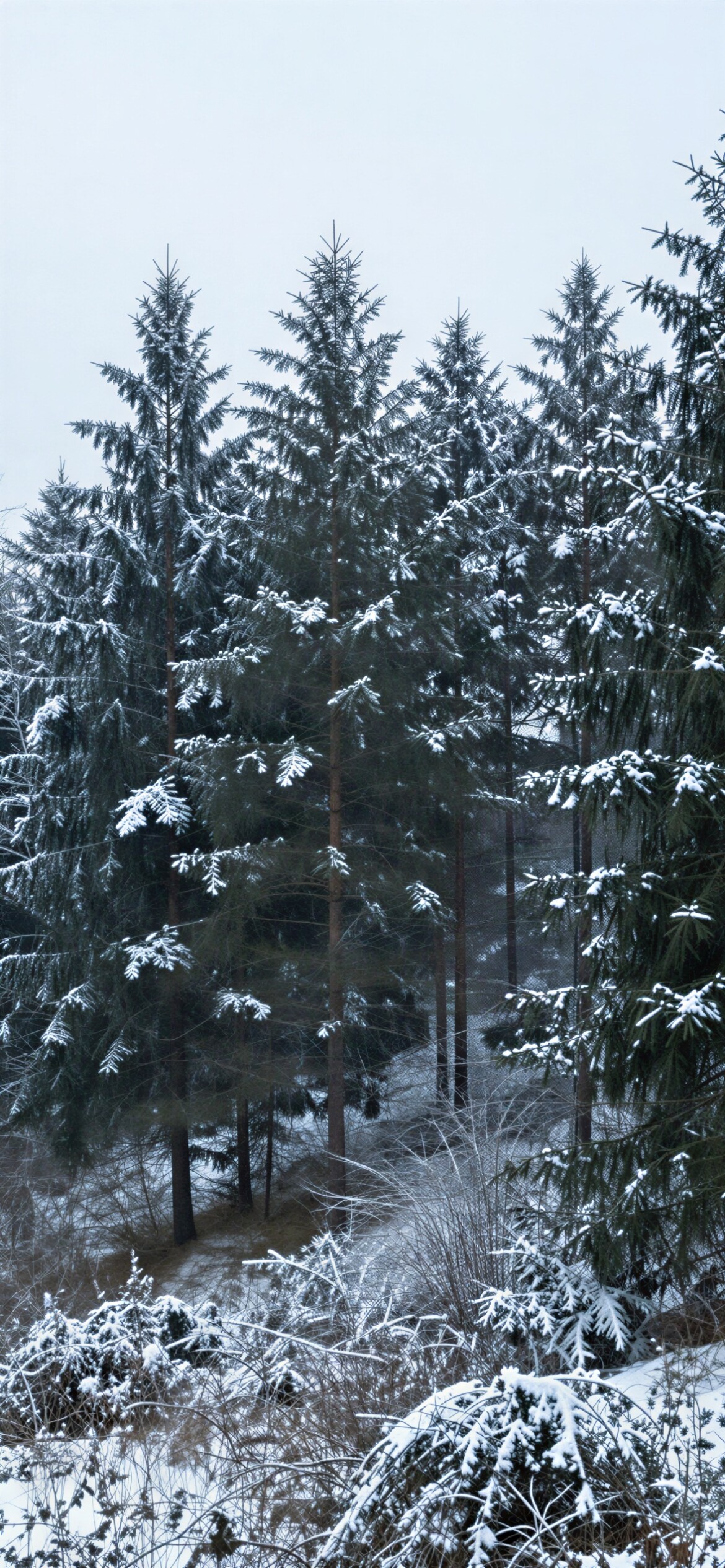
Most of the trees here are conifers: pines, spruces and firs. Their needles carry a waxy coating that cuts water loss, which helps most of them keep their foliage through winter, and the narrow, cone-like shape of a spruce or fir lets heavy snow slide off instead of snapping branches. You can see that shape clearly in the snow-dusted trees of #8.
From the lake shore to the snowline
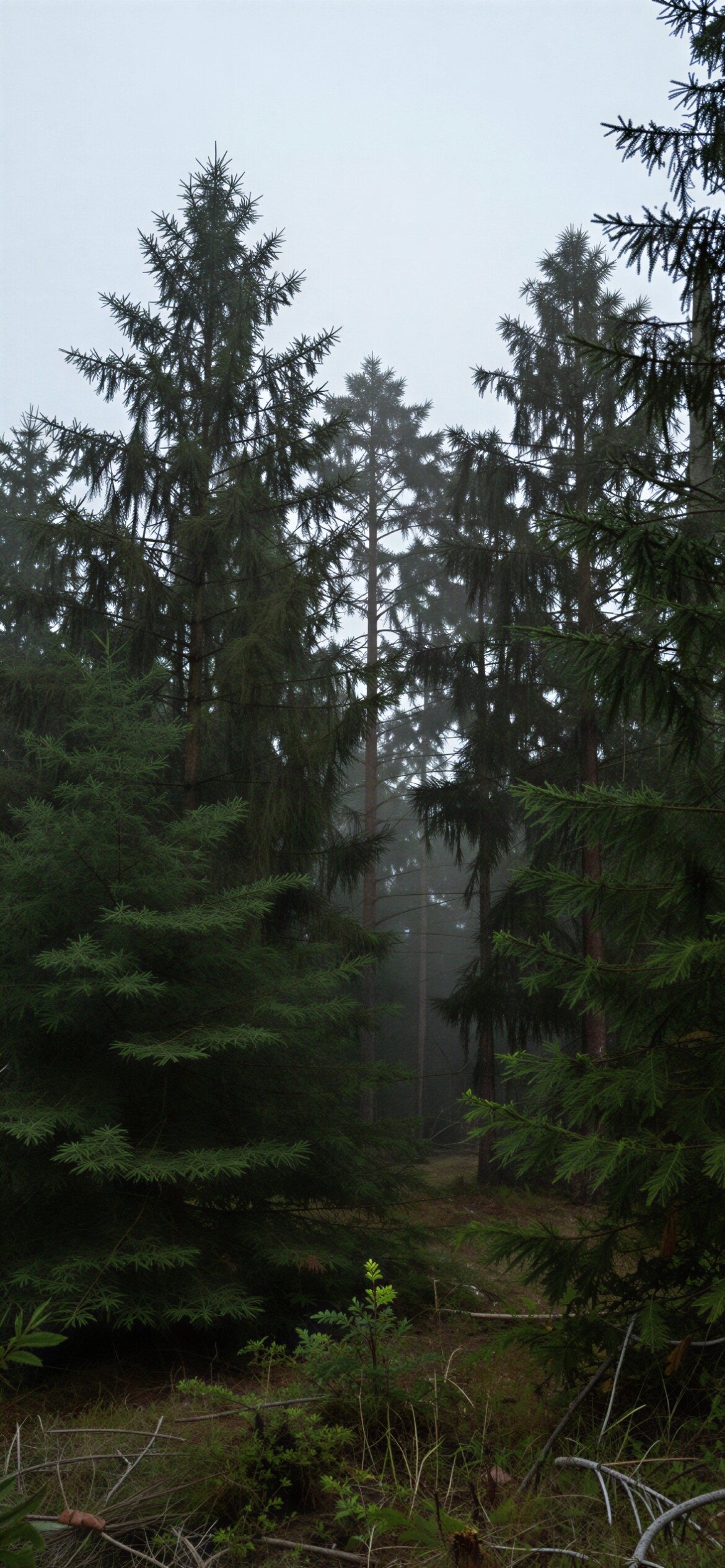
- #1 looks straight up past towering pines into a pale grey sky. The empty sky at the top leaves room for the clock.
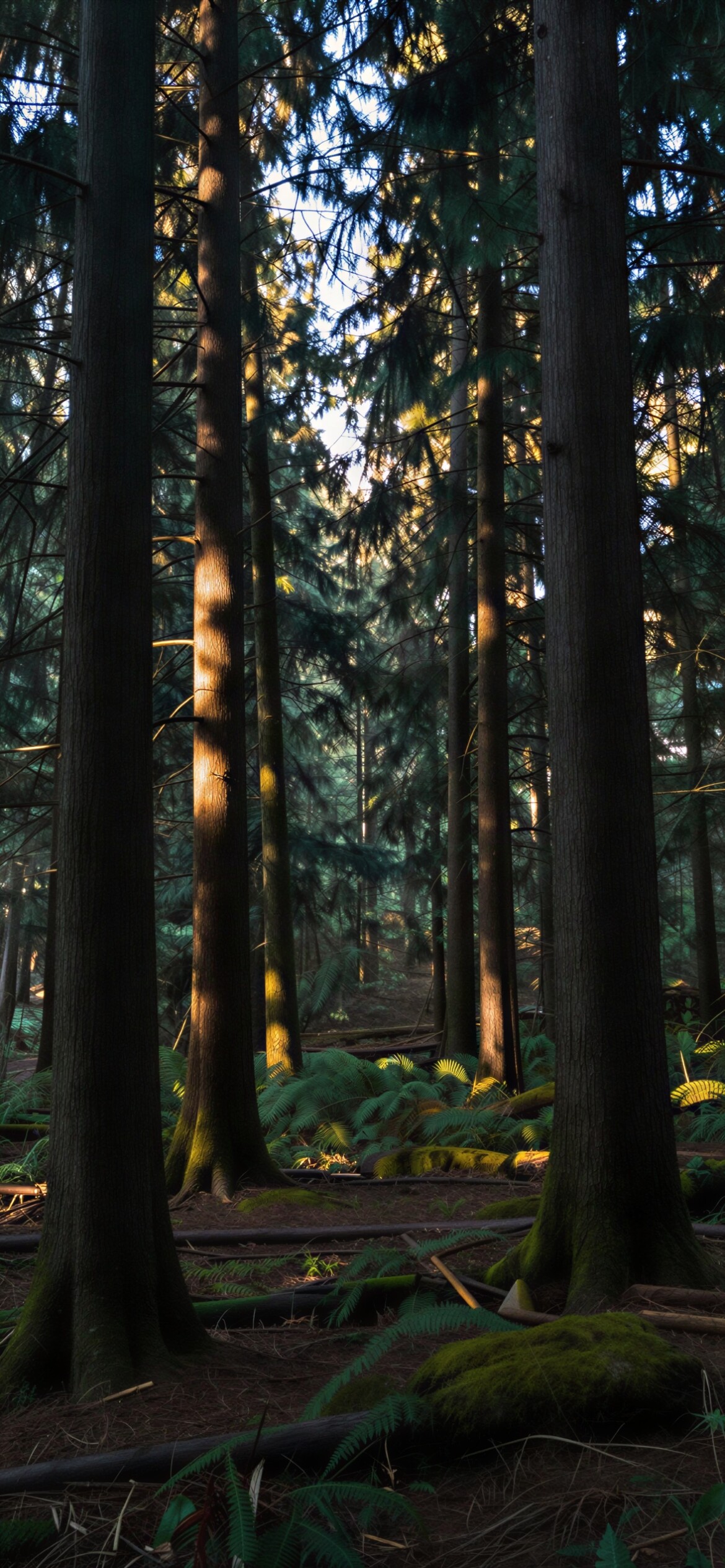
- #2 has golden light cutting through a dense stand of tall trunks, with cool shadows between them.
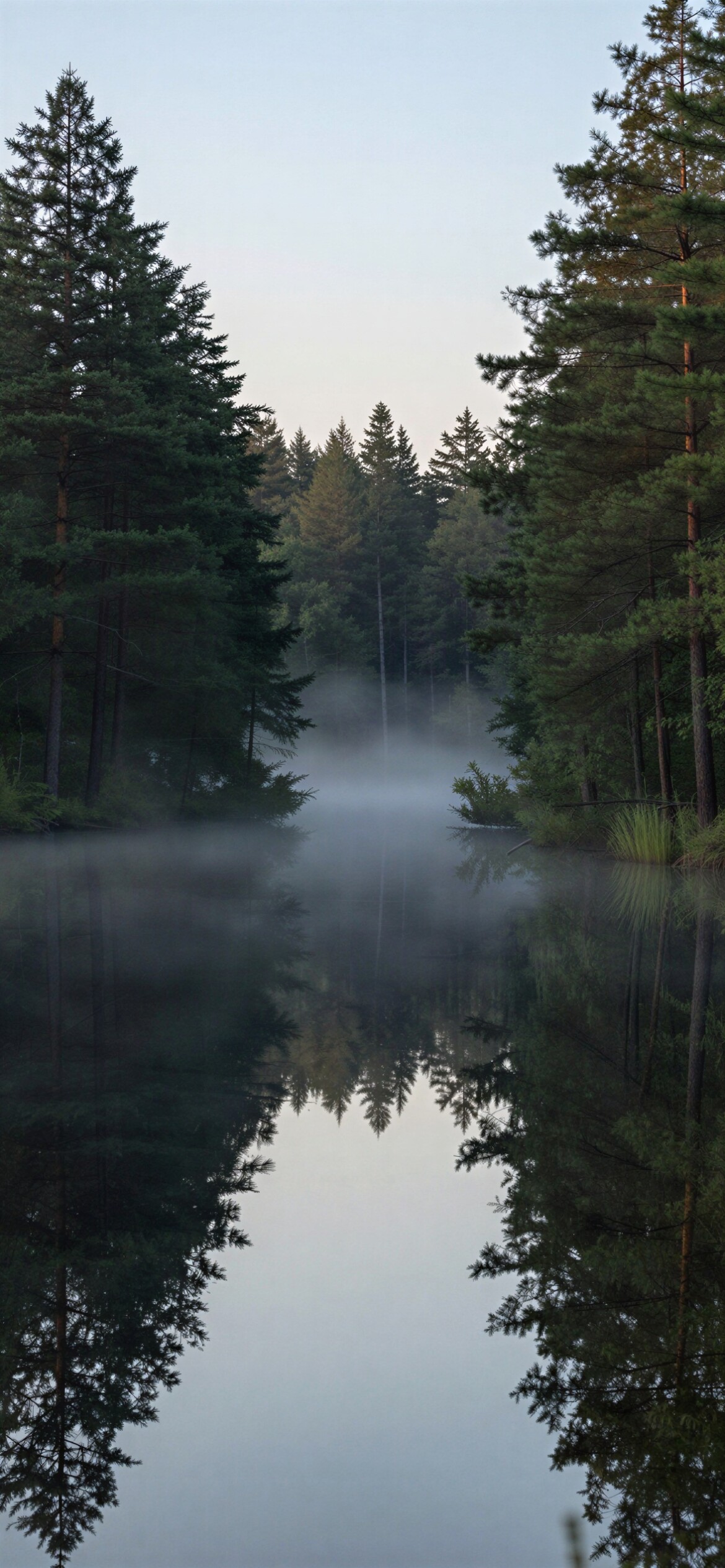
- #3 is a still lake with pines on both banks and their reflections in the water. The symmetry makes it a calm lock screen.
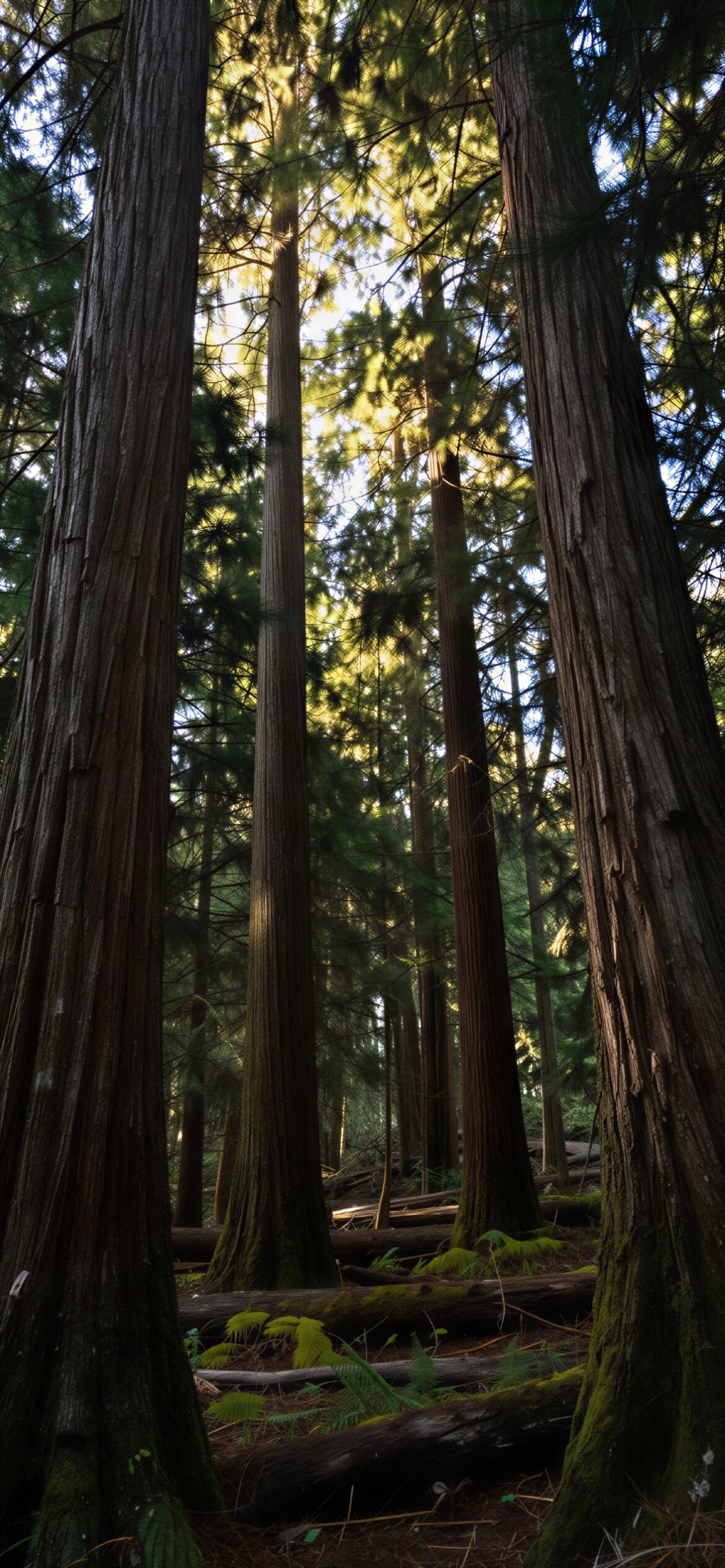
- #4 looks up huge old-growth trunks toward a bright canopy, so the top of the screen stays light.
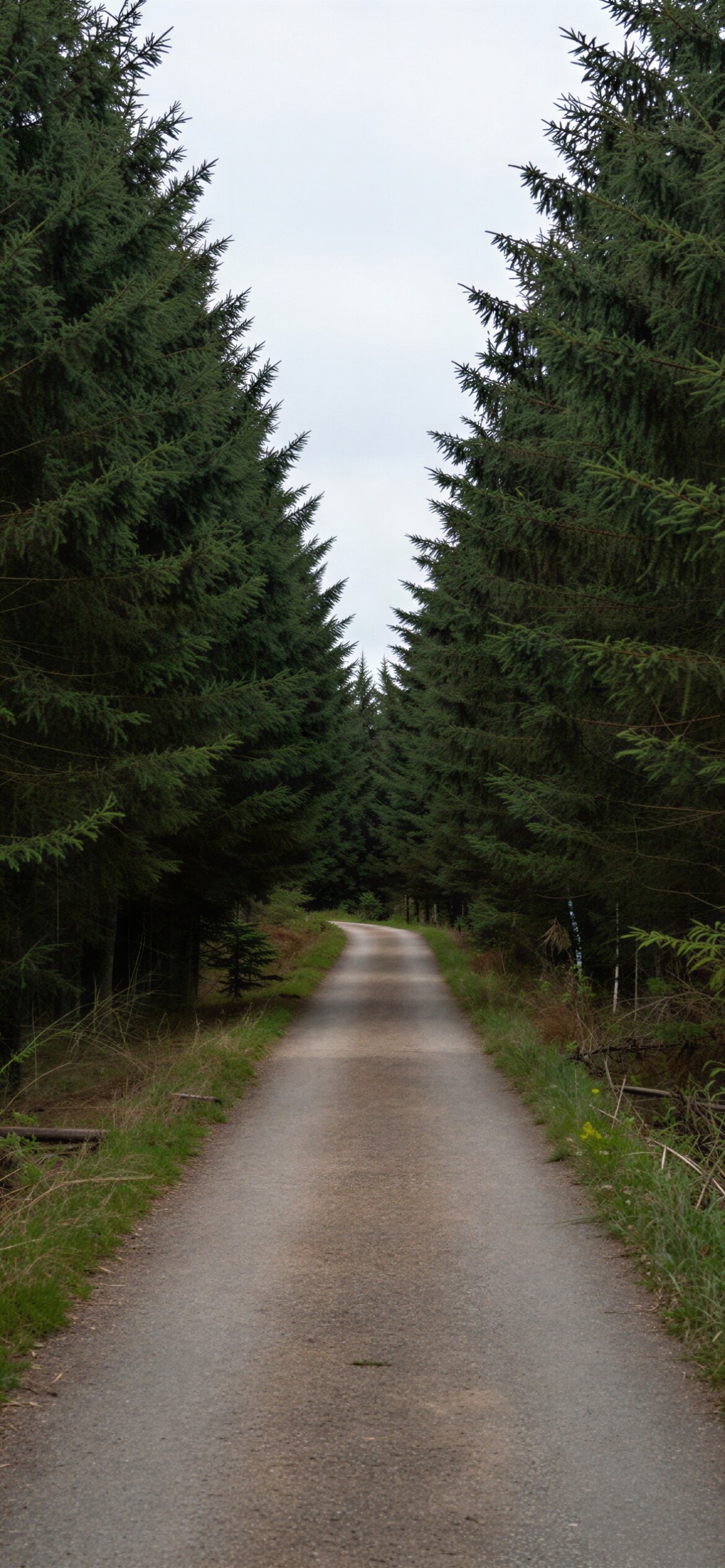
- #5 follows a narrow path that winds off into an overcast distance. The path draws the eye to the middle of the screen.
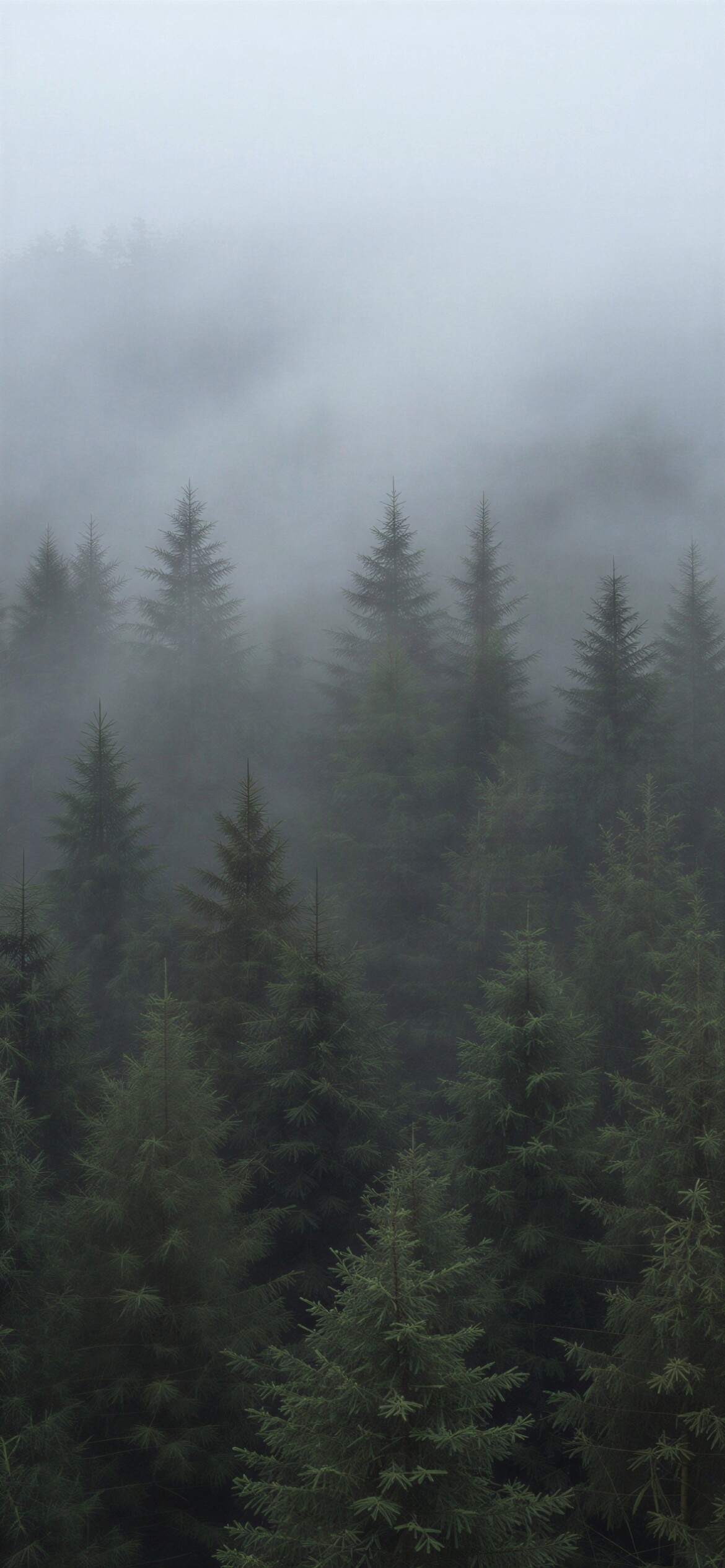
- #6 shows thick fog rolling between conifers, with only the silhouettes coming through. Very little detail, so icons stay easy to read.
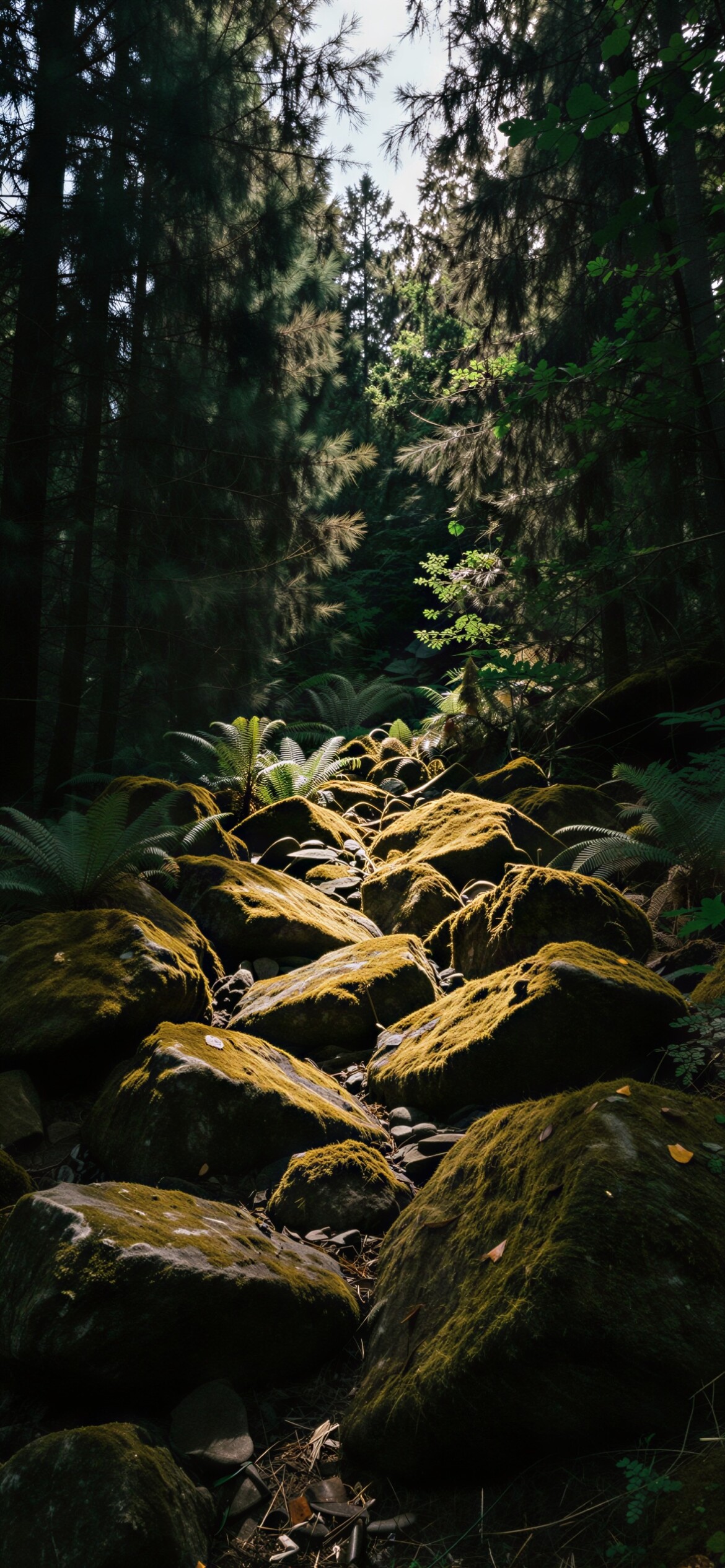
- #7 is a sunny clearing with moss-covered rocks ringed by tall dark trees. Moss grows best on shaded, damp stone like this.
- #8 is the winter scene: spruce and fir dusted with snow in cool blue-white and green.
- #9 goes deep inside an ancient forest, with massive trunks, dappled light on dark bark and ferns at the base.
- #10 catches golden hour, with silhouetted trees and warm, glowing shadows.
Grey hush, green shade or amber evening
For something quiet and almost colourless, go with the misty group: #1, #3, #5 and #6. These are the softest backgrounds in the set and suit a minimal home screen. If you want warmth, #2, #7 and #10 carry the most gold and feel like late afternoon. The deep, shaded interiors of #4 and #9 are the greenest and most detailed, so they look best with just a row or two of icons. And #8 stands alone as the cold one, a good swap for the winter months.
If you like this kind of woodland calm, the mushroom wallpapers stay down on the forest floor, and the green wallpapers take the same colour into plainer designs.
How to set it on your iPhone
- Tap Download and save the image to Photos.
- Open Settings, tap Wallpaper, then Add New Wallpaper, and choose Photos.
- Pick the wallpaper, pinch to position it, then tap Add and choose the lock screen, home screen or both.
Stuck on a step? The iPhone and iPad guide has screenshots for each one.
Questions
Will these wallpapers fit my iPhone screen?
Yes. This set is made for iPhone in 1170x2532 resolution, which is sized for modern iPhones in portrait mode; some older models may crop slightly at the edges. When you download and set a wallpaper, your iPhone automatically crops it to fit your specific model's screen size and notch shape.
Can I use these wallpapers for personal use?
Yes, you can download and use these forest wallpapers free of charge on your own iPhone and devices for personal enjoyment. Selling printed copies, reposting them elsewhere or using them commercially is not allowed. See our Terms page for full details.
Which designs work better for lock screen vs home screen?
Lock screen wallpapers should have simple, clear sky at the top to keep the time readable. Home screen designs can have more detail throughout since icons sit on top. This set includes both types. Look for misty or bright-sky designs for your lock screen and fuller forest scenes for your home screen.
Do these forest wallpapers work with dark mode and light icons?
Yes. The cool greens and soft greys in this set provide enough contrast for both dark and light app icons to show up clearly. The designs work equally well whether your iPhone is set to light or dark mode. Test a few on your home screen to see which trees and lighting feel right for your icon style.