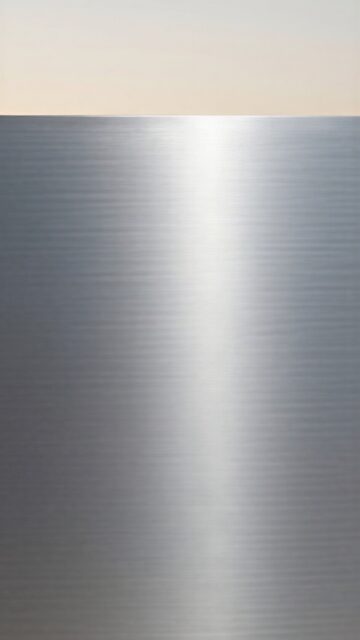
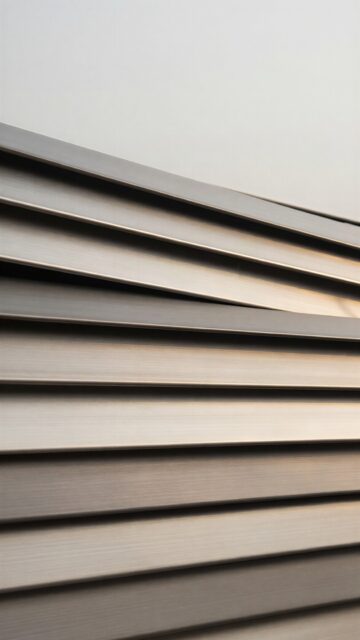
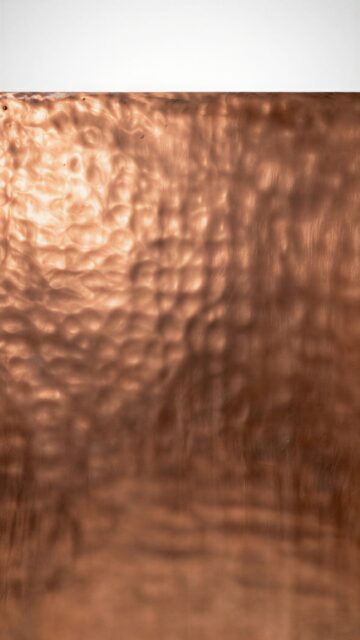
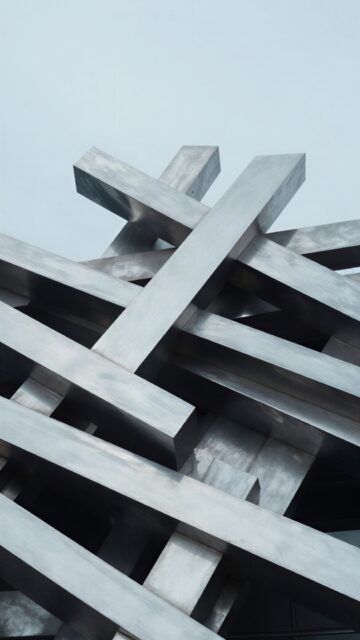
Marble Wallpaper iPhone
Marble iPhone wallpaper offers elegant stone patterns and natural veining in soft, refined tones, free to download for your phone. These designs bring a calm, sophisticated look to your screen with the timeless appeal of real marble. Each wallpaper in this set features unique veining, texture and color variation that works year-round on any iPhone.
10 wallpapers at 1170 × 2532 px for iPhone. Checked by hand on 9 Oct 2026.
About this set
These marble wallpapers bring natural stone elegance to your iPhone with authentic veining, polished finishes and refined color palettes. The designs work beautifully on both lock screens and home screens, providing a calm, sophisticated backdrop that keeps text and app icons readable. The simple gradient top quarter leaves room for status icons and time displays without visual clutter.
Marble wallpapers pair well with minimal icon layouts and work seamlessly with both light and dark mode settings. The neutral and warm tones complement any app color scheme, making them ideal for users who prefer understated, timeless aesthetics over busy patterns.
How real stone gets its veins
Marble starts out as limestone or dolomite. Over a very long time, heat and pressure deep underground recrystallise the rock, and small amounts of other minerals such as clay, iron oxides or graphite get pulled into streaks. Those streaks are the veins. Pure stone ends up nearly white, which is why the famous Carrara marble from Tuscany, the stone Michelangelo used for his David, is so pale. Iron tends to push the colour toward pink, cream or tan, and darker minerals give grey and black stone.
That is also why none of these patterns repeat. In a quarry, no two slabs look the same, and good marble designs copy that unevenness rather than a neat tile pattern.
Ten slabs, one by one
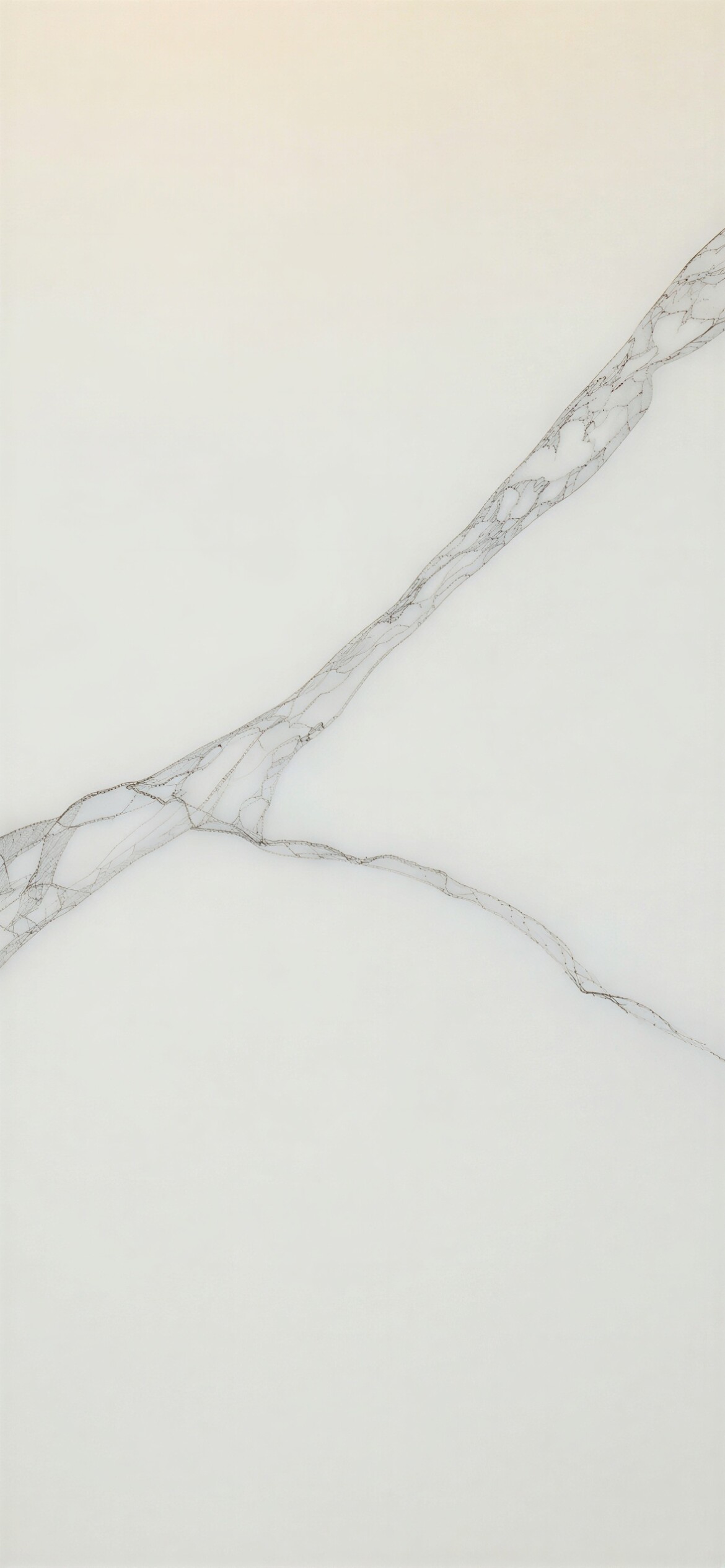
- White stone with grey diagonal veins and a cream gradient at the top. The safest all-round choice.
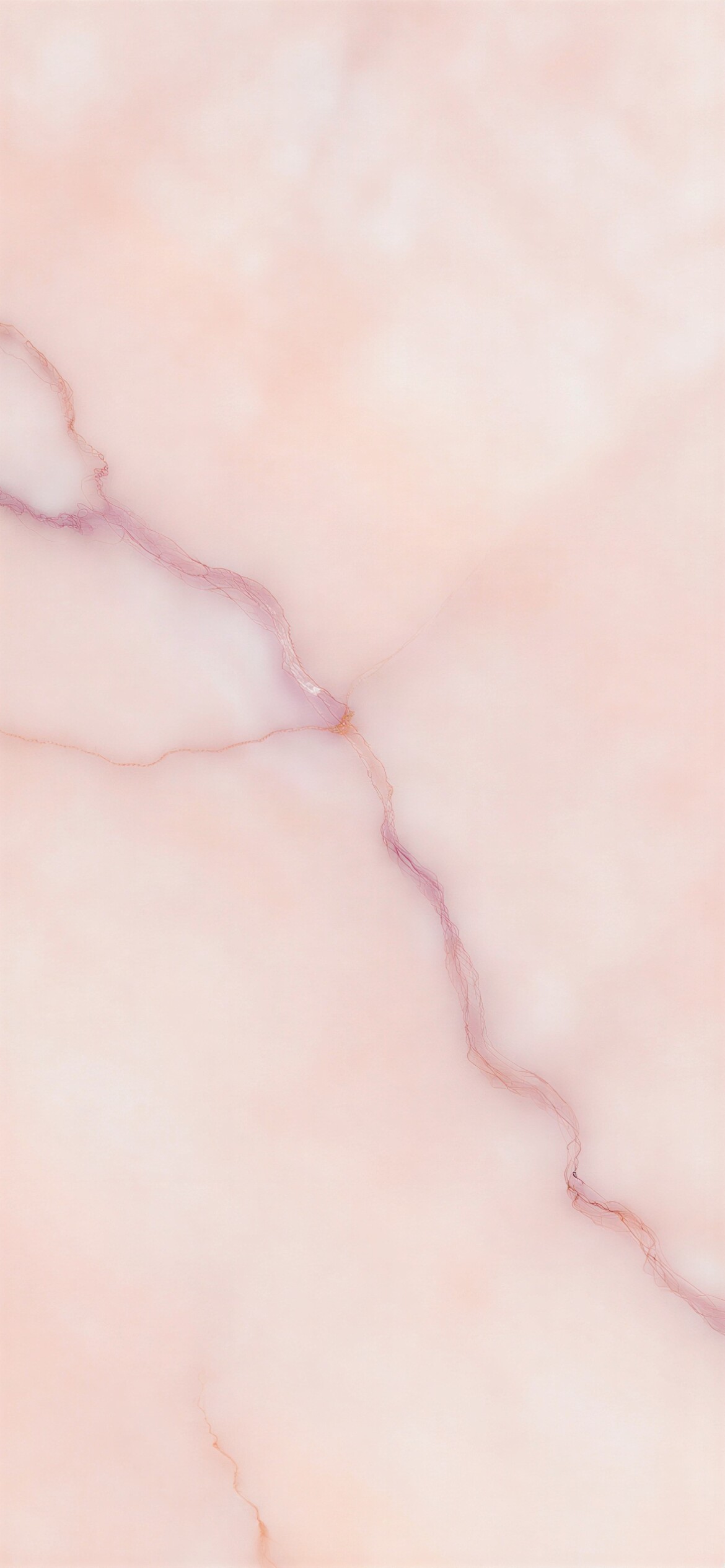
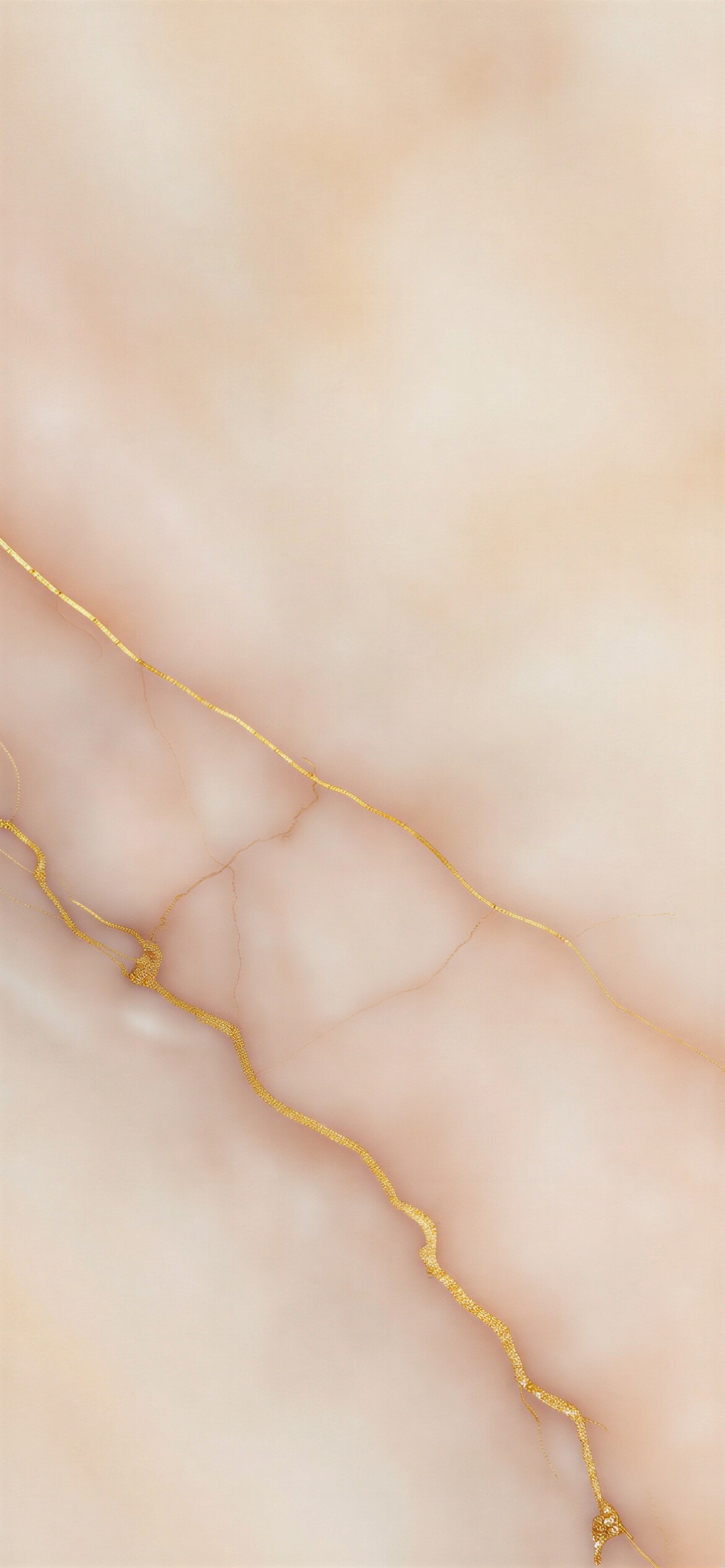
- Pale pink with rose and mauve veining. Soft enough for a home screen packed with icons.
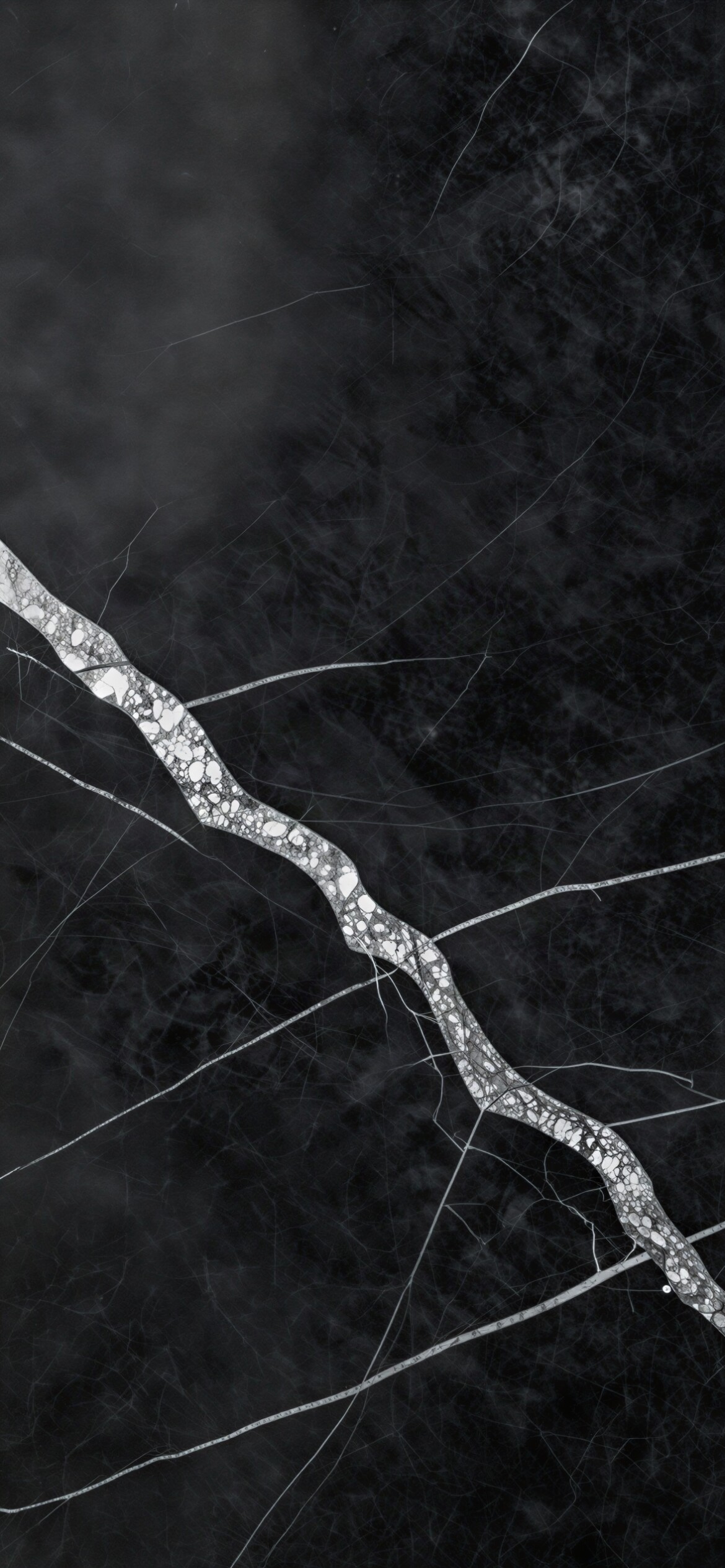
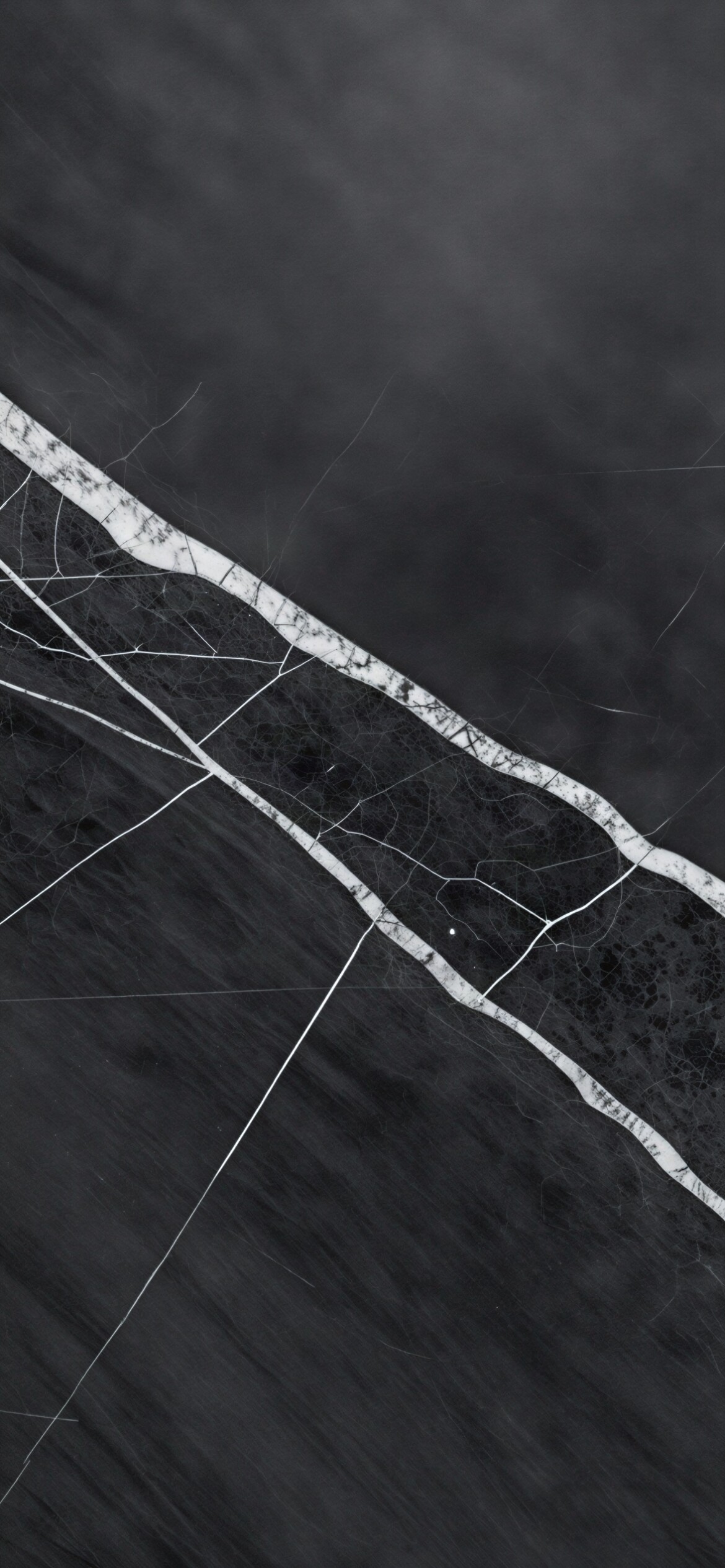
- Black stone crossed by bold white and silver veins. Strong contrast, best as a lock screen.
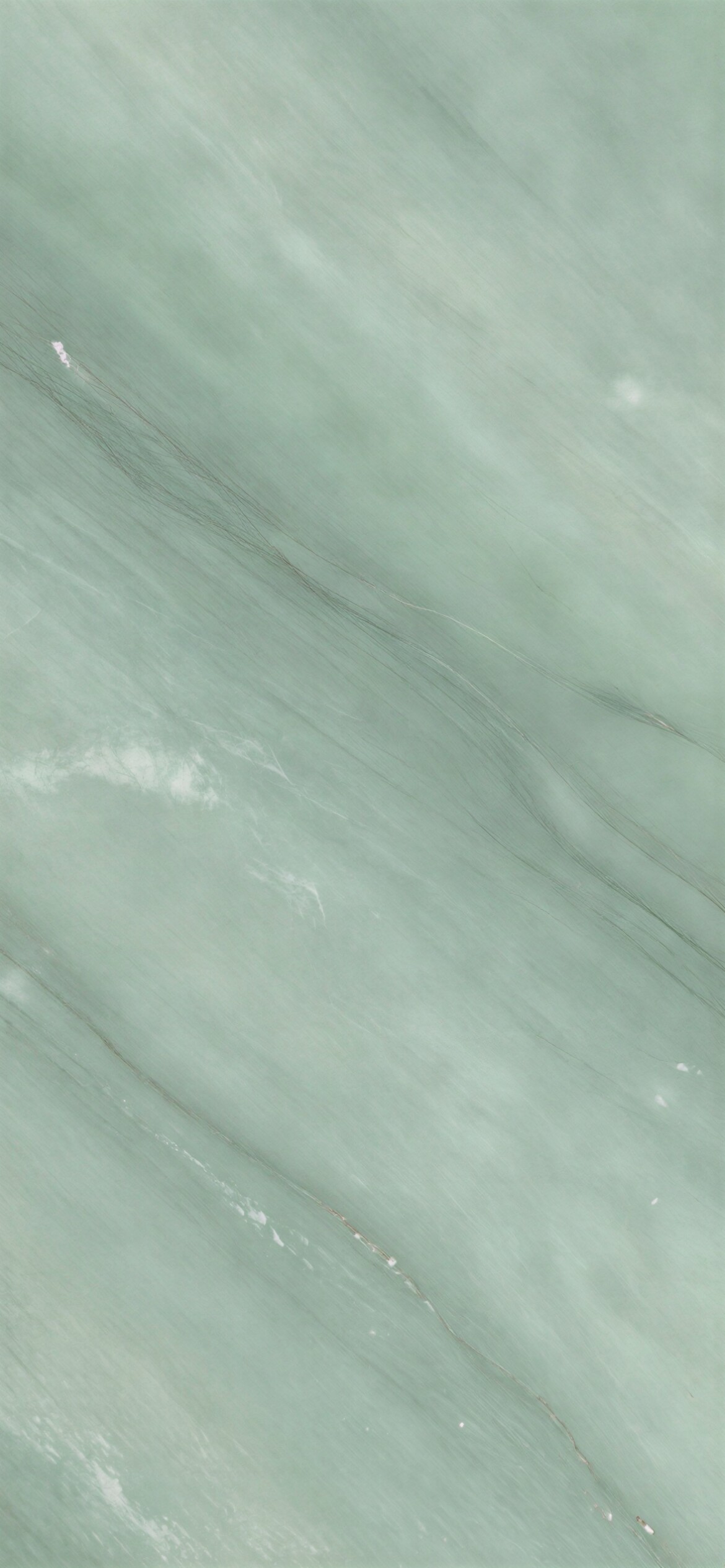
- Sage green with cream veins. A good match for nature or plant themed widgets.
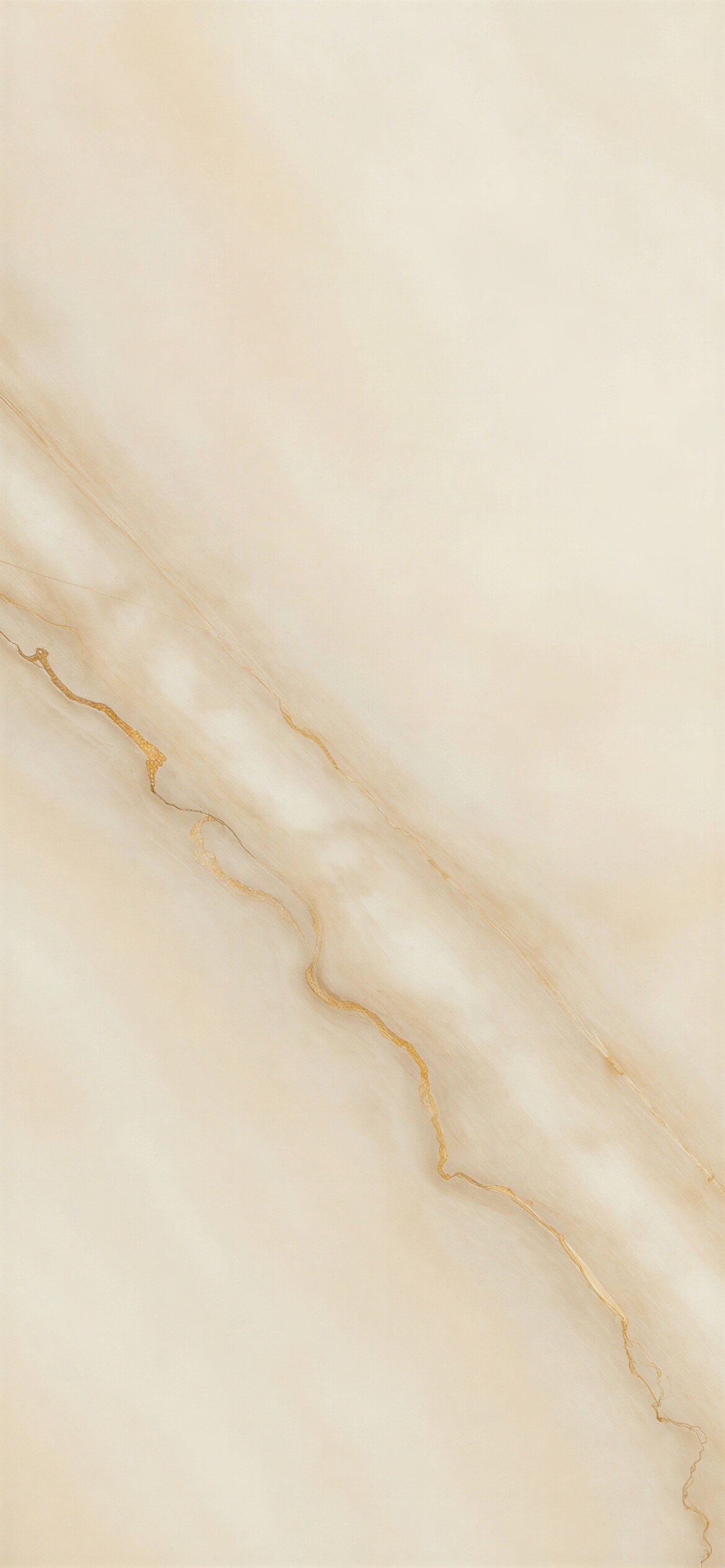
- Beige with branching tan and caramel veins, warm and plain.
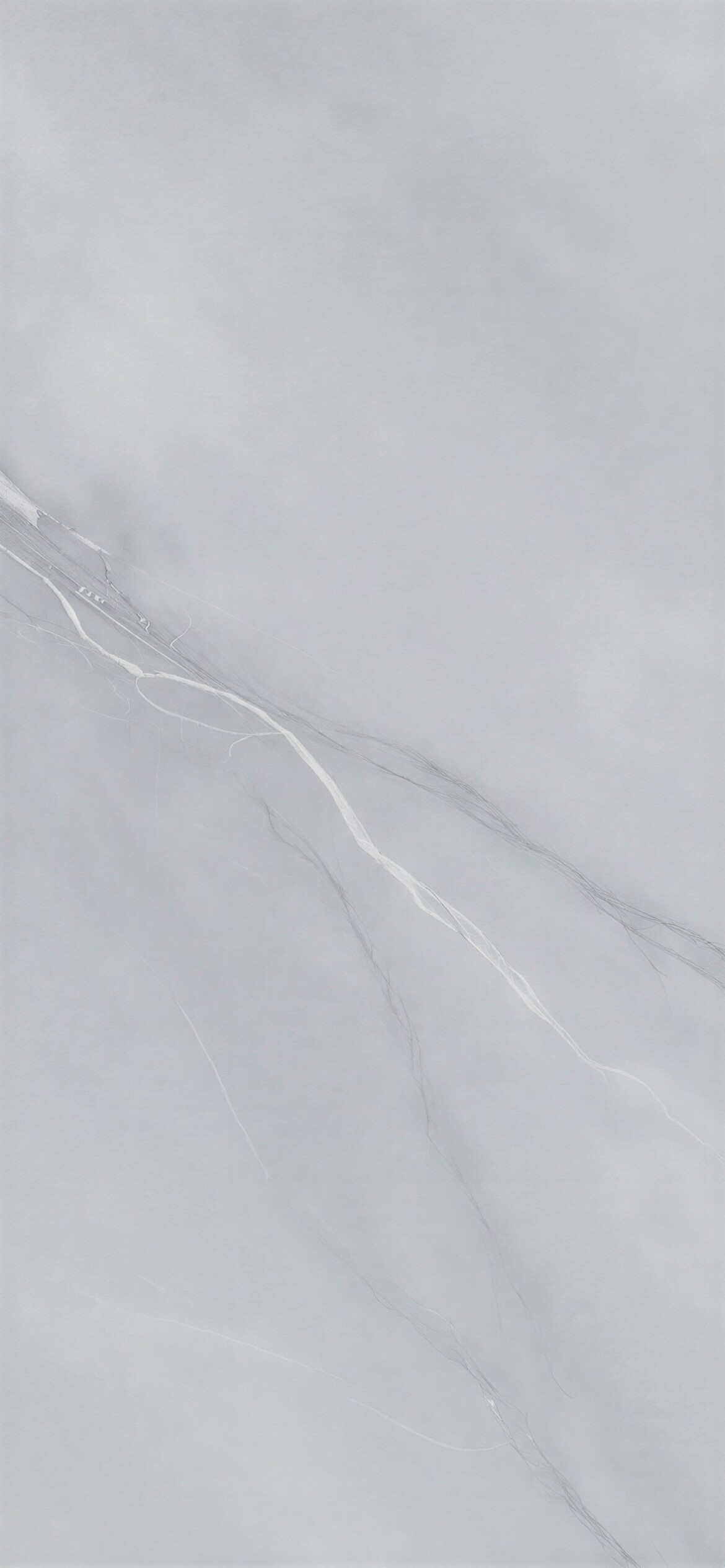
- Soft grey with fine silver and white lines, the most neutral design here.
- Champagne and blush with gold-tinted veins. Goes well with a gold or rose gold phone.
- Dark charcoal with bright white veins in sharper, geometric lines.
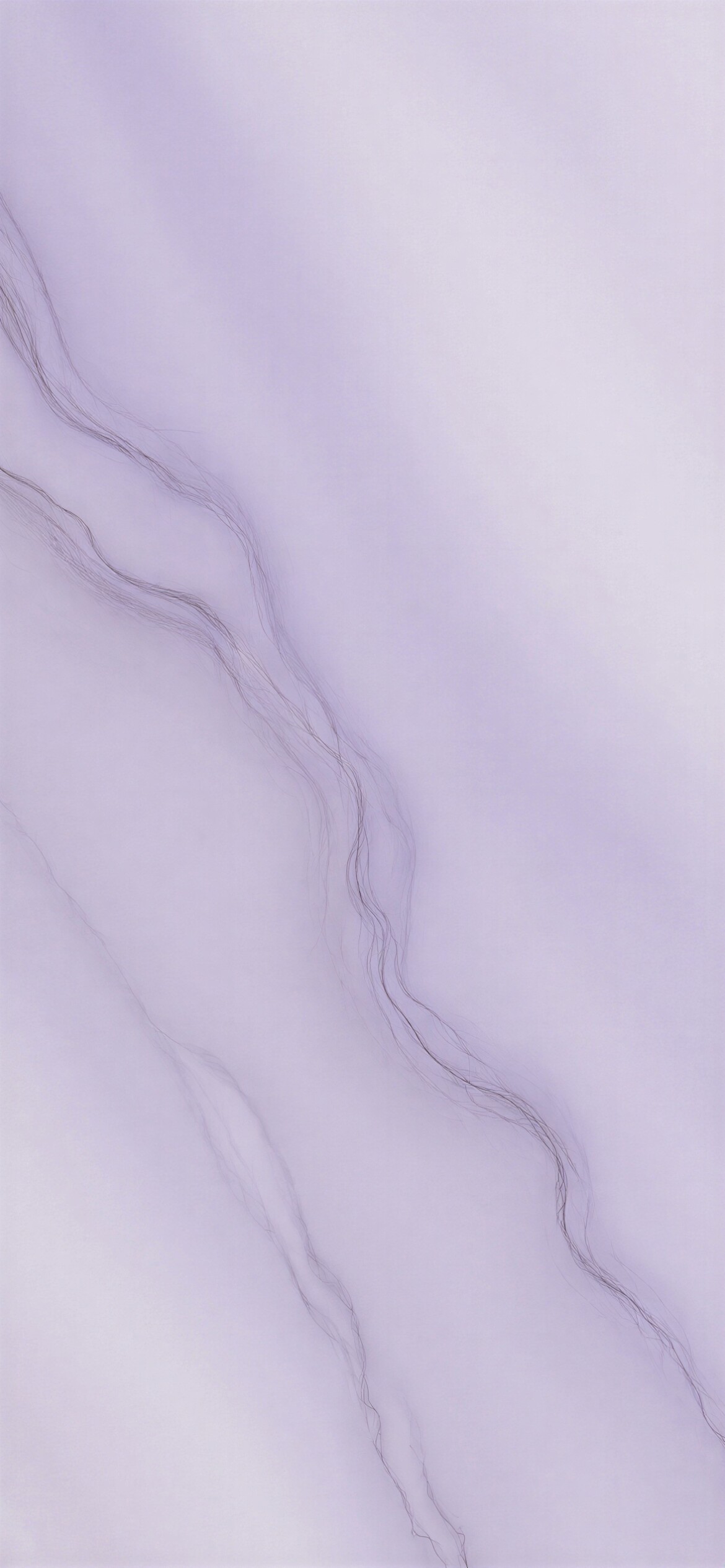
- Lavender with flowing purple and grey veins.
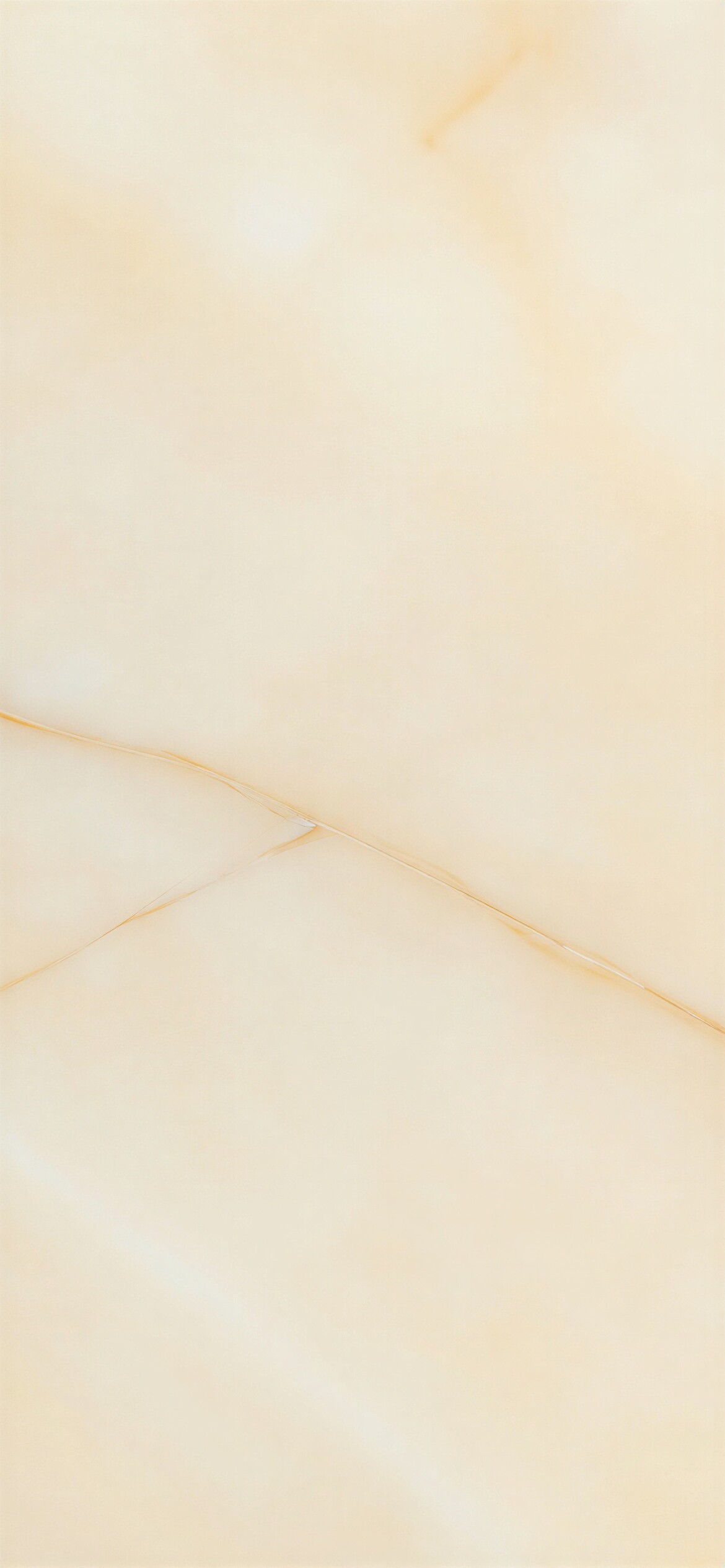
- Warm ivory with faint caramel and tan patterns, quieter than number 5.
Light stone, warm stone, dark stone
Three rough families show up once the designs are side by side. The cool pale ones are 1 and 6, plain enough to sit behind almost anything. The warm group is 5, 7 and 10, all creams and caramels that feel cosy in the evening. Numbers 3 and 8 are the dark pair, and their white veins keep them from looking flat. That leaves 2, 4 and 9, which each tint the stone with a soft colour, pink, green and lavender, for anyone who wants marble with a bit of personality.
For more calm textures, the silver wallpapers sit close to numbers 3 and 6, while the brown aesthetic set and the peach collection carry on the warm tones of 5, 7 and 10.
How to set it on your iPhone
- Tap Download and save the image to Photos.
- Open Settings, tap Wallpaper, then Add New Wallpaper, and choose Photos.
- Pick the wallpaper, pinch to position it, then tap Add and choose the lock screen, home screen or both.
Stuck on a step? The iPhone and iPad guide has screenshots for each one.
Questions
Will these marble wallpapers fit my iPhone screen?
Yes. These wallpapers are sized at 1170 x 2532 pixels, which is the standard resolution for modern iPhones. They are sized for modern iPhones, and some older models may crop slightly at the edges. You can download them directly to your phone and set them as your lock screen or home screen wallpaper.
Can I use these wallpapers commercially or share them elsewhere?
These wallpapers are free for personal use on your own devices only. Selling them, printing them for sale, or reposting them on other wallpaper sites or social media is not permitted. For full details about usage rights, please see our Terms page.
Which marble wallpapers work best on lock screens versus home screens?
All of these designs work on both screens. For lock screens, the simple gradient top keeps your time and status icons clear. For home screens, the full marble pattern in the lower half remains visible behind most app icons. Choose based on your preferred color tone rather than screen placement.
Do marble wallpapers work with light and dark mode?
Yes. The neutral and warm stone tones in this set complement both light and dark mode settings. Lighter marble designs like white, cream and pink work especially well with light mode, while charcoal and black marble pair nicely with dark mode. You can use the same wallpaper across both modes or choose different designs for each.