Black Cat Wallpaper iPhone
Black cat iPhone wallpaper gives you striking felines in natural settings, ready to download free for your phone. This set shows black cats in outdoor scenes, indoors by windows, and in moody lighting that brings out their sleek coats and bright eyes. Each wallpaper suits both lock screen and home screen, with simple upper space so icons stay readable.
10 wallpapers at 1170 × 2532 px for iPhone. Checked by hand on 7 Oct 2026.
About this set
This set captures black cats in their natural moments, from alert outdoor poses to relaxed indoor scenes. The photography style emphasizes the cats’ striking eyes and sleek coats with soft, natural lighting that brings out texture and depth. Each wallpaper suits both lock screen and home screen use, with simple background space in the upper area so your icons and time display stay readable.
Lock screen picks work best with the close-up cat portraits and silhouetted poses, while home screen designs pair well with minimalist icons and light or dark mode depending on the scene. These wallpapers coordinate with any icon set and work year-round on any iPhone.
Lucky in one country, unlucky in the next
Few animals carry as much folklore as a black cat. In much of the United States and continental Europe, one crossing your path is said to bring bad luck, a belief tied to old stories linking black cats with witches. In Britain and Ireland the idea often runs the other way, and a black cat turning up at your door was taken as a good sign. Japan has long treated black cats as lucky too. The UK even marks National Black Cat Day on 27 October to encourage people to adopt them.
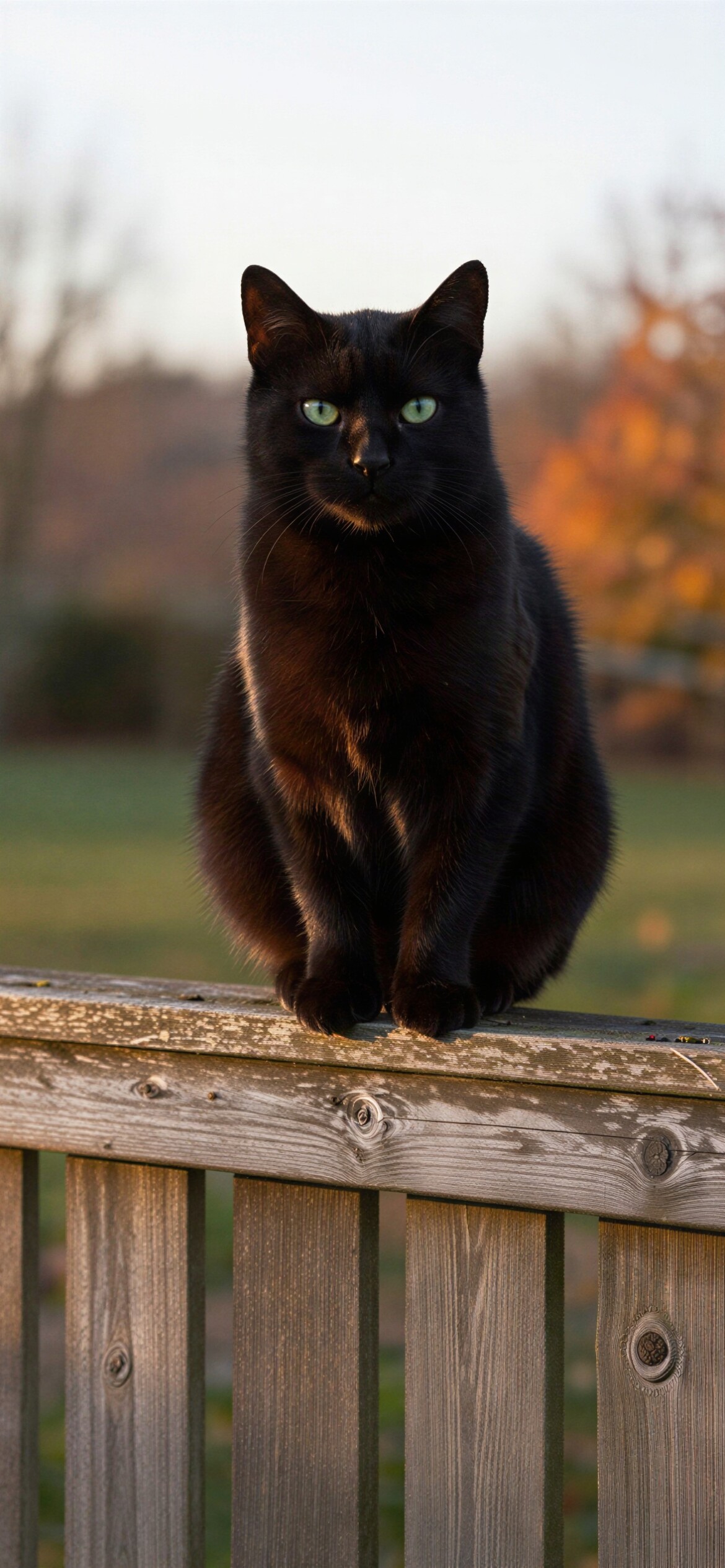
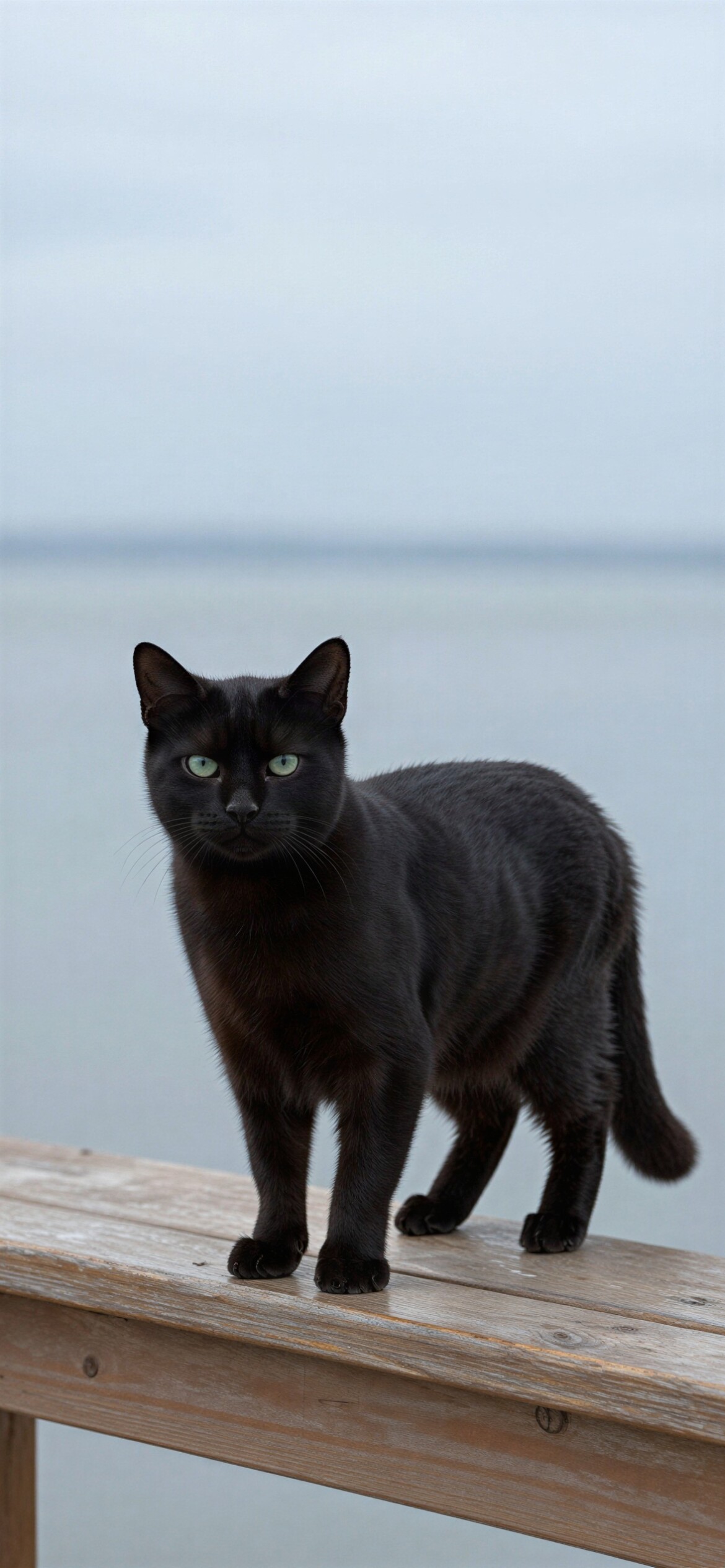
The coat has a few surprises of its own. Black fur gets its colour from melanin, and black cats that spend a lot of time in strong sun can turn slightly reddish brown, a change owners call rusting. Gold and copper eyes are common; the Bombay breed, developed in the United States in the 1950s, was bred for exactly that pairing of a glossy black coat and copper eyes. The cat in wallpaper 1 breaks the pattern with green ones.
Ten cats, ten favourite spots
- Green eyes on a wooden fence in an autumn garden. The warm leaves make it a natural lock screen for October and November.
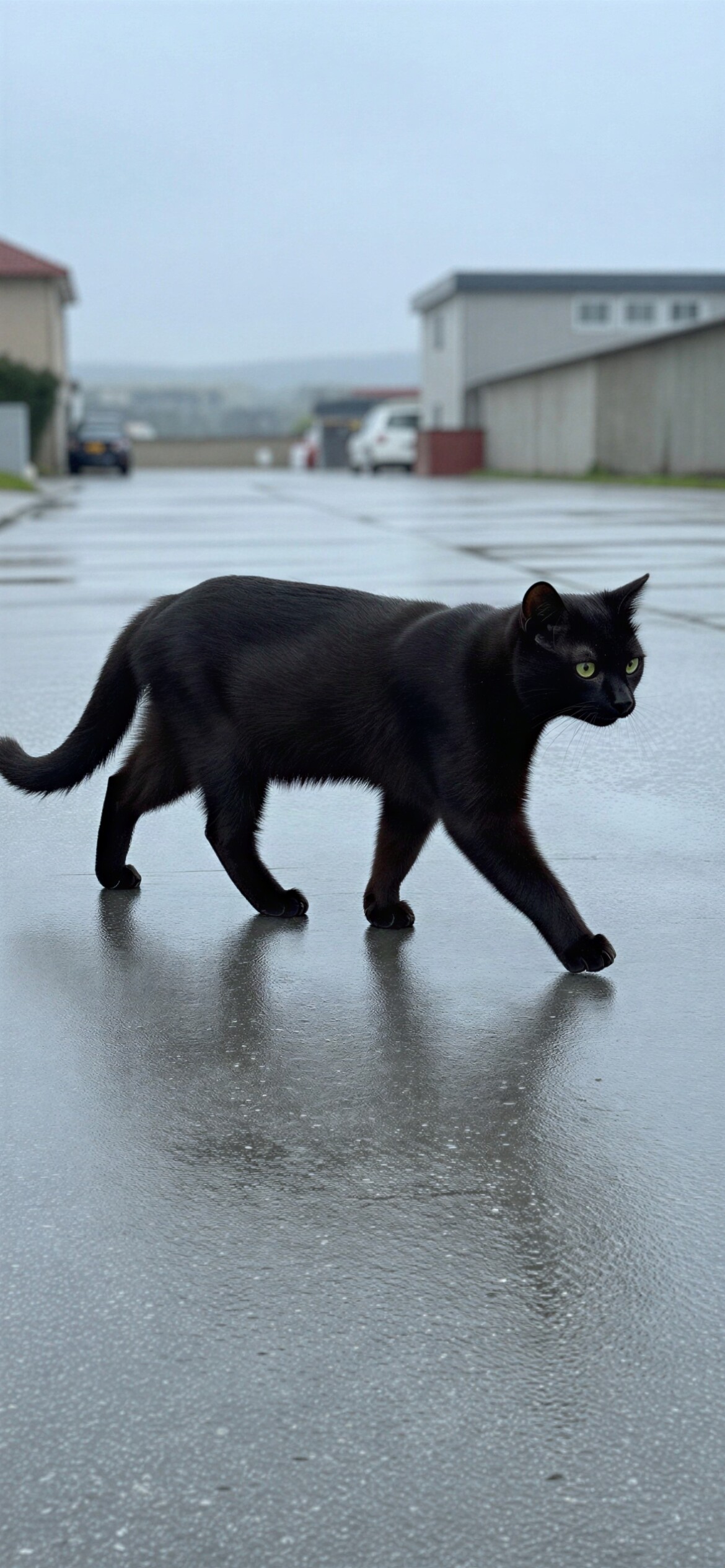
- Walking across wet pavement with its reflection underneath, a good match for a dark home screen.
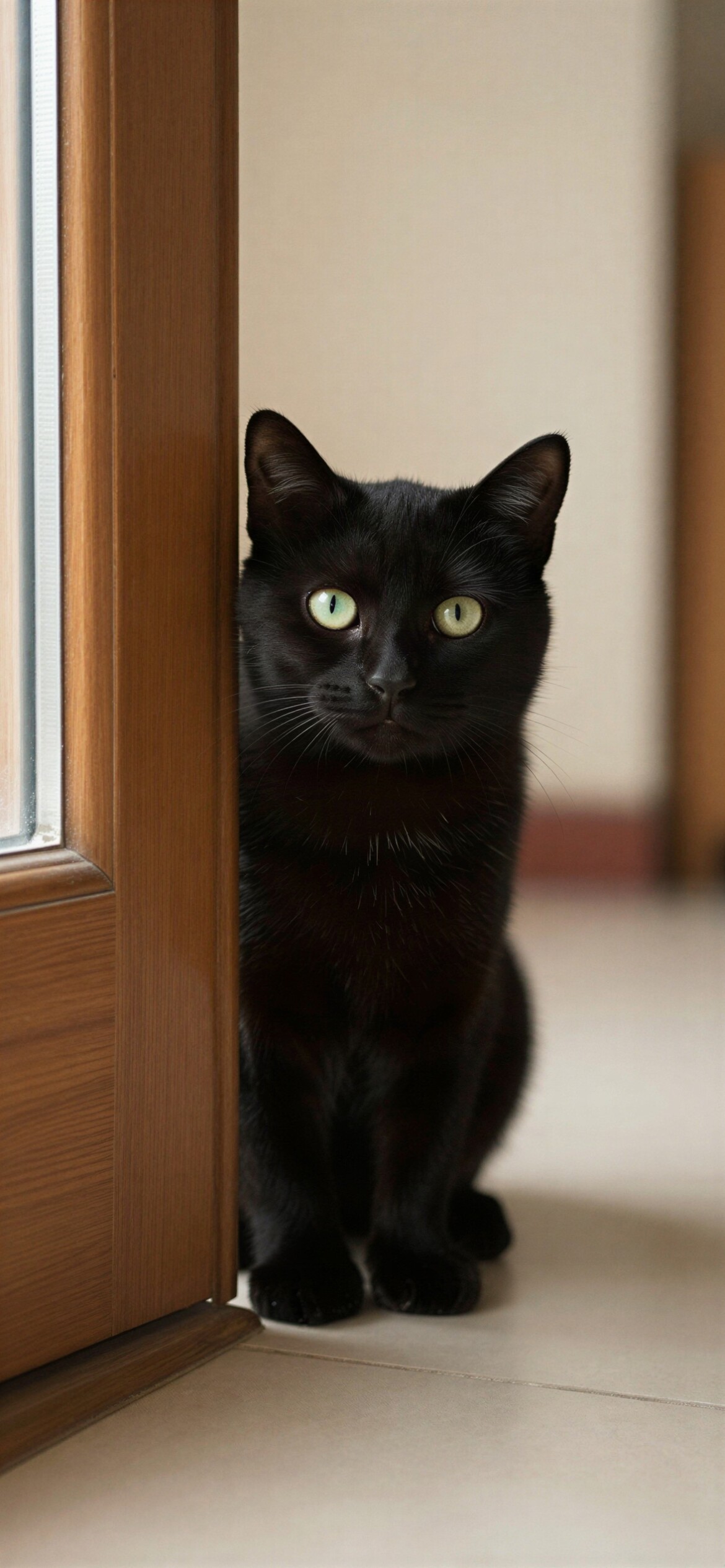
- Peeking out of a doorway while window light falls across the floor. Quiet and a little secretive.
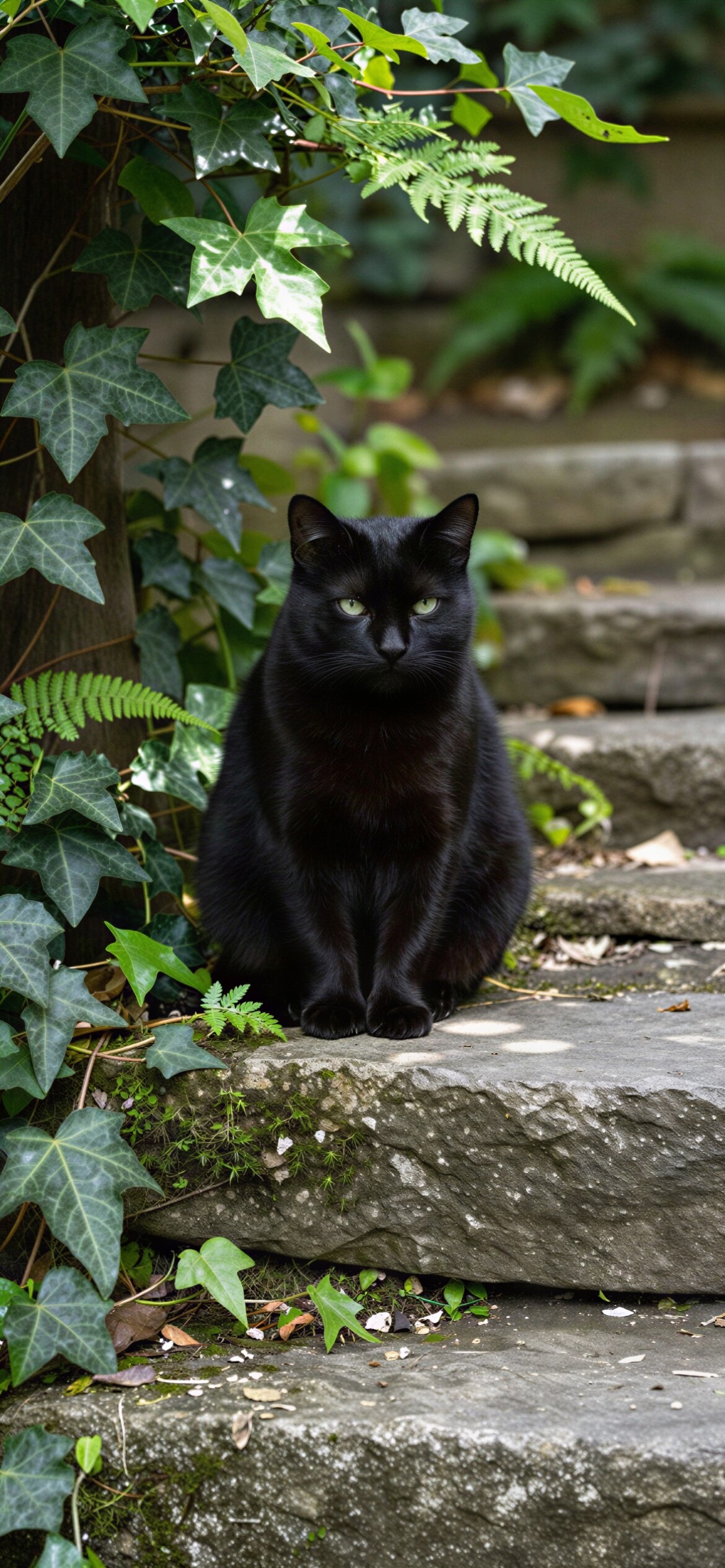
- Sitting on a stone step surrounded by ivy and ferns, for anyone who likes green at the edges.
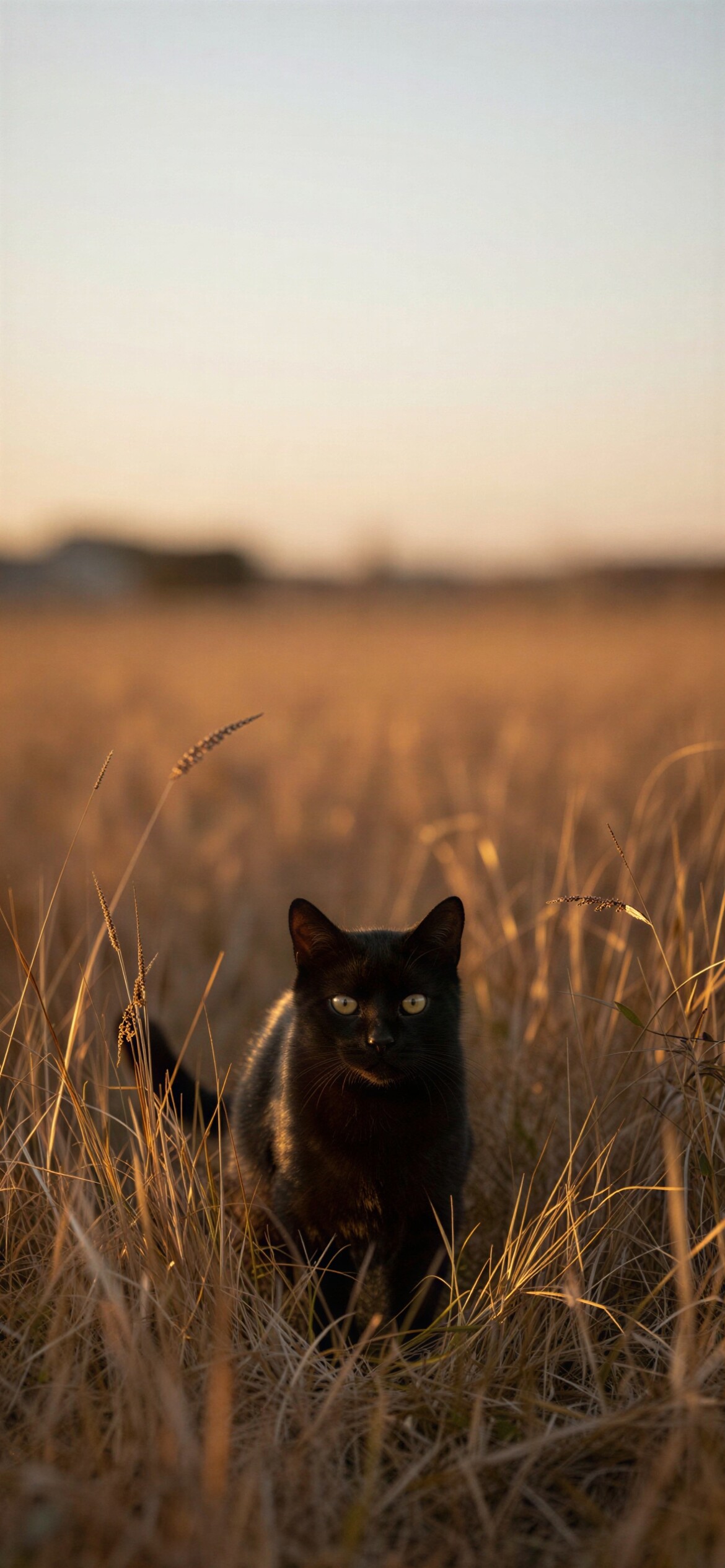
- Crouched low in tall grass at golden hour, watching something just out of frame.
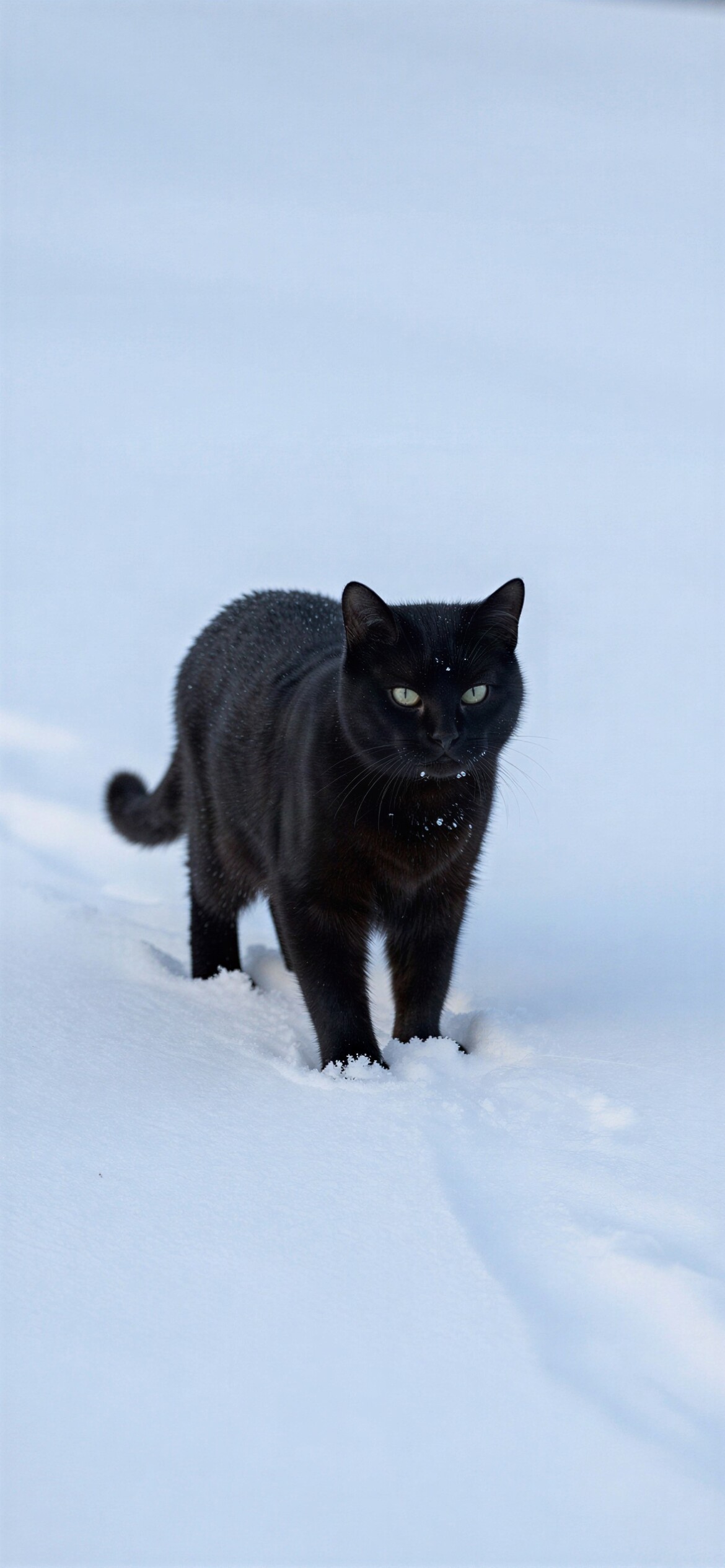
- Out on the snow with frost on its whiskers: the strongest contrast in the set, black on white.
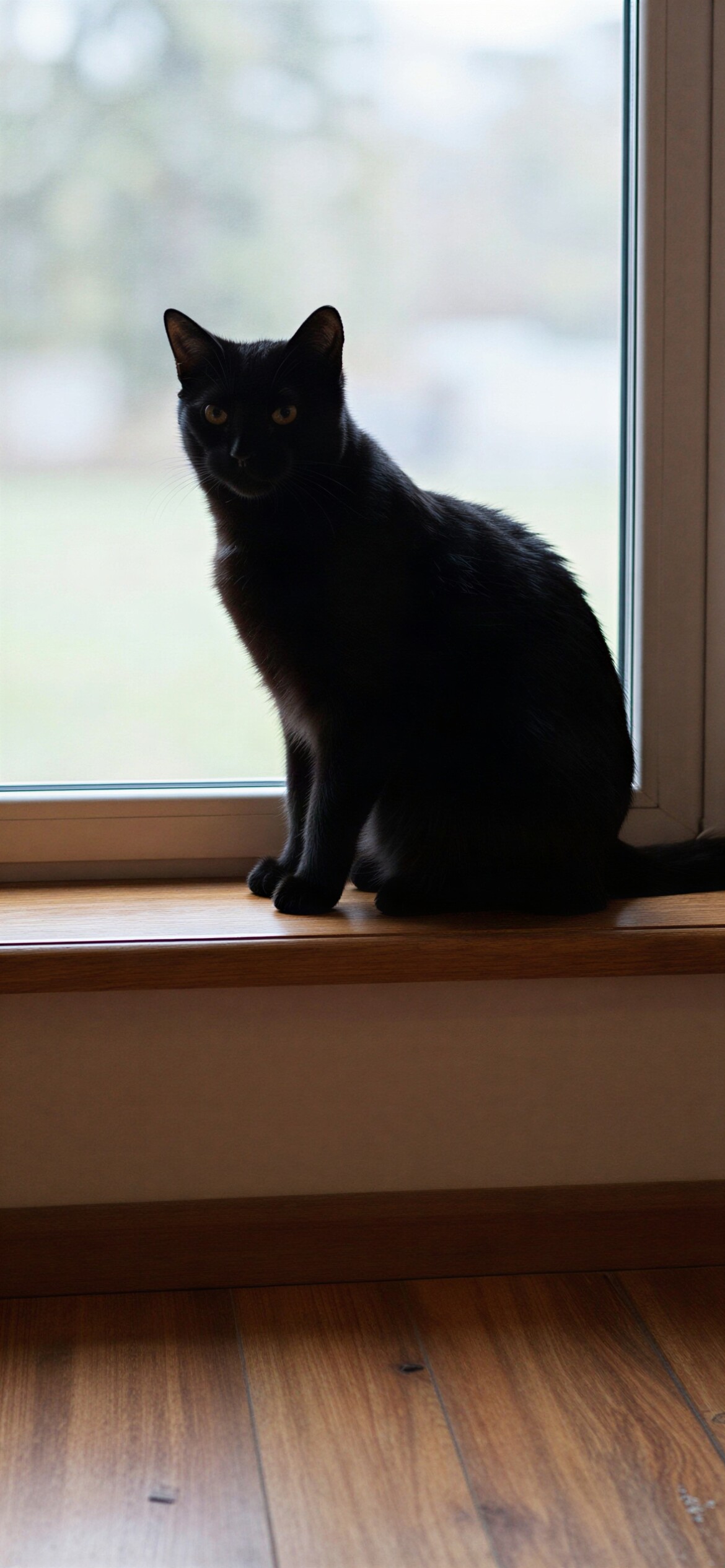
- A silhouette on a windowsill, lit from behind. The simple outline keeps icons easy to see.
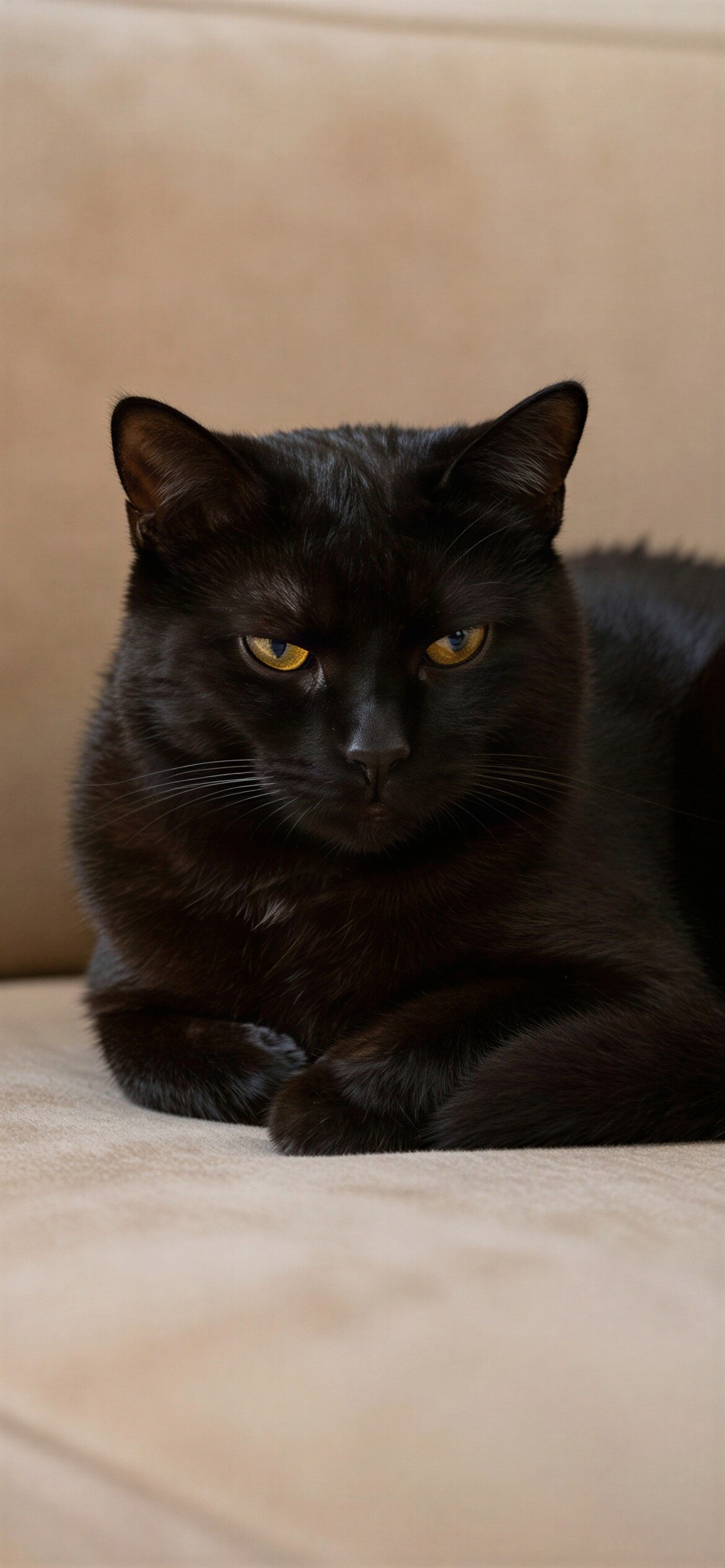
- Resting on fabric by candlelight, the warmest and calmest image here and a nice one for night.
- Standing alert on a wooden railing beside the water.
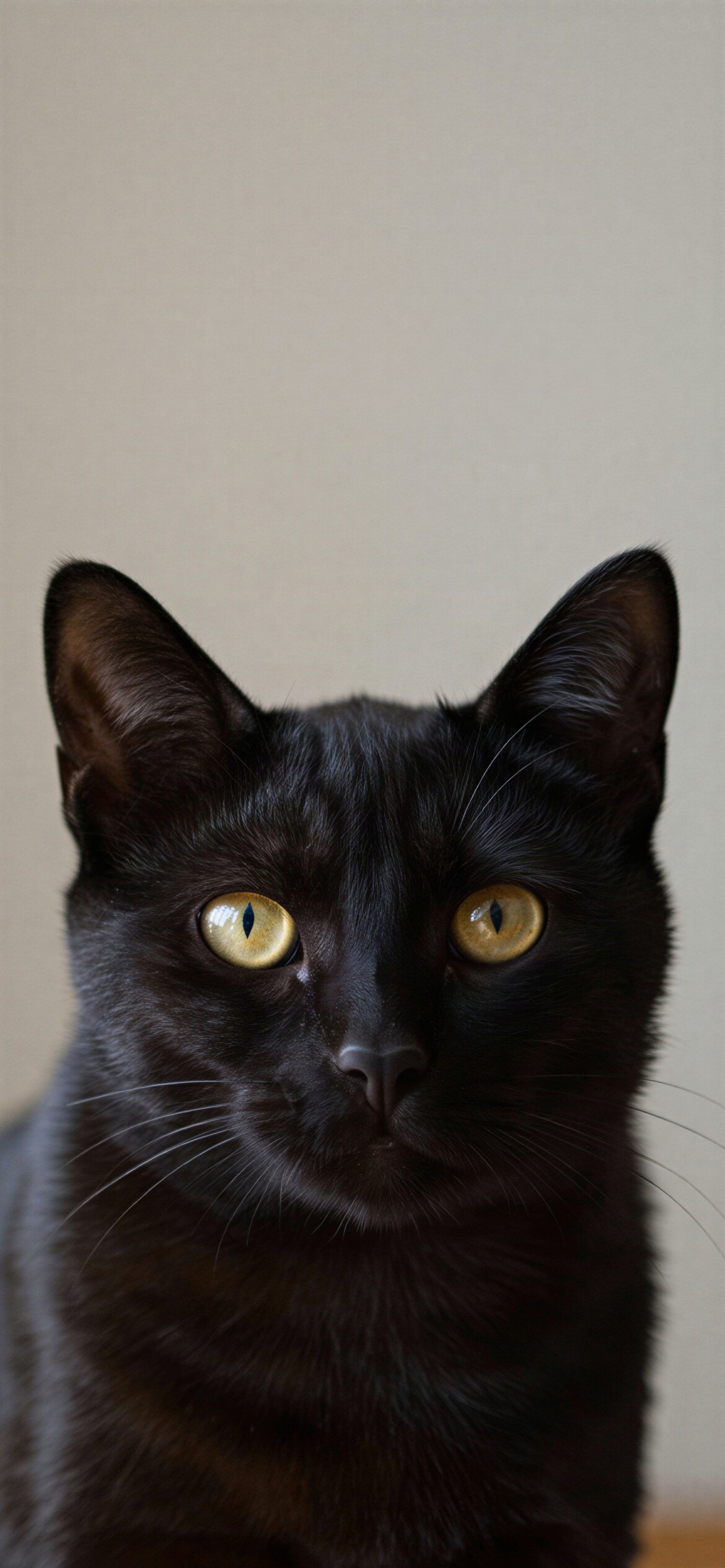
- A close-up face with bright eyes on a plain background, the most minimal choice of the ten.
Firelight, frost or shadow
For warm light, go with 1, 5 and 8: autumn leaves, golden grass and a candle. The cooler, wetter scenes are 2, 6 and 9, with rain, snow and open water. That leaves 3, 4, 7 and 10 as the low-light pictures, mostly dark with one patch of window light, a bit of green or a pair of bright eyes. More cats are waiting in the cute cat collection, and if you want to lean into the old stories, the witch aesthetic set and the cute Halloween wallpapers make good company for a black cat in autumn.
How to set it on your iPhone
- Tap Download and save the image to Photos.
- Open Settings, tap Wallpaper, then Add New Wallpaper, and choose Photos.
- Pick the wallpaper, pinch to position it, then tap Add and choose the lock screen, home screen or both.
Stuck on a step? The iPhone and iPad guide has screenshots for each one.
Questions
Will these wallpapers fit my iPhone screen size?
Yes. This set is designed for iPhone at 1170x2532 pixels, which is sized for modern iPhones; some older models may crop slightly at the edges. The tall vertical format with simple top space works for lock screen and home screen use. The images will scale to fit your specific iPhone automatically.
Can I use these wallpapers commercially or share them elsewhere?
These wallpapers are free for personal use on your own devices only. You cannot sell them, print them for sale, or repost them on other wallpaper sites or social media. For full terms, see our Terms page.
Which wallpapers work best for the lock screen versus the home screen?
Lock screen designs are the close-up cat face portraits and silhouette poses, where the subject stays centered and your time display stays readable at the top. Home screen picks are the full-body outdoor scenes with simple upper space, so your apps stay visible and the cat doesn't interfere with icon taps.
Do these black cat wallpapers work with both light and dark mode?
Yes. The black cat designs work in both modes. In light mode, the dark cat stands out against light backgrounds. In dark mode, choose the outdoor and nature scenes where the cat has contrast from the lighter scenery behind it, or use the silhouette designs where the cat glows against backlight.