JDM Wallpaper iPhone
JDM wallpaper for iPhone brings modified cars, racing aesthetics and street culture to your lock and home screens. These wallpapers capture the energy of the JDM scene with sleek vehicles, neon accents and urban backdrops. The set includes close-ups of custom details, wide shots of cars in garage settings and moody night scenes. Each design suits both portrait orientations and works well with dark mode.
7 wallpapers at 1170 × 2532 px for iPhone. Checked by hand on 7 Oct 2026.
About this set
This set captures the raw energy of JDM culture through detailed shots of modified cars, neon-lit garages and street scenes. The designs use cool blues, warm neons and metallic tones to create atmosphere and depth. Moody lighting and close-ups of custom details give each wallpaper character.
The wider shots and garage scenes work best as home screen backgrounds, where the composition won’t be hidden by apps. The tight close-ups of wheels, headlights and engine details suit lock screens well. Pair these with minimal icon layouts or dark mode to let the cars stand out. These wallpapers complement dark themes and match a sleek, performance-focused aesthetic.
Cars made for Japan, tuned everywhere else
JDM stands for Japanese Domestic Market. It first meant cars and parts built for sale inside Japan, which is why genuine JDM cars are right-hand drive: Japan drives on the left. Enthusiasts abroad later borrowed the term for Japanese performance cars in general and the tuning style that grew up around them.
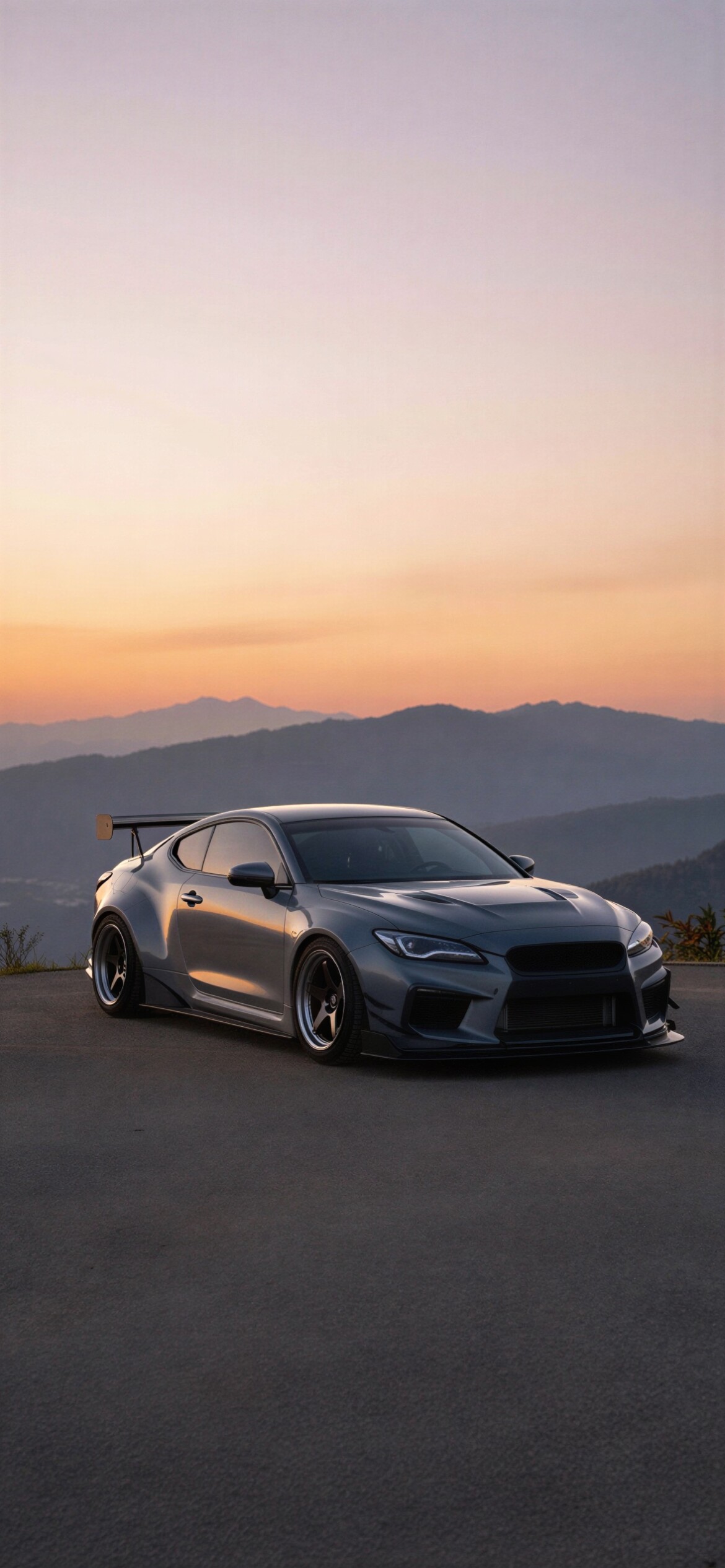
A lot of that style came from mountain roads. Japanese drivers raced on twisting passes called touge, Keiichi Tsuchiya became known as the Drift King for sliding cars through corners there, and the manga Initial D, which started in 1995, carried that world to readers around the globe. Wallpaper 3, a car parked on a mountain overlook, belongs to that side of the scene.
Seven shots, from rainy streets to the engine bay
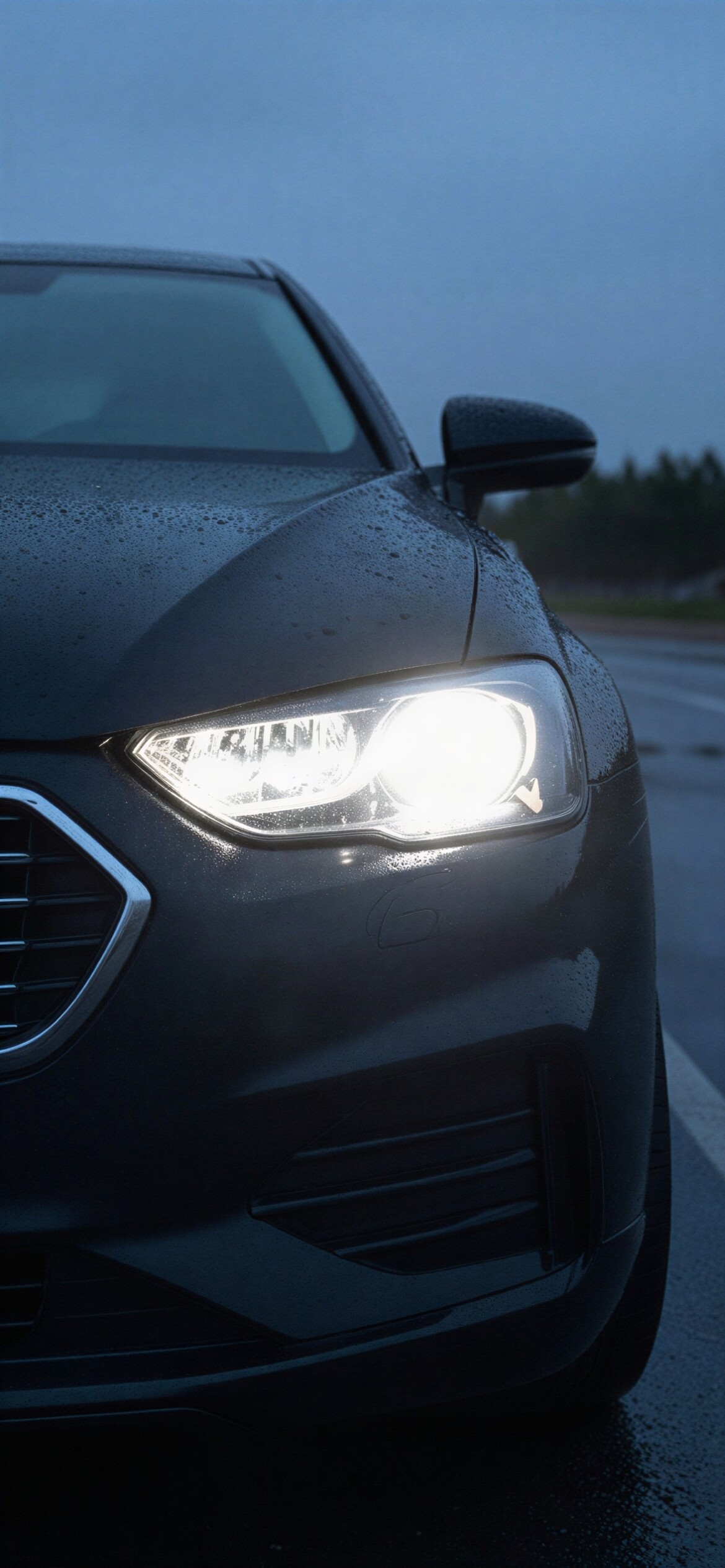
- Headlights glowing at night, with rain beading on the hood. Dark enough that the clock reads cleanly over it.
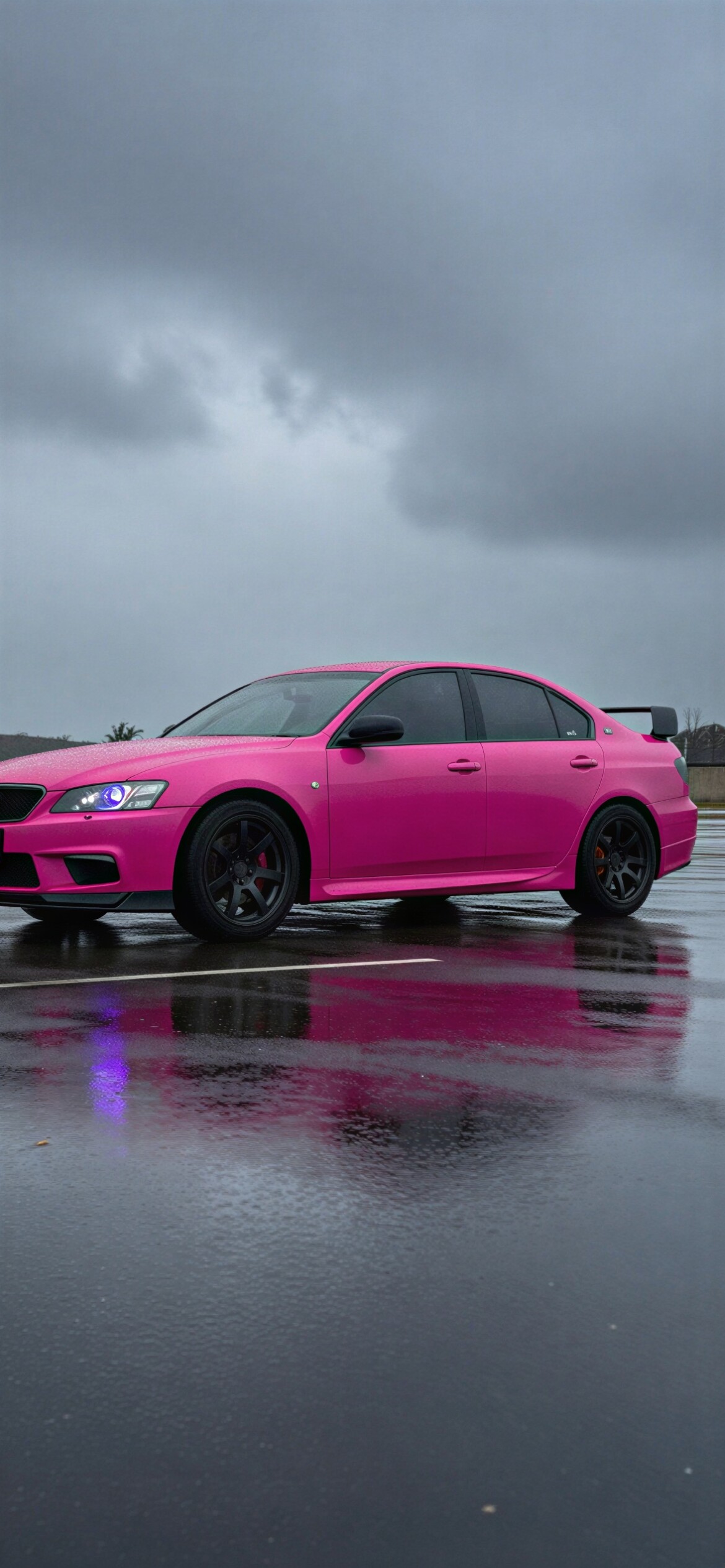
- A tuned sedan on a wet street, pink and purple neon smeared across the road in reflections.
- A low-stance car parked on a mountain overlook at sunrise, the brightest picture in the set.
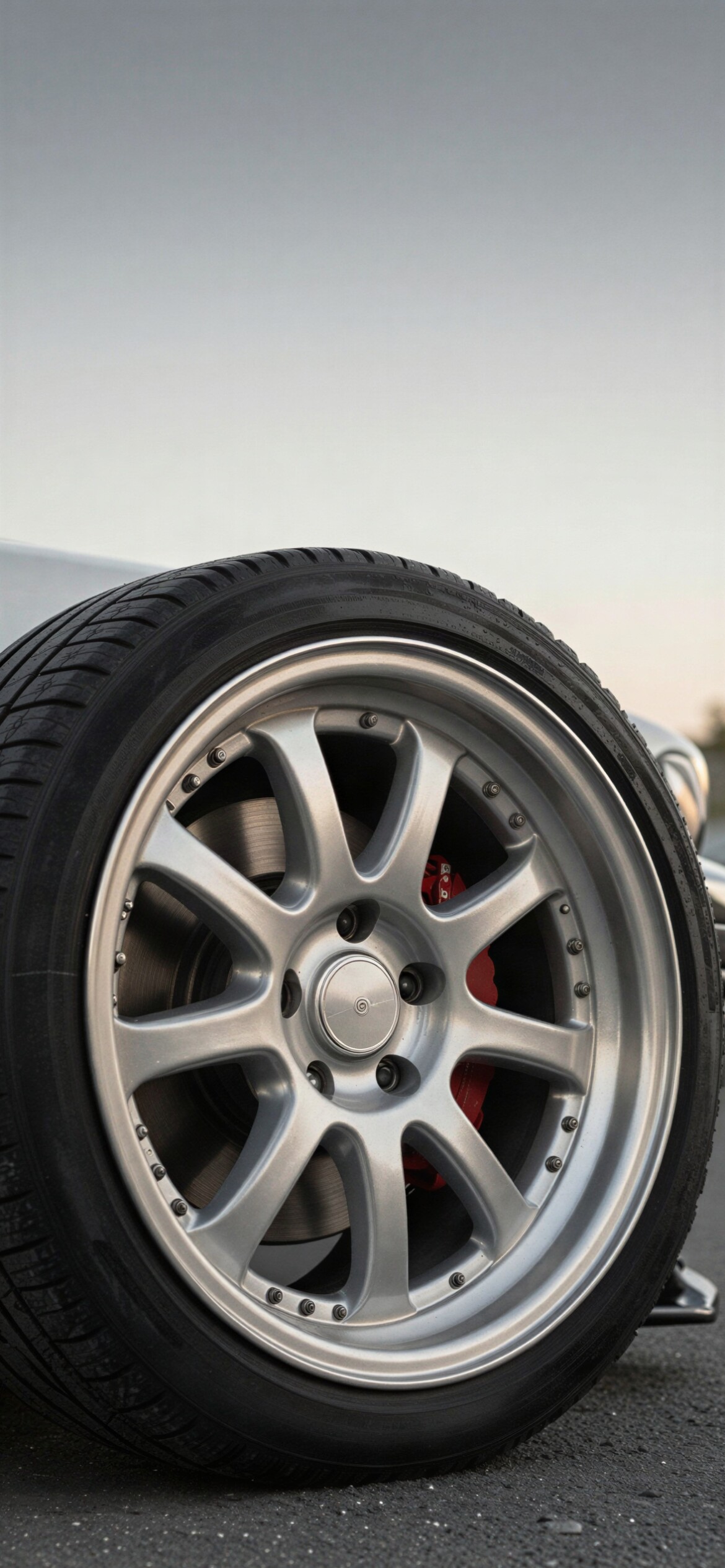
- A tight crop of custom wheel rims on polished pavement, a good lock screen if you like detail.
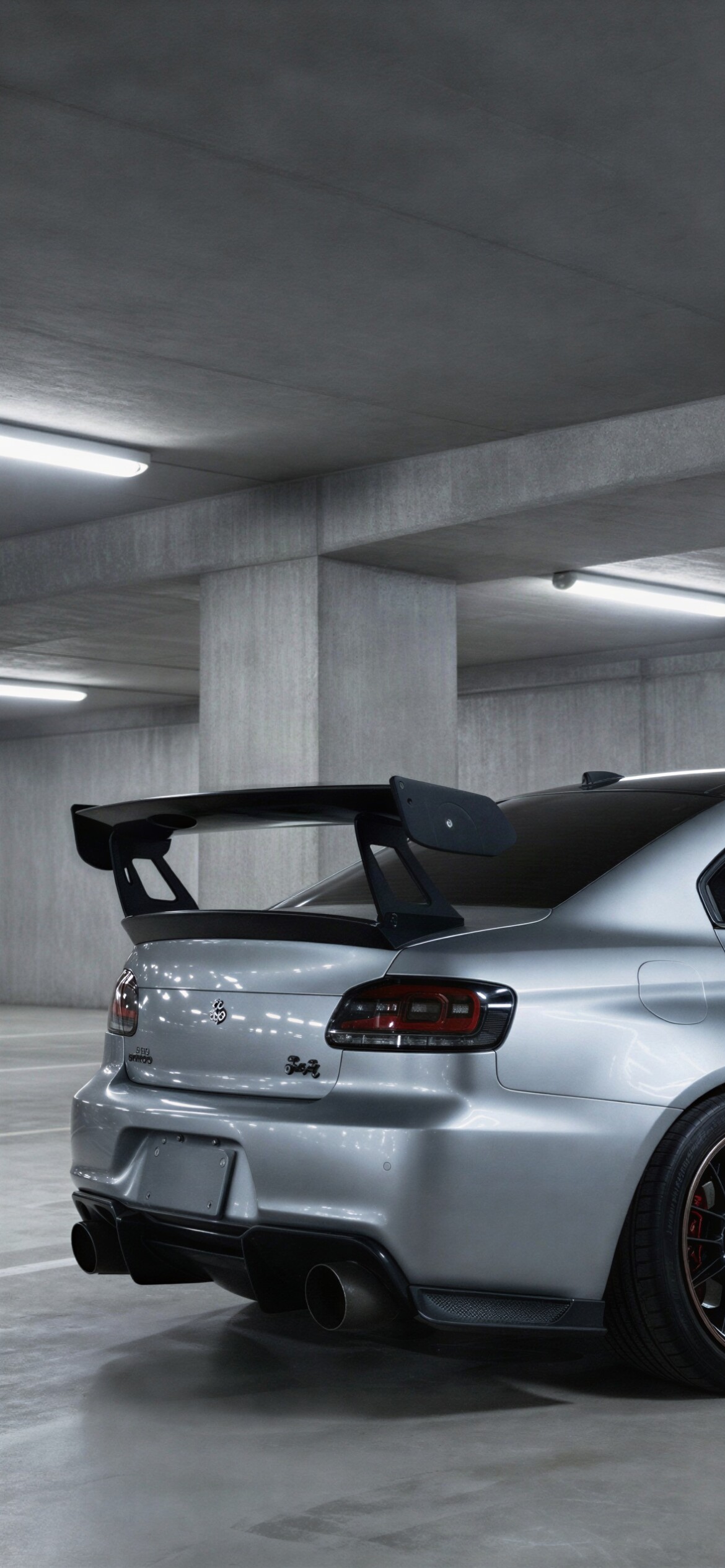
- The back of a modified car with a rear spoiler, parked in an underground garage. At real speed, a wing like this pushes the rear tyres down onto the road.
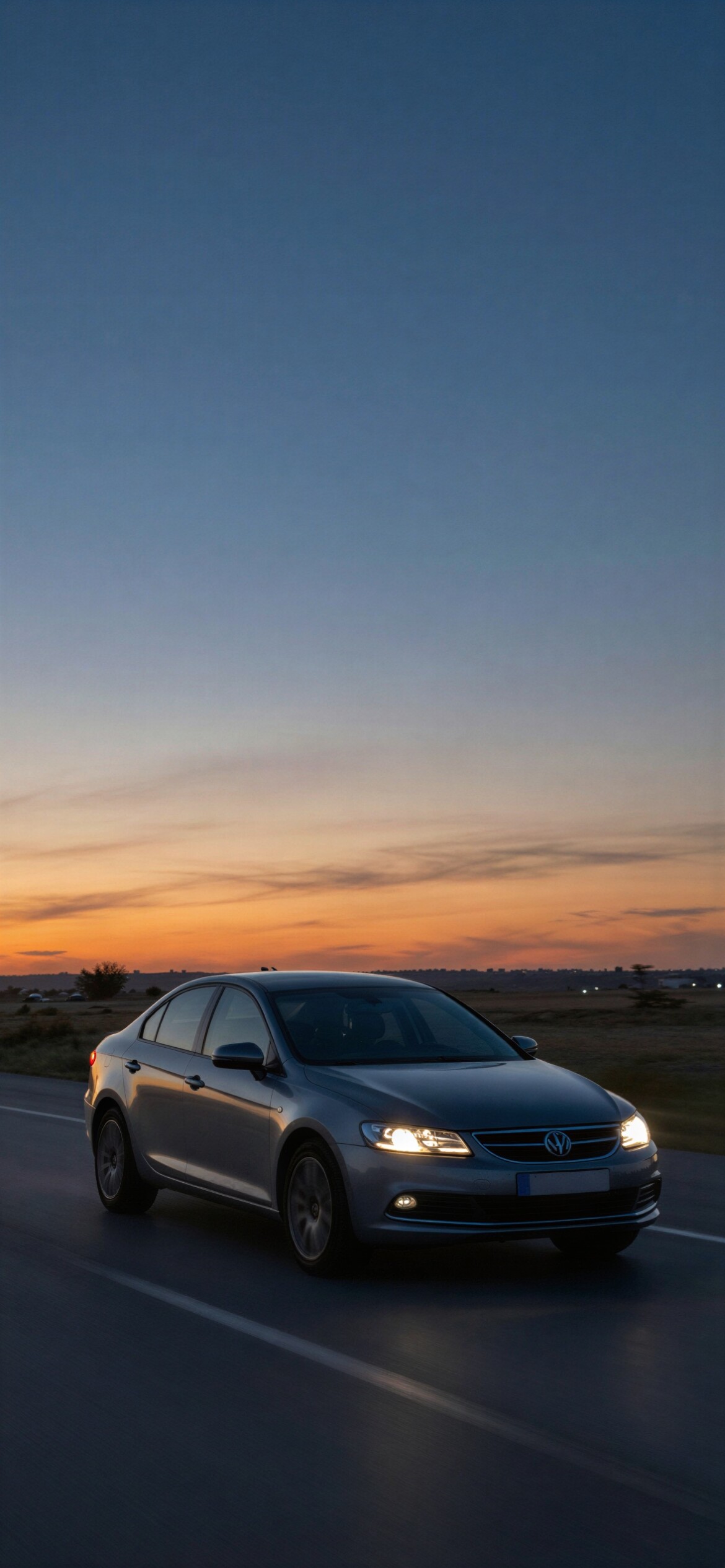
- A car accelerating down an empty road at dusk, blurred with motion.
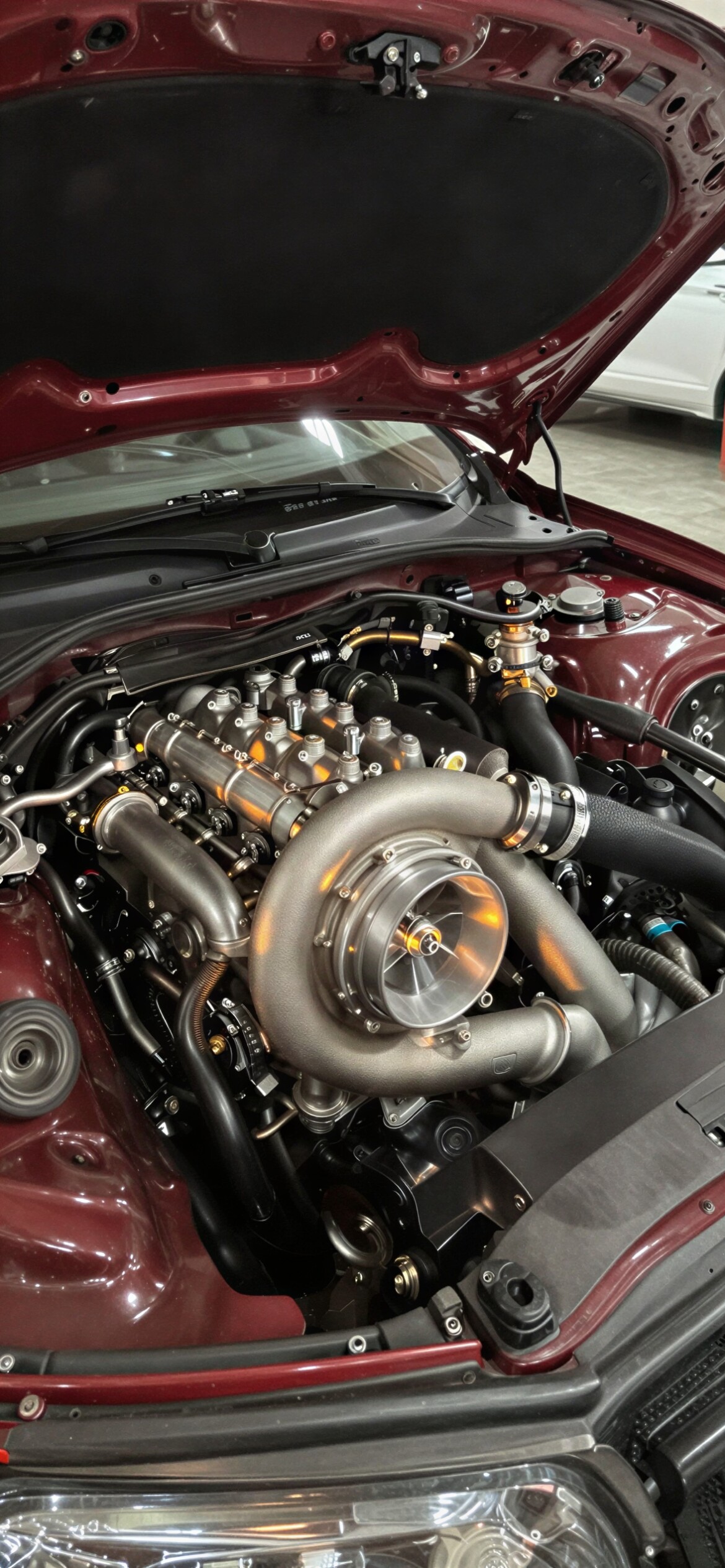
- An engine bay with a turbo and custom parts under a work light. A turbo uses exhaust gas to spin a turbine that forces more air into the engine, which is why it shows up in so many tuned builds.
Neon night or first light?
Wallpapers 1 and 2 are the after-dark pair, all rain and coloured reflections. Wallpapers 3 and 6 are out on the open road at sunrise and dusk, with warmer and more open skies. Wallpapers 4, 5 and 7 stay close to the metal: rims, a spoiler and an engine, mostly greys and polished surfaces with small highlights.
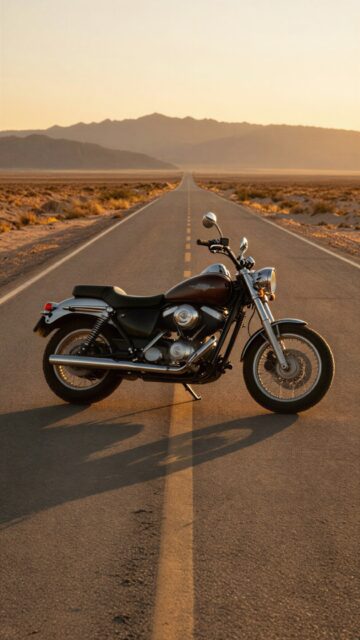
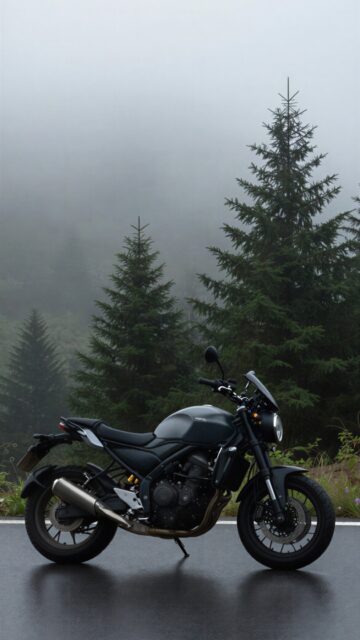
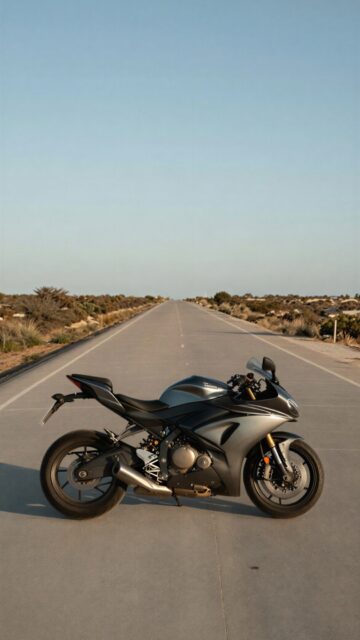
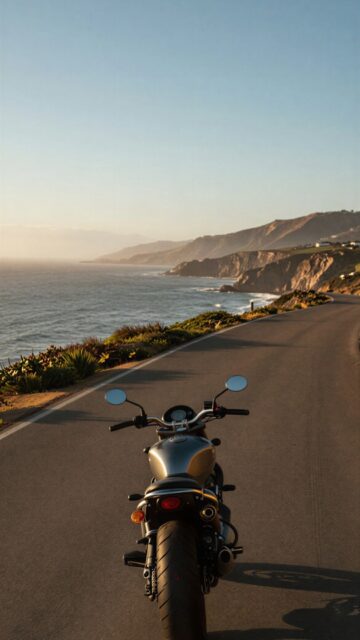
For more machines, try the motorcycle wallpapers; for the same rainy neon mood without the cars, the night city wallpapers fit well, and the dark iPhone wallpapers keep things moody.
How to set it on your iPhone
- Tap Download and save the image to Photos.
- Open Settings, tap Wallpaper, then Add New Wallpaper, and choose Photos.
- Pick the wallpaper, pinch to position it, then tap Add and choose the lock screen, home screen or both.
Stuck on a step? The iPhone and iPad guide has screenshots for each one.
Questions
Will these wallpapers fit my iPhone screen?
Yes. This set is designed for iPhone at 1170x2532 pixels, the standard resolution for current models. Each wallpaper is formatted for the full vertical screen. They are sized for modern iPhones, and some older models may crop slightly at the edges when you set them.
Can I use these wallpapers commercially or share them elsewhere?
These wallpapers are free for personal use on your own devices only. You cannot sell them, print them for sale, or repost them on other wallpaper sites or social media. For full terms, visit the Terms page on Free Wallpaper Daily.
Which wallpapers work better for lock screen versus home screen?
Close-up shots of wheels, headlights and engine details are ideal for lock screens because they remain visible and won't be covered by apps. Full car shots and garage scenes work better on home screens where the complete composition can be seen. Mix and match based on which view you spend more time looking at.
Do these wallpapers work with dark mode and Focus modes?
Yes. The set is designed with dark and moody tones that look sharp in dark mode and complement most Focus themes. The neon accents pop against dark backgrounds. The designs work equally well in light mode, though dark mode brings out the atmospheric lighting and details more effectively.