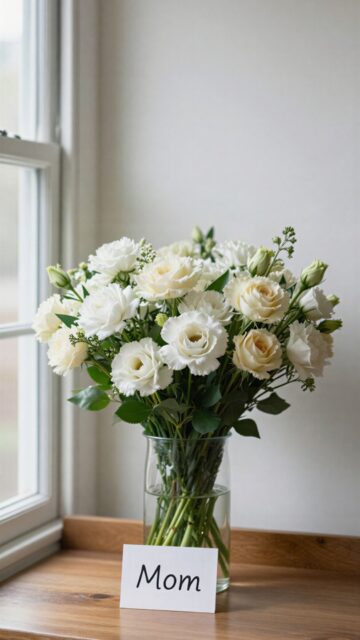
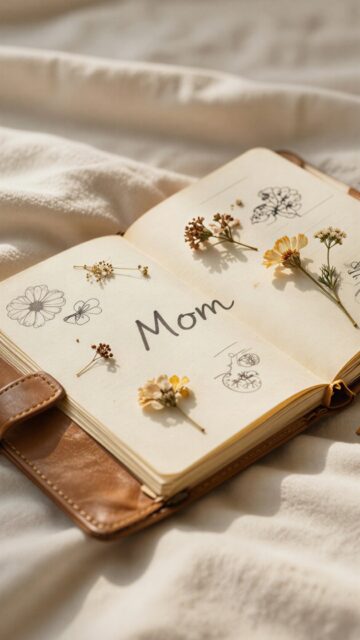
10 wallpapers in 1 collections · last added 8 Oct 2026 · sizes for iPhone, Android, desktop and tablet
A sister wallpaper is a small, everyday way to keep your sister close, whether she lives down the hall or across the country. These sister wallpapers celebrate the mix of teasing, loyalty and shared memories that only siblings get: hand-drawn hearts with "sis" lettering, two girls walking arm in arm, matching flowers, sweet quotes about growing up together and playful designs that poke fun at who borrowed whose clothes. The collection sits inside our love wallpapers, so the tone stays warm without getting too serious.
Each collection holds 10 backgrounds in one size. You can pick phone portrait versions for the iPhone (1170x2532) or Android (1080x2400), plus iPad, laptop and 4K desktop sizes if you want the same sister background on a bigger screen. Every design is original and checked by hand before it goes live, and weak images are removed, so what you see is ready to set as a lock screen today. Sharing the page link with her is an easy way to give her a matching sister background for her own phone.
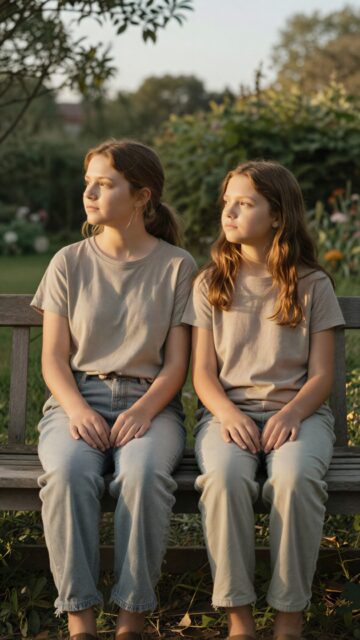
Sibling designs range from soft and sentimental to openly silly, so think about which side of your relationship you want to see every time you pick up your phone. Pastel florals and short quotes feel gentle and suit a lock screen, where the clock sits near the top and the lower half stays clear. Busier cartoon scenes work better behind home screen icons when the main figures sit in the middle third. If you and your sister want a pair, choose two designs with the same palette rather than identical images, so each phone feels personal. Good pairings to explore:
For a sibling pair, set the same design on both phones but pick one with the figures or lettering centered, so it still looks right whether your sister uses an iPhone and you use an Android.
For a modern iPhone, use a portrait image of 1170x2532 pixels, which is the size our iPhone collections are made in. It fills the screen without stretching and leaves enough room above and below the main design for the clock and the dock. Older or smaller iPhones scale it down cleanly, so the same file works on most models.
Yes. Android collections are sized at 1080x2400, a tall portrait ratio that matches most current Samsung, Pixel and Motorola phones. If your launcher asks whether to crop or scroll, choose a fixed crop so the lettering or the two figures stay centered instead of sliding off the edge when you swipe between home screens.
Yes. Each wallpaper is free for personal use on your own devices, so the easiest way is to send her the link to the page and let her download it herself. Printing it on products for sale, reposting the files elsewhere or claiming them as your own work isn't allowed under our terms of use.
A lock screen is seen on its own, so a short quote or a pair of illustrated sisters works well as long as the top quarter stays fairly calm for the time. A home screen sits behind rows of icons, so pick a softer pattern or a design with the main subject in the center, where icons cover the least.
Short lines read best on a phone. Popular choices include "Sisters by chance, friends by choice," "Partners in crime," "Big sis, little sis" and simple words like "always" or "forever." Keep quotes to one or two lines so they stay readable under the clock, and pick lettering with enough contrast against the background.
Many sibling designs show two figures, but patterned and quote-based images work for any number of sisters since they don't depend on how many people are drawn. For twins, a pair of mirrored designs set on each phone feels fitting. If you want a specific idea like three sisters, you can request it through our contact page.
New collections go up across the site every day, and sibling themes get fresh sets regularly, especially before occasions like birthdays and National Sisters Day in early August. The latest wallpapers page shows everything in order of publishing, so it is the quickest place to check for new sister designs.
Download the laptop (1920x1080) or 4K desktop (3840x2160) version, then set it from your system settings. On Windows, right-click the desktop and choose Personalize; on a Mac, open System Settings and pick Wallpaper. Our desktop wallpaper guide walks through both step by step.
Every wallpaper is reviewed by a person before it goes live: we remove images with odd details or blur and check the crop for each device. How we check wallpapers
Something wrong with an image? Report an image · Free for personal use, see the Terms.