Lofi Wallpaper iPhone
Lofi wallpaper for iPhone brings calm, muted aesthetics to your lock and home screens with soft colors and relaxed scenes. These free designs capture the peaceful mood of lofi art through gentle landscapes, cozy interiors and dreamy outdoor settings. Each wallpaper works best on tall vertical screens and uses a simple top area so your icons stay visible. Download any design instantly without creating an account.
10 wallpapers at 1170 × 2532 px for iPhone. Checked by hand on 14 Oct 2026.
About this set
This set captures the essence of lofi aesthetic with soft color palettes, calm scenes and a relaxed mood that fits perfectly on iPhone screens. Each design uses muted tones and peaceful subjects like quiet cabins, gentle landscapes and cozy interiors to create a serene visual experience.
The lock screen wallpapers work best as simple, uncluttered designs that won't fight with your time and notifications. Home screen picks are the more detailed scenes that look good behind your app icons. All designs use a simple top quarter so your status bar and icons remain easy to read, while the main subject sits in the lower half for visual balance.
From tape hiss to a study stream
Lo-fi is short for low fidelity, an old recording term for sound that keeps its flaws, like tape hiss or the crackle of vinyl. During the 2010s the word stuck to a kind of slow, mellow hip hop instrumental, and producers such as Nujabes and J Dilla are often named as its roots. The look came mostly from YouTube live streams that played the music around the clock over a short looping animation. The best known, on the channel ChilledCow (renamed Lofi Girl in 2021), shows a girl studying at a desk by a window.
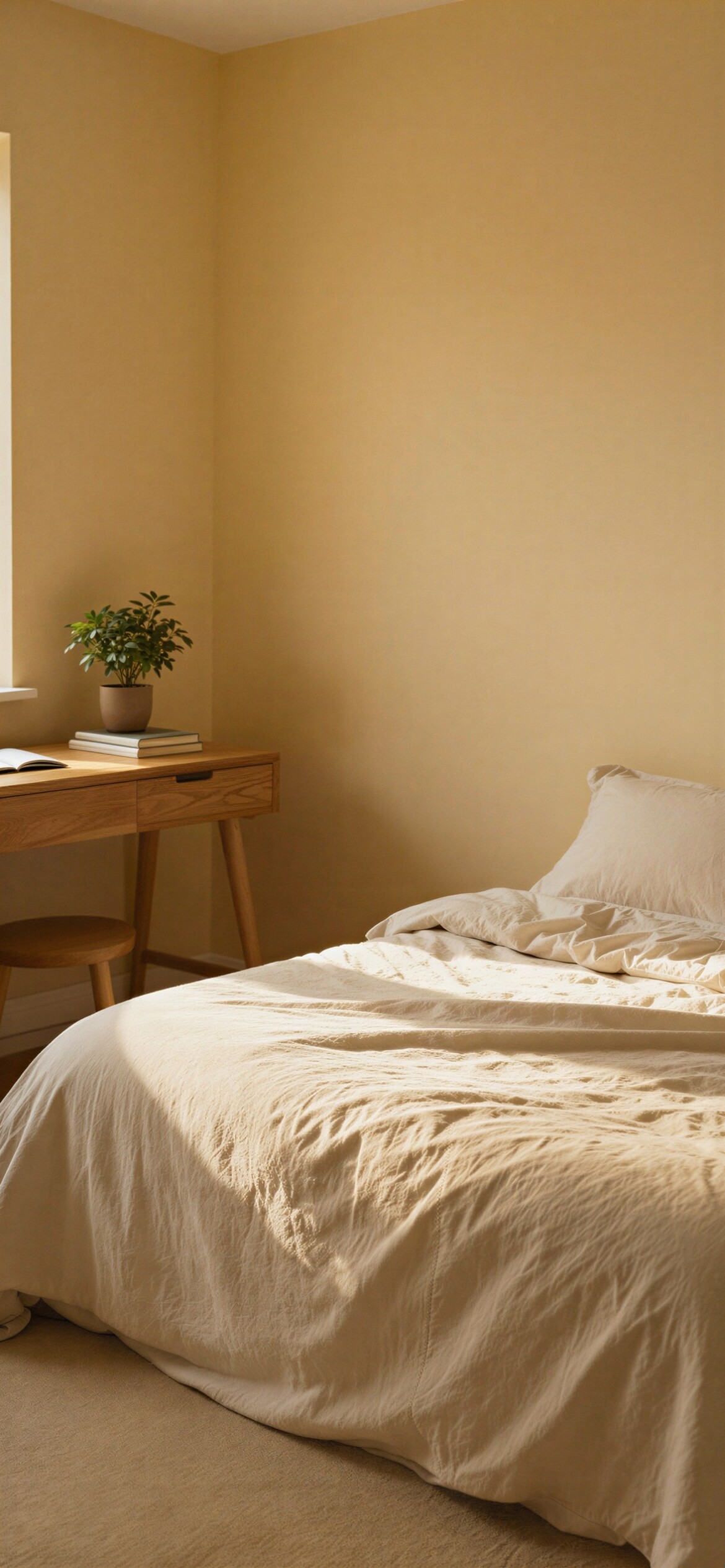
That desk-and-window scene is still the heart of the style, and you can see it in wallpapers 1, 4 and 8 here. The rest carry the same quiet feeling outdoors.
Rooms, roads and still water
- A bedroom catching golden light through the window, with a plant and books on the desk. The closest thing here to the classic study-stream picture.
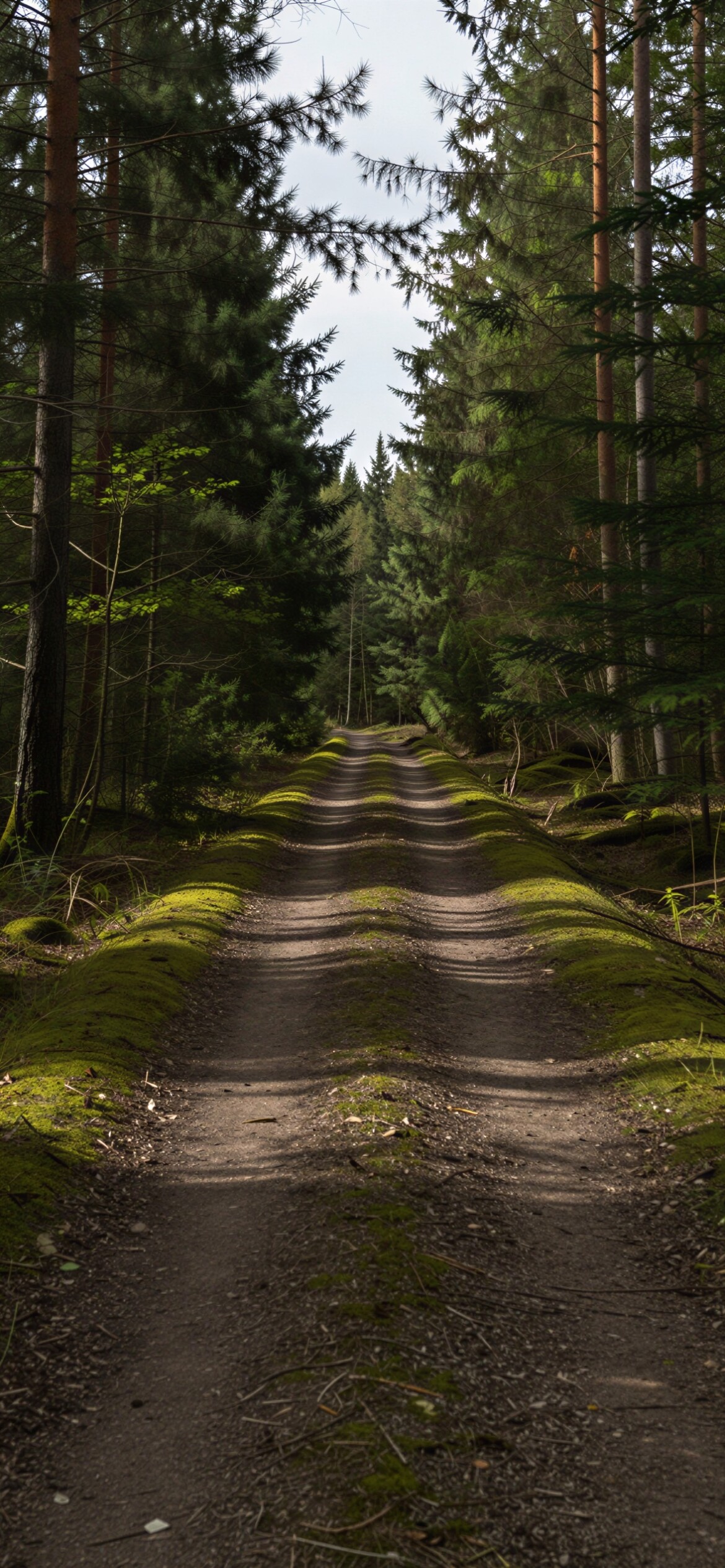
- A forest path with moss on the ground and soft shadows, calm enough for a home screen full of icons.
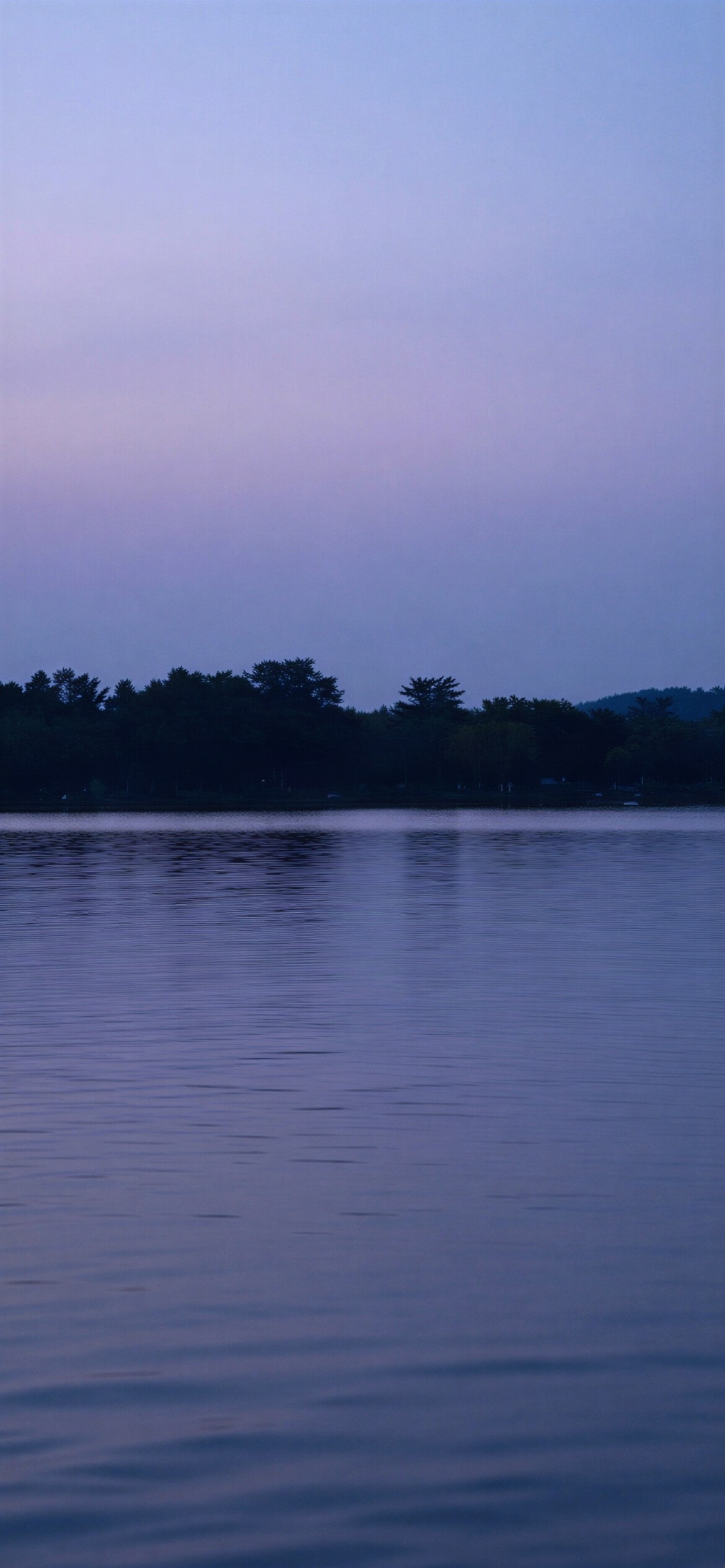
- A still lake at dusk mirroring a purple and blue sky.
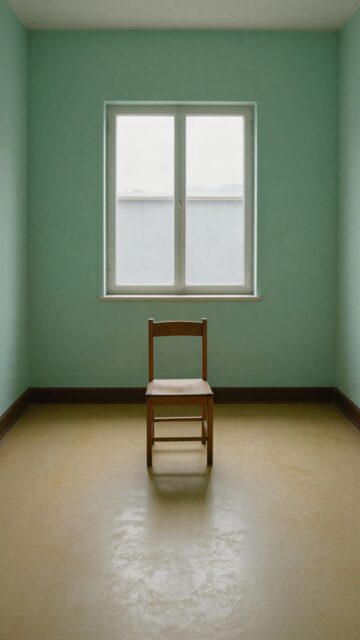
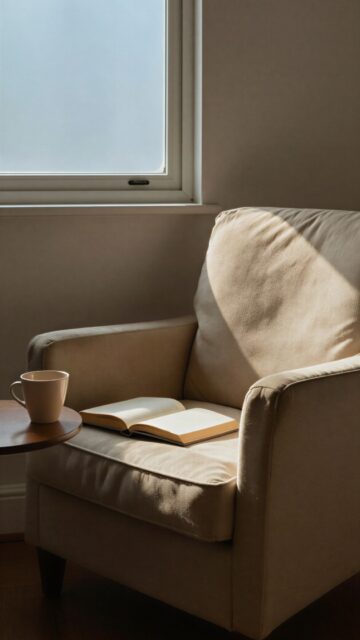
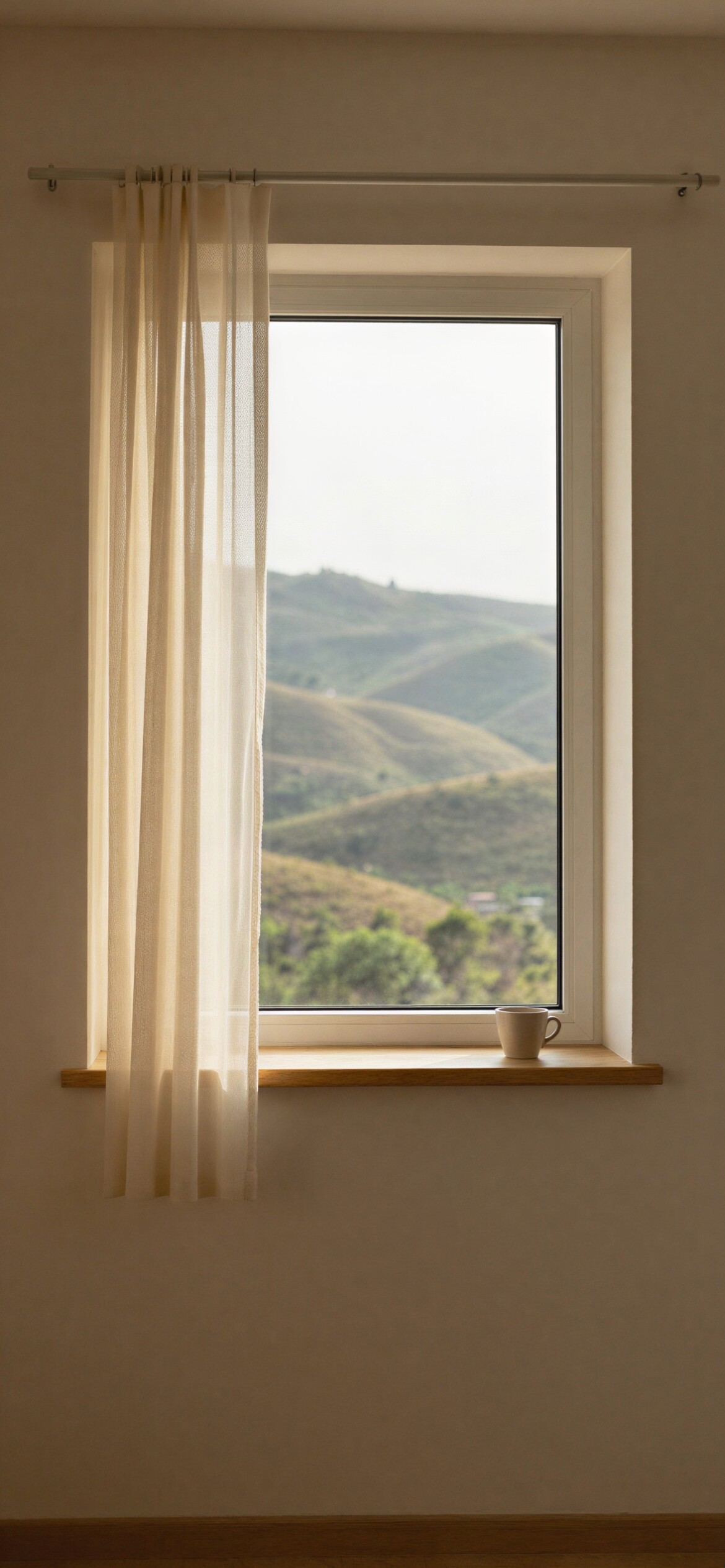
- A plain room looking out at faraway hills, a ceramic cup resting on the sill.
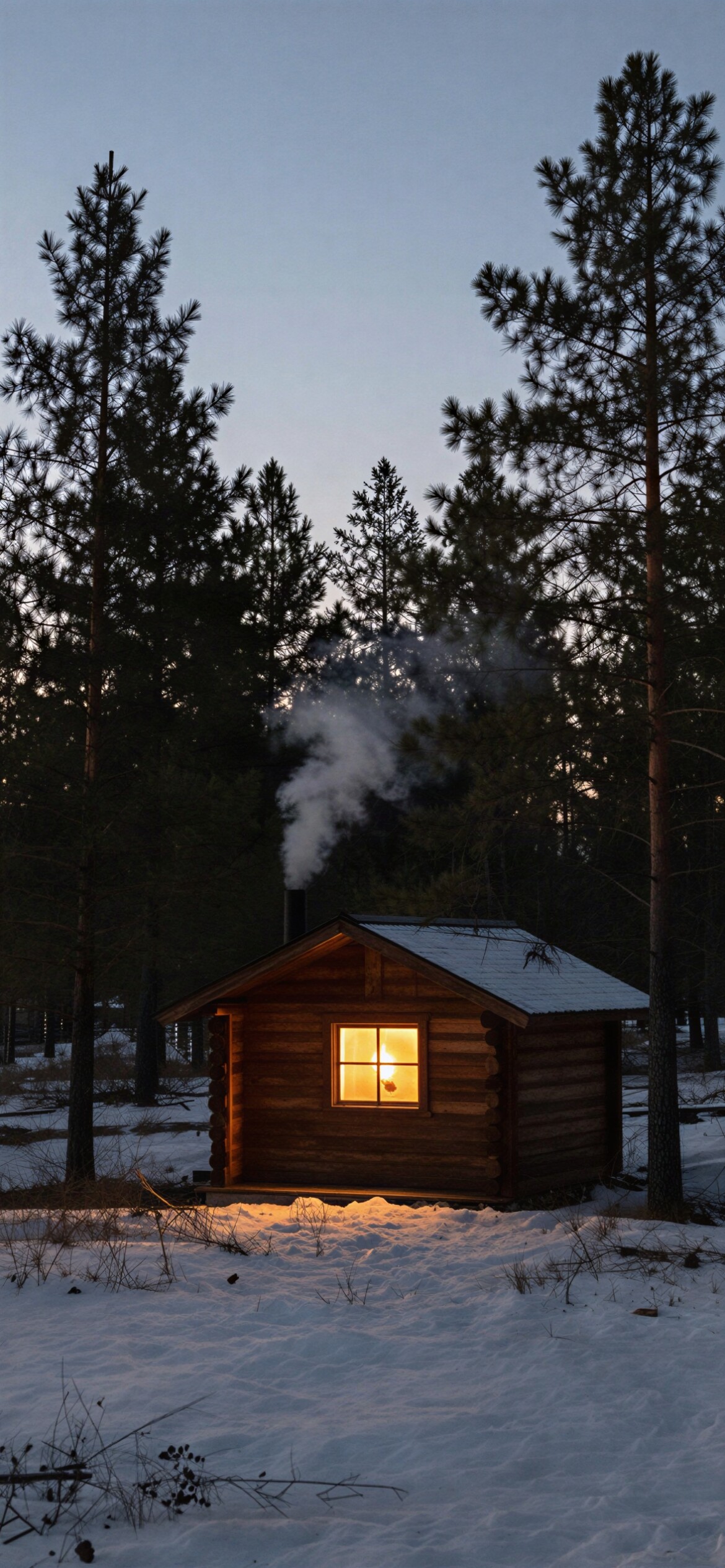
- A wooden cabin glowing at twilight among snowy pines. One to save for winter evenings.
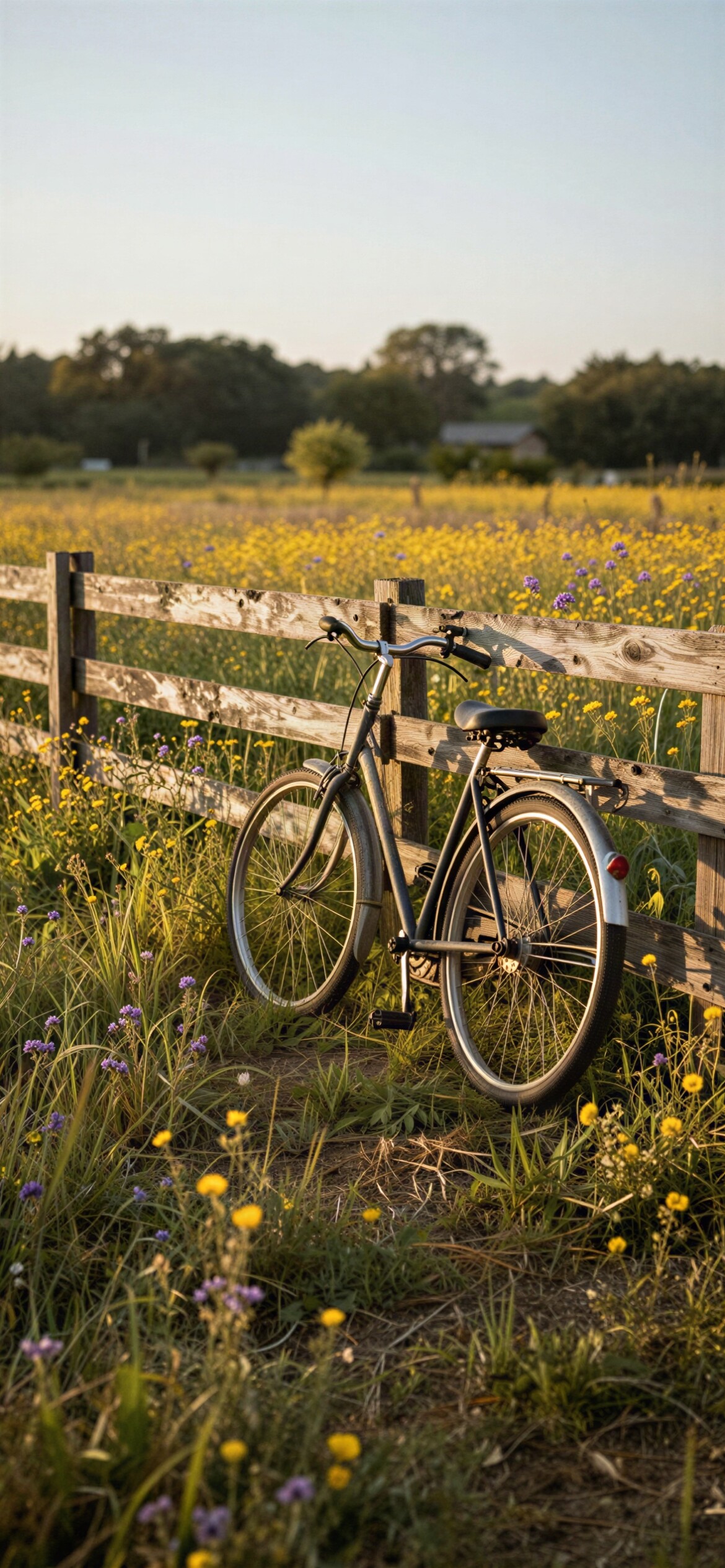
- A bicycle leaning on a fence beside wildflowers in late golden light.
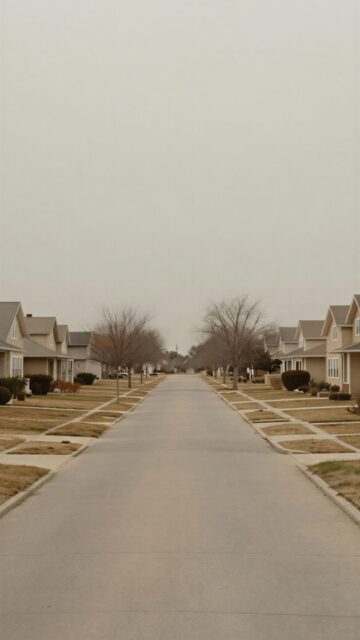
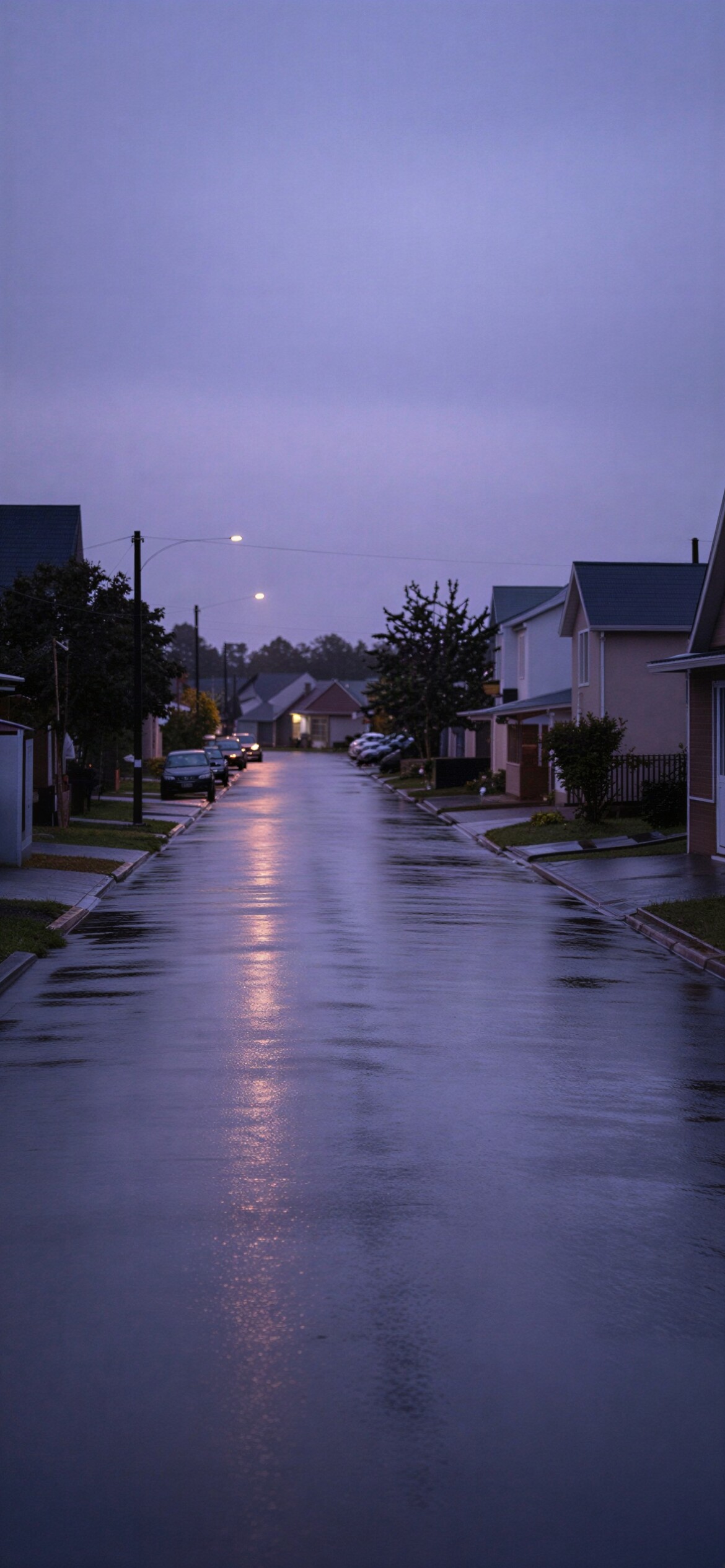
- A wet street in a small town at dusk, the twilight colours caught on the wet surface.
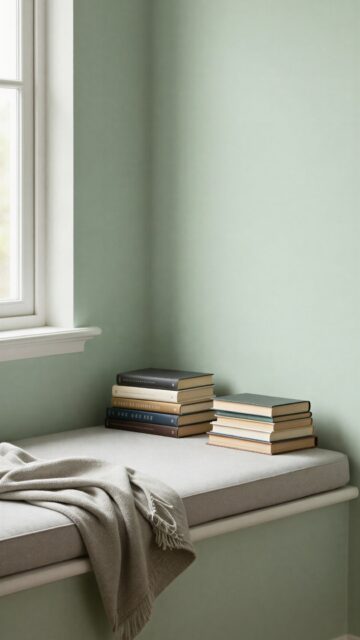
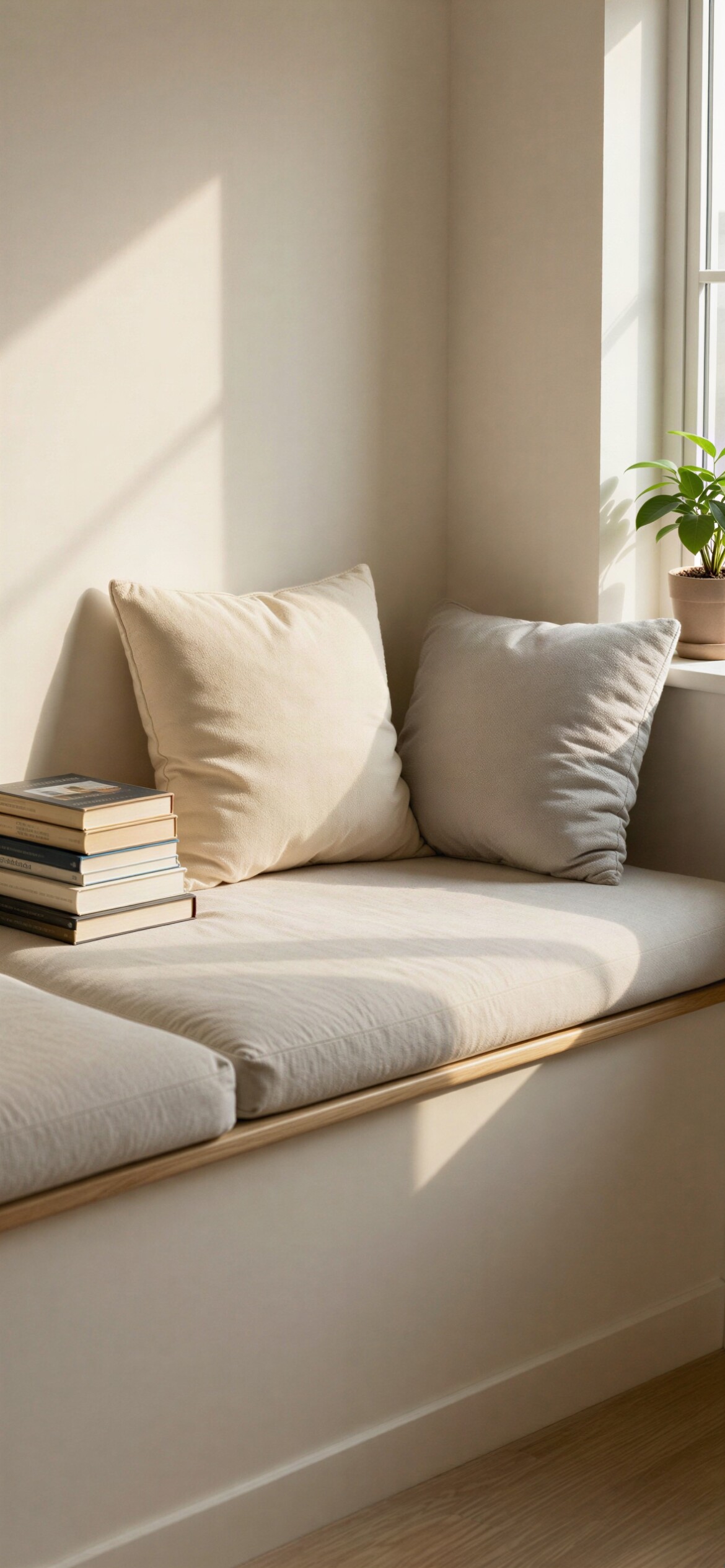
- A cushioned window seat with books and a plant, lit by the afternoon sun.
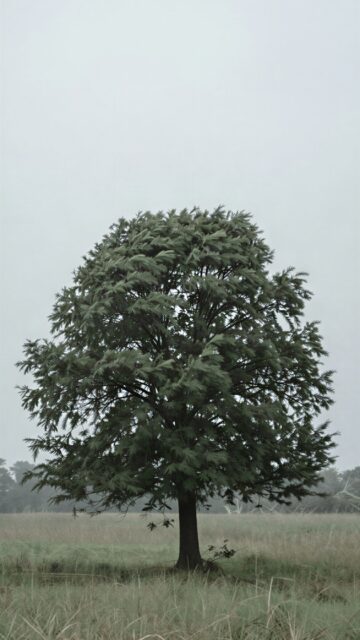
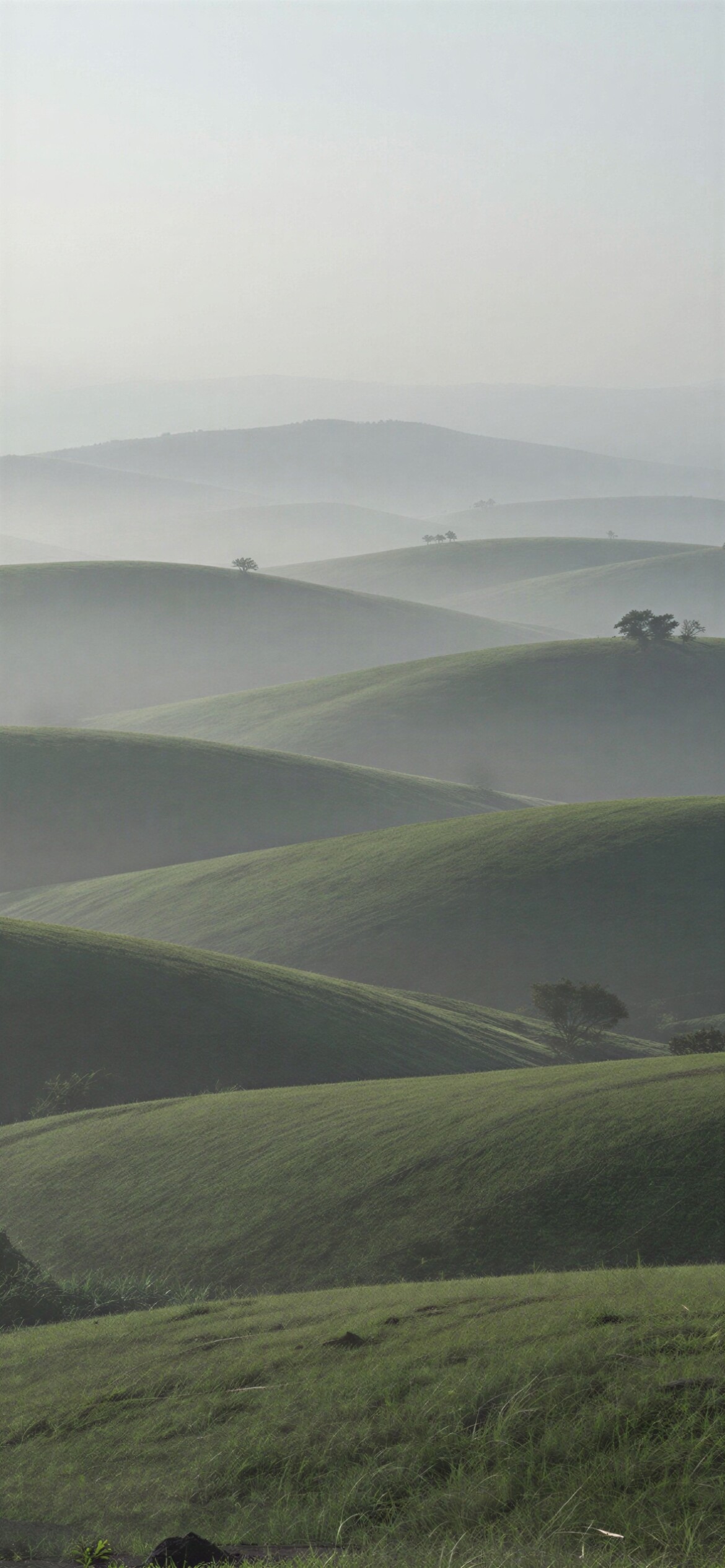
- Layers of misty hills in soft greens and greys, the simplest design in the set.
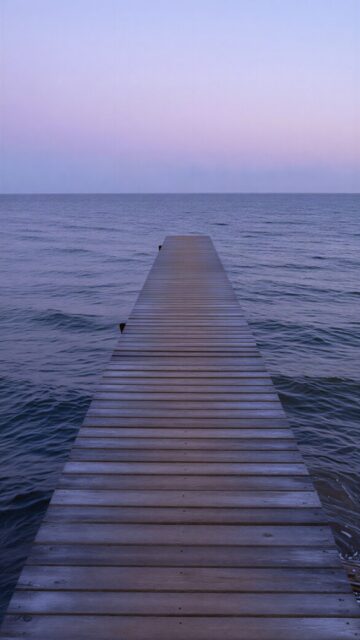
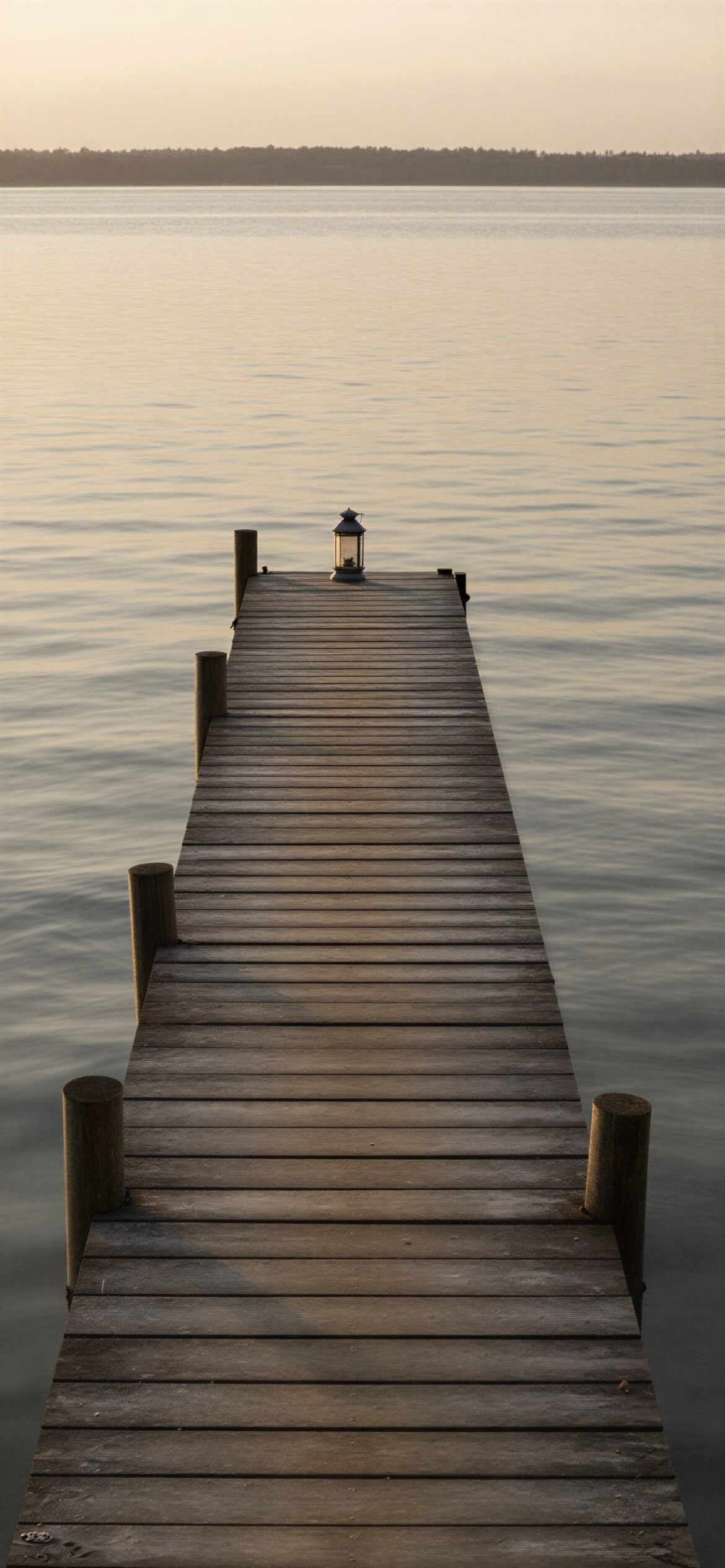
- A wooden pier stretching into calm water at golden hour, with a lantern on it.
Warm afternoon or cool evening
Numbers 1, 6, 8 and 10 lean warm, all amber and honey light. 3, 5 and 7 belong to the blue hour, with purples and deep blues, and they sit nicely on a phone you mostly pick up at night. 2, 4 and 9 are the most low-key of the lot: plain daytime scenes with very little contrast.
If this mood suits you, the chill wallpapers and the calming set are close cousins, and the books collection has more reading corners like number 8.
How to set it on your iPhone
- Tap Download and save the image to Photos.
- Open Settings, tap Wallpaper, then Add New Wallpaper, and choose Photos.
- Pick the wallpaper, pinch to position it, then tap Add and choose the lock screen, home screen or both.
Stuck on a step? The iPhone and iPad guide has screenshots for each one.
Questions
Will these wallpapers fit my iPhone screen?
Yes. These wallpapers are sized at 1170x2532 pixels for modern iPhones, and some older models may crop slightly at the edges. Download the image and set it as your lock screen or home screen wallpaper through the Photos app. iOS will crop it slightly if needed, but the composition is designed so the main subject stays visible.
Can I use these wallpapers for other purposes?
These wallpapers are free for personal use on your own devices only. You may not sell them, print them for sale, or repost them on other wallpaper sites or social media as a collection. For full details, see our Terms page.
Which designs work best on my lock screen?
The simpler, less detailed designs like the misty hills and calm lake work best on your lock screen because they won't compete with your time, date and notifications. Save the more detailed interior and cabin scenes for your home screen, where they sit behind your app icons.
What makes lofi aesthetic different from other calm wallpapers?
Lofi is defined by soft, muted color palettes, a nostalgic or dreamy mood, and subjects that feel quiet and introspective like lonely streets, cozy rooms and peaceful nature. Unlike minimalist designs, lofi often includes small details and textures that give it warmth and character while staying calm and unhurried.