Funky Wallpaper iPhone
Funky wallpaper for iPhone brings bold colors, playful patterns and quirky designs to your lock and home screens. These free-to-download wallpapers mix retro vibes with modern twists, featuring offbeat subjects and unexpected color combos. Each funky iPhone wallpaper works year-round and pairs well with colorful app icons or minimalist layouts. Pick your favorite and refresh your phone's look.
10 wallpapers at 1170 × 2532 px for iPhone. Checked by hand on 11 Oct 2026.
About this set
These funky wallpapers blend retro 1970s vibes with modern playfulness, mixing bold geometrics, organic shapes and unexpected color combinations. The designs work well on both lock and home screens; pair them with colorful app icons to amplify the funk or keep your layout minimal to let the wallpaper stand out.
The bright, energetic palettes work year-round and suit anyone who wants their iPhone to feel different and personal. These designs work best on light mode, where the colors pop; if you prefer dark mode, choose a wallpaper with deeper tones. The compositions are designed to sit behind your home screen icons without overwhelming them.
Waves, blobs, flowers and a mountain
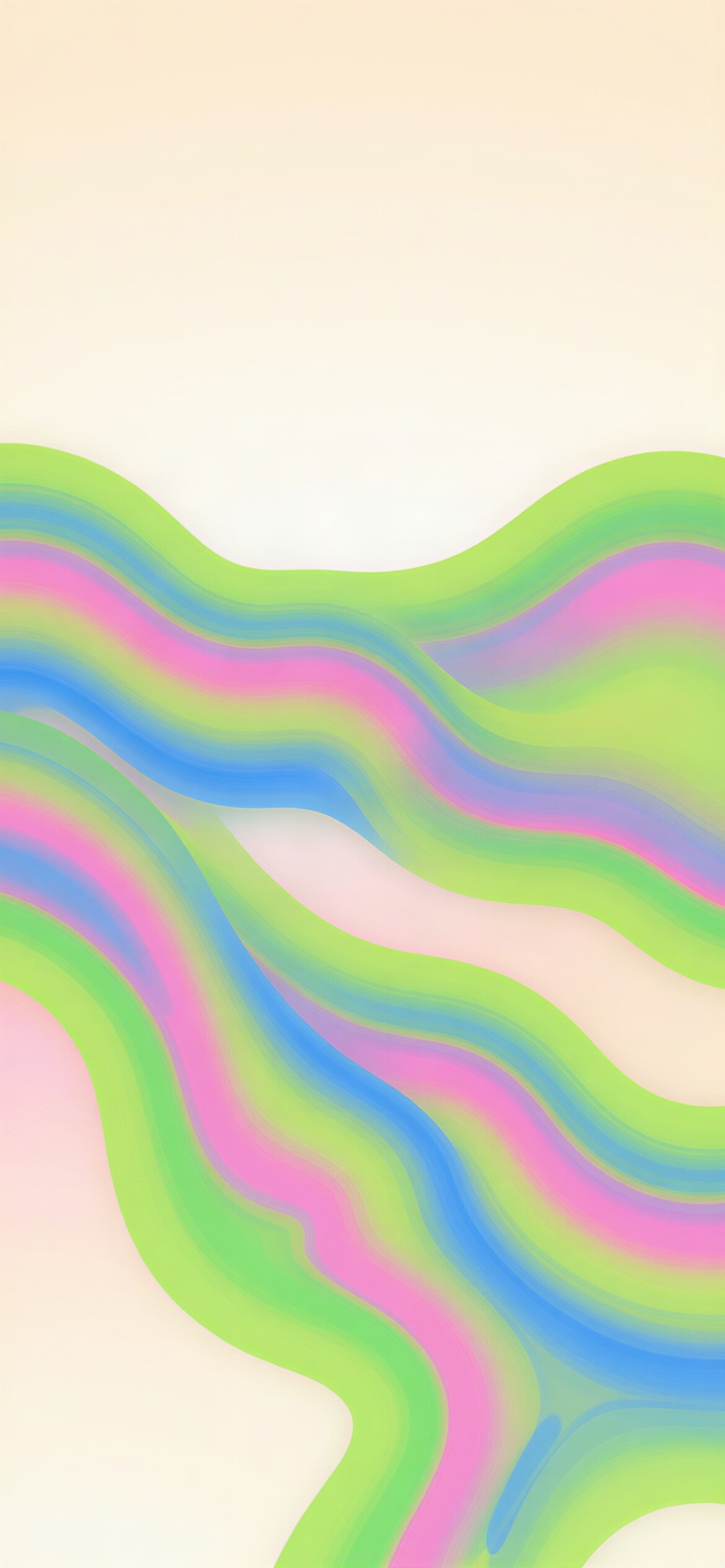
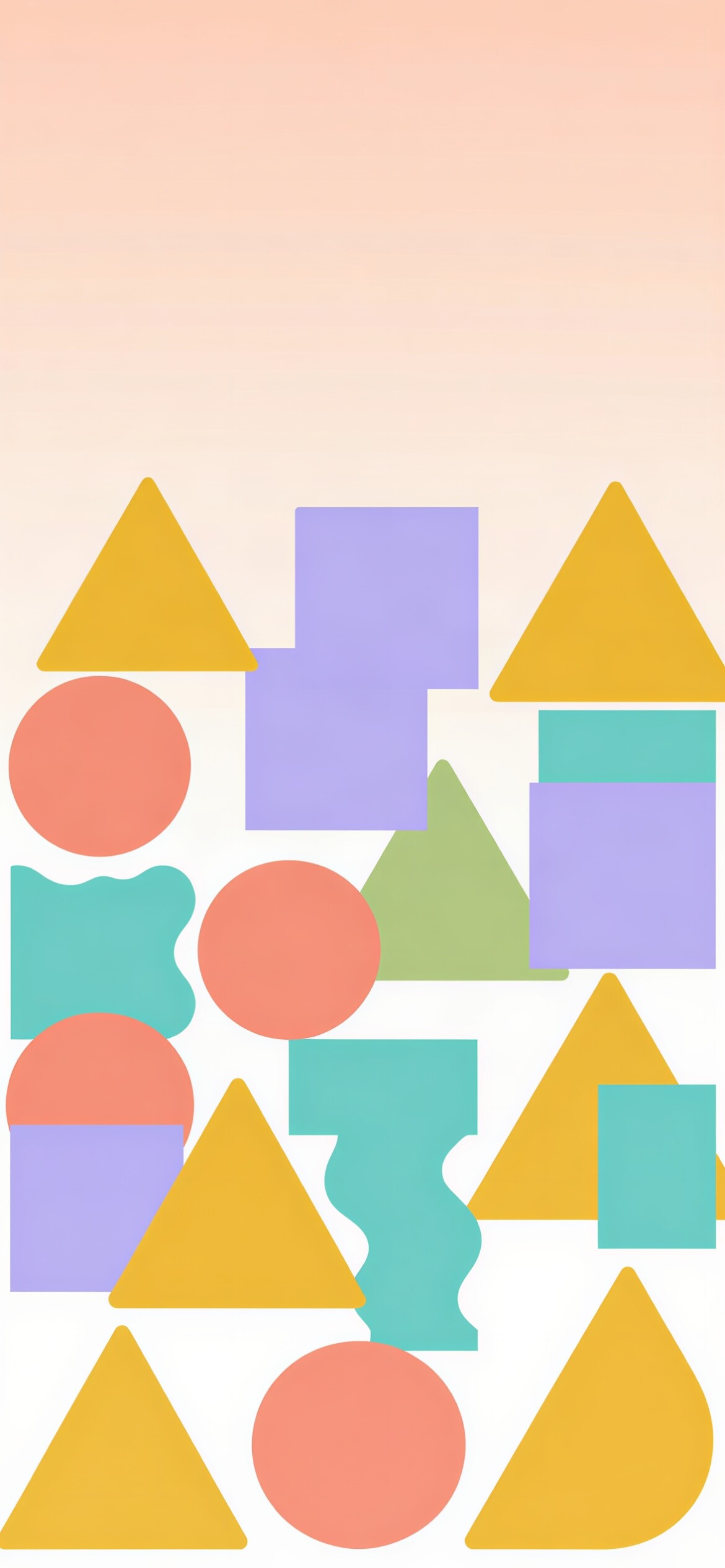
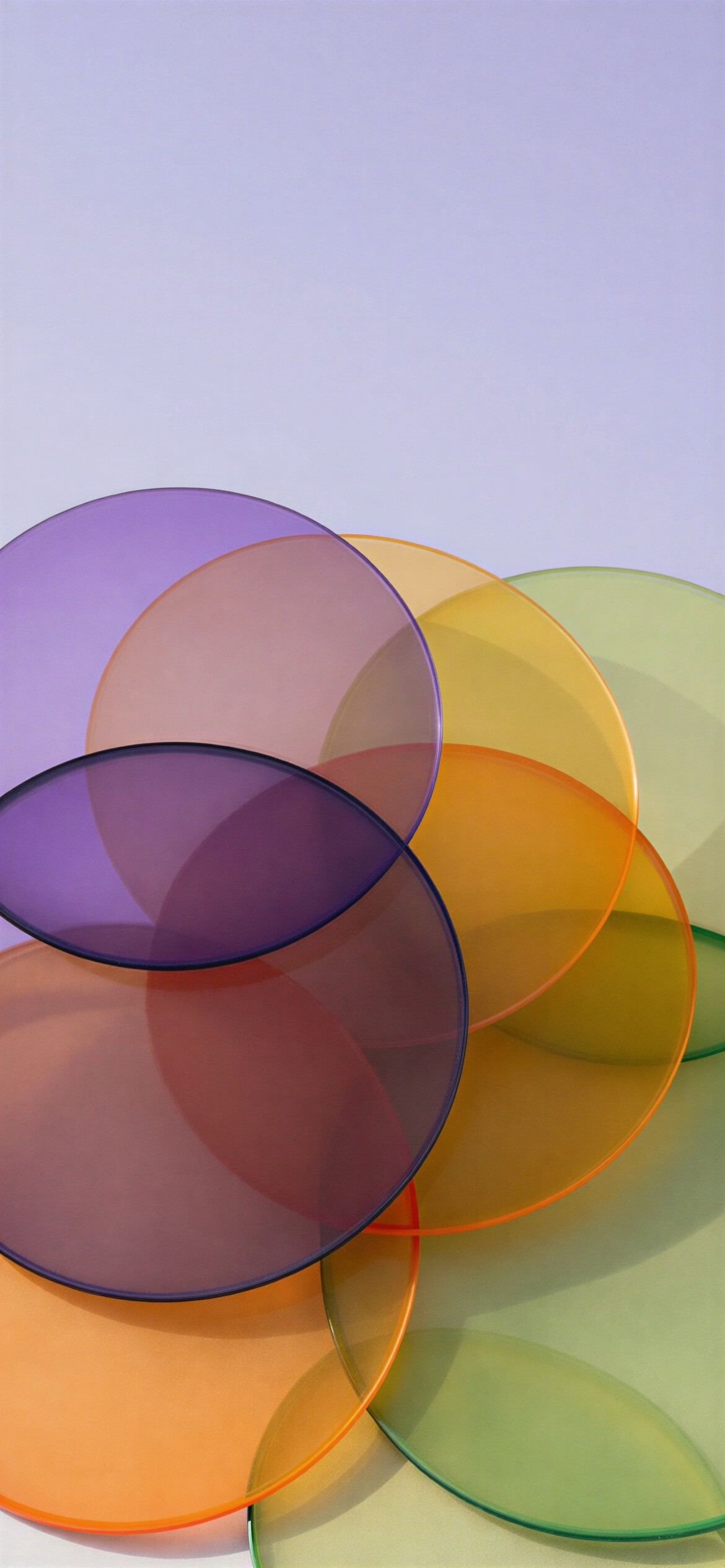
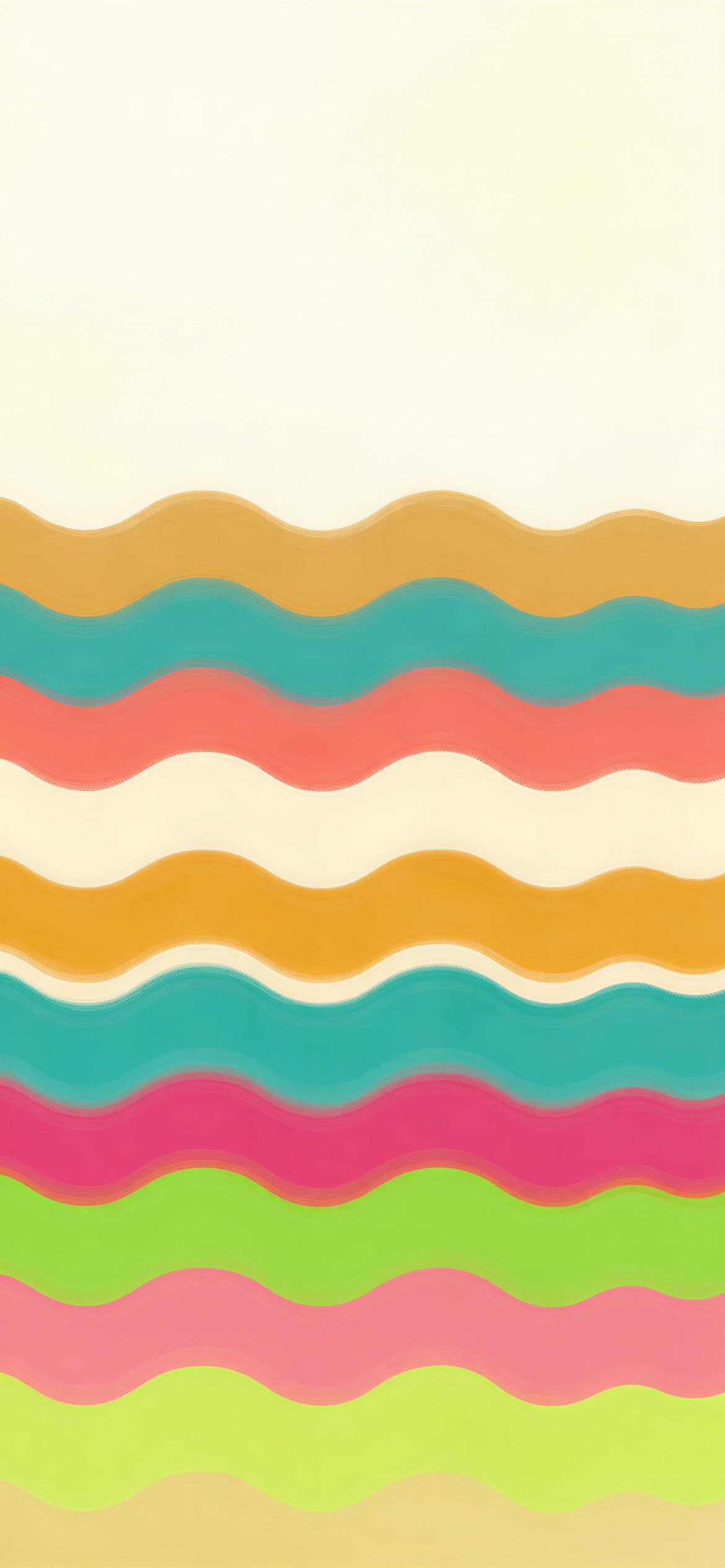
Wallpapers 1 and 5 are all about the wavy line: loose lime, pink and blue ripples on cream in the first, tight stacked bands of coral, mustard, teal and magenta in the fifth. Number 2 swaps curves for mismatched shapes in yellow, coral and lavender on a peachy gradient, and number 3 lets translucent circles overlap so their purple, orange and green mix where they cross.
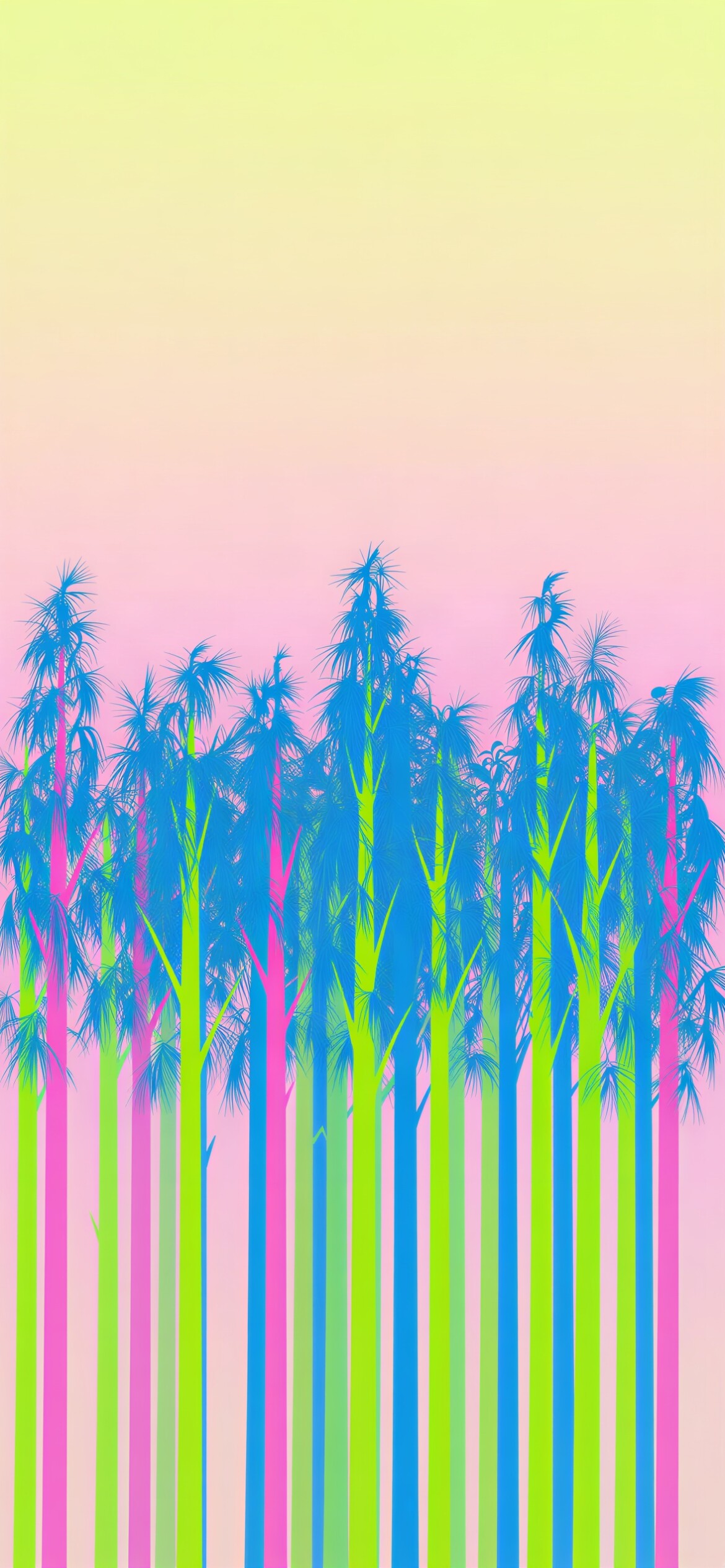
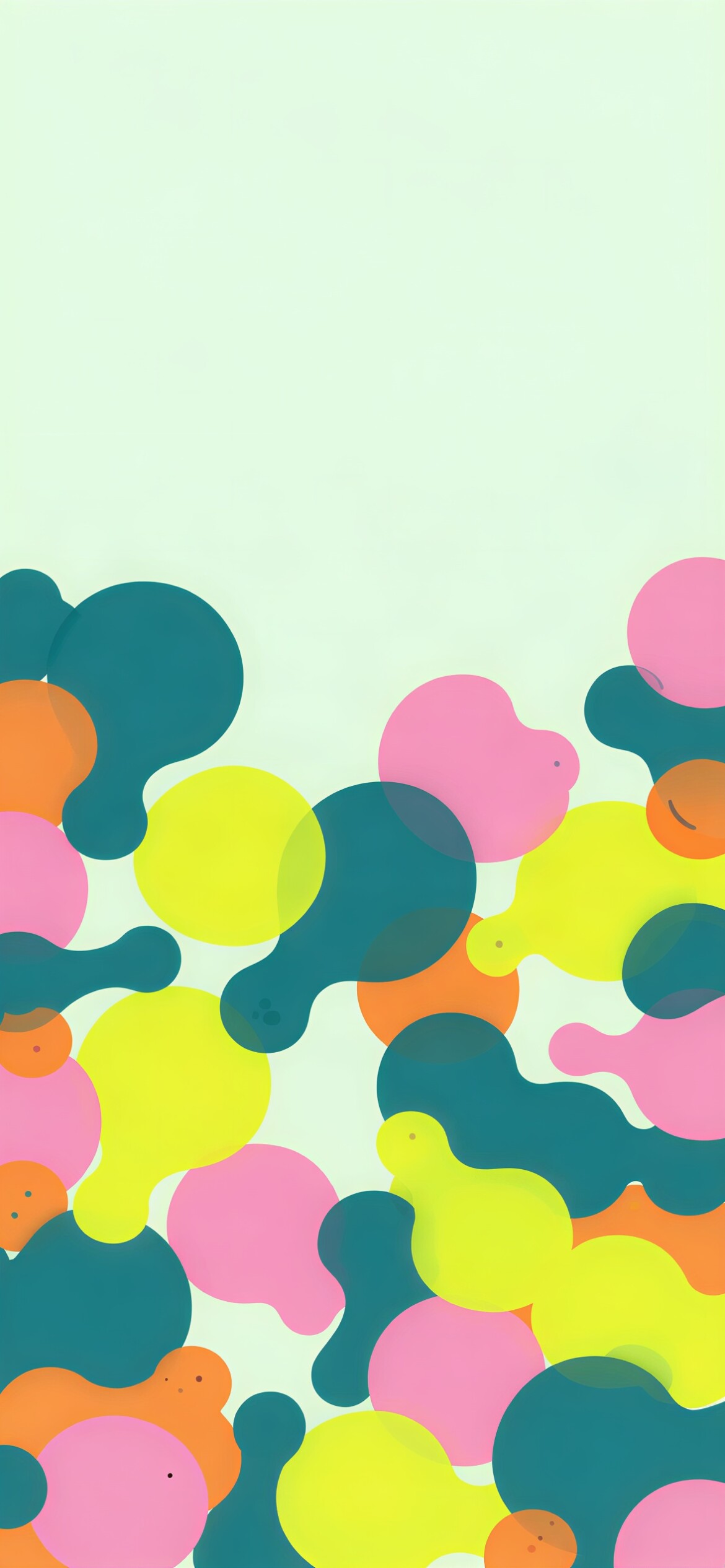
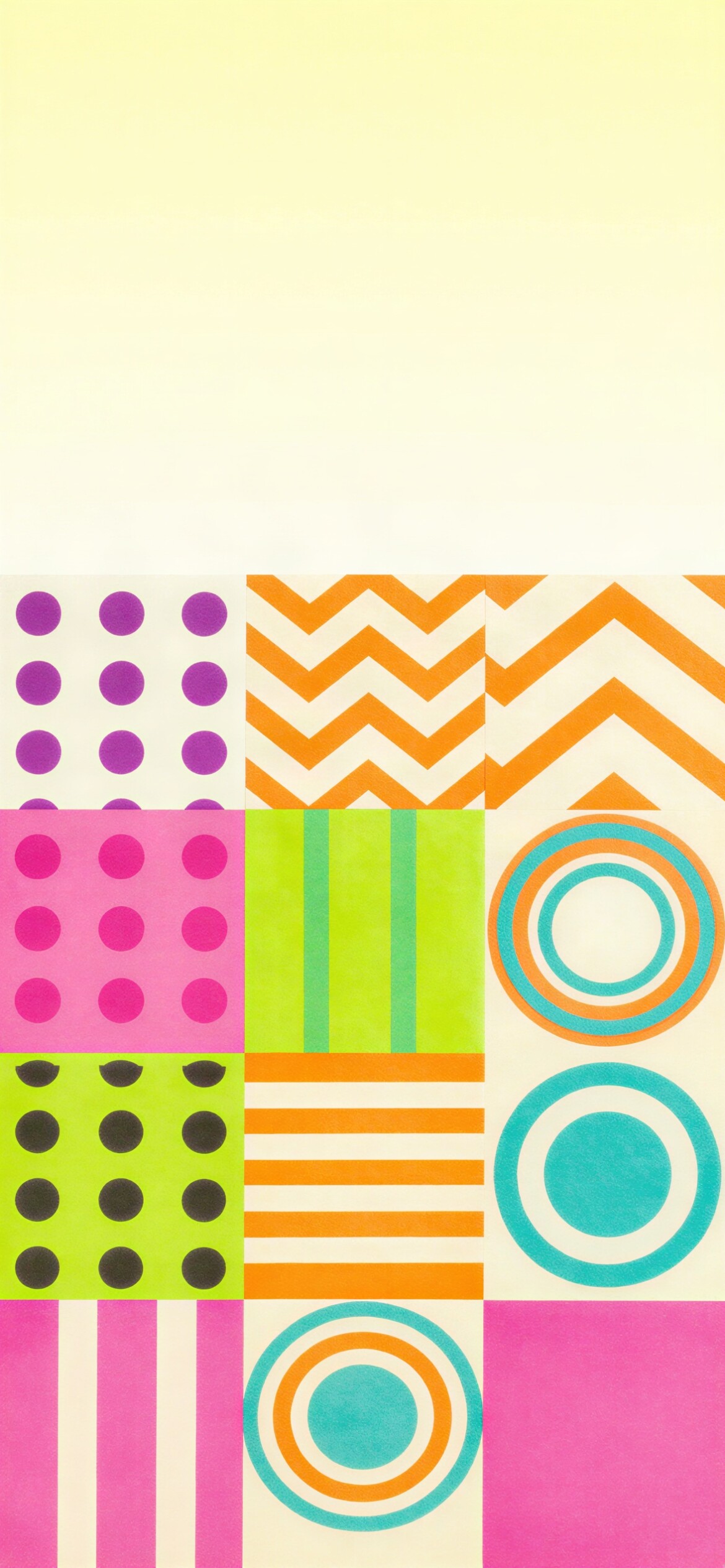
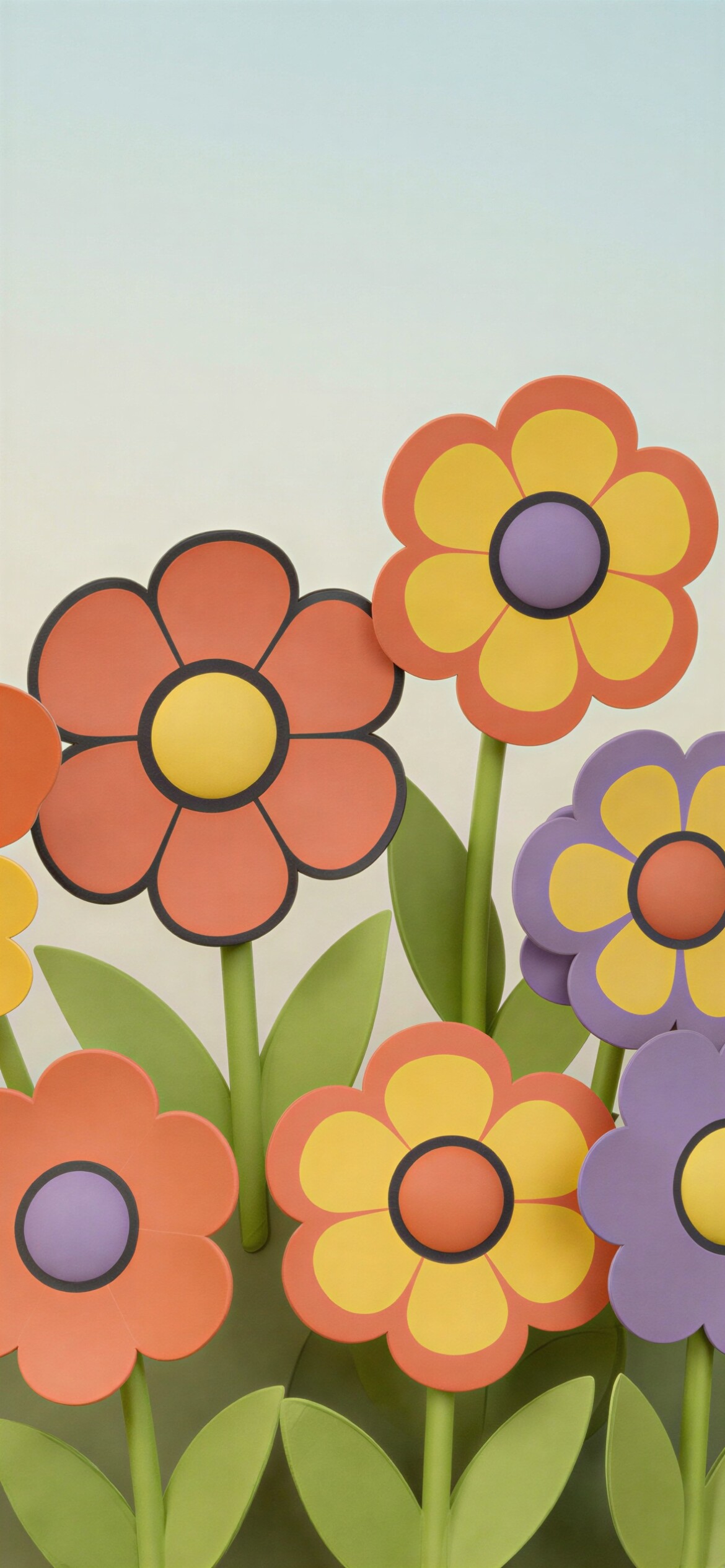
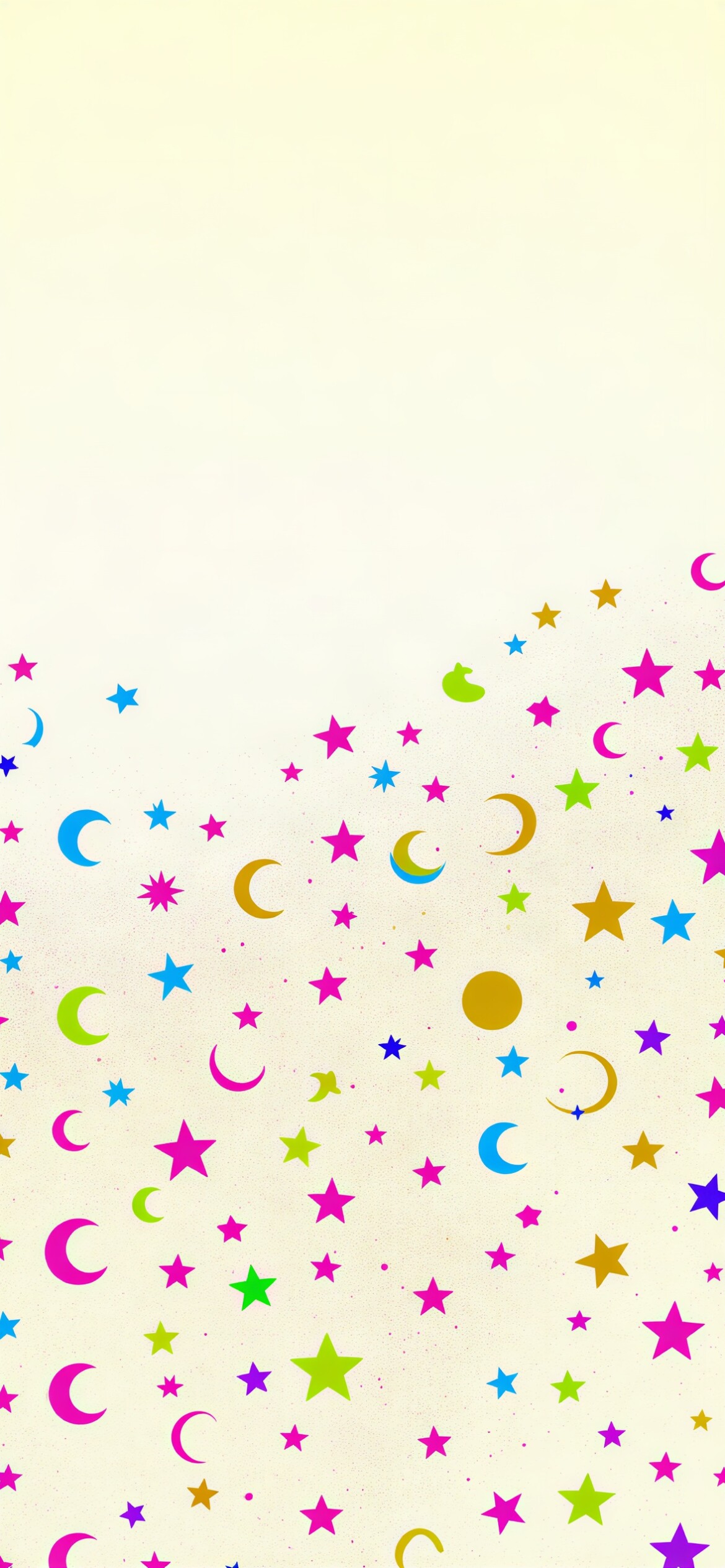
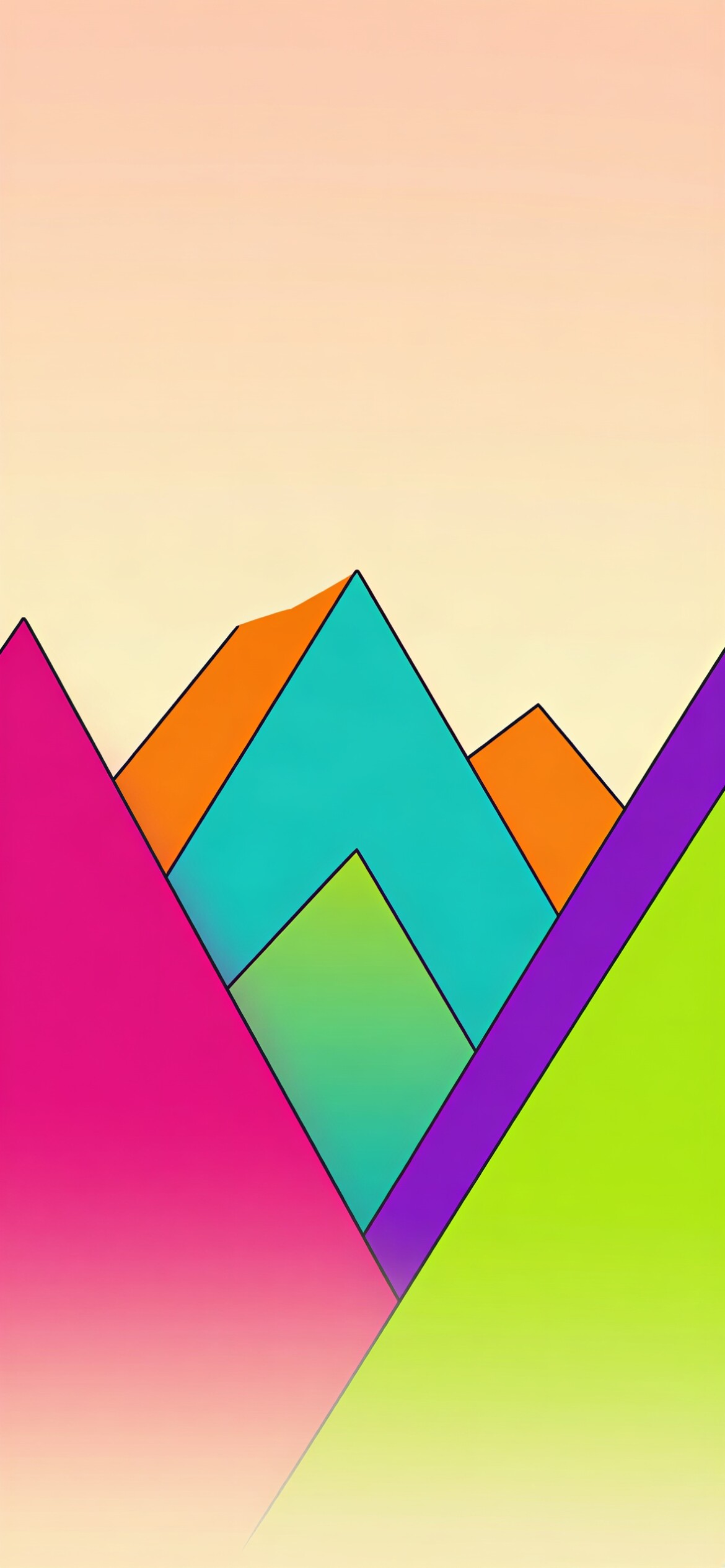
The softer, rounder designs come next. Number 6 is a scatter of outlined blobs in teal, pink and yellow, number 8 has oversized retro flowers with green stems, and number 9 drops stars, moons and swirls across a pale ground. Number 7 is the busiest of the ten, a patchwork of dots, zigzags and stripes. Two of them build a little scene: swaying pink, green and blue trees under a pastel sky in number 4, and a jagged mountain made from magenta, orange, teal and purple triangles in number 10.
Scissors, jazz slang and a record groove
“Funky” started out as American jazz slang for music with an earthy, rough feel, and by the late 1960s funk was its own genre, led by James Brown's tight, rhythmic records. “Groovy” has a similar musical root: a band playing well was said to be “in the groove”, like a needle sitting right in a record. The blob shapes in number 6 have an art history too. Late in life, Henri Matisse cut shapes out of painted paper and arranged them into large pictures such as The Snail (1953), now at Tate in London, and those loose, hand-cut forms still turn up in playful designs today.
Light and airy, outlined, or wall-to-wall colour?
- Pale backgrounds with room to breathe: 1, 2, 4 and 9.
- Black outlines that keep each shape crisp: 3, 6 and 8.
- Saturated from edge to edge: 5, 7 and 10. These hide icons less well, so a short dock row or a widget stack suits them.
If you like this mood, the retro wallpapers lean further into 1970s objects, the psychedelic set takes the swirls much further, and the colorful collection keeps the brightness with fewer patterns.
How to set it on your iPhone
- Tap Download and save the image to Photos.
- Open Settings, tap Wallpaper, then Add New Wallpaper, and choose Photos.
- Pick the wallpaper, pinch to position it, then tap Add and choose the lock screen, home screen or both.
Stuck on a step? The iPhone and iPad guide has screenshots for each one.
Questions
Will these wallpapers fit my iPhone?
Yes. Each wallpaper is sized at 1170x2532 pixels for modern iPhones; some older models may crop slightly at the edges. When you set it as your lock screen or home screen, it will display perfectly. You may see a slight shift in position depending on your phone model, but the composition is designed for modern iPhone screens.
Can I use these wallpapers for anything other than my own phone?
These wallpapers are free for personal use on your own devices only. You cannot sell them, print them for sale, repost them on other wallpaper sites or use them for commercial purposes. For full terms, see our Terms page.
Which funky wallpapers work best for my lock screen?
The designs with simpler, less busy top quarters work best for lock screens, where you need to see the time and notifications clearly. Look for wallpapers with plain gradients or empty space at the top. The lower half can be as busy and colorful as you like.
Do these funky designs work with dark mode?
Most of these wallpapers feature bright, bold colors that pop best on light mode. If you prefer dark mode, choose designs that include deeper tones like teal, purple or dark blue. You can always switch between wallpapers depending on which mode you're using on that day.